Labs don't fail because one scientist misfiles a sample. They break down when samples sit in one system, instrument data lives in another, inventory gets tracked in a spreadsheet, and approvals travel through email. By the time you're scaling headcount and throughput simultaneously, that fragmentation becomes a real operational risk.
The global laboratory software market reached $5.86 billion in 2025 and is projected to hit $10.62 billion by 2031, according to MarketsandMarkets (2026). That growth reflects how many organizations are finally replacing ad hoc lab management with structured, integrated systems.
If you're evaluating this category because your company sells into regulated industries, life sciences, diagnostics, or industrial testing, understanding the lab software stack matters. It tells you where your buyers' trust gets built, where audits happen, and where data integrity lives or dies.
What's inside
This guide compares 20 laboratory software tools across six categories: LIMS (laboratory information management systems), ELN (electronic lab notebook platforms), chromatography data systems, RPA and digital automation tools, data analysis software, and ERP systems used by lab-centric organizations.
- Who this is for: SaaS founders, operators, and product leaders evaluating the lab software market
- Selection criteria: Workflow fit, compliance support, instrument integration, data integrity, and scalability
- Pricing and G2 ratings are sourced from live vendor pages and G2 listings
TL;DR
- Best all-in-one lab management platform: Labguru covers ELN, LIMS, inventory, and equipment in one cloud system
- Best open-source-friendly ELN: SciNote offers structured experiment documentation with a free tier for individual researchers
- Best enterprise LIMS options: Thermo Scientific SampleManager LIMS, LabWare LIMS, and STARLIMS for regulated, high-volume operations
- Best chromatography data systems: Thermo Scientific Chromeleon CDS and Waters Empower CDS for instrument-heavy analytical labs
- Best for digital process automation: UiPath starts at $25/month; Blue Prism and Automation Anywhere target governed enterprise rollouts
- Best data analysis layer: KNIME starts free; IBM SPSS Statistics starts at $79/user; Orange is fully open-source
What is laboratory software?
Laboratory software is a category of digital systems that help labs manage samples, experiments, instruments, inventory, equipment, data, compliance records, analysis, and operational workflows.
The category is not a single product. It's a stack, and buyers typically layer tools based on their core bottleneck. Here's how the major subcategories break down:
- LIMS (laboratory information management system): Tracks samples, chain of custody, testing workflows, quality control, and regulatory reporting
- ELN (electronic lab notebook): Covers experiment planning, documentation, protocol management, observations, and research records
- CDS (chromatography data system): Handles data acquisition, processing, review, and reporting for chromatography and mass spectrometry instruments
- Inventory and equipment management: Tracks reagents, consumables, storage locations, calibration schedules, and equipment lifecycle
- Automation and middleware: Connects instruments to systems, orchestrates digital workflows, and handles repetitive data movement
- Data analysis and ERP: Statistical and machine learning tools for experimental data, plus finance, procurement, and supply chain systems that surround lab operations
Key capabilities to evaluate across the category:
- Sample and specimen tracking with chain-of-custody records
- Experiment documentation and protocol templates
- Workflow automation and approval routing
- Instrument integration and data acquisition
- Inventory control with low-stock alerts and barcode labeling
- Equipment calibration and maintenance records
- Audit trails and electronic signatures
- Role-based access control
- Data analysis and reporting
- ERP and procurement integration
LIMS alone accounted for 51.2% of the global laboratory informatics market in 2025, according to Grand View Research (2026). Most regulated labs treat LIMS as the spine of their data infrastructure and add ELN, CDS, analytics, and ERP on top.
When to use laboratory software
Track samples without spreadsheet drift
Labs need LIMS or a lab management platform when sample volume, handoffs, and chain-of-custody requirements outgrow spreadsheets. This becomes critical before audits, customer-facing quality reporting, or regulatory inspections. If a scientist has to reconstruct where sample 4,217 went, the system has already failed.
Document research without losing context
ELN tools address the gap left by paper notebooks and scattered files. When researchers leave, change roles, or hand off a project, structured experiment records with version history and protocol attachments preserve the institutional knowledge that otherwise walks out the door.
Connect instruments and workflows without manual re-entry
CDS, middleware, and RPA tools solve the problem of data trapped inside instruments. Without integration, analysts re-key numbers from instrument outputs into LIMS, spreadsheets, or ERP systems, which introduces transcription errors and slows review. Connecting instruments directly to data systems makes the output immediately traceable and reviewable.
Laboratory software comparison
The 20 tools below span distinct categories. Some are lab-specific operational platforms; others are instrument software, analytics tools, or ERP systems that support lab organizations. Treat the table as a category map, not a head-to-head comparison between tools doing the same job. Pricing and G2 ratings are sourced from live vendor pages and current G2 listings.
For related software categories that touch enterprise operations, see our guides to audit management software and approval workflow software.
| # | Product | Best for | Key differentiator | Pricing | G2 rating |
|---|---|---|---|---|---|
| 1 | Labguru | All-in-one lab management | ELN, LIMS, inventory, and equipment in one cloud platform | Contact for quote | 4.6/5 |
| 2 | SciNote | Research teams and ELN workflows | Structured ELN with free tier and compliance controls | Free tier available; Premium: Contact for quote | 4.2/5 |
| 3 | Thermo Scientific SampleManager LIMS | Enterprise LIMS | LIMS, LES, ELN, and SDMS for regulated labs | Contact for quote | 4.3/5 |
| 4 | LabWare LIMS | Large regulated labs | Configurable LIMS with integrated ELN | Contact for quote | 4.5/5 |
| 5 | STARLIMS | Quality and compliance-heavy labs | LIMS and scientific data management with analytics | Contact for quote | 4.5/5 |
| 6 | Thermo Scientific Chromeleon CDS | Chromatography labs | Unified CDS for LC, GC, IC, and MS workflows | Contact for quote | 4.6/5 |
| 7 | Waters Empower CDS | Analytical laboratories | Enterprise chromatography data management with ES1/ES3/ES5 bundles | Contact for quote | N/A |
| 8 | SCIEX Analyst | LC-MS/MS labs using SCIEX instruments | Acquisition and quantitation for Triple Quad and QTRAP systems | From $28,050 (list, one-time license) | N/A |
| 9 | Thermo Scientific Xcalibur | Thermo MS labs | Instrument control and MS data processing for Thermo Scientific systems | Contact for quote | N/A |
| 10 | Agilent MassHunter | Agilent MS labs | LC/MS and GC/MS acquisition, qualitative and quantitative analysis | Contact for quote | N/A |
| 11 | UiPath | Lab workflow automation | RPA and AI agents for repetitive digital lab processes | From $25/month (Basic) | 4.6/5 |
| 12 | Blue Prism | Enterprise automation | Governed RPA and business process management for regulated operations | Contact for quote | 4.5/5 |
| 13 | Automation Anywhere | Scalable process automation | Cloud-native RPA and AI agents; Community Edition free | From $750/month (Cloud Starter Pack) | 4.5/5 |
| 14 | KNIME | Scientific data analysis | Visual, low-code analytics with free open-source tier | Free (Analytics Platform); Pro from $19/month | 4.5/5 |
| 15 | IBM SPSS Statistics | Statistical analysis | Statistical modeling, regression, and predictive analysis | From $79/user/month | N/A |
| 16 | Orange | Visual data mining | Open-source visual data mining and machine learning | Free (open-source, GPL) | N/A |
| 17 | SAP ERP | Enterprise lab operations | Finance, procurement, supply chain, and manufacturing integration | From $295/user/month (Finance Base, 25 to 39 users) | 4.4/5 |
| 18 | Oracle NetSuite | Growing lab businesses | Cloud ERP for finance, inventory, and purchasing | Contact for quote | 4.1/5 |
| 19 | Sage X3 | Process manufacturing labs | ERP for batch, inventory, and multi-site manufacturing | Contact for quote | N/A |
| 20 | Microsoft Dynamics 365 | Microsoft-centered organizations | ERP and CRM connected to Microsoft 365 and Azure | From $65/user/month (Sales Professional, billed annually) | N/A |
Best 20 laboratory software tools
1. Labguru
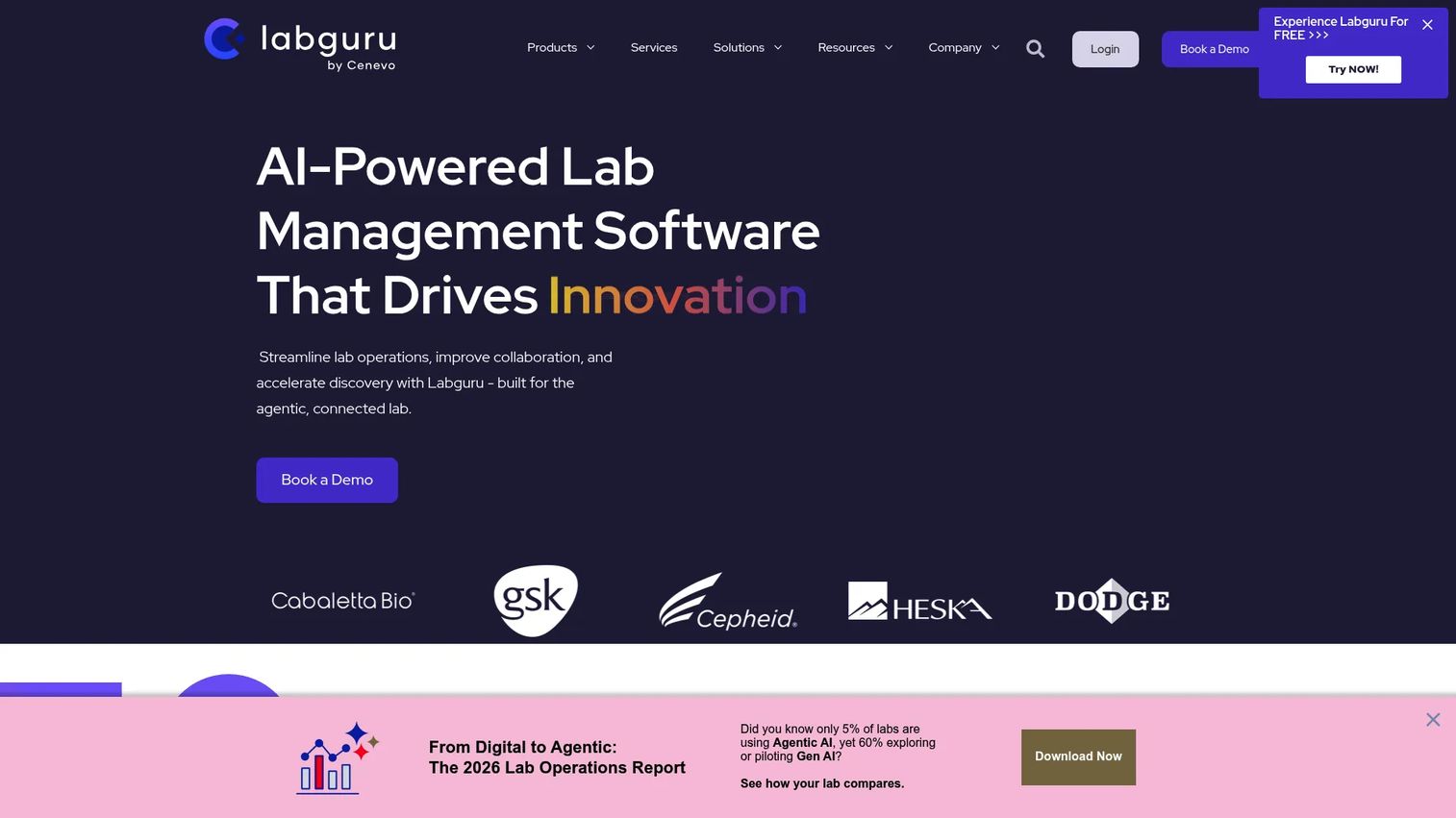
Labguru is a cloud-based laboratory management and data platform that combines ELN, LIMS, inventory management, workflow automation, and informatics in a single system. Research, biotech, pharmaceutical, and academic labs use it to reduce tool sprawl and keep all operational data in one place. The platform covers experiment documentation, sample tracking, storage management, and equipment scheduling.
Best for: Growing research and biotech labs that want ELN, LIMS, inventory, and equipment workflows under one roof rather than stitched across separate tools.
Key features
- ELN for experiment planning, documentation, and version control
- LIMS for sample tracking, workflows, QC reporting, and data integrity
- Inventory management with storage tracking, barcode labeling, and low-stock notifications
- Equipment scheduling and maintenance records
- Compliance and audit support with electronic signatures
Why choose Labguru: Choose it when the lab needs an operational layer covering both research documentation and sample management without deploying separate enterprise LIMS and ELN systems. For founders, Labguru functions as a lab operating system rather than a point tool.
Labguru pricing: Labguru directs prospective customers to request a tailored quote. Pricing covers users, modules, and deployment configuration. Contact the sales team for current rates.
G2 rating: 4.6/5
2. SciNote
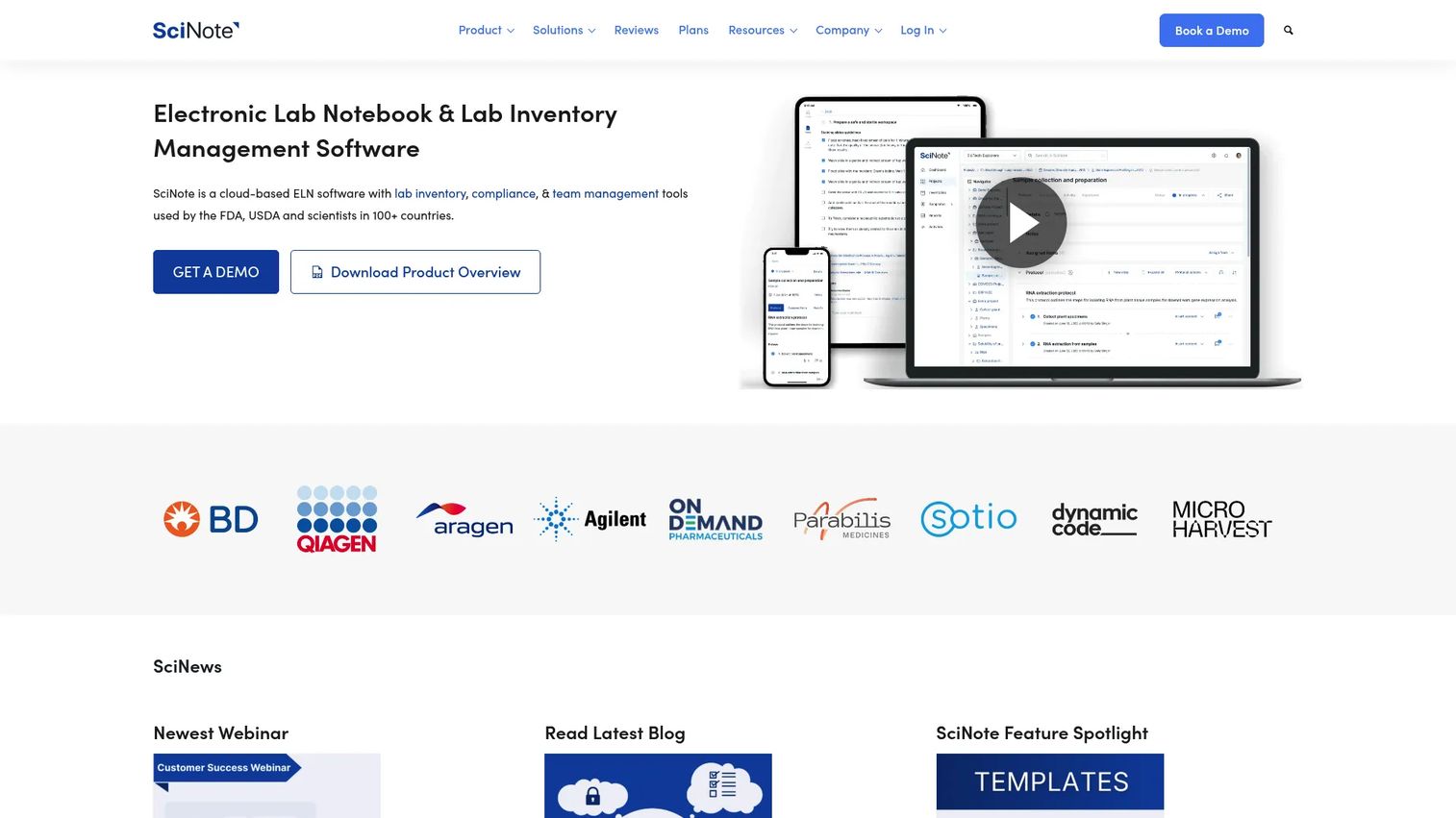
SciNote is a cloud-based electronic lab notebook and laboratory inventory management platform built for organizing research data, workflows, and compliance. The product covers projects, experiments, tasks, protocols, files, results, and team collaboration. It has roots in open-source development and is used by research, biotech, pharmaceutical, and academic teams.
Best for: Academic, biotech, and R&D teams replacing paper notebooks and scattered files with structured, repeatable experiment documentation that supports compliance requirements.
Key features
- ELN with projects, experiments, tasks, notes, and file attachments
- Protocol templates and report generation
- Lab inventory management with equipment scheduling and barcode labeling
- Compliance features supporting 21 CFR Part 11, GLP, and GMP
- Mobile apps for Android and iOS
Why choose SciNote: A strong fit for teams that need structured ELN documentation and compliance controls without committing to a full enterprise LIMS rollout. The free individual tier lets a small team test the core product before scaling.
SciNote pricing: A free tier is available for individual users. Premium plans add team collaboration, advanced compliance features, and additional storage. Pricing for Premium requires a quote from the SciNote team.
G2 rating: 4.2/5
3. Thermo Scientific SampleManager LIMS
Thermo Scientific SampleManager LIMS is an enterprise laboratory informatics solution combining LIMS, Laboratory Execution System (LES), ELN, and Scientific Data Management System (SDMS) capabilities. It covers sample lifecycle management, workflow automation, instrument integration, compliance reporting, and resource management. The product is designed for regulated manufacturing and QA/QC operations.
Best for: Enterprise labs with regulated sample testing workflows, traceability requirements, and cross-functional operational reporting needs across pharma, food, environmental, and industrial testing.
Key features
- Sample tracking with full chain of custody and workflow automation
- LES, ELN, and SDMS capabilities in one platform
- Instrument integration and electronic signatures
- Resource, inventory, calibration, and quality-control management
- Desktop, web, portal, and mobile access options
Why choose Thermo Scientific SampleManager LIMS: Choose it when traceability, scalability, and instrument-connected operations matter more than a lightweight ELN experience. It fits labs where sample data integrity and regulatory compliance are non-negotiable.
Thermo Scientific SampleManager LIMS pricing: Thermo Fisher handles pricing through sales conversations covering modules, deployment model, integrations, and service scope.
G2 rating: 4.3/5
4. LabWare LIMS
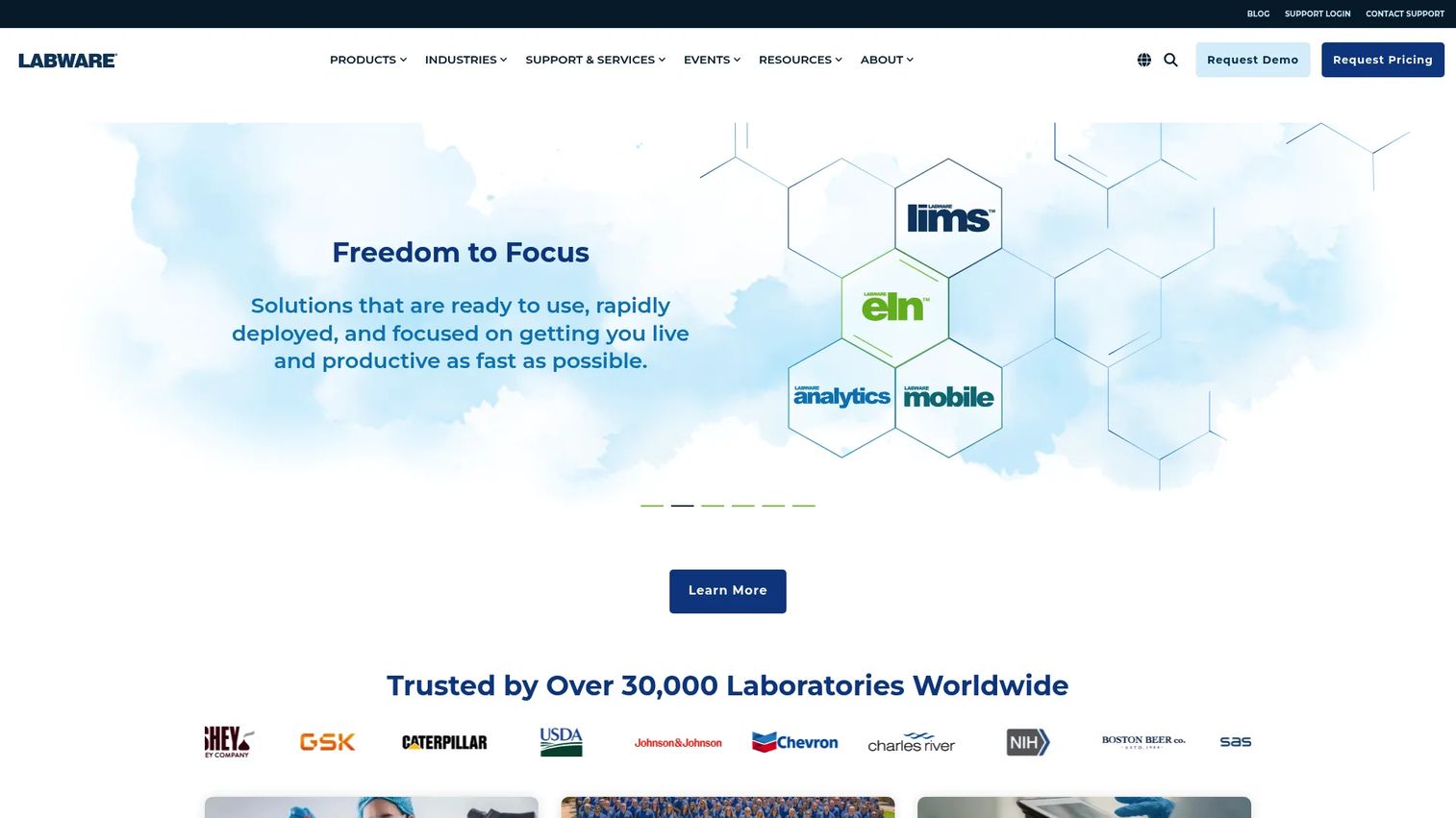
LabWare LIMS is a mature enterprise laboratory information management system for complex lab operations that need configurable, long-term workflows. The platform includes lot and stability management, environmental monitoring, instrument interfacing, sample login, batch management, inventory, training records, and integrated ELN functionality. It supports SaaS, hosted cloud, customer-cloud, and self-hosted deployments.
Best for: Large regulated labs across pharma, life sciences, and industrial testing that need a highly configurable LIMS with deep governance and long-term system stability.
Key features
- Configurable LIMS workflows covering samples, batches, and lots
- Integrated ELN functionality alongside LIMS
- Stability, environmental monitoring, and instrument interfacing
- Training records, analyst certification, and barcode support
- Data search, visualization, analytics, and external stakeholder portal
Why choose LabWare LIMS: Best when the lab runs complex workflows that cannot be forced into a rigid system. Founders evaluating enterprise lab software buys should factor in implementation planning, change management, and configuration timeline alongside license cost.
LabWare LIMS pricing: Pricing is determined through sales and covers deployment model (SaaS, cloud, self-hosted), modules, integrations, and implementation services.
G2 rating: 4.5/5
5. STARLIMS
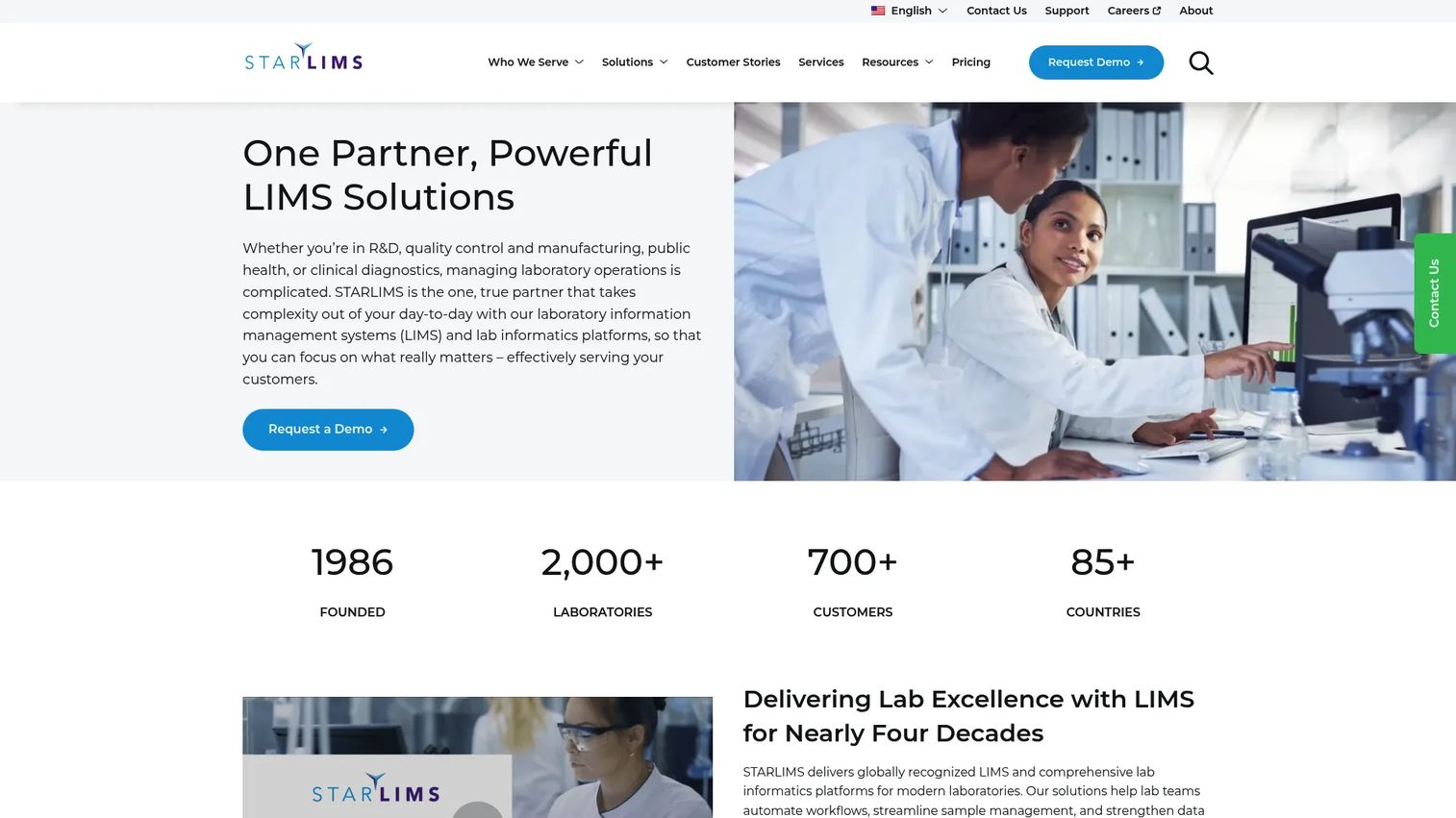
STARLIMS provides laboratory information management and informatics platforms for clinical, public health, research, quality, and manufacturing laboratories. The product covers automated workflows, sample management, instrument integration, audit trails, electronic signatures, and regulatory compliance. Pricing is customized based on hosting, implementation complexity, integrations, data migration, and support scope.
Best for: Quality, public health, forensic, manufacturing, and regulated labs that need traceable laboratory informatics with governance and operational visibility at scale.
Key features
- LIMS workflows and automated sample management
- Instrument and system integration
- Audit trails, electronic signatures, and regulatory compliance support
- Analytics and dashboards for operational oversight
- Mobile lab capabilities
Why choose STARLIMS: Choose it when lab informatics depth, data integrity, and governance take priority over a simple experiment notebook. STARLIMS targets operations where traceability and cross-system visibility need to hold up under regulatory scrutiny.
STARLIMS pricing: STARLIMS customizes pricing based on hosting model, implementation complexity, integrations, data migration, training, and support. Contact the STARLIMS team for a scoped quote.
G2 rating: 4.5/5
6. Thermo Scientific Chromeleon CDS
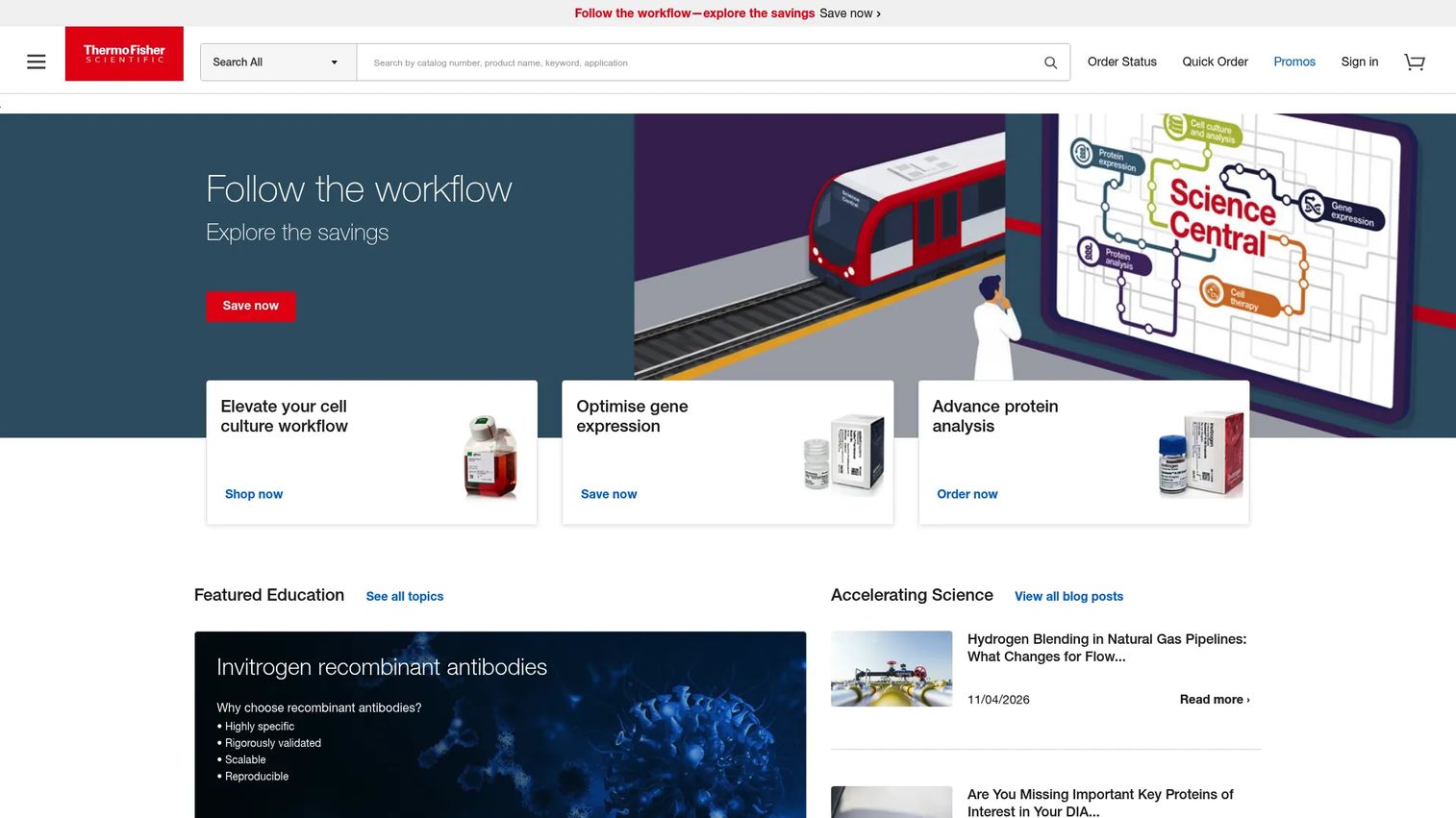
Thermo Scientific Chromeleon CDS is a chromatography data system for instrument control, automated data analysis, reporting, compliance, and enterprise laboratory data management. It covers LC, GC, IC, and MS instruments through a single software interface. The product includes eWorkflow procedures, automated system suitability checks, and Intelligent Run Control capabilities.
Best for: Regulated analytical laboratories running chromatography workflows where data integrity, instrument connectivity, and centralized compliance management are the core operational requirements.
Key features
- LC, GC, IC, and MS instrument control from one interface
- eWorkflow procedures with Intelligent Run Control
- Automated system suitability checks
- Audit trails, electronic signatures, and granular access controls
- Workstation, Workstation Connect, and Enterprise deployment options
Why choose Thermo Scientific Chromeleon CDS: Choose it when chromatography data integrity and instrument connectivity are the bottleneck. Chromeleon belongs in the lab stack alongside LIMS rather than as a replacement for it.
Thermo Scientific Chromeleon CDS pricing: Thermo Fisher offers Workstation, Workstation Connect, and Enterprise deployment tiers; contact sales for current pricing based on instrument scope and deployment configuration.
G2 rating: 4.6/5
7. Waters Empower CDS
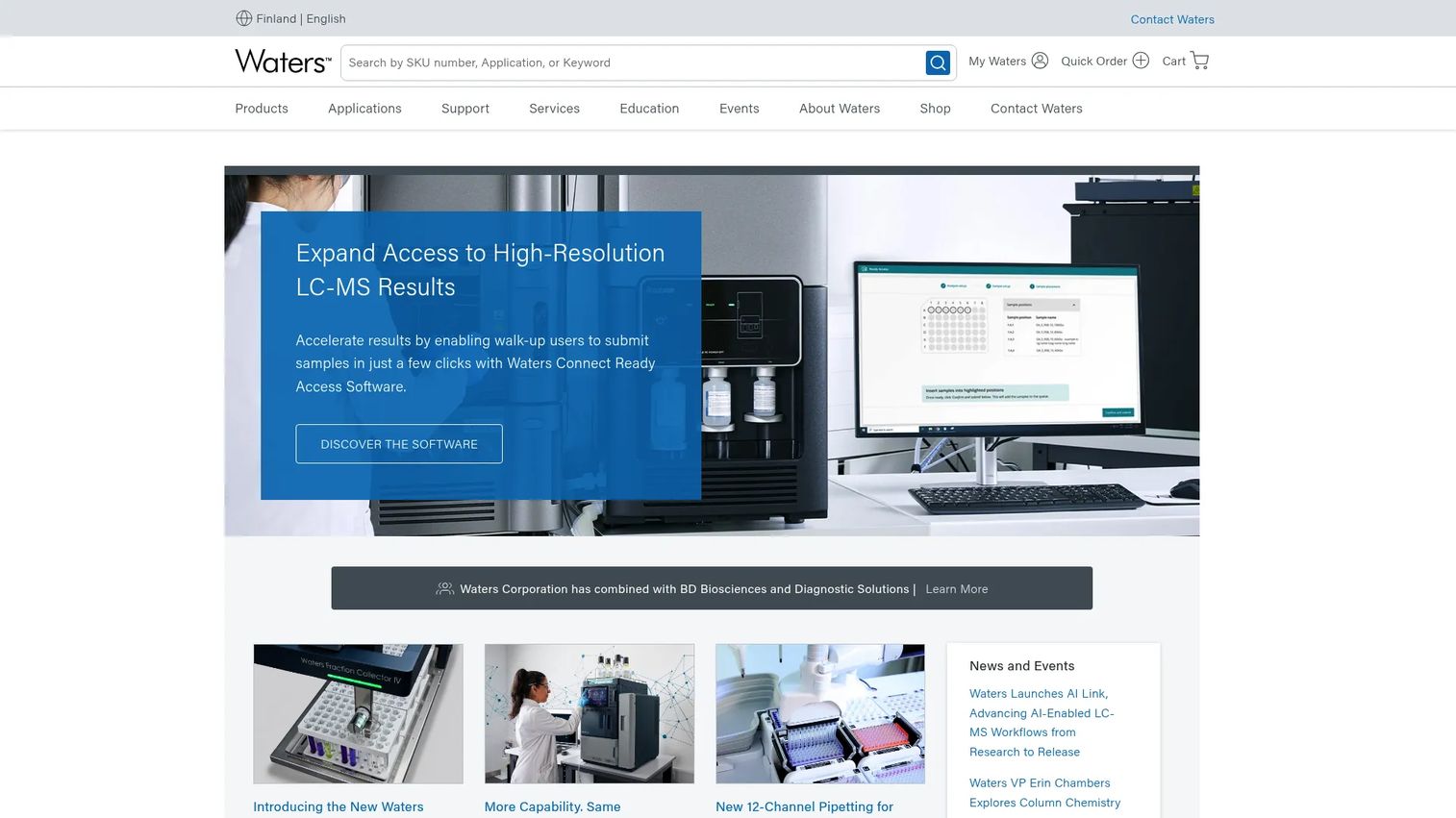
Waters Empower CDS is a compliant-ready chromatography data system for data acquisition, management, processing, analytics, reporting, and distribution. It controls Waters and non-Waters HPLC, UPLC, UHPLC, GC, PDA, and MS systems. The architecture scales from a single workstation to enterprise-wide deployments with on-premises and cloud options.
Best for: Regulated analytical and QC labs with enterprise chromatography data management requirements where peak integration accuracy, role-based security, and 21 CFR Part 11 compliance are critical.
Key features
- Embedded relational database with metadata linking and timestamped activity
- ApexTrack algorithm for peak integration
- Control of Waters and non-Waters chromatography and MS systems
- Scalable from single workstation to enterprise deployment
- Compliance features: Role-based security, audit trails, and electronic signatures
Why choose Waters Empower CDS: A strong fit when chromatography data review and reporting drive lab throughput. Evaluate it alongside your instrument ecosystem and existing lab data architecture.
Waters Empower CDS pricing: Waters offers three subscription bundles (ES1, ES3, ES5). Request pricing directly from Waters to get tier-specific costs based on instrument count and deployment scale.
8. SCIEX Analyst
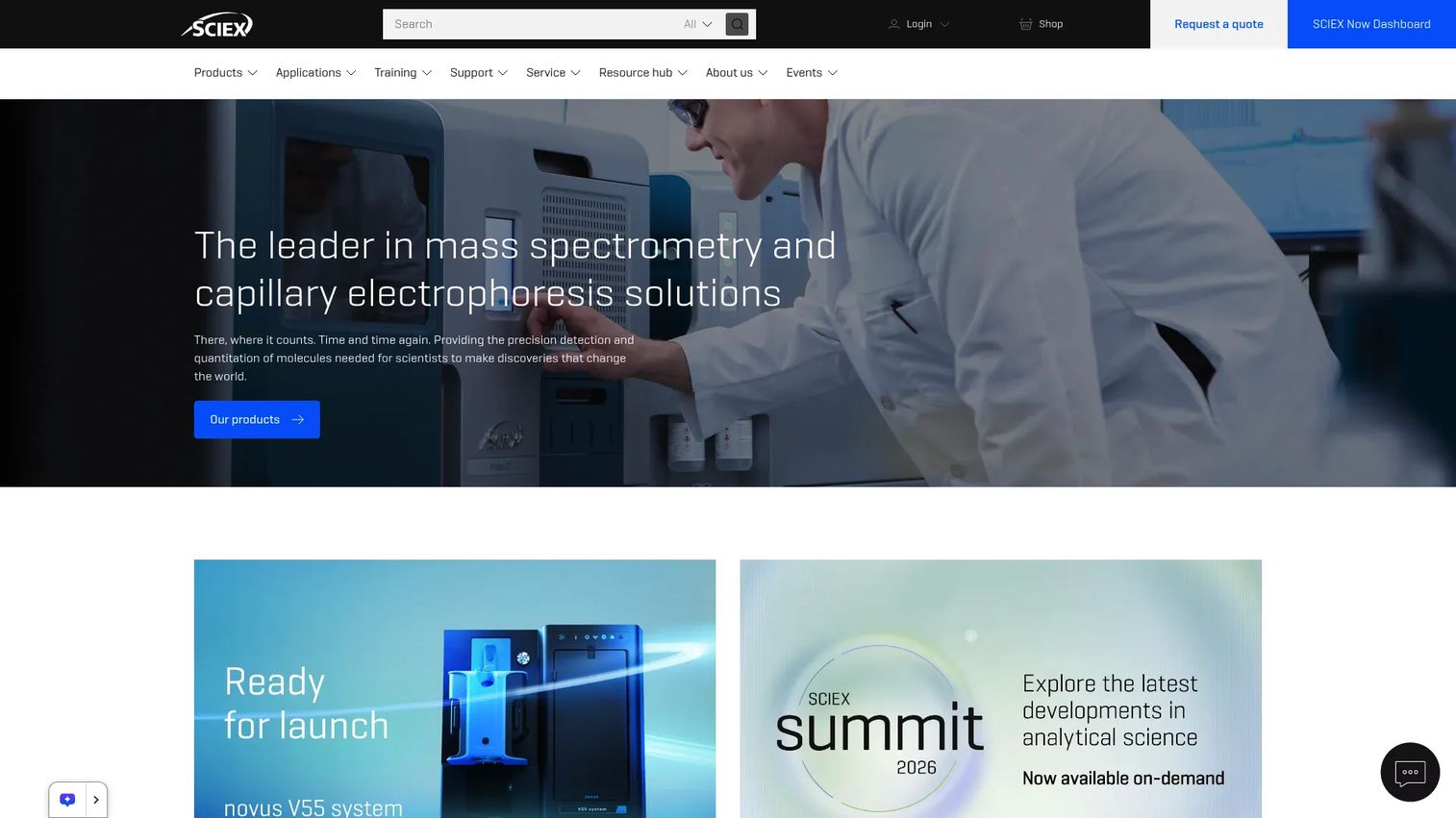
SCIEX Analyst is LC-MS/MS instrument-control and data-acquisition software for SCIEX Triple Quad and QTRAP systems. It covers flexible data acquisition, rapid quantitation, Scheduled MRM Pro for monitoring up to 4,000 MRM transitions, and integration with autosamplers, HPLC pumps, and add-on software. SCIEX has indicated that Analyst is transitioning toward end-of-support, with SCIEX OS as the successor platform.
Best for: Labs currently operating SCIEX Triple Quad or QTRAP LC-MS/MS systems for regulated acquisition, quantitation, and data processing workflows.
Key features
- LC-MS/MS data acquisition and instrument control
- Rapid data processing and quantitation
- Scheduled MRM Pro for high-throughput monitoring workflows
- 21 CFR Part 11 compliance features
- Integration with autosamplers and HPLC pumps
Why choose SCIEX Analyst: Use it when the lab's core analytical workflow depends on SCIEX hardware and MS data quality. This is specialized instrument software with a defined roadmap. Evaluate the SCIEX OS migration path before committing to new Analyst deployments.
SCIEX Analyst pricing: A new Analyst Data Acquisition Software License is listed at $28,050 (list price, one-time license). Contact SCIEX for current availability and regional pricing.
9. Thermo Scientific Xcalibur
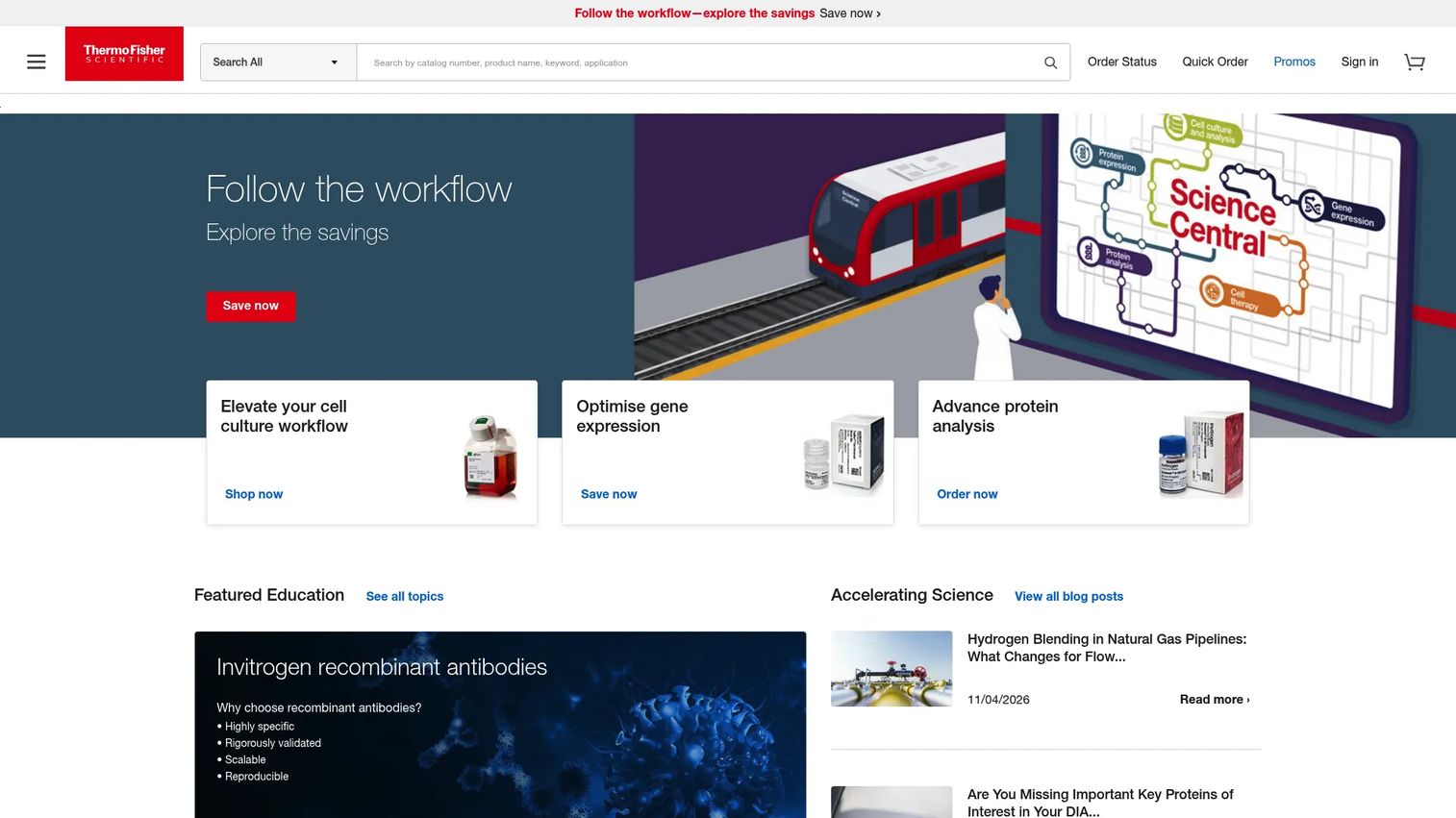
Thermo Scientific Xcalibur is Windows-based software for instrument setup, method development, data acquisition, data processing, and reporting for Thermo Scientific mass spectrometry systems. It integrates with FreeStyle, Quan Browser, AcquireX, and application-specific Thermo Scientific software modules.
Best for: Laboratories operating Thermo Scientific LC-MS and related mass spectrometry instruments where instrument compatibility and MS workflow depth matter more than broad lab management features.
Key features
- Instrument setup and method development
- Data acquisition and processing
- Data review and reporting
- Integration with FreeStyle, Quan Browser, and AcquireX
- Application-specific software module support
Why choose Thermo Scientific Xcalibur: Use it when Thermo Scientific instruments sit at the center of the MS workflow. Xcalibur is instrument software, not a lab management system, so plan to pair it with LIMS or a data management layer for broader operations.
Thermo Scientific Xcalibur pricing: Contact Thermo Fisher for current pricing based on instrument configuration and software modules required.
10. Agilent MassHunter
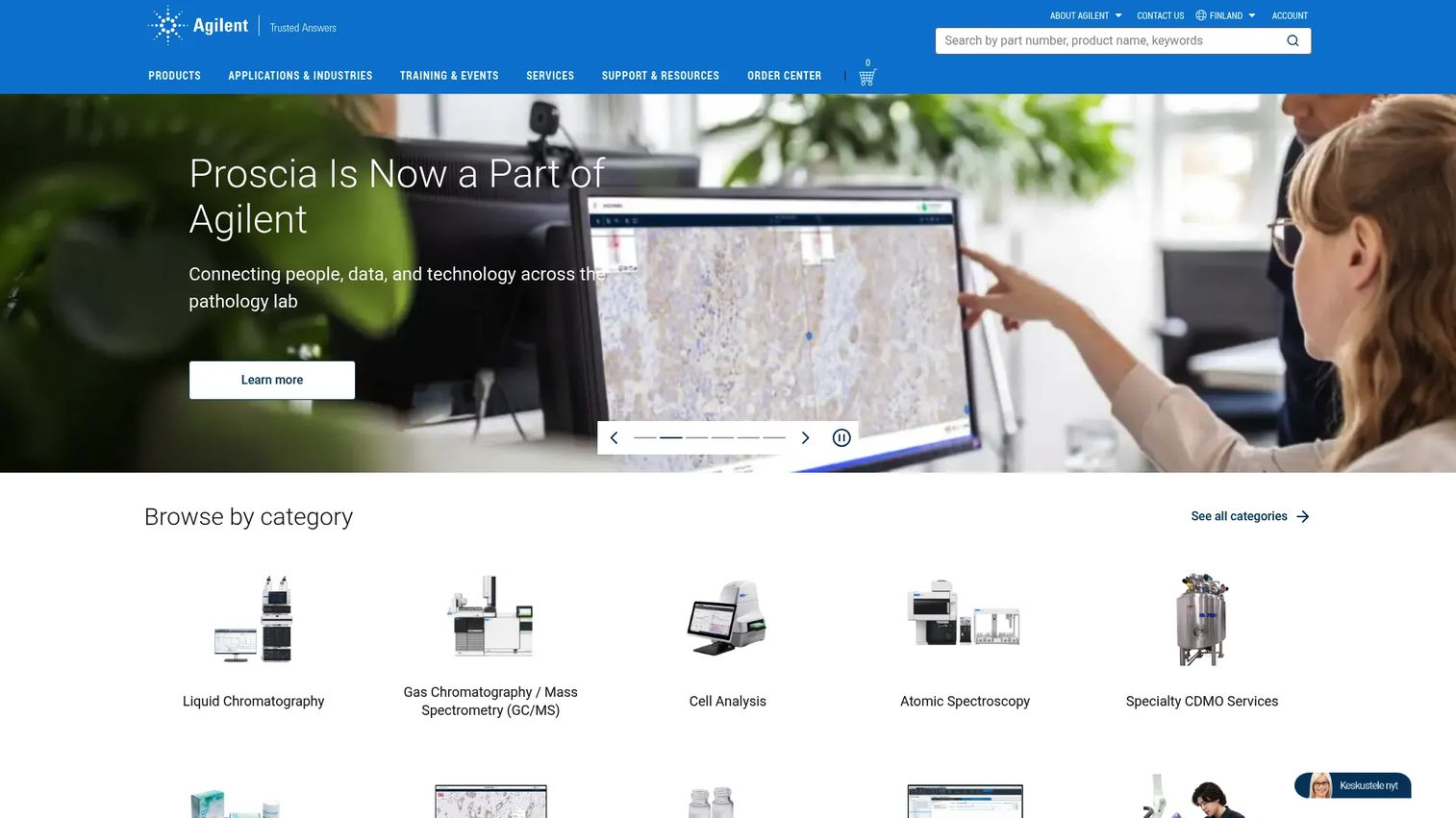
Agilent MassHunter is Agilent's mass-spectrometry software suite for data acquisition, analysis, library management, reporting, and specialized workflows covering GC/MS, LC/MS, ICP-MS, and biopharmaceutical characterization. Some MassHunter products are not available for general-public purchase. The ICP-MS variant has been superseded by OpenLab ICP-MS, so verify current product availability before purchasing.
Best for: Analytical chemistry labs using Agilent mass spectrometry systems where instrument compatibility and data review depth drive the buying decision.
Key features
- LC/MS and GC/MS data acquisition and instrument control
- Qualitative analysis for target confirmation and unknown identification
- Quantitative analysis, reporting, and LIMS integration
- Mass spectral library and database management
- Compliance features: Audit trails and access controls
Why choose Agilent MassHunter: Use it when Agilent instruments anchor the analytical workflow. Evaluate compatibility, data review requirements, and reporting depth against your specific instrument configuration before selecting.
Agilent MassHunter pricing: Agilent requires a quote request. Some products are restricted to specific customer types. Contact Agilent directly to confirm availability and pricing for your instrument and workflow context.
11. UiPath
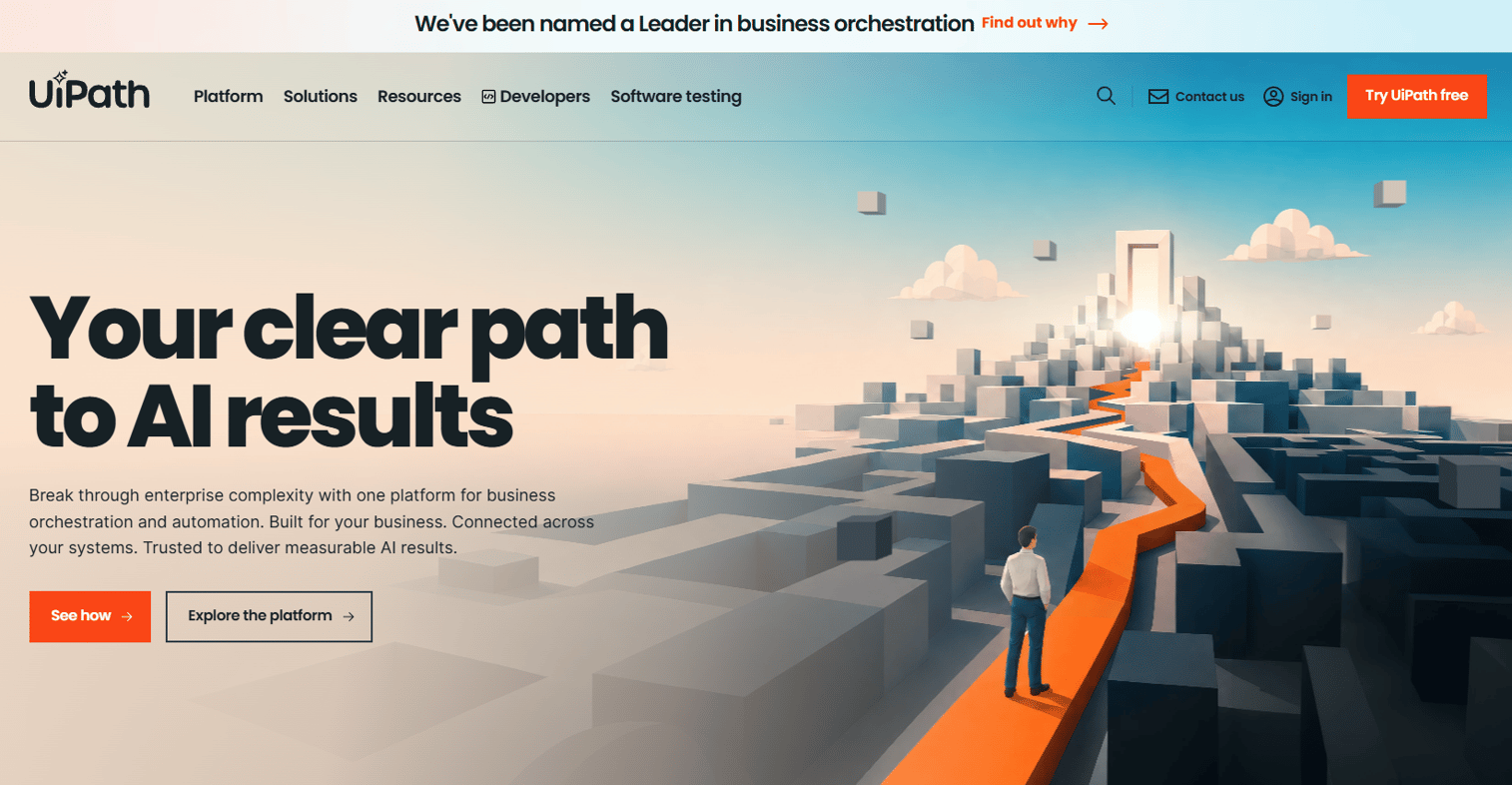
UiPath provides an agentic automation platform combining AI agents, robotic process automation, API workflows, apps, process orchestration, document automation, and testing capabilities. For lab-adjacent operations, it handles repetitive digital tasks such as moving data between systems, updating records, routing documents, and triggering downstream notifications. UiPath does not control physical lab instruments.
Best for: Labs and organizations with repetitive administrative, data-movement, and system-handoff tasks where software robots can remove the manual steps between LIMS, ERP, and reporting systems.
Key features
- AI agents and agentic processes
- RPA and UI automation for repetitive digital workflows
- API workflows and system integrations
- Document and communications data extraction
- Human-in-the-loop workflow support
Why choose UiPath: A strong fit when people are copying lab data between systems or running digital steps that software robots can handle more accurately. Tie the ROI case to reducing manual re-entry errors and time lost to system handoffs.
UiPath pricing: Automation Cloud Basic starts at $25/month. Standard and Enterprise plans require contacting sales. A free Community Edition is available for individuals, students, and small teams.
G2 rating: 4.6/5
12. Blue Prism
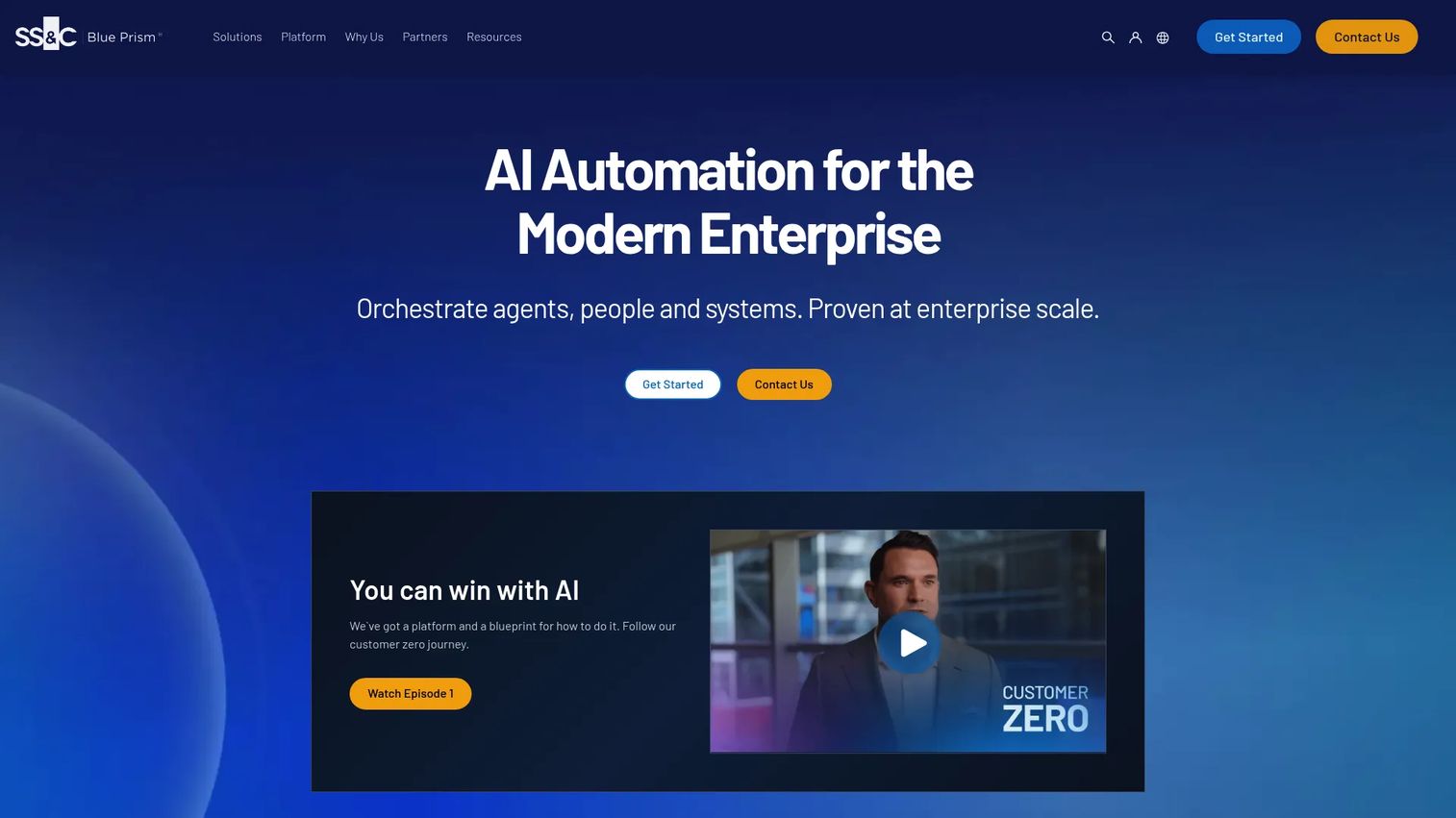
Blue Prism, now part of SS&C Technologies, is an enterprise intelligent automation platform combining RPA, business process management, AI and agentic automation, low-code development, process mining, intelligent document processing, and governance controls. The platform is positioned for large and regulated enterprises where automation governance, security, and audit trails are non-negotiable requirements.
Best for: Enterprise labs and life sciences organizations that need governed process automation with central IT oversight, audit trails, and compliance controls built into the automation layer.
Key features
- RPA and digital workers for governed automation
- Business process management and work orchestration
- AI and agentic automation capabilities
- Intelligent document processing
- Governance, security, and audit trails
Why choose Blue Prism: A fit when automation needs central governance and IT oversight from day one. For lab settings, Blue Prism targets back-office and cross-system workflows rather than bench science execution.
Blue Prism pricing: Paid plans (SS&C Blue Prism Enterprise, Cloud, Desktop, and Chorus) use custom pricing. A 30-day free trial and a 180-day feature-limited Learning Edition are available. Contact sales for current plan pricing.
G2 rating: 4.5/5
13. Automation Anywhere
Automation Anywhere provides an enterprise Agentic Process Automation platform combining AI agents, RPA, API automation, document processing, orchestration, and human-in-the-loop workflows. It covers cross-system digital automation for large organizations, including labs managing repetitive data movement, document handling, and system-task workflows at scale.
Best for: Organizations standardizing automation across lab operations and enterprise workflows where cloud-native deployment and AI-assisted process automation are operational priorities.
Key features
- AI Agent Studio for building low-code AI agents
- Process Reasoning Engine for context-aware orchestration
- Document automation for unstructured and semi-structured data
- UI automation with adaptive browser-based agents
- Enterprise governance, security, and role-based access controls
Why choose Automation Anywhere: A fit when lab automation is part of a broader enterprise automation strategy. The Community Edition allows teams to test capabilities before committing to a paid plan.
Automation Anywhere pricing: Community Edition is free. The Cloud Starter Pack starts at $750/month, covering one Bot Creator, one Control Room, and one unattended Bot Runner. Enterprise pricing is sales-led and varies by licensing model and scope.
G2 rating: 4.5/5
14. KNIME
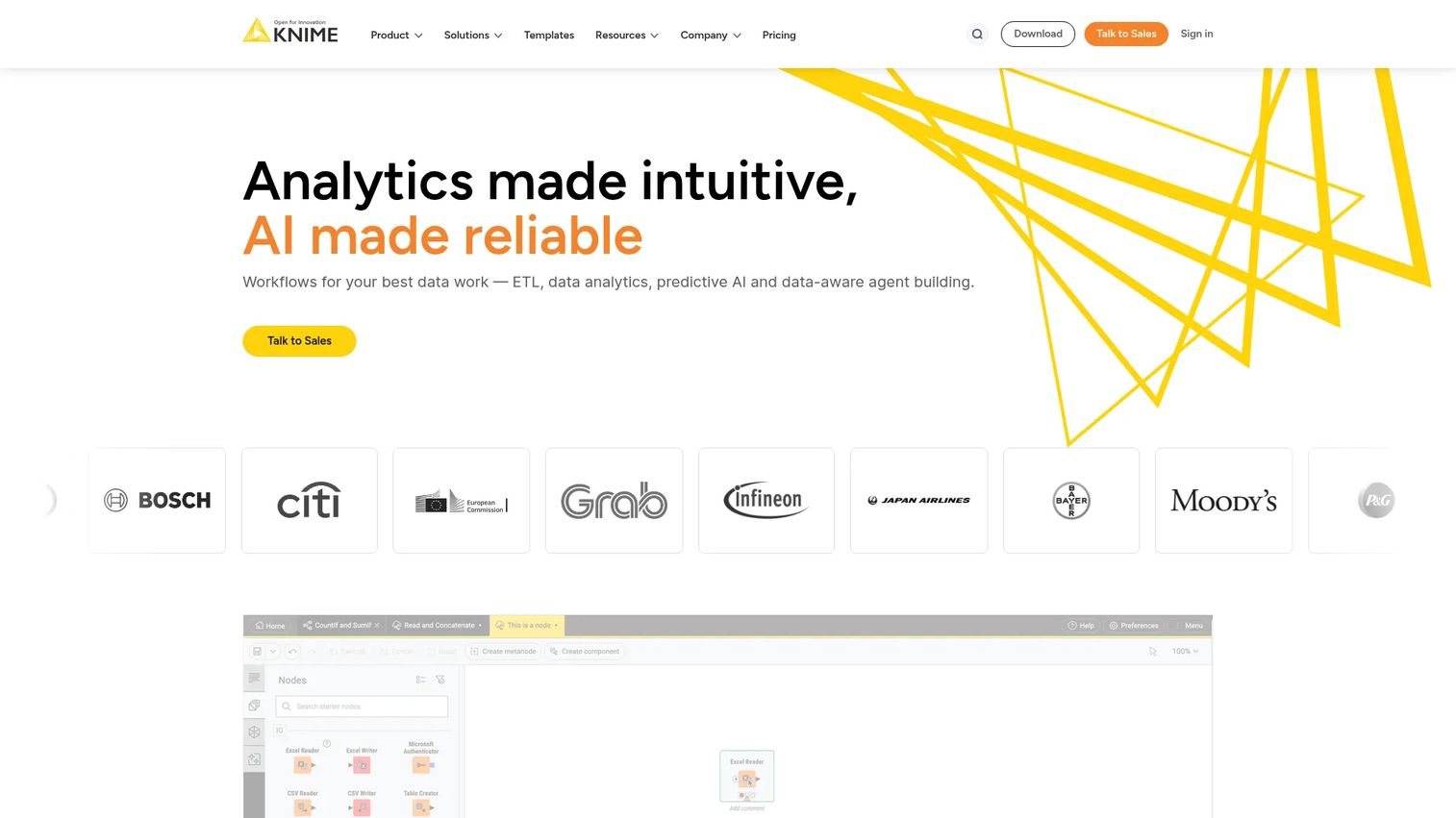
KNIME is an end-to-end data science platform for building, automating, deploying, and sharing data and AI workflows. Scientists, analysts, and data teams use it for scientific data analysis, data preparation, machine learning, and repeatable reporting pipelines without writing code from scratch. The free Analytics Platform makes it accessible to small teams before scaling to paid collaboration tiers.
Best for: Labs and data teams that need visual, low-code workflows for scientific analysis, machine learning, and reproducible reporting pipelines without full data engineering support.
Key features
- Low-code visual workflow building
- 300+ data connectors and blending capabilities
- Machine learning, generative AI, and LLM workflow support
- Workflow automation and scheduling
- Collaboration, versioning, and governance on paid tiers
Why choose KNIME: A practical choice for teams that need reproducible analysis pipelines and cross-functional collaboration on data workflows. The open Analytics Platform removes the cost barrier for initial adoption.
KNIME pricing: KNIME Analytics Platform and Personal plans are free. Pro starts at $19/month; Team starts at $99/month. Business Hub pricing is available on request.
G2 rating: 4.5/5
15. IBM SPSS Statistics
IBM SPSS Statistics is a statistical analysis platform for data preparation, advanced statistical analysis, predictive modeling, forecasting, and AI-assisted insights. It covers regression, decision trees, neural networks, bootstrapping, and custom tables. IBM has integrated AI Output Assistant with watsonx.ai for natural-language interpretation of statistical results.
Best for: Researchers, analysts, and organizations needing structured statistical analysis, hypothesis testing, and predictive modeling with established, defensible methodology.
Key features
- Advanced statistical analysis and bootstrapping
- Regression, decision trees, forecasting, and neural networks
- AI Output Assistant with watsonx.ai integration
- Custom tables and advanced statistics modules
- Subscription, perpetual, campus, and student license options
Why choose IBM SPSS Statistics: Use it when the problem is statistical interpretation rather than sample tracking or instrument integration. SPSS belongs in the analysis layer, not as a replacement for LIMS or ELN.
IBM SPSS Statistics pricing: Base subscriptions start at $99/user. Add-on modules including custom tables, advanced statistics, forecasting, decision trees, and complex sampling start at $79/user each. IBM offers subscription, perpetual, campus, and student options.
16. Orange
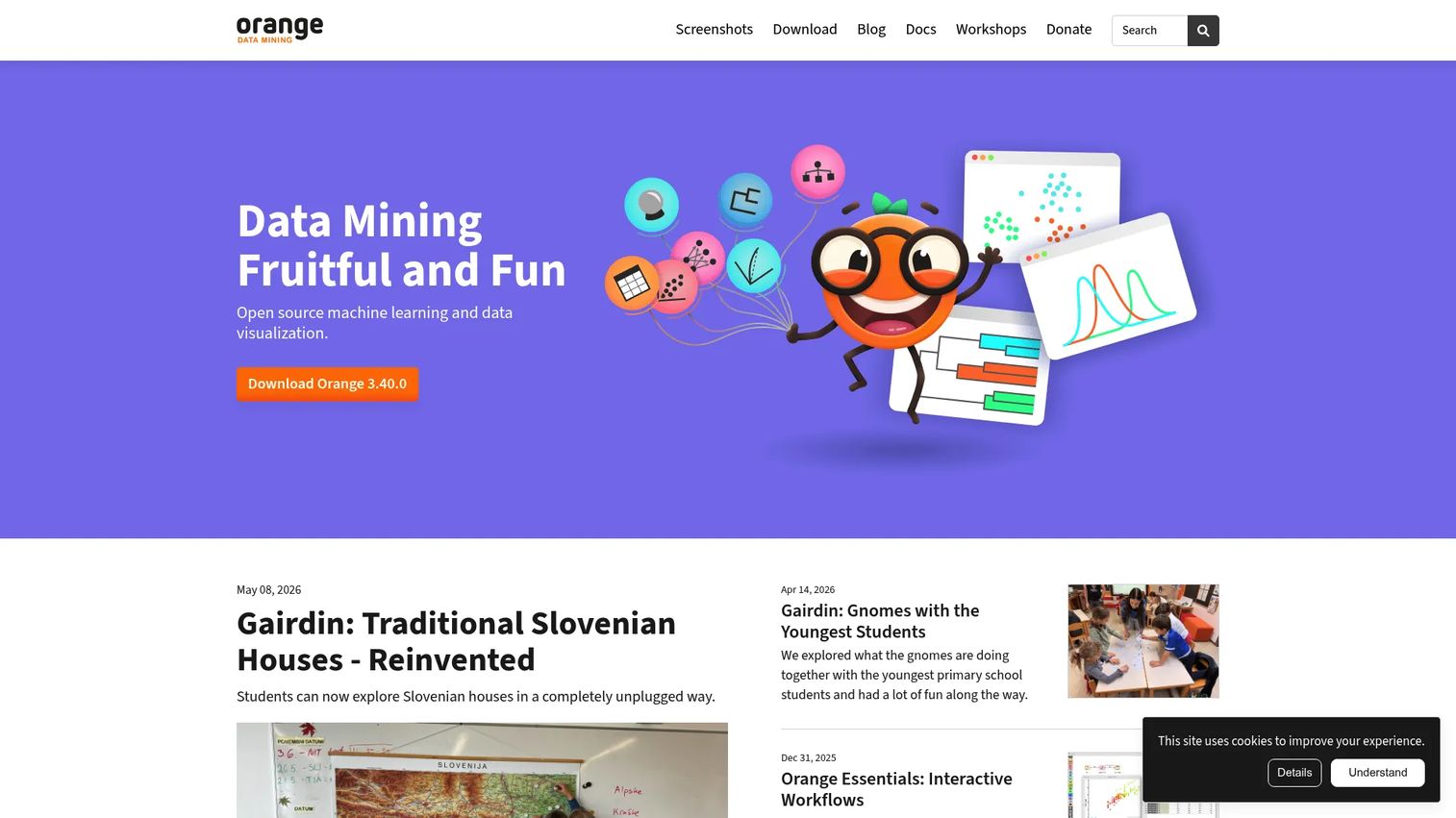
Orange is open-source visual programming software for data visualization, machine learning, and data mining. Teams use it for exploratory data analysis, classification, regression, clustering, and interactive visualization through a drag-and-drop widget interface. It is licensed under the GPL and has no paid software tiers.
Best for: Educators, researchers, and analysts who want open-source visual analytics for exploration, teaching, and machine learning without licensing cost.
Key features
- Visual programming with drag-and-drop widgets
- Interactive data visualization and exploratory analysis
- Machine learning for classification, regression, and clustering
- Add-on ecosystem for domain-specific extensions
- No coding required for core workflows
Why choose Orange: A practical option for exploratory analysis and teaching. Orange does not replace LIMS, ELN, or regulated lab data infrastructure. Use it at the analysis layer when open-source flexibility and low cost matter more than enterprise governance.
Orange pricing: Orange is completely free, licensed under the GPL. There are no paid software tiers.
17. SAP ERP
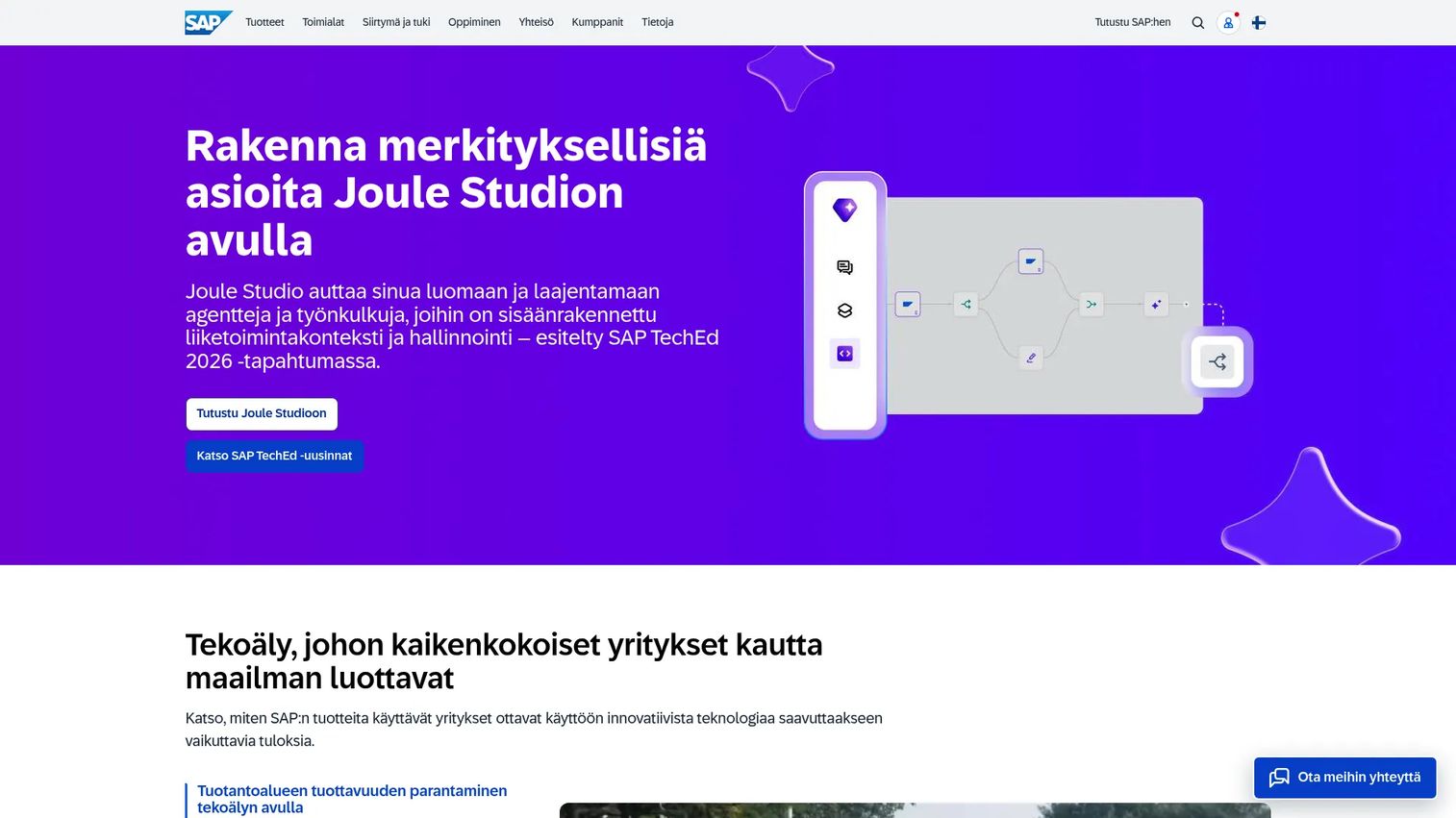
SAP ERP covers finance, procurement, manufacturing, supply chain, sales, and HR workflows for large and midsize organizations. For labs operating inside larger manufacturing or life sciences companies, SAP connects lab operational data to procurement, inventory, and quality management at the enterprise level.
Best for: Large organizations where laboratory operations connect tightly to enterprise-level finance, procurement, manufacturing, and supply chain management.
Key features
- Finance and accounting management
- Supply chain and procurement management
- Manufacturing and production management
- Quality management modules
- Embedded AI, automation, analytics, and real-time insights
Why choose SAP ERP: Use it when lab operations connect to enterprise planning and manufacturing, not as a replacement for LIMS or ELN. SAP is the system-of-record layer for business operations, not the bench workflow layer.
SAP ERP pricing: SAP Cloud ERP Finance Base and Supply Chain Base start at $295/user/month (for 25 to 39 users). Finance Premium starts at $403/user/month. HCM packages are priced on request. Minimum user count applies; contract duration ranges from 1 to 5 years.
G2 rating: 4.4/5
18. Oracle NetSuite
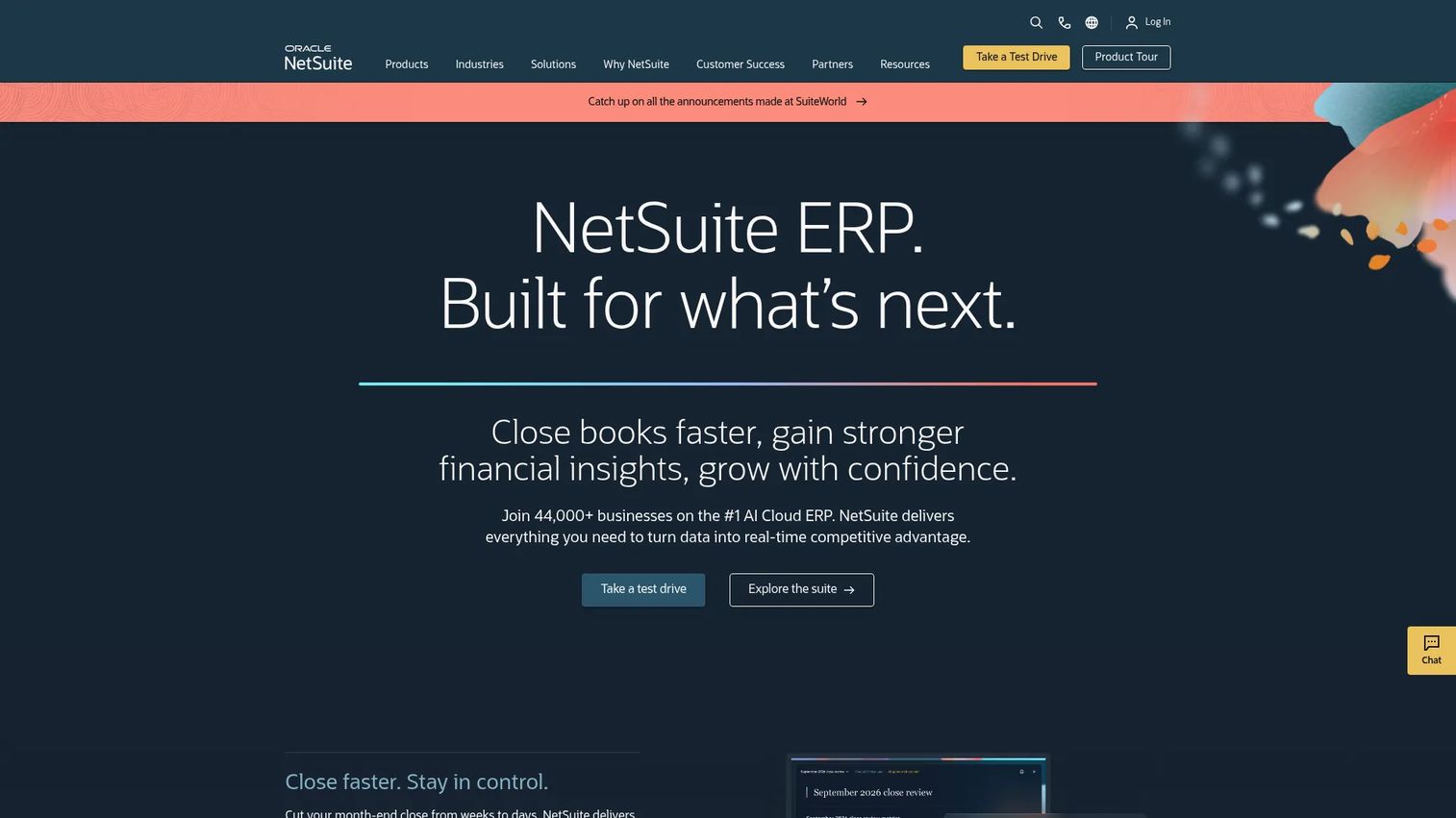
Oracle NetSuite is a cloud ERP platform combining financial management, CRM, inventory, order management, procurement, analytics, and embedded AI. Growing lab services, diagnostics, manufacturing, and biotech companies use it to manage business operations around lab activity. Lab-specific scientific workflows typically still require LIMS or ELN alongside NetSuite.
Best for: Mid-market and enterprise lab businesses that need integrated cloud ERP covering finance, inventory, purchasing, and reporting as the business operations layer.
Key features
- Financial management and accounting
- Inventory, order management, and procurement workflows
- CRM and sales force automation
- Global multi-currency and multi-entity management
- Analytics, dashboards, and embedded AI
Why choose Oracle NetSuite: Best when the company needs business infrastructure around lab work. Plan to integrate LIMS or ELN for the scientific data layer that NetSuite does not cover.
Oracle NetSuite pricing: Pricing is based on the core platform, optional modules, number of users, and a one-time implementation fee. Contact sales for a scoped quote.
G2 rating: 4.1/5
19. Sage X3
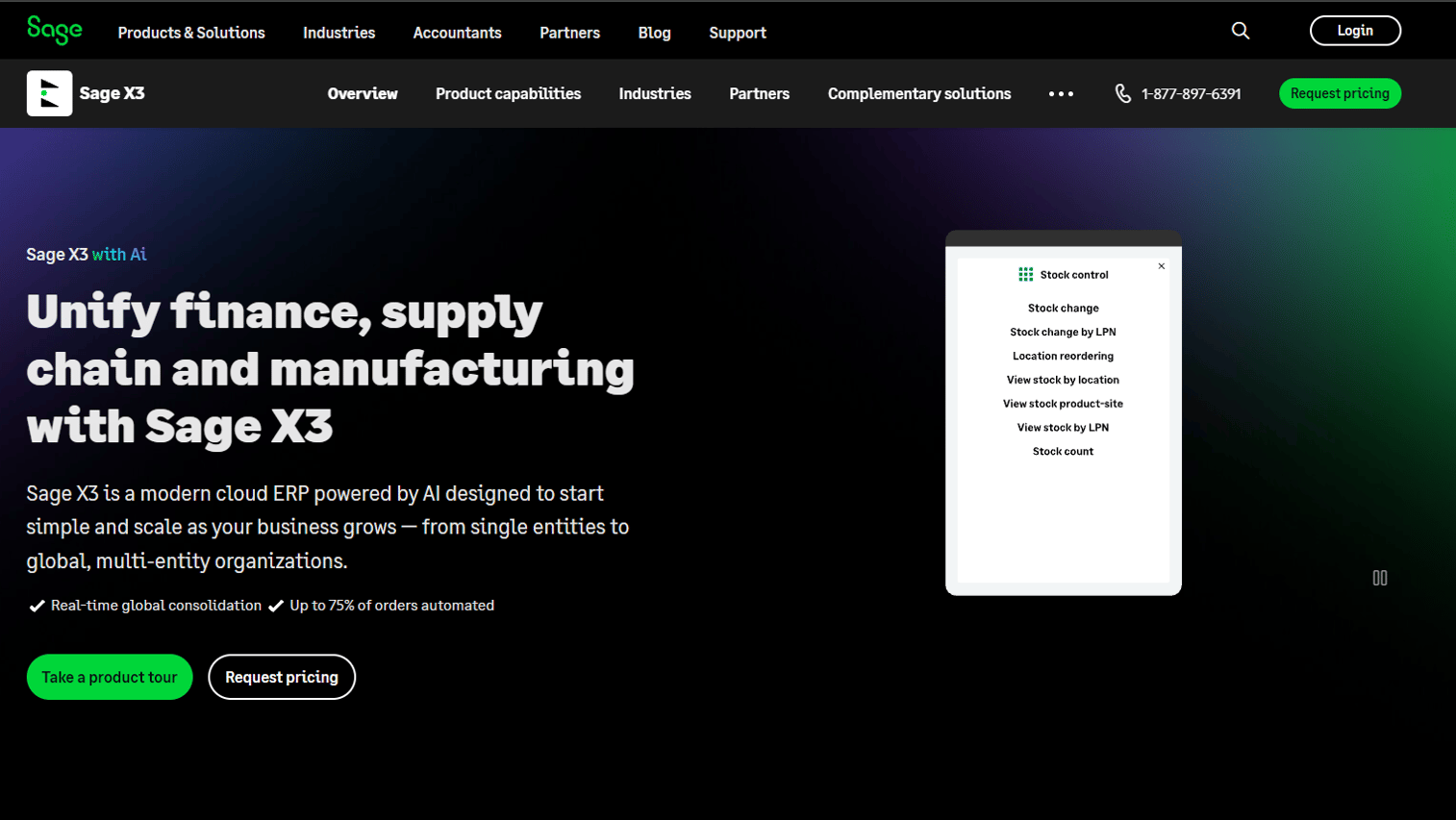
Sage X3 is an AI-powered cloud ERP for mid-sized, product-centric organizations covering finance, supply chain, manufacturing, and global operations. It supports discrete, process, and mixed-mode manufacturing with lot, batch, recall, and traceability controls. For labs tied to production operations, Sage X3 provides the financial and batch management backbone.
Best for: Process manufacturing and lab-connected operations needing ERP with batch management, inventory depth, and multi-site or multi-country capabilities.
Key features
- Finance, inventory, supply chain, and production management
- Lot, batch, recall, and traceability controls
- Multi-entity, multi-country, and multi-currency capabilities
- Sage Copilot conversational insights and workflow automation
- Low-code configuration and integration services
Why choose Sage X3: A fit when lab work is tied to production, batches, materials, and operational controls. Distinguish it clearly from laboratory execution or scientific data systems.
Sage X3 pricing: Contact the Sage team for a quote based on company size, modules, and deployment configuration.
20. Microsoft Dynamics 365
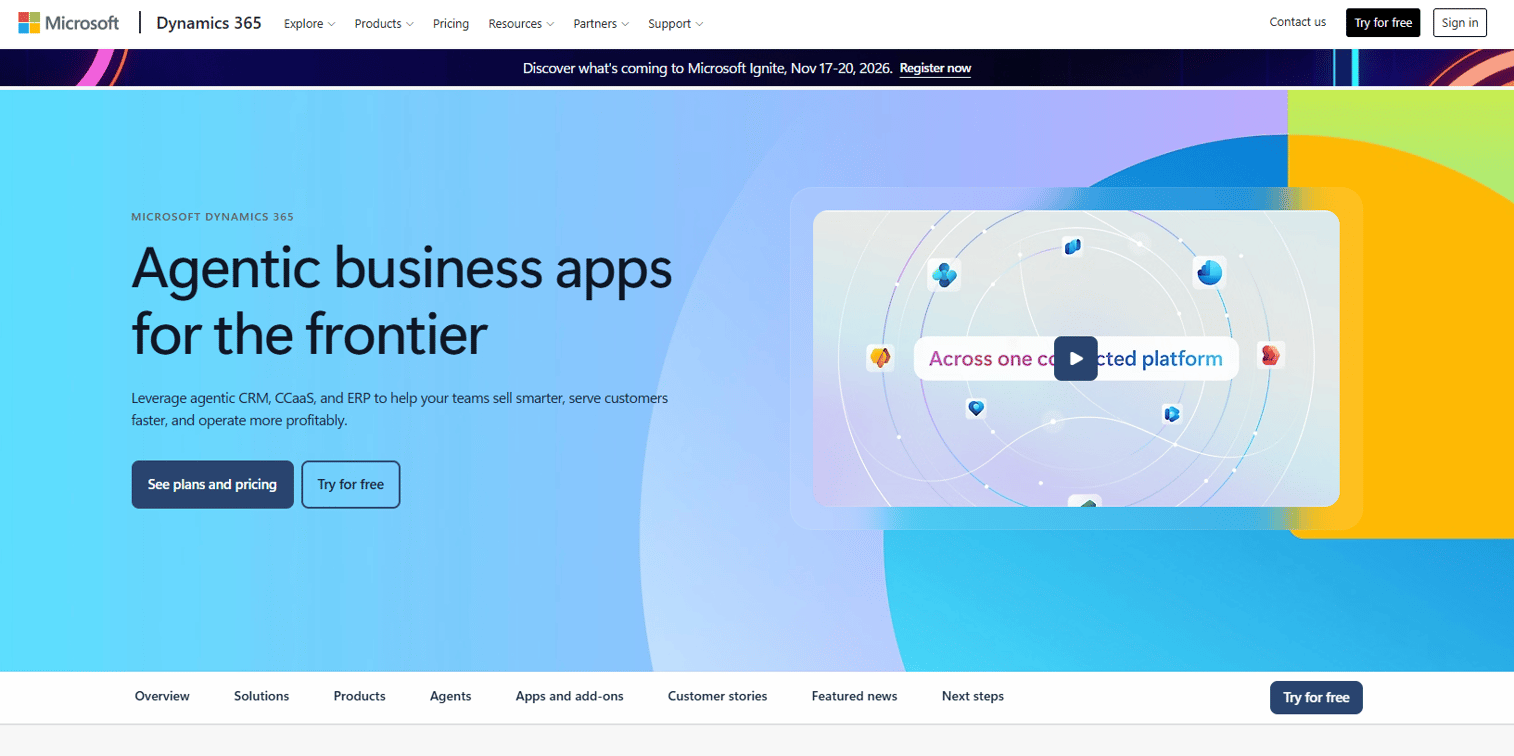
Microsoft Dynamics 365 is a suite of AI-powered ERP and CRM business applications covering sales, service, finance, supply chain, field operations, and HR. Organizations already running on Microsoft 365 and Azure use it to connect business operations to the broader Microsoft stack. Lab-specific scientific workflows covering sample tracking, instrument data, and experiment records still require LIMS, ELN, or CDS alongside Dynamics 365.
Best for: Microsoft-centered organizations that need connected ERP and CRM applications for finance, supply chain, and operations, with Power Platform integration for custom workflows.
Key features
- ERP and CRM modules for finance, supply chain, and operations
- Built-in AI, Copilot, and autonomous agents
- Advanced analytics and real-time insights
- Workflow automation
- Integration with Microsoft 365, Azure, and Power Platform
Why choose Microsoft Dynamics 365: Best when the organization already runs on Microsoft infrastructure and needs connected business applications. Lab-specific scientific workflows will still require dedicated LIMS, ELN, or CDS tools alongside it.
Microsoft Dynamics 365 pricing: Dynamics 365 Sales Professional starts at $65/user/month (billed annually). Sales Enterprise Edition is $105/user/month. Sales Premium is $150/user/month. Each Dynamics 365 application is separately priced; contact Microsoft for the full application pricing list.
Considerations when choosing laboratory software
When evaluating these categories, a few questions separate a good fit from an expensive mistake. For related evaluation reading on adjacent categories, see our guide to account management software for context on how operational software buying decisions typically run at scale.
Start with the workflow, not the software category
LIMS, ELN, CDS, RPA, analytics, and ERP each solve a different job. Map the lab's actual workflow first: Sample intake, experiment design, instrument run, data review, QA approval, inventory replenishment, and finance reporting. Buy the tool that addresses the current bottleneck, not the one with the most modules.
Check compliance before configuration
If the lab operates under 21 CFR Part 11, GLP, GMP, or similar frameworks, evaluate audit trails, electronic signatures, role-based access controls, data integrity controls, and validation documentation support before anything else. Configuration flexibility does not substitute for regulatory readiness. Consult your regulatory or legal team on what the specific framework requires.
Evaluate instrument and system integrations
Labs run on instruments and existing enterprise systems. Ask vendors specifically about instrument connectivity, file format support, middleware layers, API availability, ERP linkage, and data export formats. A system that cannot connect to your instruments or export data to your reporting layer will create a manual step that defeats the purpose.
Price the implementation, not just the license
For LIMS and enterprise ERP in particular, the license is a fraction of the total cost. Data migration, system validation, configuration, instrument integration, user training, and ongoing administration all add up. Build an honest total cost model before comparing license quotes.
Choose for adoption after week one
A lab system only works if scientists, analysts, QA staff, and operations teams keep it current. Prioritize usability, pre-built templates, governance controls that make updates easy, and vendor support quality. The best system on paper fails if the team reverts to spreadsheets by week three.
Conclusion
Laboratory software is a stack, not a single tool. The right starting point depends on where the current bottleneck actually sits.
If you need a broad lab operations layer, Labguru and SciNote cover research and biotech teams well. For high-volume, regulated operations, SampleManager LIMS, LabWare LIMS, and STARLIMS are the established choices, each with different configurability and deployment models.
When the bottleneck is instrument data, the five mass spectrometry and chromatography tools (Chromeleon CDS, Empower CDS, SCIEX Analyst, Xcalibur, MassHunter) address different instrument ecosystems. Match the tool to the hardware already in the lab.
For repetitive digital work, UiPath offers the most accessible entry point at $25/month. Blue Prism and Automation Anywhere target governed enterprise rollouts where IT oversight is a requirement from day one.
KNIME is the natural starting point for data analysis needs, with a free open-source tier and a low entry price for team collaboration. SPSS fits teams that need established statistical modeling. Orange covers open-source exploratory analysis.
If the issue is business operations around the lab, SAP ERP, Oracle NetSuite, Sage X3, and Microsoft Dynamics 365 each have different fits: SAP for large enterprises, NetSuite for growing mid-market companies, Sage X3 for process manufacturing, and Dynamics 365 for Microsoft-centric organizations.
For related software categories, see our guides to aerospace ERP software and apparel ERP software if your operations extend into adjacent verticals.
FAQs
Laboratory software covers digital systems that help labs manage samples, experiments, instruments, inventory, equipment, data, compliance records, and operational workflows. The category includes LIMS, ELN platforms, chromatography data systems, automation tools, data analysis platforms, and ERP systems that support lab-centric organizations. Most labs use multiple layers from this stack rather than a single system.
LIMS (laboratory information management system) focuses on sample management, chain of custody, testing workflows, quality control, and regulatory traceability. ELN (electronic lab notebook) covers experiment planning, documentation, protocol templates, observations, and research records. Modern platforms like Labguru, SciNote, and LabWare LIMS offer both capabilities with varying levels of integration between them.
Research teams typically evaluate ELN-first tools such as SciNote or all-in-one platforms such as Labguru. SciNote suits teams replacing paper notebooks that need compliance controls without a full enterprise LIMS rollout. Labguru works well when the lab needs both experiment documentation and sample management under one system. Higher-throughput or regulated labs generally need dedicated enterprise LIMS.
Regulated labs typically need LIMS or lab informatics platforms with verified audit trails, electronic signatures, role-based access controls, and validation support. Thermo Scientific SampleManager LIMS, LabWare LIMS, and STARLIMS are the established options in this category. Each handles compliance differently, so evaluate which regulatory frameworks apply to your lab and confirm vendor validation documentation before selecting.
ERP is not a replacement for LIMS or ELN. It addresses the business operations surrounding lab work: Finance, procurement, inventory at the enterprise level, manufacturing, and supply chain. Organizations that run labs inside larger manufacturing, biotech, or diagnostics businesses often need both a lab-specific system (LIMS, ELN) and an enterprise system (SAP ERP, NetSuite, Dynamics 365) that connects to it.
A chromatography data system (CDS) is software for chromatography data acquisition, processing, review, and reporting. It controls instruments such as HPLC, UPLC, GC, and IC systems, captures raw data from each run, applies integration algorithms, and generates compliant reports. Thermo Scientific Chromeleon CDS and Waters Empower CDS are the most widely used CDS platforms in regulated analytical labs.
Start with the bottleneck. All-in-one platforms like Labguru work well when the lab needs shared operations across experiment records, samples, and inventory without deploying separate systems. Specialized tools work better when the bottleneck is specific to instrument data (CDS), statistical analysis (SPSS, KNIME), digital process automation (UiPath), or enterprise operations (SAP, NetSuite). Most growing labs end up with a combination rather than a single system.
Pricing varies significantly by category and deployment model. Analytics tools like KNIME start free; Orange is fully open-source. UiPath Basic starts at $25/month. IBM SPSS Statistics starts at $79/user. SAP Cloud ERP starts at $295/user/month. LIMS, CDS, and enterprise ERP platforms (LabWare, STARLIMS, SampleManager, Empower, NetSuite, Sage X3) all use custom pricing based on modules, users, integrations, deployment model, and implementation services. For enterprise lab software, the total cost of ownership includes data migration, validation, training, and ongoing support, often exceeding the license cost in year one.