Your support team handles phone calls in one tool, chats in another, and emails in a third. Your new VP of Customer Success asked for a dashboard last week. You still haven't sent it. Every escalation still ends up in your Slack.
This is the operational gap that call center software is supposed to close. The global contact center software market reached $47.7 billion in 2025, according to Grand View Research, and yet most scaling SaaS companies are still stitching together five different tools with no single view of support quality, agent performance, or customer trends.
The real problem isn't the volume of conversations. It's that there's no operating system underneath them. When your leaders can't see what's happening, you stay in the loop by default. The right call center infrastructure software changes that by giving your VP of Support the routing, reporting, and coaching controls they need to run the function without routing every hard call back to you.
What's inside
This guide compares 15 call and contact center platforms for 2026, written for Series B SaaS founders and operators choosing infrastructure for support, sales, and CX teams.
- Who it's for: Founders and leaders evaluating platforms for teams of 20 to 150 people
- How tools were chosen: SERP frequency, category fit, company-size range, and platform breadth
- Selection criteria:
- Routing and channel depth
- AI and automation maturity
- CRM and helpdesk integrations
- Pricing transparency and total cost of ownership
TL;DR
- Best overall for scaling SaaS teams: Nextiva combines voice, contact center, and business communications in one vendor relationship, reducing stack sprawl for growing teams
- Best for enterprise contact centers: NiCE CXone or Genesys Cloud CX, depending on whether workforce management or journey orchestration is the bigger need
- Best for AI-forward operations: Five9, Talkdesk, Dialpad Ai Contact Center, or Salesforce Agentforce Contact Center each bring AI into different parts of the agent workflow
- Best for developer-led customization: Twilio Flex, with programmable routing, APIs, and usage-based pricing
- Best for fast setup and CRM-connected calling: Aircall, especially for SaaS sales and support teams already living in a CRM
- Best for support teams built around tickets: Zendesk, which extends helpdesk workflows into voice and messaging
What is call and contact center software?
Call and contact center software helps teams manage customer conversations across phone, digital channels, routing queues, agent workflows, reporting, and quality management from a shared platform.
Call center software focuses on voice: Inbound calls, outbound dialing, IVR menus, ACD routing, call recording, and call analytics. Contact center software expands that to omnichannel support, adding chat, email, SMS, social messaging, self-service, and a unified customer history. CCaaS (cloud contact center as a service) means the platform runs in the cloud rather than on-premise hardware. UCaaS (unified communications as a service) convergence matters when your team also needs internal calling, meetings, and messaging through the same vendor.
For a Series B SaaS founder, what matters is that every customer conversation generates operational data. Who called, why they called, how long it took, whether the agent resolved it, and where the same issue shows up again. The right platform surfaces that signal without requiring a data engineer.
Key features to look for
- IVR and automatic call distribution (ACD)
- Skills-based routing
- Omnichannel inbox with unified customer history
- Predictive, preview, or power dialing for outbound
- AI agent assist, real-time transcription, and call summaries
- Workforce management and scheduling
- Quality monitoring, call scoring, and coaching
- CRM and helpdesk integrations
- Analytics dashboards and supervisor views
- SSO, audit logs, and compliance controls
Call center software vs. contact center software
| Category | Call center software | Contact center software |
|---|---|---|
| Primary channel | Voice | Voice plus digital channels |
| Best fit | Inbound and outbound calling teams | Omnichannel support and CX teams |
| Typical users | Sales teams, support lines, IVR-heavy operations | Customer experience, enterprise support, service orgs |
| Core features | IVR, ACD, dialing, recording, call analytics | Above plus chat, email, SMS, social, self-service |
| Reporting focus | Call volume, handle time, abandon rate | Customer journey, channel mix, CSAT, resolution |
| When to choose | Voice is the primary customer channel | Customers contact you across multiple channels |
When to use call and contact center software
Scale customer support without losing context
Once your support team spans phone, chat, email, and social, Notion docs and shared inboxes stop working. Each channel sits in a silo, agents repeat themselves, and nobody has a full view of the customer's history. A contact center platform unifies those channels under shared routing rules and a single customer record, which directly reduces handle time and churn risk from poor service.
Give your VP of Support one operating system
You hired a Head of Support to own the function. But if the tooling doesn't give them call monitoring, routing control, QA workflows, and CRM sync, they'll need you to fill the gaps. A proper contact center platform hands that control to the leader you just hired, so the function can run without your direct involvement.
Turn customer conversations into board-ready metrics
The question your board asks isn't "how many tickets did we close?" It's "is support causing churn, and do we know why?" Contact center platforms with analytics and conversation intelligence let you answer that question with data: Resolution rates by issue type, agent performance trends, escalation patterns, and product feedback signals extracted from calls.
Call and contact center software comparison
The table below reflects pricing and G2 ratings verified against each vendor's official pricing page and G2 listing. For quote-based tools, the table notes the pricing structure available. G2 ratings can shift; check each listing before shortlisting.
| # | Product | Best for | Key differentiator | Pricing | G2 rating |
|---|---|---|---|---|---|
| 1 | Nextiva | Growing SaaS teams wanting voice and contact center in one stack | Business comms plus contact center in one vendor | From $15/user/mo (business phone); contact center from $75/agent/mo | 4.5/5 |
| 2 | Five9 | AI-forward contact centers with significant service volume | CCaaS with AI, WEM, and predictive dialing | From $119/seat/mo | 4.1/5 |
| 3 | RingCentral Contact Center | Teams wanting CCaaS and UCaaS together | Omnichannel contact center plus unified communications | From $65/user/mo (annual) | 4.2/5 |
| 4 | NiCE CXone | Enterprise contact centers with workforce and QA needs | Broad AI-powered enterprise CX platform | From $110/agent/mo | 4.3/5 |
| 5 | Genesys Cloud CX | Complex omnichannel service organizations | Journey orchestration and scalable cloud CX depth | From $75/user/mo (annual) | 4.4/5 |
| 6 | Aircall | SaaS sales and support teams needing fast CRM-connected calling | 250+ integrations and AI-assisted call workflows | From $30/license/mo (annual) | 4.4/5 |
| 7 | Salesforce Agentforce Contact Center | Salesforce-centered teams wanting service and AI inside CRM | Native Salesforce data plus AI service agents | From $125/user/mo (annual) | 4.4/5 |
| 8 | Talkdesk | Service teams prioritizing AI and industry-specific workflows | AI-powered CX with automation and industry clouds | From $85/user/mo | 4.4/5 |
| 9 | Cisco Webex Contact Center | Larger teams standardized on Cisco and Webex | Enterprise contact center tied to Webex collaboration | From $85 (Standard Named) | 4.4/5 |
| 10 | Dialpad Ai Contact Center | Teams wanting AI embedded in daily calls and coaching | Native AI: Live transcription, summaries, and coaching | From $89/user/mo | 4.4/5 |
| 11 | 8x8 Contact Center | Global teams needing voice, video, and chat together | Omnichannel contact center with global calling coverage | Custom pricing | 4.1/5 |
| 12 | Twilio Flex | Developer-led teams building custom contact center workflows | Programmable contact center with usage-based pricing | From $1/active user hour | 4.1/5 |
| 13 | Vonage Contact Center | CRM-focused sales and service teams | CRM integration depth with omnichannel routing | Contact sales | N/A (Capterra 4.3/5) |
| 14 | GoTo Contact Center | SMB and mid-market teams wanting straightforward setup | AI summaries and routing tied to GoTo communications | Contact sales | 4.4/5 |
| 15 | Zendesk | Support teams already operating from ticketing workflows | Helpdesk-native CX with voice, messaging, and AI | From $19/agent/mo (annual) | 4.3/5 |
Best 15 call and contact center software tools for 2026
1. Nextiva
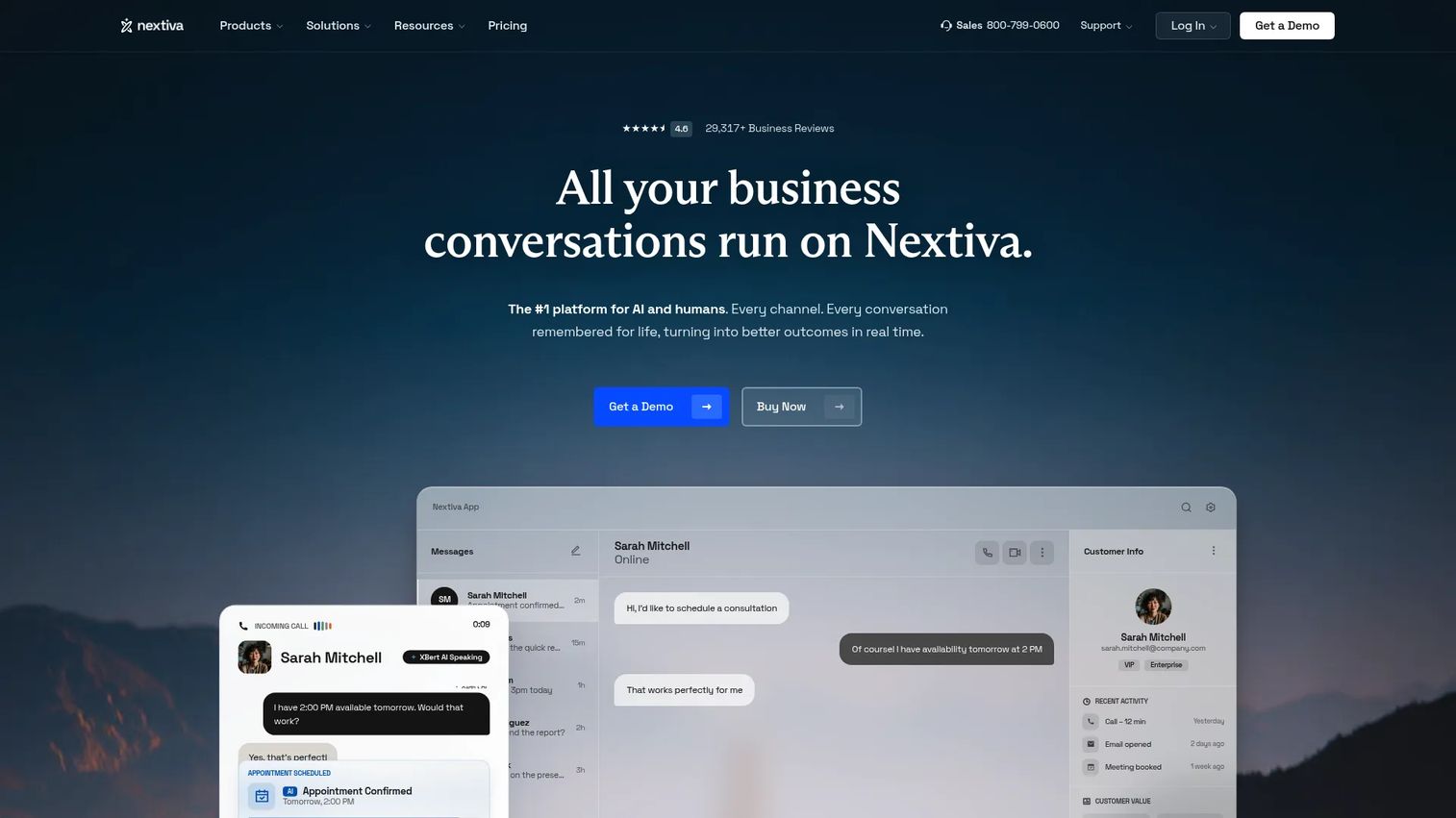
Nextiva is a unified business communications platform combining voice, SMS, messaging, video, and customer experience tools in one vendor relationship. For a growing SaaS company, the appeal is consolidation: Instead of managing a business phone system and a contact center platform separately, Nextiva covers both. It fits teams that have outgrown a basic phone system but aren't ready for a heavyweight enterprise rollout.
Best for: Growing SaaS teams wanting business communications and contact center in the same vendor relationship.
Key features
- Omnichannel customer conversations across voice, SMS, and live chat
- IVR, call routing, and auto-attendant
- AI transcription and call summarization
- CRM and helpdesk integrations
- Analytics and supervisor dashboards
Why choose Nextiva: Nextiva earns consideration when your priority is reducing the number of vendors your ops team manages. The consolidation benefit is clearest for companies between 20 and 100 seats that want one admin portal across internal communications and customer-facing contact center.
Nextiva pricing: Business phone plans start at $15/user/month (annual billing) for the Core tier, $25/user/month for Engage, and $75/user/month for Scale. Contact Center Essential starts at $75/agent/month. Professional and Premium tiers require contacting sales.
G2 rating: 4.5/5
2. Five9
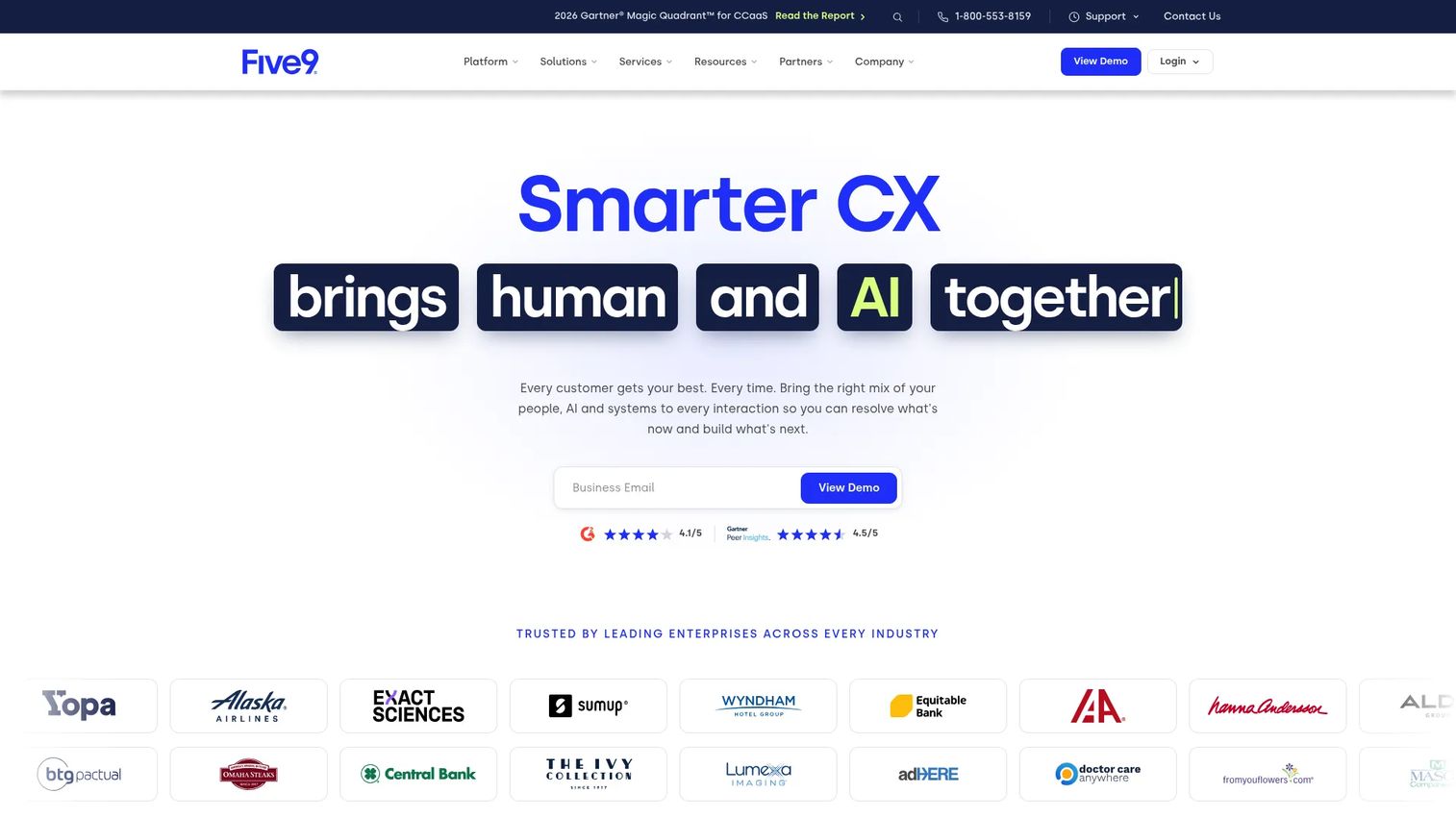
Five9 is an established cloud contact center platform built for organizations with meaningful service volume and AI-forward operations. It covers inbound and outbound across voice, SMS, email, web chat, WhatsApp, video, and social. If your contact center is central to customer experience and you need advanced automation, QA, and workforce tools, Five9 is a serious contender. Note that the platform requires a minimum of 50 seats, so it's sized for teams with real contact center volume rather than small support operations.
Best for: AI-forward service teams and larger contact centers that need workforce optimization and predictive dialing.
Key features
- Intelligent virtual agents and AI agent assist
- Workforce engagement management
- Omnichannel routing: Voice, digital, and social
- Predictive, progressive, and power dialing
- Real-time transcription and call summaries
Why choose Five9: Choose Five9 when contact center operations are core to your customer experience strategy and the team needs advanced AI automation, workforce management, and QA tooling in one platform.
Five9 pricing: Digital tier starts at $119/seat/month. Core (all channels plus essential AI) starts at $159/seat/month. Plus, Pro, and Enterprise tiers require contacting sales. Pricing is per concurrent user, and usage charges may apply.
G2 rating: 4.1/5
3. RingCentral Contact Center
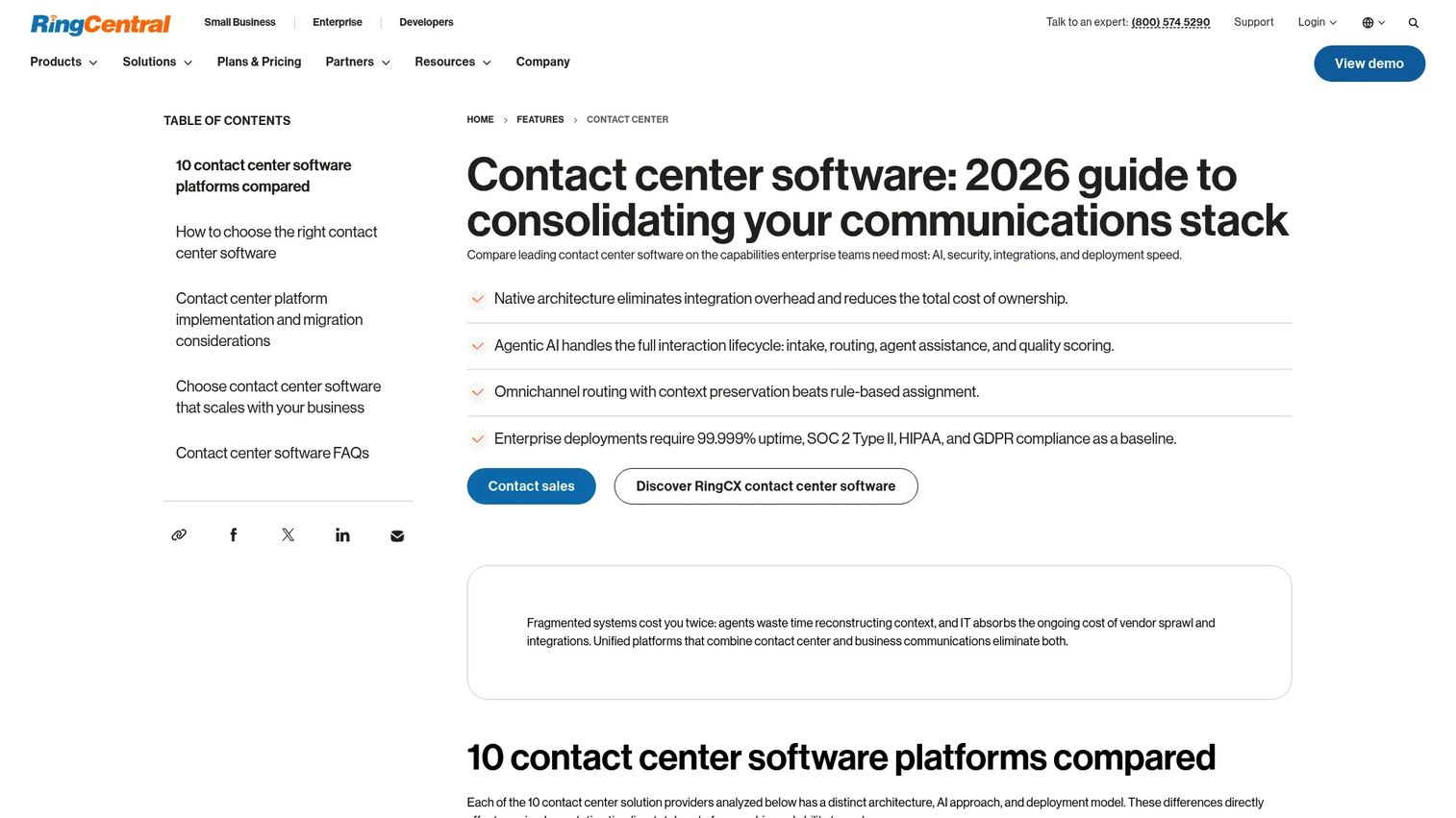
RingCentral Contact Center connects omnichannel customer service with internal UCaaS communications on the same platform. Teams get voice and 20+ digital channels, ACD, IVR, skills-based routing, and AI quality management, while internal calls, meetings, and messaging live in the same vendor relationship. For a founder trying to reduce communications vendors across the company, this pairing is worth evaluating.
Best for: Teams wanting contact center software connected to company-wide voice, meetings, and messaging.
Key features
- Voice and 20+ digital channels
- ACD, IVR, and skills-based routing
- AI Quality Management and agent assist
- Workforce engagement management
- Analytics dashboards and call recording
Why choose RingCentral Contact Center: Use this when you want fewer communications vendors and cleaner admin across internal and external conversations. The UCaaS-plus-CCaaS combination is the core argument here, not any single advanced feature.
RingCentral Contact Center pricing: Standard starts at $65/user/month (annual) or $75/user/month (monthly). Professional is $95/user/month (annual). Elite is $145/user/month (annual). Enterprise requires contacting sales.
G2 rating: 4.2/5
4. NiCE CXone
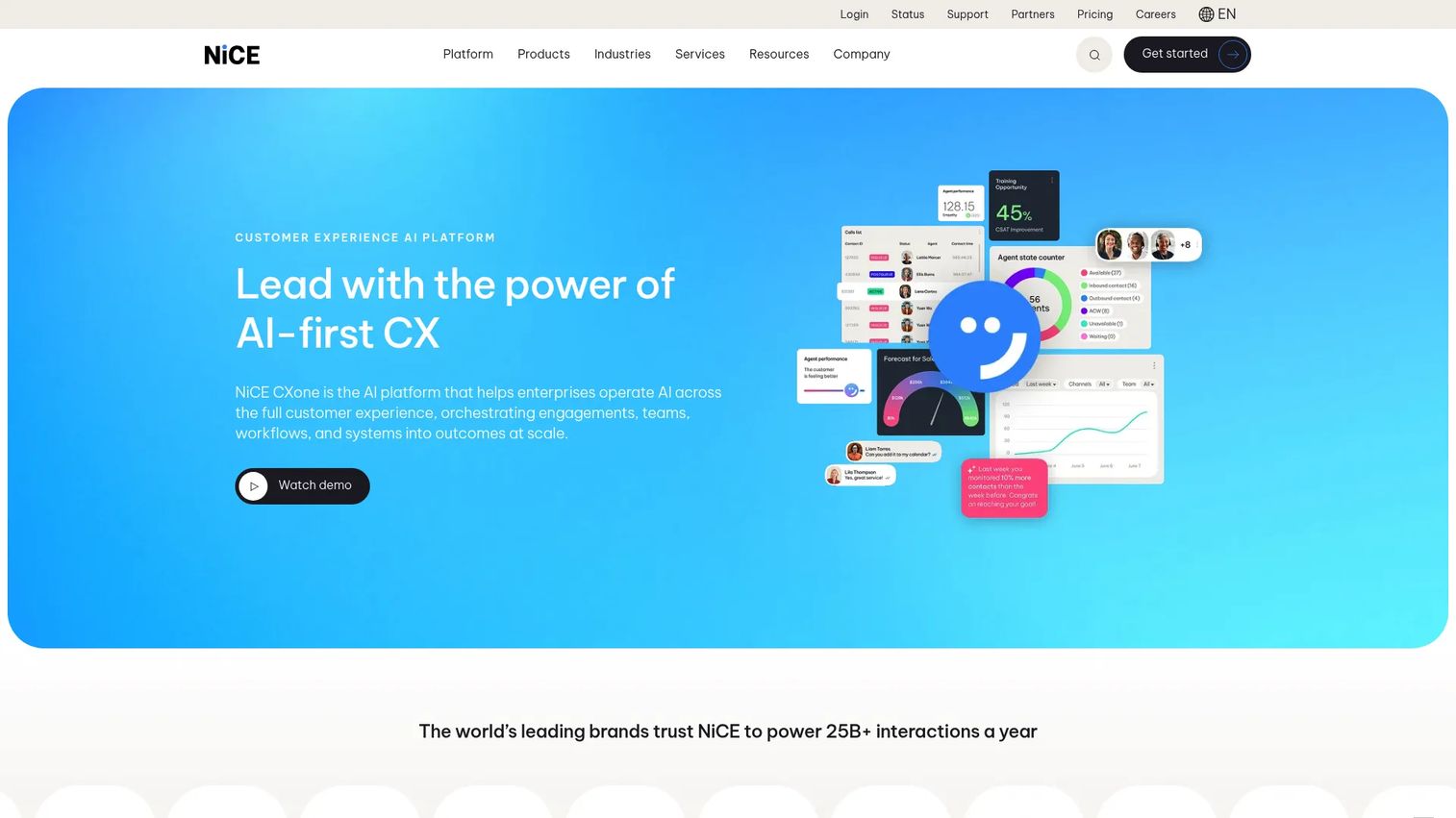
NiCE CXone is an enterprise-grade customer experience platform built for high-volume contact centers that need AI, omnichannel engagement, workforce management, and quality management in one place. The platform orchestrates human agents and AI agents together, with journey analytics, interaction routing, forecasting, and coaching built into the same environment. According to ICMI and NICE's 2025 research, 54% of contact centers now report some AI functionality, and CXone is designed to sit in that growing middle.
Best for: Enterprise contact centers with advanced workforce, routing, and quality requirements.
Key features
- AI-powered omnichannel customer engagement
- Unified human and AI agent management
- Workforce management with forecasting and scheduling
- Quality management and coaching workflows
- Journey analytics and interaction routing
Why choose NiCE CXone: Recommend this for high-volume support or CX operations where operational control, forecasting accuracy, and governance matter more than speed of initial setup. It's sized for organizations where the contact center is a business-critical function.
NiCE CXone pricing: Omnichannel Suite starts at $110/agent/month. Essential Suite is $135, Core Suite is $169, Complete Suite is $209, and Ultimate Suite is $249/agent/month (or $0.25/session). All billed per agent per month.
G2 rating: 4.3/5
5. Genesys Cloud CX
Genesys Cloud CX is a broad omnichannel contact center platform built for complex service organizations. Its differentiator is journey orchestration: Routing customers across channels based on real-time context, history, and AI predictions rather than static rules. The platform covers workforce engagement, virtual agents, an Agent Copilot assistant, and reporting. For companies with distributed support teams and multiple customer channels, Genesys provides the kind of visibility that makes a VP of CX effective without founder involvement.
Best for: Complex omnichannel service organizations that need journey-level visibility and scalable cloud depth.
Key features
- Omnichannel engagement across voice and digital
- AI-powered routing and journey orchestration
- Agent Copilot and virtual agents
- Workforce engagement management
- Analytics and customer journey reporting
Why choose Genesys Cloud CX: Use this when you have multiple support channels, distributed or remote teams, and a need to understand the full customer journey rather than individual interaction metrics alone.
Genesys Cloud CX pricing: CX 1 (voice contact center) starts at $75/user/month (annual). CX 2 is $115, CX 3 is $155, and CX 4 is $240/user/month (annual). Usage-based charges may also apply.
G2 rating: 4.4/5
6. Aircall
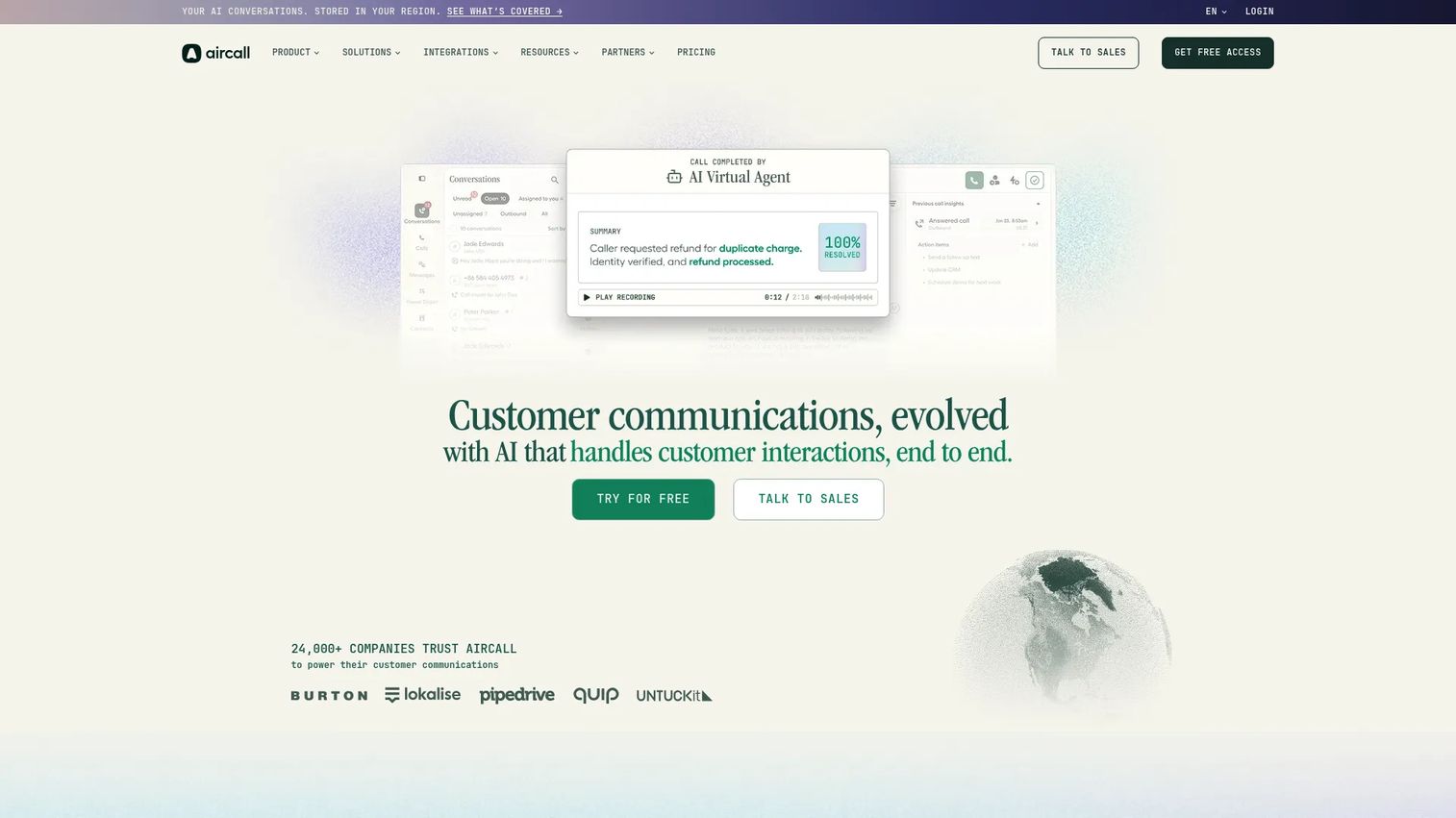
Aircall is a cloud phone system and call center screen capture software built around CRM connectivity. It offers IVR, call routing, call queuing, SMS/MMS, power dialing, voicemail drop, and 250+ integrations, including deep connections to Salesforce, HubSpot, and major helpdesk platforms. AI features cover transcription, call summaries, sentiment analysis, and key-topic recognition. For SaaS sales and support teams that want fast deployment without a complex enterprise rollout, Aircall is consistently cited as a practical starting point.
Best for: SaaS sales and support teams wanting CRM-connected calling with quick deployment.
Key features
- Cloud phone system with IVR, routing, and call queuing
- Power Dialer and outbound campaign tools
- 250+ integrations plus API access
- AI call summaries, transcription, and sentiment analysis
- Analytics dashboards with call and team metrics
Why choose Aircall: Choose Aircall when the team wants to improve call operations without committing to a complex enterprise contact center rollout. The CRM integration depth and fast setup are the main reasons it appears on most SaaS shortlists.
Aircall pricing: Essentials starts at $30/license/month (annual, minimum 3 licenses). Professional is $50/license/month (annual). Enterprise requires 25+ licenses and custom pricing. AI Voice Agents are available as a standalone product from $100/month.
G2 rating: 4.4/5
7. Salesforce Agentforce Contact Center
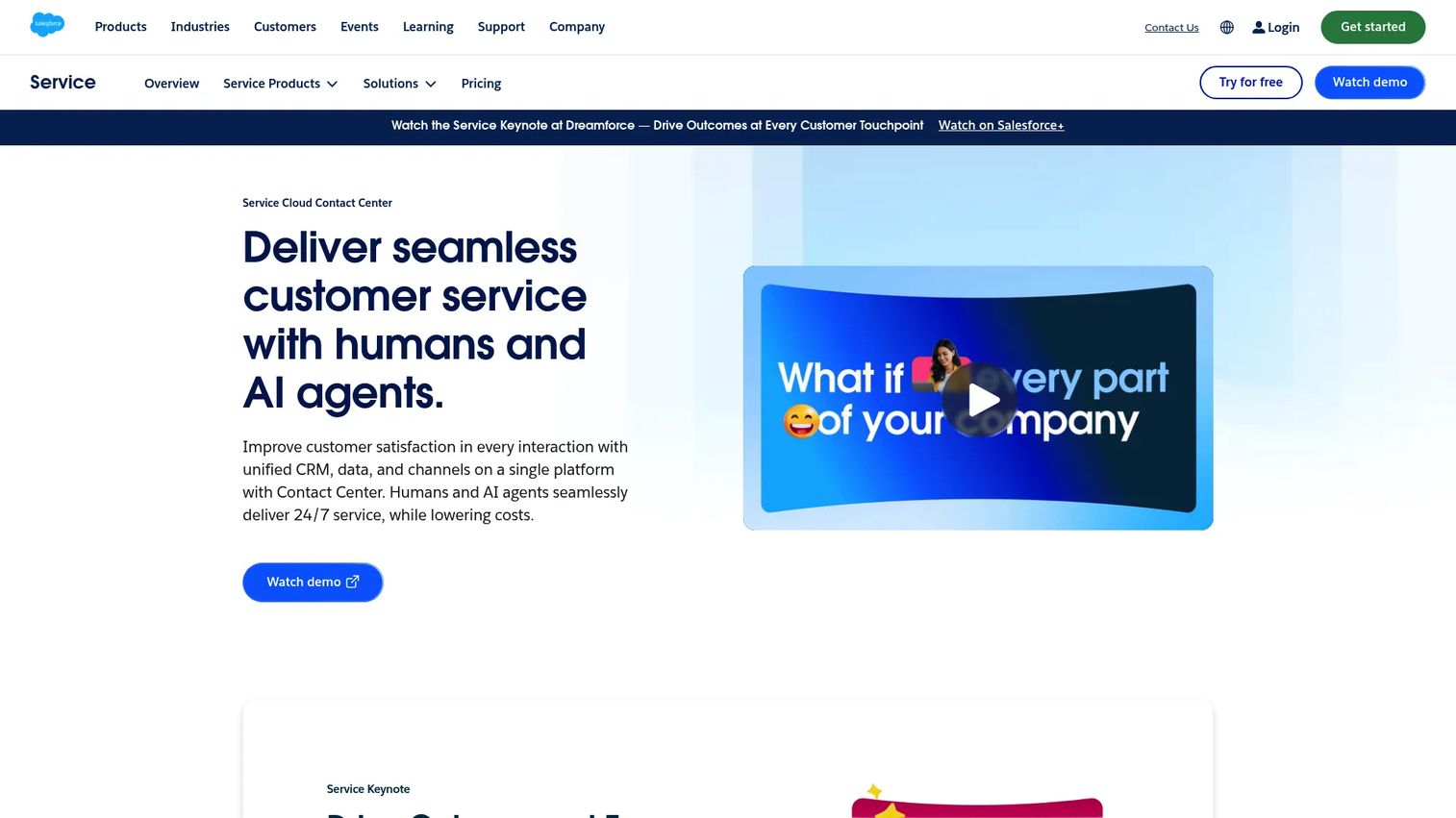
Salesforce Agentforce Contact Center is built for teams already deep in Salesforce Service Cloud. The platform puts AI agents, omnichannel routing, case management, and voice inside the same CRM environment that already holds customer history, deal data, and account context. If your support team is working from Salesforce cases today, adding Agentforce means the contact center and CRM operate without a sync layer between them.
Best for: Salesforce-centered teams wanting customer service, AI, and CRM in one environment.
Key features
- Native Salesforce data across all customer interactions
- AI service agents with autonomous resolution capability
- Omnichannel routing: Voice, email, messaging apps, and web chat
- Case management and service analytics
- Workforce and quality management add-ons
Why choose Salesforce Agentforce Contact Center: Recommend this when the business wants service, sales, and customer data inside Salesforce rather than split across disconnected systems. The closer the team already lives in Salesforce, the stronger the argument.
Salesforce Agentforce Contact Center pricing: Agentforce Contact Center is $125/user/month (annual contract required). Contact Center Plus is $250/user/month. Contact Center Voice (Agentforce 1 Edition only) is $75/user/month. Workforce Management is a $50/user/month add-on. Additional usage charges may apply for messaging packs, bot sessions, and conversation insights.
G2 rating: 4.4/5
8. Talkdesk
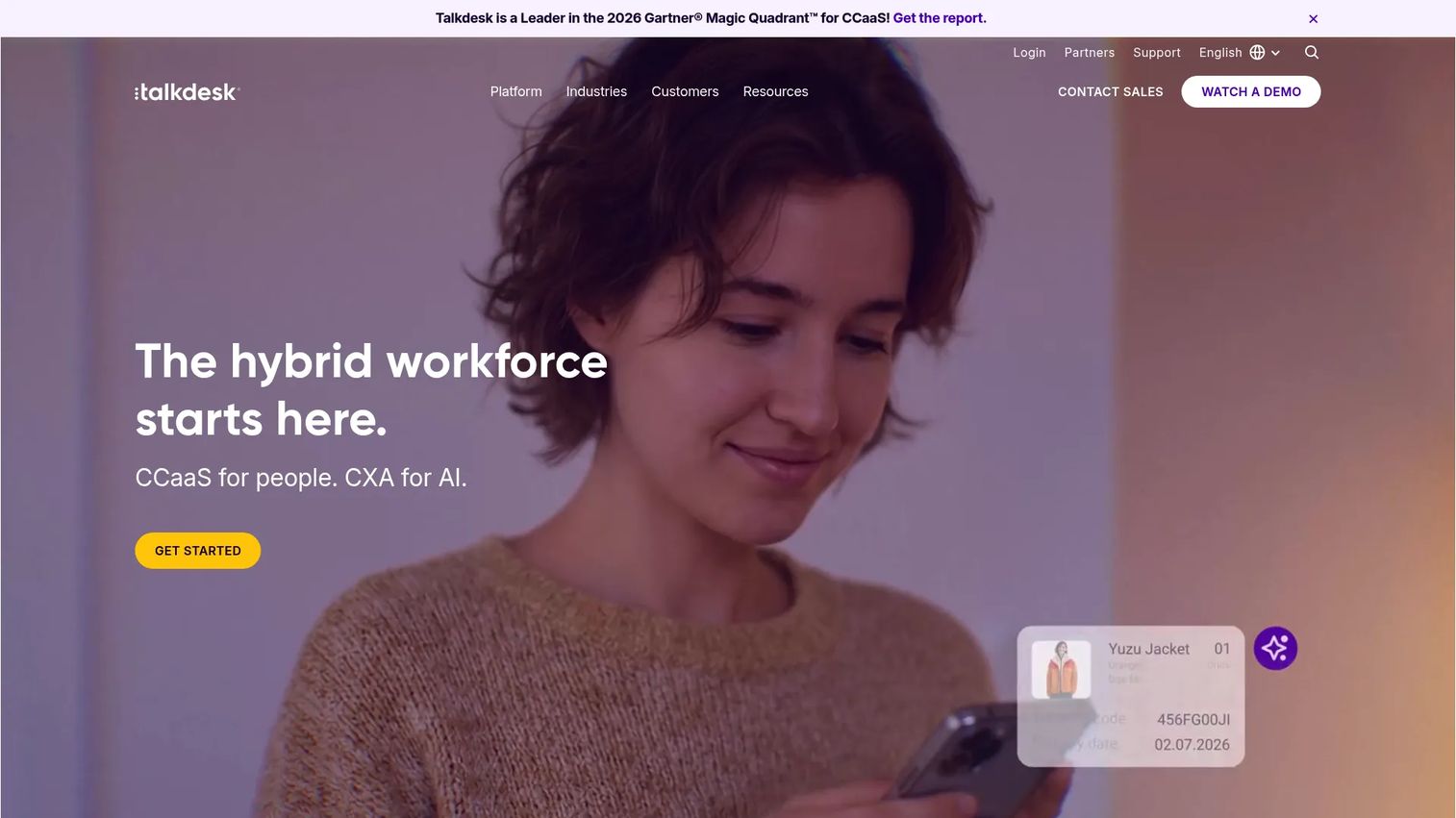
Talkdesk is a cloud contact center platform with strong AI and CX automation messaging. Its AI suite covers a Copilot for agent assistance, an Autopilot for self-service, and a Navigator for intelligent routing. Industry Experience Clouds add vertical-specific configurations for retail, healthcare, financial services, and similar. For SaaS companies where service quality is a retention driver, Talkdesk combines the workflow depth of an enterprise platform with enough AI maturity to reduce repetitive agent tasks meaningfully.
Best for: Customer service teams prioritizing AI automation, industry-specific workflows, and CX optimization.
Key features
- AI Copilot, Autopilot, and Navigator for agent and self-service
- Omnichannel routing across digital and voice
- Workforce engagement management
- Quality management and interaction analytics
- Industry Experience Cloud configurations
Why choose Talkdesk: Choose Talkdesk when a SaaS company wants an AI-forward platform for service teams and can invest the configuration time needed to get workflows right. The AI depth is genuine, but realize the return depends on how well you configure the automation against your actual call types.
Talkdesk pricing: Digital Essentials starts at $85/user/month. Voice Essentials is $105/user/month. Elite is $165/user/month. Industry Experience Clouds are $225/user/month. All billed per user per month.
G2 rating: 4.4/5
9. Cisco Webex Contact Center
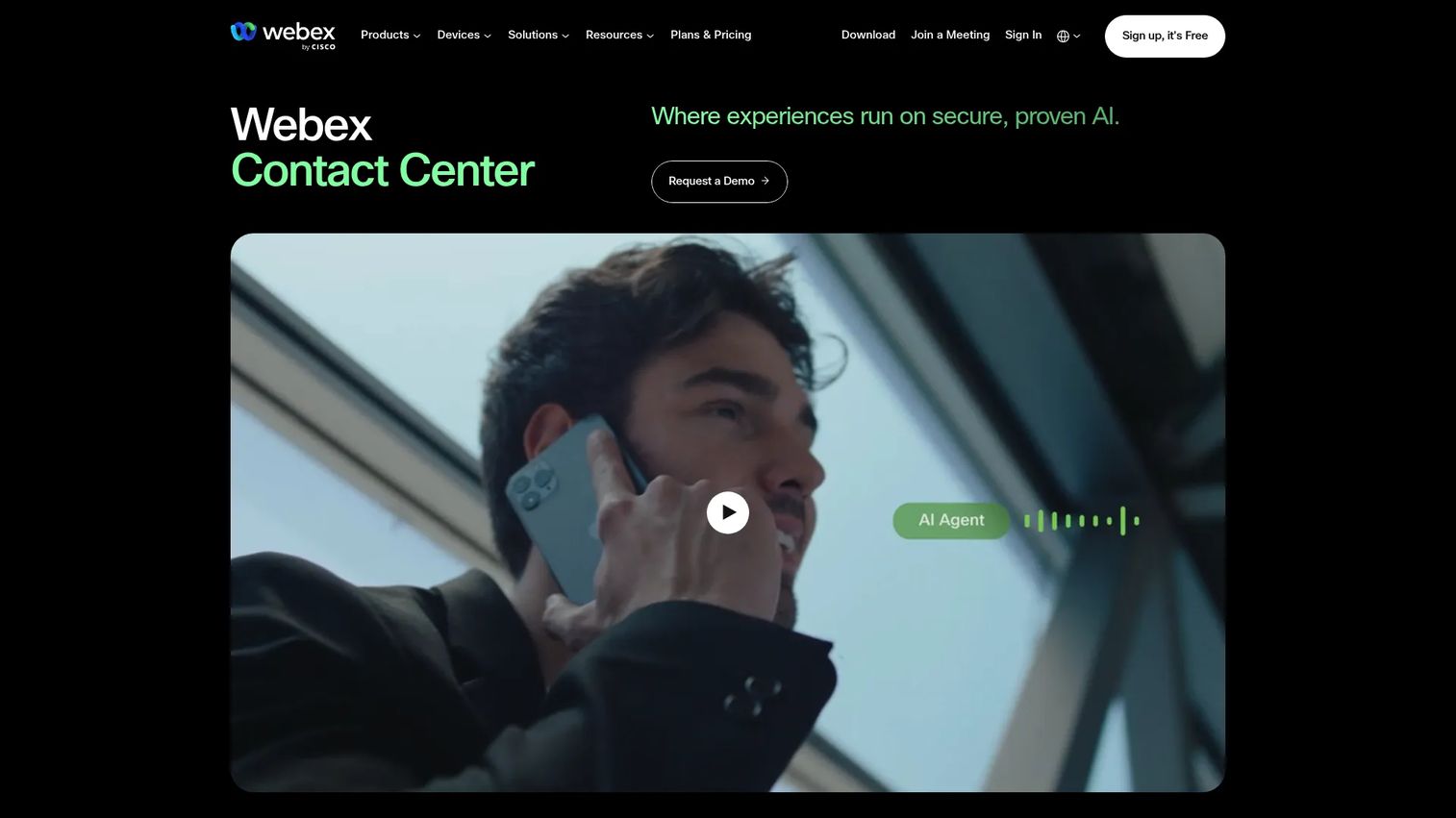
Cisco Webex Contact Center is a cloud-based contact center platform for organizations that have standardized on Cisco or Webex for collaboration. It covers inbound and outbound voice, skills-based routing, IVR, browser-based agent desktop, supervisor monitoring, coaching, and barge-in. Premium tiers add SMS, WhatsApp, and Facebook Messenger. The platform suits larger organizations where IT standardization, enterprise reliability, and procurement governance matter as much as feature lists.
Best for: Larger teams already standardized on Cisco and Webex, with enterprise IT controls and procurement processes.
Key features
- Inbound and outbound voice with intelligent skills-based routing
- Browser-based agent desktop
- Supervisor monitoring, barge-in, and coaching (Premium)
- CRM connectors and standard reporting
- Touch-tone IVR and text-to-speech
Why choose Cisco Webex Contact Center: Use this when IT standardization, Webex collaboration integration, and enterprise procurement reliability outweigh the need for quick startup or low setup complexity. It is not the fastest option to deploy, but it fits organizations where governance and consistency are non-negotiable.
Cisco Webex Contact Center pricing: Standard Named is $85 (list price). Premium Named is $130. Standard Concurrent is $115. Premium Concurrent is $170. Additional IVR ports are $70. These are Cisco ordering-guide list prices; actual pricing is typically arranged through a Cisco partner or reseller.
G2 rating: 4.4/5
10. Dialpad Ai Contact Center
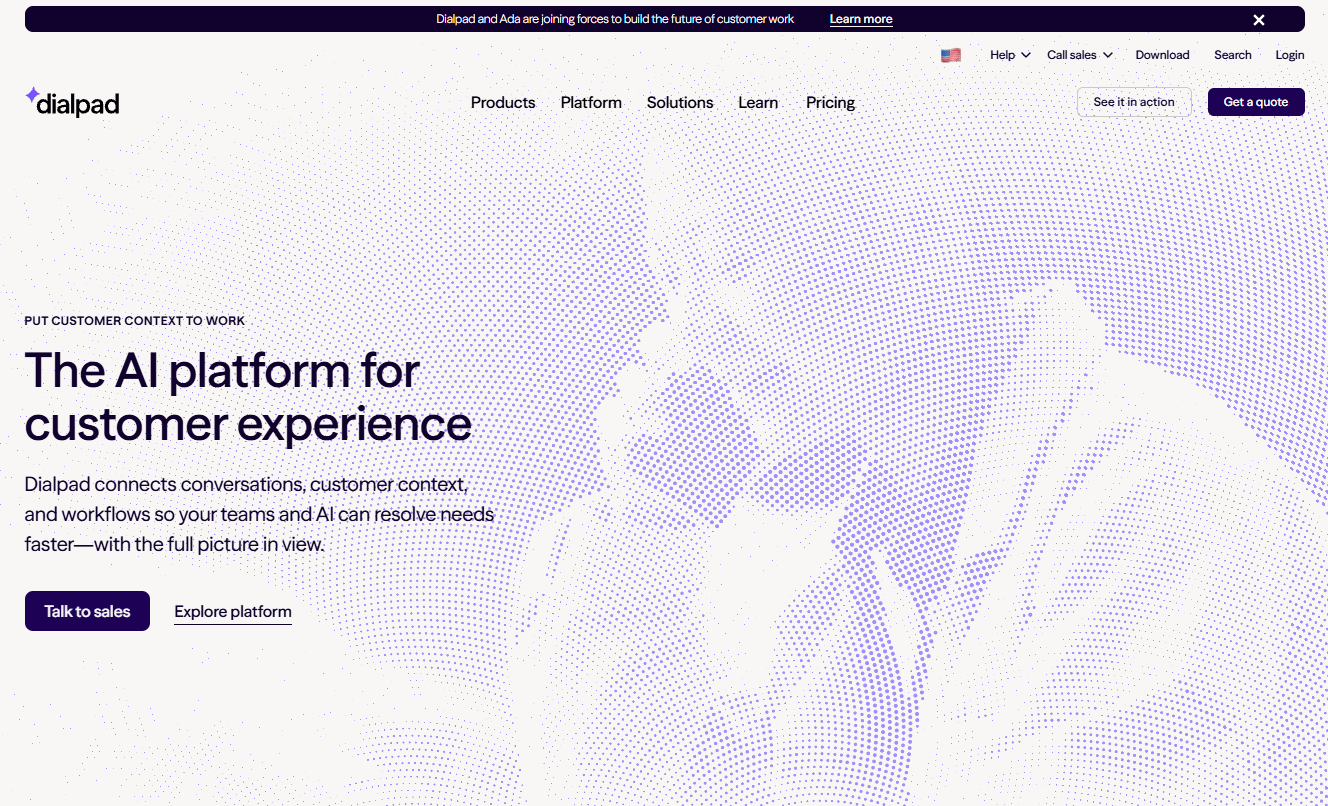
Dialpad Ai Contact Center is an AI-native contact center platform built around real-time transcription, call summaries, sentiment analysis, and supervisor coaching. The platform's AI transcribes every call live, generates recaps automatically, surfaces sentiment trends, and alerts supervisors to calls that need attention. The Advanced tier adds Live Coach for real-time agent guidance, and the Premium tier adds workforce management with forecasting and scheduling. For teams where manager visibility into agent conversations is a bottleneck, Dialpad removes most of the manual work from call monitoring.
Best for: Teams wanting AI embedded into daily call handling, real-time coaching, and supervisor visibility.
Key features
- Real-time AI transcription and call recaps
- Sentiment analysis and supervisor alerts
- AI Live Coach with real-time guidance (Advanced and above)
- Quality management with AI CSAT scoring
- Workforce management with forecasting and scheduling (Premium)
Why choose Dialpad Ai Contact Center: Recommend Dialpad when the team wants AI to cut manual note-taking, surface coaching moments automatically, and give managers better call visibility without requiring them to listen to recordings after the fact.
Dialpad Ai Contact Center pricing: Essentials is $89/user/month. Advanced is $119/user/month. Premium is $149/user/month. These prices are displayed with a monthly or annual billing selector on the pricing page; confirm billing basis directly with Dialpad before signing.
G2 rating: 4.4/5
11. 8x8 Contact Center
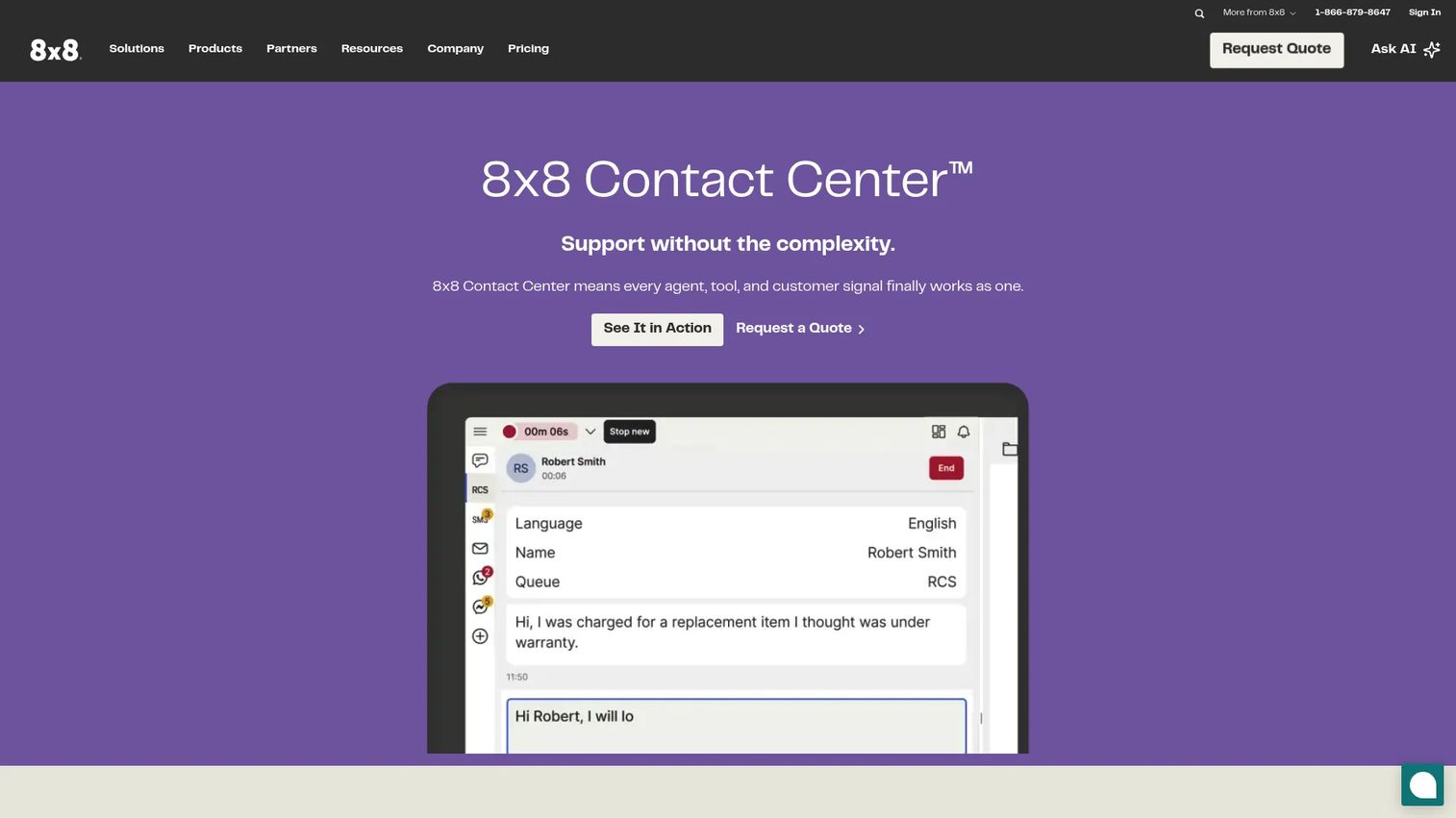
8x8 Contact Center is an AI-enabled omnichannel platform combining voice, chat, email, SMS, RCS, video, and social channels in a unified agent workspace. It layers AI-enabled self-service, conversational AI, agent assistance, and AI routing on top of that channel breadth, with supervisor workspaces, speech analytics, and customer journey visibility. For distributed or global teams that need consistent contact center and communications coverage across regions, 8x8 is worth evaluating.
Best for: Global and distributed teams needing contact center coverage combined with international calling.
Key features
- Omnichannel routing: Voice, chat, email, SMS, RCS, video, and social
- AI self-service, conversational AI, and agent assistance
- Speech analytics and unified interaction data
- Supervisor workspace with real-time visibility
- Customer journey analytics
Why choose 8x8 Contact Center: Recommend for teams with international communication needs or distributed agents who want fewer vendors managing both business communications and customer-facing contact center operations.
8x8 Contact Center pricing: 8x8 directs buyers to request a quote. Contact them directly or review G2 reviewer-reported ranges before shortlisting, since no public per-seat price is currently displayed on the official pricing page.
G2 rating: 4.1/5
12. Twilio Flex
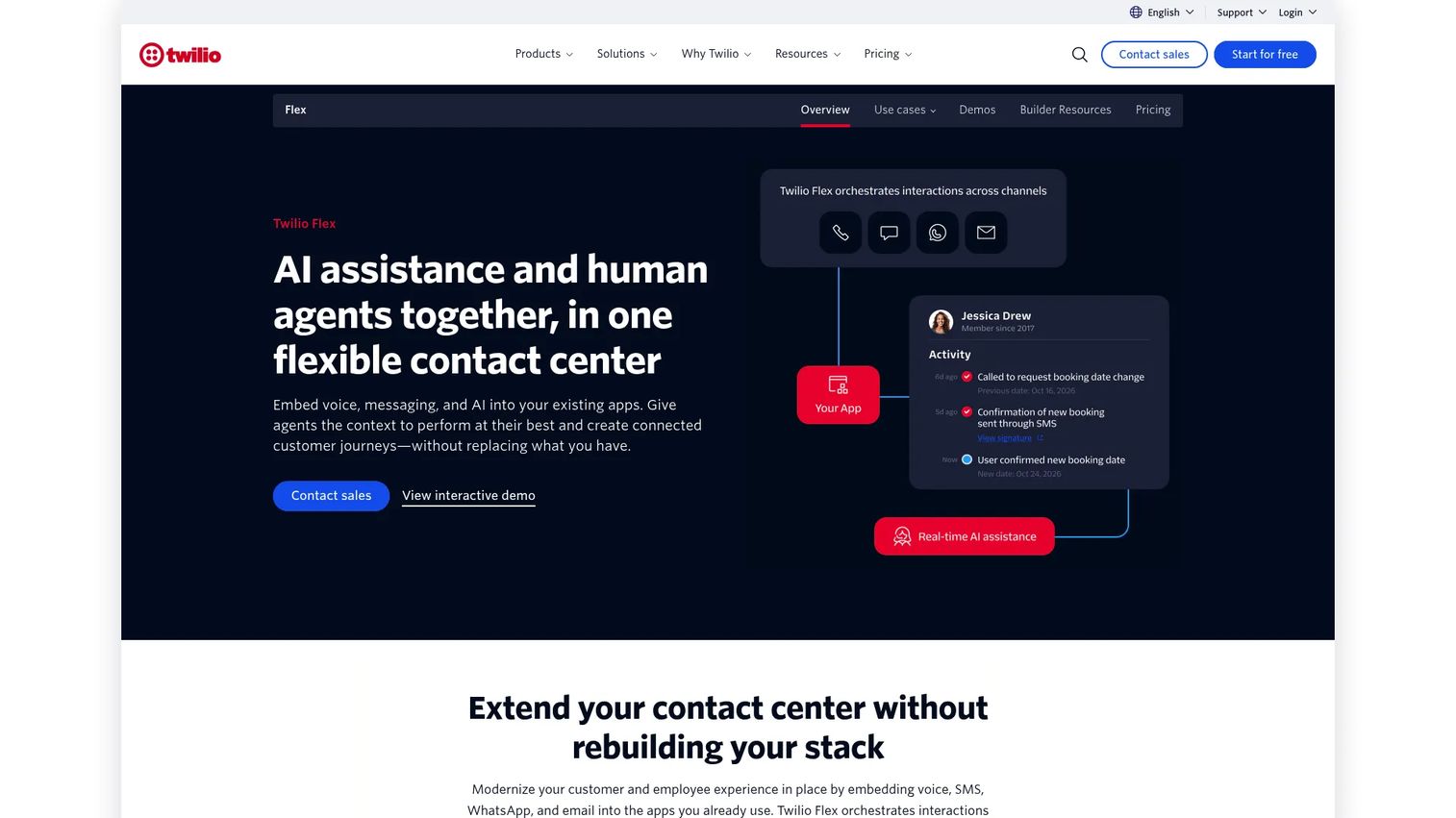
Twilio Flex is a programmable digital engagement center for companies that want to build a custom contact center rather than deploy a fixed product. It covers omnichannel voice and messaging, with a fully customizable agent interface, workflows, routing queues, and APIs. For organizations with engineering capacity and a unique support model, Flex removes the constraint of working within a vendor's opinionated product design. The tradeoff is that build time and ongoing engineering ownership are real costs to factor in.
Best for: Developer-led teams building custom contact center workflows with unique product, data, or support architectures.
Key features
- Programmable agent desktop and workflows
- Omnichannel voice, SMS, WhatsApp, Facebook Messenger, and web chat
- APIs and SDKs for custom integrations
- Operational dashboards and agent performance analytics
- Usage-based pricing with a free trial
Why choose Twilio Flex: Choose Twilio Flex when the company has engineering capacity and needs a contact center experience that matches a unique product, support model, or data architecture that off-the-shelf platforms can't accommodate cleanly.
Twilio Flex pricing: Free trial includes 5,000 active user hours. Paid options: $35/monthly active user (plus metered Twilio usage), $150/named user/month, or $1/active user hour. Additional charges apply for underlying Twilio services and AI features.
G2 rating: 4.1/5
13. Vonage Contact Center
Vonage Contact Center is a cloud-based contact center platform with CRM integration depth, omnichannel engagement, skills-based routing, and AI virtual assistant capability. The platform covers call recording, screen pops, analytics dashboards, and speech analytics. Teams that run Salesforce as their core CRM often find Vonage's native CRM connectivity useful, as it surfaces customer context inside the contact center without manual lookups.
Best for: Sales and service teams where CRM integration and voice workflows are the primary requirements.
Key features
- CRM integration with native Salesforce connectivity
- Omnichannel engagement across voice and digital
- Skills-based and dynamic routing
- Call recording and screen pops
- AI virtual assistant and speech analytics
Why choose Vonage Contact Center: Recommend Vonage when voice workflows and CRM context are the main evaluation criteria, and when the team doesn't need the full breadth of an enterprise CX suite.
Vonage Contact Center pricing: Contact Vonage sales directly. Capterra reviewers report a 4.3/5 rating based on user submissions; check Capterra for reviewer-reported pricing context before shortlisting.
14. GoTo Contact Center
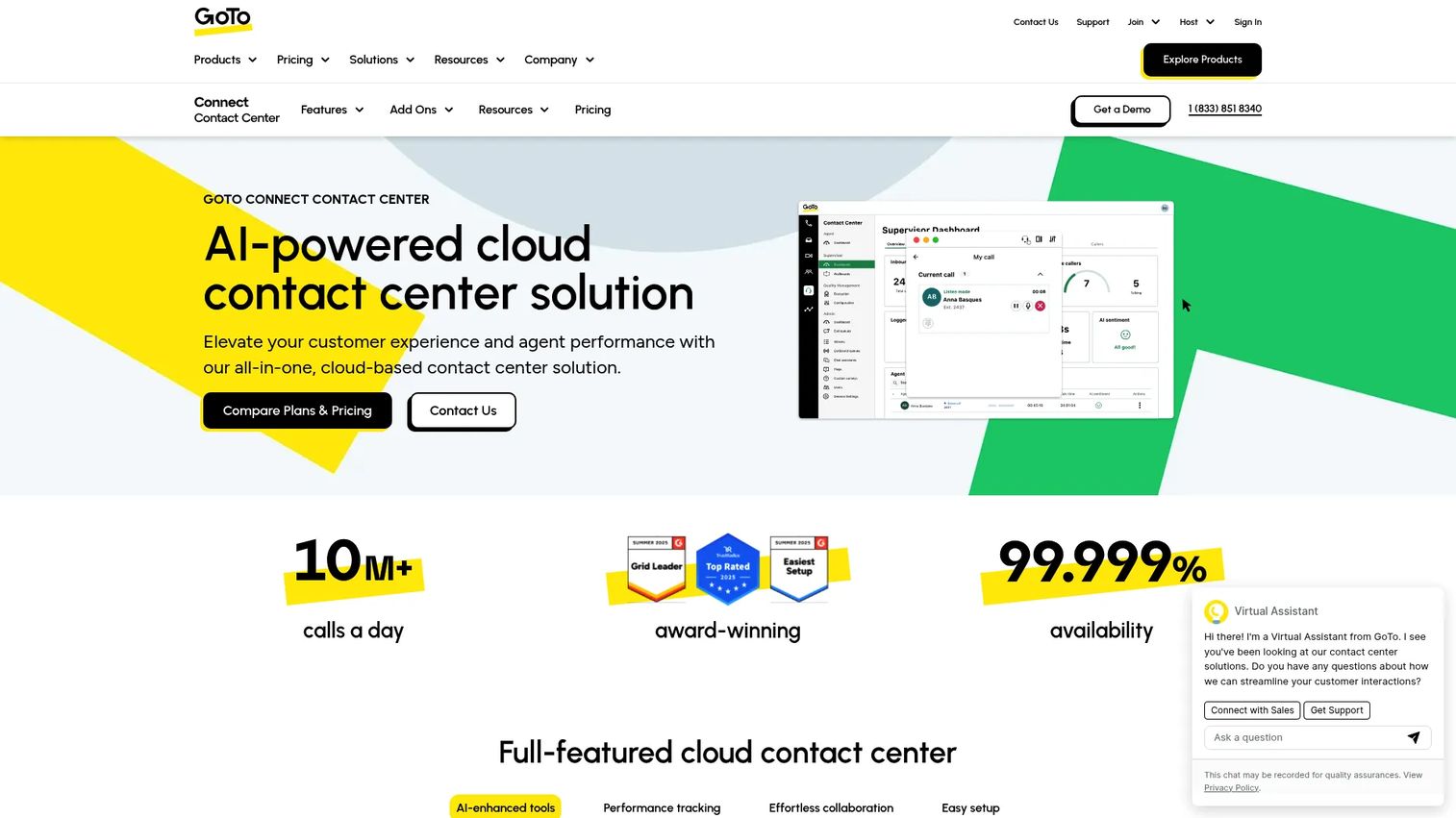
GoTo Contact Center is a cloud contact center solution built into the GoTo Connect communications platform. It covers AI summaries, transcripts, topics, sentiment analysis, intelligent call routing, real-time analytics, and supervisor dashboards. For SMB and mid-market teams that want practical contact center features without a large implementation project, GoTo offers a faster path to baseline functionality tied to a broader communications stack.
Best for: SMB and mid-market teams wanting straightforward contact center setup with AI-assisted call handling.
Key features
- AI summaries, transcripts, and sentiment analysis
- Intelligent call routing with skills assignment and priority rules
- Real-time analytics, supervisor dashboards, and reporting
- Call queuing and IVR routing
- GoTo Connect integration for unified communications
Why choose GoTo Contact Center: Recommend GoTo when the team values predictable admin, quick setup, and basic contact center control over deep enterprise customization or advanced workforce management.
GoTo Contact Center pricing: GoTo directs buyers to contact sales. Contact GoTo directly for a quote before including it in a formal evaluation.
G2 rating: 4.4/5 (based on GoTo Connect reviews, which include Contact Center capability)
15. Zendesk
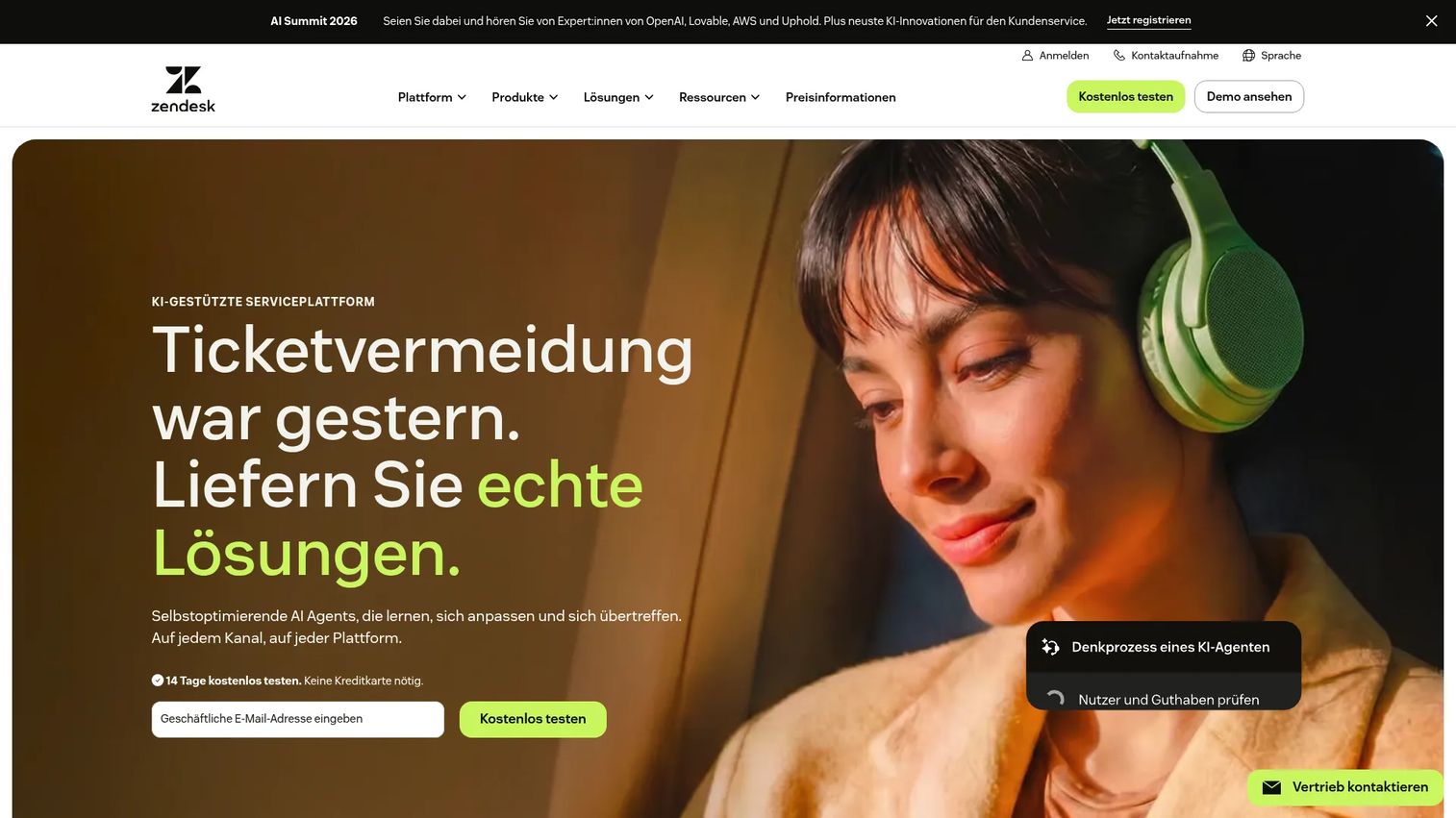
Zendesk is helpdesk-native customer service software that extends into messaging, live chat, voice, and AI. It is not a pure voice-first call center platform, but it belongs in the shortlist for support teams that organize their work around tickets rather than calls. The platform covers email, ticketing, knowledge base, AI agents, omnichannel routing, telephony, and automation. A 14-day free trial makes it easy to test against existing support workflows before committing. For more context on AI customer service software in this category, that guide covers adjacent platforms including AI agent tools.
Best for: Support teams already operating from ticketing and helpdesk workflows that want to add voice and messaging without switching platforms.
Key features
- Ticket management with automations and triggers
- AI agents and AI agent builder
- Knowledge base and self-service
- Omnichannel routing across email, messaging, chat, and voice
- Analytics dashboards and skills-based routing
Why choose Zendesk: Choose Zendesk when the primary need is customer support operations built around cases and tickets, and the contact center is part of a broader helpdesk workflow rather than a dedicated voice operation.
Zendesk pricing: Support Team is $19/agent/month (annual) or $25/month. Suite Team is $55/agent/month (annual) or $69/month. Suite Professional is $115/agent/month (annual) or $149/month. Suite Enterprise + Copilot requires contacting sales. A 14-day free trial is available.
G2 rating: 4.3/5
Considerations when choosing call and contact center software
Decide whether you need voice-first or omnichannel
Some teams primarily need inbound calls, outbound dialing, IVR, and call analytics. That's a call center. Others need chat, email, SMS, social messaging, self-service, and unified customer history. That's a contact center. Buying omnichannel enterprise software for a team that only handles calls wastes budget and creates admin complexity for features nobody uses.
Map integrations before vendor demos
Before scheduling any demo, list every system the platform needs to connect to: Your CRM, helpdesk, marketing automation stack, data warehouse, workforce management tool, identity provider, and BI dashboards. The integration story is where "another tool will add complexity" either becomes true or gets disproven. Poor integration depth means your team manually moves data between systems, which defeats the operational visibility argument entirely. For AI customer service agents and similar adjacent tools, check integration overlap before adding to the stack.
Calculate total cost across 12 months
Seat price is not the total cost. Add usage minutes, phone numbers, SMS volume, AI features, workforce management tools, implementation fees, premium support packages, and contract minimums. For a Series B company managing burn multiple carefully, knowing the 12-month number before signing matters more than the advertised starting price. Several platforms on this list price AI, QA, and workforce tools as add-ons that substantially change the per-seat math.
Test AI with real call types before signing
AI summaries, sentiment analysis, virtual agents, and coaching recommendations work well on clean, structured calls. Test them against your actual support call mix, including complex issues, edge cases, and frustrated customers, before treating vendor demo environments as representative. Build in human review workflows and escalation rules from day one rather than assuming automation handles everything cleanly.
Check reliability, security, and admin controls
Cloud platforms vary significantly on uptime commitments, call quality in different regions, SSO support, role-based permissions, audit logs, data retention policies, and regulatory compliance. For agentic AI platforms handling sensitive customer data, security review is non-negotiable. Confirm what your IT team needs before shortlisting, not after the pilot.
Conclusion
The right call and contact center software for a scaling SaaS company isn't the one with the longest feature list. It's the one your new VP of Support can actually run without routing every question back through you.
For teams wanting faster adoption and lower implementation overhead, Nextiva, Aircall, and RingCentral Contact Center are strong starting points. For teams with mature CX operations, significant volume, or workforce management needs, NiCE CXone, Genesys Cloud CX, Five9, and Talkdesk are built for that scale. Twilio Flex fits the minority of teams with engineering bandwidth and unique workflow requirements. Zendesk fits support-led teams already organized around tickets.
Shortlist three platforms based on deployment complexity, integration fit with your CRM and helpdesk, and total 12-month cost. Run each vendor against your actual call types, not a sanitized demo script.
Once your support and sales stack is chosen, your teams still need to explain complex workflows to customers, train new agents, and show buyers how the product works without scheduling another call. That's where interactive demos fit: Use them to build clickable product walkthroughs for onboarding, support documentation, and product education, so customers self-serve instead of calling.
Start your journey with Guideflow today!
FAQs about call and contact center software
Call and contact center software helps teams manage customer conversations from a shared platform, covering routing, agent workflows, reporting, and quality management. Call center software focuses on voice, while contact center software extends to chat, email, SMS, social, and self-service channels.
Call center software handles inbound and outbound voice: Call queues, IVR, ACD, dialing, recording, and call analytics. Contact center software adds omnichannel support, so the same platform manages chat, email, SMS, social messaging, and self-service alongside voice, with a unified customer history across all channels.
Costs vary by seat count, usage volume, channel depth, AI capabilities, workforce tools, implementation fees, and contract minimums. Entry-level platforms like Zendesk start around $19/agent/month. Mid-market platforms like Aircall or Dialpad run $30 to $149/user/month depending on the tier. Enterprise platforms like Five9, NiCE CXone, and Genesys Cloud CX range from $75 to $249/agent/month. Compare your 12-month total cost across seats, usage, and add-ons before signing.
The core features are IVR, ACD, skills-based routing, call recording, supervisor monitoring, and analytics. Outbound teams should also evaluate predictive or power dialers and compliance controls for outbound calling. CRM integration is essential for sales teams that need customer context during calls. For a broader breakdown, the guide on call center software covers these categories in depth.
Omnichannel routing and a unified customer history are the baseline. Beyond that, evaluate AI agent assist, self-service automation, workforce management, quality management, interaction analytics, and CRM or helpdesk integration depth. For teams using AI-driven support, check how summaries, sentiment, and virtual agents perform on your actual call and chat types.
Yes. Cloud contact center software is built for distributed agents using browser-based workspaces, with routing rules, supervisor dashboards, call recording, and real-time monitoring all accessible remotely. Most platforms on this list include remote work as a baseline assumption rather than a premium add-on. Admin controls for role permissions and access governance are more relevant to check than remote access itself.
Practical AI applications include call summaries that eliminate manual note-taking, suggested replies that reduce handle time, virtual agents that resolve common requests without a human, sentiment analysis that flags frustrated customers in real time, QA scoring that replaces manual call reviews, and demand forecasting for workforce scheduling. According to CallMiner's 2025 research, 80% of organizations have at least partially implemented AI in contact center or CX operations. Test AI against your real customer scenarios before treating vendor demos as representative of live performance.
For consolidation and fast adoption, Nextiva or RingCentral Contact Center reduce the number of communications vendors while covering contact center needs. For CRM-connected calling with quick deployment, Aircall is the most cited option among SaaS sales and support teams. For enterprise CX operations, NiCE CXone, Genesys Cloud CX, Five9, or Talkdesk fit teams with significant volume and mature QA or workforce management requirements. For custom builds, Twilio Flex fits developer-led teams with unique workflow requirements and available engineering capacity.