You have the documentation. The technical specs exist. The evaluation resources are somewhere in a shared drive, a Slack thread, or someone's local folder.
The problem is that nobody can find the right asset at the right moment. Buyers ask the same security questions twice. Partners email for content that already exists. Internal teams rebuild resources that were already built last quarter. According to Dataintelo (2025), the global enterprise portal market reached $8.4 billion, and yet most organizations still manage critical information in ways that create exactly this friction.
Portal software exists to fix the findability problem. It creates a governed, role-appropriate gateway where employees, customers, partners, or buying committees can access the content and tools they need without asking someone first. For presales teams, that means fewer repeated requests, faster technical validation, and evaluation resources that stay current across deal cycles.
The challenge is that "portal software" covers a wide range of platforms, from productivity suites and intranet tools to open-source CMS frameworks and enterprise digital experience platforms. Picking the right one means understanding what each does well and for whom.
What's inside
This guide covers 15 portal software platforms for 2026, chosen to span enterprise suites, digital workplaces, open-source portals, and developer frameworks. Tools were evaluated on:
- Portal use case fit (employee, customer, partner, community)
- Integration depth with existing GTM and IT stacks
- Access control, governance, and permissions
- Customization depth versus deployment complexity
The guide is written for presales teams, IT leaders, and operations managers who need a portal to centralize technical assets, enable buyers or partners, and reduce repeated enablement work.
TL;DR
- Best overall business suite: Microsoft 365 is the default choice for organizations already standardized on Microsoft identity, documents, and collaboration tools
- Best Google-native option: Google Workspace fits teams that run on Drive, Docs, and Gmail and want a lightweight collaboration hub without a heavy portal build
- Best enterprise DXP: Liferay DXP suits organizations building customer or partner portals that require deep personalization and workflow automation
- Best open-source digital workplace: eXo Platform gives teams that need a self-hosted intranet more control than a proprietary suite provides, starting at $8/user/month
- Best developer framework: Apache Jetspeed 2 (now retired) suits Java teams researching portal infrastructure rather than teams that need a ready-made business portal
- Best CMS-based portal: Drupal works well when the portal is content-heavy and needs custom content architecture with strong role-based access control
What is portal software?
Portal software is a platform for creating a secure, centralized digital gateway where specific users can access content, applications, workflows, data, and services based on their role or permissions.
Modern portal software spans several overlapping categories. Understanding the type you need narrows the shortlist significantly.
Employee portals cover intranets, digital workplaces, internal knowledge hubs, HR self-service, IT request management, and team collaboration. The goal is making internal resources findable and role-appropriate without requiring IT to handle every access request.
Customer portals give account holders access to onboarding content, documentation, support resources, billing, product education, and account-specific materials. They reduce support volume by letting customers self-serve the answers they would otherwise call or email to get.
Partner portals centralize co-selling assets, deal registration, enablement content, certification programs, and partner documentation. They matter when your channel has more partners than your team can personally enable.
Community portals host member spaces, forums, contributor workflows, knowledge sharing, and user-generated content. These sit closer to CMS platforms but often include access control and member management.
Developer or framework-based portals are not ready-made business portals. They provide infrastructure that technical teams use to build standards-based portals from code. Apache Jetspeed 2 and uPortal fall here.
Key capabilities to evaluate across all portal types:
- Role-based access control and permissions management
- Single sign-on and identity directory integration
- Content management and version control
- Search and navigation across resources
- Workflow automation and approval routing
- Application and data integrations
- Personalization by segment, role, or account
- Analytics and usage reporting
- Audit trails and governance controls
Portal software overlaps with intranet software, digital experience platforms (DXPs), CMS platforms, and collaboration suites. Some of the tools in this list occupy multiple categories.
When to use portal software
Centralize technical resources for buyer validation
Presales teams spend time on repetitive requests because evaluation assets live in too many places. A portal centralizes security documentation, technical specs, RFP resources, and proof-of-concept guidance into a governed hub that stays current. When a buyer's security team asks for the same compliance documentation a prospect asked for last week, the answer is a link rather than a rebuilding effort.
Give partners or customers controlled self-service access
When external users need information but full system access creates security or governance risk, a portal provides a middle ground. Customer portals, partner portals, and extranet environments let you define exactly what each user type can see and do. This matters for presales when sharing sensitive technical content with specific accounts rather than the public internet.
Build an internal knowledge hub employees can search
Intranets and digital workplaces address the problem of information buried in email threads, chat history, and personal drives. When an SE joins a deal mid-cycle, a searchable internal portal shortens the time it takes to get up to speed on prior interactions, technical notes, and relevant case studies. According to Deloitte (2025), 47% of organizations have implemented customer portals, suggesting self-service is increasingly a baseline expectation rather than a differentiator.
Portal software comparison
The table below covers all 15 platforms with verified pricing and G2 ratings. Pricing for open-source tools reflects the software license cost only; hosting, implementation, and ongoing maintenance add to the total cost of ownership. Use "N/A" ratings as a signal to evaluate these tools through community forums and reference customers rather than review aggregators.
| # | Product | Best for | Key differentiator | Pricing | G2 rating |
|---|---|---|---|---|---|
| 1 | Microsoft 365 | Employee portals on Microsoft identity | Deep Microsoft 365 integration across Teams, OneDrive, SharePoint | From $9.99/month | 4.6/5 |
| 2 | Google Workspace | Google-native collaboration hubs | Lightweight portal layer built on Drive, Sites, and Gmail | From $7/user/month | 4.5/5 |
| 3 | Oracle WebCenter Portal | Enterprise intranet and extranet portals | Tight Oracle application integration with perpetual licensing | From $2,500 per Named User Plus | N/A |
| 4 | eXo Platform | Open-source digital workplaces | AI-augmented intranet with social collaboration and knowledge management | From $8/user/month | 4.3/5 |
| 5 | Liferay DXP | Customer and partner portals at enterprise scale | Personalization engine with headless APIs and enterprise workflow | Free tier available; enterprise pricing by quote | 4.4/5 |
| 6 | Apache Jetspeed 2 | Java portal framework research | Standards-based open-source portal infrastructure (retired project) | Open source, no license fee | N/A |
| 7 | uPortal | Higher-education institutional portals | Role-based campus portal framework for students, faculty, and staff | Open source, no license fee | N/A |
| 8 | OpenPortal | Legacy open-source portal research | GitHub-hosted portal project, last updated 2013 | Open source if available | N/A |
| 9 | iPoint Portal | Product compliance and sustainability data portals | Supply-chain compliance and product sustainability management | From €5,000/year (Core plan) | N/A |
| 10 | XOOPS | Community content portals | Modular PHP CMS with group-based permissions and multibyte language support | Open source, no license fee | 3.4/5 |
| 11 | Tiki Wiki CMS Groupware | Knowledge management and community portals | All-in-one open-source wiki, CMS, groupware, and collaboration platform | Open source, no license fee | 4.0/5 |
| 12 | Ametys CMS | Content-heavy portals and intranets | Open-source Java CMS with LDAP/AD SSO and multisite management | Open source, contact for services | N/A |
| 13 | Enonic XP | Developer-led digital experience portals | Composable headless and traditional CMS with built-in NoSQL storage | Free tier; professional and enterprise by quote | 4.5/5 |
| 14 | Microsoft SharePoint | Intranet and document portals | Document libraries, team sites, and permissions within Microsoft 365 | From $5/user/month (Plan 1) | 4.0/5 |
| 15 | Drupal | Complex content portals and public-sector sites | Open-source CMS with flexible content types, workflows, and multilingual support | Open source, no license fee | 3.9/5 |
Best 15 portal software platforms for 2026
1. Microsoft 365
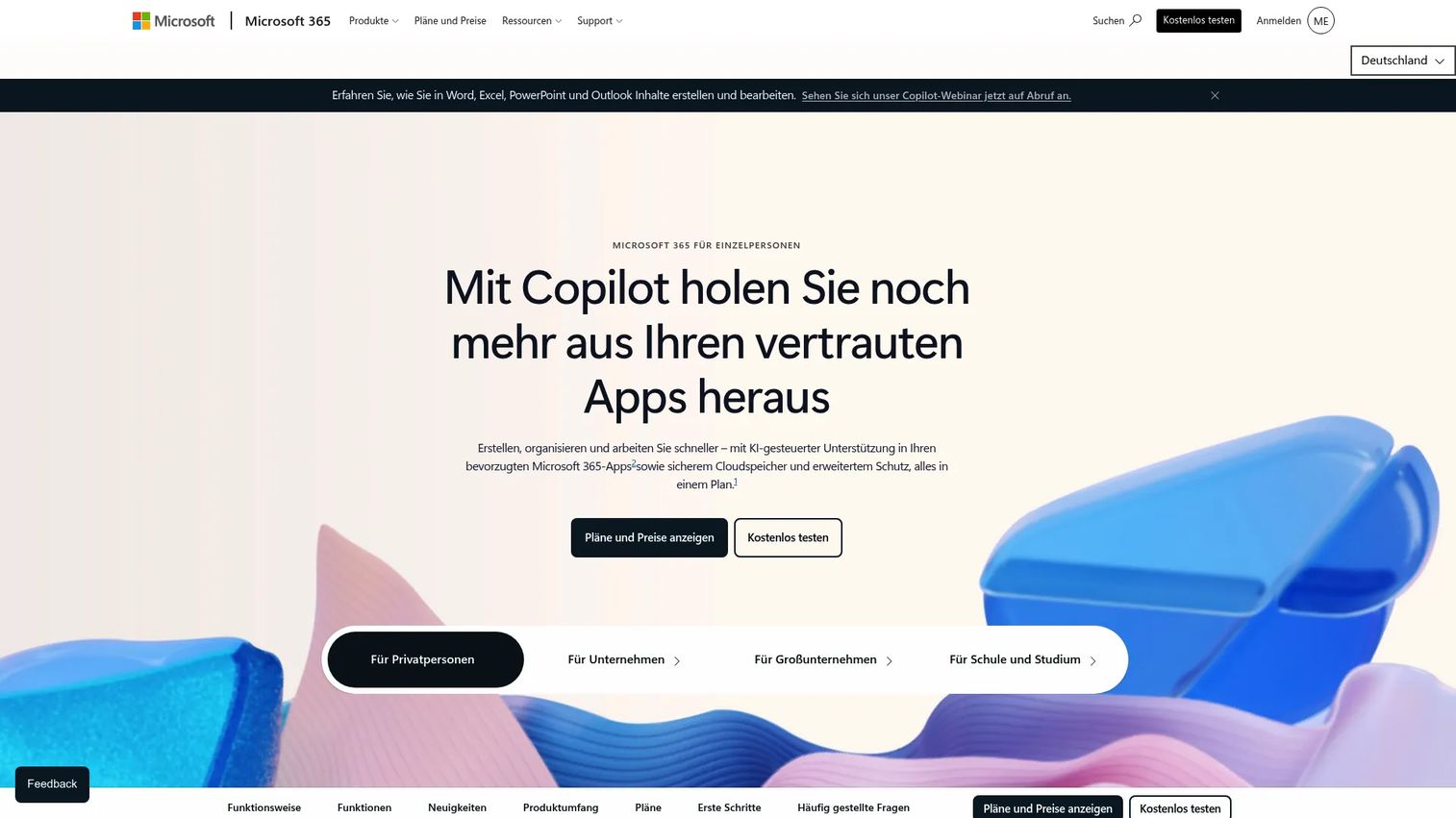
Microsoft 365 is a productivity and collaboration suite that functions as the portal foundation for many mid-market and enterprise organizations. It combines SharePoint team sites, Teams, OneDrive, and Microsoft Entra ID into an integrated environment where employees access documents, communication, and applications through a single identity. For presales teams, it works well as an internal hub for technical templates, handoff materials, and deal-specific documentation organized by team site.
Best for: Mid-market and enterprise organizations already standardized on Microsoft identity and collaboration.
Key features
- SharePoint team sites and communication sites
- OneDrive file access and sharing with version history
- Microsoft Teams integration for communication and collaboration
- Microsoft Entra ID for identity and access management
- Microsoft Defender security and compliance tools
Why choose Microsoft 365: Choose it when your portal strategy depends on Microsoft identity and your organization already pays for a Microsoft 365 subscription. The portal capability is built in rather than a separate purchase.
Microsoft 365 pricing: Personal plans start at $9.99/month or $99.99/year. Family plans covering up to six people start at $12.99/month or $129.99/year.
G2 rating: 4.6/5
2. Google Workspace
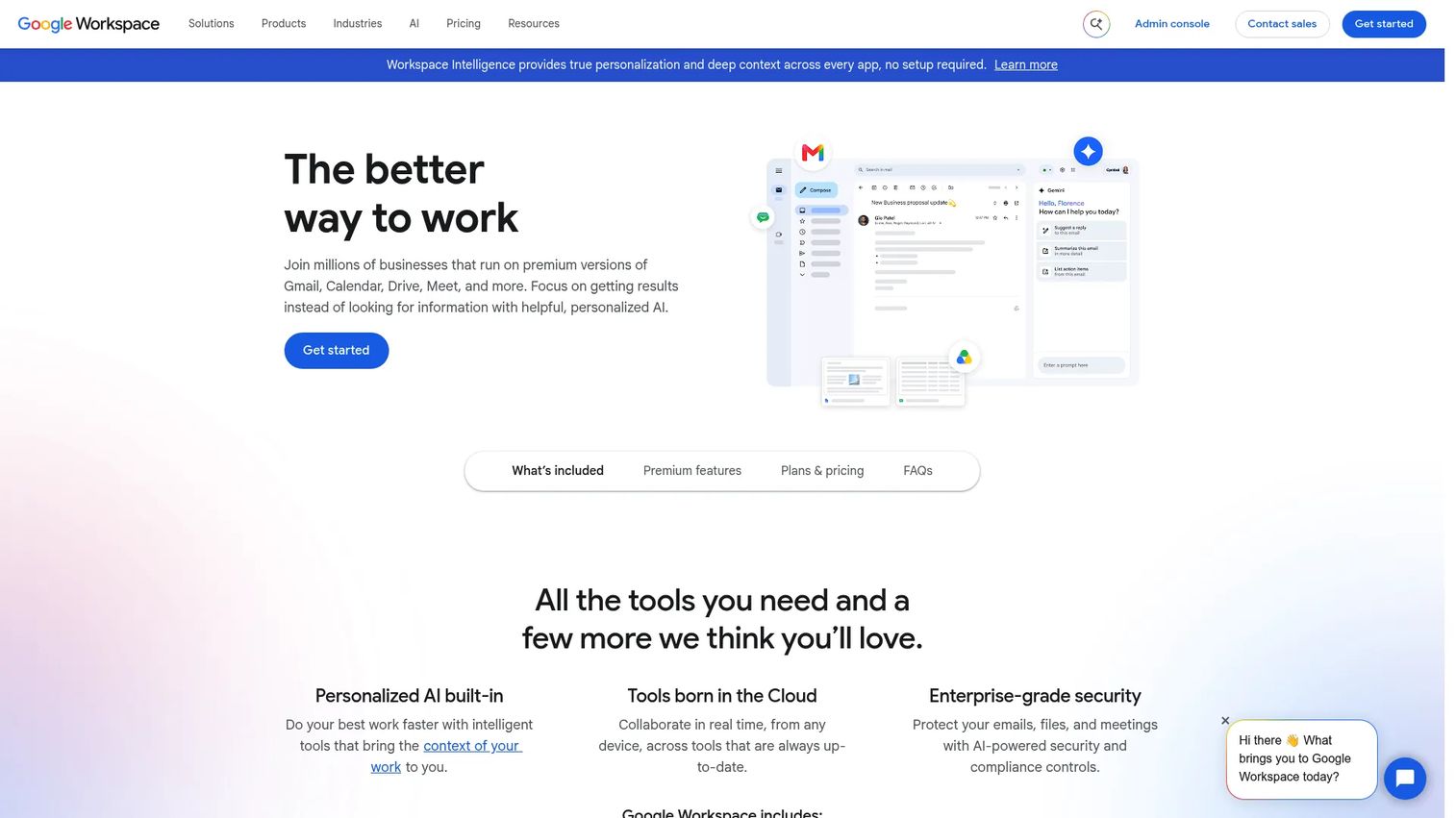
Google Workspace is a cloud-based collaboration suite that many teams use as a lightweight internal portal. Shared drives, Google Sites, and the Workspace admin console give organizations a way to organize content and control access without building a traditional intranet. It fits teams that already run on Gmail, Docs, and Drive and want internal knowledge access without a heavy portal implementation.
Best for: Google-native teams that need a practical employee portal for documents, collaboration, and internal access.
Key features
- Shared drives with granular access controls
- Google Sites for internal or external web pages
- Admin console for user and access management
- Workspace search across files, emails, and people
- Gemini AI assistant features across productivity tools
Why choose Google Workspace: Choose it when teams need findable internal resources without a dedicated intranet project. It saves presales teams from rebuilding content that already lives in Drive, provided the folder structure and permissions are maintained.
Google Workspace pricing: Business Starter starts at $7/user/month on an annual plan. Business Standard is $14/user/month and Business Plus is $22/user/month, both billed annually.
G2 rating: 4.5/5
3. Oracle WebCenter Portal
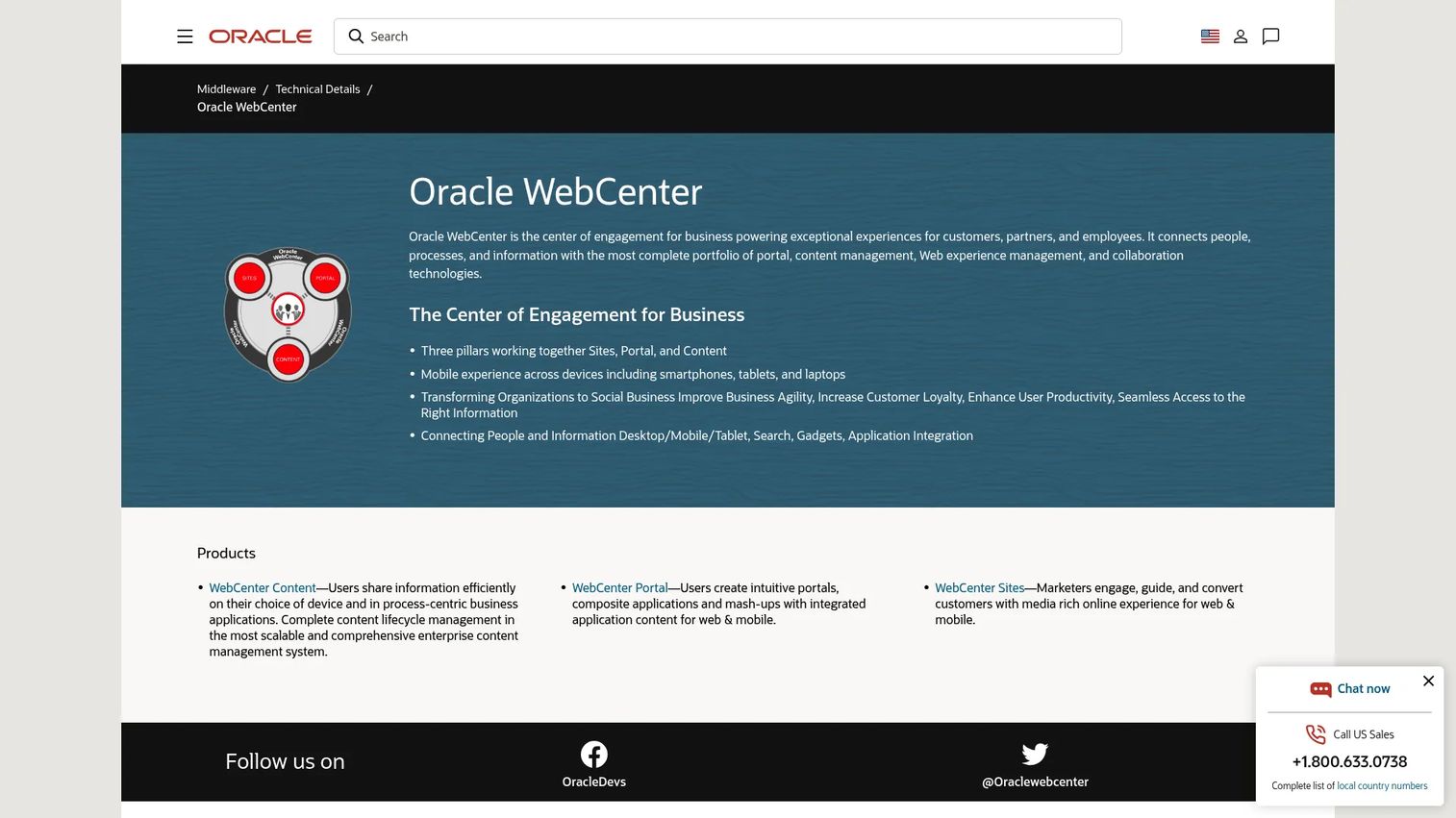
Oracle WebCenter Portal is enterprise portal software for organizations already invested in Oracle infrastructure. It supports intranet, extranet, and composite application portal use cases where tight integration with Oracle applications matters more than a modern no-code editor. Role-based portals work across desktop, tablet, and mobile devices, with reusable components and browser-based customization.
Best for: Large enterprises with Oracle infrastructure and complex back-office integration requirements.
Key features
- Role-based portal layouts for desktop, tablet, and mobile
- Browser-based portal customization with reusable components
- Content personalization and data visualization integration
- Oracle application integration (ERP, CRM, and others)
- Social collaboration and self-service features
Why choose Oracle WebCenter Portal: Choose it when your portal must connect directly to Oracle applications and enterprise identity. It fits organizations with mature IT teams managing complex back-office systems, not teams that need a quick portal deployment.
Oracle WebCenter Portal pricing: Oracle uses perpetual licensing. Named User Plus licenses start at $2,500; Processor licenses start at $125,000. Annual software update and support fees apply separately. Ask sales about your specific environment requirements.
4. eXo Platform
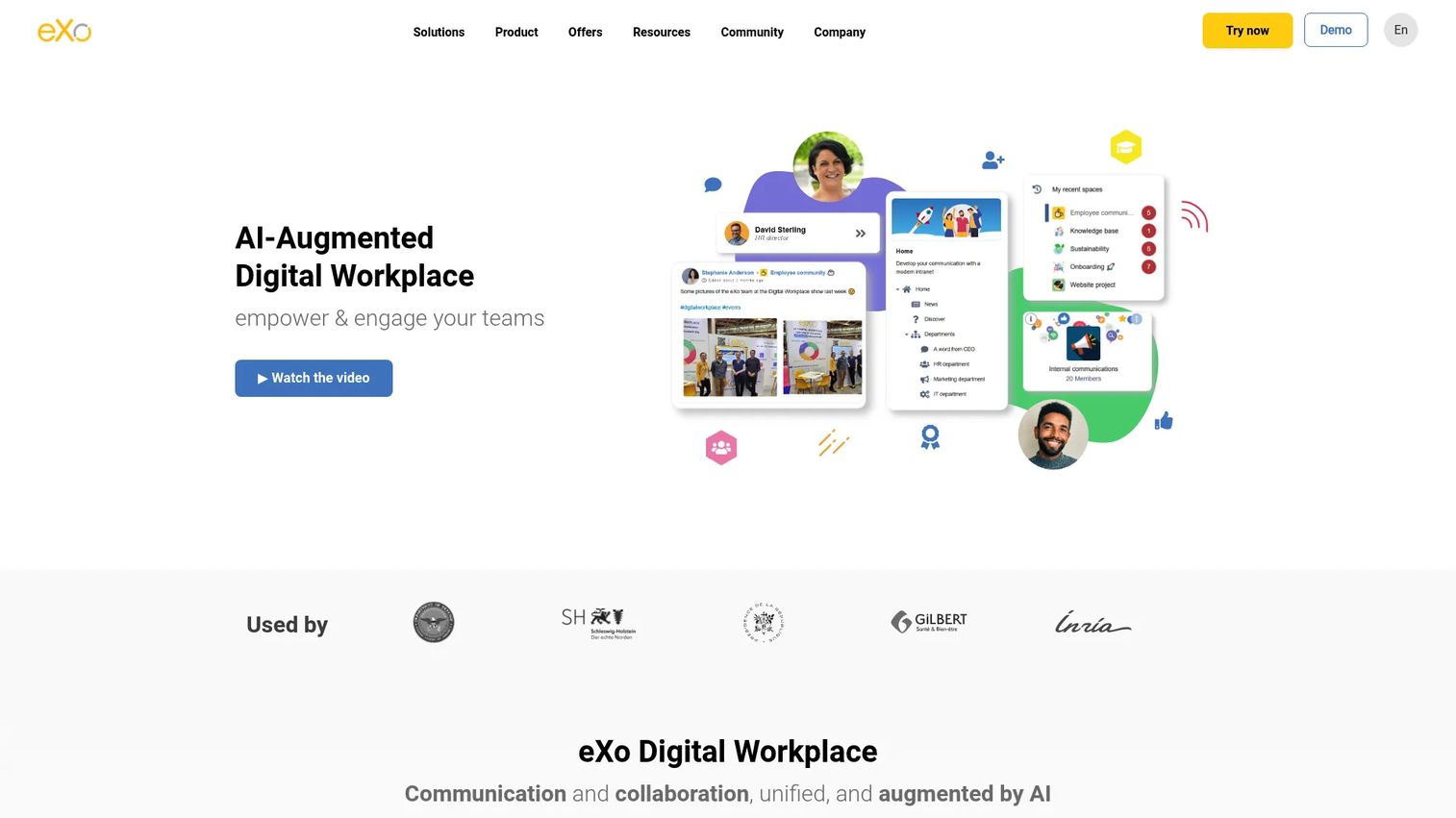
eXo Platform is an open-source, AI-augmented digital workplace combining intranet, collaboration, knowledge management, and employee engagement. It gives organizations more control over their employee portal environment than a proprietary cloud suite, with options for both cloud-hosted and self-hosted deployment. Collaborative spaces, activity streams, and embedded AI for search and writing make it a strong choice for teams that want a fully featured digital workplace without depending on a single vendor's product roadmap.
Best for: Organizations seeking an open-source employee portal or digital workplace with strong social collaboration features.
Key features
- Collaborative spaces for projects, documents, and tasks
- Activity streams and employee communication tools
- Knowledge base and content management
- Embedded AI for writing, search, and organization
- Branded mobile app for employees
Why choose eXo Platform: Choose it when digital sovereignty and customization matter and a proprietary cloud suite feels like too much lock-in. The 14-day trial on the Platinum plan lets you evaluate before committing.
eXo Platform pricing: The Platinum plan is listed at $8/user/month (annual billing, minimum 10 users). Silver and Gold plans are listed as coming soon.
G2 rating: 4.3/5
5. Liferay DXP
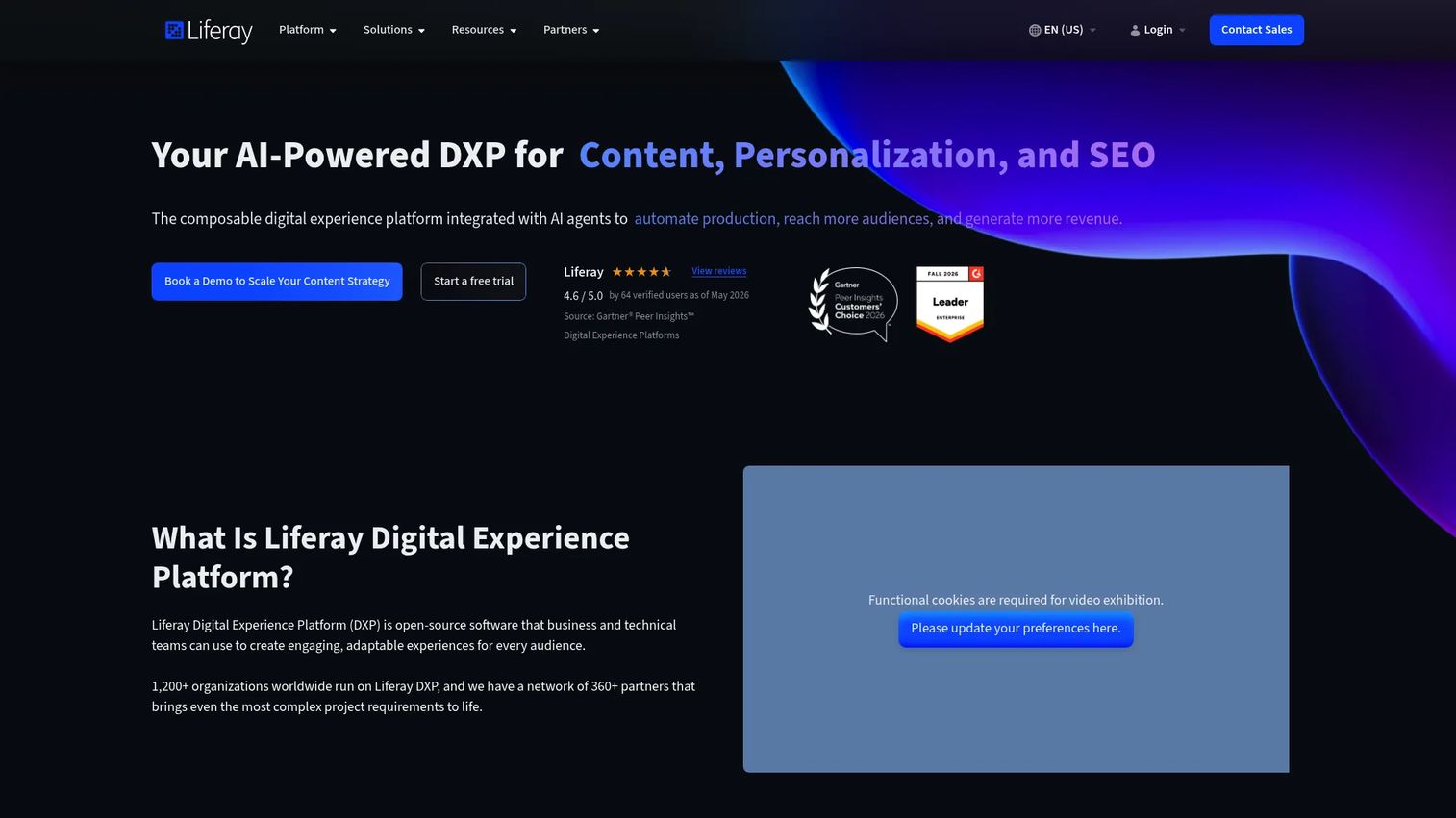
Liferay DXP is a digital experience platform for building portals, intranets, customer portals, partner portals, and personalized web experiences at enterprise scale. It goes well beyond a simple document hub: Personalization, A/B testing, headless APIs, commerce capabilities, and low-code tools make it a fit for organizations that need their portal to do real work in the buying or customer journey, not just store files.
Best for: Enterprises building complex customer or partner portals with deep customization and workflow requirements.
Key features
- Customer and partner portal frameworks
- Personalization engine with segmentation and A/B testing
- Headless APIs for custom front-end delivery
- Workflow automation and low-code tools
- Analytics and optimization built in
Why choose Liferay DXP: Choose it when the portal is a strategic asset that needs to serve multiple external audiences with different content requirements. For presales teams supporting partner or customer enablement at scale, this depth justifies the implementation investment.
Liferay DXP pricing: A free tier is available for learning and proof-of-concept work (activation keys valid for 12 months). Enterprise subscription pricing is by custom quote. Contact sales with deployment model, user count, and support requirements.
G2 rating: 4.4/5
6. Apache Jetspeed 2
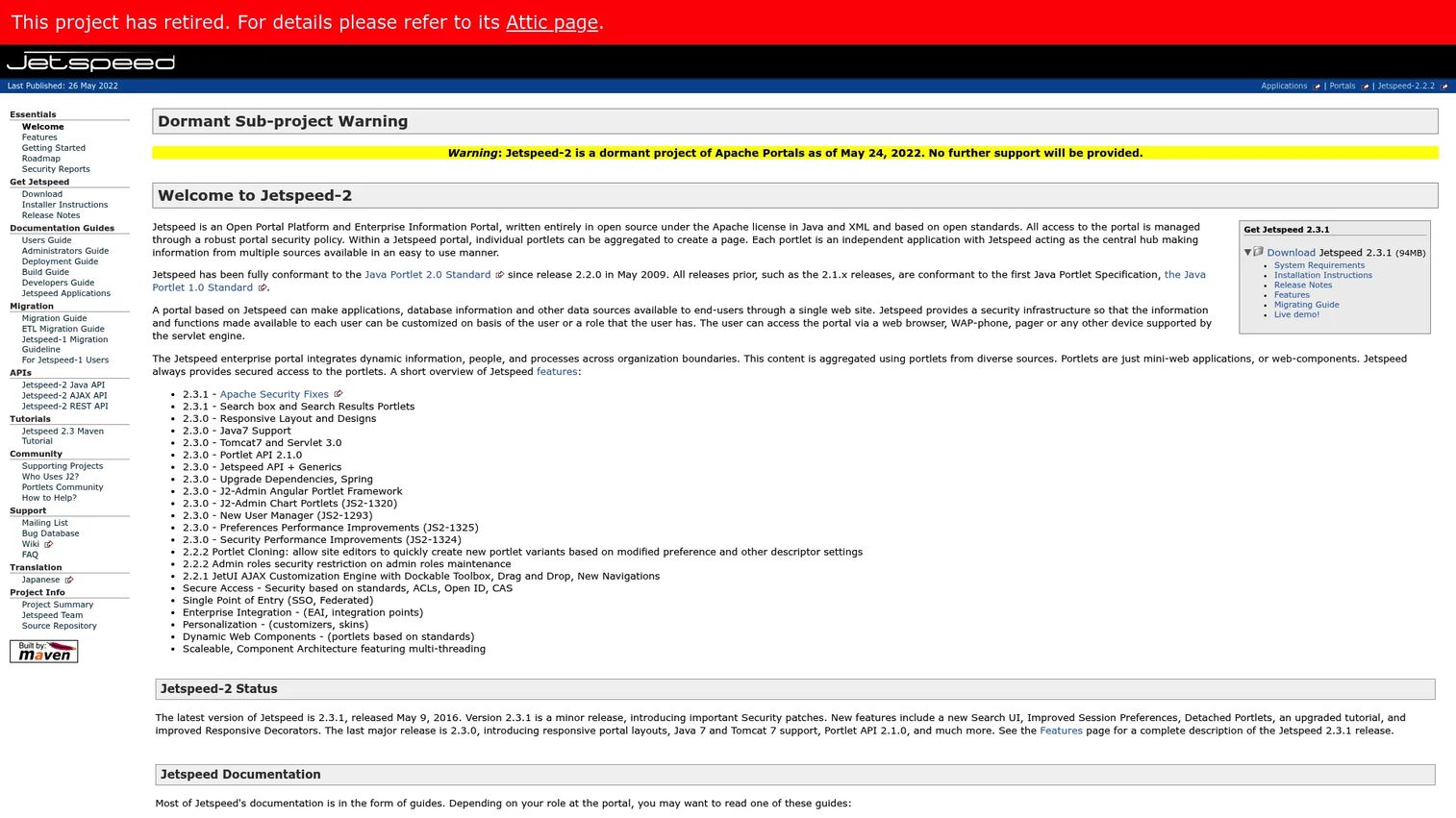
Apache Jetspeed 2 is an open-source Java enterprise portal framework. It aggregates independent portlet applications into customizable web pages and follows Java Portlet Standard specifications. The Apache project page notes that Jetspeed-2 is now retired and dormant, with no further official support provided. Teams researching it should treat it as a reference architecture rather than a supported platform for new builds.
Best for: Development teams researching Java portal infrastructure and portlet standards, not teams starting a new portal project today.
Key features
- Portlet aggregation and Java Portlet Standard compliance
- Role-based security with ACLs, OpenID, and CAS support
- Full-text search using Apache Lucene
- Rules-based profiling and personalization
- Administrative portlets for users, roles, and permissions
Why choose Apache Jetspeed 2: Review it when you need to understand portlet-standard architecture or are evaluating legacy portal infrastructure. For a new portal project, look at actively maintained alternatives.
Apache Jetspeed 2 pricing: The software is open source with no license fee. Budget for engineering evaluation, hosting, and long-term maintenance given the retired project status.
7. uPortal
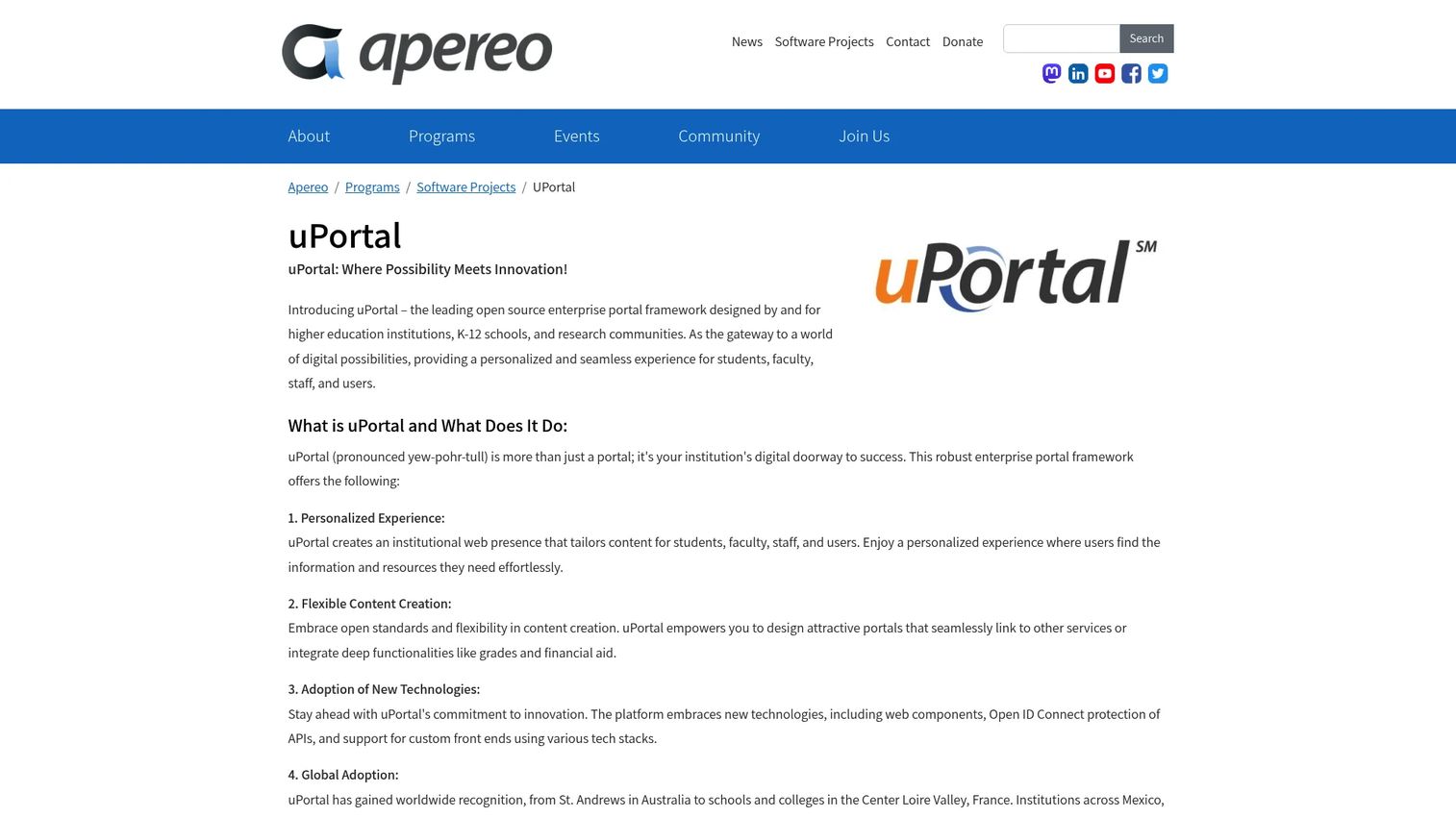
uPortal is an open-source portal framework developed by the Apereo Foundation, historically used by universities, K-12 institutions, and research communities. It creates role-based portal experiences for students, faculty, and staff with flexible content and service integration, web components, and OpenID Connect API protection. Community-driven governance means ongoing development depends on institutional contributors.
Best for: Universities and educational institutions that need a role-based campus portal for multiple user types.
Key features
- Personalized user experiences by role
- Flexible content and campus service integration
- Web components and OpenID Connect support
- Custom front-end support across technology stacks
- Community-driven extensions and branding
Why choose uPortal: Choose it when your portal use case closely matches higher-education access patterns across students, faculty, and staff. It is a poor fit for commercial presales teams looking for a plug-and-play buyer or partner portal.
uPortal pricing: The software is always free and open source. Costs come from hosting, implementation, integrations, and optional Apereo sustaining membership.
8. OpenPortal
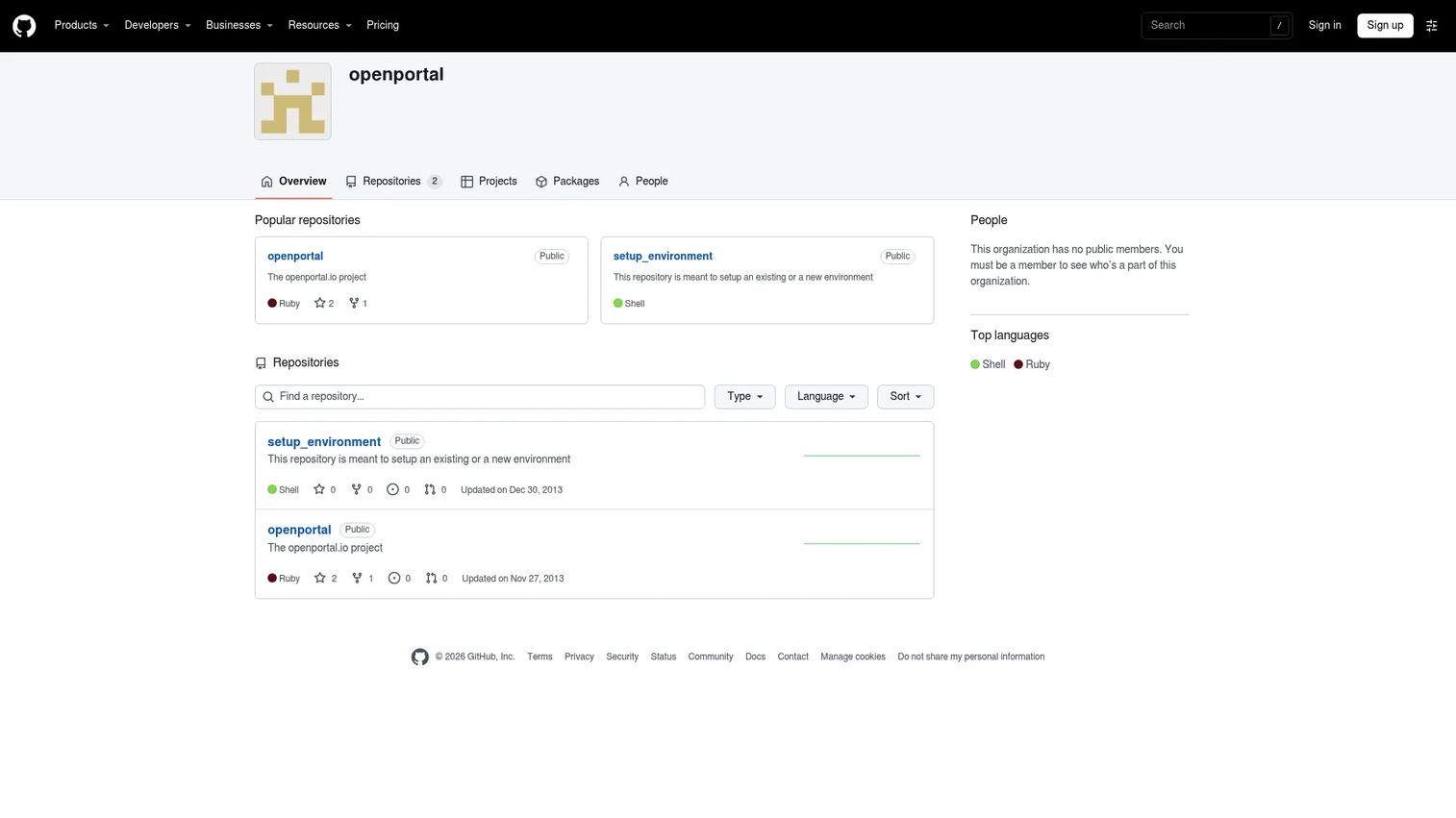
OpenPortal is a GitHub organization associated with the openportal.io project. Research indicates that both the main project and its setup repository were last updated in 2013, which makes its current software-product status unclear. No readable first-party features page or active community documentation was found during research for this guide.
Best for: Technical teams researching open-source portal foundations and legacy portal architecture concepts.
Key features
- Open-source portal codebase
- Standards-based portal framework model
- Developer-customizable architecture
- Self-managed deployment model
Why choose OpenPortal: Confirm project status and community activity before investing engineering time. Treat it as a research candidate for understanding historical open-source portal patterns rather than a modern deployment option.
OpenPortal pricing: The software is open source if the project remains accessible. Budget for engineering evaluation and, importantly, factor in the risk of a project with no recent activity.
9. iPoint Portal
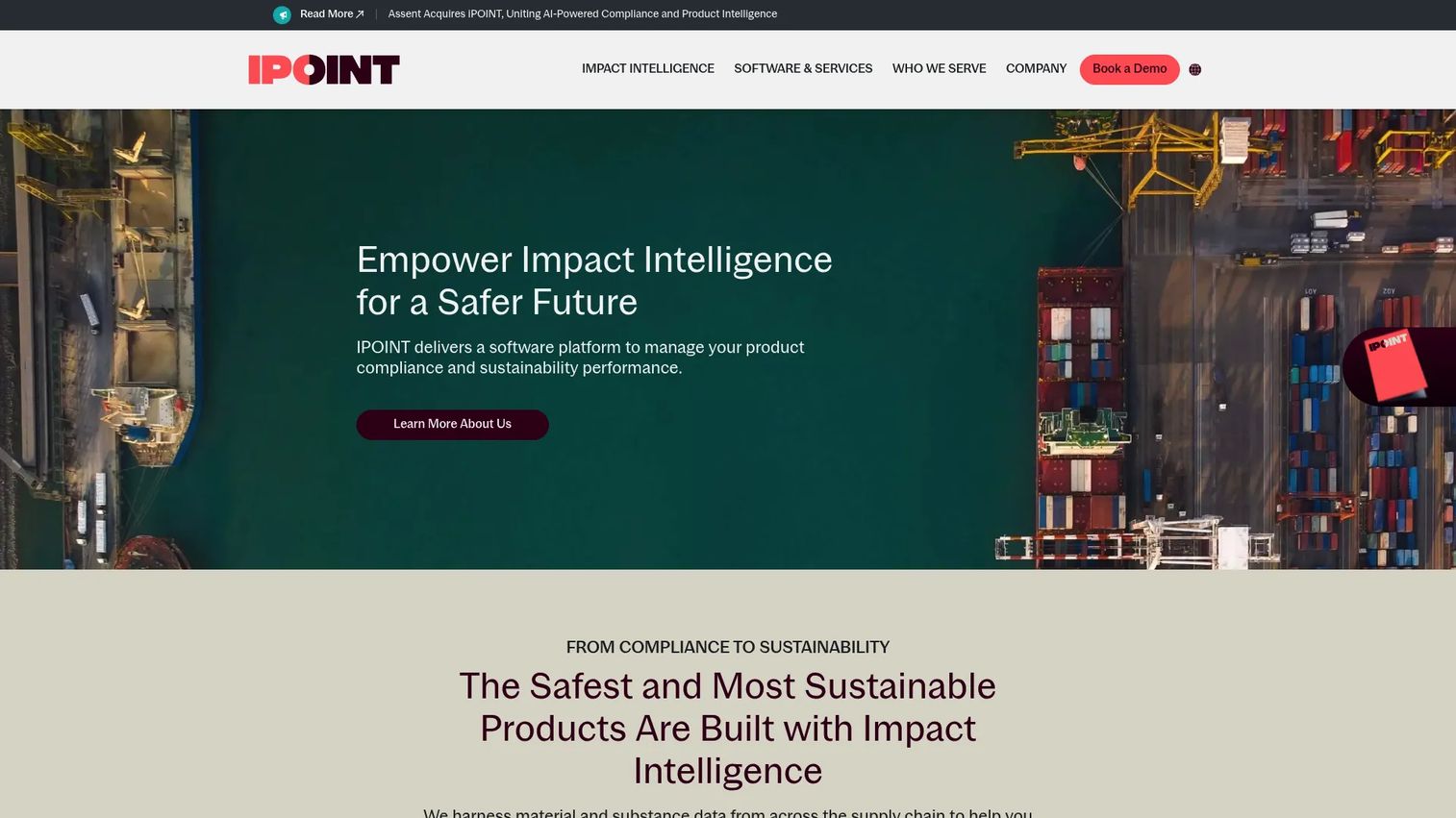
iPoint Systems offers product compliance and sustainability software rather than a general-purpose portal platform. Its Core package focuses on supply-chain compliance data exchange, product and material regulatory compliance management, and carbon-footprint calculations. Teams evaluating this for a traditional employee or customer portal should note the mismatch: The product is purpose-built for product sustainability data workflows.
Best for: Organizations managing product compliance, supply-chain transparency, and product sustainability data across multiple stakeholders.
Key features
- Supply-chain compliance data collection and exchange
- Product and material regulatory compliance management
- Carbon-footprint and sustainability calculations
Why choose iPoint Portal: Choose it when your portal requirement centers on product compliance and sustainability data sharing with suppliers and regulators. It does not address general employee, customer, or partner portal use cases.
iPoint Portal pricing: The Core plan starts at €5,000/year. Growth and Scale plans use custom pricing. Contact sales with user count and compliance module requirements.
10. XOOPS
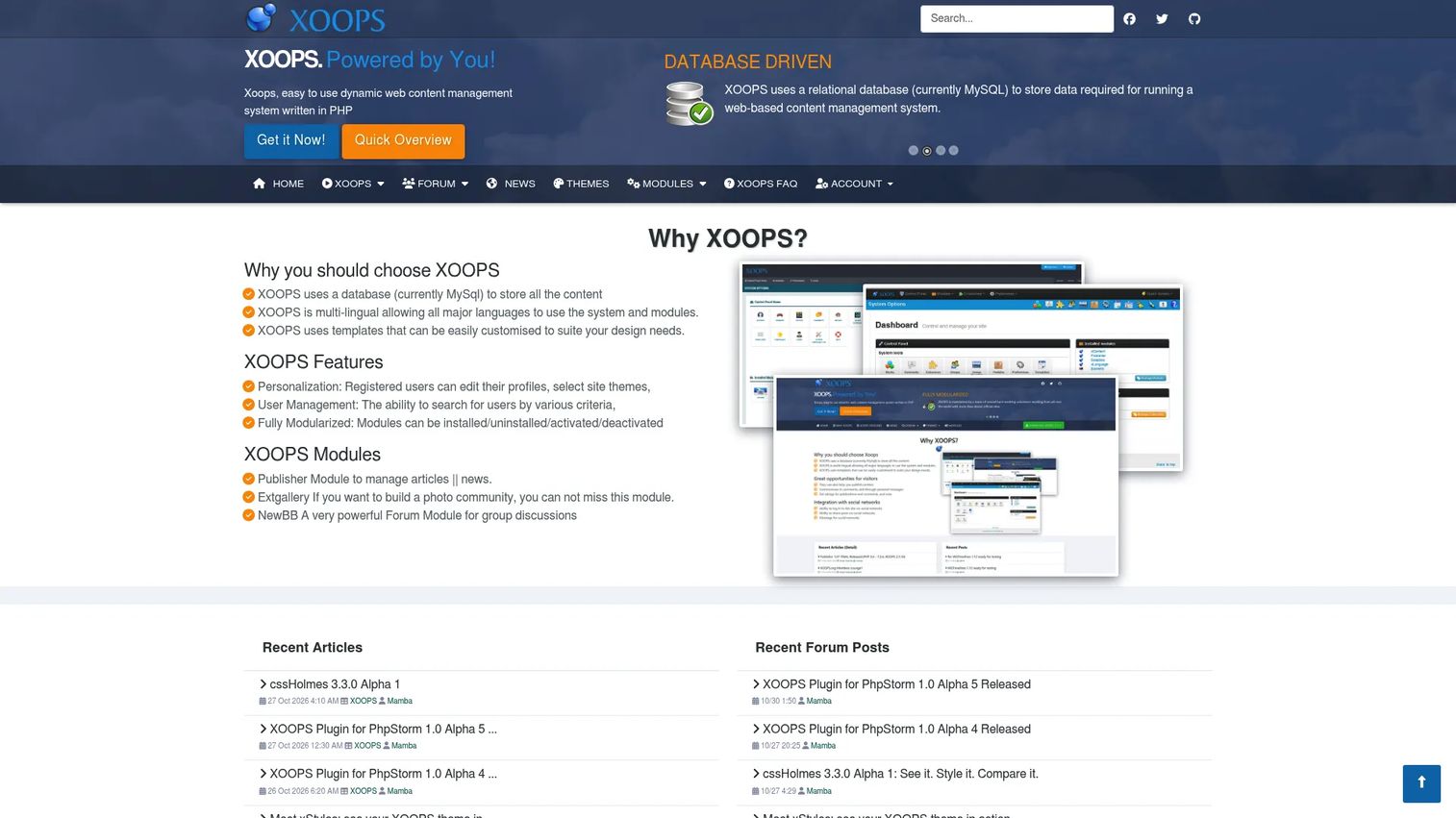
XOOPS is an open-source PHP content management system with modular architecture suited for community portals, content sites, and web applications. Its group-based permissions system, installable modules, and multibyte language support make it a reasonable choice for small teams or communities building a self-hosted content portal. It is better suited to community and content use cases than enterprise intranet deployments.
Best for: Small teams and communities building open-source content portals with PHP technical ownership.
Key features
- Database-driven architecture using MySQL
- Fully modular system with installable modules
- Group-based permissions management
- Multibyte language and theme support
- User profiles, avatars, and user management
Why choose XOOPS: Choose it when you need a lightweight, self-hosted community or content portal and your team has PHP comfort. It is not a fit for organizations that need enterprise SSO, governance workflows, or CRM integration.
XOOPS pricing: The software is open source with no license fee. Budget for hosting, module configuration, and ongoing maintenance.
G2 rating: 3.4/5
11. Tiki Wiki CMS Groupware
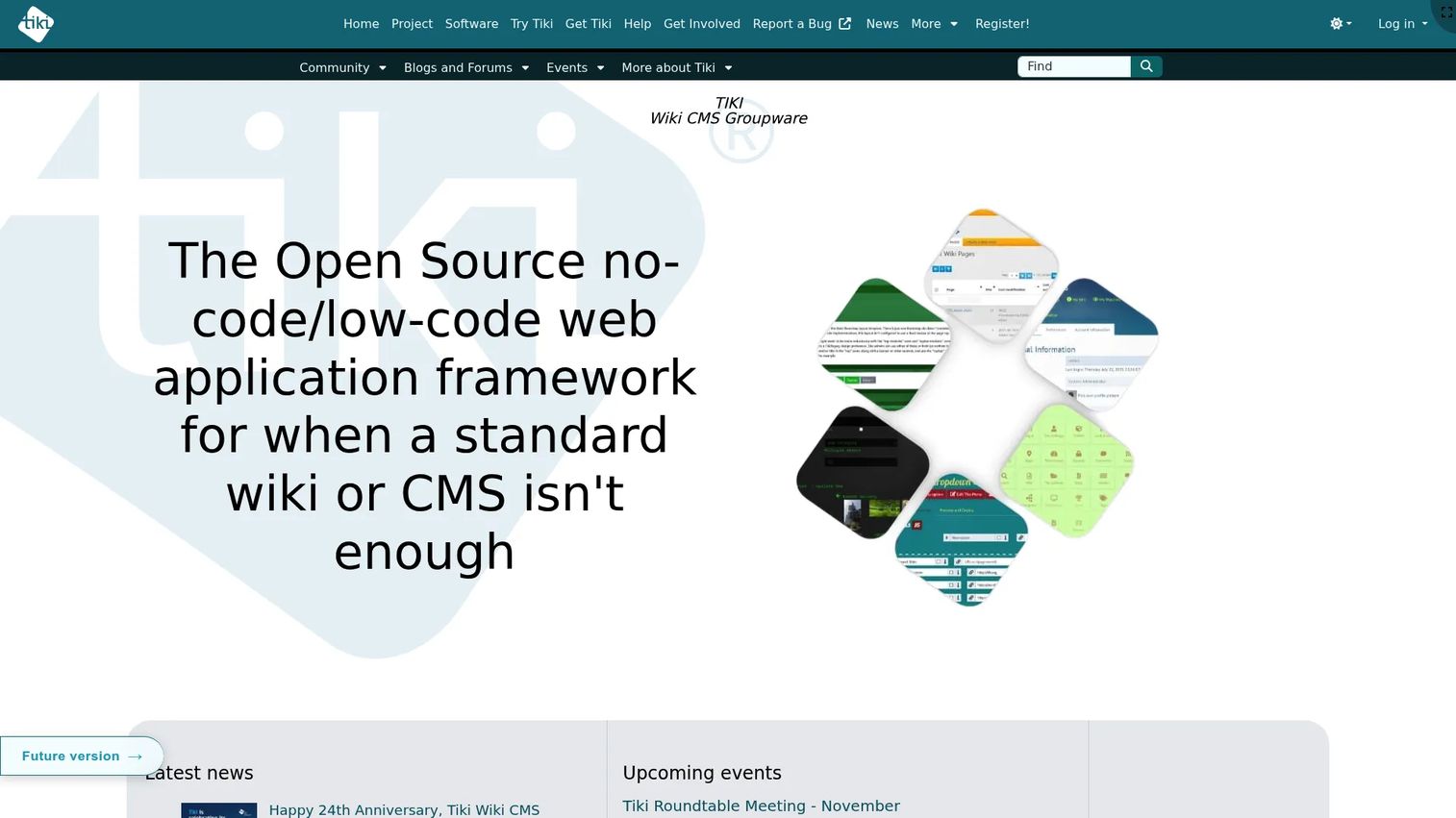
Tiki Wiki CMS Groupware is a free, open-source all-in-one platform that combines wiki, CMS, knowledge base, forums, calendars, file galleries, and groupware into a single self-hosted package. For teams that want structured knowledge management alongside community and collaboration features without assembling multiple plugins, it covers a wide surface area. Its advanced permissions, categories, and unified search make it a practical choice for internal knowledge portals.
Best for: Teams building knowledge-management portals and community collaboration spaces that prefer a self-hosted single-package approach.
Key features
- Wiki pages with collaborative editing and revision history
- Forums, blogs, calendars, and newsletters
- File galleries for storing and sharing assets
- Trackers for database and form generation
- Advanced permissions, categories, and unified search
Why choose Tiki Wiki CMS Groupware: Choose it when a single open-source package covering knowledge, collaboration, and community features is more practical than assembling separate tools. The tradeoff is that maintaining such a broad platform requires consistent technical ownership.
Tiki Wiki CMS Groupware pricing: The software is free. Hosting and domain costs are separate and handled by third parties.
G2 rating: 4.0/5
12. Ametys CMS
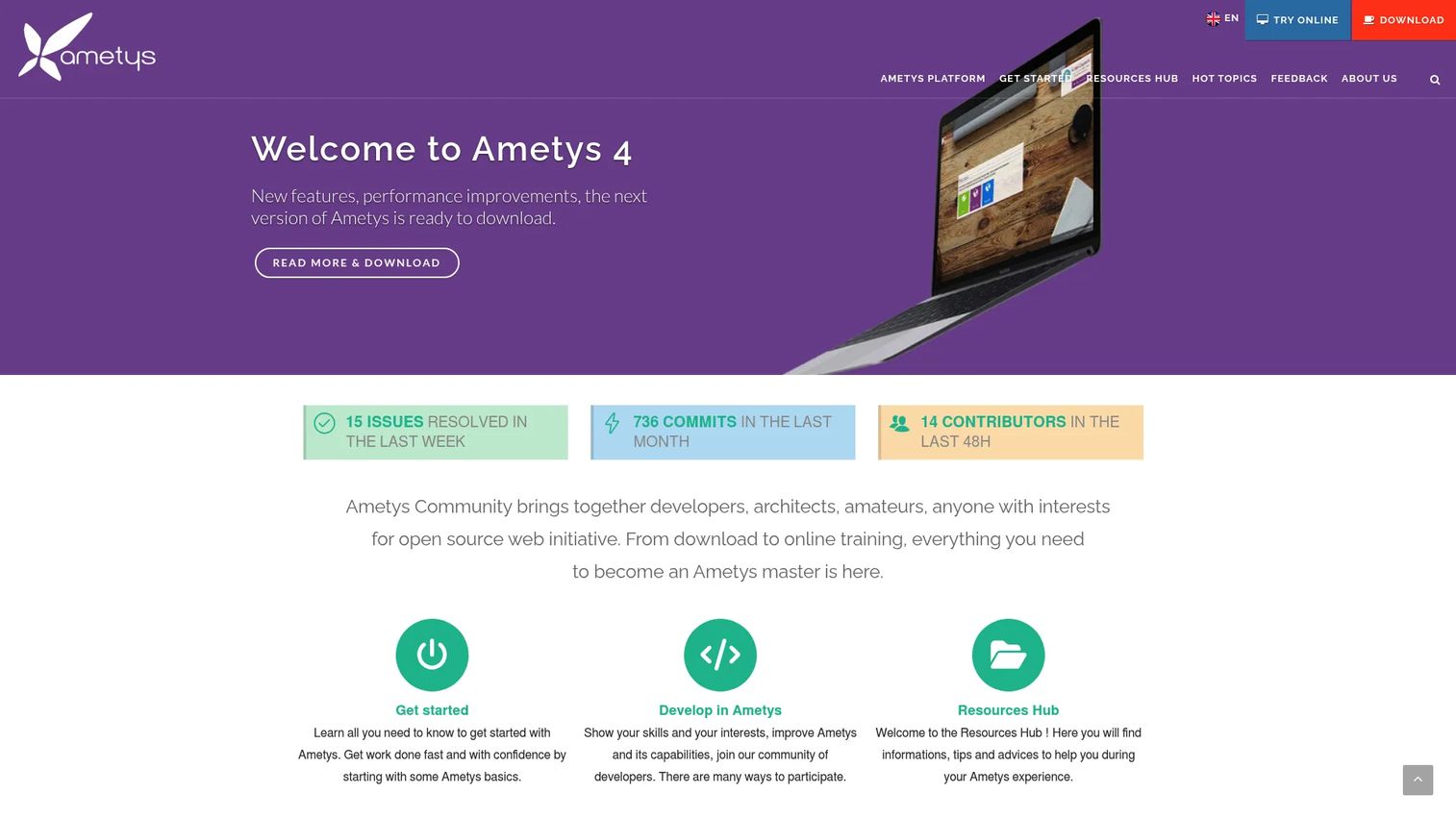
Ametys CMS is an open-source Java platform for building websites, portals, intranets, and collaborative digital experiences. It supports multisite management, WYSIWYG content editing, advanced faceted search, and LDAP/Active Directory single sign-on, making it a reasonable fit for institutions that prioritize editorial governance and structured web publishing alongside portal capabilities.
Best for: Institutions and content-heavy organizations building governed portals where editorial workflows matter as much as collaboration.
Key features
- Multi-site website and portal management
- WYSIWYG content editing and document management
- LDAP and Active Directory SSO
- Advanced faceted search and SEO tools
- Blogs, wikis, forums, tasks, and calendars
Why choose Ametys CMS: Choose it when your portal is primarily a publishing environment that also needs collaboration features. It fits teams with technical ownership of Java applications and institutions that need multisite governance.
Ametys CMS pricing: Ametys is open source. Contact the Ametys team for professional services, hosting, and implementation support.
13. Enonic XP
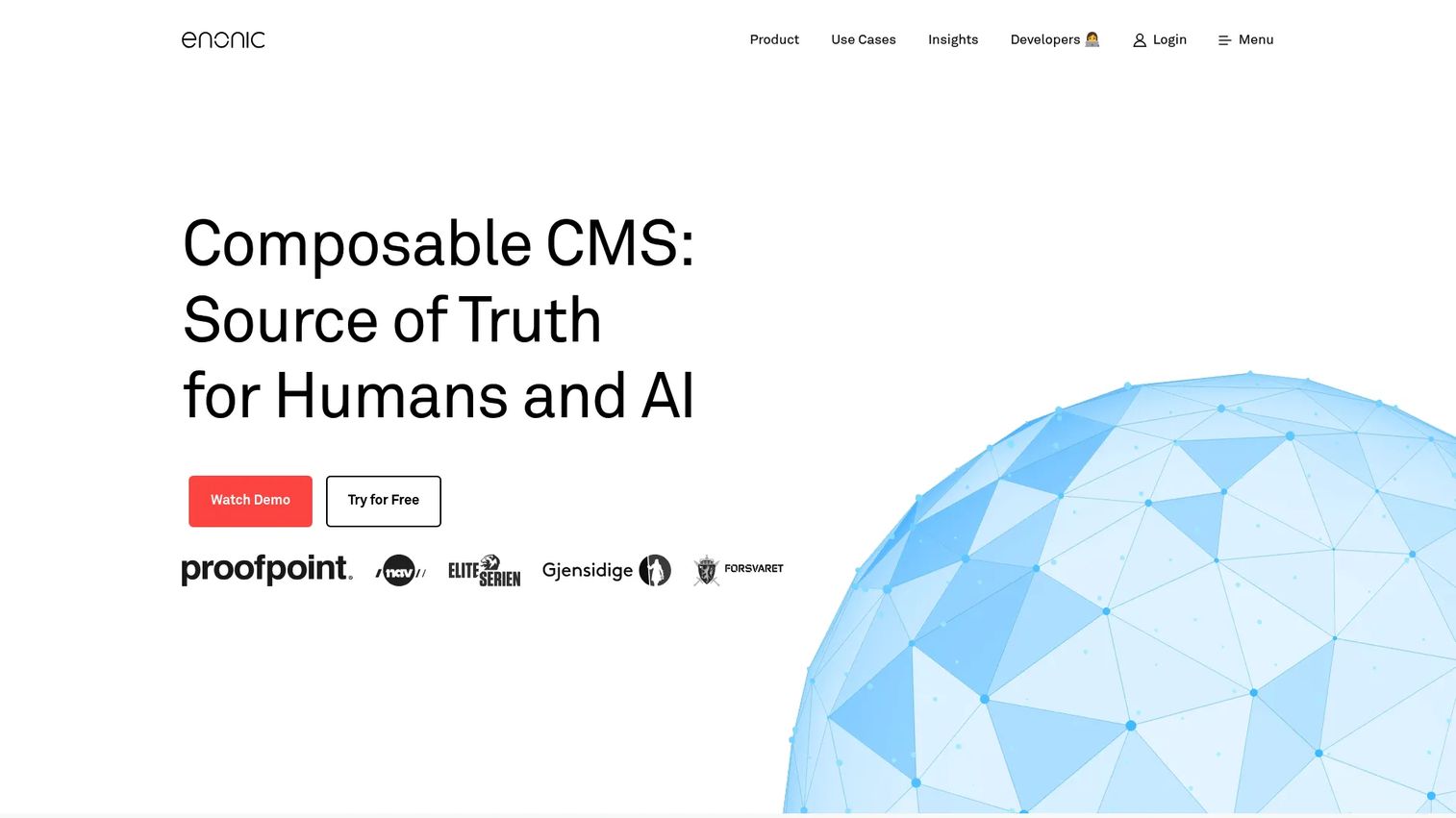
Enonic XP is an open-source composable content platform combining CMS, headless content delivery, application development, built-in NoSQL storage, and search. Its Content Studio provides a visual drag-and-drop editor alongside granular permissions, identity management, and audit logs. Developer teams that want portal infrastructure with both traditional and headless delivery options in a single platform will find it a capable fit.
Best for: Developer-led teams building custom digital portals and web experiences that need both content management and application development capabilities.
Key features
- Content Studio with visual page editor and contextual preview
- Headless and traditional CMS delivery
- Built-in NoSQL data store, search, and application runtime
- Granular permissions and identity management
- Localization with content layers and AI-assisted translation
Why choose Enonic XP: Choose it when the portal requires custom digital experience development and your team wants developer control alongside a managed content environment. It fits organizations with technical ownership rather than teams looking for a configuration-only setup.
Enonic XP pricing: A free tier is available for developers. Professional and Enterprise plans require contacting Enonic for a quote.
G2 rating: 4.5/5
14. Microsoft SharePoint
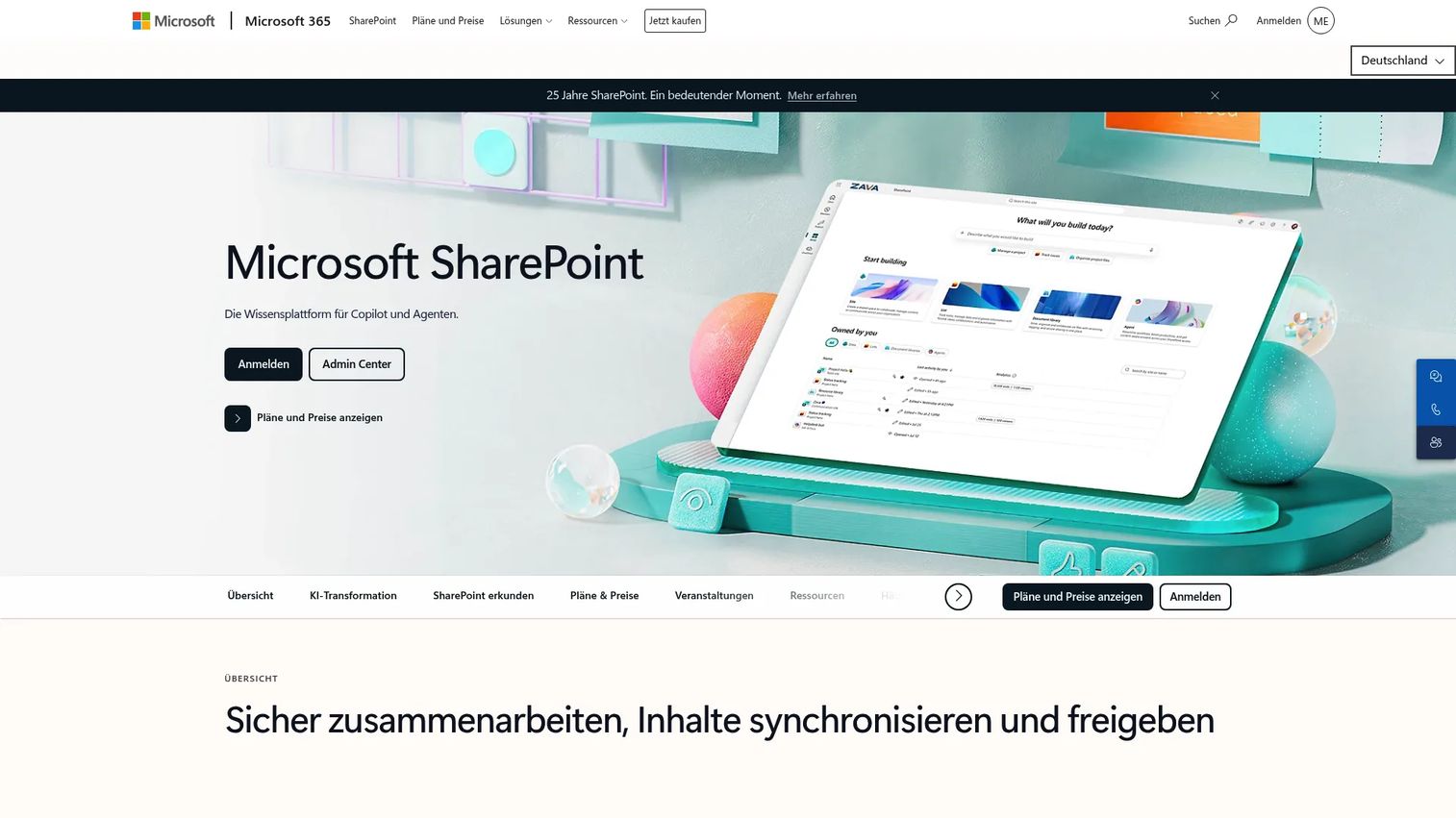
Microsoft SharePoint is one of the most widely deployed intranet and document portal platforms. It supports team sites, communication sites, document libraries with version history, lists, workflows, and organization-wide search. While it is included in most Microsoft 365 plans, SharePoint can also be licensed as a standalone portal platform for organizations that specifically need intranet and document management without the full Microsoft 365 suite.
Best for: Organizations that need intranets, document portals, team sites, and internal search on Microsoft 365.
Key features
- Team sites and communication sites
- Document libraries with version history and access control
- Lists, forms, and Microsoft 365 workflow integration
- Organization-wide search for sites, files, and people
- Permissions management and governance controls
Why choose Microsoft SharePoint: Choose it when your portal use case centers on documents, internal sites, and governance within a Microsoft environment. For presales, it organizes technical content, templates, and internal handoff materials with strong permissions controls.
Microsoft SharePoint pricing: SharePoint Plan 1 is $5/user/month billed annually as a standalone subscription. SharePoint is also included in most Microsoft 365 Business and Enterprise plans.
G2 rating: 4.0/5
15. Drupal
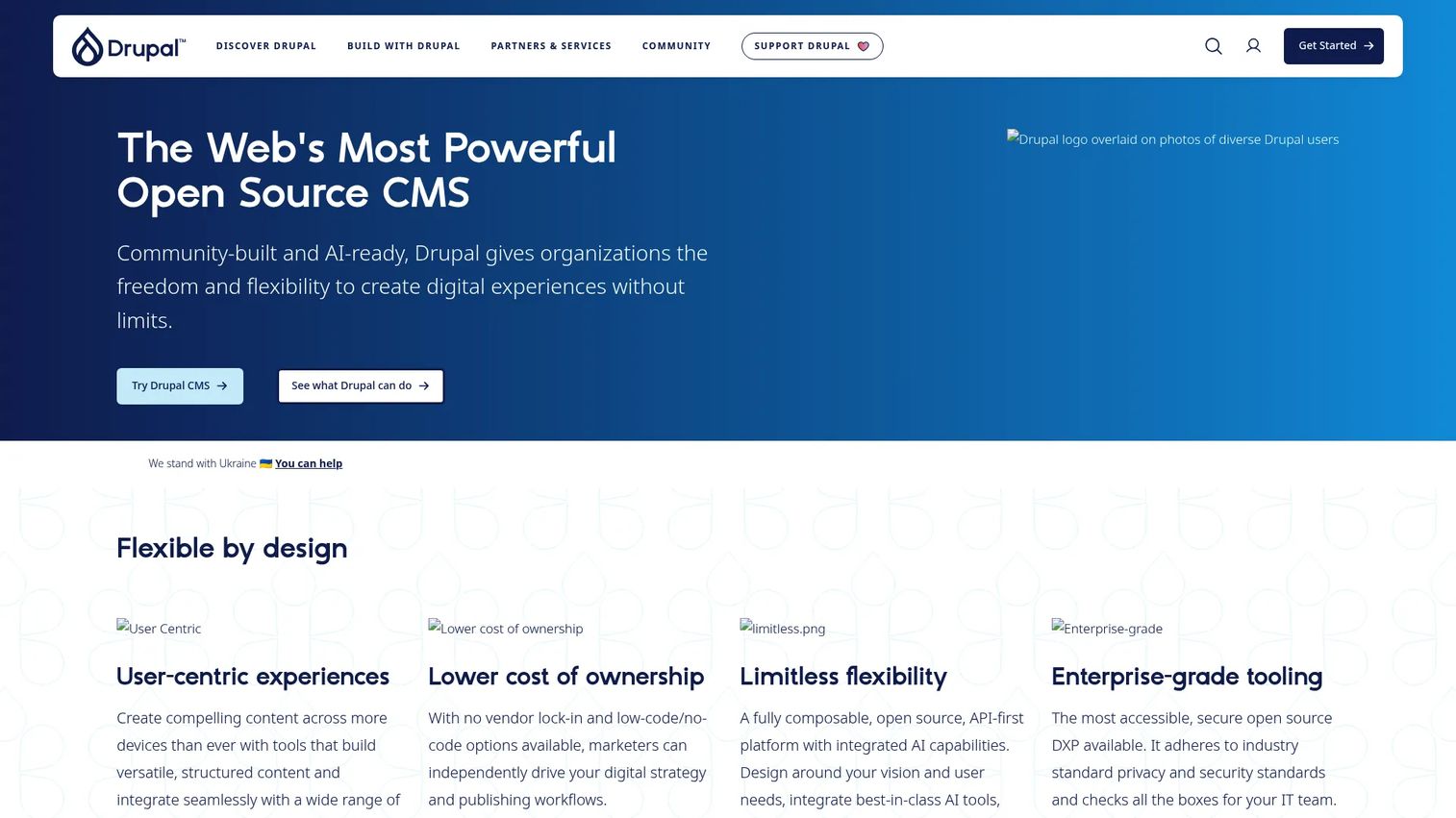
Drupal is a free, open-source CMS that powers complex portals when content modeling, permissions, workflows, and extensibility matter. It is not a ready-made enterprise portal, but its flexible content types, role-based access control, taxonomy system, and large extension ecosystem make it widely used for community portals, public-sector sites, and content-heavy portal experiences that require a developer-led build.
Best for: Teams with developer support building custom content portals, community portals, and public-sector digital experiences.
Key features
- Flexible content types and taxonomy system
- Role-based permissions and access control
- Workflow modules and editorial governance
- API-first and headless content delivery
- Multilingual content management
Why choose Drupal: Choose it when the portal is content-heavy and needs custom content architecture maintained over time. It fits teams with developer support and long-term governance needs, and is less suited for organizations that want a configuration-only deployment.
Drupal pricing: Drupal core and Drupal CMS are free and open source. Budget for hosting, development, security updates, module maintenance, and implementation services.
G2 rating: 3.9/5
Considerations when choosing portal software
Match the portal type to the user
Employee portals, customer portals, partner portals, and developer frameworks solve different jobs. A platform built for internal knowledge management may fail when external partner access requires a different permissions model, audit trail, or branding approach. Decide who the primary user is before shortlisting.
Check identity, SSO, and governance controls
SSO, role-based access, guest access, audit trails, and data retention policies determine whether a portal passes IT and security review. For presales teams sharing sensitive technical content, governance matters from day one. Ask every vendor about LDAP, Active Directory, SAML, and SCIM support before evaluating features.
Validate integrations before committing
Map your CRM, directory services, document storage, analytics tools, and communication platforms before choosing. Portals that require duplicate content entry or lack APIs to your existing access control software become maintenance burdens. Test integrations in a proof-of-concept before purchase.
Decide how much customization you can maintain
Ready-made suites like Microsoft 365 or Google Workspace deploy faster and require less engineering. Developer frameworks like Drupal or Enonic XP offer more flexibility but create ongoing ownership responsibility. Open-source tools reduce license costs but shift the budget to hosting, implementation, and security updates.
Measure adoption and content usefulness
Track active users, search queries, failed searches, and content freshness after launch. Portals that nobody uses fail quietly. For presales teams, tie portal metrics to KPIs that matter: Fewer repeated technical requests, faster time-to-first-meaningful-evaluation, and reduced SE hours spent rebuilding resources.
Conclusion
Portal software is not a single category with a universal answer. The right pick depends on who the portal serves, what systems it must connect to, and how much technical ownership your team can sustain.
For Microsoft-heavy organizations, Microsoft 365 and SharePoint deliver the most integrated employee portal experience without a separate platform purchase. Google Workspace fills the same role for teams built on Google. Liferay DXP and Oracle WebCenter Portal fit enterprise projects where customer or partner portals require deep integration and personalization.
For open-source flexibility, eXo Platform offers the most complete digital workplace experience among the self-hosted options. Drupal and Enonic XP both work well for content-heavy or developer-led portal builds. Tiki Wiki and Ametys CMS serve more specialized knowledge and institutional use cases.
Before you shortlist, define the portal audience, list the systems it must connect to, and decide whether you want a ready-made suite or a buildable framework. Then take three platforms from the table above and run a structured proof-of-concept against your real requirements.
And if your presales workflow needs a way to present technical product experiences to buyers without live environment access, explore how Guideflow handles buyer enablement alongside your portal strategy.
Start your journey with Guideflow today!
FAQs
Portal software gives specific users governed access to content, applications, workflows, and data based on their role. Common use cases include employee self-service, customer account access, partner enablement, community knowledge sharing, and document management. Presales teams use portals to centralize evaluation resources, security documentation, and technical assets for buyer and partner access.
Intranet software is almost always employee-facing. Portal software is a broader category that includes employee portals but also covers customer portals, partner portals, community platforms, and developer frameworks. Intranets are one type of portal, not a separate category.
A CMS manages content publishing and editorial workflows. Portal software combines access control, application integration, personalization, and governance alongside content management. Some CMS platforms, like Drupal and Ametys CMS, are commonly used to build portal-like experiences when extended with the right modules and architecture.
The answer depends on the existing technology stack. Microsoft 365 and SharePoint fit organizations standardized on Microsoft. Oracle WebCenter Portal suits organizations deep in Oracle infrastructure. Liferay DXP fits enterprises building external-facing customer or partner portals with complex personalization requirements. eXo Platform suits teams that want open-source control over their digital workplace.
The right open-source option depends on the portal type. eXo Platform is the most complete option for a digital workplace intranet. Liferay's free tier works for portal proof-of-concept and learning environments. Drupal suits content-heavy portal builds with developer support. Tiki Wiki CMS Groupware covers knowledge management and community collaboration. Apache Jetspeed 2 and uPortal are better understood as institutional or framework references than active product choices for new deployments.
Commercial suites charge per user, typically ranging from $5 to $25 per user per month depending on the plan. Enterprise platforms like Oracle WebCenter Portal and Liferay DXP use perpetual licensing or custom subscription models that require a sales conversation. Open-source tools carry no license fee but add hosting, development, security maintenance, and ongoing implementation costs. For business process management software and portal integration projects, those implementation costs often exceed the license cost in the first year.
Start with role-based permissions, single sign-on, content management, and search. From there, prioritize workflow automation, application integrations, personalization, analytics, and audit logs. Rank features based on the portal audience. A customer portal prioritizes self-service and account access. A partner portal prioritizes co-selling assets and deal registration. An employee portal prioritizes search, HR self-service, and cross-functional collaboration.
Yes, when it is used to centralize evaluation resources rather than just store documents. A governed portal lets presales teams publish security documentation, technical specs, RFP responses, and proof-of-concept guidance in one place that stays current and accessible. It reduces repeated requests across deal cycles and shortens the time buyers spend waiting for resources. Pair it with best presales software tools that handle the demo and qualification layer alongside the portal's information access layer.