Your enterprise customer asks how access is verified after login. Security asks who owns device posture. Engineering asks whether this means replacing the VPN, reworking Kubernetes secrets, or adding policy checks at the API layer. That is the zero trust problem. It is architecture, not a SKU.
According to a 2025 StrongDM survey, 81% of organizations had fully or partially implemented zero trust. Yet a separate 2025 Aviatrix survey found that only 8% of U.S. respondents used zero trust architectures to secure inter-cloud traffic. The gap between intent and coverage is real, and it shows up in security reviews, procurement questionnaires, and enterprise onboarding friction.
For product managers, this matters beyond the security team's roadmap. Enterprise buyers ask about SSO, least-privilege access, auditability, and data isolation. The answers live in which zero trust tools your organization has deployed, and how they connect to identity, devices, applications, and workloads.
No single vendor covers every layer. This guide maps 15 tools to the architecture layers they actually address, so you can build a shortlist grounded in your current gaps, not vendor marketing.
What's inside
This guide compares 15 zero trust architecture tools for 2026, selected to cover the full architecture stack from identity to secrets. Tools were evaluated on four criteria:
- Architecture layer fit: Which zero trust layer does the tool primarily address?
- Integration fit: Does it connect to your identity provider, endpoint manager, cloud, and existing security stack?
- Deployment model: Cloud-delivered platform, self-hosted component, or open-source engine?
- Pricing clarity: Is pricing published, quota-based, or quote-driven, and what drives the quote?
The list includes commercial zero trust platforms, identity and access tools, and open-source architecture components. Pricing and G2 ratings reflect figures verified against vendor pages and G2 listings.
TL;DR
- Best overall SASE platform: Cloudflare One for ZTNA, web filtering, and application access in a cloud-delivered platform with a free tier
- Best for enterprise SASE: Zscaler Zero Trust Exchange for large organizations consolidating private access and traffic inspection
- Best for identity-first zero trust: Okta (Starter from $6/user/month) or Microsoft Entra ID (P1 from $7/user/month), depending on your existing identity stack
- Best lightweight VPN replacement: Twingate, with a free Starter tier and Teams plans from $5/user/month
- Best open-source policy layer: Open Policy Agent for runtime policy-as-code across cloud-native systems
- Best for secrets and machine identity: HashiCorp Vault, with HCP Vault Dedicated starting at $0.62/cluster/hour
What is zero trust architecture software?
Zero trust architecture software is a set of tools that continuously verifies users, devices, workloads, applications, and data access instead of trusting anything by default after network entry.
The model, formalized in NIST SP 800-207, removes implicit trust from every request. Access decisions are made based on identity, device posture, context, and policy, with continuous evaluation rather than a one-time perimeter check.
Most organizations need multiple tools to cover the full architecture. No single platform addresses every layer with equal depth. The common layers, and the tool types that address them, include:
- Identity and access management: Who is the user, and what are they authorized to access?
- Multi-factor and adaptive authentication: Is the identity claim strong enough for the requested resource?
- Device posture and endpoint security: Is the device healthy and compliant at the moment of access?
- Zero trust network access (ZTNA): Can the user reach this specific application without broad network exposure?
- SASE and secure web gateway: Is internet and cloud traffic inspected before it reaches users?
- Microsegmentation: Can a compromised workload move laterally, or is blast radius contained?
- Policy enforcement: Are access decisions governed by testable, version-controlled policies?
- Secrets management: Are credentials, tokens, and machine identities rotated and audited?
- Monitoring and response: Is suspicious behavior detected and actioned in real time?
Core capabilities to look for
- Identity verification and SSO integration
- Adaptive access policies based on context and risk
- Device posture checks at access time
- Least-privilege access to applications and resources
- Private application access without network exposure
- Network and workload segmentation
- Continuous monitoring and audit logs
- Policy-as-code support
- Integrations with existing identity providers and cloud infrastructure
When to use zero trust architecture tools
Replace broad network access with app-level access
Teams move from VPN-style access to ZTNA when remote employees, contractors, and internal developers need to reach specific applications without broad network visibility. VPNs grant network access first and restrict applications afterward. ZTNA tools invert that model: Users get access to named resources only, with no route to anything else on the network. This matters during enterprise sales cycles, when security reviewers ask how lateral movement is prevented after a credential compromise.
Prove enterprise security readiness
Enterprise procurement and security reviews now routinely ask how identities are managed, how access is logged, and how privileges are scoped. Zero trust tooling provides the audit evidence: Access logs, conditional policies, privilege reviews, and device compliance reports. For PMs who get pulled into security questionnaires, having deployed identity governance and conditional access shifts that conversation from aspirational to documented.
Secure cloud workloads and internal services
Platform and infrastructure teams face a different set of zero trust problems: Service-to-service authentication, Kubernetes admission control, secrets rotation, and workload segmentation. Policy engines like Open Policy Agent and secrets managers like HashiCorp Vault address machine identity and runtime policy, not just human access. These are the tools that matter when your product runs on shared cloud infrastructure with many internal services communicating across trust boundaries.
Zero trust architecture tools comparison
The 15 tools below span full commercial platforms, identity-focused access tools, and open-source architecture components. Some cover multiple layers; others go deep on one. The right combination depends on your current gaps.
| # | Product | Best for | Key differentiator | Pricing | G2 rating |
|---|---|---|---|---|---|
| 1 | Cloudflare One | Unified ZTNA and web security | Broad SASE platform: Access, Gateway, global network | Free tier; pay-as-you-go $7/user/month | 4.6/5 |
| 2 | Zscaler Zero Trust Exchange | Enterprise SASE | Private app access and internet traffic inspection | Custom pricing | 4.3/5 |
| 3 | Okta | Identity-first zero trust | Workforce SSO, MFA, lifecycle, and adaptive access | Starter $6/user/month | 4.5/5 |
| 4 | Microsoft Entra ID | Microsoft-native identity | Conditional access across Microsoft environments | P1 $7/user/month | 4.5/5 |
| 5 | Twingate | Lightweight ZTNA | Resource-level access without network exposure | Free Starter; Teams $5/user/month | 4.6/5 |
| 6 | Appgate SDP | Software-defined perimeter | Fine-grained, context-aware hybrid access | Custom pricing | 4.8/5 |
| 7 | Google BeyondCorp Enterprise | Google-native zero trust | Browser-based, context-aware application access | Contact sales | 4.3/5 |
| 8 | NordLayer | SMB and mid-market access | Packaged secure access with published per-user pricing | Lite $8/user/month | 4.3/5 |
| 9 | Akamai Guardicore Segmentation | Microsegmentation | AI-powered segmentation across hybrid infrastructure | Custom pricing | 4.2/5 |
| 10 | CrowdStrike Falcon Zero Trust | Endpoint-driven zero trust | Device posture and identity risk from endpoint telemetry | Custom pricing | N/A |
| 11 | Forcepoint ONE | SASE and data protection | Unified secure access and data loss prevention | Custom pricing | 4.2/5 |
| 12 | Palo Alto Networks Prisma Access | Enterprise SASE | ZTNA, SWG, CASB, and cloud-delivered security | Custom pricing | 4.3/5 |
| 13 | Keycloak | Open-source IAM | Self-hosted identity and access management | Free (open source) | N/A |
| 14 | Open Policy Agent | Policy-as-code | General-purpose policy engine for cloud-native systems | Free (open source) | N/A |
| 15 | HashiCorp Vault | Secrets management | Secrets, encryption, and machine identity controls | HCP Vault from $0.62/cluster/hour | 4.3/5 |
Best 15 zero trust architecture tools for 2026
1. Cloudflare One
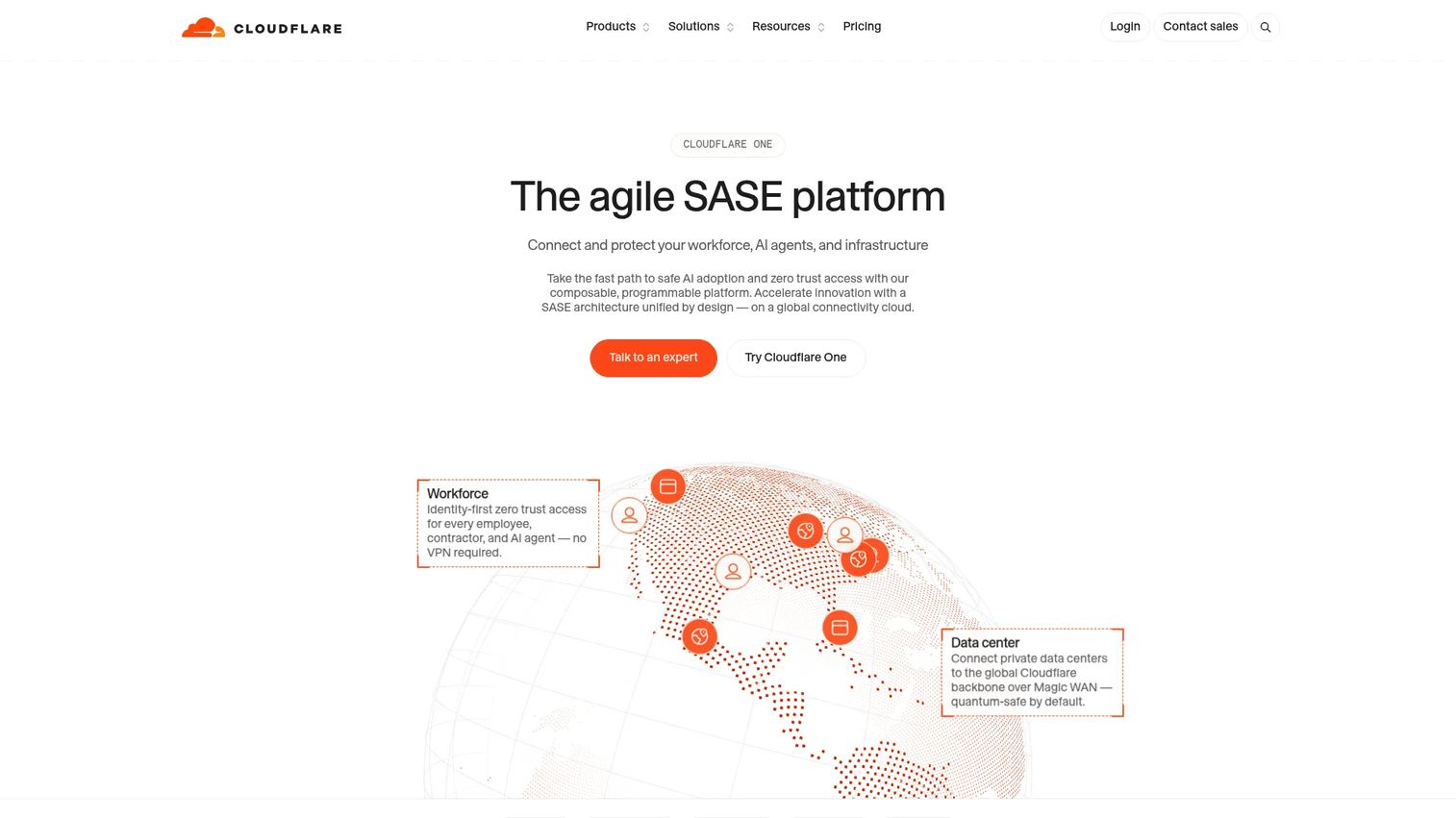
Cloudflare One is a cloud-delivered SASE platform that combines zero trust network access, secure web gateway, DNS filtering, browser isolation, data loss prevention, and cloud access security broker capabilities. Cloudflare Access handles the ZTNA layer, connecting users to private applications through Cloudflare's global network without exposing those applications to the internet. The platform also covers email security, digital experience monitoring, and WAN-as-a-service for teams that want broad coverage from one vendor.
Best for: Organizations that want ZTNA, web filtering, and application access from a single cloud-delivered vendor.
Key features
- Zero trust network access via Cloudflare Access
- Secure web gateway with DNS filtering
- Cloud access security broker
- Remote browser isolation
- Data loss prevention
Why choose Cloudflare One: It is a strong starting point for teams that need broad zero trust coverage without assembling multiple point products. PMs should plan for identity, DNS, device client, and internal application access changes during rollout, because the platform touches all of them.
Cloudflare One pricing: A free plan covers teams under 50 users and proof-of-concept deployments. Pay-as-you-go access runs $7/user/month (billed annually) for teams over 50. Contract pricing is available for full-featured SASE deployments and requires contacting sales.
G2 rating: 4.6/5
2. Zscaler Zero Trust Exchange
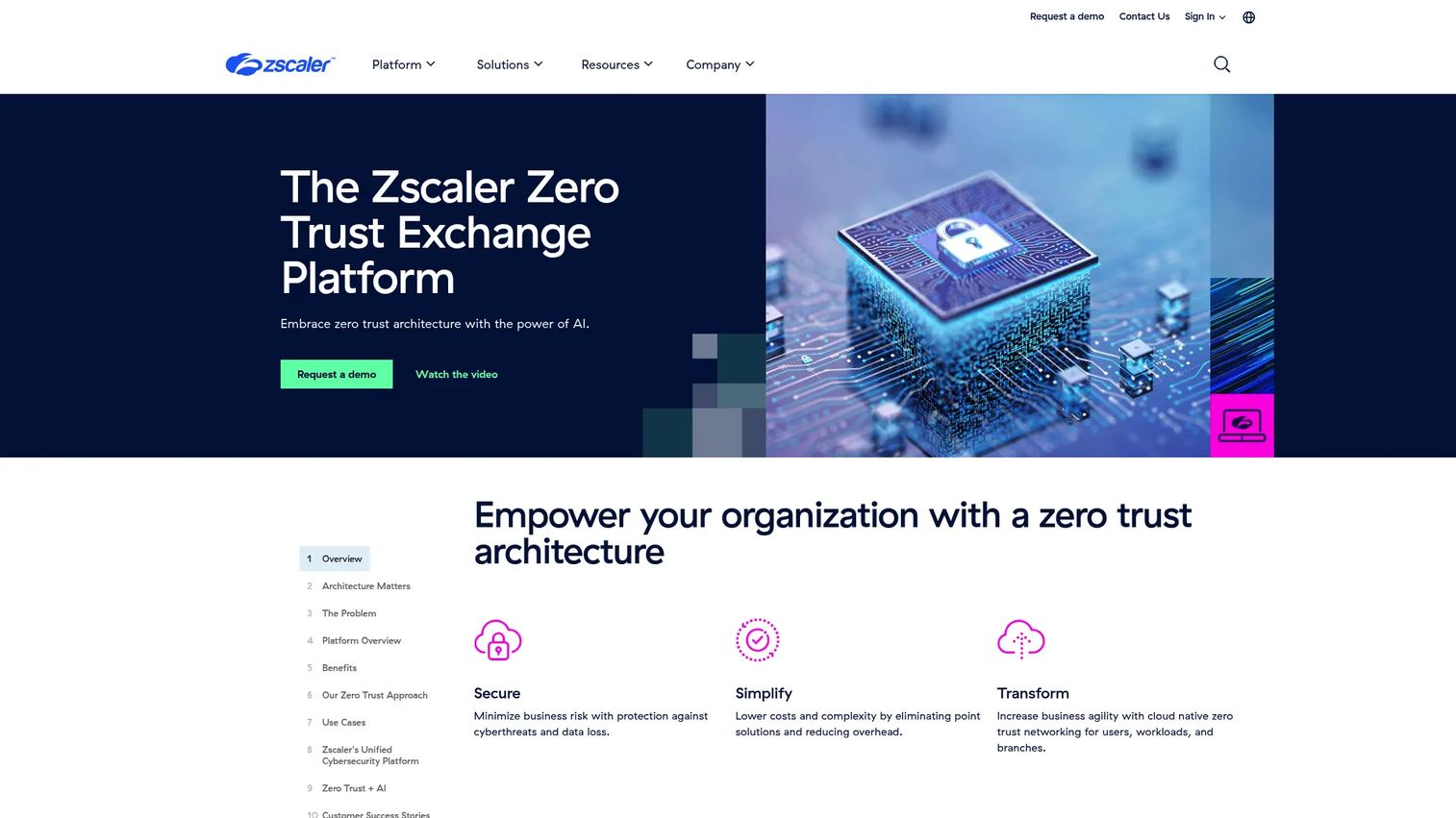
Zscaler Zero Trust Exchange is an enterprise-grade cloud security platform for securing access across users, applications, workloads, and internet traffic. Zscaler Private Access handles ZTNA for internal applications, connecting authorized users directly to named apps without network-level visibility. Zscaler Internet Access covers secure browsing, threat inspection, and cloud access security brokering for internet and SaaS traffic. The platform also includes digital experience monitoring and data protection controls, making it one of the more complete SASE offerings in the market.
Best for: Large enterprises consolidating private access, secure web gateway, and traffic inspection under a single vendor.
Key features
- ZTNA for private applications via Zscaler Private Access
- Secure internet access with inline threat inspection
- Cloud access security broker
- Data loss prevention
- Digital experience monitoring
Why choose Zscaler Zero Trust Exchange: Use it for complex environments with many users, locations, SaaS apps, and private applications. Deployment planning is significant because it affects network routing, identity policy, endpoint clients, and user experience, so involve network, identity, and IT teams early.
Zscaler Zero Trust Exchange pricing: Zscaler prices by subscription, with the total driven by user count, deployment scale, and selected modules. No dollar amounts appear on their pricing page; contact sales for a quote.
G2 rating: 4.3/5
3. Okta
Okta is workforce identity infrastructure covering SSO, multi-factor authentication, lifecycle management, adaptive authentication, universal directory, identity governance, and privileged access. It is an identity-first zero trust platform, not a complete network security stack. Okta integrates with thousands of SaaS applications and supports identity federation, allowing it to become the central control plane for who gets access to what across the organization.
Best for: Companies that want identity consistency as the foundation for zero trust access across SaaS apps, internal tools, and workforce access.
Key features
- Single sign-on with thousands of app integrations
- Adaptive multi-factor and passwordless authentication
- Lifecycle management and user provisioning
- Universal Directory with identity federation
- Identity governance and privileged access
Why choose Okta: Use Okta when identity consistency is the priority and you want a well-documented path to conditional access, least privilege, and enterprise compliance evidence. For PMs, Okta can reduce access ambiguity during enterprise sales reviews and customer-facing compliance work. A $1,500 annual contract minimum applies to Workforce Identity plans.
Okta pricing: Workforce Identity plans start at $6/user/month for the Starter tier, billed annually. Core Essentials runs $14/user/month and Essentials $17/user/month. Professional and Enterprise plans require contacting sales. Customer Identity starts at $3K/month for the Enterprise base platform.
G2 rating: 4.5/5
4. Microsoft Entra ID
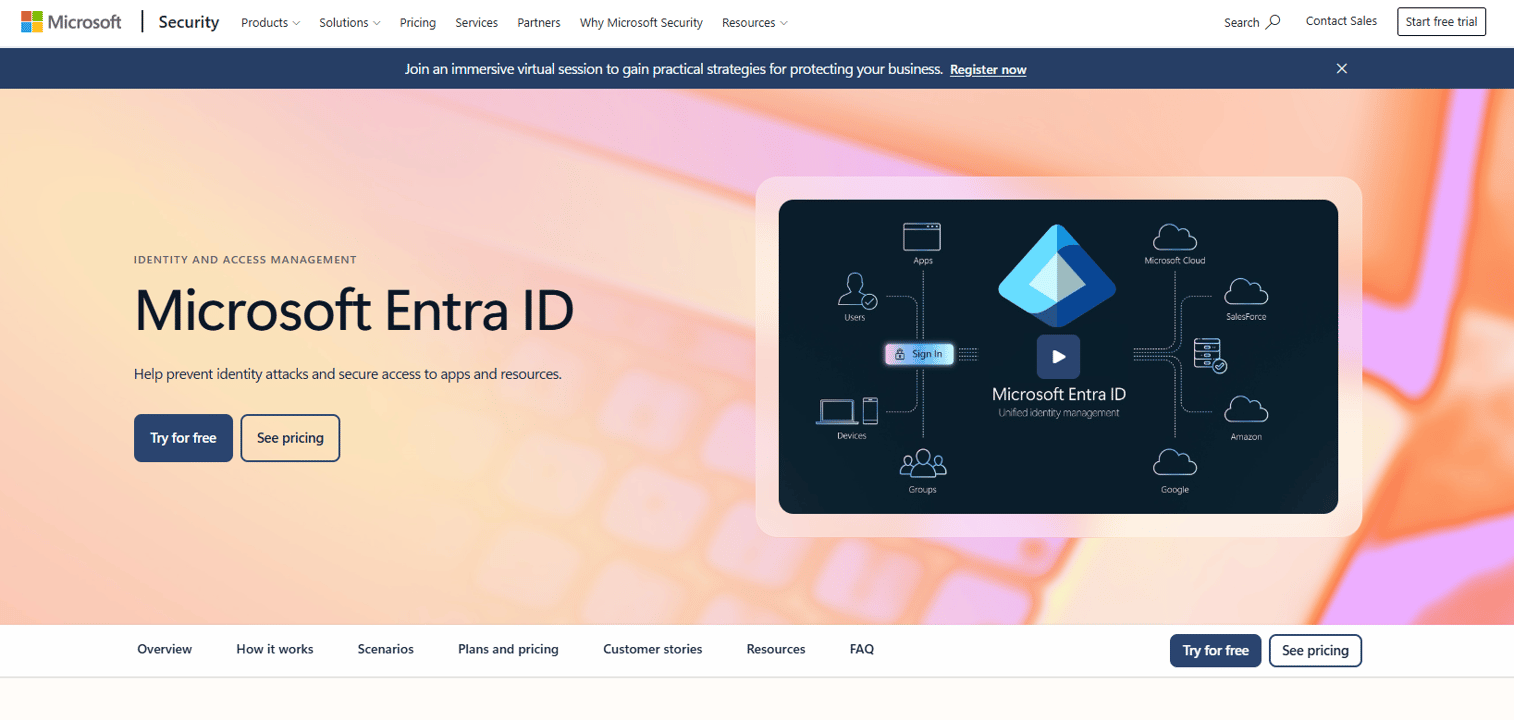
Microsoft Entra ID is Microsoft's cloud identity and access management platform, covering SSO, MFA, conditional access, hybrid identity administration, identity protection, and privileged identity management. It sits at the center of Microsoft 365 and Azure environments, making it the default choice for organizations already standardized on Microsoft infrastructure. Conditional access policies can gate access based on user, device compliance, location, and risk signal, which is what Microsoft-native zero trust looks like in practice.
Best for: Teams already standardized on Microsoft 365 or Azure who want zero trust access controls without introducing a separate identity vendor.
Key features
- Conditional access based on user, device, location, and risk
- Multi-factor and passwordless authentication
- Identity protection with risk-based access controls
- Privileged identity management
- Hybrid identity administration across on-premises and cloud
Why choose Microsoft Entra ID: Choose it when Microsoft is already the system of record for users, devices, and productivity. PMs should check license overlap carefully, because conditional access and identity protection sit in P1 and P2 plans, not the free tier bundled with many Microsoft 365 subscriptions.
Microsoft Entra ID pricing: The Free tier is included with Microsoft cloud subscriptions. Entra ID P1 costs $7/user/month (paid yearly) and adds advanced conditional access, hybrid identity, and self-service capabilities. P2 runs $10/user/month (paid yearly) and adds identity protection, risk-based conditional access, and access reviews.
G2 rating: 4.5/5
5. Twingate
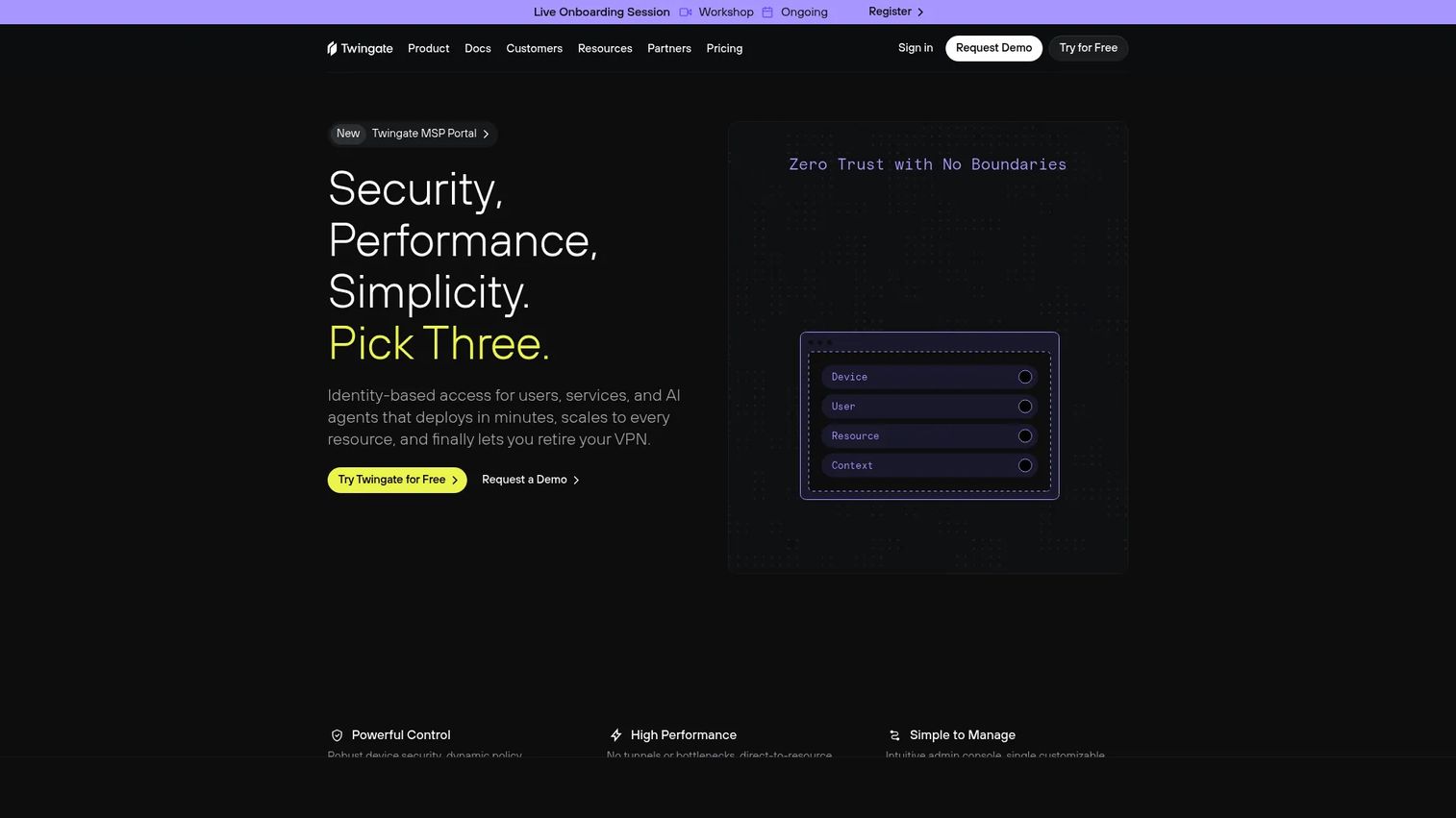
Twingate provides zero trust remote access to private resources, connecting users to specific applications and services without exposing the broader network. Users get peer-to-peer encrypted connections to named resources, with identity provider integrations, device trust policies, split tunneling, and role-based access controls handling the access decision layer. It also supports privileged access for SSH, Kubernetes, web applications, and databases.
Best for: Small and mid-sized teams replacing broad VPN access to internal development environments, internal tools, or private applications.
Key features
- Resource-level access without network-layer exposure
- Identity provider integrations and SSO
- Native device posture controls
- Split tunneling
- Privileged access for SSH, Kubernetes, and databases
Why choose Twingate: Use it when the team needs a focused private-access layer without committing to a full SASE program. It is easier to scope and evaluate for specific internal tools or engineering environments, which matters when you are building the case for security investment before a broader zero trust rollout.
Twingate pricing: The Starter plan is free for up to five users. The Teams plan runs $5/user/month (monthly, with 15% off for annual billing). Business costs $10/user/month on the same billing terms. Enterprise pricing requires contacting sales. A Home plan at $15/month is available for personal use.
G2 rating: 4.6/5
6. Appgate SDP
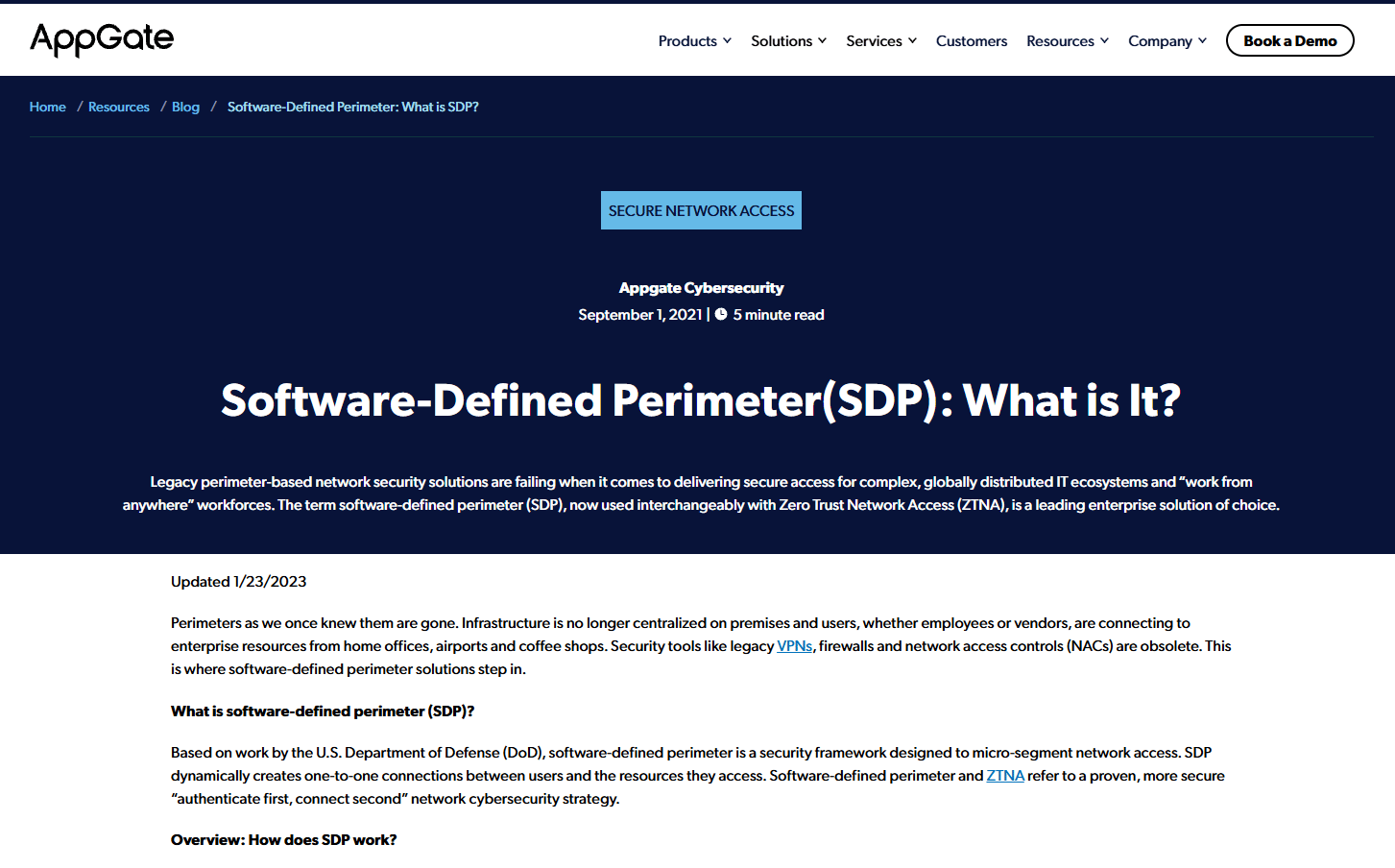
Appgate SDP is a software-defined perimeter platform for secure access to private applications across hybrid environments. Access decisions are made dynamically, with context-aware policies that evaluate identity, device posture, and risk at every request. The platform supports micro-segmentation and least-privilege access at the user-to-resource level, making it suited to environments where fine-grained access control matters across a mix of cloud, on-premises, and legacy infrastructure.
Best for: Enterprises with complex hybrid infrastructure that need dynamic, context-aware access policies beyond what simpler ZTNA tools offer.
Key features
- Software-defined perimeter with dynamic policy evaluation
- Granular, context-aware access control
- Micro-segmentation and least-privilege access
- Device posture and risk-based controls
- Identity provider integrations across hybrid deployments
Why choose Appgate SDP: Choose it when private access needs are complex and tied to varied infrastructure types. Implementation requires network, identity, endpoint, and security teams aligned before rollout, so plan for a cross-functional project rather than a single-team deployment.
Appgate SDP pricing: Contact sales for a quote. Pricing is driven by user count, deployment model, and selected modules.
G2 rating: 4.8/5
7. Google BeyondCorp Enterprise
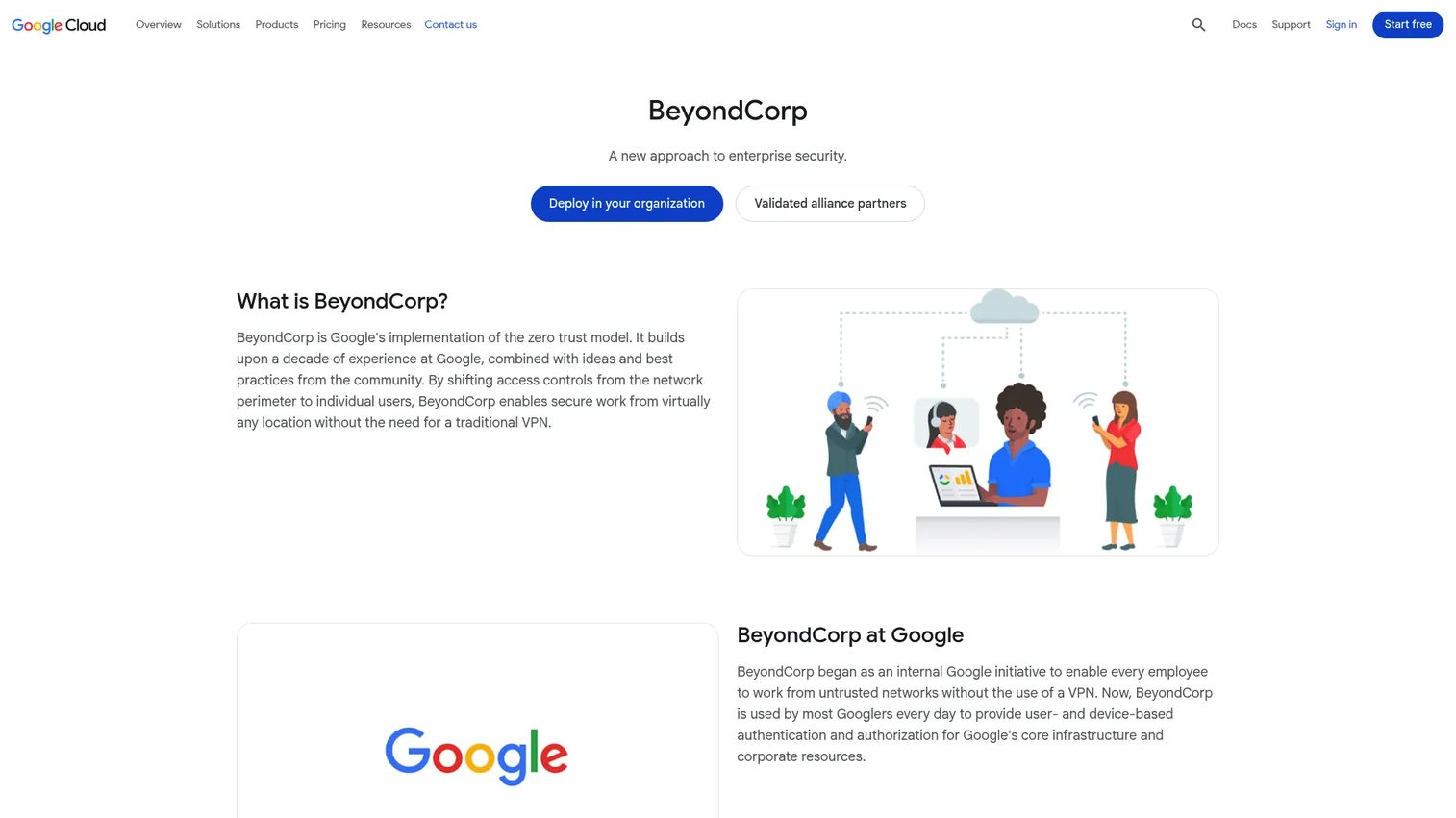
Google BeyondCorp Enterprise is Google's zero trust access approach for enforcing identity- and context-aware access to enterprise applications and resources. The current offering is now presented under Chrome Enterprise Premium. Access controls evaluate user identity, device posture, location, and other signals at the time of each request. Browser-based protections guard against phishing, malware, and unsafe downloads, while data loss prevention controls manage what users can copy, paste, download, or print from managed sessions. It integrates across Google Cloud, other clouds, and on-premises applications.
Best for: Organizations running heavily on Google Cloud, Chrome Enterprise, or Google Workspace that want native zero trust access without a separate network vendor.
Key features
- Context-aware access based on identity, device, and location
- Browser-based threat protection against phishing and malware
- Data loss prevention controls for managed sessions
- Application access controls across cloud and on-premises environments
- Security insights and alerting
Why choose Google BeyondCorp Enterprise: Choose it when the organization already relies on Google Cloud and Chrome Enterprise as infrastructure. For PMs, it fits situations where product and IT teams need secure internal app access without traditional network trust and without introducing another identity vendor.
Google BeyondCorp Enterprise pricing: Chrome Enterprise Core is included with Google Cloud at no additional cost. Chrome Enterprise Premium, the paid zero trust access tier, requires contacting Google sales for pricing.
G2 rating: 4.3/5
8. NordLayer
NordLayer is a business network security platform providing zero trust network access, VPN replacement, threat protection, cloud firewall, and browser security for distributed teams. It includes shared and virtual private gateways, device posture checks, IP allowlisting, multi-factor authentication, and always-on VPN capabilities. The platform targets mid-market and smaller organizations that need meaningful access controls without the deployment complexity of enterprise SASE programs.
Best for: Teams that need approachable zero trust network access and threat protection quickly, without a large enterprise security program.
Key features
- Secure remote access with zero trust network controls
- Cloud firewall and network segmentation
- Device posture security
- ThreatBlock web and download protection
- Browser security with SaaS access controls
Why choose NordLayer: Use it when the team needs to improve access controls and network security without a heavyweight deployment program. Teams with more complex hybrid segmentation or mature enterprise requirements may eventually need a more specialized platform, but NordLayer offers a fast path for coverage at scale.
NordLayer pricing: The Lite plan starts at $8/user/month. Core runs $11/user/month and Premium $14/user/month. An Enterprise plan starts at $6/user/month with a 200-user minimum. All prices are monthly; annual billing saves additional costs shown on the pricing page.
G2 rating: 4.3/5
9. Akamai Guardicore Segmentation
Akamai Guardicore Segmentation is an AI-powered microsegmentation platform for controlling workload-to-workload communication across hybrid cloud, on-premises, container, OT, and AI environments. It provides continuous discovery, application dependency mapping, risk-based segmentation policy recommendations, and granular policy enforcement at the process-to-packet level. Agent-based and agentless visibility covers cloud instances, containers, IoT, and legacy infrastructure.
Best for: Enterprise security teams reducing lateral movement risk inside data centers and hybrid environments after a credential compromise or breach.
Key features
- Microsegmentation with process-to-packet enforcement
- Continuous discovery and application dependency mapping
- AI-generated, risk-based policy recommendations
- Agent-based and agentless visibility across hybrid infrastructure
- Breach containment and AI-driven threat hunting
Why choose Akamai Guardicore Segmentation: Use it when the zero trust goal is limiting blast radius after compromise, not just controlling who gets in. For PMs, this matters when product systems, internal microservices, and customer environments need stronger isolation from each other, especially for compliance-sensitive workloads.
Akamai Guardicore Segmentation pricing: Akamai does not publish dollar amounts on the product page. Contact sales for a quote. Pricing is driven by deployment size, infrastructure scope, and support tier.
G2 rating: 4.2/5
10. CrowdStrike Falcon Zero Trust
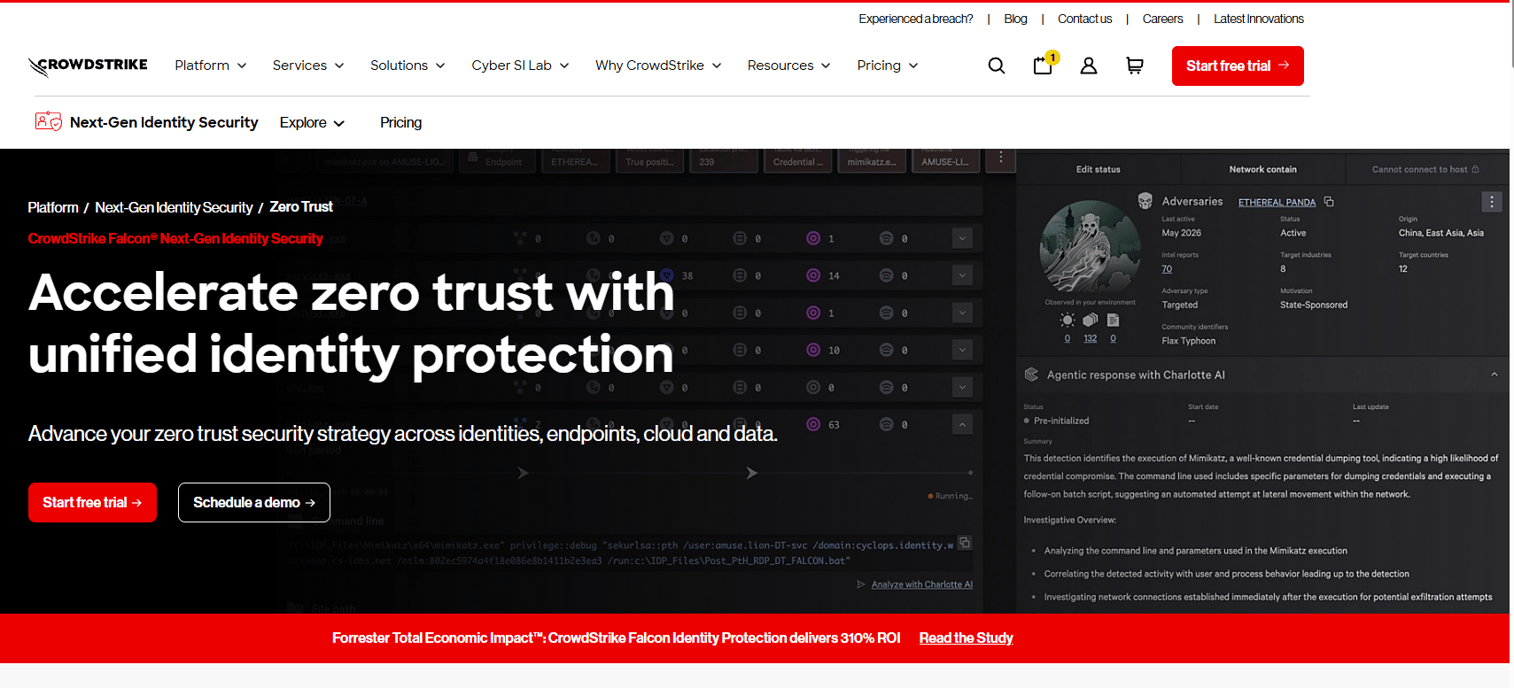
CrowdStrike Falcon Zero Trust uses real-time endpoint telemetry, identity analytics, and behavioral signals to enforce conditional access and IT policies. The platform continuously assesses endpoint security posture and can block access or trigger policy actions when device health changes. Identity threat detection and response capabilities sit alongside device posture checks, giving access decisions a richer risk signal than identity alone.
Best for: Teams that want endpoint and identity risk signals to inform access decisions, not just static device enrollment.
Key features
- Continuous endpoint security posture assessment
- Conditional access enforcement based on device health
- Identity threat detection and behavioral analytics
- Real-time threat prevention and IT policy enforcement
- Automated response to posture changes
Why choose CrowdStrike Falcon Zero Trust: Use it when device trust is a first-class access criterion and your security program already includes endpoint detection. It enriches the access decision with live telemetry, which matters when device health changes after a session begins.
CrowdStrike Falcon Zero Trust pricing: CrowdStrike bundles Falcon capabilities into platform tiers rather than selling standalone modules. Zero Trust capabilities sit across Falcon bundles, so pricing requires contacting sales and specifying your endpoint and identity scope.
11. Forcepoint ONE
Forcepoint ONE, now presented as Forcepoint Data Security Cloud, is a cloud security platform spanning secure web gateway, cloud access security broker, zero trust network access for private applications, data loss prevention, and remote browser isolation. Access controls evaluate user, device, location, time, and posture, and data protection policies apply consistently across web, cloud applications, and private applications from a unified management console.
Best for: Enterprises where data protection and zero trust access control need to operate together from a single policy engine.
Key features
- Secure web gateway with threat protection
- Cloud access security broker
- Zero trust private application access
- Data loss prevention across web, cloud, and private apps
- Remote browser isolation and malware scanning
Why choose Forcepoint ONE: Choose it when sensitive documents, regulated workflows, or complex SaaS usage require data controls to live close to access controls. The unified console reduces the policy management overhead that comes from running separate DLP and ZTNA tools.
Forcepoint ONE pricing: Forcepoint provides pricing through a request form rather than publishing dollar amounts. Contact their sales team for a quote tailored to your user count and selected modules.
G2 rating: 4.2/5
12. Palo Alto Networks Prisma Access
Palo Alto Networks Prisma Access is an enterprise SASE platform delivering zero trust private application access, secure web gateway, cloud firewall, cloud access security brokering, and SaaS security from a cloud-delivered architecture. It is built for distributed enterprises and hybrid workforces, with centralized policy management across users, remote networks, and branch locations. Teams already invested in Palo Alto Networks security infrastructure will find the tightest integration across detection, response, and access policy.
Best for: Enterprises with existing Palo Alto Networks security infrastructure that want zero trust access inside a broader security program.
Key features
- Zero trust private application access
- Secure web gateway with threat isolation
- Cloud firewall as a service
- SaaS security and cloud access security brokering
- Centralized policy management across locations
Why choose Palo Alto Networks Prisma Access: Use it when the organization wants zero trust access integrated into an existing enterprise security architecture, not bolted on separately. PMs should plan for close collaboration with network, endpoint, identity, and SOC owners, because rollout affects each of those teams.
Palo Alto Networks Prisma Access pricing: Palo Alto Networks does not publish dollar amounts for Prisma Access. Pricing is driven by users, bandwidth, selected modules, and support tier. Contact sales for a quote.
G2 rating: 4.3/5
13. Keycloak
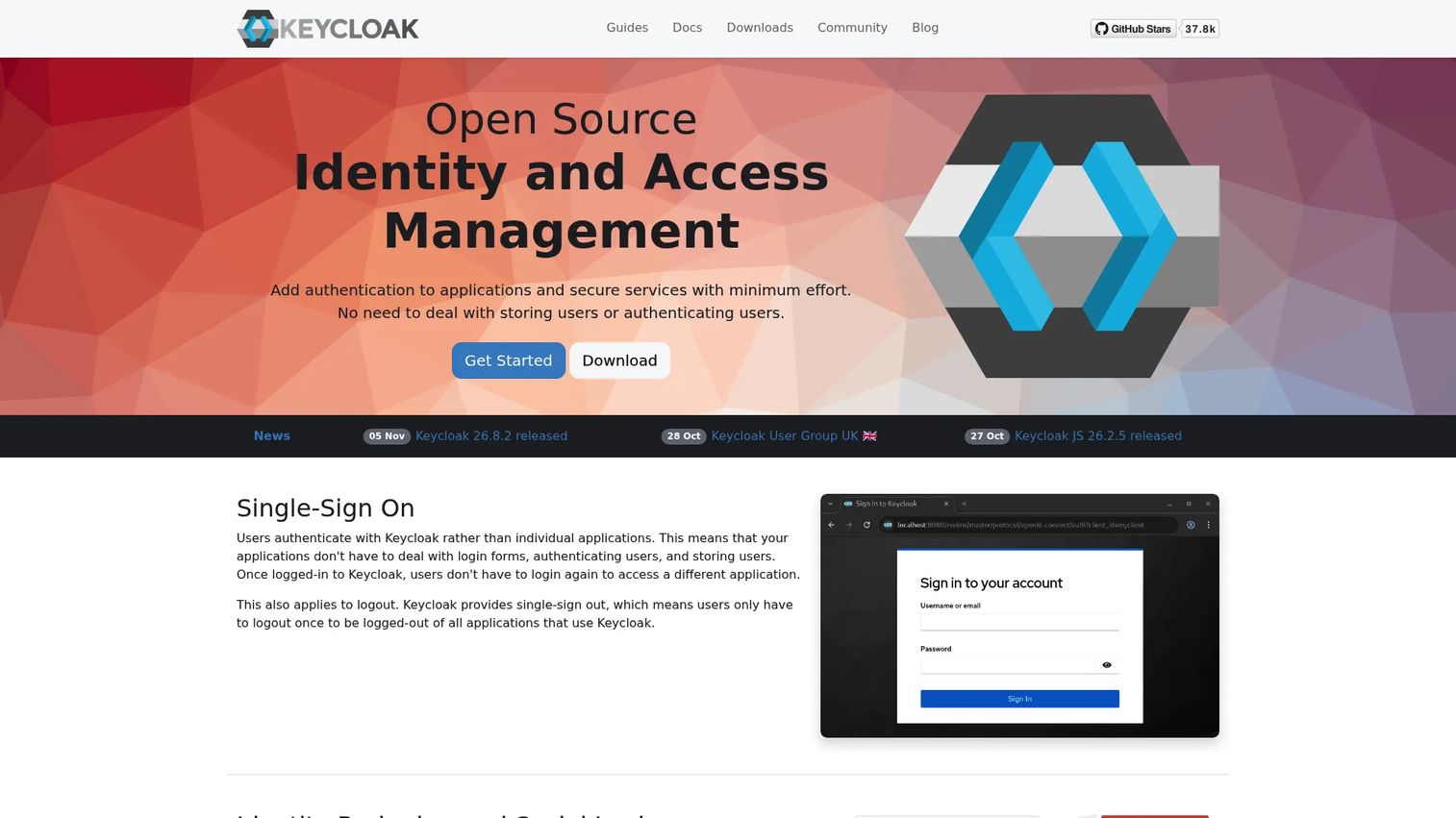
Keycloak is open-source identity and access management software that supports SSO, OpenID Connect, OAuth 2.0, SAML, identity brokering, social login, LDAP and Active Directory federation, passkeys, two-factor authentication, and fine-grained authorization services. It runs self-hosted, giving engineering teams complete control over authentication flows, session management, and identity data. Keycloak is widely used as the IAM layer for internal platforms, developer tools, and customer-facing applications where teams want to avoid vendor lock-in on identity.
Best for: Engineering teams that need self-hosted, standards-based IAM and have the capacity to run identity infrastructure.
Key features
- Single sign-on with OpenID Connect, OAuth 2.0, and SAML
- Identity brokering and social login
- LDAP and Active Directory federation
- Passkeys and multi-factor authentication
- Fine-grained authorization services
Why choose Keycloak: Use it when the team needs control over authentication flows and cannot or will not route identity through a SaaS vendor. Be direct about operational ownership: Self-hosted IAM is a product surface and a security surface, with its own patching, monitoring, and incident response obligations.
Keycloak pricing: Keycloak is free to download and use as open-source software. Infrastructure, maintenance, and commercial support costs apply depending on your deployment scale and support requirements.
14. Open Policy Agent
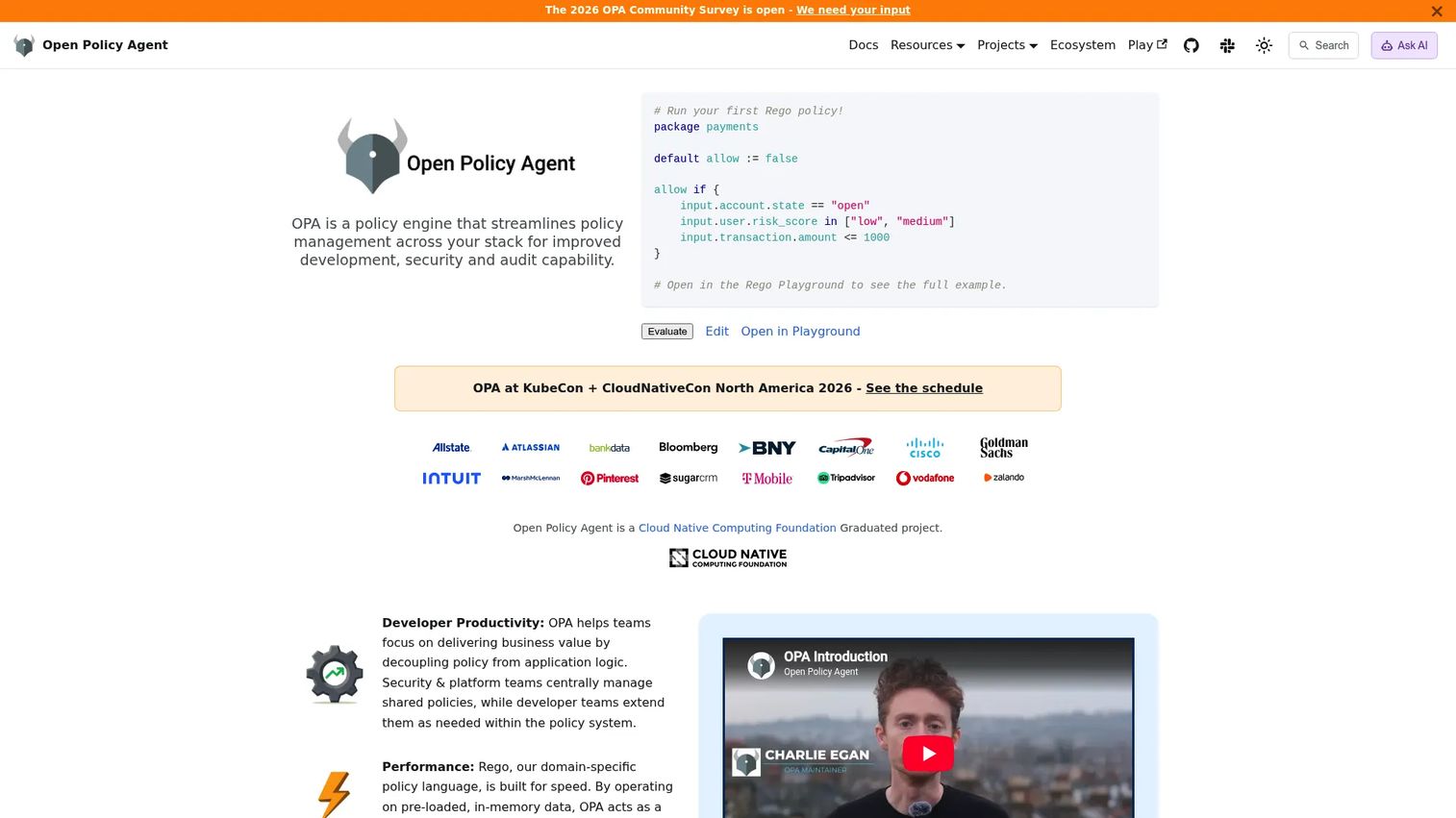
Open Policy Agent (OPA) is an open-source, general-purpose policy engine for unified policy enforcement across applications and infrastructure. Policies are written in the Rego declarative language and evaluated via REST API, CLI, or WebAssembly integrations. OPA handles Kubernetes admission control, API gateway authorization, CI/CD pipeline checks, and microservice access decisions, making it the most flexible policy enforcement layer available for cloud-native systems. It also covers application security enforcement patterns, API security policies, and access control software logic at the authorization layer.
Best for: Platform and engineering teams enforcing consistent, testable authorization policies across cloud-native infrastructure.
Key features
- Declarative Rego policy language
- Kubernetes admission control
- API gateway and microservice authorization
- CI/CD pipeline policy checks
- REST API and WebAssembly integrations
Why choose Open Policy Agent: Use OPA when zero trust needs repeatable, testable policy enforcement rather than manual configuration per service. For PMs, this helps make security requirements reviewable and version-controlled, which matters when enterprise buyers ask for evidence of policy governance and when engineering teams want to avoid access control logic scattered across codebases.
Open Policy Agent pricing: OPA is free open-source software. Engineering time, hosting, and infrastructure costs apply. Commercial distributions from vendors in the OPA ecosystem add enterprise support options for teams that need them.
15. HashiCorp Vault
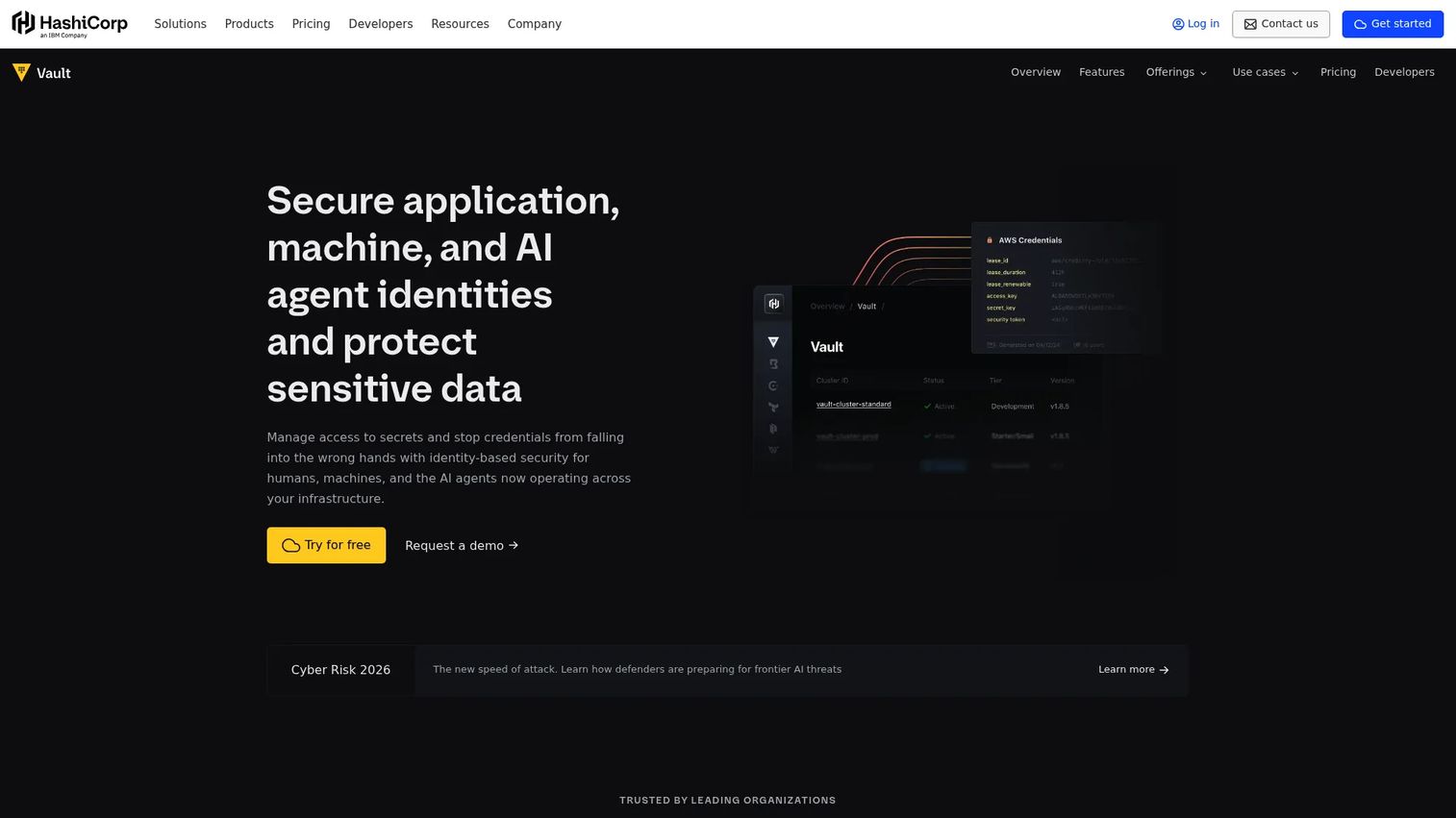
HashiCorp Vault, now listed on G2 as IBM Vault (formerly HashiCorp Vault), is an identity-based secrets management platform for securing credentials, certificates, encryption keys, and sensitive data across users, machines, services, and AI agents. It provides static and dynamic secrets management, certificate and PKI lifecycle management, encryption as a service, secrets discovery, and high-availability audit logging. Dynamic credentials mean Vault generates short-lived secrets on demand rather than storing long-lived passwords, which removes a major attack surface from service-to-service communication. Vault ties directly into autonomous endpoint management patterns and application security testing workflows that surface exposed secrets.
Best for: Teams securing secrets, credentials, tokens, certificates, and machine-to-machine access across hybrid or multicloud infrastructure.
Key features
- Static and dynamic secrets management
- Certificate and PKI lifecycle management
- Encryption as a service
- Identity-based authentication and access policies
- Audit logging and secrets discovery
Why choose HashiCorp Vault: Use it when zero trust must extend beyond human users to services, workloads, tokens, and machine credentials. PMs should understand that secrets management is a reliability and security dependency, not only an infrastructure concern. A credential leak from an unrotated token is a product incident, not just a security event.
HashiCorp Vault pricing: HCP Vault Dedicated (the managed cloud offering) starts at $0.62/cluster/hour for the Development tier. The Essentials tier starts at $1.58/cluster/hour plus $73/month per Vault client. Standard starts at $1.85/cluster/hour with the same per-client cost. Self-managed Enterprise pricing requires contacting sales. The Development tier is limited to 25 clients and is intended for non-production use.
G2 rating: 4.3/5
Considerations when choosing zero trust architecture tools
Match the tool to the zero trust layer
No single tool covers every layer with equal depth. Identity tools, ZTNA tools, SASE platforms, segmentation tools, policy engines, and secrets managers solve distinct jobs. Before evaluating vendors, map your current gaps across identity, device posture, application access, network segmentation, policy, and secrets. Buy to cover the gap, not the category name.
Check integration fit before feature depth
The most capable tool adds no value if it cannot connect to your identity provider, endpoint manager, cloud environment, or existing SIEM. Evaluate integration with your actual stack: The IdP you use today, the MDM or EDR managing your devices, the cloud provider running your workloads, and the ticketing or alerting tools your security team lives in. Integration gaps become rollout blockers.
Evaluate rollout friction for users and developers
Zero trust changes how employees, contractors, admins, and developers access tools. Device clients add friction on new machines. Policy exceptions create support tickets. Break-glass access for emergencies needs a documented process before rollout, not after. For PMs, this means modeling the user experience impact of each tool before sign-off, not just the security outcome. Access review software can help you structure ongoing access audits as part of the rollout plan.
Define ownership early
Clarify which team owns policy design, user onboarding, monitoring, exception handling, access reviews, and renewals before the tool goes live. Zero trust programs stall when ownership is ambiguous. PMs who get pulled into security reviews should push for clear RACI before implementation begins, covering product, security, IT, platform engineering, and support.
Measure architecture outcomes, not tool adoption alone
Track metrics that show whether zero trust is working: Unauthorized access attempts blocked, standing privileges reduced, time to provision or revoke access, lateral movement paths eliminated, security review cycle time, and access-related support tickets. Tool adoption alone does not confirm that the architecture is reducing risk. Establish baselines before rollout so you can demonstrate impact.
Conclusion
Zero trust architecture is a stack decision. The global zero trust security market was valued at $42.1 billion in 2025 and is projected to reach $148.3 billion by 2033, growing at a 17.3% CAGR according to Grand View Research (2026). That growth reflects how many organizations are moving from VPN-era perimeter thinking to continuous, context-aware access enforcement.
The clearest starting points by use case: Cloudflare One, Zscaler Zero Trust Exchange, and Palo Alto Networks Prisma Access fit teams that want broad SASE coverage from one vendor. Okta and Microsoft Entra ID fit identity-first programs where the IdP becomes the control plane. Twingate and Appgate SDP address private application access for teams not ready for a full SASE deployment. Google BeyondCorp Enterprise suits organizations already deep in the Google Cloud stack.
For the architecture components: Akamai Guardicore Segmentation addresses lateral movement. CrowdStrike Falcon Zero Trust enriches access decisions with endpoint telemetry. Open Policy Agent and Keycloak give platform teams self-hosted control over policy and identity. HashiCorp Vault closes the machine identity and secrets gap that most human-access tools leave open.
Before buying anything, map your assets, user groups, device posture requirements, applications, workloads, and compliance obligations. Then shortlist by layer, not by platform size.
FAQs
Zero trust architecture tools are software products that continuously verify users, devices, workloads, applications, and data access instead of granting trust based on network location. They enforce the "never trust, always verify" model formalized in NIST SP 800-207, using identity, device posture, context, and policy to control every access request. Most organizations combine multiple tools to cover different architecture layers, such as identity, ZTNA, segmentation, policy enforcement, and secrets management.
Zero trust architecture is the overall security model, encompassing identity, device trust, network segmentation, policy enforcement, secrets management, and monitoring across all resources. ZTNA (zero trust network access) is one specific layer of that architecture, focused on replacing broad VPN-style network access with application-level access controls. A complete zero trust implementation requires IAM, device posture, segmentation, and policy tools alongside a ZTNA product.
Most SaaS teams start with identity: SSO, MFA, conditional access, and lifecycle management, because these address the widest surface area with the fastest deployment path. Okta and Microsoft Entra ID are the common starting points. ZTNA for private application access typically comes next, followed by secrets management, microsegmentation, and policy-as-code once the foundational identity layer is stable.
ZTNA tools can replace broad VPN access for most private application use cases by granting users access to specific named resources rather than full network segments. Some organizations keep VPNs running in parallel for legacy systems during the transition. A full VPN replacement requires ZTNA coverage for every resource previously accessed over VPN, plus device trust and identity policy in place first.
The core principles are continuous verification, least-privilege access, assume breach, explicit policy enforcement, segmentation, and monitoring. NIST SP 800-207 is the recognized reference document for the architecture model. In practice, these principles mean every access request is authenticated and authorized at the time of the request, no standing privileges exist beyond what a user or service actively needs, and every session is logged and monitored.
Start by mapping your current assets, user groups, device posture requirements, applications, workloads, and compliance requirements. Then identify the specific architecture layer with the largest gap. Shortlist vendors that address that layer, evaluate their integration with your existing identity provider and cloud infrastructure, and check whether their pricing model fits your team size and growth trajectory. Involve security, IT, platform engineering, and legal before finalizing.
Open-source tools can cover critical architecture layers effectively. Keycloak handles self-hosted IAM with standards-based protocols. Open Policy Agent addresses policy enforcement across cloud-native systems. HashiCorp Vault covers secrets management. All three require engineering ownership, operational monitoring, documentation, and a support plan. They are not "set and forget," but for teams with engineering capacity, they provide deep control without vendor lock-in.
There is no universal timeline. Identity and MFA typically move faster than segmentation, SASE rollout, or secrets migration. A phased approach works better than a big-bang deployment: Start with the layer that reduces the most risk for your current threat model, measure outcomes, and expand from there. Segmentation programs in complex hybrid environments can take 12 to 18 months. Secrets management migrations depend on how many credentials are stored in the current state and how many services touch them.