Your customers are already telling you what they need. The problem is that the signal arrives in fragments: A Slack screenshot from a sales call, three NPS comments from last quarter, a support ticket trend someone mentioned in a Monday standup, and a survey that collected 40 responses before getting buried in a shared drive.
According to Qualtrics XM Institute (2025), 31% of consumers gave a company feedback after a very good experience and 32% did so after a very poor one. That means the signal is there. What most PMMs lack is a system that turns scattered customer comments into positioning decisions, launch narratives, and enablement that sales will actually use.
The right user feedback software does not just collect responses. It segments them by persona, routes them to the right team, and helps close the loop so customers know something changed. This guide cuts through the category to help you pick the tool that fits the feedback job you actually need to do.
What's inside
This guide compares 15 user feedback tools for 2026, selected for PMMs, product managers, and CX leaders who need feedback to drive real GTM decisions. Tools were evaluated on:
- Feedback channels: Where and how the tool collects input (surveys, in-app prompts, session replay, feature boards, bug capture)
- Segmentation and analysis depth: Ability to filter by persona, account, lifecycle stage, or revenue tier
- Integrations: Fit with CRM, support, product analytics, and dev tools
- Pricing transparency: Response limits, seat costs, tracked users, and free tiers
- Coverage spans surveys, website feedback tools, in-app feedback tools, feature request boards, visual bug reporting, and behavioral analytics
TL;DR
- Best for website feedback: Hotjar combines on-page heatmaps, session recordings, and feedback widgets
- Best for polished surveys: Typeform delivers conversational forms that customers actually complete
- Best for broad survey programs: SurveyMonkey suits recurring research across large audiences
- Best for enterprise voice of customer: Qualtrics handles advanced research workflows and experience management at scale
- Best for feature requests and voting: Canny works for most product teams; UserVoice is the stronger pick for B2B enterprise organizations with high feedback volume
- Best for product analytics plus feedback: Pendo when you need usage context alongside qualitative input; FullStory when behavioral session data is the priority
- Best for pre-launch research: Lyssna for concept tests, messaging validation, and design feedback before you ship
What are user feedback tools?
User feedback tools are software platforms that help teams collect, organize, analyze, and act on input from customers or product users.
The category is not monolithic. It spans survey platforms, website widgets, in-app prompts, feature request boards, NPS and CSAT trackers, session replay tools, visual bug reporting software, and full product feedback management systems. The right choice depends on where feedback originates and what the team needs to do with it next.
For PMMs, that "next" matters most. Feedback without segmentation is noise. A win/loss survey with no connection to deal size, persona, or competitive context is an anecdote. The tools that earn their place in a PMM's stack help turn customer signal into positioning proof, launch messaging, adoption programs, and enablement that sales will use.
Key capabilities to look for
- Multi-channel collection: Website widgets, email surveys, in-app prompts, support conversations, and feedback portals
- NPS, CSAT, and CES tracking: Satisfaction measurement across touchpoints
- Feature request capture and voting: Boards, prioritization, and revenue-weighted ranking
- AI summaries and theme detection: Clustering similar feedback without manual tagging
- Segmentation: Filter by persona, account type, lifecycle stage, plan tier, or feature usage
- CRM and product integrations: Connect feedback to deal data, usage analytics, and dev workflows
- Loop-closing workflows: Status updates, changelogs, roadmap communication, and targeted follow-up
- Governance: Permissions, ownership, and feedback retirement policies
Understanding what this category covers also helps clarify what it does not. These tools collect and analyze customer input. For showing customers a product change before you ask for feedback on it, an interactive demo handles that job, letting users experience the update before the survey lands. The two workflows complement each other.
When to use user feedback tools
Validate messaging before a launch
PMMs use lightweight surveys and in-app prompts to test whether users understand a value proposition, feature name, or workflow before launch copy goes live. Behavioral trigger-based targeting, available in tools like Pendo and Survicate, lets you survey users at the exact moment they encounter a feature, making responses more relevant than a generic email blast.
Prioritize product feedback without anecdotes
Feature request boards and revenue-weighted prioritization help teams move past "the loudest customer wins." Tools like Canny and UserVoice attach votes to account segments and revenue tiers, so a feature request from ten enterprise accounts surfaces differently than the same request from ten free-tier users. That distinction is what turns qualitative feedback into a defensible roadmap argument.
Find friction in onboarding and adoption
Website feedback tools, in-app prompts, and session replay show where users stop progressing. That signal is directly actionable for PMMs running adoption campaigns or working with CS on onboarding improvements. Knowing that 40% of users drop off at step three of a setup flow is more useful than knowing NPS went down two points. Tools like Hotjar, Contentsquare, and FullStory connect behavioral evidence to qualitative feedback so you can diagnose friction, not just observe it.
User feedback tools comparison
The table below gives a quick view across all 15 tools. Use it to narrow your shortlist, then read the full sections for the detail that changes purchase decisions: Segmentation depth, integration fit, and the real cost drivers for your team size.
| # | Product | Best for | Key differentiator | Pricing | G2 rating |
|---|---|---|---|---|---|
| 1 | Hotjar | Website and product experience feedback | Heatmaps, session recordings, and feedback widgets in one tool | Free; paid from $47/mo | 4.3/5 |
| 2 | Typeform | Polished survey and form experiences | Conversational design with strong conditional logic | Free; paid from $29/mo | 4.5/5 |
| 3 | SurveyMonkey | Broad survey programs | Mature builder with audience panels and exportable reports | Free; paid from $30/user/mo | 4.4/5 |
| 4 | Qualtrics | Enterprise voice of customer programs | Advanced experience management and research dashboards | Free account; paid from $420/mo | 4.4/5 |
| 5 | Survicate | Multi-channel customer surveys | Website, email, mobile, and in-product survey distribution | Paid from $114/mo | 4.6/5 |
| 6 | Zonka Feedback | NPS, CSAT, and CX measurement | Omnichannel satisfaction tracking with AI analysis | Custom pricing; 14-day trial | N/A |
| 7 | UserVoice | Enterprise product feedback management | Revenue-weighted feedback prioritization and roadmap communication | From $1,000/mo | 4.5/5 |
| 8 | Canny | Feature requests and voting | AI-powered deduplication, public boards, and changelog | Free; paid from $79/mo | 4.5/5 |
| 9 | Pendo | Product analytics with in-app feedback | Combines usage data, in-app guides, and feedback collection | Free up to 500 MAUs; custom paid | N/A |
| 10 | Userflow | In-app feedback tied to onboarding | Surveys embedded within onboarding flows and checklists | Paid from $240/mo | 4.8/5 |
| 11 | Contentsquare | Digital experience analytics | Journey analysis, session replay, and frustration scoring | Free; paid from $39/mo | 4.6/5 |
| 12 | Intercom | Support-led feedback collection | Feedback captured through chat, tickets, and help center | Paid from $29/seat/mo | 4.5/5 |
| 13 | Lyssna | User research and concept testing | Prototype tests, preference tests, and research panels | Free; paid from $166/mo | 4.4/5 |
| 14 | FullStory | Behavioral analytics and session replay | Session capture tied to frustration signals and journey maps | Free up to 30K sessions/mo; custom paid | 4.5/5 |
| 15 | Usersnap | Visual feedback and bug reports | Annotated screenshots, screen recordings, and issue tracker integrations | Paid from €49/mo | 4.5/5 |
Best 15 user feedback tools for 2026
Each tool below solves a different feedback job. The right pick depends on where your feedback originates, who needs to act on it, and how it connects to your existing product and GTM stack.
1. Hotjar
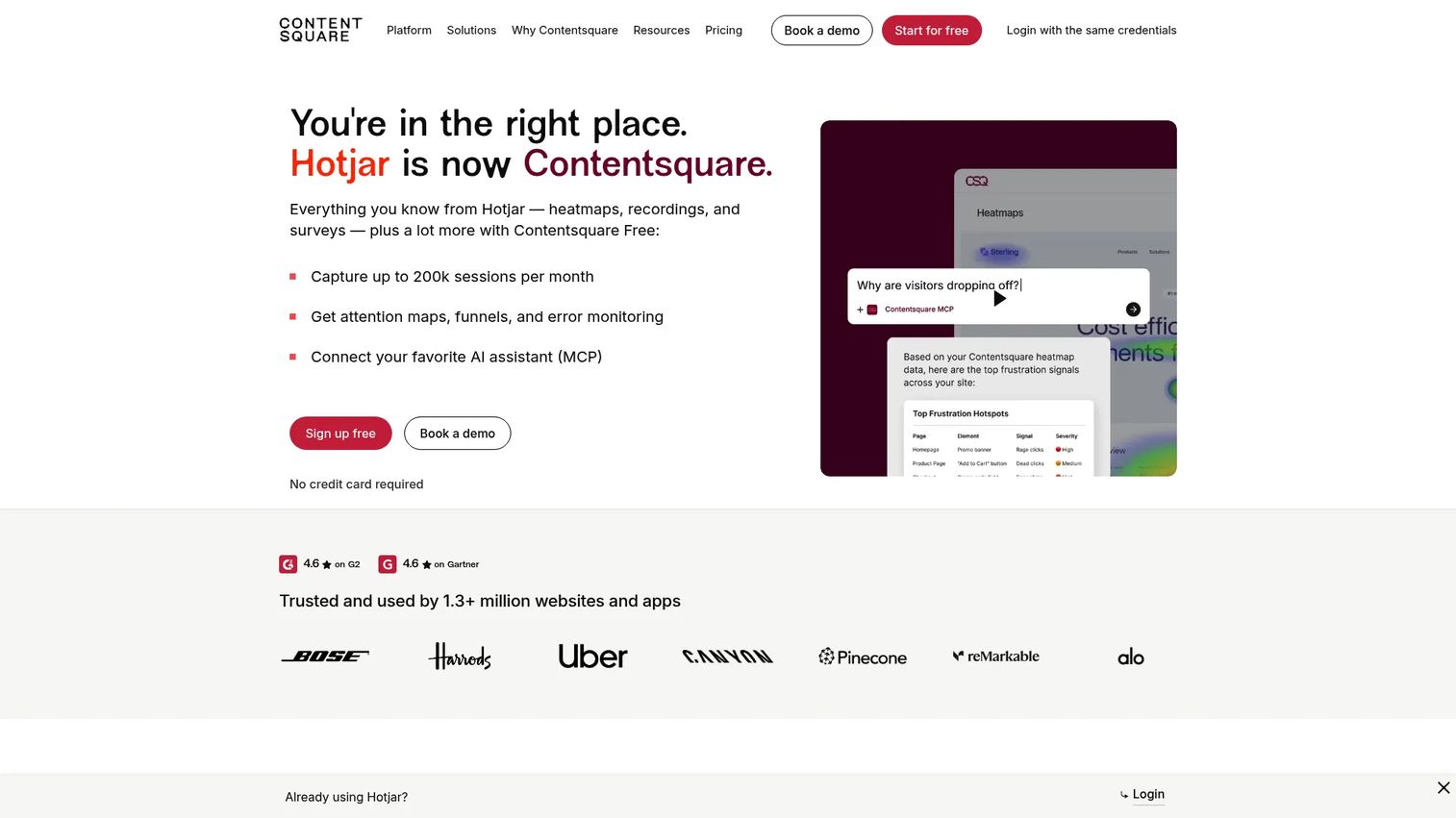
Hotjar is a digital experience insights platform combining heatmaps, session recordings, on-page surveys, feedback widgets, and funnel analysis. For PMMs, its value is connecting "what users say" with "where they struggled on the page," making it easier to diagnose why landing page copy or onboarding flows are underperforming. Hotjar is now part of the Contentsquare family and continues as a standalone product.
Best for: PMMs and product teams diagnosing website friction, landing page confusion, and onboarding drop-off.
Key features
- Heatmaps showing clicks, scrolls, and attention patterns
- Session recordings with frustration event tagging
- On-page feedback widgets and surveys
- Funnel behavior and drop-off analysis
- AI feedback summaries across survey responses
Why choose Hotjar: Choose Hotjar when you need page-level context alongside qualitative feedback. It is strongest for website and digital journey analysis; it is not a roadmap management or feature prioritization tool.
Hotjar pricing: Free plan available. Paid plans start at $47/month (Plus), $63/month (Business), and $127/month (Scale), billed monthly with varying usage limits.
G2 rating: 4.3/5
2. Typeform
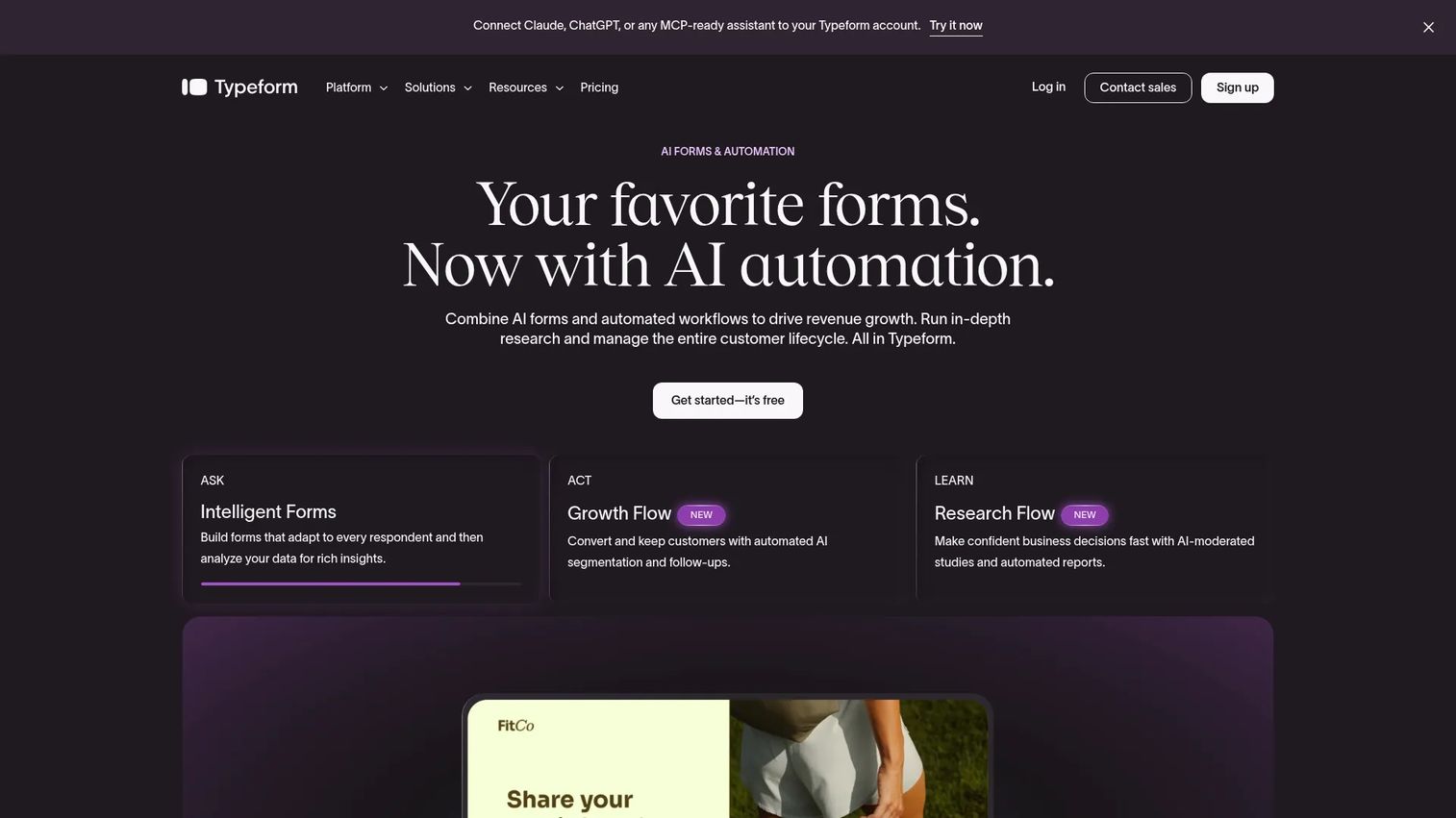
Typeform is an AI-powered platform for creating interactive forms, surveys, and research workflows with a distinctive conversational interface. PMMs use it for message testing, win/loss surveys, post-demo feedback, launch retrospectives, and audience segmentation research. The design quality is high enough that completion rates tend to outperform generic survey builders.
Best for: Teams that need polished surveys customers will complete, particularly for pre-launch research and message testing.
Key features
- Conversational one-question-at-a-time flow
- Conditional logic and branching
- Custom branding and subdomain support
- CRM and marketing automation integrations
- Drop-off rate and conversion analytics
Why choose Typeform: Typeform is the right pick when survey experience quality directly affects response quality. Teams needing deep feedback management, feature voting, or roadmap workflows will need a separate system alongside it.
Typeform pricing: Free plan available. Basic paid plan starts at $29/month ($25/month billed annually). Plus is $59/month ($50/month annually); Business is $99/month ($83/month annually). Enterprise pricing by quote.
G2 rating: 4.5/5
3. SurveyMonkey
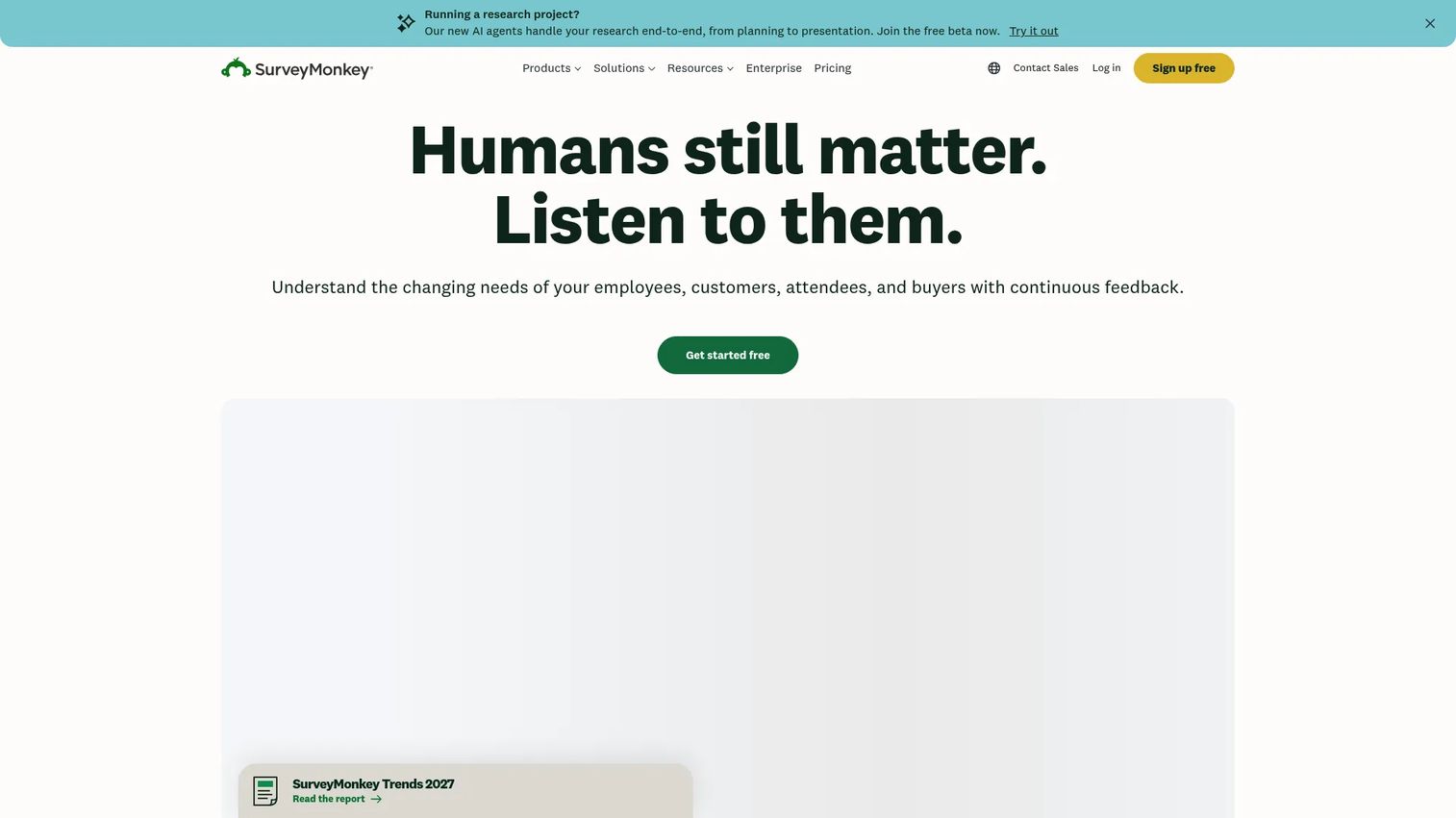
SurveyMonkey is a mature survey platform with over 400 templates, 25-plus question types, advanced logic, and built-in audience panels for reaching respondents beyond your existing customer base. PMMs use it for structured survey programs: Win/loss research, customer advisory board prep, competitive positioning tests, and launch retrospectives. The audience panel feature is a differentiator for teams that need external validation, not just customer feedback.
Best for: Teams running recurring survey programs across a broad or external audience.
Key features
- 400-plus survey templates and 25-plus question types
- Audience panels for reaching external respondents
- Advanced logic, multilingual support, and payment collection
- Custom reports, filtering, and response tagging
- 200-plus integrations including CRM and analytics tools
Why choose SurveyMonkey: SurveyMonkey is the most established general-purpose survey tool on this list. It covers structured research programs well but is not specialized for feature voting, product roadmaps, or behavioral context.
SurveyMonkey pricing: Basic plan is free. Team Advantage starts at $30/user/month billed annually (minimum three users). Team Premier is $92/user/month billed annually. Enterprise pricing by quote.
G2 rating: 4.4/5
4. Qualtrics
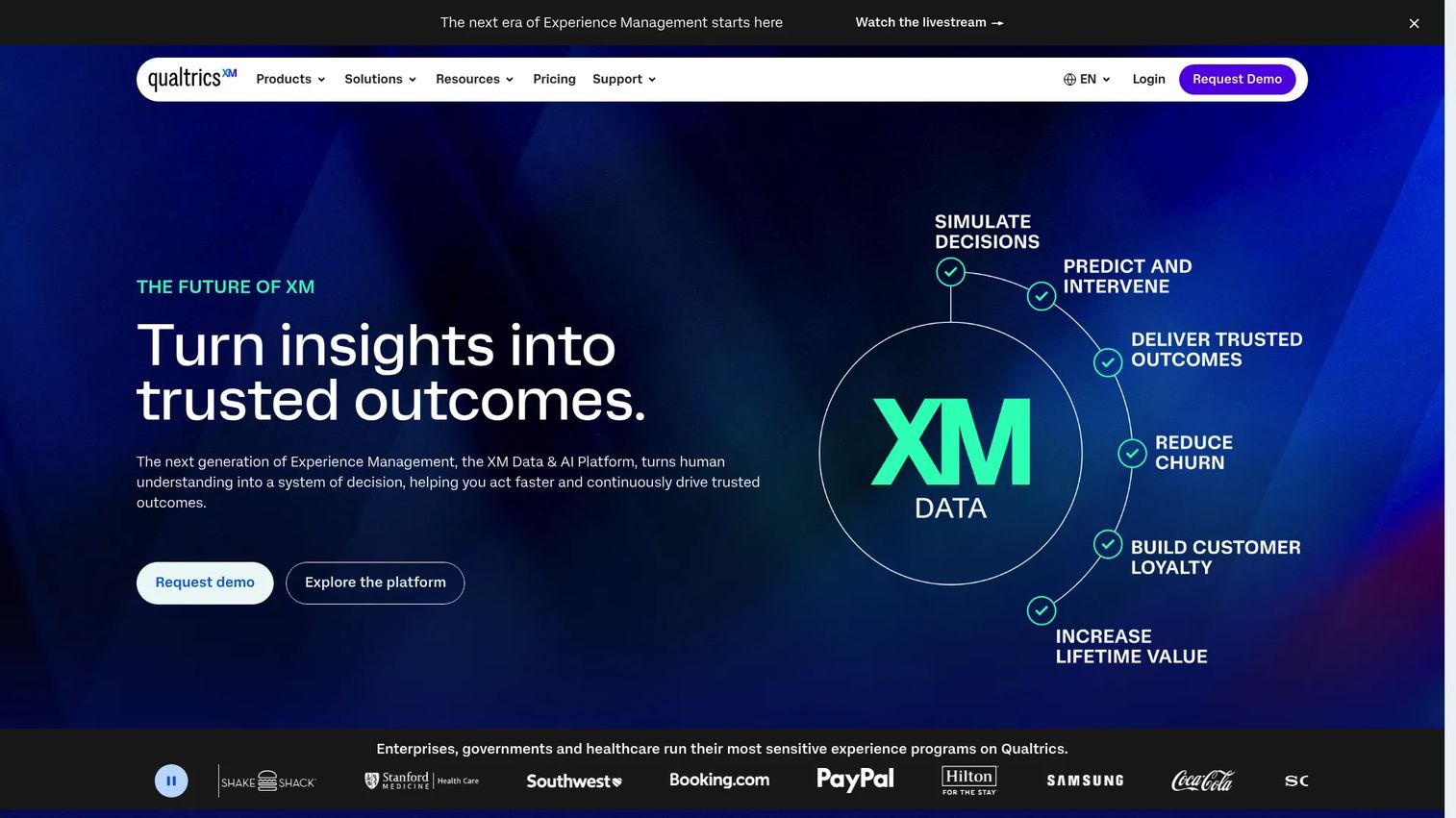
Qualtrics is an enterprise experience management platform covering customer experience, employee experience, product research, and market research. It offers advanced survey logic, statistical analysis tools, video and audio feedback, role-based dashboards, and workflow automation. For PMMs at large organizations, Qualtrics is the standard when voice of customer programs need to feed multiple functions across the business.
Best for: Enterprise teams running mature voice of customer and research programs across product, marketing, and CX.
Key features
- Advanced survey logic and question types
- Statistical analysis tools and crosstabs
- Video and audio feedback collection
- Role-based dashboards and highlight reels
- Enterprise governance and permissions
Why choose Qualtrics: Qualtrics is the strongest fit for complex, cross-functional research programs. Smaller PMM teams often find the buying process and implementation overhead heavier than survey-first tools, so assess your research maturity before committing.
Qualtrics pricing: A free survey account is available. The Strategic Research self-serve plan starts at $420/month ($5,040 billed annually) for 1,000 shared responses. Larger configurations use custom pricing by quote.
G2 rating: 4.4/5
5. Survicate
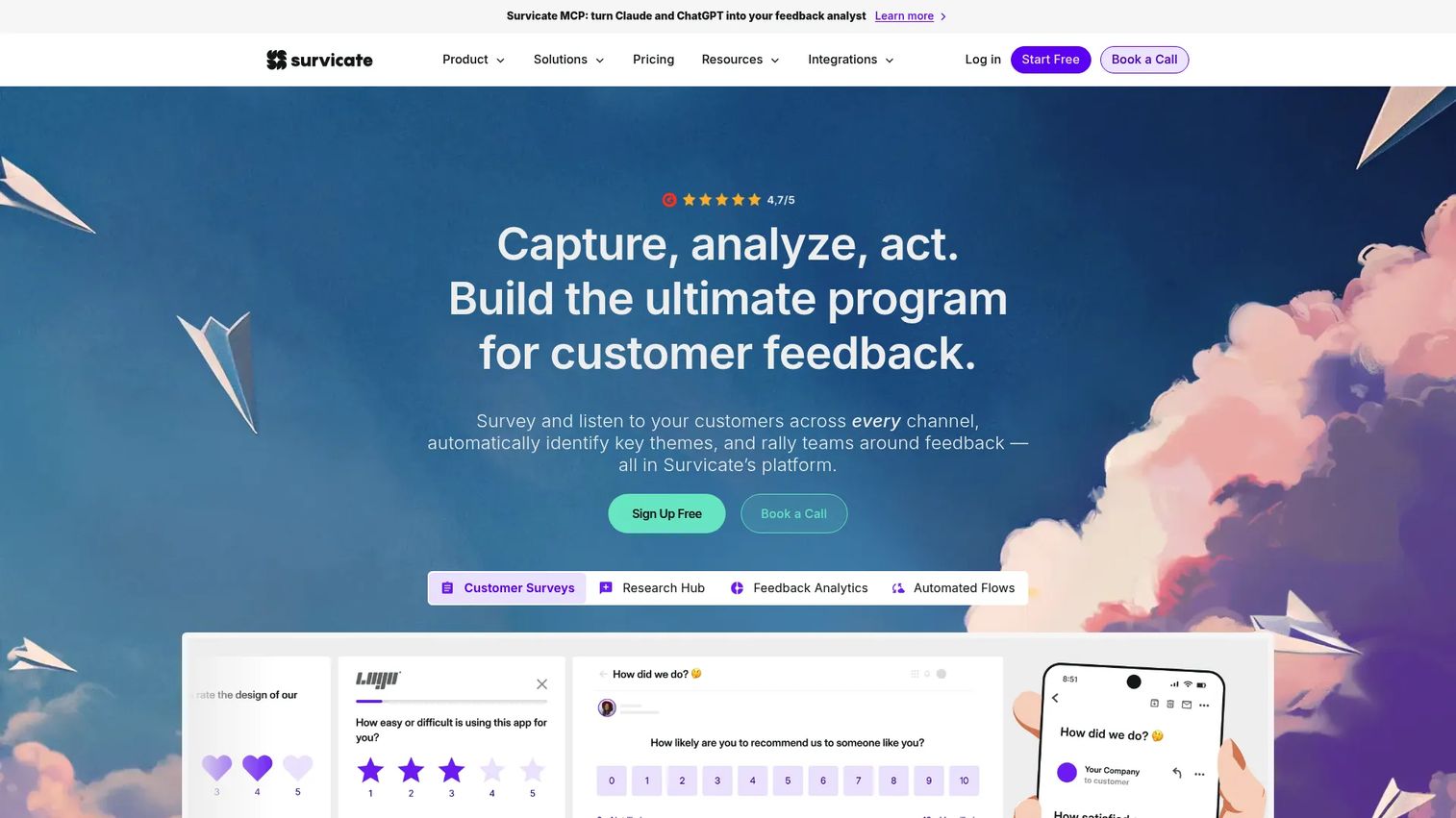
Survicate is a multi-channel customer feedback platform built for SaaS teams that need surveys across the product, website, email, and mobile touchpoints from one place. It includes NPS and CSAT tracking, survey targeting with behavioral triggers, branching logic, multilingual support, and a Research Hub with AI-powered feedback analysis. HubSpot integration is native and well-regarded by its users.
Best for: SaaS teams collecting targeted feedback across product, website, and lifecycle channels in a single tool.
Key features
- Website, email, mobile, and in-product surveys
- NPS and CSAT measurement
- Behavioral targeting and branching logic
- Research Hub with AI analysis
- Native HubSpot integration
Why choose Survicate: Survicate is the right pick when you need feedback across multiple customer touchpoints without building separate survey programs for each channel. It is more survey-focused than a full roadmap or feature-request management system.
Survicate pricing: Paid plans start at $114/month (Growth, billed annually). Pro is $349/month; Enterprise is $569/month. A free version is available.
G2 rating: 4.6/5
6. Zonka Feedback
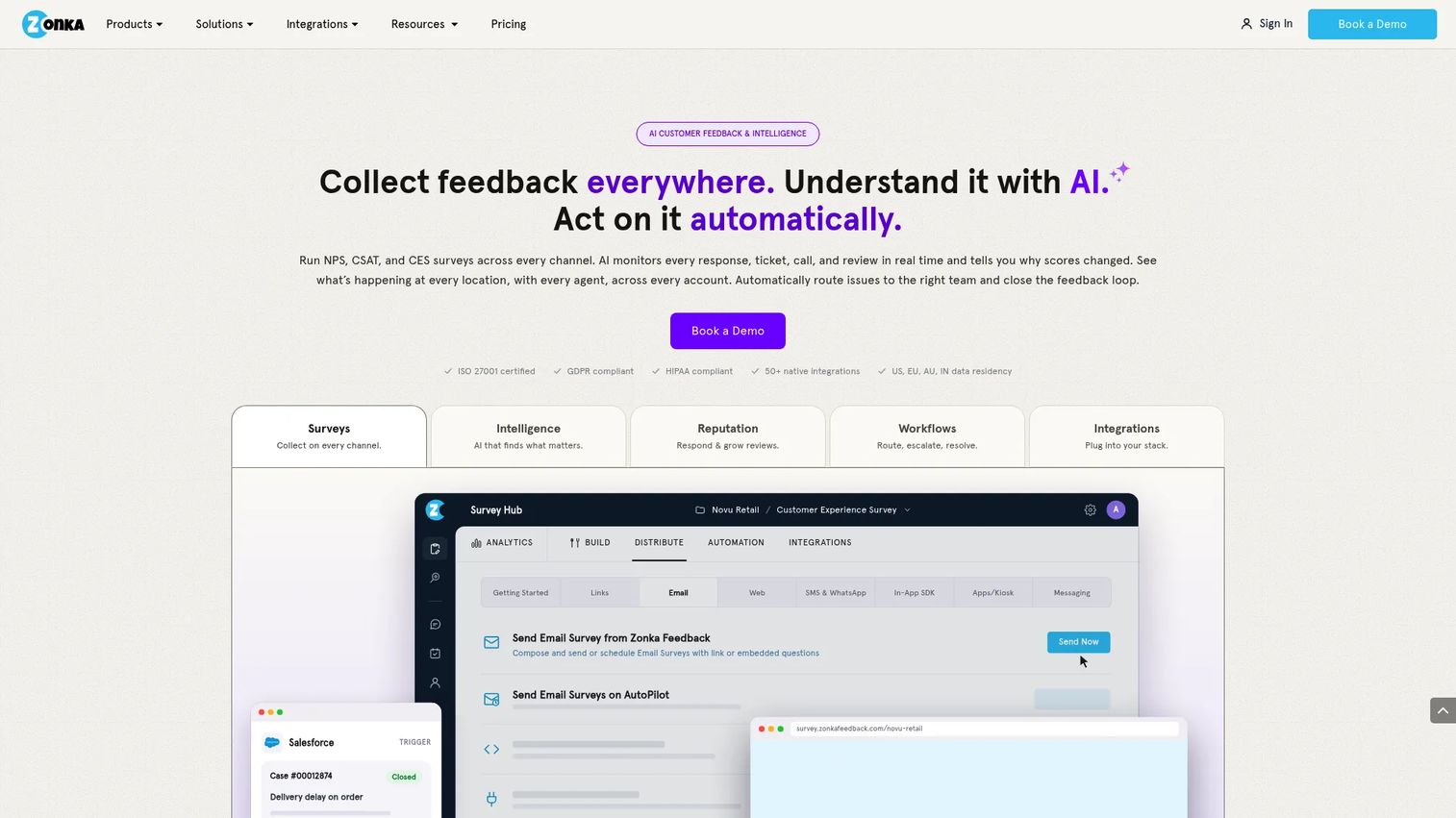
Zonka Feedback is an AI-powered customer feedback and CX intelligence platform focused on NPS, CSAT, and CES measurement across channels and locations. It offers sentiment analysis, theme detection, trend tracking, real-time alerts, case management, and closed-loop automation workflows. CX and support teams tracking satisfaction programs are its primary users, though PMMs find it useful for surfacing testimonial candidates and churn risk indicators.
Best for: CX, support, and PMM teams running omnichannel satisfaction measurement programs.
Key features
- NPS, CSAT, and CES surveys across channels
- AI-powered sentiment, theme, and trend analysis
- Case management and real-time alerts
- CX automation and closed-loop workflows
- Omnichannel distribution including email, SMS, and in-product
Why choose Zonka Feedback: Choose Zonka Feedback when satisfaction measurement across multiple customer touchpoints is the primary job. It is built for CX programs rather than product roadmap prioritization.
Zonka Feedback pricing: Pricing is custom, based on feedback volume, response counts, and AI data credits. A 14-day free trial is available. Contact Zonka Feedback for a quote.
7. UserVoice
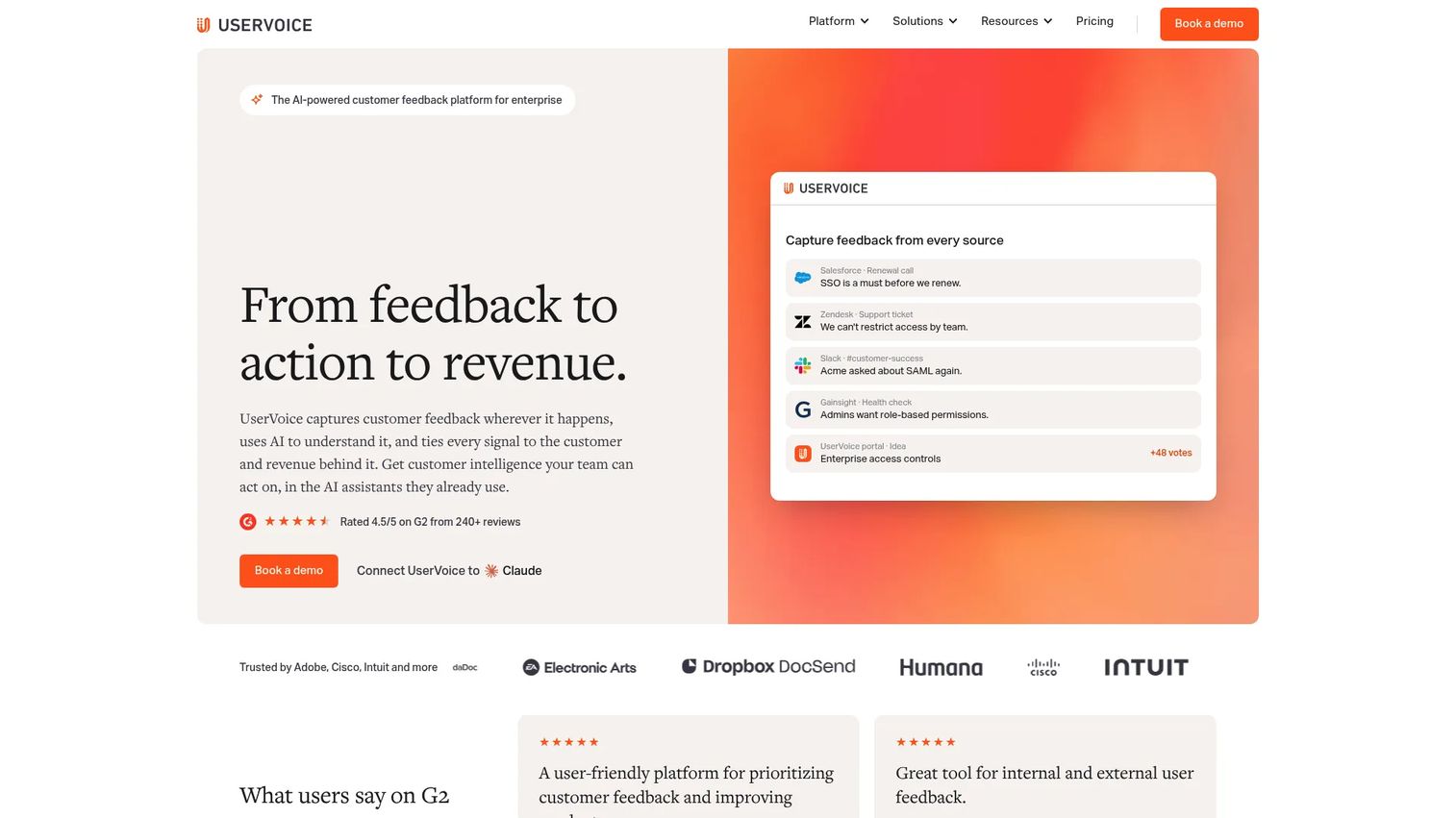
UserVoice is an AI-powered enterprise product feedback management platform covering feedback capture, idea prioritization, roadmap communication, and loop-closing workflows. It attaches revenue and account context to customer ideas, so product teams can prioritize by customer impact rather than raw vote count. Integrations with Salesforce, HubSpot, Jira, Azure DevOps, Slack, and Microsoft Teams are built in. For PMMs, UserVoice is useful when you need to show stakeholders that roadmap decisions are grounded in customer demand, segmented by account tier.
Best for: B2B product organizations managing high feedback volume from enterprise or mid-market customers.
Key features
- Branded feedback portals with voting and status subscriptions
- AI-powered idea insights and revenue-weighted prioritization
- Roadmap and changelog communication
- CRM enrichment and integrations with Salesforce, HubSpot, and Jira
- UserVoice agent and MCP for AI-assisted feedback querying
Why choose UserVoice: UserVoice is the right choice when feedback needs to become a defensible roadmap input that holds up in executive reviews. It is more than needed for lightweight survey collection or simple NPS programs.
UserVoice pricing: Launch plan starts at $1,000/month ($12,000/year). Business is $1,833/month ($22,000/year). Enterprise uses custom pricing. A 30-day free trial is advertised; no ongoing free tier.
G2 rating: 4.5/5
8. Canny
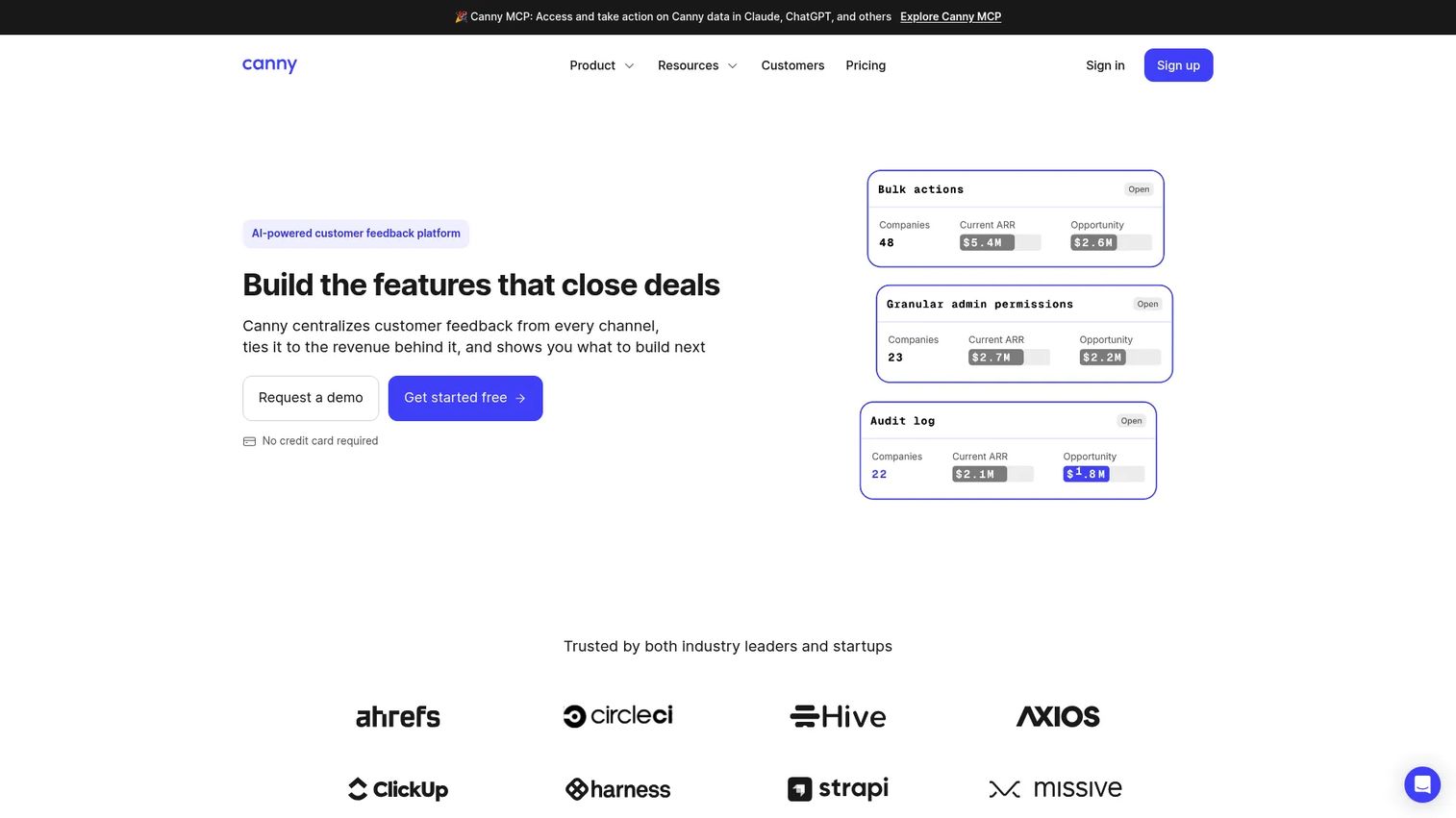
Canny is an AI-powered customer feedback platform for capturing feature requests, managing voting boards, publishing roadmaps, and closing the loop through changelogs. Its Autopilot feature handles feedback capture, deduplication, smart replies, and comment summaries automatically. Boards can be public or private, and the segmentation controls let teams see which accounts are behind which requests. For PMMs, Canny is useful after launches: Showing customers that their feedback influenced the roadmap builds trust and feeds future research.
Best for: Product-led and product-marketing teams that want feature request boards, roadmap visibility, and launch changelog communication.
Key features
- AI Autopilot for deduplication, triage, and smart replies
- Feedback boards with voting, segmentation, and privacy controls
- Public and internal roadmaps with prioritization scores
- Changelog publishing with status updates
- Integrations with Jira, Linear, and GitHub
Why choose Canny: Canny covers the feature-request and loop-closing motion well at a price point accessible to growth-stage teams. It is not designed as a standalone broad customer research tool.
Canny pricing: Free plan includes 25 tracked users and unlimited feedback. Pro starts at $79/month (billed annually) with 100-plus tracked users. Business uses custom pricing with 5,000-plus tracked users and CRM integrations.
G2 rating: 4.5/5
9. Pendo
Pendo is a product experience platform combining product analytics, in-app guides, NPS surveys, session replay, and product discovery workflows. The key advantage for PMMs is that qualitative feedback sits next to usage data: You can see that users who scored NPS 7 or below also dropped off at a specific step in the onboarding flow, and then target that segment with an in-app guide. This connection between feedback and behavior is what makes Pendo distinct from standalone survey tools. See our guide to best product analytics software tools for a broader comparison of analytics-first platforms.
Best for: Product and PMM teams that need qualitative feedback in context of actual product usage data.
Key features
- Product analytics and event tracking
- In-app guides, tooltips, and onboarding flows
- NPS and in-app survey collection
- Session replay
- Product discovery and roadmap inputs
Why choose Pendo: Pendo is the right pick when you need to connect what users say with what they actually do in the product. Teams looking only for lightweight survey distribution may not need a full product experience platform.
Pendo pricing: Free plan supports up to 500 monthly active users. Paid plans (Base, Core, Ultimate) are priced by MAU volume and require a sales conversation.
10. Userflow
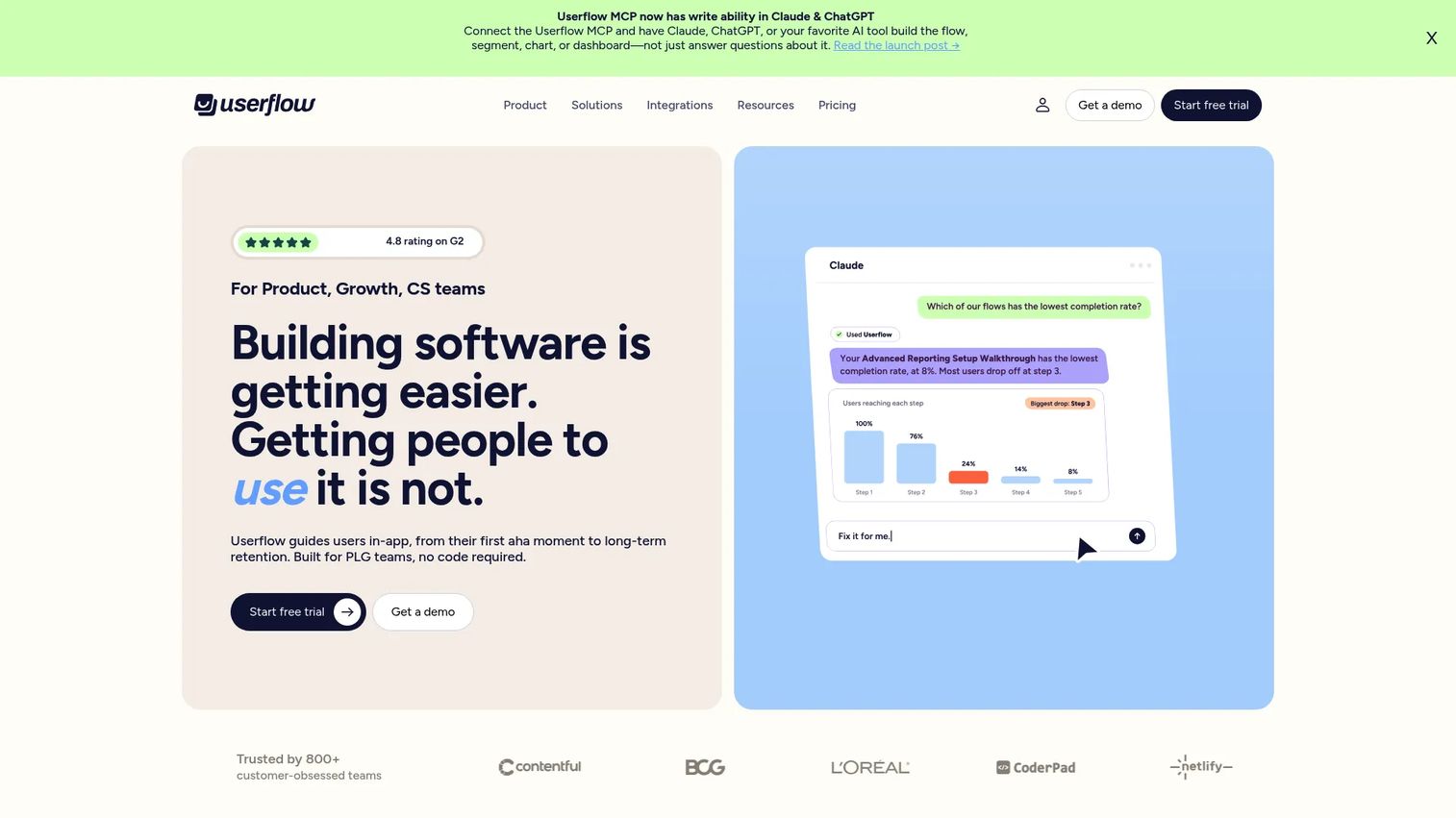
Userflow is an AI-powered product adoption and onboarding platform that lets teams build in-app flows, checklists, surveys, NPS prompts, and resource centers without engineering involvement. The survey functionality is embedded within onboarding sequences, so feedback arrives in the context of a user completing a specific workflow step, not in isolation. For PMMs, Userflow is useful when adoption campaigns need a feedback mechanism tied to specific activation milestones. For a broader look at tools in this category, see our roundup of best onboarding flow software.
Best for: SaaS teams that need in-app feedback collection connected to onboarding flows and activation checkpoints.
Key features
- No-code flows, tours, checklists, and surveys
- Event-based and attribute-based user targeting
- NPS and feedback collection within onboarding sequences
- AI FlowAI Builder, Signals, and Adoption Agent
- Integrations with HubSpot, Salesforce, Segment, and Amplitude
Why choose Userflow: Userflow is well-suited when in-app feedback needs to be part of an onboarding or adoption sequence. It is not focused on external survey research or enterprise voice of customer programs.
Userflow pricing: Essentials starts at $240/month (billed annually; $2,880/year). Studio is $400/month (billed annually; $4,800/year). Enterprise uses custom pricing. A 14-day free trial is available for Essentials and Studio.
G2 rating: 4.8/5
11. Contentsquare
Contentsquare is an AI-first digital experience analytics platform combining journey analysis, session replay, heatmaps, frustration scoring, error monitoring, and surveys. Its Sense AI surfaces behavioral insights automatically rather than requiring manual analysis. For PMMs, Contentsquare is valuable when conversion or adoption messages are not landing and you need behavioral proof, not just survey responses, to explain why. Hotjar, which is now part of the Contentsquare family, operates as a separate product at a lower price point.
Best for: Enterprise teams analyzing digital journey friction at scale, with behavioral and qualitative data combined.
Key features
- Journey analytics and funnel analysis
- Session replay with frustration signal detection
- Zone-based heatmaps and scroll maps
- Surveys and feedback analysis
- AI-powered insights with Sense
Why choose Contentsquare: Contentsquare is the right pick when behavioral evidence needs to accompany qualitative feedback. For teams that only need survey distribution, the platform covers more than the job requires.
Contentsquare pricing: Free plan available (up to 200,000 monthly sessions, one project). Growth plan starts at $39/month. Pro and Enterprise plans use custom pricing. Free plan includes session replay, heatmaps, funnels, and basic surveys.
G2 rating: 4.6/5
12. Intercom
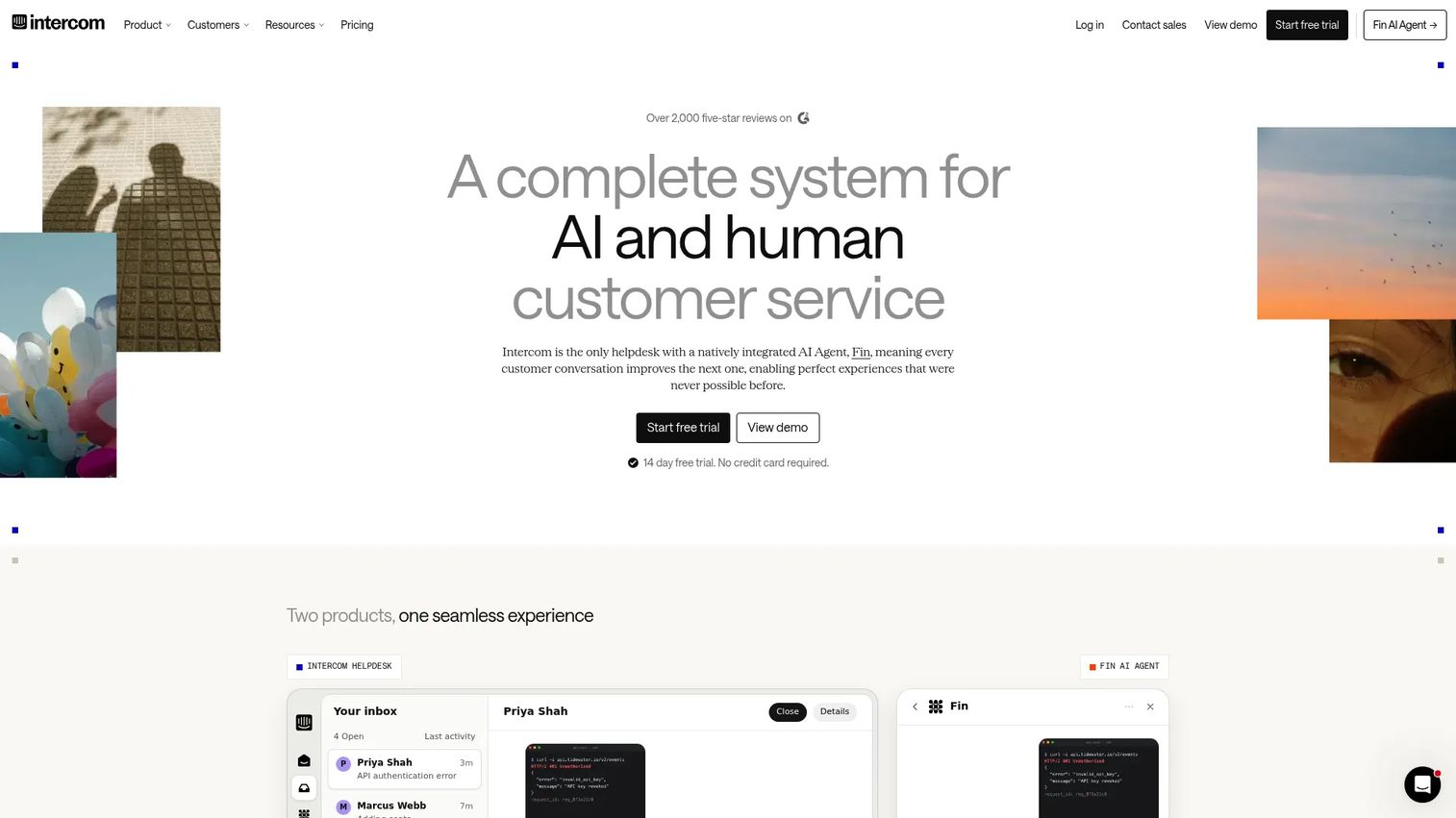
Intercom is an AI-powered customer service platform that captures feedback through support conversations, messenger surveys, help center interactions, and ticketing workflows. For PMMs, its value is different from purpose-built survey tools: Intercom surfaces the language customers actually use when they are frustrated or confused, which is often more useful for messaging work than a structured NPS survey. Mining support conversations for objection patterns and product confusion is a PMM use case that Intercom enables without a separate feedback tool. Explore related options in our list of best in-app survey tools.
Best for: Teams that already collect meaningful customer signal through support and customer conversations.
Key features
- Fin AI Agent and shared inbox for support workflows
- Messenger surveys and in-conversation feedback collection
- Help center with article-level feedback
- Workflow automation and conversation tagging
- Copilot for agent assistance and reporting
Why choose Intercom: Intercom is the right pick when most of your useful feedback is already arriving through support channels. It is not a standalone survey research platform or roadmap voting tool.
Intercom pricing: Essential plan starts at $29/seat/month ($39/seat billed monthly). Advanced is $85/seat/month annually. Expert is $132/seat/month annually. The Fin AI Agent is additionally priced from $0.99 per resolved outcome. A 14-day free trial is available.
G2 rating: 4.5/5
13. Lyssna
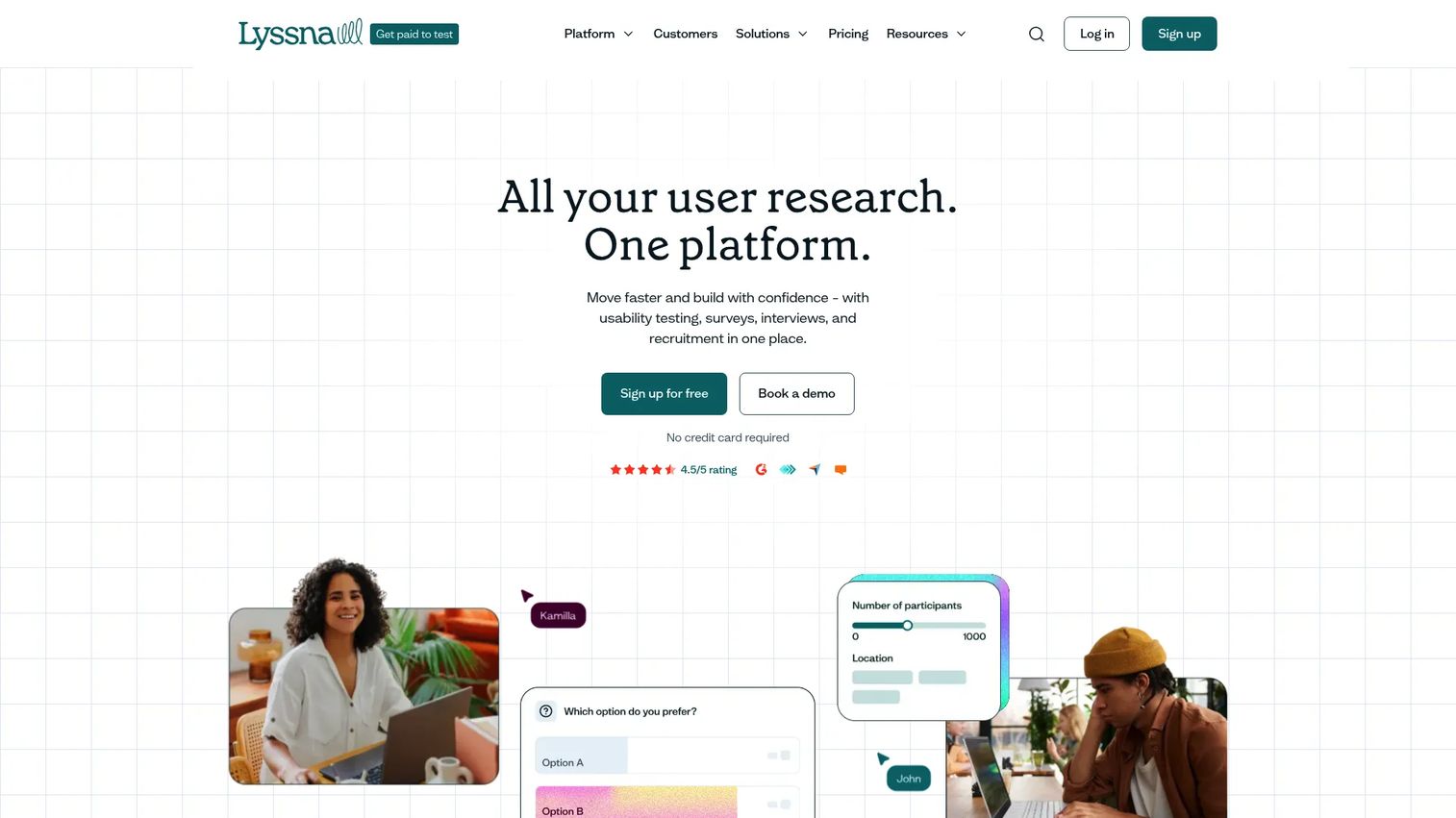
Lyssna is a user research and usability testing platform covering prototype tests, preference tests, five-second tests, card sorting, tree testing, surveys, live user interviews, and participant panel recruitment. For PMMs, it is a strong pre-launch tool: Test a landing page concept, a feature name, two headline variants, or a product screenshot before the campaign budget is committed. The panel recruitment feature is what separates Lyssna from internal survey tools when you need responses from people outside your existing customer base.
Best for: PMMs and UX researchers validating concepts, messaging, and designs before launch.
Key features
- Prototype testing and first-click analysis
- Preference tests and five-second tests
- Research panels for participant recruitment
- Tree testing and card sorting
- Surveys, user interviews, and recordings
Why choose Lyssna: Lyssna is built for pre-launch research and creative validation, not continuous in-app feedback collection. If your primary need is ongoing in-product surveys, pair it with a tool purpose-built for that job.
Lyssna pricing: Free plan available (unlimited quick studies, three seats, 15 self-recruited responses). Growth is $166/month with five seats and unlimited self-recruited responses. Enterprise uses custom pricing. Panel participant responses are priced separately.
G2 rating: 4.4/5
14. FullStory
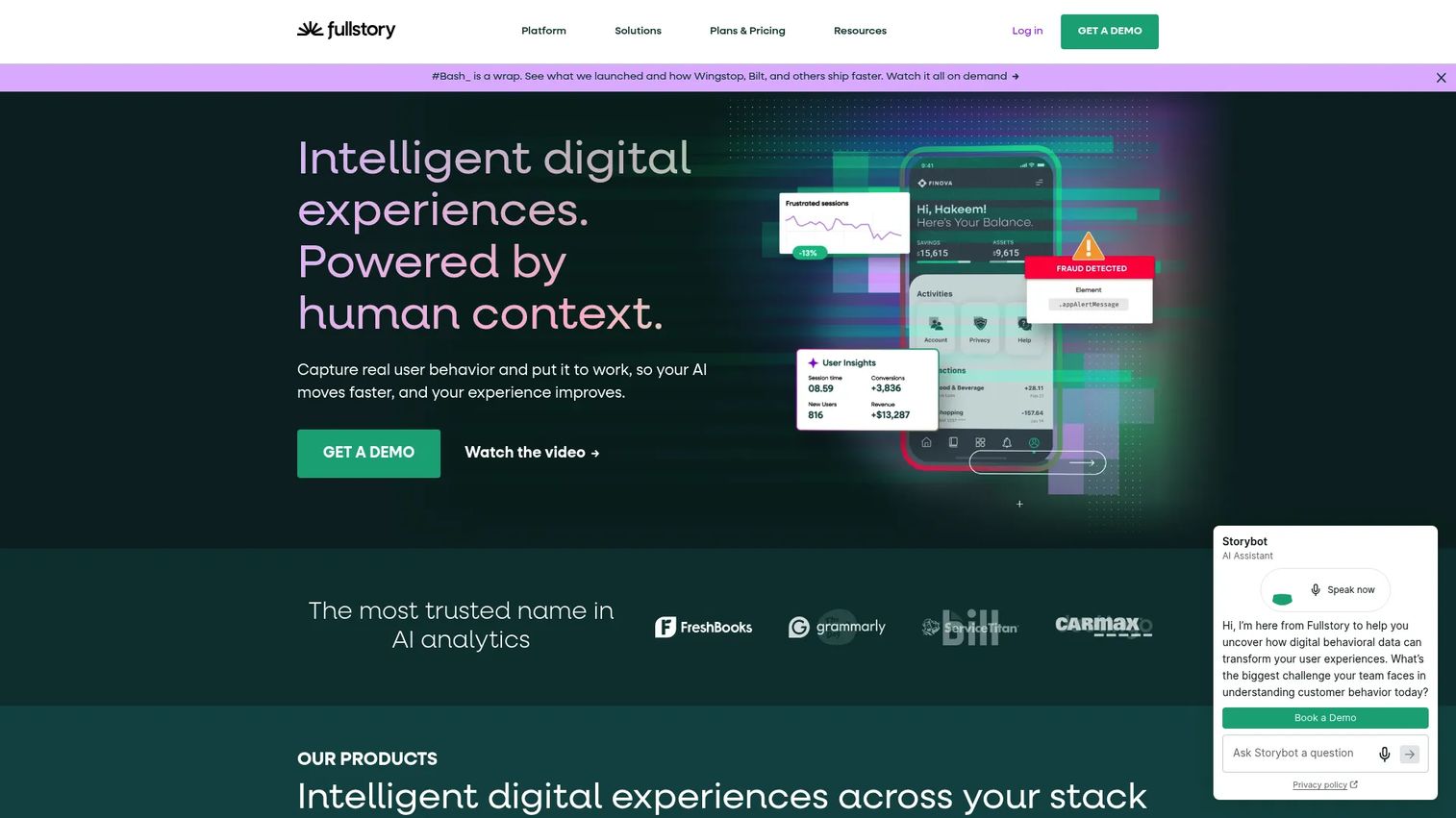
FullStory is a behavioral data and digital experience platform built around session replay, product analytics, heatmaps, journey maps, frustration signal detection, and mobile analytics. Its Fullcapture technology records user interactions across web and mobile, and its StoryAI surfaces insights automatically. For PMMs, FullStory is useful when behavioral evidence needs to anchor a positioning or adoption argument: Rather than asserting that the checkout flow confuses enterprise buyers, you show session data where they hesitate repeatedly at the same field. See our broader comparison of best session replay software tools for additional context.
Best for: Teams that need behavioral session data as evidence alongside customer feedback.
Key features
- Session replay with frustration event detection
- Product analytics and funnel analysis
- Journey maps and heatmaps
- Guides and surveys
- Mobile analytics and Fullcapture data collection
Why choose FullStory: FullStory is the right choice when behavioral proof is as important as qualitative feedback. Teams needing direct customer survey responses should pair FullStory with a dedicated survey tool.
FullStory pricing: FullstoryFree plan available with 30,000 monthly sessions, 12 months of analytics retention, and up to 10 users. Business, Advanced, and Enterprise paid plans use custom pricing by sales conversation.
G2 rating: 4.5/5
15. Usersnap
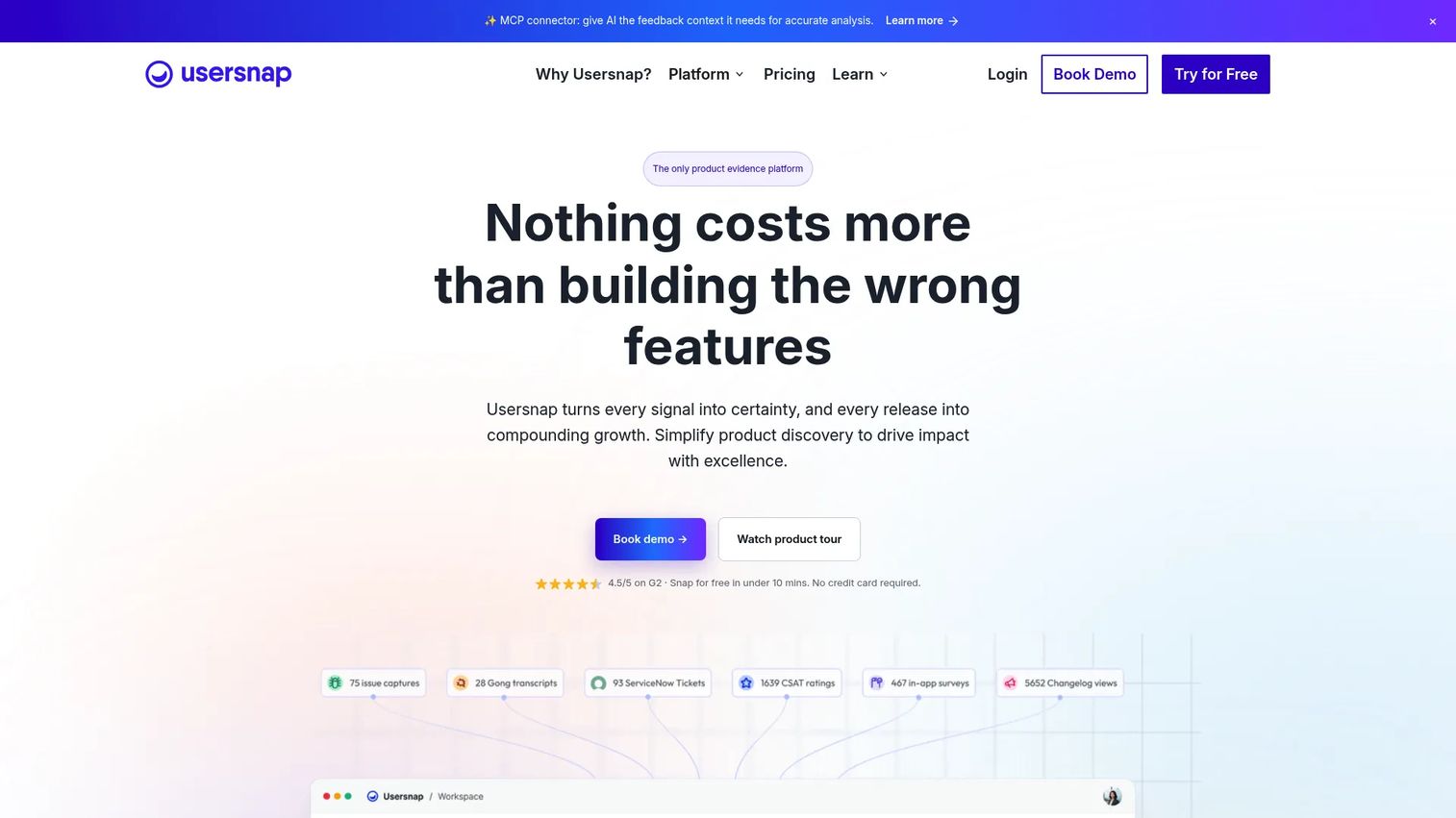
Usersnap is a customer feedback and product evidence platform focused on annotated screenshots, screen recordings, targeted microsurveys, embedded feedback widgets, console log capture, and issue tracker integrations. It is used for beta program feedback, internal QA before launches, and visual bug reporting from customers. For PMMs, Usersnap is useful during launch preparation: Beta testers can annotate exactly what they see, reducing back-and-forth and giving product teams unambiguous reproduction steps.
Best for: Product and web teams collecting visual, annotated feedback and bug reports during beta programs or launch preparation.
Key features
- Annotated screenshots with feedback capture
- Screen recordings and console log collection
- Targeted microsurveys and embedded feedback widgets
- AI-generated summaries and smart labeling
- Integrations with Jira, GitHub, Trello, and other issue trackers
Why choose Usersnap: Usersnap is built for visual, contextual feedback and bug reporting. It is not the primary tool for broad customer satisfaction surveys or voice of customer governance programs.
Usersnap pricing: Starter plan starts at €49/month. Growth is €129/month; Professional is €219/month; Premium is €459/month. Enterprise uses custom pricing. A free trial covering the first 20 feedback items is available.
G2 rating: 4.5/5
Considerations when choosing user feedback tools
Start with the feedback job
"User feedback tools" covers too wide a range to evaluate as one category. A PMM testing launch messaging needs a different system than a product team managing a backlog of feature requests. Before evaluating any tool, name the specific job: Messaging validation, NPS tracking, feature request management, website friction analysis, or launch QA feedback. That answer narrows the shortlist faster than any feature comparison.
Check how feedback gets segmented
A response from a 500-person enterprise customer and a response from a free-tier user look identical without segmentation. Before trialing any tool, verify whether it can filter feedback by persona, account type, revenue tier, lifecycle stage, plan, or feature usage. PMMs need feedback tied to the audience that gave it, or the signal is not defensible in launch reviews or enablement assets.
Inspect pricing drivers before the trial
This category's pricing varies by responses per month, seats, monthly active users, tracked users, pageviews, sessions, and project count. What looks affordable at 1,000 responses can become expensive at 10,000. Ask vendors specifically how their pricing scales with feedback volume growth, and check whether key features like CRM integration or advanced segmentation sit behind a higher tier.
Evaluate integrations with existing systems
Feedback that cannot move to the team that owns the fix gets ignored. Check which CRM, support desk, product analytics, project management, and dev tools each platform supports natively. For PMMs, the connection between feedback data and CRM deal records is especially valuable when you need to weight feedback by account revenue. Our list of best product management tools covers related workflow tools worth considering alongside a feedback system.
Decide who closes the loop
Most teams collect feedback. Fewer teams tell customers what happened as a result. Closing the loop, through status updates, changelogs, targeted emails, or in-app messages, builds the trust that makes future feedback higher quality. Evaluate whether a tool supports customer-facing communication after a request is resolved. For PMMs, connecting launches back to customer asks is a credibility move that also generates case study material.
Conclusion
The right user feedback tool depends on where your feedback comes from and what you need to do with it. Hotjar suits website friction analysis; Typeform covers polished survey research; SurveyMonkey handles broad recurring programs; Qualtrics supports enterprise voice of customer workflows; Canny and UserVoice manage feature requests and roadmap communication for product-led and B2B enterprise teams respectively. Pendo and Contentsquare connect behavioral data to qualitative feedback; FullStory brings session-level behavioral evidence; Lyssna excels for pre-launch research and concept validation; Usersnap captures visual, annotated feedback during beta programs and launch QA.
Before picking a tool, map the feedback workflow your team actually runs. Where does input arrive? Who needs to act on it? How will it connect to your positioning, launches, or enablement assets? Answering those questions first prevents buying a platform for the category name rather than the job.
If your next step is showing users a product change before asking for feedback, build a clickable interactive demo they can experience first. Start your journey with Guideflow today!
FAQs
User feedback tools are software platforms for collecting, organizing, analyzing, and acting on input from customers or product users. The category includes survey platforms, website widgets, in-app prompts, NPS and CSAT trackers, feature request boards, session replay tools, visual bug reporting software, and product feedback management systems. The right tool depends on where feedback originates and what the team needs to do with it next.
There is no single best tool across all SaaS contexts. Pendo suits product and PMM teams that need usage context alongside qualitative feedback. Canny or UserVoice works for feature request management and roadmap communication. Survicate or Hotjar covers multi-channel or website-specific survey collection. Match the tool to the feedback job your team needs to do, not to the broadest category the tool claims to cover.
User feedback typically focuses on product experience, usability, and feature-level input from people using the software. Customer feedback is broader and can include support satisfaction, account health, loyalty signals like NPS, and relationship-level input that spans beyond the product. Many platforms cover both, but tools like Pendo and Userflow lean toward in-product user feedback, while Qualtrics and Zonka Feedback cover the wider customer feedback and experience management scope.
PMMs use feedback tools to validate messaging before launch, build defensible proof points for positioning, identify objection patterns from sales calls and support conversations, segment win/loss research by persona and deal size, and monitor adoption signals that inform enablement assets. The differentiator is segmentation: Feedback without account context, lifecycle stage, or revenue tier is harder to use in GTM arguments than feedback tied to a specific customer segment.
SurveyMonkey, Qualtrics, Survicate, and Zonka Feedback are purpose-built for satisfaction measurement across NPS, CSAT, and CES. Pendo and Userflow both support NPS collection within product and onboarding flows. Intercom can collect in-conversation feedback that approximates satisfaction measurement. Verify each platform's specific implementation before selecting based on this criterion alone.
Evaluate collection channels first: Does the tool reach customers where your feedback actually originates? Then check segmentation depth, specifically whether you can filter by persona, account type, plan, or feature usage. Inspect integrations with the CRM, support desk, and product analytics tools your team already uses. Understand the pricing model in terms of what drives cost as volume grows. Finally, assess loop-closing workflows: Status updates, changelogs, and targeted follow-up determine whether customers see the tool as worthwhile to engage with again.
Free plans work for small-scale surveys, early validation research, and teams with low monthly feedback volume. Paid plans become necessary when teams need advanced segmentation, CRM integrations, higher response volumes, team collaboration features, governance controls, or analytics that go beyond basic response counts. For PMMs running cross-functional research programs, the segmentation and integration gaps in free tiers typically make paid plans the more practical starting point. Also see our guide to 360 feedback software for related tooling context.
Closing the feedback loop means telling users what happened after they gave you input. For feature requests, that means status updates on boards like Canny or UserVoice when an idea moves to planned, in-progress, or shipped. For satisfaction surveys, it means targeted follow-up emails or in-app messages when an NPS detractor's concern gets resolved. For PMMs, changelog entries and release communications that reference customer requests are the most visible form of loop-closing, and they also generate case study material for future launches.