You can spend three weeks aligning launch messaging, then ship it as a static page nobody explores. The deck that marketing polished drifts in sales' hands. The PDF gets downloaded and forgotten. The blog post explains the value but lets nobody touch it.
The format is the problem. According to the Content Marketing Institute and MarketingProfs (2026), 32% of B2B marketers now offer interactive content as an experience, yet static assets still dominate most launch programs. That gap is where PMMs lose deals quietly, one unexplored product page at a time.
Interactive content tools give you a way to close it. Instead of explaining what the product does, you let buyers click through it. Instead of publishing a report, you let readers filter the data. Instead of sending a PDF, you give sales a flipbook with open tracking. The right interactive demo, quiz, or calculator changes what a prospect does next, and what you can measure afterward.
This guide covers 21 interactive content tools for PMMs who are done shipping assets that nobody engages with.
What's inside
This guide compares 21 interactive content tools selected for format coverage, PMM usefulness, distribution options, and measurement depth. It spans every major interactive format.
- Format coverage: Product demos, quizzes, calculators, maps, data visualizations, flipbooks, interactive video, scrollytelling, and 360 tours
- PMM selection criteria: Launch speed, brand control, analytics, and sales enablement value
- Comparison table: Pricing and G2 ratings verified from live sources
- Practical guidance: Matching each tool to the content job, not just the category
TL;DR
- Best for interactive product demos: Guideflow helps PMMs turn product flows into guided, clickable experiences for launch pages, sales leave-behinds, onboarding, partner enablement, and customer education
- Best for quizzes and calculators: Outgrow fits teams building ROI calculators, assessments, and lead qualification assets
- Best for forms and surveys: Typeform works well when the interactive content starts with audience input
- Best for visual storytelling: Shorthand and Ceros support immersive editorial and campaign experiences
- Best for data stories: Flourish and Infogram help teams turn reports and benchmarks into interactive visual assets
- Best for repurposing PDFs: FlippingBook turns static documents into trackable digital publications
What are interactive content tools?
Interactive content tools are software platforms that help teams create digital assets people can click, answer, calculate, explore, personalize, or navigate instead of passively reading or watching.
For PMMs, the category matters because static formats break the feedback loop. A PDF tells you nothing about where readers stopped. A deck that sales sends out produces no signal about what the buyer cared about. Interactive formats change both sides of that equation: The buyer gets an experience that respects their time, and the PMM gets data to act on.
Common interactive content formats:
- Interactive product demos and sandboxes
- Quizzes and assessments
- Calculators (ROI, pricing, fit)
- Polls and surveys
- Interactive maps
- Interactive infographics
- Data visualizations and charts
- Interactive videos
- Flipbooks and digital documents
- Scrollytelling pages
- 360 tours
- Interactive email content
- Landing page experiences with logic and branching
Key capabilities to compare across tools:
- No-code creation and edit speed
- Templates and brand controls
- Website embeds and distribution options
- Mobile responsiveness
- Lead capture and form logic
- Analytics and CRM sync
- Collaboration and governance
- Update workflows after publication
No single tool wins every format. A demo platform does not replace a quiz builder, and a flipbook tool does not replace a data visualization platform. The right choice starts with the job the content needs to do.
When to use interactive content tools
Turn product value into something buyers can try
Use an interactive product demo when static copy cannot explain a workflow. This is the format PMMs reach for on launch pages, in sales leave-behinds, in onboarding flows, and in customer education assets. When the goal is for a buyer to understand the product before a call, or for a rep to share something that speaks for itself, an interactive demo does the work that a deck cannot. Guideflow is built for this job: It covers guided interactive demos, sandboxes, Demo Centers, and mobile demos within one platform.
Capture first-party signals from campaigns
Use quizzes, forms, calculators, polls, and assessments when you need audience input alongside the content experience. These formats work for segmenting leads, running message testing, qualifying inbound traffic, and feeding nurture paths. PMMs should align the quiz or calculator output directly with sales follow-up messaging. If a prospect scores high on the ROI calculator, the follow-up should use that number, not generic copy.
Make complex stories easier to explore
Use scrollytelling, maps, data visualization, flipbooks, and interactive video when the story has layers that a single scroll cannot hold. Analyst reports, benchmark studies, product launch narratives, and customer proof campaigns all benefit from a format that lets readers choose what to investigate. Select the format based on the decision the audience needs to make next, not the format your team is most comfortable producing.
Interactive content tools comparison
The table below is a shortlist for PMMs choosing by content format and job. It is not a ranking of "best overall." Pricing and G2 ratings are drawn from verified live sources as of November 2026.
| # | Product | Best for | Key differentiator | Pricing | G2 rating |
|---|---|---|---|---|---|
| 1 | Guideflow | Interactive product demos | Guided demos, sandboxes, Demo Centers, mobile demos, and live demos | Free; paid from $40/mo | 5.0/5 |
| 2 | Outgrow | Quizzes and calculators | Lead-focused calculators, assessments, and forms | Free; paid from $14/mo (annual) | 4.7/5 |
| 3 | Typeform | Forms and surveys | Conversational data capture | Free; paid from $28/mo (annual) | 4.5/5 |
| 4 | Ceros | Interactive campaign experiences | Rich no-code visual experiences | Free starter; growth/enterprise via sales | 4.1/5 |
| 5 | Shorthand | Scrollytelling | Long-form immersive storytelling | Contact sales | 4.7/5 |
| 6 | Flourish | Data visualization | Interactive charts and data stories | Free; paid via Canva or contact | 4.7/5 |
| 7 | ThingLink | Interactive images and 360 media | Clickable hotspots on images and media | From $66/mo (annual) | 4.1/5 |
| 8 | Mapme | Interactive maps | Custom story maps and location guides | From $50/mo | 4.6/5 |
| 9 | Qzzr | Quizzes | Engagement and lead-capture quizzes | Free; Pro at $9/mo | 4.0/5 |
| 10 | Apester | Polls and audience engagement | Interactive editorial widgets | Contact sales | 4.5/5 |
| 11 | FlippingBook | Interactive flipbooks | Trackable digital documents | From AU$30/mo | 4.7/5 |
| 12 | PandaSuite | No-code interactive apps | Logic-based interactive experiences | Free; paid from €24/mo | 4.6/5 |
| 13 | Infogram | Infographics and charts | Fast visual content from data | Free; paid from $19/mo (annual) | 4.7/5 |
| 14 | Matterport | 3D and 360 tours | Immersive spatial experiences | Free; paid from $12/mo (annual) | 4.1/5 |
| 15 | Stornaway.io | Interactive video stories | Branching video narratives | From $17/mo (annual) | N/A |
| 16 | Calculoid | Calculators | Embeddable custom calculators | Free; paid from $19/mo | N/A |
| 17 | Zembula | Interactive email content | Dynamic email experiences | From $0.07 per 1,000 emails | N/A |
| 18 | WIREWAX | Interactive video | Clickable and shoppable video | Contact sales | 4.8/5 |
| 19 | SnapApp | B2B interactive content | Low-code enterprise app builder | Contact sales | N/A |
| 20 | Brackify | Brackets and gamification | Tournament-style voting experiences | Free; paid from $4.99/mo | N/A |
| 21 | Wix | Interactive landing pages | Website builder with interactive add-ons | Free; paid from $17.77/mo | 4.2/5 |
Best 21 interactive content tools for 2026
1. Guideflow
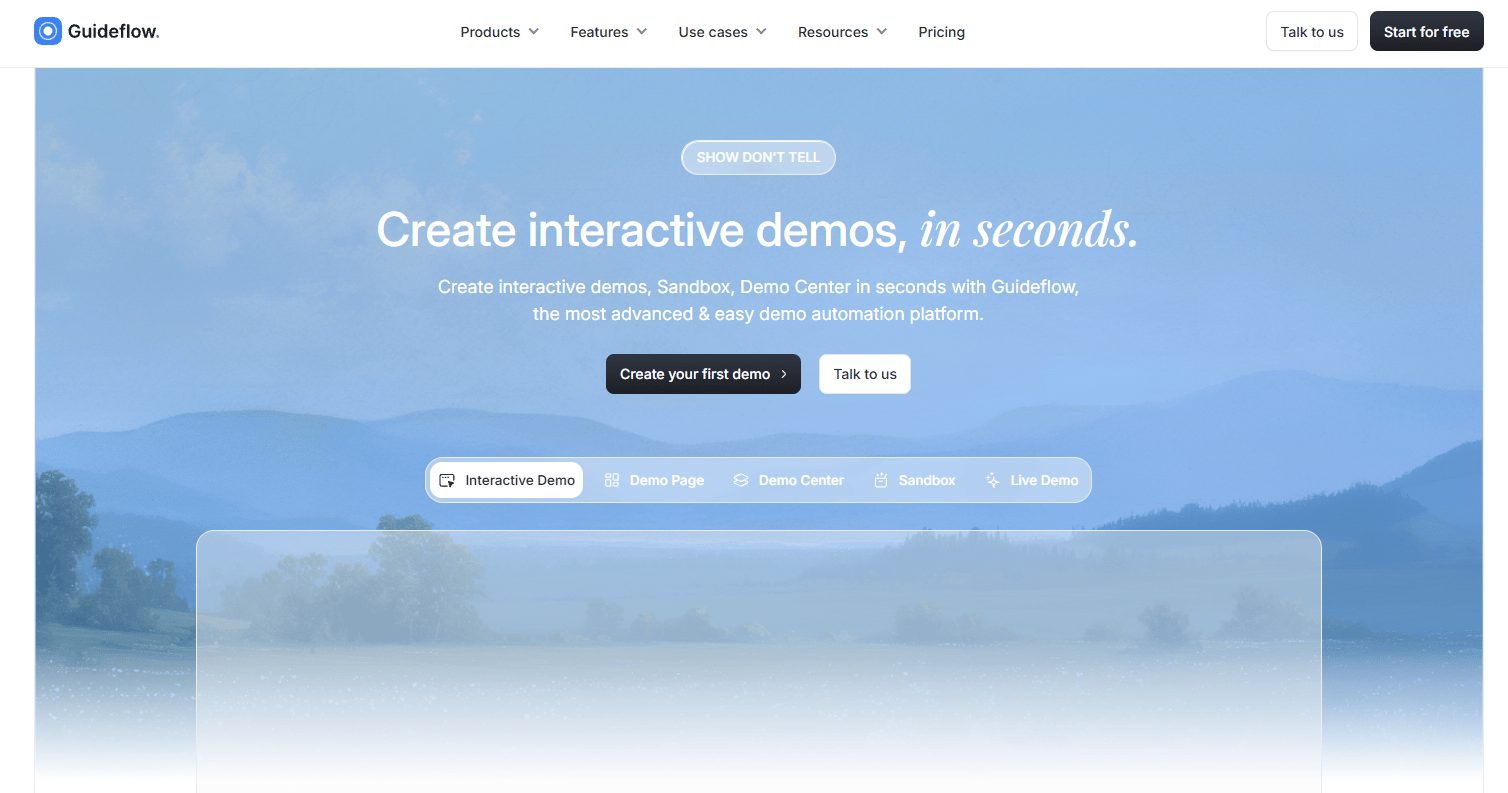
Guideflow is a demo automation platform for turning product flows into guided, clickable self-serve experiences. PMMs use it to create assets that show the product instead of describing it, across five formats: Interactive Demo, Sandbox, Demo Center, Mobile Demo, and Live Demo. The platform runs entirely in the browser, with screenshot, HTML, and video capture options available through a Chrome extension or native app.
Best for: Product marketing teams that need interactive demos and product experiences tied to launch, enablement, adoption, and onboarding.
Key features
- Browser-based product capture via Chrome extension or native app
- Guided interactive demos with branching and CTAs
- Demo Centers as self-serve hubs for buyers and partners
- Sandboxes for open product exploration
- Visitor engagement analytics with lead capture
Why choose Guideflow: Choose Guideflow when the content job is showing the product experience, not collecting survey responses or telling a visual story. PMMs use it to keep messaging consistent from the website through sales follow-up, to build assets reps actually share, and to surface intent signals that show what buyers explored and where they dropped off. The analytics sync to CRM and Slack, so the data lands where your team already works.
Guideflow works across launch pages, website embeds, sales leave-behinds, customer education, partner enablement, event collateral, and product announcements. Among the tools in this list, it covers the widest range of product experience use cases for a PMM team.
Guideflow pricing: Free plan available. Solo is $40/month (monthly) or $35/month billed annually. Startup runs $599/month (monthly) or $499/month annually. Advanced is $1,799/month (monthly) or $1,499/month annually. Enterprise pricing is custom.
G2 rating: 5.0/5
Start your journey with Guideflow today!
2. Outgrow
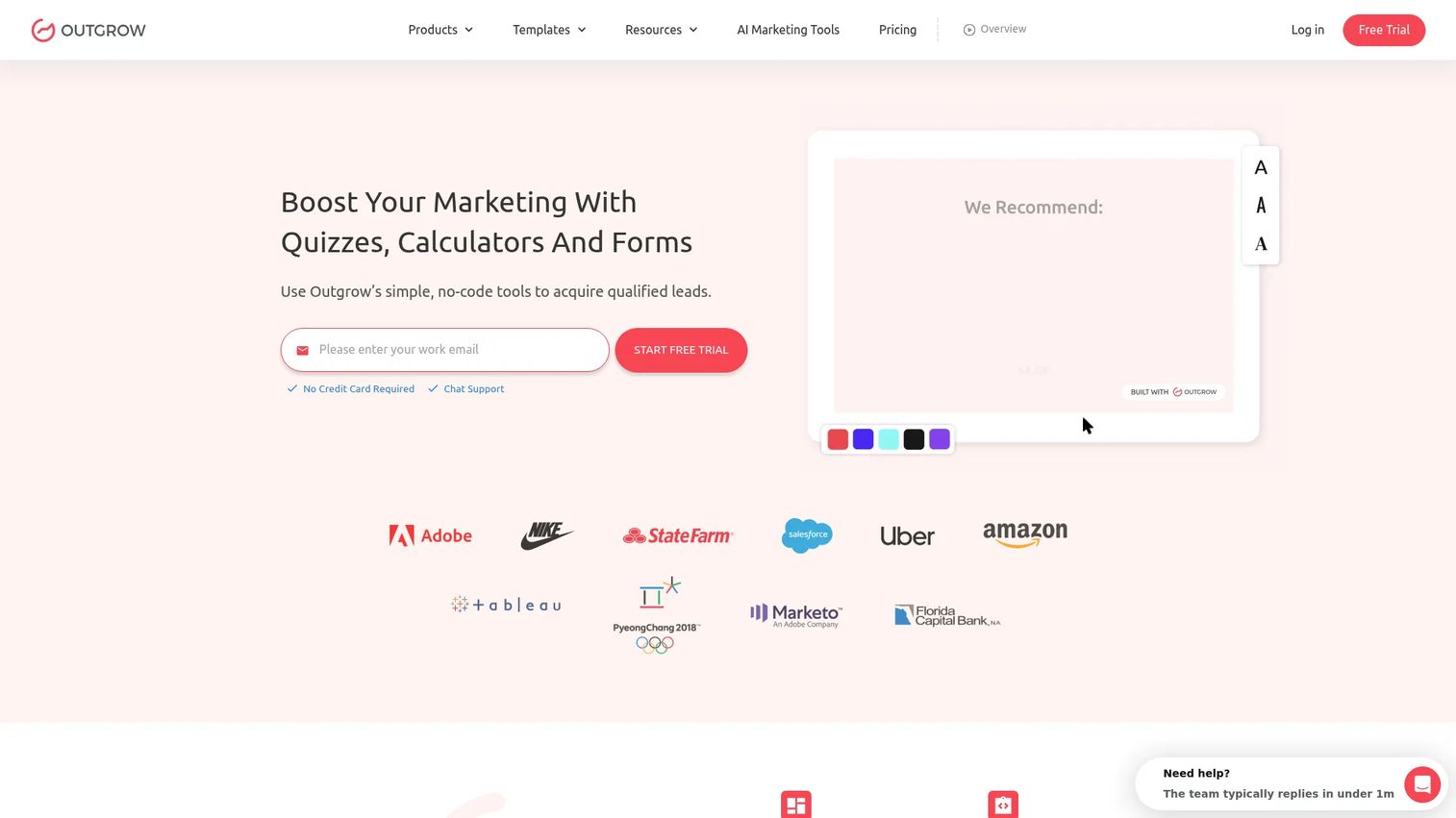
Outgrow is a no-code platform for building interactive calculators, quizzes, assessments, polls, recommendations, surveys, chatbots, and giveaways. It is built for marketers who need lead qualification and audience segmentation without a developer. PMMs use it to build ROI calculators for campaign landing pages, recommendation quizzes tied to ICP segments, and product fit assessments that route leads into the right nurture track.
Best for: Teams building interactive quizzes, calculators, and assessments for lead generation and qualification.
Key features
- ROI and pricing calculators with formula logic
- Quizzes, assessments, and recommendation engines
- Lead capture with segmentation and CRM integrations
- Templates for common marketing formats
- Embeddable on web pages, popups, email, and subdomains
Why choose Outgrow: Choose it when the interactive content needs to ask questions, calculate an outcome, and hand the lead to sales with context. PMMs should map calculator outputs directly to sales messaging so the follow-up does not feel generic.
Outgrow pricing: Free Forms/Surveys plan available. Freelancer Limited starts at $14/month billed annually. Freelancer Pro is $25/month annually. Essentials runs $95/month annually. Business is $600/month annually. Monthly billing is also available starting at $35/month for Startup Basic.
G2 rating: 4.7/5
3. Typeform
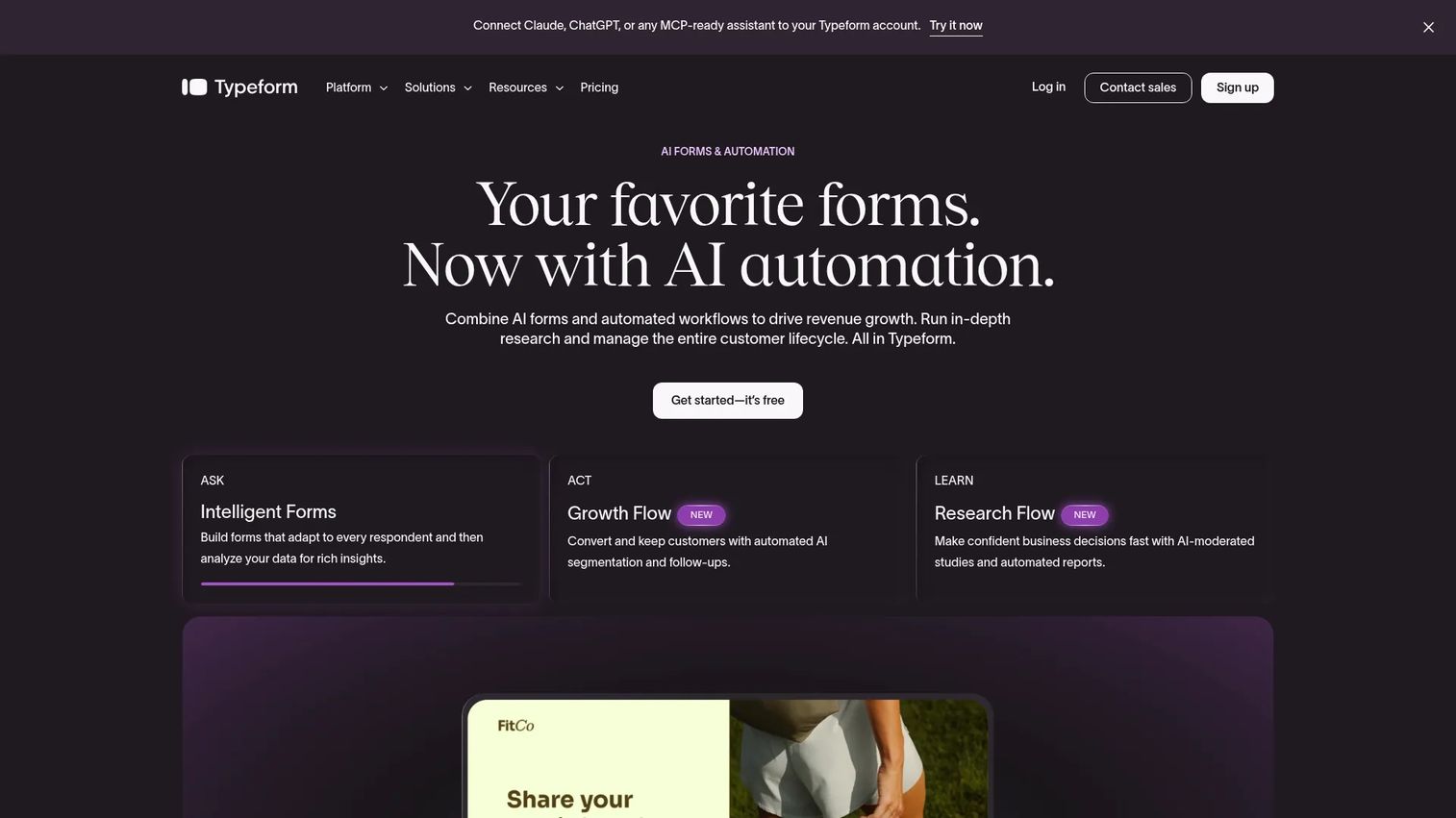
Typeform turns data capture into a more conversational interaction. Forms and surveys present one question at a time, which tends to increase completion rates compared to static grid-style forms. PMMs use it for launch surveys, win/loss feedback, message testing, lead capture on campaign pages, and post-event audience research.
Best for: PMMs collecting survey responses, feedback, lead details, or audience preferences.
Key features
- Conversational one-question-at-a-time flow
- Conditional logic and branching paths
- AI-powered form creation and analytics
- Integrations with HubSpot, Stripe, Calendly, and Google Sheets
- Workflow automation and follow-up emails
Why choose Typeform: Choose it when the goal is clean audience input rather than a full interactive visual experience. It fits PMM research workflows, message testing projects, and post-launch feedback cycles where completion quality matters as much as volume.
Typeform pricing: Free plan available. Basic starts at $39/month (monthly) or $28/month billed annually. Plus is $79/month or $56/month annually. Business is $129/month or $91/month annually. Enterprise pricing is by contact.
G2 rating: 4.5/5
4. Ceros
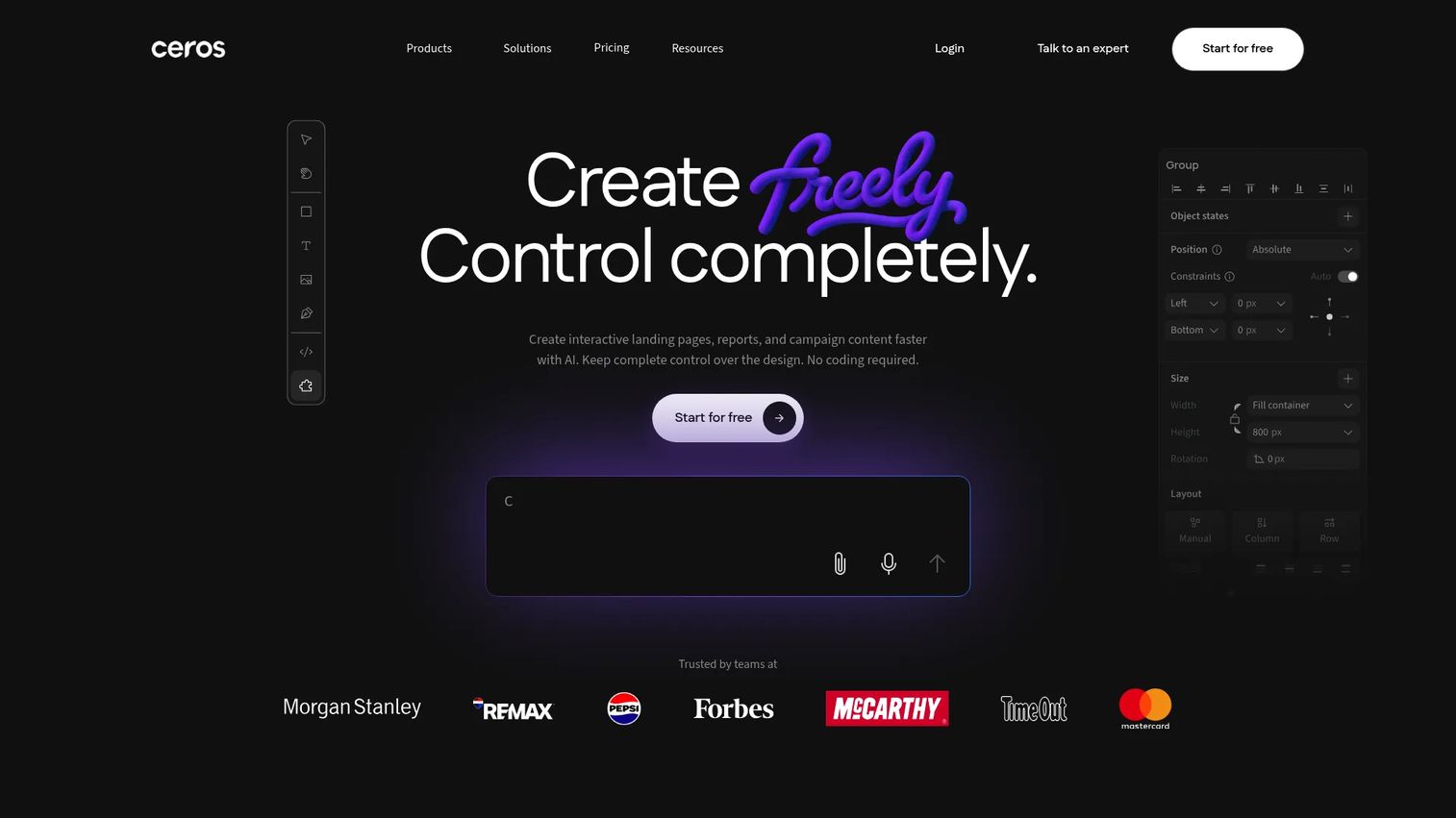
Ceros is a no-code platform for creating rich interactive web experiences, from campaign microsites and launch hubs to digital reports and product storytelling pages. It outputs responsive, semantic HTML via its Flex framework and includes animation, interaction, and analytics built in. Its AI assistance feature helps with layout generation.
Best for: Marketing and design teams creating highly designed interactive campaign experiences.
Key features
- No-code canvas with animation and interaction controls
- Ceros Flex for responsive HTML output
- Asset library, templates, and real-time collaboration
- Built-in analytics and publishing integrations
- AI-assisted layout tools
Why choose Ceros: Choose it when design polish and creative flexibility matter more than rapid quiz or calculator creation. PMMs should confirm internal design resource availability before committing to a visually intensive platform, since rich experiences require stronger creative ownership.
Ceros pricing: Starter plan is free to try. Growth and Enterprise plans use sales-led pricing. All plans include unlimited publishing.
G2 rating: 4.1/5
5. Shorthand
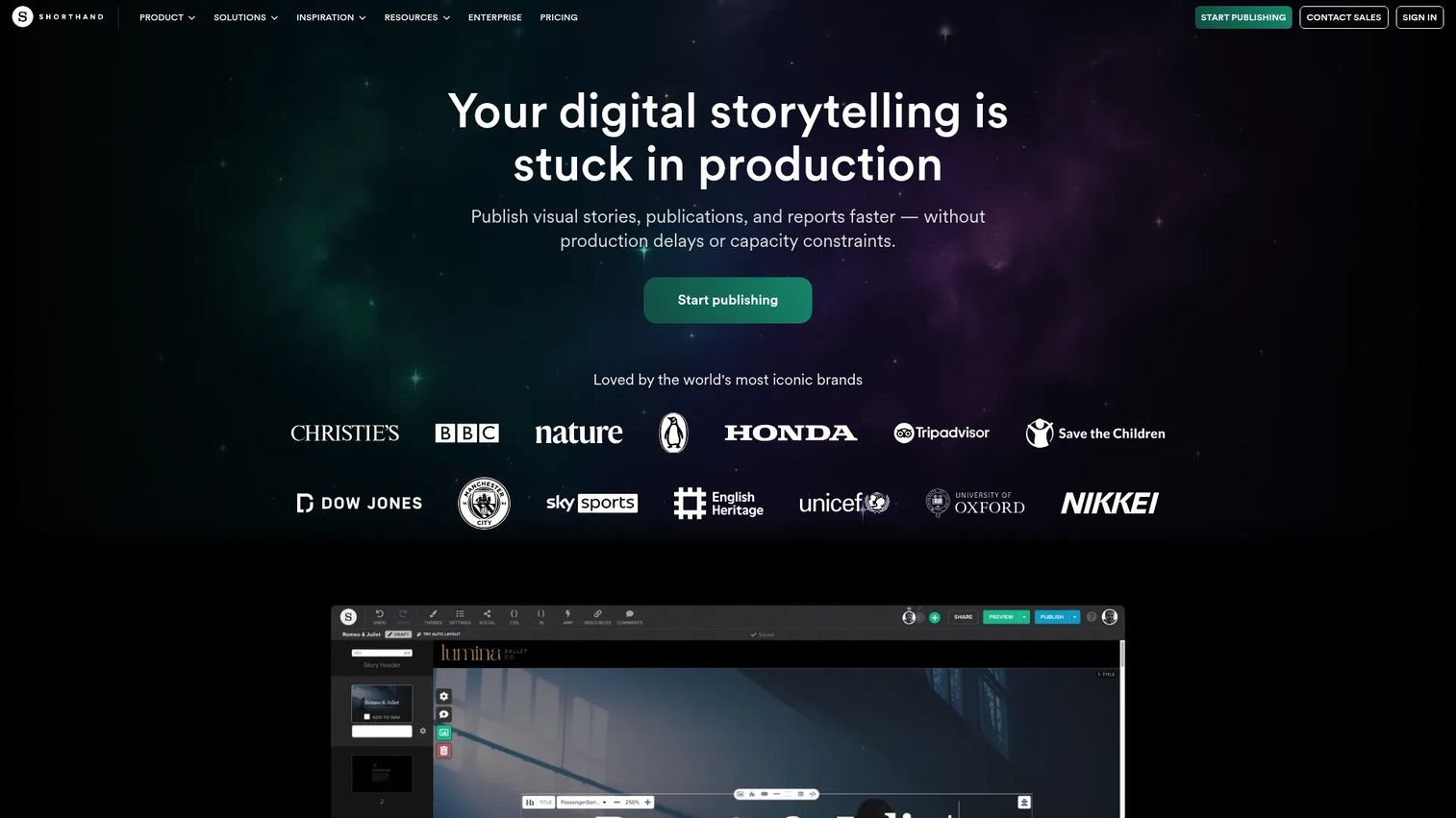
Shorthand is a visual storytelling platform for creating immersive scrollytelling narratives, digital reports, campaign stories, and editorial content. PMMs use it for category narratives, annual reports, customer proof features, and thought leadership that needs more depth than a blog post. Creation is free; publishing requires a paid plan.
Best for: Long-form interactive storytelling and narrative product launches.
Key features
- Scroll-driven animation sections and multimedia layouts
- AI-powered design assistance and templates
- Collaboration and responsive previews
- Hosted or self-hosted publishing
- Analytics and brand theme controls
Why choose Shorthand: Choose it when the experience should feel like a premium editorial story. It suits analyst briefings, investor narratives, campaign launches with a strong visual identity, and content your brand wants associated with depth and craft.
Shorthand pricing: Free to create; payment is required to publish. Core, Unlimited, Enterprise, and On Demand plans are available, all with pricing by contact through Shorthand's sales team.
G2 rating: 4.7/5
6. Flourish
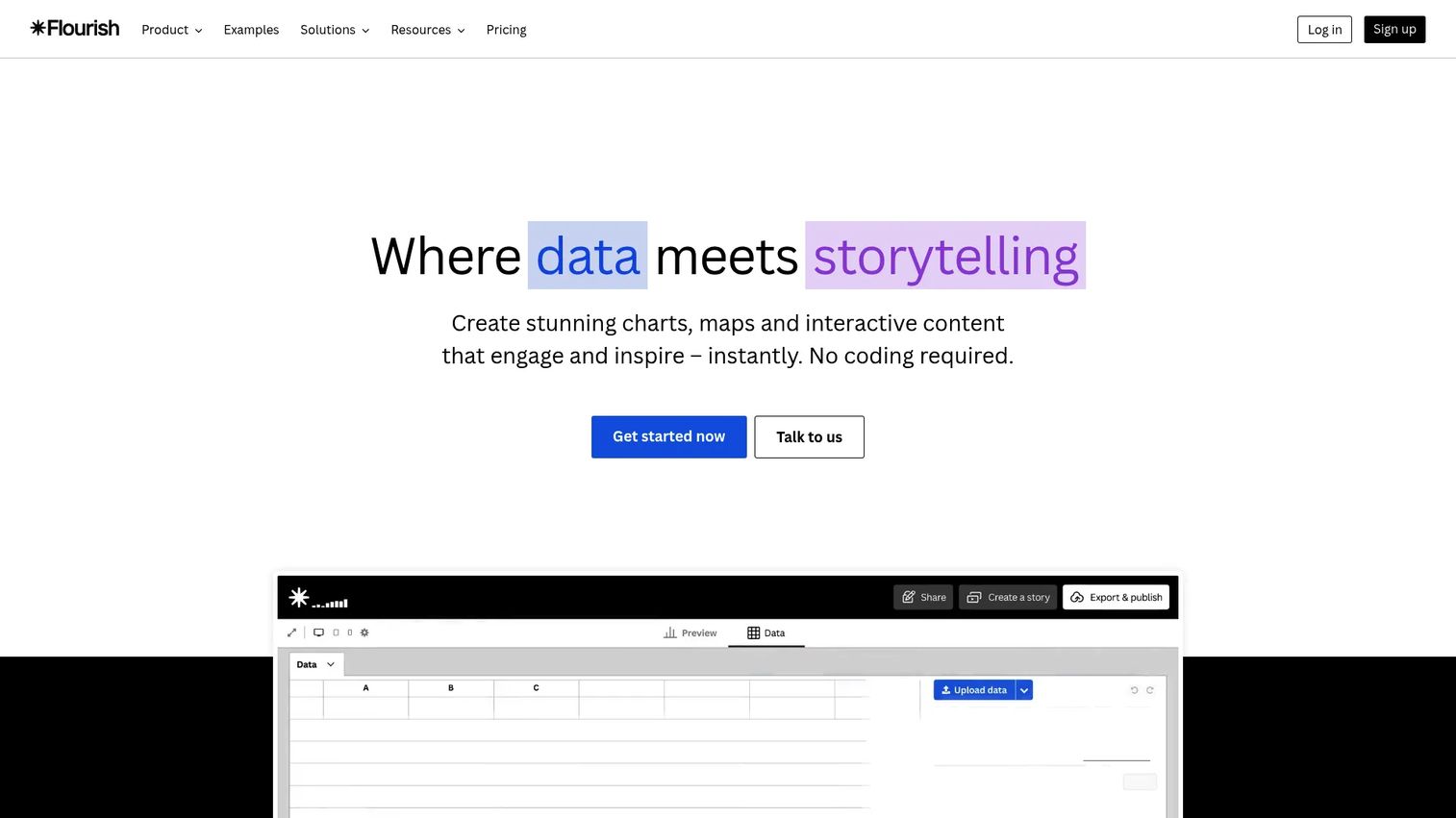
Flourish is a no-code platform for creating interactive charts, maps, timelines, and data-driven stories. It offers 50+ visualization templates and supports live data updates via Google Sheets or CSV. PMMs use it to turn benchmark reports, survey findings, and market research into assets readers can filter and explore rather than just scan.
Best for: Teams turning data into interactive stories, reports, and visual assets.
Key features
- 50+ templates: Charts, maps, timelines, and scrollytelling
- Responsive interactive embeds for websites
- Live data updates from Google Sheets or CSV
- Scrollytelling, annotations, filters, and time sliders
- Team collaboration and approval workflows on eligible plans
Why choose Flourish: Choose it when the content is data-driven and the audience needs to explore findings rather than absorb a fixed narrative. PMMs making annual reports, survey summaries, or market trend assets interactive will get the most from this tool.
Flourish pricing: Free plan available. Presenter access is included with Canva Business or Enterprise. Publisher and Enterprise plans require contacting Flourish for pricing.
G2 rating: 4.7/5
7. ThingLink

ThingLink is an AI-powered platform for adding interactive hotspots to images, videos, 360° media, and 3D models. It is widely used for training, virtual tours, and annotated product visuals. PMMs can use it to build clickable product screenshots, feature annotated workflows, interactive event booth experiences, and partner training materials.
Best for: Interactive images, 360° media, and visual learning content.
Key features
- No-code multimedia editor for images, video, and 360° content
- AI-powered tag and content generation
- Scenario Builder for branching simulations
- Accessibility tools and XR device support
- Embeds and team collaboration
Why choose ThingLink: Choose it when the base asset is already visual and you want to add guided exploration without rebuilding the content. It is particularly strong for training use cases and anywhere a physical product, process diagram, or space needs annotation.
ThingLink pricing: Create Starter begins at $66/month billed annually or $99/month on a monthly basis. Team plans start at $500/month annually. Business starts at $1,500/month annually. Education plans are priced separately.
G2 rating: 4.1/5
8. Mapme
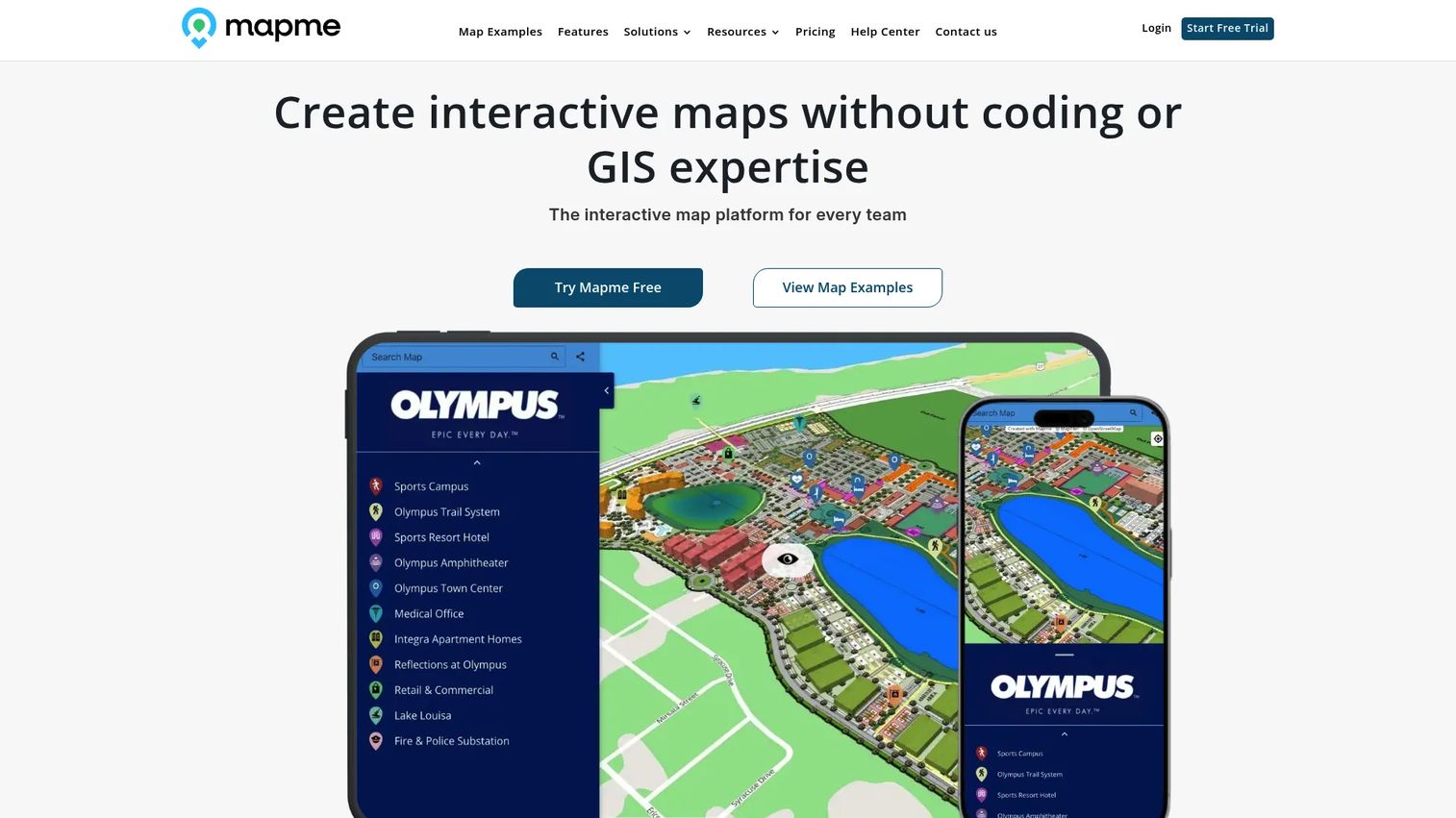
Mapme is a no-code platform for building and sharing interactive maps. It supports custom location cards, media attachments, categories, search, and analytics. PMMs use it to show partner ecosystems, customer networks, implementation sites, event guides, or market coverage maps where geography is part of the story.
Best for: Interactive maps for location-based storytelling and geographic campaigns.
Key features
- Custom map styles, 3D buildings, globe view, and image overlays
- Location management via CSV, Google Sheets, or AI import
- Categories, filters, search, and crowdsourcing options
- Embedding, mobile responsiveness, and accessibility
- Analytics and conversion tracking
Why choose Mapme: Choose it when the narrative depends on places, regions, or customer locations. A map showing where 500 implementation partners operate is more convincing than a paragraph claiming global reach.
Mapme pricing: Starter is $50/month. Professional is $90/month. Expert is $180/month. Enterprise pricing is custom. A 14-day trial is available.
G2 rating: 4.6/5
9. Qzzr
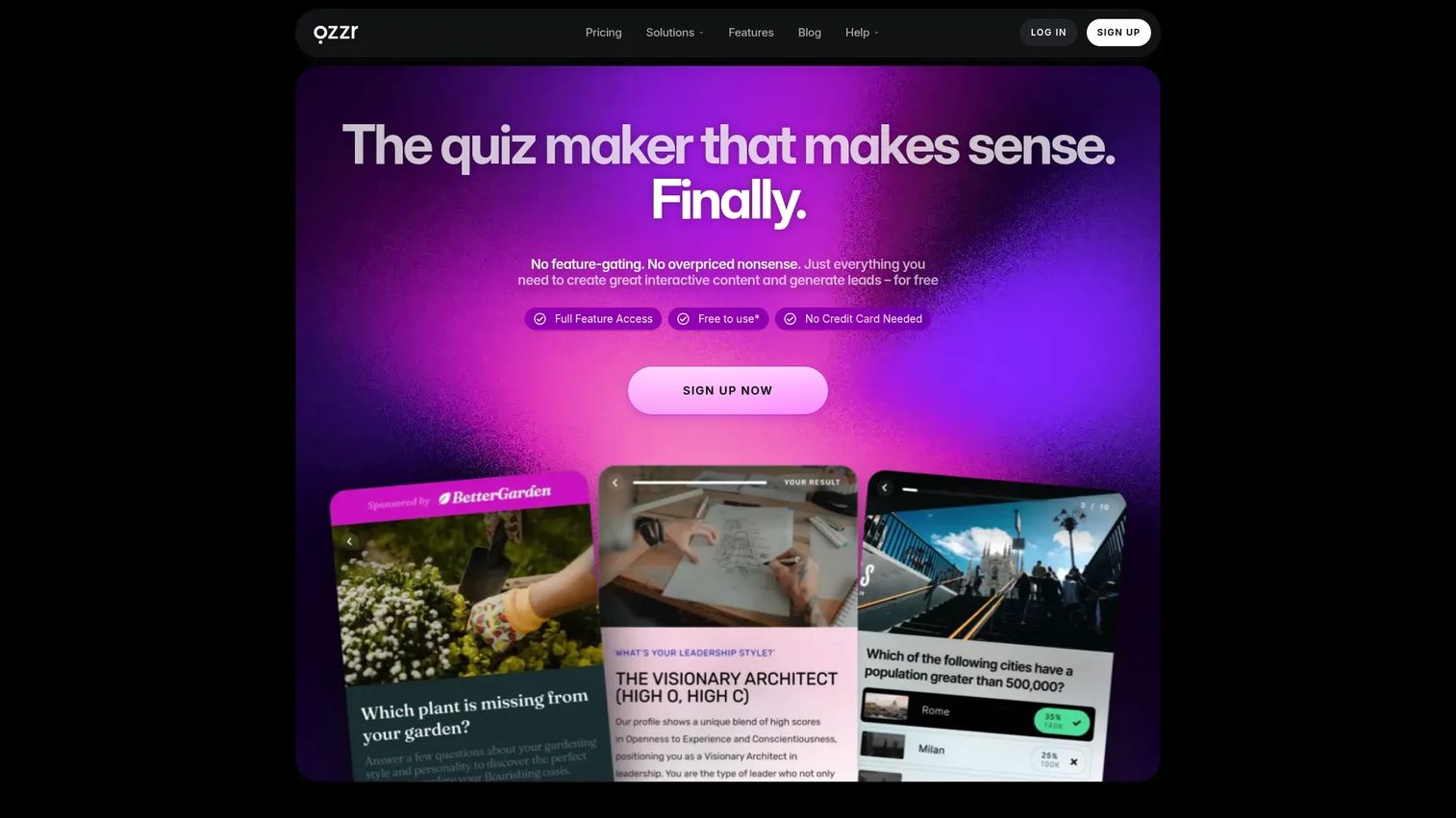
Qzzr is a no-code quiz and interactive content platform with 30+ formats including personality tests, polls, surveys, forms, mini-games, and leaderboards. It supports AI quiz generation from a topic or URL, custom branding, lead forms, and CRM integrations. PMMs use it for lightweight segmentation, persona-matching quizzes, readiness assessments, and launch education content.
Best for: Marketing quizzes and lightweight audience segmentation.
Key features
- AI quiz generation from a topic or URL
- 30+ interactive content formats
- Lead forms with CRM and webhook integrations
- Custom branding, colors, fonts, and buttons
- Mobile-responsive embeds for websites and apps
Why choose Qzzr: Choose it when the content experience should be quick, quiz-led, and shareable without heavy production investment. PMMs should route quiz results into relevant product messaging rather than a generic follow-up.
Qzzr pricing: Free plan available with 300 total completions. Pro is $9/month and includes 1,000 completions per month, with additional increments at $5 per 1,000.
G2 rating: 4.0/5
10. Apester
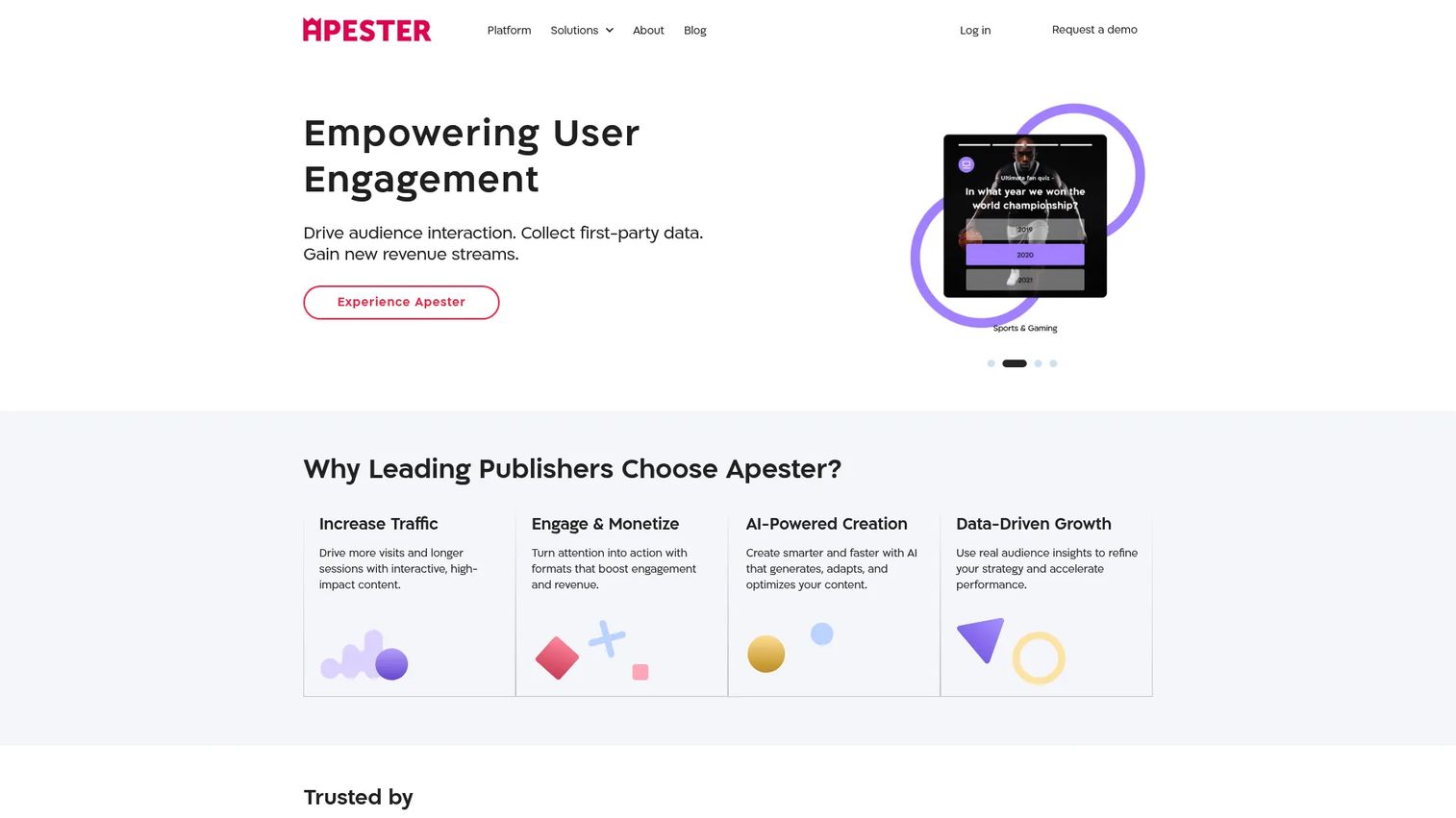
Apester is an interactive experience platform for publishers and brands building polls, quizzes, surveys, landing pages, and web stories. It is designed to sit inside editorial and campaign content as lightweight engagement widgets that also collect zero-party and first-party audience data. PMMs can use it to test campaign angles, gather preference data, and increase time on content pages.
Best for: Polls and engagement widgets inside digital content.
Key features
- Code-free drag-and-drop experience creation
- Interactive surveys, polls, quizzes, and web stories
- Zero-party and first-party data collection
- Real-time analytics and audience segmentation
- Integrations with CRM, CDP, and marketing automation tools
Why choose Apester: Choose it when the interaction needs to live inside editorial or campaign content rather than on a standalone page. It is a natural fit for media brands and content teams that want audience participation built into their publishing workflow.
Apester pricing: A 14-day trial is available. Paid plan pricing requires contacting Apester's sales team.
G2 rating: 4.5/5
11. FlippingBook
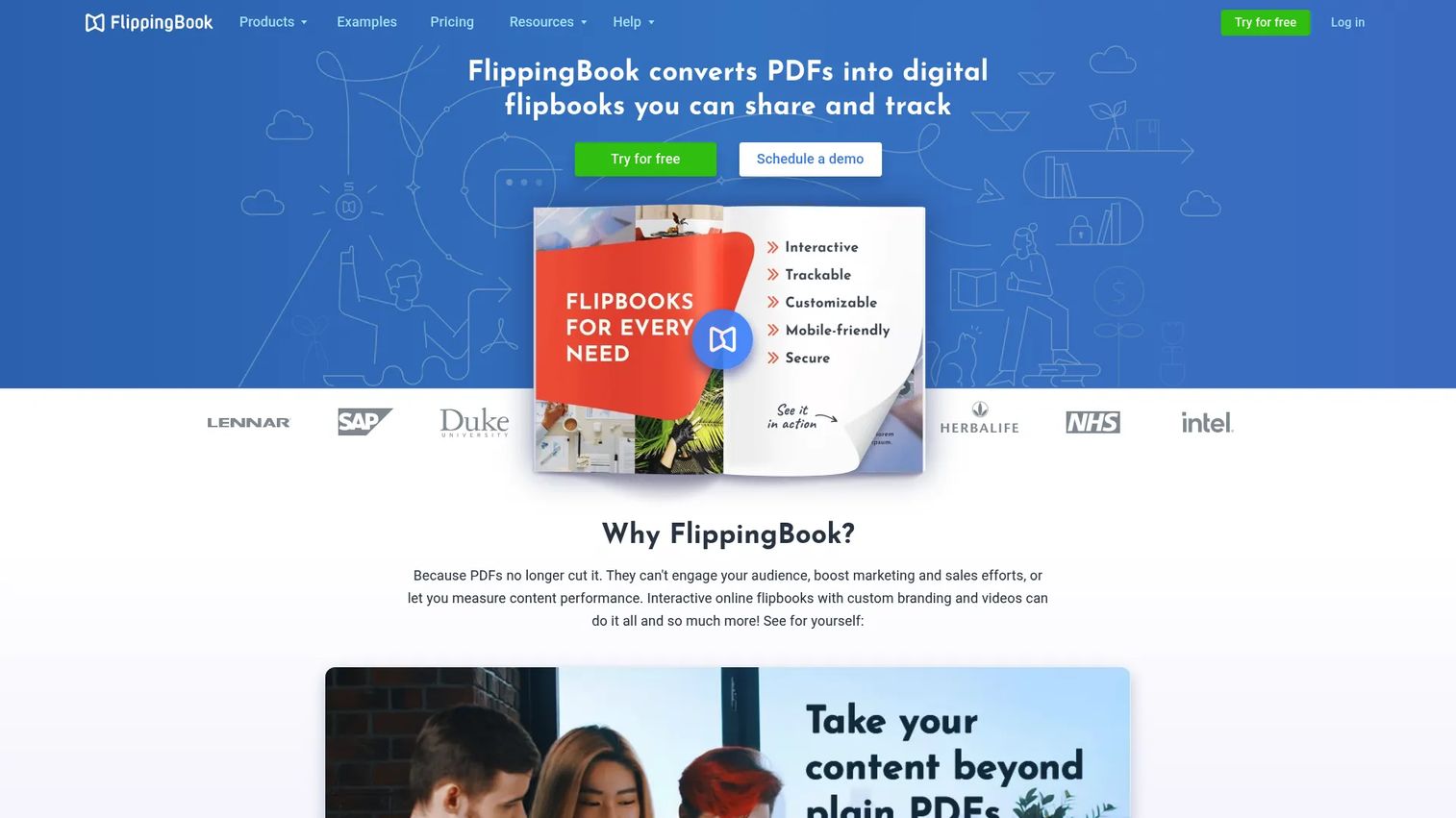
FlippingBook converts PDFs into digital flipbooks with page-turn animation, embedded media, lead capture forms, and open tracking. PMMs use it to repurpose launch brochures, buyer guides, event materials, and sales collateral into trackable assets that give a signal when a contact opens or shares the document.
Best for: Turning PDFs into interactive, trackable digital publications.
Key features
- PDF-to-flipbook conversion with page-turn animation
- Embedded videos, GIFs, images, and links
- Lead capture forms and engagement analytics
- Trackable sharing links with open notifications
- Custom branding, digital bookshelves, and CRM integrations
Why choose FlippingBook: Choose it when the team already has strong PDF assets but needs better distribution and engagement measurement. Sales teams tend to use it without training because the sharing workflow mirrors what they already do with PDFs.
FlippingBook pricing: Pricing is displayed in AUD. Lite starts at AU$30/month. Starter is AU$70/month. Optimal is AU$140/month. Advanced is AU$281/month. Team plan is AU$390/month. Enterprise pricing is by contact.
G2 rating: 4.7/5
12. PandaSuite
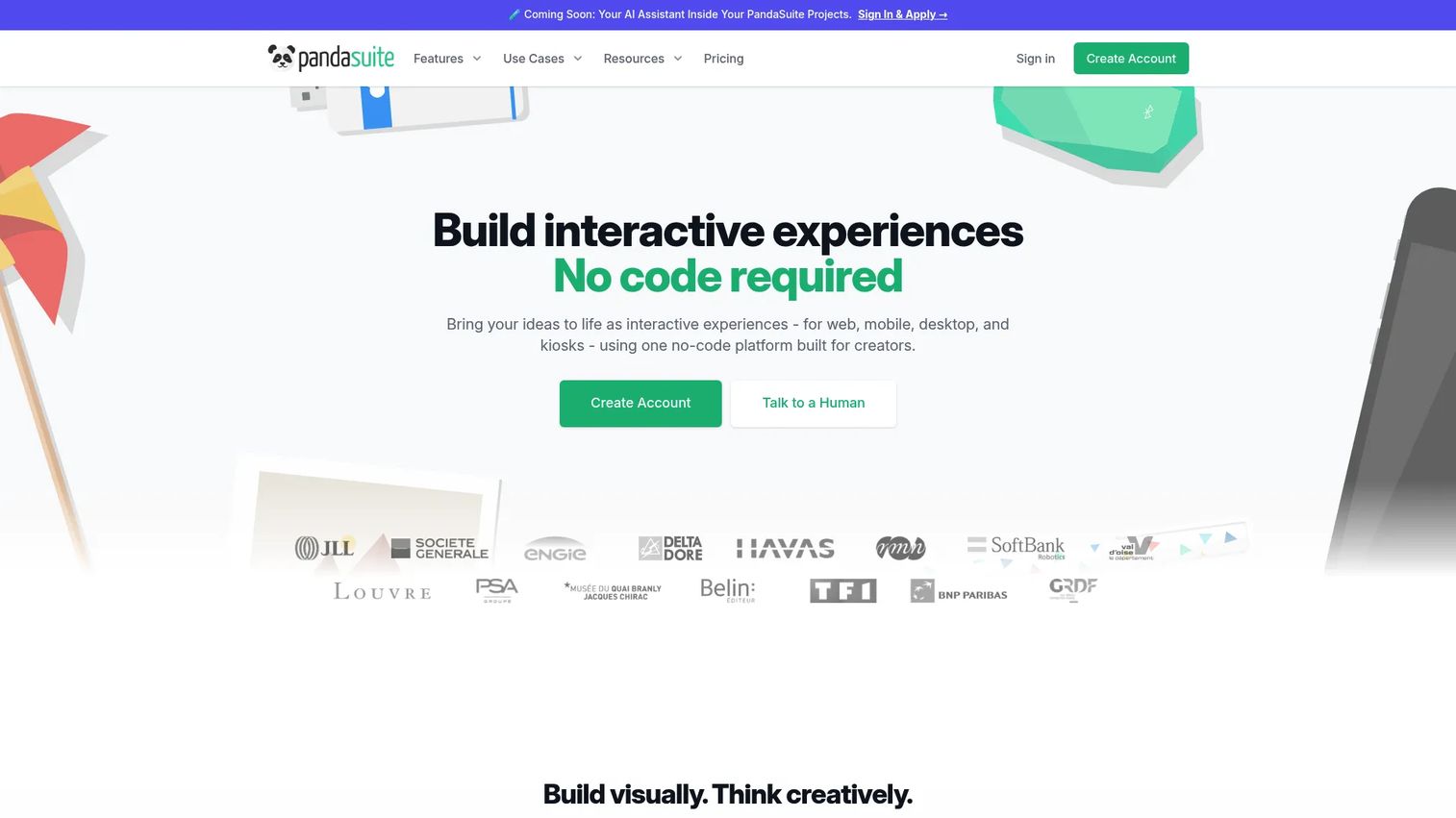
PandaSuite is a no-code platform for building interactive web and mobile apps, kiosk experiences, digital publications, and multimedia learning modules. It supports logic, variables, animations, gestures, offline mode, SCORM export, and native app publishing. PMMs use it for interactive sales presentations, event kiosk experiences, and training modules where behavior and logic matter.
Best for: No-code interactive apps and kiosk-style multimedia experiences.
Key features
- WYSIWYG no-code editor with logic and variables
- Interactive media, animations, and gesture support
- Native and web publishing with offline functionality
- SCORM/CMI5 export for LMS delivery
- Push notifications and analytics
Why choose PandaSuite: Choose it when the content needs app-like behavior or kiosk-style deployment. PMMs should plan governance carefully for richer experiences, since content with complex logic requires a clear owner and update schedule.
PandaSuite pricing: Free plan available. Pro is €24/month (billed €290/year). Web publishing is €66/month (billed €790/year). Single-app publishing is €83/month (billed €990/year). Multi-app and larger plans scale up. Enterprise pricing is on request.
G2 rating: 4.6/5
13. Infogram
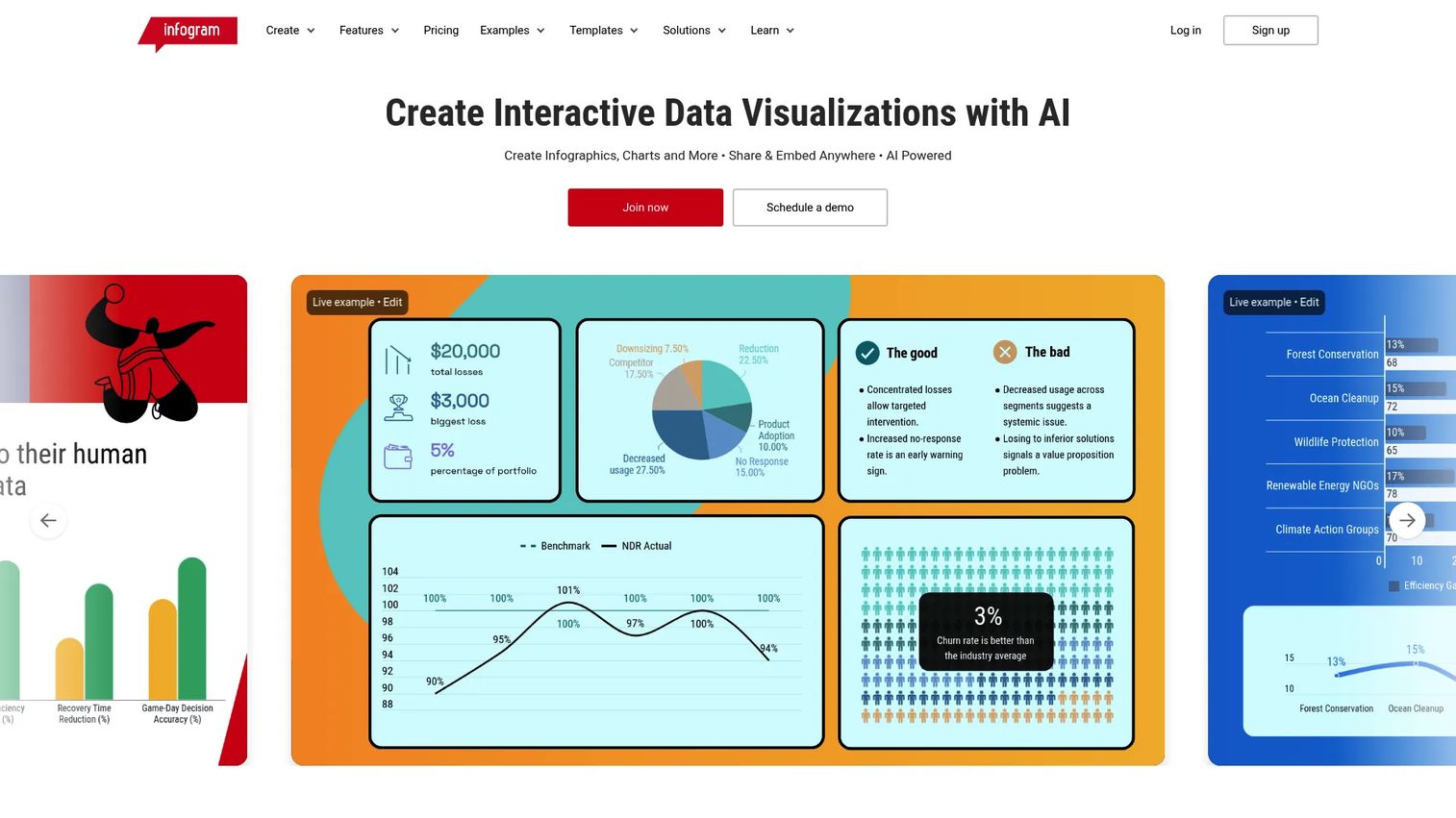
Infogram is a cloud-based tool for creating infographics, charts, maps, reports, dashboards, and interactive data visualizations. It includes live data connections, a brand kit, embeds, and real-time collaboration. PMMs use it to package survey data, product benchmarks, and campaign performance into polished visual assets.
Best for: Interactive infographics and data visualizations for campaigns and reports.
Key features
- Interactive charts and maps with live data connections
- Templates for infographics, reports, dashboards, and slides
- Brand kit and custom map creation
- Embeds and online publishing
- Real-time collaboration and content engagement analytics
Why choose Infogram: Choose it when the team needs fast, branded visuals from data rather than a full custom interactive experience. It suits PMMs who produce regular reports and want something more engaging than a slide export.
Infogram pricing: Free Basic plan available. Pro is $19/month billed annually. Business is $67/month annually. Team is $149/month annually. Enterprise pricing is by contact.
G2 rating: 4.7/5
14. Matterport
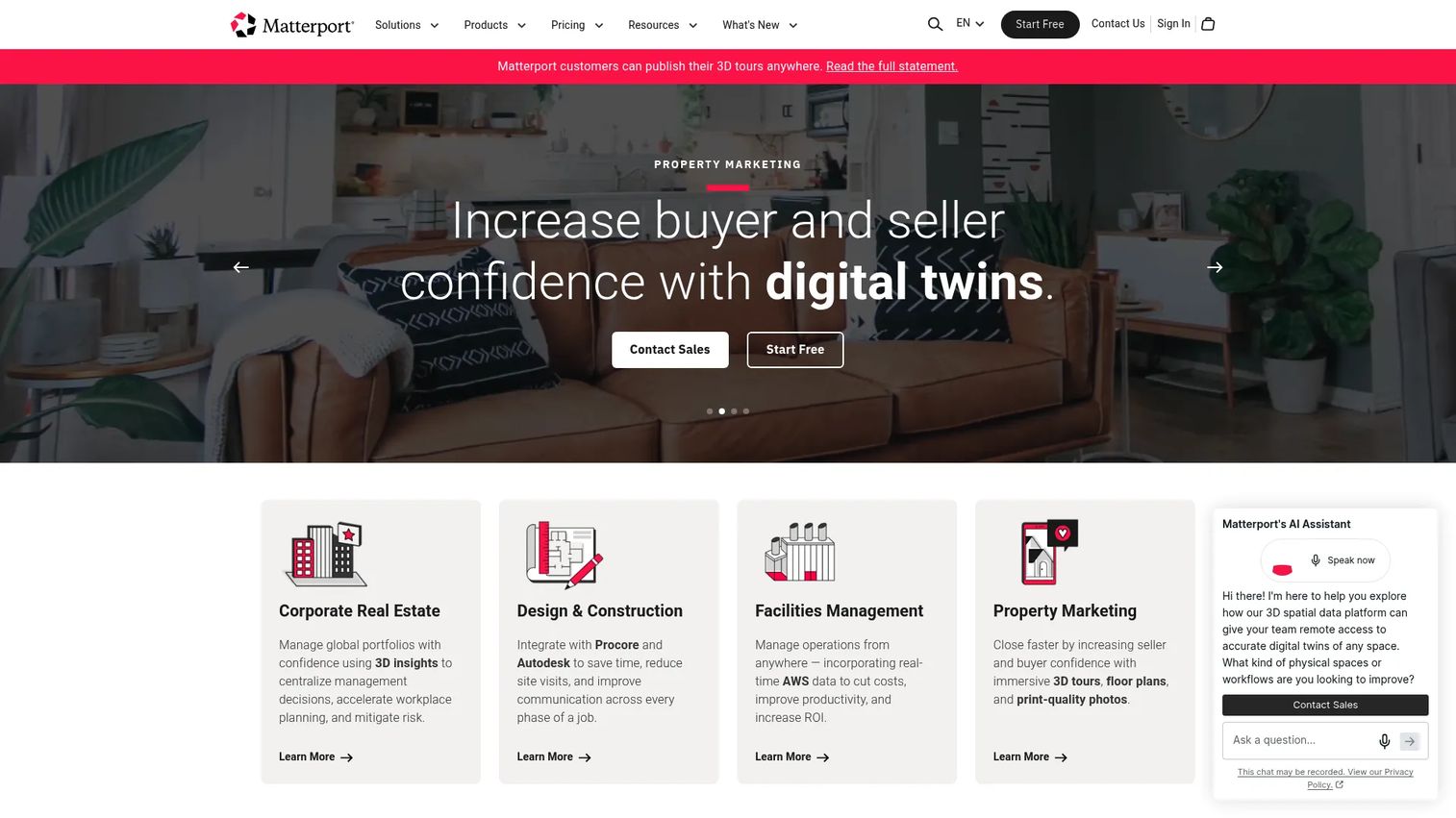
Matterport is a 3D media platform for creating, navigating, and sharing interactive spatial experiences. It captures physical spaces and turns them into navigable digital twins with floor plans, measurements, guided tours, and analytics. PMMs use it when the product story requires a physical context, such as a showroom, facility, event space, or customer installation.
Best for: 3D tours and immersive spatial experiences.
Key features
- Create immersive 3D experiences and digital twins
- Precise space measurements and schematic floor plans
- AI-generated guided tours with automatic face blurring
- Property intelligence reports and space traffic analytics
- VR experience support and MatterPak technical file exports
Why choose Matterport: Choose it when the audience needs to explore a physical space remotely and a photograph or video does not convey the scale or layout. PMMs covering physical products, installations, or event venues get the most value here.
Matterport pricing: Free plan includes 1 Active Space. Starter begins at $12/month billed annually. Professional starts at $58/month billed annually. Business and Enterprise pricing are available via contact.
G2 rating: 4.1/5
15. Stornaway.io
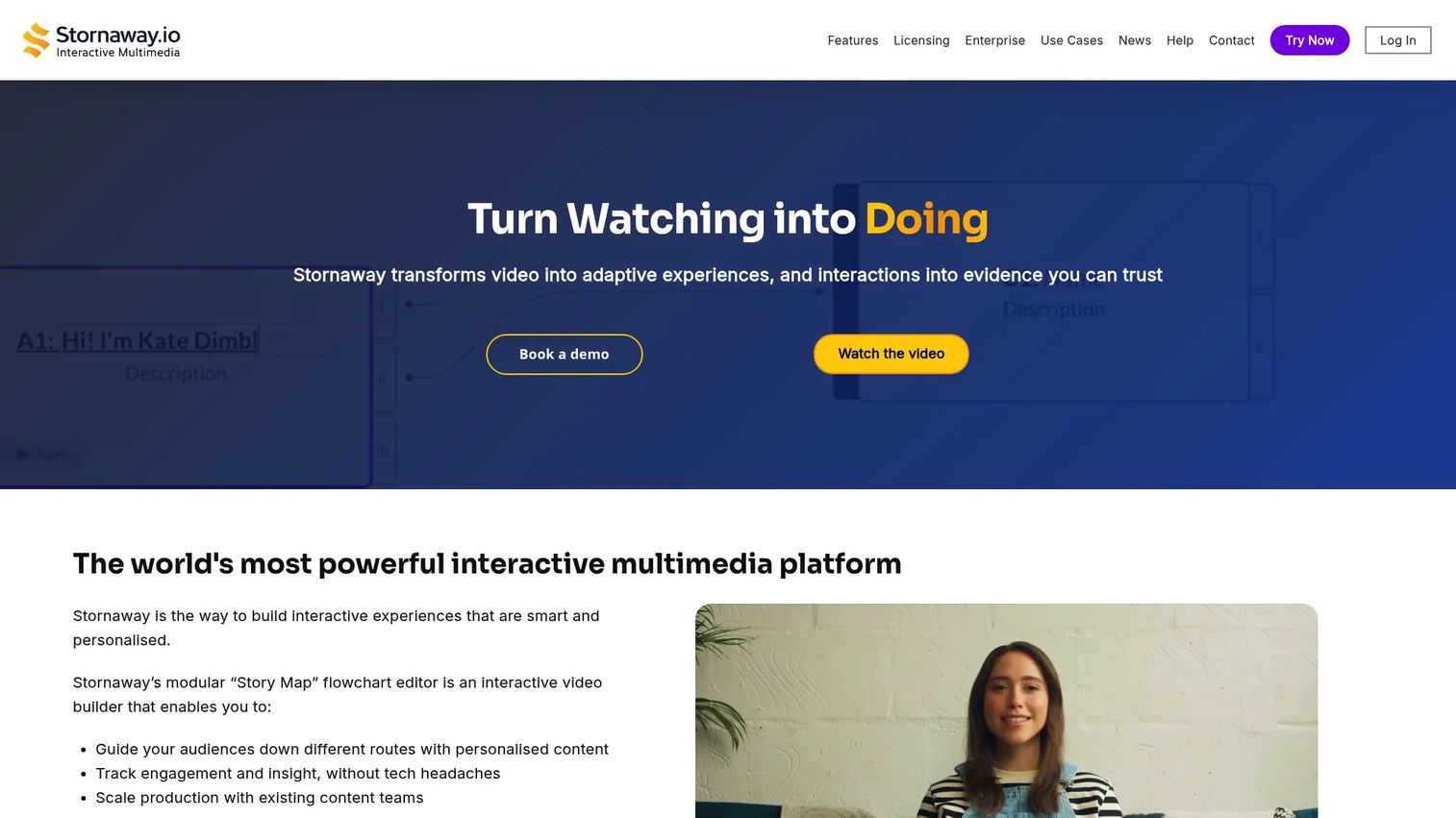
Stornaway.io is a no-code platform for creating branching interactive video experiences. Teams build visual story maps with choice points, overlays, forms, and chapters that let viewers navigate their own path. PMMs use it for segmented launch narratives, role-based product education, and training journeys where a single linear video would miss important audience segments.
Best for: Branching interactive video stories for training and narrative campaigns.
Key features
- Visual Story Map editor for branching narratives
- Interactive buttons, overlays, forms, and chapters
- 360° video and immersive experience support
- Viewer analytics covering choices, paths, and retention
- Web, LMS, intranet, and offline publishing options
Why choose Stornaway.io: Choose it when the story needs video, viewer choice, and a path that varies by persona or answer. It is well-suited for onboarding journeys where an admin and an end user need to follow different paths through the same content.
Stornaway.io pricing: Free signup available. Editing plan starts from $17/month billed annually. Hosting plan starts from $82.50/month annually. Premium starts from $399/month annually. Enterprise and Corporate plans use custom licensing.
16. Calculoid
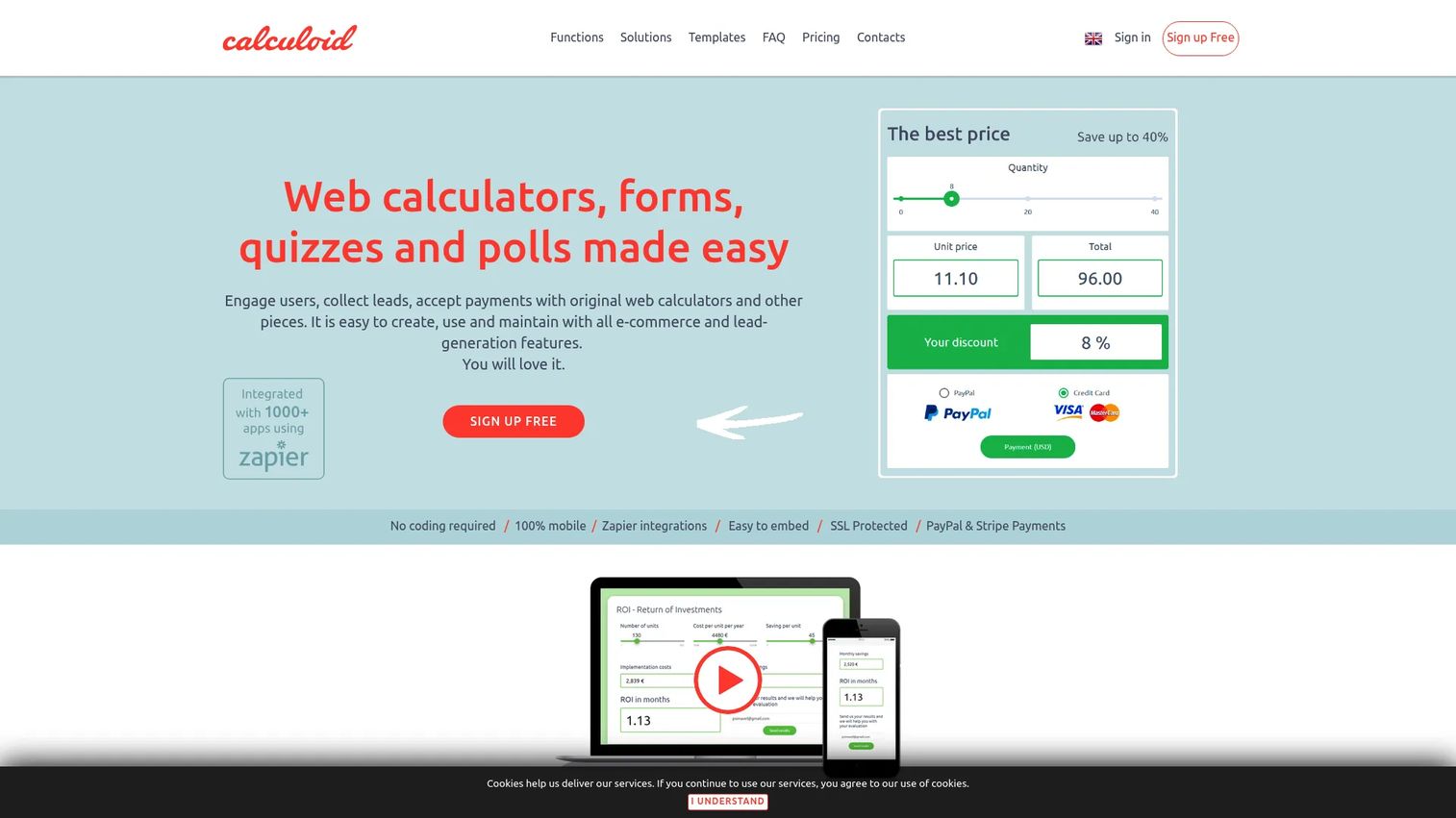
Calculoid is a no-code platform for building and embedding interactive calculators, lead-generation forms, and payment-enabled tools. It uses Excel-like formula logic and supports multi-page calculators, conditional fields, Zapier integrations, and PayPal or Stripe payments. PMMs use it for ROI calculators, savings estimators, quote tools, and product fit calculators where the output is a specific number tied to the buyer's situation.
Best for: Custom calculators embedded on website pages or campaign landing pages.
Key features
- Excel-like formula logic with conditional fields
- Multi-page calculators and lead generation with email notifications
- Online payments via PayPal and Stripe
- Zapier integrations and Google Analytics connection
- 7-day money-back guarantee
Why choose Calculoid: Choose it when the interactive asset centers on a calculation. PMMs should work with sales or finance to make the formula credible, since a calculator that underestimates value undermines the conversation that follows.
Calculoid pricing: Free plan available. Lead generation plan is $19/month. High traffic and ecommerce plan is $39/month. Agency plan starts from $99/month.
17. Zembula
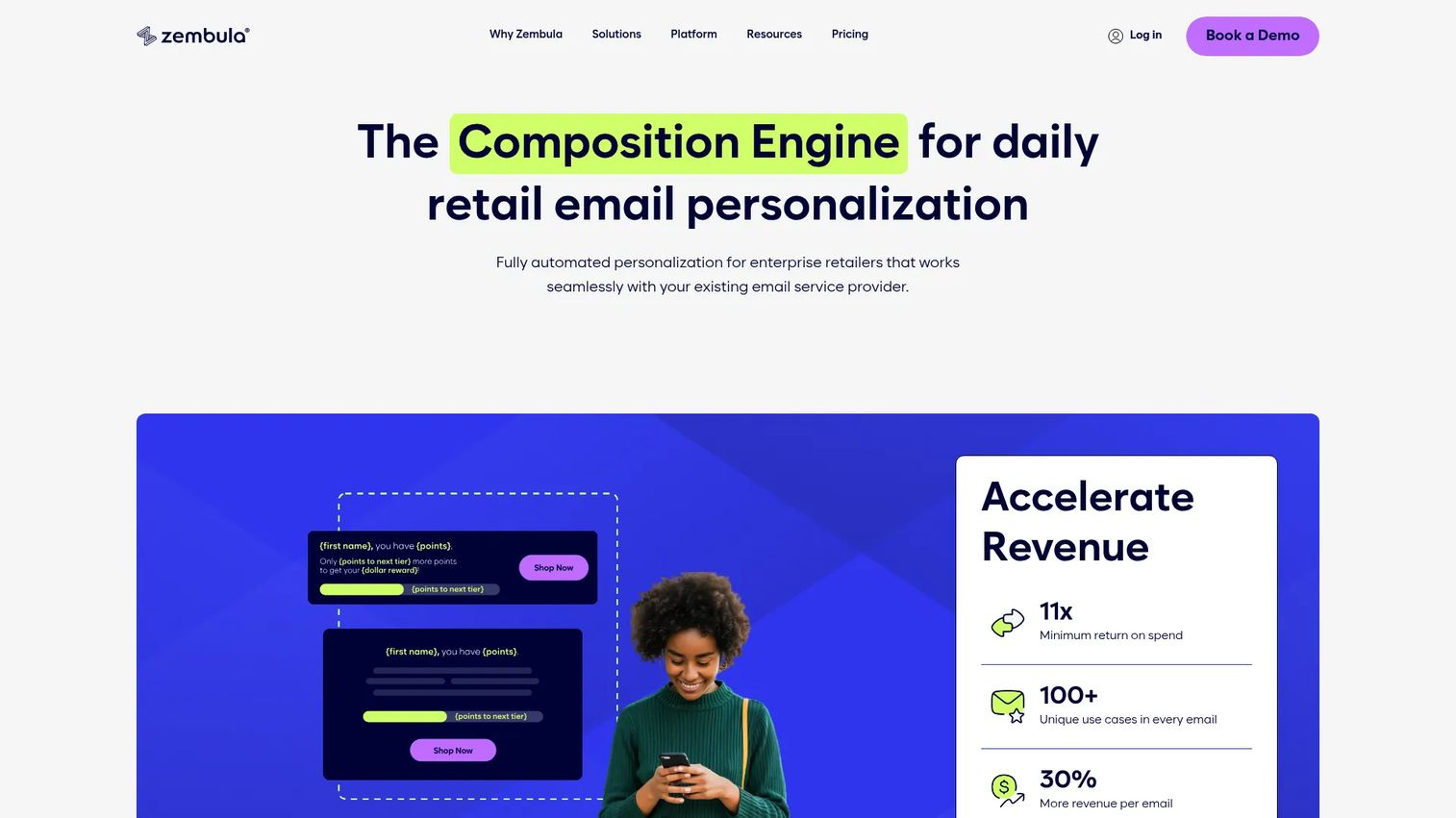
Zembula is a composition engine for personalized retail email and cross-channel marketing content. It uses a decision engine that selects and personalizes email modules in real time, including product recommendations, countdown timers, weather blocks, polls, and video. PMMs at enterprise retail organizations use it to deliver account-specific or behavior-triggered launch messaging without rebuilding email campaigns for each segment.
Best for: Interactive email and dynamic personalized content at enterprise retail scale.
Key features
- Visual editor for pixel-perfect personalized designs
- Real-time decision engine for email content selection
- Behavioral tracking via website snippet and mobile SDK
- Real-time email modules including reveals, timers, polls, and video
- Longitudinal audience testing and creative-level insights
Why choose Zembula: Choose it when the interactive moment happens inside the inbox and the audience size makes manual segmentation impractical. PMMs at high-volume retail brands use it to make launch emails feel specific to the recipient without custom builds per segment.
Zembula pricing: Zembula Dimensions is priced at $0.07 per 1,000 emails sent annually, designed for brands sending 1+ billion emails per year. Custom packages are available through sales.
18. WIREWAX
WIREWAX is an interactive video technology platform for creating engaging, shoppable, and data-connected video experiences. It enables clickable hotspots, API-powered overlays, and live elements inside video content. PMMs and brands use it when motion, narrative, and viewer choice need to work inside a video player rather than through a separate demo format.
Best for: Clickable interactive video experiences for brands and marketing campaigns.
Key features
- Clickable video hotspots and interactive overlays
- Shoppable video capabilities
- API and public video player integration
- Live Elements for real-time API-powered content
- Viewer engagement data
Why choose WIREWAX: Choose it when video is the main asset and interactivity needs to happen inside the player itself. PMMs should use it when motion, narrative, and choice matter more than showing product UI step by step.
WIREWAX pricing: Pricing details require contacting the WIREWAX sales team.
G2 rating: 4.8/5
19. SnapApp
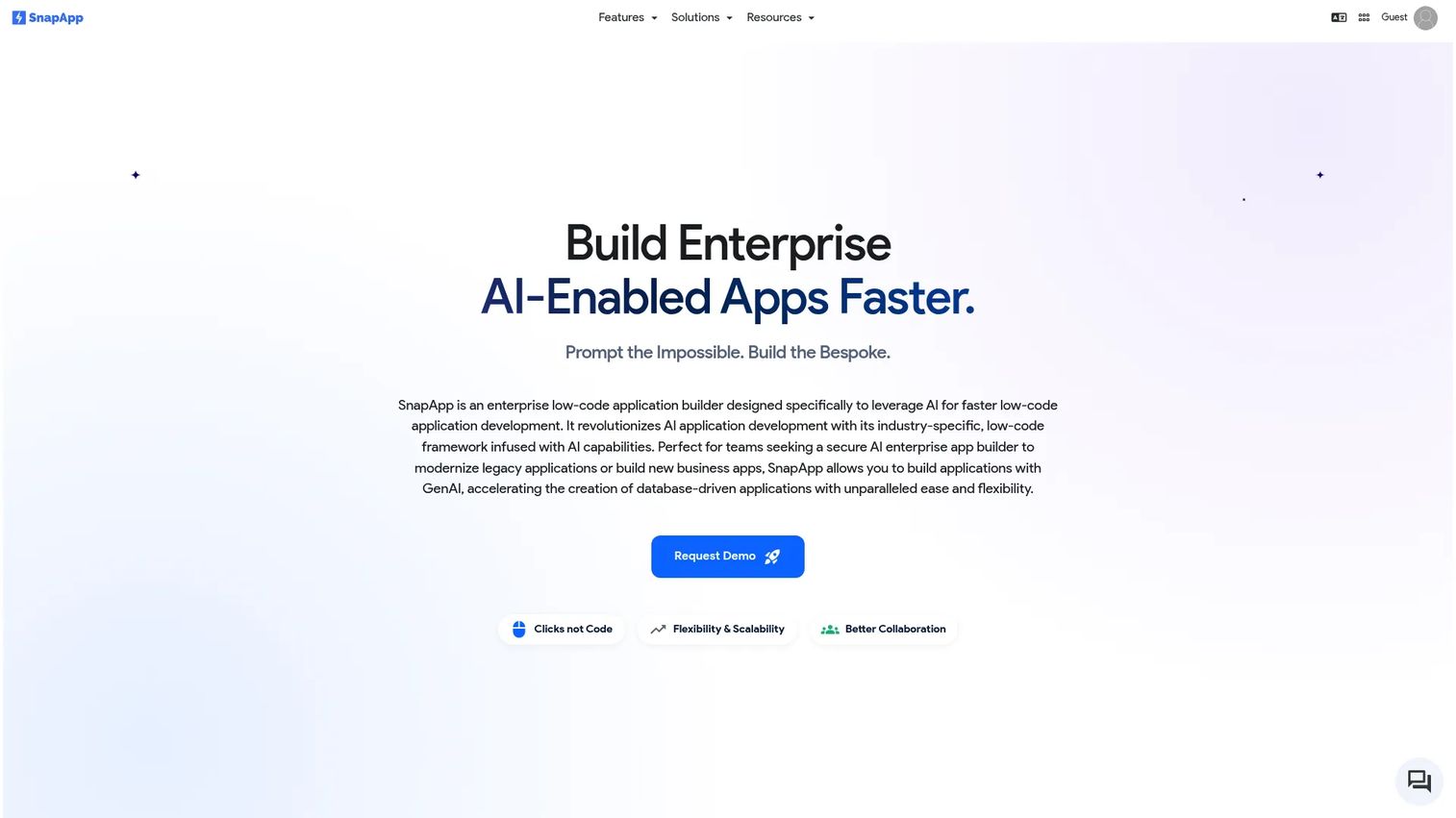
SnapApp is currently positioned as a low-code enterprise application builder with AI-enabled development, workflow automation, integrations, and data management. It supports no-code database creation, configurable views, custom pages, and knowledgebases. Organizations in enterprise, government, and healthcare use it to build secure, data-driven applications.
Best for: Organizations building data-driven enterprise or government applications with low-code tools.
Key features
- AI-enabled application development
- No-code database and intelligent data fields
- Workflow automation and integrations
- Configurable views and custom pages
- Data migration and knowledgebase tools
Why choose SnapApp: Choose it when the need is an internal enterprise application rather than a buyer-facing interactive content asset. PMMs evaluating it for campaign or lead generation use cases should verify current positioning and product scope against the live product before committing.
SnapApp pricing: Monthly and annual plans are available, as well as an enterprise option.
20. Brackify
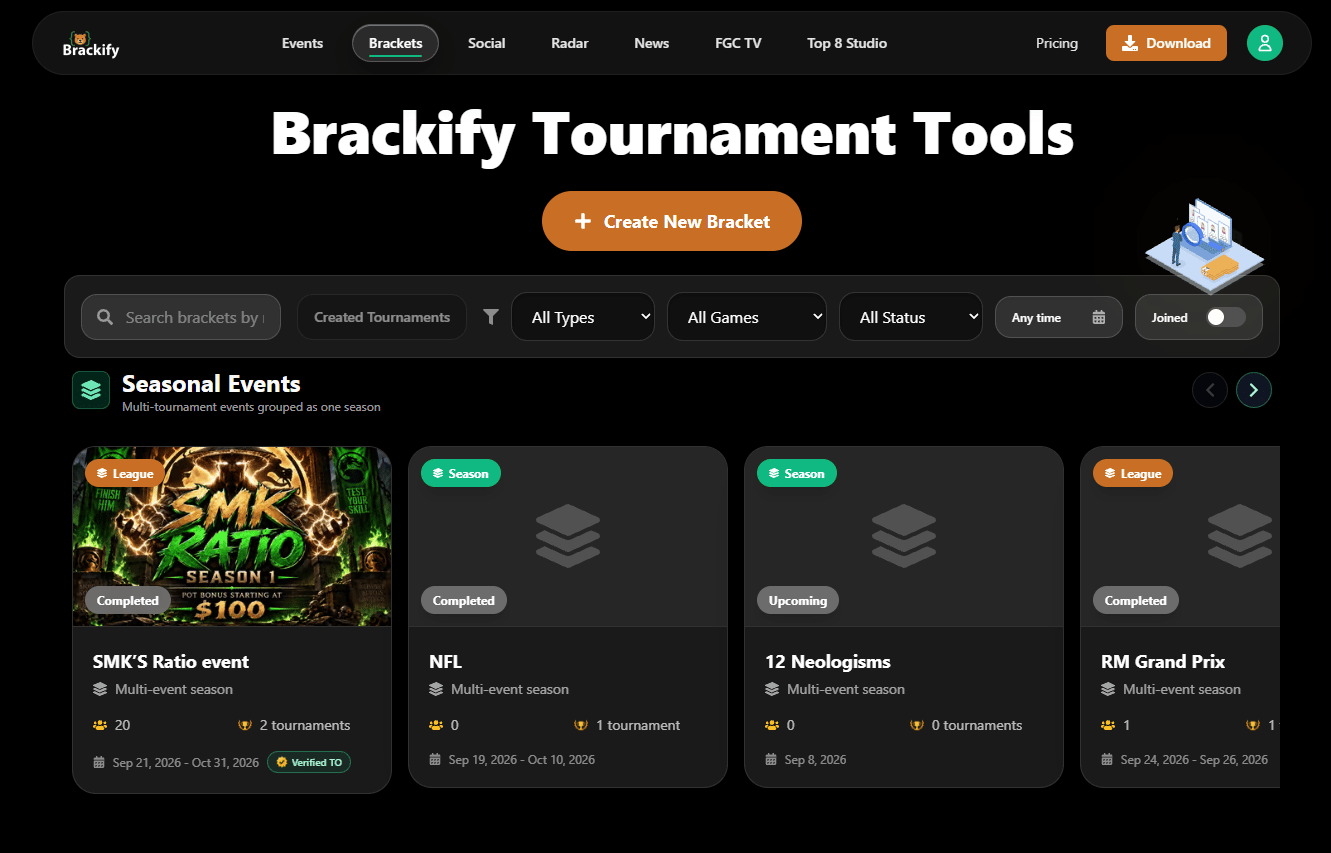
Brackify is a free tournament bracket and event-management platform supporting single-elimination, double-elimination, round-robin, and Team Battle formats. It includes registration, check-in, live public bracket links, result publishing, and integrations with Discord, Twitch, and OBS. PMMs can use it for gamified audience participation during launches, community events, or social campaigns where bracket-style voting fits the content angle.
Best for: Bracket-style voting and gamified audience engagement for events and communities.
Key features
- Single and double elimination, round-robin, and Team Battle brackets
- Registration, check-in, and live public bracket links
- Result publishing and OBS/Twitch integrations
- Discord tools and Top 8 graphics exports
- Custom branding options
Why choose Brackify: Choose it when the campaign needs competition, voting, or social participation as the engagement mechanic. PMMs should use it only when the bracket format genuinely supports the story, not as a general-purpose engagement tool.
Brackify pricing: Free plan available. Plus is $4.99/month or $49.99/year. Pro is $9.99/month or $99.99/year.
21. Wix
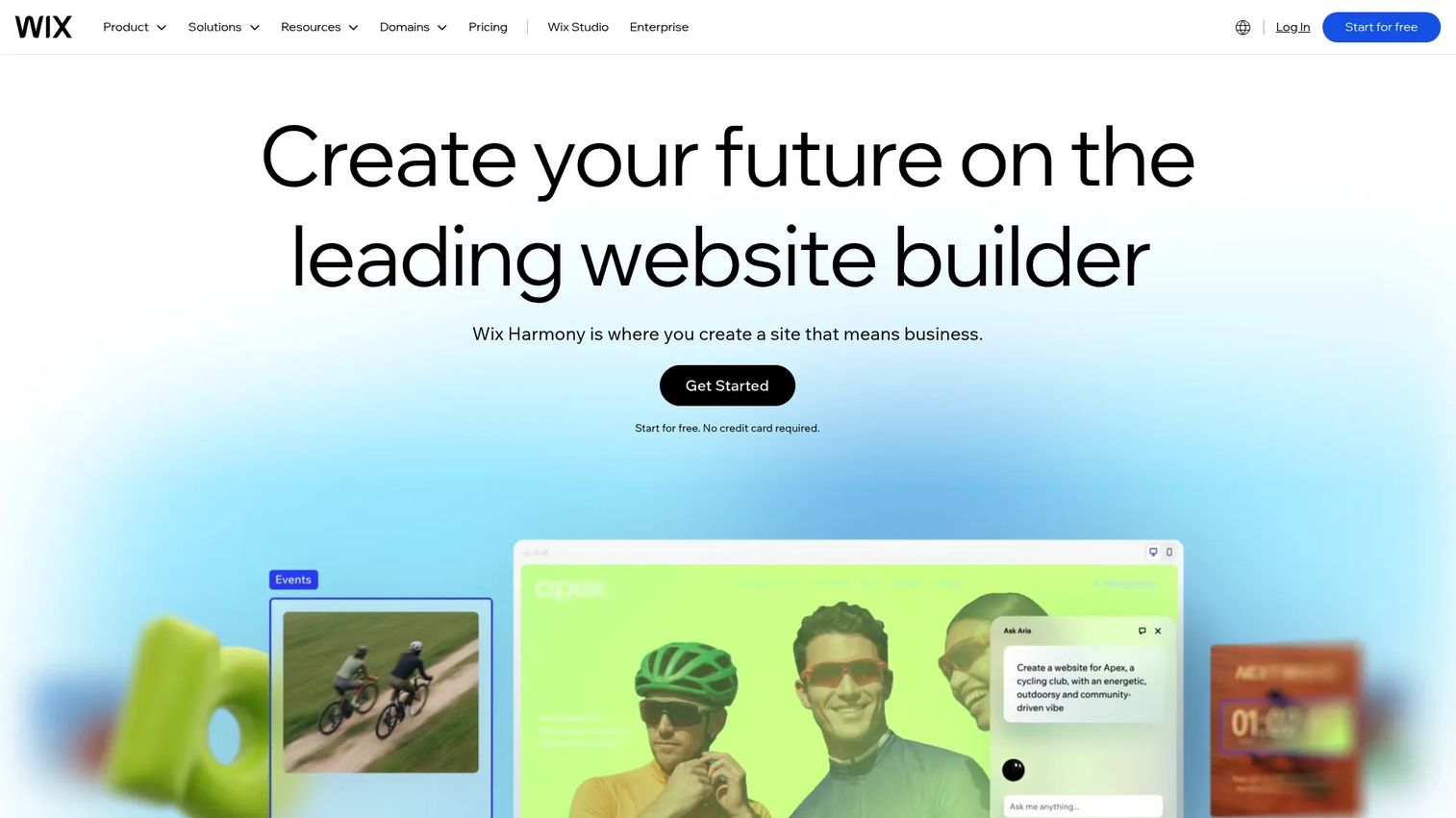
Wix is an AI-powered website creation platform with drag-and-drop editing, an app marketplace, ecommerce, forms, animations, embeds, and marketing tools built in. PMMs use it when the team needs to publish an interactive landing page or campaign microsite without developer support and without committing to a specialized interactive content tool.
Best for: Interactive landing pages and lightweight campaign sites without developer dependency.
Key features
- AI website builder and drag-and-drop editor
- App marketplace with forms, bookings, and memberships
- Animations, embeds, and SEO controls
- Marketing, analytics, and CRM tools built in
- Web hosting, domain registration, and SSL
Why choose Wix: Choose it when the team needs a publishable interactive page more than a specialized format. PMMs should confirm that analytics, CRM integration, and governance requirements are met before using a general website builder as campaign infrastructure.
Wix pricing: Free plan available. Light is $17.77/month billed annually. Core is $29.77/month. Business is $39.77/month. Business Elite is $159.77/month.
G2 rating: 4.2/5
Considerations when choosing interactive content tools
Match the format to the decision
Start with the question the buyer or audience needs to answer, not the format your team is comfortable producing. A quiz helps segment an audience by persona. A calculator quantifies value in the buyer's terms. A demo shows a product workflow. A map tells a geographic story. Forcing the wrong format onto the content job produces an asset nobody completes.
Check how fast your team can publish
PMMs operate under launch deadlines. Evaluate how long it takes to go from brief to published asset, including templates, review cycles, brand approvals, and update workflows. Avoid tools that require a designer or developer for every small change. The best interactive content tools let one person capture, edit, and publish without filing a ticket.
Evaluate measurement depth
Page views are not enough. Look for completion rate, response data, clicks, drop-off, lead capture, account enrichment, and CRM sync. PMM KPIs like influenced pipeline, feature adoption, and enablement usage require signal from inside the content, not just traffic data at the door. Tools that track what a buyer actually explored are worth more than tools that only count visits.
Confirm distribution fit
Some tools shine on websites. Others work inside email campaigns, in social posts, embedded on help center pages, in sales follow-up sequences, at event kiosks, or on mobile. Make sure the tool's sharing options match where the audience encounters the message. A brilliantly built demo that cannot be embedded in email is a problem if email is your primary sales follow-up channel.
Plan governance before scaling
Interactive assets drift like decks and docs if nobody owns them. Set ownership, naming conventions, and a refresh cadence before you build a library. If sales will share the content, include RevOps in the workflow and confirm that links remain valid when the product changes. The best interactive demo tools for product marketing teams tend to be the ones where someone owns the update schedule, not the ones with the most formats.
Conclusion
No interactive content tool wins every format. The right choice is the one that matches the job: What the buyer or reader needs to do next, and what signal you need in return.
For interactive product demos and self-serve product experiences, Guideflow covers the most PMM use cases in a single platform, from guided demos and sandboxes to Demo Centers and mobile-ready product flows. For calculators and ROI tools, Outgrow and Calculoid both serve well depending on the complexity of the formula. Typeform and Qzzr handle audience input and quiz formats cleanly. Shorthand and Ceros cover immersive editorial and campaign stories. Flourish and Infogram both serve data-driven content. FlippingBook handles PDF repurposing and document tracking.
The goal for any PMM is content that produces engagement you can measure, messaging consistent enough that sales can use it, and assets that hold up after the launch week. This list covers the tools that deliver on at least one of those outcomes. Many teams use several of them simultaneously. Choose based on the job, not the category.
For more context on how interactive demos fit into a broader best content marketing tools stack, or to see how they compare across best interactive demo tools specifically, those resources go deeper on the demo category.
Start your journey with Guideflow today!
FAQs about interactive content tools
Interactive content tools are platforms for creating digital assets that users can click, answer, calculate, explore, or navigate rather than passively read or watch. Common outputs include product demos, quizzes, calculators, maps, flipbooks, data visualizations, and branching videos. Each format supports a different job: A quiz captures input, a demo shows a product workflow, and a calculator translates value into the buyer's context.
No single tool wins every PMM use case. Product demo platforms like Guideflow fit when the goal is showing product value through a guided or explorable experience. Quiz and calculator tools fit lead qualification and audience segmentation. Scrollytelling platforms fit editorial and campaign narratives. Match the tool to the content job, not to what the category label suggests.
Quizzes, calculators, forms, demos, and assessments capture intent signals that static content cannot. Completion data, answer records, drop-off patterns, and account-level engagement tell you what a prospect cared about and where they stopped. That data feeds segmentation, scoring, and sales follow-up with more precision than a form fill from a whiteboard landing page.
The main formats are interactive product demos, quizzes and assessments, calculators, polls and surveys, maps, interactive infographics, data visualizations, flipbooks, branching videos, scrollytelling pages, 360 tours, interactive email modules, and landing page experiences with logic. Each format supports a different kind of audience engagement, from hands-on product exploration to quick audience feedback.
Many are no-code or low-code, but depth varies by tool and format. Simple quizzes, forms, and calculators are usually the fastest to build without technical support. Rich app-like experiences, advanced branching logic, and highly designed campaign microsites may still require planning and design input, even if the final tool does not require writing code. Governance and update workflows add time regardless of the creation interface.
The highest-priority criteria are speed to publish, brand controls, analytics depth, CRM and marketing integrations, collaboration and approval workflows, and update ease after launch. PMMs should also evaluate whether the assets work in the channels where sales and customer-facing teams actually operate. A demo that cannot be shared in email or embedded in a help article is less useful than one that works across all three. See our guide to best product marketing software tools for the broader stack context.
An interactive demo is a specific type of interactive content focused on showing a product experience through a guided or explorable interface. The broader interactive content category includes quizzes, calculators, maps, data visualizations, flipbooks, and branching videos, none of which show product workflows. Interactive demos excel when the audience needs to experience the product to understand its value. Other interactive formats excel when the goal is input, exploration of data, or narrative depth.
Useful metrics include completion rate, clicks inside the content, responses captured, leads collected, drop-off point, shares, influenced pipeline, and downstream conversion. Establish a baseline before comparing results, and tie the metric to the goal of the asset. A demo measuring completion rate tells a different story than a quiz measuring lead capture volume. The best marketing analytics software resources cover how to connect these signals to pipeline attribution if that is the next step.