The draft lives in four different places. References are split across two people's Mendeley accounts. Reviewer comments arrived as a reply-all email chain. A product manager's discovery synthesis has no clear version history, so nobody knows which draft informed the roadmap decision.
This isn't a workflow problem specific to academics. Research teams at SaaS companies face the same fragmentation: Experiment readouts in one doc, PRD comments in another, user interview notes scattered across Notion pages and Slack threads. According to the Elsevier Global Researcher Survey (2025), 63% of researchers say they see more collaboration among peers than in prior years. More collaboration without better tooling means more chaos, not less.
The collaborative writing software market was estimated at $7.4 billion in 2025, with a 10.8% projected CAGR through 2034 (Dataintelo, 2024). The category is growing because the problem is real. Getting everyone into the same draft, with traceable changes and a shared evidence trail, is still harder than it should be.
What's inside
This guide compares 15 collaborative research writing tools for 2026. It is written for academic researchers, product managers, research leads, and cross-functional SaaS teams who write from evidence.
Tools were selected based on:
- Real-time and asynchronous collaboration support
- Version history depth and review workflow maturity
- Citation, reference, or manuscript-specific capabilities
- Access controls, permissions, and security fit
- Practical fit for research notes, long-form writing, or structured team knowledge
TL;DR
- Best for fast collaborative drafting: Google Docs handles low-friction co-authoring for most teams
- Best for tracked changes and institutional review: Microsoft Word remains the standard for formal review cycles
- Best for LaTeX-heavy scientific writing: Overleaf is the default for researchers writing equations and journal papers
- Best for shared citation libraries: Zotero offers open-source reference management with group library support
- Best for product and research knowledge bases: Notion or Confluence, depending on how close the team lives to Jira
- Best for Git-based reproducible manuscripts: Manubot or GitHub when writing must carry the same rigor as code
What is collaborative research writing software?
Collaborative research writing software helps multiple contributors draft, review, cite, revise, and publish research content from a shared workspace.
This category covers more ground than a standard shared document editor. Research writing introduces constraints that everyday docs don't address: Citation consistency across authors, LaTeX typesetting for scientific equations, version control that traces every change back to its contributor, and access permissions that protect unpublished data.
The tools in this category generally fall into four types:
- Document editors with collaboration features: Browser-based or desktop apps where multiple people write simultaneously, leave comments, and track changes (Google Docs, Microsoft Word, Dropbox Paper)
- Academic manuscript platforms: Specialized environments for scientific and scholarly writing with citation, equation, and journal formatting support (Overleaf, SciFlow, FidusWriter, Authorea)
- Citation and reference managers: Tools for collecting, organizing, and inserting references across writing environments (Zotero, Mendeley)
- Knowledge and documentation platforms: Flexible workspaces where research synthesis, PRDs, discovery notes, and decision records live alongside structured databases (Notion, Confluence, Coda)
Core capabilities to look for:
- Real-time co-editing with visible author attribution
- Comments, suggestions, and tracked changes
- Version history with the ability to restore prior states
- Citation and bibliography generation
- LaTeX or equation rendering where needed
- Access permissions, sharing controls, and audit trails
- Export formats appropriate for the artifact (PDF, DOCX, HTML, JATS/XML)
- AI governance controls and responsible-use settings for unpublished content
Research writing specifically demands stronger controls than everyday docs because accuracy, attribution, confidentiality, and reproducibility are all on the line. A grant proposal, a clinical study, a product discovery summary, or a patent-adjacent technical spec each requires a different combination of these controls. Choosing the wrong tool means rebuilding trust in the evidence trail later.
When to use collaborative research writing tools
Draft manuscripts with multiple authors
Multi-author writing requires simultaneous access to the same draft, inline comments that survive revision cycles, and citation management that stays consistent across contributors. Academic papers, grant proposals, technical reports, and conference submissions all fit this pattern. A citation manager paired with a collaborative editor typically outperforms a single-purpose academic platform for teams with varied tool preferences.
Turn research evidence into product decisions
PMs managing discovery synthesis, experiment readouts, feature briefs, and roadmap evidence need their writing to survive stakeholder review. That means version history, comment resolution, and cross-functional access across product, design, engineering, and GTM. A lightweight doc tool often breaks down here, and a knowledge platform with structured pages handles the evidence trail better.
Keep versions, citations, and reviewer feedback under control
Scattered review comments across email, Slack, and PDF annotations are where research writing most often breaks down. Tools with structured review workflows, centralized version history, and clear permission boundaries reduce the operational overhead of managing feedback, especially across distributed or interdisciplinary teams.
Collaborative research writing tools comparison
The table below covers all 15 tools in order of relevance to research team collaboration workflows. Pricing reflects verified data from each vendor's pricing page. G2 ratings are sourced from live G2 listings.
| # | Product | Best for | Key differentiator | Pricing | G2 rating |
|---|---|---|---|---|---|
| 1 | Google Docs | Fast collaborative drafting | Browser-native co-editing and comments | Free (personal); Google Workspace from $7/user/mo | 4.6/5 |
| 2 | Microsoft Word | Institutional review and tracked changes | Mature review workflows and Office compatibility | Free (web); Microsoft 365 Personal from $9.99/mo | 4.7/5 |
| 3 | Overleaf | LaTeX-heavy scientific papers | Collaborative LaTeX editing with journal templates | Free plan; paid from $8.25/mo | 4.6/5 |
| 4 | Zotero | Shared citation libraries | Open-source reference management and group libraries | Free (300 MB); storage from $20/yr | 4.4/5 |
| 5 | Mendeley | Reference management and PDF library | PDF annotation, citation plugins, and AI reading tools | Plans from $4.99/mo | 4.3/5 |
| 6 | Confluence | Research and product knowledge bases | Structured pages, spaces, and Jira integration | Free (10 users); paid from $5.42/user/mo | 4.1/5 |
| 7 | Notion | Research notes and PM documentation | Docs, databases, and flexible AI-powered workspaces | Free; paid from $10/member/mo | 4.6/5 |
| 8 | Authorea | Collaborative academic manuscripts | Browser-based scholarly writing and publishing | Contact Authorea for current pricing | N/A |
| 9 | SciFlow | Journal-ready academic writing | Publisher templates and manuscript exports | Free for individuals; institutional pricing on request | N/A |
| 10 | FidusWriter | Open-source academic writing | Citations, formulas, and semantic publishing | Free software; professional services at 130 EUR/hr | N/A |
| 11 | Manubot | Reproducible manuscripts | Git-based manuscript automation and continuous publishing | Free and open-source | N/A |
| 12 | GitHub | Version-controlled writing and code-adjacent docs | Pull requests, commits, and issue tracking | Free; Team from $4/user/mo | 4.7/5 |
| 13 | Etherpad | Lightweight real-time drafting | Open-source self-hosted collaborative pads | Free (self-hosted) | 4.4/5 |
| 14 | Coda | Research docs with structured workflows | Docs, tables, automations, and app-like pages | Contact Coda for current pricing | N/A |
| 15 | Dropbox Paper | Simple shared writing tied to file storage | Lightweight docs with Dropbox file context | Free with any Dropbox account | 4.1/5 |
Best 15 collaborative research writing tools for 2026
1. Google Docs
Google Docs is the default starting point for most research teams that need low-friction collaborative drafting without infrastructure overhead. Multiple authors write simultaneously in a browser, leaving inline comments and suggestions that resolve cleanly through a single thread. The revision history records every change with authorship and timestamp, so you can step back through any edit since the document was created.
Best for: Research teams and PM squads that need everyone in the same draft immediately, with no setup.
Key features
- Real-time co-editing with visible cursor attribution
- Comments, suggestions, and @mentions
- Full revision history with per-author attribution
- Google Drive integration and sharing permissions
- Import and edit support for Word and PDF files
Why choose Google Docs: Google Docs wins when getting everyone into the draft quickly matters more than specialized formatting. For citation-heavy academic writing, pair it with Zotero or Mendeley. For PMs, it handles discovery synthesis and experiment readouts well, though it lacks the structured database view that Notion or Confluence provide.
Google Docs pricing: Personal use is free with a Google account. Google Workspace business plans start at $7/user per month (Starter), $14/user per month (Standard), and $22/user per month (Plus). Enterprise pricing requires contacting Google directly. A 14-day trial is available for business plans.
G2 rating: 4.6/5
2. Microsoft Word
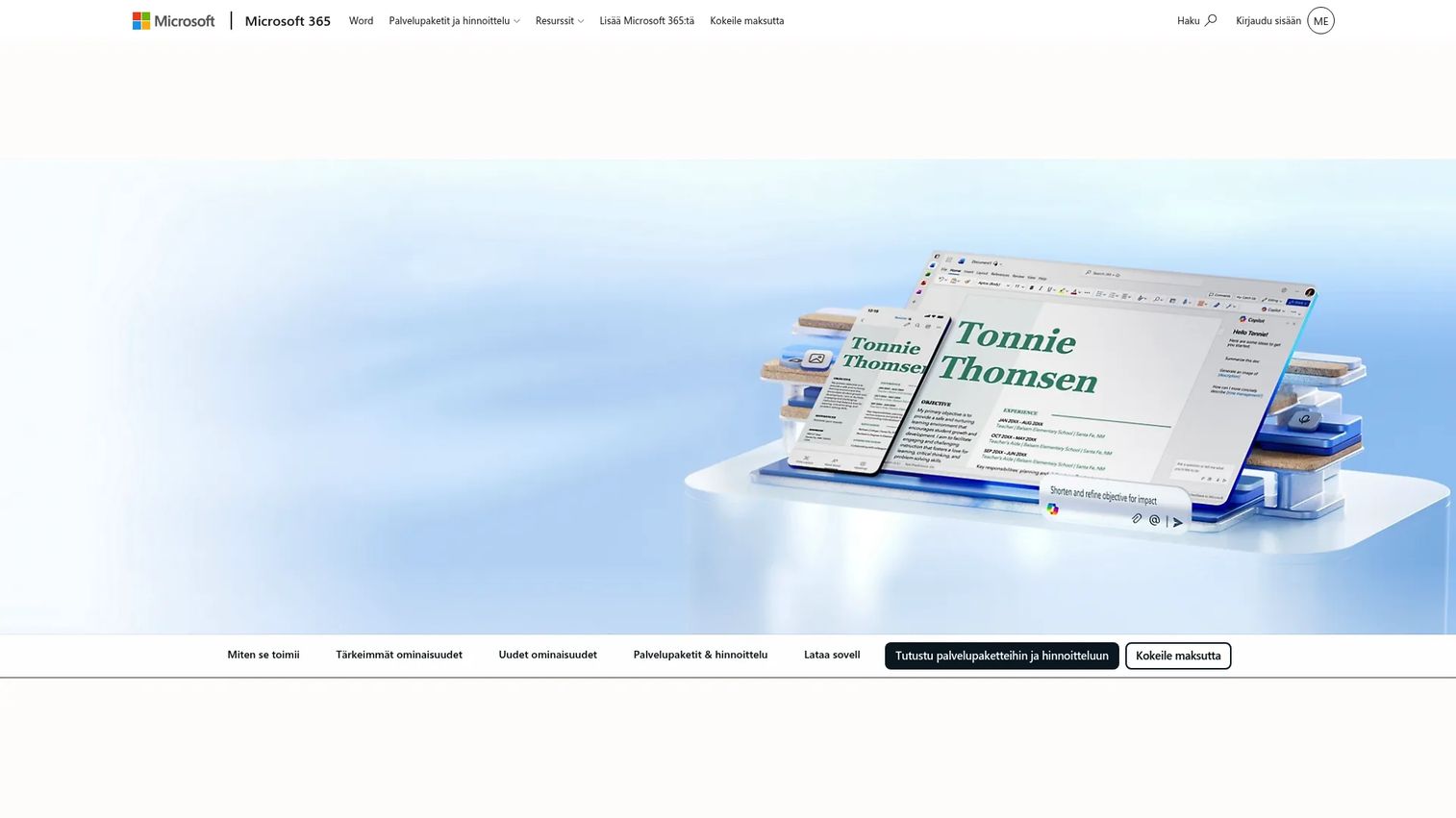
Microsoft Word has been the institutional standard for tracked changes and formal review cycles for decades, and that position has not changed. Universities, publishers, law firms, enterprise legal teams, and regulatory organizations all expect DOCX. Its Track Changes feature produces a clear audit trail of every edit, insertion, and deletion, which is exactly what a formal review or compliance process requires.
Best for: Teams that need offline editing, formal tracked-changes review, and compatibility with institutional workflows.
Key features
- Track changes with per-author coloring and accept/reject controls
- Comments, @mentions, and threaded replies
- Real-time co-authoring via Microsoft 365
- Reference tools including citations, footnotes, and table of contents
- DOCX compatibility across all major platforms
Why choose Microsoft Word: Word is strongest when the review process is the product. If your exec, legal team, or publisher expects to redline a DOCX, Word is the right tool. For PMs, it covers formal specs, executive review documents, and launch briefs that need approval workflows. Online collaboration is functional but less fluid than Google Docs for simultaneous drafting.
Microsoft Word pricing: A free web version is available. Microsoft 365 Personal starts at $9.99/month or $99.99/year, covering one user with the full desktop app. Microsoft 365 Family runs $12.99/month or $129.99/year for up to six users. The Microsoft 365 Premium plan is $19.99/month or $199.99/year with additional security features.
G2 rating: 4.7/5
3. Overleaf
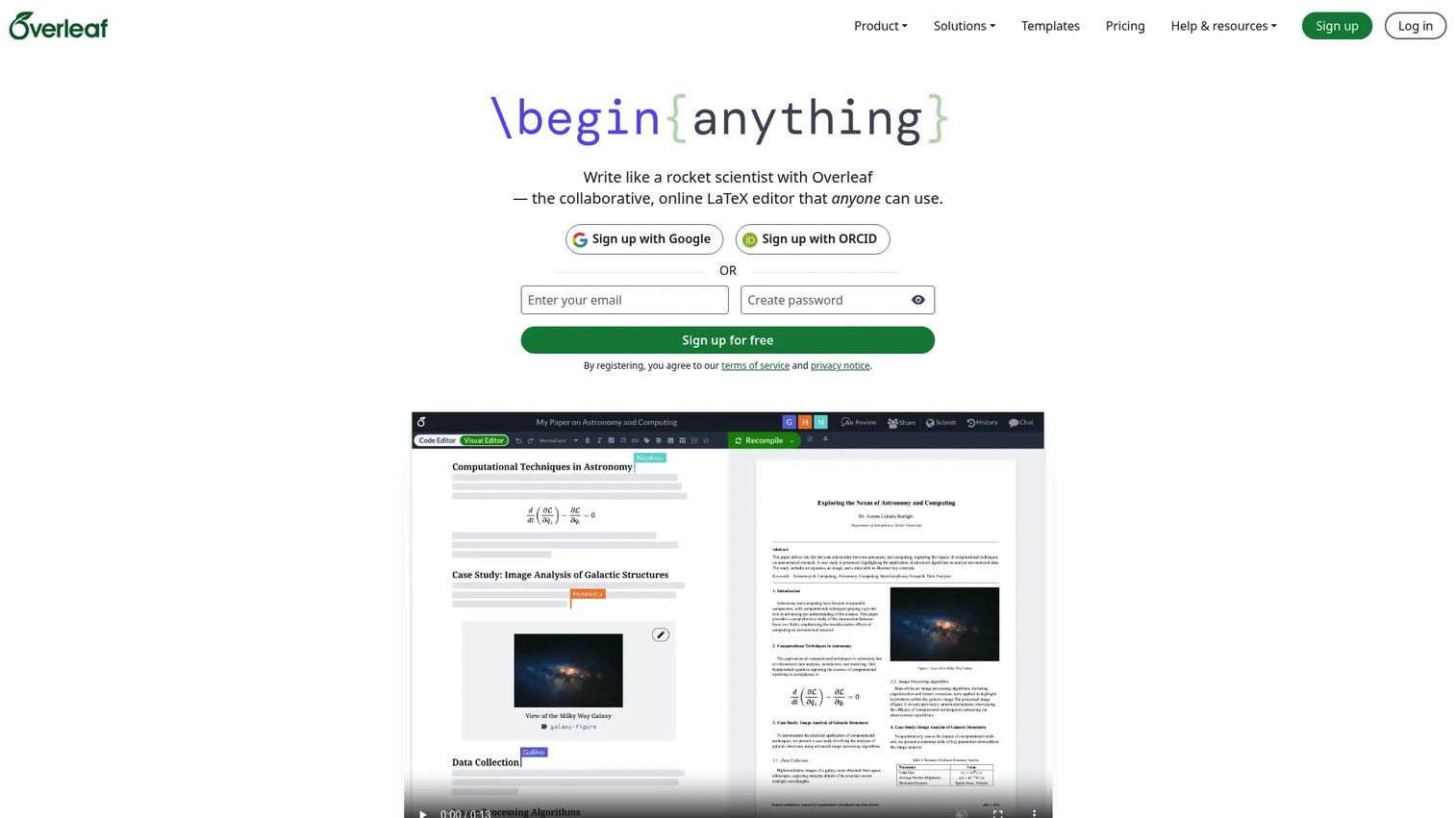
Overleaf is the go-to collaborative LaTeX editor for scientific, mathematical, engineering, and technical research writing. It removes the local LaTeX installation problem entirely: Authors write, compile, and preview PDFs in a browser, all in the same project. Journal templates cover hundreds of publishers, and BibTeX support keeps references consistent across co-authors.
Best for: Researchers writing LaTeX-heavy papers with equations, formulas, figures, and journal-specific formatting requirements.
Key features
- Collaborative LaTeX editor with real-time PDF preview
- BibTeX and bibliography support
- Journal and conference templates library
- Project history and version control
- Integrations with GitHub, Zotero, and Mendeley
Why choose Overleaf: Overleaf is the right call when at least one author needs LaTeX. It eliminates version conflicts that arise from local TeX installations and makes technical co-authoring practical for distributed teams. It is not a fit for teams that want a plain business document or don't use LaTeX at all.
Overleaf pricing: The free plan covers solo projects. The Student plan runs $8.25/month or $98/year. The Standard plan is $16.75/month or $199/year, adding full collaboration and tracked changes. The Pro plan is $33.25/month or $399/year. Institutional and organization pricing is available on request.
G2 rating: 4.6/5
4. Zotero
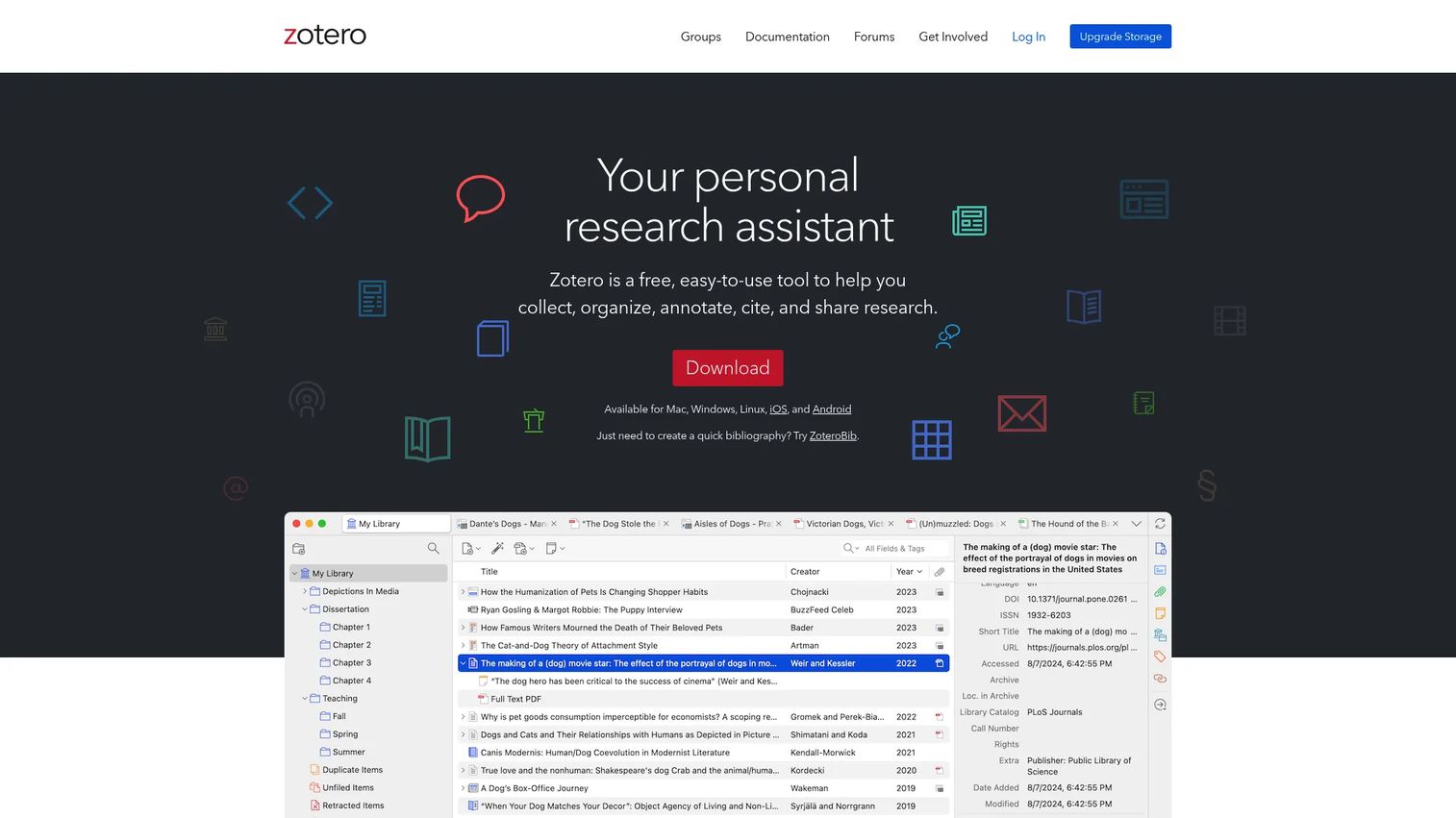
Zotero is a citation and research library tool, not a writing editor. Its job is collecting, organizing, and inserting references. A browser connector captures bibliographic metadata from journal pages, databases, and websites. Group libraries let teams share a source collection so every author cites from the same set of references, eliminating the inconsistency that happens when citations are managed individually.
Best for: Research teams where citation consistency across multiple authors is the primary bottleneck.
Key features
- Shared group libraries with sync across devices
- Browser connector for one-click source capture
- Citation plugins for Word, LibreOffice, and Google Docs
- PDF reading, highlighting, and annotation tools
- Open-source foundation with active community support
Why choose Zotero: Zotero is the right tool when your writing environment already works but your references are scattered. Pair it with Google Docs, Word, or Overleaf depending on the team's writing setup. The open-source model and free tier make it the most accessible citation manager for teams with constrained budgets.
Zotero pricing: The core software is free. Online file storage starts at free (300 MB), then $20/year for 2 GB, $60/year for 6 GB, and $120/year for unlimited storage. Group storage draws from the group owner's storage account at no additional charge.
G2 rating: 4.4/5
5. Mendeley
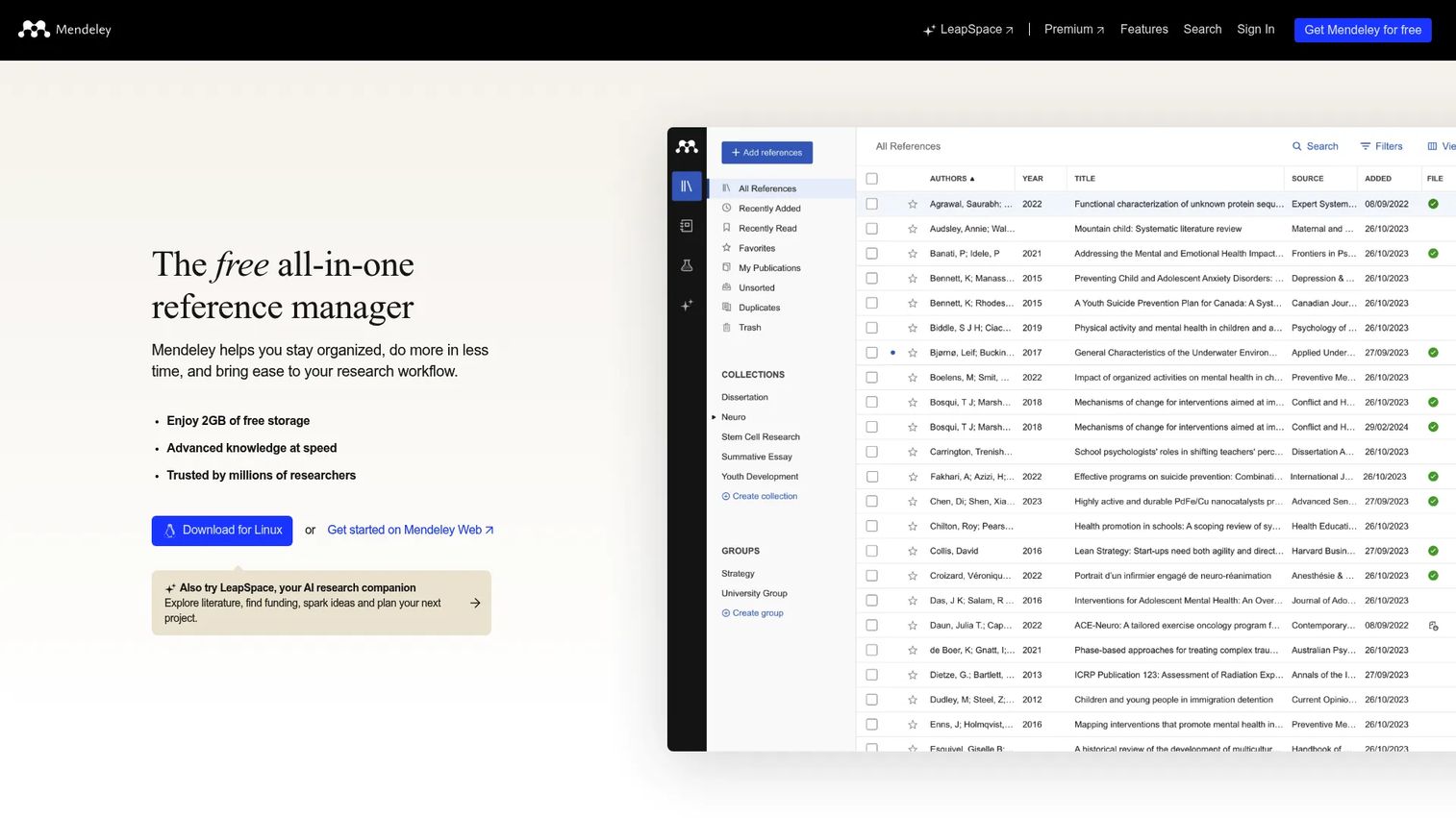
Mendeley is a reference manager with a PDF library at its center. Where Zotero emphasizes metadata and group libraries, Mendeley organizes around the PDFs themselves: Import a folder of papers, and Mendeley reads and structures the metadata automatically. Shared collections let teams pool references, and the Mendeley Cite plugin handles Word citations and bibliography formatting.
Best for: Researchers who organize their work around PDFs and want reference management connected to a broader publishing and literature discovery ecosystem.
Key features
- PDF library with automatic metadata extraction
- Web Importer for capturing references from databases
- Shared groups and real-time reference collaboration
- Mendeley Cite plugin for Word citations and bibliographies
- AI Reading Assistant and literature discovery features
Why choose Mendeley: Mendeley fits researchers already embedded in its ecosystem, particularly those who use Elsevier journals and databases heavily. The AI Reading Assistant and Compare Experiments features add value for teams doing systematic literature review. For teams that prefer an open-source model or need tighter Google Docs integration, Zotero is the stronger default.
Mendeley pricing: Plans start at $4.99/month or $55/year for the PLUS tier, which includes unlimited Reading Assistant and 5 GB storage. PRO runs $9.99/month or $110/year, adding Compare Experiments and 10 GB storage. MAX is $14.99/month or $165/year with unlimited storage.
G2 rating: 4.3/5
6. Confluence
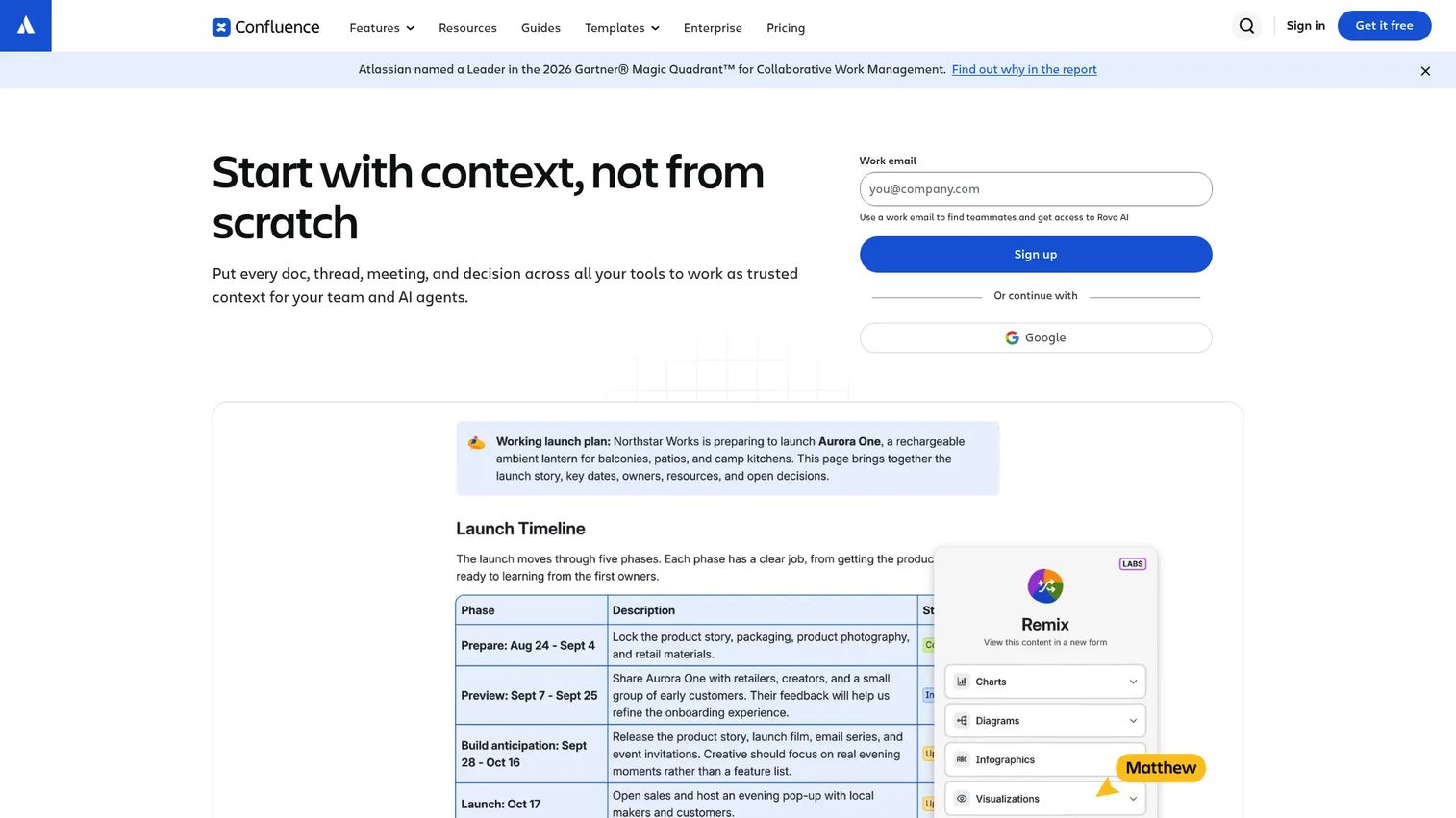
Confluence is a structured knowledge-base and documentation platform for teams that need durable, organized information rather than a single draft. Spaces hold collections of related pages, templates standardize how research or product knowledge gets recorded, and permissions control who can view, edit, or comment at the space or page level. For product teams, the Jira connection is a significant advantage: Linking specs to tickets and tracking decisions alongside active work happens without leaving the Atlassian stack.
Best for: Product and research teams that need their writing to become operational knowledge, with structured pages, permissions, and integration with engineering workflows.
Key features
- Team spaces with hierarchical page structures
- Page templates for PRDs, decision records, and documentation
- Comments, @mentions, and inline reactions
- Granular permission controls at space and page level
- Native Jira integration for linking docs to development work
Why choose Confluence: Confluence works when research writing becomes ongoing team knowledge rather than a one-off document. For PMs, it's the right place for product requirements documents, discovery summaries, onboarding documentation, and release decision records. Teams outside the Atlassian stack often find the interface less intuitive than Notion for free-form research synthesis.
Confluence pricing: A free plan covers up to 10 users with 2 GB storage. The Standard plan is $5.42/user per month, adding advanced permissions and 250 GB storage. Premium runs $10.44/user per month with unlimited storage, automation, and analytics. Enterprise pricing requires contacting Atlassian.
G2 rating: 4.1/5
7. Notion
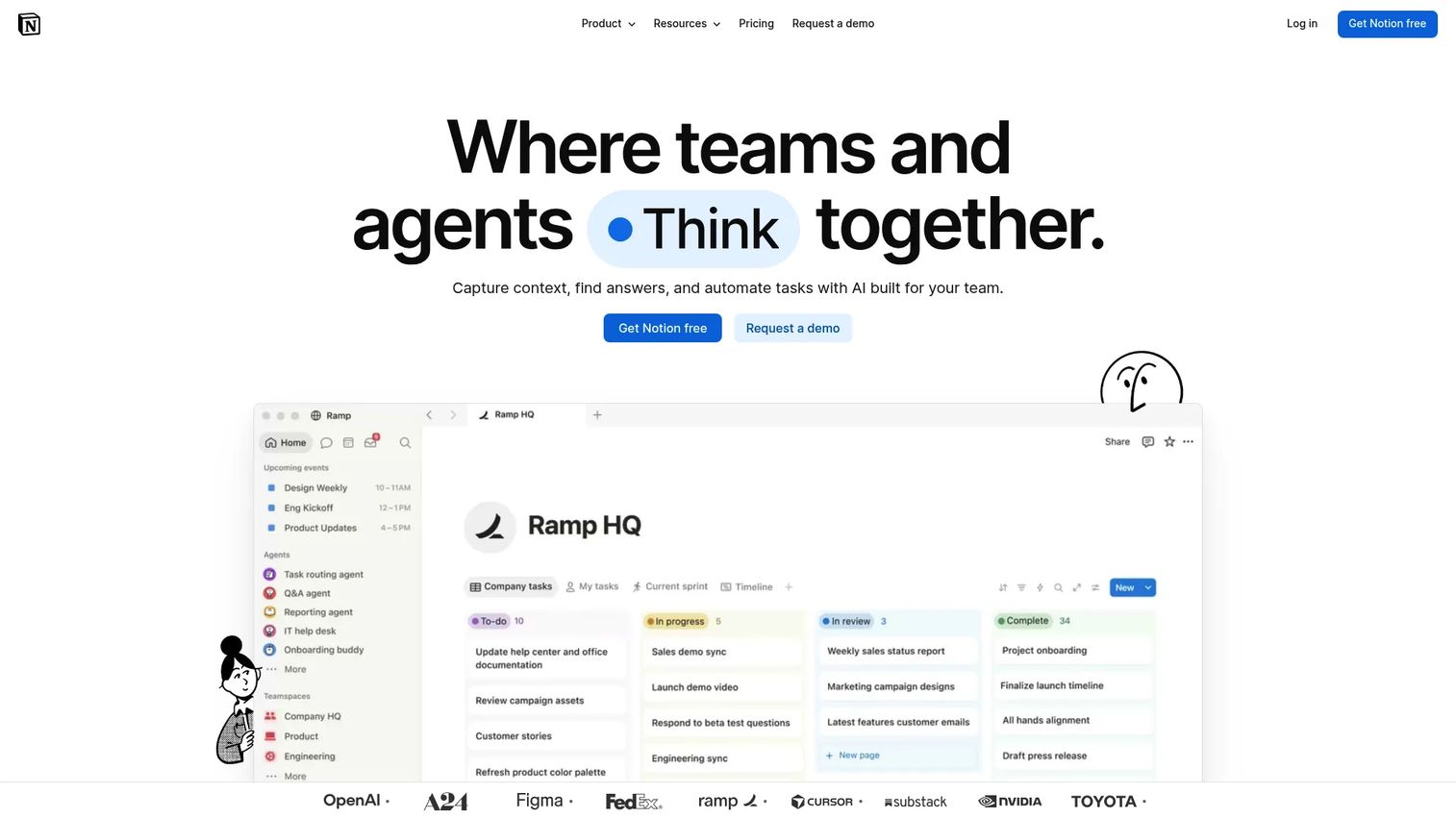
Notion is a flexible workspace where pages, databases, and linked views coexist in a single environment. Research notes can live in a database filterable by participant, date, or theme. A PRD can link directly to the interview synthesis that informed it. Roadmap evidence, experiment logs, and feature briefs all carry the same structural logic, which makes cross-referencing decisions against their evidence straightforward. This is particularly useful for PMs who run user research, synthesize findings, and then need those findings to survive a quarterly planning cycle.
Best for: PMs and research teams that need structure around their documents, not just the documents themselves.
Key features
- Pages and linked databases with custom properties and filters
- Inline comments and collaborative editing
- Reusable templates for research frameworks
- Granular workspace and page permissions
- AI-powered search and answer generation across connected pages
Why choose Notion: Notion's strength is connecting documents to structured data. If your user research synthesis needs to filter by persona segment, your experiment log needs to sort by status, or your discovery notes need to tag by feature area, Notion handles that without engineering support. For teams with a strong Jira dependency, Confluence may integrate more cleanly. For citation-heavy academic writing, Notion is not a replacement for a dedicated manuscript editor.
Notion pricing: A free plan is available for individuals. The Plus plan is $10/member per month, covering small teams. The Business plan is $20/member per month. Enterprise pricing is custom.
G2 rating: 4.6/5
8. Authorea
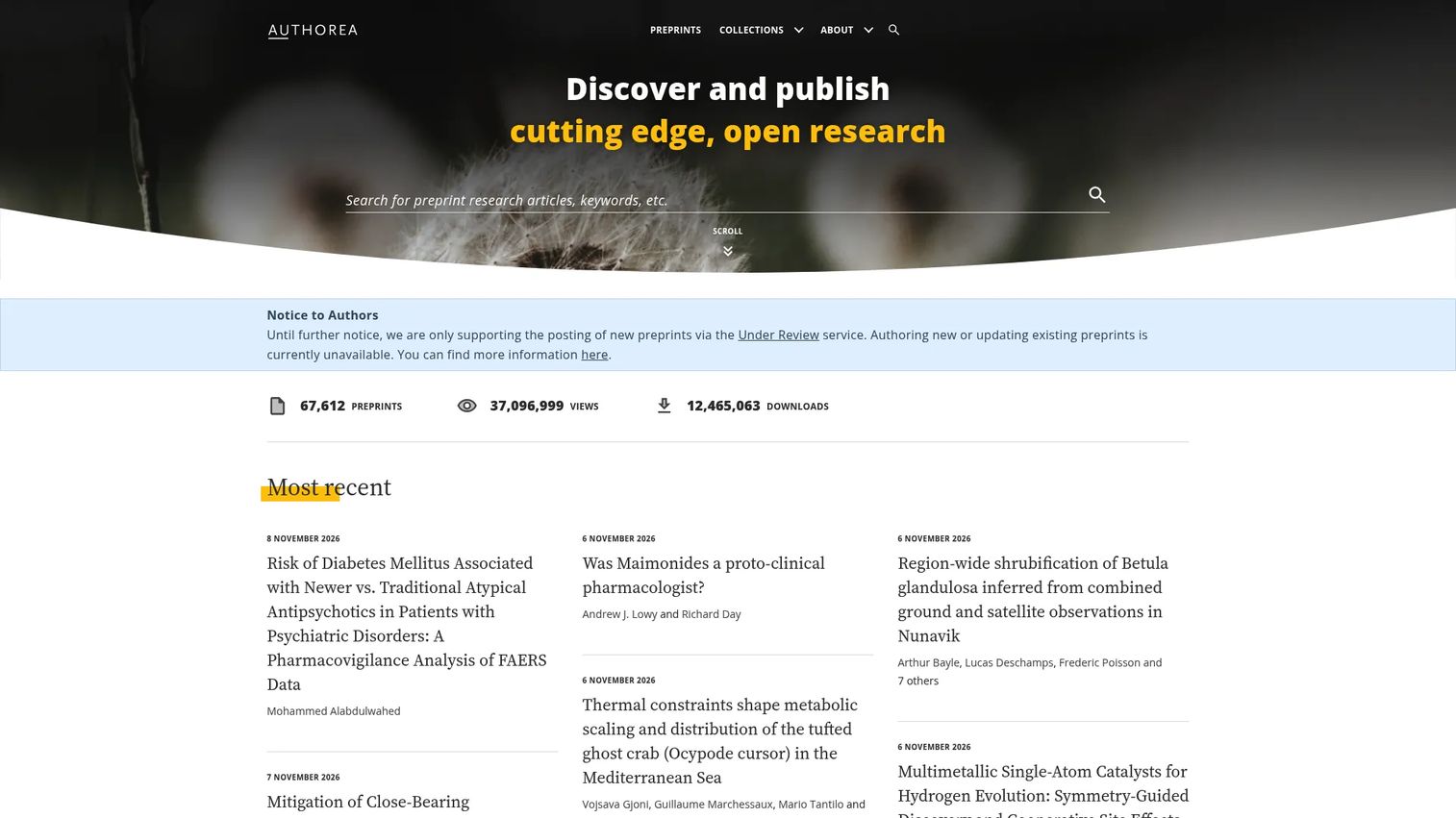
Authorea is a browser-based scholarly writing platform designed for researchers collaborating on scientific documents. It supports co-author collaboration with references, figures, equations, and live data, all within a writing environment that understands academic content structure rather than treating it as generic text. Teams can write together toward journal or preprint submission.
Best for: Researchers who want a browser-based scholarly writing workspace built for academic content rather than general documentation.
Key features
- Scholarly document editor with structured co-authoring
- Support for tables, figures, and equations
- Reference management and citation support
- Live data and dynamic chart integration
- Multiple export options for submission workflows
Why choose Authorea: Authorea is worth evaluating if your team needs a purpose-built academic environment and finds Overleaf's LaTeX requirement a barrier. The platform understands scholarly structure natively. Product status and pricing could not be verified during this run, so confirm current availability and plan details directly with Authorea before committing.
9. SciFlow
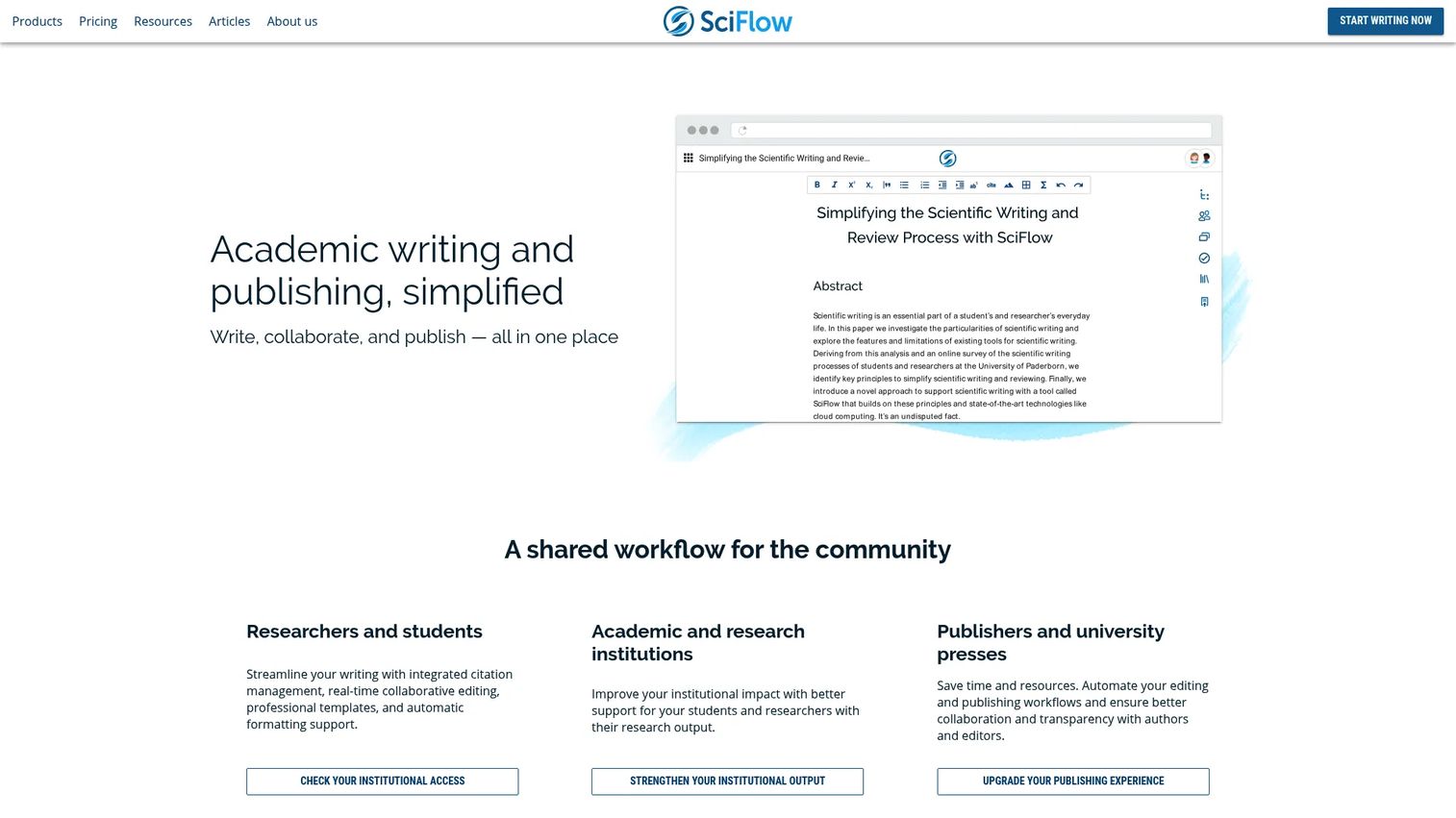
SciFlow is a manuscript writing platform focused on the submission-ready end of academic writing. It provides journal and thesis templates, automatic formatting, and structured export workflows so teams spend less time reformatting before submission. Real-time collaboration, change tracking, integrated reference connections, and grammar checking via LanguageTool all sit inside the same browser-based environment.
Best for: Research teams preparing manuscripts for journal or publisher submission who want formatting handled automatically.
Key features
- Journal, thesis, and institutional templates
- Real-time collaborative writing and change tracking
- Integrated citation formatting with reference-manager connections
- Export to PDF, Word, HTML, and JATS/XML
- LanguageTool-based spelling, grammar, and style checking
Why choose SciFlow: SciFlow earns its place when the bottleneck is manuscript formatting rather than co-authoring. Teams that repeatedly reformat papers across multiple journals will recover real time here. For teams that don't publish to journals, the template-centric design is more infrastructure than needed.
SciFlow pricing: A free plan is available for individual students and researchers. Groups and institutional plans are priced on request. The Publish plan for publishers requires contacting SciFlow for pricing.
10. FidusWriter
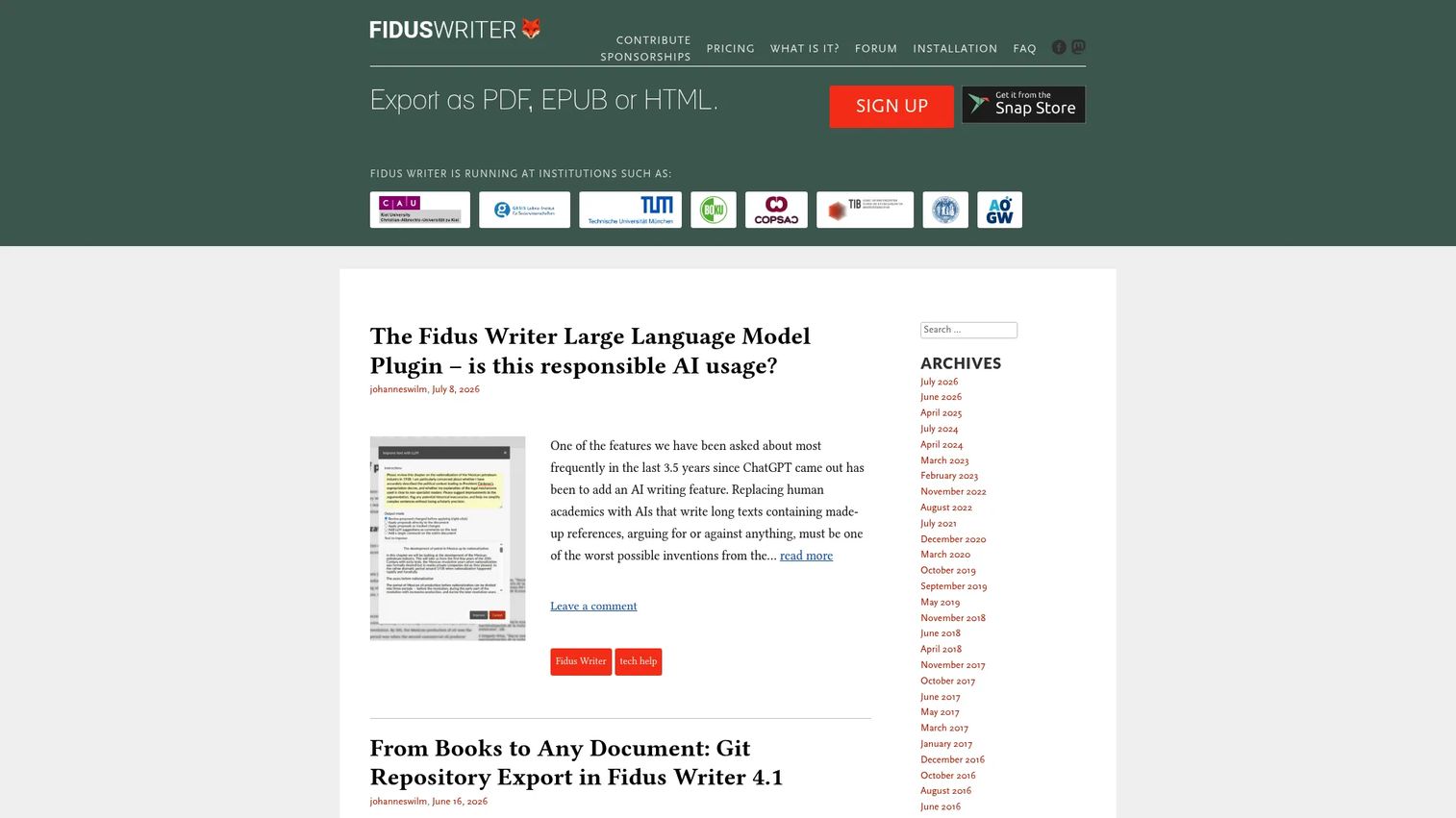
FidusWriter is an open-source academic writing editor with citations, formulas, and semantic publishing built in. Teams can self-host the software for complete control over their infrastructure, which matters for institutions with data residency requirements or security restrictions on cloud services. It exports to PDF, EPUB, and HTML, covering both print and digital publishing targets.
Best for: Academic teams and institutions that want open-source writing infrastructure with full control over hosting and data.
Key features
- Collaborative academic editor with formula support
- Citation and bibliography management built in
- Export to PDF, EPUB, and HTML
- Self-hosting option under an open-source license
- Semantic publishing support for structured output
Why choose FidusWriter: FidusWriter works for teams where data ownership, self-hosting, or open-source licensing is a hard requirement. The technical overhead of self-hosting is real, so this is better suited to institutions with technical staff than to small research teams without server infrastructure.
FidusWriter pricing: The software is free to use, modify, and share. Professional services for installation or customization run 130 EUR/hour for programming. Design work is 100 EUR/hour. Larger or longer projects are quoted individually.
11. Manubot
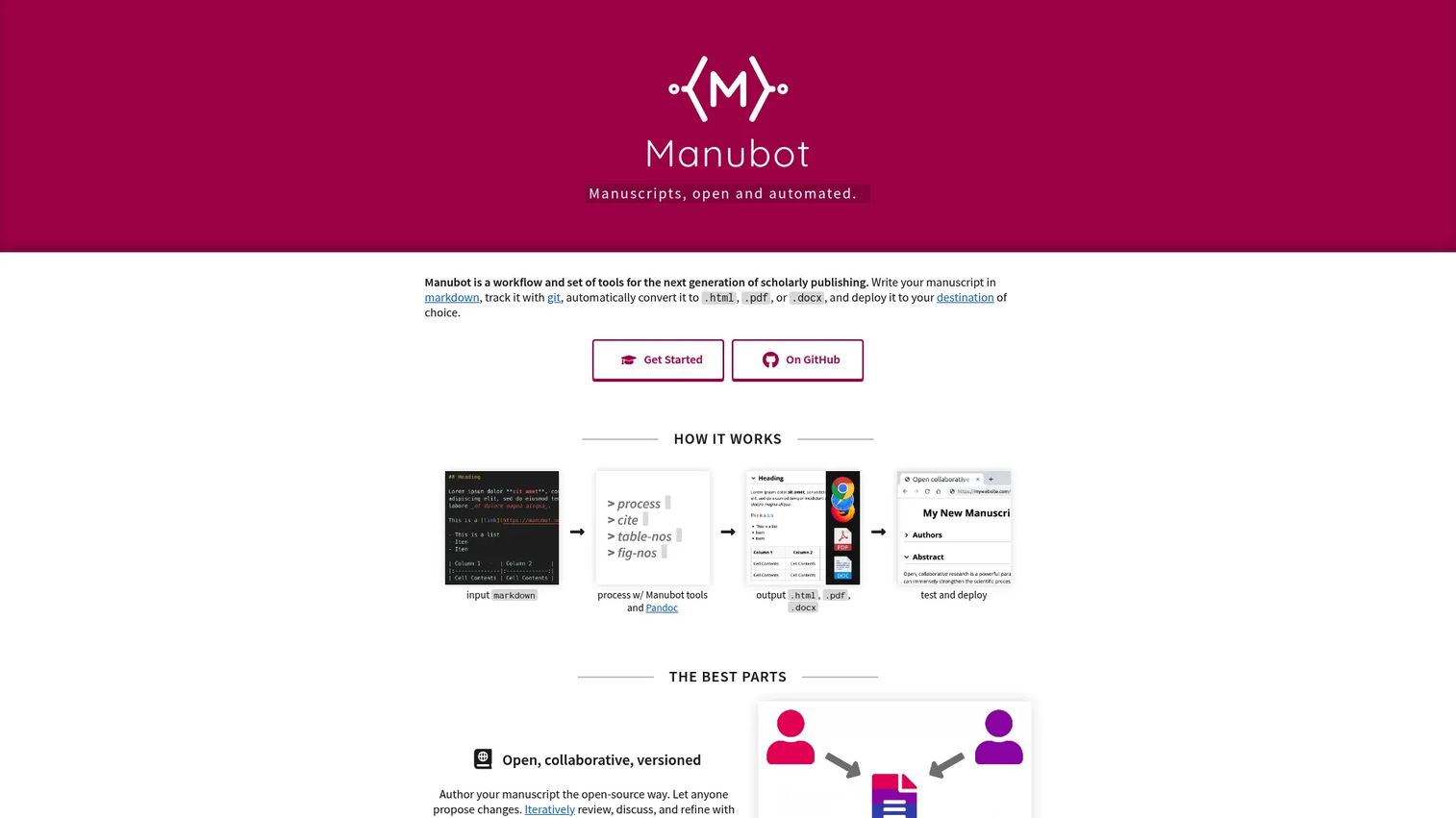
Manubot is a free, open-source toolchain for reproducible, Git-based scholarly manuscripts. Authors write in Markdown, citations are automated from DOIs and PubMed IDs, and the manuscript builds to HTML, PDF, and DOCX through continuous integration. Every change, merge, and review lives as a commit, pull request, or issue on GitHub, giving the manuscript the same version discipline as a software codebase.
Best for: Technical research teams comfortable with developer-style workflows who want their manuscripts to carry the same reproducibility standards as their code.
Key features
- Markdown-based manuscript authoring in Git repositories
- Automated citation generation from DOIs, ISBNs, and PubMed IDs
- Continuous integration builds to HTML, PDF, and DOCX
- Full version history with branches, commits, and pull requests
- Interactive features including annotations and figure viewer
Why choose Manubot: Manubot is the right choice when your research is computational and your manuscript must be reproducible alongside your data and code. It's not practical for teams unfamiliar with Git. For interdisciplinary teams where some authors don't use version control, the learning curve becomes a bottleneck.
Manubot pricing: Manubot is free and open-source. GitHub Actions or other CI platforms used for manuscript builds may incur usage costs depending on the plan.
12. GitHub
GitHub is a version-control platform that extends naturally to writing when content is stored as Markdown, LaTeX, or other plain-text formats. Branches let authors work on sections in parallel. Pull requests bring proposed changes in front of reviewers who can comment line by line before merging. Issues track open questions, reviewer requests, and content gaps. For PMs, this model fits technical specs, API documentation, data analysis notes, and any research artifact that benefits from code-review discipline.
Best for: Technical writers, data scientists, and research teams that need versioned writing tied directly to code or computational research artifacts.
Key features
- Git repositories for versioned plain-text documents
- Pull requests with line-by-line code review for manuscripts
- Issues and Projects for tracking writing tasks and open questions
- Markdown rendering for clean reading alongside raw content
- Project wikis for supplementary documentation
Why choose GitHub: GitHub is strong when writing and code share the same repository, so a data analysis note lives next to the analysis script. The review model is familiar for engineering-adjacent teams. It is not the right tool for non-technical collaborators or for documents that need rich formatting, tables, or equations without LaTeX.
GitHub pricing: A free plan covers unlimited public and private repositories with 2,000 CI/CD minutes per month. The Team plan is $4/user per month. The Enterprise plan is $21/user per month.
G2 rating: 4.7/5
13. Etherpad
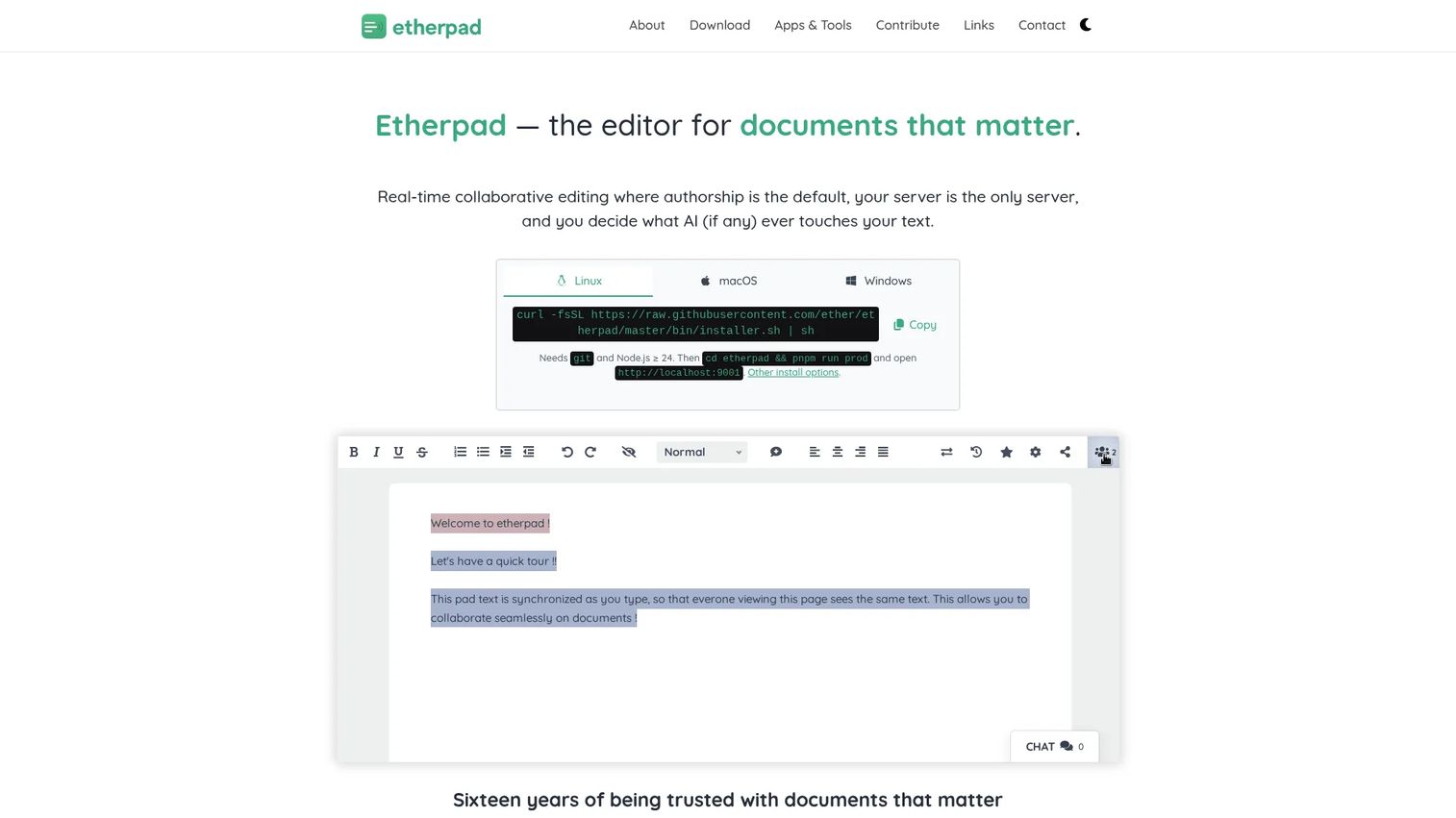
Etherpad is a self-hosted, open-source real-time collaborative text editor. Authors see each other's keystrokes in a color-coded pad that attributes every character to a specific contributor. A timeslider replays the full edit history. The plugin ecosystem extends functionality, and the Apache 2.0 license means organizations can run it on their own infrastructure with no dependency on an external service.
Best for: Teams that need fast, low-friction shared drafting with full control over their data, ideally through self-hosting.
Key features
- Real-time editing with per-keystroke authorship attribution
- Timeslider for reviewing the complete revision history
- Self-hosting under an open-source Apache 2.0 license
- Extensible plugin framework
- Multi-language interface support
Why choose Etherpad: Etherpad is the right tool for workshops, sprint planning notes, brainstorming sessions, and any collaborative drafting where you want zero vendor dependency and complete data ownership. It is not designed for long-form manuscripts or citation workflows, so for polished academic writing it needs to pair with a manuscript or reference tool.
Etherpad pricing: The software is free and open-source. Hosting costs depend on your infrastructure.
G2 rating: 4.4/5
14. Coda
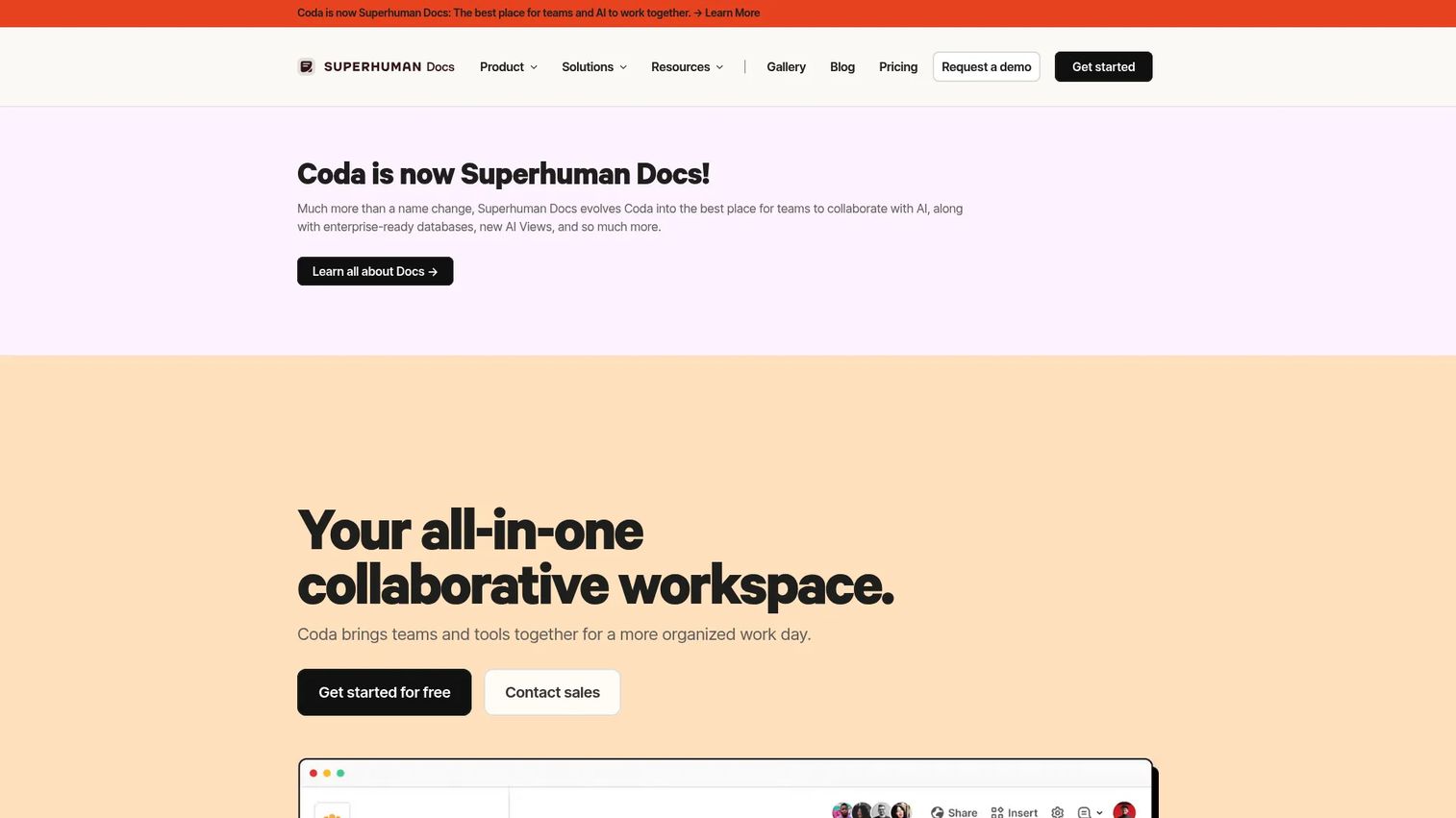
Coda is a collaborative platform where documents, tables, buttons, and automations coexist in app-like pages. Research writing in Coda can carry workflow logic alongside the prose: A discovery synthesis page can include a table tracking interview status, a button to create a follow-up Jira ticket, and an automation that notifies the product team when the doc reaches "ready for review." For PMs, this combination removes the gap between writing a decision record and acting on it.
Best for: Product and research teams that need their writing to trigger or connect to structured workflows, not just exist as standalone documents.
Key features
- Collaborative docs with inline tables and structured data
- Buttons and automations for workflow logic within documents
- Reusable templates for research and product workflows
- 600+ integrations with external tools
- AI assistance for content creation, summaries, and table generation
Why choose Coda: Coda earns its place when research writing is part of a larger workflow: Prioritization notes, experiment logs, launch checklists, and stakeholder signoffs that need to move through stages. For teams that want a pure writing environment without the app-layer complexity, Google Docs or Notion is likely a better fit. Note that Coda's platform has undergone changes, including an announced merger with Superhuman, so confirming current pricing and plan availability directly with Coda is worth doing before committing.
Coda pricing: Contact Coda directly for current pricing, as plan details could not be fully verified at time of writing.
15. Dropbox Paper
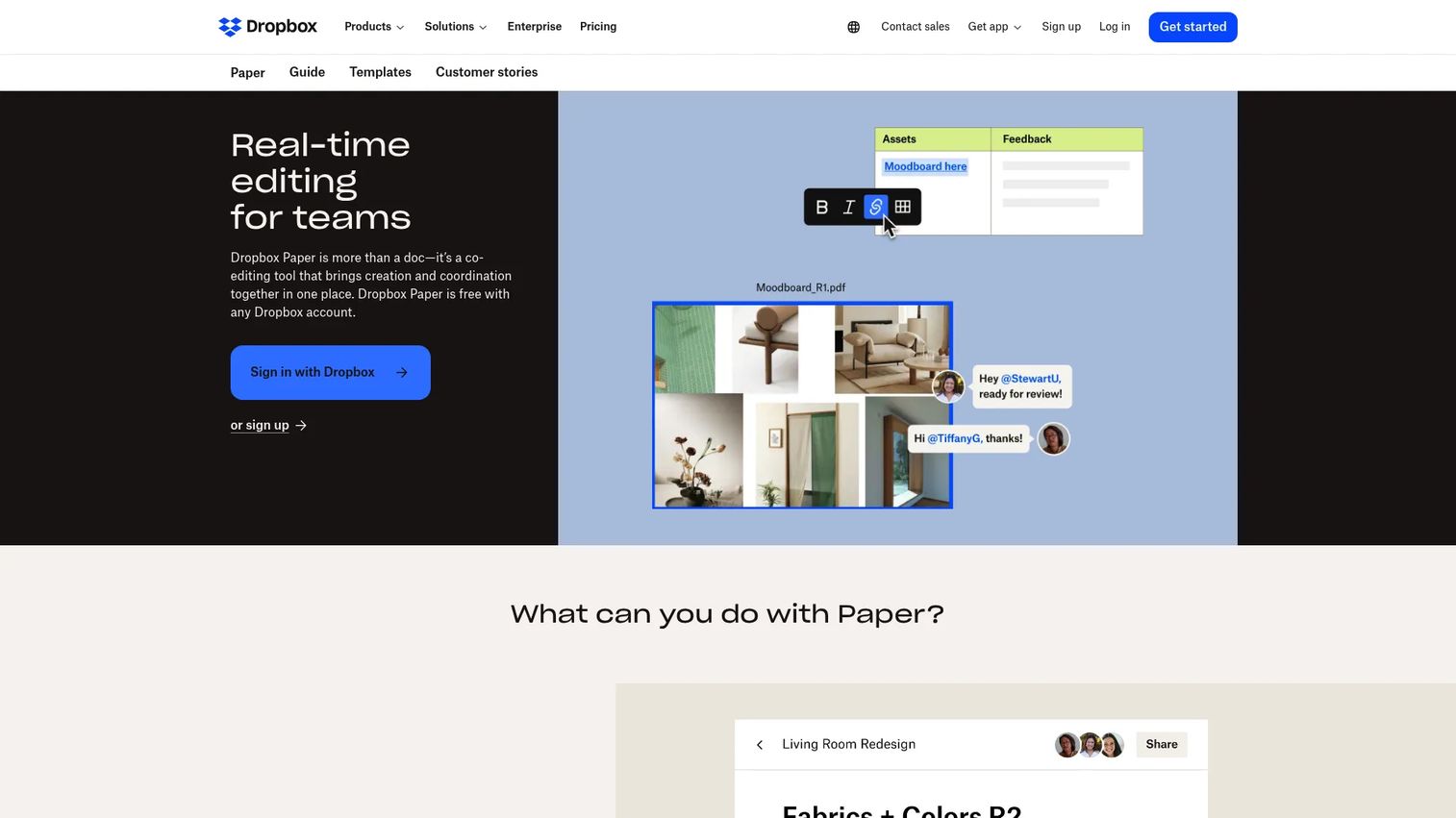
Dropbox Paper is a lightweight collaborative writing tool built into the Dropbox ecosystem. It handles shared text, inline comments, task assignments, media embeds, and table formatting, all in a minimal editor that connects naturally to files stored in Dropbox. For teams that already live in Dropbox, Paper removes the friction of jumping to a separate document tool. The mobile app was discontinued on October 9, 2025, so Paper is now a browser-only experience.
Best for: Teams already on Dropbox that want simple collaborative documents tied to their file storage, without adding another subscription.
Key features
- Real-time collaborative editing with inline comments
- To-dos with assignees and due dates
- Rich-media, file, image, and code embeds
- Templates for meeting notes, project plans, and briefs
- Export to DOCX, Markdown, and PDF
Why choose Dropbox Paper: Paper works for lightweight notes, creative briefs, research summaries, and document collaboration where the content connects closely to Dropbox files. It is not designed for academic manuscripts, citation management, or complex structured workflows. The mobile app discontinuation is worth noting for teams that need mobile access.
Dropbox Paper pricing: Paper is included free with any Dropbox account. No separate paid Paper subscription exists.
G2 rating: 4.1/5
Considerations when choosing collaborative research writing tools
Match the tool to the research artifact
A literature review, a product requirements document, a grant proposal, and a clinical study protocol each create different review and formatting demands. Start by identifying which artifact causes the most operational friction on your team. A citation manager adds nothing to a team writing sprint notes but becomes critical once a team submits academic papers.
Check citation and reference requirements
If your team publishes peer-reviewed work, citation support is not optional. A dedicated reference manager (Zotero or Mendeley) sitting alongside your writing editor is usually more reliable than citation plugins bundled into a general-purpose platform. Confirm which citation styles and formats your target journals or institutions require before choosing a tool.
Evaluate version history depth
Document-level version history is enough for most teams doing discovery synthesis or PRD writing. Git-based version control becomes the right model when writing must be reproducible, auditable at the commit level, or tied directly to data and code. The overhead of Git is real for non-technical contributors, so weight the team's comfort level honestly before choosing Manubot or GitHub for collaborative writing.
Review permissions and confidentiality requirements
Unpublished research, customer interview transcripts, clinical notes, and product strategy documents often carry confidentiality requirements that standard sharing settings don't cover. Before deploying any cloud-based writing tool for sensitive content, confirm access controls, data residency, storage location, and AI processing settings with your security or legal team.
Run a pilot before full rollout
Pick one research artifact and one team, then test your shortlisted tool against a real workflow. For PMs, a discovery synthesis or experiment brief works well as a test case. The goal is finding where the tool's review workflow, version history, and permission model either hold up or create new friction before the whole team depends on it.
Conclusion
No single tool covers every research team collaboration workflow. The choice depends on the artifact, the audience for the review cycle, and how much technical infrastructure your team can maintain.
Google Docs handles fast co-authoring for most teams. Microsoft Word is the right call when the review process is formal or institutional. Overleaf, SciFlow, and FidusWriter serve distinct points on the academic manuscript spectrum, from LaTeX-heavy scientific papers to publisher-ready exports to fully self-hosted environments. Zotero and Mendeley each address the citation management layer, with Zotero favoring open-source flexibility and Mendeley favoring PDF-centric workflows.
For product and research teams, Confluence fits structured documentation tied to engineering workflows, while Notion handles flexible, database-linked research synthesis. Coda adds workflow automation to documents when writing needs to trigger actions. Dropbox Paper is the low-friction option for teams already in the Dropbox ecosystem. GitHub and Manubot address reproducibility and version control for teams that treat their manuscripts with the same rigor as their code. Etherpad covers lightweight, self-hosted collaborative drafting with full data ownership.
Start with the artifact that is causing the most friction on your team right now. Match the tool to that specific need, then expand from there.
Start your journey with Guideflow today!
FAQs
Collaborative research writing tools are software platforms that let multiple contributors draft, review, cite, revise, and organize research content from a shared workspace. They typically include features like real-time co-editing, version history, comment and suggestion workflows, and citation or reference management. Research-specific tools add controls for academic formatting, manuscript submission, reproducibility, and access permissions that general document editors don't provide.
The answer depends on the workflow. Google Docs handles fast co-authoring for most teams with low setup overhead. Microsoft Word remains the standard where tracked-changes review or journal submission in DOCX format is required. Overleaf is the default for LaTeX-heavy scientific writing with equations and formulas. For citation management alongside any of these editors, Zotero or Mendeley handles the reference layer. The best document creation software guide covers more options across document types.
Zotero and Mendeley are purpose-built citation managers that plug into most writing editors. Overleaf supports BibTeX natively for LaTeX-based papers. SciFlow and FidusWriter include citation support within their own academic editors. Microsoft Word includes a built-in citation tool, though dedicated reference managers handle complex bibliographies more reliably. The right choice depends on the citation styles, export formats, and writing environment the team already uses.
Google Docs is excellent for co-authoring, comments, and version history. For product discovery notes, experiment briefs, and cross-functional review, it handles most PM research writing needs well. For formal academic work, it typically needs a citation manager alongside it, since its built-in citation support is limited. Teams writing LaTeX, equations, or journal-formatted manuscripts will find a dedicated tool like Overleaf more appropriate.
Generally, no. PMs need structured knowledge, review workflows, and cross-team access rather than journal formatting or LaTeX support. Tools like Notion, Confluence, Coda, Google Docs, and Microsoft Word fit PM research synthesis better, depending on how structured the evidence needs to be and how closely the writing connects to engineering workflows. The exception is a PM at a research-intensive company where discovery outputs feed directly into academic publications, in which case a manuscript-aware tool may be worth evaluating.
Version history tracks document changes inside a writing editor, recording who made what edit and when, with the ability to restore a prior state. Most collaborative document tools include this. Version control, typically Git-based, goes further: It supports parallel branches, explicit commits with descriptive messages, pull requests that submit changes for review before merging, and the ability to reproduce any prior state of the document exactly. For research that must be reproducible or tied to code, version control is the more rigorous choice. For most writing workflows, version history is sufficient.
Establish a clear policy before using AI on unpublished research. Key questions: What content is permissible to pass to an external AI model? How will AI contributions be disclosed to co-authors, reviewers, and publishers? Who is responsible for verifying AI-generated text for accuracy and attribution? Many journals and institutions have specific policies on AI disclosure that supersede team preferences. Check with your institution, publisher, and legal team before integrating AI writing tools into any workflow involving confidential, clinical, or prepublication content. The AI writing tools for marketers guide covers the broader AI-assisted writing landscape for context.
Several strong options carry no cost for core use. Google Docs is free for personal use and covers most collaborative drafting needs. Zotero's core software and 300 MB of storage are free, covering basic citation management. Overleaf's free plan supports solo projects and basic LaTeX editing. Etherpad is free as self-hosted open-source software. Manubot and FidusWriter are both free and open-source. GitHub offers a free plan for public and private repositories. The right free tool depends on the workflow: Citation management, manuscript writing, real-time collaborative drafting, and version-controlled writing each have a different best free option. For a broader look at AI writing assistants that complement these tools, that guide covers the AI layer separately.