A CT scan is not a surgical plan. A DICOM file is not a usable 3D model. The tool sitting between raw imaging data and actionable output determines how much manual cleanup, clinical review, and engineering support your team inherits for every release cycle ahead.
Medical 3D visualization software now underpins everything from surgical planning to medical device development to AI-assisted triage. The global 3D medical imaging market reached $21.43 billion in 2025 and is projected to reach $42.75 billion by 2032, according to Qualium Systems (2026). That growth is pushing product teams, clinical innovation groups, and imaging researchers to make tool decisions they will maintain for years.
The wrong pick means downstream debt: Segmentation workflows that require manual correction on every release, integrations that fail security review, or open-source platforms that need dedicated engineering ownership to stay current. The right pick matches your data format, your reviewer workflow, your validation requirements, and your team's maintenance capacity.
This guide compares 12 medical 3D visualization tools so you can shortlist faster and avoid the most common mis-selections.
What's inside
This guide covers 12 free and paid medical 3D imaging software tools evaluated for product teams, clinical innovation groups, imaging researchers, 3D lab teams, and medical device teams.
Selection criteria:
- Imaging support: DICOM, CT, MRI, NIfTI, and modality coverage
- Segmentation and modeling depth: manual, semi-automated, AI-assisted, and export formats
- Workflow fit: clinical, research, engineering, dental, AI triage, or service-backed
- Pricing and ratings: verified against live sources; check again at publish time
TL;DR
- Best open-source platform: 3D Slicer handles medical image visualization, segmentation, and research workflows at no cost, with more than 150 extensions
- Best for regulated segmentation: Materialise Mimics Care Suite fits hospitals and device teams that need governed patient-specific modeling
- Best for engineering simulation: Ansys Simpleware converts scan data into simulation-ready, CAD-ready, or print-ready models
- Best Mac-based DICOM viewer: OsiriX MD is the practical pick for radiology teams on macOS needing 3D reconstruction
- Best for AI-assisted clinical triage: Viz.ai One and Altris AI address focused AI-driven workflows, not general 3D modeling
- Best for research visualization: ParaView handles large scientific datasets but requires more technical setup for medical imaging teams
What is medical 3D visualization software
Medical 3D visualization software refers to platforms that convert medical imaging data, including DICOM, CT, MRI, ultrasound, and NIfTI files, into interactive 3D views, segmented anatomical structures, models, simulations, or printable outputs.
The workflow typically starts with ingestion: The tool reads raw imaging studies from a DICOM archive, PACS, or file system. Segmentation then identifies structures of interest, separating bone from soft tissue, or isolating a tumor from surrounding anatomy. Volume rendering produces a continuous 3D view by assigning color and opacity to voxels. Surface modeling generates a mesh from segmented regions, which can be exported as STL, OBJ, or CAD formats for 3D printing or finite element analysis.
Where product and clinical teams go wrong is treating all "3D visualization" tools as interchangeable. A DICOM viewer that renders MPR and volume views is a different product from a segmentation workstation that exports patient-specific STL files. An AI triage platform that sends stroke alerts is different again from an open-source scientific visualization engine. Each category carries different validation requirements, integration paths, and maintenance commitments.
Key capabilities to evaluate across this category:
- DICOM import and study navigation
- CT, MRI, PET, ultrasound, and NIfTI support
- Volume rendering and multiplanar reconstruction
- Manual, semi-automated, or AI-assisted segmentation
- STL, OBJ, mesh, or CAD export for 3D printing software workflows
- PACS, VNA, or EHR integration
- Collaboration, audit trail, and governance features
- Regulatory clearance or intended use documentation
The right tool is not the one with the most rendering features. It is the one that fits the data source, reviewer workflow, validation requirements, and your team's release cadence.
When to use medical 3D visualization tools
Turn 2D scans into reviewable 3D anatomy
When a clinical or product team needs to convert a CT or MRI series into a 3D structure that stakeholders can inspect, a visualization tool handles the gap between raw imaging data and actionable review. Segmentation separates structures, multiplanar reconstruction orients anatomy across axial, coronal, and sagittal planes, and volume rendering gives reviewers a navigable 3D view. This matters most when non-radiologist stakeholders, such as surgeons, device engineers, or regulatory reviewers, need to evaluate anatomy without reading a raw DICOM stack.
Plan procedures and patient-specific interventions
Surgical planning, implant sizing, dental treatment workflows, and device fit all rely on patient-specific models derived from imaging data. A product team supporting a clinical workflow in this space needs to understand which tools produce clinically validated outputs versus research-grade reconstructions. Keep claims careful here: The tool prepares the visualization, but the clinical judgment belongs to the trained professional interpreting it.
Build models for research, training, and medical devices
Computational modeling, simulation inputs, medical device prototyping, and training anatomy all require clean 3D exports from imaging data. Research teams working with NIfTI data, AI medical diagnostic platforms, or finite element analysis pipelines need tools that export to formats their downstream software can consume. STL, OBJ, and mesh formats each have different fidelity tradeoffs worth evaluating before committing to a workflow.
Medical 3D visualization tools comparison
Before scanning the table, note that pricing and ratings must be verified against live sources before publication. Healthcare software pricing shifts with deployment model, seat count, modules, and regional agreements. Several tools in this category are quote-based with no published numeric tier.
The table below reflects verified data from each vendor's official pages and G2 listings as of November 2026. Use it for shortlisting, not procurement.
| # | Product | Best for | Key differentiator | Pricing | G2 rating |
|---|---|---|---|---|---|
| 1 | 3D Slicer | Open-source medical image computing | Free platform with segmentation, 150+ extensions, Python scripting | Free | 4.3/5 |
| 2 | Materialise Mimics Care Suite | Clinical segmentation and patient-specific modeling | Governed medical image processing for planning and 3D model workflows | Custom pricing | 4.1/5 |
| 3 | Ansys Simpleware | Image-based engineering and simulation | Converts scan data into simulation-ready, CAD-ready, or print-ready models | Custom pricing | 4.5/5 |
| 4 | OsiriX MD | Mac-based DICOM viewing and 3D reconstruction | FDA-cleared DICOM viewer with 3D post-processing on macOS | From $69.99/mo | 4.8/5 |
| 5 | D2P | DICOM-to-3D-print workflows | Deep-learning segmentation and direct export for anatomical models | Custom pricing | 3.5/5 |
| 6 | Invivo5 | Dental and maxillofacial imaging | CBCT visualization with implant planning and treatment workflows | Free tier; paid from $39.99/mo | 4.4/5 |
| 7 | 3D-DOCTOR | Slice-based segmentation and 3D reconstruction | Perpetual-license tool for surface rendering, measurement, and multi-format export | From $495 (academic) | 3.5/5 |
| 8 | Axial3D | Service-backed 3D anatomical model production | AI-powered cloud segmentation with surgeon sign-off workflows | Custom pricing | 4.3/5 |
| 9 | Viz.ai One | AI-assisted care coordination and triage | AI detection with real-time care team alerts for clinical conditions | Custom pricing | 4.3/5 |
| 10 | Altris AI | AI-assisted ophthalmic OCT analysis | Vendor-neutral OCT analysis across 30+ retinal pathologies | Custom pricing | 5.0/5 |
| 11 | Slice:Drop | Browser-based medical image viewing | Web-based DICOM and medical volume visualization, no install required | Free (verify status) | 2.0/5 |
| 12 | ParaView | Scientific and research visualization | Open-source platform for large scientific datasets with Python scripting | Free | N/A |
Best 12 medical 3D visualization tools for 2026
1. 3D Slicer
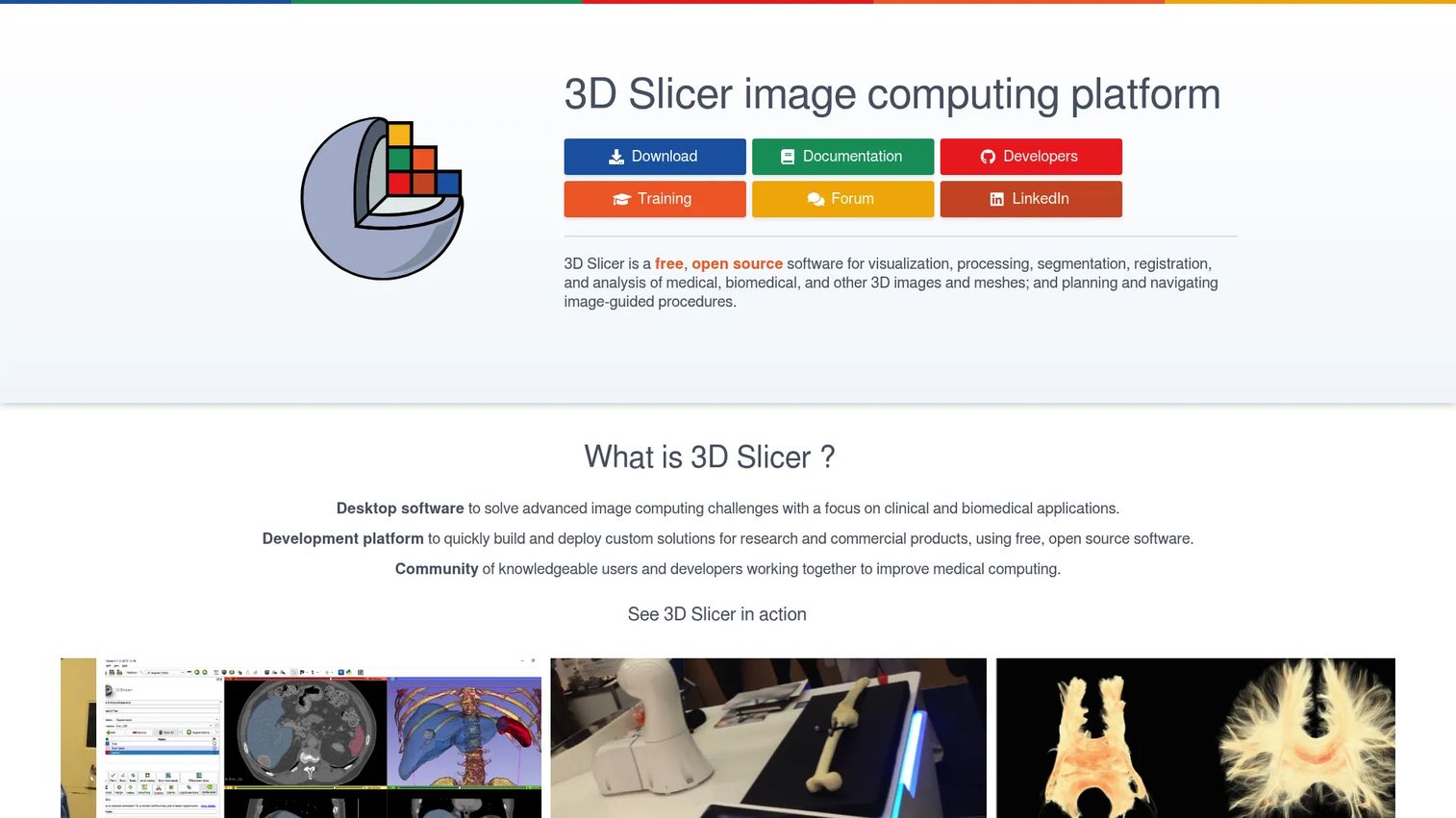
3D Slicer is a free, open-source medical image computing platform maintained by a global research community. It supports DICOM ingestion, manual and AI-assisted segmentation, 3D reconstruction, image registration, and extensible analysis workflows. With more than 150 extensions covering surgical planning, radiotherapy, lung imaging, and neuroimaging, it functions as a research infrastructure layer rather than a finished clinical product.
Best for: Research teams, imaging labs, and product teams that need a free, extensible platform for prototyping medical visualization workflows.
Key features
- DICOM import and export with PACS network support
- 2D/3D/4D segmentation editor with AI-assisted segmentation
- More than 150 extensions for specialized workflows
- Python scripting and automation
- 3D-printable mesh export and virtual/augmented reality support
Why choose 3D Slicer: The depth and breadth of the extension marketplace makes it the strongest free starting point for research and prototyping workflows. It requires technical ownership for clinical-grade deployment, validation, and governance, so budget engineering time accordingly.
3D Slicer pricing: Free and open-source under a BSD-style license, which does not restrict commercial use. Verify the current license terms on the official site before including in any procurement documentation.
G2 rating: 4.3/5
2. Materialise Mimics Care Suite
Materialise Mimics Care Suite is a commercial suite for medical image segmentation, patient-specific modeling, and clinical planning workflows. It supports CT and MRI segmentation, virtual surgical planning, anatomical model design, and AI-enabled segmentation. Cloud-based case management and extended-reality viewing are part of the current platform.
Best for: Hospitals, clinical 3D labs, and medical device teams that need governed segmentation workflows with structured support and repeatable outputs.
Key features
- CT and MRI segmentation with AI-enabled tools
- Patient-specific modeling and virtual planning
- Cloud-based case management and collaboration
- 3D print-ready model workflows
- Extended-reality case viewing
Why choose Materialise Mimics Care Suite: The structured workflow, clinical support, and validation pathway make it a defensible choice when procurement, IT security, and clinical governance are all in the room. It is a heavier investment than open-source options, but the operational repeatability justifies that for regulated environments.
Materialise Mimics Care Suite pricing: Custom pricing. Ask sales about modules, user seats, deployment model, training, and service requirements. No free tier is offered.
G2 rating: 4.1/5
3. Ansys Simpleware
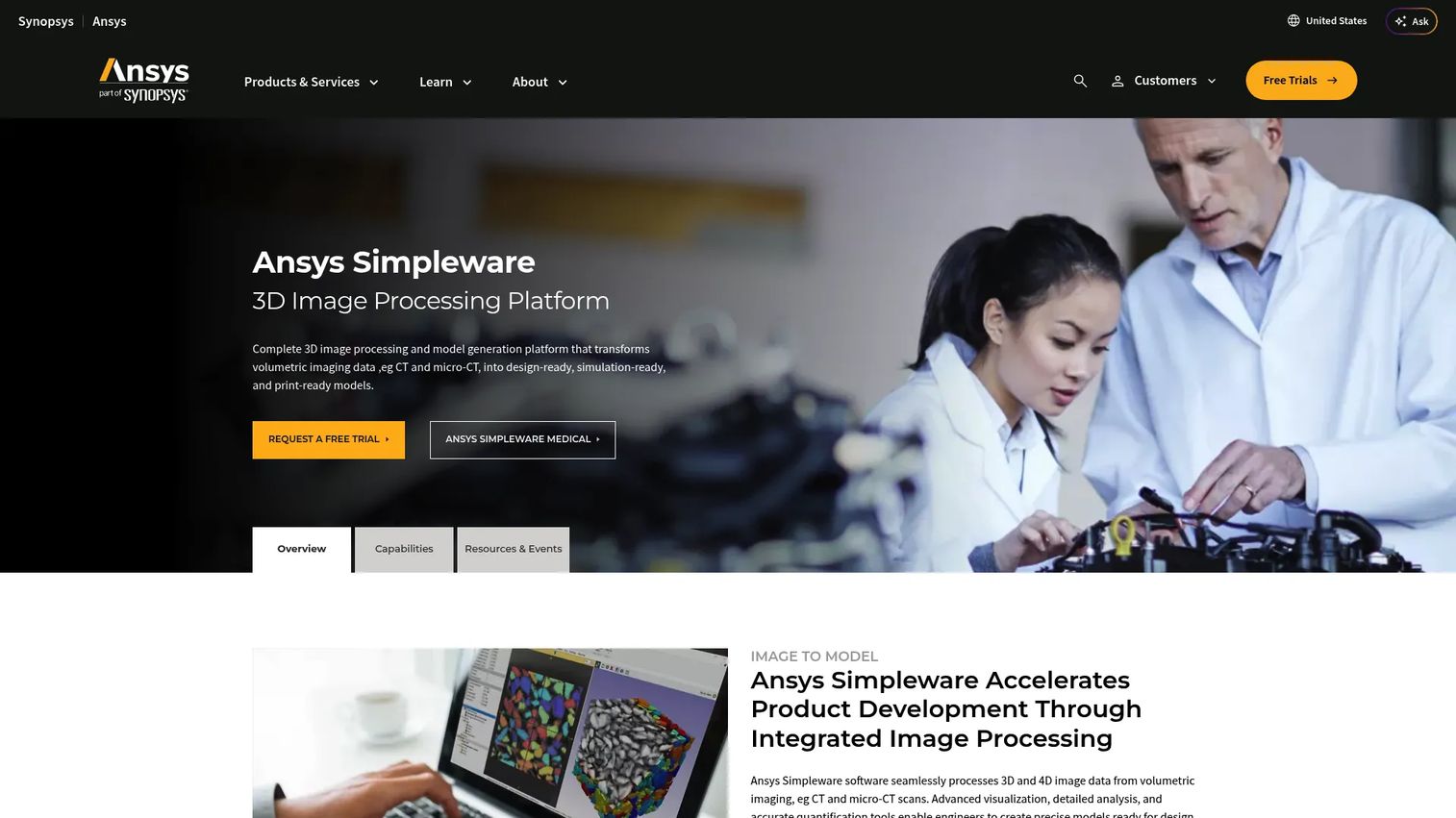
Ansys Simpleware converts CT, micro-CT, MRI, and other volumetric scan data into simulation-ready, CAD-ready, and print-ready models. It handles image segmentation, mesh generation for finite element analysis and computational fluid dynamics, CAD integration, and 3D printing workflows. Teams in engineering-heavy medical device development use it when visualization is an intermediate step toward simulation, not the final deliverable.
Best for: Product and engineering teams that need anatomical models for simulation, CAD design, or manufacturing workflows from imaging data.
Key features
- Image-based segmentation from CT, micro-CT, and MRI
- Mesh generation for FEA and CFD
- CAD integration and NURBS modeling
- 3D printing toolkit
- Scripting and automation
Why choose Ansys Simpleware: Choose it when the downstream output is a simulation or manufactured part, not a rendered 3D view. It is part of the Ansys portfolio, so it integrates well with other Ansys simulation tools, which matters for teams already running structural or fluid analysis workflows.
Ansys Simpleware pricing: Custom pricing through Ansys. Contact the team about product modules, licensing model, and simulation workflow requirements.
G2 rating: 4.5/5
4. OsiriX MD
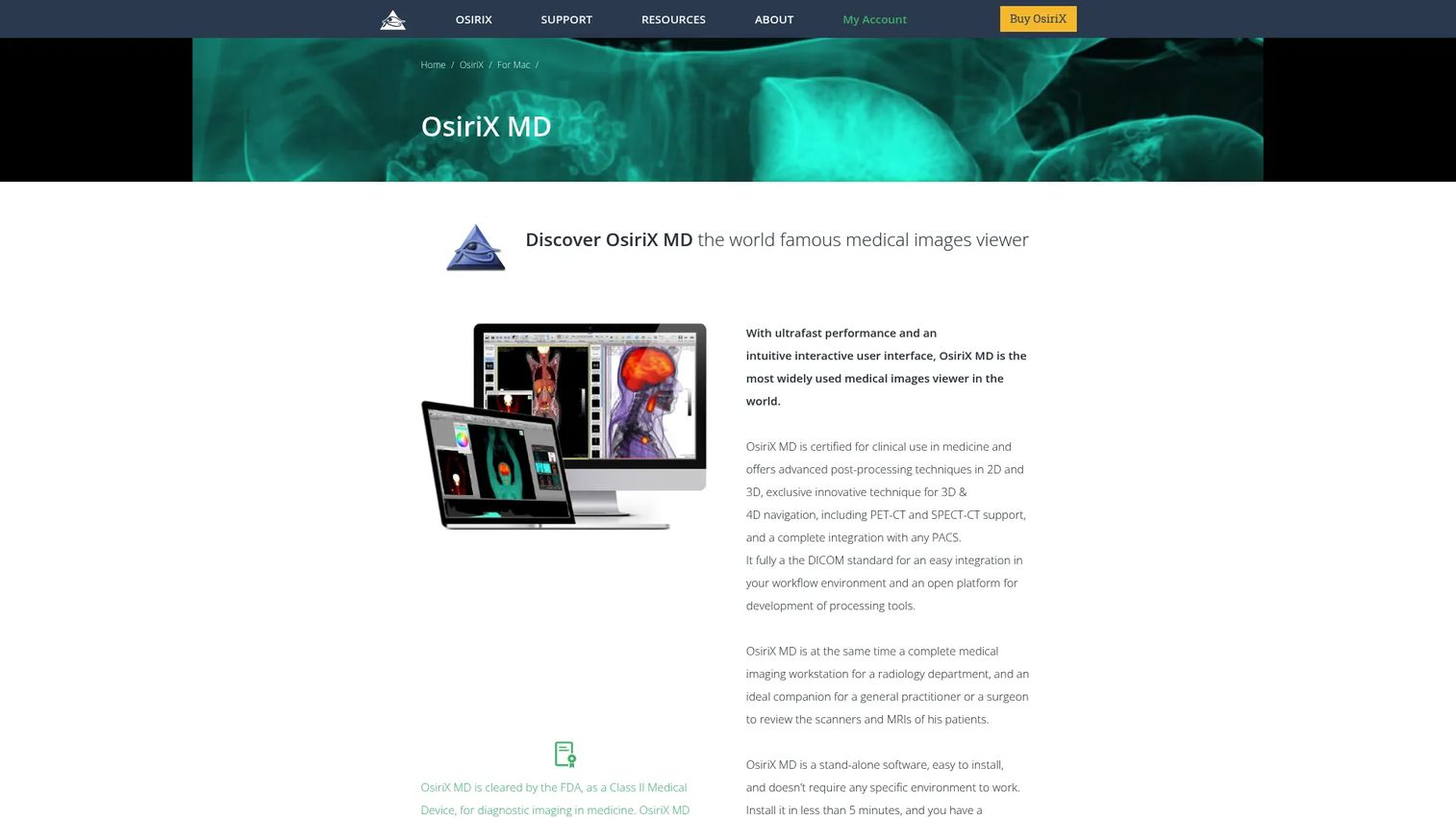
OsiriX MD is an FDA-cleared medical imaging workstation for Apple Mac computers. It handles DICOM viewing, PACS integration, PET-CT support, 3D multiplanar reconstruction, MIP rendering, and volume rendering. A free version called OsiriX Lite is available for evaluation and non-diagnostic use, while OsiriX MD is the cleared clinical product.
Best for: Mac-based radiology departments and clinical teams that need DICOM viewing with advanced 3D post-processing.
Key features
- DICOM viewer with PACS network integration
- 3D volume and surface rendering
- Multiplanar reconstruction and curved reformats
- PET-CT and SPECT-CT support
- Plugin architecture for extensions
Why choose OsiriX MD: It is the most established Mac-native DICOM viewer with 3D capabilities and FDA clearance for clinical diagnostic imaging. It is not the right pick for engineering simulation, browser-first deployments, or cross-platform clinical environments.
OsiriX MD pricing: Starts at $69.99/month. OsiriX Lite is free for non-diagnostic and evaluation use. Verify current billing terms and license details on the official site.
G2 rating: 4.8/5
5. D2P
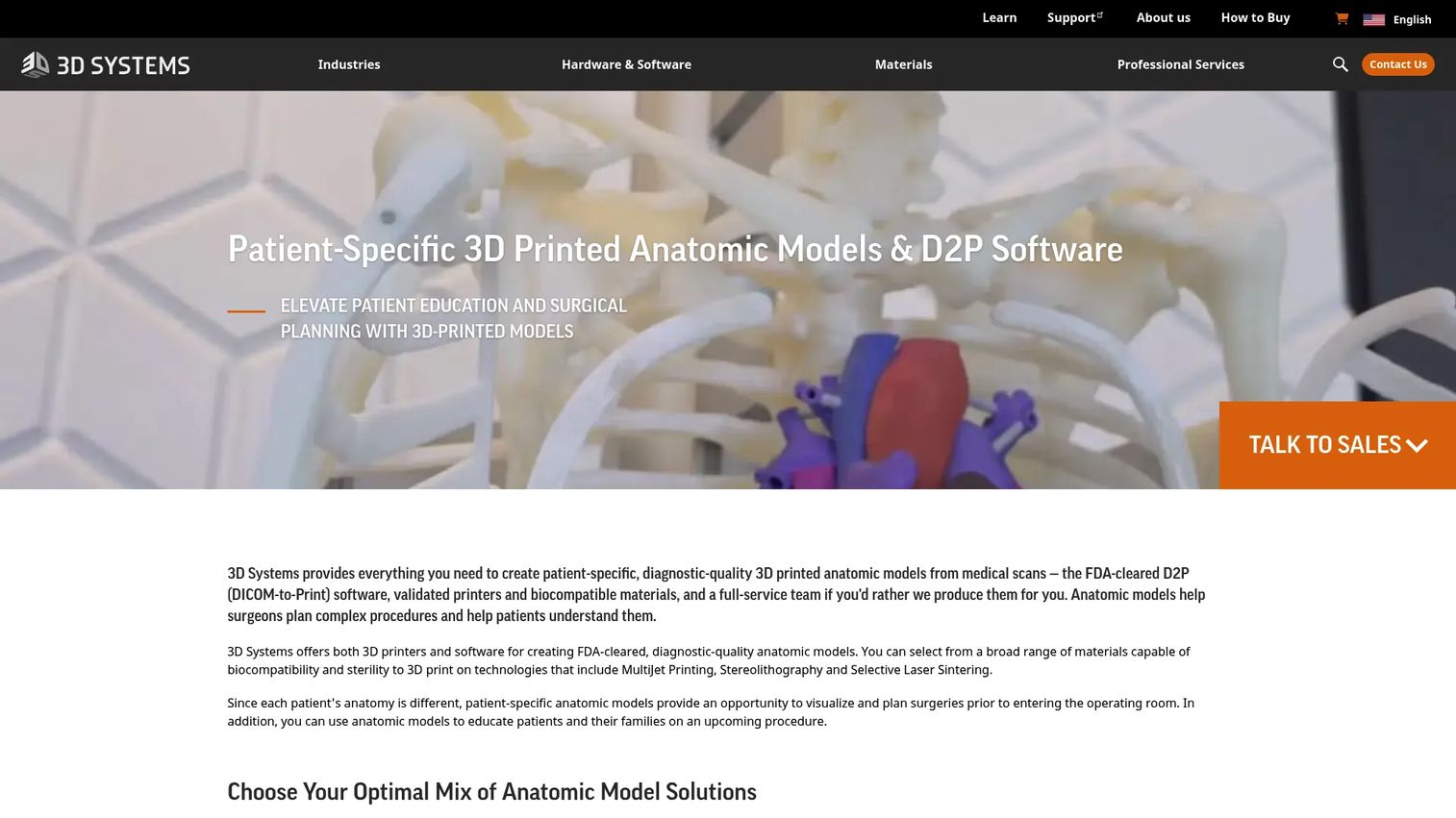
D2P (DICOM to Print), from 3D Systems, is FDA-cleared software for converting medical DICOM scans into diagnostic-quality digital and 3D-printable anatomical models. It consolidates deep-learning segmentation, virtual-reality visualization, and print preparation into a single workstation workflow. Hospitals and surgeons use it to create patient-specific models for surgical planning and pre-procedure review.
Best for: Hospitals, surgeons, and device teams creating patient-specific models for surgical planning and 3D printing.
Key features
- Automatic deep-learning segmentation
- 3D and virtual-reality visualization
- Consolidated segmentation and model-preparation workflow
- Export for 3D printing, VR devices, and CAD software
- Anonymization and floating license support
Why choose D2P: The consolidated workflow from DICOM ingestion to print-ready output reduces the number of tools a 3D lab needs to manage. It is purpose-built for the clinical anatomical model production use case rather than general research or simulation work.
D2P pricing: Custom pricing. Contact 3D Systems about licensing model, case volume, deployment options, and trial availability. A one-month free trial is available on request.
G2 rating: 3.5/5
6. Invivo5
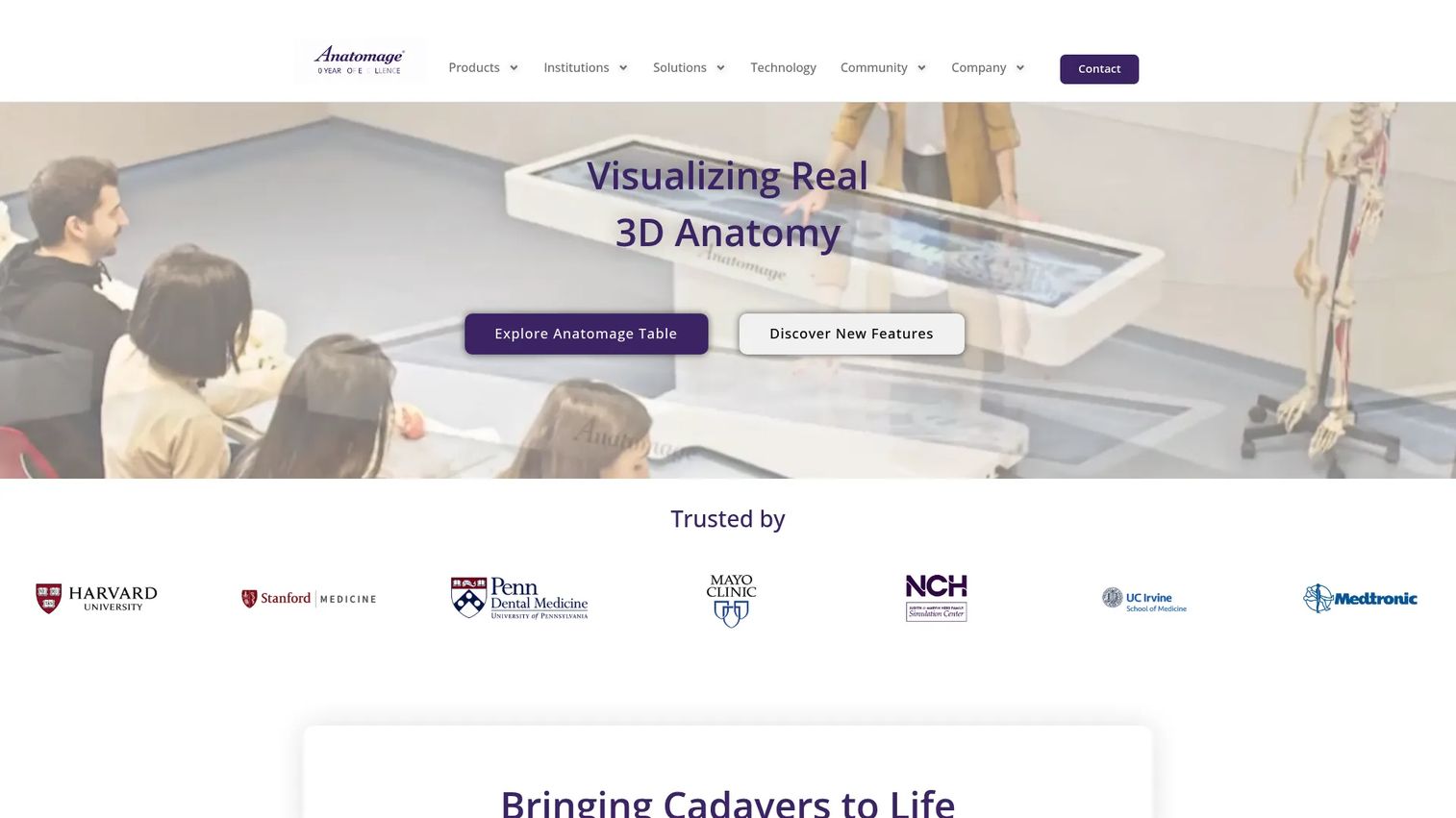
Invivo5 from Osteoid (formerly Anatomage) is dental and maxillofacial imaging software for CBCT visualization, implant planning, airway analysis, orthodontic workflows, and collaborative case review. The current platform includes Invivo Workspace and Invivo One with cloud-based case sharing, DICOM and STL compatibility, and treatment planning tools. Note that the product line has evolved significantly, with current versions emphasizing Invivo 7 and Invivo One alongside the legacy Invivo5.
Best for: Dental practices, orthodontists, oral surgeons, and maxillofacial teams working with CBCT data for treatment planning.
Key features
- CBCT visualization and treatment planning
- Implant planning tools
- Airway analysis
- Cloud-based case sharing and commenting
- DICOM and STL file compatibility
Why choose Invivo5: It is purpose-built for dental workflows in a way that general hospital imaging platforms are not. The cloud collaboration features suit practices where multiple clinicians review the same case. It is not relevant for broad radiology, AI triage, or engineering simulation use cases.
Invivo5 pricing: A free plan is available. Paid plans start at $39.99/month (Standard) or $399.99/year. Premium runs $194.99/month or $1,949.99/year. Invivo Guide and Invivo Model require contacting sales for pricing.
G2 rating: 4.4/5
7. 3D-DOCTOR
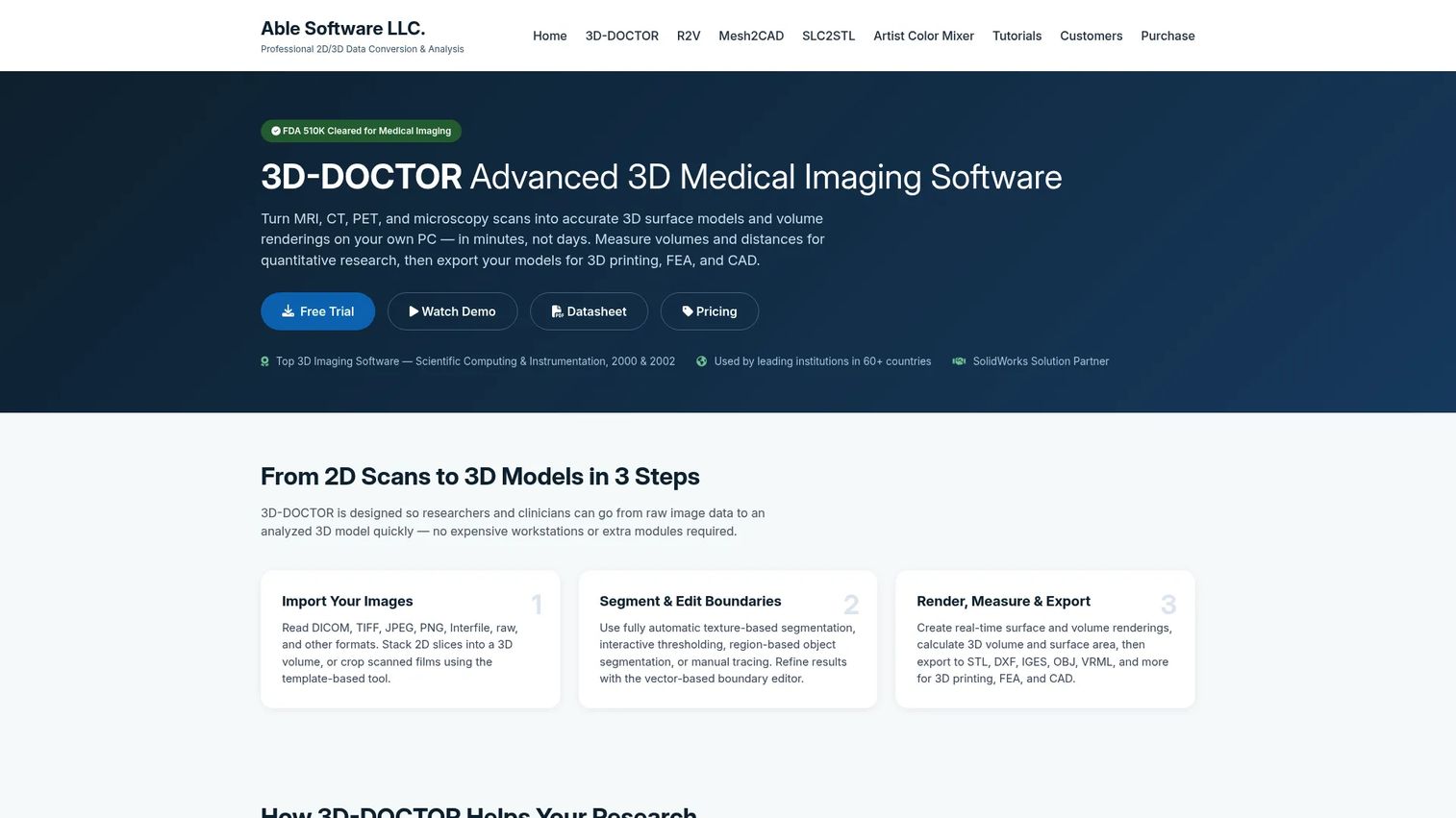
3D-DOCTOR from Able Software is imaging software for 3D reconstruction, segmentation, measurement, and model export from MRI, CT, PET, and microscopy data. It supports automatic, threshold-based, region-based, and manual segmentation approaches, along with multi-modality registration and fusion. Export formats include STL, OBJ, IGES, DXF, VRML, and several others.
Best for: Medical, scientific, and engineering teams that need slice-based segmentation, measurement, and 3D surface rendering without a large enterprise platform.
Key features
- 3D surface and volume rendering
- Automatic, threshold-based, and manual segmentation
- Quantitative measurement: Volume, surface area, distance, angle
- Multi-modality registration, fusion, and reslicing
- Export to STL, OBJ, IGES, and other formats
Why choose 3D-DOCTOR: The perpetual license model works well for teams that want a fixed cost without subscription commitments. It is a focused tool for reconstruction work rather than a full clinical planning or AI workflow platform. Verify current support and compatibility before committing to any long-term program.
3D-DOCTOR pricing: Academic single-user license starts at $495 (one-time). Single-user commercial license is $995. A three-user pack is $2,495. All perpetual licenses include one year of updates and email support. Site license pricing requires a quote.
G2 rating: 3.5/5
8. Axial3D
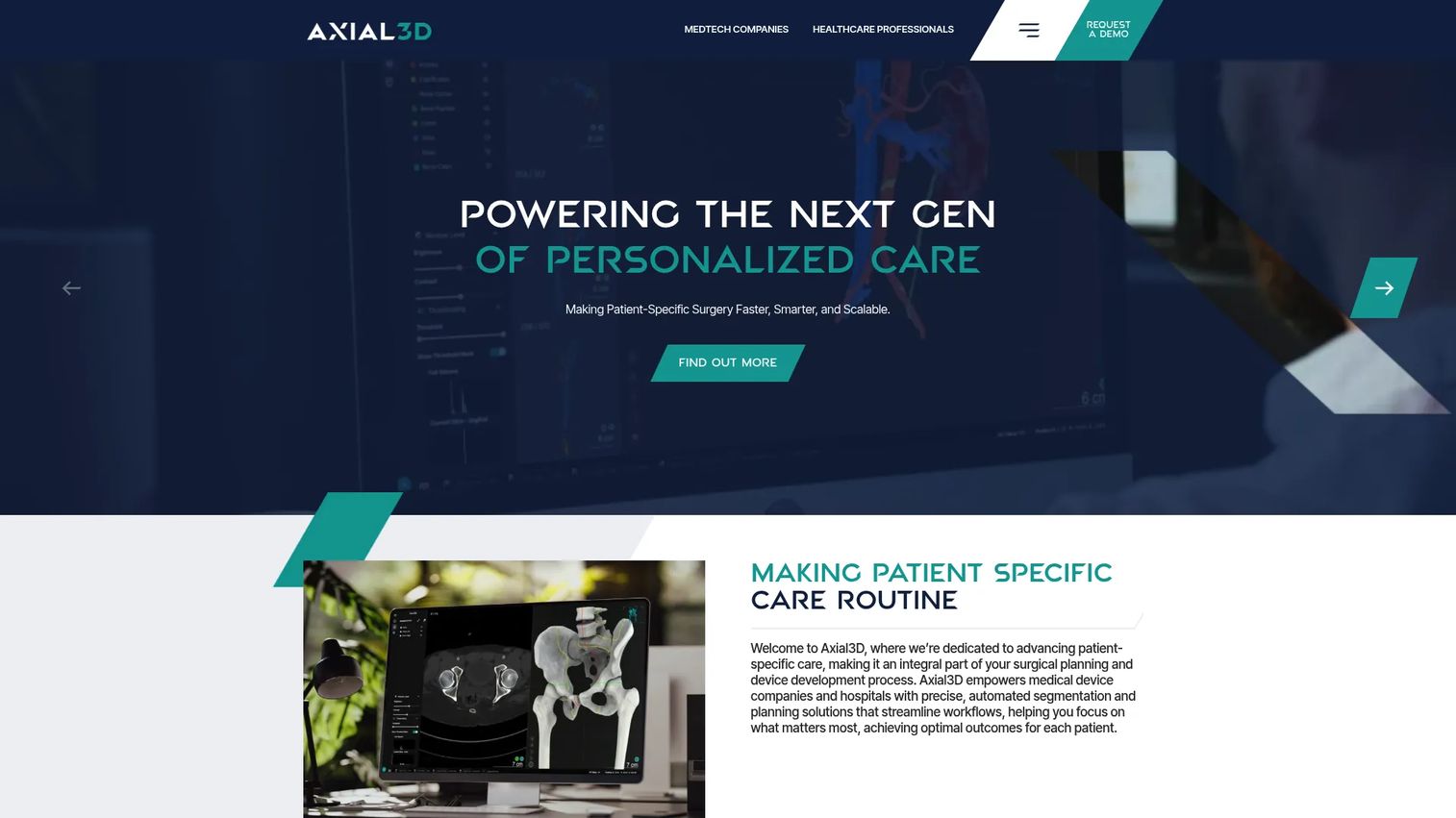
Axial3D is an AI-powered, cloud-based platform for medical imaging and patient-specific surgical planning. It automates segmentation using AI, produces anatomical models with surgeon sign-off workflows, and delivers outputs for 3D printing or digital surgical planning. It integrates with PACS, robotics platforms, and clinical APIs.
Best for: Medical device companies, hospitals, and clinical teams that need patient-specific anatomical models without building a full in-house 3D lab workflow.
Key features
- Automated AI-powered segmentation
- Cloud-based case management on AWS infrastructure
- Patient-specific surgical planning and templating
- Landmarking and automatic measurement
- PACS, robotics, and API integrations
Why choose Axial3D: The service-backed model means your team gets anatomical models without owning a segmentation workstation or hiring a dedicated 3D analyst. For teams where operational speed and external production support matter more than in-house control, this reduces the opportunity cost of building the capability internally.
Axial3D pricing: Custom pricing. Ask about case volume, model type, turnaround time, delivery format, and service-level terms.
G2 rating: 4.3/5
9. Viz.ai One
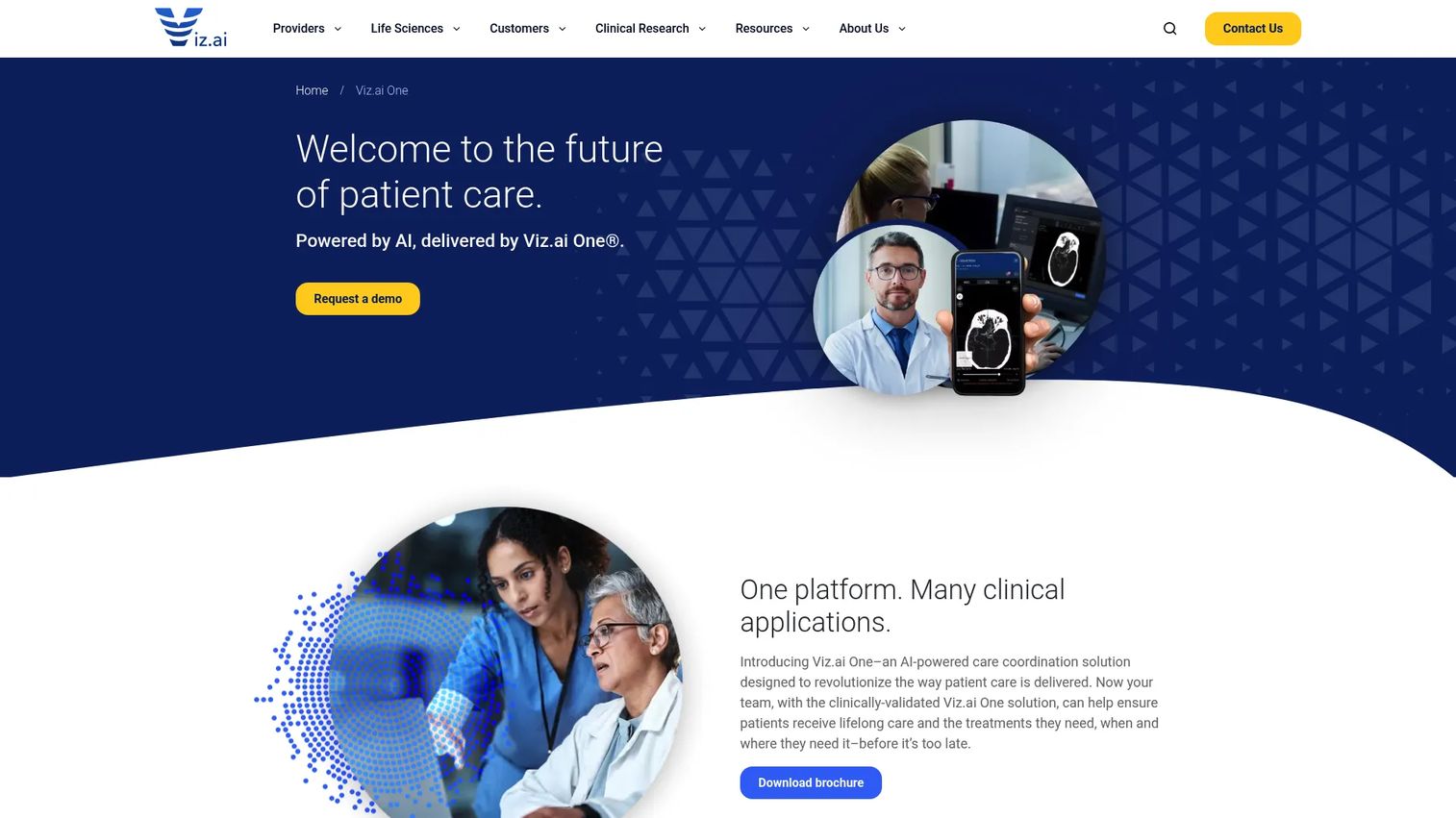
Viz.ai One is an AI-powered care coordination platform for detecting suspected diseases, accelerating diagnosis, and coordinating clinical teams. It covers neuro, cardio, vascular, trauma, and radiology clinical suites, sending real-time alerts to care team members via mobile, desktop, and radiology workflow integrations. It is not a general-purpose 3D modeling or segmentation tool.
Best for: Hospitals and health systems evaluating AI-assisted imaging alerts and clinical workflow coordination for specific conditions.
Key features
- AI-powered detection for supported clinical conditions
- Real-time care team alerts
- EHR and PACS workflow integration
- Mobile, desktop, and radiology workflow access
- Clinical suites covering neuro, cardio, vascular, and trauma
Why choose Viz.ai One: Choose it for AI-enabled care pathway acceleration when your team needs detection and coordination for specific indications. It is not the right fit for general DICOM segmentation, 3D printing, or anatomical modeling work. Product teams should evaluate the supported indications and integration requirements carefully before procurement.
Viz.ai One pricing: Custom pricing. Ask about modules, implementation requirements, clinical service lines, and contract terms.
G2 rating: 4.3/5
10. Altris AI
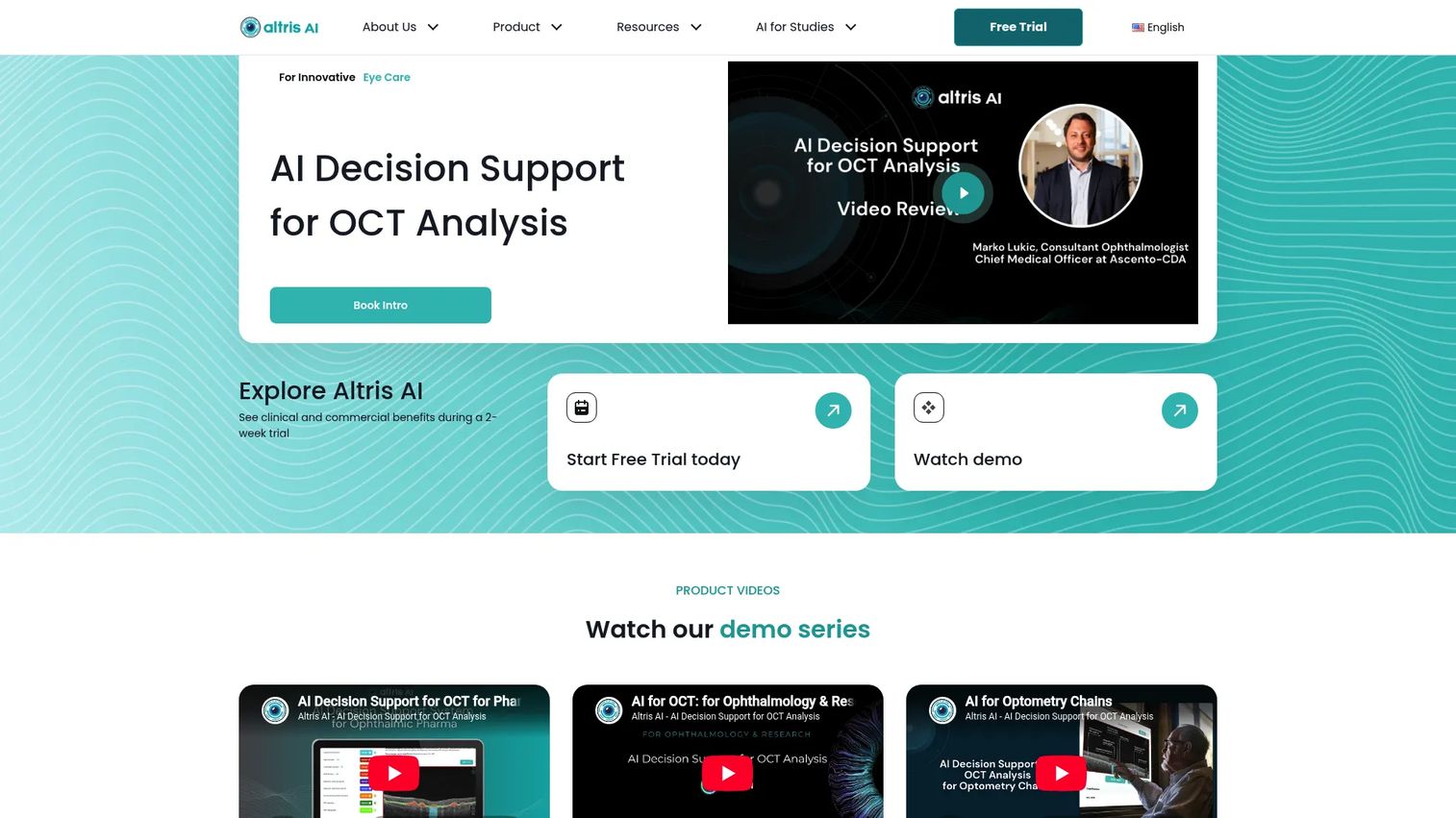
Altris AI is a vendor-neutral OCT image management and AI decision-support platform for ophthalmology, optometry, and pharmaceutical research. It analyzes more than 30 retinal pathologies and 40 biomarkers across OCT scans from nine manufacturers, supports historical progression tracking, and exports research-ready data. The website states the platform is intended for research use and is not intended for clinical diagnosis.
Best for: Eye care organizations, clinical researchers, and pharmaceutical teams analyzing large OCT datasets and retinal biomarkers.
Key features
- AI analysis of 30+ retinal pathologies and 40+ biomarkers
- Vendor-neutral compatibility with 9 OCT manufacturers
- Historical OCT data analysis and quantitative progression tracking
- Centralized OCT image management
- Research-ready XLSX exports and custom PDF reports
Why choose Altris AI: It covers OCT analysis depth that general DICOM viewers do not approach. For ophthalmology product teams building around retinal imaging data, the vendor-neutral OCT compatibility reduces integration work across multiple device suppliers. It is not a replacement for DICOM segmentation, surgical planning, or broad anatomical modeling.
Altris AI pricing: Custom pricing. A 14-day free trial is available for optometry practices. Contact sales for plan details, regional availability, and research licensing.
G2 rating: 5.0/5
11. Slice:Drop
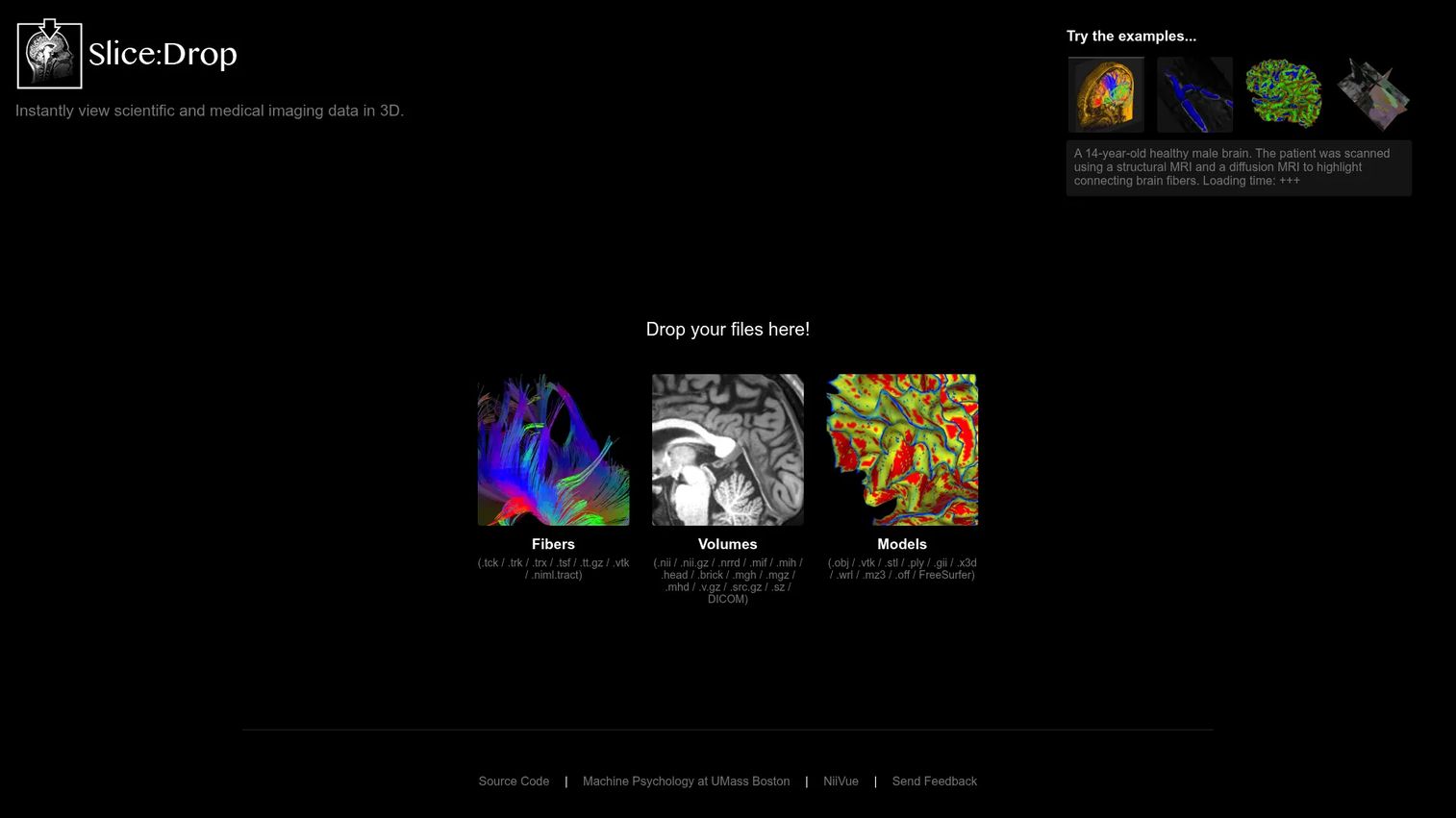
Slice:Drop is a browser-based tool for instantly viewing scientific and medical imaging data in 3D. It supports drag-and-drop file loading with no installation required, covering volume formats including NIfTI, NRRD, DICOM, and MIF, as well as model formats including STL, OBJ, and VTK. The current project is associated with NiiVue and Machine Psychology at UMass Boston.
Best for: Researchers, students, and teams exploring lightweight browser-based visualization concepts or running quick file format checks.
Key features
- Browser-based 3D visualization, no install required
- Drag-and-drop file loading
- DICOM, NIfTI, NRRD, and other volume format support
- STL, OBJ, VTK, and other mesh format support
- Volume, labelmap, mesh, and fiber visualization controls
Why choose Slice:Drop: It is the fastest path from a file on your desktop to a 3D view in a browser. For quick format validation, educational demonstrations, or lightweight research exploration, it removes all setup friction. Verify current maintenance status and support availability before including it in any production shortlist, as the project's active development status should be confirmed.
Slice:Drop pricing: Free to use. Verify current license terms and maintenance status on the official project page before relying on it for any production workflow.
G2 rating: 2.0/5
12. ParaView
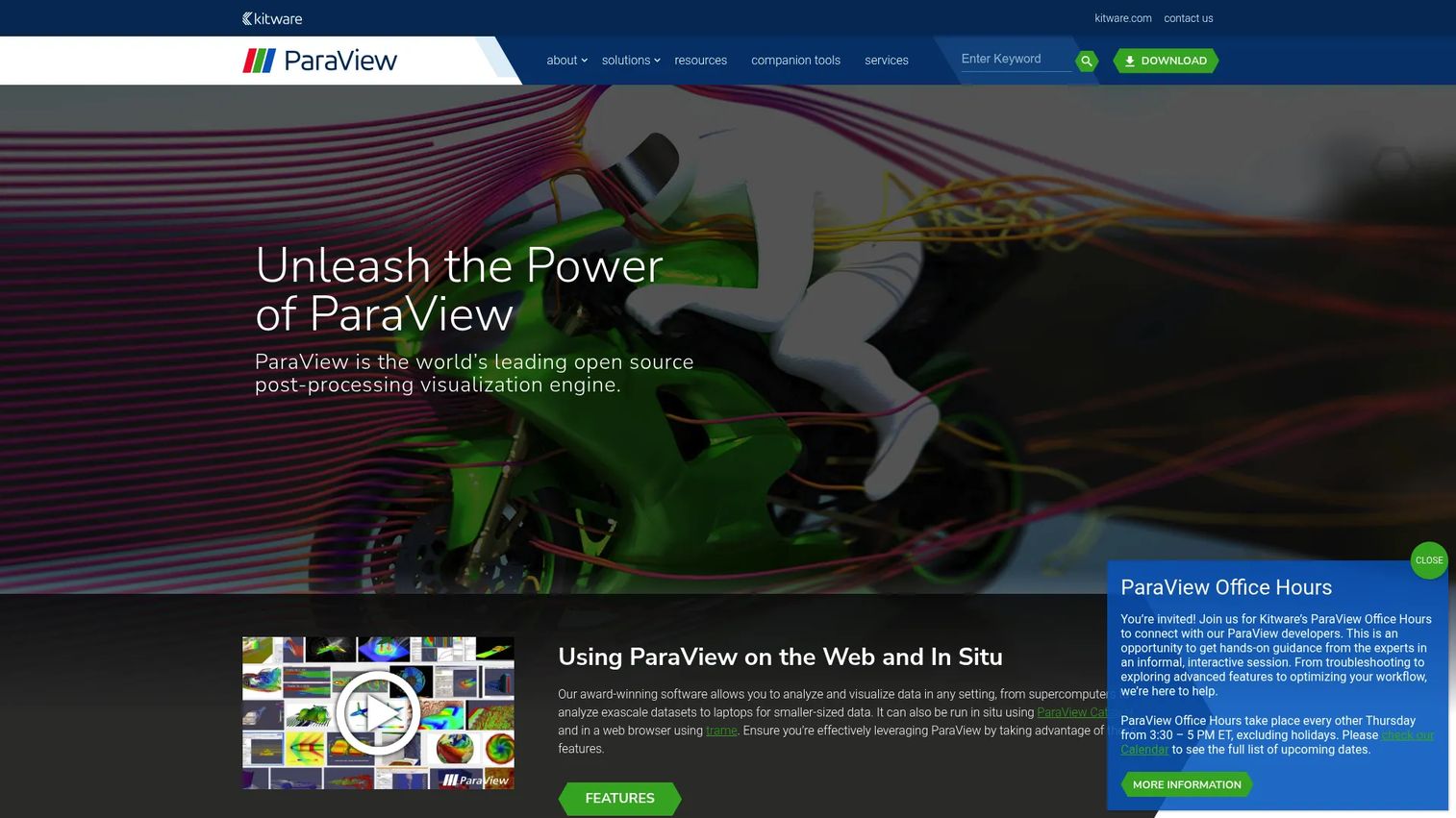
ParaView is an open-source, multi-platform scientific data analysis and visualization platform from Kitware. It supports datasets ranging from laptop scale to exascale, with more than 200 filters and readers, Python scripting, parallel processing, volume rendering, and batch processing. It can visualize medical research datasets but is not medical-workflow-specific by default.
Best for: Research and technical teams visualizing large scientific datasets, including medical imaging research requiring custom analysis pipelines.
Key features
- Volume rendering and streamline visualization
- Support for large datasets and parallel processing
- Python scripting and batch automation
- More than 200 filters and scientific data format readers
- Animation and scene export
Why choose ParaView: Choose it when dataset scale, Python extensibility, and open-source flexibility matter more than out-of-the-box clinical workflow. Medical imaging teams should plan for data conversion, technical setup, and user training, as it does not include the DICOM segmentation or clinical planning features that purpose-built medical tools provide.
ParaView pricing: Free and open-source under a BSD 3-Clause license. Kitware offers professional support and customization services separately. Verify current license terms on the official site.
Considerations when choosing medical 3D visualization tools
Match the tool to the workflow, not the file format
DICOM support is a minimum requirement, not a differentiator. A DICOM visualization tool for radiology review, a segmentation workstation for surgical planning, an AI triage platform, and a 3D printing workflow tool all ingest DICOM, but they produce fundamentally different outputs and require different review processes. Define what happens after the image loads before shortlisting.
Validate segmentation and review controls
Segmentation quality drives every downstream decision. Evaluate whether the tool supports manual correction, defines reviewer roles, provides an audit trail, and tracks changes across versions. For regulated workflows, ask the vendor what documentation supports clinical or quality-system validation.
Check clinical integration early
PACS, VNA, RIS, EHR, single sign-on, storage, and data governance requirements shape which tools can actually deploy in your environment. Involve IT and security stakeholders before the final shortlist, not after. Tools that look capable on a demo often reveal integration constraints during procurement review.
Understand output requirements before you commit
Rendered views, STL files, CAD outputs, simulation meshes, clinical reports, and web embeds each require different tool capabilities. A team building an AI model deployment software pipeline that consumes anatomical mesh inputs has very different requirements from one producing surgical review PDFs. Clarify output format requirements with engineering before the evaluation begins.
Plan for training and maintenance overhead
Medical visualization tools are not set-and-forget systems. Protocol changes, product updates, clinical staff turnover, and regulatory recertification all create recurring maintenance work. Factor in training time, re-validation effort on major releases, and who owns the workflow when the original implementer moves on.
Conclusion
The right medical 3D visualization tool is a workflow decision, not a rendering contest.
For open-source research and prototyping, 3D Slicer remains the strongest free starting point. Materialise Mimics Care Suite serves teams that need governed segmentation and patient-specific modeling with clinical support. Ansys Simpleware belongs in engineering workflows where the output feeds simulation or manufacturing rather than clinical review. OsiriX MD is the Mac-based DICOM viewer to reach for when the team needs 3D reconstruction without leaving the radiology workstation environment.
For 3D printing and patient-specific model production, D2P and Axial3D address different operational models: D2P is an in-house workstation workflow, while Axial3D operates as a service-backed platform. Viz.ai One and Altris AI serve narrow AI-assisted workflows, specifically clinical triage and OCT analysis, so evaluate them only when those indications match your use case. ParaView covers large-scale research visualization when Python extensibility and data scale matter more than clinical workflow defaults.
Healthcare software vendors selling tools in this category often need to show, not just tell, what their product does. For teams building interactive product education experiences or demos for complex software products, a dedicated interactive demo platform helps buyers evaluate functionality before committing.
Choose the tool around the workflow you need to maintain for the next release cycle, not the screenshot that looks most impressive in a demo.
Start your journey with Guideflow today!
FAQs
Medical 3D visualization tools convert raw imaging data from CT, MRI, ultrasound, PET, or NIfTI sources into interactive 3D views, segmented anatomical structures, or printable models. Use cases include surgical planning, anatomical education, medical device development, 3D printing, AI-assisted image review, and research visualization. Some platforms also support clinical triage workflows and care coordination, though those involve different regulatory and integration requirements from general visualization software.
3D Slicer is the strongest starting point for most technical teams. It covers DICOM ingestion, segmentation, 3D reconstruction, Python scripting, and more than 150 extensions at no cost under a BSD-style license. ParaView is the better option when the primary need is large-scale scientific dataset visualization rather than clinical medical imaging workflows. Both require technical ownership; neither ships with the governed validation path that commercial tools provide.
DICOM viewing focuses on displaying medical imaging studies, navigating series, and reading study metadata, often in a clinical reading environment. Medical 3D visualization goes further: It reconstructs, segments, renders, or models anatomy from that imaging data to produce outputs that did not exist in the original scan. Many platforms do both, but their depth in each function varies significantly, and a tool optimized for radiology review may not support the segmentation or export workflows a device or research team needs.
Several tools in this list support STL export and anatomical model preparation for 3D printing. Materialise Mimics Care Suite, D2P, and Axial3D are the most focused options for clinical anatomical model production. 3D Slicer supports 3D-printable mesh export through its core features and extensions. 3D-DOCTOR exports to STL and OBJ among other formats. Verify current export format support directly with each vendor, as format availability can change across product versions.
Some tools use AI for specific tasks including segmentation automation, image detection, triage alerts, and retinal biomarker analysis. Viz.ai One applies AI for clinical condition detection and care team coordination. Altris AI uses AI for OCT retinal pathology analysis. Materialise Mimics Care Suite and Axial3D include AI-enabled segmentation features. The scope and regulatory status of AI features vary widely across tools and indications, so evaluate each AI capability by the specific task, data type, and regulatory context relevant to your workflow.
Start with the workflow output: What format does the downstream system consume, and who reviews the output before it moves forward? Then evaluate imaging modality support, segmentation depth, integration with PACS or EHR systems, data governance requirements, validation documentation, and pricing model. Use PM language here: Opportunity cost of custom development versus a commercial tool, maintainability across your release cadence, and the engineering support burden if something breaks in a clinical environment. A tool that looks capable in a demo can still create significant technical debt if it does not fit your team's operational model.
Some tools integrate directly with PACS for DICOM study retrieval and storage, while others require manual DICOM import. OsiriX MD, Materialise Mimics Care Suite, Axial3D, and Viz.ai One all reference PACS integration in their product documentation. Check specific PACS vendor compatibility, authentication requirements, and data flow direction before procurement. Involve IT and clinical informatics early, since PACS integrations typically require IT approval, HL7 or DICOM conformance statement review, and sometimes a formal interface agreement with the PACS vendor.
Regulatory status varies significantly across this category. OsiriX MD and D2P hold FDA clearance for stated clinical diagnostic imaging uses. Viz.ai One holds FDA clearances for specific AI-assisted detection indications. Other tools, including 3D Slicer, ParaView, and Slice:Drop, are research or visualization tools without clinical clearance claims. Altris AI states explicitly that its platform is intended for research use and not for clinical diagnosis. Review each vendor's intended use documentation, check regional regulatory requirements, and confirm your internal clinical governance requirements before deploying any tool in a patient-care pathway.