Experience signals are everywhere and actionable almost nowhere. Support tickets pile up on one side. Survey scores sit in a dashboard nobody checks. Onboarding completion data lives in a spreadsheet. Product analytics stay siloed from the CS team. According to Precedence Research (2025), the customer experience management software market reached $22.46 billion in 2025, yet most product and CX teams still can't connect what users feel to what they should build next.
The problem isn't a shortage of data. It's that experience signals stay trapped in the tools that collected them. A PM trying to improve activation rate ends up stitching together four dashboards just to form a hypothesis. Meanwhile, PwC (2025) found that 52% of consumers stopped buying from a brand after a single bad product or service experience. That gap between signal and action is expensive.
This guide maps the experience management software landscape across CXM suites, product experience platforms, support-led tools, and interactive product education, so you can match the right tool to the metric you need to move.
What's inside
This guide covers 15 experience management software platforms evaluated for product managers at B2B SaaS companies. Tools were selected and scored across four criteria:
- Signal quality: Does the platform capture quantitative usage, qualitative feedback, journey data, or interactive engagement?
- Workflow actionability: Can the team act on signals without filing an engineering ticket for every change?
- Integration fit: Does it connect to CRM, product analytics, support desks, and data warehouses?
- Maintenance overhead: Will it survive your next release cadence without rotting?
Pricing and G2 ratings are verified from each vendor's live pricing page and G2 listing.
TL;DR
- Best for interactive product experience: Guideflow helps SaaS teams build self-serve interactive demos, sandboxes, demo centers, live demos, and mobile demos to close product understanding gaps across onboarding, education, and buyer evaluation
- Best enterprise VoC suite: Qualtrics XM for large organizations running mature research and CX programs across multiple regions
- Best for enterprise journey feedback: Medallia for teams managing omnichannel experience signals with operational follow-up
- Best support-led CX platform: Zendesk for teams whose primary experience friction shows up in the ticket queue
- Best product adoption platform: Pendo for product teams that need usage analytics and in-app guidance in one place
- Best lightweight onboarding layer: UserGuiding or Product Fruits for startups and mid-market teams that need onboarding results without a long implementation
What is experience management software
Experience management software helps teams collect, connect, analyze, and act on signals from customers, users, employees, or digital touchpoints to improve satisfaction, retention, adoption, and revenue outcomes.
The category spans several distinct layers:
Customer experience management (CXM) software collects feedback, measures CSAT, NPS, and CES, and maps voice of customer (VoC) data across journeys. This is the layer enterprise brands use to understand how customers feel across marketing, sales, support, billing, and renewal.
Product experience software measures and shapes in-product behavior. This includes usage analytics, onboarding flows, in-app guides, adoption nudges, and interactive product education. Product managers use this layer to hit activation rate, time to first value (TTFV), and onboarding completion targets.
Support experience software routes, resolves, and deflects customer issues through ticketing, AI agents, knowledge bases, and help center workflows.
Digital experience platforms handle web personalization, A/B testing, content management, and experimentation across digital channels.
Interactive product experience tools let teams build self-serve demos, sandboxes, and guided product journeys for onboarding, education, and buyer-led evaluation.
A quick CRM versus CXM distinction: CRM stores relationship and sales data. CXM measures and improves what customers experience across touchpoints. Product experience tools measure and shape in-product behavior specifically. These categories overlap but don't replace each other.
Key capabilities to evaluate across the full category:
- Feedback collection
- Journey analytics
- Unified customer profiles
- Product usage insights
- In-app engagement
- Support workflow automation
- AI text analysis
- Experimentation
- Segmentation by persona, plan, or lifecycle stage
- Security controls
When to use experience management software
Connect feedback to product decisions
PMs without a structured feedback loop end up making roadmap calls based on the loudest voice in the Slack channel. Experience management software gives you a way to connect qualitative signals, such as interview themes and open-ended survey responses, to usage patterns and segment data. The result is prioritization that's defensible with evidence rather than anecdote.
Improve onboarding and product adoption
Onboarding decay is real: The moment you ship a new UI or a major workflow change, your existing onboarding flow starts lying to new users. Tools in this category let you update flows without engineering involvement, segment by plan or persona, and measure whether activation metrics actually moved. Interactive demos and in-app guidance help users understand workflows faster, which cuts time to first value and reduces "how do I?" support tickets.
Coordinate customer-facing teams around shared signals
Sales, CS, support, and product often each hold one piece of the customer picture. Experience management software creates a shared signal layer, so support ticket trends can inform product roadmaps and product usage data can trigger CS outreach. The goal is reducing duplicate work and removing the messy handoffs that let at-risk users slip through.
Experience management software comparison
The 15 platforms below span the full experience management landscape. No two solve the same primary problem, so the table is organized to help you spot the right entry point by use case rather than treating each tool as a direct substitute. The brief column notes are a starting point; each item section below goes deeper.
| # | Product | Best for | Key differentiator | Pricing | G2 rating |
|---|---|---|---|---|---|
| 1 | Qualtrics XM | Enterprise VoC and CX programs | Deep feedback analytics across journeys | From $420/month | 4.4/5 |
| 2 | Medallia | Large-scale CX and employee experience | Journey signals and AI text analytics | Custom pricing | 4.5/5 |
| 3 | Zendesk | Support-led customer experience | Omnichannel service workflows and AI | From $19/agent/month | 4.3/5 |
| 4 | Salesforce | CRM-connected customer experience | Customer 360 data and service workflows | From $25/user/month | 4.4/5 |
| 5 | Microsoft Dynamics 365 Customer Insights | Microsoft ecosystem CX and CDP | Journey orchestration in the Microsoft stack | From $1,000/tenant/month | 4.0/5 |
| 6 | HubSpot Service Hub | SMB and mid-market service experience | CRM-native support, feedback, and CS workflows | Free; paid from $7/seat/month | 4.4/5 |
| 7 | Pendo | Product experience and adoption analytics | Usage analytics, guides, and roadmapping | Free plan available | 4.4/5 |
| 8 | Guideflow | Interactive product experience | No-code demos, sandboxes, and demo centers | Free plan; paid from $35/month | 5.0/5 |
| 9 | Appcues | In-app onboarding and lifecycle messaging | No-code flows, checklists, and behavioral targeting | From $3,600/year | 4.6/5 |
| 10 | UserGuiding | Affordable product onboarding | Tours, checklists, and resource centers | From $249/month | 4.7/5 |
| 11 | Product Fruits | Lightweight in-app adoption | Onboarding checklists, tours, and feedback widgets | From $111/month | 4.7/5 |
| 12 | WalkMe | Enterprise digital adoption | Workflow automation and employee-facing guidance | Custom pricing | 4.5/5 |
| 13 | Optimizely | Digital experience experimentation | A/B testing, personalization, and feature flags | Custom pricing | 4.2/5 |
| 14 | Adobe Experience Manager | Enterprise digital experience management | Content and asset management at scale | Custom pricing | 4.2/5 |
| 15 | Sprig | Product feedback and research | AI-powered microsurveys and in-product research | Custom pricing | 4.3/5 |
Best 15 experience management software platforms for 2026
The tools below cover every major experience layer: Enterprise CXM, product experience, support, digital experimentation, and interactive product education. Read each entry against the experience gap you're trying to close, not as a ranked list of substitutes.
1. Qualtrics XM
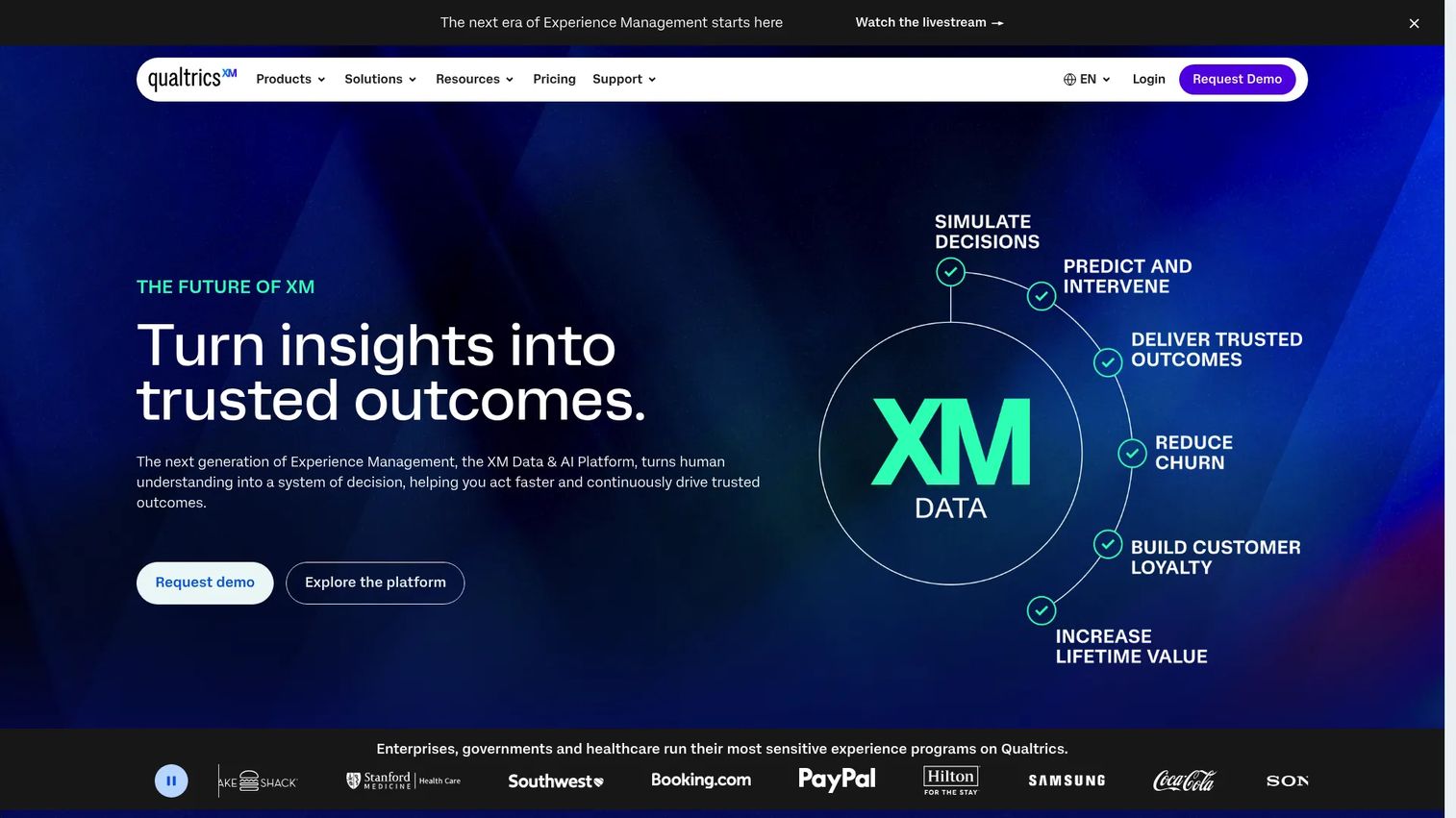
Qualtrics XM is an enterprise-grade experience management suite that covers customer, employee, product, and brand experience in one platform. Teams use it to run survey programs, analyze open-text feedback with AI, build role-based dashboards, and close the loop on issues through automated workflows. The depth of its analytics layer sets it apart from lighter survey tools.
Best for: Enterprise CX, research, and VoC teams managing feedback programs across multiple brands, regions, or business units.
Key features
- Survey creation and distribution across email, SMS, and web
- Sentiment analysis and AI-powered text analytics
- Journey dashboards and predictive experience insights
- Automated closed-loop workflows and ticket assignment
- Integrations with CRM and data warehouse platforms
Why choose Qualtrics XM: If your feedback programs span multiple stakeholder groups and require governance at scale, Qualtrics handles the complexity. For PMs, it's most useful when qualitative customer signals need to be connected to journey data to justify roadmap priorities.
Qualtrics XM pricing: A free Surveys account is available. The Strategic Research plan starts at $420/month, billed annually at $5,040. Enterprise programs with broader XM suites use usage-based pricing and require a quote from sales.
G2 rating: 4.4/5
2. Medallia
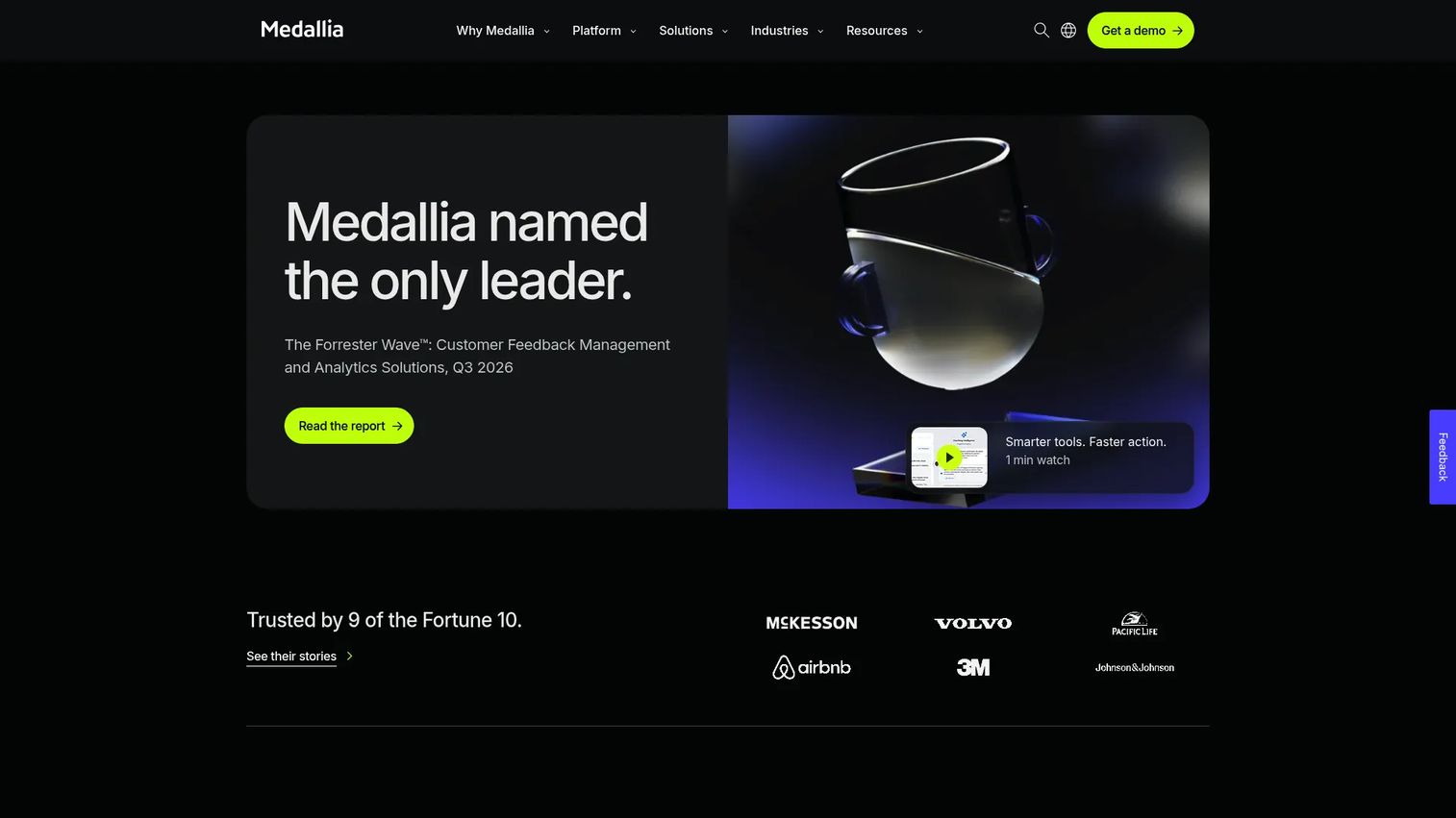
Medallia is a large-scale experience management platform designed for enterprises that collect feedback across channels including surveys, contact center recordings, social signals, and digital interactions. Its journey-level analytics make it strong for operations teams that need to act on recurring friction points, not just review aggregate scores.
Best for: Large companies managing customer and employee feedback across multiple channels and regional service teams.
Key features
- Multi-channel signal capture: Surveys, speech, social, video, and digital
- AI-powered text, speech, and journey analytics
- Role-based dashboards and closed-loop case management
- Workflow automation and escalation alerts
- Root-cause analysis across touchpoints
Why choose Medallia: Use Medallia when your experience signals arrive from many sources and require operational follow-up at the frontline level. For PMs, it surfaces recurring friction patterns across touchpoints, which can expose onboarding gaps or confusing workflows that a single survey program would miss.
Medallia pricing: Medallia uses an annual Experience Data Record model covering data collection, analytics, and workflow capabilities. You'll need to request a quote from their sales team for current numbers.
G2 rating: 4.5/5
3. Zendesk
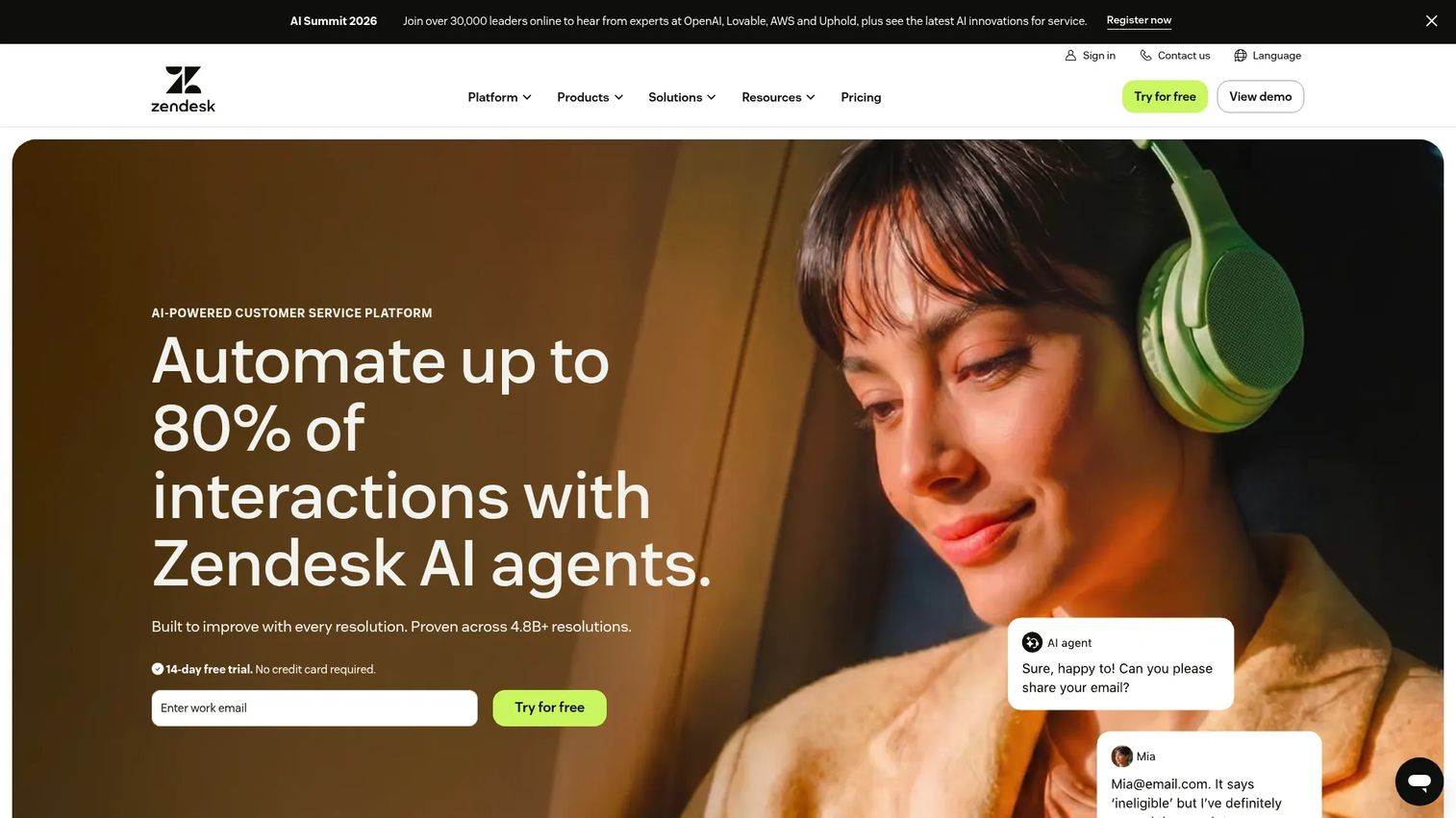
Zendesk is a customer service platform that routes, manages, and resolves support requests across email, chat, voice, and social. Its AI agents handle repetitive queries automatically, and its analytics surface where tickets originate and where resolution slows down. Teams that want to understand and improve customer experience through support operations will find it purpose-built for that job.
Best for: Support-led CX teams that need omnichannel service workflows, AI-powered triage, and detailed support analytics.
Key features
- Omnichannel ticketing across email, chat, and voice
- AI agents for automated query resolution
- Skills-based routing and workflow automation
- Help center and knowledge base
- Support analytics and reporting dashboards
Why choose Zendesk: Choose Zendesk when the clearest source of experience friction is the support queue. For PMs, ticket trends are a direct signal of onboarding gaps, confusing workflows, and feature adoption blockers. Verint (2025) found that 78% of consumers would consider switching brands after a single poor interaction, which makes support quality a retention lever, not just a cost center.
Zendesk pricing: The Support Team plan starts at $19 per agent per month, billed annually. Suite Team is $55 per agent per month, adding AI agents, messaging, and omnichannel routing. Suite Professional is $115 per agent per month. Suite Enterprise requires contacting sales.
G2 rating: 4.3/5
4. Salesforce
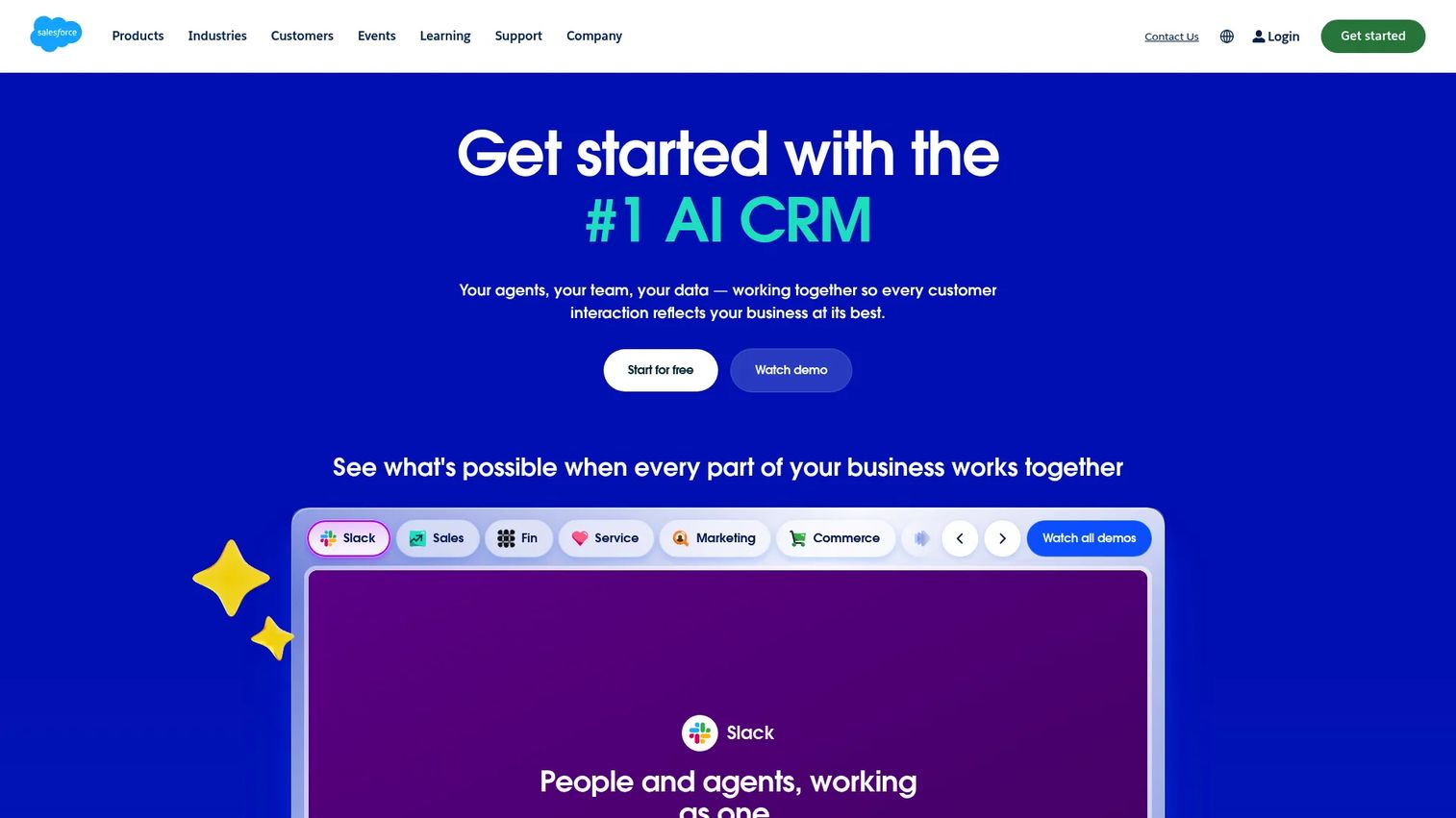
Salesforce is an AI-powered CRM platform that connects sales, service, marketing, and commerce data into unified customer profiles. Its experience management value comes from tying product and support data to account and revenue history, making it strong for teams where product decisions and customer relationships are inseparable.
Best for: Enterprise teams that need experience workflows connected to CRM records, revenue data, and service history.
Key features
- Customer 360 profiles unifying sales, service, and marketing data
- Agentforce for AI-assisted service and automation
- Journey orchestration across channels
- Analytics, reporting, and customizable dashboards
- CRM integrations including MuleSoft and Slack
Why choose Salesforce: Strong fit when product, sales, support, and CS teams already operate within the Salesforce ecosystem. For PMs, it's most useful when product feedback needs to connect to account-level context, such as identifying which customer segments hit specific friction points.
Salesforce pricing: A free plan is available. The Starter Suite is $25 per user per month, Pro Suite is $100, Core is $195, Advanced is $395, and Max is $550 per user per month, all billed annually.
G2 rating: 4.4/5
5. Microsoft Dynamics 365 Customer Insights
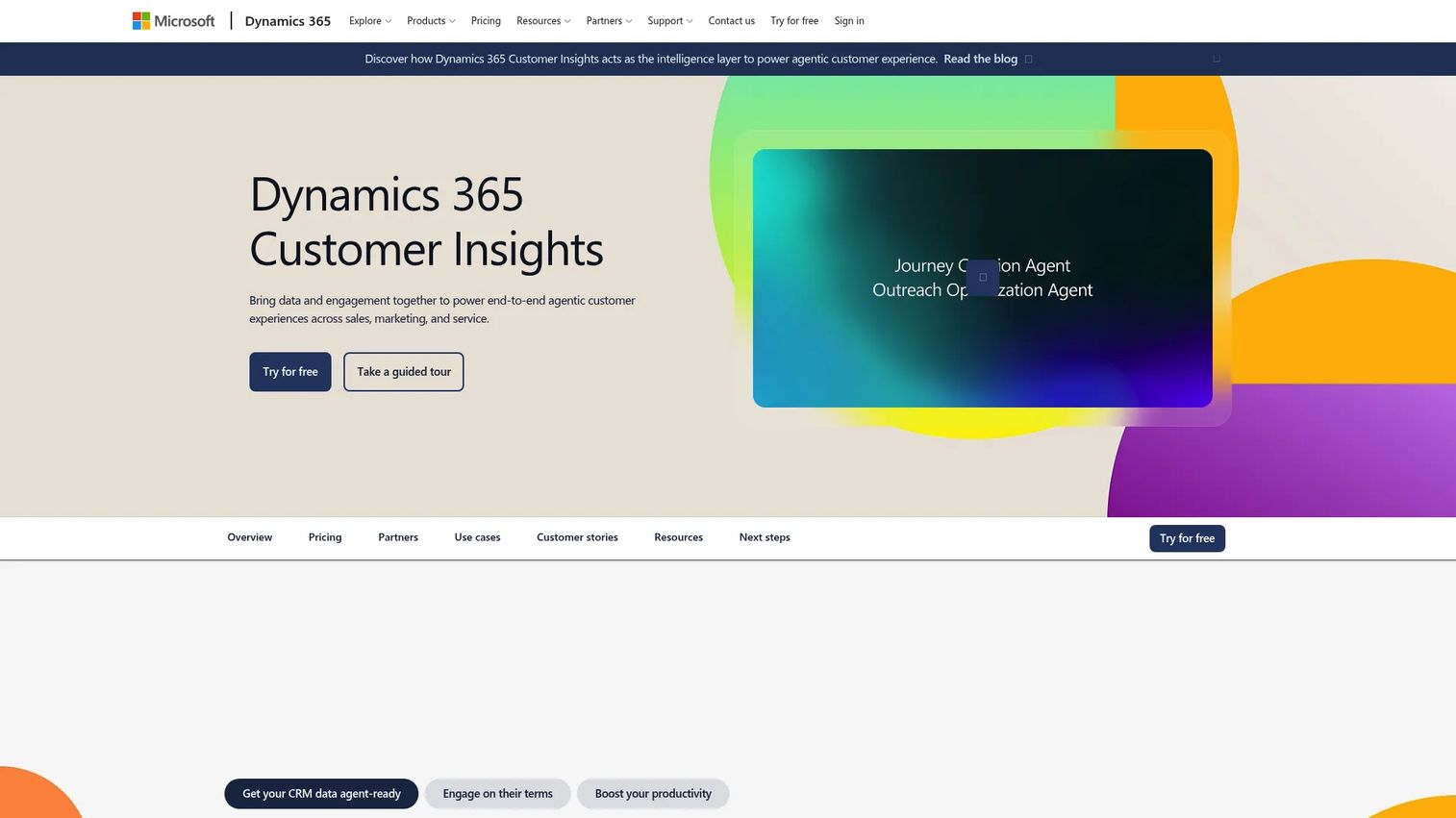
Microsoft Dynamics 365 Customer Insights is a customer data and journey platform built into the Microsoft stack. It unifies transactional, behavioral, and observational data into customer profiles, then uses those profiles to orchestrate personalized journeys across email, SMS, and push notifications. Copilot assists with segment creation, journey authoring, and content refinement throughout.
Best for: Organizations already standardized on Microsoft Dynamics, Azure, or Power BI that need journey orchestration tied to existing data infrastructure.
Key features
- Unified customer profiles from transactional and behavioral data
- Real-time journey orchestration across email and messaging channels
- AI segmentation and predictive insights via Copilot
- Integration with Dynamics 365, Azure, and Power BI
- Segment creation and journey generation through natural language
Why choose Microsoft Dynamics 365 Customer Insights: Choose this when experience management needs to live inside an existing Microsoft data environment. For PMs, it's relevant when segmentation and lifecycle insights need to connect to existing Microsoft reporting workflows rather than a standalone analytics layer.
Microsoft Dynamics 365 Customer Insights pricing: The base plan starts at $1,700 per tenant per month, billed annually, and includes 100,000 Unified People. An Attach plan for organizations with qualifying Dynamics 365 apps is $1,000 per tenant per month. A free trial is available.
G2 rating: 4.0/5
6. HubSpot Service Hub
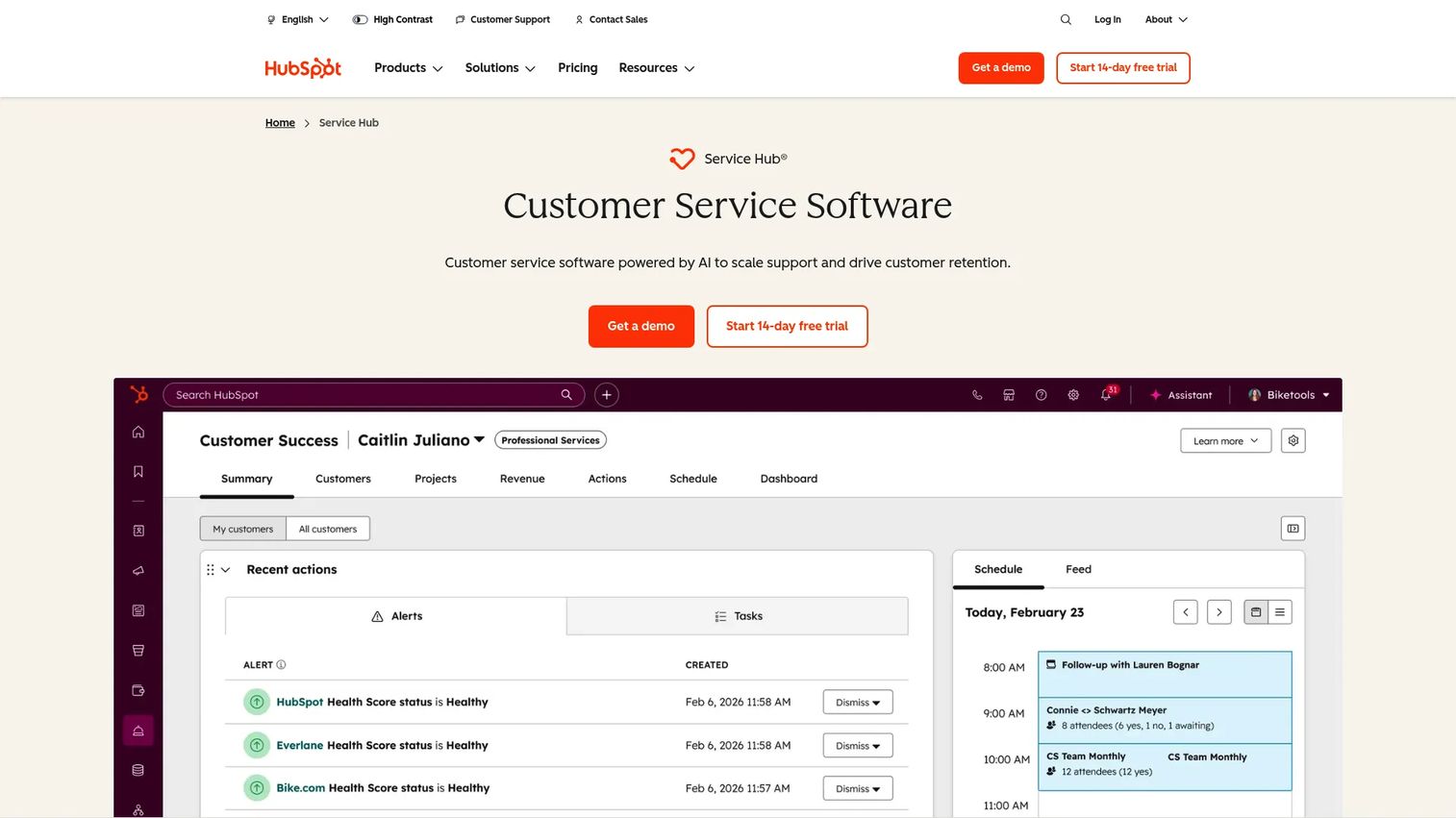
HubSpot Service Hub connects customer service workflows directly to HubSpot CRM. Teams use it to manage tickets, build a knowledge base, collect customer feedback, and automate repetitive support tasks without leaving the same system their marketing and sales teams work in. An AI-powered Customer Agent handles straightforward queries automatically.
Best for: SaaS teams already using HubSpot CRM that want support, feedback, and customer success workflows connected to existing contact and deal data.
Key features
- Ticket pipelines and help desk management
- Omnichannel support across chat, email, and calling
- AI-powered Customer Agent for automated resolution
- Knowledge base and self-service tools
- Customer feedback surveys and NPS measurement
Why choose HubSpot Service Hub: Strong fit for teams that want to connect support friction and customer feedback to CRM segments without a heavy enterprise setup. For PMs, it's a practical starting point for surfacing which customer segments generate the most support load around onboarding or feature adoption.
HubSpot Service Hub pricing: A free plan is available. The Starter plan is $7 per seat per month with an annual commitment. Professional is $90 per seat per month, and Enterprise is $150 per seat per month, both billed annually. Professional and Enterprise require one-time onboarding fees of $1,500 and $3,500 respectively.
G2 rating: 4.4/5
7. Pendo
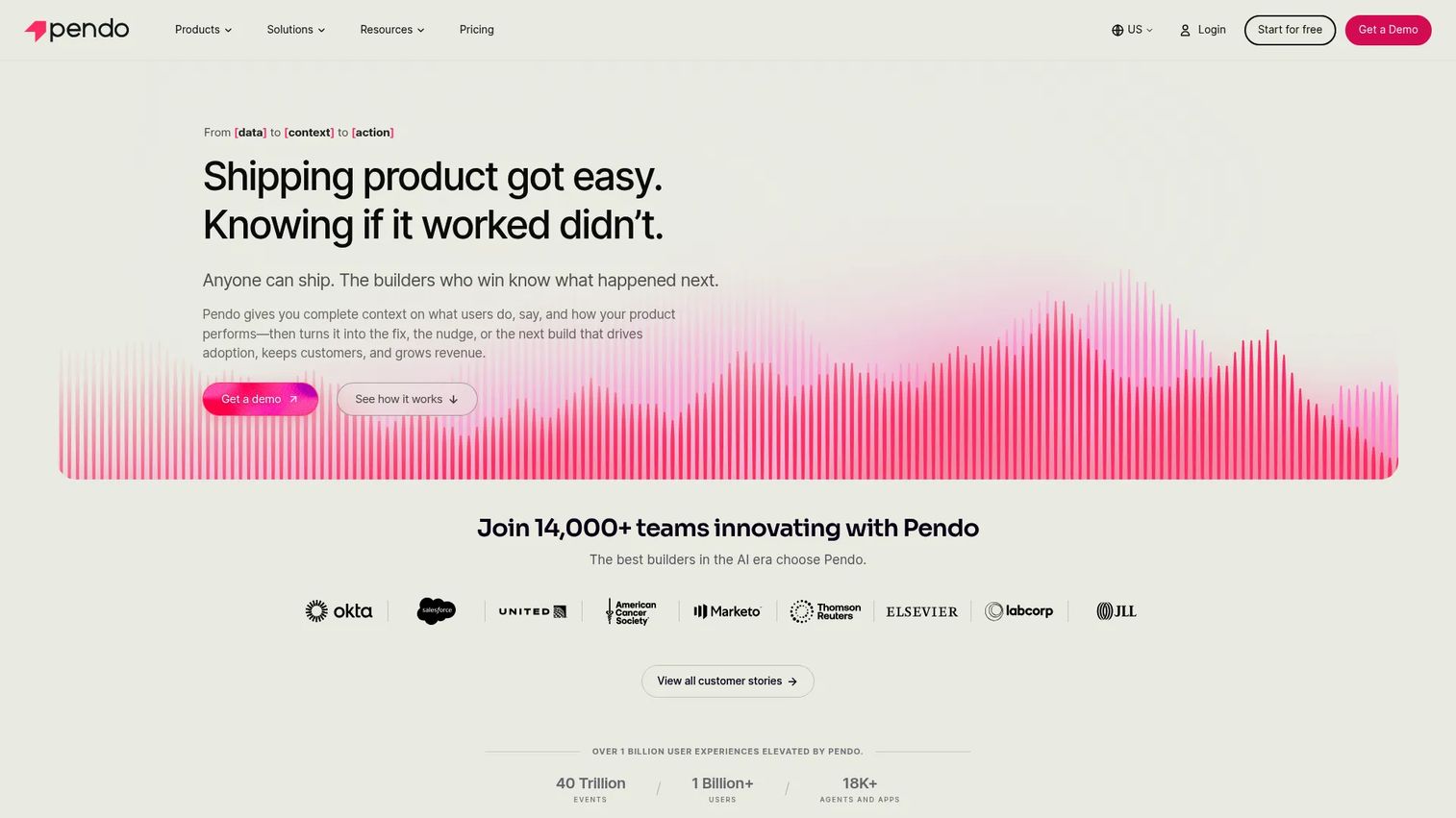
Pendo is a product experience platform combining analytics, in-app guides, feedback collection, session replay, and roadmapping. Product managers use it to understand where users drop off, deliver targeted onboarding nudges, and collect sentiment feedback, all without engineering involvement for most changes. It's the most PM-native tool in the product experience category.
Best for: Product teams that need usage analytics and in-app engagement in one system, with roadmapping built in.
Key features
- Product analytics with event tracking and funnel analysis
- In-app guides and tooltips triggered by behavior
- Feedback collection and NPS sentiment surveys
- Session replay for qualitative context
- Roadmap tools and data sync with engineering workflows
Why choose Pendo: Choose Pendo when product usage data should directly drive onboarding flows, adoption nudges, and roadmap decisions. It's strong for teams that need instrumentation, segmentation by plan or persona, and release feedback from real users. The Novus plan is currently free in beta with no MAU limit.
Pendo pricing: A free plan is available for up to 500 monthly active users. Base, Core, and Ultimate plans are quote-based. Request pricing through Pendo's sales team for MAU volumes above the free tier.
G2 rating: 4.4/5
8. Guideflow
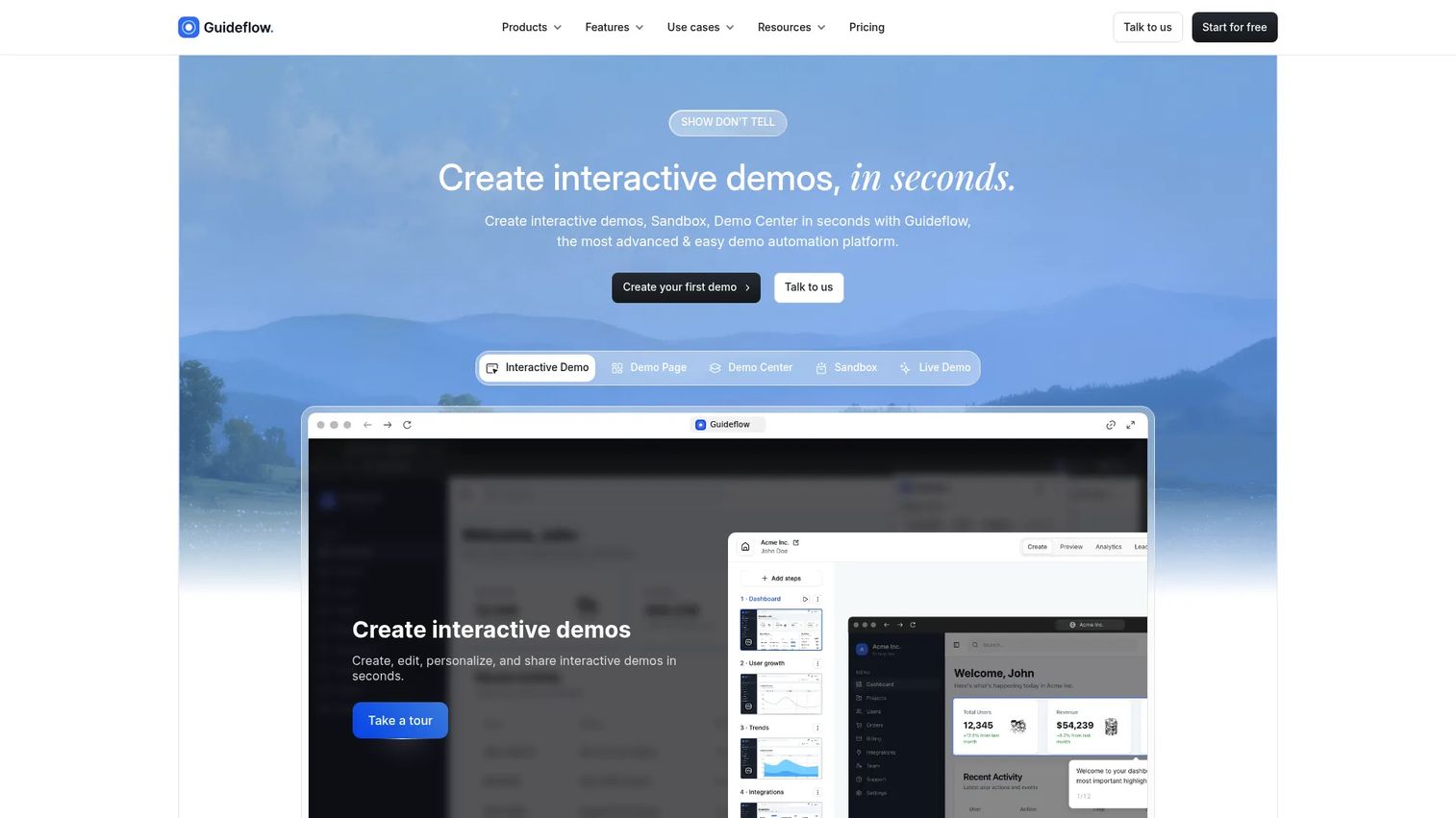
Guideflow is a demo automation platform that lets SaaS teams build self-serve interactive demos, sandboxes, demo centers, live demos, and mobile demos without engineering involvement. It fits the experience management stack as the interactive product education layer: The place you go when users need to see and click through the product, not read another help article. For product teams, it's relevant to user onboarding, feature adoption, product education, release communication, support documentation, and partner enablement.
Best for: Product, onboarding, PMM, sales, support, and CS teams that need users or buyers to experience product value without a live call or engineering help.
Key features
- No-code demo capture via browser
- Interactive demos, sandboxes, and demo centers
- AI-assisted step generation, voiceover, and personalization
- Engagement analytics with completion and drop-off tracking
- Sharing via public links, embeds, email, and social
Why choose Guideflow: Guideflow fits when the experience problem is product understanding, not survey completion or ticket volume. Use it to show users how a workflow works during onboarding, let buyers explore the product before a sales call, or turn feature release notes into a clickable walkthrough. It's not a replacement for enterprise CXM, ticketing, or survey platforms. It's the layer that closes the gap between "reading about a feature" and "knowing how it works."
Guideflow pricing: A free plan is available. Solo is $35 per month, Growth is $499 per month, Advanced is $1,499 per month, all billed annually. Enterprise pricing is custom.
G2 rating: 5.0/5
Start your journey with Guideflow today!
9. Appcues
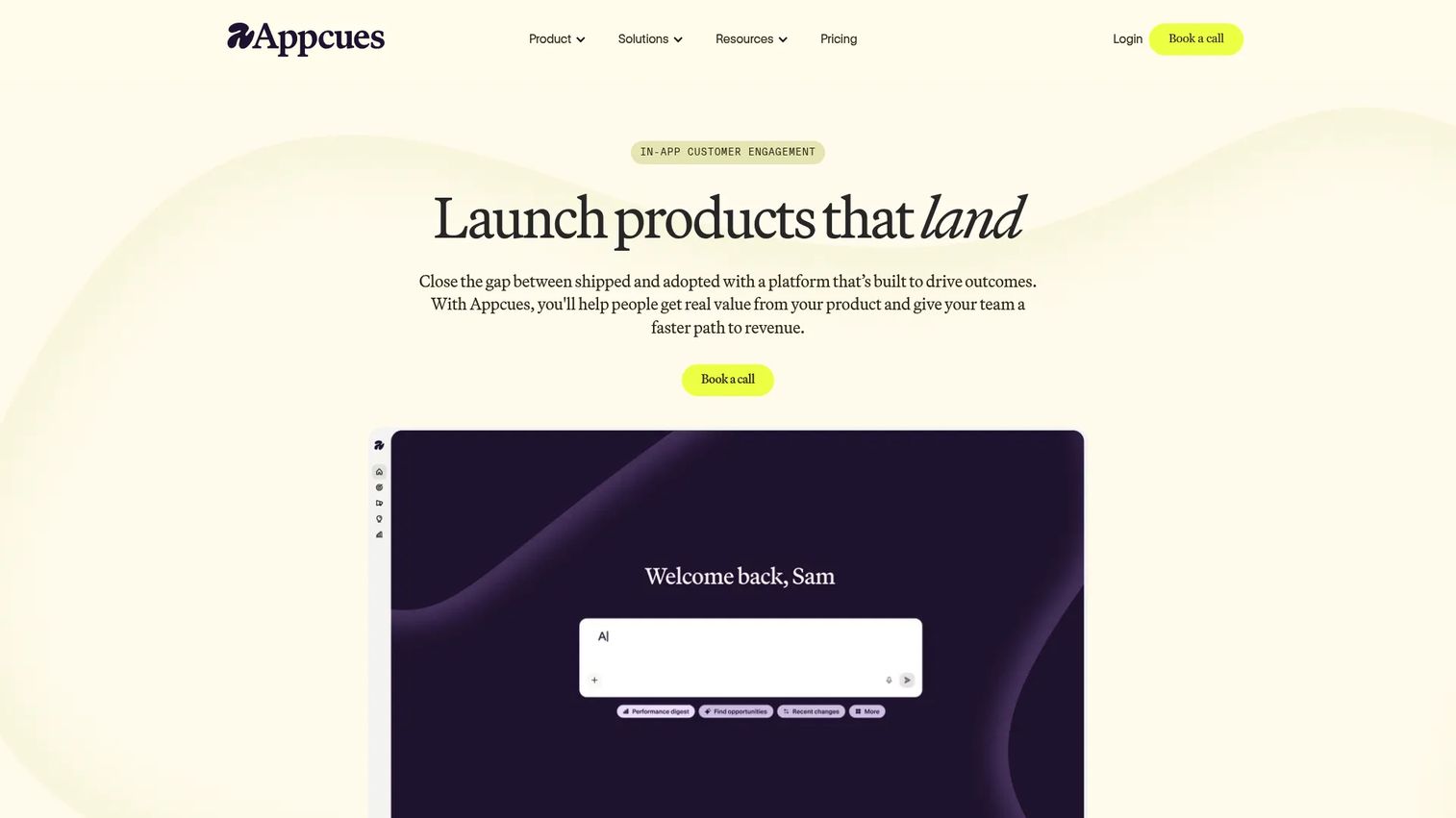
Appcues is a behavior-based engagement platform for creating in-app flows, checklists, announcements, and lifecycle messages. It targets users based on attributes and product events, so onboarding nudges reach the right segment at the right moment. The analytics layer tracks activation goals, funnel conversion, and retention by cohort, which is the instrumentation product managers need to prove onboarding ROI.
Best for: SaaS product and growth teams that need behavior-based in-app onboarding and lifecycle messaging without relying on engineering for every change.
Key features
- In-app flows, checklists, launchpads, and NPS surveys
- Behavioral targeting by user attributes and product events
- Funnel analytics and retention dashboards
- Behavioral email and push notifications
- AI-assisted flow creation and optimization
Why choose Appcues: Choose Appcues when activation depends on nudging users inside the product based on what they've actually done. Its behavioral targeting layer is strong enough to support experiments around onboarding completion. Start, Grow, and Enterprise pricing requires a conversation with sales, but the Spark plan gives smaller teams a defined entry point.
Appcues pricing: The Spark plan is $3,600 per year for teams of 25 or fewer, covering up to 1,000 MAUs and up to 10 published experiences. A $250 one-time implementation fee applies. Start, Grow, and Enterprise plans require contacting sales.
G2 rating: 4.6/5
10. UserGuiding
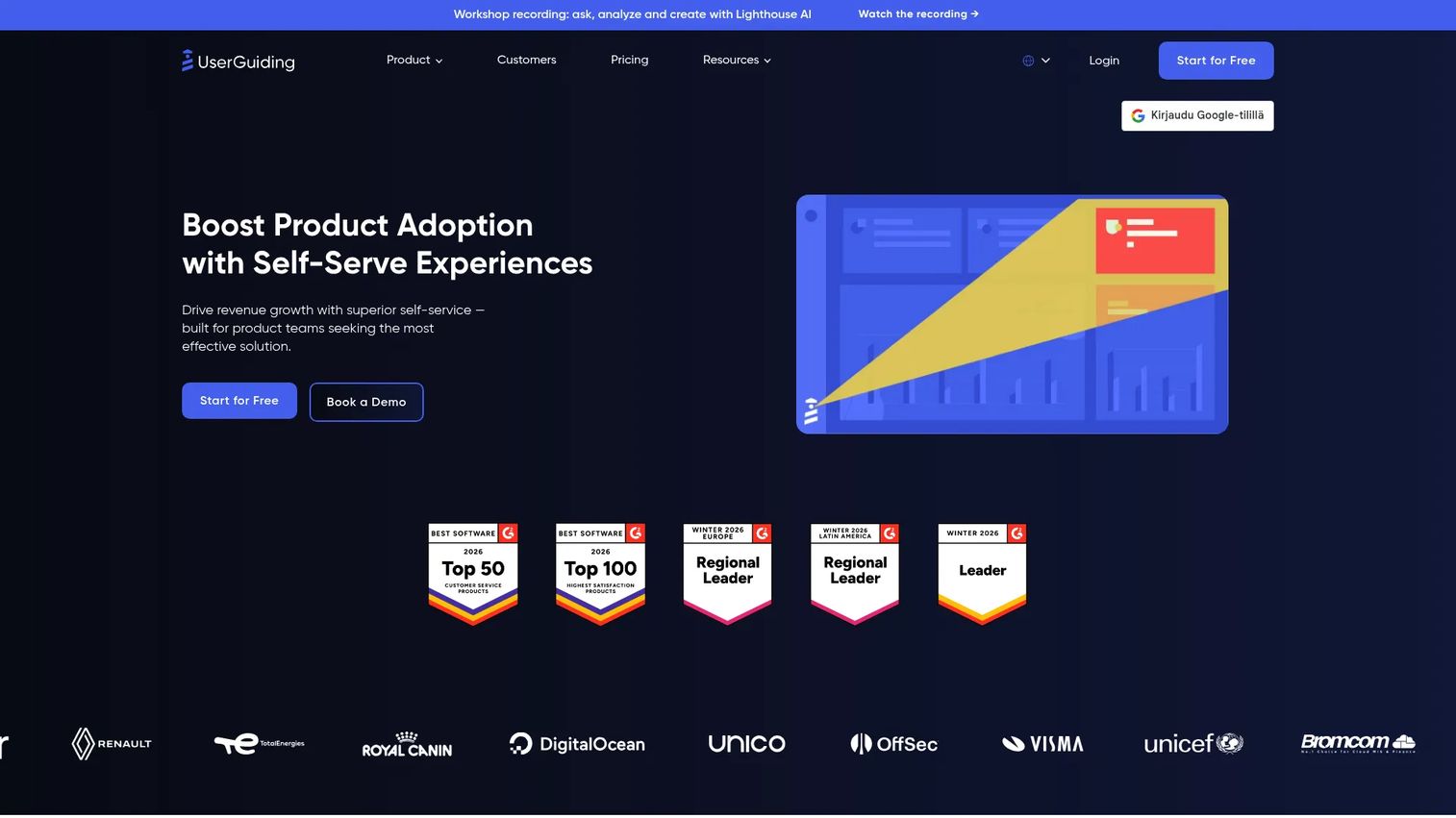
UserGuiding is a no-code product adoption platform covering in-app onboarding, self-service support, feedback, and product updates. It combines product tours, onboarding checklists, resource centers, and in-app surveys in one toolset. Smaller teams use it to build a full onboarding layer quickly, without a long implementation project or a dedicated developer.
Best for: Startups and mid-market teams building product onboarding without much engineering time, where price-to-capability ratio matters.
Key features
- Product tours, hotspots, and onboarding checklists
- Knowledge base and resource center widgets
- In-app NPS and satisfaction surveys
- Segmentation, analytics, and session replay
- Banners, product update announcements, and public roadmaps
Why choose UserGuiding: Choose UserGuiding when you need a practical onboarding layer that ships quickly without a long setup. For PMs, it supports experiments around activation and onboarding completion without high opportunity cost. The 14-day free trial lets you validate the setup before committing.
UserGuiding pricing: The Starter plan is $249 per month, the Growth plan is $499 per month, both billed monthly for up to 2,000 MAUs. Enterprise pricing is custom. A 14-day free trial is available.
G2 rating: 4.7/5
11. Product Fruits
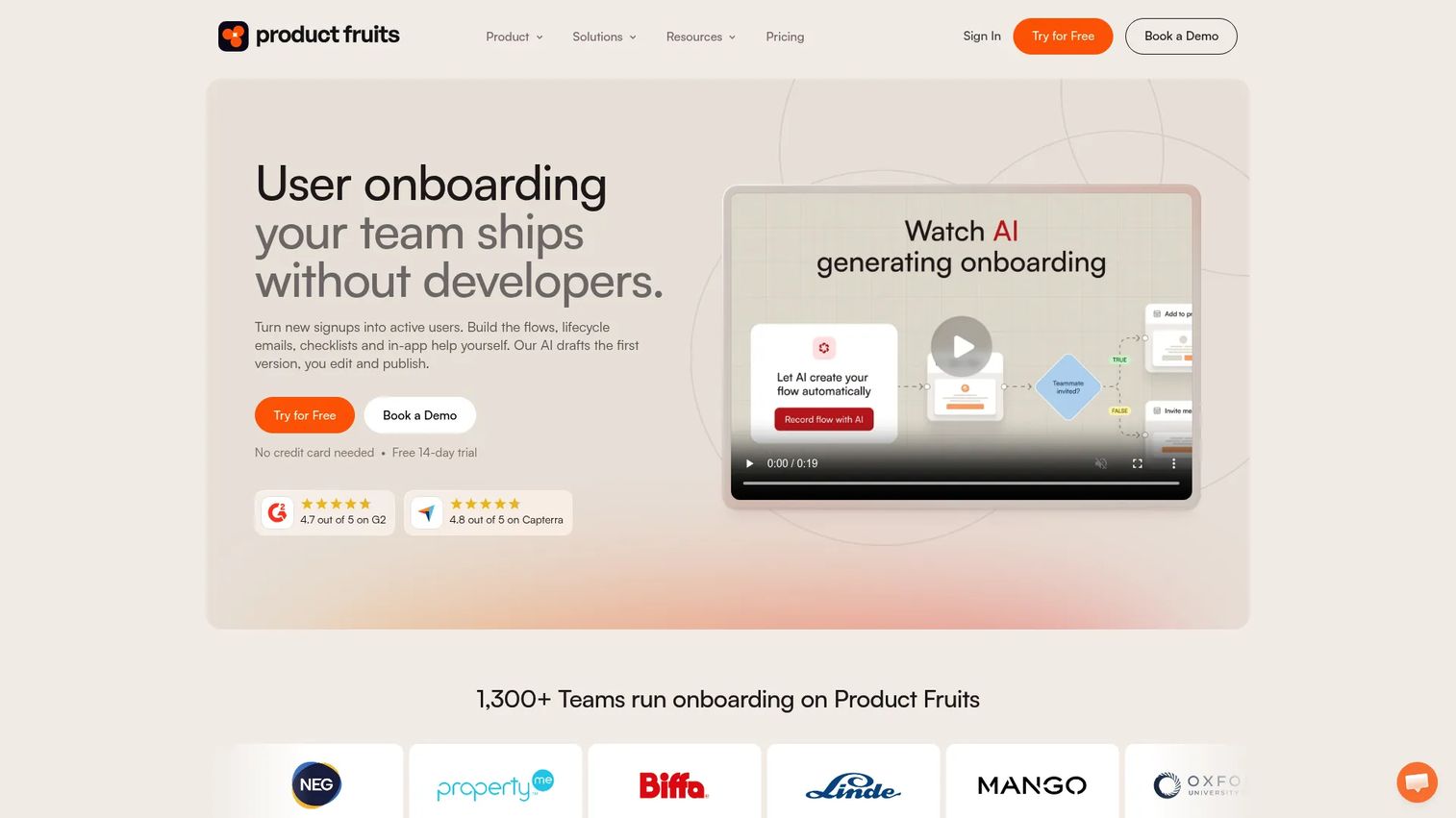
Product Fruits is a user onboarding and product adoption platform with tours, checklists, tooltips, announcements, feedback widgets, and a knowledge base widget. Its Elvin AI agents assist with both creating onboarding experiences and guiding users through them. For smaller product teams, it delivers a broad feature set at a price that doesn't require a business case.
Best for: SaaS product and growth teams that need core onboarding and adoption features at a smaller-team price point.
Key features
- Adaptive onboarding flows, tours, and checklists
- Elvin AI user agent and creator agent
- In-app knowledge base and help widget
- NPS surveys, in-app announcements, and feedback collection
- User segmentation and custom event tracking
Why choose Product Fruits: Choose Product Fruits when you need to validate onboarding improvements before investing in a heavier system. Its combination of AI-assisted authoring and broad feature coverage makes it useful for testing whether better in-app guidance moves activation metrics. A 14-day free trial is available to verify fit.
Product Fruits pricing: The Starter plan is $111 per month for 1,500 MAUs, billed with 25% off annually. Pro is $187 per month and Business is $374 per month at the same MAU tier, also with annual discounts. Custom plans are available for higher volumes.
G2 rating: 4.7/5
12. WalkMe
WalkMe is an enterprise digital adoption platform built for guiding employees through complex business software. It provides in-app guidance, workflow automation, process analytics, and AI-assisted authoring across enterprise systems. Most WalkMe deployments focus on internal software adoption rather than customer-facing product onboarding.
Best for: Large enterprises improving employee adoption across ERP, CRM, and complex internal business systems.
Key features
- In-app guides, tooltips, and workflow automation
- Process analytics and behavioral segmentation
- ActionBot conversational assistants
- AI Authoring and AI Insights for content creation
- Enterprise governance, white-labeling, and multi-language support
Why choose WalkMe: WalkMe fits when experience management centers on employees navigating complex enterprise software, not end users onboarding to a SaaS product. For PMs at companies deploying internal tools at scale, it provides governance and process analytics that lighter onboarding tools don't offer. Less relevant for startup or mid-market product onboarding use cases.
WalkMe pricing: WalkMe prices by quote. Contact their sales team for current packaging and commercial terms.
G2 rating: 4.5/5
13. Optimizely
Optimizely is an AI-powered digital experience platform combining content management, A/B testing, feature experimentation, personalization, and analytics. It's the strongest option in this list for teams whose experience management strategy centers on controlled experiments to prove which changes improve conversion or retention.
Best for: Digital and product teams running statistically grounded experiments across web and product surfaces.
Key features
- A/B, multivariate, and server-side experimentation
- Feature flagging, progressive rollouts, and instant rollbacks
- Real-time personalization and audience targeting
- Content management and publishing workflows
- Warehouse-native analytics and AI agent orchestration
Why choose Optimizely: Choose Optimizely when the team needs statistically sound answers to experience questions rather than directional signals. It's strong for growth and product teams running experiments that require reliable instrumentation and clean holdout groups. The platform covers both web and feature-level experimentation in one place.
Optimizely pricing: Optimizely provides customized quotes based on requirements, traffic, and implementation scope. Contact their sales team for current commercial terms.
G2 rating: 4.2/5
14. Adobe Experience Manager
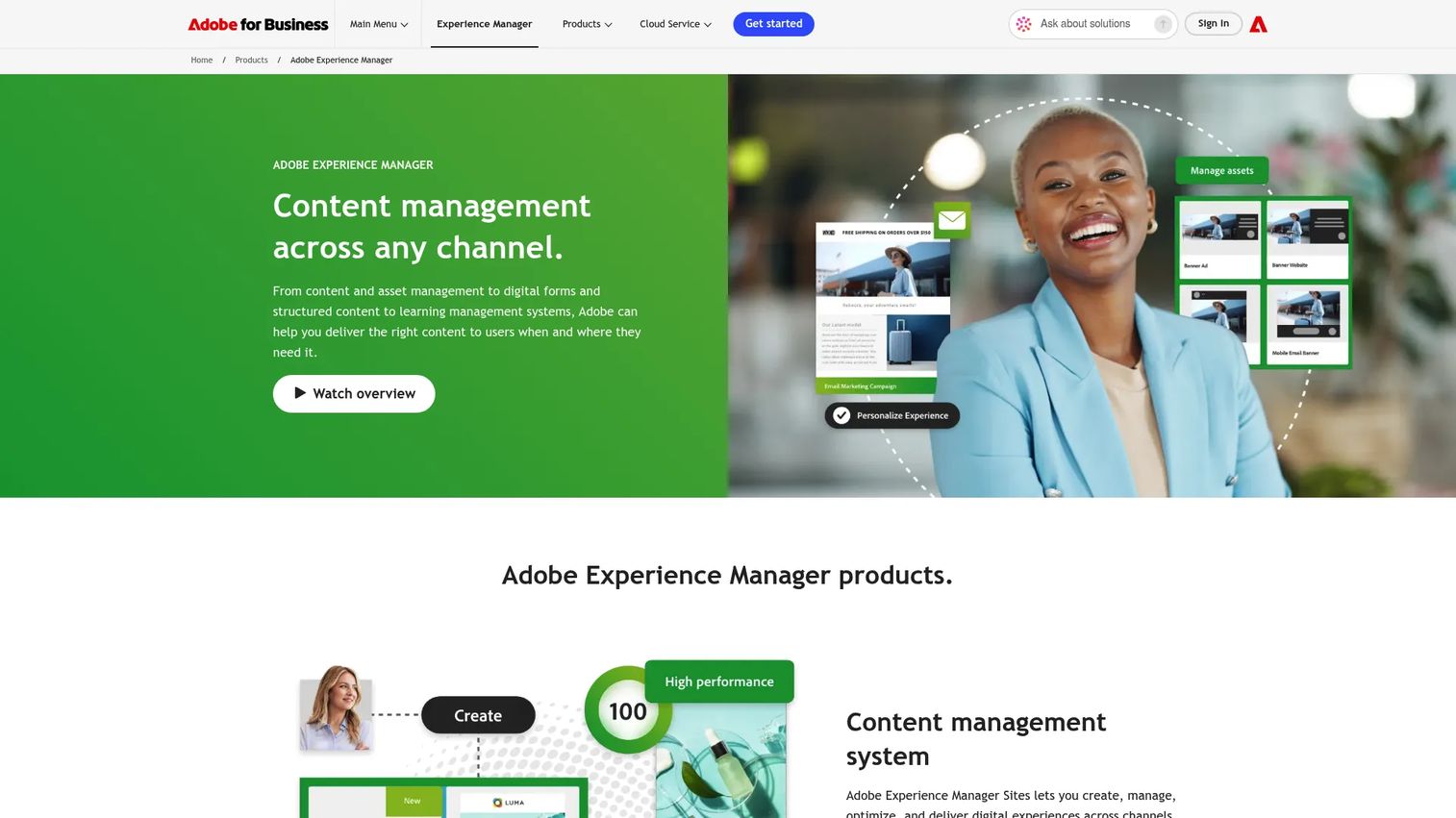
Adobe Experience Manager is an enterprise content and digital experience platform combining content management, digital asset management, personalization, and omnichannel delivery. It's built for digital teams managing large content operations, not product managers running in-app onboarding. Its relevance to experience management comes from the content and asset layer that powers customer-facing digital experiences.
Best for: Large enterprises managing website content, digital assets, and personalized web experiences at scale.
Key features
- Content management with WYSIWYG authoring and multisite management
- Digital asset management with AI-powered Smart Tags and Smart Crop
- Personalization and omnichannel content delivery
- Headless GraphQL APIs for decoupled architectures
- Cloud-native operations with auto-scaling and enterprise security
Why choose Adobe Experience Manager: Choose Adobe Experience Manager when experience management depends on content operations and digital asset governance at scale. For SaaS PMs, it's more relevant to digital product and web teams than to teams focused on user onboarding or product adoption. It integrates tightly with other Adobe products.
Adobe Experience Manager pricing: Adobe provides customized pricing for Sites and Assets packages. Contact Adobe sales for current commercial terms.
G2 rating: 4.2/5
15. Sprig
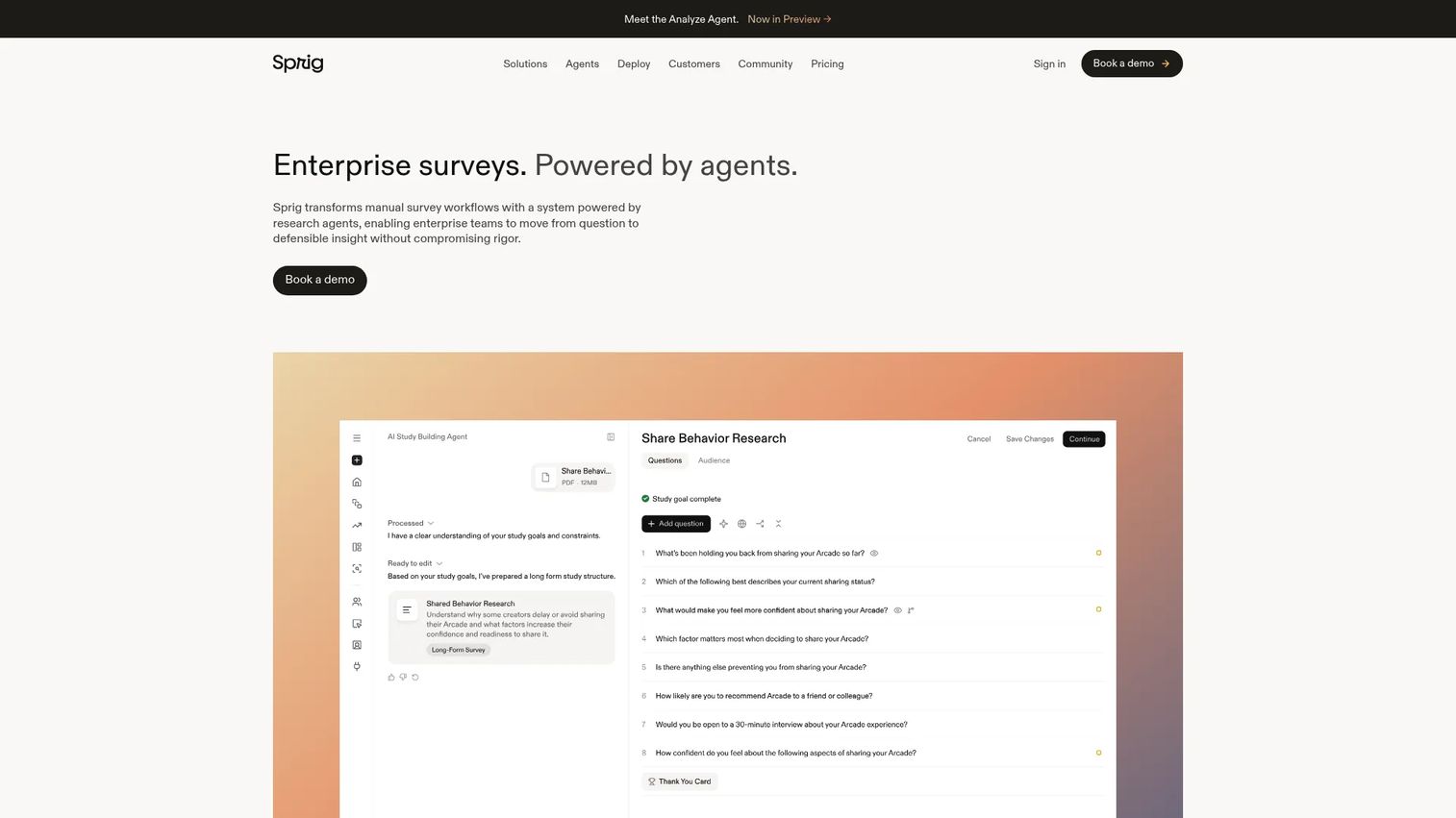
Sprig is an enterprise survey and product research platform powered by AI agents for designing, fielding, and synthesizing research. Its microsurveys trigger inside the product based on user behavior, which means you capture feedback in the moment users experience an issue rather than days later in a follow-up email. It's particularly strong for product teams trying to understand why users drop off, not just where.
Best for: Product teams collecting contextual, in-moment feedback during onboarding, feature use, or churn-risk moments.
Key features
- AI-powered Design, Field, and Synthesize Agents
- Microsurveys triggered by user attributes and behavioral events
- In-product studies across web and mobile surfaces
- Adaptive panels and email-delivered research
- Concept testing for early product decisions
Why choose Sprig: Choose Sprig when quantitative drop-off data isn't enough and you need qualitative context from users at the exact moment they're confused or disengaged. It fills the gap between product analytics (showing where users leave) and understanding why. Pricing is enterprise-focused and requires a quote from sales.
Sprig pricing: Sprig uses custom enterprise pricing based on response volume and activated research capabilities. Contact sales for current commercial terms.
G2 rating: 4.3/5
Considerations when choosing experience management software
Match the tool to the experience layer
A PM improving activation needs different capabilities than a CX leader running a VoC program. Before evaluating vendors, define which layer you're working on: Customer feedback, product behavior, support operations, digital experimentation, or interactive product education. Choosing a full CXM suite when you need in-app onboarding will add cost and implementation overhead without moving the metric you care about.
Check the signal quality
Signals vary significantly across tools. Some platforms capture quantitative usage events. Others collect qualitative feedback or journey-level survey data. The best tool matches the type of signal you need to make the next decision, whether that's activation rate, CSAT, support deflection, or onboarding completion.
Evaluate segmentation and triggering
Product managers need segmentation by persona, plan, lifecycle stage, and use case. Event-based targeting matters for onboarding and adoption: Nudges that fire at the wrong moment in a user's journey add noise rather than reducing friction. Confirm the platform supports the segment definitions your instrumentation already produces.
Confirm integrations and data ownership
Experience management fails when signals stay trapped in the tool that collected them. Verify connections to your CRM, support desk, product analytics platform, and data warehouse. Check whether data can be exported for custom analysis. The best customer data platform and best product analytics software tools roundups cover what to look for in adjacent stack layers.
Plan for maintenance
Product experiences decay with every release cadence. An onboarding flow built for your March UI becomes misleading by June. Evaluate who owns updates, how long a re-capture or edit takes, and whether governance exists for version control. See also the best user onboarding software tools guide for more detail on long-term maintainability patterns.
Conclusion
The right experience management software starts with the metric you need to move, not the vendor with the biggest brand.
For enterprise VoC and research programs, Qualtrics XM and Medallia handle the breadth and governance that large organizations need. Zendesk, Salesforce, and HubSpot Service Hub fit best when support data is the primary experience signal. Microsoft Dynamics 365 Customer Insights suits teams already deep in the Microsoft stack.
For product experience, Pendo is the strongest choice when usage analytics and in-app guidance need to sit together. Appcues, UserGuiding, and Product Fruits each suit a different budget and team size for onboarding. Sprig closes the qualitative gap when you need to understand why users drop off, not just where. WalkMe serves internal enterprise adoption better than customer-facing SaaS onboarding.
Optimizely and Adobe Experience Manager belong to the digital experience and content management layer, most relevant to web and digital product teams.
Guideflow fits when the experience gap is product understanding. Use it to show users how workflows work, let buyers explore the product before a sales call, or turn release notes into a clickable experience. It covers the best product management tools use case of making product value tangible without engineering overhead.
Start with the layer. Pick the tool. Measure the metric.
Start your journey with Guideflow today!
FAQs
Experience management software collects, connects, analyzes, and acts on signals from customers, users, employees, or digital touchpoints. Teams use it to improve satisfaction, adoption, retention, and revenue outcomes across feedback, product behavior, support, and digital channels. The category spans voice of customer (VoC) platforms, product experience tools, support systems, and digital experimentation platforms.
CRM stores relationship and sales data: Accounts, contacts, deals, and service history. Experience management software, or CXM software, measures and improves what people experience across touchpoints. CRM tells you who the customer is. CXM software tells you how they feel and where they're struggling.
Customer experience covers the full relationship across marketing, sales, product, support, billing, and renewal. Product experience focuses specifically on what users do and feel inside the product itself. Product experience platforms measure usage, guide in-product behavior, and surface adoption signals. CXM platforms measure the broader relationship across all channels. A product manager typically cares about both but owns the product experience layer most directly.
Pendo fits product teams that need usage analytics and in-app guides together. Appcues, UserGuiding, and Product Fruits each suit different team sizes for onboarding flows and lifecycle messaging. Sprig fits teams collecting in-moment qualitative feedback tied to product context. Guideflow fits when the experience problem is product understanding, specifically helping users and buyers experience workflows without a live call or help article.
Set a baseline before rollout: Activation rate, time to first value, onboarding completion, feature adoption, and support ticket volume tied to onboarding questions. Run the tool for one full release cadence, then compare. Secondary signals include trial-to-paid conversion, early retention (D7, week 1), and CS escalations related to product confusion. ROI claims without a baseline are guesses, not evidence.
Usually not. Some platforms include analytics, but product teams typically still need dedicated instrumentation or a data warehouse for reliable event-level data. The key question is whether the experience platform can act on the signals your analytics layer surfaces. Review the best product analytics software tools guide to understand what belongs in each layer.
Reach for an interactive demo platform when the experience gap comes from users or buyers not understanding a workflow, feature, or value moment quickly enough. If support tickets cluster around "how do I do X?" or if activation drop-off occurs before users reach the first meaningful action, showing the product through an interactive experience often outperforms a static help article or an email sequence.
The answer depends on the experience layer. For CXM: Feedback collection, journey analytics, AI text analysis, and closed-loop workflows. For product experience: Segmentation by persona and plan, event-based triggering, in-app engagement, usage analytics, and low maintenance overhead. Across all layers: Integrations with your existing stack, governance controls, security compliance, and clear impact measurement. Choose the features that map to the metric you're accountable for, not the longest feature list.