A shop drawing sits in someone's inbox for nine days. Nobody knows who has it. The subcontractor calls asking for status, the PM forwards an old email chain, and the version that finally gets approved turns out to be two revisions behind. Now the steel is fabricated wrong.
That is the real cost of a broken submittal workflow: not paperwork, but rework, disputes, and schedule slip. Construction submittal software exists to make review and approval a tracked process instead of a guessing game. It gives every document an owner, a timestamp, and a status you can actually see.
The market reflects how much this matters. The building submittal management software market was valued at $2.1 billion in 2025 and is projected to reach $4.8 billion by 2034 at an 11.2% CAGR, according to MarketIntelo (2025). Cloud-based deployment already captures 78.5% of that revenue, which tells you where document control is headed.
This guide compares the tools that handle submittal logs, approval workflows, and audit trails, so you can shortlist by project fit instead of feature lists.
What's inside
This guide is for general contractors, subcontractors, project managers, and design teams who need to move construction submittals through review without losing track of them. Every tool here was selected against four criteria that decide whether software actually reduces approval delays:
- Workflow automation: auto-generated submittal registers, review routing, and status tracking
- Document control: version control, centralized storage, and clean handoffs
- Audit trail: timestamps, reviewer accountability, and status history
- Field access: mobile access and real-time visibility between office and jobsite
We ranked by relevance to the submittal job specifically, not by how big the platform is overall.
TL;DR
- Best construction-native submittal tracking: SubmittalLink for teams that want submittal and RFI management with transparent, flat pricing
- Best for Autodesk teams: Autodesk Forma Build for firms already living in the Autodesk stack
- Best all-in-one platform: Procore for teams standardizing project execution and financials together
- Best for subcontractors: eSUB for trade-heavy, field-to-office document control
- Best for AI-assisted review: Part3 for architects and engineers drowning in spec comparison
- Best flexible option: Smartsheet or ClickUp when you want project visibility and workflow automation more than construction-native depth
What are construction submittals?
Construction submittals are the documents a contractor submits to the design team for review and approval before materials are ordered or work begins. They prove that what will be built matches what was specified.
Submittals exist because the drawings and specs cannot capture every product detail. A specification might call for a specific fire-rated door assembly; the submittal is the manufacturer's data sheet, shop drawing, or sample that confirms the actual product meets it. The architect or engineer reviews it, marks it approved, approved-as-noted, or rejected, and returns it. That review cycle is the approval workflow, and every pass through it needs a record.
A typical submittal moves through four stages: submission, review, approval, and tracking. Software turns that cycle into structured data instead of email.
Core concepts worth knowing:
- Submittal log: the running list of every submittal on a project, with status, dates, and responsible party
- Submittal register: the planned set of submittals derived from the specs, often generated before the first one is even sent
- Version control: the system that keeps revision 3 from being confused with revision 1
- Reviewer accountability: the timestamps and ownership records that show who had a document and for how long
- Audit trail: the full history that settles disputes when a schedule claim lands
Get these five right and construction document management stops being a source of risk.
When to use construction submittal software
Centralize document control
Spreadsheets and shared drives work until they don't. The break point usually arrives when a second project, a third reviewer, or a busy revision cycle exposes how fragile a manual submittal log really is. Someone saves over the current version. A status column goes stale. The register on one drive contradicts the one in an inbox.
Dedicated software gives you a single source of truth with real version control and consistent status tracking. Handoffs stop breaking because the document, its history, and its owner all live in one place.
Improve submission and approval speed
The slowest part of most submittals is not the review itself. It is the dead time between steps: waiting to find out who has the document, chasing a reviewer, re-sending a file nobody opened.
Submittal software routes reviews automatically, assigns responsibility on submission, and sends notifications when a document is waiting on someone. Automated status tracking means a PM can see the exact bottleneck instead of reconstructing it from email. That visibility is what actually compresses approval cycles.
Support field and office collaboration
A submittal approved in the office is worthless if the crew on site is building from an outdated set. Field access closes that gap. Mobile access lets superintendents check the current approved version from the jobsite, and real-time visibility keeps office and field working from the same record.
This is where reviewer accountability and project visibility pay off most. Everyone sees the same status, the same version, and the same history, so cross-team coordination stops depending on phone calls.
Comparison table
We ranked these tools by how directly they handle the submittal workflow, from construction-native platforms to flexible work management systems. Pricing and G2 ratings reflect what each vendor published at the time of writing; verify both at publish time, since plans change.
| # | Product | Intent | Key differentiation | Pricing | G2 rating |
|---|---|---|---|---|---|
| 1 | SubmittalLink | Submittal + RFI tracking for local builders | Flat monthly price, unlimited users and projects | From $150/mo | 4.7/5 |
| 2 | Autodesk Forma Build | Connected field and project workflows | Native fit with the Autodesk construction stack | From $100/mo per user | 4.4/5 |
| 3 | Procore | Unified construction platform | Submittals inside broad project + cost management | Custom | 4.6/5 |
| 4 | eSUB | Subcontractor document control | Built for trade-contractor field-to-office work | Custom | 4.0/5 |
| 5 | BuildingBlok | Focused construction management | Flat-rate plans with document control and tracking | From $249/mo | 5.0/5 |
| 6 | Submittal.com | Log-to-closeout submittal workflow | Role-based plans across suppliers, trades, GCs | From $65/mo | Not listed |
| 7 | Bluebeam | PDF markup and collaboration | Studio real-time review and measurement | From $260/yr per user | 4.5/5 |
| 8 | Part3 | Construction administration for A/E | AI submittal review and spec comparison | From $150/mo per user | Not listed |
| 9 | Smartsheet | Flexible work management | Template-driven tracking and automation | From $12/user/mo | Not listed |
| 10 | ClickUp | General project management | Docs, tasks, and mobile review in one platform | From $7/user/mo | 4.7/5 |
Best submittal software tools for 2026
1. SubmittalLink
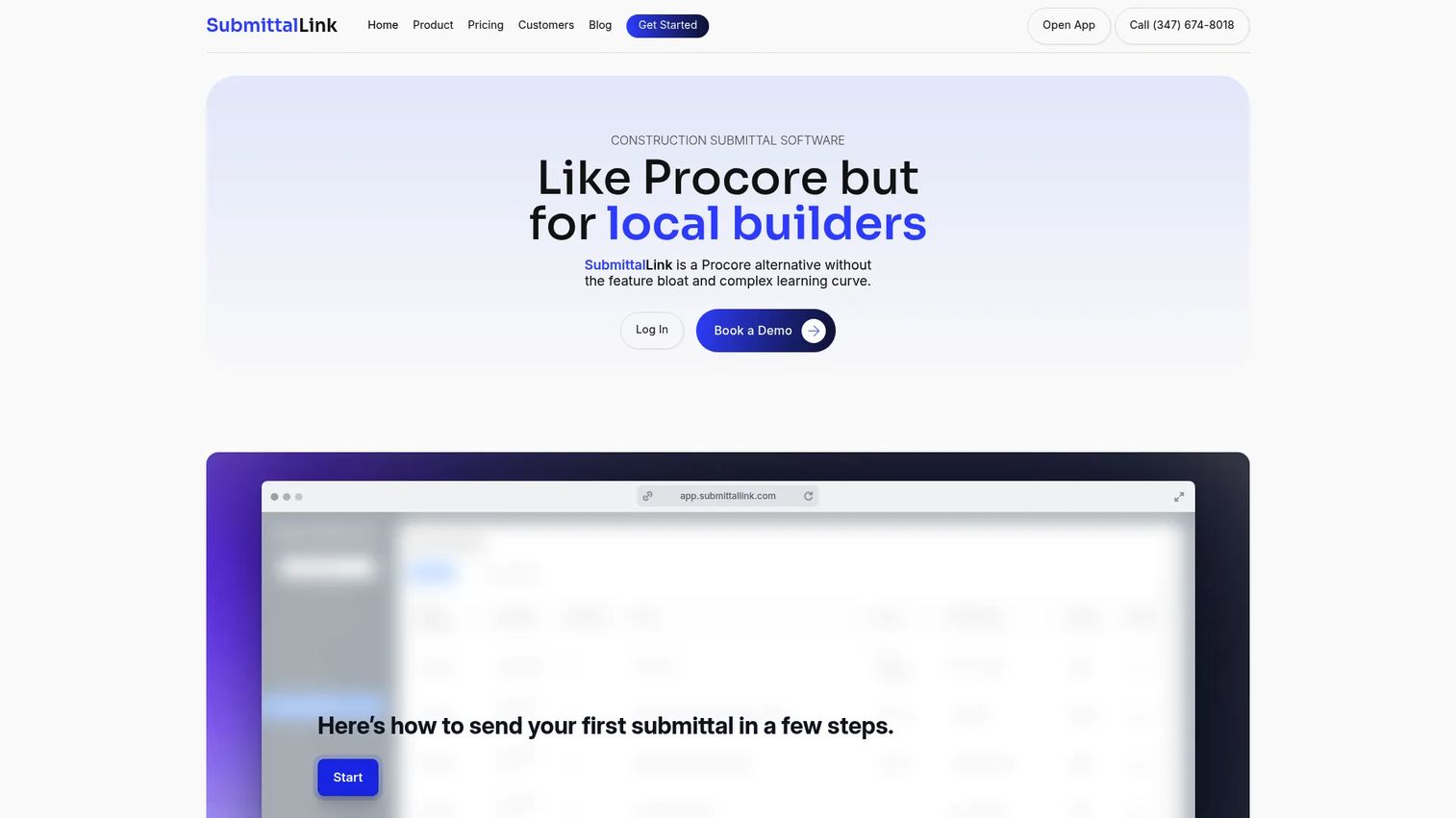
SubmittalLink is construction submittal and RFI software built for local builders who want the core workflow without enterprise complexity. It handles submittals and RFI and submittals tracking together, drawing management with version control, and mobile and tablet apps for iOS and Android. The pricing model is the standout: one flat monthly price based on annual construction volume, with unlimited users, projects, and file storage.
Best for: Local and regional builders who want simple submittal and RFI management with transparent, predictable pricing.
Key strengths
- Submittals and RFI tracking in one place
- Drawing management with version control
- Mobile and tablet apps for iOS and Android
- Flat monthly pricing, unlimited users and projects
Why choose SubmittalLink: If per-seat pricing on bigger platforms feels punishing for a small team, SubmittalLink removes that math entirely. You get construction-specific submittal tracking without paying for modules you will never open.
SubmittalLink pricing: Starter is $150/month and Pro is $250/month, both billed month-to-month based on annual construction volume with no setup fee. Enterprise is custom pricing. There is no free tier.
2. Autodesk Forma Build
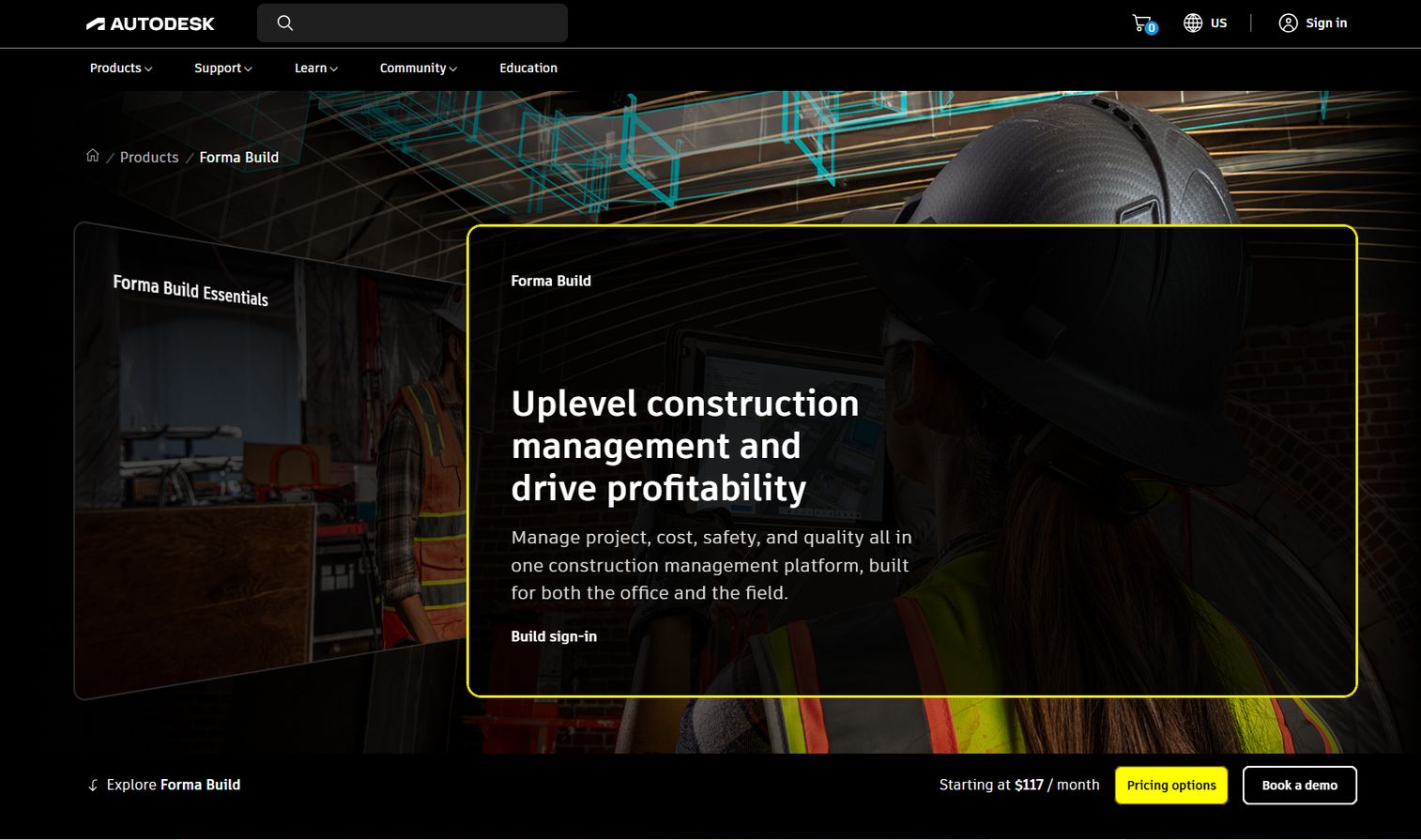
Autodesk Forma Build is construction management software covering field execution, project management, cost control, and reporting, with submittal workflows built in. It generates submittal logs automatically, supports custom review workflows, and gives field teams mobile access to current status. For firms already running Autodesk design tools, the data continuity between design and build is the real draw.
Best for: General contractors and construction teams that already work inside the Autodesk ecosystem and want connected field, project, and cost workflows.
Key strengths
- Field execution workflows
- Project management tools
- Cost management and reporting
- Automated submittal logging and status visibility
Why choose Autodesk Forma Build: The value compounds when your models, drawings, and submittals share one source. Teams already invested in Autodesk get an approval workflow that inherits their existing project data rather than duplicating it.
Autodesk Forma Build pricing: Forma Build Essentials is $100/month per user and Forma Build is $175/month per user, with annual pricing also available. An unlimited-user Forma Build option is contact sales. No free tier.
3. Procore
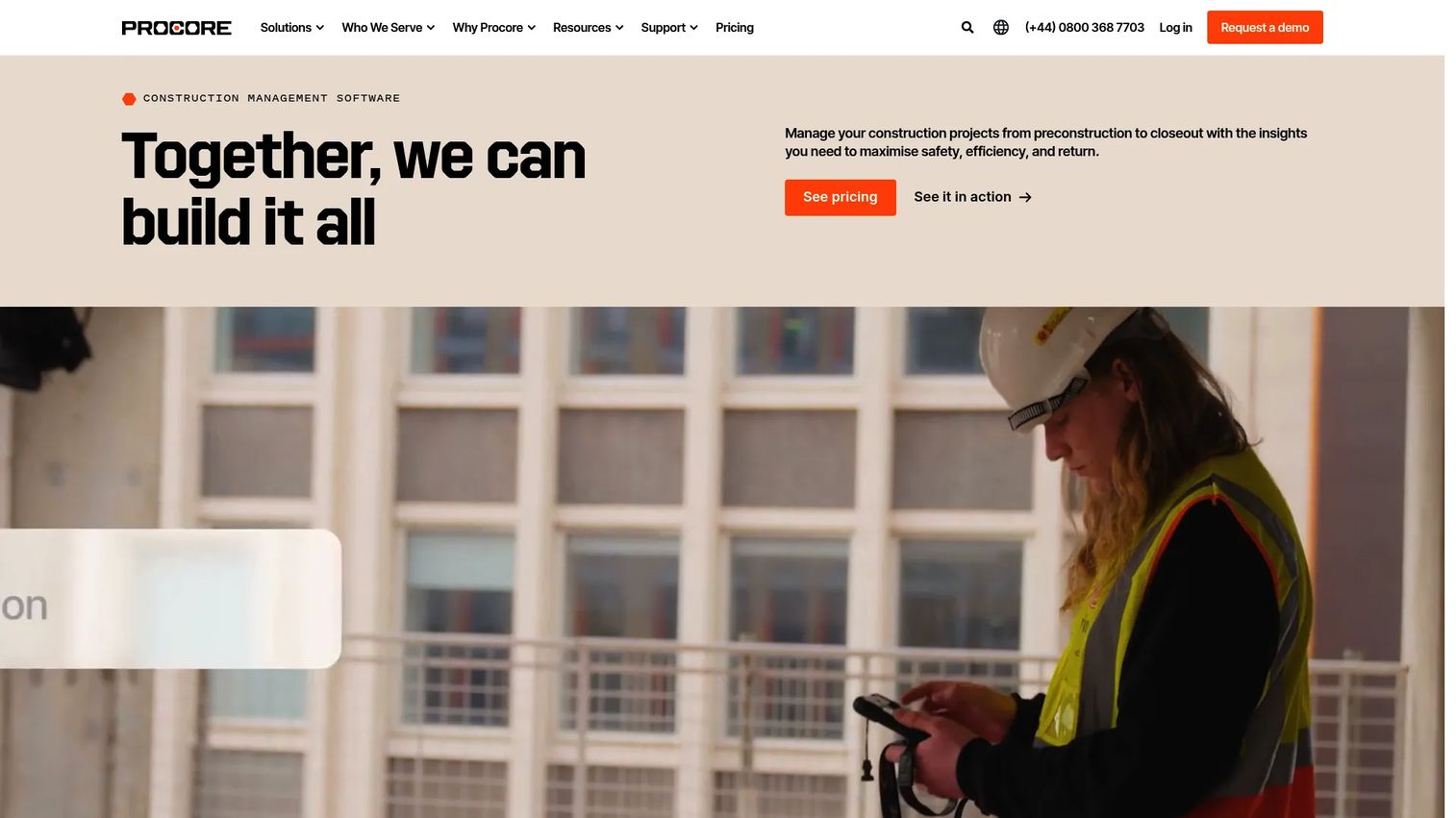
Procore is a construction management platform for planning, building, and operating projects, with submittals as one workflow inside a much larger system. It creates submittal registers automatically, runs distribution and approval workflows, and tracks responsibility across the project. The pull for most teams is consolidation: submittals, RFIs, cost, and field work live on one platform with unlimited users.
Best for: Construction teams that want a unified platform for project execution and financial workflows, not a standalone submittal tool.
Key strengths
- Unlimited users and data
- Project and cost management
- Bid management and submittals
- Automatic registers and responsibility tracking
Why choose Procore: If submittals are just one of many workflows you need to standardize, Procore keeps them in the same system as everything else. That single record improves project visibility across every stakeholder on the job.
Procore pricing: Procore uses custom pricing, charged as an upfront annual fee by product and based on annual construction volume. Contact Procore for a quote tied to the products you need.
4. eSUB
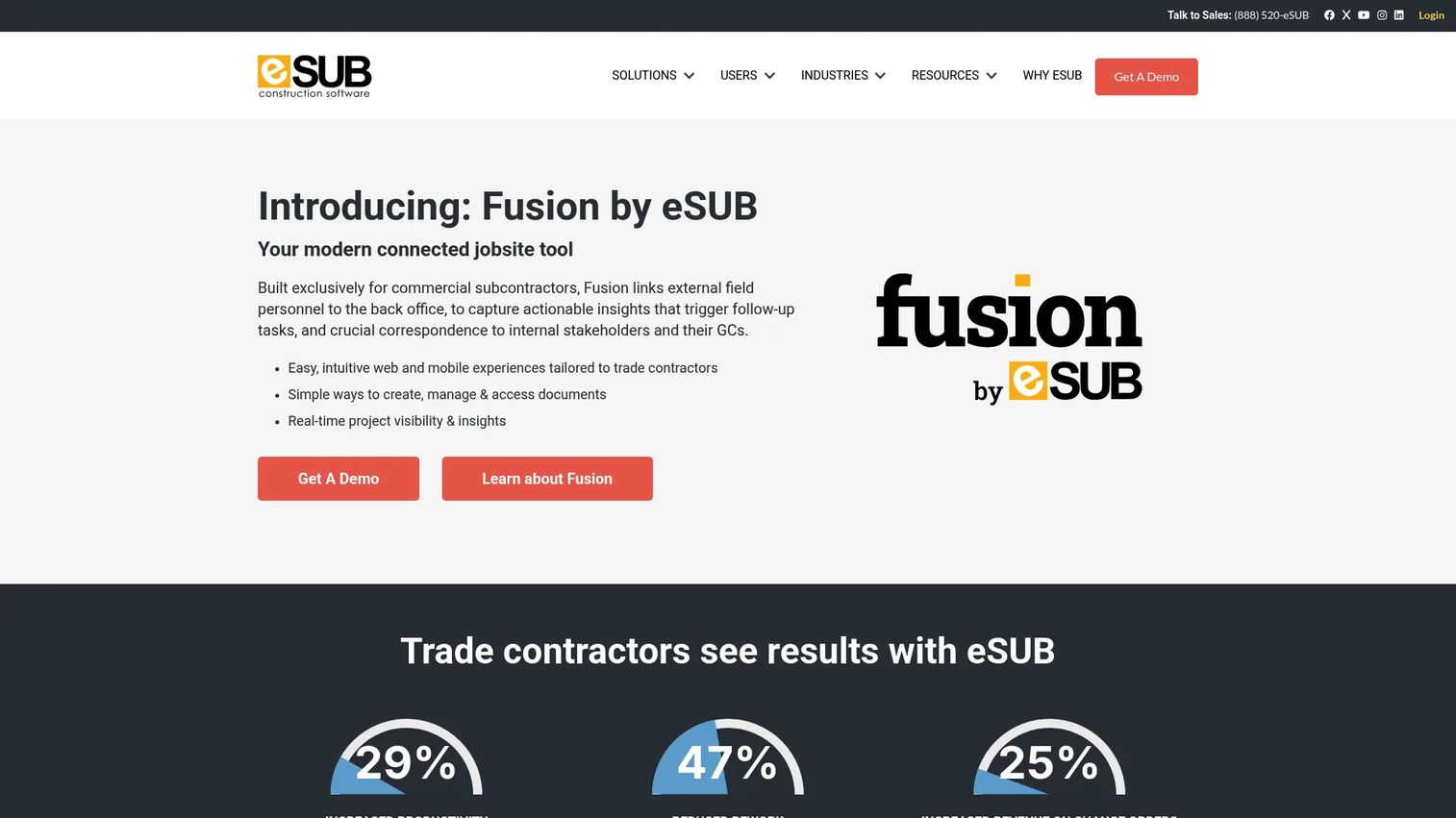
eSUB is cloud construction management software built specifically for commercial subcontractors. It centers on document control from the trade contractor's point of view: change orders, daily reports, RFIs, and submittal packages, all connected between the field and the office. For subs juggling multiple GCs and their differing processes, that centralized record matters.
Best for: Commercial subcontractors that need field-to-office project management and trade-focused document control.
Key strengths
- Change orders
- Daily reports
- RFIs and submittal packages
- Real-time field-to-office visibility
Why choose eSUB: Most submittal tools are designed around the GC's workflow. eSUB flips the perspective, giving subcontractors a system that tracks their own submissions, documentation, and reviewer accountability across every project they run.
eSUB pricing: Public list pricing is not shown; eSUB quotes based on user count and the modules you need. Contact eSUB for a scoped quote.
5. BuildingBlok
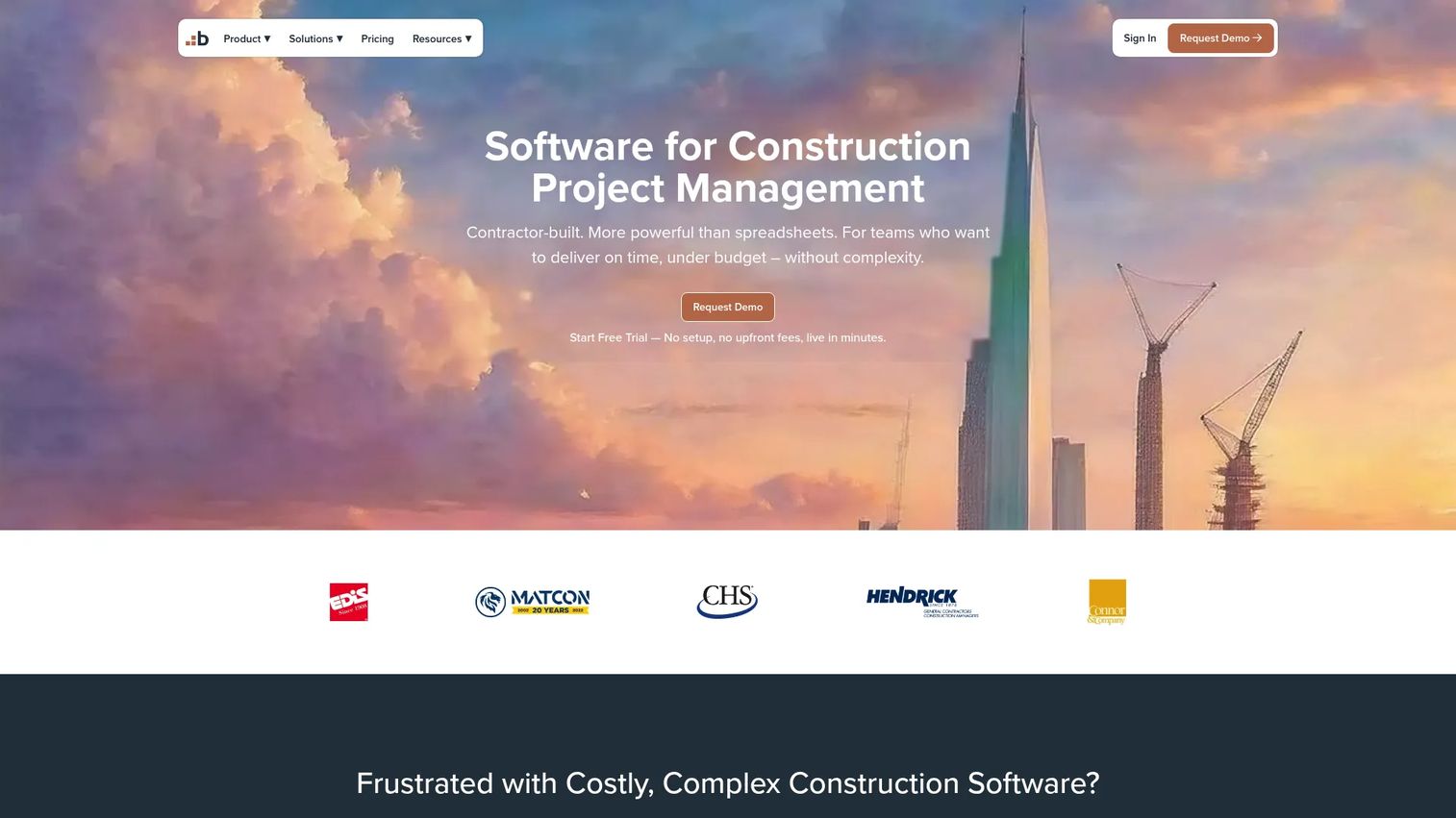
BuildingBlok is cloud-based construction management software for contractors and project teams that want a focused system rather than a sprawling platform. It centralizes submittal logs, supports direct creation and submission, and maintains audit trails and approval chains. Flat-rate plans keep the cost predictable as your team grows.
Best for: General contractors and construction teams that want bid, document, and project management in one focused tool.
Key strengths
- Bid management
- Document control
- Project tracking
- Audit trails and approval chains
Why choose BuildingBlok: Flat monthly plans mean you are not penalized for adding reviewers. Teams that want a clear submittal system with real audit trails, without enterprise implementation, tend to land here.
BuildingBlok pricing: Field is $249/month, Office is $849/month, and Enterprise is $2,499/month. A free trial is available; there is no free version.
6. Submittal.com
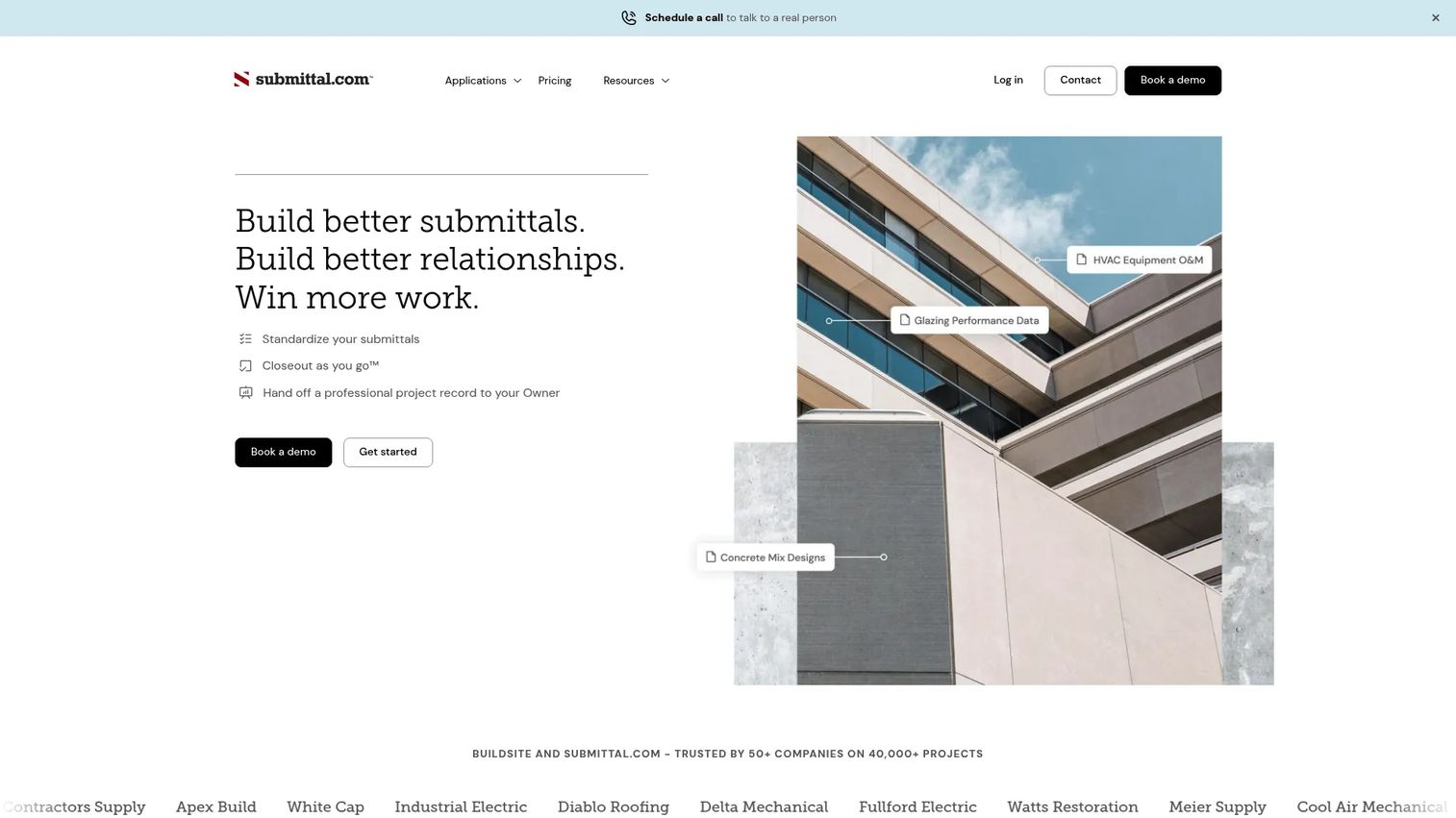
Submittal.com is submittal management software built around the full log-to-closeout workflow. It offers submittal log and builder tools, built-in annotation, transmittals, tables of contents, and project closeout with an indexed handoff database. Role-based plans mean suppliers, trade contractors, and general contractors each get a version tuned to their part of the process.
Best for: Contractors and suppliers who want to standardize construction submittals from the first log entry through closeout.
Key strengths
- Submittal log and builder workflows
- Built-in annotation, transmittals, and tables of contents
- Project closeout tools and indexed handoff database
- Role-based modules for suppliers, trades, and GCs
Why choose Submittal.com: The closeout piece is what sets it apart. Teams that hate scrambling for an organized record at project end get an indexed handoff database built as the submittals move, not reconstructed after.
Submittal.com pricing: Role-based plans start at $65/month for The Rep, with $180/month tiers for The Branch and Builder, $375/month for Builder Premium, and $425/month for Enterprise Pricing. Larger enterprise plans are based on customer revenue, and a free tier is available.
7. Bluebeam

Bluebeam is construction collaboration and PDF markup software widely used across design and build teams. Its strength is the review itself: PDF creation, editing, markup, and measurement, plus Studio Sessions for real-time collaboration on the same document. For teams that treat RFI and submittals as one connected review process, Bluebeam keeps the markup and the conversation together.
Best for: AEC teams that need serious PDF markups, measurements, and real-time document collaboration across office and field.
Key strengths
- PDF creation, editing, markup, and measurement
- Studio real-time collaboration with Sessions and Projects
- Bluebeam on web and mobile for cloud and field access
- Unified markup for RFIs and submittals
Why choose Bluebeam: When the bottleneck is the review markup rather than the log, Bluebeam is hard to beat. Reviewers can annotate, measure, and collaborate on the same PDF in real time, then push the marked-up document back into the workflow.
Bluebeam pricing: Basics is $260, Core is $330, Complete is $440, and Max is $590, all per user billed annually. Every plan includes Bluebeam Revu for Windows plus Bluebeam on web and mobile.
8. Part3
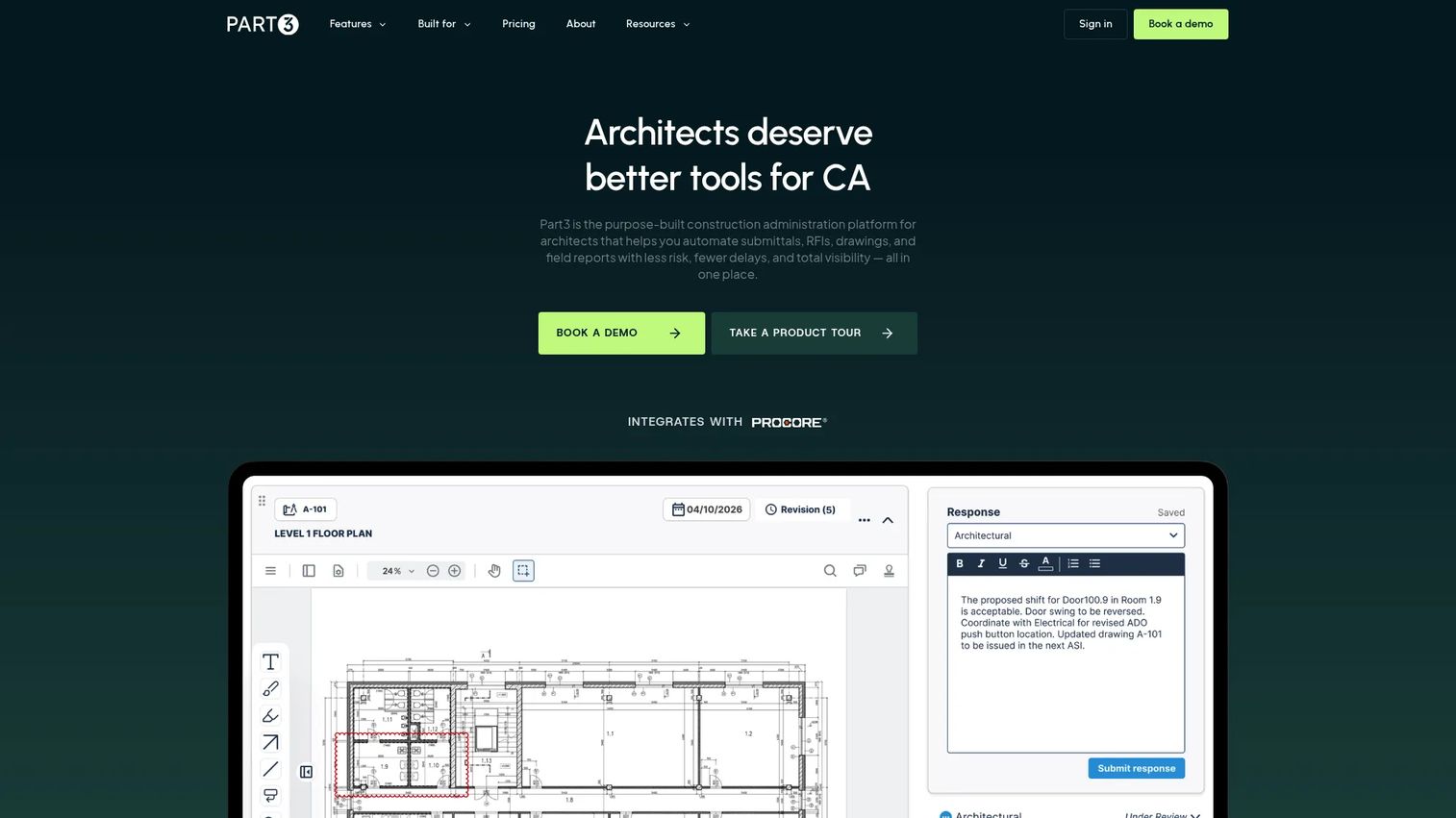
Part3 is construction administration software built for architects and engineers, and its AI submittal review is the reason it earns a spot here. It compares submittals against the specs, generates summaries, and flags likely errors, which cuts the review-heavy grind that eats reviewer time. Add field reports, change documents, and quote tracking, and it covers the CA workflow end to end.
Best for: Architectural and engineering firms managing construction administration and spec-heavy submittal review.
Key strengths
- AI submittal review
- Field reports
- Change documents and quote tracking
- Automated spec comparison and error spotting
Why choose Part3: Reviewers on the design side spend hours cross-checking submittals against specifications. Part3's AI does the first pass, surfacing discrepancies so the human reviewer confirms rather than hunts. For A/E teams, that is where the time savings live.
Part3 pricing: Core is $150 per month per user and Complete is $200 per month per user, both billed annually in USD. The pricing page notes discounts for more than 50 users or multi-year commitments; larger accounts contact sales. No free tier.
9. Smartsheet
Smartsheet is a work management platform that many construction teams adapt for submittal tracking with dashboards, workflow automation, and template-driven logs. It is not construction-native, but its flexibility is the point: grid, Gantt, calendar, and board views, plus automation and integrations you configure to match your process. For teams that value project visibility over industry-specific depth, it fits.
Best for: Teams that want a centralized, configurable work management platform with automation and strong collaboration.
Key strengths
- Project and work management views (grid, Gantt, calendar, board, timeline)
- Automation and workflow capabilities
- AI features and integrations
- Template-driven submittal tracking
Why choose Smartsheet: If your team already runs projects in a spreadsheet mindset, Smartsheet upgrades that into automated status tracking and shared dashboards. You trade construction-native fields for the freedom to build the exact submittal log your process needs.
Smartsheet pricing: Pro is $12 per member per month and Business is $24 per member per month, billed monthly or yearly. Enterprise and Advanced Work Management are custom pricing. A 30-day free trial is available with no credit card required.
10. ClickUp
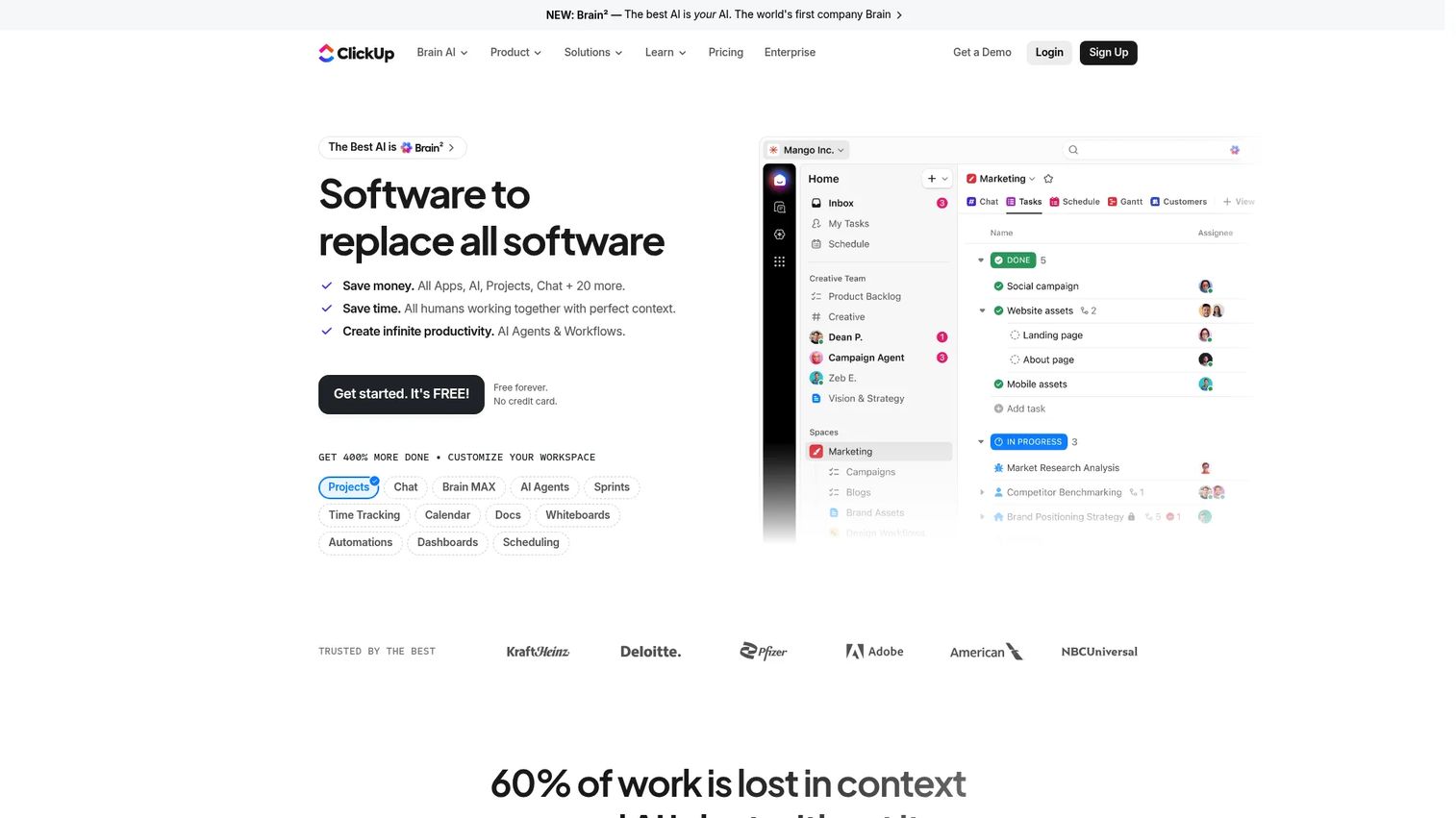
ClickUp is an all-in-one work management platform covering tasks, docs, chat, and dashboards, adaptable for submittal tracking on smaller or general project teams. Templates get a submittal log running fast, mobile access supports field review, annotation handles document markup, and task assignment gives each submittal an owner. It works best when submittals are one of many things a lean team tracks.
Best for: Smaller or general project teams that want one flexible platform for tasks, docs, and light submittal tracking.
Key strengths
- Task and project management with multiple views
- Docs, wikis, chat, and dashboards
- ClickUp Brain AI, automations, and time tracking
- Templates, mobile review, and task assignment
Why choose ClickUp: For a small team that cannot justify construction-native software, ClickUp covers submittal tracking alongside every other project task. The trade is depth: you build the workflow yourself instead of getting construction fields out of the box.
ClickUp pricing: Free Forever is $0, Unlimited is $7/user/month, and Business is $12/user/month, both billed yearly. Enterprise is custom pricing. AI add-ons are priced separately.
Considerations
Define your workflow before you buy
Decide what you actually need: submittal log tracking, review routing, document storage, or full closeout support. A GC standardizing project operations wants something very different from a sub tracking its own submissions. Vague requirements are how teams end up with a platform that does everything except the one thing they bought it for.
Check mobile and field usage
If your crews build from what is approved, field access is not optional. Verify how well each tool handles mobile access, real-time status updates, and viewing the current version on a phone or tablet. Jobsite connectivity is inconsistent, so confirm how the app behaves when the signal drops.
Review automation depth
There is a real gap between lightweight task automation and construction-specific workflow automation. Compare auto-generated submittal registers, review routing, notifications, and version control. A tool that auto-builds your register from the specs saves days the first week; one that only reminds you to update a status saves minutes.
Confirm integrations
Check compatibility with the construction stack you already run: your document management, design tools, and project systems. A submittal tool that cannot exchange data with your drawings or cost systems creates a new silo instead of removing one. Prioritize the integrations that touch your daily submittal workflow.
Validate auditability and accountability
The audit trail is what settles disputes. Look for clear ownership, timestamps, status history, and complete reviewer trails on every submittal. When a delay claim lands months later, the difference between a defensible record and a reconstructed email chain is real money.
Conclusion
The right pick depends on who you are on the project. Construction-native teams that want submittal and RFI tracking with predictable pricing should look hard at SubmittalLink, and firms already in the Autodesk stack get the most from Autodesk Forma Build. Teams standardizing everything on one platform lean Procore, while subcontractors get a system built for their side of the work in eSUB. Architects and engineers buried in spec review should test Part3's AI submittal review, and teams that value flexible project visibility over construction-native depth can get far with Smartsheet or ClickUp.
Next step: shortlist two or three tools that match your actual workflow, then run a real project's submittal cycle through each. The tool that survives a busy revision week, not the demo, is the one to buy.
FAQs
A construction submittal is a document, such as a shop drawing, product data sheet, or material sample, that a contractor submits to the design team for review before ordering or building. It confirms the actual product or method matches what the project specifications require. The design team approves, notes, or rejects it and returns it with comments.
Construction submittal software is a tool that manages the submission, review, approval, and tracking of construction submittals in one system. It replaces email and spreadsheets with a structured submittal log, automated approval workflow, version control, and an audit trail. The goal is faster approvals, clear ownership, and fewer version mistakes.
It removes the dead time between review steps. The software routes each submittal to the right reviewer automatically, assigns responsibility on submission, and sends notifications when a document is waiting. Automated status tracking shows exactly where the bottleneck is, so a PM can act instead of reconstructing the chain from email.
A submittal log should track every submittal on the project with its number, description, spec section, current status, revision number, responsible party, and key dates for submission, review, and return. Many teams generate a submittal register from the specs up front, then update the log as each item moves through review. That running record is the backbone of project visibility.
A submittal proposes something for approval, such as a product or shop drawing, and asks the design team to confirm it meets the specs. An RFI, or request for information, asks a question to clarify or resolve a gap in the drawings or specs. Many platforms handle RFI and submittals together because both flow through the same review and accountability process.
Workflow automation, document control, audit trails, and field access. Automation routes reviews and generates logs; document control keeps versions straight; audit trails record who had what and when; and mobile access keeps the field on the current approved version. Together they turn approvals into a tracked process instead of a guessing game.
Yes, because a submittal approved in the office is useless if the crew is building from an outdated version. Mobile access lets superintendents check current approved status and documents from the jobsite in real time. It is what keeps field and office working from the same record instead of colliding.
Yes. Tools that maintain a complete, indexed record of every submittal build most of the closeout package as the project runs. Instead of scrambling to assemble approved documents at the end, teams hand off an organized, searchable database. That is why closeout support is a real differentiator between construction document management tools.