You ran 14 customer calls last quarter. Two months later, the same question surfaces in roadmap planning. Nobody can find the notes. Someone starts scheduling new interviews.
That cycle costs more than the interviews themselves. It costs prioritization accuracy and stakeholder trust. A Nielsen Norman Group survey (2024) found that 29% of research repositories had no owner, and only 9% were described as mature and thriving. The problem is rarely that teams do no research. It is that evidence disappears between studies.
A user research repository fixes the retrieval problem, but only when it has enough structure to stay searchable, enough governance to stay current, and enough adoption to matter beyond the research team. Picking the wrong tool often means a beautifully organized folder nobody opens.
This guide covers 21 user research repository tools for 2026, from purpose-built qualitative platforms to workspace workarounds, with verified pricing and PM-specific selection guidance. If you want a broader view of best user research tools across methods and stages, that roundup complements this one.
What's inside
This guide is for product managers, UX researchers, and ResearchOps leads evaluating research repository software in 2026.
- Who it covers: Teams at SaaS companies ranging from solo PM researchers to multi-team research operations
- How tools were chosen: Discoverability, synthesis workflow, governance controls, integrations with product delivery tools, and PM usability
- What's included: Purpose-built UX research platforms, research operations tools, and lightweight workspace options
- Pricing and ratings: Checked against live vendor pages and G2 listings
TL;DR
- Best for dedicated UX research repositories: Condens, Dovetail, HeyMarvin
- Best for research operations plus recruiting: Great Question
- Best for enterprise insight management: Stravito
- Best for interview-heavy qualitative synthesis: Looppanel, Aurelius
- Best for lightweight PM workflows: Notion, Airtable
- Best for teams already in Atlassian: Confluence, Jira
What is a user research repository?
A user research repository is a centralized system for storing, organizing, searching, and sharing user research data, artifacts, and insights so teams can make product decisions from existing evidence.
What goes inside varies by team maturity. Core content includes interview notes, session transcripts, audio and video recordings, usability findings, customer quotes, survey summaries, journey maps, research plans, opportunity notes, and stakeholder-facing reports. More mature repositories also carry participant metadata, decision logs, and evidence links to shipped features.
The repository earns its value at retrieval, not at storage. A folder full of files only helps if someone can find the right file before starting new interviews. That requires search across content types, tagging by product area and persona, permissions that separate internal working files from stakeholder views, and enough maintenance discipline to stay current through release cycles.
PMs care because a searchable repository reduces repeated discovery work, speeds up prioritization conversations, and gives stakeholders traceable evidence rather than tribal knowledge. According to a 2025 Great Question survey, 85% of UX research teams reported having a central repository for past research. The same study found that 95% of respondents supported democratizing internal access to that research. The gap between intent and execution is where repositories fail.
User research repository versus document library
A document library stores files. A research repository connects findings to evidence, tags, participants, themes, and roadmap decisions. Google Drive and SharePoint can serve early teams, but they rely on disciplined naming conventions and manual governance. Once research volume grows past a few dozen studies, that discipline breaks down.
User research repository versus database
A database stores structured records. A repository adds research context: Synthesis, tagging, clip reels, and accessibility for non-research stakeholders who need answers without digging through raw data.
Key features to look for
- Search across transcripts, notes, reports, and video clips
- Tagging and research taxonomy support
- Participant permissions and PII controls
- AI summaries and theme detection
- Highlight reels and shareable clips
- Integrations with product and design tools
- Collections, insight boards, or curated reports
- Analytics for tracking repository adoption
When to use user research repository tools
Centralize scattered discovery evidence
Research living across Notion docs, Slack threads, survey exports, and presentation decks is research that gets repeated. A repository gives the team one place to search before scheduling new interviews. PMs use this to check existing customer signal before opening a discovery ticket or committing to a new study.
Make roadmap decisions traceable
Roadmap bets are easier to defend when evidence is one click away. Repositories that link quotes, clips, and synthesized themes to product decisions create an audit trail from customer voice to shipped work. That traceability also reduces the "who said customers wanted this?" conversation in planning sessions.
Scale research beyond the research team
Design, customer success, sales, and leadership all have questions that customer research can answer. A repository with curated collections, digest-style sharing, and role-based search lets those teams self-serve without pulling researchers into repeat briefings. The adoption problem is real: If only researchers use the repository, it has not solved the organizational problem.
User research repository tools comparison
The table below covers all 21 tools. Pricing reflects the entry tier or lowest published price. G2 ratings are from current listings. Where a tool redirects to a parent product or has no current G2 listing, N/A is used.
| # | Product | Best for | Key differentiator | Pricing | G2 rating |
|---|---|---|---|---|---|
| 1 | Condens | UX research teams needing synthesis and repository together | Qualitative coding plus repository with AI tagging | From 15€/mo | 4.8/5 |
| 2 | Aurelius | Solo and small team research synthesis | Unlimited users and storage on all paid tiers | From $49/mo | N/A |
| 3 | Dovetail | Scalable research analysis with stakeholder sharing | AI-powered customer intelligence with free entry tier | Free / Enterprise | 4.5/5 |
| 4 | EnjoyHQ | Enterprise research visibility (now UserTesting) | AI feedback analysis with broad integration set | Contact sales | N/A |
| 5 | Google Drive | Early-stage file-based research storage | Familiar, low-cost, and instantly usable | From $7/user/mo | N/A |
| 6 | Trello | Visual tracking of research themes and tasks | Card-based boards for lightweight research management | Free / $5/user/mo | 4.4/5 |
| 7 | UserZoom | Enterprise UX programs (now UserTesting) | Research execution plus repository in one platform | Contact sales | N/A |
| 8 | Stravito | Enterprise insight management across business units | AI search with curated knowledge collections | Custom pricing | 4.7/5 |
| 9 | Great Question | ResearchOps plus research storage | Participant CRM with built-in repository workflows | From $129/seat/mo | 4.7/5 |
| 10 | Looppanel | Interview-heavy qualitative analysis | AI notes and automatic thematic clustering | From $49/mo | 4.6/5 |
| 11 | Delve | Rigorous qualitative coding | Collaborative intercoder reliability scoring | From $50/user/mo | N/A |
| 12 | UserBit | UX research tied to design artifacts | Personas, journey maps, and repository in one tool | Free / from $20/mo | 4.7/5 |
| 13 | Notion | Flexible custom research databases | Fully configurable workspace with AI search | Free / from $10/mo | 4.6/5 |
| 14 | Confluence | Atlassian-heavy product teams | Knowledge base linked to Jira delivery work | Free / from $5.78/user/mo | 4.1/5 |
| 15 | Airtable | Structured research databases with custom metadata | Relational tables with automations and app building | Free / from $20/user/mo | 4.6/5 |
| 16 | Figma | Design-adjacent research synthesis | FigJam boards close to active design work | Free / from $16/mo | 4.6/5 |
| 17 | Jira | Linking research evidence to backlog items | Research traceability into product delivery | Free / contact for paid | 4.5/5 |
| 18 | SharePoint | Microsoft-centric enterprise document governance | Permissions, version history, and Microsoft 365 integration | From $5/user/mo | 4.0/5 |
| 19 | HeyMarvin | AI-assisted interview analysis and insight repository | Ask AI with cited answers and automatic PII redaction | Free / contact for paid | 4.8/5 |
| 20 | Chisel | PMs connecting customer feedback to roadmaps | Feedback repository with roadmap planning in one tool | From $9/maker/mo | 4.7/5 |
| 21 | Maze | Teams running continuous product discovery studies | Research execution and reporting with insight storage | Free / from $99/mo | 4.5/5 |
Best 21 tools for user research repositories
1. Condens
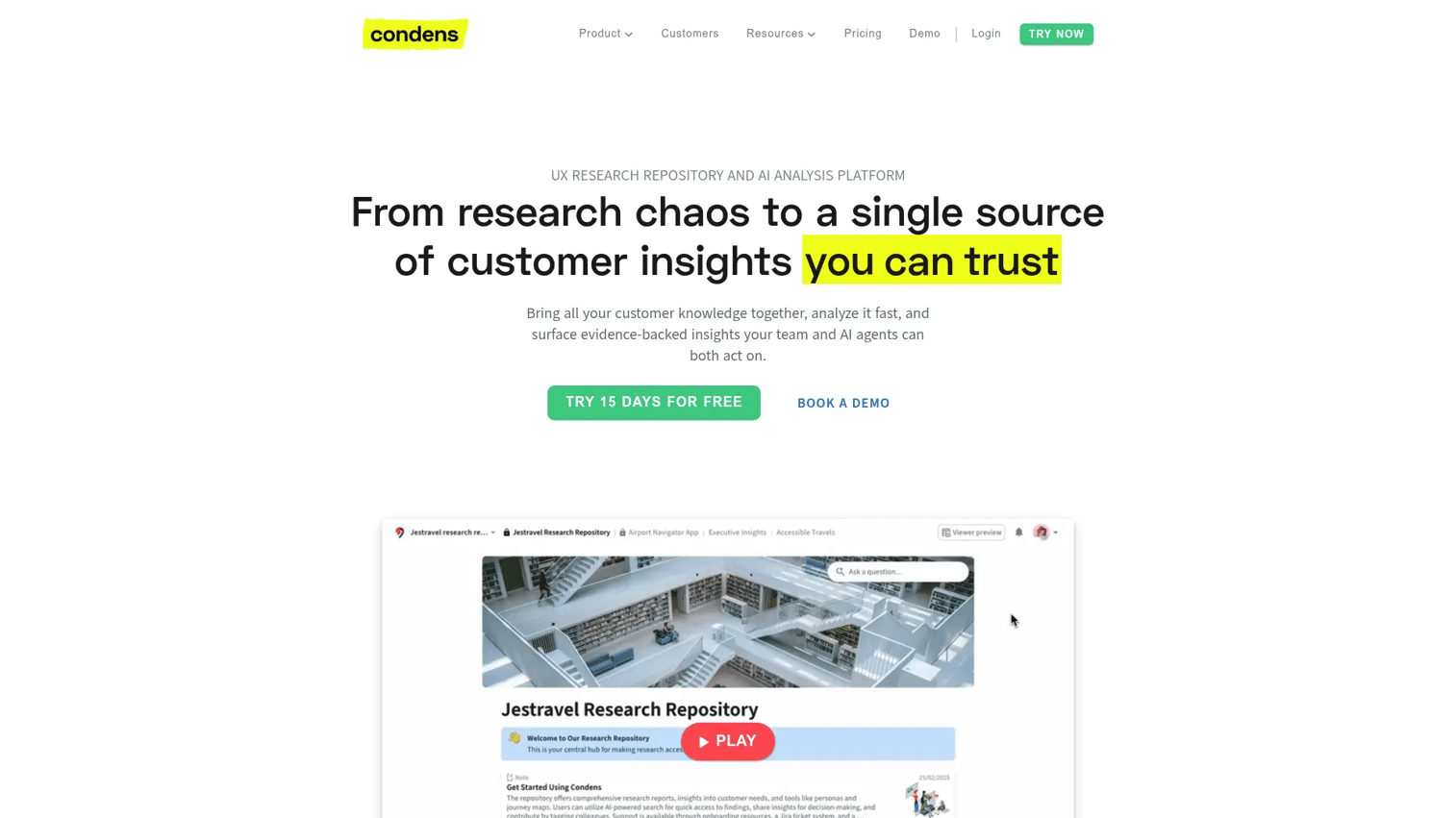
Condens is a purpose-built UX research repository and qualitative analysis platform. Teams use it to store, tag, analyze, and share research findings without switching between a transcription tool, a coding environment, and a separate knowledge base. AI-assisted tagging, auto-clustering, and related-evidence discovery reduce the manual work between raw interviews and stakeholder-ready insight.
Best for: UX research teams that need analysis and repository workflows in one tool.
Key features
- AI-powered transcription with speaker recognition and automated captions
- AI-assisted tagging, summaries, auto-clustering, and related-evidence discovery
- Research repository with global search, filters, and stakeholder sharing
- Customizable Insights Magazines for curated stakeholder views
- Participant management and project organization
Why choose Condens: Choose Condens when the team needs more than organized file storage and wants structured analysis tied to searchable findings. It suits research-led organizations where the bottleneck is synthesis, not just retrieval.
Condens pricing: Plans start at 15€ per month (Lite) for individual contributors. The Business plan runs 500€ per month billed annually and includes 5 contributors, unlimited viewers, repositories, and AI search. Enterprise pricing is contact sales.
G2 rating: 4.8/5
2. Aurelius
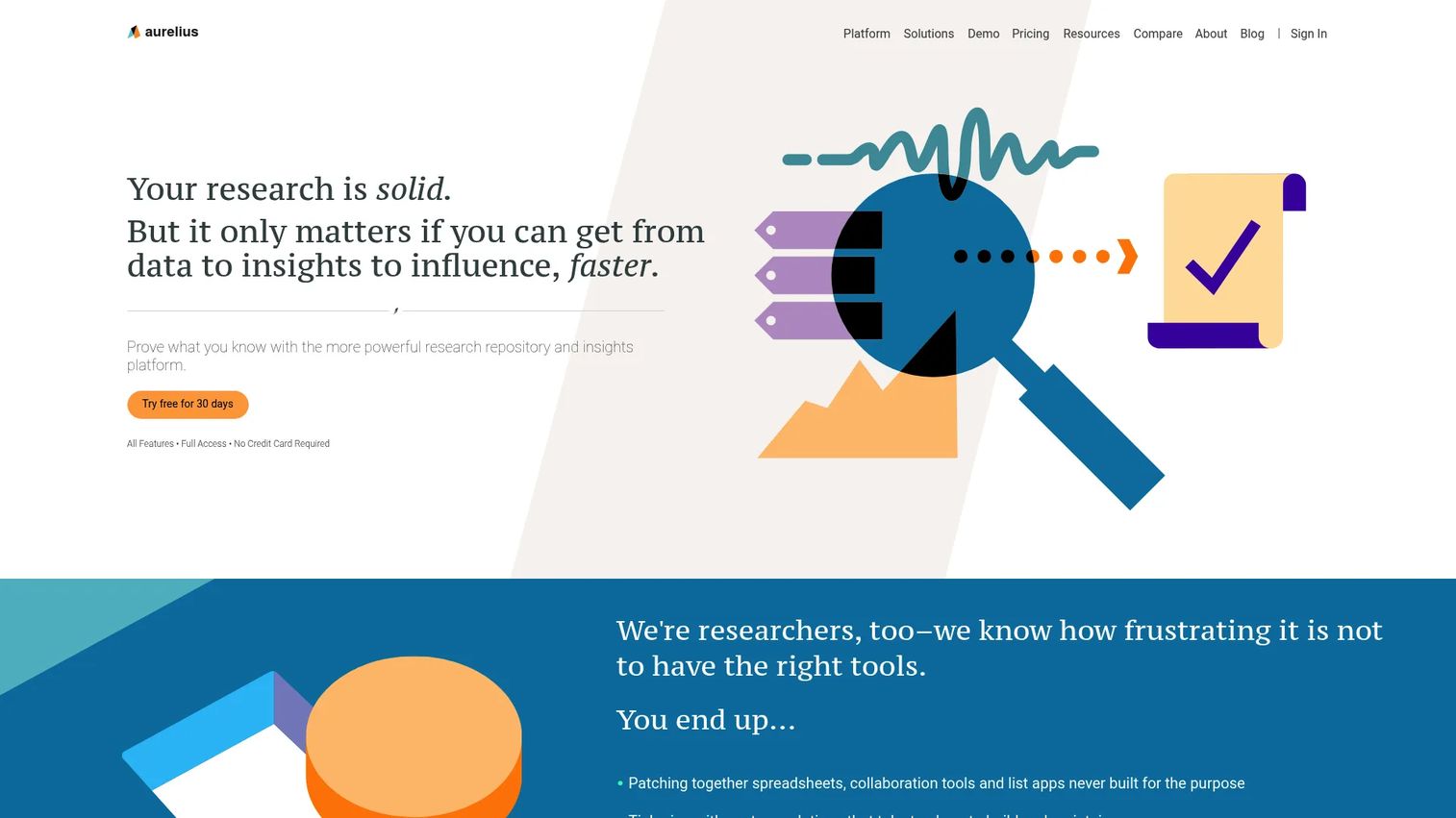
Aurelius is a research repository for tagging notes, organizing insights, and turning qualitative findings into shareable outputs. Its clearest differentiator for smaller teams is that all paid tiers include unlimited users, projects, and storage. A 30-day free trial is available.
Best for: Small to midsize research teams and solo UX researchers who want practical synthesis without enterprise overhead.
Key features
- Research repository with projects, notes, tags, and unlimited storage
- AI Assist for summaries and key themes
- Transcriptions, Zoom integration, clips, and highlight reels
- Analysis Board for affinity mapping and theme synthesis
- Cross-project search and report building
Why choose Aurelius: Aurelius suits teams that value straightforward research capture and synthesis over a large enterprise knowledge system. Unlimited users on paid plans removes the seat-cost anxiety common in research teams that grow quickly.
Aurelius pricing: Professional starts at $49 per month billed annually. Premium is $199 per month billed annually. Enterprise is contact sales.
G2 rating: No current G2 rating was available (N/A).
3. Dovetail

Dovetail is a customer intelligence platform for centralizing research and feedback, analyzing it with AI, and distributing insights across the organization. It handles interviews, transcripts, customer feedback, and research clips, making synthesized evidence searchable for stakeholders who never attended a session.
Best for: Growing product and research teams with high interview volume who need AI-assisted analysis and stakeholder-ready insight distribution.
Key features
- AI-powered chat, summaries, and semantic search
- Keyword and semantic search across all content
- Docs, highlight reels, and team collaboration
- Access control, redaction, and enterprise security
- Integrations and bulk import
Why choose Dovetail: Dovetail works well when research teams need a central place for raw data and synthesized evidence, with enough AI capability to reduce manual tagging time significantly. The free tier makes it accessible for individuals starting out.
Dovetail pricing: Free plan available at $0 for individuals with one channel and one project. Enterprise is custom pricing via sales.
G2 rating: 4.5/5
4. EnjoyHQ
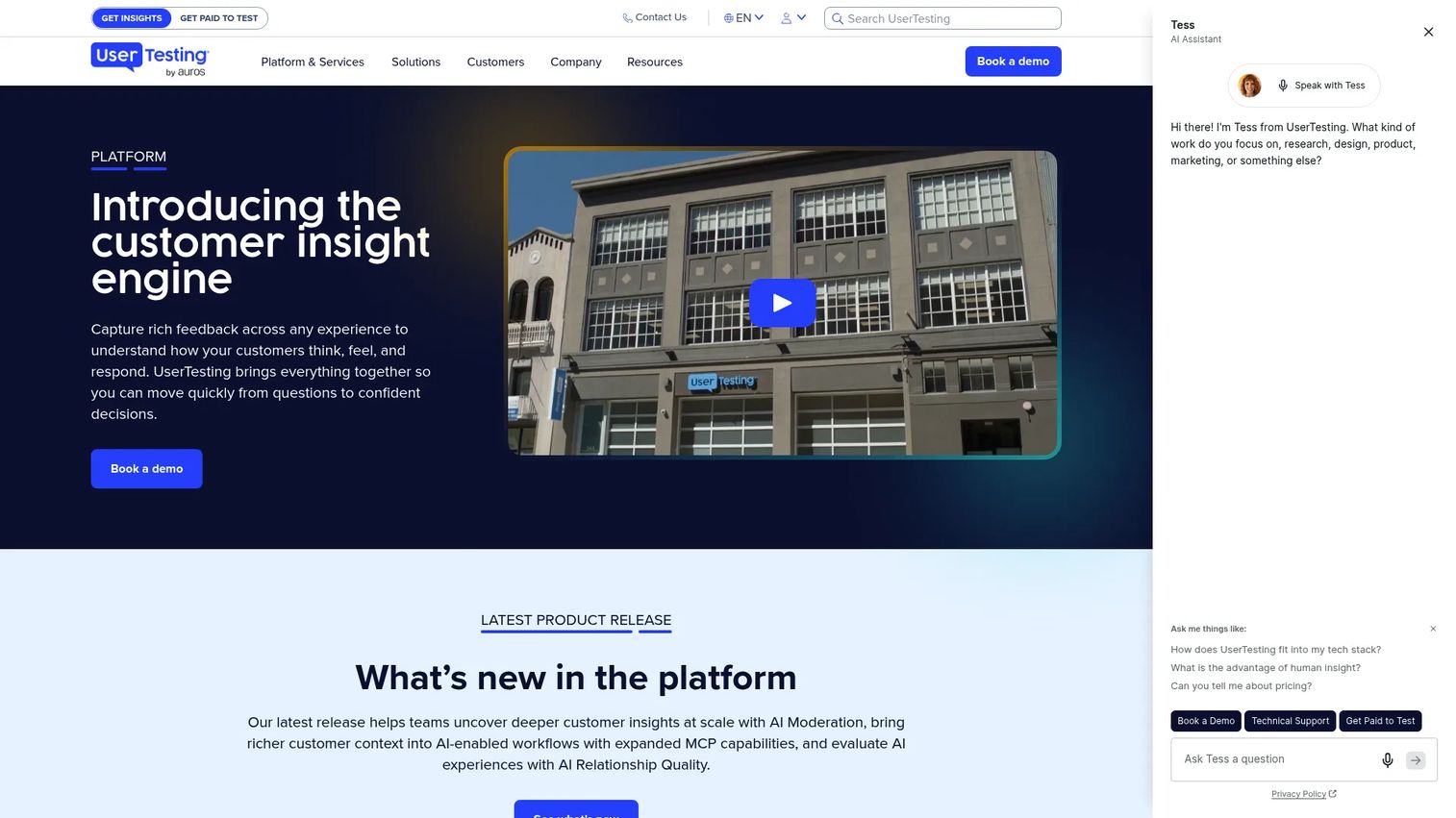
EnjoyHQ now redirects to UserTesting's Human Insight Platform. UserTesting provides AI-powered feedback analysis, unmoderated and moderated research methods, transcripts, sentiment analysis, and integrations with design and collaboration tools.
Best for: Enterprise UX, product, and marketing teams conducting research at scale within a broader research operations model.
Key features
- AI-powered feedback analysis and insight discovery
- Unmoderated tests, surveys, and think-aloud studies
- Moderated live conversations
- Transcripts and sentiment analysis
- Integrations with Jira, Figma, and team communication tools
Why choose EnjoyHQ: Choose this option when research visibility across product, design, and customer-facing teams is the primary goal, and when budget supports an enterprise platform. Pricing is contact sales across all current tiers.
EnjoyHQ pricing: All current plans (Advanced, Ultimate, Ultimate+) are contact sales with no public figures.
G2 rating: N/A (product now part of UserTesting; no current standalone listing confirmed).
5. Google Drive
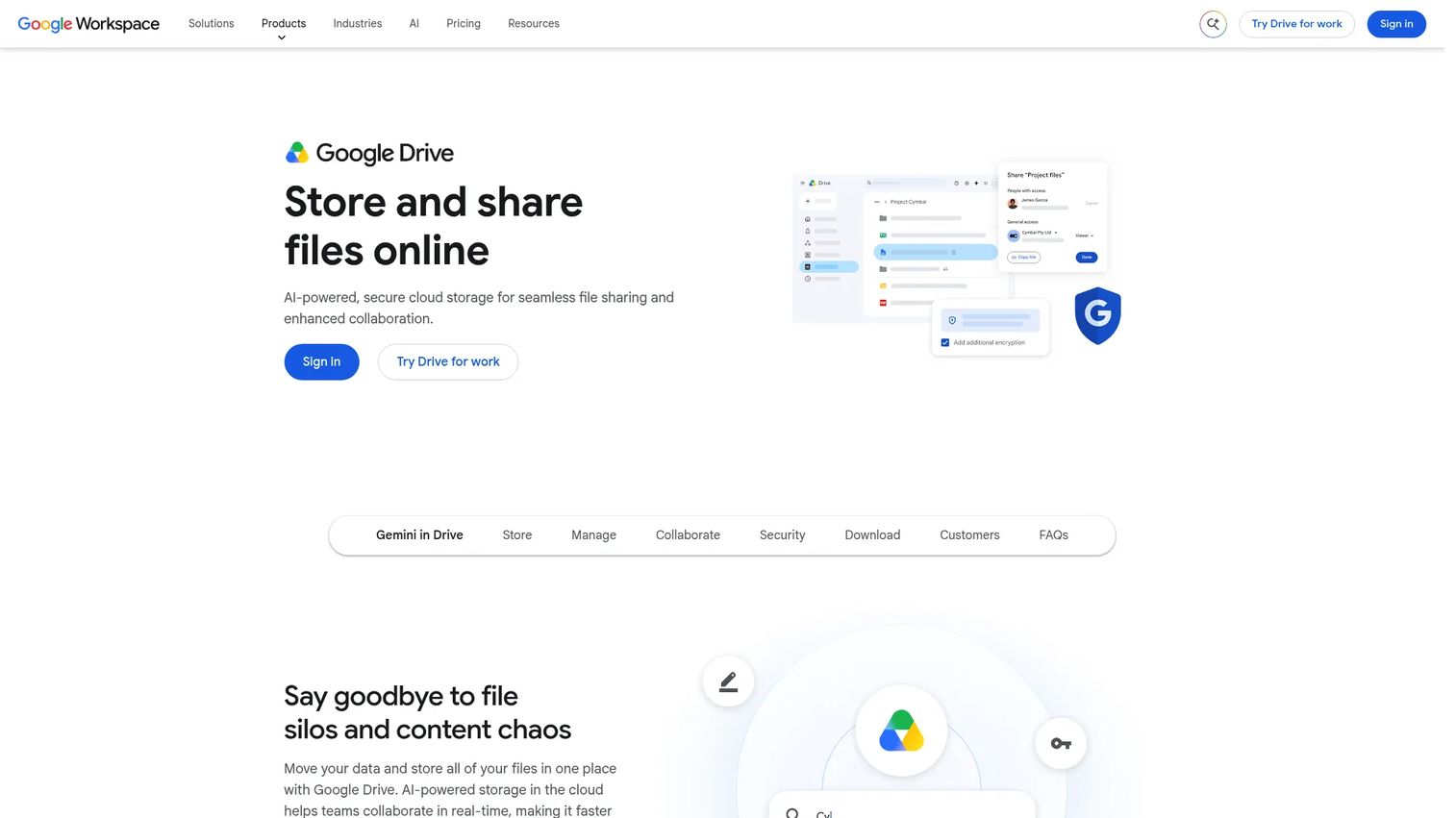
Google Drive is a cloud storage platform that many early-stage teams use as a lightweight research repository before buying dedicated software. It works when the team has naming discipline, consistent folder templates, and shared access controls. The moment research volume grows, manual governance becomes the bottleneck.
Best for: Early-stage teams that need low-cost, familiar storage before the research operation outgrows folder-based organization.
Key features
- Shared folder structure and file organization
- Docs, Sheets, and Slides integration
- Access permissions and sharing controls
- Full-text search across Drive
- Gemini-powered search and file answers
Why choose Google Drive: Choose it for the first six months of a research practice when the team has fewer than 20 studies and does not yet need tagging, synthesis, or cross-project search. Plan a migration path before content volume makes it painful.
Google Drive pricing: Google Workspace Business Starter is $7 per user per month. Business Standard is $14 per user per month. A personal Google account includes 15 GB at no cost.
G2 rating: N/A (no current overall rating displayed on G2 for Google Drive as a standalone product).
6. Trello
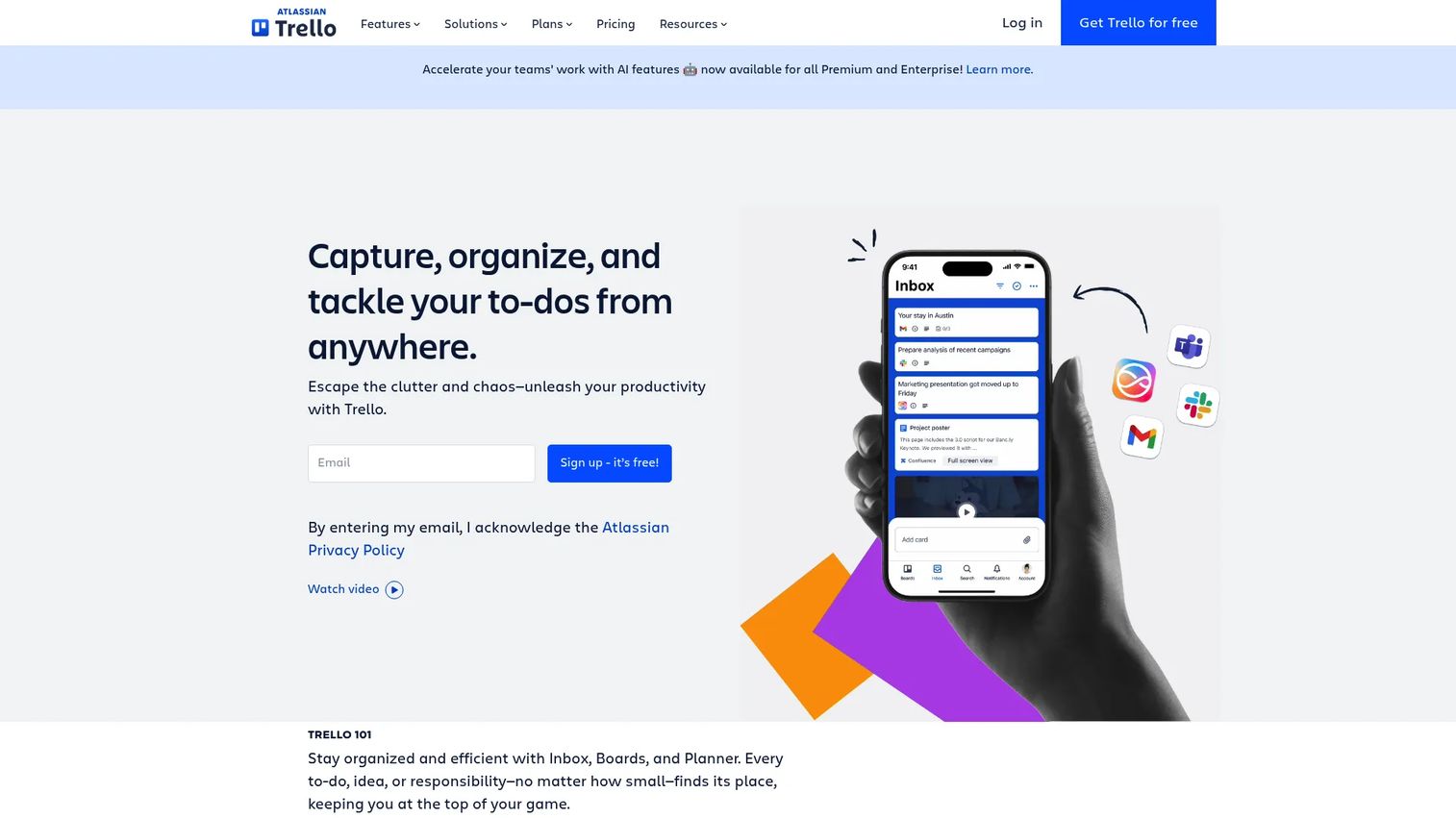
Trello is a visual project management tool. Teams use it as a research workaround by organizing finding cards by theme, product area, or study. It is not a research repository in the dedicated sense, but it works when the research output is shallow and the team values a visual board over deep search.
Best for: PMs who want a visual board for research themes and follow-up action tracking without investing in a dedicated tool.
Key features
- Kanban boards with cards and labels
- Checklists and attachments on cards
- Built-in automation for recurring tasks
- Templates and multiple board views
- Power-Ups and integrations
Why choose Trello: Choose Trello when research is lightweight and the main goal is organizing themes into visible workstreams. It breaks down quickly for teams that need cross-project search, tagging hierarchies, or participant management.
Trello pricing: Free plan available for up to 10 collaborators per workspace. Standard is $5 per user per month billed annually. Premium is $10 per user per month billed annually.
G2 rating: 4.4/5
7. UserZoom
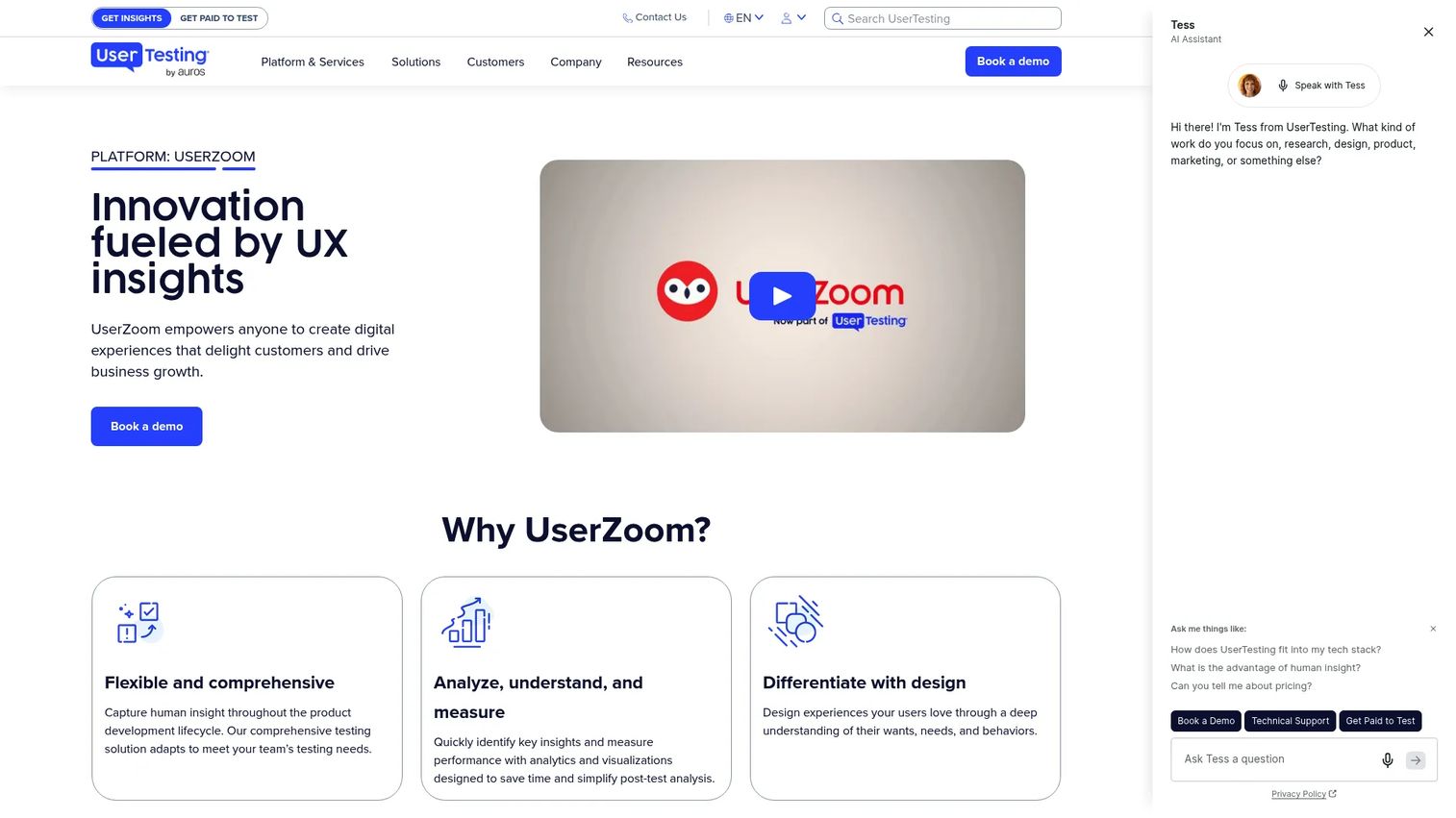
UserZoom is an enterprise UX research platform that now operates under UserTesting. It covers usability testing, participant recruitment, moderated studies, automated transcripts, and highlight reels. The repository component sits within a broader research execution workflow rather than as a standalone knowledge base.
Best for: Enterprise UX teams running continuous usability and research programs that need execution and repository capabilities in one platform.
Key features
- Usability testing, surveys, and information architecture studies
- Participant recruitment with demographic filters
- Moderated studies with virtual observation rooms
- Automated transcripts and timestamped notes
- Video clips and highlight reels for sharing insights
Why choose UserZoom: Choose it when the repository is part of a broader UX research operating model, not a standalone storage need. Pricing is contact sales and scales to enterprise contracts.
UserZoom pricing: Pricing is handled by sales. The official page describes plans scaling from early-stage startups to enterprise teams but displays no figures.
G2 rating: N/A (current G2 results for UserZoom refer to UserTesting; no standalone UserZoom rating was confirmed).
8. Stravito
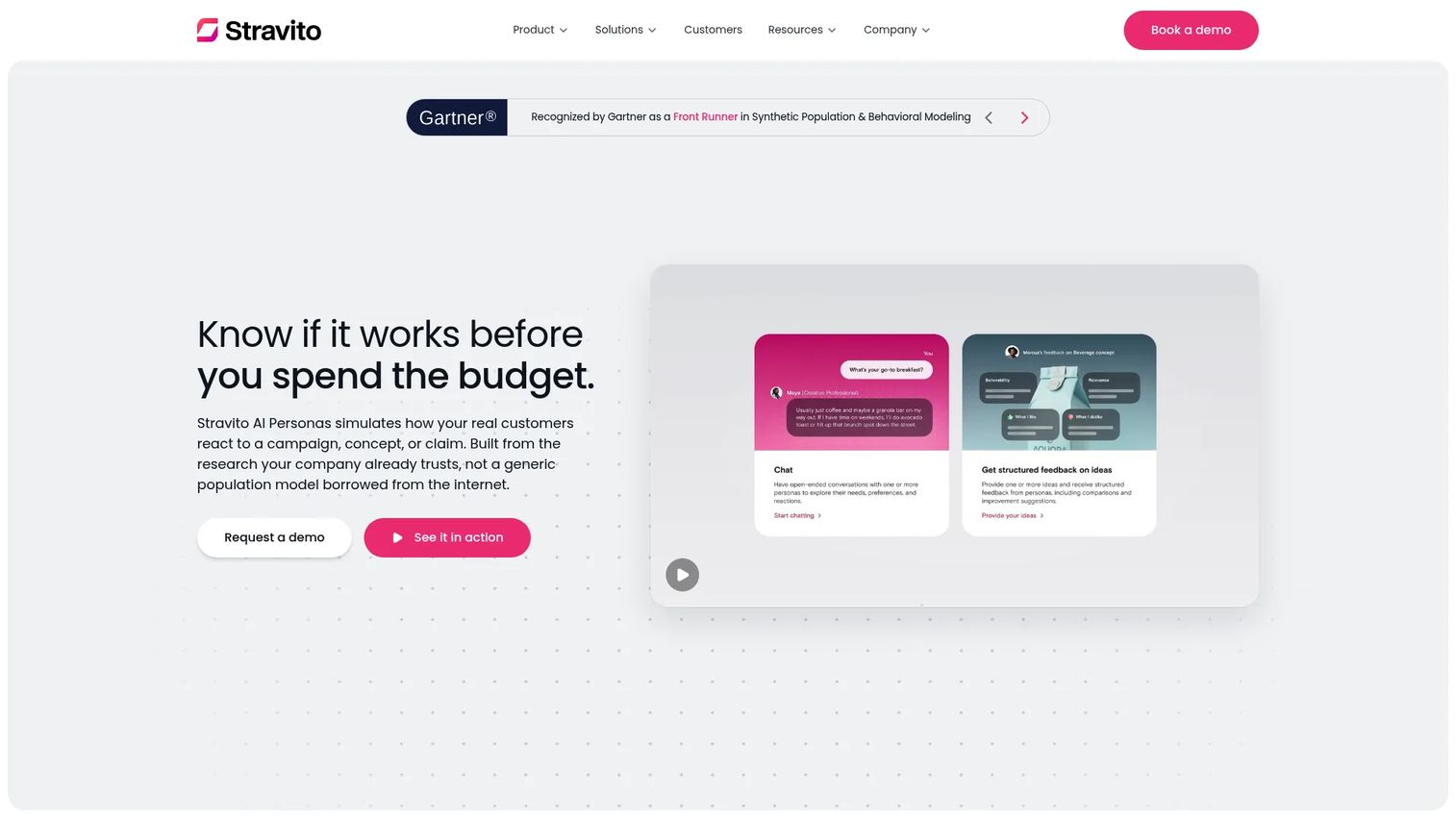
Stravito is an AI-powered enterprise insights platform that makes research and market knowledge searchable across large organizations. It serves teams that need insight access across business units, not just within a research function. AI Personas let teams test concepts against research-based consumer profiles.
Best for: Large organizations with multiple teams and business units that need curated insight access and AI-assisted knowledge discovery.
Key features
- Insights Library for centralizing and searching organizational research
- AI Assistant with source-cited answers and evidence analysis
- AI Personas for testing campaigns and messaging against research profiles
- Integrations with research providers, storage systems, and APIs
- Research project management with workflows, budgets, and timelines
Why choose Stravito: Choose Stravito when the main problem is insight discoverability across many teams rather than analysis of individual studies. It is best suited to organizations where research investments need to reach strategy, marketing, and product simultaneously.
Stravito pricing: Pricing is customized based on plan, AI capacity, add-ons, and services. A free trial is available. Contact sales for a proposal.
G2 rating: 4.7/5
9. Great Question
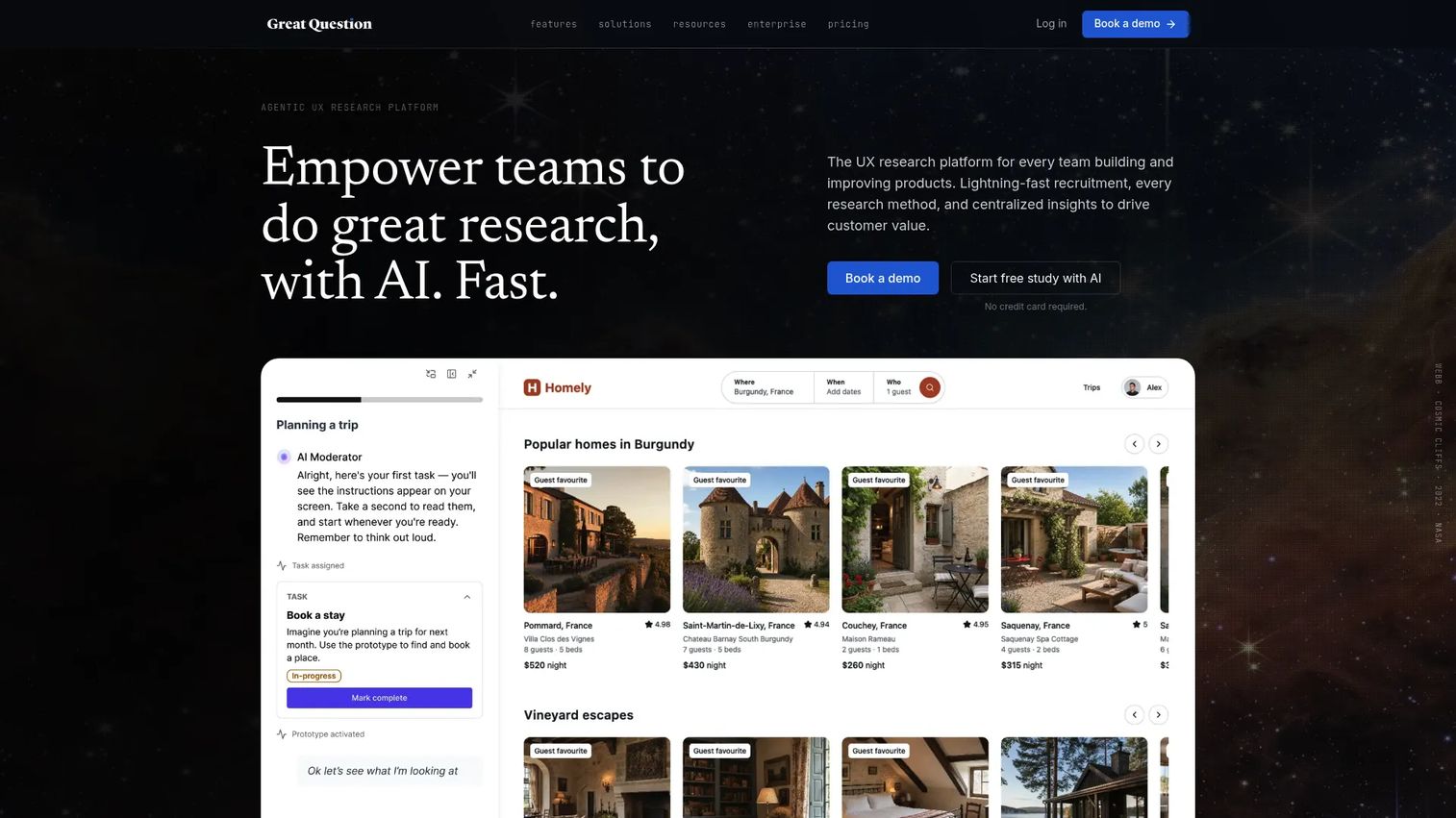
Great Question is a research operations platform that combines participant recruitment, study scheduling, incentive management, and repository organization. It is the most complete option for teams whose bottleneck is operationalizing research, not just storing it. A 2025 Great Question survey found that 85% of UX research teams reported having a central repository, showing how widespread the need has become.
Best for: UX, product, and insights teams that need ResearchOps infrastructure alongside a research repository.
Key features
- Participant CRM with recruitment and scheduling
- AI-generated summaries, chapters, highlights, and tags
- Research repository with Ask AI and quote traceability
- Study templates for moderated interviews, surveys, and prototype testing
- Incentive workflows and automated follow-ups
Why choose Great Question: Choose Great Question when the bottleneck is running research studies and keeping outputs organized afterward. It covers the full cycle from participant sourcing through insight storage.
Great Question pricing: A 14-day free trial is available without a credit card. Self-serve plans start at $129 per seat per month, or $1,290 per seat billed annually. Enterprise pricing is custom with a minimum of five seats.
G2 rating: 4.7/5
10. Looppanel
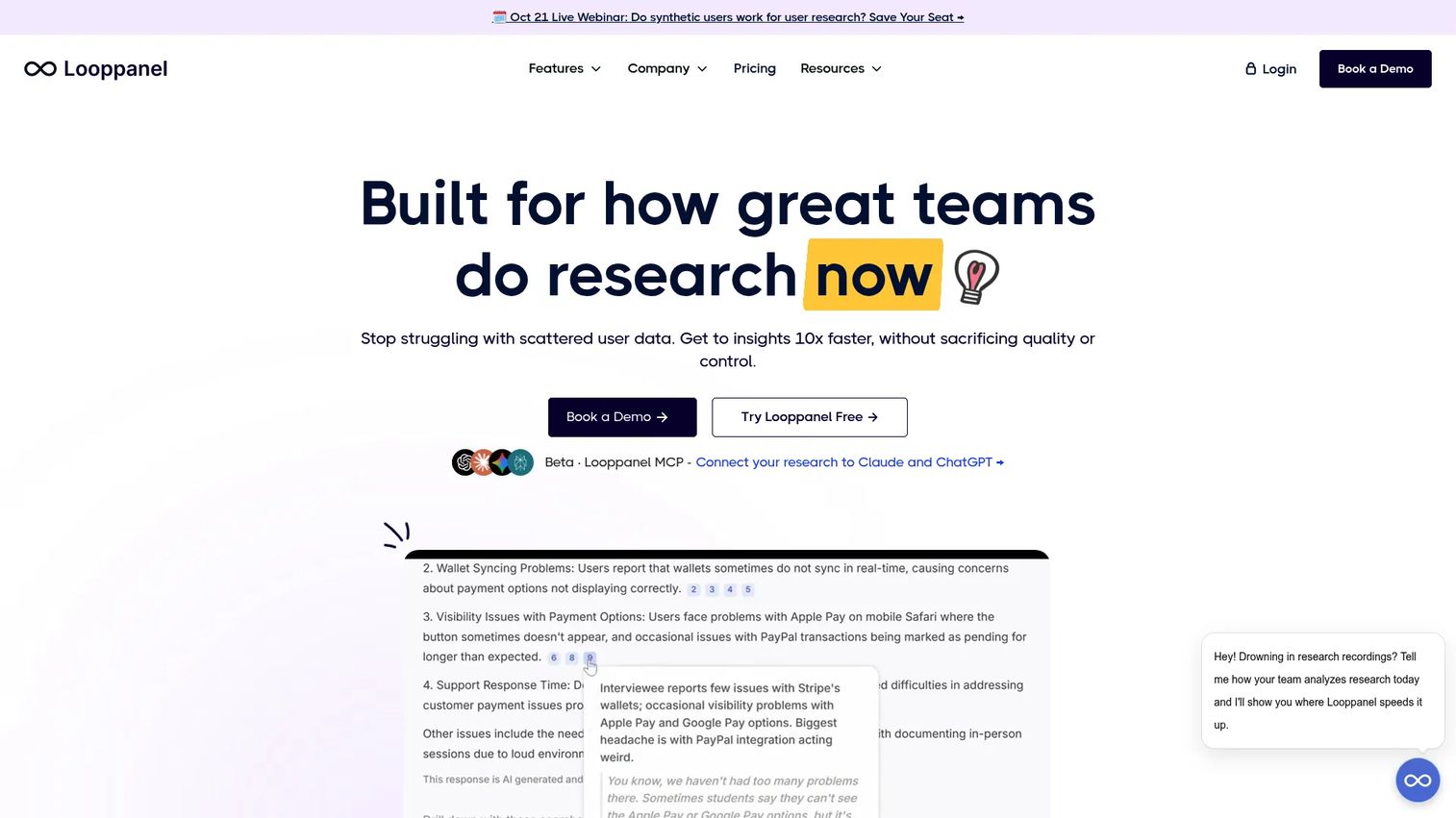
Looppanel is an AI-powered research analysis tool focused on interviews, call transcripts, and thematic synthesis. It automatically generates notes, tags themes, and creates video clips, reducing the time between a finished interview and a stakeholder-ready insight. The repository component makes findings searchable across sessions.
Best for: UX research teams that spend too much time turning interviews into themes and shareable evidence.
Key features
- AI-powered notes and analysis
- Automatic transcription and auto-tagging
- Searchable research repository across sessions
- Video clips and highlight reels
- Collaborative workspaces and insight sharing
Why choose Looppanel: Looppanel performs best when interview volume is high and the team needs faster synthesis rather than a broad enterprise knowledge platform. A 15-day free trial is available.
Looppanel pricing: Solo plan is $49 per month (or $540 per year). Pro plan is $395 per month (or $4,200 per year). Enterprise pricing is contact sales.
G2 rating: 4.6/5
11. Delve
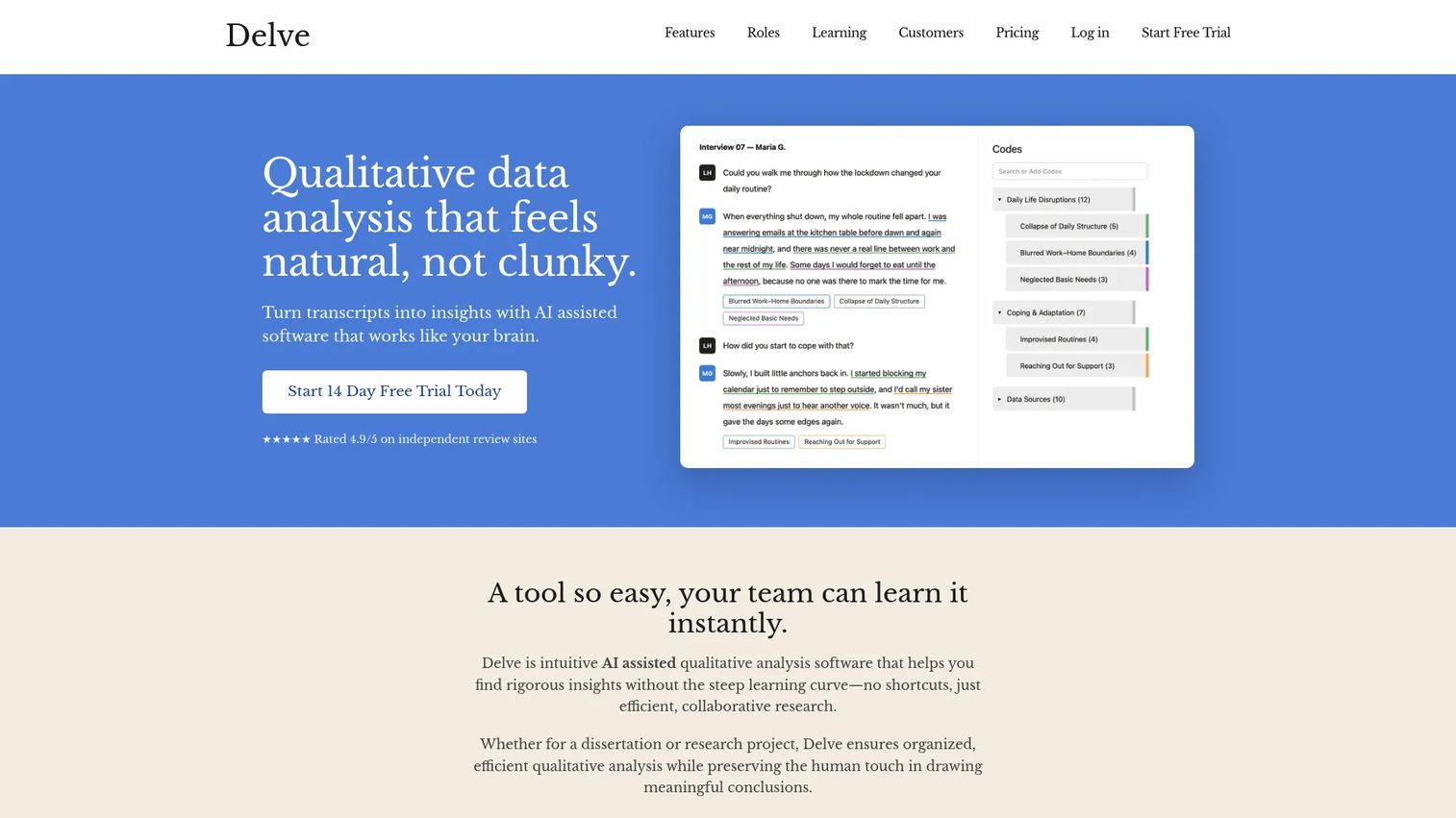
Delve is a qualitative data analysis tool built for researchers who need coding rigor. It supports nested codes, collaborative coding comparisons, and intercoder reliability scoring. It is a qualitative analysis environment first and a repository second.
Best for: Researchers and academic teams doing deep qualitative coding where methodological rigor is the priority.
Key features
- AI-assisted qualitative coding and analysis
- Transcript and survey coding with nested code structures
- Collaborative coding comparisons and intercoder reliability scores
- 14-day free trial available
Why choose Delve: Choose Delve when the team needs coding depth and collaboration on shared data rather than a broad organizational repository. It fits research-methods-heavy workflows better than PM-driven evidence management.
Delve pricing: Standard pricing is $50 per month per user. Education, institutional, and enterprise pricing is discounted or customized by request.
G2 rating: N/A (no confirmed rating for the Delve qualitative analysis product on G2).
12. UserBit
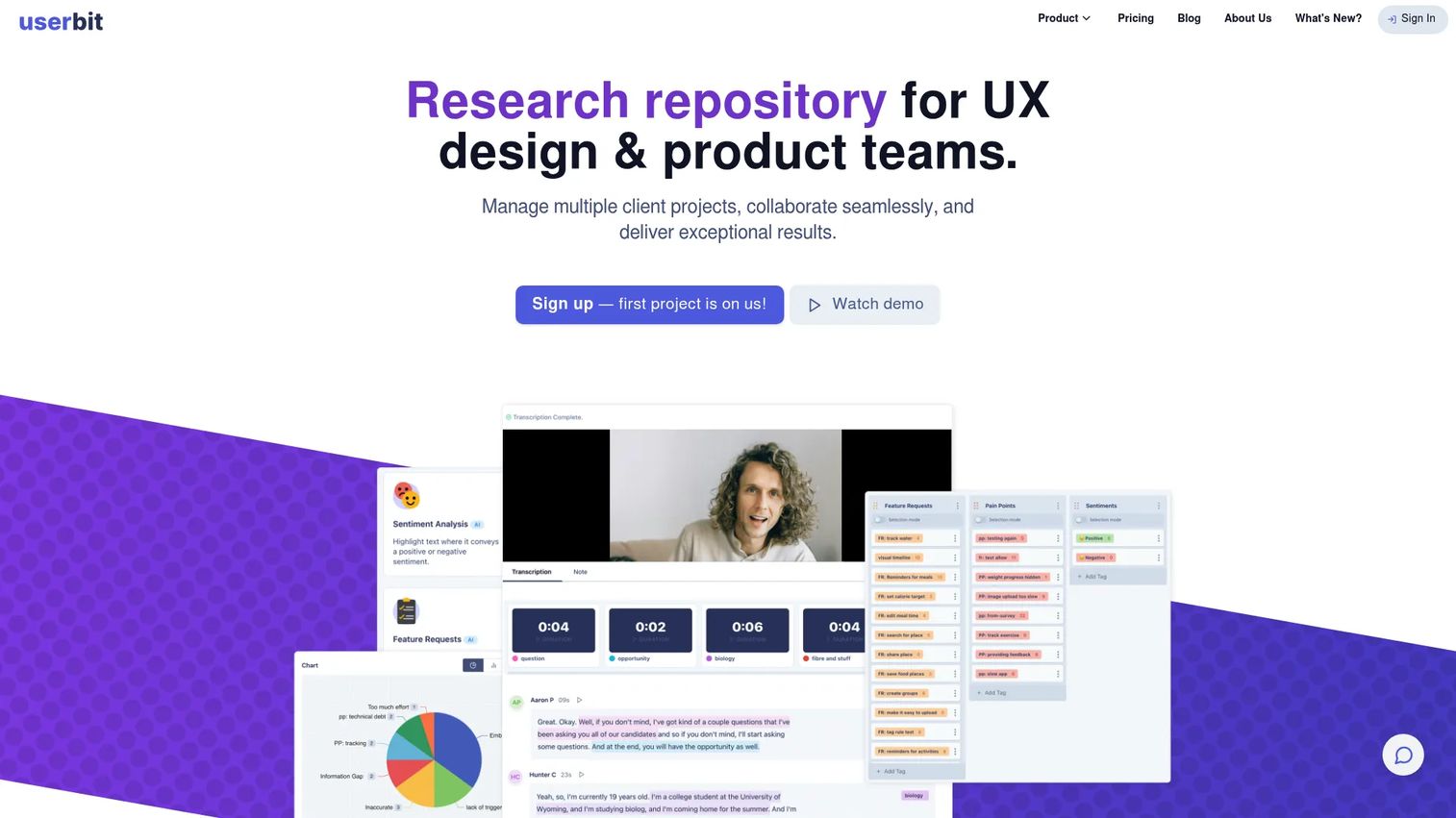
UserBit is a qualitative research tool that combines a research repository with UX artifact creation. Notes, tags, transcriptions, personas, journey maps, and research reports live alongside each other. A Client Portal allows sharing findings with stakeholders outside the team.
Best for: UX researchers and product teams that want insights connected directly to design artifacts like personas and journey maps.
Key features
- AI-powered audio and video transcription
- AI-assisted tagging and insight generation
- Research repository for interviews, surveys, notes, and media
- Personas, journey maps, user flows, and card sort studies
- Client Portal for sharing research findings
Why choose UserBit: Strong option when insights need to turn into design artifacts that product and design stakeholders can use without a separate output process. A free plan is available for teams getting started.
UserBit pricing: Free plan available (1 project). Pro Usage starts at $20 per month. Pro Unlimited is $199 per month billed annually. (Pricing sourced from G2 reviewer-reported ranges; the official pricing page was not publicly readable at time of writing.)
G2 rating: 4.7/5
13. Notion
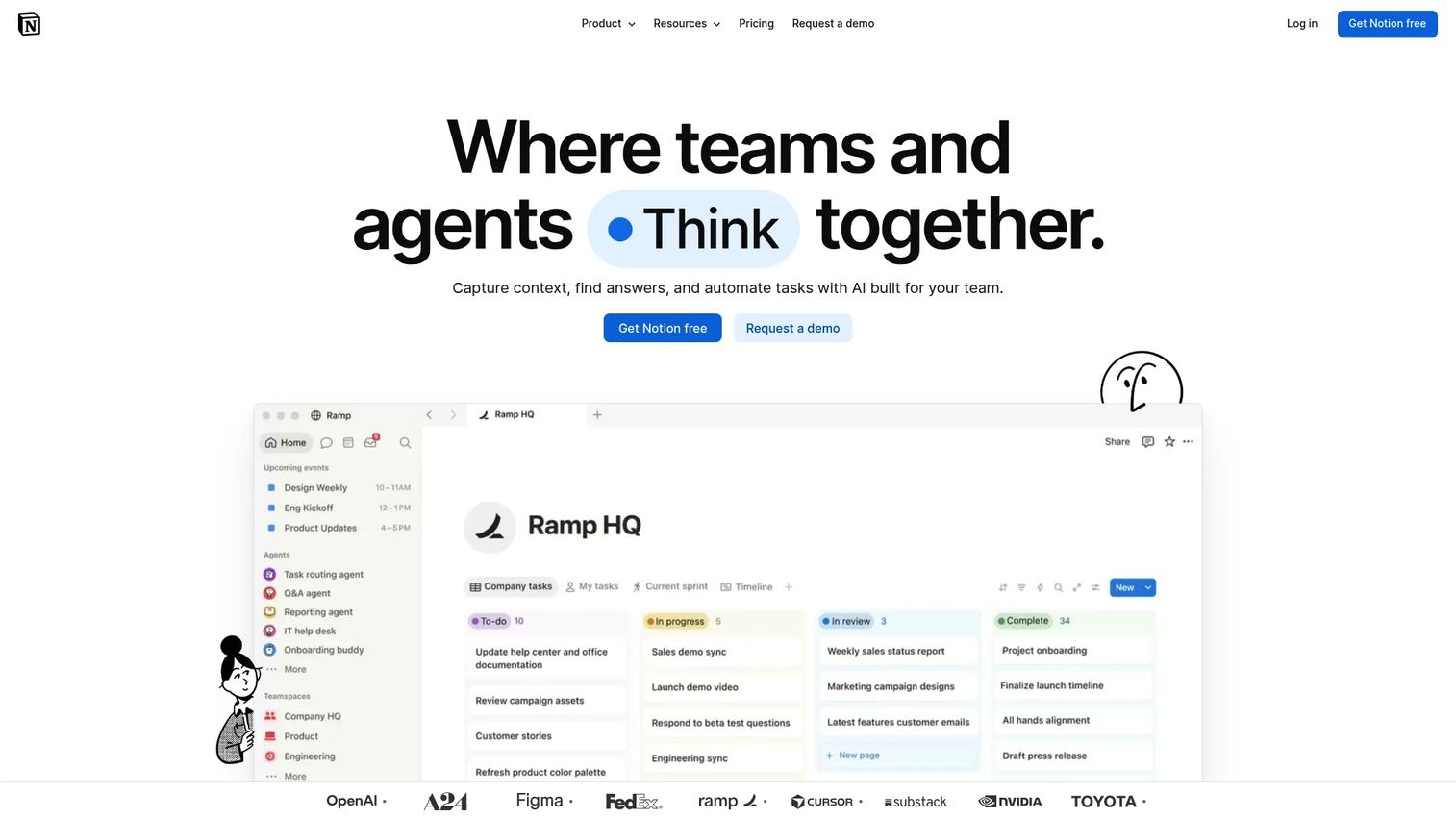
Notion is a flexible workspace for building custom research databases, documentation, and collaborative pages. Its strength is configurability. Its risk is that configuration becomes a project in itself. Success depends on building and maintaining good information architecture from the start.
Best for: PM-led teams building a lightweight, custom research repository with full control over structure.
Key features
- Custom databases with subtasks, dependencies, and custom properties
- AI-powered search and answers across the workspace
- Templates, forms, calendars, and integrations
- Linked pages and wiki-style organization
- Permissions and guest access controls
Why choose Notion: Choose Notion when flexibility matters more than specialized research analysis. It is a strong starting point for teams that already use it for other work and want to avoid introducing another tool. Governance discipline is the make-or-break factor.
Notion pricing: Free plan available. Plus is $10 per member per month. Business is $20 per member per month. Enterprise is custom pricing via sales.
G2 rating: 4.6/5
14. Confluence
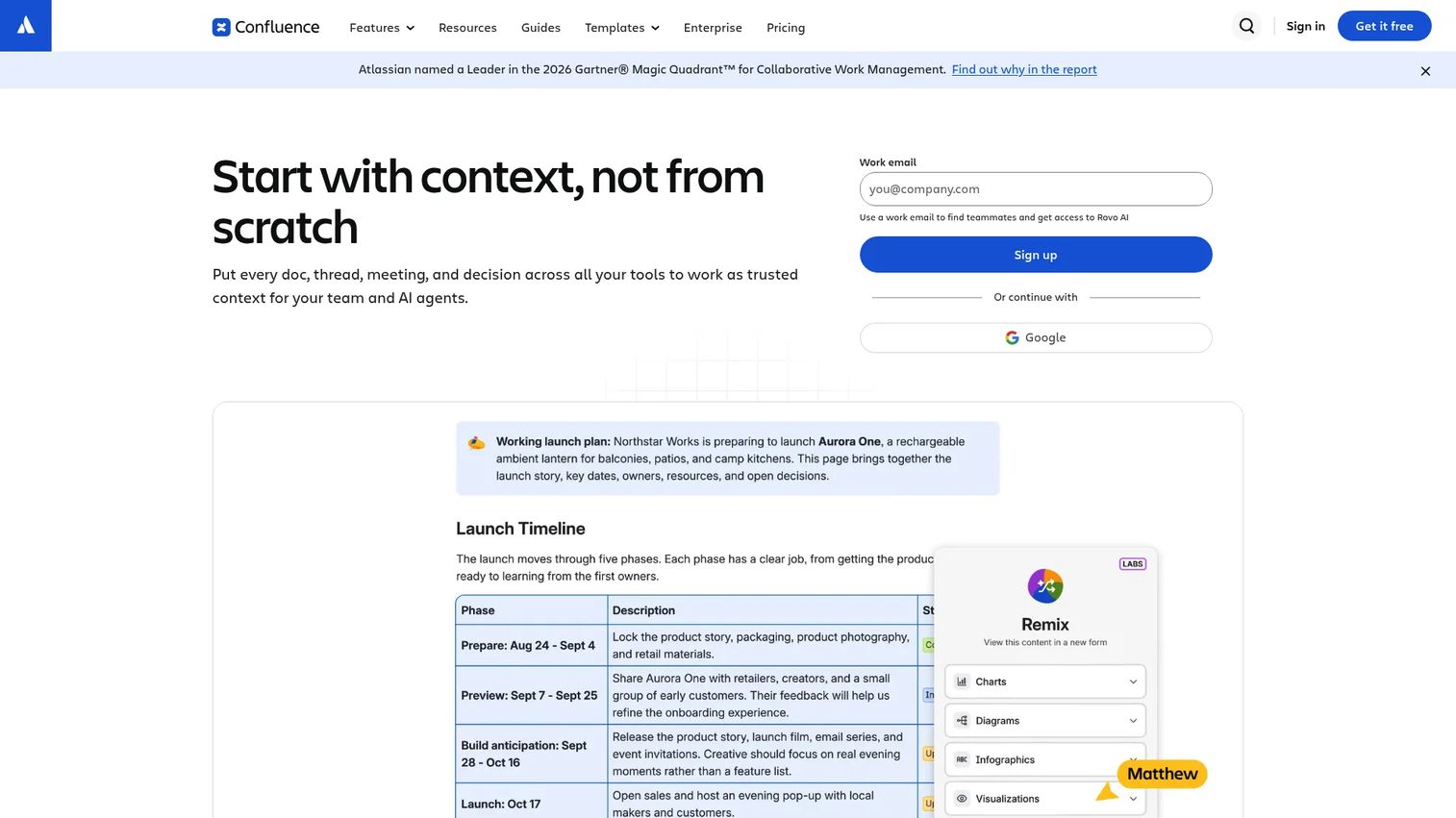
Confluence is a team knowledge base for creating, organizing, and sharing documentation. For Atlassian-heavy teams, it serves as a natural home for research plans, findings, decision logs, and product documentation because of its direct link to Jira.
Best for: Product teams already using Atlassian tools who want research findings to sit close to delivery documentation.
Key features
- Collaborative pages and spaces
- Whiteboards and databases
- AI-powered Rovo Search, Chat, and Agents
- Page templates and structured page trees
- Jira integration for linking research to delivery work
Why choose Confluence: Choose Confluence when research findings need to live close to product documentation and engineering context. It is less suited to qualitative synthesis or clip-based evidence than a dedicated research platform.
Confluence pricing: Free plan for up to 10 users. Standard is $5.78 per user per month. Premium is $11.16 per user per month. Enterprise pricing is contact sales and billed annually.
G2 rating: 4.1/5
15. Airtable
Airtable is an AI-powered platform for building relational databases, custom workflows, and internal applications. Teams use it as a structured research repository by creating tables for studies, participants, themes, and decisions, linked relationally. Custom views, filters, and forms make it adaptable to many research operations models.
Best for: Teams that want a structured research database with relational metadata and custom fields, without a dedicated UX platform.
Key features
- Relational tables with custom fields and views
- Automations and app building
- AI agents and AI-powered workflows
- Forms for collecting research inputs
- Governance and security controls
Why choose Airtable: Choose Airtable when the team needs structure, filtering, and custom metadata across research artifacts. It requires more configuration than a dedicated repository but gives significant control over taxonomy and data relationships.
Airtable pricing: Free plan available. Team is $20 per user per month billed annually. Business is $45 per user per month billed annually. Enterprise Scale is custom pricing.
G2 rating: 4.6/5
16. Figma
Figma is a product development platform used for design, prototyping, and collaboration. FigJam boards within Figma support affinity diagrams, journey maps, and research synthesis. The limitation is long-term governability: FigJam is optimized for workshop output, not for searchable, persistent research storage.
Best for: Design and product teams synthesizing research visually during active discovery, close to ongoing design work.
Key features
- FigJam boards for affinity mapping and synthesis
- Collaborative multiplayer editing
- Design system libraries and component sharing
- Dev Mode for design-to-code handoff
- Templates and team libraries
Why choose Figma: Choose Figma when research synthesis needs to stay close to design exploration. Do not use it as a primary repository for long-term knowledge management. Board content tends to go stale between sprints.
Figma pricing: Starter plan is free. Professional full seats start at $16 per month. Organization full seats start at $55 per month billed annually. Enterprise full seats start at $90 per month billed annually.
G2 rating: 4.6/5
17. Jira
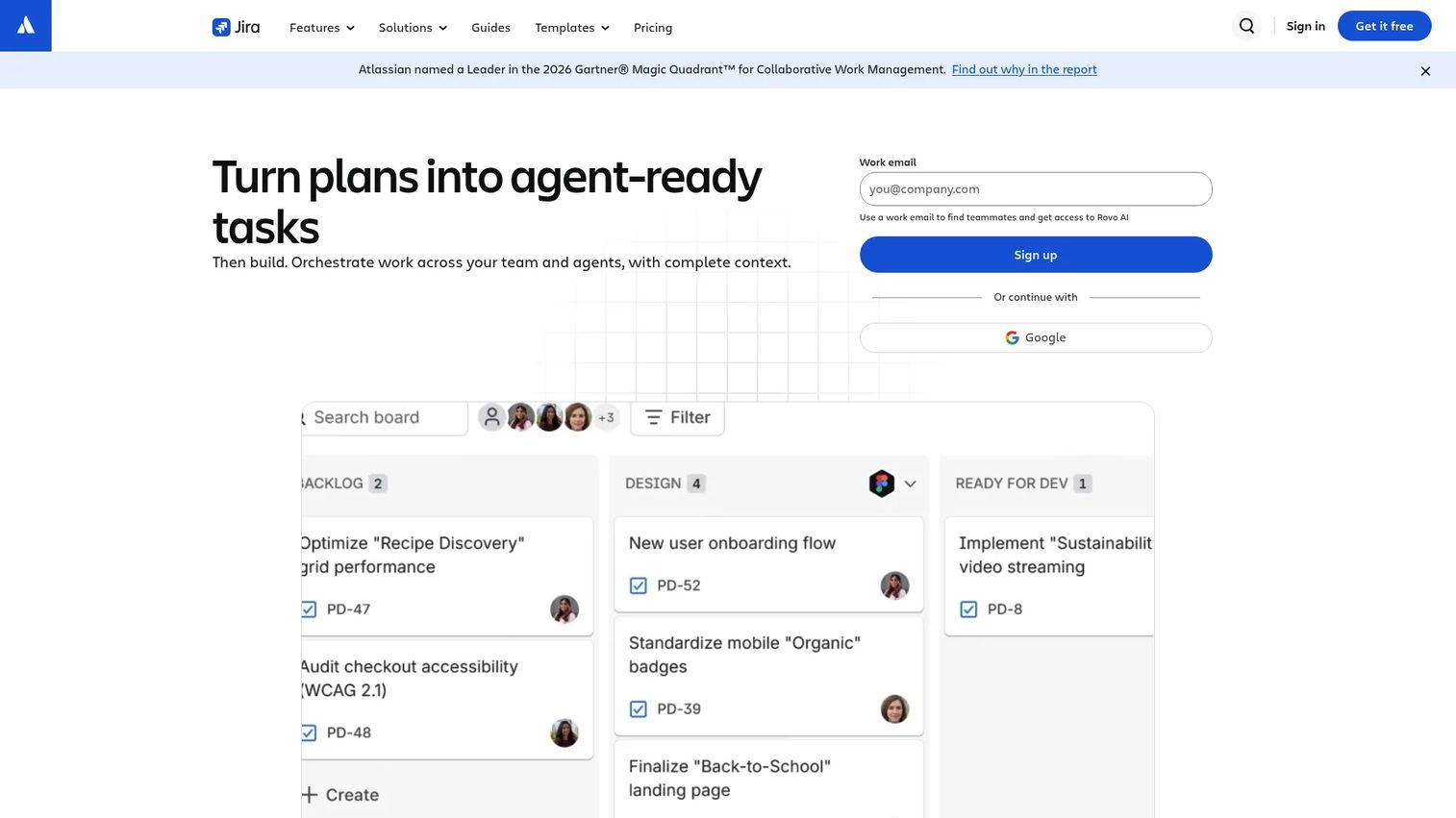
Jira is a project management tool for planning, tracking, and delivering product work. Teams use it to attach research evidence to epics and feature requests, creating traceability from customer signal to shipped work. It is not a research repository on its own. Combined with Confluence, it forms a reasonable lightweight research knowledge system for Atlassian shops.
Best for: Product teams that need findings linked to delivery work, where research traceability is the primary goal.
Key features
- Boards, lists, timelines, and calendar views
- Custom fields and work-item types
- Rovo AI Search and AI-agent integrations
- Automation and dependency management
- 3,000+ integrations including Confluence
Why choose Jira: Choose Jira when the priority is traceability from research evidence to shipped product work. Use it alongside a research repository or Confluence pages rather than as a standalone evidence store.
Jira pricing: Free plan available for up to 10 users. Standard, Premium, and Enterprise plans are available; paid plan pricing was not publicly displayed at time of writing.
G2 rating: 4.5/5
18. SharePoint
SharePoint is Microsoft's document management and collaboration platform. For enterprise teams on Microsoft 365, it provides controlled research storage, permissions, version history, and metadata columns. Without strong metadata discipline and consistent templates, it behaves like a file server rather than a research knowledge system.
Best for: Microsoft-centric enterprises where IT governance and document permissions take priority over dedicated research synthesis.
Key features
- Document libraries with version history and access control
- AI-powered intelligent search
- Metadata columns for structured file organization
- Microsoft 365 integration and real-time co-authoring
- Custom agents and AI workflows
Why choose SharePoint: Choose SharePoint when enterprise IT requirements drive the decision and the team needs controlled document governance. Pair it with a dedicated research analysis tool rather than treating it as the full research repository.
SharePoint pricing: SharePoint Plan 1 starts at $5.00 per user per month, billed annually.
G2 rating: 4.0/5
19. HeyMarvin
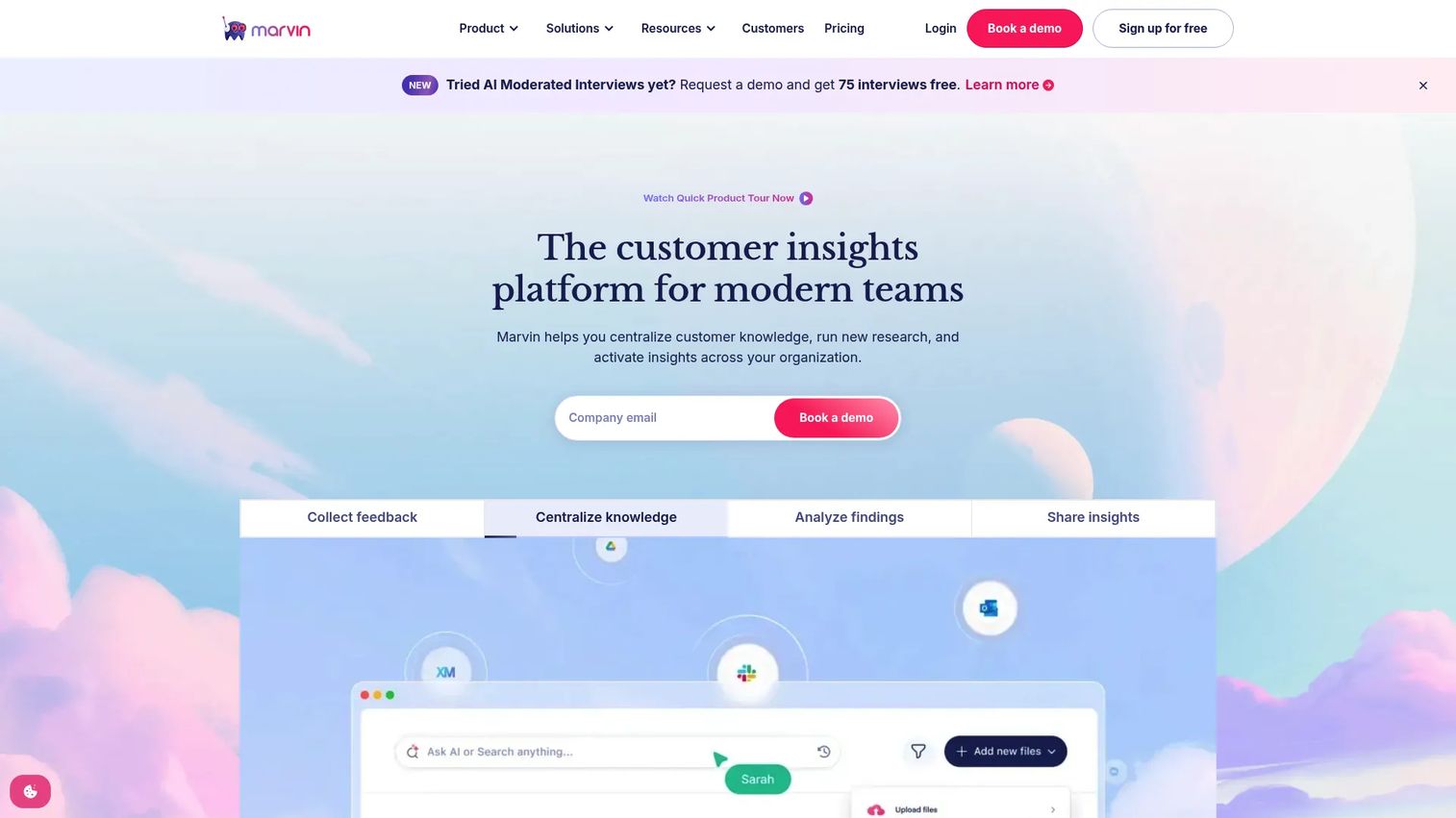
HeyMarvin is an AI-native customer insights platform that centralizes interview analysis, feedback, and knowledge into a searchable repository. Its Ask AI feature returns cited answers from stored research. Automatic PII redaction and role-based access make it a strong option for teams handling sensitive participant data.
Best for: Research, product, and design teams that want AI-assisted synthesis, cited answers, and participant data protection in one platform.
Key features
- AI-moderated interviews and AI notetaker
- Centralized knowledge hub with 30+ integrations
- Ask AI with cited answers from stored research
- AI-assisted qualitative, thematic, and emotion analysis
- Automatic PII redaction and role-based access
Why choose HeyMarvin: HeyMarvin works well when teams need faster access to patterns across interviews and want cited answers rather than manual search. The free plan allows small teams to start without a budget commitment.
HeyMarvin pricing: Free plan available with five file uploads per month. Starter, Pro, and Enterprise tiers are contact sales.
G2 rating: 4.8/5
20. Chisel
Chisel is an AI-powered product management platform that combines roadmap planning, customer feedback, idea management, and team alignment. Its Idea Box and feedback portal make it a lightweight research repository for PMs who want customer signal close to prioritization decisions rather than in a separate research system.
Best for: PMs who want customer feedback and research inputs to feed roadmap prioritization without managing a separate repository.
Key features
- AI PM Agent for PRDs, user stories, and feedback classification
- Centralized customer feedback repository and Idea Box
- Feedback portals, surveys, and audience research
- Flexible roadmap views including Treeview, Kanban, and Timeline
- Integrations with Jira, Azure DevOps, GitHub, Slack, Zendesk, and Salesforce
Why choose Chisel: Useful when research evidence needs to feed product planning more directly than a standalone repository allows. It is a PM-first tool, not a UX research platform, so qualitative coding depth is limited.
Chisel pricing: Starter plan is $9 per maker per month. Enterprise pricing is contact sales.
G2 rating: 4.7/5
21. Maze
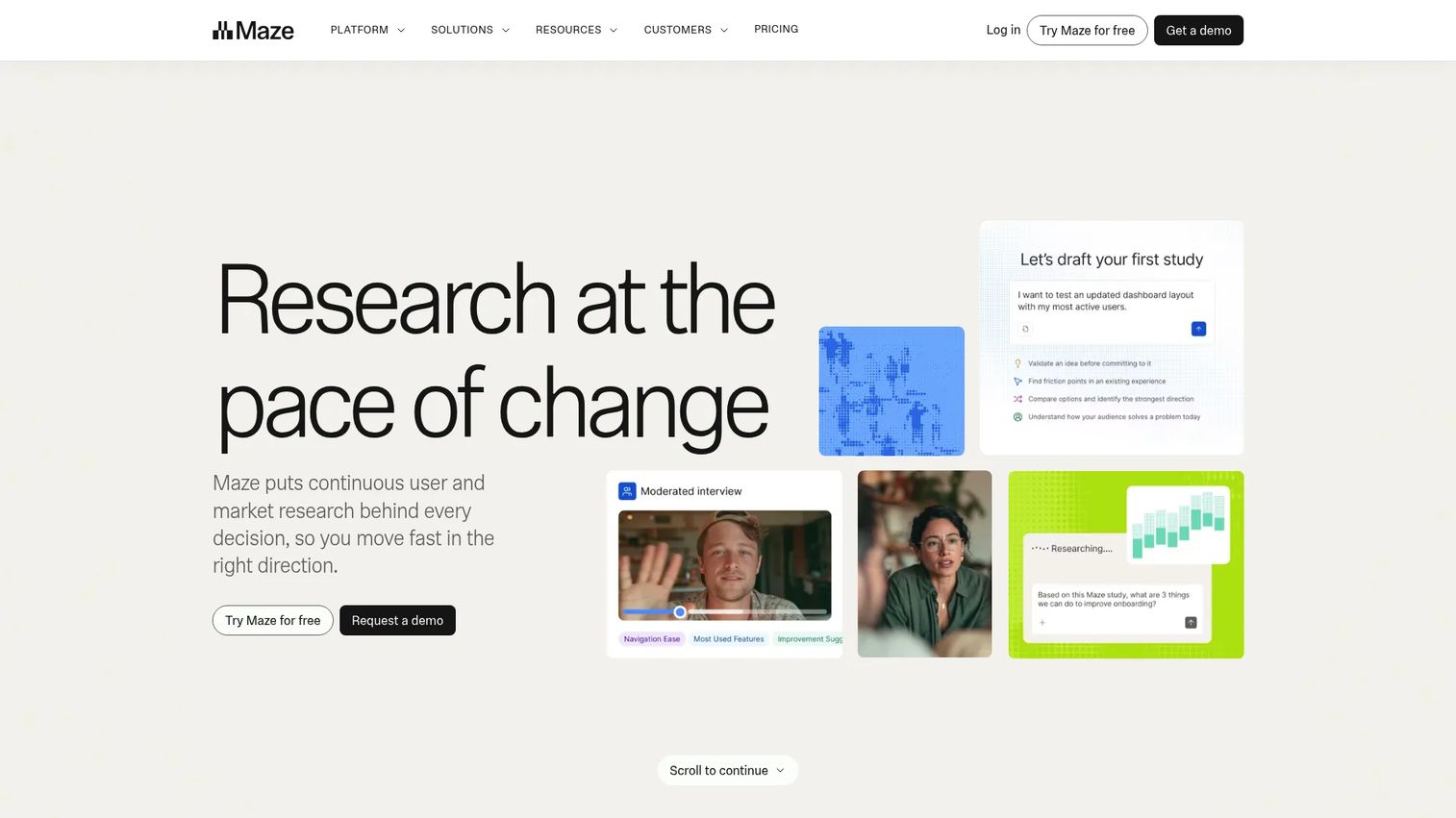
Maze is a user research platform for running prototype tests, surveys, AI-moderated interviews, and usability studies. It stores findings and generates automated reports, positioning it as a continuous discovery tool rather than a qualitative repository. Research operations teams use it for repeatable testing alongside a separate insights repository.
Best for: Product teams running frequent usability tests and product discovery studies who need research collection and reporting together.
Key features
- Prototype testing, surveys, and usability studies
- AI-moderated and moderated interviews
- Card sorting and tree testing
- Participant recruitment with panel credits
- Automated research analysis and shareable reports
Why choose Maze: Choose Maze when the team runs quantitative and mixed-method discovery studies at volume. Pair it with a dedicated qualitative repository for deeper interview storage and synthesis.
Maze pricing: Free plan available (one study per month, five seats). Starter is $99 per month. Enterprise is custom pricing.
G2 rating: 4.5/5
Considerations when choosing a user research repository
Decide whether you need analysis or storage
The most important question before buying is whether the team needs to analyze research or retrieve it. Document libraries handle retrieval of complete files. Purpose-built repositories handle tagging, synthesis, participant tracking, and cross-project search. Buying an analysis tool for a storage problem, or vice versa, wastes budget and adoption energy.
Build taxonomy before migration
Taxonomy is the difference between a repository that gets used and one that becomes a well-organized archive nobody searches. Start with five to eight tags: Product area, persona, research method, segment, theme, and decision status. Too many tags create maintenance drag that outlasts any migration effort. Document the taxonomy in the repository itself so new team members follow it.
Check permissions and participant privacy
Research repositories often contain participant names, session recordings, verbatim quotes, and commercially sensitive feedback. Before choosing a tool, confirm role-based access controls, consent management, PII handling, data retention policies, and geographic storage options. Involve legal, security, and ResearchOps stakeholders for regulated data. User Interviews (2023) found that researchers used an average of 13 tools to conduct research, which creates compounding data governance risk.
Look for stakeholder adoption signals
A repository that only researchers use has not solved the organizational problem. Evaluate whether the tool supports saved views, curated collections, share links, digest workflows, comments, and usage analytics. These features determine whether design, CS, sales, and leadership can self-serve customer evidence without asking researchers to brief them.
Connect research to product decisions
PMs need evidence tied to roadmap decisions, not just to individual studies. Look for integrations or workflows that connect insights to planning documentation, backlog tickets, or decision logs. Dovetail, Confluence with Jira, and Chisel each address this connection differently. Match the integration depth to how the team actually prioritizes.
Conclusion
Most teams pick the wrong repository for the wrong reason. They choose a purpose-built platform when a structured Notion database would have done the job at a third of the cost. Or they choose a document library and wonder why nobody searches it six months later.
The clearest heuristic: If your team produces more than two studies per month and has more than one researcher, a purpose-built tool pays for itself in synthesis time alone. Condens, Dovetail, HeyMarvin, and Looppanel lead for analysis-first teams. Great Question covers the full ResearchOps cycle. Stravito handles enterprise knowledge distribution at scale.
For PMs who need lightweight evidence organization: Notion and Airtable give enough structure to start, as long as someone owns the taxonomy. For Atlassian teams, Confluence and Jira create traceability from research to delivery without adding new software.
The best user research repository is the one your team can maintain through release cycles, research cadence changes, and shifting priorities. Start simple, plan the taxonomy before you migrate, and revisit governance every quarter.
For a broader view of the best user research tools across methods, that guide covers the full research stack beyond repository software.
FAQs
A user research repository is a centralized system for storing, organizing, searching, and sharing user research data, artifacts, and insights. It typically holds interview notes, transcripts, recordings, usability findings, customer quotes, survey summaries, research reports, and participant metadata. The key distinction from a file storage system is that a repository supports search, tagging, and evidence reuse across studies.
Core content includes raw research data (transcripts, recordings, notes), synthesized insights (themes, quotes, summary reports), research plans and study documentation, and participant metadata. More mature repositories also include decision logs that link evidence to roadmap choices. Participant data requires privacy controls, consent documentation, and appropriate retention policies.
The terms overlap significantly. UX research repository typically emphasizes usability, interaction, and experience research, including moderated sessions, prototype tests, and information architecture studies. User research repository can span broader customer discovery, product feedback, and market-facing user insights. In practice, most teams use the terms interchangeably.
Yes, for early-stage teams. Both are low-cost and familiar. The tradeoff is manual taxonomy governance, limited cross-project search depth, no native qualitative coding, and no participant permissions. Notion with a well-designed database structure outperforms Google Drive for this purpose. Plan a migration to a dedicated tool once interview volume exceeds two studies per month or team size grows beyond one researcher.
Strong triggers include repeated discovery on the same topics, more than two researchers working in parallel, stakeholder requests for self-serve research access, difficulty finding prior evidence before starting new interviews, and governance requirements around participant data. A Nielsen Norman Group survey (2024) found that only 9% of repositories were described as mature and thriving, partly because teams wait too long to invest in the right infrastructure.
Start with five to seven tags covering: Product area, persona, segment, research method, and primary theme. Add severity or decision status once the basic taxonomy is stable. The biggest mistake is creating too many tags at the outset. Tag sprawl makes every study harder to file correctly and every search less reliable. Audit the taxonomy quarterly and retire tags that nobody uses.
Ownership should sit with a named individual: A ResearchOps manager, a senior UX researcher, or a designated product and research lead. Unowned repositories degrade quickly. A Nielsen Norman Group survey (2024) found that 29% of repositories had no owner at all. Ownership responsibilities include taxonomy governance, permissions management, data hygiene, and stakeholder enablement.
Update after every study, interview batch, or major synthesis cycle. Do not batch updates to quarterly reviews. Studies added months after completion are filed with less context and tagged less consistently. Run a taxonomy and access control audit quarterly to remove stale content, retire outdated participant records per your data retention policy, and verify that governance documentation stays current.