You signed a lease for 200 desks two years ago. Hybrid hit. On a typical Tuesday, 80 are occupied. On Fridays, 12.
Office real estate sits behind payroll as the second-largest line item behind payroll at most growth-stage SaaS companies. The gap between leased capacity and actual usage is now visible to anyone who walks the floor at 3pm. It is also showing up on board agendas, where finance leaders are asking why the cost-per-occupied-desk has doubled since 2023.
The category that helps you answer that question is space management software. It connects desk and meeting room bookings, badge data, and floor plans into one view, so leadership can see what is being used and what is being paid for. Vendor data published by FM:Systems in 2026 describes typical capability as real-time occupancy tracking, interactive floor plans, desk and room booking, utilization reports, and scenario planning.
The harder question is which tool fits a 50, 150, or 500 person company without becoming the next bloated enterprise platform nobody opens. Renewal conversations, return-to-office policy decisions, and the next round of headcount planning all depend on getting this right. This guide ranks 14 tools so you can shortlist, pilot, and decide before the next lease cycle.
What's inside
This guide is built for Heads of Operations, Office Managers, COOs, and the founders signing off on the workplace stack at companies between 30 and 500 employees. It is not a generic vendor roundup.
We selected platforms based on four criteria that matter most when hybrid attendance is uneven and budgets are tight:
- Real utilization analytics, not just booking volume
- A booking experience employees actually use on mobile and inside their calendar
- Integrations with the workplace stack (messaging, calendar, identity, HRIS)
- Pricing transparency and fit for 50 to 500 person teams
Every pricing figure and rating below was verified against vendor pricing pages and live review listings.
TL;DR
- Best overall for hybrid offices: Robin, for combining polished booking with deep analytics
- Best for transparent SMB pricing: Skedda, starting at $99/month per space billed annually
- Best for Slack and Teams-first cultures: Officely, with a free tier for up to 5 users
- Best for visitor management plus desks: Envoy, with a free Basic plan
- Best for enterprise scenario planning: OfficeSpace, rated 4.7 on G2
- Best for sensor-driven occupancy intelligence: VergeSense, for portfolios layering data on top of an existing booking tool
- Best for IWMS-grade governance: Eptura Workplace
What space management software does
Space management software is a workplace platform that helps organizations book, allocate, and analyze the use of physical office space, including desks, meeting rooms, and shared resources, to support hybrid work and optimize real estate spend.
The category overlaps with what vendors also call office space management software, workplace management software, and workspace management software. It is broader than pure desk booking software or meeting room booking software, and narrower than full Integrated Workplace Management Systems (IWMS) that include lease accounting and capital projects.
Core capabilities across the category include:
- Desk booking and hot desking: Self-serve reservation of individual workstations
- Meeting room reservations: Room booking with calendar sync and check-in
- Interactive floor plans and wayfinding: Visual maps showing real-time availability
- Occupancy tracking and utilization analytics: Dashboards that turn raw usage into space utilization software metrics
- Scenario planning and capacity forecasting: Modeling what happens if you shed a floor or add a team
- Calendar, identity, and workplace tool integrations: Connections to Google, Microsoft 365, Slack, Teams, and SSO providers
- Sensor and badge data ingestion: Combining bookings with what actually happens in the building
- Workplace ticketing and services: Requests tied to specific desks, rooms, or floors
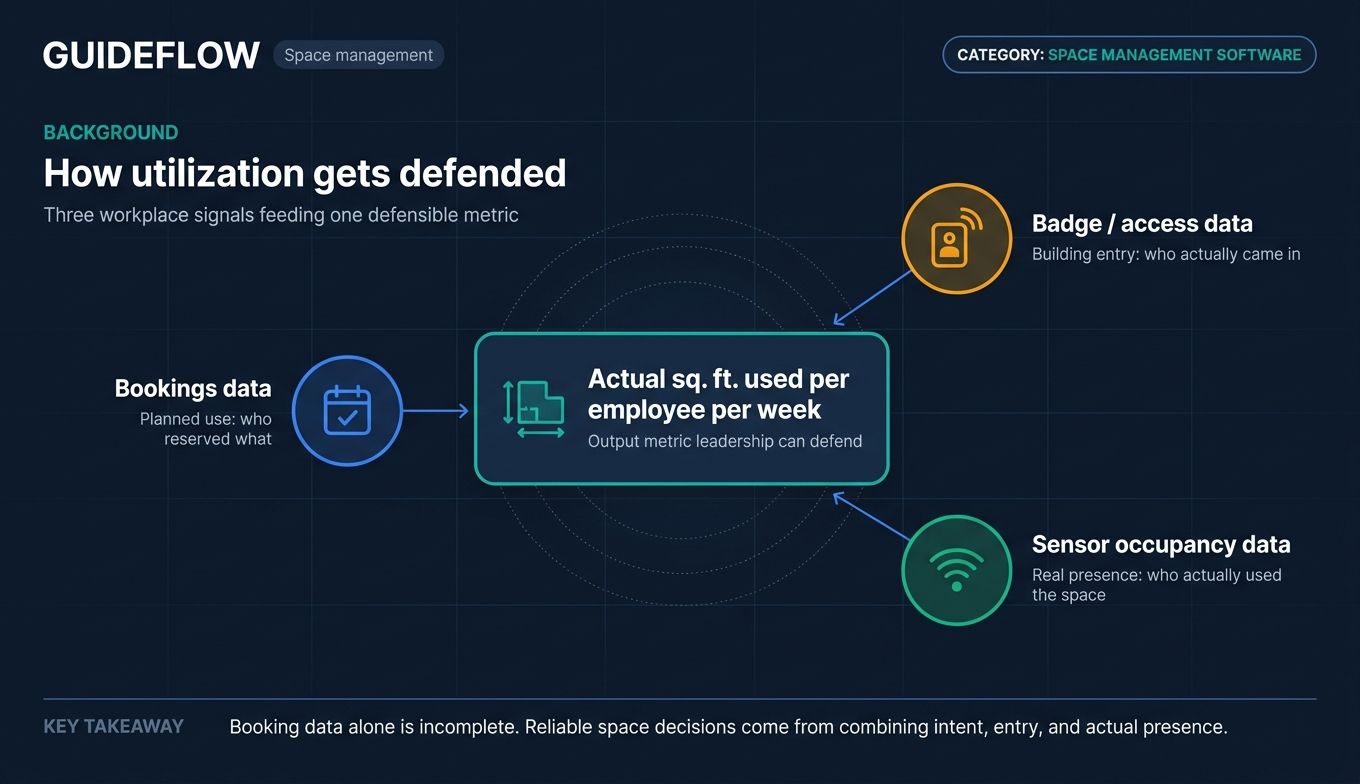
The strongest tools turn three different data streams (bookings, badges, sensors) into one number leadership can defend: actual square footage used per employee per week.
When to use space management software
Right-size your office footprint before lease renewal
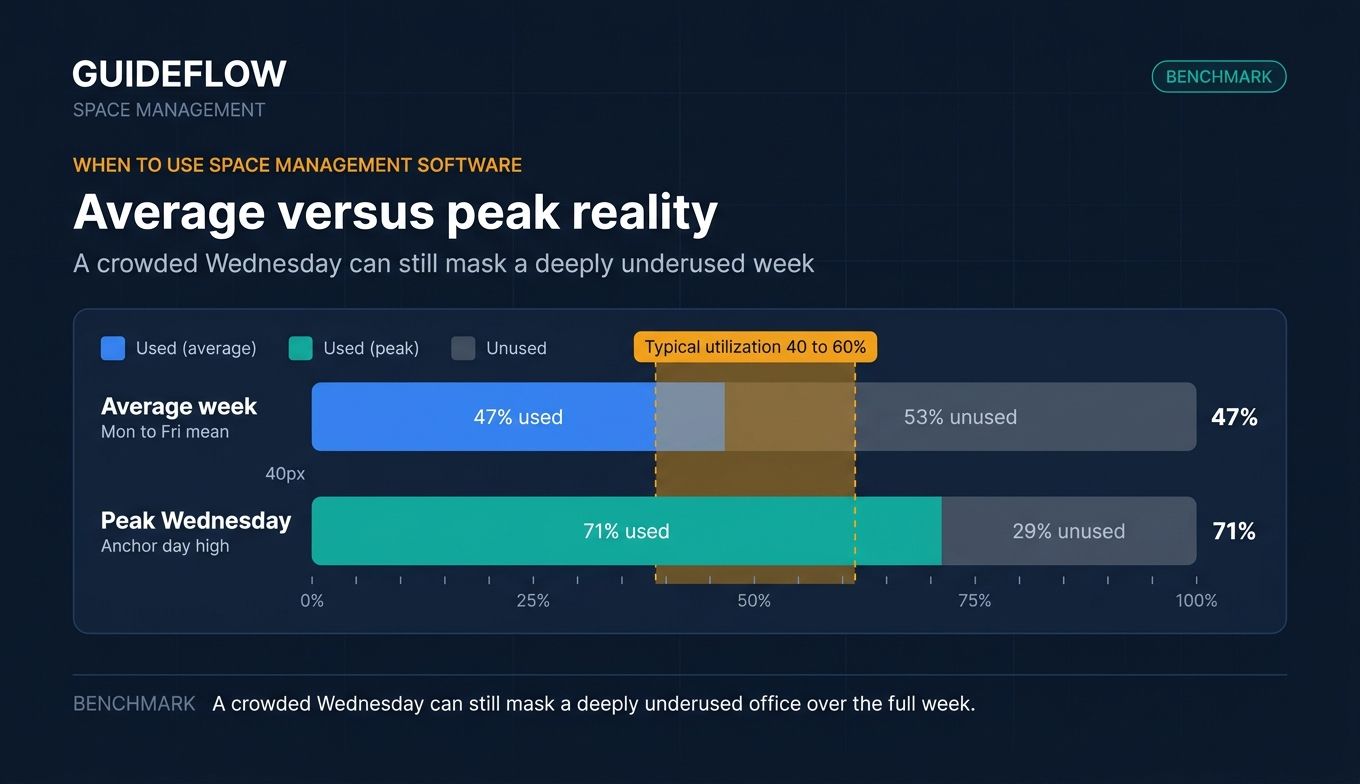
The most common trigger is a lease decision 12 to 18 months out. Teams signed pre-hybrid, ended up with 40 to 60 percent typical utilization, and now need data before renewal. Space utilization software turns "the office feels empty" into "we use 47 percent of leased square footage on average and 71 percent on peak Wednesdays."
Make hybrid policy decisions defensible to the board
"Three days in office" only works if you know which three days, which teams, and which floors. Office space management software gives People and Finance the attendance patterns to set an anchor-day policy that matches the building's actual capacity instead of guessing.
Eliminate the friction that kills office attendance
When employees walk in and cannot find a desk, a room, or their team, they stop showing up. Desk booking software and meeting room booking software cut that friction. A clean booking experience is the difference between a hybrid policy that holds and one that quietly collapses inside a quarter.
Comparison table
The table ranks tools by relevance for hybrid office buyers between 50 and 500 employees. Pricing reflects verified entry-tier figures from vendor pricing pages as of June 2026. Some vendors publish plan names without numeric pricing; those rows say so explicitly rather than guessing.
| # | Product | Intent | Key use case | Pricing | G2 rating |
|---|---|---|---|---|---|
| 1 | Robin | Hybrid workplace platform | Mid-market booking plus analytics | Quote only, annual billing | 4.4 |
| 2 | OfficeSpace | Enterprise space planning | Scenario planning and move management | Plan-based, contact sales | 4.7 |
| 3 | Skedda | SMB-friendly booking | Transparent flat-rate booking | From $99/mo per space, annual | 4.8 (Capterra) |
| 4 | Envoy | Visitor plus desk management | Front desk plus desk booking | Free Basic plan, paid tiers | 4.7 |
| 5 | Kadence | Team coordination | Hybrid attendance and booking | Annual contract, $250/floor setup | 4.6 (Capterra) |
| 6 | deskbird | European mid-market | Desk booking with strong UX | From $3.75/user/mo, annual | 4.5 |
| 7 | Tactic | SaaS hybrid teams | Workspace booking suite | From $3 per workspace | 4.6 |
| 8 | OfficeRnD | Coworking plus hybrid | Flex space plus workplace | Contact sales | 4.6 |
| 9 | YAROOMS | Hybrid + visitor | Room and desk booking | From $99/mo (Starter) | 4.6 (Capterra) |
| 10 | WorkInSync | Enterprise hybrid | Multi-resource booking | From $2.50/user/mo, annual | 4.6 |
| 11 | Eptura Workplace | IWMS-grade | Enterprise space governance | Annual subscription, contact sales | 4.3 |
| 12 | Tango Reserve | Enterprise real estate | Reservations plus utilization | Contact sales | 4.0 |
| 13 | VergeSense | Occupancy intelligence | Sensor data layer | Package-based, contact sales | Not yet rated |
| 14 | Officely | Slack/Teams native | Lightweight desk booking | Free up to 5 users, paid tiers | 4.6 |
Best space management software tools for hybrid offices in 2026
1. Robin
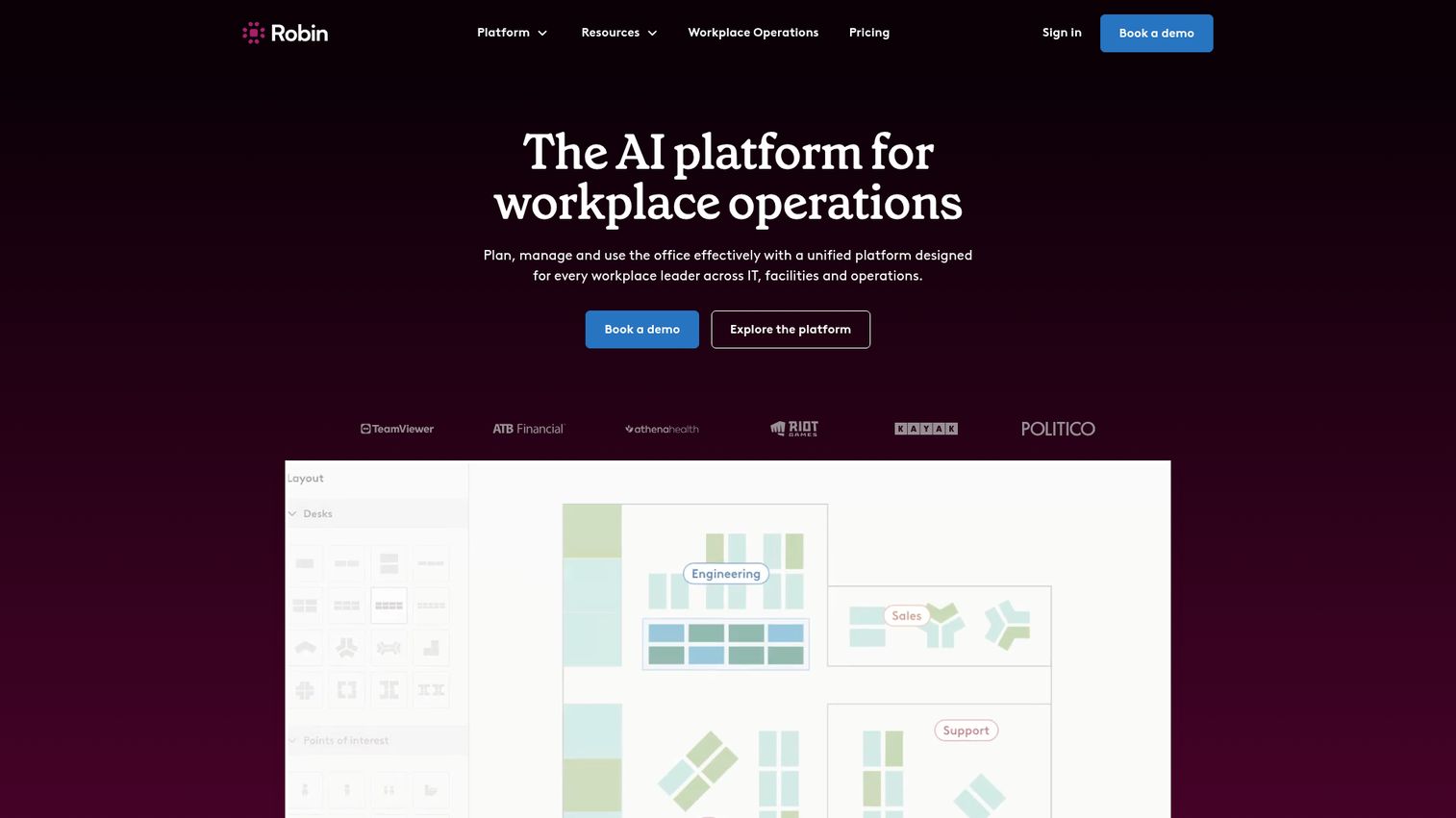
Robin is an AI platform for workplace operations that helps teams plan, manage, and use the office effectively. It started as a meeting room booking software player and expanded into desks, visitors, analytics, and workplace operations. Today it is one of the most recognizable hybrid workplace software platforms among mid-market and enterprise buyers.
Best for: Mid-market SaaS companies with hybrid offices that need both polished booking and serious utilization analytics in one platform.
Key strengths
- Desk, room, parking, and locker booking: One booking surface covers every shared resource employees fight over on a Wednesday
- Visitor management: Guest check-in and badge printing keep the front desk consistent without a separate tool
- Workplace analytics and space planning: Dashboards turn booking and badge data into the utilization numbers leadership asks for
Why choose Robin: Robin sits at the intersection of "employees will actually use the booking app" and "leadership will trust the data." If your priority is one platform that handles bookings on Monday and a board-ready utilization report on Friday, Robin is the safest mid-market default. It is most often shortlisted by companies between 150 and 1,000 employees managing one to five offices.
Robin pricing: Robin's pricing page is quote-only and states that subscriptions are billed annually. There is no publicly published per-desk or per-user starting price. Special pricing is available for educational institutions. Expect a sales conversation before you see a number.
2. OfficeSpace
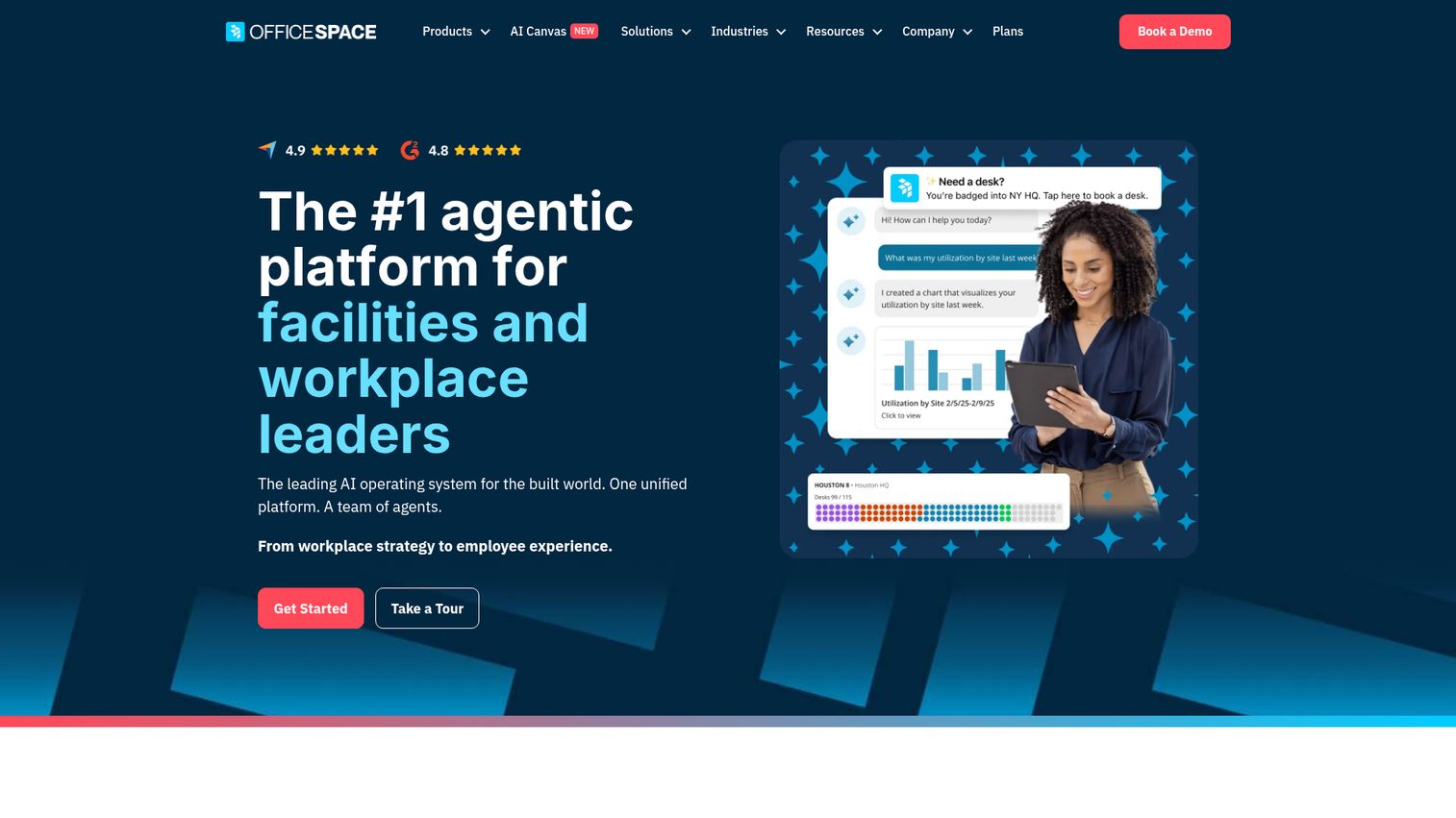
OfficeSpace is an AI workplace management platform that helps teams plan smart spaces, coordinate in-office days, and make real estate decisions faster. It is one of the longest-running office space planning software platforms in the category and skews toward enterprise buyers.
Best for: Larger hybrid organizations (250+ employees) needing scenario planning, move management, and block-and-stack capabilities alongside booking.
Key strengths
- Desk booking: Hot desk and reserved desk workflows with floor plan visibility
- Room booking: Calendar-integrated meeting room booking software with check-in
- Block and stack planning: Model team-to-floor allocations before signing off on a move
Why choose OfficeSpace: OfficeSpace is built for the moment when leadership asks "what happens to our footprint if we consolidate to one floor and grow Engineering by 40 percent?" The platform is designed for that question, not just the daily desk-booking one. Its G2 rating of 4.7 reflects strong satisfaction among the workplace and real estate teams who live in it every day.
OfficeSpace pricing: OfficeSpace lists four plans on its public pricing page: Essentials Plus and Pro Plus on the Workplace side, plus Essentials and Pro on the Asset Management side. The page describes a fixed platform fee per plan with a synced employee count included and a per-employee charge for additional users. Numeric pricing is not publicly displayed; contact sales for figures.
3. Skedda
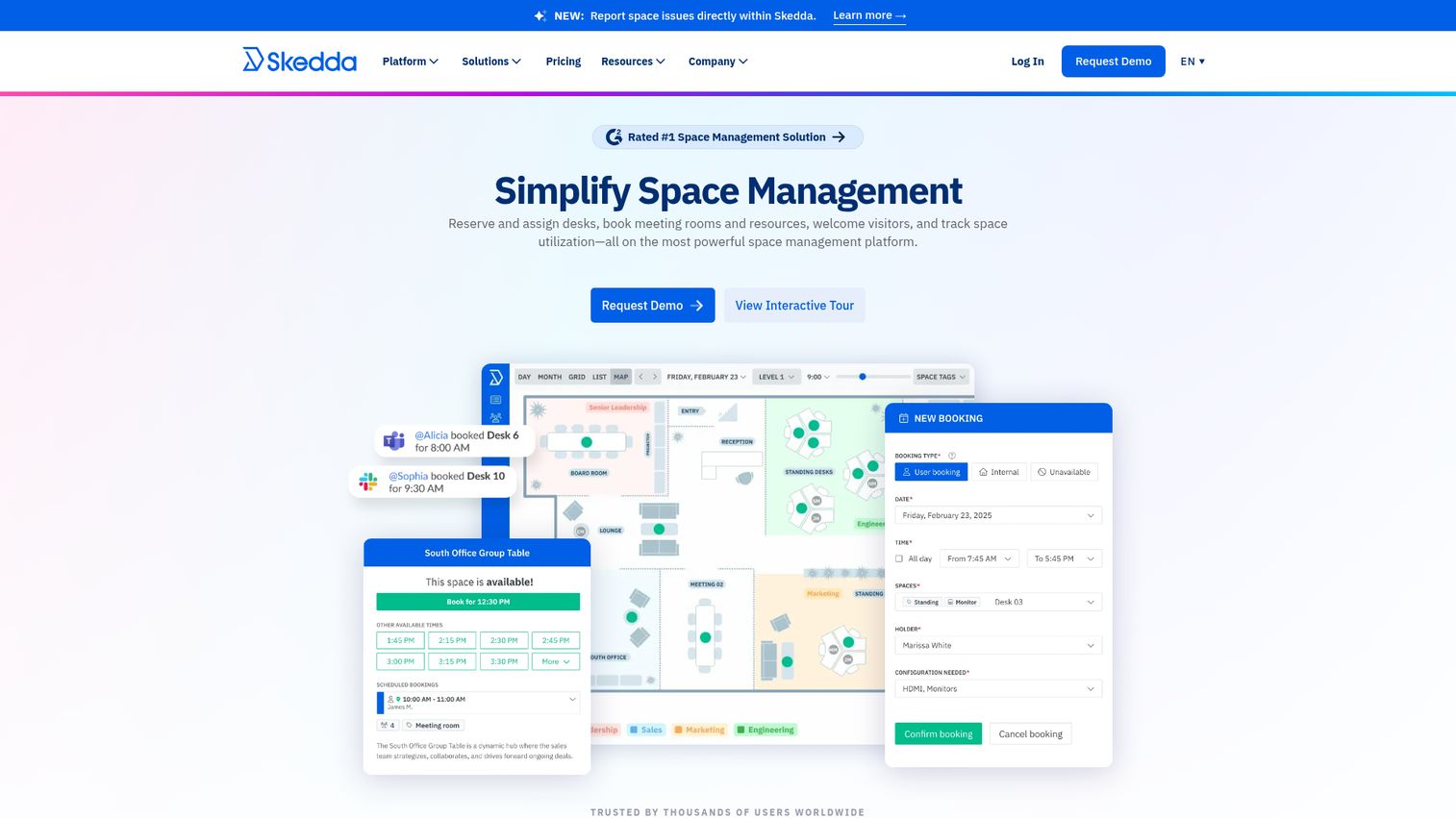
Skedda is space management software for reserving and assigning desks, booking meeting rooms and resources, welcoming visitors, and tracking space utilization. Its calling card is transparent flat-rate pricing in a market full of "contact sales" pages.
Best for: Small to mid-market teams that want self-serve booking, configurable rules, and a price they can find in two clicks.
Key strengths
- Interactive floor plans with real-time availability: Drag-and-drop floor plan editor employees and admins can actually use
- Two-way calendar sync with Microsoft 365, Outlook, and Google: Bookings live where employees already plan their day
- Visitor management: Guest workflows included, not bolted on as a separate SKU
Why choose Skedda: Skedda is the tool to evaluate first if you want booking that works in week one without a six-figure annual commitment. The flat-rate, per-space pricing model rewards teams with a clean office layout instead of penalizing them with per-employee charges as headcount grows. A 4.8 Capterra rating from a large review base backs up the "employees like it" story.
Skedda pricing: Skedda's pricing page shows three published tiers billed annually: Starter at $99/month, Plus at $149/month, and Premier at $199/month, each priced per space. An AllBooked tier is available via sales. A 30-day Premium free trial is offered.
4. Envoy
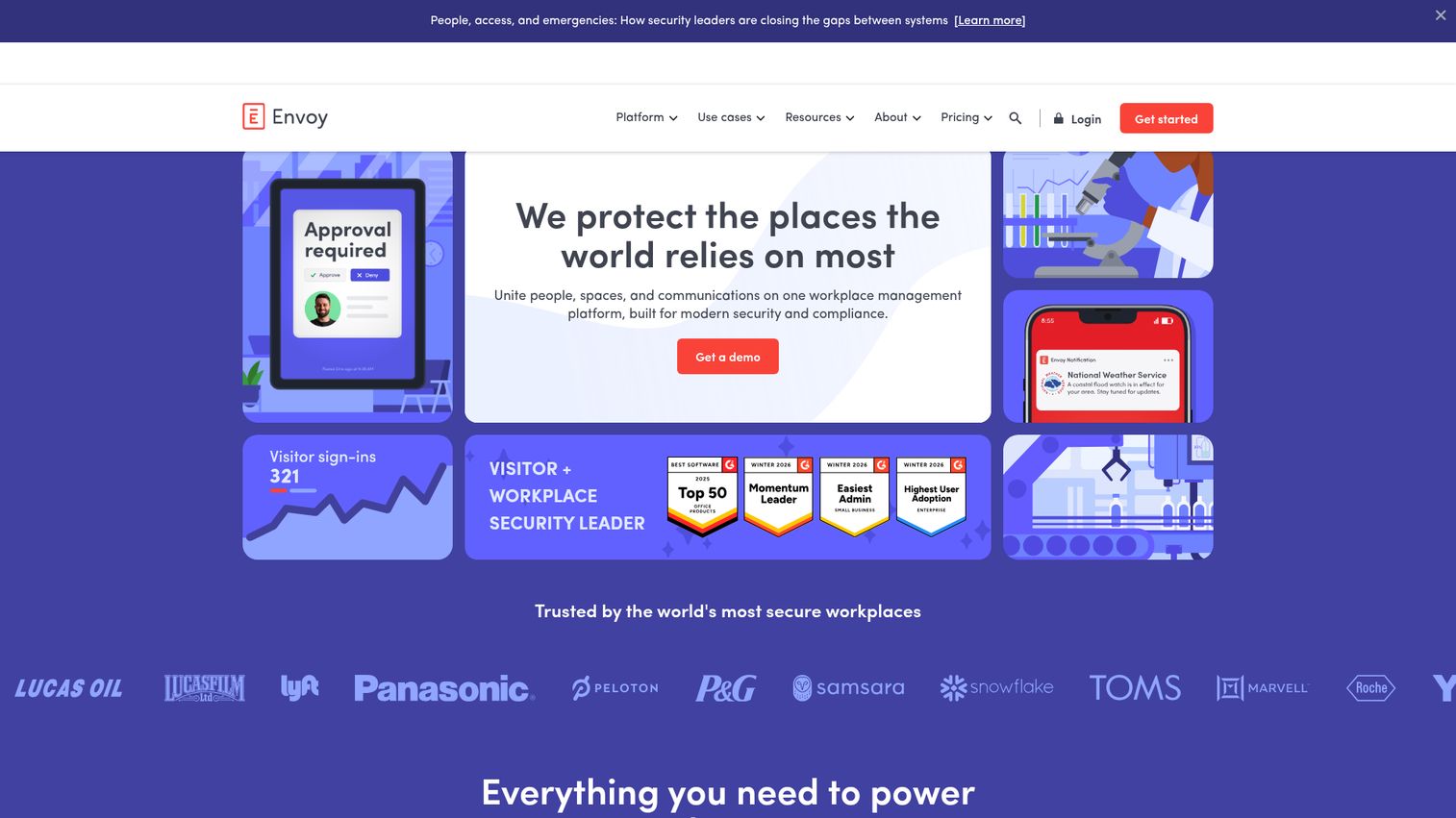
Envoy is a workplace platform whose visitor management software is best known for letting visitors register, check in, sign documents, and notifying hosts automatically. Envoy Desks extended that experience to employees, turning visitor sign-in and desk booking into one stack.
Best for: Companies that want visitor management and desk booking from the same vendor, especially security-conscious teams handling NDAs and access control.
Key strengths
- Customizable sign-in flows: Tailored questions for different visit types from contractors to interview candidates
- Instant host notifications: Native channels and the Envoy mobile app alert hosts the moment guests arrive
- Security features: Digital NDAs, access control integrations, RFID badges, mobile QR codes, and ID and blocklist checks
Why choose Envoy: If the front desk and the desk-booking workflow report to the same operations leader, Envoy collapses two purchases into one. It is also one of the few platforms with a genuine free tier (Basic), which makes it a low-risk way to test the visitor side before adding desks.
Envoy pricing: Envoy publishes a free Basic plan, paid Standard and Premium plans billed per location per month annually, and an Enterprise custom plan. Some plan amounts are currently inconsistent on the public pricing page across visible blocks; confirm the figure on a quote before committing.
5. Kadence
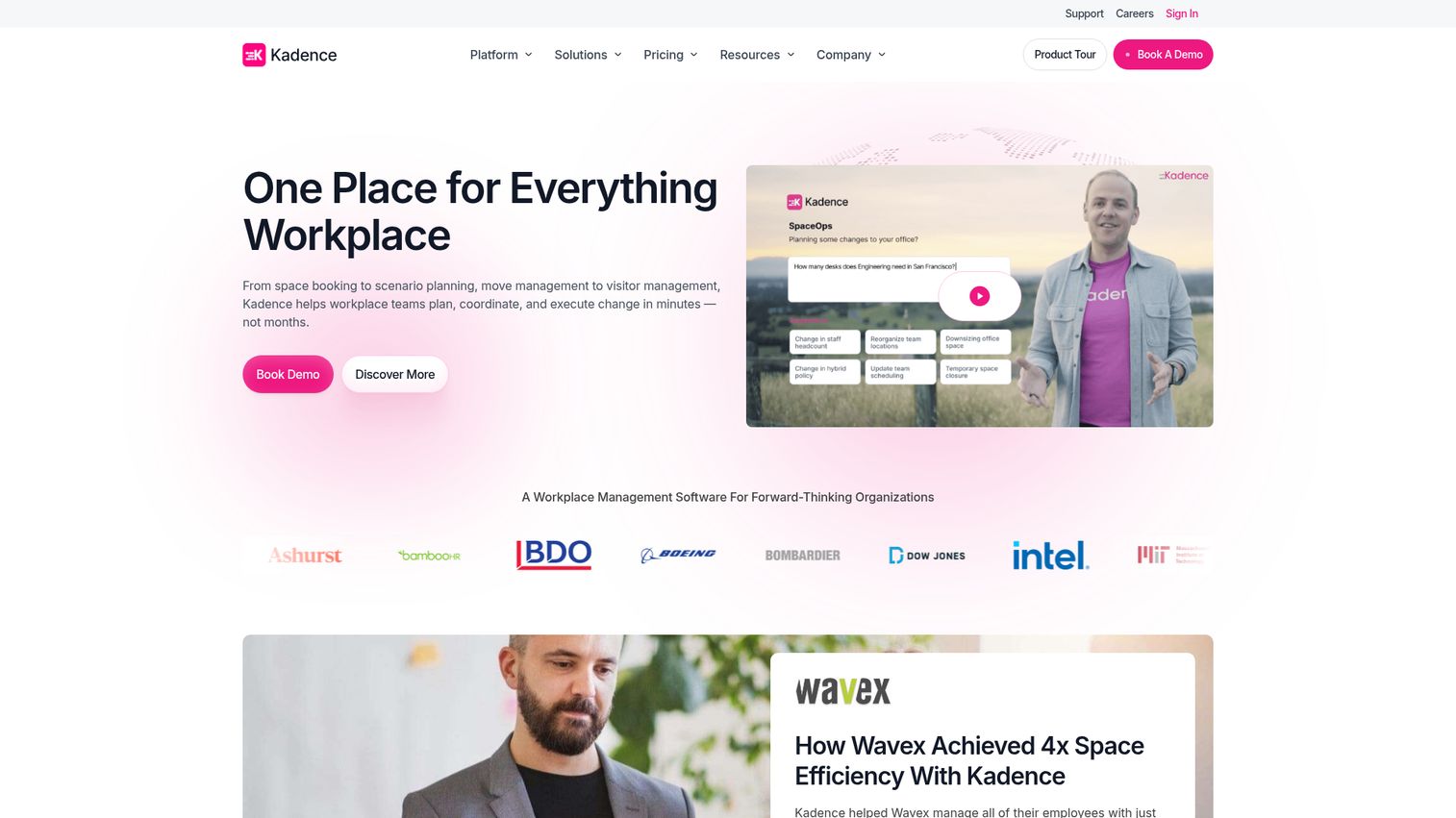
Kadence is workplace management software focused on helping teams coordinate space booking, visitor management, and workplace operations across hybrid offices. Its bias is toward team coordination rather than enterprise floor planning.
Best for: Hybrid teams that prioritize "who's in when" coordination over advanced floor plan tooling.
Key strengths
- Desk and room booking: Booking flows that surface where teammates plan to sit
- Visitor management: Front desk workflows built into the same platform
- Workplace analytics: Attendance and utilization reporting for People and Ops leaders
Why choose Kadence: Kadence is most useful when the bottleneck is people not knowing when their team will be in. The platform leads with attendance visibility, then layers booking on top. That is a different starting point from tools that lead with floor plans and treat coordination as a side feature.
Kadence pricing: Kadence's pricing page lists two plans: WorkOps for workplace operations essentials and SpaceOps for AI-powered workplace intelligence. All plans are billed annually with a minimum one-year contract. The page does not publish recurring plan prices but does state a $250 per-floor setup cost for floor plan uploads.
6. Deskbird
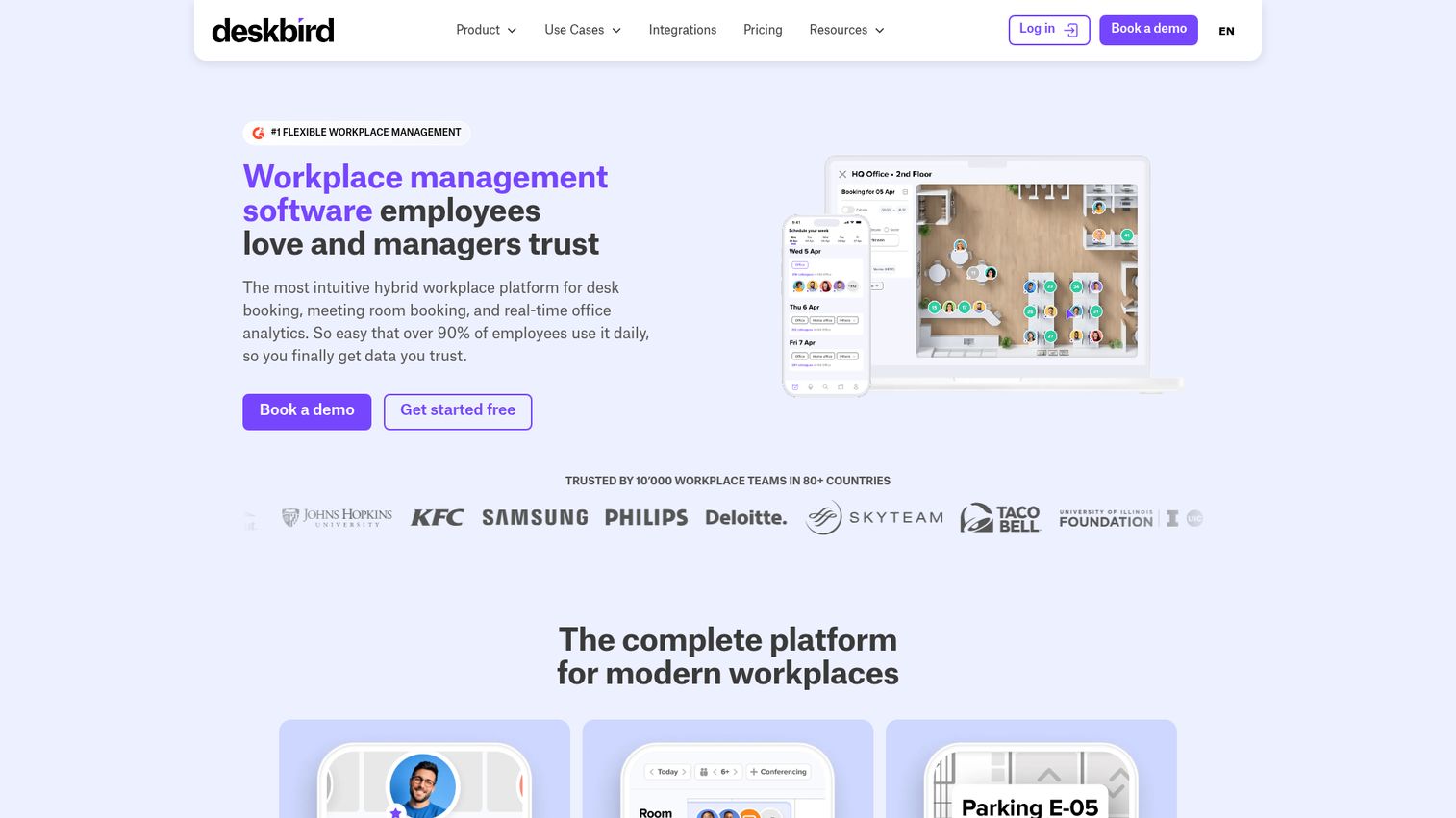
Deskbird is a workplace management platform for hybrid work that helps teams book desks, rooms, and other office resources while managing attendance and workplace operations. It has strong adoption among European mid-market companies.
Best for: Hybrid and flexible organizations that need desk, room, parking, attendance, and workplace operations management with a clean mobile experience.
Key strengths
- Desk booking: Per-user booking with floor plan visibility and rules
- Room management: Room booking for hybrid meetings and on-site collaboration
- Workplace analytics: Utilization dashboards that feed scenario planning
Why choose deskbird: deskbird is one of the easier mid-market platforms to roll out without a long change management program. The mobile experience is strong, which matters because the actual booking decision usually happens on a phone the night before. It is a frequent choice for teams between 100 and 500 employees.
deskbird pricing: The first-party pricing page lists Business at $3.75 per active user per month billed annually, or $4.75 billed monthly. Professional and Enterprise plans are custom-priced. Add-ons include User & Data Management Plus, Rooms Plus, and Visitors Plus. A free trial is available; a permanent free tier is not confirmed.
7. Tactic
Tactic is a workplace platform for hybrid teams that combines desk booking, room scheduling, visitor management, workplace requests, maps, analytics, and AI in one product. It is positioned for fast-growing SaaS companies that want a single subscription instead of three.
Best for: Hybrid workplace teams that need one platform for desks, rooms, visitors, and workplace operations without enterprise procurement.
Key strengths
- Desk booking: Workspace-level bookings priced per workspace, not per user
- Room scheduling: Meeting room booking software with calendar integration
- Visitor management: Front-desk workflows in the same product
Why choose Tactic: Tactic's pricing model rewards companies with more employees per workspace, which is the natural state of a hybrid office. If 200 employees share 80 desks, Tactic's per-workspace pricing usually comes out cheaper than per-user alternatives. It is a strong shortlist entry for SaaS teams between 50 and 250 employees.
Tactic pricing: The first-party pricing page lists Core at $3 per workspace, Pro at $4 per workspace, and Enterprise as custom. The page does not explicitly state monthly or annual billing cadence; confirm at quote. A free tier is not explicitly published.
8. OfficeRnD
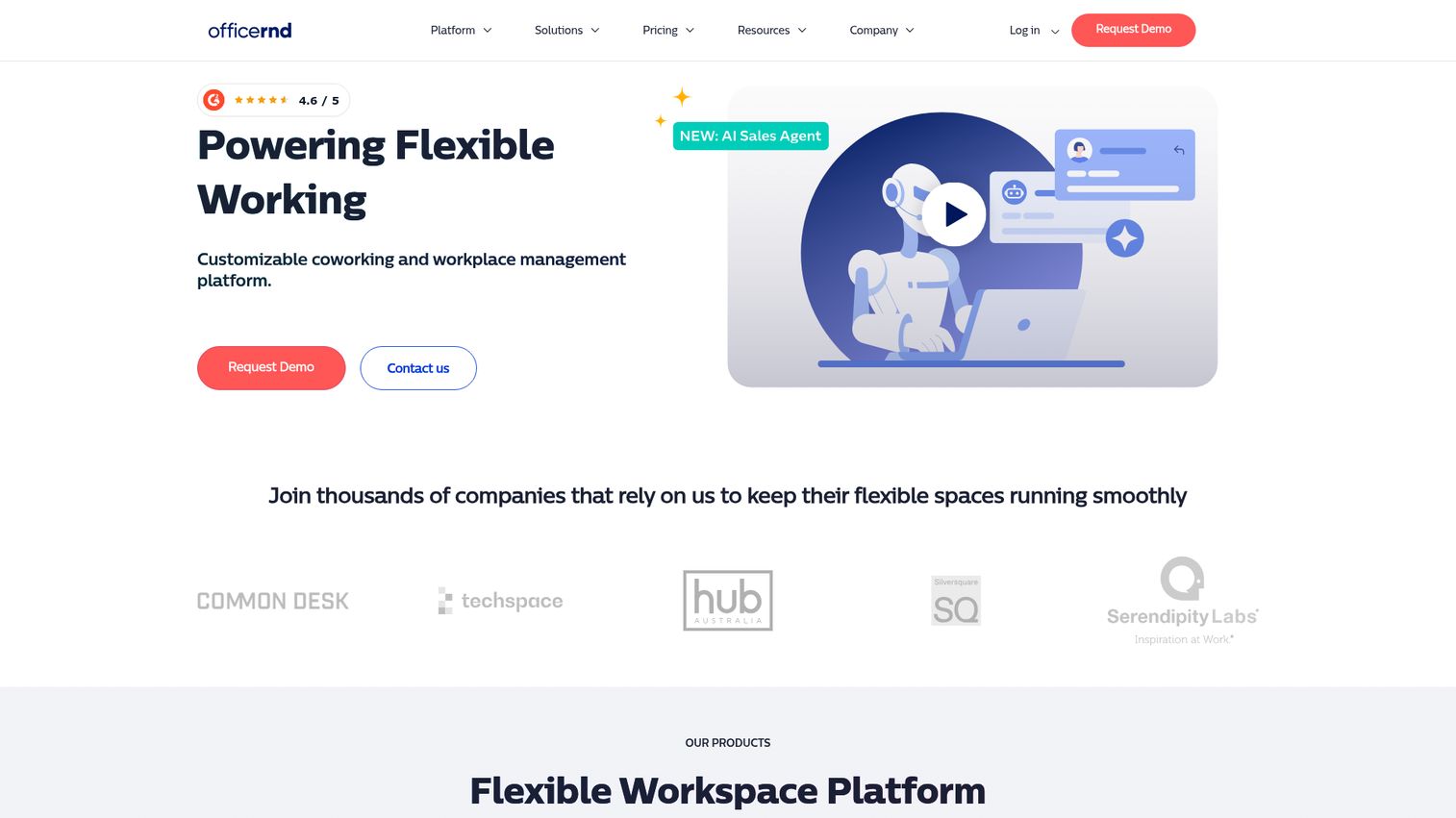
OfficeRnD is a customizable coworking and workplace management platform for flexible spaces and modern workplaces. It serves both coworking operators and corporate hybrid teams from the same codebase.
Best for: Coworking operators, flex workspace managers, and corporate hybrid offices that need bookings, billing, visitor management, and analytics.
Key strengths
- Members, bookings, billing, and space management automation: A single platform for spaces that monetize their footprint
- Desk and meeting room booking for hybrid workplaces: Standard hybrid booking flows for corporate users
- Visitor and delivery management: Front-desk and logistics workflows
Why choose OfficeRnD: OfficeRnD is the right call when your office has flex characteristics, whether you operate a coworking space or sublet floors to other companies. The same platform that handles flex billing can run the desk-booking workflow for full-time employees, which prevents two parallel tools. Its 4.6 G2 rating spans both customer types.
OfficeRnD pricing: OfficeRnD publishes separate products with separate pricing pages (Flex and Workplace) rather than a single unified brand pricing page. Plan names like Start, Grow, and Scale appear on Flex without public dollar amounts. Contact OfficeRnD for current Workplace pricing.
9. YAROOMS
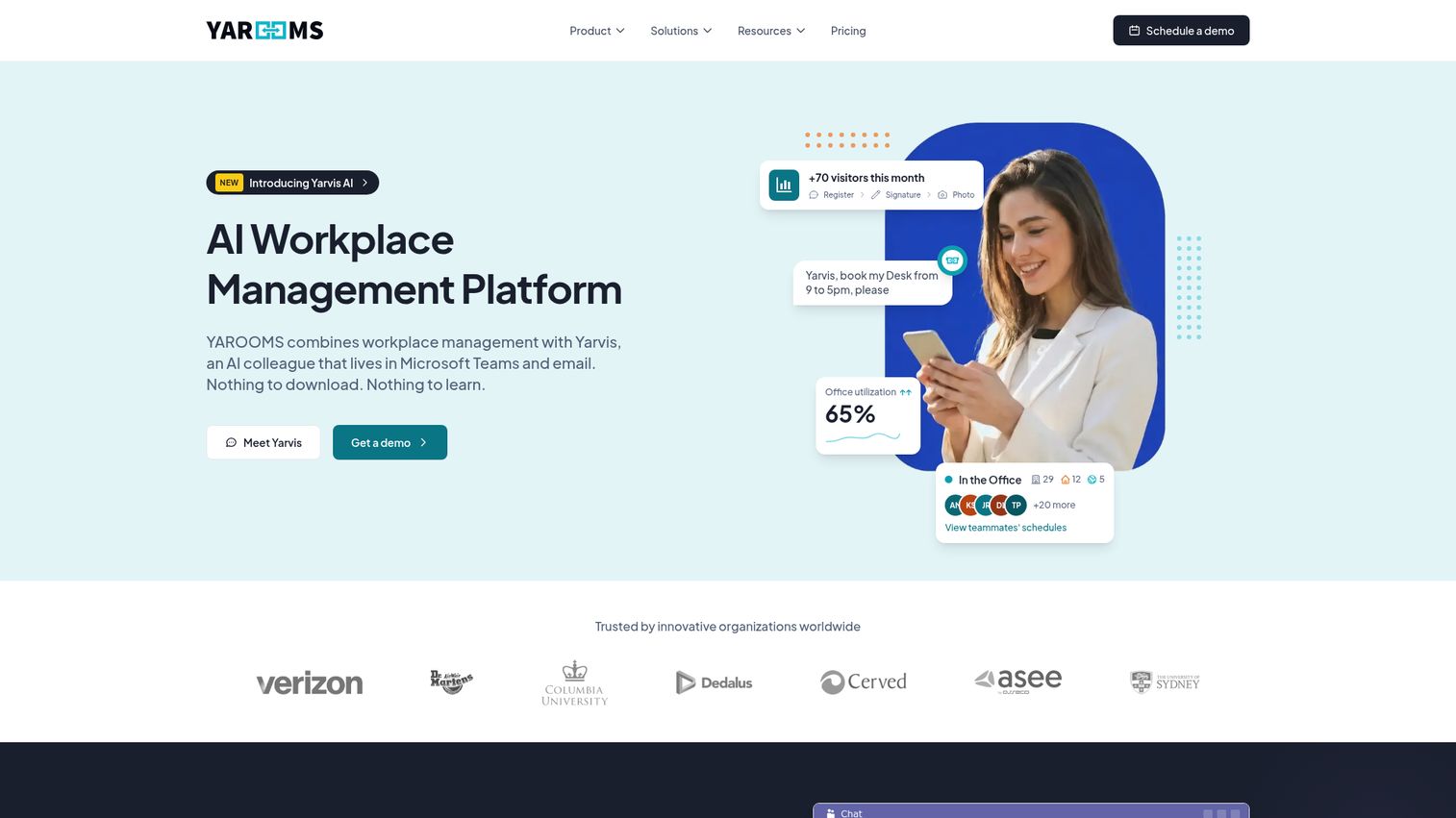
YAROOMS is an all-in-one workplace management platform for desk and meeting room booking, hybrid work planning, visitor management, workplace analytics, and an AI assistant. It is one of the few mid-market tools with fully transparent monthly pricing.
Best for: Organizations managing hybrid offices that need workspace booking, visitor management, and workplace coordination in one platform.
Key strengths
- Desk and room booking with interactive floor maps: Real-time availability on a floor plan
- Hybrid work scheduling with team visibility: Anchor days and attendance coordination
- Visitor management with pre-registration and automated notifications: Guest workflows included
Why choose YAROOMS: YAROOMS is the tool to evaluate when you want a single price you can budget against, not a quote process. Its plan tiers map cleanly to office size, which makes it straightforward to forecast cost as you grow from one office to three. The Visitor Management System is priced separately, which lets you adopt only what you need.
YAROOMS pricing: The first-party pricing page (monthly view) lists Starter at $99/month, Business at $399/month, Enterprise at $899/month, and a Visitor Management System at $99/location/month. A yearly toggle advertises a 20 percent saving. A permanent free tier was not confirmed.
10. WorkInSync
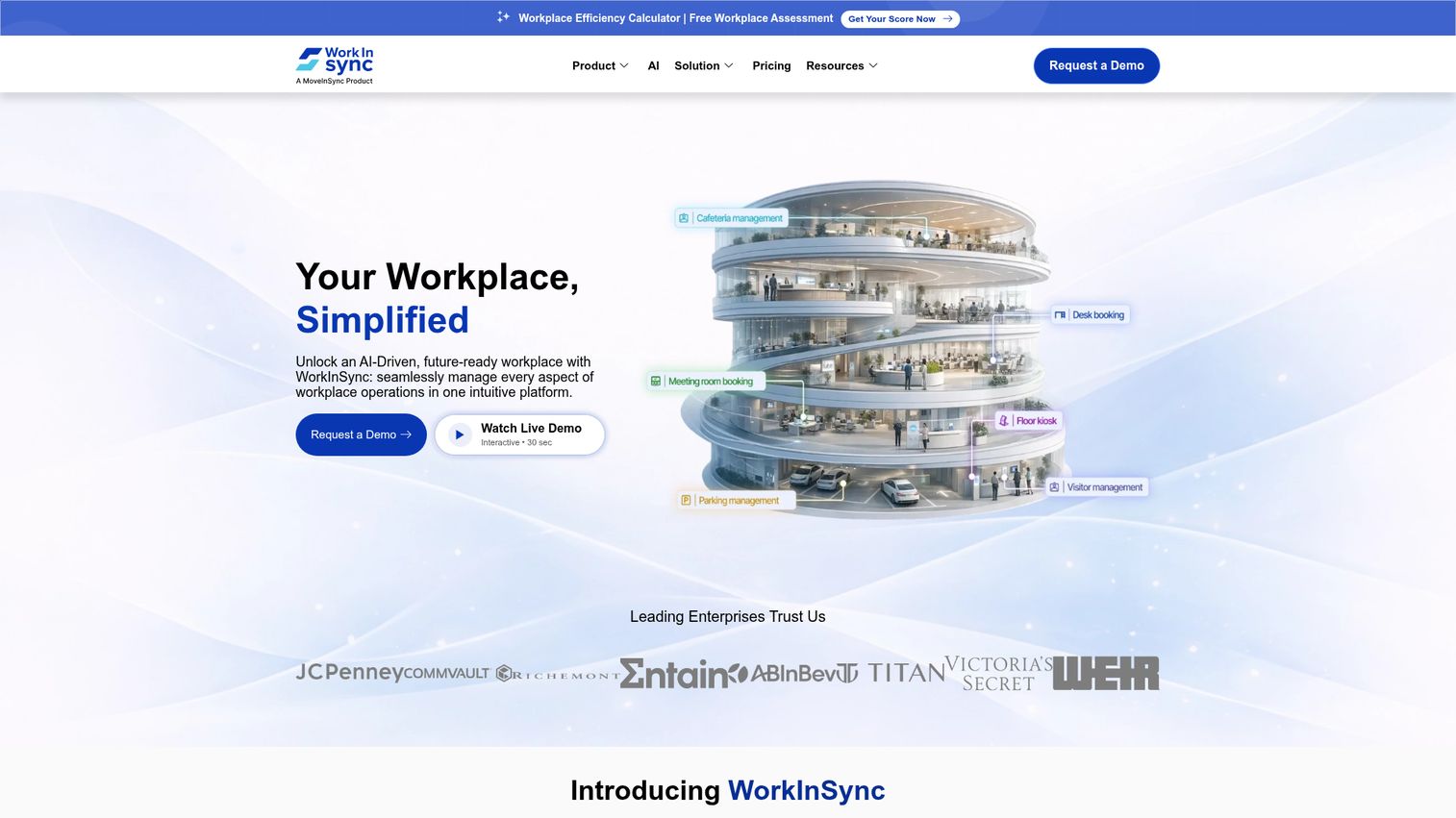
WorkInSync is AI-driven workplace management software for managing workplace operations in one platform. It distinguishes itself by extending beyond desks and rooms into adjacent resources like parking and cafeteria.
Best for: Medium to large organizations managing hybrid workplaces, desks, meeting rooms, visitors, and parking in one system.
Key strengths
- Desk booking: Standard self-serve desk reservation with floor plan
- Meeting room booking: Calendar-integrated room reservations
- Visitor management: Front-desk workflows included
Why choose WorkInSync: WorkInSync is a strong fit when the office has more shared resources than just desks. If parking allocation, cafeteria capacity, or commute coordination are part of the hybrid policy, having them in one platform avoids the multi-vendor sprawl that usually follows. The Standard plan minimum of 250 employees flags this as an enterprise-leaning option.
WorkInSync pricing: The first-party pricing page lists Standard at $2.50, Professional at $4.00, and Enterprise at $6.00 per user per month billed annually. Quarterly billing is also available at $3.00, $4.50, and $6.75 per user per month respectively. Standard requires 250+ employees. Hardware is billed separately. A 7-day Enterprise trial is offered.
11. Eptura Workplace
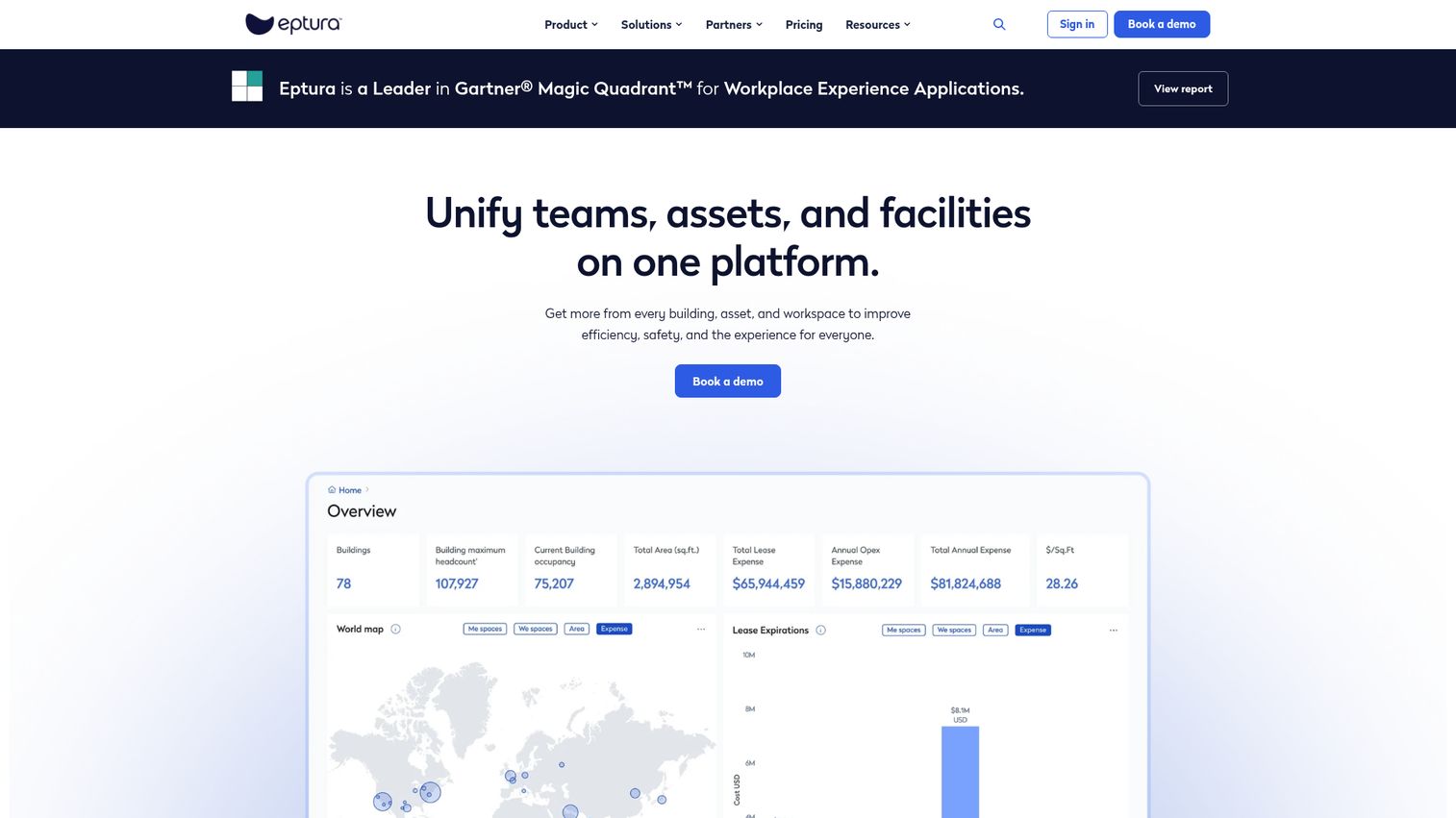
Eptura Workplace helps organizations optimize workplace operations, space, and utilization for modern office environments. It is the IWMS-grade option on this list and serves enterprise buyers who need lease, asset, and space management in one suite.
Best for: Enterprises managing hybrid workplaces that need space planning, desk and room booking, move management, and broader IWMS governance.
Key strengths
- Conference room scheduling: Enterprise-grade room booking with deep calendar integration
- Desk booking: Reserved and hot desking inside the broader IWMS suite
- Move management: Planning and executing moves across floors, buildings, and portfolios
Why choose Eptura Workplace: Eptura is the right tool when space management cannot be separated from facilities, lease, and asset management. For companies with 500+ employees and multi-site portfolios, consolidating to one IWMS vendor is often cheaper than running four point tools. Its 4.3 G2 rating is honest about the trade-off: more capability, more configuration.
Eptura Workplace pricing: Eptura's pricing page lists tiered plans for Eptura Workplace, including Advanced and Power, with annual subscriptions sized by number of users supported. Annual agreements run no less than one year. Numeric pricing is not publicly displayed; contact sales.
12. Tango Reserve
Tango Reserve is workspace reservation software that helps employees find, book, and manage workspaces while giving organizations utilization insights to support hybrid work. It is part of Tango's broader real estate and lease administration portfolio.
Best for: Enterprises consolidating real estate, lease administration, and space management into one vendor relationship.
Key strengths
- Book and manage desks, rooms, and resources from desktop or mobile: Unified booking surface across resource types
- Custom booking rules by location, role, or time: Policy-driven reservations for complex enterprises
- Integrated directory, floorplans, colleague finder, and calendar sync: Booking flows that surface where teammates plan to sit
Why choose Tango Reserve: Tango Reserve is most relevant when the same team owns the lease, the portfolio, and the day-to-day workplace experience. The integration with Tango's lease and portfolio products is the differentiator. Its 4.0 G2 rating sits below other tools on this list, so confirm fit with reference calls.
Tango Reserve pricing: Tango does not publish public first-party pricing for Tango Reserve. Numeric pricing is available only via sales conversation. Plan to budget enterprise software list price.
13. VergeSense
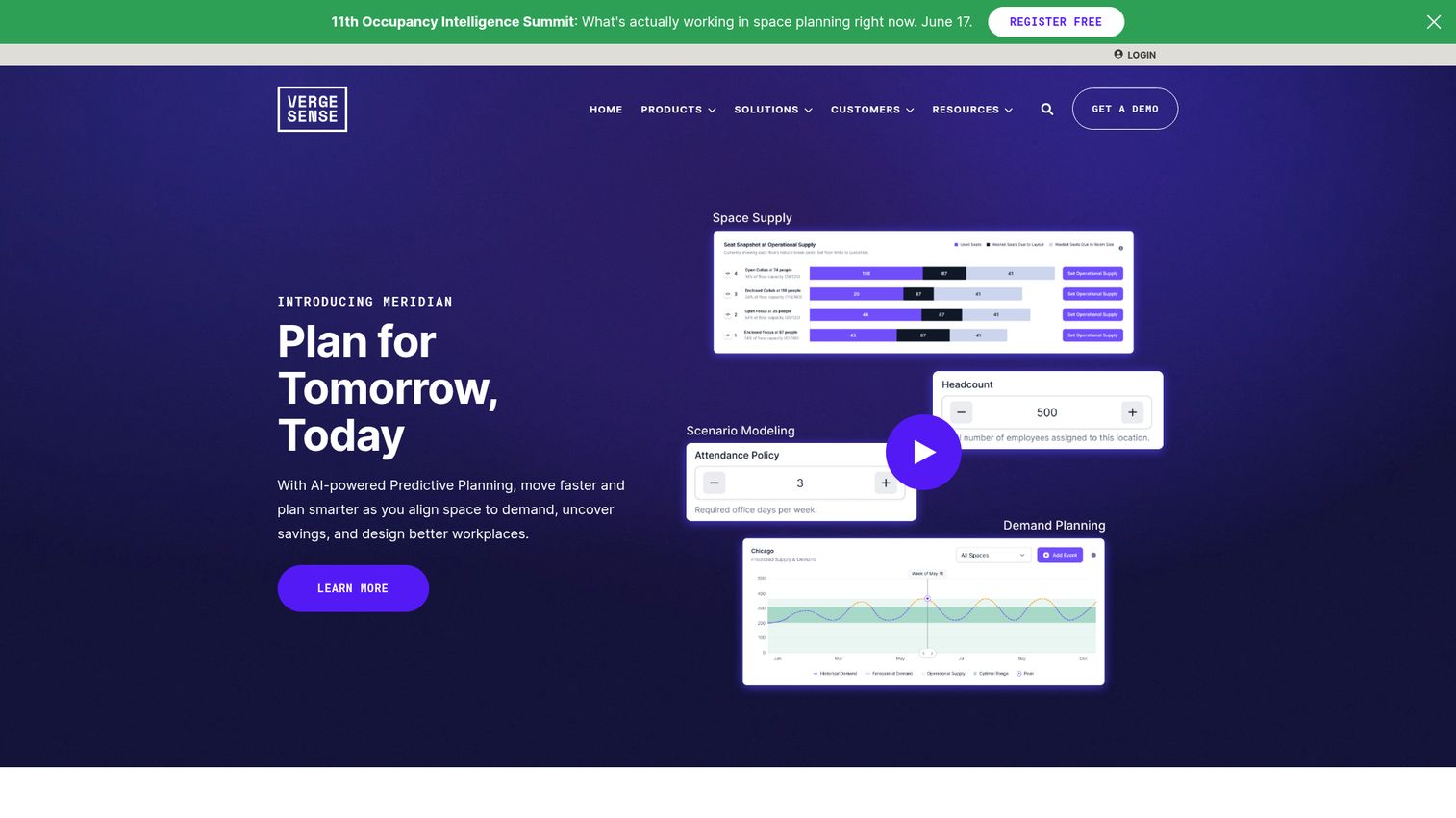
VergeSense provides an AI-powered workplace platform that unifies occupancy data to help real estate, workplace, and facilities teams plan, analyze, and automate space decisions. Unlike the other tools on this list, VergeSense focuses on the sensor and intelligence layer rather than the booking experience.
Best for: Enterprise workplace, real estate, and facilities teams that already have a booking tool and need sensor-driven occupancy intelligence on top.
Key strengths
- Unifies occupancy signals from sensors, WiFi, badge data, space booking data, and lease data: One platform for every occupancy signal you already generate
- Predictive planning capabilities: Breakpoint analysis, demand forecasting, and scenario modeling
- Automates workplace operations: Ghost meeting release, cleaning, booking, energy, and maintenance workflows through integrations
Why choose VergeSense: VergeSense is the right addition when your booking tool tells you what people said they would do and you need to know what they actually did. For portfolios over 250,000 square feet, the cost of being wrong about utilization usually exceeds the cost of sensor coverage. It is most often deployed alongside, not instead of, a booking platform.
VergeSense pricing: VergeSense publishes a Packages page that describes coverage options by space type and data source but does not show numeric pricing. Contact VergeSense for figures. As of June 2026, VergeSense has not yet accumulated a published G2 review average.
14. Officely
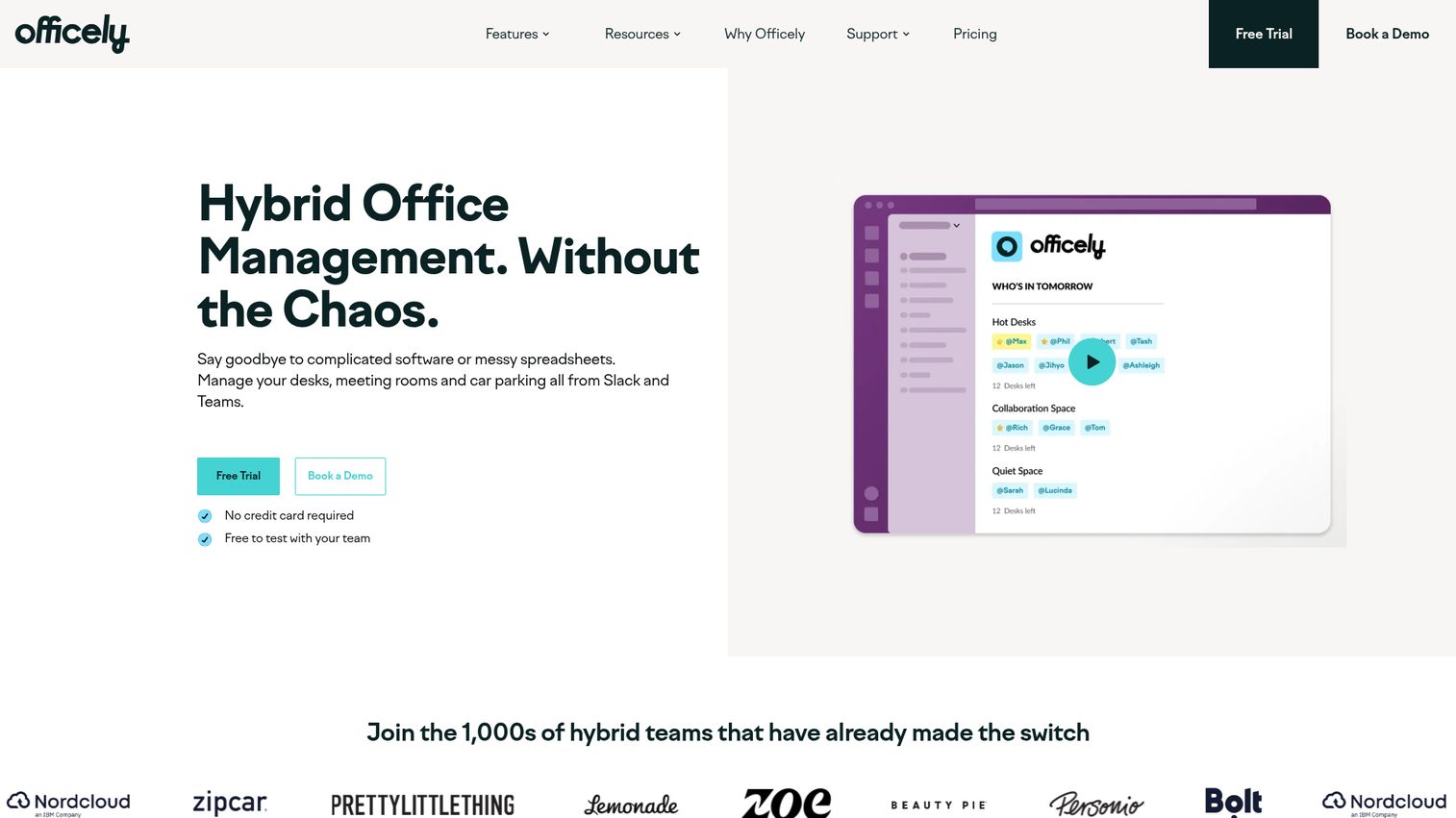
Officely helps teams manage desks, meeting rooms, and car parking from Slack and Microsoft Teams. It is the lightest-weight tool on this list and the most likely to actually get adopted at small companies that hate launching new apps.
Best for: Slack/Teams-first teams that want desk booking, attendance visibility, and office analytics without asking employees to open another app.
Key strengths
- Desk Booking: Reservations directly inside Slack or Teams, no separate app required
- Office Attendance Visibility: "Who's in tomorrow" surfaced where the team already chats
- Office Analytics: Utilization data for People and Ops leaders
Why choose Officely: Officely's premise is simple: the office tool people use most is the one in their messaging app. For companies under 100 employees, adopting a standalone workplace platform is often overkill. Officely meets the team where they already live. The free tier for up to 5 users makes it the easiest tool on this list to pilot in an afternoon.
Officely pricing: The first-party pricing page lists Free for up to 5 users, Basic and Premium plans priced per user per month, and Enterprise as custom. Monthly and annual toggles are available; specific per-user dollar amounts vary by toggle and are best confirmed at quote.
Considerations: What to evaluate before you buy
Integration fit with your existing stack
The integrations that matter are calendar (Google, Outlook), messaging (Slack, Teams), identity (Okta, Azure AD), and HRIS for employee directory sync. If any of those four are missing, adoption drops. Walk through how a new hire's desk booking would work end-to-end before signing. The same principle applies when evaluating any SaaS purchase - robust integration capabilities determine whether a tool earns daily use or gets abandoned.
Real analytics vs vanity booking data
Booking counts do not equal utilization. The tool needs to answer "how much of our office is actually used" not just "how many bookings were made." Ask vendors how they reconcile booked-but-no-show desks with badge data, and what a typical utilization dashboard looks like with one quarter of real data. For deeper benchmarking on this category, see our roundup of the best product analytics software tools.
Mobile experience and adoption friction
If employees will not open the app on their phone, the data is wrong. Test the mobile flow yourself before signing. Five minutes with the mobile app tells you more about adoption risk than an hour with the analytics dashboard. The same logic applies to any internal rollout - pairing software launches with onboarding flows dramatically improves activation.
Pricing model fit for your stage
Per-desk-per-month, per-employee, flat-rate, and enterprise license each bite differently at 50, 150, and 500 employees. Model the cost forward two years at projected headcount. Per-user pricing is friendliest when desk-to-employee ratios are above 0.7 and gets expensive fast when the ratio drops to 0.4.
Time-to-first-value
Some vendors publish an interactive demo you can run through before booking a sales call, which works best for shortlisting because you can validate fit in 10 minutes instead of two weeks of meetings. Look for vendors who let you see the actual booking flow, floor plan editor, and analytics dashboard before procurement gets involved. You can also browse our demo showcase to see how leading SaaS companies use guided walkthroughs to compress evaluation cycles.
How to choose the right tool for your hybrid office
The right shortlist depends on stage, headcount, and what problem is most painful right now.
- If you're under 100 employees and just need bookings to work: Officely, Tactic, or Skedda. The goal is adoption, not analytics depth. Pick the tool your team will open without complaining.
- If you have 100 to 500 employees and need utilization analytics: Robin, deskbird, or OfficeSpace. At this size, the data matters as much as the booking experience because the next lease conversation is real.
- If you're managing multi-site or enterprise real estate: Eptura Workplace, Tango Reserve, or OfficeSpace. Choose the one that integrates with your lease administration and finance stack, not just your calendar.
- If you already have a booking tool and just need occupancy data: VergeSense. Layer sensor intelligence on top of the workflow tool you already deployed.
- If hybrid coordination matters more than floor plans: Kadence or Officely. Lead with attendance visibility, treat booking as the supporting feature.
The pattern: pick for the bottleneck, not the feature list. A tool that solves one painful problem well beats a platform that solves five problems acceptably. For broader category comparisons across the workplace stack, browse our best tools library.
Conclusion
For most hybrid offices between 50 and 500 employees, four tools cover the realistic shortlist. Robin is the safest mid-market default for combining booking polish and analytics depth. Skedda is the strongest pick when transparent SMB pricing matters. Officely fits Slack/Teams-first cultures that want minimum-friction adoption. Eptura Workplace handles the enterprise IWMS case where space cannot be separated from lease and asset management.
The board-defensible move is not picking the tool first. It is picking three, running a one-week pilot on a single floor or team, and measuring real utilization against your current assumptions. If the pilot data confirms the gap between leased and used space, the lease conversation gets easier. If it does not, you have spent a week instead of a quarter.
Shortlist three tools from this list this week. Get pilot access by next week. Have utilization data before the next board meeting.
FAQs about space management software
Space management software is a workplace platform that helps organizations book, allocate, and analyze the use of physical office space, including desks, meeting rooms, and shared resources. It combines booking workflows with utilization analytics to support hybrid work, optimize real estate spend, and inform lease and policy decisions.
Pricing varies widely based on model and scale. Verified SMB and mid-market tools on this list start at $2.50 per user per month (WorkInSync, billed annually), $3 per workspace (Tactic), or $99 per month flat (Skedda, YAROOMS). Enterprise IWMS platforms like Eptura Workplace and Tango Reserve typically require sales conversations and annual contracts. Add-ons for visitor management, sensors, and analytics modules can change total cost meaningfully.
A few tools on this list offer a real free tier. Officely is free for up to 5 users. Envoy publishes a free Basic plan for visitor management. Skedda offers a 30-day Premium free trial, and several other vendors run trials of one to two weeks. Most office space management software free options cap features or seat counts low enough that they suit pilots rather than full deployments.
Space management is a module focused on bookings, floor plans, and utilization. IWMS (Integrated Workplace Management System) is the full real estate and facilities suite, including lease accounting, asset management, capital projects, and maintenance. Tools like Eptura Workplace and Tango Reserve span both categories. Smaller buyers usually start with space management and graduate to IWMS only when lease and asset workflows become a problem.
There are three common methods. Booking data shows what employees said they would use. Badge or access data shows who actually entered the building. Sensor data shows which specific desks and rooms were occupied and for how long. The most reliable utilization number combines all three: booked, badged in, and physically present. Vendor data from FM:Systems in 2026 describes this triangulation as the foundation of accurate occupancy reporting. For teams looking to extend this measurement discipline to digital workflows, our guide to the best digital adoption platforms covers a similar analytics approach.
Four integration categories drive adoption. Calendar (Google Workspace, Microsoft 365) makes room booking work where employees already plan their day. Messaging (Slack, Teams) makes desk booking happen without opening a new app. Identity (Okta, Azure AD) handles SSO and access control. HRIS (Workday, BambooHR, and similar) keeps the employee directory in sync. Missing any of the four creates an adoption gap that no analytics dashboard will close.
For most teams under 500 employees, no. Booking data plus badge data usually answers the utilization question well enough to defend a lease decision. Sensors add precision and are most valuable for organizations optimizing portfolios over 250,000 square feet or running aggressive consolidation strategies where small accuracy gains translate into seven-figure savings. VergeSense is the most common sensor layer added on top of an existing booking tool.
Most SMB and mid-market tools deploy in 1 to 2 weeks once floor plans are uploaded. Enterprise IWMS deployments run 8 to 16 weeks because they include data migration, SSO configuration, and integration with finance and lease systems. Across both segments, floor plan setup is the typical bottleneck. Tools like Kadence list explicit per-floor setup fees, which is a useful signal of where the actual work lives. Pairing rollout with product tour software can shorten employee ramp from weeks to days.