Your data lives everywhere now. A cluster of on-premises arrays handles latency-sensitive workloads. Three cloud accounts hold backups, archives, and dev environments. Edge sites at branch offices pull from wherever the network allows. Regulated records stay locked to a specific region. And somewhere in that sprawl, a storage ticket is open because nobody is sure who owns the backup job.
The problem is not finding more storage capacity. The actual problem is deciding where each workload belongs, who manages it, and what happens when a failover or audit hits. According to Flexera's 2025 State of the Cloud report, 70% of organizations run a hybrid cloud strategy with workloads spread across at least one public and one private cloud. The architecture decisions behind that split determine whether recovery is measured in minutes or days.
This guide is a practical shortlist for presales and sales engineering teams supporting hybrid infrastructure evaluations. It covers 14 providers, platforms, and resources across cloud-native storage, enterprise arrays, gateway services, Kubernetes storage, and analyst research.
What's inside
This guide is for presales engineers, solutions consultants, and infrastructure architects comparing hybrid cloud storage providers in 2026.
- 14 ranked entries covering hyperscale providers, enterprise storage platforms, gateway services, orchestration layers, and analyst research
- A comparison table with verified pricing and G2 ratings
- Use-case routing for backup, disaster recovery, VMware environments, Kubernetes workloads, and edge deployments
- A buyer's checklist for evaluating architecture claims, recovery requirements, and integration fit
Selection criteria used:
- Workload coverage and hybrid architecture fit
- Pricing transparency and G2 rating availability
- Relevance for presales technical validation scenarios
- Clear differentiation from adjacent entries on the list
TL;DR
- Best hyperscale default: AWS and Microsoft Azure fit teams already standardized on those clouds
- Best for VMware environments: VMware and Everpure Cloud for Azure VMware Solution support familiar virtualization patterns
- Best for enterprise file storage: NetApp fits global file, hybrid NAS, and ransomware recovery requirements
- Best for containerized workloads: Kubernetes and Portworx address persistent storage for cloud-native applications
- Best for targeted backup paths: AWS Storage Gateway and Purity CloudSnap cover specific hybrid access and snapshot workflows
- Best evaluation starting point: Start with two or three options by workload type, then run a proof of architecture with real RPO and latency requirements
What is hybrid cloud storage?
Hybrid cloud storage refers to platforms, services, or architectures that let organizations store, move, protect, and manage data across on-premises infrastructure, private cloud, edge locations, and public cloud storage.
The core structure is local infrastructure connected to cloud storage through gateways, APIs, replication, synchronization, or orchestration. The practical payoff is data placement: Sensitive, regulated, mission-critical, low-latency, and archival data each belong in different environments depending on performance, governance, and cost.
Core processes in a hybrid storage architecture:
- Data management: Unified policy control across local and cloud-resident data
- Data tiering: Automatic movement of data between storage classes based on access patterns or age
- Data replication: Keeping copies synchronized across sites or clouds for durability
- Data migration: Moving workloads or datasets without disrupting access
- Data synchronization: Keeping active data consistent across distributed locations
Common use cases:
- Backup and disaster recovery across failure zones
- Cloud migration for application modernization
- Edge storage for distributed teams and branch offices
- Multicloud storage operations
- Kubernetes persistent volumes across hybrid clusters
Key features to look for when evaluating hybrid cloud storage software:
- Unified management console
- Policy-based tiering and lifecycle rules
- Encryption in transit and at rest, plus access controls
- Backup and recovery workflows with tested RPO and RTO
- Data replication and synchronization across sites
- Cloud migration tooling
- Kubernetes or VMware support
- Observability and cost reporting
Hybrid cloud storage is distinct from multicloud storage. A hybrid model spans private or on-premises infrastructure and at least one public cloud. Multicloud uses more than one public cloud provider. Many enterprise architectures use both patterns simultaneously.
When to use hybrid cloud storage solutions
Move data without rewriting everything
Hybrid storage helps teams modernize gradually. Lift-and-shift migration brings existing applications to cloud-adjacent infrastructure without immediate re-architecture. Latency-sensitive workloads stay close to users while colder data moves to lower-cost object storage tiers. Good discovery questions for presales here: "Which datasets must stay on-premises?" and "Which applications can tolerate cloud round-trip latency?"
Protect workloads across failure zones
Backup, ransomware recovery, and business continuity all improve when data replicates across physically separate infrastructure. A strong hybrid storage architecture is tested, monitored, and documented before an incident, not during one. Recovery claims from any vendor should be validated with actual RPO and RTO test results, not sales materials.
Support distributed teams and edge sites
Branch offices, manufacturing sites, retail locations, and remote workforces all need active data nearby. Hybrid storage keeps frequently accessed data local while archiving colder data to less expensive cloud object storage. This pattern is common in organizations with block storage software requirements at the edge combined with centralized cloud backup.
Hybrid cloud storage solutions comparison
The table below is a shortlisting tool. Pricing figures vary by service, region, usage, and configuration. G2 ratings reflect the most relevant product listing available at the time of writing. Use this as a starting point, then verify current numbers directly on each vendor's pricing page and G2 listing before committing to an evaluation.
| # | Product | Best for | Key differentiator | Pricing | G2 rating |
|---|---|---|---|---|---|
| 1 | AWS | Broad enterprise hybrid cloud | Deep portfolio: Object, file, block, backup, edge | Pay-as-you-go; free tier available | 4.4/5 |
| 2 | Microsoft Azure | Microsoft-centric environments | Hybrid management across Azure, Windows Server, identity | Pay-as-you-go; free trial with $200 credit | N/A (verify live) |
| 3 | VMware | Virtualized workload mobility | Familiar vSphere operating model for hybrid cloud | Contact sales; subscription-based | 4.5/5 (vSphere) |
| 4 | IBM | Regulated enterprise workloads | Portfolio spanning storage, consulting, and governance | Service-specific; IBM Aspera from $1.07/GB/month | 4.3/5 |
| 5 | Microsoft Windows | Windows file and hybrid estates | SMB file services with Azure hybrid integration | Windows 11 Home from $139 (one-time) | 4.5/5 |
| 6 | NetApp | Hybrid file storage and NAS | Unified data management across on-premises and cloud | Backup from $0.05/GB/month; 30-day trial | 4.3/5 |
| 7 | IBM FlashSystem | High-performance on-premises storage | Flash with cyber resilience for hybrid environments | From $20,000 (config-based) | 4.4/5 |
| 8 | Kubernetes | Cloud-native stateful workloads | Orchestration layer for persistent volumes across clusters | Free (open source) | 4.6/5 |
| 9 | Portworx | Kubernetes persistent storage | Container-native storage with disaster recovery | Per-node subscription; 30-day trial | 4.4/5 |
| 10 | Purity CloudSnap | Pure Storage snapshot offload | Cloud snapshot replication to S3, Azure Blob, Google Cloud | Contact Pure Storage for pricing | N/A |
| 11 | Everpure Cloud for Azure VMware Solution | Azure VMware deployments | Azure-native block storage-as-a-service for AVS | 30-day free trial; consumption-based | N/A |
| 12 | 2026 Gartner Magic Quadrant | Analyst-guided shortlisting | Third-party vendor positioning research | Access through Gartner subscription or vendor licensing | N/A |
| 13 | AWS Storage Gateway | On-premises access to AWS storage | File, volume, and tape gateway patterns | From $0.01/GB written; first 100 GB/account free | N/A (verify live) |
| 14 | Google Cloud Platform | Google-aligned analytics and cloud storage | Cloud storage, transfer, backup, and distributed compute | Pay-as-you-go; $300 free credit for new accounts | N/A (verify live) |
Best 14 hybrid cloud storage solutions for 2026
1. AWS
AWS is the largest public cloud provider by market share, offering a broad portfolio of compute, storage, database, networking, analytics, and edge services. For hybrid storage specifically, AWS covers object storage, file storage, block volumes, backup, migration tooling, and on-premises connectivity through multiple dedicated services. The portfolio is extensive enough that most hybrid patterns have an AWS-native path.
Best for: Enterprises already running workloads in AWS that need to extend hybrid storage patterns across backup, migration, edge, and application modernization.
Key features
- Object, file, and block storage options
- Hybrid gateway and on-premises connectivity
- Backup, archive, and lifecycle management
- Data migration tooling across environments
- Edge and remote-site deployment options
Why choose AWS: AWS belongs on most shortlists when the buyer wants broad service coverage and mature cloud infrastructure. The challenge for presales teams is that AWS choices multiply quickly. Validate egress costs, identity model, required migration tooling, and whether the buyer's governance team can manage IAM at the required scale.
AWS pricing: AWS uses pay-as-you-go pricing across all services. Costs depend on storage class, request volume, data transfer, retrieval, and region. A permanent free tier covers select services. Full pricing detail lives at aws.amazon.com/pricing.
G2 rating: 4.4/5
2. Microsoft Azure
Microsoft Azure is a cloud platform spanning AI, compute, containers, databases, networking, security, and storage. For hybrid storage, Azure's strongest angle is its Microsoft ecosystem integration: Windows Server, Active Directory, enterprise applications, and hybrid identity all connect naturally. Azure Blob Storage, Azure Files, Azure Backup, and Azure Site Recovery cover most hybrid storage patterns organizations encounter.
Best for: Organizations standardizing on Microsoft identity, Windows workloads, and Azure cloud services who want tight ecosystem alignment.
Key features
- Azure Blob Storage and Azure Files
- Hybrid identity integration through Active Directory
- Azure Backup and Azure Site Recovery
- Windows Server alignment for file and print workloads
- Policy and governance tooling across Azure environments
Why choose Microsoft Azure: Azure is the natural choice when the buyer's existing infrastructure is heavily Microsoft-aligned. Presales teams should validate region availability for regulated data, compliance requirements, hybrid networking architecture, and cost modeling for storage tiers.
Microsoft Azure pricing: Azure uses consumption-based pricing with no flat starting price. A free trial provides $200 credit for the first 30 days, plus 20+ services free for 12 months. Ongoing storage costs depend on service, tier, region, and transfer volume.
3. VMware
VMware provides enterprise virtualization and private-cloud infrastructure for organizations running large VM estates. Its hybrid cloud story centers on workload mobility: Moving or extending vSphere-managed workloads into public cloud environments without requiring immediate re-architecture. VMware Cloud Foundation and VMware vSphere Foundation cover the core hybrid scenarios for virtualized storage and compute.
Best for: VMware-heavy environments that need to extend virtualized workloads into public cloud or managed hybrid infrastructure without changing the operating model too quickly.
Key features
- vSphere-aligned compute and workload management
- Hybrid workload mobility across on-premises and cloud
- Disaster recovery patterns for VM estates
- Cloud partner integrations (AWS, Azure, and others)
- Familiar administrative workflows for VM teams
Why choose VMware: VMware fits when change management risk outweighs the appeal of a full cloud-native redesign. The familiar operating model reduces retraining and operational disruption. Presales teams should validate licensing costs post-Broadcom acquisition, storage performance requirements, networking dependencies, and the buyer's long-term modernization roadmap.
VMware pricing: VMware pricing is subscription-based through sales representatives, channel partners, or qualified OEM partners. Contact VMware or a reseller for current figures. Costs depend on product tier, seat count, and deployment model.
G2 rating: 4.5/5 (VMware vSphere)
4. IBM
IBM offers a broad enterprise portfolio spanning hybrid cloud software, AI development, data management, security, and storage infrastructure. For regulated industries with complex legacy environments and mainframe-adjacent workloads, IBM's combination of products and consulting services covers both the technical and governance layers. IBM's hybrid cloud strategy addresses data sovereignty, compliance, and infrastructure modernization in parallel.
Best for: Large enterprises with regulated workloads, complex legacy systems, and hybrid cloud modernization programs that require storage, consulting, and governance together.
Key features
- Enterprise storage portfolio including FlashSystem and Spectrum products
- Hybrid cloud consulting and infrastructure services
- Data governance and security controls
- Regulated workload support across financial, healthcare, and government sectors
- Infrastructure modernization services
Why choose IBM: IBM fits when storage modernization touches governance, security, legacy integration, and organizational change simultaneously. The platform scope is wide, so presales teams should be precise about which IBM product or service is under evaluation. "IBM" covers hardware, software, cloud services, and consulting in one brand.
IBM pricing: IBM pricing is product-specific. IBM Aspera, for example, starts at $1.07 per GB of transfer per month on a pay-as-you-go basis, with subscription plans ranging upward. Other IBM products use hardware configurations, software licenses, or consulting engagements. Contact IBM for workload-specific quotes.
G2 rating: 4.3/5
5. Microsoft Windows
Microsoft Windows Server is the file services infrastructure layer for many hybrid storage estates. Windows file servers, SMB workloads, Active Directory integration, and Azure hybrid extensions make Windows a foundational component of hybrid storage for Microsoft-centric organizations. This entry is specifically about Windows Server as a hybrid storage building block, not a standalone hyperscale cloud.
Best for: Teams modernizing Windows file servers and branch-office infrastructure while keeping familiar management, identity, and backup models.
Key features
- SMB file services for Windows workloads
- Windows Server integration with hybrid environments
- Active Directory identity alignment
- Backup compatibility with Azure Backup and third-party tools
- Azure hybrid pathways through Azure Arc and Azure File Sync
Why choose Microsoft Windows: Windows Server belongs on the list when the buyer's hybrid challenge starts with file services, branch offices, or legacy application dependencies on Windows file shares. This is an infrastructure component rather than a cloud provider, so use it in context of a broader hybrid architecture discussion.
Microsoft Windows pricing: Windows 11 Home starts at $139 as a one-time purchase. Windows 11 Pro is $199.99 and Windows 11 Pro for Workstations is $309. Windows Server licensing is separate and varies by edition, core count, and CALs.
G2 rating: 4.5/5
6. NetApp
NetApp is one of the established enterprise storage platforms for hybrid file workloads, hybrid NAS modernization, and multicloud data management. Its ONTAP operating environment spans on-premises arrays, cloud-native deployments (Azure NetApp Files, Amazon FSx for NetApp ONTAP, Google Cloud NetApp Volumes), and hybrid file services. NetApp also addresses ransomware recovery through immutable snapshots and SnapLock, making it a common shortlist entry when data protection is a primary driver. Teams comparing big data analytics software and storage options often encounter NetApp's cloud file services in that context.
Best for: Enterprises with distributed file data, global NAS requirements, and hybrid file performance needs across multiple cloud regions.
Key features
- Hybrid file data management through ONTAP
- Cloud file services across AWS, Azure, and Google Cloud
- Snapshot and replication workflows for data protection
- Ransomware recovery with immutable snapshot options
- Kubernetes storage integration through NetApp Trident
Why choose NetApp: NetApp is strongest when the problem is managing enterprise file estates across sites and clouds, not just storing data in one place. Presales teams should validate cloud region coverage, performance requirements, licensing model, and operational handoff between on-premises and cloud-hosted ONTAP instances.
NetApp pricing: NetApp Backup and Recovery starts at $0.05 per GB per month on a pay-as-you-go basis. Disaster Recovery is $0.04 per GB per month. Ransomware Resilience runs $0.07 per GB per month. A 30-day free trial is available for Backup and Recovery. Copy and Sync subscriptions start at $14,475 per year.
G2 rating: 4.3/5
7. IBM FlashSystem
IBM FlashSystem is an enterprise flash storage platform built for mission-critical workloads that require low latency, high throughput, and cyber resilience. FlashSystem connects to hybrid cloud environments through IBM Storage Virtualize, supporting replication, workload mobility, and integration with IBM's broader storage software portfolio. It is a separate product from IBM's cloud services, so evaluate it on its own merits as an on-premises infrastructure component.
Best for: Enterprises running mission-critical databases, virtualization, and analytics workloads that need high-performance on-premises storage with hybrid cloud data services.
Key features
- Flash storage performance with FlashCore Module computational storage
- Immutable snapshots, real-time threat detection, and autonomous cyber recovery
- Storage replication for hybrid cloud environments
- Zero-downtime data movement through IBM Storage Assurance
- Hybrid cloud integration through IBM Storage Virtualize
Why choose IBM FlashSystem: FlashSystem fits when buyers need the highest on-premises performance possible while still connecting to a cloud strategy. The cyber resilience features, including autonomous ransomware recovery, are notable for regulated environments. Separate FlashSystem from broader IBM cloud services during evaluation to avoid scope confusion.
IBM FlashSystem pricing: IBM FlashSystem 5015 SAS HDD 20TB starts at approximately $20,000 as an indicative end-user price. An all-flash FlashSystem 5600 at 30TB runs approximately $56,600. A complete 25TB disaster recovery configuration starts around $117,000. Actual pricing varies by configuration, support, and IBM Business Partner.
G2 rating: 4.4/5
8. Kubernetes
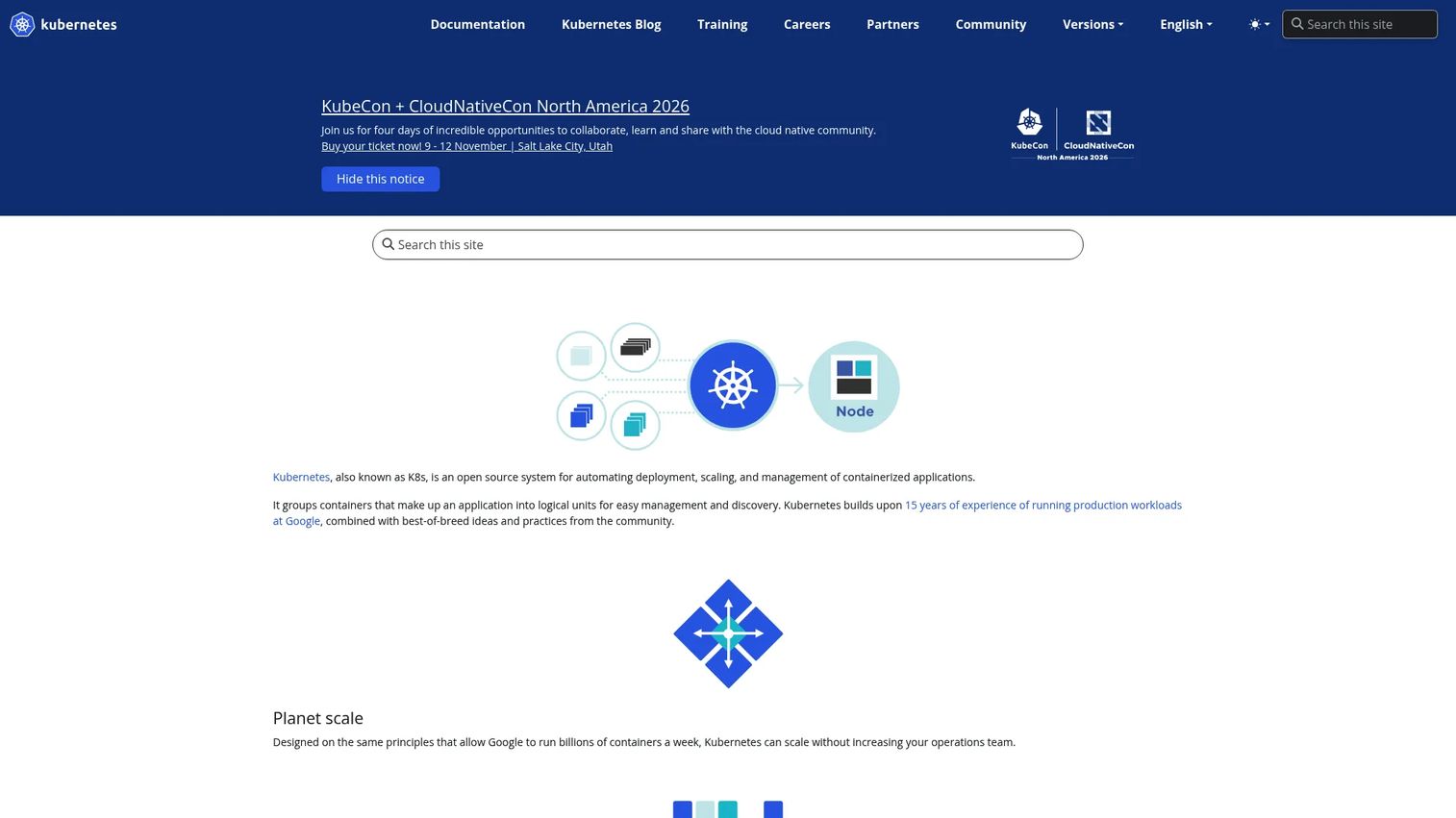
Kubernetes is an open-source container orchestration platform, not a storage product on its own. It becomes relevant to hybrid storage through persistent volumes, CSI (Container Storage Interface) drivers, and compatible storage backends. When stateful applications run across on-premises clusters, public cloud clusters, and edge environments, Kubernetes provides the scheduling and storage orchestration layer that keeps them portable. Platform teams evaluating best presales software tools and adjacent infrastructure often land on Kubernetes as the portability requirement.
Best for: Platform teams running stateful applications across on-premises clusters, public cloud clusters, and edge deployments who need storage abstraction and portability.
Key features
- Persistent volume orchestration through the Kubernetes API
- CSI driver support for third-party storage backends
- Stateful application portability across hybrid clusters
- Cluster-level automation for scaling and recovery
- Hybrid deployment patterns across on-premises and cloud
Why choose Kubernetes: Kubernetes fits when application portability matters as much as raw data placement. Presales teams should validate storage class configuration, backup and recovery strategy for persistent data, latency characteristics of the storage backend, and day-two operations ownership for stateful workloads.
Kubernetes pricing: Kubernetes itself is free and open source. Managed Kubernetes costs depend on the cloud provider (AWS EKS, Azure AKS, Google GKE), cluster node resources, support tiers, and attached storage services.
G2 rating: 4.6/5
9. Portworx
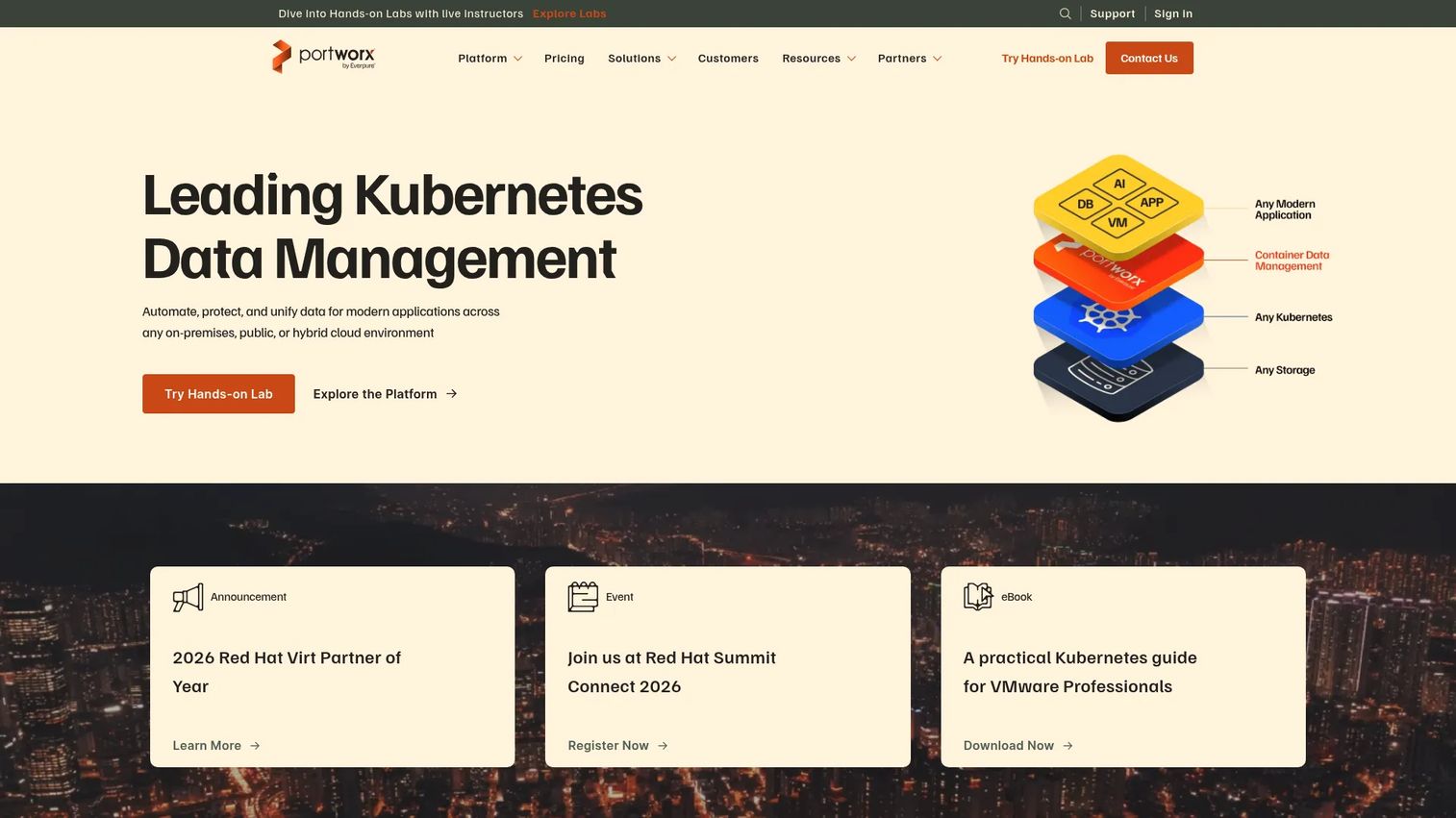
Portworx is a container-native storage and data management platform purpose-built for Kubernetes. It covers persistent storage provisioning, application-aware backup, synchronous and asynchronous disaster recovery, cross-cluster data mobility, and encryption. Portworx runs across on-premises clusters, public cloud clusters, and edge environments, making it a natural fit for organizations with complex hybrid Kubernetes architectures. When evaluating best data visualization tools stacks that sit on Kubernetes, storage durability is often the overlooked layer Portworx addresses.
Best for: Teams running stateful Kubernetes workloads that need persistent storage, backup, application-level recovery, and cross-cluster mobility.
Key features
- Elastic Kubernetes storage with automated provisioning and resizing
- Application-aware backup and restore with multi-cluster management
- Synchronous and asynchronous disaster recovery, including zero-RPO options
- Encryption, role-based access control, and ransomware protection
- Cross-cluster and cross-cloud data mobility
Why choose Portworx: Portworx belongs on the shortlist when stateful Kubernetes is central to the hybrid architecture and the buyer needs more than what CSI drivers alone provide. Presales teams should test application-level recovery, failover workflows, storage I/O performance under realistic workloads, and platform-team adoption of Portworx's management interface.
Portworx pricing: Portworx Enterprise, Modern Virtualization, and Portworx Edge are all priced on a per-node subscription or per-node-hour pay-as-you-go basis. Portworx Backup pricing requires contacting sales. A 30-day free trial is available. No public numeric price was displayed on the Portworx pricing page at the time of research.
G2 rating: 4.4/5
10. Purity CloudSnap
Purity CloudSnap is Pure Storage's native capability for offloading FlashArray snapshots to cloud object storage. It replicates snapshots to Amazon S3, Azure Blob Storage, and Google Cloud, preserving data reduction ratios to limit cloud storage consumption. Data is encrypted in transit and at the cloud target. Recovery can restore snapshots back to FlashArray or to Pure Cloud Block Store.
Best for: Enterprise FlashArray customers who want a cloud-based snapshot retention and recovery path without adding a third-party backup layer.
Key features
- Cloud snapshot replication to Amazon S3, Azure Blob, and Google Cloud
- Data reduction preserved during offload to reduce cloud storage costs
- Encryption in transit and at rest in the cloud target
- Restore to FlashArray or Pure Cloud Block Store
- Native integration with FlashArray management workflows
Why choose Purity CloudSnap: This is a strong fit when the buyer already runs Pure Storage FlashArray and wants a clean path for snapshot retention in the cloud. It is not a general-purpose hybrid cloud platform, so use it alongside broader cloud storage tools rather than as a standalone hybrid strategy.
Purity CloudSnap pricing: Pricing is not displayed on Pure Storage's product pages and requires contacting Pure Storage directly. Costs will depend on FlashArray environment, cloud storage consumption, and support terms.
11. Everpure Cloud for Azure VMware Solution
Everpure Cloud for Azure VMware Solution is a fully managed, Azure-native block storage-as-a-service offering for Azure VMware Solution (AVS) and Azure virtual machines. It deploys through the Azure portal and scales storage capacity and performance independently from the AVS cluster nodes. The product includes deduplication, compression, thin provisioning, and immutable snapshots with ransomware protection.
Best for: Organizations running or migrating storage-intensive VMware workloads to Azure VMware Solution who need independently scalable external block storage without expanding node counts.
Key features
- Azure portal-native deployment and management
- Independent scaling of storage capacity and performance from AVS nodes
- Deduplication, compression, thin provisioning, and consumption-based billing
- Immutable snapshots and ransomware protection
- Enterprise support and Azure VMware Solution integration
Why choose Everpure Cloud for Azure VMware Solution: Use this when the buyer's specific path is Azure VMware Solution rather than a broader multicloud strategy. Independent storage scaling is the key operational benefit: Add capacity without buying more compute nodes. Presales teams should validate latency between the storage layer and AVS clusters, migration constraints, and support ownership between Microsoft and the vendor.
Everpure Cloud for Azure VMware Solution pricing: A 30-day free trial is available. Production pricing is consumption-based with reserve capacity, provisioned performance, and on-demand usage tiers. Numeric prices were not published at the time of research. Contact via the Azure Marketplace listing for current figures.
12. 2026 Gartner Magic Quadrant
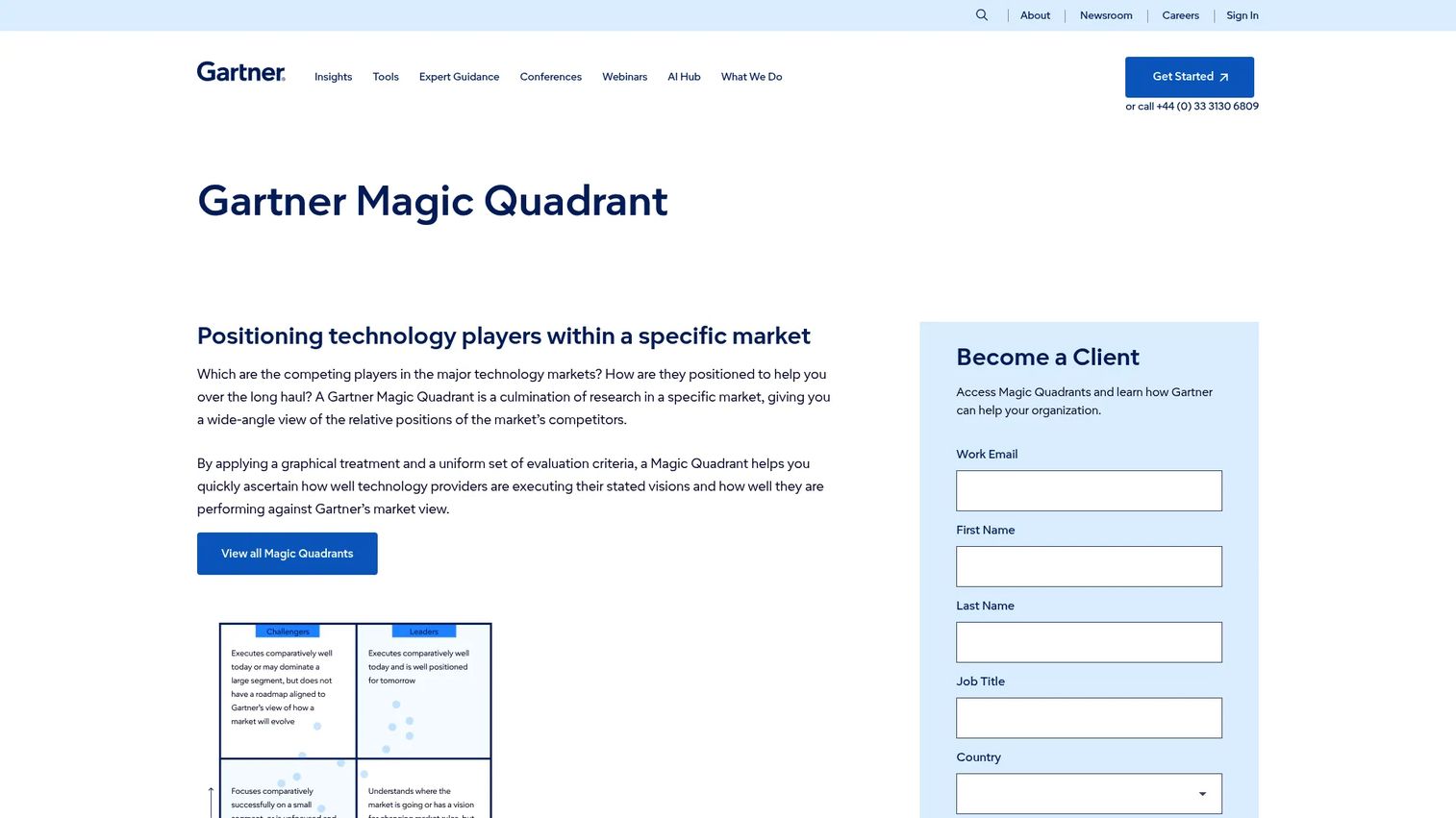
Gartner Magic Quadrant is a research methodology that positions technology providers within specific markets based on Ability to Execute and Completeness of Vision. Gartner publishes multiple storage-relevant Magic Quadrants covering categories like primary storage, distributed file systems, and cloud infrastructure. It is a research resource, not a storage product.
Best for: Teams building an evidence-based vendor shortlist before deeper technical evaluation, or procurement and executive stakeholders who need analyst context to justify shortlisting decisions.
Key features
- Graphical vendor positioning within a defined market
- Evaluation based on execution capability and strategic vision
- Interactive weighting and customized quadrant views through Gartner's portal
- Market-specific editions covering different storage categories
- Procurement-friendly third-party credibility
Why choose 2026 Gartner Magic Quadrant: Use it to inform and frame evaluations, not to replace hands-on validation. Gartner positions vendors at a market level; workload testing, pricing negotiation, integration proof, and architecture review still determine actual fit. Presales teams can cite the research in RFP responses and executive briefings without substituting it for technical validation.
2026 Gartner Magic Quadrant pricing: Gartner Magic Quadrant reports are available through Gartner subscriptions or may be licensed through featured vendors who redistribute complimentary copies. Check with your Gartner account team or vendor contacts for access.
13. AWS Storage Gateway
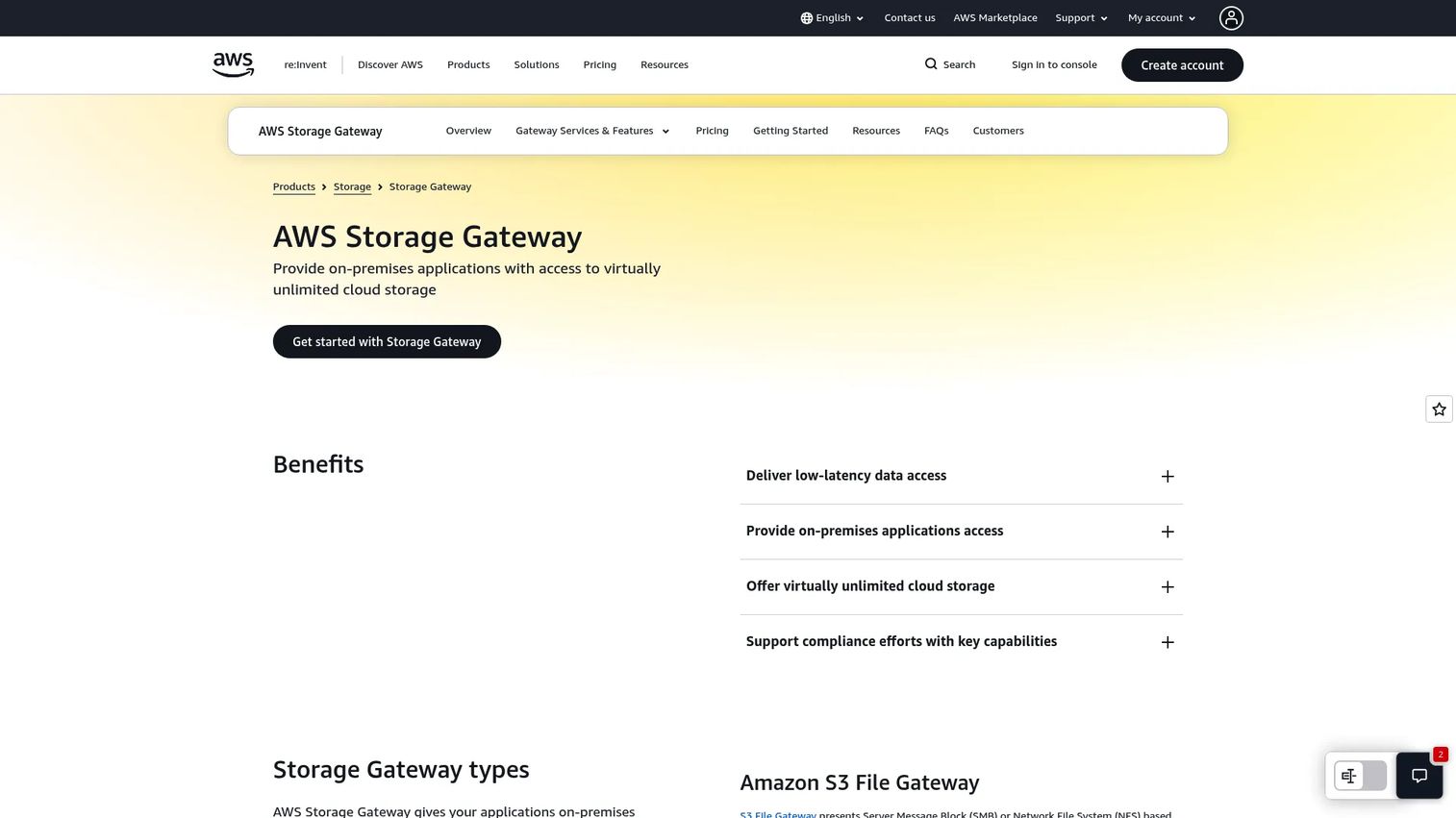
AWS Storage Gateway is a hybrid cloud storage service that connects on-premises applications and workflows to AWS storage. It provides three gateway types: S3 File Gateway for NFS and SMB access to Amazon S3, Volume Gateway for iSCSI block storage with cloud backup, and Tape Gateway for virtual tape library replacement. Local caching keeps frequently accessed data nearby for low-latency reads.
Best for: Organizations that want on-premises applications to access AWS storage without immediately rewriting workflows or migrating applications to the cloud.
Key features
- S3 File Gateway for NFS and SMB access to Amazon S3
- Volume Gateway for iSCSI block storage with cloud-backed snapshots
- Tape Gateway to replace physical tape library infrastructure
- Local caching for low-latency access to active data
- Integration with Amazon S3, S3 Glacier, EBS, CloudWatch, and IAM
Why choose AWS Storage Gateway: This is a practical entry point when the hybrid problem is specifically about accessing or migrating into AWS storage, not managing a broad multicloud environment. Presales teams should validate throughput requirements, caching configuration, application compatibility with gateway protocols, and data transfer costs before the architecture is finalized.
AWS Storage Gateway pricing: Pricing starts at $0.01 per GB written to AWS for File and Volume Gateways, up to $125 per gateway per month. The first 100 GB written to AWS per account is free. Additional charges apply for storage, retrieval, and data transfer depending on the AWS services used.
14. Google Cloud Platform
Google Cloud Platform provides infrastructure, AI and machine learning, data analytics, databases, networking, and storage services. For hybrid storage specifically, Google Cloud Storage covers object, nearline, coldline, and archive tiers. Google Cloud also offers file storage, block volumes, data transfer services, and backup capabilities. Its analytics alignment, through BigQuery and related services, makes it a frequent choice when storage decisions are driven by data and analytics workloads. Teams evaluating best AI cybersecurity solutions or data-heavy infrastructure often assess Google Cloud's storage alongside its analytics capabilities.
Best for: Teams using Google Cloud for analytics, cloud-native development, backup, or multicloud storage where Google's data and AI services are part of the same project.
Key features
- Cloud Storage with object, nearline, coldline, and archive tiers
- File storage and block volume options
- Data transfer services for migration and ongoing ingestion
- Backup and archive workflows
- Analytics-adjacent storage through BigQuery and related services
Why choose Google Cloud Platform: Google Cloud is a strong candidate when data analytics or cloud-native development shapes the project. Presales teams should validate hybrid management depth compared to AWS and Azure, identity integration, regional strategy for regulated data, and migration tooling. Google's ecosystem is powerful for analytics but less mature in some traditional enterprise storage patterns than AWS or Azure.
Google Cloud Platform pricing: Google Cloud uses consumption-based pricing with no universal starting point. New accounts receive $300 in free credits. More than 25 products have permanent free monthly usage limits. Storage costs depend on storage class, operations, retrieval, region, and transfer volume.
Considerations when choosing hybrid cloud storage solutions
Workload placement
Decide what stays local, what moves to cloud, and what runs at the edge before selecting a platform. Sensitive and regulated records often must remain in a specific region. Latency-sensitive workloads, like real-time transaction processing or rendering, need storage close to compute. Archival and backup data can move to lower-cost cloud tiers. The placement logic should be documented before the architecture conversation starts.
Recovery requirements
Compare RPO, RTO, backup frequency, ransomware recovery, and immutable snapshot support across shortlisted options. Vendor claims about recovery speed are worth testing: Run a documented failover before a production commitment. Ask for reference architectures that show a tested recovery scenario, not a conceptual diagram.
Operating model
Clarify who manages day-two operations: Cloud platform team, storage team, platform engineering, MSP, or the vendor. Hybrid storage architectures frequently fail when ownership boundaries are unclear. If the answer is "shared responsibility," define exactly what each party covers before contract signature.
Cost model
Hybrid storage costs compound quickly. Account for storage capacity, request volume, data transfer and retrieval fees, regional pricing, licensing, support tiers, and professional services. The shift from capital expenditure to operational expenditure is real but not always cheaper. Run a rightsizing analysis using actual workload data rather than estimates.
Integration fit
Confirm that shortlisted platforms connect to the buyer's identity provider, monitoring stack, SIEM, ITSM, and existing backup software. For Kubernetes environments, validate CSI driver compatibility. For VMware environments, check VMware Cloud Foundation or HCI integration paths. Ask vendors for reference architectures that show your specific stack, not a generic diagram.
Conclusion
Hybrid cloud storage decisions are architecture decisions first. The platform choice follows from workload placement logic, recovery requirements, and operating model clarity.
For broad hyperscale coverage, AWS and Microsoft Azure cover most hybrid patterns and integrate with existing cloud footprints. VMware and Everpure Cloud for Azure VMware Solution suit organizations that need to extend vSphere estates into cloud without abandoning familiar operations. NetApp addresses hybrid file and NAS modernization, particularly when ransomware recovery is a driver. IBM and IBM FlashSystem fit regulated and high-performance enterprise environments. Kubernetes and Portworx serve cloud-native teams running stateful workloads across hybrid clusters. AWS Storage Gateway and Purity CloudSnap cover targeted use cases: On-premises access to AWS storage and Pure Storage snapshot offload respectively. Google Cloud Platform is the right fit when analytics or Google-native development drives the project. The 2026 Gartner Magic Quadrant provides analyst research context to support shortlisting and procurement conversations.
The next step is straightforward: Shortlist two or three options by workload type, then run a proof of architecture using real RPO, latency, security, and cost requirements. A reference architecture and a tested failover carry more weight in a buying committee than any comparison table.
FAQs
A hybrid cloud storage solution is a platform, service, or architecture that spans on-premises infrastructure and public cloud storage, allowing organizations to store, move, protect, and manage data across both environments. The hybrid model lets teams place data where it performs best, with local infrastructure handling latency-sensitive or regulated workloads while cloud storage covers backup, archive, and scale-out needs.
The main types include hyperscale cloud provider storage (AWS, Azure, Google Cloud), enterprise storage arrays with cloud integration (NetApp, IBM FlashSystem), storage gateway services (AWS Storage Gateway), Kubernetes persistent storage platforms (Portworx), snapshot-based cloud backup capabilities (Purity CloudSnap), and VMware-aligned hybrid storage for virtual machine environments. Analyst research from Gartner provides a market-level framework for comparing vendors within each type.
No single option is best across all scenarios. NetApp covers ransomware recovery through immutable snapshots and SnapLock. IBM FlashSystem provides autonomous cyber recovery features. Portworx offers zero-RPO synchronous replication for Kubernetes workloads. AWS Storage Gateway and AWS Backup cover cloud-side recovery for on-premises data. The right choice depends on recovery point objectives, recovery time objectives, workload type, and whether the primary environment is VMware, Kubernetes, or bare metal.
Pricing combines capacity, storage class, request volume, data retrieval, transfer fees, region, licensing, support tiers, and professional services. Hyperscale providers like AWS and Google Cloud use consumption-based models with no flat starting price. Enterprise hardware like IBM FlashSystem uses configuration-based pricing. NetApp cloud services start at $0.04 to $0.07 per GB per month depending on the service. Use each vendor's pricing calculator with actual workload data rather than estimates.
Security depends on architecture and operational practices rather than the platform alone. Key factors include encryption in transit and at rest, identity and access management, network design between on-premises and cloud environments, data residency controls for regulated workloads, logging and audit trails, and documented recovery testing. Every platform in this list supports encryption and access controls; the gap is usually in how those controls are configured and maintained.
Hybrid cloud storage combines on-premises or private cloud infrastructure with at least one public cloud. Multicloud storage uses more than one public cloud provider without necessarily including on-premises infrastructure. Many enterprise architectures use both patterns simultaneously, running workloads across on-premises systems, AWS, and Azure or Google Cloud at the same time.
Data should stay on-premises when regulatory requirements mandate a specific physical location or jurisdiction, when application latency requirements make cloud round-trips unacceptable, when legacy applications cannot tolerate network-dependent storage, or when data gravity (the cost of moving large volumes) exceeds the operational benefit. Cloud storage can still support backup, archive, or analytics for that same data without hosting the primary copy in the cloud.
Ask for reference architectures that show the buyer's specific stack, not a generic diagram. Request proof of a tested failover scenario with documented RPO and RTO numbers. Verify integration with the existing identity provider, monitoring stack, and backup software. Review security documentation against the buyer's compliance requirements. Get a workload-specific cost model using actual data volumes, transfer patterns, and retrieval frequencies rather than vendor estimates.