You can sketch a product flow faster than you can type it. The problem comes later, when that sketch needs to become searchable, shareable, and useful to the team six weeks from now.
Most handwritten notes rot in a silo. They live on a single device, export poorly, and resist search. A 2024 study published in Cogent Education found that 69% of surveyed lecture-note takers had already switched to digital notes, yet the gap between capturing an idea and making it retrievable remains wide. The global handwriting-recognition AI market was valued at $3.25 billion in 2025 and is projected to reach $6.27 billion by 2029 (The Business Research Company, 2025), which signals how seriously the software market is taking this problem.
For product managers, the stakes are specific: Discovery notes that need to become searchable artifacts, annotated PRDs that need to travel across teams, and workshop sketches that need to outlast the sprint. The right handwritten note-taking software changes whether those assets survive the meeting or die in a screenshot folder.
This guide compares 14 handwritten notes software tools so you can narrow to a shortlist in one read.
What's inside
This guide is for product managers, researchers, students, and Windows or iPad users who need a better handwritten notes workflow in 2026.
- Who it's for: PMs, students, researchers, and stylus users across Windows, iPad, and Mac
- How tools were chosen: Handwriting quality, platform fit, PDF annotation support, export and sync, pricing, and review signal
- What's covered: Tools ranging from dedicated recognition apps to open-source knowledge bases
- Pricing and ratings: Verified against vendor pages and live G2 listings at time of writing
TL;DR
- Best for handwriting recognition: MyScript Notes converts handwritten text to editable, searchable content, making it the top pick for PMs who need notes to become artifacts
- Best polished notebook experience: GoodNotes delivers a natural ink feel with strong templates, PDF annotation, and cross-device sync
- Best for Microsoft and Windows teams: Microsoft OneNote integrates with Microsoft 365 and runs across every platform your team uses
- Best Windows student workflow: Noteastic is built for Windows-first lecture and PDF annotation without the overhead of a full productivity suite
- Best for PDF-heavy review: Drawboard PDF treats the document as the workspace, with pressure-sensitive markup and document review tools
- Best open-source or local-first option: Joplin and Obsidian prioritize data ownership and offline access, though handwriting is not their core strength
What is handwritten notes software?
Handwritten notes software is a digital note-taking application that lets users write, draw, annotate, organize, search, and share handwritten notes using a stylus, touchscreen, or pen-enabled device.
The category sits across four overlapping types, and knowing the distinction saves you from downloading the wrong thing:
- Handwriting-first notebook apps: Built around digital pages, notebooks, and ink. GoodNotes, Notability, and Noteshelf fit here. The writing experience is the product.
- Handwriting recognition apps: Convert ink to editable, searchable text as you write. MyScript Notes leads this category.
- PDF annotation tools: Start with an existing document and add markup, signatures, and pen annotations. Drawboard PDF is the clearest example.
- Local-first markdown tools with drawing support: Joplin and Obsidian are knowledge bases first. Handwriting is an attachment or plugin capability, not a native workflow.
Core capabilities to evaluate
- Stylus input with palm rejection
- Handwriting-to-text conversion accuracy
- Searchable handwriting (even without full conversion)
- PDF import, annotation, and export
- Notebook, folder, or workspace organization
- Cross-device sync and backup
- Export to PDF, image, or text formats
- Audio recording where available
- Offline access and data ownership controls
A common mistake is treating any note app with a drawing tool as handwriting software. The tools that hold up for professional workflows are the ones where ink is the primary input, not an afterthought tacked onto a markdown editor.
When to use handwritten notes software
Capture product discovery without losing context
Customer interviews, stakeholder sessions, and usability tests generate messy, fast-moving information. Typed notes force you to process while you listen. A handwritten notes app lets you sketch, annotate, and annotate freely, then search or export those notes afterward. For PMs, this means discovery artifacts that remain retrievable across release cycles.
Annotate PDFs, slides, and technical documents
PRDs, design specs, research papers, and feedback decks all need markup that travels with the document. Rather than exporting comments into a separate system, the right PDF annotation tool keeps your ink and the original document together. Students use the same workflow for lecture slides.
Sketch workflows before they become specs
Information architecture diagrams, onboarding flow sketches, and whiteboard session outputs are often cleaner as handwritten visuals than as early-stage Figma frames. The right app lets those sketches survive the meeting, stay searchable by project, and export cleanly when a spec needs to reference them.
Handwritten notes software comparison
The table below reflects pricing and ratings verified at time of writing. G2 ratings are shown where a confirmed listing exists. Tools without a verified G2 listing show N/A.
| # | Product | Best for | Key differentiator | Pricing | G2 rating |
|---|---|---|---|---|---|
| 1 | MyScript Notes | Handwriting recognition | Converts ink to structured, editable text | Free trial; subscription pricing | 4.5/5 |
| 2 | GoodNotes | Polished digital notebook | Natural ink, templates, cross-device sync | Free tier; paid from $11.99/yr | 4.5/5 |
| 3 | Microsoft OneNote | Microsoft and Windows teams | Freeform canvas with Microsoft 365 integration | Free; Microsoft 365 from $9.99/mo | 4.5/5 |
| 4 | Noteastic | Windows students | Lecture-slide import and Windows-first inking | Free; Pro at €20/yr | N/A |
| 5 | Drawboard PDF | PDF-heavy annotation | Markup workflows for PDFs and technical documents | Free; Pro Plus $10 one-off (3 yr) | 4.3/5 |
| 6 | Apple Notes | Apple ecosystem users | Built-in sketching, scanning, and iCloud sync | Free with Apple devices | N/A |
| 7 | Notability | iPad lecture and meeting notes | Handwriting, PDFs, and audio recording together | Free Starter; paid from $11.99/yr | 4.6/5 |
| 8 | Noteshelf | Cross-device handwritten notebooks | Handwriting, templates, audio, and cloud sync | See vendor site | 4.2/5 |
| 9 | CollaNote | Free iPad handwriting | Collaborative notes and study tools, free on App Store | Free | N/A |
| 10 | Zink Note | Lightweight Windows handwriting | Student-focused digital ink and PDF editing | See vendor site | N/A |
| 11 | Microsoft Journal | Minimal Windows journaling | Pen-first journaling app, free on Windows | Free | N/A |
| 12 | Scrivano | Distraction-light handwriting | Focused handwriting on Windows and Linux | See vendor site | N/A |
| 13 | Joplin | Open-source note storage | Local-first markdown with end-to-end encryption | Free; Joplin Cloud from €2.99/mo | 4.8/5 |
| 14 | Obsidian | Linked knowledge base | Local markdown vaults with canvas and plugins | Free; Sync from $4/user/mo | 4.5/5 |
Best 14 handwritten notes software tools for 2026
1. MyScript Notes
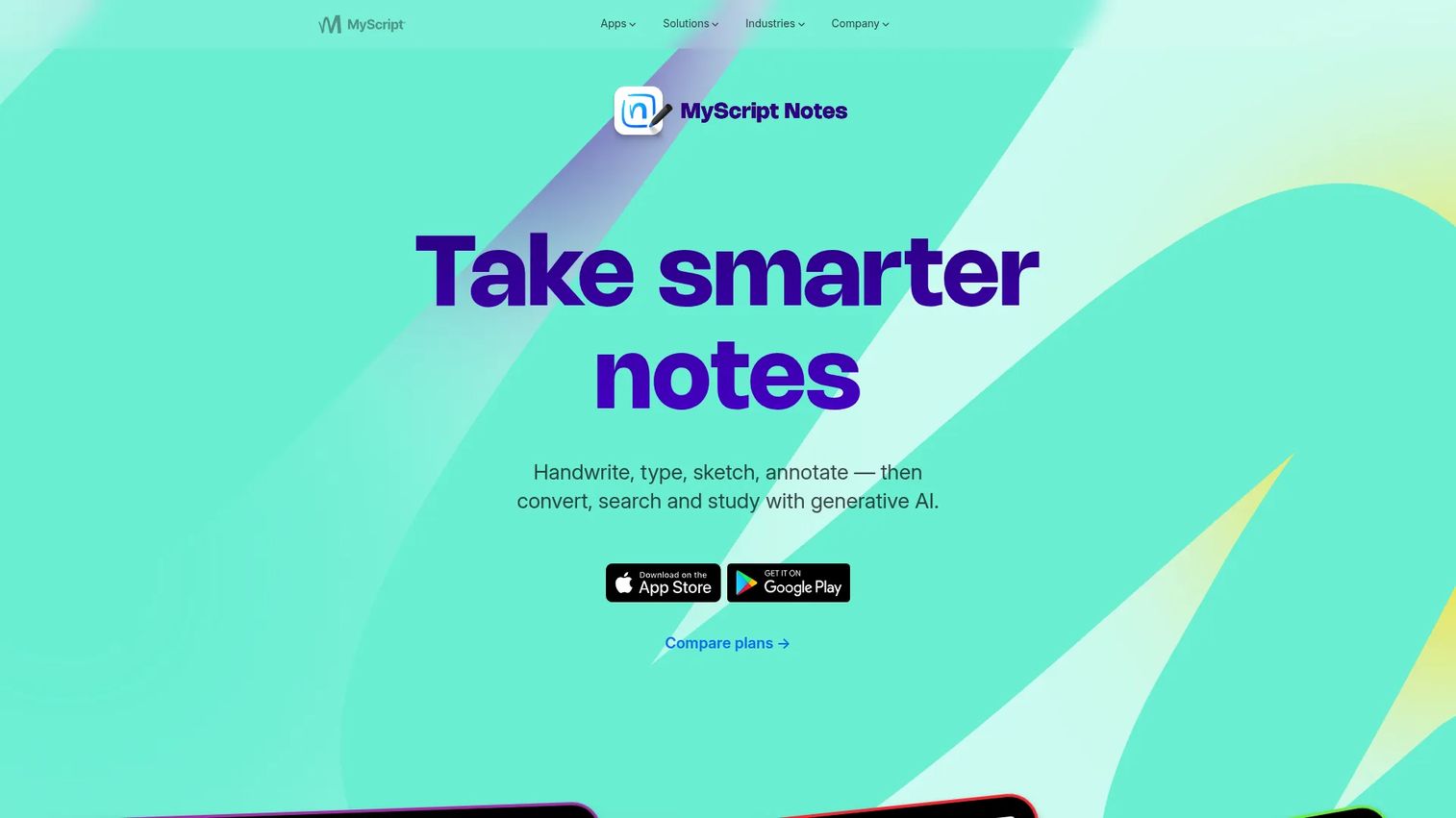
MyScript Notes is the strongest handwriting recognition app in this list, built around converting ink to editable, searchable text as you write. It evolved from the Nebo brand and now covers notebooks, responsive documents, boards, and PDF annotation. AI features include summarization, quizzes, and study sets where verified on the current platform.
Best for: Students and product managers who need handwritten notes to become searchable, reusable text artifacts.
Key features
- Handwriting-to-text conversion in real time
- Searchable handwritten notebooks and documents
- PDF import and ink annotation
- Math and diagram recognition
- AI study tools including summaries and quizzes
Why choose MyScript Notes: Choose it when recognition accuracy matters more than decorative notebook templates. For PMs, it closes the gap between a customer interview sketch and a document you can search three sprints later.
MyScript Notes pricing: MyScript Notes offers a 7-day free trial. Subscription pricing varies by region and is handled through the App Store or Google Play rather than a fixed public rate.
G2 rating: 4.5/5 (listed under Nebo on G2).
2. GoodNotes
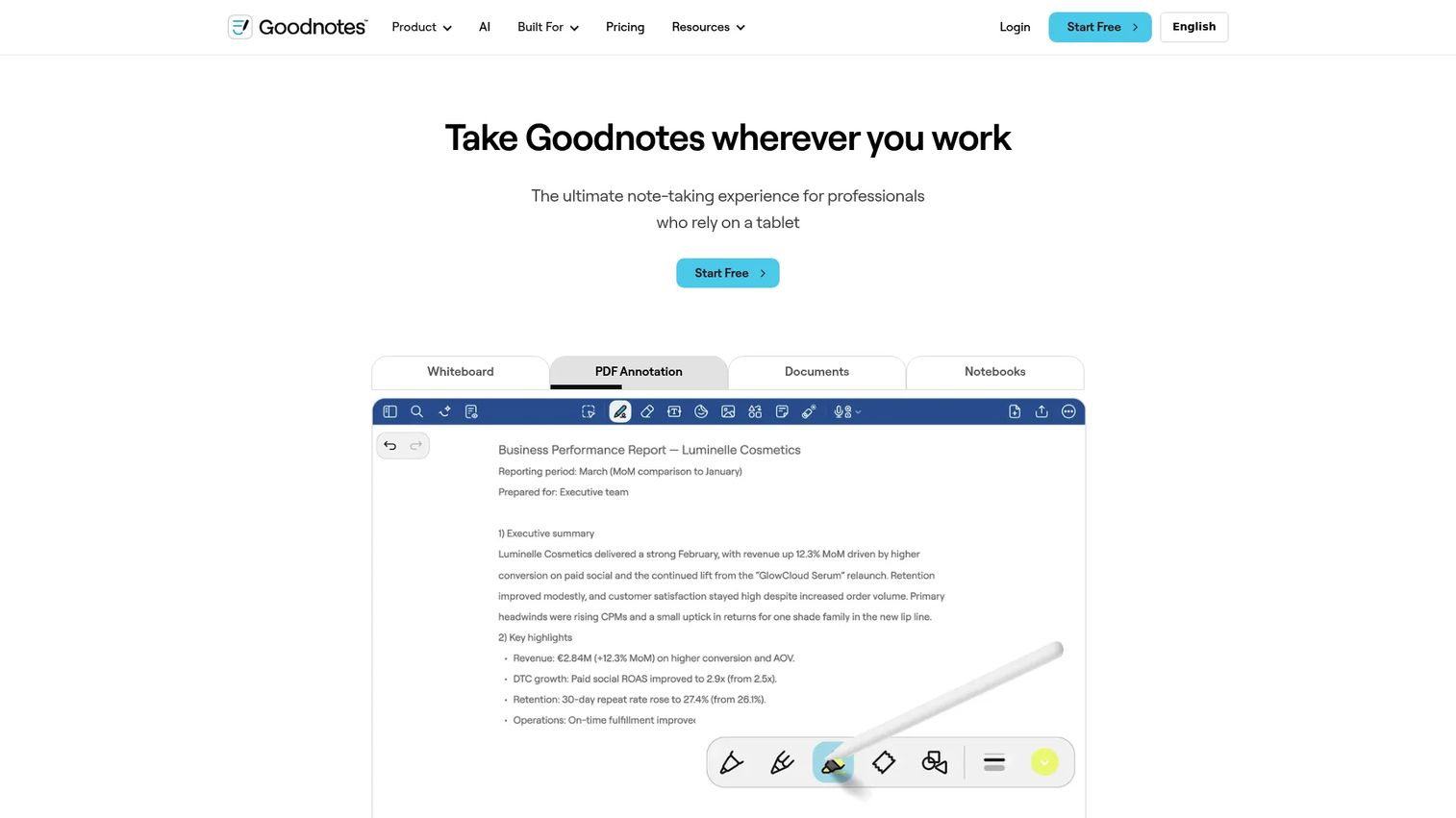
GoodNotes is the benchmark for polished digital notebooks. It runs on iPad, Mac, Windows, and web, with a natural ink feel that most stylus users prefer over other apps in this category. Features include PDF annotation, notebook templates, study sets, real-time collaboration, and AI-powered search.
Best for: Users who want a refined stylus notebook experience across Apple and Windows devices.
Key features
- Natural ink and writing feel with palm rejection
- PDF annotation and slide import
- Notebook templates and folder organization
- AI-powered search and summaries
- Real-time collaboration and cross-device sync
Why choose GoodNotes: It earns its place when the writing experience matters and the workflow spans multiple devices. For PMs, it handles workshop notes, annotated specs, and meeting notebooks well.
GoodNotes pricing: A free tier is available with limited notes. Paid plans start at $11.99/year (Essential), $35.99/year (Pro), and $120/seat/year (Teams). An AI Pass add-on runs $9.99/month.
G2 rating: 4.5/5.
3. Microsoft OneNote
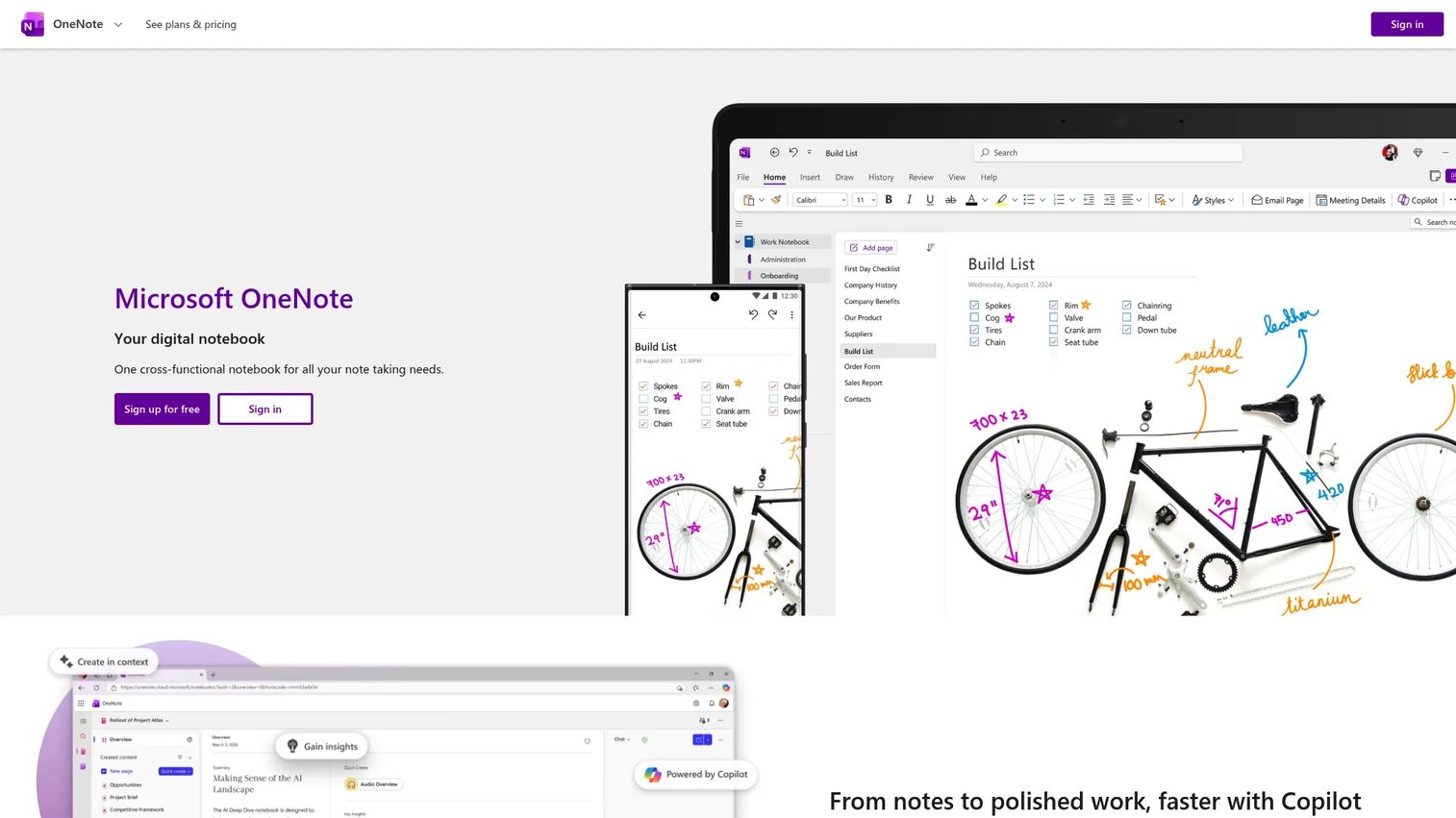
Microsoft OneNote is the default choice for teams already running on Microsoft 365. Its freeform canvas accepts typed text, handwritten ink, images, and embedded files on the same page. Copilot features assist with drafting and organization. Notebooks sync across Windows, Mac, iOS, Android, and web.
Best for: Teams using Microsoft 365, Surface devices, or shared notebooks across departments.
Key features
- Freeform canvas for mixed ink and typed content
- Microsoft 365 and Copilot integration
- Stylus, touch, and keyboard input on the same page
- Shared notebooks with real-time collaboration
- Cross-platform sync and voice transcription
Why choose Microsoft OneNote: It makes sense when ecosystem fit outweighs ink precision. For PMs, shared research notebooks, sprint notes, and meeting artifacts all work well inside the Microsoft stack.
Microsoft OneNote pricing: OneNote is free on web and mobile. Full Microsoft 365 Personal starts at $9.99/month or $99.99/year; Family starts at $12.99/month or $129.99/year.
G2 rating: 4.5/5.
4. Noteastic
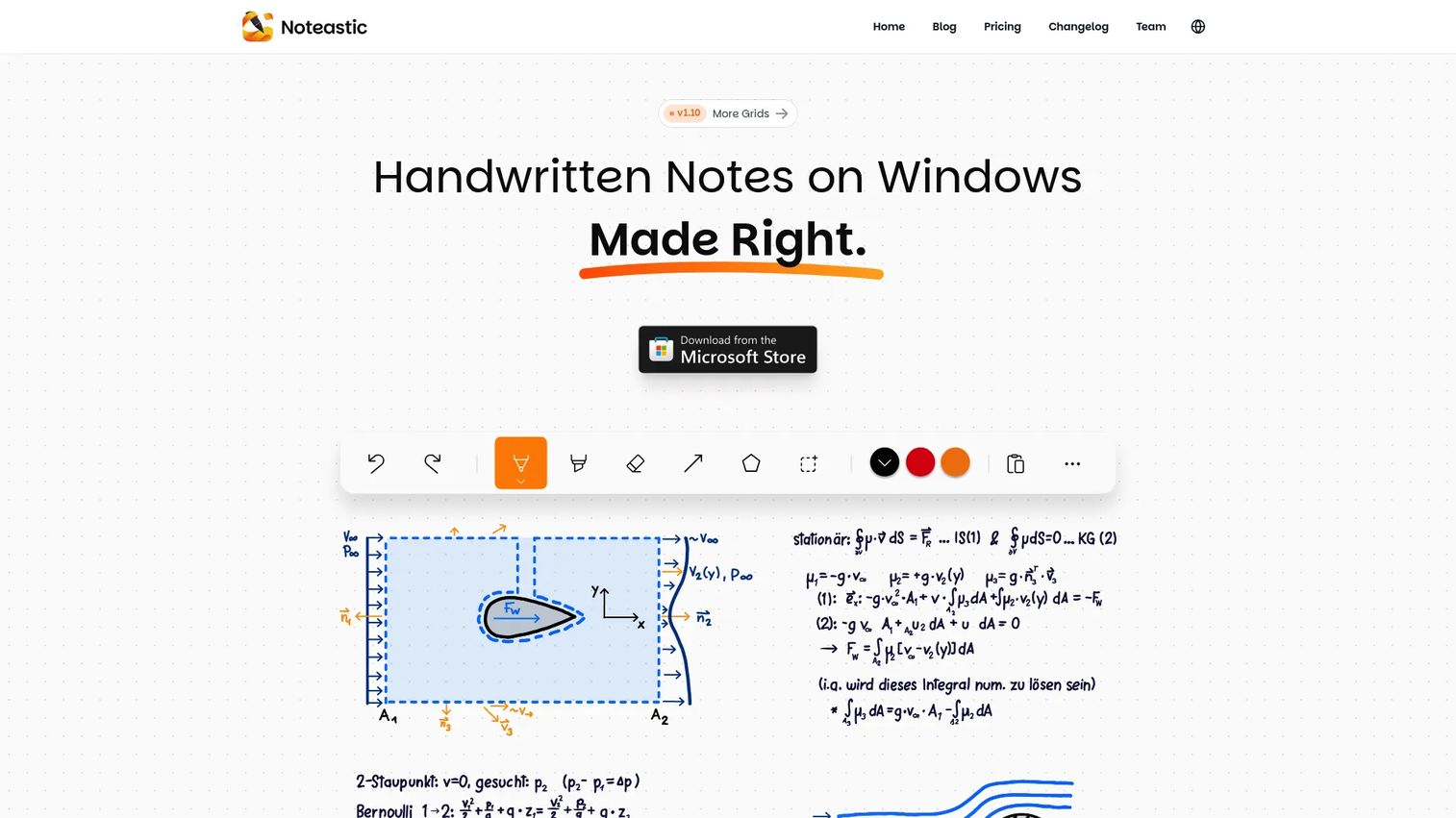
Noteastic is a Windows-exclusive handwritten note-taking app built around lecture slides, low-latency ink, and PDF annotation. It organizes notes into a notebook library with folder structure and exports to PDF. The Pro tier adds text recognition and additional grid options.
Best for: Windows students and PMs who import slides or PDFs and annotate them with a stylus.
Key features
- Windows-native low-latency inking
- PDF import, annotation, and export
- Paper templates including grids and dot paper
- Notebook library with folder organization
- Handwriting-to-text recognition in Pro tier
Why choose Noteastic: It delivers a Windows-first handwriting workflow without the complexity of a broader note platform. Students reviewing lecture decks and PMs marking up research packs both fit the use case.
Noteastic pricing: The Base plan is free and includes core handwriting, PDF workflows, and unlimited notebooks. Pro costs €20/year and adds text recognition, more color options, and additional templates.
5. Drawboard PDF
Drawboard PDF is a PDF markup tool, not a general notebook app. It treats the document as the workspace: Pressure-sensitive annotation, text review tools, shapes, callouts, signatures, and real-time collaboration are all built around existing PDFs. It also supports OCR, redaction, measurement tools, and document splitting.
Best for: Anyone who writes directly on PDFs, including PMs reviewing PRDs, researchers annotating papers, and engineers marking up technical drawings.
Key features
- Pressure-sensitive digital ink and annotation tools
- Text highlighting, underlining, strikethrough, and callouts
- Real-time annotation sync for collaborative review
- OCR, redaction, signatures, and measurement tools
- PDF page management: Insert, merge, split, rotate
Why choose Drawboard PDF: When the document is the center of work, it outperforms notebook apps that bolt on PDF support. For product teams, PRD reviews, design feedback, and annotated research all stay together in one file.
Drawboard PDF pricing: The free tier supports essential tools with up to 10 documents (40 MB per document). Education Pro Plus costs $10 as a one-off payment valid for three years; Pro Unlimited costs $20 on the same terms.
G2 rating: 4.3/5.
6. Apple Notes
Apple Notes is the strongest zero-cost option for Apple users. It supports quick Apple Pencil sketches, document scanning, checklists, tables, and iCloud sync across iPhone, iPad, and Mac. Shared notes and Smart Folders make basic organization workable.
Best for: Apple users who want quick handwritten sketches and scanned documents without installing a separate app.
Key features
- Apple Pencil sketches and freehand drawing
- Document scanning with text recognition
- iCloud sync across iPhone, iPad, and Mac
- Shared notes and collaborative editing
- Smart Folders, tags, and full-text search including handwriting
Why choose Apple Notes: Choose it when low maintenance matters more than advanced notebook controls. For PMs, it handles quick meeting sketches and captured whiteboards that need to sync instantly across Apple devices.
Apple Notes pricing: Apple Notes comes free with Apple devices, backed by 5 GB of iCloud storage. Additional storage starts at $0.99/month (50 GB) up to $59.99/month (12 TB).
7. Notability
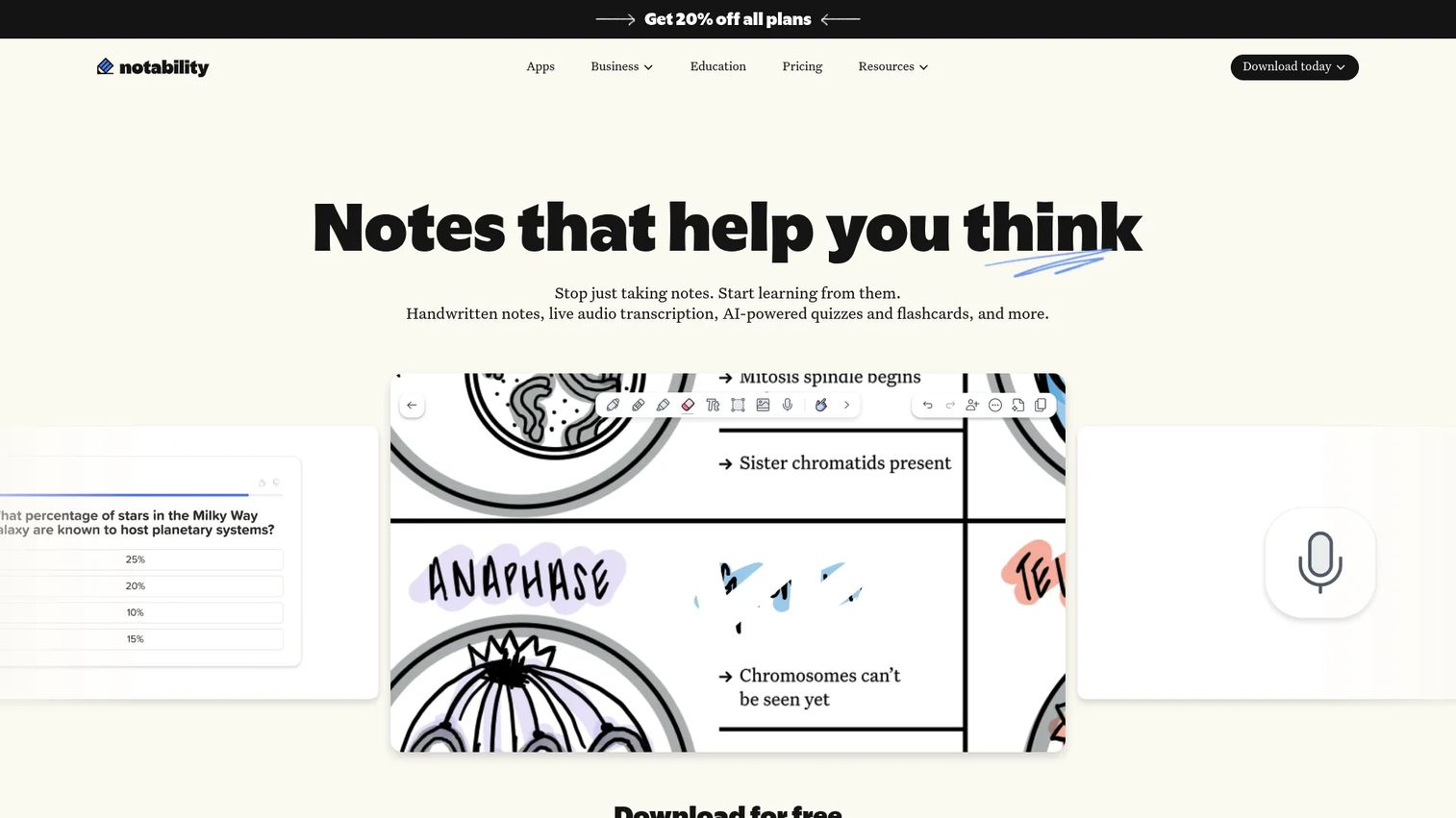
Notability combines handwritten notes, PDF annotation, and live audio recording in one app. Its audio sync feature plays back your recording while highlighting the notes you wrote at that moment, which is useful for customer interviews, stakeholder workshops, and lecture capture. AI features generate summaries, quizzes, and flashcards from notes.
Best for: Users who combine handwritten notes with audio recordings, particularly for research calls and live sessions.
Key features
- Handwritten note-taking and PDF annotation
- Live audio recording with synchronized playback
- AI summaries, quizzes, and flashcard generation
- Note replay aligned to audio timestamps
- Template library and cross-device access
Why choose Notability: It is the right choice when audio context matters alongside ink. For PMs running customer interviews or workshop sessions, the ability to replay the meeting while reading your notes changes what you can recover afterward.
Notability pricing: The Starter plan is free. Paid plans start at $11.99/year (Lite), $15.99/year (Plus), and $79.99/year (Pro). Business plans run $60/user/year (Business) and $180/user/year (Business Pro).
G2 rating: 4.6/5.
8. Noteshelf
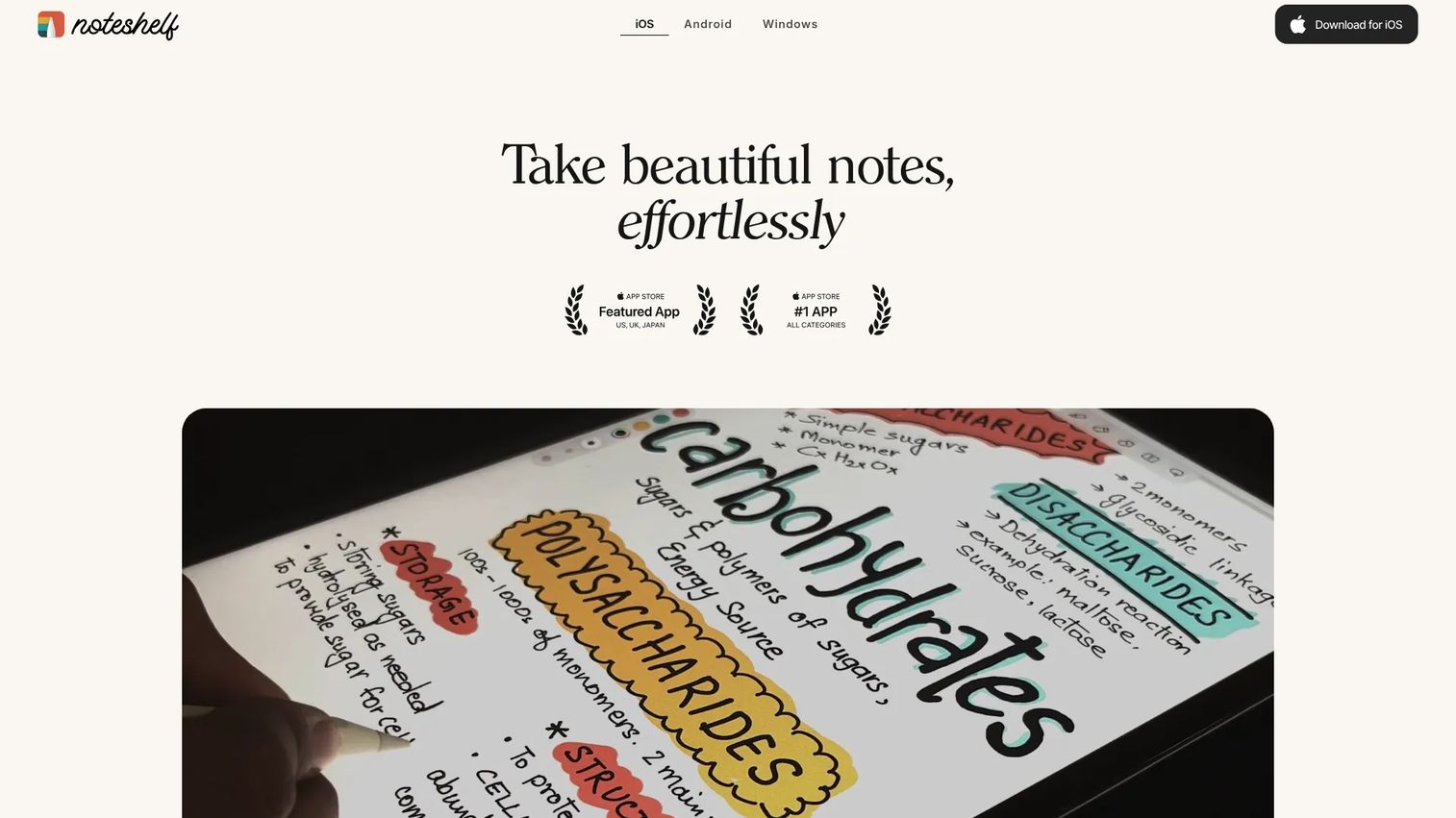
Noteshelf is a cross-platform handwritten notebook app with over 200 templates, audio notes, handwriting search, PDF annotation, and cloud backup. It includes an AI assistant and supports handwriting-to-text conversion. The app targets users who want a traditional notebook feel across tablet and desktop.
Best for: Users who want a notebook-style experience with audio support across multiple devices.
Key features
- Handwritten notebooks with 200-plus templates
- Handwriting search and text conversion
- PDF annotation and import
- Audio notes with recording support
- Cloud backup and cross-device sync
Why choose Noteshelf: It suits mixed-use workflows where research notes, planning, and meeting capture all live in the same app. For PMs, the combination of handwriting search and audio notes reduces the retrieval cost later.
Noteshelf pricing: Check the Noteshelf website or App Store listing directly for current tier and subscription information.
G2 rating: 4.2/5.
9. CollaNote
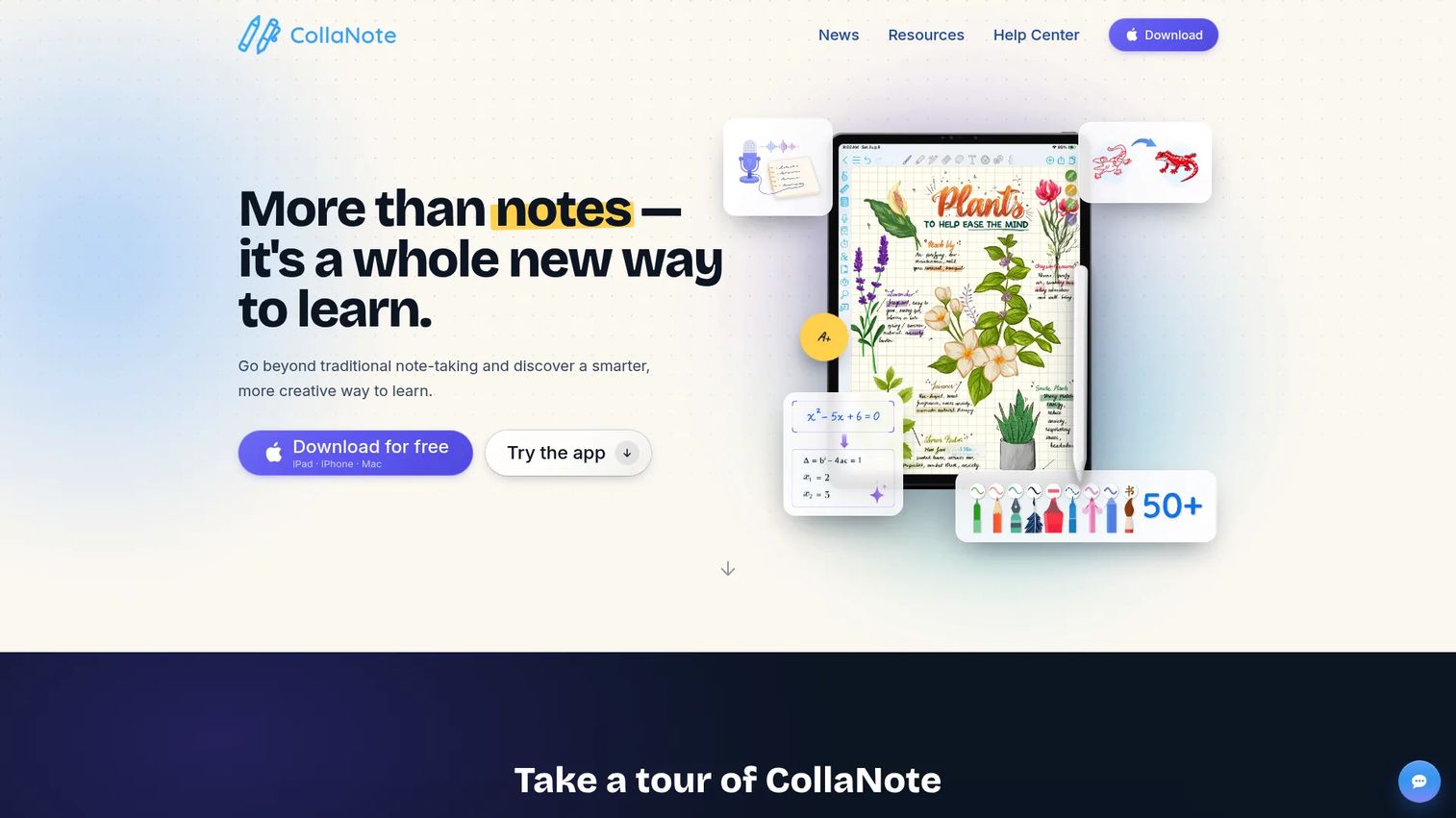
CollaNote is a free iPad handwriting app built for students. It includes 25 pen and brush options, AI study tools, interactive planners, flashcards, and over 20 digital paper types. PDF annotation and collaborative note-sharing are both available without a subscription.
Best for: iPad users who want a capable free handwriting app for studying or casual brainstorming.
Key features
- Handwritten note-taking with 25 pen and brush styles
- PDF annotation and import
- AI study tools including summarization and search
- Interactive planners for tasks and schedules
- Flashcards with audio and image support
Why choose CollaNote: When cost is the primary constraint and the workflow is iPad-based, CollaNote delivers more than most free-tier apps. For PMs, it handles casual workshop notes and collaborative brainstorming where budget does not justify a paid subscription.
CollaNote pricing: CollaNote is free on the App Store.
10. Zink Note
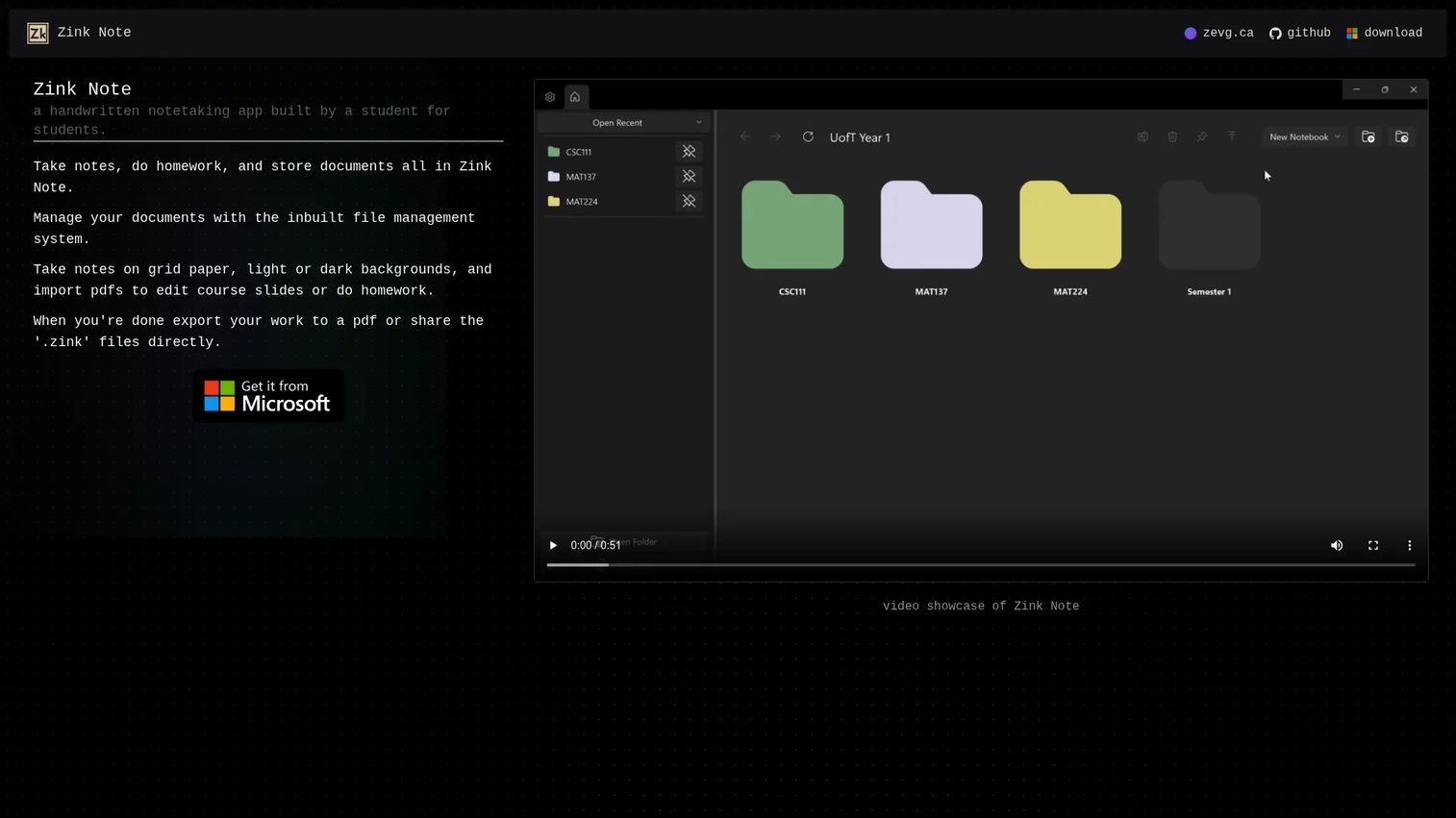
Zink Note is a lightweight handwritten note-taking app built for students. It supports digital ink, PDF import and editing, file management, grid paper backgrounds, and export to PDF. It is designed for simple, focused note capture rather than a full productivity system.
Best for: Students and Windows users who want basic digital ink and PDF editing without added complexity.
Key features
- Handwritten note-taking with digital ink
- PDF import and editing
- Grid and plain paper backgrounds with light and dark modes
- Built-in file management
- Export to PDF and sharing of native files
Why choose Zink Note: It fits the reader who wants basic handwritten capture on a student device without navigating a larger platform. Keep the scope modest: It is a focused tool, not a knowledge management system.
Zink Note pricing: Check the vendor site or relevant app store listing for current availability and cost.
11. Microsoft Journal
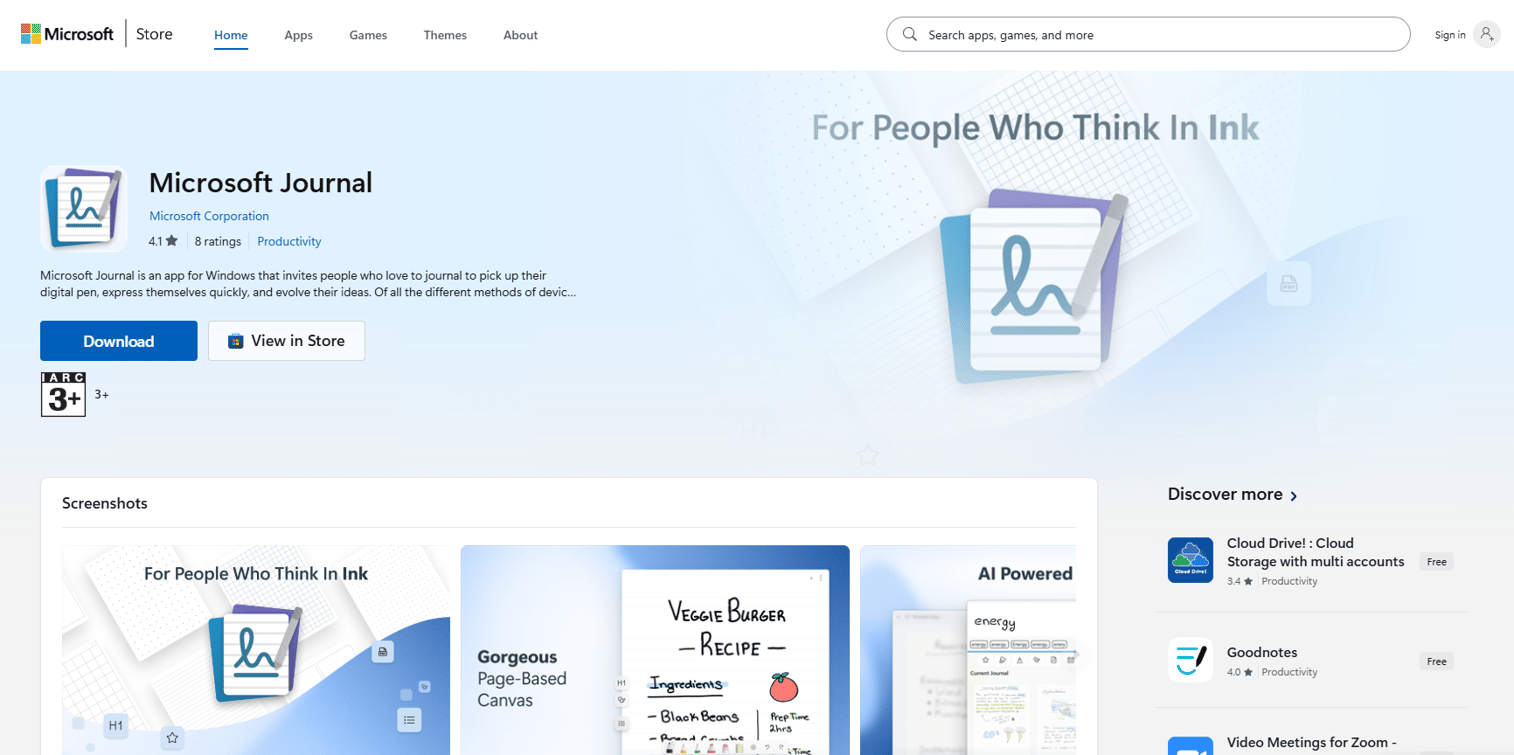
Microsoft Journal is a free Windows pen journaling app from Microsoft Garage. It is designed for tablet and 2-in-1 devices, with an ink-first canvas, AI-powered gesture recognition, and integration with Microsoft 365 Calendar for meeting notes. Notes can export to OneNote, PDF, and email.
Best for: Windows pen users who prefer a minimal, ink-first journal without the full notebook structure of OneNote.
Key features
- Ink-first page canvas for tablets and 2-in-1 devices
- AI-powered ink gestures, search, and recognition
- PDF and image import and annotation
- Microsoft 365 Calendar integration for meeting context
- Export to OneNote, PDF, and email
Why choose Microsoft Journal: It suits a focused thinking and journaling workflow on Windows, particularly when the reader does not need a full multi-notebook system. For PMs, it works as a quick sketching space before moving ideas into a shared tool.
Microsoft Journal pricing: Microsoft Journal is free on Windows. Microsoft 365 integration requires a separate Microsoft 365 subscription.
12. Scrivano
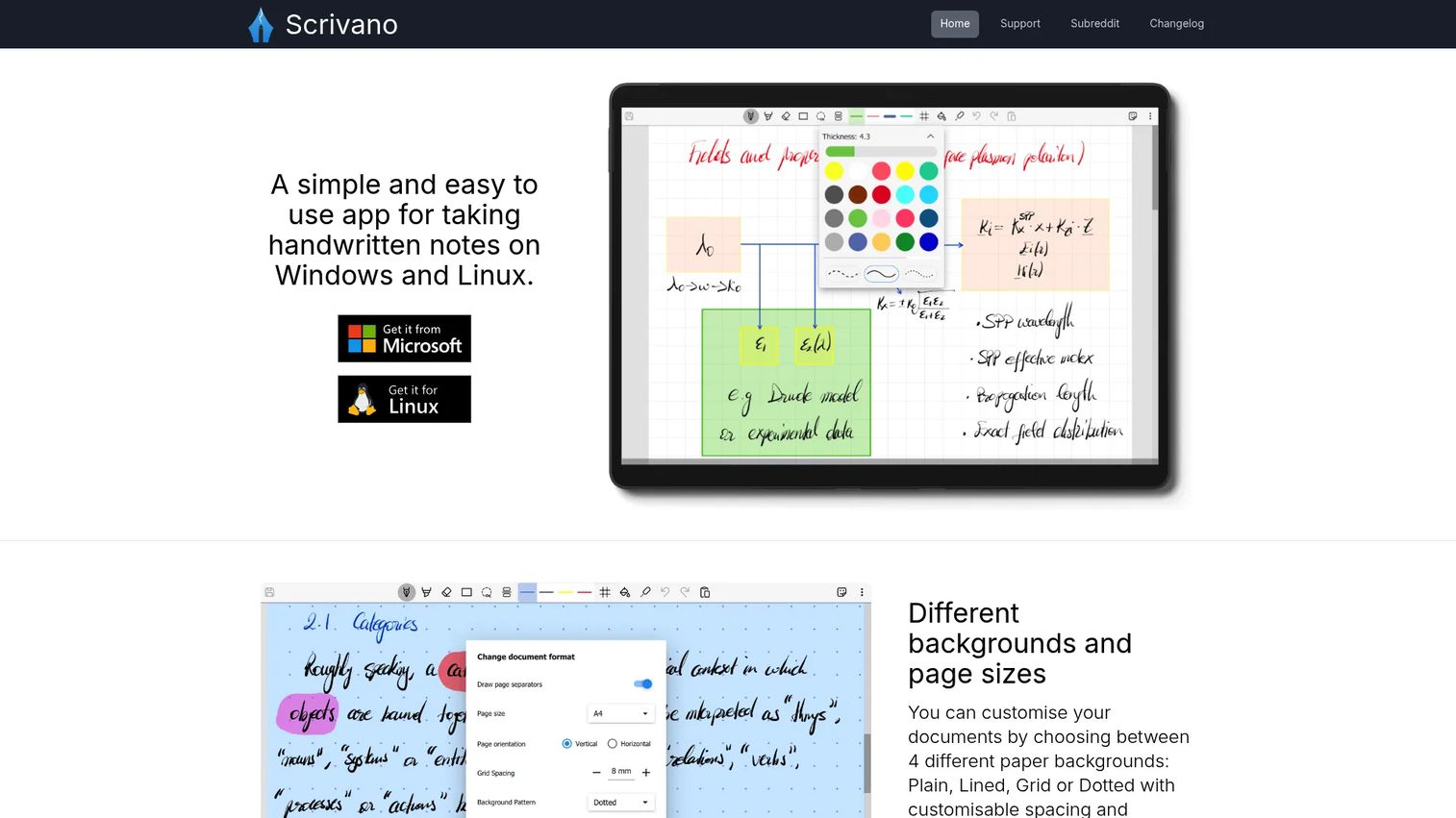
Scrivano is a focused handwriting app for Windows and Linux. It offers customizable paper backgrounds, grid snapping for diagrams and tables, PDF annotation, reusable stickers for symbols, and a laser tool for presenting notes. Its design prioritizes a clean writing surface over integrations.
Best for: Windows and Linux users who want focused handwriting and PDF annotation without a cluttered interface.
Key features
- Customizable plain, lined, grid, and dotted paper backgrounds
- Grid snapping for diagrams, tables, and lines
- PDF import and annotation with inking tools
- Reusable stickers for symbols and recurring elements
- Laser pointer tool for presenting or reviewing notes
Why choose Scrivano: Choose it when the writing experience matters more than cloud integrations or CRM-connected note systems. For PMs, it handles product sketches and focused meeting notes well, particularly on Linux where options are thin.
Scrivano pricing: Check the vendor page for current availability and cost.
13. Joplin
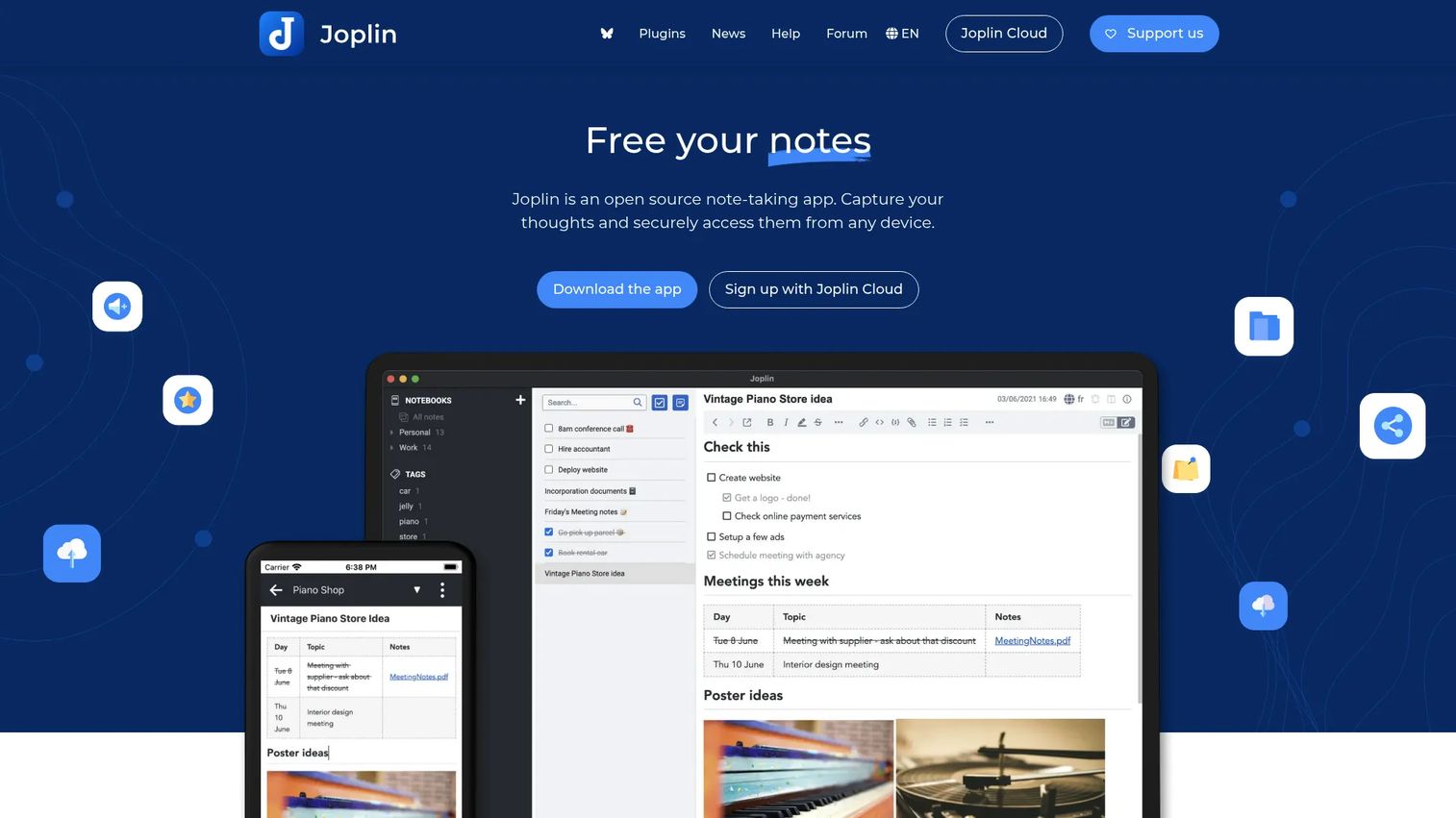
Joplin is an open-source, local-first note app built on Markdown. It supports end-to-end encrypted sync, file attachments, a web clipper, and a plugin ecosystem. Handwriting is not a native capability: The app is a text and attachment system. Pairing it with a drawing plugin or attaching handwritten images is possible but not built in.
Best for: Privacy-conscious users and product teams who need open-source, offline-first notes with long-term data ownership.
Key features
- Markdown notes with full-text search
- End-to-end encrypted sync via Joplin Cloud or self-hosted options
- Web Clipper extension for Chrome and Firefox
- File and multimedia attachments including images, PDFs, and audio
- Plugin, theme, and editor customization
Why choose Joplin: Choose it when ownership, offline access, and privacy matter more than native ink. For PMs, it works as a durable knowledge repository for research notes, decision logs, and discovery synthesis, particularly for teams uncomfortable with vendor lock-in.
Joplin pricing: The app is free and open-source. Joplin Cloud plans start at €2.99/month (Basic), €5.99/month (Pro), and €7.99/user/month (Teams, minimum 2 users). Business server plans start at €3.33/user/month billed annually.
G2 rating: 4.8/5.
14. Obsidian
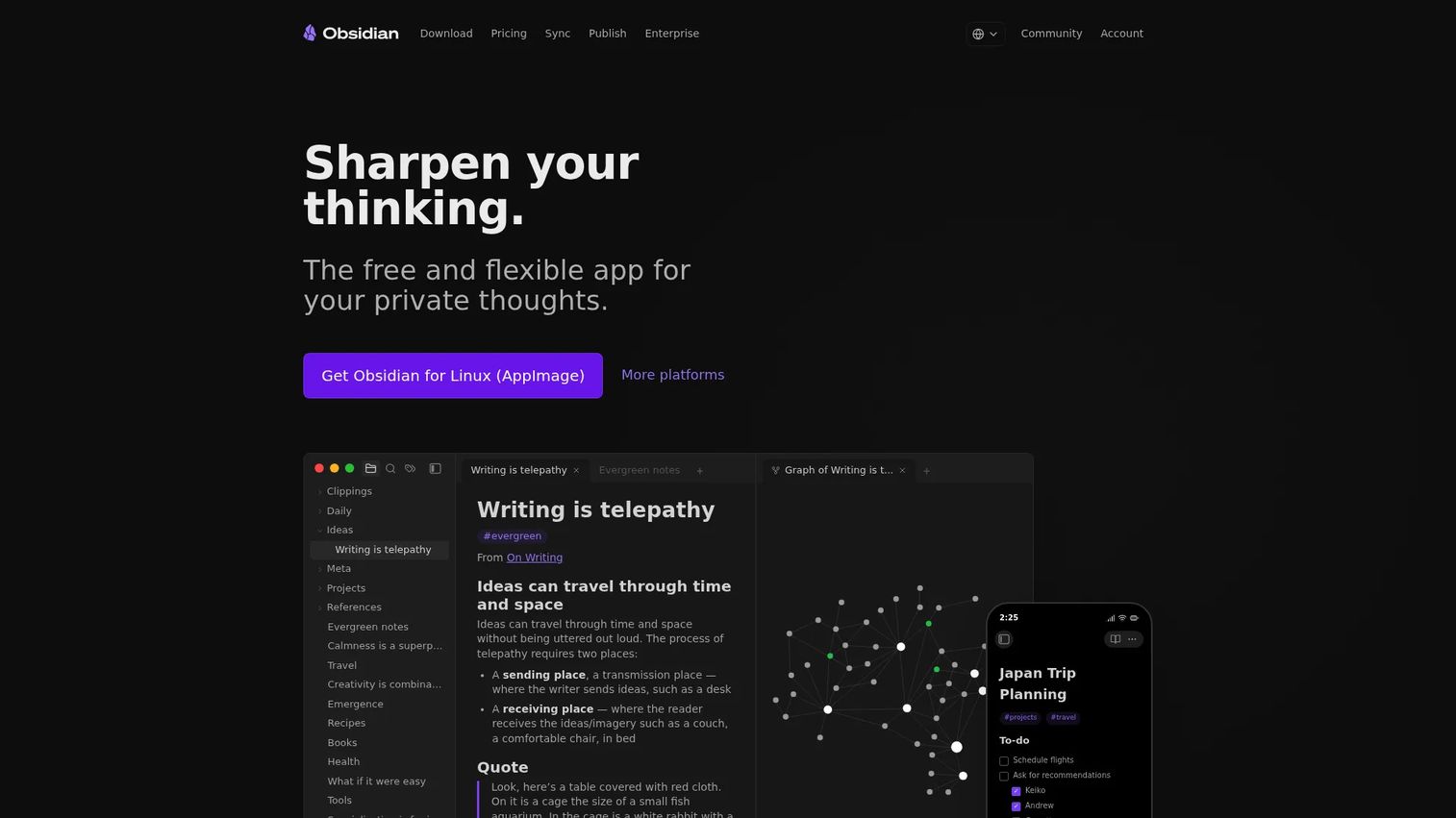
Obsidian is a local-first knowledge base built around Markdown files stored on your device. Backlinks, graph view, canvas for visual organization, and a large plugin ecosystem make it a strong choice for connected research and long-term knowledge management. Handwriting is not a default workflow: It requires a plugin or attachment-based approach.
Best for: Users who want a durable, linked knowledge system for research synthesis, decision logs, and product strategy notes.
Key features
- Local Markdown files with no mandatory account or sign-up
- Backlinks, graph view, and linked note navigation
- Canvas for visual arrangement of notes and connections
- Bases for sortable, filterable property views
- Community plugins, themes, and optional Sync and Publish services
Why choose Obsidian: Choose it when the goal is a knowledge system rather than a notebook. For PMs, discovery synthesis, competitive research, product strategy, and decision logs all benefit from bidirectional linking. The local-first model gives you full control over your files.
Obsidian pricing: Obsidian is free for personal use with no sign-up required. The optional Sync service costs $4/user/month billed annually (or $5 billed monthly). Publish costs $8/site/month annually. Commercial use requires a $50/user/year license.
G2 rating: 4.5/5.
Considerations when choosing handwritten notes software
Platform fit
Identify which devices the tool must support before anything else. A PM switching between a Windows laptop and an iPad needs an app that works on both, not one that excels on tablet and breaks on desktop. Windows-only users should shortlist Noteastic, Scrivano, Microsoft Journal, and OneNote. iPad-primary users have more options.
Handwriting recognition quality
If notes need to become searchable or editable text, test recognition with your own handwriting before committing to a paid plan. MyScript Notes leads this category, but recognition accuracy depends on the writer, the language, and the device. Searchable ink (without full conversion) is available in GoodNotes and Notability and may be sufficient for most retrieval needs.
PDF and document workflows
Evaluate how the tool handles documents you already have. PDF import, annotation, page management, and export quality vary widely. Drawboard PDF is built entirely around documents. GoodNotes and Notability treat PDFs as first-class content alongside notebooks. Some tools import PDFs but export poorly, which creates friction when sharing marked-up specs with engineering or design.
Sync, backup, and data ownership
Consider where notes live and what happens if you stop paying. Cloud notebook apps make sync easy but tie your data to a subscription. Local-first tools like Joplin and Obsidian give full file ownership and work offline indefinitely. For product teams handling sensitive discovery notes or unreleased roadmap thinking, ownership and export format matter.
Team sharing and maintenance
Evaluate whether notes can be shared cleanly, organized by project, and updated without creating duplicate files. Cross-functional product work generates notes that multiple people need to read. OneNote and GoodNotes handle collaboration well. Joplin and Obsidian require more configuration for team sharing but give more control over access and format.
Conclusion
The right choice depends on where your workflow breaks down.
If handwriting must become searchable text, start with MyScript Notes. If the notebook experience is the priority, GoodNotes and Notability are both strong. Teams running on Microsoft should test OneNote before looking elsewhere: The ecosystem integration alone makes it worth the first trial. PDF-heavy work points clearly to Drawboard PDF.
For long-term knowledge storage with full data ownership, Joplin and Obsidian are the honest choices, as long as you go in knowing handwriting is not their native strength.
For PMs specifically: The question to ask is not which app has the most features, but which one reduces the gap between capturing an idea and finding it three weeks later. That gap is where most handwritten note workflows fail.
If your team also needs to show product workflows to stakeholders in a shareable, interactive format, tools like those covered in our best AI note taking tools roundup, our best digital adoption platforms guide, and best user research tools roundup are worth exploring alongside your note-taking stack.
Start your journey with Guideflow today!
FAQs
Microsoft OneNote covers the widest range of Windows workflows and integrates with existing Microsoft 365 environments. For more focused handwriting apps, Noteastic handles lecture and PDF annotation well, Scrivano offers a clean ink-first experience, and Microsoft Journal suits minimal journaling on a pen device. Verify current Windows Store availability for each before choosing.
MyScript Notes is the strongest recognition-focused option in this list. It converts ink to editable, structured text as you write and supports math, diagrams, and AI study tools. Microsoft OneNote also offers ink-to-text conversion as part of its freeform canvas. GoodNotes includes searchable ink without full conversion, which covers most retrieval needs without requiring a dedicated recognition workflow.
Drawboard PDF is the clearest choice when documents are the center of work. It supports pressure-sensitive markup, OCR, redaction, signatures, and real-time collaboration on existing PDFs. GoodNotes, Notability, and Noteastic all handle mixed notebook-and-PDF workflows for users who want annotation alongside original handwritten notes.
Yes. PMs use it for discovery call notes, roadmap workshop sketches, annotated PRDs, user interview synthesis, and research artifacts that need to stay searchable across sprints. The PM-specific value is not just capture but retrieval: An app with handwriting recognition or search means discovery insights remain accessible when writing a spec weeks later.
Handwriting apps start with blank notebooks and pages where you create content from scratch. PDF annotation apps start with an existing document and add markup, signatures, and ink on top of it. Some tools do both: GoodNotes, Notability, and Noteshelf treat notebooks and PDFs as equally first-class. If the document is already the workspace, Drawboard PDF is purpose-built for that job.
Yes, but accuracy varies by app, language, device, and the clarity of your handwriting. MyScript Notes does this natively and in real time. Microsoft OneNote includes conversion as a manual action. GoodNotes and Noteshelf support handwriting search without full conversion. Test any recognition feature with your own writing style before paying, since results differ significantly across users.
Microsoft OneNote is free on web and mobile and covers most general workflows without a subscription. Apple Notes is free for Apple users. CollaNote is free on iPad with solid handwriting and study tools. Microsoft Journal is free on Windows. Joplin is free as an open-source app, with paid tiers only for cloud sync. Each has tradeoffs in template quality, cloud storage, or recognition depth.
Local-first apps like Joplin and Obsidian give you full file ownership, work offline indefinitely, and are not tied to a vendor subscription. Cloud notebook apps like GoodNotes and Notability make sync and device-switching easy but store your data in a managed service. For product teams handling sensitive research or unreleased product thinking, the ownership question matters. For individuals who want quick cross-device access without configuration, cloud-first apps reduce friction.