The moment your business becomes an entity, tax season stops being a checkbox and turns into a workflow decision. A sole proprietor files a Schedule C and moves on. A C-corp, S-corp, or partnership faces separate return deadlines, entity-level elections, K-1s, and a different bar for accuracy. Get it wrong and the exposure is real: penalties, amended returns, and the kind of audit risk that pulls your finance lead away from actual work for weeks.
The market reflects that complexity. The global corporate tax software market was valued at $7.2 billion in 2025 and is projected to reach $14.1 billion by 2034, growing at an 8.7% CAGR, according to MarketIntelo (2024). Adoption is following: roughly 41% of small businesses and 66% of large enterprises now use digital tax management platforms, driven largely by digital filing mandates, per IndustryResearch.biz (2024).
For a founder or finance lead, the question is not just "which brand." It is which filing model fits your entity, your budget, and your team's time. DIY software gives you control and the lowest cost. Assisted filing balances speed with a human check. Full-service filing hands the return off entirely. And IRS-approved e-file sits underneath all of them as the compliance layer. The right corporate tax software depends on how much of that workflow you want to own versus hand off. This guide is built to help you decide, not just to list vendors.
What's inside
This guide compares seven corporate tax software options for 2026, chosen for the factors that matter most when you file an entity-level return: entity and form support, filing workflow options, pricing clarity, security and identity protection, expert access, and import or switching convenience like QuickBooks and prior-year data import.
We cover all three filing paths so you can match tools to how your team actually works: DIY business tax filing for control, assisted tax filing for a balance of speed and confidence, and full-service tax filing for the least time spent. We also include the IRS e-file process itself as a benchmark, so you can judge vendor workflows against the official standard.
TL;DR
- Best overall for founder-led teams: TurboTax, for guided workflows plus optional expert help across DIY, assisted, and full-service paths.
- Best for expert-assisted filing: TaxAct, with Xpert Assist layered onto affordable DIY pricing.
- Best for full-service filing with in-person backup: H&R Block, pairing DIY software with unlimited expert help and local offices.
- Best for price-sensitive filers: TaxSlayer, with a free federal tier and flat, predictable paid plans.
- Best for IRS process clarity: IRS e-file with commercial tax prep software, the compliance benchmark every vendor works against.
- Best for higher-touch small business service: Block Advisors, combining tax prep with bookkeeping and payroll.
- Best for accountant-grade workflows: Drake Tax, built for firms and finance teams handling many returns.
What is corporate tax software?
Corporate tax software is business tax preparation software that helps companies calculate, prepare, and electronically file entity-level tax returns, covering forms like 1120, 1120-S, 1065, 1041, and 990. It automates calculations, flags errors, imports financial data, and transmits returns through IRS-approved e-file channels.
Most corporation tax filing software falls into one of a few filing models, and the right choice depends on how much of the work you want to keep in-house:
- DIY filing: You enter the data and the software guides you through forms, deductions, and checks. Lowest cost, most control.
- Assisted filing: You do the return but a tax expert reviews it or answers questions on demand. A balance of speed and confidence.
- Full-service filing: A tax pro prepares and files the return for you. The least time spent, the highest cost.
- IRS e-file workflow: The compliance layer underneath every model. Returns transmit electronically, IRS computers auto-check for certain errors, and electronic signatures and payment are part of the flow.
- Entity-specific support: Coverage for C-corps, S-corps, partnerships, estates and trusts, and tax-exempt organizations, each mapping to different forms.
When you evaluate a tax software for corporations, these are the capabilities that separate a serviceable tool from the right one:
- Entity and form support for your specific structure (1120, 1120-S, 1065, 1041, 990)
- Pricing transparency so DIY, assisted, and full-service costs are clear upfront
- Audit support or guarantees, including accuracy guarantees and audit defense
- Security and identity protection for sensitive financial and EIN data
- Import and migration support for QuickBooks and prior-year data import
- Support access, from on-demand chat to year-round tax experts
When to use corporate tax software
File entity-level returns without rebuilding your process
If you already run bookkeeping in-house and want to keep control, business tax filing software lets you prepare and e-file without routing everything through an outside CPA. This fits founders and finance leads who understand their numbers, want lower cost, and need a repeatable process they can run the same way every year. The software carries the form logic so your team does not have to memorize it.
Keep founders and finance aligned on pricing and ownership
Tax prep is one of the few line items where the price swings wildly based on the path you pick. Clear tiering matters because it lets a founder set a budget and hand the actual filing to finance without surprises. When you can see DIY, assisted, and full-service prices side by side, the ownership question answers itself: who does the work, and what does each option cost.
Reduce filing friction during a busy operating quarter
Tax deadlines rarely land in a quiet month. When a raise, a launch, or a hiring push is consuming attention, import speed and expert access matter most. Software that pulls in QuickBooks data and prior-year returns, then puts a tax pro one click away, keeps a return from stalling your quarter.
Comparison table
Pricing and ratings shift often, especially during tax season, so verify current figures on each vendor's site before you commit. Prices below reflect the most recent publicly listed values and vary by entity type, state, and filing situation.
| # | Product | Intent | Key differentiation | Pricing | G2 rating |
|---|---|---|---|---|---|
| 1 | TurboTax | Guided DIY + assisted | Familiar brand, expert help across every path | Free Edition $0; DIY Deluxe $79 federal; Expert Assist from $59 federal | 4.6/5 |
| 2 | TaxAct | Assisted, value-focused | Xpert Assist layered on low-cost DIY | DIY from $0; Xpert Assist from $45; Full Service from $99 | 3.8/5 |
| 3 | H&R Block | Full-service + in-person | DIY software plus local offices and expert help | Free Online $0; Basic from $39.95 per state | 4.3/5 |
| 4 | IRS e-file (commercial software) | Compliance benchmark | Official IRS-approved e-file standard | Varies by vendor | Not rated |
| 5 | TaxSlayer | Budget DIY | Free federal tier, flat predictable pricing | Simply Free $0; Classic $44.99; Self-Employed $74.99 | 3.3/5 |
| 6 | Block Advisors | Full-service, high-touch | Tax prep plus bookkeeping and payroll | Tax prep from $250 + $75 per state; payroll from $59/mo | Not rated |
| 7 | Drake Tax | Professional-grade | Firm and finance-team return handling | Drake Tax Online $299.99; Pay-Per-Return $379.99 | 4.6/5 |
1. TurboTax

TurboTax is Intuit's online and desktop tax preparation software for individuals and small businesses. It is the default many founders reach for because the brand is familiar and the workflow holds your hand. TurboTax spans all three filing paths in one place: do-it-yourself, expert-assisted review, and full-service where a pro handles the return. That range makes it a strong overall pick for founder-led teams still deciding how much to hand off.
For business filers, the appeal is the guided experience plus the option to escalate. You can start DIY, then pull in expert help when a K-1 or a depreciation schedule stops you. Document and financial data import reduces manual entry, and because Intuit also owns QuickBooks, the accounting-to-tax handoff is tighter than most.
Best for: Founders and self-employed filers who want guided corporate tax preparation software with expert help available on demand.
Key strengths
- Guided DIY filing: Step-by-step prompts carry the form logic so you file without memorizing it.
- Expert-assisted review: A tax expert can review your return or answer questions before you file.
- Document and data import: Pull in tax documents and financial data to cut manual entry.
Why choose TurboTax: If your priority is confidence with the option to escalate, TurboTax gives you a familiar interface plus a clear path from DIY to full expert handoff. It fits teams that want one tool to grow with, not a hard switch as complexity rises.
TurboTax pricing: The Free Edition covers qualifying simple returns at $0 federal and $0 state. DIY Deluxe starts at $79 federal, and DIY Premium at $139 federal, with state additional on several online plans. Expert Assist starts at $59 federal, rising to $209 federal for the Premium assisted tier. A Desktop Home & Business license runs around $130. Pricing is highly plan- and situation-dependent, so confirm your entity's cost before filing.
2. TaxAct
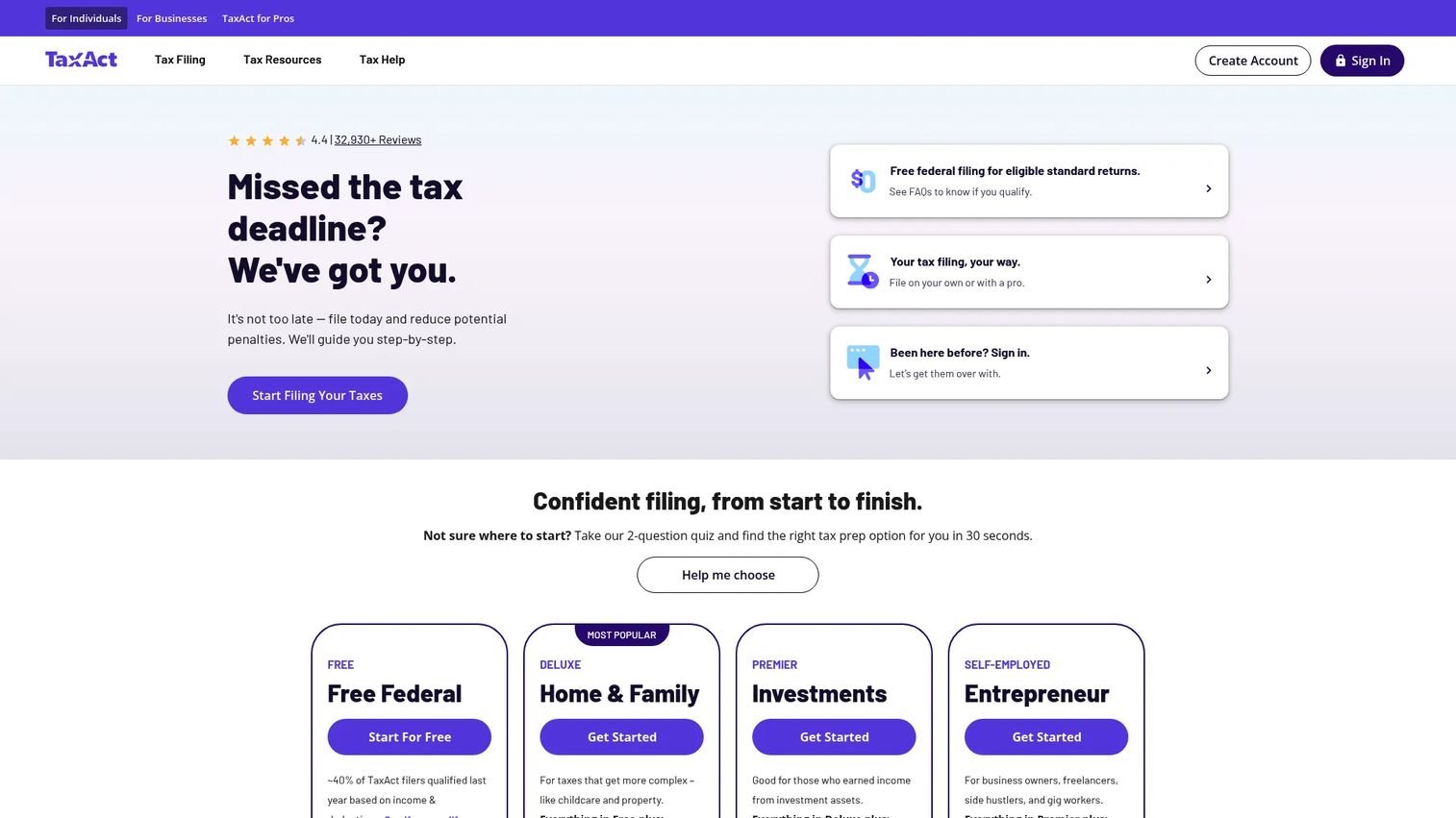
TaxAct is online tax preparation software for individuals, businesses, and tax professionals, built around a clear value-for-money angle. It offers DIY filing, live expert help through Xpert Assist, and Xpert Full Service where a pro prepares the return. For founders watching spend, TaxAct's draw is layering expert support onto affordable base pricing rather than jumping straight to a premium tier.
The platform's step-by-step guidance handles entity forms, and the ability to move up from DIY to assisted to full-service inside one product keeps the workflow consistent. That makes it a practical middle path when you want a human check without a full-service price tag.
Best for: Cost-conscious founders and firms wanting DIY, assisted, or full-service filing without paying premium-brand rates.
Key strengths
- DIY online filing: Step-by-step guidance walks you through business forms and deductions.
- Xpert Assist: On-demand access to a live tax expert while you file.
- Xpert Full Service: A tax pro prepares and files the return for you.
Why choose TaxAct: TaxAct fits teams that want the confidence of expert help but resent premium pricing. The tiered path from $0 DIY upward means you only pay for the level of support the return actually needs.
TaxAct pricing: The Do It Yourself option starts at $0 per filing. Xpert Assist starts at $45, and Xpert Full Service starts at $99, with state additional on the full-service option. Prices scale by entity and filing complexity, so check your specific return type before committing.
3. H&R Block
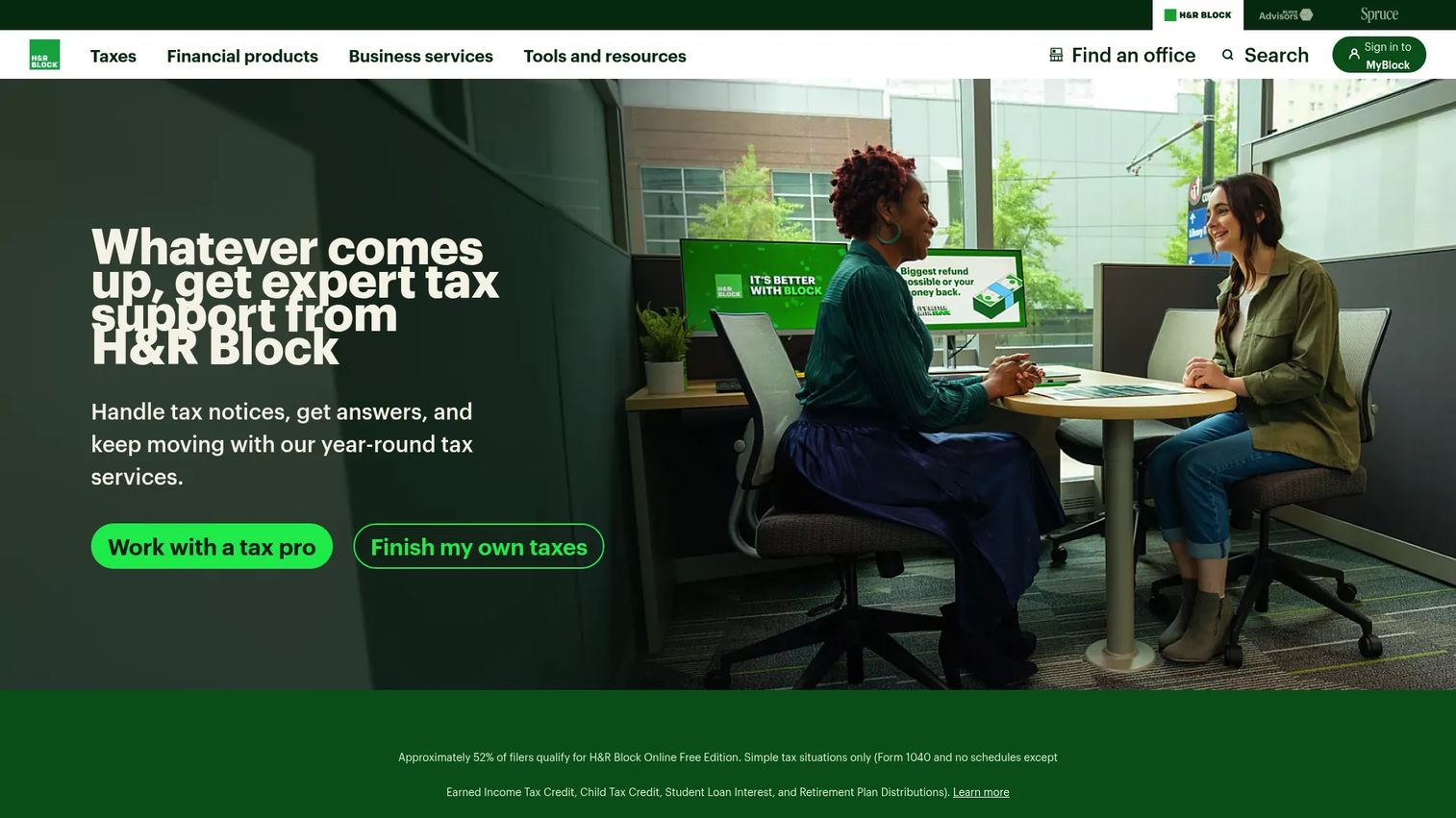
H&R Block offers DIY online filing, downloadable software, and in-person or virtual tax pro help, which makes it the most flexible option for teams that want a fallback to a human. Its Premium & Business positioning covers self-employed and business situations, and the guarantee stack plus easy document upload and refund tracking build trust for filers who want reassurance.
The standout for founders is the hybrid model. You can file DIY, add unlimited expert help online, or walk into a local office if a return gets complicated. That local support option is genuinely differentiating: no other consumer-first tool on this list pairs software with a physical office network.
Best for: Founders who want a guided DIY experience with the safety net of unlimited expert help and local, in-person support.
Key strengths
- Free Online filing: No-cost filing for qualifying simple returns.
- Unlimited expert help: Deluxe Online adds unlimited expert support, easy doc upload, and refund tracking.
- In-person and virtual options: File yourself, hand it off, or visit a local office.
Why choose H&R Block: Choose H&R Block when you want DIY control but value knowing a human, online or in an office, can take over. Premium and Self-Employed tiers bundle tax help, so escalation does not mean starting over in a new tool.
H&R Block pricing: Free Online covers qualifying simple returns at $0. Paid DIY products start at $39.95 per state on Basic and Deluxe, and several tiers include one state. Eligibility for the free tier is conditional, and business packages carry their own pricing, so verify your entity's cost on the site.
4. IRS e-file with commercial tax prep software
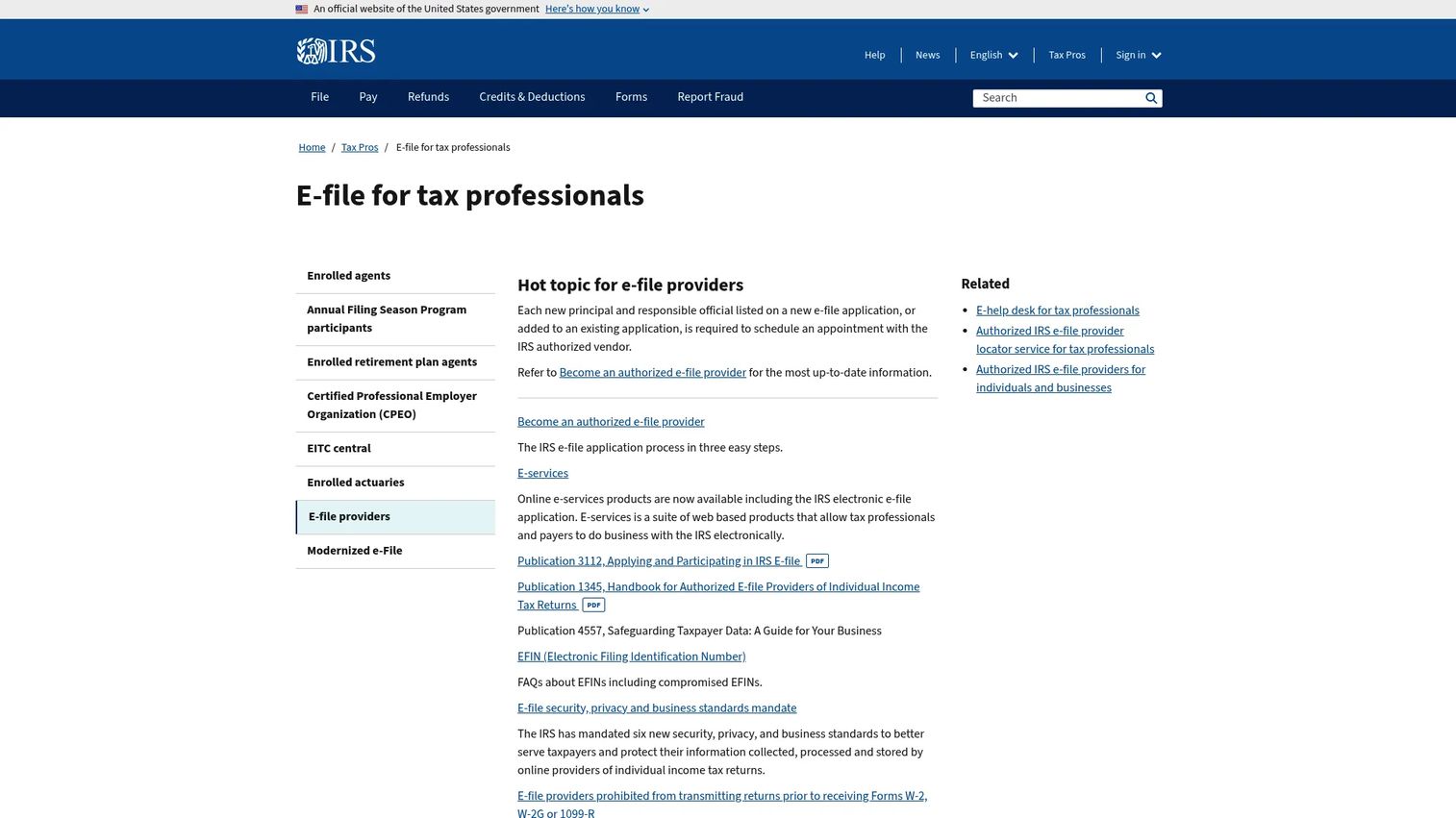
IRS e-file with commercial tax prep software is not a vendor. It is the official IRS program and provider listing for filing electronically through commercial software. We include it as the compliance-and-process benchmark, because every efile tax software product on this list ultimately transmits returns through these IRS-approved channels.
Understanding this layer helps you compare vendor workflows on the fundamentals. Commercial tax prep software lets you file taxes electronically and pay electronically. Returns transmit through IRS-approved channels, and IRS computers automatically check e-filed returns for certain errors, which is why e-filing tends to reduce rejections versus paper. Electronic signatures matter because they authorize the return without a mailed form, and electronic payment and refund tracking close the loop.
Best for: Filers who want to understand the IRS-sanctioned e-file standard before judging any vendor's workflow.
Key strengths
- IRS-approved e-file: Commercial software transmits returns through official electronic channels.
- Automatic error checks: IRS computers screen e-filed returns for certain errors before acceptance.
- Electronic signature and payment: Authorize and pay without mailing paper forms.
Why choose IRS e-file: This is not a product you buy. It is the standard you hold vendors to. If a tool cannot cleanly e-file your entity's return type with electronic signature and payment, it fails the baseline test.
IRS e-file pricing: There is no program price. The IRS does not charge for the e-file standard itself; software pricing varies entirely by the commercial vendor you choose to file through.
5. TaxSlayer
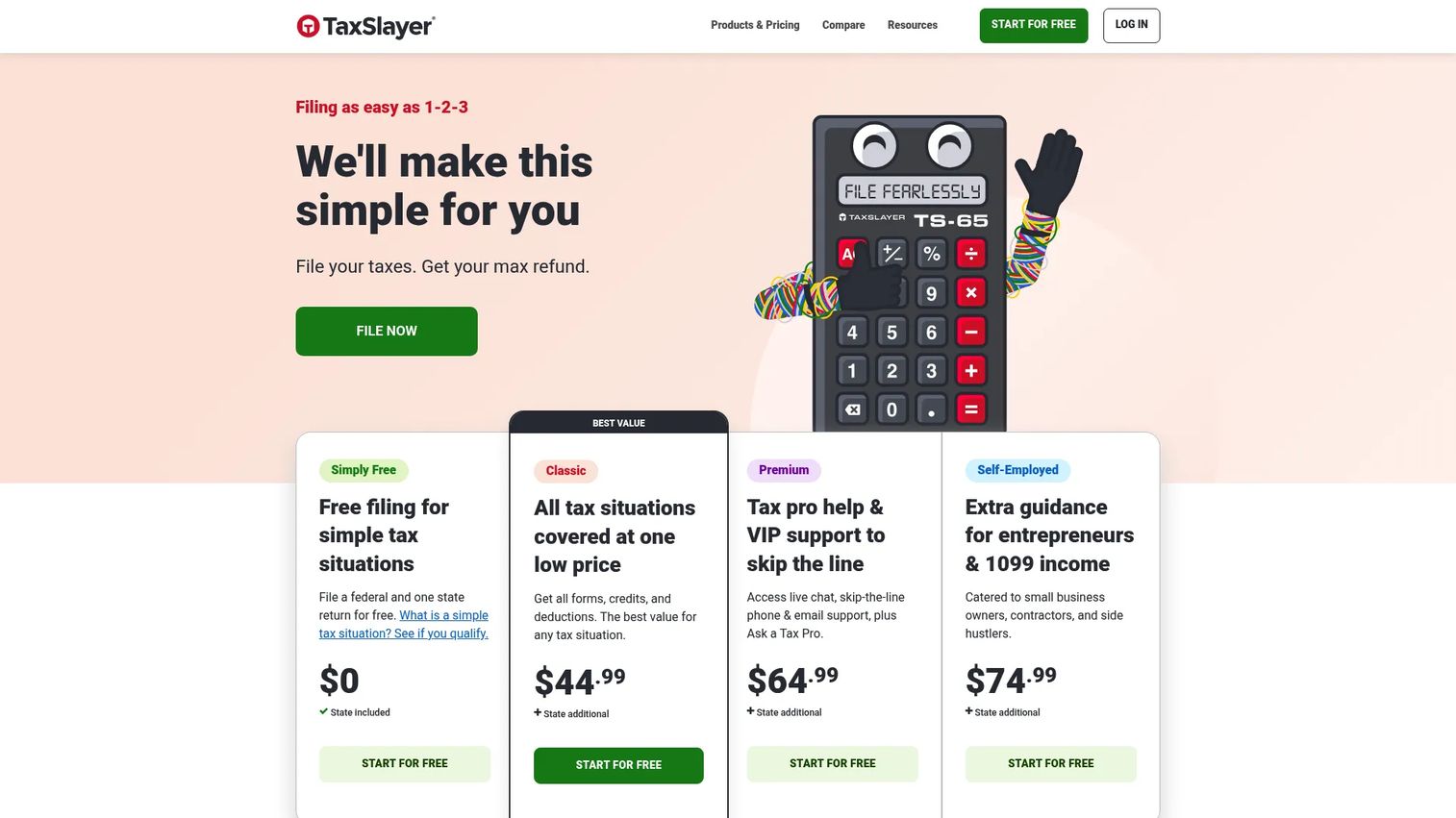
TaxSlayer is online tax preparation software built for filers who want low cost and a straightforward workflow. Its flat, predictable pricing and a genuinely free federal tier make it the value pick for straightforward business filings, especially self-employed founders and single-member setups that do not need heavy hand-holding.
The platform keeps things simple: enter your data, follow the prompts, e-file. Paid tiers add support depth, including skip-the-line phone and email support, live chat, and Ask a Tax Pro on Premium. For a founder who knows their numbers and wants to spend the least, TaxSlayer's flat federal pricing is easy to reason about.
Best for: Price-sensitive founders and self-employed filers who want a free or low, flat-rate federal filing option.
Key strengths
- Free federal return: Simply Free covers qualifying users at $0 federal.
- All tax situations on Classic: Classic handles all situations at a flat rate.
- Premium support access: Skip-the-line support, live chat, and Ask a Tax Pro on Premium.
Why choose TaxSlayer: TaxSlayer fits founders who value predictable, flat pricing over premium hand-holding. If your return is straightforward and you know your way around your books, it delivers the essentials at the lowest cost on this list.
TaxSlayer pricing: Simply Free is $0 per federal return and includes one free state return. Classic is $44.99, Premium is $64.99, and Self-Employed is $74.99, each per federal return, with state additional on paid plans. Confirm your entity's fit before filing, since the free tier is limited to qualifying situations.
6. Block Advisors
Block Advisors, an H&R Block company, is a higher-touch, service-forward option for founders who want professional help without building an internal tax function. It offers in-person, virtual, drop-off, and DIY filing, plus year-round tax planning with certified tax pros and add-on bookkeeping and payroll. This is where the model shifts from software-led to service-led.
For a founder who would rather hand off tax, books, and payroll than manage them, Block Advisors complements software by covering the work you do not want to own. It fits best when the goal is offloading finance operations, not just filing a single return.
Best for: Small businesses that want tax prep bundled with bookkeeping and payroll and year-round pro support.
Key strengths
- Multiple filing modes: In-person, virtual, drop-off, and DIY options.
- Year-round tax planning: Certified tax pros available beyond filing season.
- Bookkeeping and payroll: Add-on services that offload finance operations.
Why choose Block Advisors: Choose Block Advisors when you want a partner for finance operations, not just a filing tool. It suits founders ready to hand off tax, books, and payroll to certified pros and keep their own time on the business.
Block Advisors pricing: Self-employed tax filing with a tax pro starts at $250 plus $75 per state filed, and self-file online starts at $85. Payroll starts at $59 per month, bookkeeping at $189 per month, and year-round tax planning is a one-time $99. Confirm current service pricing before you engage, since business needs vary widely.
7. Drake Tax
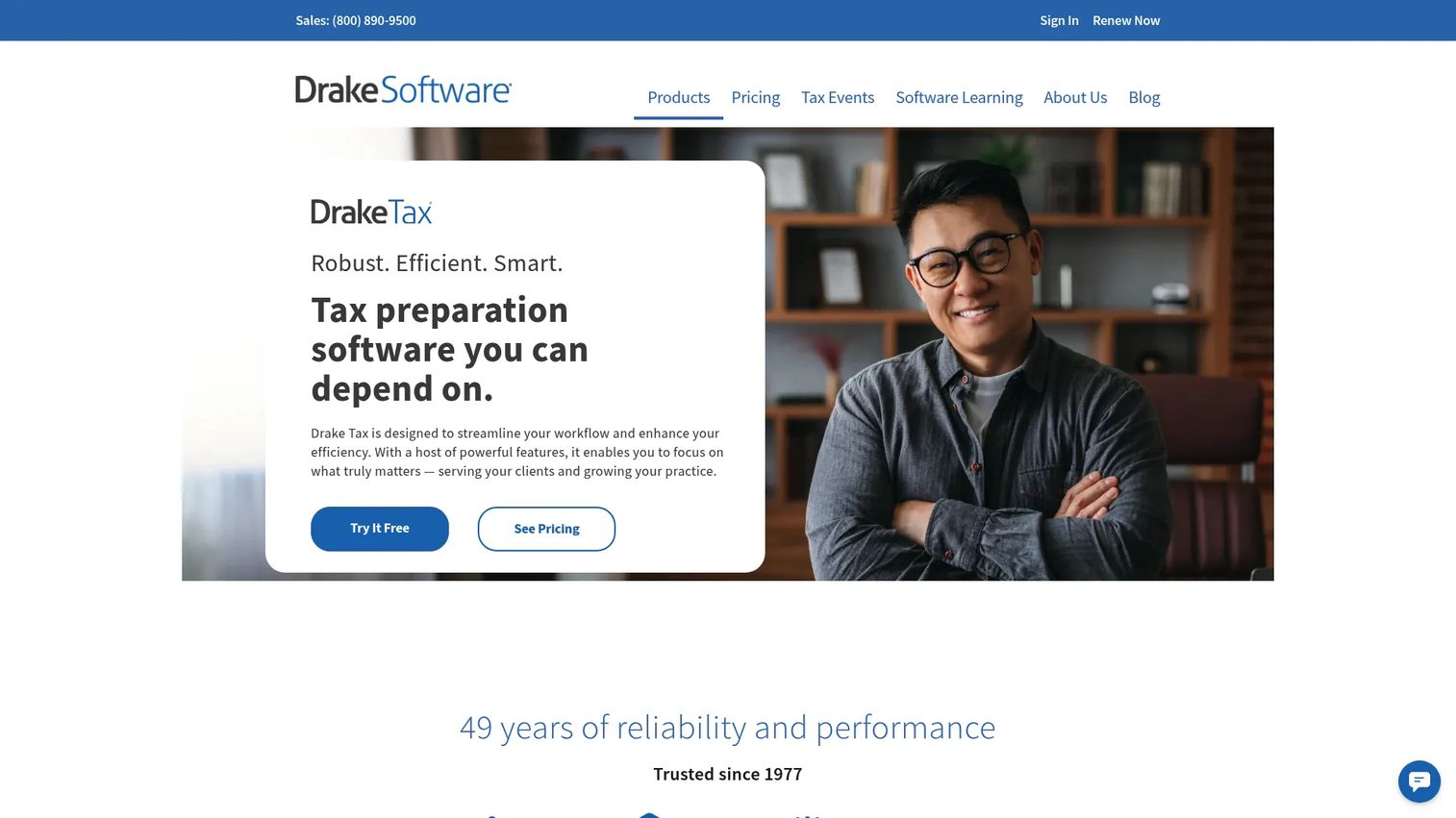
Drake Tax is professional-grade tax preparation software built for accountants and firms handling many returns. It supports federal and state return preparation, e-filing, PDF return storage, and built-in diagnostics and compliance checks. If you are looking beyond consumer-first tools, this is the accountant-leaning option on the list.
Drake suits finance teams or in-house accountants who file at volume and want robust return handling with practice-management features. It is less a walk-me-through-it product and more a professional workhorse, which is exactly the point for teams that have outgrown consumer software.
Best for: Tax professionals, firms, and in-house finance teams needing full-featured desktop or online return preparation at volume.
Key strengths
- Federal and state prep: Comprehensive individual and business return preparation.
- E-file and storage: Electronic filing plus PDF return storage in one workflow.
- Diagnostics and compliance checks: Built-in error and compliance screening before filing.
Why choose Drake Tax: Choose Drake when your team files many returns and needs professional-grade diagnostics and practice tools. It rewards teams comfortable with a pro workflow rather than a guided consumer experience.
Drake Tax pricing: Drake Tax Online is $299.99 for tax year 2026, and Pay-Per-Return is $379.99. Additional individual returns run $49.99 each and additional business returns $74.99 each as in-app purchases. Some optional services may incur added costs, so confirm the full package for your firm's return volume.
Considerations before you buy
Before you commit to a corporate tax software, run your shortlist against the criteria that actually shape the filing experience.
Entity and form fit
Confirm the tool cleanly supports your exact return type: 1120 for C-corps, 1120-S for S-corps, 1065 for partnerships, 1041 for estates and trusts, or 990 for tax-exempt organizations. A tool that handles Schedule C beautifully may not handle a partnership K-1 well. Match the software to your structure first.
Filing model and ownership
Decide who does the work before you pick a tier. DIY keeps cost and control in-house. Assisted filing adds a human check without full handoff. Full-service removes the work entirely. Your answer sets your budget and your team's time commitment.
Pricing clarity across paths
Look for transparent, side-by-side pricing so you can compare DIY, assisted, and full-service costs, plus state fees, before filing. Tax pricing balloons with add-ons, so confirm what your specific entity and state actually cost, not the headline starting price.
Import, security, and guarantees
Check for QuickBooks and prior-year data import to cut manual entry, then verify the security and identity protection around your financial and EIN data. Finally, read the fine print on the accuracy guarantee and audit defense, since those protections vary meaningfully by vendor and tier.
Conclusion
The right corporate tax software comes down to how much of the filing workflow you want to own. Choose DIY if you want control and the lowest cost, and you know your numbers. Choose assisted filing if you want a balance of speed and confidence, with a human check when a form gets tricky. Choose full-service if your scarcest resource is time and you would rather hand the return off entirely. And lean on the IRS e-file process as your compliance baseline, whichever vendor you pick.
For most founder-led teams, the shortlist narrows to two. TurboTax leads for guided workflows with expert help on demand, while H&R Block wins if you value in-person backup and unlimited expert support. Price-sensitive teams should weigh TaxSlayer, and firms filing at volume should look hard at Drake Tax. Compare your top two against your entity type, support needs, and total pricing including state fees, then commit before the deadline pressure hits.
Whatever you file with, the principle that wins in software evaluation is the same one that wins in sales: show, don't tell. Let the product experience prove the fit. If your own SaaS could use that clarity when buyers evaluate you, Guideflow turns your product into self-serve, interactive experiences that let prospects and customers see value on their own terms. You can capture your flows in a few clicks, edit and personalize them without code, share them anywhere, and analyze engagement in real time. AI features help you polish demos fast, while collaboration and integration tools let teams work together and connect to your stack. Start your journey with Guideflow today!
FAQs
For a C-corp filing Form 1120, the best fit depends on how much you want to hand off. TurboTax and H&R Block both offer guided business filing with expert help, while Drake Tax suits firms and finance teams filing at volume. Confirm the tool explicitly supports 1120 before you buy.
Yes. Most business tax filing software supports Form 1120-S for S-corps, either through DIY, assisted, or full-service paths. TurboTax, TaxAct, and H&R Block all handle S-corp returns, and the return e-files through IRS-approved channels. Verify S-corp support on your chosen vendor's page, since it can be gated to specific tiers.
It depends on your time and confidence. Assisted filing lets you do the return with a tax expert reviewing it or answering questions, which costs less and keeps you close to the numbers. Full-service hands the return off entirely, costing more but freeing your time. Pick assisted for control, full-service for speed.
Many do. TurboTax has the tightest QuickBooks connection since Intuit owns both, making the accounting-to-tax handoff smoother. Other tools support importing financial data and prior-year returns to varying degrees. If QuickBooks import matters to your workflow, confirm the depth of that integration before committing.
Match the forms to your entity: Form 1120 for C-corps, Form 1120-S for S-corps, Form 1065 for partnerships, Form 1041 for estates and trusts, and Form 990 for tax-exempt organizations. Sole proprietors file Schedule C on a personal return. Confirm your exact form is supported before buying.
Compare on the total cost for your specific entity and state, not the headline starting price. Line up DIY, assisted, and full-service prices side by side, then add state fees and any add-ons. TaxSlayer's flat federal pricing is easy to reason about, while TurboTax and H&R Block prices scale by complexity.
Many business returns are required to be filed electronically, and e-file is the standard path for most corporate returns. Commercial tax prep software transmits through IRS-approved channels, and IRS computers auto-check e-filed returns for certain errors. Check current IRS mandates for your entity type and return volume before filing.
Often, yes. TurboTax, H&R Block, and TaxAct offer packages that cover both a business return and a personal return, sometimes with bundle savings. This can simplify filing for founders whose business and personal taxes are closely linked. Confirm the specific bundle covers your entity type before purchasing.