Product teams don't fail at continuous discovery because they lack a framework. They fail because the evidence lives in too many places. Interview notes sit in a doc nobody can find. Feedback from customer calls lands in Slack and vanishes. Assumptions get tested informally, then forgotten before sprint planning.
According to Maze's The Future of User Research Report (2025), 63% of product professionals cite time and bandwidth constraints as their biggest research challenge. The bottleneck isn't motivation. It's the absence of a system that keeps customer evidence visible, structured, and connected to the decisions engineering actually builds against.
Continuous discovery software is what closes that gap. The right tools help you run weekly customer touchpoints, synthesize insights, map opportunities, test assumptions, and hand validated work to delivery, without creating another high-maintenance system your team stops using after two sprints.
This guide breaks down 14 tools across the full continuous discovery workflow, so you can identify what's missing from your current stack and act on it.
What's inside
This guide is for product managers, product ops leads, UX researchers, and product trios at B2B SaaS companies. Tools were selected based on their fit across the continuous product discovery workflow. Selection criteria:
- Customer feedback capture: Interview recording, survey distribution, in-product signals
- Research synthesis: Tagging, theming, qualitative analysis, and searchable repositories
- Opportunity mapping and prioritization: Connecting insights to roadmap decisions
- Delivery handoff: Keeping discovery context attached to engineering work
Pricing and G2 ratings reflect verified data from vendor pricing pages and live G2 listings.
TL;DR
- Best visual workspace for discovery workshops: Miro
- Best delivery handoff: Jira connects validated opportunities directly to engineering backlogs
- Best feedback-to-roadmap system: Productboard links customer evidence to prioritization decisions
- Best qualitative research repository: Dovetail for teams with high interview volume
- Best prototype and usability testing: Maze for pre-build validation; UserTesting for moderated research with a large participant network
- Best lightweight survey layer: Typeform for quick structured inputs; Sprig for in-product intercept feedback
- Best for learning the operating model first: Product Talk and IxDF before you buy anything else
What is continuous discovery software?
Continuous discovery software helps product teams collect, organize, analyze, and act on customer evidence through recurring research, feedback loops, assumption testing, and opportunity prioritization.
The category spans several distinct jobs. No single tool handles all of them well, which is why most effective discovery stacks combine three to five products.
What continuous discovery software supports:
- Scheduling and running weekly customer interviews
- Capturing feedback from multiple sources (support tickets, sales calls, NPS surveys, reviews)
- Storing, tagging, and searching qualitative research repositories
- Building and updating Opportunity Solution Trees
- Running prototype, concept, and usability tests
- Prioritizing opportunities tied to measurable product outcomes
- Handing validated work to engineering with the discovery rationale intact
- Tracking post-release feedback to close the loop
What it is not:
- A replacement for direct customer conversations
- Survey software alone
- Roadmap software alone
Why it matters for product managers:
The opportunity cost of building the wrong thing is real. Discovery software reduces build risk by keeping customer evidence visible across product, design, and engineering before commitments are made. It also makes the evidence shareable with CS and GTM teams who need to understand why certain bets were prioritized over others.
Key capabilities to look for:
- Customer interview capture and storage
- Feedback source consolidation
- Qualitative tagging and synthesis
- Opportunity mapping
- Assumption and prototype testing
- Roadmap prioritization
- Collaboration and governance controls
- Delivery workflow integration
- Reporting tied to discovery impact
For a broader overview of best user research tools beyond the discovery workflow, that guide covers additional research-specific platforms.
When to use continuous discovery software
Build a weekly customer touchpoint habit
Continuous discovery depends on recurring customer contact, not one-off research bursts. Software helps schedule sessions, store recordings, generate transcripts, and share findings with product trios before insights decay into Slack threads. Teams that try to run discovery from memory or spreadsheets hit a cadence wall within weeks.
Turn scattered feedback into product evidence
Support tickets, sales notes, NPS scores, app store reviews, and interview transcripts all carry customer signal. The challenge isn't collecting them. It's distinguishing a loud anecdote from a repeated pattern that actually represents a segment. Research repositories and AI synthesis tools exist to solve that specific job.
Connect opportunities to delivery decisions
Product teams need the why attached to the work. When discovery context gets stripped during the handoff to engineering, teams lose the ability to make good scope decisions mid-sprint. The right tools keep opportunity framing, customer quotes, and assumption test results linked to the epics and tickets engineering executes against.
Continuous discovery software comparison
No single tool owns the full continuous discovery workflow. Some excel at visual mapping, others at research repositories, testing, surveys, or delivery handoff. The table below maps each tool to its primary strength. Sorted by relevance to the discovery workflow.
| # | Product | Best for | Key differentiator | Pricing | G2 rating |
|---|---|---|---|---|---|
| 1 | Miro | Visual discovery workshops | Opportunity mapping and team collaboration | Free; Starter $8/mo per member | 4.6/5 |
| 2 | Jira | Discovery to delivery handoff | Connects validated work to engineering delivery | Free; Standard $7.91/user/mo | 4.3/5 |
| 3 | Productboard | Feedback to roadmap prioritization | Links customer feedback to product decisions | Free; Plus from $19/maker/mo (annual) | 4.2/5 |
| 4 | Dovetail | Qualitative research repository | AI-powered interview analysis and synthesis | Free; Enterprise: Custom pricing | 4.5/5 |
| 5 | EnjoyHQ | Centralized customer insights | Research repository for large product orgs | Custom pricing (contact sales) | N/A |
| 6 | Condens | Interview analysis | Lean research repository for UX and product teams | Lite from 15€/mo | 4.8/5 |
| 7 | Airtable | Flexible discovery operations | Custom databases for research workflows | Free; Team $20/user/mo (annual) | 4.6/5 |
| 8 | Maze | Prototype and usability testing | Fast validation before build | Free; Enterprise: Contact sales | 4.5/5 |
| 9 | UserTesting | User interviews and usability research | Large participant network and video feedback | Custom pricing (contact sales) | 5.0/5 |
| 10 | Sprig | In-product feedback | Intercept surveys and concept feedback | Custom pricing (contact sales) | 4.3/5 |
| 11 | Typeform | Lightweight surveys | Flexible forms for customer discovery | Free; Basic $39/mo | 4.5/5 |
| 12 | Slack | Customer signal sharing | Discovery discussion and team rituals | Free; Pro $7.25/user/mo (annual) | 4.5/5 |
| 13 | Product Talk | Continuous discovery education | Frameworks, training, and habits | From $259 per course | N/A |
| 14 | IxDF | Product discovery learning | UX research education and discovery resources | $22/mo (billed annually) | 4.9/5 |
Best 14 continuous discovery software tools for 2026
1. Miro
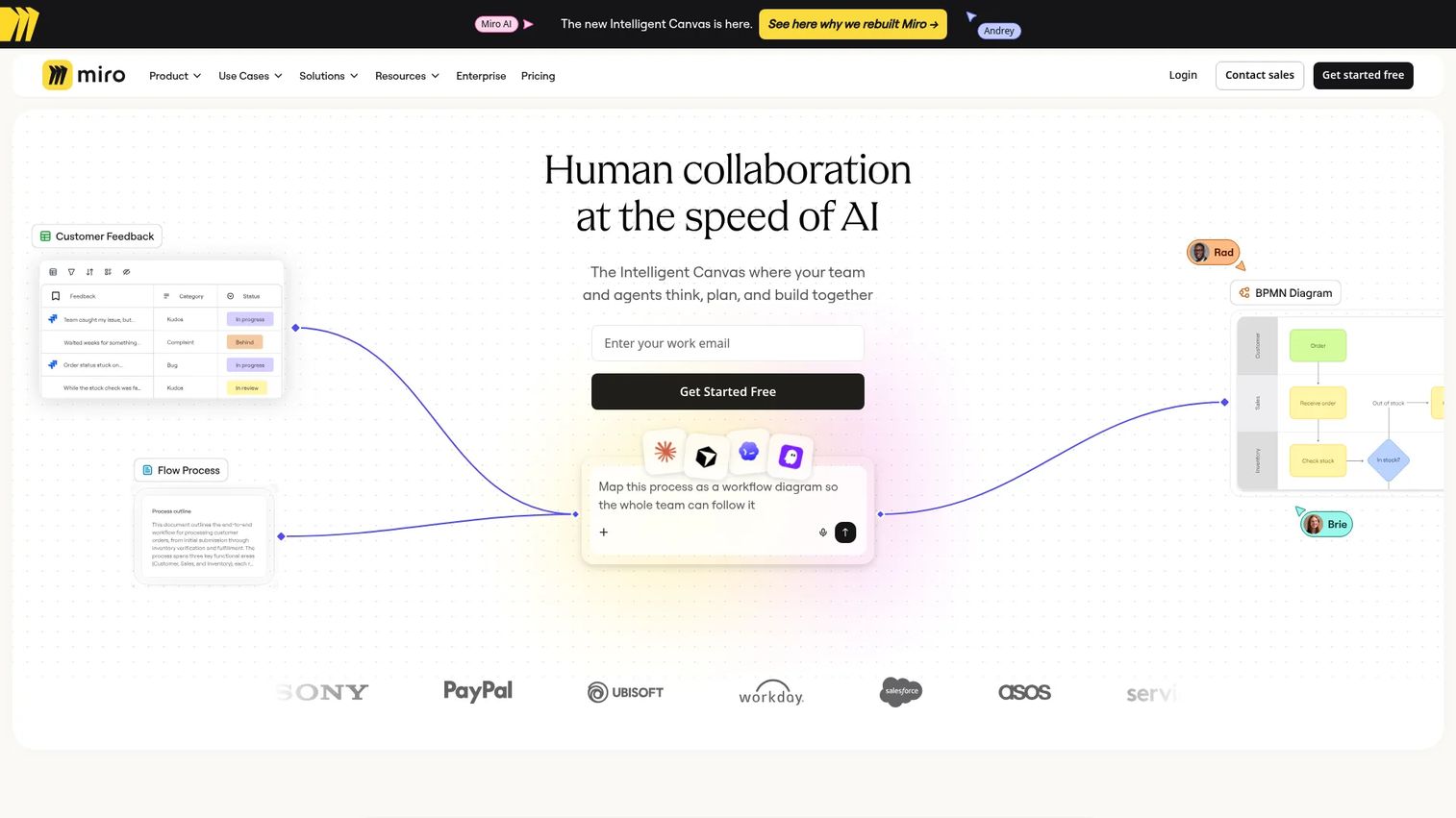
Miro is an AI-first visual workspace used by product teams for discovery workshops, journey maps, interview snapshots, and Opportunity Solution Trees. It supports product trio sessions where PM, design, and engineering need to see the entire discovery system in a single shared frame. With 7,000+ templates and 250+ integrations, Miro works across the ideation, alignment, and planning stages of discovery.
Best for: Product teams that need a shared visual space for mapping outcomes, opportunities, and experiments across cross-functional members.
Key features
- Opportunity mapping and journey map templates
- AI-powered diagram generation and research synthesis
- Workshop facilitation tools: Voting, timers, and Talktrack
- Native Jira integration
- 7,000+ pre-built templates
Why choose Miro: Choose Miro when alignment is the bottleneck, not raw data storage. It performs best when the product trio needs to see the discovery system visually before moving assumptions into test or delivery.
Miro pricing: Free plan available with 3 editable boards. Starter plan starts at $8 per member per month, billed yearly. Business adds advanced workflows and SSO at $20 per member per month (annual). Enterprise pricing requires contacting sales.
G2 rating: 4.6/5
2. Jira
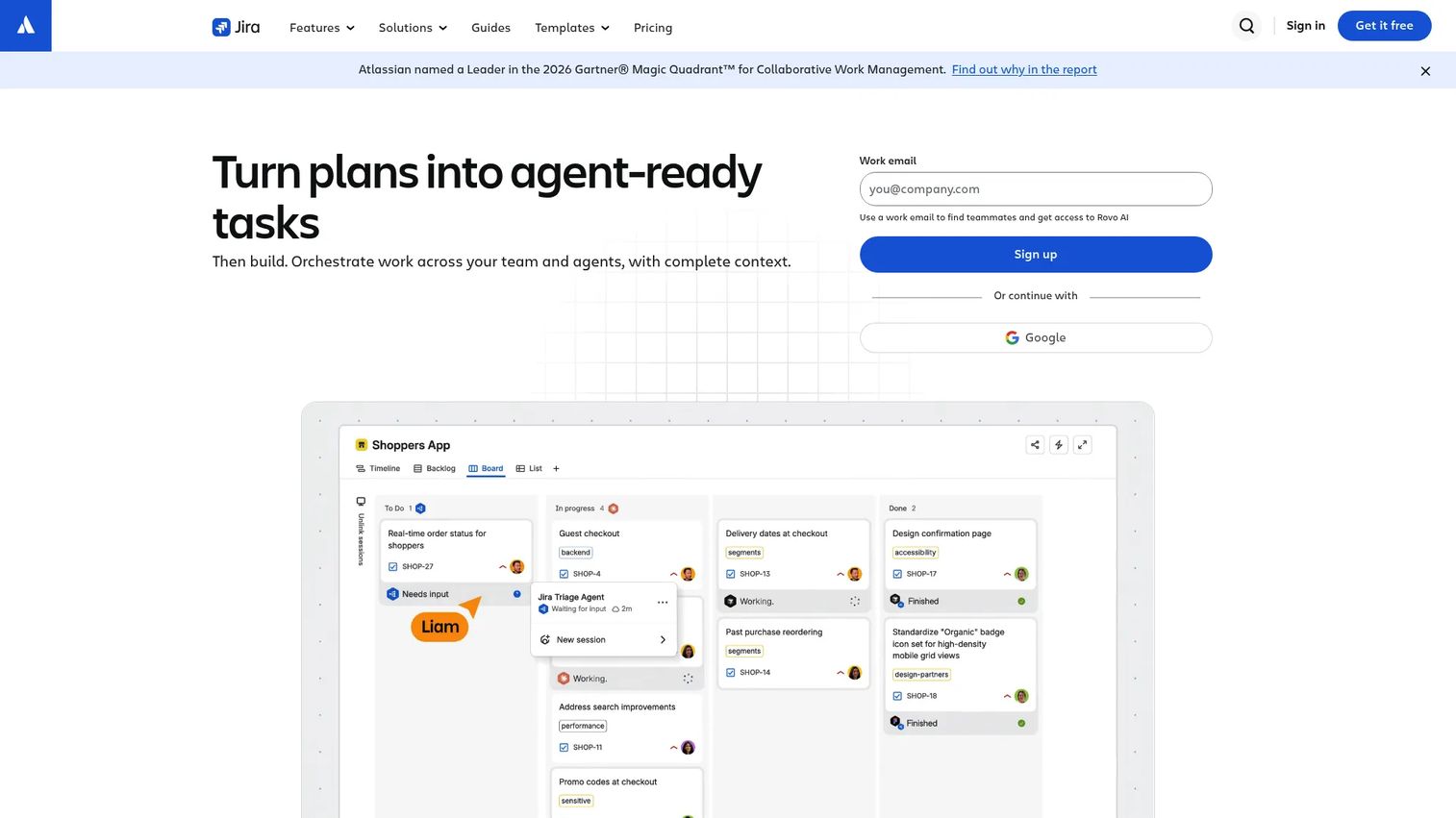
Jira is project management software that product teams rely on once discovery turns into prioritized delivery. It is not a research repository, but it matters because continuous discovery breaks down when validated insights lose context during the handoff to engineering. Jira keeps opportunity framing attached to epics, sprints, and release work. It also supports AI Search and Rovo AI for surfacing relevant context across the Atlassian stack.
Best for: PMs who need to connect validated opportunities to backlog management, epics, delivery tracking, and release cycles within an Atlassian environment.
Key features
- Backlog management and issue tracking
- Boards, timeline, Gantt, and calendar views
- Customizable workflows and automation
- AI Search and Rovo AI
- 3,000+ integrations including Miro and Productboard
Why choose Jira: Choose Jira when the team already runs delivery in Atlassian and needs discovery rationale attached to execution. It is strongest as the delivery side of a discovery stack rather than the research side.
Jira pricing: Free plan available for up to 10 users. Standard plan is $7.91 per user per month. Premium is $14.54 per user per month. Enterprise pricing requires contacting sales.
G2 rating: 4.3/5
3. Productboard
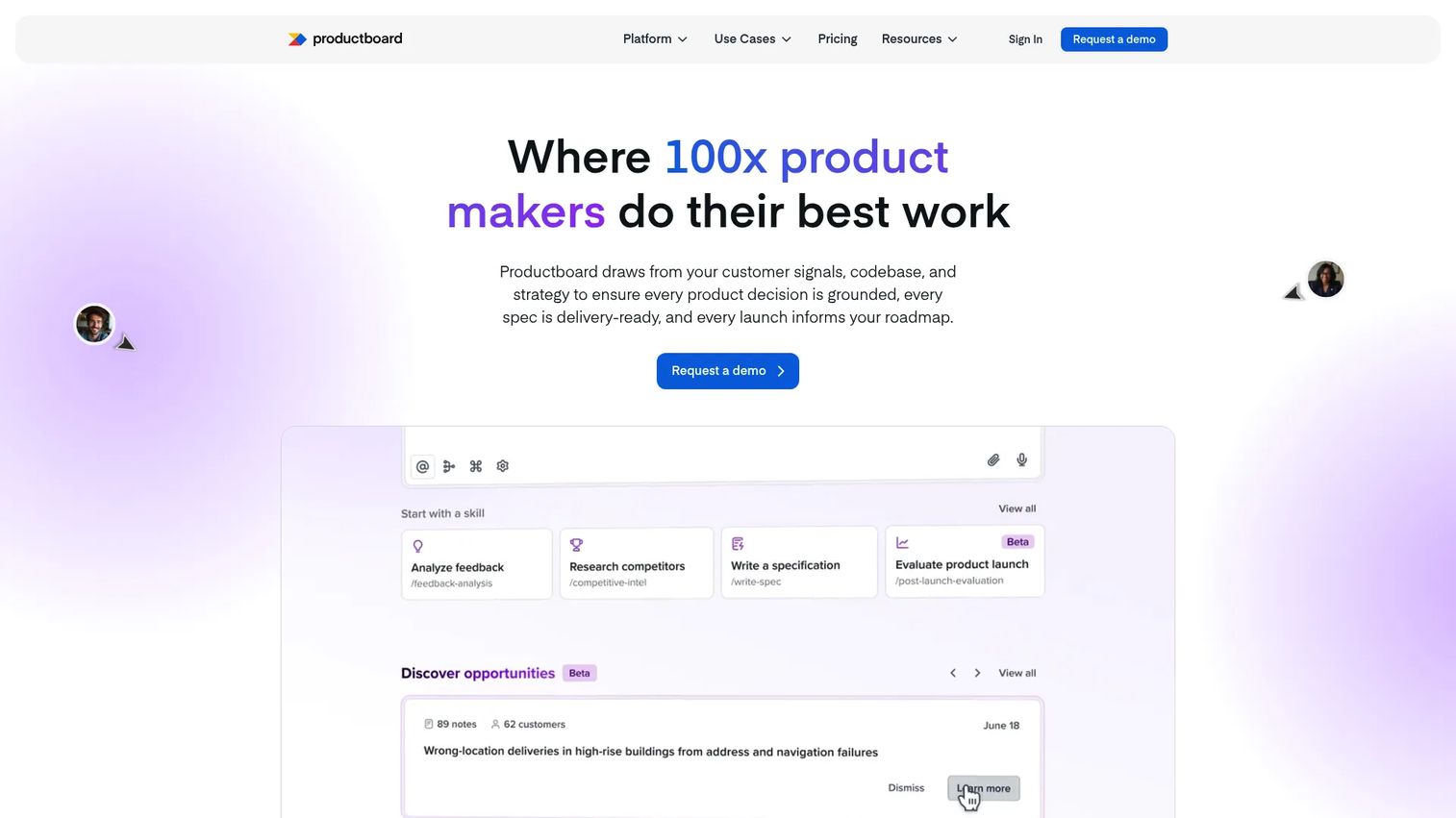
Productboard is an AI-powered product management platform for collecting customer feedback, identifying needs, prioritizing opportunities, and turning discovery evidence into roadmap decisions. Its AI tool, Spark, can synthesize feedback and draft product specifications, which reduces the time between raw customer input and a written opportunity brief. Productboard is especially useful when PMs need to explain why something is prioritized over stakeholder requests.
Best for: Product teams that want customer feedback connected directly to prioritization decisions and roadmap communication for stakeholders.
Key features
- Customer feedback portals and insights repository
- AI-powered synthesis and specification drafting with Spark
- Feature prioritization with custom scoring formulas
- Product roadmaps and release planning
- Integrations with Jira, Salesforce, Amplitude, and Mixpanel
Why choose Productboard: Choose Productboard when discovery insights need to influence roadmap tradeoffs visibly. It helps PMs defend prioritization with segmented customer evidence rather than stakeholder volume or gut instinct.
Productboard pricing: Free plan available. Plus plan starts at $19 per maker per month (billed annually) or $25 per maker per month (monthly). Business plan is $59 per maker per month (annual) or $75 monthly. Enterprise requires contacting sales for custom pricing.
G2 rating: 4.2/5
4. Dovetail
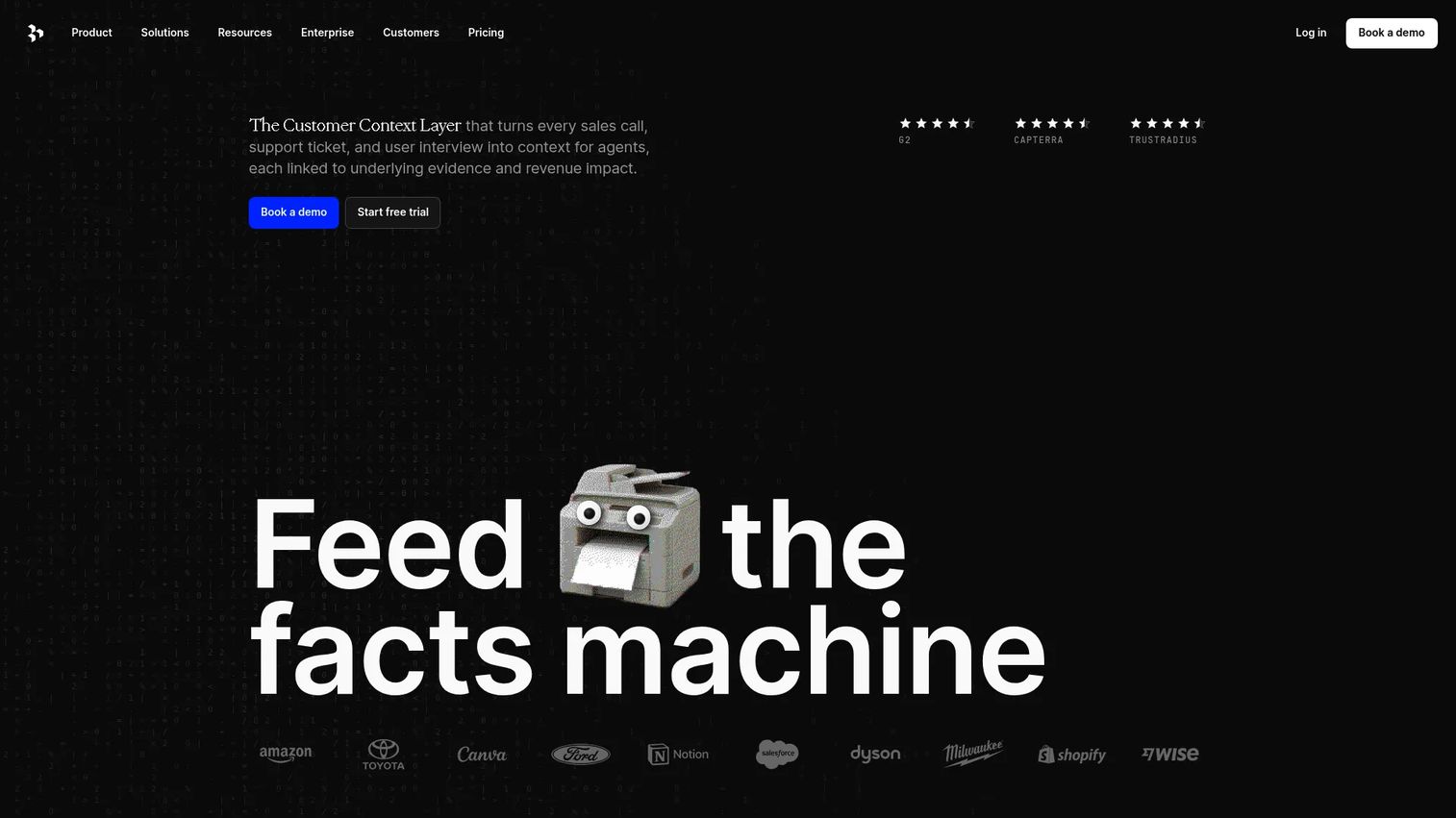
Dovetail is a customer intelligence platform that centralizes research and feedback, analyzes it with AI, and surfaces patterns the product trio can act on. It supports channels for organizing and classifying customer feedback automatically, AI Chat for querying research data directly, and AI Agents that proactively share relevant insights. When customer conversations are happening but findings are scattered across call recordings and shared docs, Dovetail provides the synthesis layer.
Best for: PMs, UX researchers, and product ops teams who need a searchable, structured home for qualitative research evidence across multiple projects.
Key features
- AI-powered analysis and summaries of calls, documents, and surveys
- Channels for organizing and auto-classifying customer feedback
- AI Chat for querying customer data
- AI Agents for proactive insight sharing
- Semantic search, dashboards, and enterprise access controls
Why choose Dovetail: Choose Dovetail when the discovery problem is synthesis velocity. It moves teams from raw interview recordings to pattern-level findings the product trio can use in days rather than weeks. For best in-app survey tools that complement a Dovetail repository, that roundup covers the input layer.
Dovetail pricing: Free plan available for individuals. Enterprise plan requires contacting sales for custom pricing. The free tier supports one channel, one project, and AI Chat.
G2 rating: 4.5/5
5. EnjoyHQ
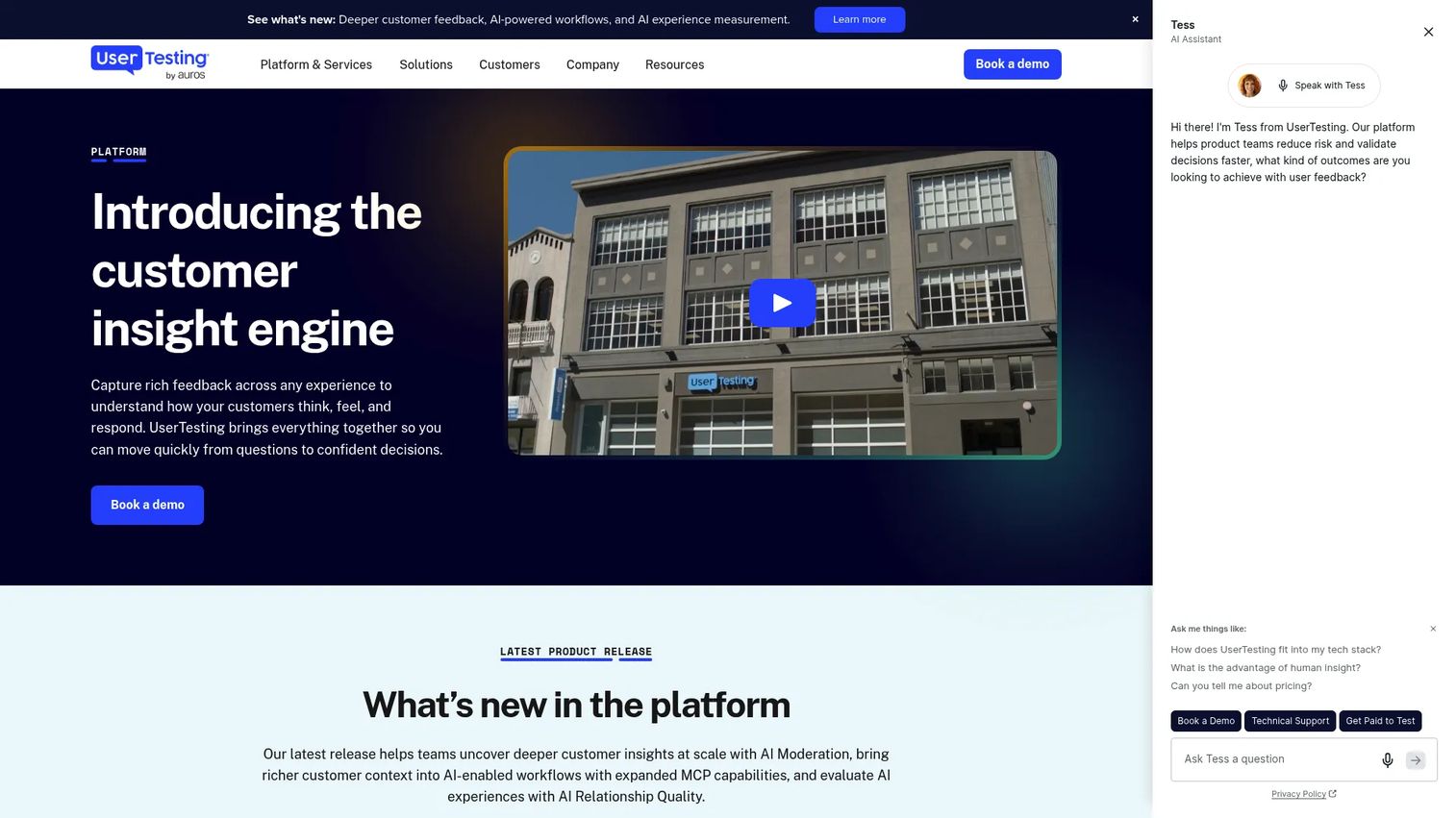
EnjoyHQ has been consolidated into the UserTesting Human Insight Platform. The combined offering serves cross-functional research needs including unmoderated tests, surveys, interaction tests, moderated live conversations, and AI-powered analysis. Teams looking for a centralized customer insights repository with UserTesting's participant network and analysis capabilities will find the integrated product relevant.
Best for: Larger product and research organizations that need to consolidate interviews, support data, notes, and survey feedback across multiple teams and feedback sources.
Key features
- Feedback capture across digital experiences
- AI-powered analysis and insight summaries
- Unmoderated tests, surveys, and think-aloud studies
- Moderated live conversations
- Integrations with Slack, Jira, Figma, and Miro
Why choose EnjoyHQ: Choose the EnjoyHQ-integrated UserTesting platform when product ops owns research governance and needs to consolidate high-volume research across sources. It performs best for organizations where past research is hard to find because it was never centralized.
EnjoyHQ pricing: Pricing is now managed through UserTesting's Advanced, Ultimate, and Ultimate+ editions. All plans require contacting sales for a quote.
6. Condens
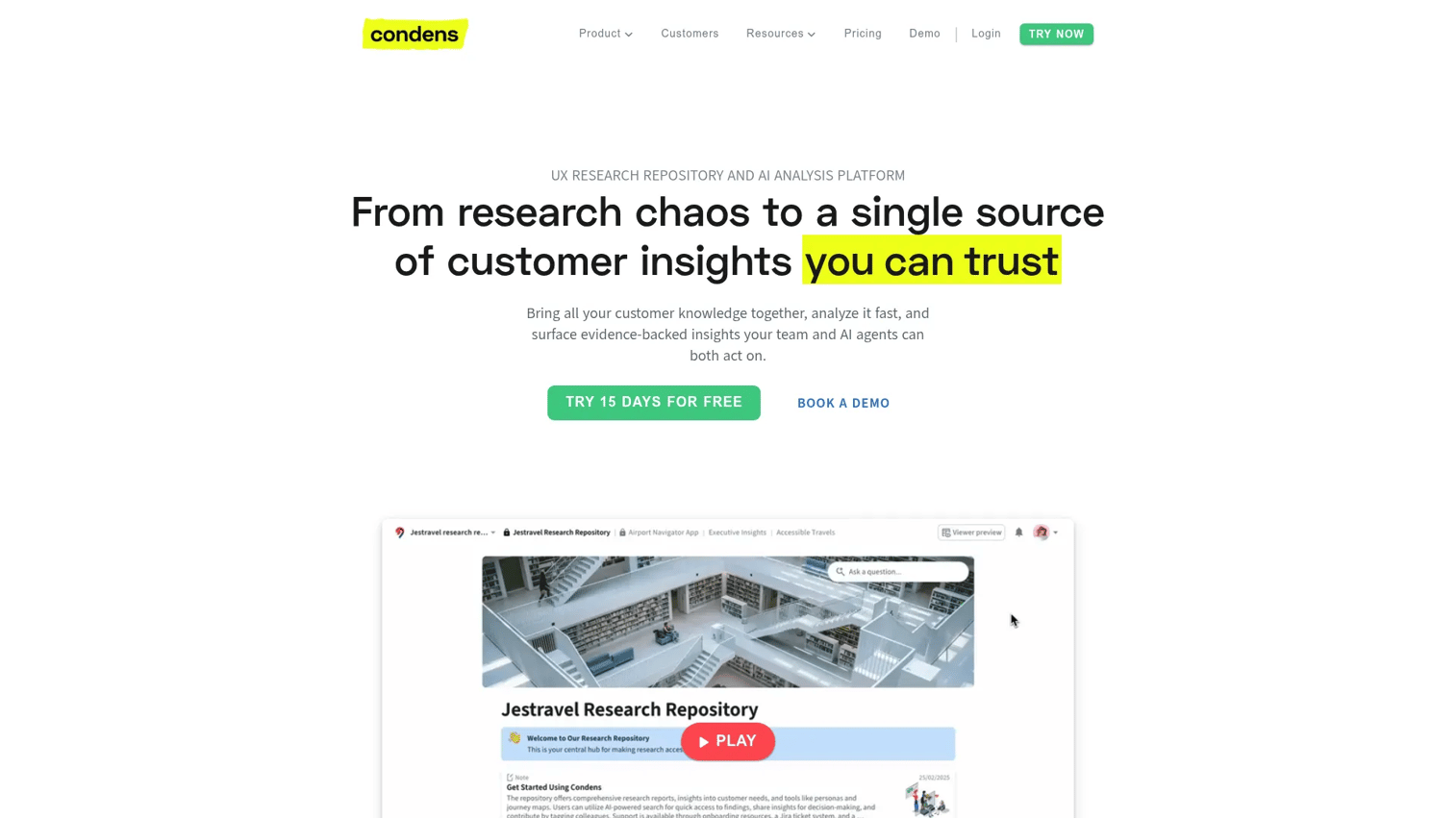
Condens is a user research repository and analysis platform built for teams that want focused qualitative analysis without migrating their entire product process to a heavy platform. It includes AI transcription in 85+ languages, auto-clustering, suggested tags, PII redaction, and an Insights Magazine feature that makes research findings shareable with stakeholders who don't use the tool directly.
Best for: Product and UX teams where interviews are the primary discovery input and faster synthesis is the main bottleneck.
Key features
- AI transcription in 85+ languages
- Auto-bookmarks, suggested tags, and AI clustering
- Global search across projects
- Highlight reels and Insights Magazine for stakeholder sharing
- PII redaction and data anonymization
Why choose Condens: Choose Condens when interview volume is high and the team needs a clean workflow that doesn't require heavy onboarding. Its Lite tier makes it accessible for smaller research operations before they scale to enterprise tooling.
Condens pricing: Lite plan starts at 15€ per month (or 165€/year) for 1 contributor. Business plan is 500€ per month (billed yearly) for up to 5 contributors. Enterprise pricing is custom. A 15-day trial is available.
G2 rating: 4.8/5
7. Airtable
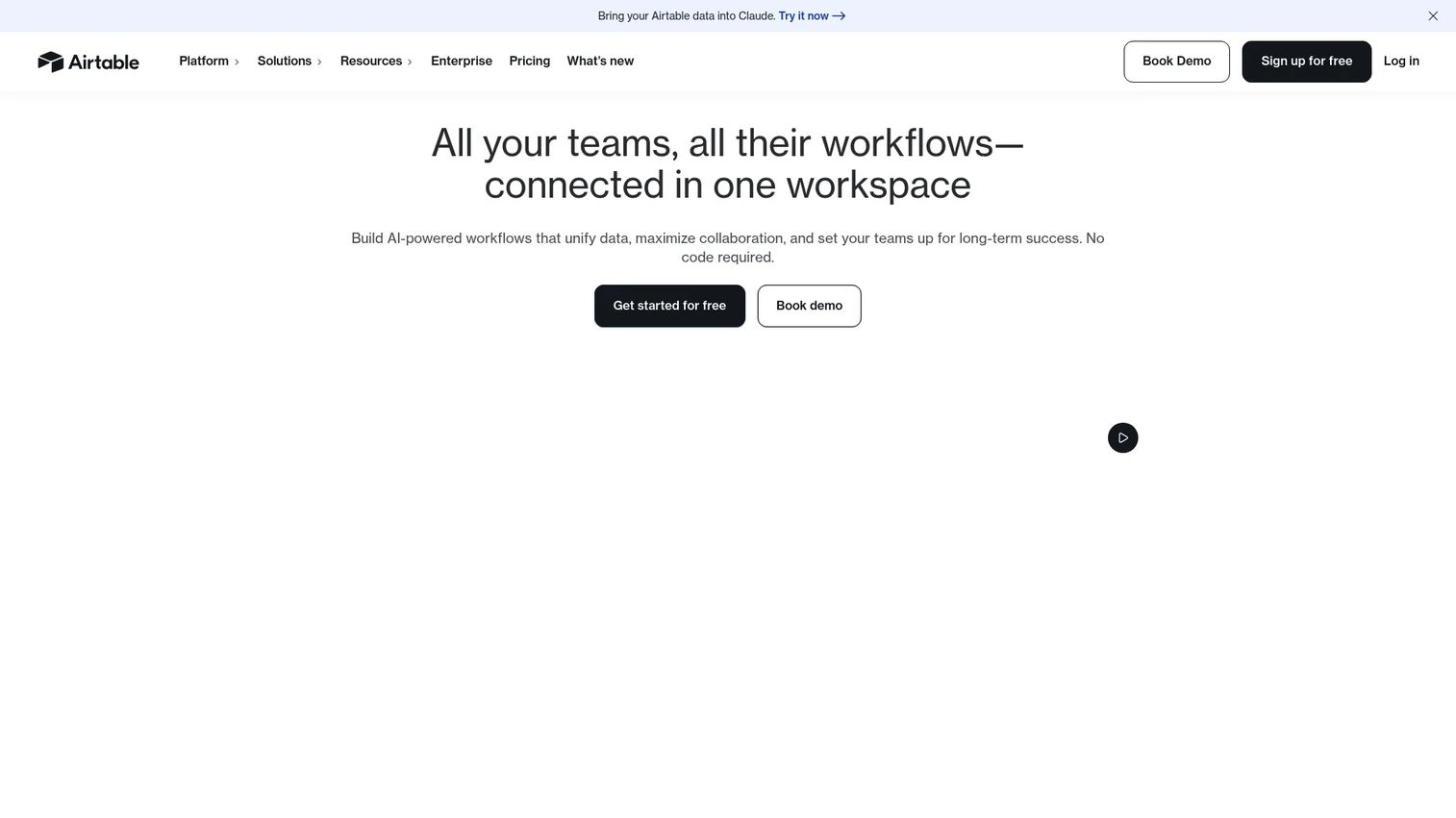
Airtable is an AI app platform for building custom databases, automations, and collaborative workflows without engineering involvement. For product discovery, teams use it to track customer interviews, feedback sources, research participants, opportunity backlogs, experiment logs, and roadmap inputs. Its Interface Designer lets teams surface relevant views to different stakeholders without exposing the full underlying data structure.
Best for: PMs and product ops teams whose discovery workflow is still evolving and need a configurable operating system before standardizing on a specialized repository.
Key features
- Relational bases with custom fields and multiple view types
- Forms for research participant intake and feedback collection
- Automations and app integrations
- Interface Designer for stakeholder-specific views
- AI-powered features through Omni AI
Why choose Airtable: Choose Airtable when flexibility matters more than depth. It works well as a lightweight discovery operating system during early-stage teams or when the discovery process is being designed from scratch. The best product management tools guide covers how Airtable compares across the broader PM stack.
Airtable pricing: Free plan available. Team plan is $20 per user per month, billed annually. Business plan is $45 per user per month (annual). Enterprise Scale pricing is custom.
G2 rating: 4.6/5
8. Maze
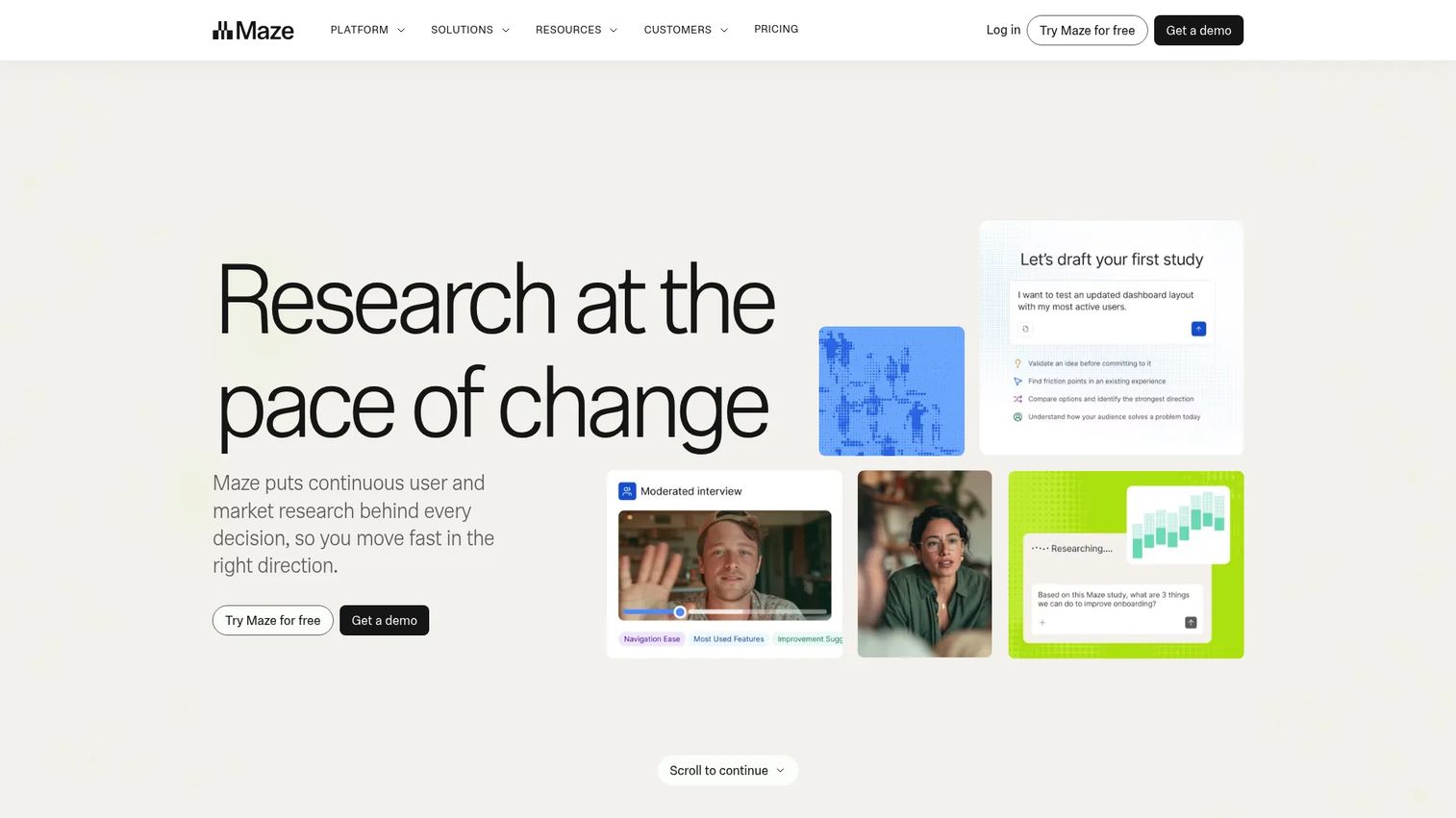
Maze is an AI-first end-to-end user research platform for prototype testing, usability studies, concept validation, and participant recruitment. Its AI study builder and AI-moderated interview capabilities reduce setup time for assumption testing before engineering commits to production code. According to Maze's own The Future of User Research Report (2025), 55% of product professionals report increased demand for user research, which puts pressure on teams to run evaluative research faster.
Best for: Product and design teams that need fast evaluative research on prototypes, concepts, and early flows before moving work into the sprint.
Key features
- Prototype and live website testing
- AI study builder and AI-moderated interviews
- Card sorting, tree testing, and usability studies
- Participant panel recruitment
- Automated reporting with AI-powered analysis
Why choose Maze: Choose Maze when the team needs evidence before build decisions and speed matters. It reduces the assumption testing cycle from weeks to days when teams have design artifacts ready to validate. For A/B testing tools that complement Maze at the post-build stage, that guide covers experimentation platforms separately.
Maze pricing: Free plan available. Enterprise plan pricing requires contacting sales. Feature availability varies between free and enterprise tiers.
G2 rating: 4.5/5
9. UserTesting
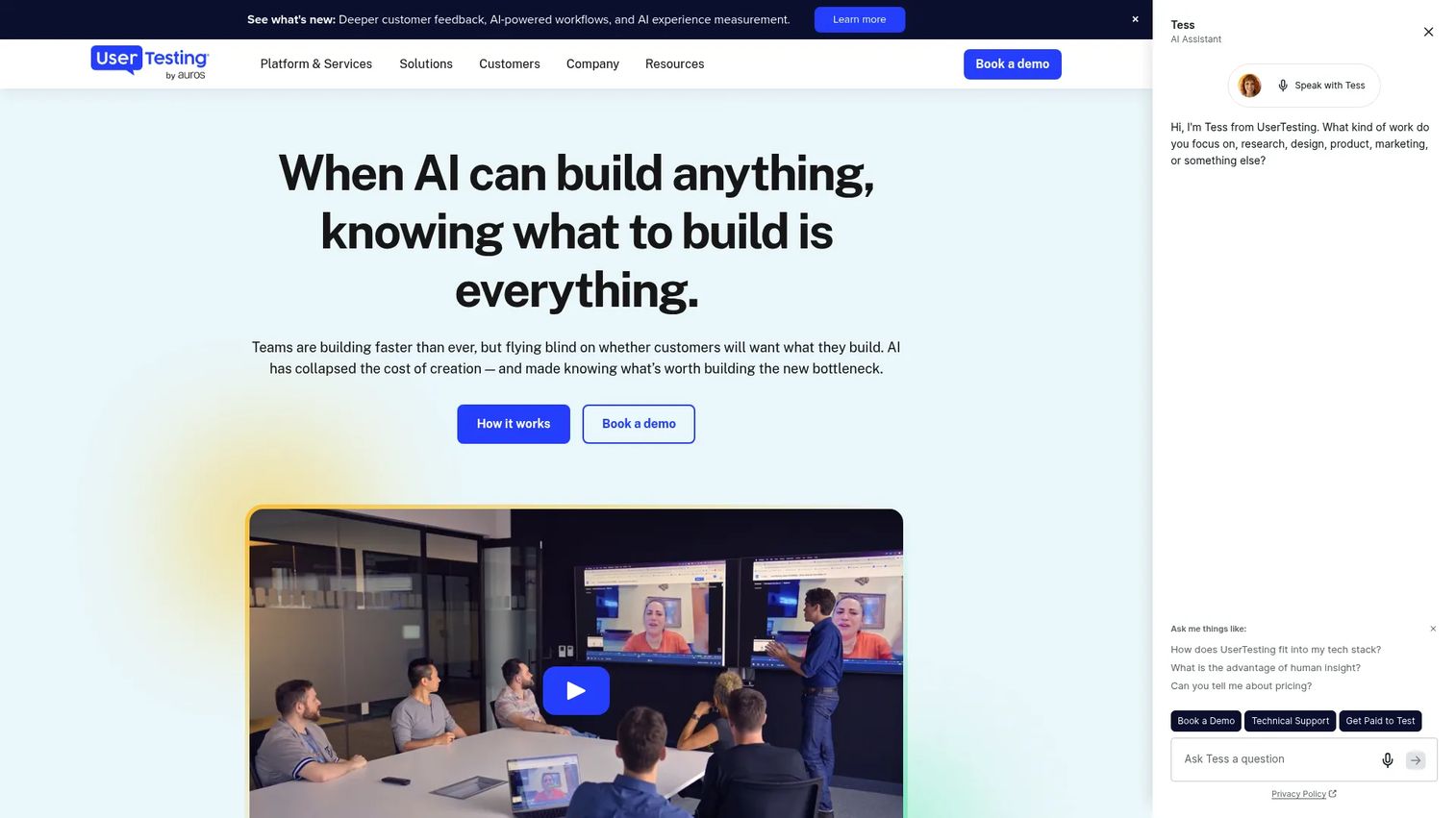
UserTesting is a human insight platform for collecting video-based customer feedback through unmoderated tests, moderated live conversations, surveys, and prototype studies. Its global participant network spans 60+ countries, which makes it particularly useful when recruiting is the bottleneck rather than research design. AI-generated insight summaries and sentiment analysis reduce the time from raw session recording to actionable finding.
Best for: Teams running moderated or unmoderated research that need fast access to a large, pre-screened participant network rather than sourcing participants manually.
Key features
- Unmoderated think-aloud and interaction tests
- Moderated Live Conversation interviews
- Global participant network across 60+ countries
- AI-generated summaries, click maps, and sentiment analysis
- Integrations with Jira, Figma, Slack, and Miro
Why choose UserTesting: Choose UserTesting when recruiting and participant quality are the primary constraints. Its network removes the week-long sourcing cycle that often delays assumption testing on a tight release cadence.
UserTesting pricing: All plans (Advanced, Ultimate, and Ultimate+) require contacting sales for a quote. Pricing scales with user count, testing types, and feature requirements. Education institutions may access the platform through a partner program.
G2 rating: 5.0/5
10. Sprig
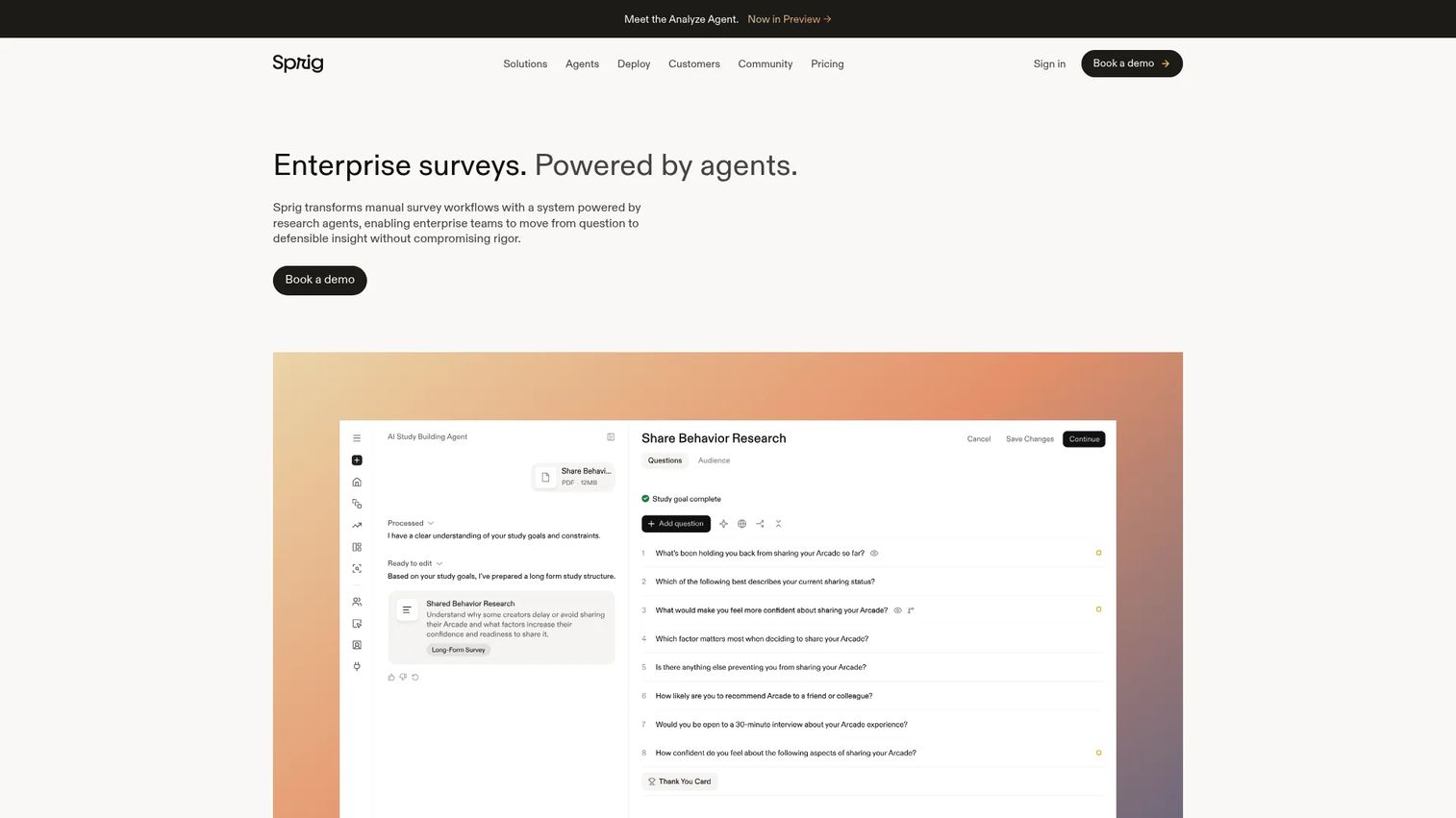
Sprig is an enterprise survey platform powered by AI agents for collecting contextual customer feedback inside the product experience. Rather than relying on post-hoc interviews or email surveys, Sprig captures signal at the moment of use, tied to specific workflows. This makes it useful for validating onboarding confusion, feature friction, and segment-specific product issues that only surface when users are actively in the product.
Best for: Enterprise product teams that want in-product surveys, concept feedback, and sentiment data tied directly to specific user sessions and feature interactions.
Key features
- In-product and email survey distribution
- Web and native mobile deployment
- Session replay tied to survey responses
- AI-powered study design and analysis
- Multi-channel distribution via links, QR codes, and panels
Why choose Sprig: Choose Sprig when you need feedback at the moment of use rather than recollection. It is particularly effective for validating onboarding sequences and identifying friction in specific segments before that friction shows up in retention data.
Sprig pricing: Pricing scales with response volume, activated research capabilities, and support requirements. Contact sales for a quote.
G2 rating: 4.3/5
11. Typeform
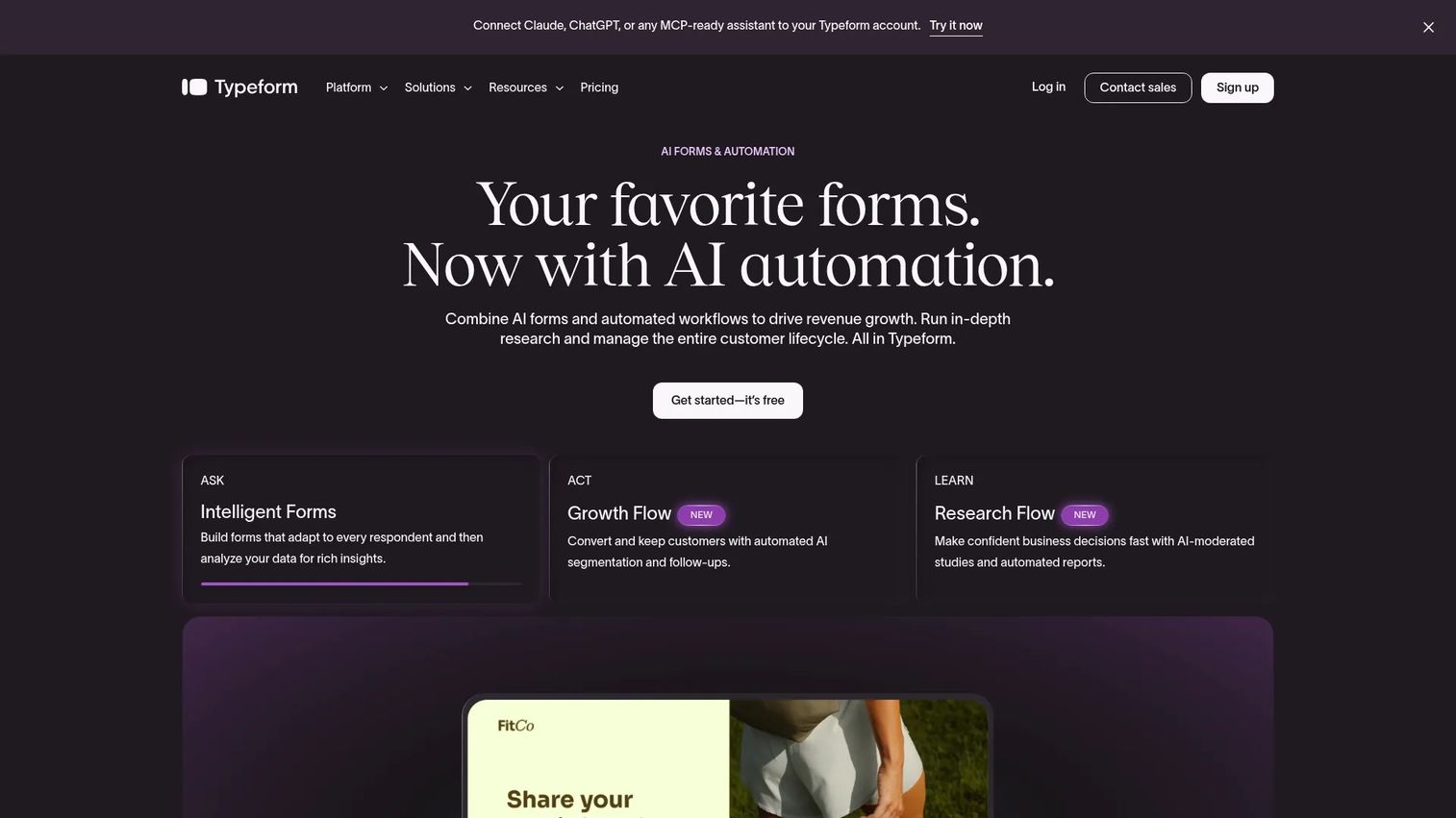
Typeform is an interactive form and survey platform that product teams use as a lightweight input layer for continuous discovery. It is not a research repository or analysis platform, but it handles structured feedback collection well: Interview screeners, cancellation reason surveys, concept reaction polls, and NPS follow-up questions. Its conversational format tends to produce higher completion rates than static form tools.
Best for: Teams that need quick, polished survey distribution and already have a separate system for analyzing the responses that come in.
Key features
- Conversational form format with conditional logic (logic jumps)
- AI-powered form creation and editing
- Custom branding and embeddable forms
- Drop-off rate and conversion analytics
- Webhooks and integrations with common research stacks
Why choose Typeform: Choose Typeform when you need fast signal collection and the discovery bottleneck is response quality, not synthesis capacity. Pair it with a repository tool to avoid having insights trapped inside form responses. For best in-app survey tools that run surveys inside the product rather than via link, that guide covers the in-product options.
Typeform pricing: Free plan available. Basic plan is $39 per month. Plus is $79 per month. Business is $129 per month. All prices listed at monthly billing rates; annual plans are available at a discount.
G2 rating: 4.5/5
12. Slack
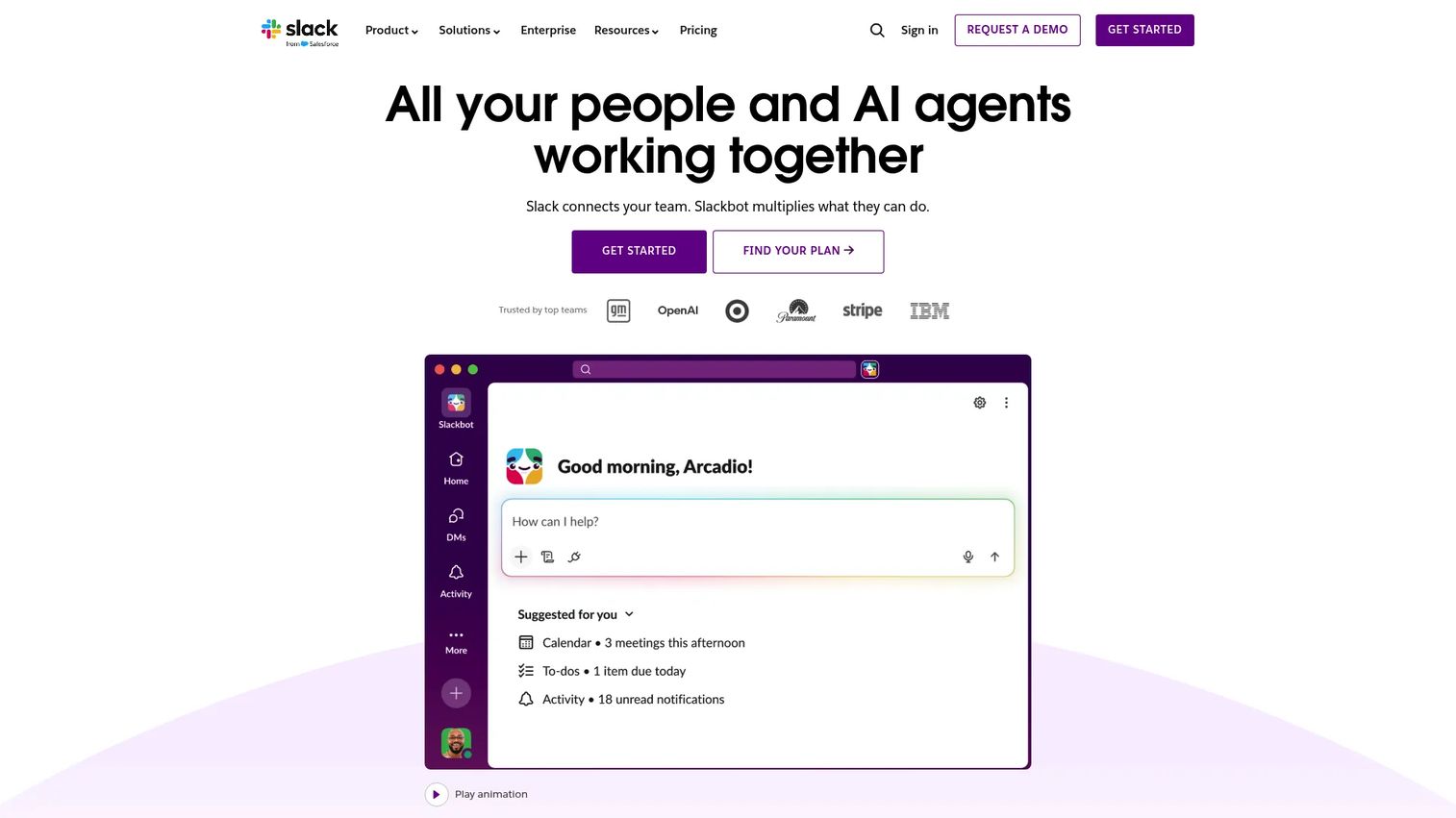
Slack is not a dedicated research system, but it functions as the collaboration layer where discovery rituals live for most product teams. Teams use Slack channels to route customer quotes from CS, share interview clips, run weekly discovery summaries, and keep the product trio visible between formal meetings. Its Workflow Builder can automate feedback routing from support or sales tools into dedicated discovery channels.
Best for: Teams that need discovery conversations to stay visible in daily cross-functional work, particularly when PM, design, and engineering are distributed.
Key features
- Channels and direct messaging
- Huddles with audio, video, and screen sharing
- Slack Connect for collaboration with external organizations
- Workflow Builder for automated feedback routing
- AI conversation summaries and search recaps
Why choose Slack: Choose Slack when the issue is signal awareness and response speed across the product trio. It is weak for durable synthesis, so pair it with a repository. Using Slack alone as a discovery system means insights age out of search within weeks.
Slack pricing: Free plan available. Pro plan is $7.25 per user per month (annual) or $8.75 monthly. Business+ is $15 per user per month (annual) or $18 monthly. Enterprise+ is $45 per user per month (annual).
G2 rating: 4.5/5
13. Product Talk
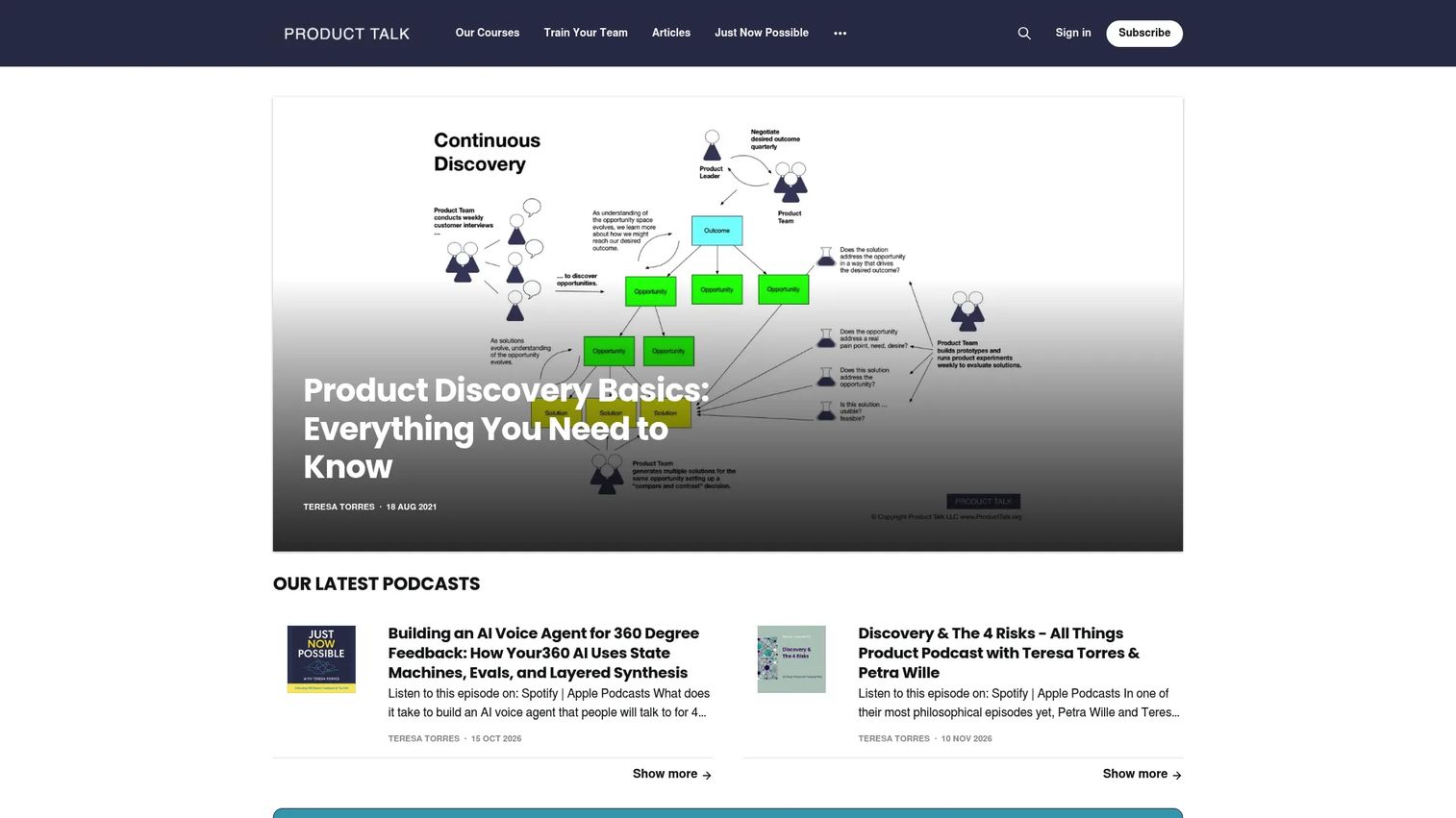
Product Talk is an education and framework resource for continuous discovery, not a classic SaaS platform. It belongs in this list because many teams need the operating model before software will help. Product Talk's training covers continuous interviewing, Opportunity Solution Tree construction, effective ideation, assumption identification, and assumption testing. Its CDH Membership also includes a practitioner community with Slack access, events, and office hours.
Best for: Product teams and product trios that need to build a shared continuous discovery operating model before adding tooling.
Key features
- Continuous interviewing and opportunity mapping courses
- Assumption testing and ideation training
- Opportunity Solution Tree guidance and templates
- Live cohort-based and on-demand course formats
- CDH practitioner community with Slack and office hours
Why choose Product Talk: Choose Product Talk when the team has bought into discovery as a practice but lacks the shared operating model. Software will not fix a team that has no cadence, outcome framing, or interview habit. The methodology and the tooling need to arrive together.
Product Talk pricing: Individual courses start at $259 for 3 months of access. The Product Discovery Fundamentals course is priced at $1,795 per seat. CDH Membership is $359 for 12 months.
14. IxDF
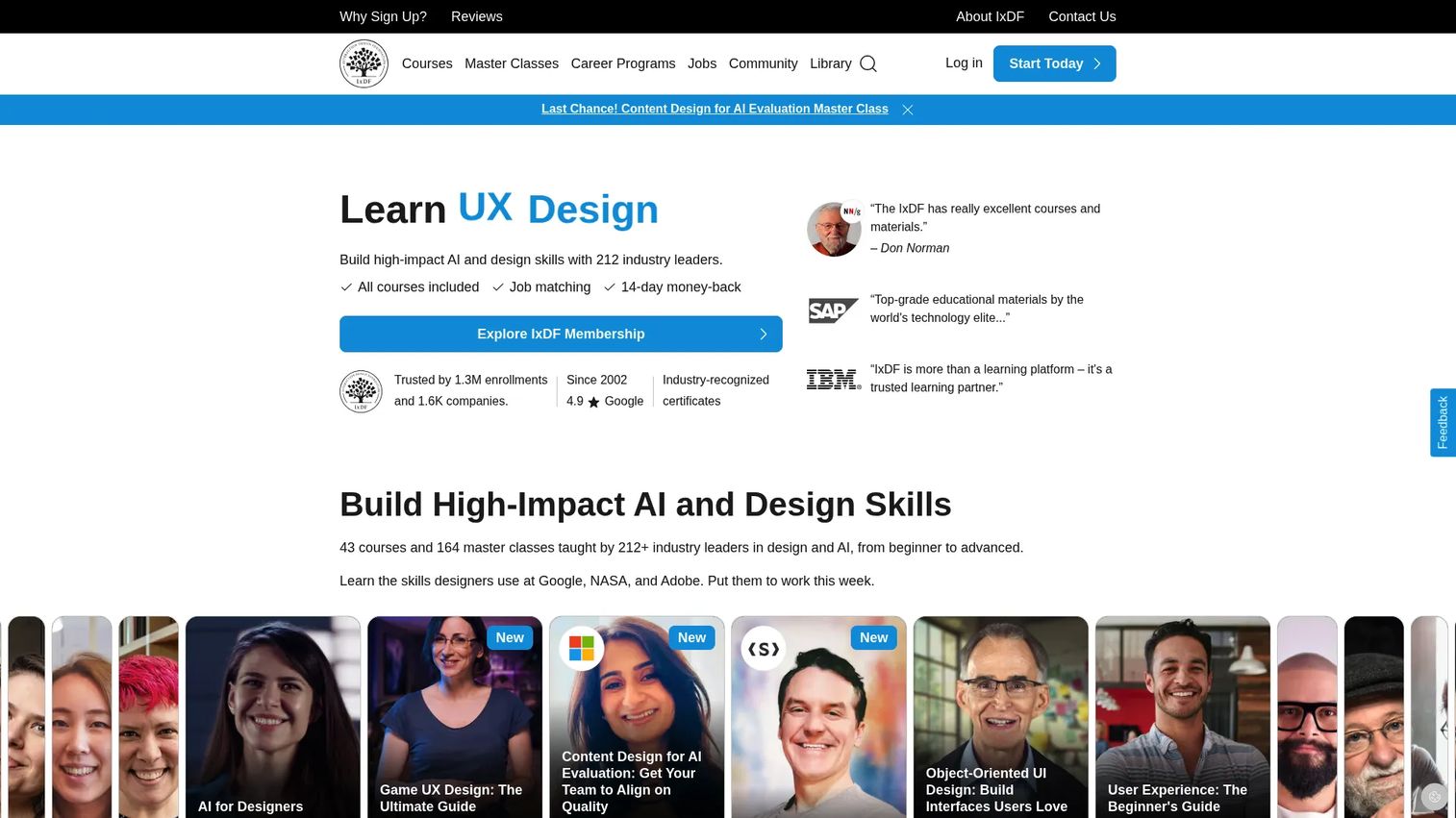
IxDF (Interaction Design Foundation) is an online design education platform offering self-paced UX/UI courses, structured career programs, master classes, and a global design community. It is not a continuous discovery operations tool, but it helps PMs and design partners build research literacy, interview skills, and discovery method foundations. For teams where UX research knowledge is uneven across the product trio, IxDF provides affordable structured education.
Best for: PMs and product trios that need affordable, certificate-backed education around UX research methods, discovery frameworks, and design thinking.
Key features
- Self-paced UX/UI and AI courses with industry certificates
- Structured career programs and learning paths
- One-hour master classes
- Job matching (Design League tier)
- Global community access and meetups
Why choose IxDF: Choose IxDF when the team needs stronger discovery fundamentals before investing in research operations tooling. It is best used alongside operational tools that store and connect research evidence, not as a substitute for them.
IxDF pricing: Professional membership is $22 per month, billed annually. Design League is $99 per month, billed monthly.
G2 rating: 4.9/5
Considerations when choosing continuous discovery software
Match the tool to the discovery job
Continuous discovery covers multiple distinct jobs: Talking to customers, storing research, mapping opportunities, testing assumptions, and handing work to delivery. A tool that excels at qualitative repository management (Dovetail) is weak for prototype validation (Maze). Identify the weakest link in your current discovery loop before buying.
Check how evidence connects to prioritization
PMs need the why behind every roadmap decision to survive stakeholder scrutiny. Look for tools that link raw feedback to customer segments, then to mapped opportunities, and from there to planned work. Productboard is designed around that chain. Most research repositories require a separate prioritization layer.
Evaluate maintenance cost honestly
A discovery repository only works if the team keeps using it. Assess the tagging burden, import workflows, permission structure, and how easy it is for teammates to find past research without asking. Tools that require heavy manual maintenance get abandoned after the first sprint cycle ends.
Look at integrations with delivery and analytics
The more manual the handoff between discovery and delivery, the more context gets lost. Check whether the tool connects to your CRM, product analytics stack, customer support system, and Jira or Linear. The best product analytics software tools guide covers the measurement side of that integration chain.
Protect research quality and governance
Not all customer feedback carries equal weight. Cover consent management, data retention, access controls, and participant privacy before onboarding a repository. PMs should also evaluate whether the tool makes it easy to distinguish high-signal research from loud one-off requests. Governance is what separates a research repository from a complaint log.
Conclusion
The right continuous discovery software depends on which part of your discovery loop is currently broken.
Miro is the strongest pick for visual mapping and product trio alignment. Jira handles the delivery handoff when you need discovery context attached to engineering execution. Productboard is built for feedback-to-roadmap decisions. Dovetail, Condens, and the EnjoyHQ-integrated UserTesting platform are the main options for qualitative research repositories, with Dovetail strongest for AI synthesis and Condens for lean UX operations.
Maze and UserTesting cover evaluative research, with Maze optimized for speed and Sprig for in-product signals. Typeform handles lightweight survey collection when you already have somewhere to analyze the results.
Slack keeps discovery visible in daily cross-functional work but cannot replace a repository. Product Talk and IxDF help teams build the operating model and research literacy that make all the other tools worthwhile.
Start by identifying the step that currently breaks: Capture, synthesis, opportunity mapping, assumption testing, or delivery handoff. Pick one tool for that job, establish the cadence, and add the next layer once it's working.
Start your journey with Guideflow today!
FAQs
Continuous discovery software is a category of tools that helps product teams collect, store, synthesize, and act on customer evidence through recurring research, feedback loops, opportunity mapping, assumption testing, and prioritization workflows. It supports the practice of continuous product discovery but does not replace direct customer conversations. The team still needs to run the interviews and make the decisions.
Product discovery software is the broader category covering any tool that helps teams learn what to build. Continuous discovery software specifically supports recurring habits: Weekly customer touchpoints, ongoing feedback loops, persistent repositories, and regular assumption testing. The continuous framing implies a cadence, not a one-off research project.
The answer depends on the weakest step in your current process. Productboard works best when feedback needs to connect directly to roadmap prioritization. Miro is strongest for opportunity mapping and workshop-style alignment sessions. Dovetail fits teams with high interview volume that need faster synthesis. Maze is the right pick for PMs who need to validate assumptions before moving work into the sprint.
Most teams need a small stack because continuous discovery spans at least five distinct jobs: Capturing signals, synthesizing insights, mapping opportunities, testing assumptions, and handing validated work to delivery. Starting with one tool that solves the biggest current bottleneck is more effective than buying multiple tools before the team has established a research cadence.
Product trios need shared access to the same customer evidence. Without shared tooling, PM, design, and engineering each form different assumptions about what customers want. Discovery software keeps interview findings, opportunity maps, experiment results, and validated decisions visible to all three roles before engineering commits to building.
No. Software can help you schedule, record, transcribe, tag, and share interviews, but it cannot replace the conversation itself. Direct customer contact generates the qualitative insight that patterns and AI analysis then help you scale. Teams that treat discovery tools as a substitute for interviews end up with well-organized data that lacks the nuance needed for good opportunity decisions.
The highest-impact features vary by discovery stage. For capture: Recording, transcription, and feedback import. For synthesis: Tagging, AI analysis, semantic search, and highlight reels. For prioritization: Opportunity scoring, segment filtering, and roadmap integration. For governance: Consent management, access controls, and data retention. For delivery: Jira or Linear integration that keeps discovery rationale attached to tickets. The best product management tools guide covers how discovery tooling fits within the broader PM stack.
Define the product outcome you are trying to influence, then establish a recurring customer interview cadence (weekly works for most B2B SaaS teams). Centralize what you learn in a repository, even a basic Airtable base, before buying specialized tooling. Map the opportunities you hear from customers. Test your riskiest assumptions before committing engineering time. Only then add tooling for the specific step that is slowing the team down most. According to Maze's The Future of User Research Report (2025), 42% of product managers conduct user research. Building the habit matters more than selecting the optimal stack on day one.