A contractor sends a DWG. Your product lead needs to inspect a STEP assembly. Your operations team doesn't have full CAD licenses. The delay is rarely an engineering skill gap. It's an access problem.
Full CAD authoring software costs hundreds to thousands of dollars per seat, requires installation, and adds admin overhead that teams reviewing files once a month don't need. According to Dataintelo (2026), cloud-based CAD viewers already account for 62.4% of the CAD viewer software market, a signal that browser-first access has become the default for teams that need file review without heavy infrastructure.
The decision isn't always obvious, though. Browser tools are fast for one-off reviews but fall short when teams need offline access, repeated measurement, markup workflows, or file conversion. Desktop software fills those gaps, but adds cost and platform constraints.
This guide cuts through the options so you can forward a clear shortlist to your engineering, operations, or product lead, without creating another expensive software burden.
What's inside
This guide covers seven CAD viewers for browser and desktop workflows in 2026. Selection criteria:
- Format coverage: Which file types does the tool handle reliably (DWG, DXF, DWF, STEP, SLDPRT, RVT)?
- Access model: Browser upload or installed desktop software?
- Capability depth: Viewing only, or markup, measurement, printing, and conversion?
- Platform fit: Windows, Mac, Linux, mobile, or cross-platform?
The guide is aimed at founders, operations leads, and product teams who need to give the right people access to design files without buying full CAD seats.
TL;DR
- Best for broad browser-based viewing: Autodesk Viewer handles over 80 file types for free, in the browser, with no install required
- Best free Windows desktop option for DWG/DXF: DWG TrueView is the go-to for teams that plot, convert, and review drawings on Windows
- Best when reviewers also need to edit drawings: AutoCAD Web adds browser-based editing on top of viewing, useful when minor markup turns into real changes
- Best for quick multi-format online uploads: ShareCAD handles more than 25 formats, runs in any browser, and is completely free
- Best for 3D inspection and conversion: CAD Exchanger Lab covers 30-plus 3D CAD formats with section views, exploded views, and measurement
- Best lightweight Windows desktop tool: DWGSee pairs a free online viewer with low-cost permanent licenses starting at $69
- Best for free 3D viewing in SOLIDWORKS workflows: eDrawings Viewer runs on Windows, Mac, iOS, and Android at no cost
What is CAD viewer software?
CAD viewer software lets people open, inspect, share, and sometimes measure or mark up computer-aided design files without using the original CAD authoring application.
What CAD viewers do
A viewer renders the geometry in a design file so reviewers can navigate it without the authoring tool. Core capabilities include:
- Pan, zoom, rotate, and isolate geometry in 2D drawings and 3D models
- Display layers, annotations, properties, and assembly structure
- Share files through browser links or installed applications
- Print, measure, mark up, or convert files in more capable viewers
Common file types CAD viewers support
- DWG: The native AutoCAD drawing format, used across architecture, engineering, and construction
- DXF: An interchange format that works across many CAD systems
- DWF: An Autodesk-oriented design review format
- STEP / STP: Neutral 3D exchange formats used in mechanical design
- IGES / IGS: Older but still common engineering exchange formats
- SLDPRT / SLDASM: SOLIDWORKS part and assembly files
- RVT: Revit project files used in building information modeling
- STL / OBJ: 3D model and mesh formats common in manufacturing and visualization
CAD viewer versus CAD editor
Viewers are for access, review, and lightweight inspection. Editors add drawing or modeling changes. Some tools sit between the two by supporting markup, conversion, or limited edits without full authoring capability.
| Need | Start with |
|---|---|
| Open one file quickly | Online viewer |
| Review DWG or DXF on Windows | Desktop DWG viewer |
| Measure and inspect 3D assemblies | 3D CAD viewer |
| Make drawing changes | CAD editor or browser editing tool |
| Share a model with non-CAD stakeholders | Browser viewer or shareable file format |
When to use a CAD viewer
Open a file without buying full CAD software
A viewer is the right call when someone needs access, not authoring capability. A contractor reviewing a structural drawing, a sales engineer checking dimensions before a customer call, or an operations lead confirming a specification: None of these workflows require a full seat. Matching the tool to the job keeps license costs proportional to actual usage.
Share drawings with clients, contractors, and non-CAD teammates
Browser-based viewers remove the install barrier for external reviewers. A shared link lets a client inspect a layout, a supplier check a tolerance, or a board advisor review a product rendering without installing anything. The constraint worth checking is file size: Some online viewers cap uploads, which matters if you're working with complex assemblies.
Inspect models before manufacturing, procurement, or handoff
STEP files, BIM models, and multi-body assemblies need more than a screenshot. Teams verifying geometry, checking clearances, or validating a supplier's interpretation of a design need rotation, measurement, section views, and property access. A basic browser viewer won't cover this. A 3D-capable desktop or web tool will.
CAD viewer comparison
All seven tools below handle the core job of opening and displaying CAD files, but they solve different problems. Use the table to narrow the list before reading the full reviews.
| # | Product | Best for | Key differentiator | Pricing | G2 rating |
|---|---|---|---|---|---|
| 1 | Autodesk Viewer | Broad browser-based viewing | 80-plus file types, free in-browser access | Free | 4.3/5 |
| 2 | DWG TrueView | Free Windows DWG/DXF workflows | TrustedDWG checks and DWG version conversion | Free | 4.4/5 |
| 3 | AutoCAD Web | Browser viewing plus drawing edits | View, edit, create, and share DWG in a browser | Contact Autodesk for current plan pricing | 4.4/5 |
| 4 | ShareCAD | Quick online multi-format uploads | 25-plus formats, embeddable viewer, completely free | Free | N/A |
| 5 | DWGSee | Lightweight Windows DWG desktop tool | Free online viewer plus permanent license from $69 | From $69 (one-time) | N/A |
| 6 | CAD Exchanger Lab | 3D inspection and conversion | 30-plus 3D formats, section views, exploded views | Custom pricing | 4.5/5 |
| 7 | eDrawings Viewer | Free 3D viewing across devices | Windows, Mac, iOS, Android support, free desktop viewer | Free (desktop) | 4.3/5 |
Pricing and ratings verified October 2026 from each vendor's official pricing page and G2 listing.
Best 7 CAD viewers for 2026
1. Autodesk Viewer
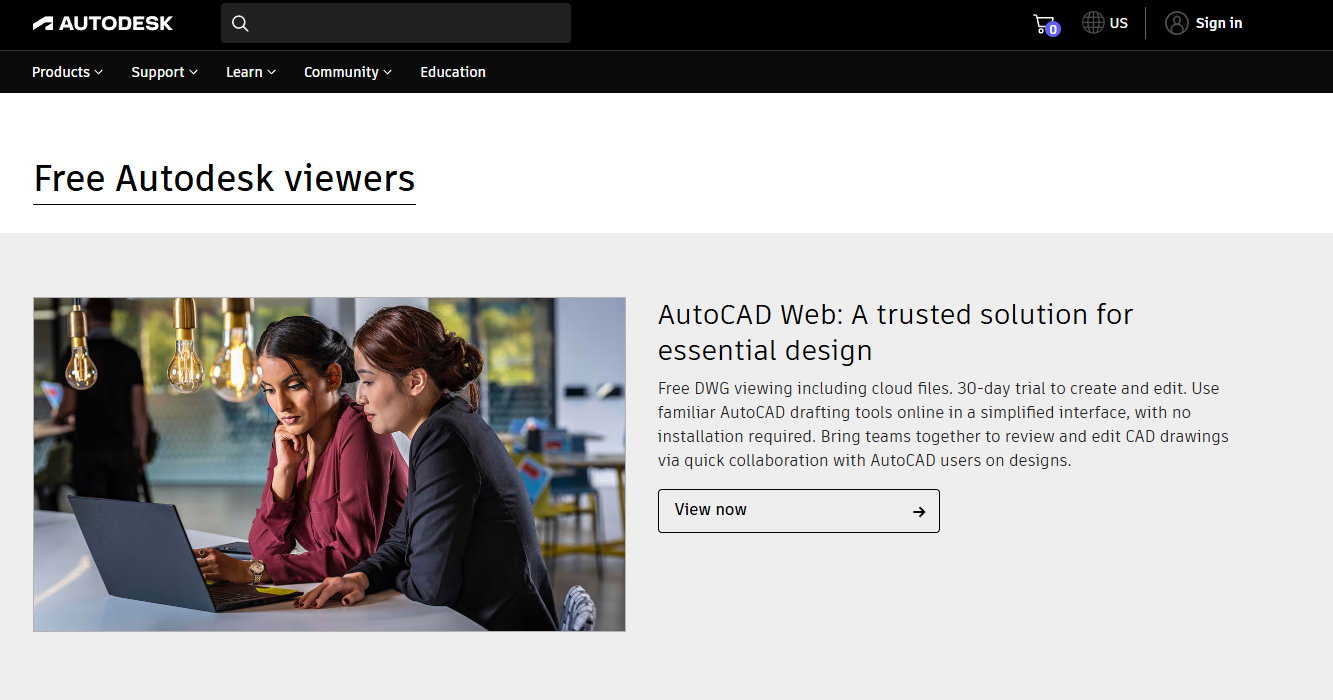
Autodesk Viewer is a free browser application for uploading, viewing, measuring, marking up, and sharing 2D and 3D design files. It supports over 80 file types, including DWG, STEP, DWF, RVT, and SOLIDWORKS formats, which makes it the broadest zero-cost option for teams receiving files from multiple CAD environments. No software installation is required; upload the file, and the viewer handles the rest.
Best for: Teams and external stakeholders that need browser-based access to review and collaborate on CAD files from many different sources.
Key features
- Browser-based 2D and 3D viewing with no install
- 80-plus supported file types including DWG, STEP, DWF, RVT, SLDPRT
- Measurement, markup, comments, and sectioning tools
- Model browsing, exploded views, and screenshots
- Shareable views for external reviewers
Why choose Autodesk Viewer: This is the strongest pick when format coverage and zero-install access matter more than editing. If your team receives files from architects, mechanical engineers, and BIM teams all in the same week, Autodesk Viewer handles that breadth without requiring separate tools.
Autodesk Viewer pricing: Free. Autodesk Viewer requires no subscription and carries no paid tier.
G2 rating: 4.3/5 based on 60 reviews, per Autodesk Viewer's G2 listing (October 2026).
2. DWG TrueView
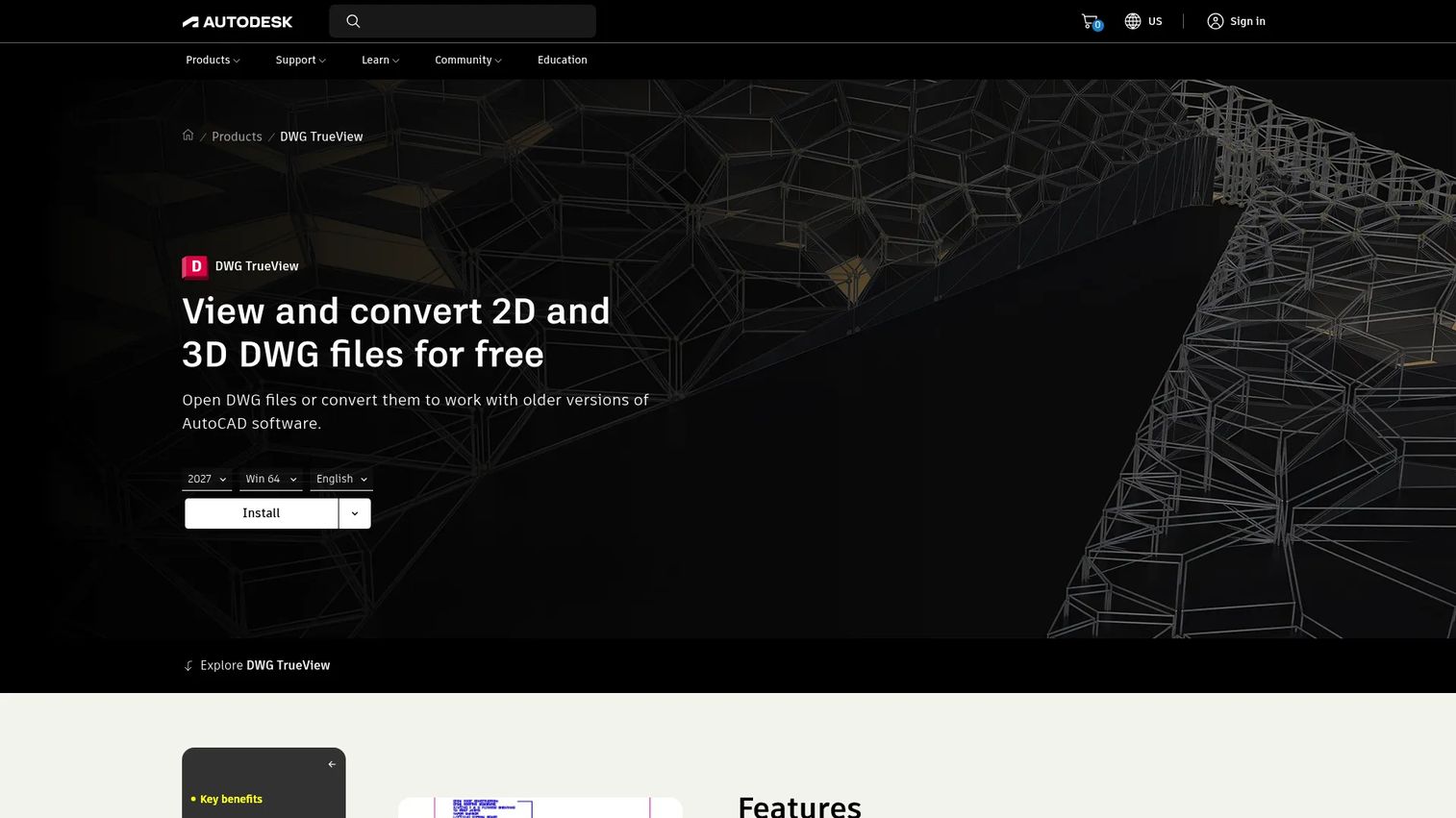
DWG TrueView is a free Autodesk desktop application for opening, viewing, converting, and plotting 2D and 3D DWG files on Windows. It focuses on the DWG and DXF formats and includes TrustedDWG compatibility checks, which verify that a file was last saved by genuine Autodesk software. Teams that do repeat drawing reviews, print batches, or need to convert files between DWG versions will find it more capable than a browser upload.
Best for: Windows-based design or operations teams that review, plot, and convert DWG and DXF files regularly and don't need a full AutoCAD subscription.
Key features
- Free Windows desktop viewer for DWG and DXF
- Plot and publish drawings to PDF
- DWG version conversion for compatibility
- TrustedDWG compatibility verification
- Measurement and markup tools for drawing review
Why choose DWG TrueView: Choose this when the workflow is DWG-heavy and your team needs reliable plotting, version conversion, and offline access. Browser tools don't cover version conversion or batch plotting, which is where TrueView earns its place.
DWG TrueView pricing: Free to download and use. There are no paid tiers.
G2 rating: 4.4/5 per DWG TrueView's G2 listing (October 2026).
3. AutoCAD Web
AutoCAD Web is a browser and mobile application that brings core AutoCAD commands online, including the ability to view, edit, create, and share DWG files without a desktop installation. It connects to Autodesk and third-party cloud storage, supports layer management, external references, measurements, and dimensions, and includes a Trace mode for feedback that doesn't alter the underlying drawing. A 30-day free trial is available.
Best for: Distributed teams that need browser-based DWG access and occasional drawing edits or markup, without managing a desktop CAD installation.
Key features
- View, edit, and create DWG files in a browser
- Trace-based review that preserves the original drawing
- Layer management, external references, and dimensions
- Cloud storage integration (Autodesk and third-party)
- Offline work with mobile sync
Why choose AutoCAD Web: When a view-only workflow repeatedly turns into a "can you just adjust this dimension" request, AutoCAD Web removes the round-trip. It fits teams where the reviewer sometimes becomes the editor.
AutoCAD Web pricing: Autodesk offers monthly, 1-year, and 3-year billing options and a 30-day free trial. Contact Autodesk directly for current plan pricing, as numeric figures were not displayed on the pricing page at time of research.
G2 rating: 4.4/5 per AutoCAD's G2 listing (October 2026).
4. ShareCAD

ShareCAD is a free online CAD viewer that runs entirely in the browser, with no account creation required. It supports more than 25 formats across 2D drawings, 3D models, raster images, and vector files, and works across Windows, Mac, Linux, Android, and iOS. A standout capability is the embeddable iframe viewer, which lets developers or product teams add CAD viewing directly to a website. Files up to 50 MB are supported on the free path.
Best for: Individuals and teams that need quick browser-based access to mixed CAD formats, or product teams exploring an embeddable viewer for a customer-facing workflow.
Key features
- 25-plus file formats including DWG, DXF, DWF, STEP, IGES, STL, SLDPRT
- Browser-based viewing with no account or install required
- Embeddable iframe viewer for websites
- Cross-platform: Windows, Mac, Linux, Android, iOS
- 50 MB file size limit on the free service
Why choose ShareCAD: The iframe embed is the differentiator. If you want a proof of concept for in-app CAD viewing or need to share a drawing on a project page, ShareCAD handles that without infrastructure. For confidential or proprietary designs, review the vendor's data handling terms before uploading.
ShareCAD pricing: Completely free. The online service requires no subscription. Commercial SDK or self-hosted deployment terms are available separately through the vendor.
5. DWGSee

DWGSee is a lightweight DWG, DXF, and DWF viewer and editor for Windows that combines a free online viewer with low-cost permanent-license desktop software. The desktop tiers add measurement, markup, batch printing, PDF and image export, drawing comparison, and editing tools well beyond basic viewing. It's focused on 2D drawing workflows and is a practical option for Windows teams that want to avoid subscription pricing.
Best for: Cost-conscious Windows teams that need measurement, markup, PDF export, and drawing comparison for DWG and DXF files, without paying an ongoing subscription.
Key features
- DWG, DXF, and DWF viewing and editing on Windows
- Measurement and markup tools
- Batch printing and PDF or image export
- DWG/DXF version conversion
- Drawing comparison across file versions
Why choose DWGSee: The permanent license model fits teams that resent monthly fees for tools they use every day. Standard handles most viewing and review tasks; Pro adds editing and export when those workflows grow.
DWGSee pricing: DWGSee Standard is $69 (lifetime license), DWGSee Pro is $98 (lifetime license), and DWGSee CAD is $198 (lifetime license). A free online viewer is also available.
6. CAD Exchanger Lab
CAD Exchanger Lab is desktop software for viewing, converting, and analyzing 3D CAD and BIM data across more than 30 formats on Windows, Mac, and Linux. It goes well beyond basic viewing: Section views, exploded views, B-Rep and mesh inspection, PMI (product manufacturing information) access, measurement, and model editing are all part of the tool. For teams working with complex mechanical assemblies from multiple CAD systems, this is the most technically complete option on this list.
Best for: Engineering, manufacturing, and product teams that regularly inspect, convert, or analyze 3D CAD files from different CAD systems and need cross-platform desktop access.
Key features
- 30-plus 3D CAD and BIM format import and export
- Section views, exploded views, and B-Rep inspection
- PMI and metadata access
- Measurement and model property analysis
- Windows, Mac, and Linux support
Why choose CAD Exchanger Lab: If the team's bottleneck is spending hours converting or inspecting 3D models from supplier files in half a dozen formats, CAD Exchanger Lab reduces that to a repeatable workflow. It also covers 3D visualization software needs that go beyond basic model viewing.
CAD Exchanger Lab pricing: Custom pricing. The vendor offers subscription and perpetual licensing, with node-locked and floating license models. Contact CAD Exchanger directly for a quote.
G2 rating: 4.5/5 based on 3 reviews, per CAD Exchanger's G2 listing (October 2026).
7. eDrawings Viewer

eDrawings Viewer is a free CAD viewer for viewing and communicating 2D drawings and 3D models across Windows, Mac, iOS, and Android. It opens eDrawings, SOLIDWORKS, DXF, and DWG files and includes markup, measurement, dynamic cross-sectioning, and exploded-view tools. The WebHTML sharing format lets designers send an interactive model link that recipients can open in a browser without installing the viewer themselves.
Best for: Teams that receive SOLIDWORKS and related 3D design files and want a free, multi-platform viewer that works from desktop to phone.
Key features
- Opens eDrawings, SOLIDWORKS, DXF, and DWG files
- Markup, measurement, and dynamic cross-sectioning
- Exploded-view capability for assembly review
- Windows, Mac, iOS, and Android support
- WebHTML sharing for browser-based model access
Why choose eDrawings Viewer: For product development or manufacturing teams where the design org uses SOLIDWORKS and downstream reviewers just need to inspect the model, eDrawings fits cleanly. The cross-platform support means a supplier on Android and an exec on a MacBook can both open the same file.
eDrawings Viewer pricing: The desktop viewer is free. eDrawings Professional and mobile app pricing vary by product and region. Check the eDrawings site for current details on paid capabilities.
G2 rating: 4.3/5 per the SolidWorks eDrawings G2 listing (October 2026).
Considerations when choosing a CAD viewer
Start with the file formats you actually receive
List the formats your team handles before evaluating any tool. A workflow that's 90% DWG and DXF has very different requirements from a mechanical engineering team working with STEP, SLDPRT, and IGES assemblies. Format coverage is the constraint that eliminates most tools before you get to pricing.
Decide whether viewing is enough
Viewing, measurement, markup, plotting, conversion, and editing are different capabilities, and not every viewer offers all of them. Avoid paying for an editor if the team only needs review access. Equally, don't standardize on a basic browser viewer if the team repeatedly needs measurements or export workflows that it can't support.
Match the platform to the people who need access
Consider who actually opens files: Windows workstations in a design office, MacBooks in a distributed team, phones in the field, or external partners on any device. The best tool for an engineering workstation may be the wrong choice for a contractor or an external reviewer. Platform constraints eliminate options quickly.
Check file handling and sharing rules
Verify upload limits, cloud storage behavior, account requirements, and data retention terms before standardizing on an online viewer. Uploading proprietary engineering files to a third-party server is a different risk posture from using an installed desktop tool. This matters more when files contain customer designs, regulated specifications, or pre-release product geometry.
Price the workflow, not only the license
A free tool is the right pick for occasional viewing. A $69 one-time license becomes cheaper than a monthly subscription within two or three months for a team using the tool daily. Factor in the time saved on conversion handoffs, engineering interruptions, and repeat support requests when calculating the real cost of the wrong tool.
How to choose the right CAD viewer for your team
Choose Autodesk Viewer for broad, browser-based compatibility
Autodesk Viewer is the default recommendation when your team receives files from multiple CAD environments and needs zero-install access. The 80-plus format support covers most of what arrives from contractors, architects, and suppliers, and the free pricing removes any budget barrier. This also pairs well with how teams explore best CAD software options before committing to full authoring seats.
Choose DWG TrueView or DWGSee for frequent DWG and DXF work
When the workflow is Windows-based and DWG-heavy, the two desktop options split by budget and capability. DWG TrueView costs nothing and handles plotting, PDF publishing, and DWG version conversion reliably. DWGSee adds measurement, markup, batch printing, drawing comparison, and export in its Pro tier for $98 (one-time), which makes it worth considering for teams that find TrueView's feature set limiting.
Choose AutoCAD Web when viewers also need to make drawing edits
Browser editing is worth the cost when view-only creates a second handoff every time. If a field engineer or operations lead regularly needs to adjust a dimension or add a note to a DWG, AutoCAD Web removes the round-trip back to the design team. Evaluate the subscription cost against the time saved on those corrections.
Choose CAD Exchanger Lab or eDrawings Viewer for 3D review workflows
The right pick depends on the depth of inspection needed. CAD Exchanger Lab is the stronger choice for complex 3D work: 30-plus formats, section views, PMI access, and model editing for engineering teams validating supplier geometry or managing CAD CAM software workflows. eDrawings Viewer is the better fit for free 3D viewing in SOLIDWORKS-centric product development, especially when reviewers are on mobile or Mac.
Choose ShareCAD for quick uploads or embedded browser viewing
ShareCAD handles the "I just need to open this file right now" scenario across 25-plus formats at no cost. It's also the only tool on this list with a built-in iframe embed, which makes it useful for product teams exploring in-app CAD viewing. Confirm the vendor's data handling policy before uploading sensitive design files.
Conclusion
The right CAD viewer is the one that removes the access bottleneck without creating a new administrative one. Here's how the shortlist maps to real situations:
Autodesk Viewer handles broad format coverage for free in the browser. DWG TrueView is the free Windows pick for teams working primarily in DWG and DXF. AutoCAD Web fits reviewers who occasionally need to edit, not just inspect. ShareCAD covers quick uploads across 25-plus formats with no account required. DWGSee gives Windows teams permanent-license desktop tools from $69. CAD Exchanger Lab is the serious option for 3D inspection, conversion, and assembly analysis across 30-plus formats. eDrawings Viewer provides free 3D viewing across desktop and mobile for SOLIDWORKS-adjacent workflows.
Pick two tools that match your actual file types, then test each one with a real drawing or model from your current workflow. The right CAD viewer is the one that lets the right stakeholder inspect the file without creating another engineering bottleneck.
For teams that also need to share those design files through cloud file storage software or embed product experiences into customer-facing workflows, see our related guides on 3D modeling software and 3D rendering software.
Start your journey with Guideflow today!
FAQs
The answer depends on the file type and how you work. For broad browser-based access across many formats, Autodesk Viewer is the strongest free option. For Windows-based DWG and DXF workflows that include plotting and version conversion, DWG TrueView is the better fit. ShareCAD handles quick online uploads across 25-plus formats with no account required, and eDrawings Viewer is the leading free choice for 3D design review in SOLIDWORKS-centric teams.
Yes. Several tools open DWG files without an AutoCAD license. Autodesk Viewer handles this in a browser for free. DWG TrueView is a free desktop option for Windows that also supports plotting and version conversion. DWGSee provides similar desktop capabilities with a one-time license. Drawing version compatibility varies by tool, so check whether an older DWG version is required if files were saved in a newer format than the viewer supports.
A CAD viewer is built for opening, inspecting, sharing, and sometimes marking up or measuring existing design files. Full CAD software adds the ability to create and modify geometry, draft new drawings, and build 3D models. Some products sit between the two by supporting markup, limited edits, or file conversion without offering a full authoring environment. If the team only needs to review files, a viewer keeps costs and admin overhead lower.
Most can, but format support varies by tool. DXF is an interchange format that most DWG viewers also handle, so DWG TrueView, DWGSee, and Autodesk Viewer all support it. DWF is more specific to Autodesk workflows, and support for it narrows outside Autodesk's own tools. Teams working with STEP, IGES, SLDPRT, or RVT alongside DWG and DXF should verify format coverage before committing to a single viewer.
A 3D-focused viewer is usually the right choice for STEP files. STEP workflows commonly require assembly rotation, geometry inspection, component measurement, and section views, none of which a basic 2D viewer supports. CAD Exchanger Lab handles STEP alongside 30-plus other 3D formats with full inspection tools. Autodesk Viewer also handles STEP in the browser, which is sufficient for straightforward review. For deeper analysis or conversion, CAD Exchanger Lab is the stronger pick.
Online viewers work well for quick access, remote sharing, and no-install workflows. Desktop software is the right call when the team needs offline access, recurring use, batch printing, DWG version conversion, measurement across large drawings, or reliable handling of files above typical upload limits. Many teams use both: A browser viewer for quick external shares and a desktop tool for the engineering team's daily review work.
Some viewers support measurement, markup, and redlining; others don't. Autodesk Viewer includes measurement and markup tools in the browser. DWGSee Pro and DWG TrueView add measurement and markup on Windows. eDrawings Viewer supports measurement and dynamic cross-sectioning for 3D files. CAD Exchanger Lab includes measurement and section views for 3D inspection. Treat markup and measurement as a selection criterion rather than an assumed baseline, because support varies significantly across tools.
Security depends on the specific service, its storage location, data retention policy, and account controls. Uploading proprietary engineering files, customer designs, or pre-release geometry to a third-party server carries a different risk than using installed desktop software. Review the vendor's terms of service and data handling documentation before uploading sensitive files. For regulated or highly confidential data, an installed desktop viewer with no upload requirement is generally the lower-risk option.