You open your laptop and count the tabs: Email, Slack, a shared doc in Google Drive, three Notion pages, a Zoom link someone forwarded, and a Jira board that nobody updated. The meeting was supposed to start five minutes ago. Nobody can find the spec.
This is the collaboration sprawl problem. It isn't about having too few tools. It's about having too many that don't talk to each other, leaving decisions fragmented across channels, comments buried inside stale documents, and handoffs that quietly stall because there's no single source of truth.
The team collaboration tools market reflects how urgent this has become. According to Grand View Research (2026), the global market reached USD 36.1 billion in 2024 and is on a trajectory to USD 57.4 billion by 2030. IDC data cited by Thunderbit in 2026 shows 93% of enterprises already run unified communications and collaboration apps. The pressure isn't whether to adopt these tools. It's choosing the right configuration for how your team actually works.
This guide cuts through the noise for product managers and cross-functional SaaS teams who need to make a defensible stack decision.
What's inside
This guide is for PMs, operations leads, and SaaS team leads evaluating digital collaboration software for distributed or hybrid teams. Tools were selected based on four criteria:
- Collaboration breadth: Does it cover messaging, docs, meetings, files, and task coordination?
- Integration depth: Does it connect cleanly to calendars, CRMs, identity systems, and analytics stacks?
- Governance and maintainability: Does it offer permissions, admin controls, and version history?
- Adoption friction: How quickly can a cross-functional team start using it without an implementation project?
TL;DR
- Best for Microsoft-native enterprises: Microsoft Teams brings chat, meetings, and file collaboration into one Microsoft-connected hub
- Best for docs and real-time coediting: Google Workspace excels for teams whose work lives in shared documents and spreadsheets
- Best for fast team communication: Slack is the default for high-velocity async messaging and a rich app ecosystem
- Best for knowledge and flexible docs: Notion handles wikis, project tracking, and structured knowledge work in one workspace
- Best for task and project coordination: Asana gives cross-functional teams structured workflows with strong reporting
- Best for visual task boards: Trello suits smaller teams or product squads running lightweight kanban workflows
- Best for meeting-centered collaboration: Zoom Workplace brings meetings, chat, and docs into one platform
- Best for Microsoft apps with consumer or SMB teams: Microsoft 365 bundles Word, Excel, Outlook, and 1 TB of cloud storage per person
What is digital collaboration software
Digital collaboration software is a category of online tools that lets distributed teams communicate, share files, co-create documents, coordinate tasks, and run meetings from a single or integrated set of platforms without requiring everyone to be in the same physical space.
Team collaboration software covers a broad set of needs. Core capabilities include:
- Messaging and channels: Persistent group chat, threaded replies, and direct messaging for day-to-day team communication
- Document collaboration: Real-time coediting of text documents, spreadsheets, and presentations with version history and commenting
- File storage and sharing: Cloud-based repositories with access controls, folder structures, and link-based sharing
- Video meetings: Scheduled and ad-hoc calls with screen sharing, recording, and transcription
- Task management: Boards, lists, timelines, and Gantt views for tracking work across individuals and teams
- Workflow automation: Rules, triggers, and integrations that reduce manual coordination across tools
- Admin and governance: Role-based permissions, audit logs, and security controls that matter at scale
The most important distinction in online collaboration tools is between async collaboration and real-time collaboration. Real-time formats, such as live coediting and video calls, work well for decisions that need immediate alignment. Async formats, such as threaded comments, recorded updates, and shared docs, reduce meeting overhead and support teams across time zones. The strongest collaboration platforms support both modes without forcing a choice.
Async vs. real-time collaboration
| Mode | Best for | Examples |
|---|---|---|
| Real-time | Decisions needing immediate alignment | Video calls, live coediting |
| Async | Cross-timezone coordination, reducing meeting load | Threaded chat, comments, recorded updates |
| Hybrid | Most modern distributed teams | Platforms like Teams, Slack, Notion |
When to use digital collaboration software
Coordinate work across remote and hybrid teams
Remote collaboration tools become critical the moment your team is split across locations. When context lives in someone's head or a local file, handoffs break. A shared collaboration platform gives everyone the same view of decisions, documents, and status updates. This matters most during planning cycles, sprint execution, and cross-functional launches where multiple teams must stay synchronized without daily standups.
Keep decisions visible across departments
Product, engineering, design, CS, and marketing all produce outputs that affect each other. Without shared channels and documented decision trails, context gets reconstructed from memory, often incorrectly. Document collaboration tools like shared wikis and comment threads create a permanent record that new team members can search. This reduces onboarding time and cuts the "why did we decide this?" overhead that slows down every release cadence.
Reduce meeting overhead and handoff friction
Not every question needs a meeting. Async collaboration tools, whether threaded channels, shared task boards, or annotated documents, let teams resolve questions without blocking calendars. The practical outcome: Fewer status meetings, faster responses to cross-functional requests, and a clearer log of what was agreed. For PMs balancing feature work against process coordination, that recovered time directly reduces opportunity cost.
Collaboration platforms comparison
The table below reflects tools evaluated for practical work patterns across messaging, docs, meetings, tasks, and integrations. Pricing and ratings reflect verified figures from vendor pages and G2 listings as of August 2026.
| # | Product | Best for | Key differentiator | Pricing | G2 rating |
|---|---|---|---|---|---|
| 1 | Microsoft Teams | Enterprise and Microsoft-native teams | Deep Microsoft 365 integration for chat, meetings, and files | Free; paid from $4/user/mo | 4.4/5 |
| 2 | Google Workspace | Document-first and Google-native teams | Live coediting across Docs, Sheets, Meet, and Drive | From $7/user/mo | 4.6/5 |
| 3 | Slack | Fast-moving teams prioritizing async messaging | Channel-based communication with a deep app ecosystem | Free; paid from $7.25/user/mo | 4.5/5 |
| 4 | Microsoft 365 | SMB and individual users needing Microsoft apps plus cloud storage | Full Office suite with 1 TB storage and AI features | From $9.99/mo | 4.6/5 |
| 5 | Zoom Workplace | Meeting-centered teams wanting an all-in-one platform | Meetings, chat, docs, and AI Companion in one suite | Free; paid from $15.99/user/mo | 4.5/5 |
| 6 | Notion | Knowledge workers and teams managing internal documentation | Flexible docs, databases, and wikis with Notion AI | Free; paid from $10/user/mo | 4.6/5 |
| 7 | Asana | Cross-functional teams needing structured project workflows | Multiple project views with automation and reporting dashboards | Free; paid from $10.99/user/mo | 4.4/5 |
| 8 | Trello | Small teams or squads using visual kanban workflows | Boards, cards, and Power-Ups for lightweight task coordination | Free; paid from $5/user/mo | N/A |
Best 8 digital collaboration software for 2026
1. Microsoft Teams
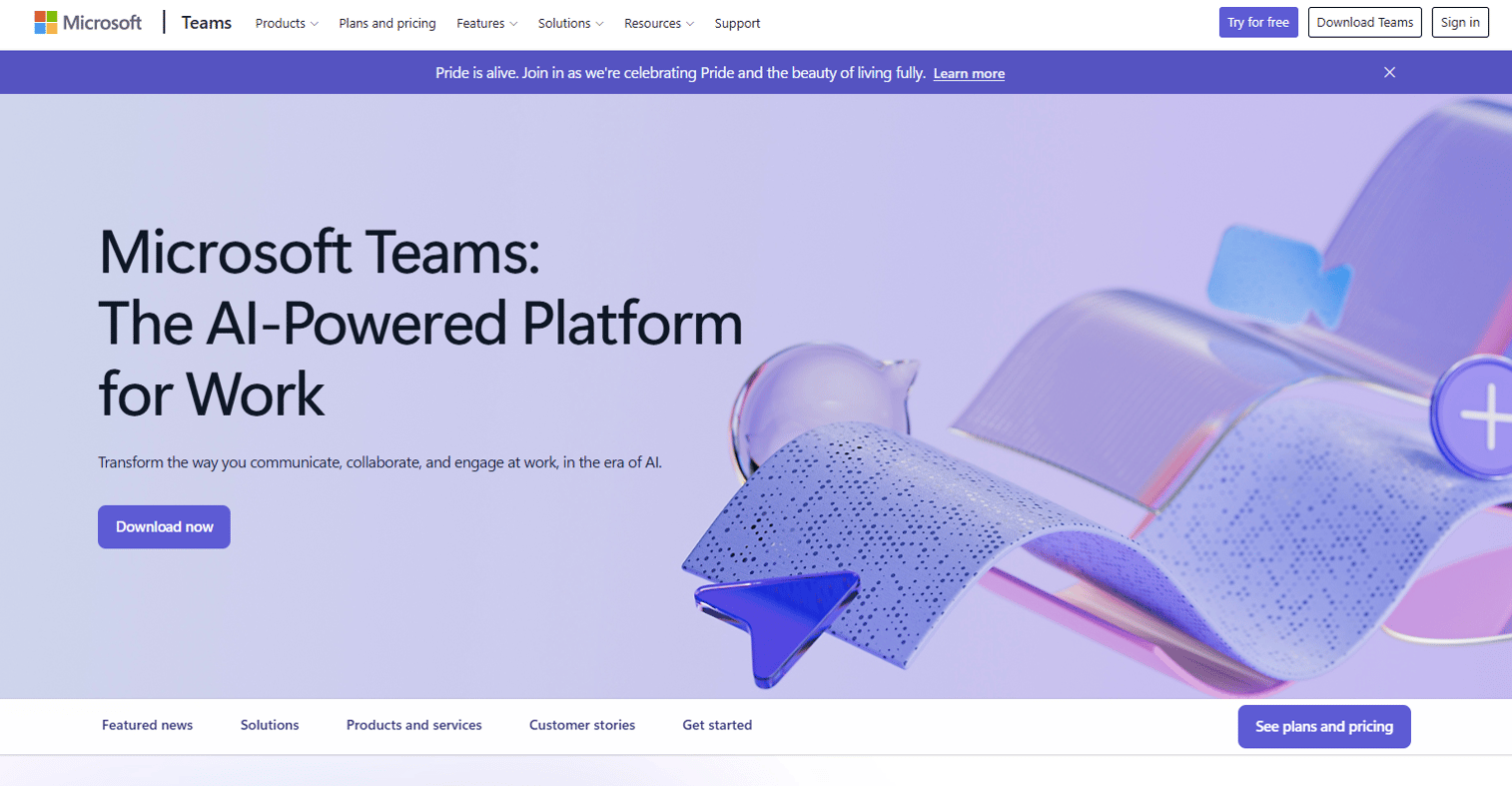
Microsoft Teams is Microsoft's collaboration hub for chat, video meetings, calling, and file sharing. It sits inside the Microsoft 365 ecosystem, meaning SharePoint, OneDrive, Word, and Excel are all accessible without leaving the Teams interface. For organizations already running Azure Active Directory, the identity and permissions story is straightforward.
Best for: Enterprise and mid-market teams standardized on Microsoft infrastructure that want a single place for messaging and meetings.
Key features
- Chat, channels, and persistent message history across the organization
- Video conferencing with recording, transcription, and live captions
- Real-time document collaboration via integrated Microsoft 365 apps
- Data encryption for meetings, chats, calls, and files
Why choose Microsoft Teams: Teams makes the most sense when your organization is already invested in Microsoft 365. The integration depth means users don't switch contexts to open a Word doc or join a calendar invite. For PMs managing cross-functional workstreams in large enterprises, the governance and admin controls are mature.
Microsoft Teams pricing: A free tier covers individuals. Teams Essentials runs $4.00 per user per month billed annually, and Teams Premium is $10.00 per user per month billed annually.
G2 rating: 4.4/5
2. Google Workspace
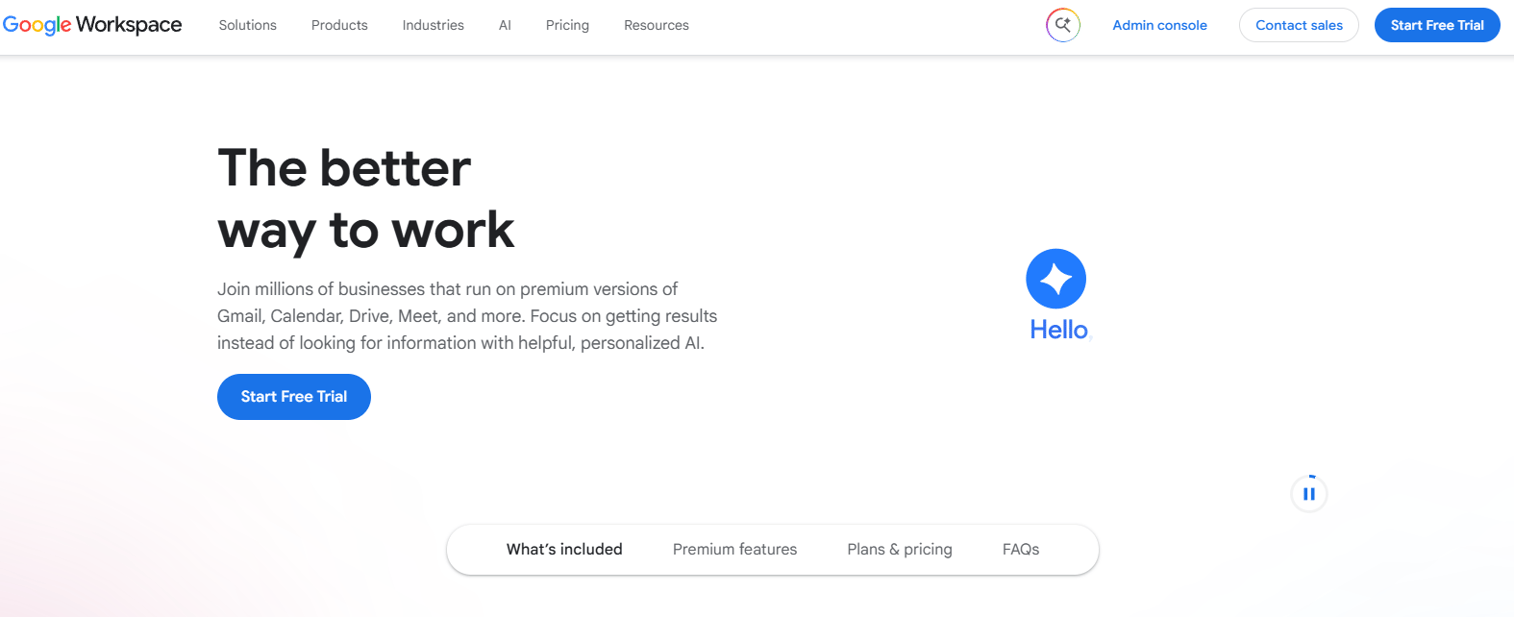
Google Workspace is Google's cloud-based productivity and collaboration suite that bundles Gmail, Google Drive, Docs, Sheets, Slides, Calendar, Meet, and Chat under a single admin console. Its document collaboration tools set the standard for live coediting. Multiple team members can work on the same doc simultaneously, see each other's cursors, and comment inline without creating conflicting versions.
Best for: Teams whose core work revolves around shared documents, spreadsheets, and presentations, especially those using Gmail as their email platform.
Key features
- Real-time coediting across Docs, Sheets, and Slides with comment threads
- Google Drive for file storage with granular sharing permissions
- Google Meet for video calls integrated directly into Calendar invites
- Business email on a custom domain with Google Chat for messaging
Why choose Google Workspace: Google's advantage is the depth of its document collaboration layer. For product teams doing continuous discovery, writing specs, and running retrospectives in shared docs, Workspace is often the path of least resistance. The admin console scales from a five-person startup to an enterprise with strong audit and governance controls.
Google Workspace pricing: Business Starter is $7 per user per month, Business Standard is $14 per user per month, and Business Plus is $22 per user per month. Enterprise tiers require a quote from sales. A free trial is available.
G2 rating: 4.6/5
3. Slack
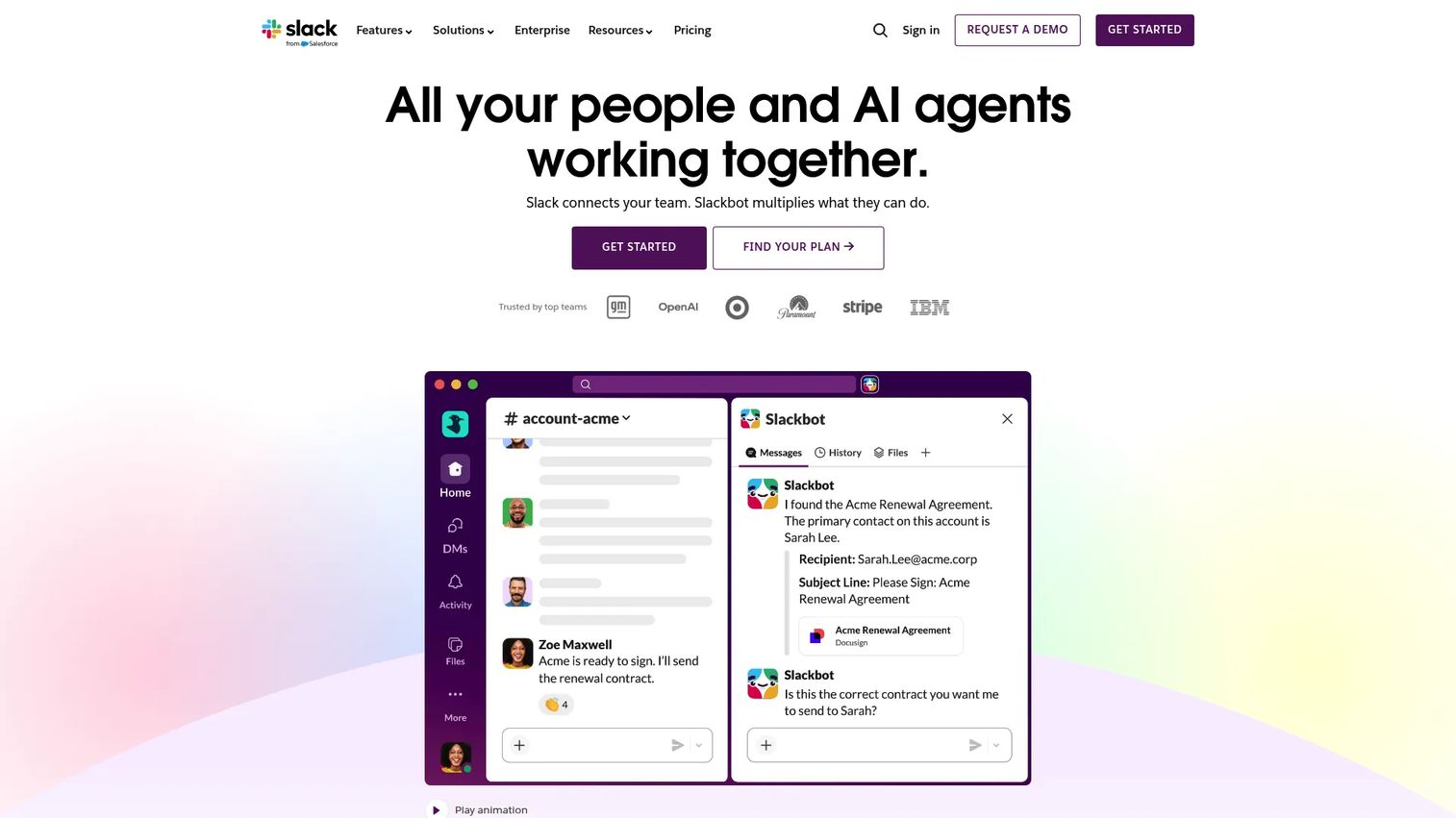
Slack is an AI-powered work platform built around channels, direct messages, and a deep catalog of app integrations. It's the dominant team communication tool in fast-moving SaaS organizations, primarily because it made async coordination feel less like email and more like a shared workspace. Slack Connect extends channels to external partners and vendors, keeping cross-company communication out of inbox threads.
Best for: Teams that need centralized, searchable messaging with robust workflow automation and integrations into tools like GitHub, Jira, Salesforce, and PagerDuty.
Key features
- Channel-based messaging with threaded conversations and search
- Slack Connect for external partner collaboration in shared channels
- Huddles for lightweight audio and video calls without a calendar invite
- Workflow Builder for no-code automation across apps and channels
Why choose Slack: Slack is the right call when your team's coordination happens at high velocity and across many tools. The app ecosystem is extensive, and the search experience makes it practical to surface decisions made weeks or months ago. PMs who need to instrument intent signals from engineering, CS, and marketing conversations will find Slack's integrations useful for keeping context centralized.
Slack pricing: A free plan is available with limited message history. Pro starts at $7.25 per user per month billed annually ($12.50 monthly). Business+ is $15 per user per month billed annually. Enterprise Grid pricing requires contact with sales.
G2 rating: 4.5/5
4. Microsoft 365
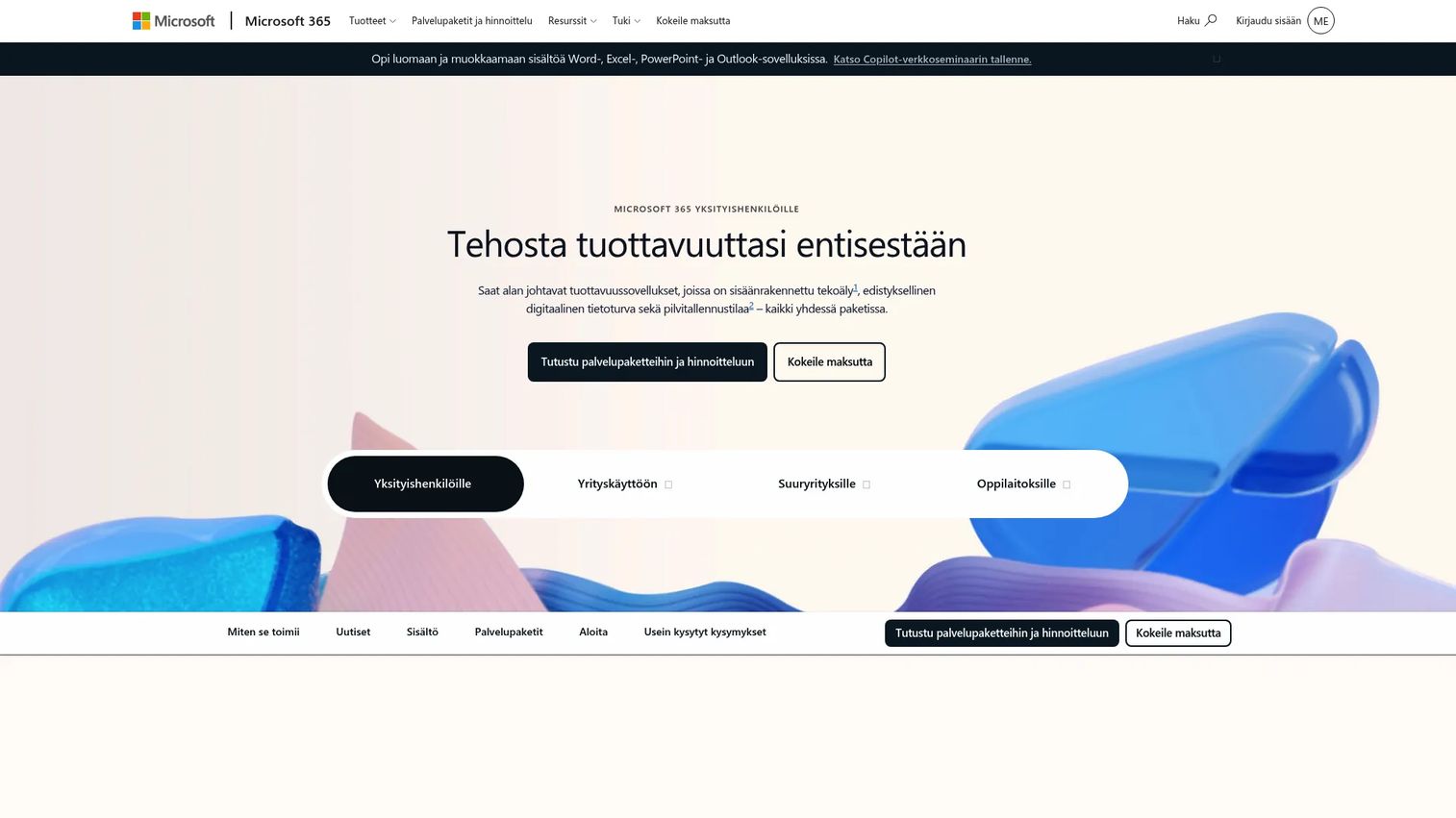
Microsoft 365 is Microsoft's subscription suite that packages desktop and web versions of Word, Excel, PowerPoint, Outlook, and OneNote with 1 TB of OneDrive cloud storage per person, Microsoft Defender security features, and Microsoft Copilot AI across the apps. It differs from Microsoft Teams in that it is primarily an apps-and-storage subscription rather than a communications platform, though Teams is often bundled into business plans.
Best for: Individuals, small businesses, or organizations that need access to Microsoft desktop applications and cloud storage without committing to full enterprise Microsoft 365 Business plans.
Key features
- Word, Excel, PowerPoint, Outlook, and OneNote with Microsoft Copilot AI
- 1 TB of OneDrive cloud storage per person for file sharing and backup
- Microsoft Defender for identity protection and security features
- Cross-device access with desktop and web app availability
Why choose Microsoft 365: If your team's work lives in Office documents and you need a reliable cloud storage layer, Microsoft 365 covers that without a complex enterprise agreement. For PMs at companies not yet standardized on a platform, it's a low-friction way to give the whole team consistent document tooling and governance through OneDrive.
Microsoft 365 pricing: Personal plans start at $9.99 per month billed monthly. Family plans are $12.99 per month billed monthly for up to six people. The Premium plan is $19.99 per month. Annual billing lowers each of these rates. A one-month free trial is available.
G2 rating: 4.6/5
5. Zoom Workplace
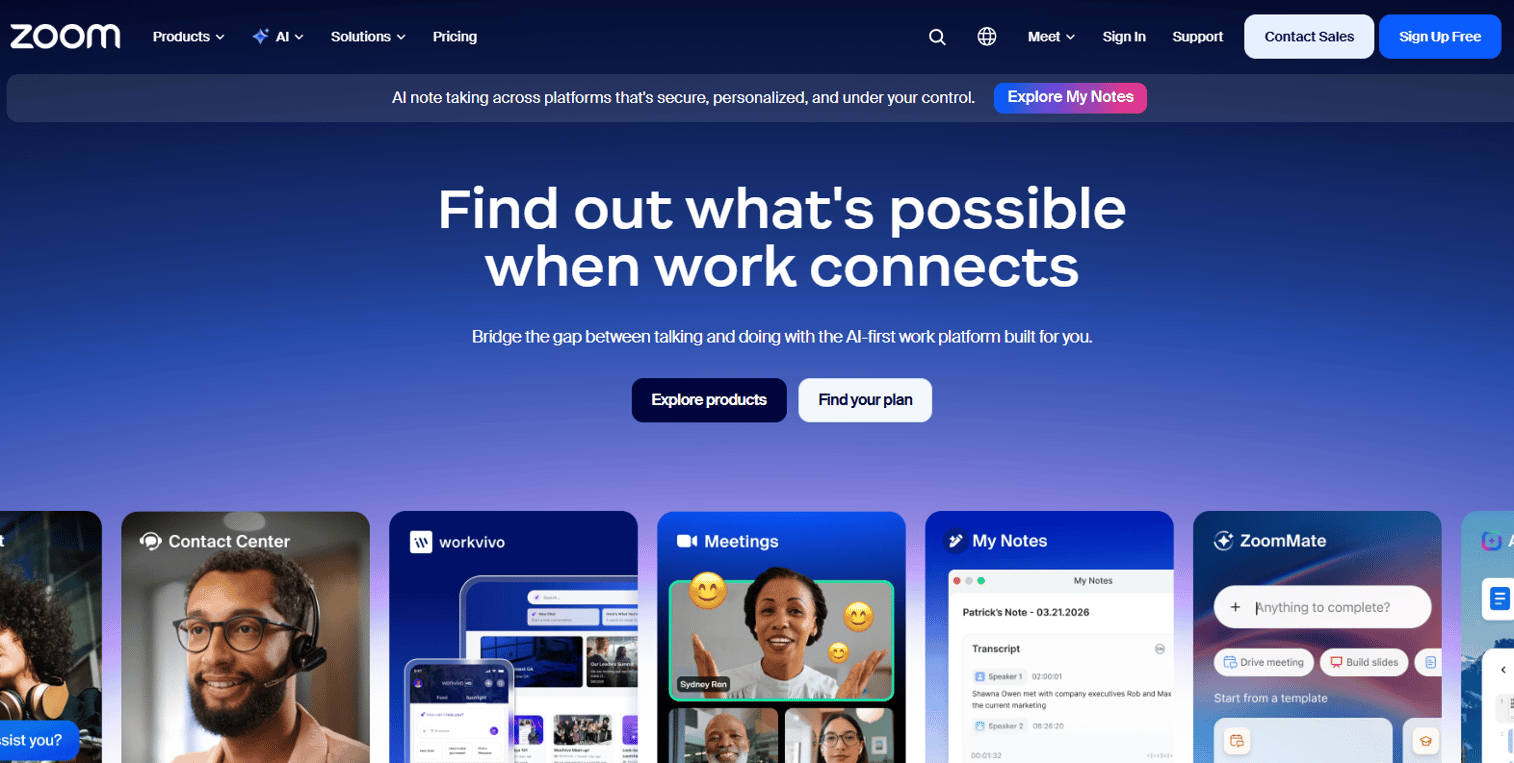
Zoom Workplace is Zoom's expanded collaboration platform that consolidates meetings, Team Chat, Phone, Mail, Calendar, Docs, Whiteboard, and an AI Companion into a single subscription. It started as a video conferencing product and has expanded to compete directly with Teams and Google Workspace as an all-in-one communication suite.
Best for: Teams whose collaboration starts in meetings and who want to keep chat, docs, and tasks in the same platform where they run calls.
Key features
- Meetings with AI Companion for summaries, action items, and transcription
- Team Chat for persistent messaging alongside meeting workflows
- Docs and Whiteboard for collaborative content creation inside Zoom
- Zoom Phone for business calling integrated with meetings and chat
Why choose Zoom Workplace: Zoom's core strength is meeting quality and reliability. Teams that spend significant time in video calls and want AI-assisted follow-up, without switching to a separate notes tool, will find the Workplace suite a natural fit. The AI Companion pulling meeting summaries directly into team channels reduces the manual overhead of post-meeting documentation.
Zoom Workplace pricing: The Basic plan is free. Workplace Pro is $15.99 per user per month billed monthly. Business and Enterprise plans require contact with sales.
G2 rating: 4.5/5
6. Notion
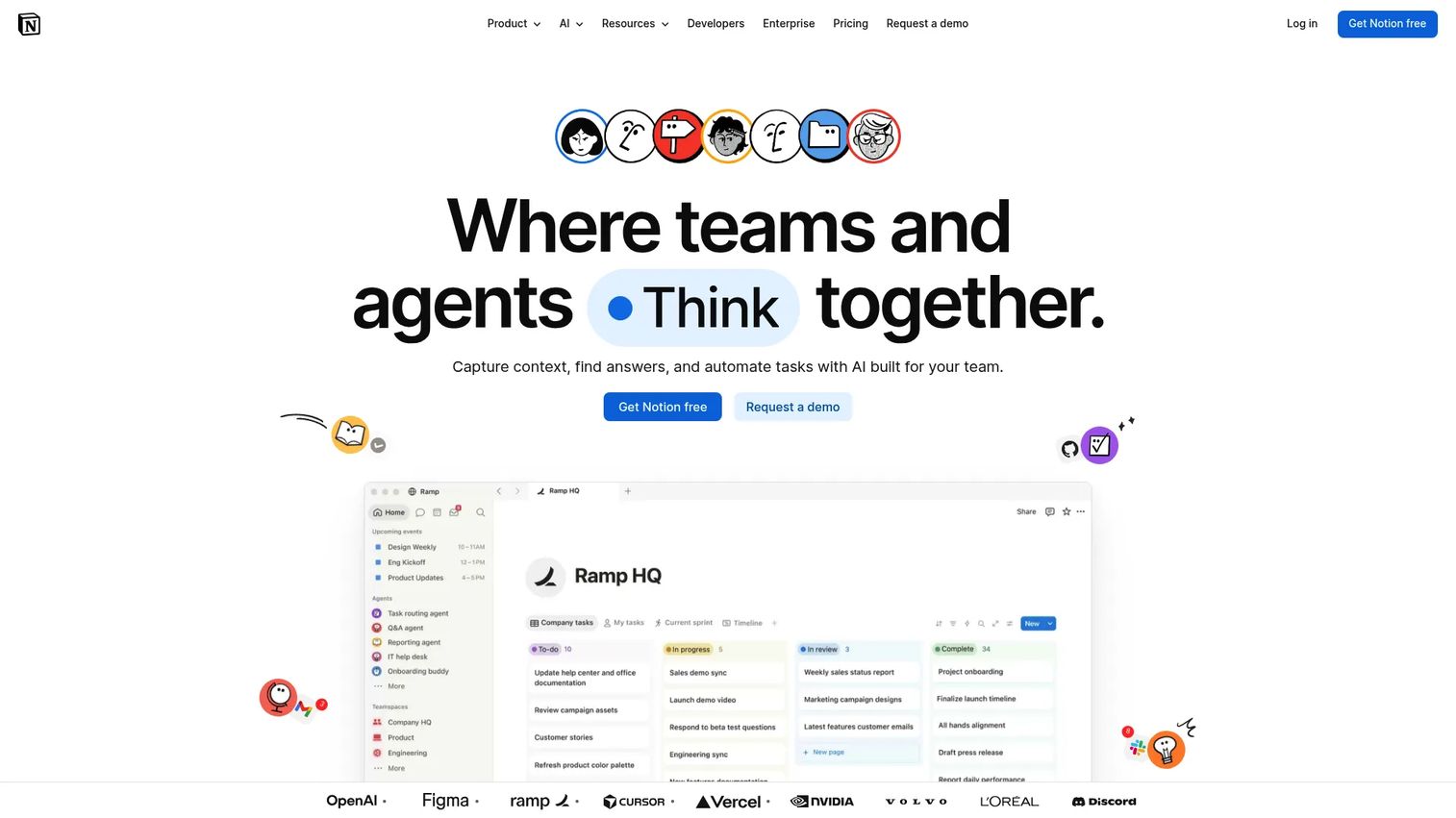
Notion is an all-in-one workspace that combines docs, databases, wikis, and lightweight project tracking in a highly flexible structure. Teams use it to build internal knowledge bases, run product roadmaps, write specs, and manage lightweight workflows, all within the same tool. Notion AI adds meeting notes, summaries, and automation on top of the core workspace.
Best for: Teams and individuals who want flexible knowledge management, structured internal documentation, and a single place for written work that doesn't require a separate wiki platform.
Key features
- Docs and databases that combine text, tables, and relational data
- Teamspaces for organizing content by team, project, or segment
- Enterprise search and verified pages for knowledge management at scale
- Notion AI for meeting notes, summaries, and content generation
Why choose Notion: Notion is the most flexible knowledge tool on this list. For PMs who maintain product specs, OKR trackers, PRDs, and retrospective logs, Notion keeps that content searchable and editable without the structural rigidity of a traditional wiki. The tradeoff is that open flexibility requires stronger conventions around organization, otherwise the workspace becomes a pile of pages rather than a structured knowledge base.
Notion pricing: A free plan is available. Plus is $10 per member per month billed monthly. Business is $20 per member per month billed monthly. Enterprise uses custom pricing through sales.
G2 rating: 4.6/5
7. Asana
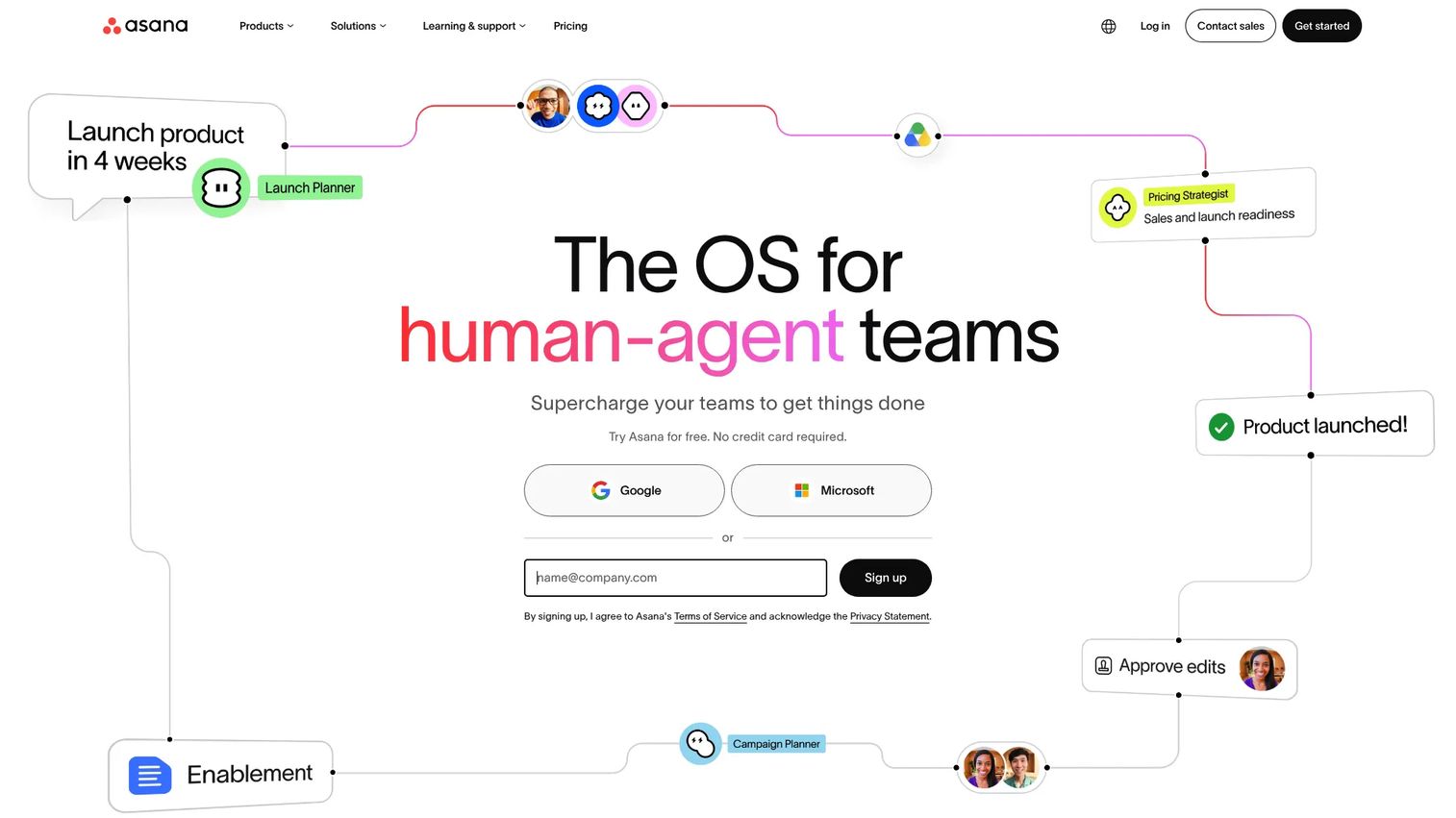
Asana is a work management platform built for teams that need structured project coordination across multiple stakeholders. It supports task management with multiple views including list, calendar, timeline, and Kanban board, plus automation rules, custom fields, and reporting dashboards that give PMs visibility into workstream health across engineering, design, and marketing.
Best for: Cross-functional SaaS teams running structured projects with clear ownership, dependencies, and milestone tracking.
Key features
- Task and subtask management with assignees, due dates, and dependencies
- Multiple project views: List, calendar, timeline, Gantt, and Kanban board
- Automation rules to route tasks, send notifications, and update fields
- Reporting dashboards for tracking progress across portfolios
Why choose Asana: Asana is the right fit when your team's collaboration bottleneck is execution tracking rather than messaging or docs. It answers the "what's the status?" question without a meeting, and its cross-project visibility makes it practical for PMs managing multiple workstreams simultaneously. The integration library connects to Slack, Google Workspace, Microsoft 365, Jira, and Salesforce, which reduces the instrumentation gap between project tracking and the rest of your stack.
Asana pricing: A free Personal plan is available. Starter is $10.99 per user per month billed annually ($13.49 billed monthly). Advanced and Enterprise plans are available, with Enterprise pricing through sales.
G2 rating: 4.4/5
8. Trello
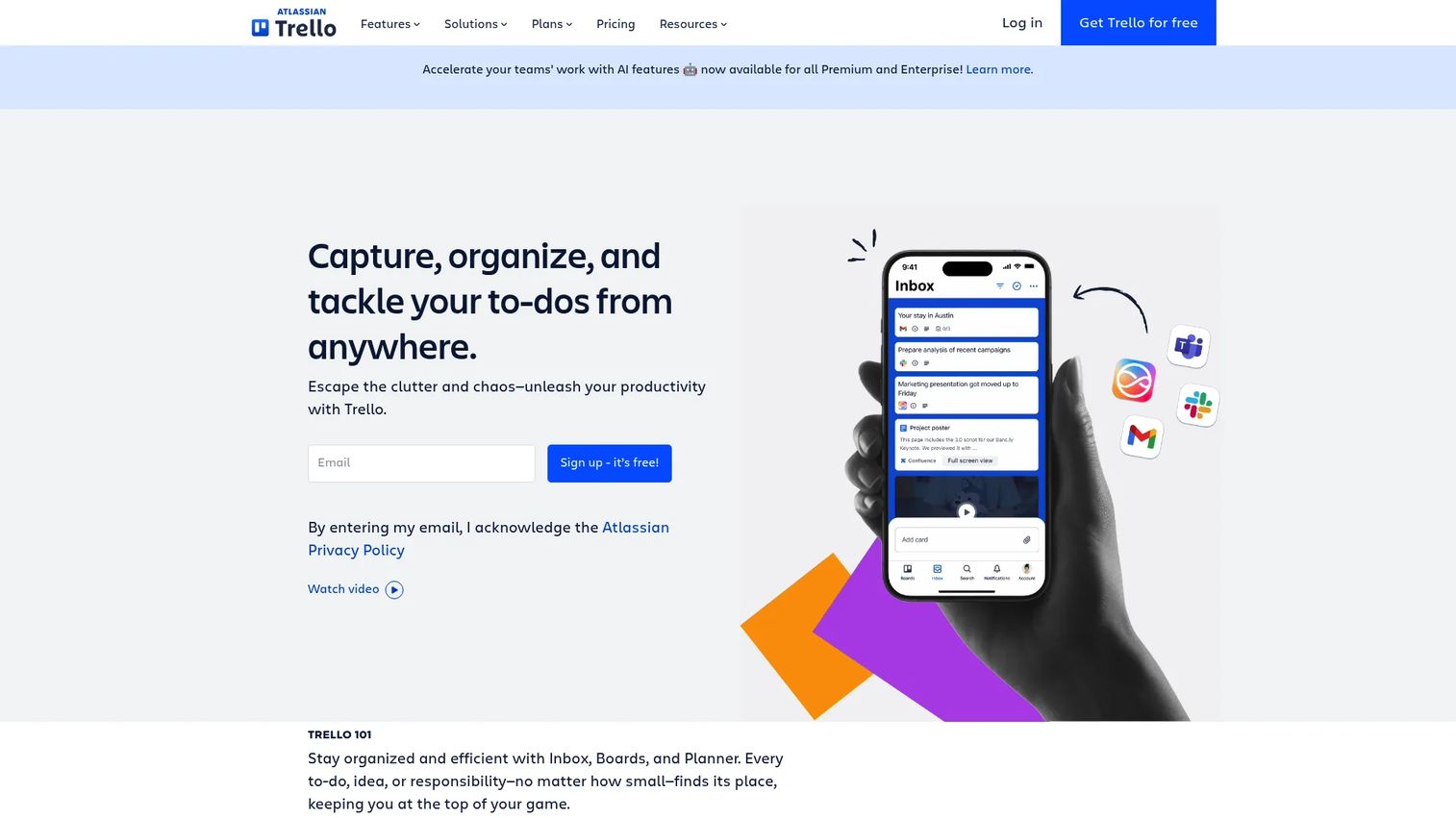
Trello is a visual work management tool built on boards, lists, and cards. It's Atlassian's lightweight entry into project collaboration tools, designed for teams that want to see work move across stages without the configuration overhead of a full project management suite. Power-Ups extend Trello with integrations and additional features like calendar views, voting, and automations.
Best for: Small teams, product squads, or individuals managing focused workflows with a visual kanban approach.
Key features
- Boards, lists, and cards for organizing tasks and projects visually
- Inbox and Planner for capturing and scheduling individual work items
- Automation through Butler for rule-based triggers and card actions
- Power-Ups for integrations with Slack, Google Drive, Jira, and more
Why choose Trello: Trello's strength is simplicity. For a product squad tracking a sprint, managing content calendars, or coordinating a product launch with a small team, the board view makes status immediately visible without any configuration. It won't replace a dedicated project management platform at scale, but for teams that find Asana too structured, Trello reduces adoption friction considerably.
Trello pricing: A free plan covers unlimited cards and up to 10 boards per workspace. Standard is $5 per user per month billed annually ($6 billed monthly). Premium is $10 per user per month billed annually ($12.50 billed monthly). Enterprise is $17.50 per user per month billed annually.
G2 rating: Not available from current verified sources.
Considerations
Match the tool to your collaboration mode
Before picking a platform, identify whether your team is primarily chat-led, doc-led, meeting-led, or task-led. A team that coordinates through real-time messages needs a different hub than one that runs through shared specifications and async updates. Forcing a messaging-first tool onto a doc-first team, or vice versa, creates adoption resistance that no amount of onboarding fixes.
Check integrations with your existing stack
Look at where your team already spends time: Calendar, email, CRM, identity provider, analytics tools, and code repositories. A collaboration platform that doesn't connect to these systems adds context-switching rather than reducing it. Prioritize tools with native integrations over those requiring middleware, especially if your engineering team has limited bandwidth for implementation work.
Balance flexibility with governance
Flexible tools like Notion require strong internal conventions to stay useful as teams scale. More structured platforms like Asana or Teams come with admin controls, permission hierarchies, and audit capabilities that matter for compliance and security reviews. The right balance depends on team size, regulatory environment, and how much central ownership exists over the tool stack.
Test adoption friction before rollout
The tool that looks cleanest in a demo is not always the one a team of 40 adopts. Run a short pilot with two or three teams representing different working styles. Measure the number of steps from signup to first real use, watch where people get stuck, and check whether the tool fits existing daily habits before committing to a full rollout.
Watch for overlap and tool sprawl
Define what each tool replaces before adding it. If you introduce Notion for documentation while keeping Confluence, you'll end up with two knowledge bases that no one can maintain. Every new collaboration tool should retire something from the stack. The cost of sprawl isn't just the subscription; it's the cognitive overhead of teams not knowing where to look.
Conclusion
The strongest collaboration stacks aren't the ones with the most tools. They're the ones built around a clear primary hub with a small number of purpose-built additions.
For enterprise teams inside the Microsoft ecosystem, Teams or Microsoft 365 covers messaging, files, and meetings without adding a new system. Google Workspace is the equivalent for Google-native organizations, with document collaboration as its clearest advantage. Slack works best as the communication layer when your team moves fast and integrates many tools. Notion handles structured knowledge work that lives between project tracking and informal docs.
For execution and task coordination, Asana scales to complex cross-functional projects while Trello suits tighter, smaller workflows. Zoom Workplace fills the gap for meeting-centered teams that want AI-assisted follow-up baked into their call infrastructure.
Pick one primary collaboration hub based on how your team actually works, add one task or project tool if you need structured execution, and resist adding anything that duplicates an existing capability.
Start your journey with Guideflow today!
FAQs
The best choice depends on your team's primary workflow. Google Workspace suits document-first distributed teams, while Microsoft Teams fits organizations already using Microsoft infrastructure. Slack is the most common choice for async-heavy communication across time zones. Many remote teams run two tools in combination, typically one for messaging and one for shared documentation or task tracking.
Focus on the features your team's actual work requires. Key areas to evaluate include persistent messaging and search, real-time document coediting, video meetings, file storage with access controls, task tracking with assignees and due dates, and admin controls for permissions and audit logs. Integration with your existing calendar, email, and identity systems matters as much as any single feature.
For internal coordination, yes. Email creates siloed threads, buries context in inboxes, and makes it hard to search prior decisions. Channel-based tools like Slack or Teams keep conversations searchable, visible to the right audience, and linked to relevant files or tasks. Email remains better for external communication and formal records where a tracked thread is useful.
Google Workspace sets the standard for live coediting with Google Docs, Sheets, and Slides. Multiple users can edit simultaneously, comment inline, and see version history without creating conflicting copies. Microsoft 365 offers comparable capability through Word, Excel, and PowerPoint in the cloud. Notion is stronger for structured knowledge bases and specs that combine text with databases or tables.
Collaboration software covers communication, file sharing, meetings, and shared editing across a team. Project management software focuses specifically on structured task tracking, timelines, dependencies, and reporting across defined workstreams. Tools like Asana and Trello sit in the project management category. Tools like Slack and Google Meet sit in the collaboration category. Many teams run one of each, with the collaboration tool handling day-to-day communication and the project management tool handling execution tracking.
Start by auditing what your team already uses and what job each tool does. Before adding anything new, define what it replaces. A useful rule: Any new tool that doesn't retire something else from the stack requires explicit justification. Consolidate around one primary messaging or communication hub and one shared document or knowledge system before adding specialized tools for tasks or meetings.
Microsoft Teams, Slack, Google Workspace (trial), Asana, Notion, and Trello all offer free plans with meaningful functionality. Slack's free tier limits message history to 90 days, which becomes a problem for teams that rely on search. Asana's free Personal plan covers individual task tracking. Notion's free tier works well for small teams. Teams and Trello offer the most capable free starting points for organizational use.
Async collaboration relies on tools that let people contribute on their own schedule without blocking others. Threaded channels in Slack or Teams allow questions to be asked and answered without requiring immediate replies. Shared documents in Google Workspace or Notion let multiple contributors edit and comment over time. Task boards in Asana or Trello make status visible without a standup meeting. The key is choosing tools where context persists clearly enough that team members can pick up where others left off.