Most teams discover their bot platform choice matters far more than they expected. A weak pick creates what practitioners call "bot rot": answers that drift out of date after each product release, handoffs that force users to repeat themselves, and analytics that tell you nothing about activation or support deflection. The global chatbot market reached $9.6 billion in 2025 and is projected to hit $41.2 billion by 2033, according to Grand View Research. Expectations have not kept pace with deployment: in ServiceNow's AI, EQ and the Future of Customer Experience 2025 report, 68% of UK consumers said AI chatbots had not met their expectations over the previous five years. The gap between a deployed bot and a useful one is real.
For product managers, bot platforms are not just a support ticket. They are product surfaces. Every conversation shapes how users experience onboarding, feature discovery, and self-serve resolution. The right choice connects your bot to your helpdesk, CRM, product analytics, and human team. The wrong one adds maintenance overhead without moving the metrics that matter.
This guide cuts through the noise. It compares 15 bot platforms evaluated for automation depth, integrations, human handoff quality, analytics, and real-world PM use cases.
What's inside
This guide is for PMs, support leads, and operations teams evaluating AI chatbot platforms for onboarding, support deflection, internal workflows, and multichannel automation.
Tools were selected based on:
- Automation depth: Can the bot complete workflows, or only answer FAQs?
- Integration fit: CRM, helpdesk, product analytics, and messaging channel coverage
- Implementation effort: No-code builders versus engineering-led deployment
- Pricing transparency and analytics: Measurable ROI against activation and support deflection
All pricing and G2 figures below reflect vendor pricing pages and G2 listings as of October 2026. Vendors change prices often, so check the vendor page before you budget.
TL;DR
- Best for pipeline and B2B sales conversations: Qualified (now a Salesforce product)
- Best for Microsoft-heavy enterprise teams: Microsoft Copilot Studio
- Best for technical voice and text builds on AWS: Amazon Lex
- Best for no-code AI agent building: Botpress, with a free tier to start
- Best for social messaging automation: Manychat, from $17/month, or $14/month billed annually
What is bot platform software?
Bot platform software lets teams build, deploy, manage, and measure automated conversational agents across websites, apps, messaging channels, voice systems, and internal tools. It is the infrastructure layer between your users' questions and the answers, workflows, or human agents that resolve them.
A chat widget embedded on your pricing page is not a bot platform. A bot platform manages the full lifecycle: building the conversation logic, connecting to knowledge bases and external systems, routing to human agents when automation fails, and reporting on what happened.
The category spans several distinct types. Rules-based bots follow fixed decision trees. AI chatbot platforms use NLP or large language models to understand intent and generate responses. AI agents go further by executing multi-step workflows: creating tickets, updating CRM fields, processing refunds, or completing account changes without human involvement.
Deployment channels range from website chat and mobile app to WhatsApp, SMS, Instagram, Microsoft Teams, voice IVR, and internal employee portals.
Key capabilities to look for
- Visual or low-code bot builder: Build without an engineering sprint
- LLM and NLP support: Understand natural-language intent, not just keywords
- Knowledge base ingestion: Train the bot on docs, PDFs, or website content
- Workflow automation: Complete tasks, not just answer questions
- Human handoff: Transfer context cleanly when automation reaches its limit
- CRM and helpdesk integrations: Read and write data across your GTM stack
- Multichannel deployment: Web, app, messaging, voice, and internal tools
- Chatbot analytics and conversation logs: Track what worked and where users dropped
- Security and access controls: SSO, permissions, and data governance
- Versioning and rollback: Manage bot updates without breaking live conversations
When to use bot platforms
Reduce repetitive support questions
Bots answer the same "how do I?" questions around the clock, and the best platforms use your own knowledge base as the source of truth. For PMs, this matters beyond ticket volume: every repeated question is a signal about product friction. Connect your bot's unanswered-question log to your backlog, and you get a free source of discovery data.
Onboard users across segments
A single onboarding path rarely fits admins, end users, and power users. Bot platforms with strong segmentation can trigger different flows by plan, role, lifecycle stage, or product event. That means an admin who just provisioned 50 seats gets a different first conversation than a solo user on a free trial.
Automate handoffs and internal workflows
Modern conversational AI platforms do more than answer questions. They collect structured context, create support tickets, update records in connected systems, and route to a human with full conversation history. The critical constraint is guardrails: automation without clear escalation rules creates bad experiences at exactly the moments users need real help.
Bot platform comparison
The table below compares all 15 platforms on the criteria PMs care most about: best-fit use case, key differentiator, pricing, and current G2 rating. Two entries share a parent company, and the Owner column flags it.
| # | Product | Owner | Best for | Key differentiator | Pricing | G2 rating |
|---|---|---|---|---|---|---|
| 1 | Qualified | Salesforce (acquired April 2026) | B2B pipeline and inbound sales | AI SDR with CRM-connected routing | Contact sales | 4.9/5 |
| 2 | Microsoft Copilot Studio | Microsoft | Microsoft 365 enterprise teams | Low-code agents across Teams and Power Platform | From $200/pack/month | 4.4/5 |
| 3 | Comm100 AI Agent | Comm100 | Omnichannel customer support | AI agent with live chat handoff and multichannel ops | Contact sales | 4.4/5 |
| 4 | Sierra | Independent | Enterprise customer-service AI | Outcome-based agents with brand guardrails | Contact sales | 4.5/5 |
| 5 | IBM watsonx Orchestrate | IBM | Enterprise AI workflow automation | Multi-agent orchestration across hybrid environments | From $530/month | 4.4/5 |
| 6 | Google Cloud Dialogflow | Technical conversational AI builds | Pay-as-you-go NLU with voice and text | From $0.002/request | 4.4/5 | |
| 7 | Botpress | Independent | No-code AI agent building | Visual builder with developer extensibility | Free; paid from $150/month | 4.5/5 |
| 8 | Voiceflow | Independent | CX teams designing AI agents | Agent Studio for multi-channel CX design | Contact sales | 4.5/5 |
| 9 | Chatbase | Independent | Fast knowledge-base chatbot launch | Train on any content source, embed in minutes | From $40/month | 4.8/5 |
| 10 | Amazon Lex | Amazon (AWS) | AWS-native voice and text bots | Pay-per-request with Lambda integration | From $0.00075/text request | 4.2/5 |
| 11 | Gupshup | Gupshup | WhatsApp and messaging-first channels | Multichannel conversational marketing at scale | From $0.001/message | 4.4/5 |
| 12 | ServiceNow EmployeeWorks | ServiceNow | Enterprise employee service automation | AI front door across IT, HR, and finance workflows | Contact sales | 4.3/5 |
| 13 | Lindy | Independent | Internal task and workflow automation | AI teammate across email, calendar, and 1,500+ integrations | Free; Team from $49.99/month | 4.9/5 |
| 14 | Manychat | Manychat | Social messaging and creator marketing | Instagram, Messenger, and WhatsApp automation | Free; paid from $17/month | 4.5/5 |
| 15 | Intercom (now Fin) | Salesforce (acquired September 2026) | Support and onboarding in one layer | Fin AI Agent plus shared inbox and help center | From $29/seat/month | 4.5/5 |
Vendor relationship to note: entries 1 and 15 are not independent of each other. Salesforce completed its acquisition of Qualified on 1 April 2026 and its acquisition of Fin, the company formerly named Intercom, on 10 September 2026. If you shortlist both, you are shortlisting two products from the same parent company.
Reviews of each bot platform
1. Qualified
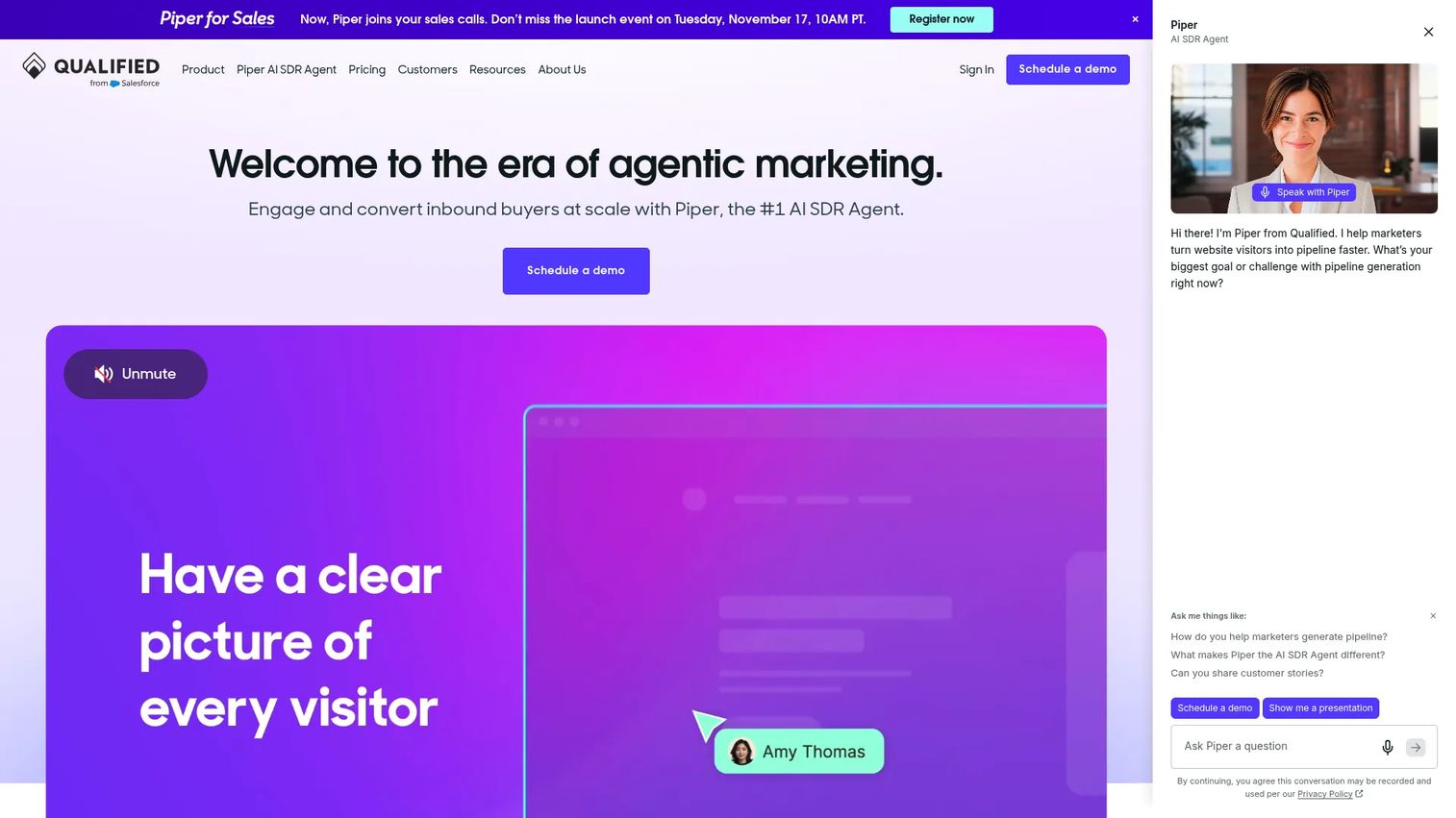
Qualified is an agentic marketing platform built around Piper, its AI SDR agent. The platform handles inbound pipeline by engaging website visitors in real time through text, voice, and video, then routing qualified conversations to sales based on CRM data. It is built for B2B teams that treat the website as a revenue surface, not just a content destination.
Ownership disclosure: Qualified is a Salesforce product. Salesforce signed a definitive agreement to acquire the company in December 2025 and completed the acquisition on 1 April 2026, with Qualified's capabilities folding into Agentforce Sales and Agentforce Marketing. Entry 15 on this list, Intercom (now Fin), is also owned by Salesforce, so these two picks are not independent alternatives to each other.
For PMs working on self-serve conversion paths, Qualified is worth understanding even if your team doesn't own it. The signals it generates, including visitor intent, routing outcomes, and meeting bookings, feed directly into pipeline analytics and can inform how you segment onboarding flows for high-intent users.
Best for: B2B marketing and revenue teams running inbound pipeline generation on high-traffic websites.
Key features
- AI sales conversations via text, voice, and video
- Website visitor routing and real-time engagement
- CRM-connected qualification and meeting booking
- Personalized marketing offers triggered by visitor behavior
- Pipeline attribution and Slack notifications
Why choose Qualified: Choose Qualified when the primary job is revenue conversion from web traffic, not broad support or onboarding automation. It is built for GTM teams with Salesforce-connected workflows at the center, which is now also the ownership picture.
Qualified pricing: All three plans (Premier, Enterprise, and Ultimate) require contacting sales. No numeric prices appear on the pricing page. Plans are differentiated by monthly web sessions (250K, 2M, and 5M) and monthly active email contacts (2.5K, 10K, and 24K), so traffic volume and contact database size are the main cost drivers.
G2 rating: 4.9/5 from 1,574 reviews. G2 lists the seller as Salesforce.
2. Microsoft Copilot Studio
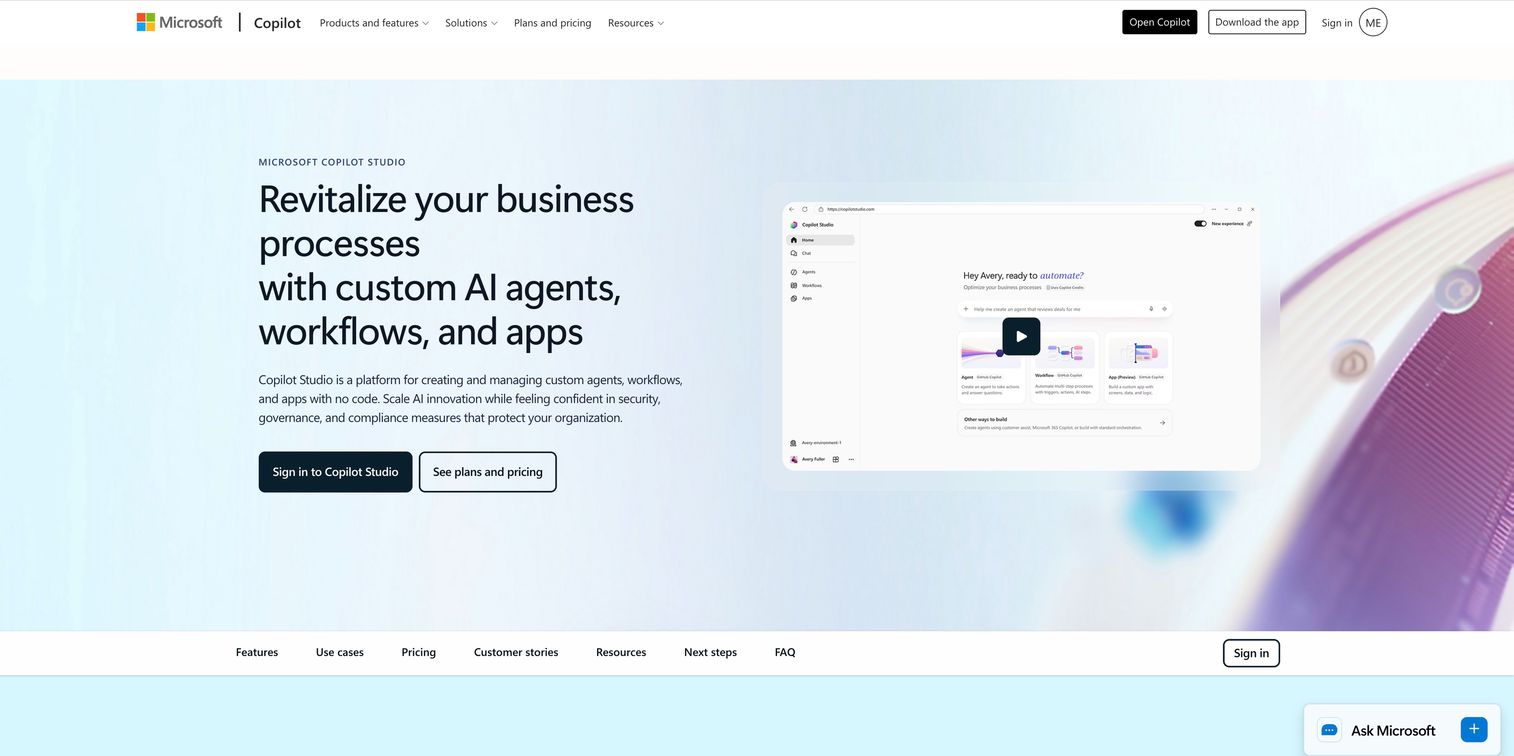
Microsoft Copilot Studio is a low-code platform for building AI agents, workflows, and apps across the Microsoft 365 stack. It lets teams build custom copilots that deploy into Microsoft Teams, websites, or internal channels, using Power Platform as the automation backbone. For organizations where Teams is the primary collaboration surface, this is often the path of least resistance.
PMs in large enterprises frequently encounter Copilot Studio when IT or procurement has already standardized on Microsoft. The governance controls, including Microsoft Entra ID and Defender integration, matter when security review is a procurement gate.
Best for: Enterprise organizations already operating in Microsoft 365 that need internal and customer-facing AI agents without additional vendor procurement.
Key features
- Low-code agent builder for custom AI agents and workflows
- Deployment across Teams, websites, and social channels
- Multi-agent orchestration and Power Platform workflow integration
- Real-time performance analytics
- Security controls via Microsoft Entra ID and Microsoft Defender
Why choose Microsoft Copilot Studio: It fits organizations where Microsoft is the standard and procurement already owns the contract. The tradeoff is flexibility: teams outside the Microsoft stack will find integration work significant.
Microsoft Copilot Studio pricing: The standalone capacity pack runs $200/pack/month (paid annually), and Microsoft's licensing guidance states that one capacity pack equals 25,000 Copilot Credits. Pay-as-you-go billing is also available via Azure. Microsoft 365 Copilot subscribers access studio capabilities for internal agents at $30/user/month.
G2 rating: 4.4/5 from 155 reviews
3. Comm100 AI Agent
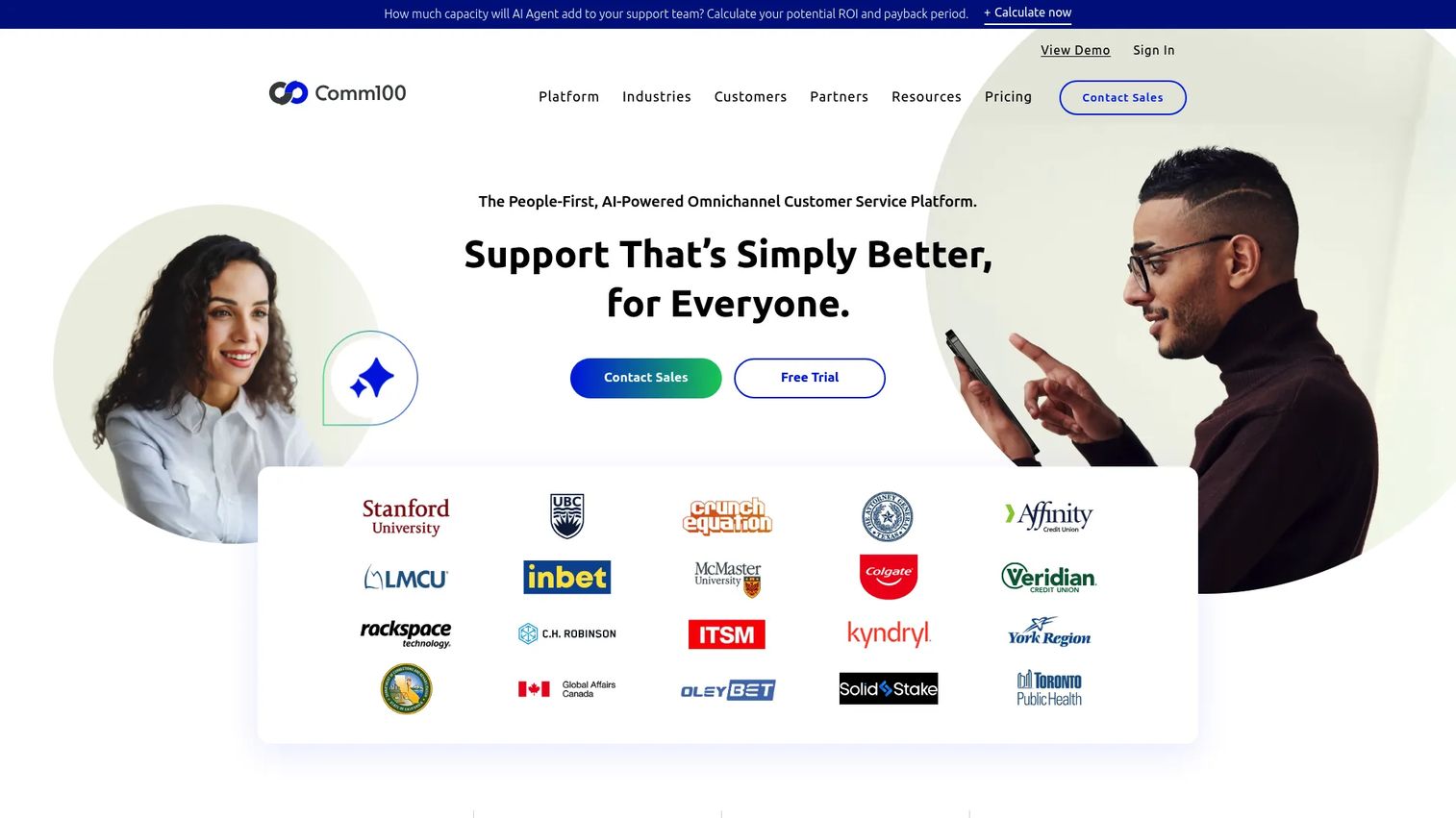
Comm100 AI Agent is an intelligent virtual agent built on large language models that handles customer requests across 12 channels, including live chat, email, messaging apps, and SMS. It grounds its answers in knowledge sources you configure, including webpages, files, and help articles, and can execute configurable workflows for tasks like account lookups and policy answers. When the AI hits its limit, it transfers the full conversation context to a human agent.
For PMs tracking support deflection as a KPI, Comm100's built-in learning tools for unanswered and poorly rated questions are directly useful. They give you a structured view of where the bot fails and what content gaps to prioritize.
Best for: Customer service teams that need AI-driven ticket deflection across multiple channels while keeping live chat operations under one roof.
Key features
- Knowledge-based answers from webpages, files, and cloud knowledge bases
- Configurable topics with workflow and natural-language handling
- API, LLM function, and MCP Server integrations with external systems
- Context-aware escalation to human agents
- Test Center for topic matching and response-accuracy testing
Why choose Comm100 AI Agent: Choose it when support and AI operations need to live in the same platform. Splitting those into separate tools adds handoff complexity and loses conversation context at the exact moment users need continuity.
Comm100 AI Agent pricing: Comm100 prices AI Agent through sales. The pricing page lists AI Agent as "Contact Sales" with no numeric starting figure. For context on the surrounding stack, Comm100's live chat tiers are published: Live Chat Startup at $39/agent/month ($31 billed annually), Live Chat Plus at $69/agent/month ($55 billed annually), and Live Chat Ultra through sales. A 30-day free trial is available on the self-serve plans.
G2 rating: 4.4/5 from 62 reviews
4. Sierra
Sierra is a conversational AI platform that builds outcome-focused AI agents for enterprise customer service. Its agents deploy across voice, chat, email, and WhatsApp, and they connect to systems of record to complete complex workflows such as refunds, account updates, and policy changes. Sierra builds guardrails directly into agent behavior so the AI stays inside brand and policy boundaries.
The platform's Ghostwriter tool helps teams build and optimize agents, while monitoring and proactive insights give operators visibility into what the agent is doing and where it falls short. For enterprise PMs with strict governance requirements, Sierra's approach to brand control and escalation logic addresses a category of risk other platforms treat as secondary.
Best for: Large enterprises that need AI agents to resolve service issues at scale while staying inside strict brand, policy, and escalation boundaries.
Key features
- Multichannel deployment across voice, chat, email, and WhatsApp
- Workflow execution connected to systems of record
- Brand voice controls and policy guardrails
- Agent building and optimization via Ghostwriter
- Conversation monitoring and proactive performance insights
Why choose Sierra: The right fit when you need agents that complete work, not just answer questions, and when brand guardrails and escalation fidelity are non-negotiable requirements rather than nice-to-haves.
Sierra pricing: Sierra uses outcome-based pricing. No numeric figures appear on the product or pricing pages. Sales handles all pricing conversations, with the price driven by deployment scope, use case, and integration complexity. Ask for a worked example tied to your own conversation volume before you compare it against per-seat or per-request platforms.
G2 rating: 4.5/5 from 136 reviews
5. IBM watsonx Orchestrate
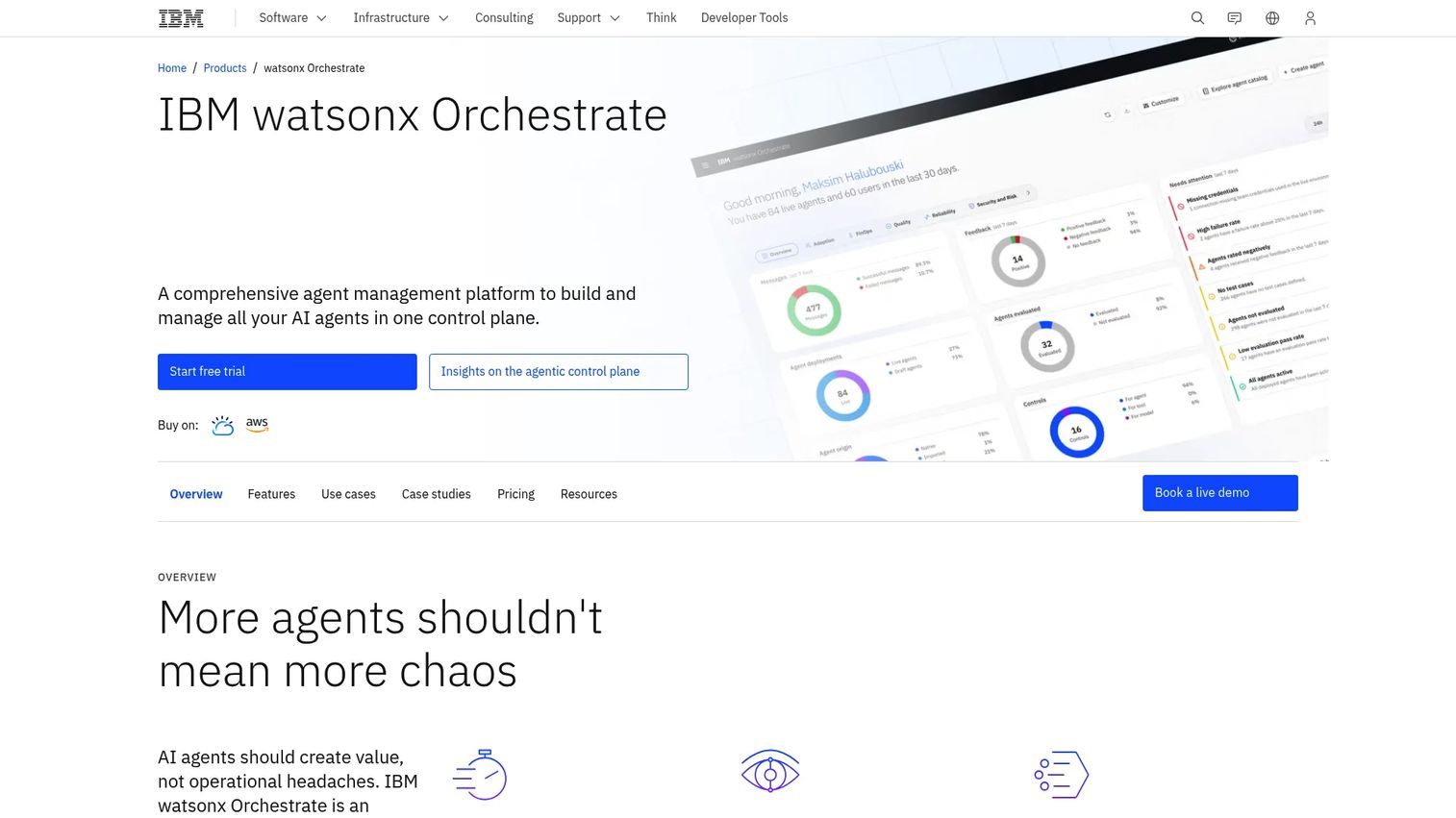
IBM watsonx Orchestrate is an agent management platform for building, deploying, coordinating, and governing AI agents across enterprise environments. Its multi-agent orchestration layer lets different agents collaborate on complex tasks, while a centralized control plane gives operations teams visibility and governance across the full agent fleet. It supports hybrid and on-premises deployment, which matters in regulated industries where data residency is a hard constraint.
For internal product and operations teams, watsonx Orchestrate handles workflow automation across business applications, including IBM and third-party systems. PMs evaluating it for employee-facing productivity use cases will find the agent catalog and skill-based automation model more relevant than a traditional support widget approach.
Best for: Enterprises that need to build, coordinate, and govern multiple AI agents across hybrid or multi-cloud environments, particularly for internal process automation.
Key features
- AI agent builder and agent catalog
- Multi-agent orchestration across connected systems
- Workflow and document processing
- Governance, observability, and control plane
- Hybrid and on-premises deployment options
Why choose IBM watsonx Orchestrate: The fit is enterprise-wide agent infrastructure, not a single support channel. Teams that need a single customer FAQ bot will find the platform heavier than their use case warrants.
IBM watsonx Orchestrate pricing: A 30-day free trial is available. Essentials starts at $530/month and Standard starts at $6,360/month, with Premium quoted by sales. IBM notes that displayed prices are indicative and may vary by country.
G2 rating: 4.4/5 from 393 reviews
6. Google Cloud Dialogflow
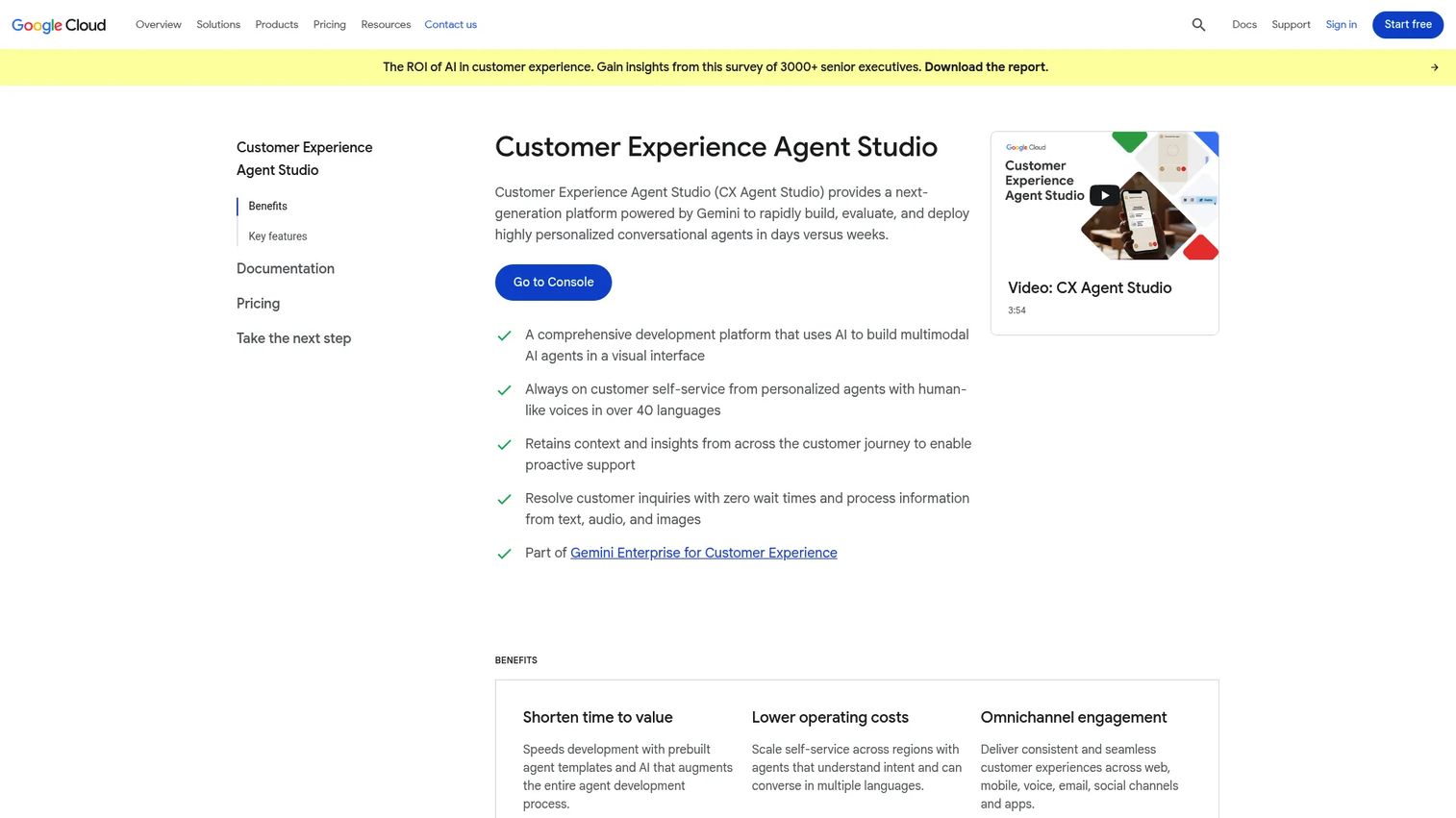
Google Cloud Dialogflow is a Google Cloud platform for building conversational agents that understand text and audio inputs. It offers two editions: Dialogflow ES for simpler intent-based flows and Dialogflow CX for complex, stateful multi-turn conversations. Both connect to Google Cloud's NLU engine, and CX adds visual flow builders and richer context management suited to production-grade deployments.
PMs who need a voice bot platform or an IVR replacement will find Dialogflow's audio handling and telephony integrations directly relevant. The platform's fulfillment webhook model lets engineering teams connect any backend system to conversation flows, which gives it flexibility not available in no-code-only tools.
Best for: Technical teams with engineering resources building production conversational AI across chat and voice, particularly within the Google Cloud stack.
Key features
- Natural-language understanding with intent and entity modeling
- Visual conversation flows for stateful multi-turn conversations
- Voice and text input support
- Fulfillment webhooks for backend system connections
- Google Cloud ecosystem integration
Why choose Google Cloud Dialogflow: Choose it when your team has engineering capacity and needs precise control over conversation architecture. Teams without developer resources will find the implementation effort higher than no-code bot platforms.
Google Cloud Dialogflow pricing: Dialogflow ES offers a free trial tier with request limits. On paid usage, ES text requests cost $0.002/request and CX text requests cost $0.007/request. ES audio input is billed at $0.0065 per 15 seconds, and the paid phone gateway runs $0.05/minute for a tolled number. New users also receive activation credits for Conversational Agents, currently $600 for Flows.
G2 rating: 4.4/5 from 138 reviews
7. Botpress
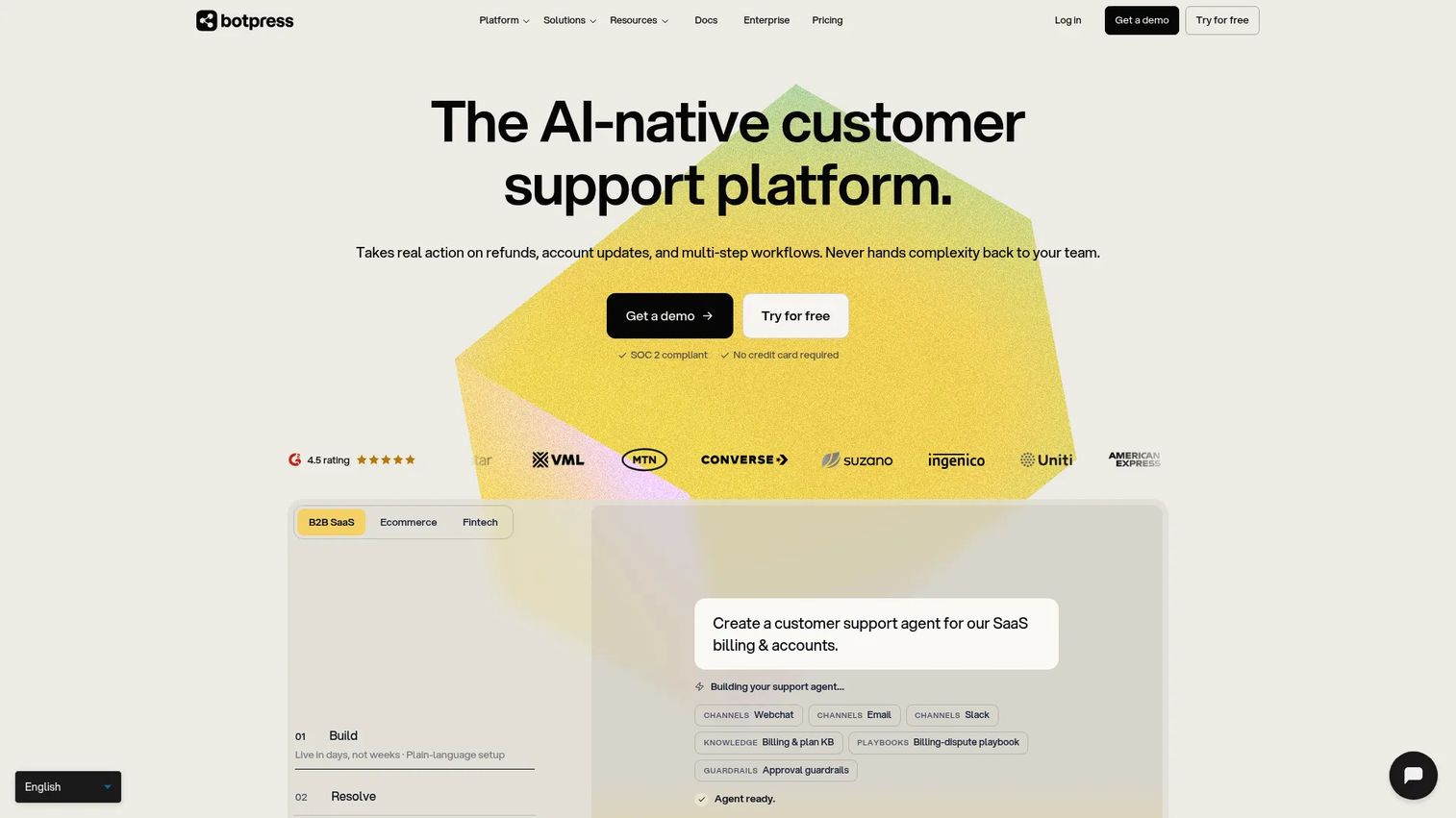
Botpress is an all-in-one platform for building and deploying AI agents with a visual drag-and-drop builder paired with developer extensibility. Knowledge bases can be trained on documents, websites, spreadsheets, and structured data, and the platform supports multi-step workflows, custom code actions, and API integrations. It occupies a practical middle ground: no-code enough for a PM to prototype, deep enough for an engineer to extend.
For teams evaluating AI agents for customer support or onboarding, Botpress's channel coverage is broad, spanning web, messaging apps, and voice. Its free tier lets teams test before committing budget, which is useful when you're validating whether automation will move the support deflection needle before a full rollout.
Best for: Teams building multi-channel AI agents and automated customer-support or onboarding flows who need both visual building and developer control.
Key features
- Visual drag-and-drop conversation and flow builder
- Knowledge base ingestion from documents, websites, and spreadsheets
- Workflow automation with custom code actions
- Multi-channel deployment and API integrations
- Developer extensibility and custom skills
Why choose Botpress: The free tier is a real starting point, not a bait. Teams can validate bot performance against actual user conversations before committing to a paid plan.
Botpress pricing: The free plan includes 100 conversations and 3 seats. Plus is $150/month (billed annually) with 250 conversations/month and 3 seats; Team is $750/month (billed annually) with 1,500 conversations/month. Enterprise pricing is custom. Note that AI spend is billed on top of the plan fee, so model the usage layer as well as the subscription.
G2 rating: 4.5/5 from 513 reviews
8. Voiceflow
Voiceflow is an AI agent platform focused on CX teams that design, build, and operate customer-service agents across chat and voice channels. Its Agent Studio includes Playbooks for defining agent behavior, custom code and integrations, conversation transcripts, analytics, and production environment management. Teams collaborate on agent design before deployment, with handoff tools that connect conversation logic to engineering builds.
PMs who sit at the intersection of product and support will find Voiceflow's collaborative design workflow useful for validating bot flows before they reach users. The platform's observability and performance evaluation tools support the kind of iteration cycle that maps to a PM's release cadence.
Best for: CX and support teams building and operating production AI agents across web, app, WhatsApp, SMS, and voice channels.
Key features
- Agent Studio with Playbooks for defining agent behavior
- Collaborative conversation design and prototyping
- Transcripts, analytics, and performance evaluation
- Knowledge base support and developer handoff tools
- Multi-channel deployment across chat, voice, and messaging
Why choose Voiceflow: Strong fit for teams that want product-quality design discipline applied to customer-service AI. The agent design and testing tools reduce the risk of deploying a bot that frustrates users at the first touchpoint.
Voiceflow pricing: Voiceflow no longer publishes numeric prices. The pricing page presents two routes, one for agencies and partners and one for businesses, and both lead to a sales conversation. Billing is credit-based and charged per editor seat, so ask for the per-editor rate and the monthly credit allowance when you request a quote. Third-party trackers still quote older figures around $60 and $150 per editor per month, so treat any number you find elsewhere as unconfirmed.
G2 rating: 4.5/5 from 115 reviews
9. Chatbase

Chatbase trains AI agents on your existing content, including websites, files, Q&A pairs, Notion pages, and support tickets, then deploys them across chat, email, voice, WhatsApp, Slack, and Messenger. It handles not just answers but multi-step workflows like refunds, order lookups, and API calls through its Actions and Procedures system. Human handoff includes full conversation context transfer to a connected helpdesk.
For SaaS teams testing support deflection quickly without a long implementation cycle, Chatbase is one of the faster paths from "zero" to a working knowledge-base chatbot. The 7-day trial lets you check whether training on your docs produces answers accurate enough to reduce ticket volume before you commit to a plan.
Best for: Businesses that want a knowledge-base-trained AI agent live on their site within hours, without engineering involvement, covering support, lead capture, and basic workflow automation.
Key features
- Agent builder trained on websites, files, and support tickets
- Actions and Procedures for multi-step workflow automation
- Multi-channel deployment across chat, email, voice, and messaging apps
- Helpdesk integration with context-preserving human handoff
- Analytics, testing, and regression testing tools
Why choose Chatbase: A fast path from existing documentation to a deployed AI agent. It works well for teams whose first question is "will this actually deflect tickets?" rather than "how do we scale to 50 bot workflows?"
Chatbase pricing: Chatbase has no permanent free plan. Each paid tier comes with a 7-day trial. Hobby is $40/month (700 message credits), Basic is $150/month (4,000 credits), and Business is $500/month (15,000 credits), with Enterprise quoted by sales. Annual billing takes 20% off, bringing those tiers to $32, $120, and $400 per month. Extra credits are sold on top once an allowance runs out.
G2 rating: 4.8/5 from 42 reviews
10. Amazon Lex
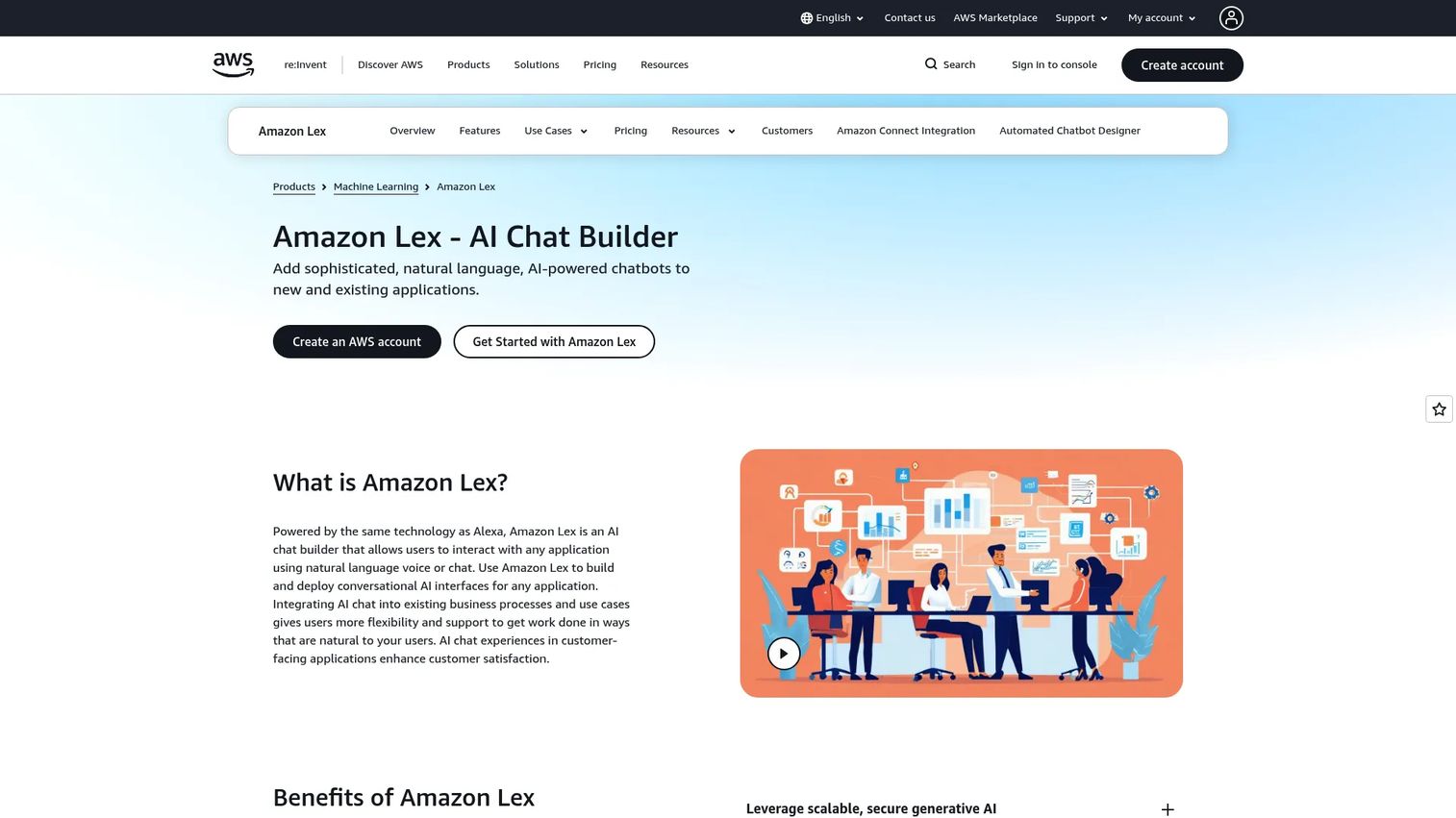
Amazon Lex is a fully managed AWS service for building voice and text conversational interfaces. It powers the same NLU and ASR that Alexa uses, with tight integration into AWS Lambda, Amazon Bedrock, Amazon Connect, and Amazon Kendra. Its Visual Conversation Builder and Automated Chatbot Designer reduce the engineering ramp for teams already working in AWS, and the pay-per-request model scales without seat-based pricing pressure.
For organizations running contact centers or IVR systems on AWS, Lex is the natural build layer. PMs at cloud-native companies with AWS as the default infrastructure will find the Lambda integration particularly useful for connecting bot actions to product backends without a separate middleware layer.
Best for: AWS-native organizations building scalable voice and text bots, particularly for contact-center automation and IVR replacement.
Key features
- Automatic speech recognition and natural-language understanding
- Multi-turn conversations and context management
- Generative AI features including conversational FAQ and utterance generation
- Visual Conversation Builder and Automated Chatbot Designer
- Integrations with AWS Lambda, Amazon Connect, Amazon Bedrock, and Amazon Kendra
Why choose Amazon Lex: The cost model and infrastructure fit are strong when AWS is already the standard. For organizations outside the AWS stack, the integration and governance overhead will outweigh the pricing advantage.
Amazon Lex pricing: Pay-as-you-go with no upfront commitment. Text requests cost $0.00075/request, speech requests cost $0.004/request, and the Automated Chatbot Designer costs $0.50/training minute. New AWS accounts created from 15 July 2025 receive up to $200 in Free Tier credits that apply to eligible services including Lex, usable within 12 months of account creation.
G2 rating: 4.2/5 from 43 reviews
11. Gupshup
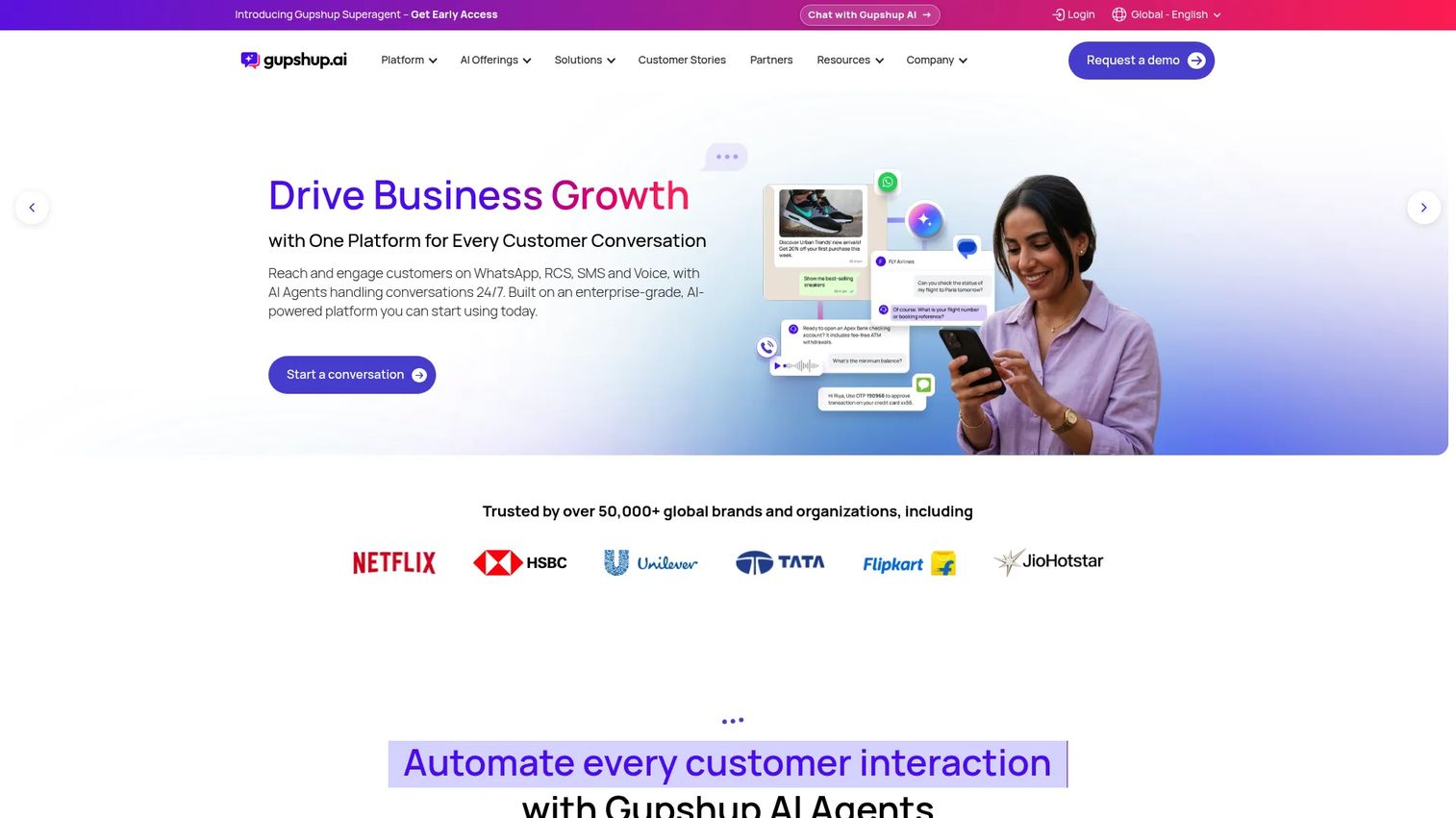
Gupshup is a conversational engagement platform that handles business communication across WhatsApp, SMS, RCS, and other messaging channels at scale. It covers marketing campaigns, commerce workflows, and customer support automation, making it useful for teams where the customer relationship happens primarily outside a product UI. Its bot-building tools sit on top of a high-volume messaging infrastructure used by enterprise clients across emerging markets and mobile-first regions.
For PMs whose product serves users in regions where WhatsApp is the primary communication channel, or where onboarding and support happen outside the web app, Gupshup addresses a channel gap that website-first bot platforms cannot fill.
Best for: Businesses running marketing, commerce, and support automation across WhatsApp, SMS, and other messaging channels, particularly in mobile-first markets.
Key features
- Conversational AI and chatbot development for messaging channels
- WhatsApp Business, SMS, and RCS deployment
- Customer support automation with agent escalation
- Campaign workflow and marketing automation tools
- API integrations for connecting external systems
Why choose Gupshup: The right fit when WhatsApp or SMS is a primary customer touchpoint, not a secondary one. Teams that primarily need website chat will find more depth in other platforms on this list.
Gupshup pricing: The WhatsApp API self-serve plan charges a Gupshup fee of $0.001/message on template and session messages, plus WhatsApp's own message fees billed at actuals. The first 1,000 service messages are free of WhatsApp fees, and voice is billed at $0.0001/second. Enterprise pricing for broader platform access is handled through sales.
G2 rating: 4.4/5 from 67 reviews
12. ServiceNow EmployeeWorks
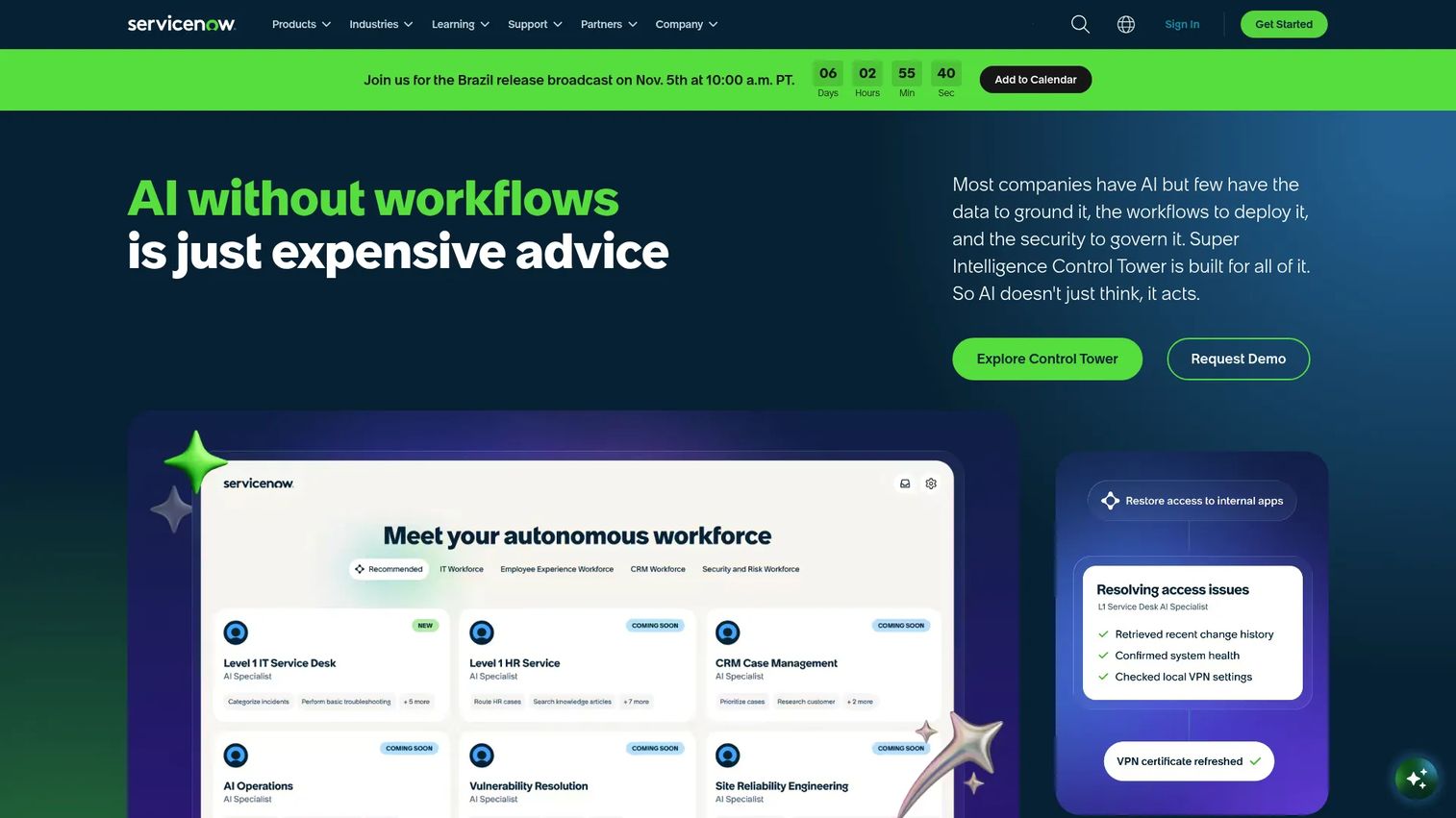
ServiceNow EmployeeWorks is an enterprise AI front door that lets employees search, request, and complete work across IT, HR, finance, and other business departments. It combines an AI Assistant, Employee Center Pro, enterprise search, and workflow automation into a single interface accessible via web, mobile, messaging apps, portals, and kiosks. Agents and role-specific assistants handle structured requests, while the ServiceNow workflow engine routes and resolves them without manual handoffs between teams.
For internal product and operations teams at large organizations, EmployeeWorks addresses the "every employee has a different question about a different system" problem. PMs building internal tooling or evaluating employee onboarding infrastructure will find its integration breadth across ServiceNow modules more relevant than standalone chatbot comparisons suggest.
Best for: Large enterprises standardizing employee service and workflow requests across IT, HR, and finance on the ServiceNow platform.
Key features
- Conversational AI search and task execution
- Enterprise search across connected content and data systems
- Workflow automation across IT, HR, and finance departments
- Multi-channel access via web, mobile, messaging, and kiosks
- AI agents and role-specific productivity assistants
Why choose ServiceNow EmployeeWorks: The fit is strongest when ServiceNow is already the system of record for IT and HR. Organizations outside the ServiceNow platform should evaluate whether the implementation and licensing costs match the employee-service problem they are actually solving.
ServiceNow EmployeeWorks pricing: Pricing requires a custom quote through ServiceNow sales. The package includes EmployeeWorks Web App, Employee Center Pro, AI Assistant, Enterprise Search, and related modules. Cost drivers include modules selected, seat count, and workflow scope.
G2 rating: 4.3/5 from 176 reviews
13. Lindy
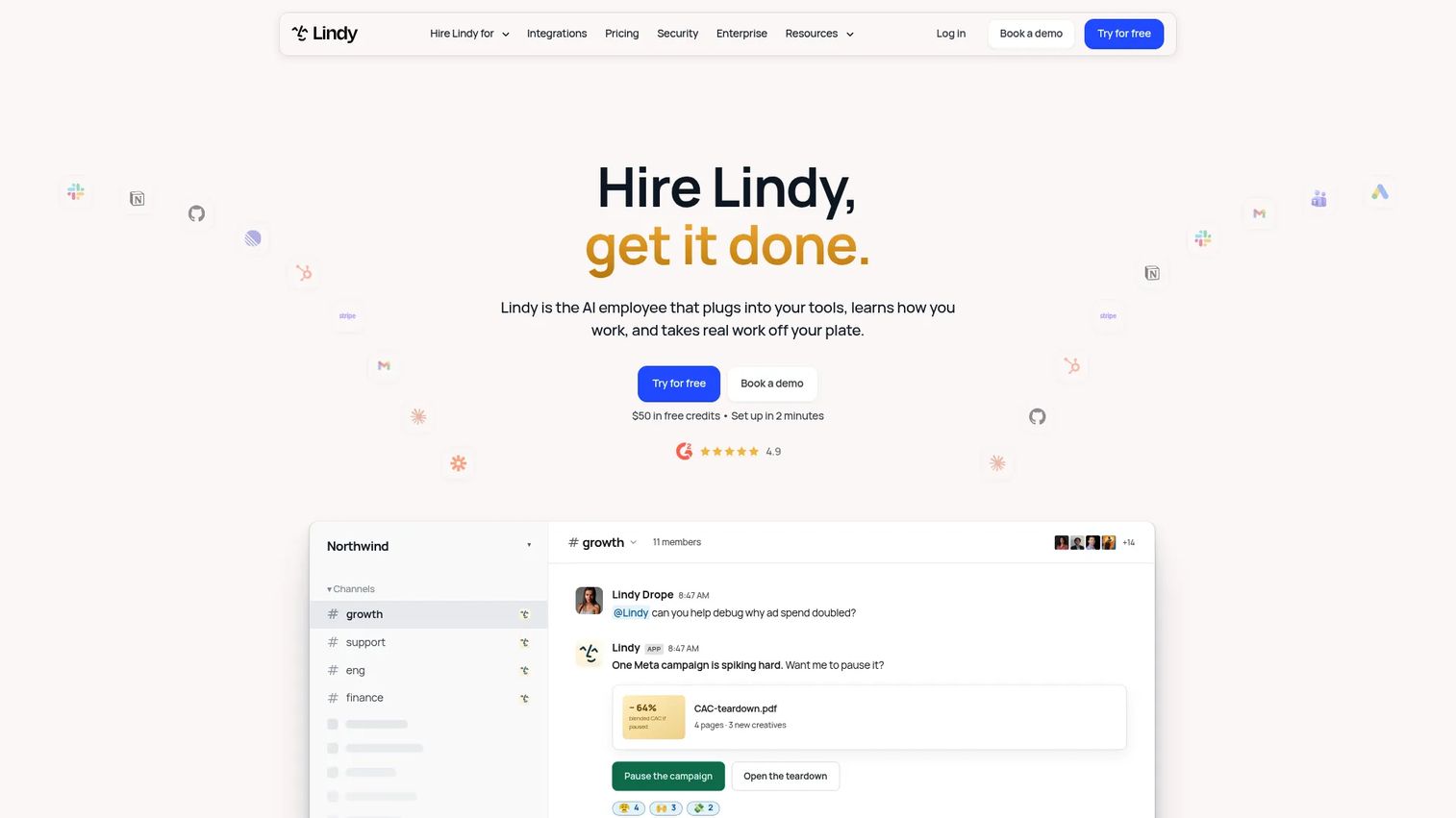
Lindy is an AI teammate that works across Slack, email, meetings, calendars, and more than 1,500 connected business tools. It handles inbox management, meeting recording and follow-up, scheduling, CRM task support, and multi-step internal automations using a no-code setup. Persistent workspace memory means Lindy retains context across tasks rather than starting fresh each session.
For PMs and product ops teams, Lindy is more useful as an internal workflow tool than a customer-facing bot. Feedback triage, cross-tool data synthesis, and meeting follow-up automation are the patterns where it fits most naturally. Its MCP support means it can connect to the product analytics and data tools PMs already use. See our guide to agentic AI platforms for broader context on this category.
Best for: Teams seeking an AI assistant for internal task automation across email, meetings, CRM, and connected business applications.
Key features
- AI skills and custom workflow automation
- Persistent workspace memory across sessions
- Meeting recording, notes, scheduling, and follow-up
- Inbox management and email drafting
- Computer use and 1,500+ integrations with MCP support
Why choose Lindy: The right choice when the goal is internal work automation, not a customer-facing chat widget. Teams evaluating Lindy for external support should look at platforms purpose-built for that surface.
Lindy pricing: The free plan gives you $50 in credits that last 7 days, with no card required. Team starts at $49.99/month for 5,000 credits, billed per active user, with credits pooled across the workspace and larger credit bundles available at higher monthly rates. Top-ups run $10 per 1,000 credits, and Enterprise is quoted by sales. Because every active user is billed, model seat count and credit burn together.
G2 rating: 4.9/5 from 171 reviews
14. Manychat
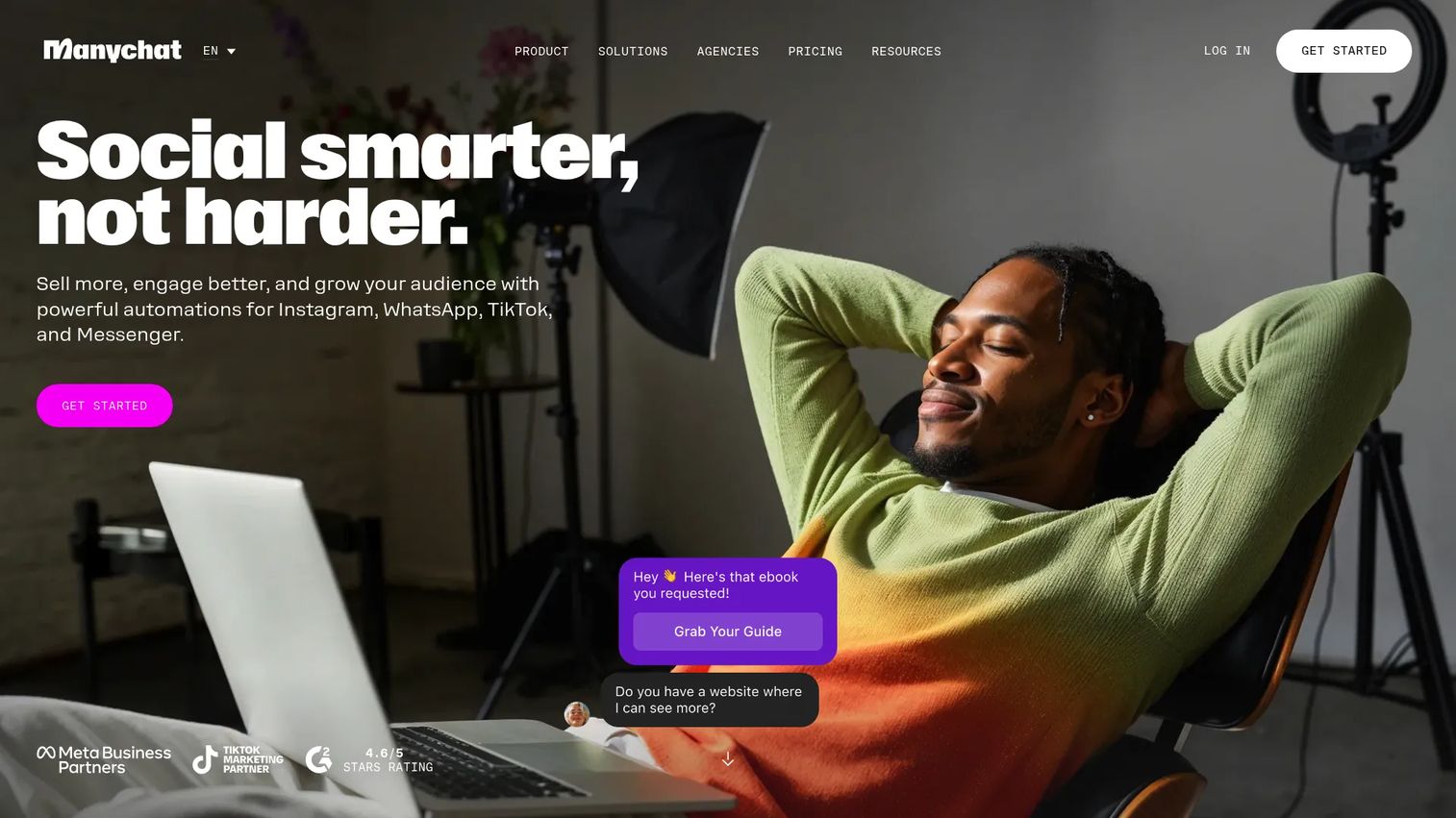
Manychat is a chat marketing platform that automates conversations, lead capture, broadcasts, and AI-powered interactions across Instagram, TikTok, Facebook Messenger, WhatsApp, Telegram, SMS, and email. Its comment-to-message triggers let teams convert social engagement into direct conversations at scale, and the unified inbox brings multi-channel replies into one workspace for team management.
For PMs whose product serves a consumer or creator audience, Manychat addresses the reality that many users first encounter the product through social content, not a website. Onboarding and support conversations that start on Instagram or WhatsApp can be handled in the same platform where the initial engagement happened. Check our guide on AI customer service software for more options in this space.
Best for: Creators, marketers, and businesses automating conversational marketing and lead engagement across social and messaging channels.
Key features
- Multi-channel automation across Instagram, TikTok, Messenger, WhatsApp, and SMS
- Comment-to-message triggers for social engagement
- AI-powered conversations and broadcast campaigns
- Unified inbox with labels, rules, and team assignment
- Lead capture forms connected to messaging flows
Why choose Manychat: The strongest fit when social channels are a primary customer acquisition and communication surface. Teams focused on website or app-embedded support will find more depth in helpdesk-integrated platforms.
Manychat pricing: The free plan covers 25 active contacts/month. On monthly billing, Essential is $17/month (250 active contacts), Pro is $39/month (2,500), Business is $99/month (7,500), and Advanced is $199/month (25,000). Annual billing cuts those to $14, $29, $69, and $139 per month. Usage above a plan's contact allowance is billed separately, and the current plan structure applies to accounts created from March 2026 onward.
G2 rating: 4.5/5 from 165 reviews
15. Intercom
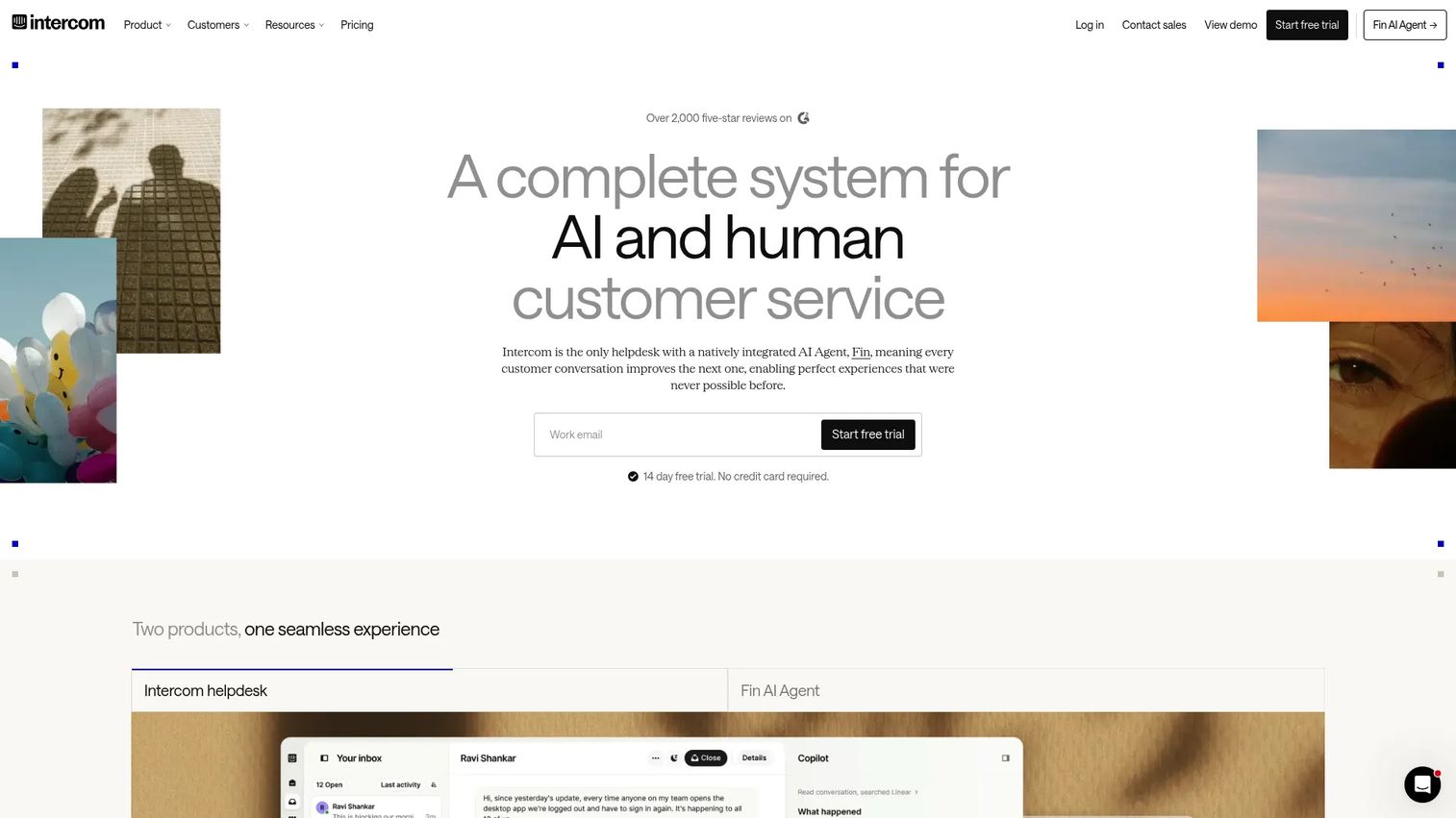
Intercom is an AI-first customer service helpdesk that combines its Fin AI Agent with a shared inbox, ticketing, help center, and omnichannel messaging. Fin handles support conversations autonomously and charges per resolved outcome, while human agents use the Copilot assistant during complex interactions. The platform is structured around the idea that AI handles the volume and humans handle the exceptions.
Ownership and naming disclosure: the company rebranded from Intercom to Fin in May 2026, and Salesforce completed its acquisition of Fin on 10 September 2026 in a deal valued at roughly $3.6 billion. You will see both names in the market, and the G2 listing now appears under "Fin." Entry 1 on this list, Qualified, is also a Salesforce product, so these two picks share a parent company.
For PMs, Intercom sits at a useful intersection: it is both a support tool and a customer communication layer. The help center integration, onboarding message capabilities, and product lifecycle messaging features mean PMs can influence how users experience the product outside the core UI. It is one of the few platforms on this list that connects support deflection, user activation, and customer messaging under one product surface. Our roundup of best AI customer service agents covers additional options in this category.
Best for: Support teams and PMs who need AI-first customer service, a shared agent inbox, help center management, and customer messaging in one platform.
Key features
- Fin AI Agent with per-outcome billing
- Shared inbox and omnichannel support across channels
- Copilot for human agents during complex tickets
- Ticketing, workflows, and automation
- Help Center, reporting, and extensive app integrations
Why choose Intercom: The fit is strongest when support, onboarding messaging, and customer lifecycle communication all need to live in one place. Teams that only need a standalone AI FAQ bot will pay for features they don't use.
Intercom pricing: Three seat-based tiers sit on top of usage-based AI billing. On annual billing, Essential runs about $29/seat/month, Advanced about $85, and Expert about $132, with monthly billing roughly $39, $99, and $139. Intercom's own pricing page renders these figures dynamically and runs new-customer and early-stage discounts, so confirm the current rate on the pricing page before you budget. Fin AI Agent is charged at $0.99 per resolved outcome on every plan, with no charge when Fin cannot answer or the customer asks for a human. Add-ons include Copilot at $29/teammate/month and Pro from $100/workspace/month. A 14-day free trial is available with no card required.
G2 rating: 4.5/5 from 3,950 reviews, listed on G2 as "Fin"
Considerations when choosing bot platforms
Segmentation and triggering
Bot behavior needs to differ by user segment, not just by conversation topic. Evaluate whether the platform supports role-based, plan-based, lifecycle-stage-based, and product-event-based triggering. A bot that treats a trial-user who just hit a paywall the same as an admin onboarding their team is not a product surface; it is noise.
Integrations and data flow
A bot that can read data but not write it has limited automation depth. Check whether the platform can create tickets, update CRM fields, push events to product analytics, and pull context from your knowledge base. The direction of data flow, both reading and writing, determines whether the bot can actually complete work.
Vendor ownership and consolidation
Check who owns each platform before you build a shortlist. This category has consolidated fast: Salesforce now owns both Qualified and Fin, the company formerly named Intercom. Two tools under one parent company are not two independent bets, and consolidation also affects roadmap priorities, bundling, and renewal leverage.
Human handoff quality
Every bot will hit its limit. What matters is what happens next. Evaluate whether escalation transfers full conversation context, routes to the correct team or agent, and avoids forcing users to repeat themselves. Poor handoff quality erases whatever goodwill the bot built in the first three exchanges.
Measurement and experimentation
Before rollout, establish a baseline: ticket volume, activation rate, TTFV, and onboarding completion by segment. Post-rollout cohort comparisons against that baseline are the only way to know whether the bot is moving the metrics that justify its cost.
Maintenance and release cadence
Bot rot is real. New features, pricing changes, and UI updates break answers that used to be correct. Evaluate versioning and rollback capabilities, content ownership workflows, and how quickly the team can update the bot after a product release. A platform that requires an engineer to push bot content updates creates the same release dependency you were trying to avoid.
Conclusion
The right bot platform depends on the workflow you're solving, not on which list it tops. For inbound pipeline and B2B sales conversations, start with Qualified. For teams deep in Microsoft infrastructure, Microsoft Copilot Studio cuts implementation friction. If you need fast support deflection without a long build cycle, Chatbase and Botpress both let you test on a trial or free tier before you commit. When messaging channels like WhatsApp or Instagram are your primary customer touchpoint, Gupshup or Manychat are purpose-built for that surface. Internal workflow automation points toward Lindy or IBM watsonx Orchestrate. For a unified support, onboarding, and customer communication layer, Intercom handles the broadest scope. Keep the ownership picture in view as you shortlist, since Qualified and Intercom now sit under the same parent company.
The practical next step: shortlist three platforms that map to your primary use case, test them against real historical conversations or ticket data, and measure against a pre-rollout baseline. No bot platform moves metrics you didn't measure before it launched.
Bots are built to answer questions in text, which leaves a gap when a prospect or a new user needs to see how a feature actually works. Guideflow closes that gap with interactive demos that presales and product marketing teams can build and share without pulling in engineering.
Start your journey with Guideflow today!
FAQs
A bot platform lets teams build, deploy, manage, and measure automated conversational agents across channels including websites, apps, messaging services, voice systems, and internal tools. It includes the builder, the runtime, integrations with external systems, and the analytics layer for measuring conversation outcomes.
Bot platform is the broader term, and it covers both rule-based systems and AI-driven agents. AI chatbot platforms specifically use NLP or large language models to understand natural-language intent rather than relying on keyword triggers or fixed decision trees. Most modern platforms combine both: LLM-based understanding for open-ended questions and structured flows for predictable workflows.
For helpdesk-heavy teams, evaluate tools with knowledge base ingestion, context-preserving live agent handoff, ticket creation, conversation analytics, and strong support stack integrations. Chatbase, Comm100 AI Agent, Botpress, and Intercom all cover these requirements at different price points and implementation depths.
PMs should look for platforms with strong user segmentation (by role, plan, lifecycle stage, and product event), event-based triggers, integrations with product analytics, and maintainable content workflows. The bot should guide users toward first value. Platforms that offer generic FAQ responses without segment-aware triggering will not move activation or TTFV metrics meaningfully.
Pricing varies by seats, message volume, resolved outcomes, deployment channels, and enterprise features like SSO and governance. Chatbase runs from $40/month to $500/month on monthly billing. Botpress is free up to 100 conversations, then $150/month billed annually. Manychat starts at $17/month for small social audiences, or $14/month billed annually. Intercom combines seats from about $29/seat/month on annual billing with Fin AI Agent at $0.99 per resolved outcome. Enterprise platforms like Sierra and ServiceNow EmployeeWorks price through sales, with cost driven by use case scope, integration complexity, and volume.
The spectrum is wide. Chatbase and Manychat launch without engineering involvement for basic use cases. Botpress and Voiceflow add developer extensibility when needed without requiring it to start. Google Cloud Dialogflow and Amazon Lex assume engineering ownership from the beginning. Enterprise platforms like IBM watsonx Orchestrate and ServiceNow EmployeeWorks typically involve IT, security, and engineering in the procurement and implementation process.
The integrations that determine whether a bot can actually do work are: helpdesk (Zendesk, Intercom, Freshdesk), CRM (Salesforce, HubSpot), product analytics (Amplitude, Mixpanel, Segment), knowledge base, and marketing automation. Secondary but important: data warehouse connections for cohort analysis and messaging channels relevant to your users. See our guide on best product analytics software for tooling options that pair well with bot analytics.
Establish a pre-rollout baseline across activation rate, TTFV, onboarding completion rate, support ticket volume, first-contact resolution, and trial-to-paid conversion by user segment. After rollout, compare the same cohorts against the baseline. A bot that reduces ticket volume without improving activation may be solving the symptom rather than the underlying product friction. Cohort comparison with 30 and 60-day retention windows gives the most honest picture of whether the bot moved the metrics that matter.