Screen share was never built for reviewing a building layout at scale, walking a new hire through a factory floor, or giving a distributed design team the spatial context they need to make a decision together. Video calls flatten the work. You end up sharing screenshots of 3D models and hoping everyone reads the same geometry.
That gap is exactly what VR collaboration platforms exist to close. According to IDC (2025), worldwide spending on AR/VR apps, services, and related technologies was forecast to rise 19.7% in 2025, reaching nearly $12 billion. The market is moving because the problem is real: Distributed teams working on spatial, technical, or immersive content lose critical context every time they compress it into a flat screen.
This guide is written for product managers, training leads, design teams, and IT evaluators who need to match a platform to a specific workflow, not just add another headset to the stack. The goal is a defensible tool decision, not a hardware purchase for its own sake.
What's inside
This guide compares 15 VR collaboration platforms for 2026. Tools were selected based on:
- Collaboration depth: Does the platform support structured work, not just avatar hangouts?
- Hardware access: Can stakeholders join without a headset?
- Enterprise readiness: Are there admin controls, security features, and IT-friendly deployment options?
- Use-case fit: Does the platform serve your specific workflow, whether that's meetings, training, 3D review, or events?
- Pricing clarity: Are costs transparent enough to evaluate against the collaboration budget?
TL;DR
- Best for enterprise VR device management: ArborXR, the operational layer that makes headset fleets manageable at scale
- Best for training and education: ENGAGE XR, with virtual campuses and structured learning environments
- Best for 3D model review: SimLab VR Collaboration, where only the host pays and participants join free from any device
- Best for structured VR meetings: Arthur or MeetinVR, both purpose-built for business rather than social VR
- Best for social VR communities: VRChat or Cluster, for creator communities and lightweight virtual gatherings
- Best for virtual and hybrid events: Eventcombo, with full registration, engagement, and analytics workflows
What is VR collaboration software?
VR collaboration software lets people meet, train, design, review, or work together inside a shared virtual environment using VR headsets, desktop apps, mobile devices, or browsers.
Unlike video conferencing, which transmits a flat view of a physical space, VR collaboration creates a shared virtual space where participants appear as avatars and interact with objects, whiteboards, and 3D content as if physically present. The degree of immersion varies by platform and device.
Key components of most VR collaboration platforms include:
- Core environment: Virtual rooms, offices, campuses, classrooms, or event spaces that persist between sessions
- Communication layer: Voice chat, spatial audio, avatar gestures, and reactions that approximate in-person presence
- Collaboration layer: Whiteboards, sticky notes, annotation tools, 3D model import, screen sharing, and media playback
- Access layer: VR headset support alongside desktop, mobile, or browser fallback for participants without hardware
- Governance layer: Admin controls, user permissions, recording settings, device management, and reporting
Platforms divide broadly into five use-case categories: Enterprise device management, virtual meeting rooms, 3D design and model review, training and education environments, and social or event spaces. Choosing the wrong category is the most common evaluation mistake. A platform optimized for avatar socializing will struggle with regulated training requirements. A headset management platform is not a meeting room.
For PMs running an evaluation, the right starting question is not "which VR platform is best?" It is: "What specific workflow breaks down when we use flat screens, and would shared spatial presence fix it?"
Good candidates include spatial product reviews, procedural training simulations, distributed design sessions, and cross-functional workshops where drawing on a 2D whiteboard loses the scale or movement context.
When to use VR collaboration platforms
Review spatial work with distributed stakeholders
VR collaboration performs best when the work being reviewed has a spatial dimension that screenshots cannot carry. Architecture walkthroughs, factory layout approvals, product prototype reviews, and medical environment training all lose critical information when compressed into a screen share. If your team is routinely producing markup-heavy screenshots of 3D exports to get alignment, that is a signal worth acting on.
Train teams in workflows that are hard to practice live
Safety training, procedural onboarding, soft-skills simulation, and clinical environments all benefit from VR when the live alternative is expensive, dangerous, or impossible to replicate at scale. The key requirement is a clear learning outcome tied to a measurable completion metric. VR training without instrumentation is an expensive classroom.
Run immersive events, workshops, and launches
Virtual offices, executive briefings, hackathons, and product launches can move to VR when the goal is to increase participation beyond what a video call can support, or when the physical event cost exceeds what the budget allows. The limiting factor is always headset access. Plan your participation model before you plan the event.
VR collaboration platform comparison
Pricing and G2 ratings were verified against each vendor's official pricing page and G2 listing. Where no price appears on the vendor's site, "Custom pricing" is noted. Where no G2 rating could be confirmed, "N/A" is used.
| # | Product | Best for | Key differentiator | Pricing | G2 rating |
|---|---|---|---|---|---|
| 1 | ArborXR | Enterprise headset fleet management | Per-device MDM for XR with kiosk mode and remote troubleshooting | From $4/device/month | 4.8/5 |
| 2 | ENGAGE XR | Training, education, and corporate events | Up to 70 avatars per room; ISO 27001 and GDPR compliance | Free / $25/month | 4.5/5 |
| 3 | SimLab VR Collaboration | 3D model review with distributed teams | Only the host pays; participants join free from any device | From $39/month | N/A |
| 4 | Arthur | Enterprise virtual offices and AI-guided collaboration | AI-powered digital co-workers and immersive workflow automation | Custom pricing | N/A |
| 5 | MeetinVR | Immersive workshops and whiteboard sessions | Whiteboarding, 3D sketching, and 2D/3D file sharing in VR | Free guest / €35/month Pro | 4.6/5 |
| 6 | Glue | Persistent remote team spaces | Persistent rooms with spatial audio, whiteboards, and 3D model import | Free / €50/user/month | 4.5/5 |
| 7 | Spatial | Creator-led branded spaces and events | No-code 3D world builder with web, mobile, and VR access | Custom pricing | 4.6/5 |
| 8 | VRChat | Social VR communities and creator worlds | Massive user-generated world library with free desktop access | Free / $9.99/month VRC+ | 4.2/5 |
| 9 | Cluster | Social events with mobile and VR access | Event hosting with designated staff, presenters, and in-world purchases | Custom pricing | 4.4/5 |
| 10 | Meta For Work | Teams standardizing on Meta Quest hardware | Managed Meta accounts, device fleet, and enterprise app deployment | Custom pricing | N/A |
| 11 | The Wild | AEC design review and BIM coordination | Revit, SketchUp, BIM 360 integration; spatial annotation and BIM metadata | Custom pricing | 4.7/5 |
| 12 | STAGE | Immersive branded spaces and digital experiences | 3D virtual spaces with avatar fashion and ownable digital content | Custom pricing | N/A |
| 13 | Qbit | Business-oriented immersive collaboration | Business-focused VR collaboration with training environments | Custom pricing | 4.5/5 |
| 14 | vTime | Informal social VR conversations | Cross-reality social network across AR, VR, and 2D Magic Window | Custom pricing | 4.5/5 |
| 15 | Eventcombo | Virtual, hybrid, and in-person event management | Full event lifecycle from registration to analytics with AI-driven tools | From $640/month | 4.9/5 |
Best 15 VR collaboration platforms for 2026
1. ArborXR
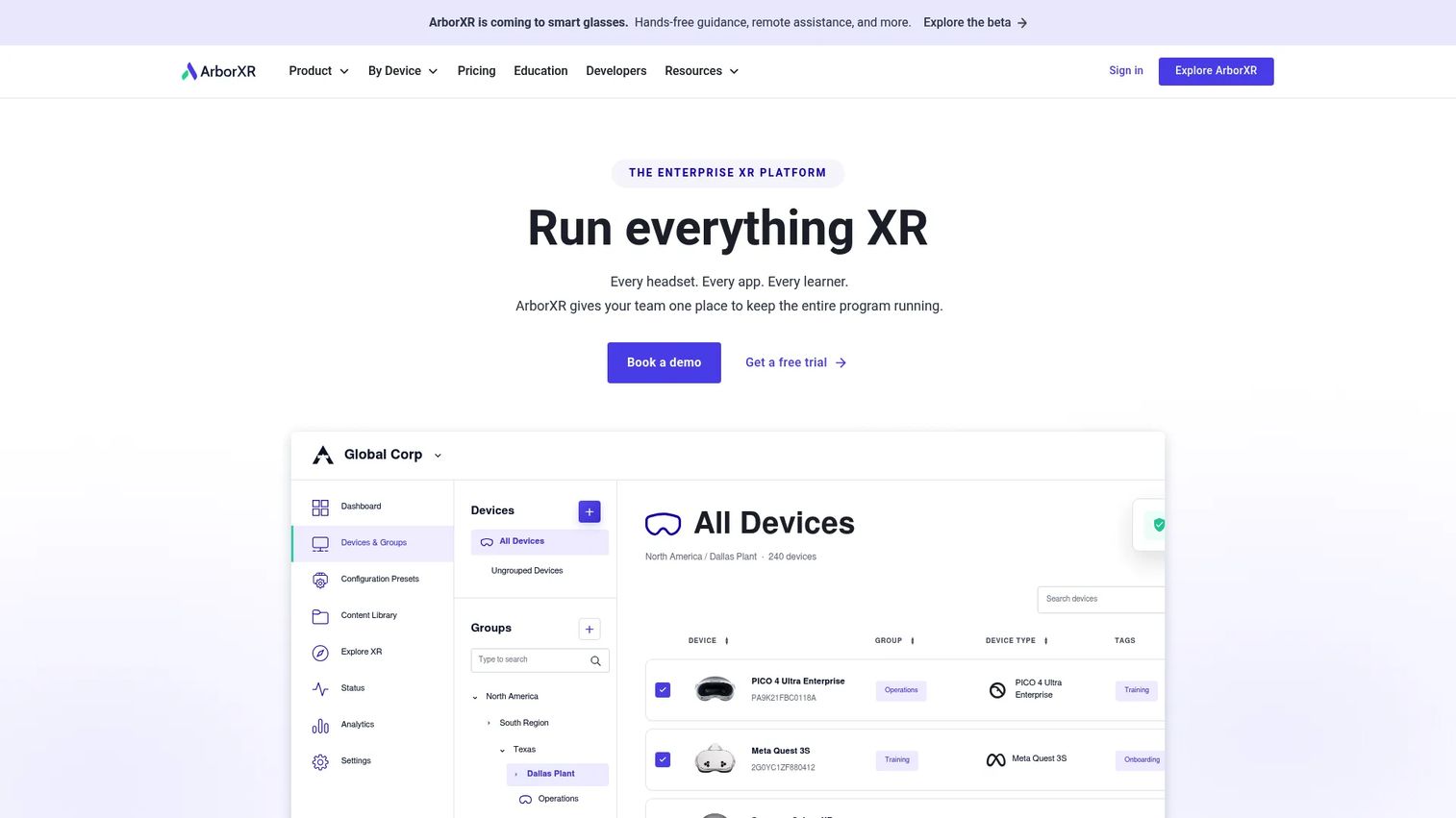
ArborXR is an enterprise platform for managing AR and VR device fleets, deploying apps and content remotely, and controlling what users can access on managed headsets. It covers the operational infrastructure that makes VR collaboration programs viable across dozens or hundreds of devices. Think of it as the MDM layer for XR, not the virtual room itself.
Best for: Enterprise and education teams managing large VR device fleets across multiple sites or user groups.
Key features
- Per-device app and content deployment over the air
- Kiosk mode to lock headsets to approved experiences
- User and group permission controls
- Remote device troubleshooting and monitoring
- Education-specific Classroom plans for K-12 and higher ed
Why choose ArborXR: When the bottleneck in your VR program is not the virtual room but the operational overhead of getting headsets into users' hands, configured, and updated, ArborXR removes that friction. PMs scaling beyond a pilot should evaluate it before device chaos slows rollout.
ArborXR pricing: Business plans start at $7 per device per month (Starter) and $10 per device per month (Essential), both billed annually. Education plans start at $4 per device per month (Classroom). Enterprise and Classroom Ultimate tiers are priced by quote. A 30-day free trial is available.
G2 rating: 4.8/5
2. ENGAGE XR
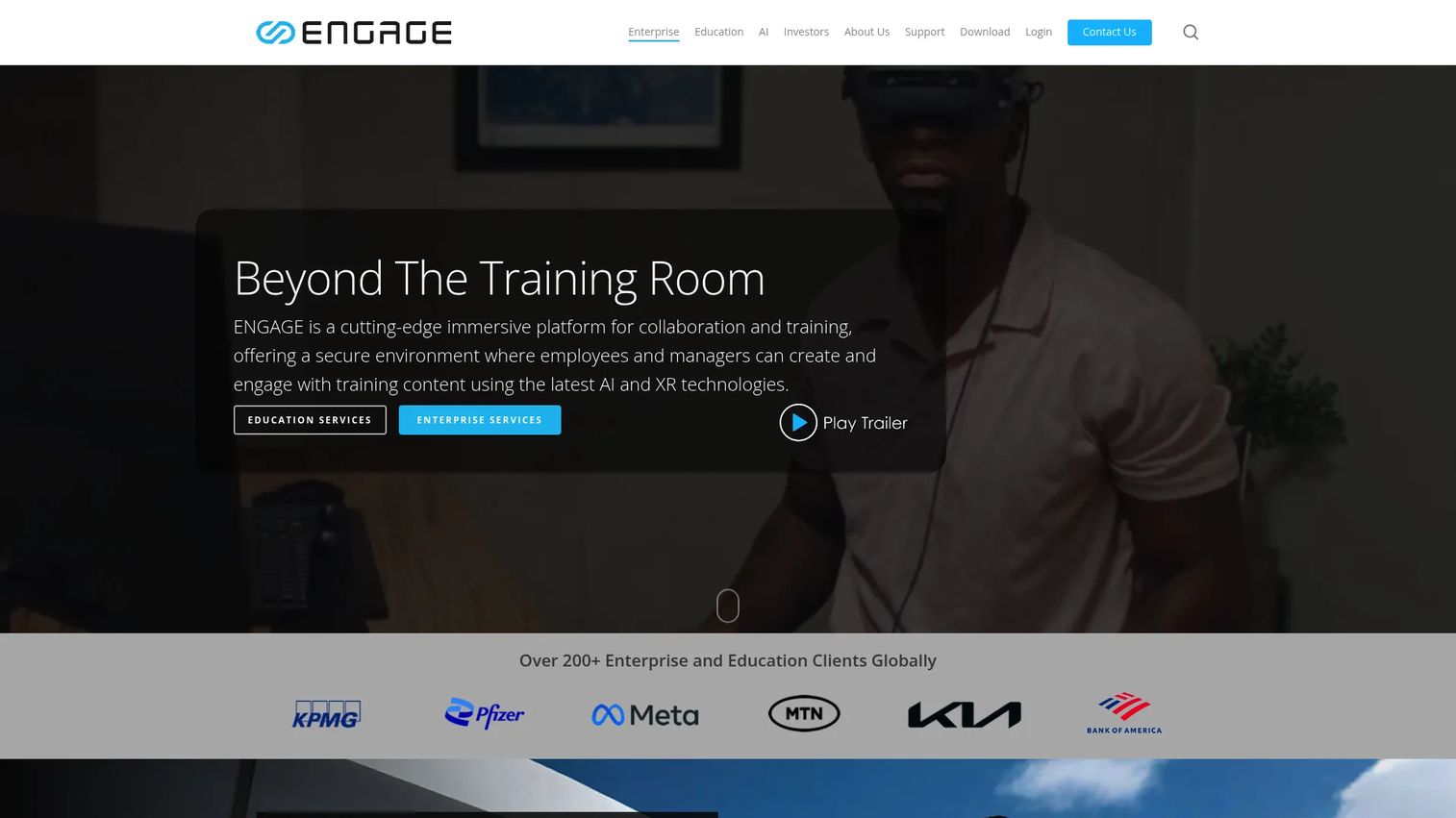
ENGAGE XR is a VR and XR platform for corporate training, education, events, and virtual campus environments. It supports up to 70 avatars per room, cross-device access across PC, Mac, iOS, Android, and spatial computing devices, and enterprise security features including ISO 27001 certification and GDPR compliance. Note that ENGAGE XR Holdings has entered provisional liquidation; verify current operational status and contract terms before purchasing.
Best for: Training teams, learning and development programs, and corporate events that need structured immersive environments with enterprise-grade security.
Key features
- Virtual campuses and templated immersive locations
- Spatial audio, recording tools, and an experience editor
- Up to 70 avatars per session for large-scale events
- ISO 27001, GDPR, SSO, and AWS GovCloud readiness
- Cross-platform access including PC, Mac, iOS, Android, and XR devices
Why choose ENGAGE XR: For PMs running structured onboarding pilots or learning experiments, the platform's combination of enterprise security and large-session capacity makes it a credible shortlist option. Verify the company's current operational status with your procurement team before signing a contract.
ENGAGE XR pricing: A free LITE tier provides access to public content and events. PRO costs $25 per month billed annually and adds content creation, private sessions, and AI tools. SCALE is enterprise-oriented with volume pricing; contact sales for details.
G2 rating: 4.5/5
3. SimLab VR Collaboration
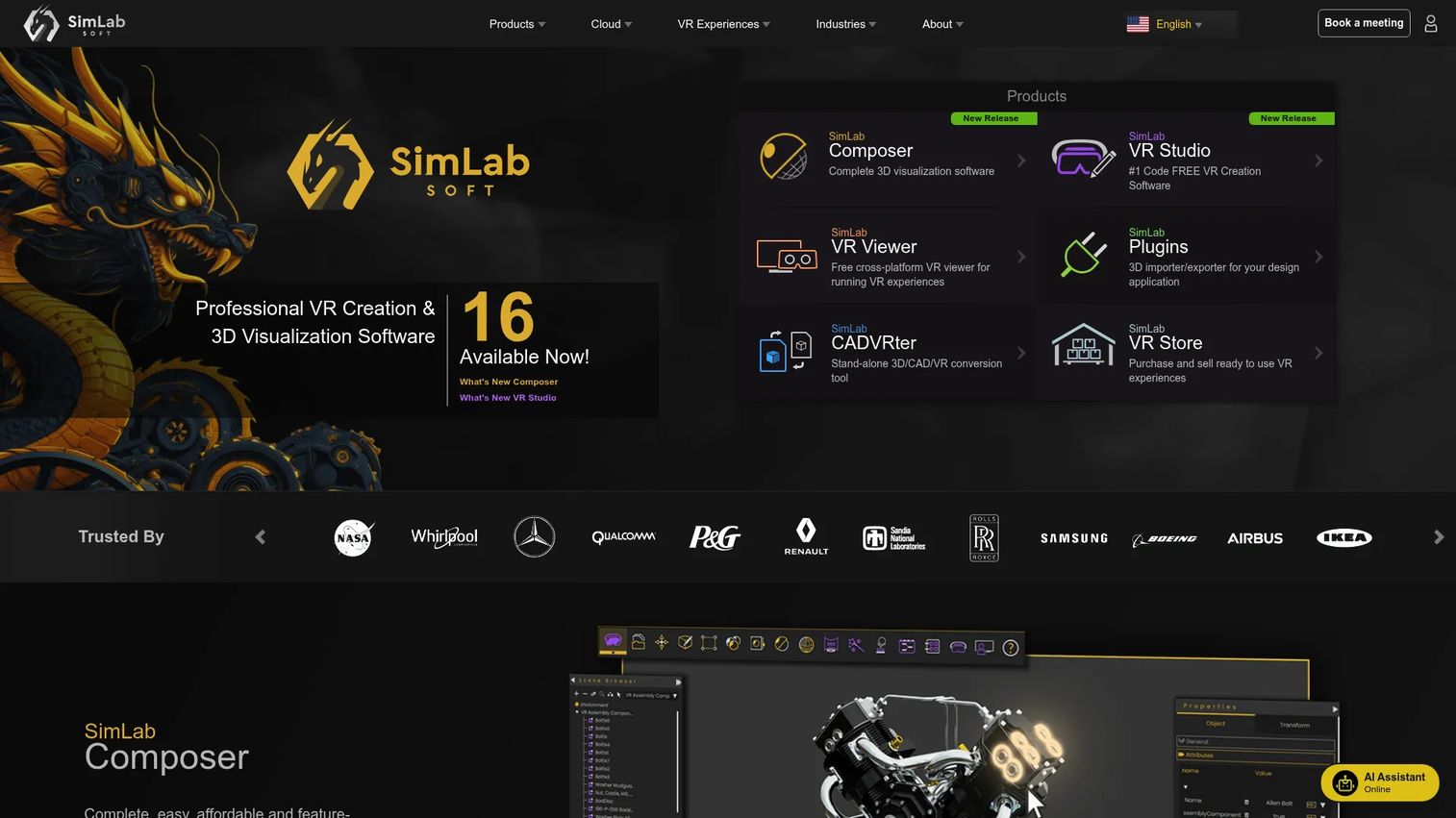
SimLab VR Collaboration is a multi-user platform for hosting shared VR sessions around 3D models, architectural scenes, and product files. The host imports and owns the models; participants join from VR headsets, desktops, or mobile devices and explore the space together. Sessions support up to 30 participants and run for up to 240 minutes.
Best for: Architecture, engineering, product design, and training teams that need shared interactive 3D review sessions without per-participant costs.
Key features
- Multi-user VR sessions with up to 30 participants
- Interactive 3D model import using the host's own files
- Cross-device joining from VR headsets, desktop, and mobile
- Session scheduling and voice communication
- Only the host pays; participants join free
Why choose SimLab VR Collaboration: The host-only pricing model makes it easy to run design reviews, client walkthroughs, or training sessions without billing every attendee. For PMs evaluating spatial review workflows, it reduces the cost-per-session argument considerably.
SimLab VR Collaboration pricing: Plans cover 4-user ($39/month), 10-user ($89/month), and 30-user ($289/month) session sizes, all billed annually. Participants join at no cost. No G2 rating was confirmed for this product.
4. Arthur
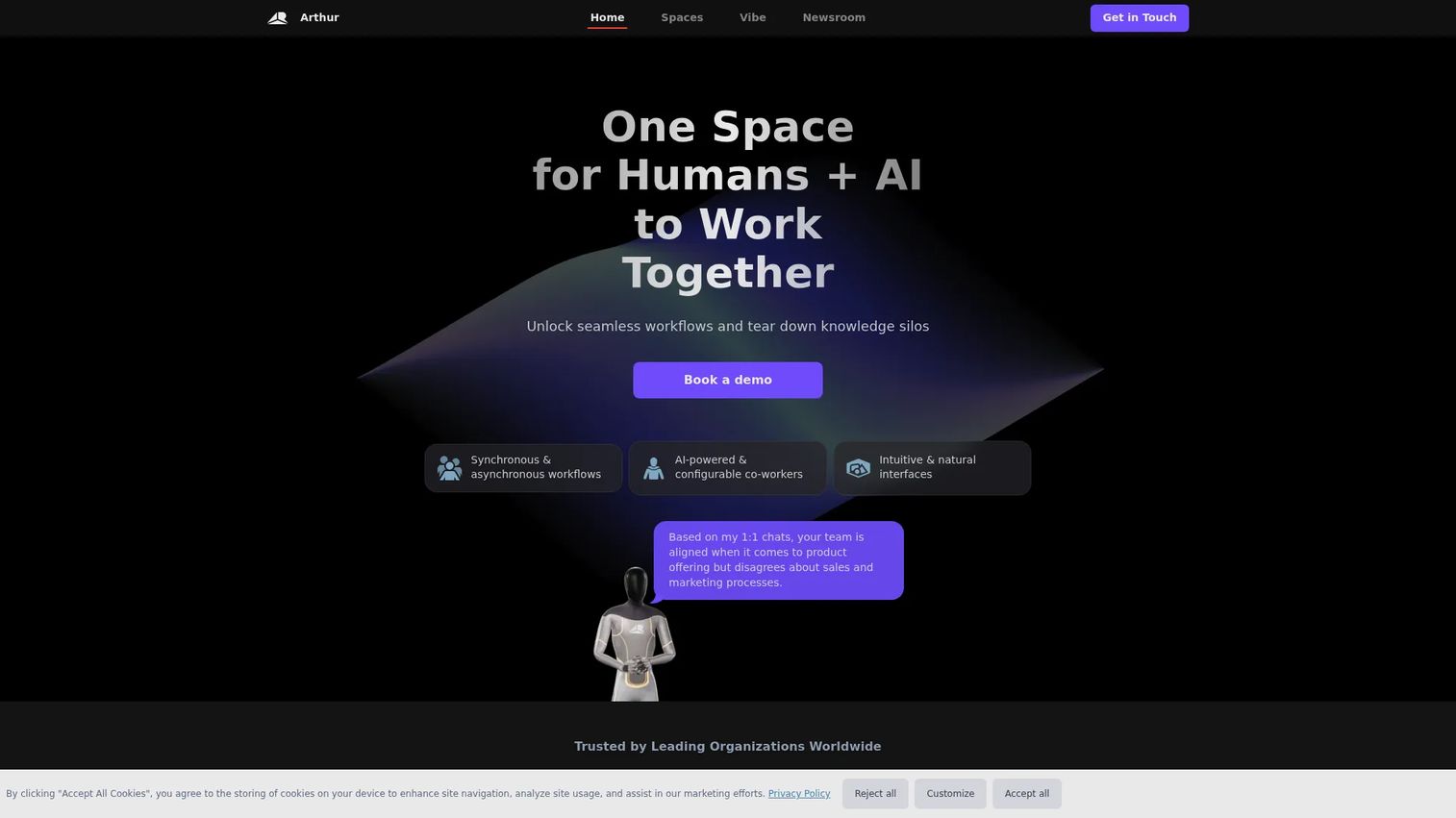
Arthur is an enterprise collaboration platform that combines immersive virtual workspaces with AI-powered digital co-workers, configurable workflows, and organizational insight tools. It positions itself beyond a meeting room: The pitch is that humans and AI agents work together inside persistent immersive environments, covering synchronous and asynchronous use cases.
Best for: Enterprise teams exploring AI-enabled immersive collaboration, workflow automation, and digital twin environments alongside human-led meetings.
Key features
- AI-powered configurable digital co-workers for workflow automation
- Synchronous and asynchronous immersive collaboration spaces
- Virtual meeting rooms with avatar presence and presentation tools
- Whiteboard and enterprise workspace controls
- Immersive AI-guided training and digital twin environments
Why choose Arthur: Arthur suits organizations that want more than a virtual meeting room and are actively evaluating AI-assisted workflows alongside physical collaboration. PMs should evaluate it for recurring stakeholder review sessions, planning workshops, and structured ceremonies where richer presence and workflow context justify the setup investment.
Arthur pricing: Contact their sales team for a demo and quote. Costs will reflect user count and enterprise deployment scope.
5. MeetinVR
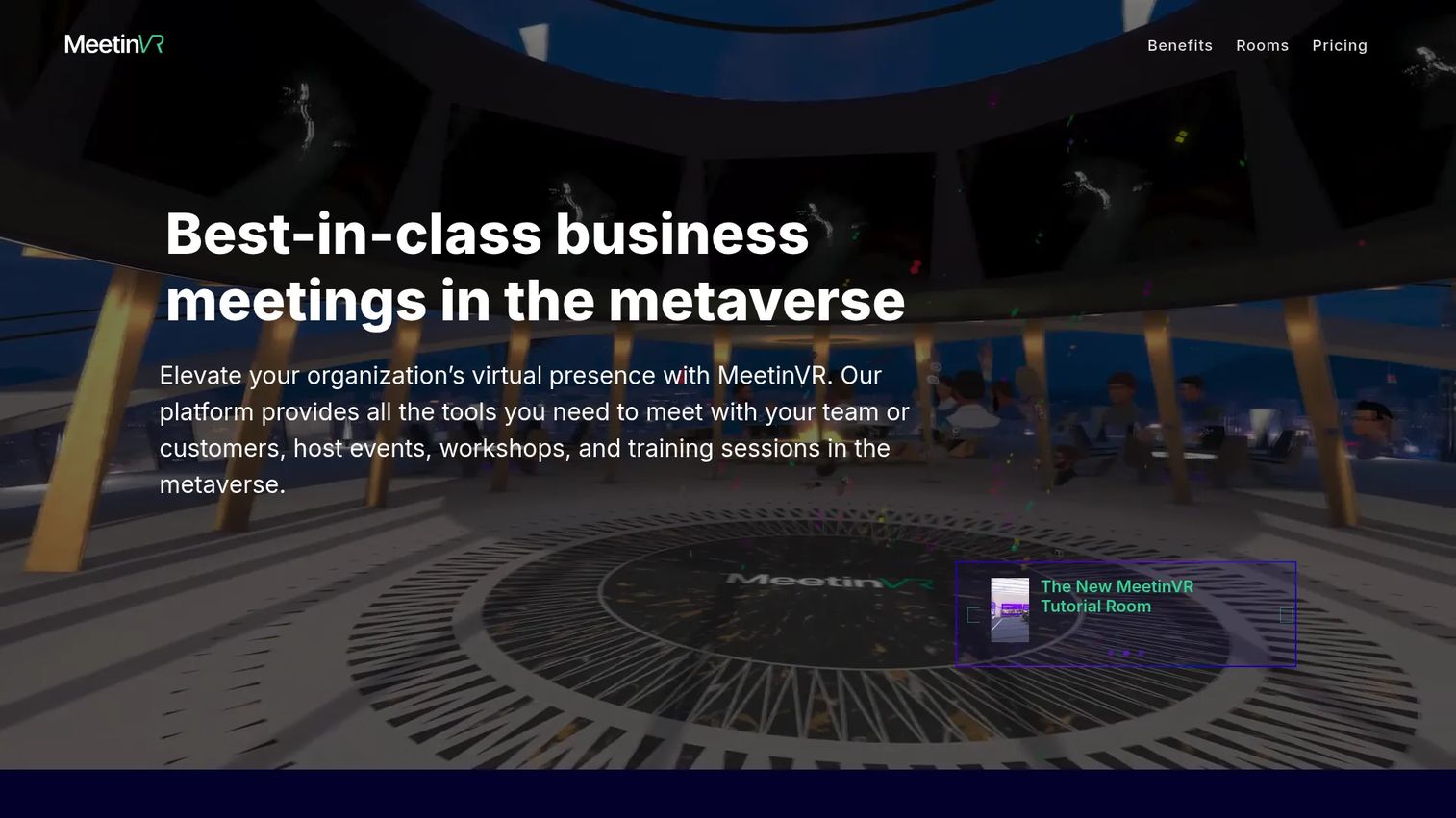
MeetinVR is a VR meeting and workshop platform focused on business collaboration, with tools for whiteboarding, 3D sketching, file sharing, and presentation. It supports images, videos, documents, 360-degree content, and 3D files within sessions and accommodates up to 32 participants on the Pro tier.
Best for: Teams replacing high-context workshops with immersive sessions when video calls fail to carry the full collaborative context.
Key features
- VR meeting rooms with virtual whiteboards and sticky notes
- 2D/3D sketching, mind-mapping, and spatial annotation tools
- File import for images, videos, documents, and 3D models
- Workshop templates for structured collaboration
- Cross-device participation for up to 32 users on Pro
Why choose MeetinVR: When a quarterly planning session, discovery synthesis, or design review keeps losing context through flat video, MeetinVR gives the team shared spatial tools without requiring everyone to own high-end hardware. Guest access allows non-headset participants to join from desktop.
MeetinVR pricing: Guest access is free with a watermark. Pro costs €35 per user per month (or €350 per user per year) and removes the watermark while supporting sessions of up to 32 users. A weekly rate of €10 per user is also available.
G2 rating: 4.6/5
6. Glue
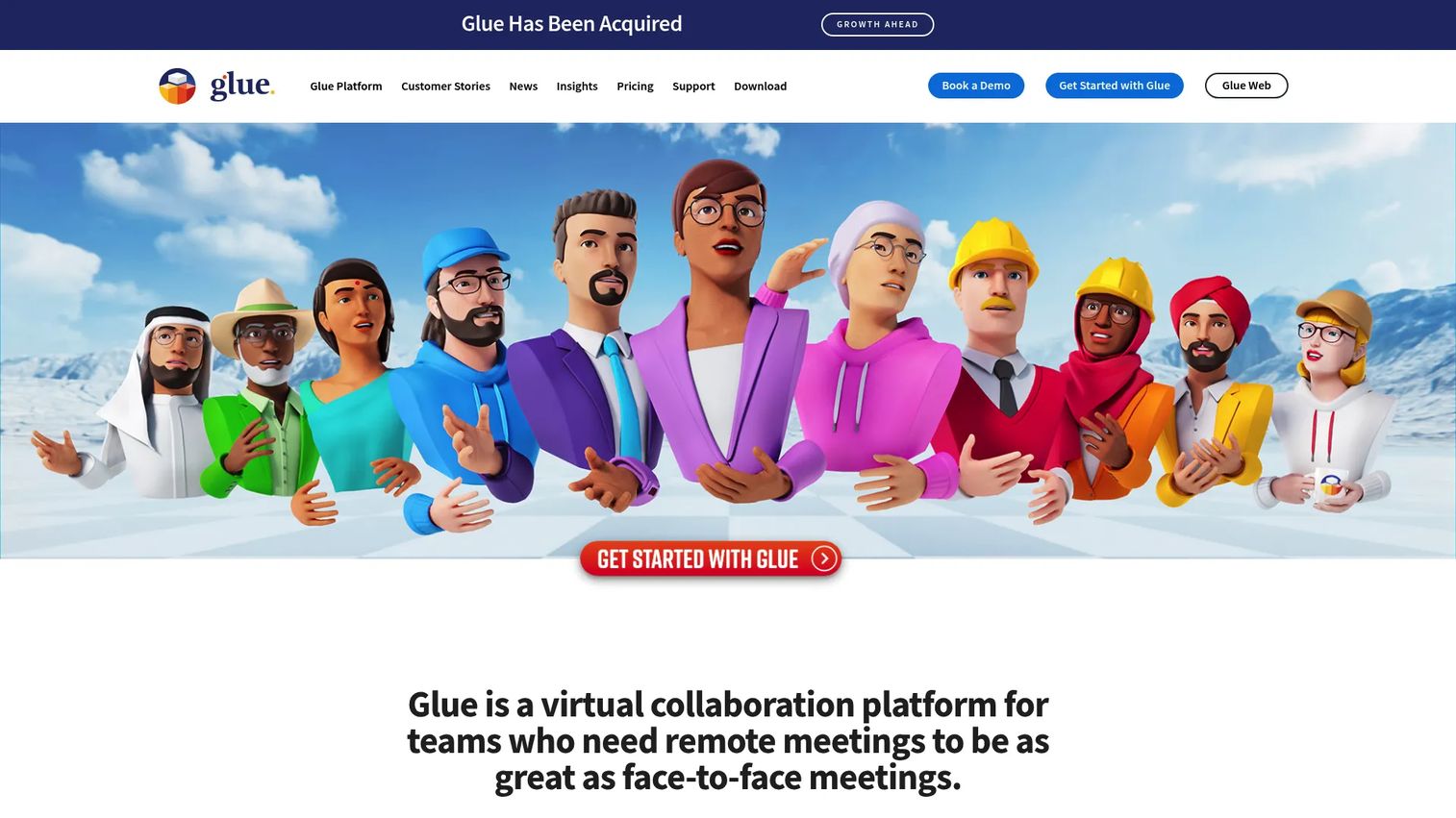
Glue is a VR collaboration platform built for distributed teams that want persistent shared spaces rather than one-off virtual meetings. It provides persistent rooms with spatial audio, customizable avatars, whiteboards, 3D model import, and file sharing. Note that Glue has been acquired; verify current product availability and roadmap with their team before committing.
Best for: Distributed teams that need a recurring shared space for roadmap workshops, cross-functional rituals, and ongoing collaboration rather than occasional events.
Key features
- Persistent virtual team rooms that survive between sessions
- Spatial audio and customizable team avatars
- Whiteboards, sticky notes, and 3D model import
- Web-platform integrations and cloud file storage
- Custom spaces, branding, and SSO on Enterprise
Why choose Glue: Persistent rooms reduce the coordination cost of VR collaboration by removing the "set up the space again" step before every session. For PMs running recurring cross-functional ceremonies, that consistency matters more than the immersive feature set itself.
Glue pricing: A free tier includes all features for up to 10 team members, 10 team spaces, and 30-minute sessions. Professional costs €50 per user per month (billed annually) or €60 per user per month monthly, adding unlimited session time and team spaces. Enterprise pricing is custom.
G2 rating: 4.5/5
7. Spatial
Spatial is a platform for building and sharing interactive, gamified 3D experiences across web, mobile, and VR. It is used by organizations and creators to build branded environments, virtual training spaces, galleries, community hubs, and multiplayer worlds. Access works from a browser without a headset, which helps with participation rate.
Best for: Creator-led events, branded immersive experiences, virtual galleries, and product launch showcases that need visual fidelity and broad device accessibility.
Key features
- No-code 3D world builder with real-time multiplayer
- Cross-platform access from web, mobile, and VR
- Integrated commerce for digital and physical goods
- Enterprise capabilities including white-label, SSO, and APIs
- Creator tools and published community templates
Why choose Spatial: When the priority is presentation quality and audience reach rather than structured enterprise workflow, Spatial's web-first access model removes the headset barrier entirely. Product teams can evaluate it for launches, community engagement, and stakeholder showcases.
Spatial pricing: Enterprise pricing is available by contacting their sales team. Hosting packages have been published in official Spatial documentation at $5,000 to $6,000 per month for dedicated environments. Verify current terms directly with the vendor.
G2 rating: 4.6/5
8. VRChat
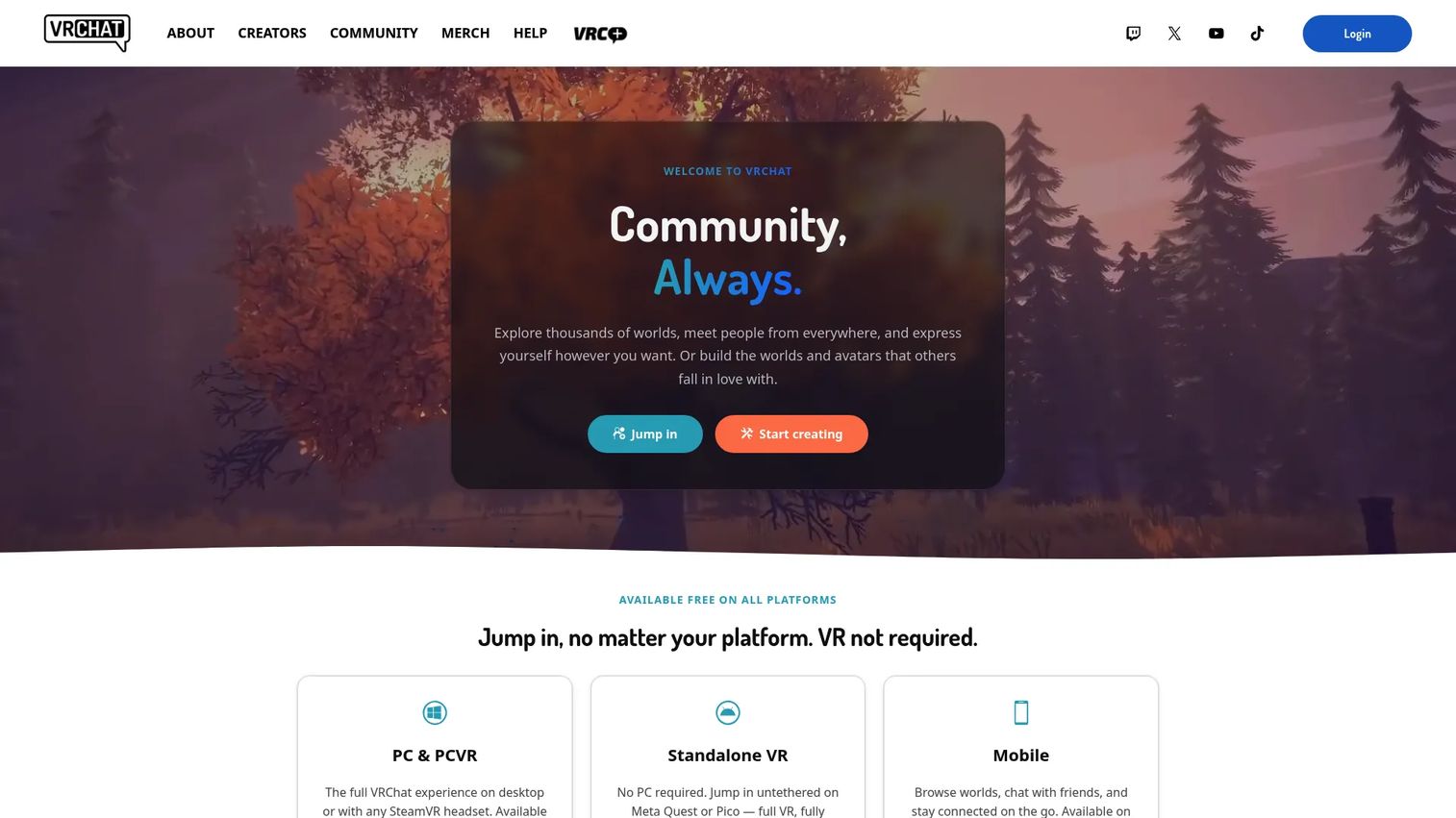
VRChat is the largest social VR platform, built around user-generated worlds, highly customizable avatars, and community interaction. It is not an enterprise collaboration suite. The platform's strength is the depth of its creator community and the sheer volume of worlds available, ranging from social lounges to interactive games.
Best for: Social VR communities, creator communities, experimental virtual gatherings, and organizations exploring community-building in VR.
Key features
- User-generated worlds built with the Unity SDK
- Highly customizable avatar creation and import
- Social rooms, community events, and group spaces
- Desktop and VR headset access (no headset required to participate)
- Large active community with regular creator events
Why choose VRChat: If community behavior, creative world-building, or a social presence experiment matters more than enterprise governance, VRChat covers those use cases at scale. PMs should not treat it as a default business meeting platform; its governance and admin controls are not built for organizational deployments.
VRChat pricing: The core experience is free. VRC+, an optional subscription, costs $9.99 per month or $99.99 per year and adds features like custom user icons and additional avatar favorites.
G2 rating: 4.2/5
9. Cluster
Cluster is a metaverse platform for creating and participating in virtual events, social spaces, and community experiences. It runs across smartphones, PCs, and VR devices, which expands participation beyond headset owners. Events support designated staff, presenters, microphone control, and in-world item purchases.
Best for: Social events, creator communities, and organizations running mobile-accessible virtual programs where broad device support matters.
Key features
- Virtual events accessible from smartphone, PC, and VR
- Event hosting with designated staff, presenters, and microphone controls
- User-created avatars and worlds
- In-world purchasable items and digital collectibles
- Community rooms for persistent social spaces
Why choose Cluster: When accessibility across devices is the primary constraint, Cluster's smartphone support extends participation to audiences who do not own a headset. Product teams can evaluate it for community programs and lightweight immersive events, particularly where mobile-first engagement matters.
Cluster pricing: Contact the vendor for pricing details.
G2 rating: 4.4/5
10. Meta For Work
Meta For Work is Meta's enterprise offering for organizations deploying and managing Meta Quest devices, managed Meta accounts, and business applications at scale. It covers device fleet management, enterprise identity management, and app deployment for organizations standardizing on Quest hardware. Note that Workplace from Meta closed in May 2026 and is a separate product; Meta For Work refers to the hardware and device management layer.
Best for: Organizations adopting a hardware-first VR strategy with Meta Quest devices and needing centralized device, identity, and app management.
Key features
- Managed Meta account creation and administration
- Meta Quest device fleet management across the organization
- App and content deployment to managed devices
- Enterprise identity integration and access controls
- Meta Horizon managed services subscription
Why choose Meta For Work: When the organization has already standardized on Quest hardware or is building a VR program around the Meta ecosystem, this is the management infrastructure that supports it. PMs should evaluate IT readiness and headset availability before treating this as the primary collaboration platform.
Meta For Work pricing: Meta Horizon managed services operates as a software subscription. Contact Meta's sales team for pricing.
11. The Wild
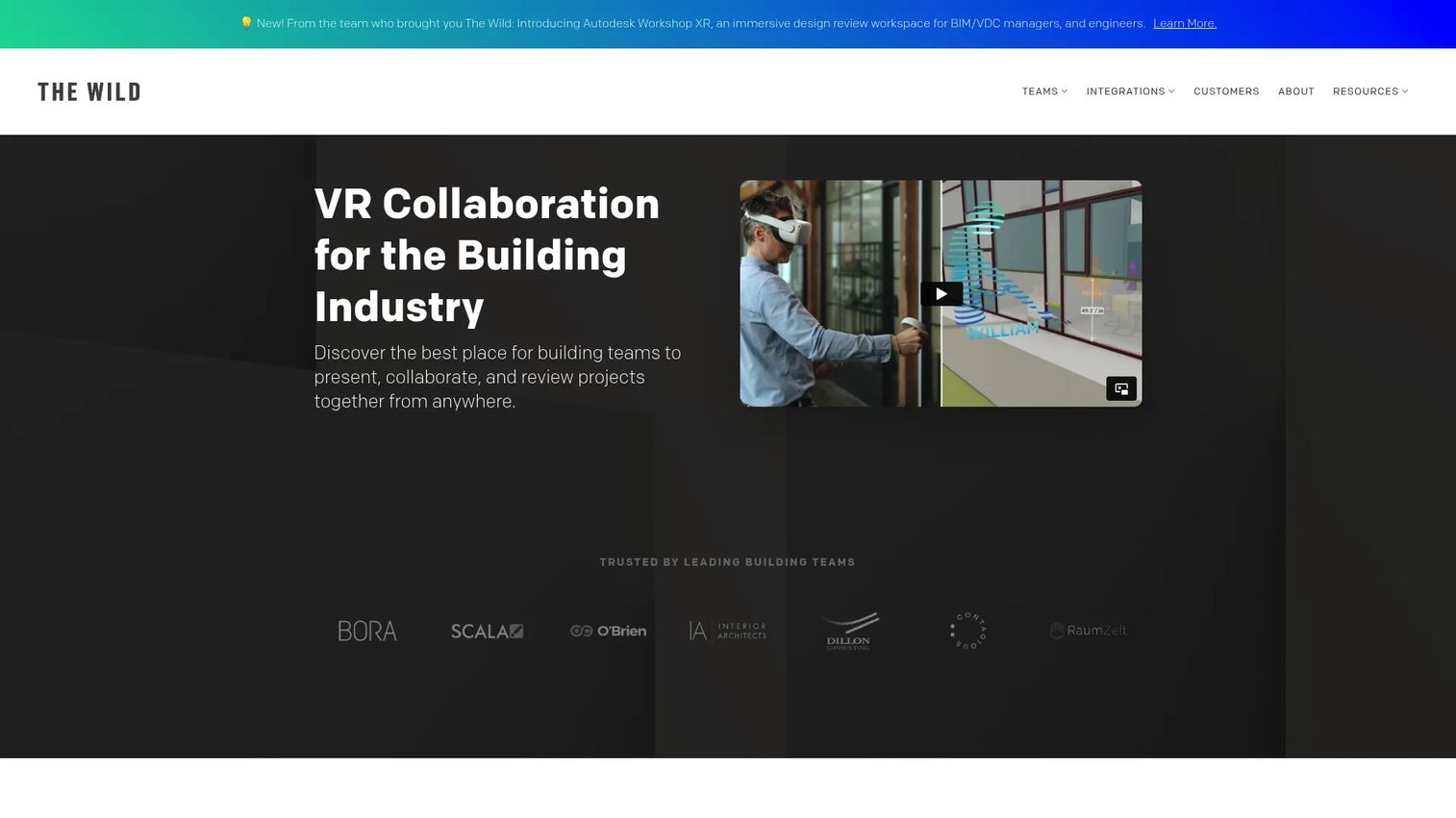
The Wild is a VR and AR collaboration platform for architecture, engineering, and construction teams. It integrates directly with Revit, SketchUp, and BIM 360, supports real-time collaboration for up to eight people, and provides native spatial sketching, annotation, and BIM metadata inspection. The Wild has joined Autodesk; verify current product availability and support terms before procurement.
Best for: AEC and design teams conducting immersive collaborative design reviews and BIM coordination sessions with distributed stakeholders.
Key features
- Integration with Revit, SketchUp, and BIM 360
- Cross-platform access across Meta Quest, HP Reverb, Pico Neo, HTC Vive, iOS AR, macOS, and Windows
- Real-time collaboration for up to eight people
- Native spatial sketching and annotation tools
- Revit BIM metadata inspection and speech-to-text comments
Why choose The Wild: For AEC teams where the limiting factor is getting distributed stakeholders to share the same spatial understanding of a project, The Wild's BIM integrations remove the export-and-import loop. PMs should confirm current availability and roadmap given the Autodesk acquisition before including it in procurement planning.
The Wild pricing: Contact Autodesk or The Wild's team for current pricing. The pricing page redirects to the homepage and shows no public plan information.
G2 rating: 4.7/5
12. STAGE
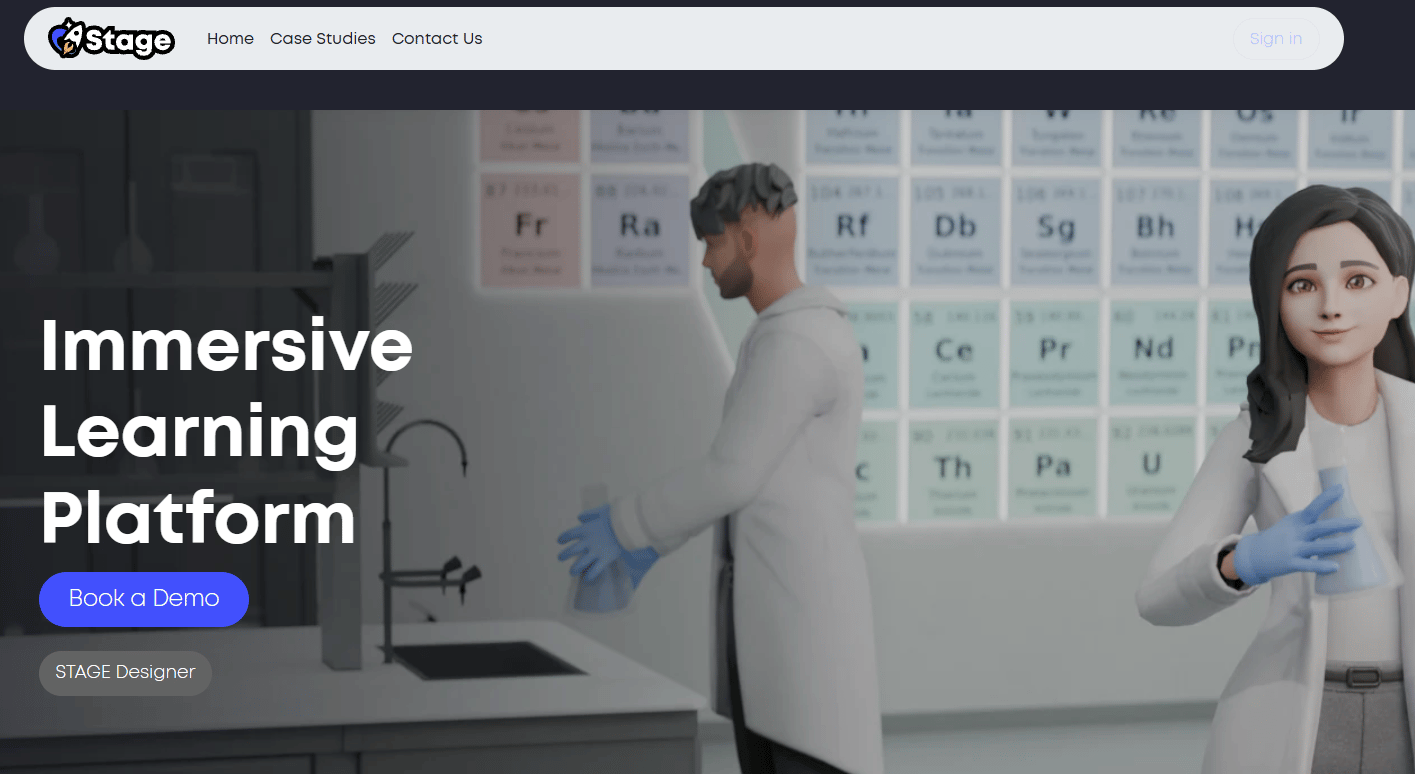
STAGE is a metaverse platform for immersive 3D social spaces, branded interactive experiences, and digital content. It offers virtual environments for creators, brands, and communities, with avatar customization, digital collectibles, and branded experiences as core use cases. The platform is more community and brand-experience oriented than structured enterprise collaboration.
Best for: Creators, brands, and communities building immersive branded virtual environments and interactive digital content experiences.
Key features
- 3D virtual spaces for social and branded experiences
- Avatar fashion design and customization
- Digital collectibles and ownable in-world content
- Interactive brand and creator experiences
- Custom environment building for events and activations
Why choose STAGE: When the use case is brand activation, creator community engagement, or a digital product showcase rather than recurring team collaboration, STAGE offers a consumer-grade immersive experience with commercial customization. PMs should verify current platform status directly with the vendor before committing.
STAGE pricing: Contact the vendor for pricing.
13. Qbit
Qbit is a business-oriented VR collaboration platform covering immersive meetings, training environments, and virtual team spaces. Based on available G2 data, the platform targets organizations exploring business-facing immersive collaboration. Verify current product positioning and feature availability directly with the vendor, as the website was inaccessible during research.
Best for: Teams evaluating business-oriented VR collaboration outside the largest platform ecosystems.
Key features
- Virtual collaboration rooms for meetings and training
- Avatar communication and spatial interaction
- Presentation support within immersive environments
- Training simulation environments
- Shared digital objects for collaborative sessions
Why choose Qbit: Qbit is worth evaluating when a team wants a business-facing VR collaboration space and is comparing against larger or more established alternatives. Keep any capability claims conservative until confirmed with the vendor, given limited public documentation at the time of this review.
Qbit pricing: Contact the vendor for pricing.
G2 rating: 4.5/5
14. vTime
vTime built a cross-reality social network called vTime XR, which allowed avatar-based social interaction across AR, VR, and 2D Magic Window modes. The platform published a farewell update on October 10, 2025, and current product availability cannot be confirmed. Research vTime's current status directly before including it in any tool evaluation.
Best for: Social VR conversations and informal virtual presence across AR, VR, and desktop access modes, when the product is confirmed as actively available.
Key features
- Cross-reality social interaction across AR, VR, and 2D mode
- Customizable avatars for social presence
- Immersive virtual destinations for conversation
- 360-degree photo gallery and image sharing
- Voice chat and virtual gestures
Why choose vTime: For informal human connection rather than structured project collaboration, vTime's cross-reality approach allowed participants to join from whatever device they had available. Confirm current product status before evaluation.
G2 rating: 4.5/5
15. Eventcombo
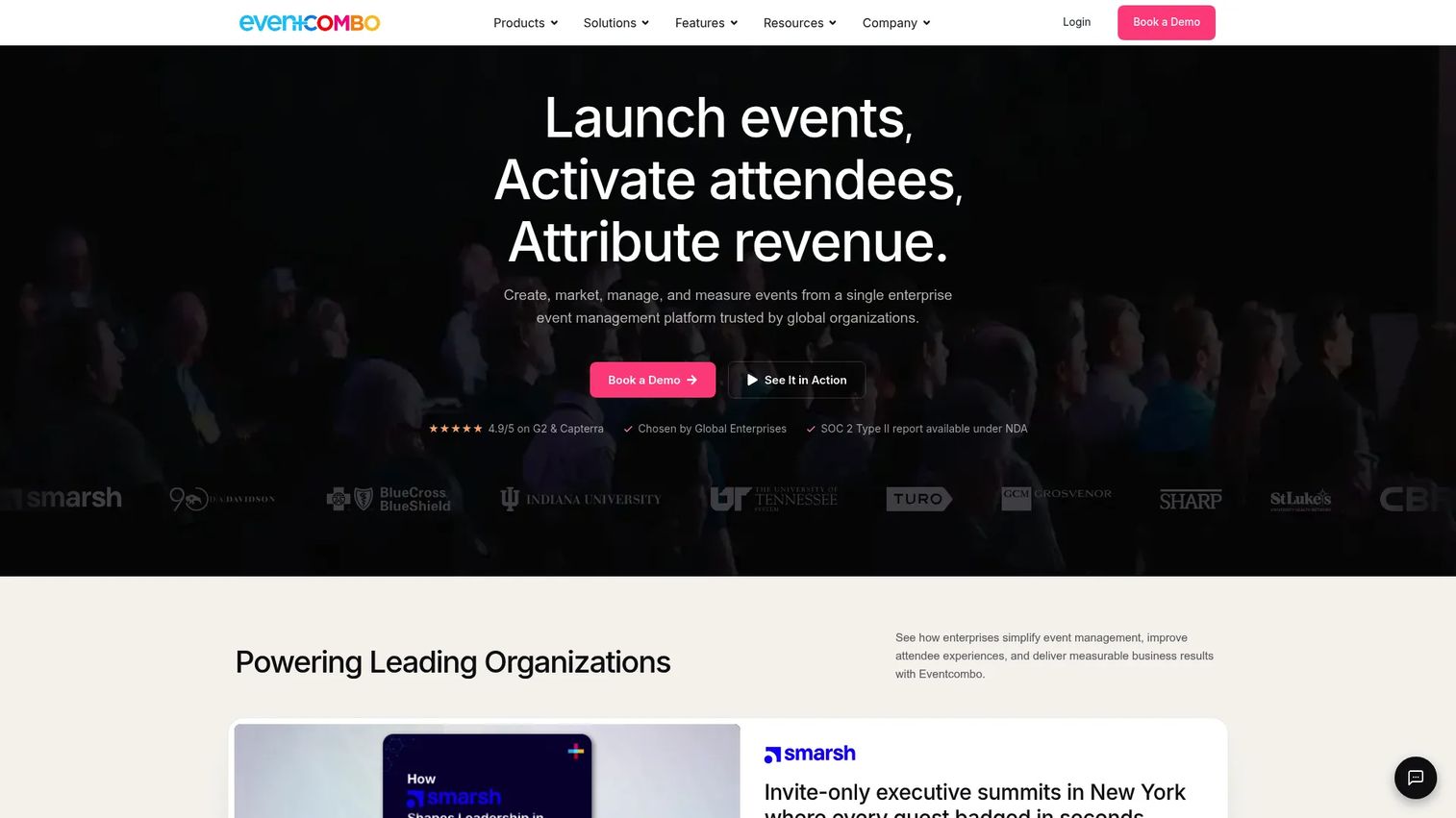
Eventcombo is an all-in-one event management platform covering in-person, virtual, and hybrid events. It handles the full event lifecycle: Registration and ticketing, attendee engagement tools, session and speaker management, onsite check-in, networking, surveys, and analytics. AI-driven event management tools are included across plans.
Best for: Organizations managing recurring enterprise events, conferences, training days, or hybrid programs that need a single platform from registration through post-event reporting.
Key features
- Event registration, ticketing, and waitlist management
- Event websites and multi-format attendee engagement tools
- Session, speaker, sponsor, and exhibitor management
- Check-in, badging, and onsite management
- Reporting, analytics, and AI-driven event management
Why choose Eventcombo: When collaboration happens in an event context rather than a persistent team space, Eventcombo covers the operational complexity that pure VR platforms do not. Product teams running user conferences, training summits, or hybrid launches will find the registration-to-analytics coverage more complete than most VR-native event tools.
Eventcombo pricing: Professional starts at $640 per month (or $7,670 billed annually) and covers unlimited events and registrations, ticketing, agenda management, and standard support. Business starts at $1,120 per month (or $13,430 annually) and adds venue management, floor plans, custom reports, and catering management.
G2 rating: 4.9/5
Considerations when choosing VR collaboration platforms
Device access and participation model
Before shortlisting any platform, map out who needs to participate and what hardware they have. A VR-only platform immediately excludes stakeholders on desktop or mobile. For PMs running cross-functional reviews or training programs, confirm whether the platform supports desktop fallback or browser access without a headset, and what level of interactivity that provides.
Use-case fit
Match the platform type to the workflow, not the other way around. An enterprise device management platform like ArborXR handles headset deployment but does not provide the meeting room. A social VR platform like VRChat provides community spaces but lacks the governance controls an enterprise training program requires. Platforms designed for 3D visualization, design review, or model inspection solve a different problem than platforms built for avatar-based meetings.
Operational overhead
Calculate the total workflow cost, not just the subscription price. Headset procurement, IT provisioning, room setup, facilitator training, and content maintenance all add to the time-to-value calculation. For teams exploring best onboarding flow software options alongside VR, it is worth comparing the activation cost of each approach before committing to hardware.
Security and governance
Enterprise VR programs need admin controls for user identity, content access, recording policies, and device management. Verify whether the platform supports SSO, audit logging, data residency requirements, and role-based permissions before involving IT or procurement. Platforms with provisional liquidity status, recent acquisitions, or limited public documentation require additional due diligence.
Measurement and adoption
Define success before the pilot launches. Tie the VR program to one measurable outcome: Training completion rate, stakeholder alignment speed, design review cycle time, or event attendance. Without instrumentation, you cannot tell whether the immersive format improved the workflow or just added headset friction. Start with one team, one workflow, and a clear baseline.
Conclusion
VR collaboration platforms span a wide range, from enterprise headset management infrastructure to social communities and event platforms. The right tool depends entirely on the workflow you are solving, not on which platform has the best avatar rendering.
For enterprise device management, ArborXR is the clear operational layer. For structured training and education programs, ENGAGE XR delivers the session depth and security controls serious programs need. SimLab VR Collaboration addresses the 3D review problem with a participant-free pricing model. Arthur and MeetinVR serve structured business meetings. For spatial design work and AEC coordination, The Wild's BIM integrations are the relevant differentiator. Eventcombo handles the event lifecycle from registration to post-event analytics.
The practical next step for most PMs is not to pick a platform. It is to pick one workflow that currently breaks in a video call, define the measurable outcome you want to improve, confirm your team's device access, and run a focused pilot against those criteria.
Before spending on hardware, also consider whether a well-built interactive demo or 3D rendering software review can close the context gap for stakeholders who do not need full immersion. Sometimes the spatial problem is a presentation problem.
Start with the workflow. The platform follows from that.
FAQs
A VR collaboration platform is software that lets people meet, train, design, or review work together inside a shared virtual environment. Participants join as avatars and interact with each other and with shared content, including whiteboards, 3D models, and media. Access can come from a VR headset, desktop computer, mobile device, or browser, depending on the platform.
Users join a scheduled or persistent virtual room where they appear as avatars. They can speak using voice chat, interact with whiteboards and 3D objects, and share files or screens depending on the platform's feature set. Spatial audio simulates presence by adjusting volume based on virtual distance between participants.
The answer depends on the workflow. ArborXR handles enterprise device management. ENGAGE XR suits training and education programs. SimLab VR Collaboration serves teams reviewing 3D models. Arthur and MeetinVR cover structured business meetings and workshops. Eventcombo manages the event lifecycle for conferences and hybrid programs. Check our guide to best virtual event platforms for additional event-specific comparisons.
Many platforms support desktop, browser, or mobile participation, but the level of interactivity varies. MeetinVR and VRChat both allow desktop joining without a headset. Spatial runs in a browser. Verify each platform's guest access and device support before buying, because headset-only platforms immediately exclude stakeholders who do not own hardware.
Costs vary by device count, user seats, session size, and enterprise feature requirements. ArborXR charges per device per month, starting at $4 for education and $7 for business. SimLab VR Collaboration charges the host only, starting at $39 per month. MeetinVR Pro is €35 per user per month. Eventcombo starts at $640 per month for event management. Many enterprise-focused platforms quote by request based on user count and deployment scope.
Video conferencing is faster and lower friction for most daily meetings. VR collaboration adds value specifically when the work being reviewed has spatial context that a flat screen cannot carry, such as 3D product models, building walkthroughs, or procedural training simulations. For teams running board meeting software style governance meetings, video conferencing remains the right tool. VR earns its cost when the session genuinely improves with shared spatial presence.
Most platforms support VR headsets from Meta Quest, HTC Vive, Pico, and HP Reverb for full immersion, alongside desktop and browser access for flat-screen participants. Network quality matters more than most teams expect: A stable connection prevents avatar jitter and audio dropout. IT involvement becomes necessary as headset count grows, particularly for device management, app deployment, and identity provisioning. See our ar collaboration tools guide for adjacent hardware considerations.
Architecture, engineering, and construction teams use VR for design review and BIM coordination. Healthcare and pharmaceutical organizations use it for procedural training and clinical simulations. Manufacturing and industrial teams apply it to safety training and factory layout reviews. Education, corporate learning, and defense organizations run large-scale training programs in immersive environments. Product, design, and events teams use it for reviews, launches, and hybrid conferences. For broader spatial software context, see our guide to best 3D modeling software and 3D rendering software tools.