Your team has Slack threads, Confluence pages, ClickUp tasks, browser tabs stacked six deep, and three different dashboards your new VP still can't interpret without a 30-minute context call. The work is happening. The problem is that no single person except you knows where it lives.
According to Okta's Businesses at Work report (2025), organizations used an average of 101 apps in 2025, surpassing 100 for the first time. That number explains why so many Series B teams find themselves slower at 80 people than they were at 20: The operating surface grew faster than the operating system holding it together.
Unified workspaces software exists to close that gap. The category covers everything from browser organizers and collaboration hubs to knowledge platforms and secure virtual desktops. Pick the wrong type and you add another layer; pick the right one and your VPs stop routing every question through you.
What's inside
This guide compares 19 unified workspaces software options for 2026, selected from marketplace rankings, G2 category pages, and recurring founder recommendations, then narrowed for category fit. It covers tools from multiple workspace types because "unified workspace" is not one product shape.
Items were evaluated on:
- App consolidation and context switching reduction
- Collaboration, task, document, and knowledge coverage
- Security, admin controls, and remote access depth
- Pricing clarity and fit for SaaS teams scaling past founder-led operations
The article also covers account management software, business process management software, and related operating stack categories if you want to build out a complete founder toolkit.
TL;DR
- Best for app consolidation: Shift organizes apps, email accounts, and browser sessions in one customizable desktop layer.
- Best for execution management: ClickUp connects tasks, docs, goals, and dashboards in one workspace. Choose it when leadership needs cross-functional visibility without founder translation.
- Best for communication-led teams: Slack works when channel-based communication needs to become searchable and structured. Pair it with a documentation tool for full coverage.
- Best for browser workspace organization: Workona saves and restores project-based browser sessions. Strong for operators, RevOps, and research-heavy roles.
- Best for secure remote work: Venn fits BYOD and distributed teams. For full virtual desktops, Azure Virtual Desktop or Citrix DaaS handles IT-managed infrastructure.
- Best for employee experience: Workvivo (for culture and internal comms at scale) or MangoApps (for frontline plus office workforce coverage).
What is unified workspaces software?
Unified workspaces software centralizes the apps, files, conversations, tasks, knowledge, and access points a team uses to get work done into a single interface or operating layer.
The category spans several distinct product shapes:
- Browser and app workspace: A desktop or browser layer that organizes SaaS apps, email accounts, and tabs by project or persona (Shift, Workona, Rambox, Station)
- Collaboration hub: Channel-based communication, file sharing, and workflow automation that becomes the company operating surface (Slack)
- Work management platform: Tasks, docs, goals, dashboards, and automations connected in one workspace (ClickUp)
- Employee intranet and experience platform: Communication, recognition, knowledge, and community for distributed or large workforces (MangoApps, Workvivo)
- Knowledge workspace: Structured documentation, search, and institutional memory (Confluence, Document360)
- Secure remote workspace: Managed access to business apps and data from unmanaged or personal devices, or full virtual desktops (Venn, Citrix DaaS, Azure Virtual Desktop, BlackBerry UEM, HERE Enterprise Browser)
- Digital workplace portal: An adaptive portal consolidating Microsoft 365 apps, business tools, and announcements (Workspace 365)
Core capabilities across the category:
- App and tab consolidation
- Unified search across tools
- Team chat and async communication
- Task, [project, and workflow management
- Document and knowledge management
- Identity, SSO, and access controls
- Admin dashboards and governance
- Secure remote access or virtual desktops
An important clarification for founders evaluating this category: A unified workspace is not always an all-in-one replacement. Often it becomes the operating layer that connects existing tools, reduces hidden coordination](https://www.guideflow.com/blog/project-management-tools) overhead, and lets decisions travel without the founder in every conversation.
When to use unified workspaces software
Consolidate work after fast headcount growth
Series B teams often add tools team by team. At 30 people, a Slack channel and a shared Google Drive folder feel manageable. At 80 or 100 people, work disappears across tabs, channels, projects, and duplicated docs. A unified workspace addresses this by creating a single surface where context accumulates instead of scattering. App consolidation at this stage is operational hygiene, not a nice-to-have.
Support remote and hybrid teams without more meetings
Distributed teams need a shared operating surface. Good workspace software keeps files, decisions, tasks, and conversations findable after the meeting ends. The real test: Can a VP who joined last month find last quarter's product decision without asking you? If the answer is no, a knowledge or collaboration workspace closes that gap.
Secure access for contractors, BYOD, and distributed teams
Once you have contractors, distributed GTM reps, or enterprise buyers running security reviews, the question shifts from "where does work live?" to "who can safely access it from where?" Secure workspace tools handle unmanaged devices, BYOD policies, and controlled app access, without requiring you to manage every endpoint.
Unified workspaces software comparison
The table below covers all 19 tools by workspace type, key differentiator, pricing tier, and G2 rating. Pricing reflects verified information from each vendor's pricing page at time of writing. G2 ratings reflect current listings. Tools without a G2 rating or without publicly accessible pricing are noted accordingly.
| # | Product | Best for | Key differentiator | Pricing | G2 rating |
|---|---|---|---|---|---|
| 1 | Shift | App and email consolidation | Multi-account browser with unified search | Free; Advanced $199.99/yr | 4.4/5 |
| 2 | Slack | Channel-based collaboration | Workflow Builder and 2,600+ app integrations | Free; Pro from $8.75/user/mo | 4.5/5 |
| 3 | ClickUp | Cross-functional work management | Tasks, docs, goals, dashboards, and automations | Free; Unlimited from $7/user/mo | 4.6/5 |
| 4 | Workona | Browser workspace organization | Project-based tab and session management | Custom pricing | 4.8/5 |
| 5 | Station | Desktop app aggregation | Multi-account web app dock | Unavailable (verify status) | 4.7/5 |
| 6 | Venn | BYOD secure remote work | Secure enclave separating work from personal device | Custom pricing | 4.3/5 |
| 7 | MangoApps | Frontline and office employee hub | Intranet, comms, knowledge, and workflows | From $99/mo (25 users) | 4.2/5 |
| 8 | Focos | Personal desktop workspace | Distraction-free multi-app workspace | From £4.25/mo (annual) | 4.7/5 |
| 9 | Desktop.com | Shared cloud workspace | Apps, links, passwords, and team chat in one layer | Custom pricing | 4.6/5 |
| 10 | Workvivo | Employee experience and engagement | AI-native social intranet and internal communications | Custom pricing | 4.8/5 |
| 11 | Document360 | Knowledge base and documentation | AI-powered structured knowledge portal | Custom pricing | 4.7/5 |
| 12 | Rambox | Personal multi-app communication hub | 700+ apps with session lock and workspaces | Free; Pro from $7/mo | 4.7/5 |
| 13 | TSplus | Remote Windows app access | Browser-based Windows app delivery | From $200 one-time | 4.9/5 |
| 14 | Confluence | Team knowledge and documentation | Collaborative pages with Atlassian ecosystem depth | Free (10 users); Standard from $5.42/user/mo | N/A on G2 |
| 15 | BlackBerry UEM | Enterprise endpoint management | Device, app, and policy control for distributed workforces | Custom pricing | 3.8/5 |
| 16 | Workspace 365 | Microsoft 365 adaptive portal | SSO, Conditional Access, and Global Search in one portal | Custom pricing | 4.6/5 |
| 17 | HERE Enterprise Browser | Governed enterprise browser | AI Center, Supertabs, and cross-app security controls | Custom pricing | N/A on G2 |
| 18 | Citrix DaaS | Virtual apps and desktops | Enterprise virtual desktop infrastructure across hybrid clouds | Custom pricing | N/A on G2 |
| 19 | Azure Virtual Desktop | Cloud-hosted Windows desktops | Microsoft-native virtual desktop with Azure security | Pay-per-use compute | 4.2/5 |
Best 19 unified workspaces software tools
1. Shift
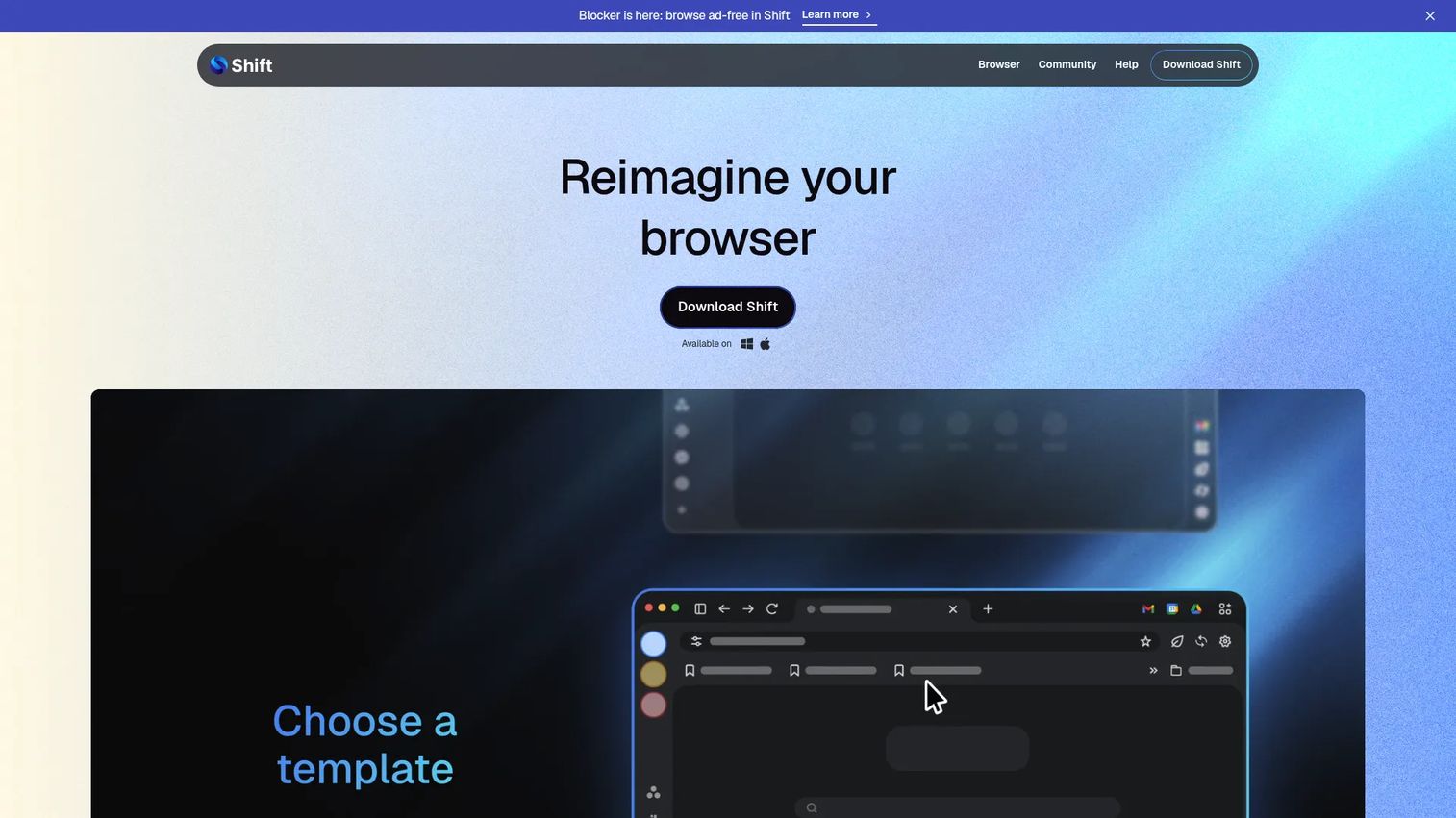
Shift is a customizable browser designed to centralize apps, email accounts, browser sessions, and daily SaaS tools in one place. It supports multiple account instances per app, unified search across tabs and apps, and organized Spaces for grouping work by project or client. For founders tired of watching their team rebuild browser context every morning, Shift addresses the surface layer where that time disappears.
Best for: Individuals and teams managing many email accounts, SaaS apps, and browser workflows simultaneously.
Key features
- Multi-account app and email management
- Customizable Spaces for projects and clients
- Unified search across tabs, apps, and accounts
- Shift AI for page-aware research and summaries
- Chrome extension support and browser templates
Why choose Shift: Shift works best when tab overload and scattered logins are the bottleneck. It organizes the surface where work happens but does not replace project management or team documentation tools.
Shift pricing: Free plan available with 5 Spaces and 10 apps per Space. Advanced runs $199.99 per user annually and adds unlimited Spaces, expanded AI usage, and priority support. Team pricing is available on request.
G2 rating: 4.4/5
2. Slack
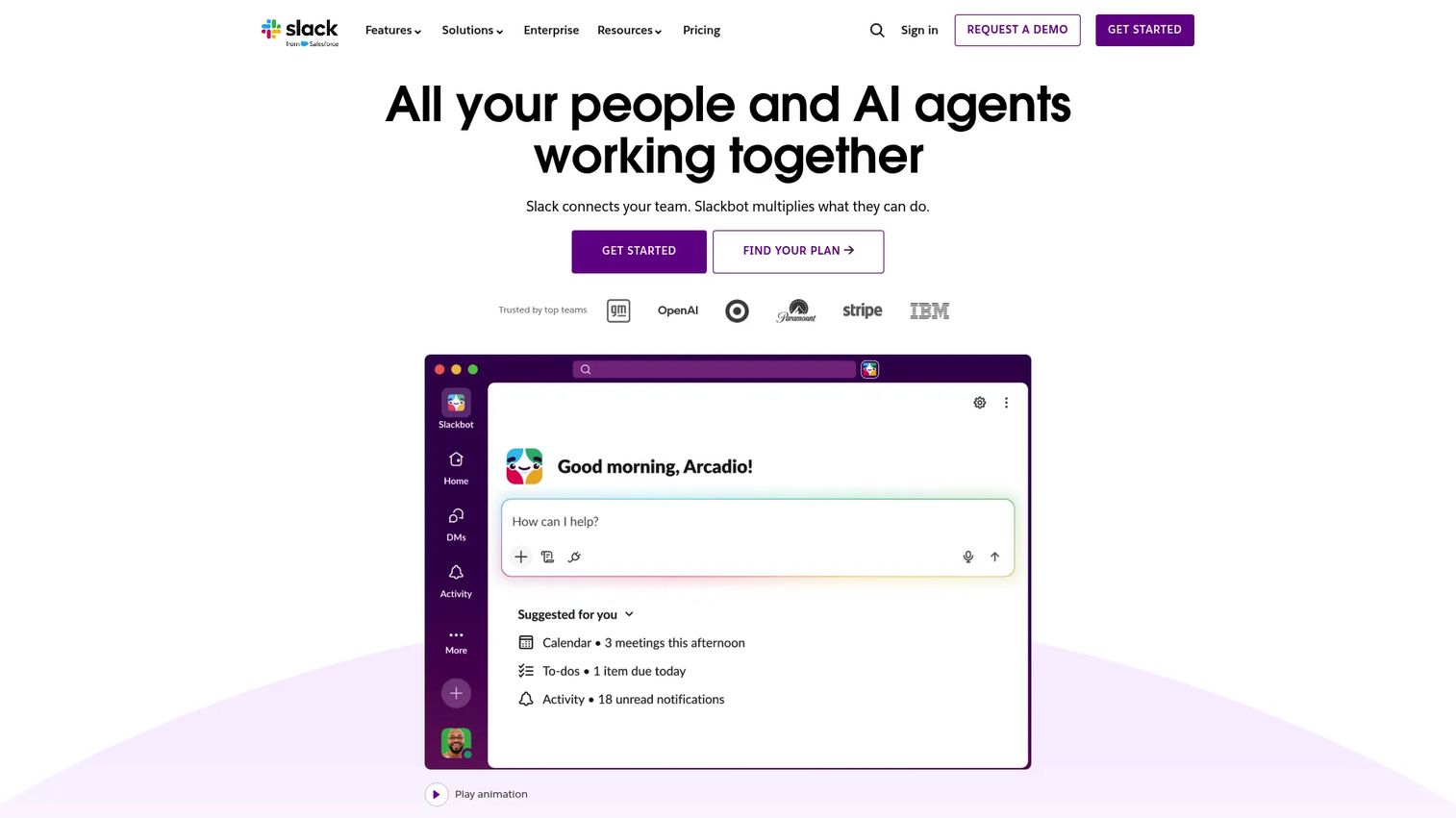
Slack is a work collaboration platform built around channel-based communication, file sharing, workflow automation, and integrations. At its core it organizes conversations by team, project, and topic so that company knowledge accumulates in searchable channels rather than inboxes. Slack's Workflow Builder lets non-technical operators automate handoffs, approvals, and notifications without engineering support, making it useful for founders who need repeatability without adding headcount.
Best for: Remote and hybrid teams that need communication to become a searchable, structured operating layer.
Key features
- Channels, DMs, and threaded conversations
- Huddles with audio, video, and screen sharing
- Workflow Builder for no-code automations
- Canvas and Lists for lightweight docs and tasks
- 2,600+ app integrations including Salesforce and Jira
Why choose Slack: Strong when communication is the center of how work gets coordinated. Pair it with a documentation platform if the team needs structured knowledge and decision records.
Slack pricing: Free plan available. Pro costs $8.75 per user per month (monthly billing) or $7.25 per user per month billed annually. Business+ runs $18 per user per month monthly, or $15 annually. Enterprise+ pricing requires contacting sales.
G2 rating: 4.5/5
3. ClickUp
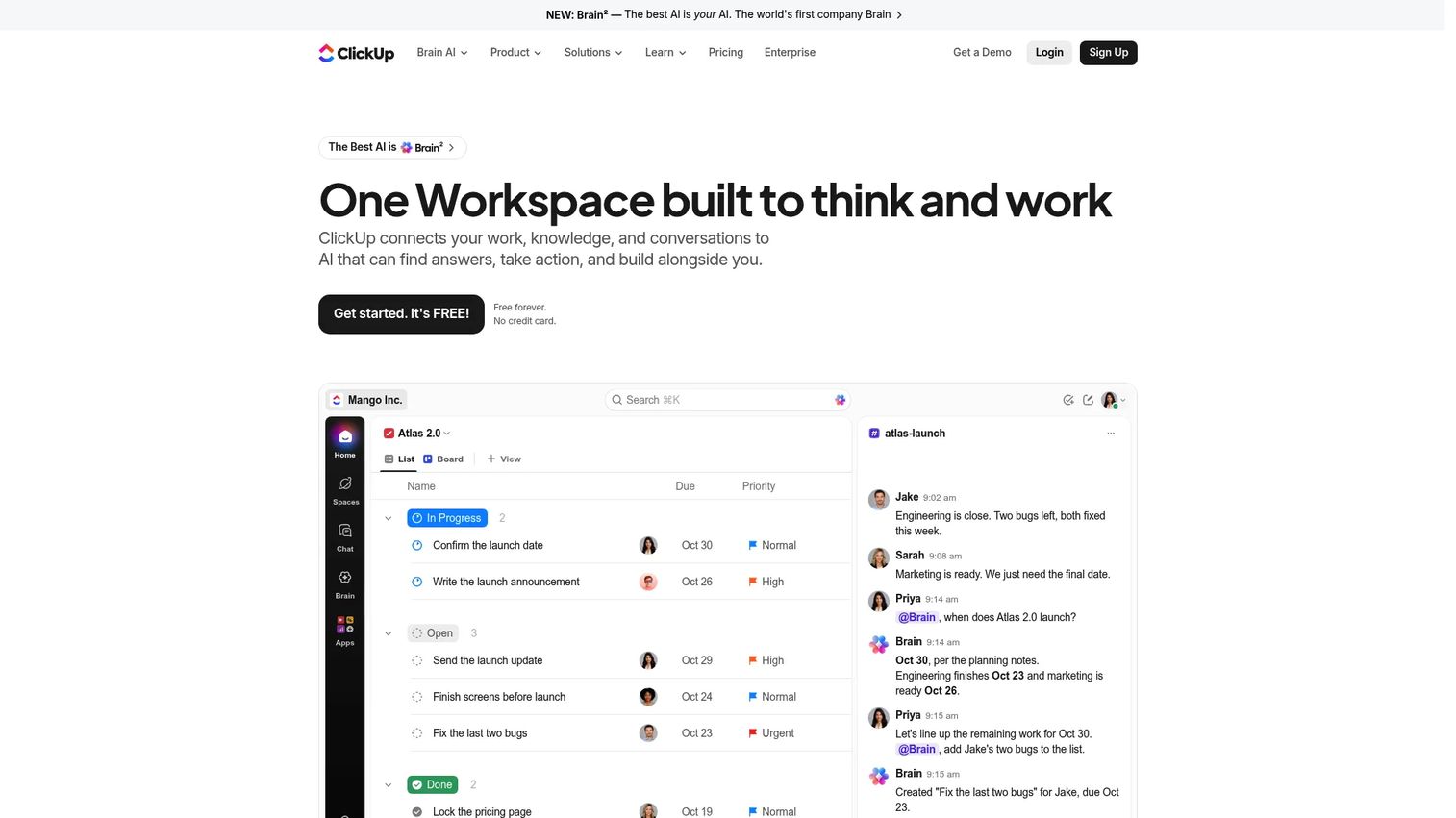
ClickUp is an all-in-one work management platform that connects tasks, docs, goals, dashboards, automations, whiteboards, and chat in one workspace. For Series B founders building operating rhythms their VP of Sales or Head of Product can run independently, ClickUp provides the execution visibility layer: Quarterly priorities, cross-functional task ownership, and reporting that survives a board review without needing a founder to translate it.
Best for: SaaS teams that want tasks, docs, goals, and dashboards connected in one execution layer across product, GTM, and operations.
Key features
- Tasks, sprints, goals, milestones, and custom workflows
- Multiple views: List, Board, Gantt, Calendar, Workload, and Mind Map
- Collaborative Docs and wikis linked directly to tasks
- Dashboards, rollups, and time tracking
- Automations, AI features, and integrations
Why choose ClickUp: Strong when cross-functional execution visibility is the priority. Start with one workflow, such as product launches or sales onboarding, before rolling it company-wide.
ClickUp pricing: Free Forever plan available. Unlimited costs $7 per user per month billed annually (or $10 monthly). Business runs $12 per user per month annually (or $19 monthly). Enterprise pricing is custom.
G2 rating: 4.6/5
4. Workona
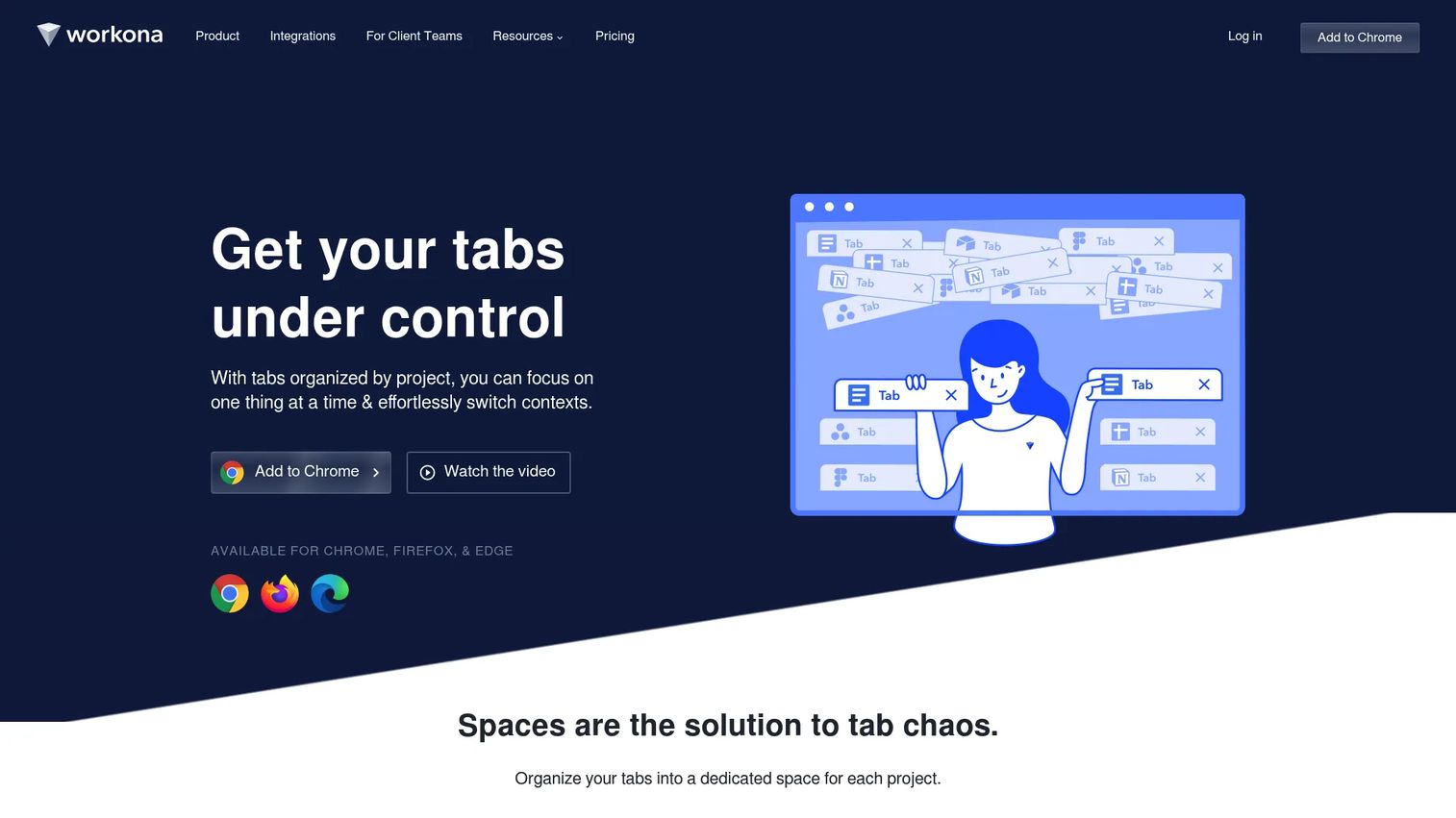
Workona is a browser workspace that organizes tabs, apps, documents, and notes by project, then saves and restores sessions automatically. For teams doing research-heavy or multi-app work, it solves the daily tax of rebuilding browser context after a call or a context switch. Shared spaces let teams access common project setups without each person maintaining their own.
Best for: Teams that need project-based browser organization rather than a full collaboration or documentation platform.
Key features
- Project Spaces for organizing tabs, apps, and links
- Autosaving and session restoration across devices
- Tab suspension to reduce memory and distraction
- Universal search across project resources
- Integrations with Google Drive, Slack, and task apps
Why choose Workona: Strong for operators, RevOps, marketing, and support roles that live across many cloud apps. Pair it with a communication tool for team coordination.
Workona pricing: Plans include Pro, Team (minimum 3 users), and Enterprise. Workona does not display prices on its pricing page; contact the vendor for current rates. Enterprise adds SSO, auto-provisioning, and admin controls.
G2 rating: 4.8/5
5. Station
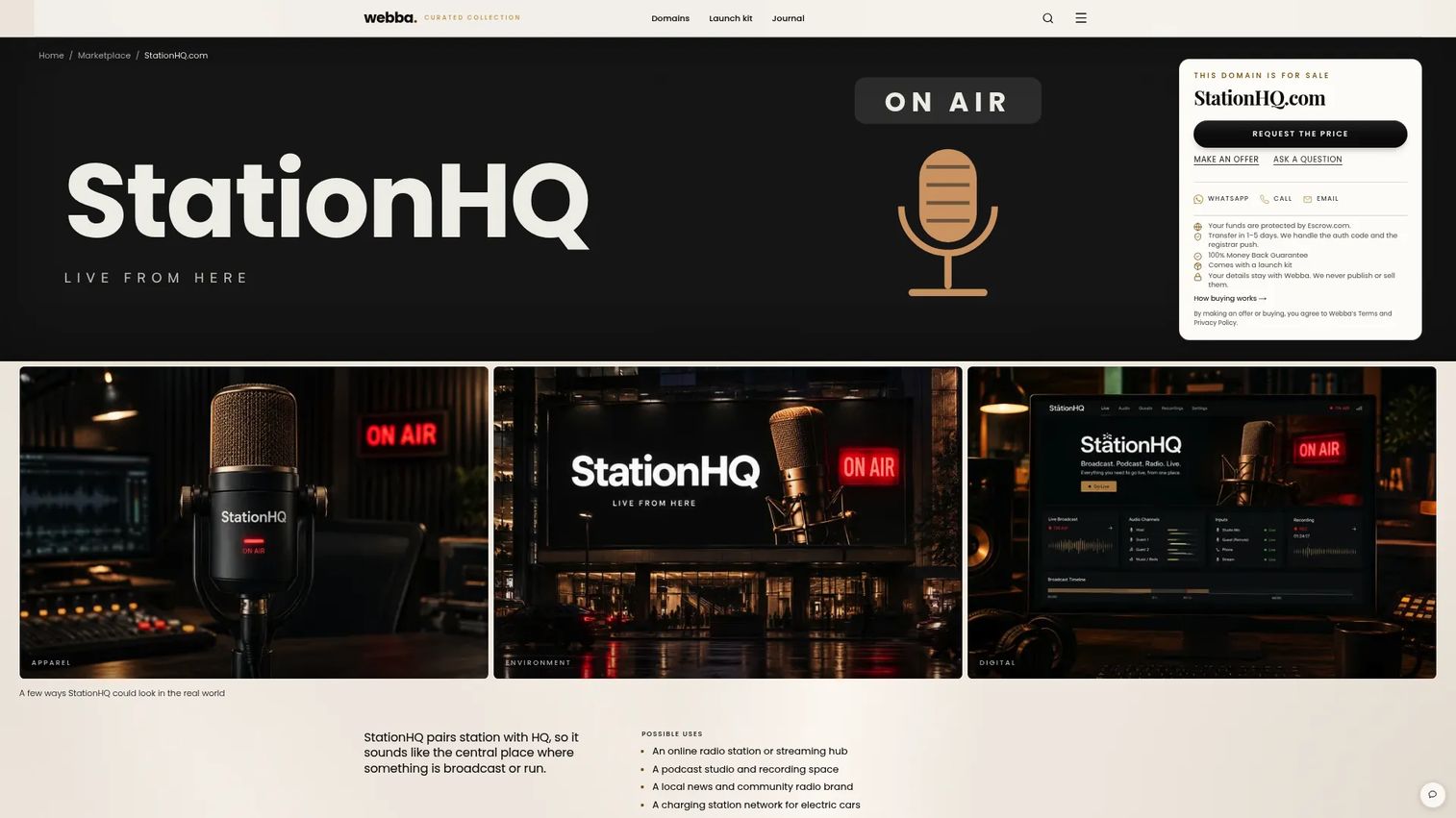
Station was a desktop application for organizing web apps, accounts, and notifications in a centralized dock. It allowed quick switching between SaaS tools and controlled notification delivery across multiple app accounts. Station holds a 4.7/5 G2 rating based on 35 reviews from its active period.
Best for: Individuals who needed a desktop dock for many cloud apps across multiple accounts.
Key features
- Web app launcher and dock
- Multi-account support per app
- Notification management and control
- Quick app switching
- Centralized workspace view
Why choose Station: Station earned strong reviews for reducing SaaS tab overload. However, the product's current homepage resolves to a domain marketplace page. Verify availability directly with the vendor before recommending or purchasing.
Station pricing: Check the vendor directly before making any purchasing decision.
G2 rating: 4.7/5
6. Venn
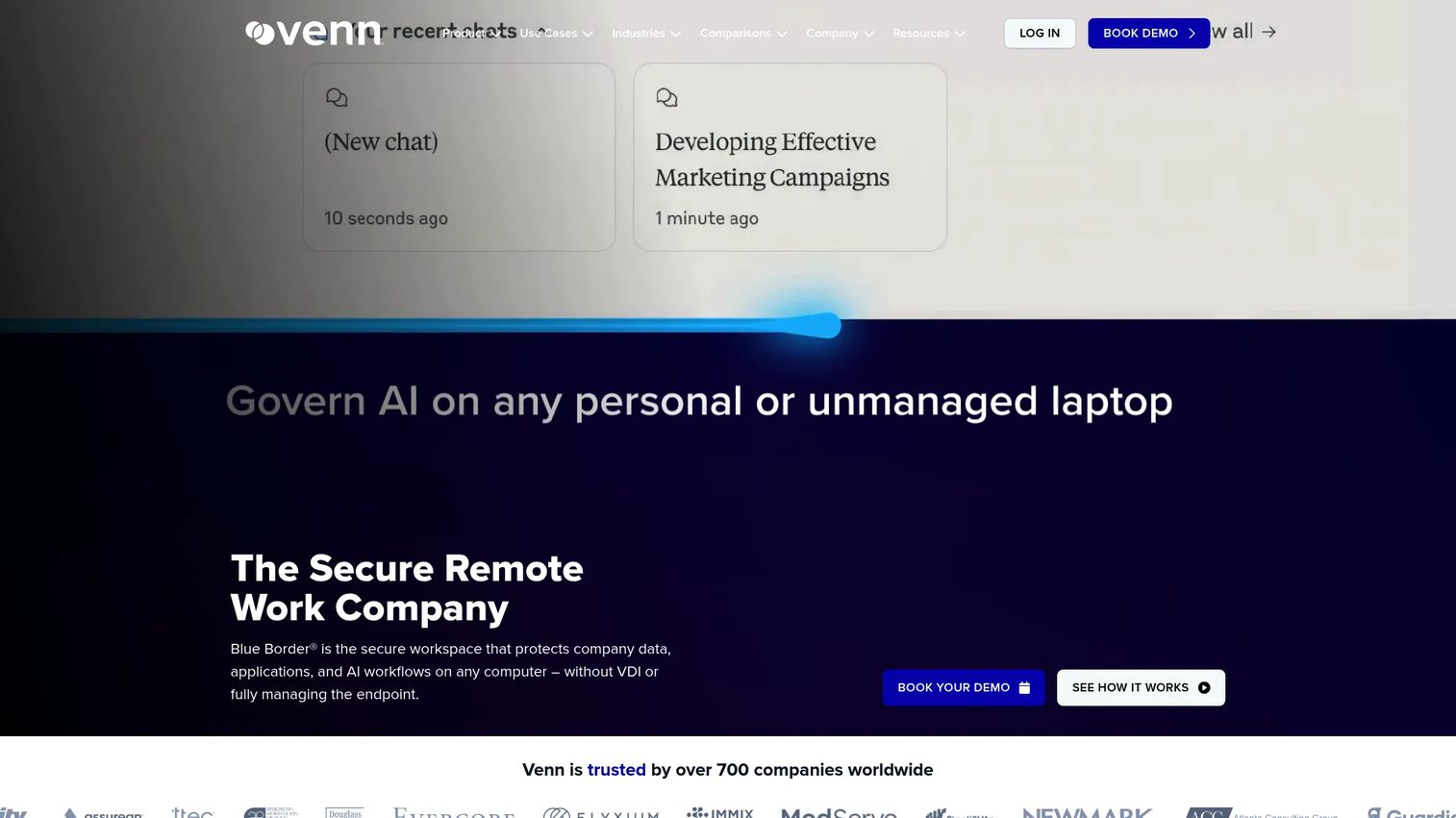
Venn provides a secure work enclave called Blue Border that isolates company data, apps, and AI workflows on Mac and PC devices without requiring full device management or VDI. Business activity runs inside a controlled container on the employee's personal or unmanaged device, while personal activity remains separate. For SaaS founders with contractors, distributed GTM teams, or enterprise buyers running security reviews, Venn removes the need to provision managed devices without leaving data exposed.
Best for: SaaS companies that need secure access from unmanaged or personal devices, particularly those with contractors or regulated data requirements.
Key features
- Secure Blue Border enclave isolating work from personal device
- DLP and clipboard control between work and personal contexts
- AI-tool governance for browser and desktop workflows
- Audit logs and centralized access visibility
- Remote wipe and rapid onboarding or offboarding
Why choose Venn: Strong when the question is not where tasks live but how to safely let people work from anywhere. Evaluate it when contractors, BYOD policies, or enterprise security reviews are driving the decision.
Venn pricing: Contact the vendor to discuss user minimums, device policies, and contract terms.
G2 rating: 4.3/5
7. MangoApps
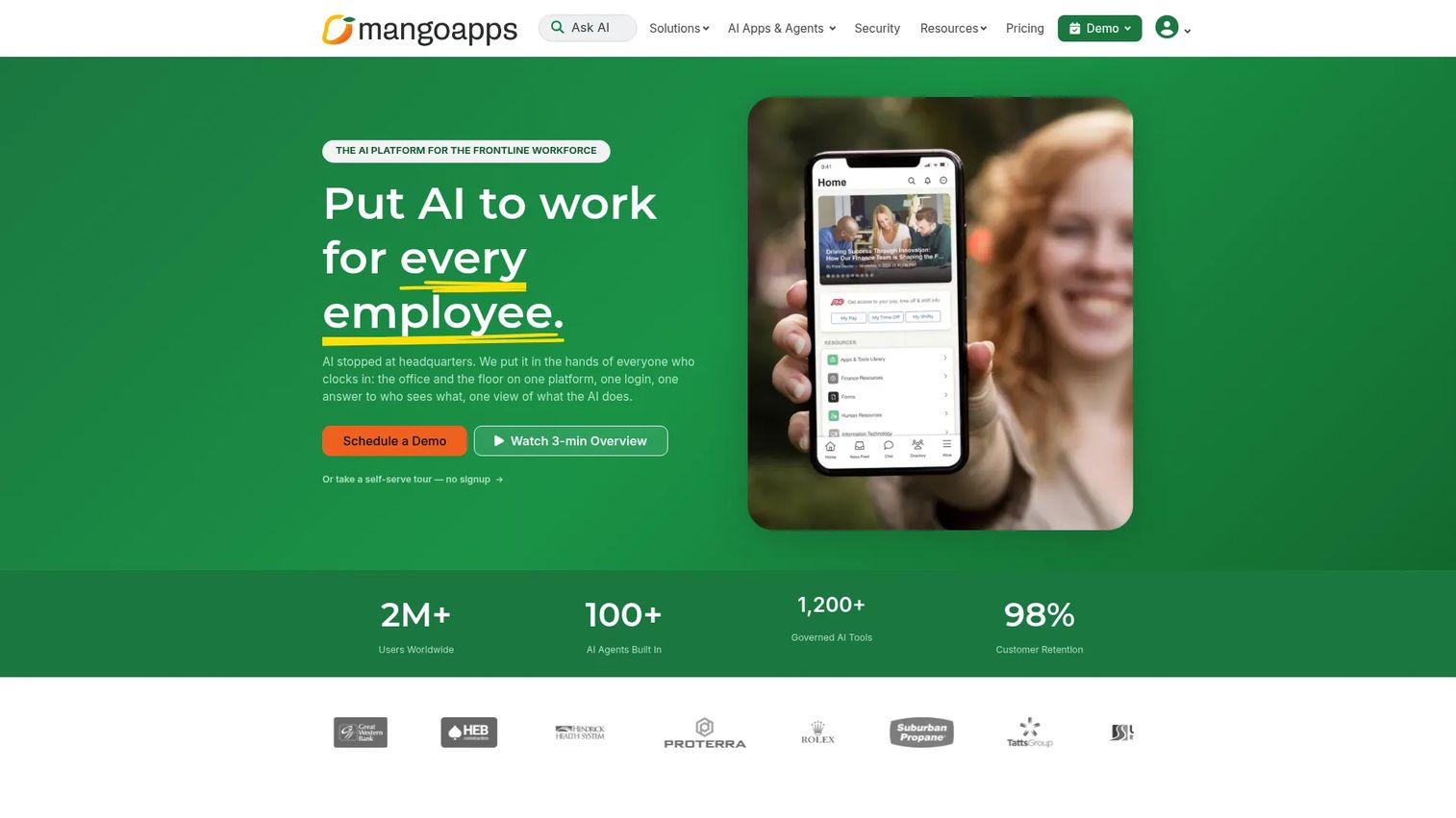
MangoApps is an AI platform that combines employee communications, intranet, knowledge sharing, task management, and workflow automation for both frontline and office workers. It covers the full internal communications stack: Company announcements, team collaboration, employee directories, document libraries, and automations, backed by SSO, RBAC, and audit controls. For companies scaling past the small-team Slack culture, MangoApps provides a more structured employee hub without requiring a separate intranet, wiki, and task tool.
Best for: Organizations that need one platform for frontline and office employee communication, collaboration, and knowledge.
Key features
- Company intranet with announcements and employee directory
- Team chat, file sharing, wikis, and collaborative notes
- Task management and customizable workflow forms
- AI search, AI assistants, and app building
- 200+ integrations with SSO, RBAC, and audit trails
Why choose MangoApps: Strong when internal communication has outgrown Slack alone and the team needs structured knowledge and workflows in the same environment. A 14-day free trial is available before commitment.
MangoApps pricing: Basic starts at $99 per month (or $990 per year) for 25 users, with additional users at $4 per user per month. Standard costs $149 per month. Pro runs $299 per month. Enterprise pricing is custom.
G2 rating: 4.2/5
8. Focos
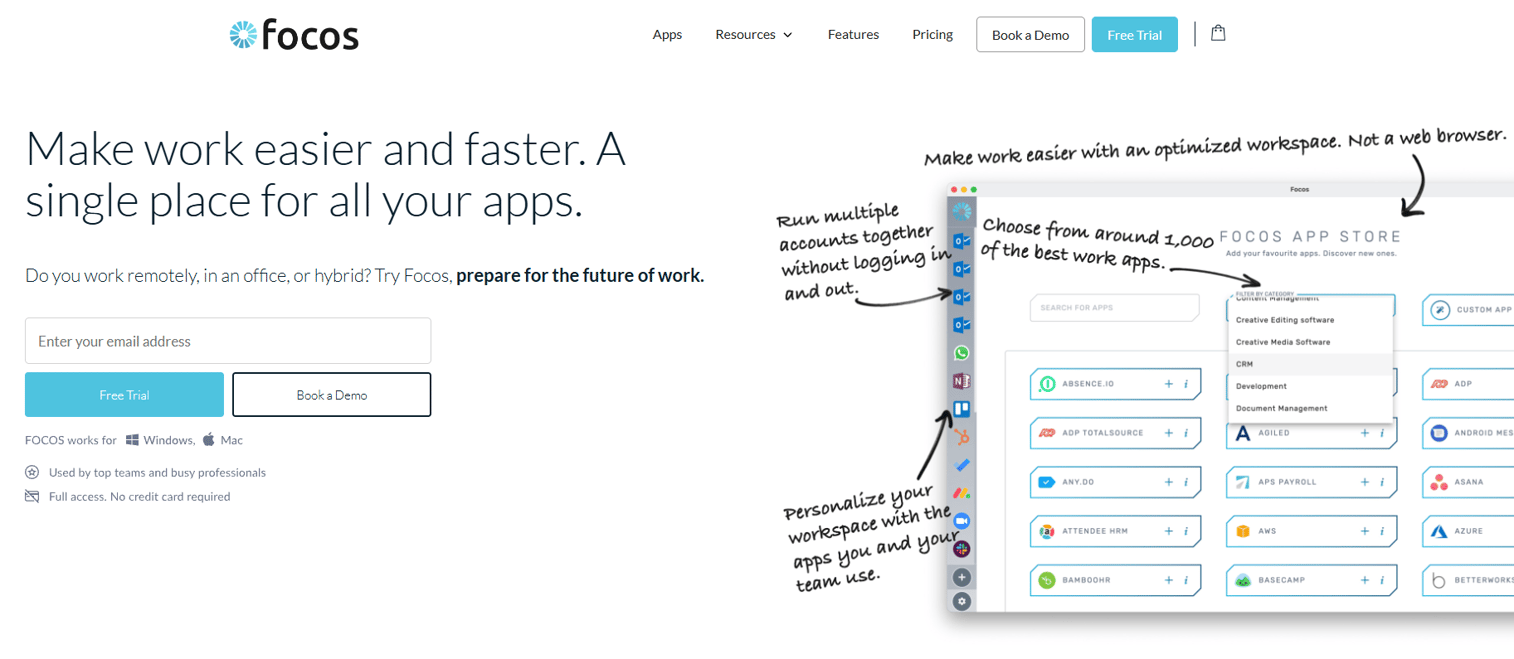
Focos is a desktop workspace application that brings web apps, accounts, and custom URLs into one distraction-free interface for Mac and PC. It supports multiple app instances, notification pausing, smart file transfers between apps, and workspace personalization. For individual contributors or small teams who find context switching between SaaS tools the main productivity drag, Focos provides a lightweight personal workspace layer.
Best for: Remote workers, freelancers, and small teams that need multiple work apps and accounts organized in one desktop workspace.
Key features
- Multi-account and multi-app switching in one desktop
- Curated app store with custom URL support
- Notification pausing and focus control
- Smart downloads for moving files between apps
- Personalized workspace and app arrangement
Why choose Focos: Good fit when individual focus and app switching are the problem, not team-wide knowledge or governance. It is not the right anchor for company-wide documentation or secure access.
Focos pricing: Solo plan starts at £4.25 per month (billed annually, with 15% off) or £5 per month billed monthly. Business plan costs £84.20 per month (annually) or £99 per month. A 14-day free trial is available.
G2 rating: 4.7/5
9. Desktop.com
Desktop.com is a digital workspace for organizing web apps, links, content, passwords, and team communication in one cloud-based layer. It supports shared workspaces, an integrated app store, global search, and built-in chat and video. Teams use it to keep daily SaaS tools and resources findable without full work management infrastructure.
Best for: Teams that need a shared cloud workspace for apps and resources without heavy project management overhead.
Key features
- Shared workspaces for apps, links, and content
- Integrated app store and app management
- Password management and credential sharing
- Global search across apps and content
- Chat, voice, and video communication
Why choose Desktop.com: Strong for teams that want a lightweight operating layer over web tools. Compare it against ClickUp or Confluence when task execution or structured knowledge is the primary gap.
Desktop.com pricing: Contact the vendor directly to verify current availability and pricing before purchasing.
G2 rating: 4.6/5
10. Workvivo
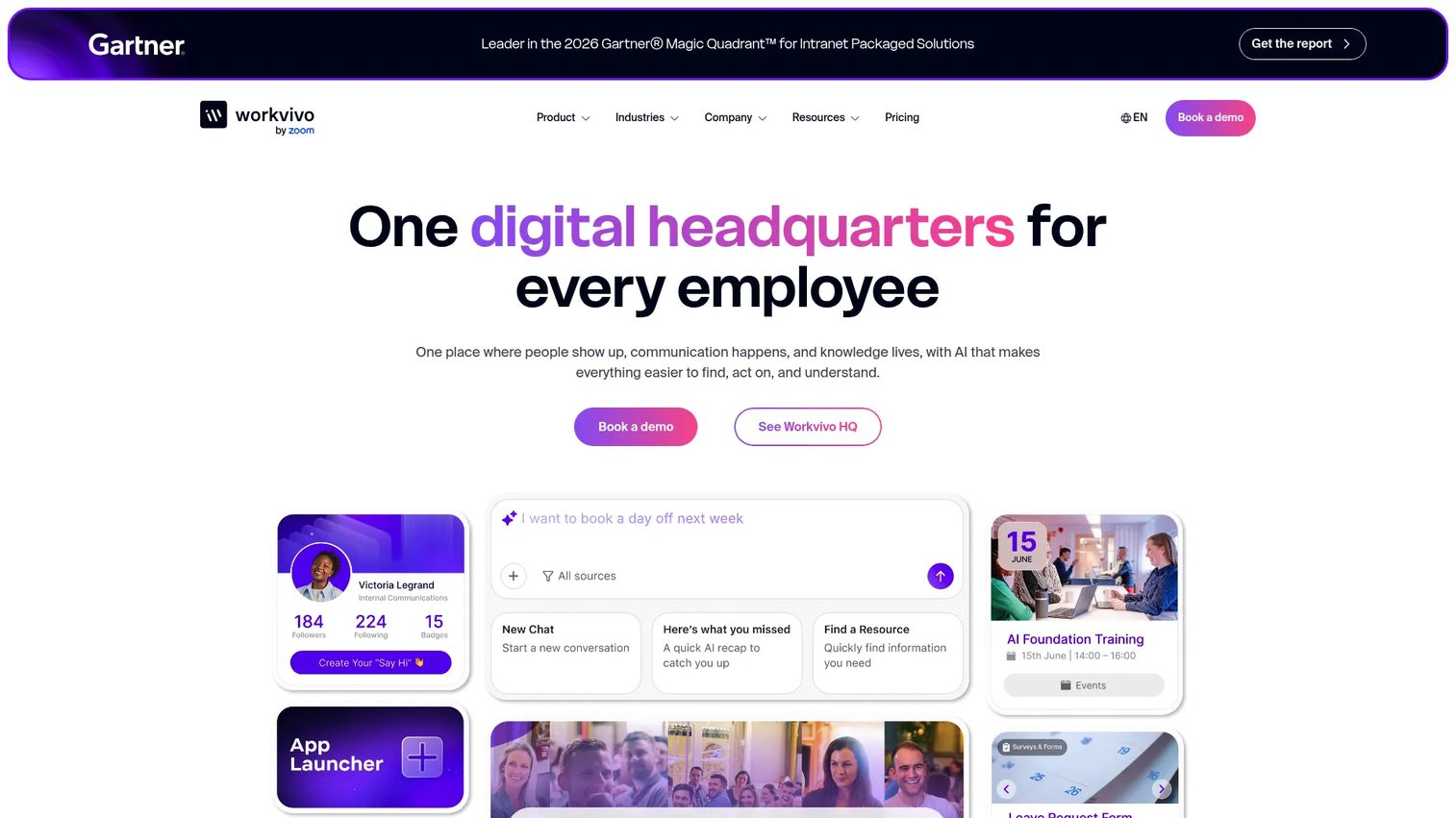
Workvivo is an AI-native employee experience platform that combines communications, modern intranet, engagement, recognition, and people intelligence in one digital headquarters. For companies scaling past 100 people where culture and internal comms start breaking down, Workvivo provides the social layer that keeps distributed teams connected: Employee feeds, livestreams, newsletters, shoutouts, awards, and AI-powered search across policies and announcements.
Best for: Large and distributed organizations that need a centralized employee communications and engagement hub separate from their work management tools.
Key features
- Intelligent employee communications with AI-powered intranet
- Livestreams, newsletters, and recognition features
- People intelligence and employee feedback analysis
- Mobile-first employee experience
- Integration with existing HRIS and productivity tools
Why choose Workvivo: Strong when company connection and internal communication are breaking under growth. Pair with ClickUp or a documentation tool if task tracking and knowledge management are also gaps.
Workvivo pricing: Custom pricing only. Workvivo does not offer a free trial. Contact the vendor for a quote based on license count and organizational needs.
G2 rating: 4.8/5
11. Document360
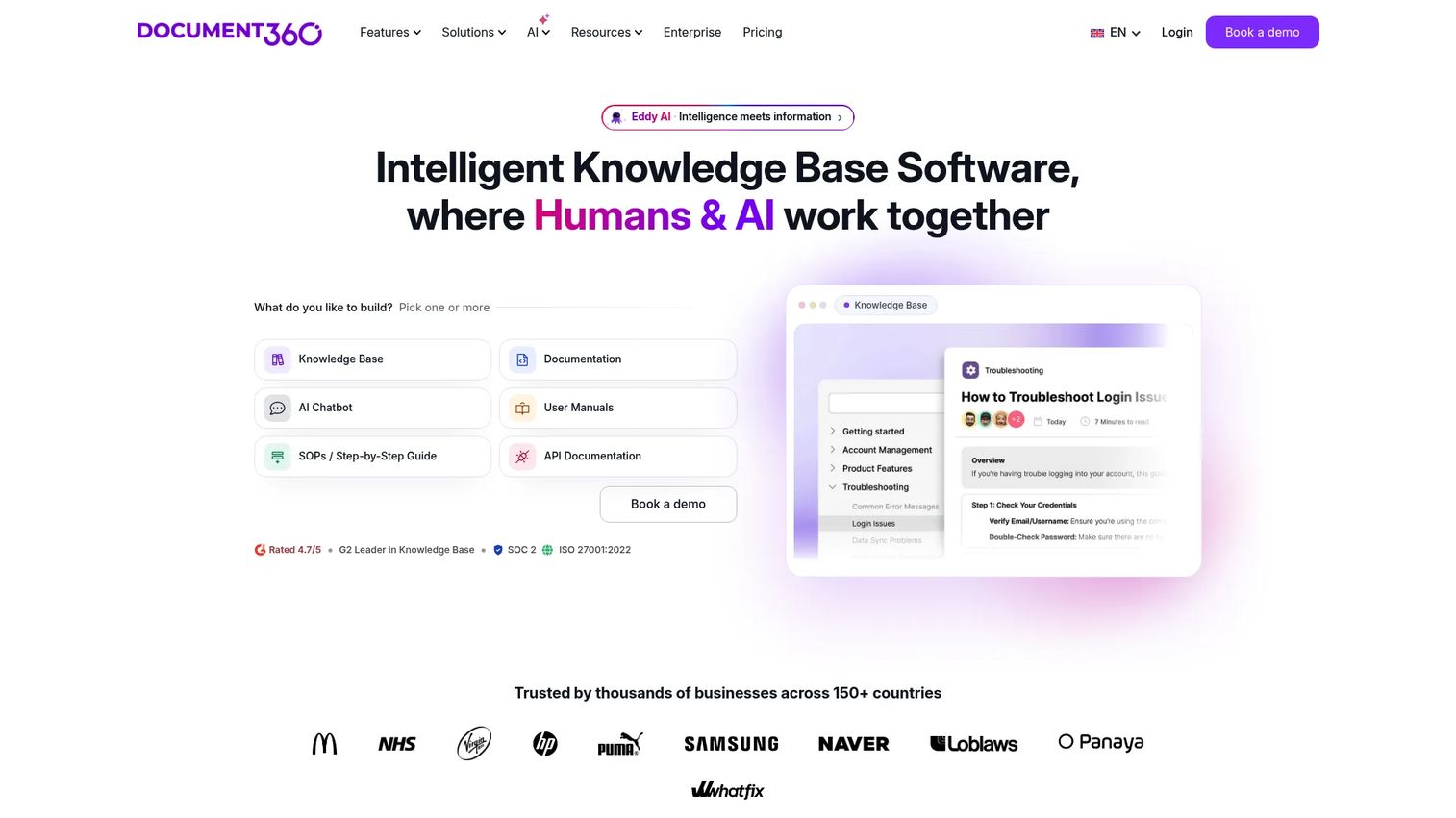
Document360 is an AI-powered knowledge base platform for creating and managing public, private, internal, product, API, and SOP documentation. For founders whose teams are answering the same onboarding or support questions on repeat, Document360 provides structured self-serve knowledge that scales without adding headcount. Fewer repeated questions, faster ramp for new hires, and cleaner institutional memory are the operating outcomes.
Best for: Teams that need a structured, scalable knowledge base for internal documentation, customer support content, or product knowledge portals.
Key features
- Advanced WYSIWYG and Markdown editors
- AI Search and Eddy AI writing tools
- Custom workflow builder for content approval
- Version control and analytics
- Category manager for structured content organization
Why choose Document360: Strong when knowledge decay is the problem rather than app switching or team communication. It anchors self-serve knowledge but does not replace a collaboration hub or project management tool.
Document360 pricing: Pricing is customized based on organizational requirements. Contact Document360 sales for a quote.
G2 rating: 4.7/5
12. Rambox
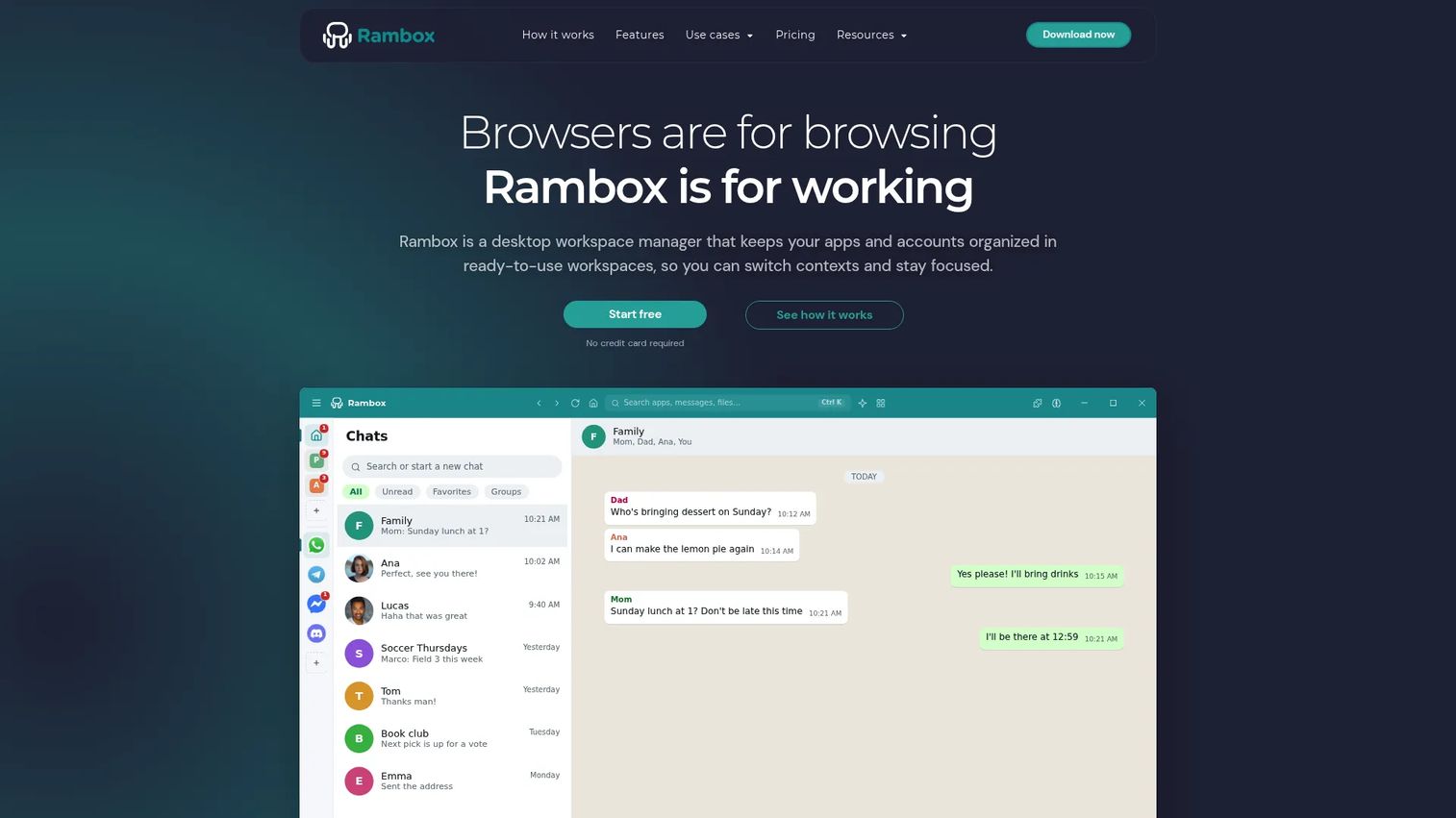
Rambox is a digital workspace that consolidates web apps, messaging tools, email clients, and accounts in one desktop environment. It supports over 700 apps, multiple account instances per app, customizable workspaces, Focus Mode, Quick Search, and cross-platform sync across Windows, macOS, and Linux. Session lock and encrypted storage add a baseline of security for multi-account workers.
Best for: Professionals and teams managing many communication apps, client accounts, or work contexts from one desktop.
Key features
- 700+ ready-to-use apps and custom web app support
- Multi-account and session management per app
- Workspaces, Focus Mode, and Quick Search
- Cross-platform support for Windows, macOS, and Linux
- Session lock, encrypted storage, and proxy support
Why choose Rambox: Strong for people who switch between many communication apps every day. Less useful when the team needs project execution, structured documentation, or enterprise governance.
Rambox pricing: Basic plan is free with unlimited apps and up to 2 instances per app. Pro costs $7.00 per month (or $70 per year). Teams plan starts at $14 per user per month (minimum 5 users) and adds centralized management and SAML support.
G2 rating: 4.7/5
13. TSplus
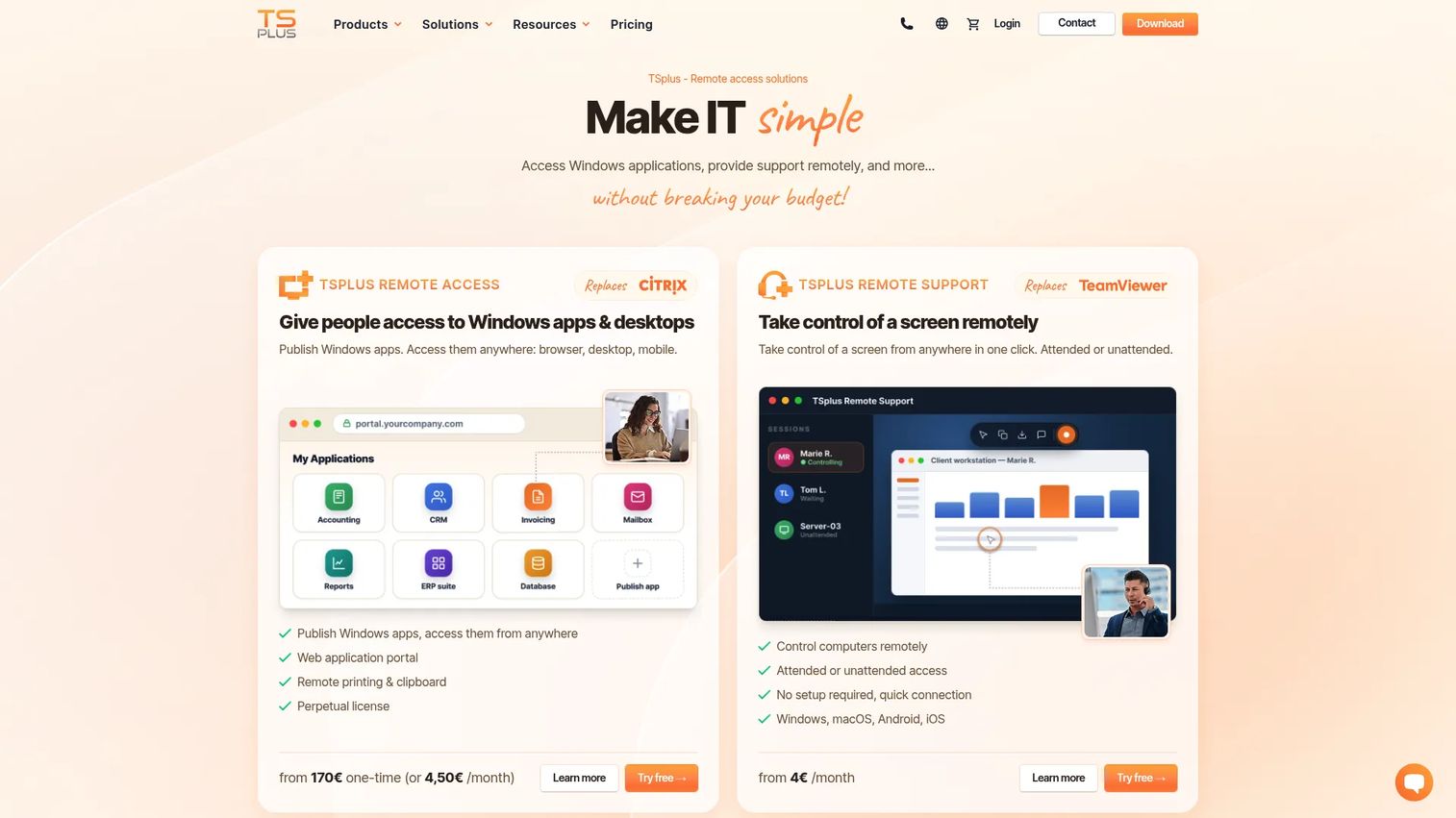
TSplus provides remote access, Windows application delivery, remote support, server security, and server monitoring software. Teams use it to publish Windows applications and deliver them through a browser, desktop client, or mobile device without traditional VDI complexity. For smaller IT teams that need remote Windows app access at a lower price point than enterprise DaaS options, TSplus offers one-time licensing alongside subscription models.
Best for: Businesses that need affordable remote access to Windows applications and remote desktop without full VDI infrastructure.
Key features
- Remote Windows application publishing and browser delivery
- HTML5 web portal and native desktop client
- Remote desktop control with attended or unattended access
- Cybersecurity add-ons including brute-force and ransomware protection
- Real-time server monitoring and reporting
Why choose TSplus: Strong when access is the bottleneck, not collaboration. Use it when employees need business apps from outside the office and full virtual desktop infrastructure is more than the team requires.
TSplus pricing: Remote Access Desktop Edition (3 users) starts at $200 as a one-time purchase. Web Mobile Edition (3 users) costs $275. Enterprise Edition (3 users) costs $315 one-time, or $5 per user per month as a subscription. A 14-day free trial is available.
G2 rating: 4.9/5
14. Confluence
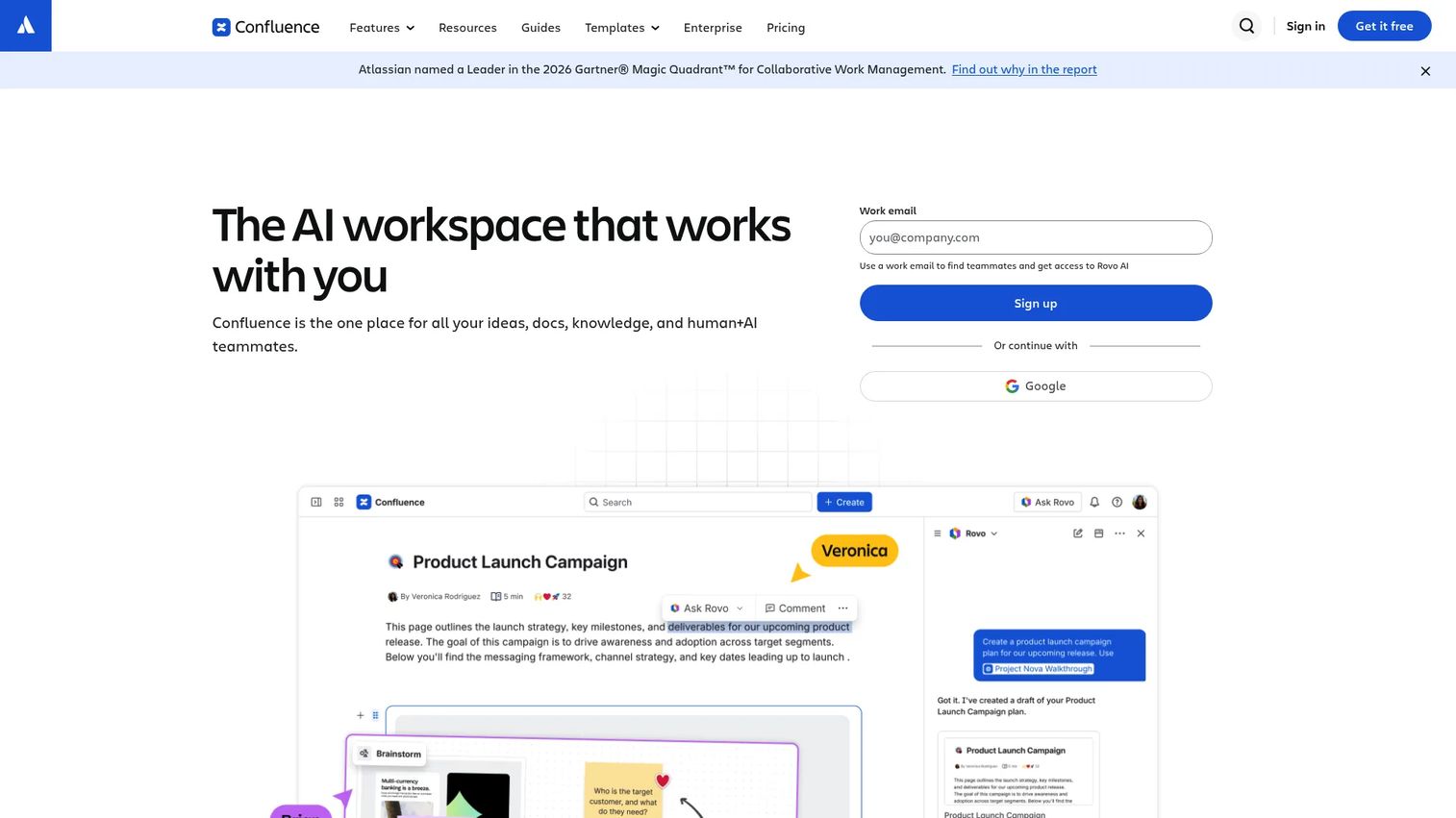
Confluence is an AI-powered workspace for creating, organizing, and collaborating on team knowledge, project documentation, and decision records. It supports real-time editing, whiteboards with Jira integration, databases for organizing information, and AI-powered search and summarization. For founders whose biggest operating risk is decisions disappearing after meetings, Confluence provides the institutional memory layer: Pages, templates, and cross-functional documentation that new leaders can navigate independently.
Best for: Teams that need collaborative knowledge, project documentation, and decision records, particularly those already in the Atlassian ecosystem.
Key features
- Real-time collaborative editing with comments and notifications
- Whiteboards with Jira integrations
- Databases for organizing and synchronizing project information
- AI-powered creation, search, and summaries
- Integrations with Jira, Loom, Figma, and Google Docs
Why choose Confluence: Strong when institutional memory and cross-functional documentation are the core problem. Works best with clear page ownership and active maintenance discipline.
Confluence pricing: Free plan supports up to 10 users. Standard costs $5.42 per user per month. Premium runs $10.44 per user per month. Enterprise pricing requires contacting Atlassian sales.
15. BlackBerry UEM
BlackBerry UEM is a unified endpoint management platform for securing and managing enterprise devices, applications, data, and policies across iOS, macOS, Android, Windows, and Chrome OS. It provides centralized management through one console, secure containerization separating work and personal data, and deployment options spanning cloud, on-premises, air-gapped, and sovereign environments.
Best for: Organizations requiring high-assurance endpoint management with strong security, compliance, containerization, and sovereign deployment requirements.
Key features
- Multiplatform management for iOS, macOS, Android, Windows, and Chrome OS
- Centralized console for devices, applications, users, and policies
- Secure containerization separating work and personal data
- Identity, access control, and compliance enforcement
- Cloud, on-premises, air-gapped, and sovereign deployment options
Why choose BlackBerry UEM: Strong when device governance and policy enforcement drive the buying decision. Position it as secure workspace infrastructure rather than a collaboration layer.
BlackBerry UEM pricing: Contact BlackBerry sales to discuss device count, OS coverage, deployment model, and support tier.
G2 rating: 3.8/5
16. Workspace 365
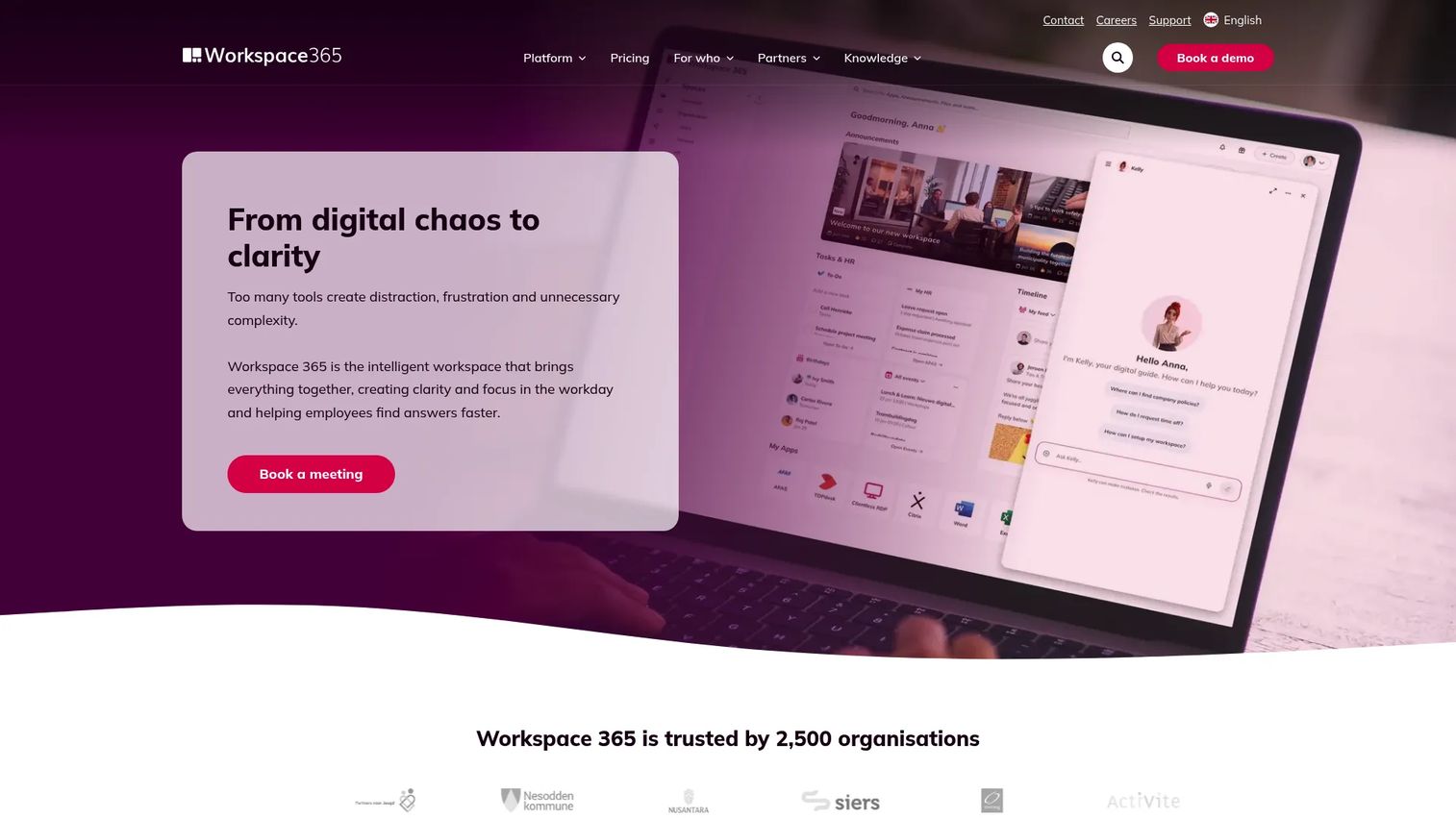
Workspace 365 is an adaptive digital workplace that centralizes access to Microsoft 365 apps, business tools, documents, announcements, and workflows in one personalized portal. It includes Single Sign-On, Conditional Access, Global Search, an Activity Feed, an App Store, and Clientless RDP for accessing Windows applications without a client install. For organizations already standardized on Microsoft 365, it creates a cleaner employee entry point without requiring a full platform migration.
Best for: Teams standardized on Microsoft 365 that need a structured, role-based portal for apps, documents, and company announcements.
Key features
- Centralized access to applications, documents, and company information
- Single Sign-On and Conditional Access
- Global Search across workspace content
- Activity Feed and The Hub for announcements
- Clientless RDP for Windows app access
Why choose Workspace 365: Strong when the company has many Microsoft and web apps but employees still need a cleaner, role-appropriate starting point. Evaluate it against Microsoft-native portal options if procurement prefers minimizing vendor count.
Workspace 365 pricing: Contact Workspace 365 for per-user or per-organization rates.
G2 rating: 4.6/5
17. HERE Enterprise Browser
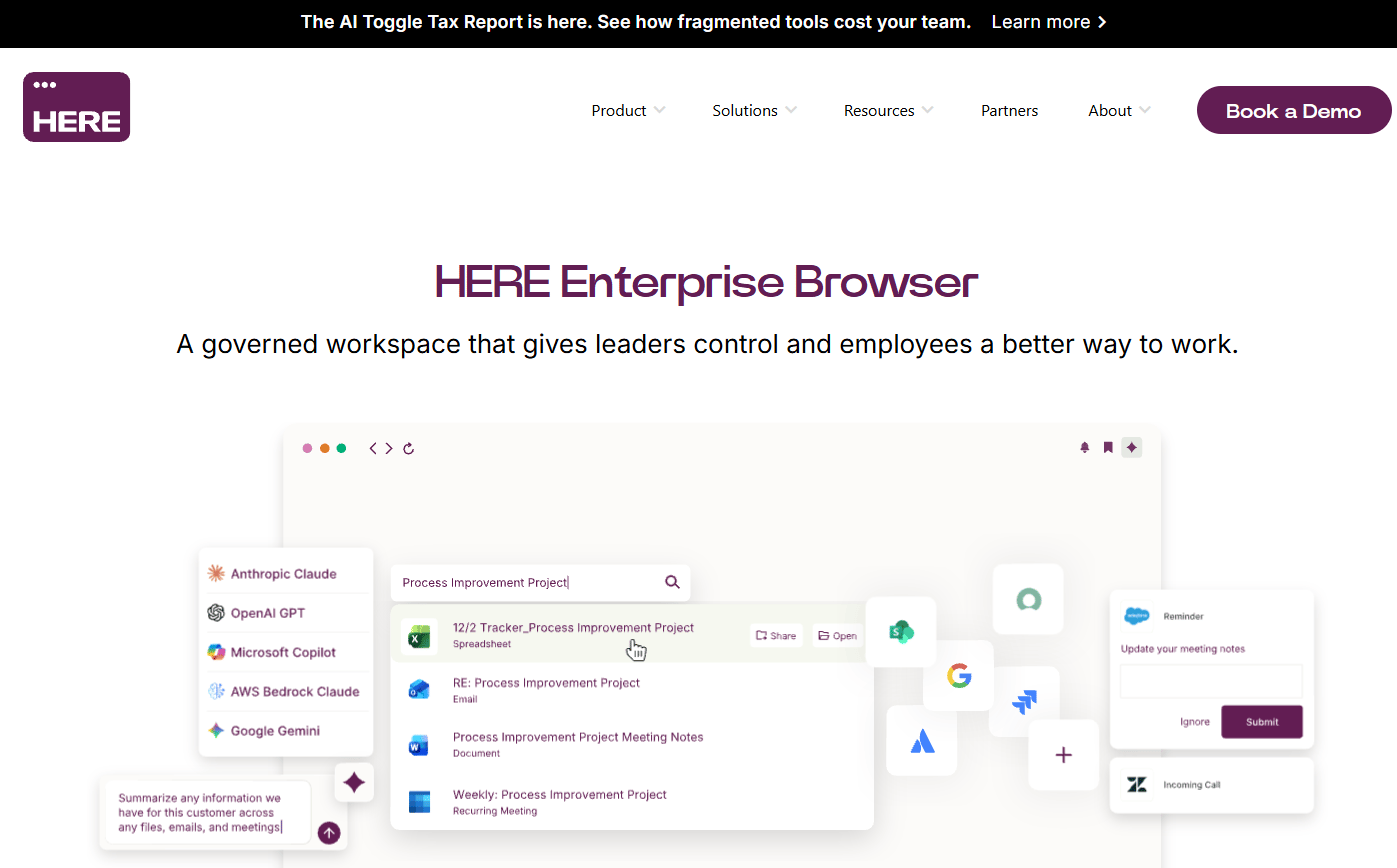
HERE Enterprise Browser is a governed enterprise browser that unifies AI, productivity workflows, cross-application interoperability, and security controls in a single browser environment. Its Supertabs combine multiple applications into unified workspaces, SuperSearch reaches across connected work applications, and Signals enable data flow between apps without manual copy-paste. Security controls include app isolation, DLP, access policies, and audit logging.
Best for: Large and regulated organizations that need secure, unified workflows across enterprise, legacy, desktop, and AI applications from inside the browser.
Key features
- AI Center with support for enterprise AI models and workflow context
- Supertabs combining multiple apps into unified browser workspaces
- SuperSearch across connected work applications and data
- Signals for cross-application interoperability
- Enterprise security with app isolation, DLP, access controls, and auditing
Why choose HERE Enterprise Browser: Strong when cloud applications are the primary workspace and the organization needs browser-level security and workflow governance. Evaluate alongside VDI if users also need full Windows desktop environments.
HERE Enterprise Browser pricing: Contact HERE for user count, deployment, and support options.
18. Citrix DaaS
Citrix DaaS delivers cloud-managed virtual applications and desktops across hybrid and multi-cloud environments. It supports secure access for distributed workforces, contractors with unmanaged devices, and enterprises needing to deliver legacy applications remotely. HDX high-definition experience, 3D graphics support, and centralized web-based management make it suitable for organizations with complex application delivery requirements.
Best for: Enterprises that need secure virtual desktops and application delivery across hybrid cloud environments, particularly for compliance-heavy or legacy app scenarios.
Key features
- Hybrid deployment across public clouds and on-premises hypervisors
- Centralized web-based management and monitoring
- HDX high-definition user experience with 3D graphics support
- Identity integrations and granular access controls
- Scalable app and desktop delivery for distributed users
Why choose Citrix DaaS: Strong when users need controlled access to desktops or legacy applications from many locations. Requires dedicated IT ownership and is considerably heavier than app aggregation tools.
Citrix DaaS pricing: Contact Citrix sales for edition details, user licensing, and hybrid deployment costs.
19. Azure Virtual Desktop
Azure Virtual Desktop is Microsoft's cloud-based virtual desktop infrastructure service for delivering Windows desktops and applications remotely. It supports Windows 10 and Windows 11 multi-session desktops, Azure Private Link, RDP Shortpath for optimized connections, and pay-per-use compute billing. For companies running on Azure that need secure, scalable Windows desktops for distributed teams, it is the native infrastructure option.
Best for: Microsoft-centric organizations that need cloud-hosted Windows desktops and applications at scale, with Azure security and identity integration.
Key features
- Windows 10 and Windows 11 virtual desktops and applications
- Windows multi-session capabilities for cost-efficient scaling
- Azure security integrations and secured virtual machines
- Host pool management and custom image templates
- Pay-per-use compute with savings plan and reservation options
Why choose Azure Virtual Desktop: Strong when the company already runs on Azure and needs secure virtual desktops without building separate VDI infrastructure. Implementation requires IT expertise; it is not a plug-and-play collaboration tool.
Azure Virtual Desktop pricing: Costs depend on compute capacity, storage, licensing type, and usage patterns. Microsoft provides a pricing calculator at azure.microsoft.com.
G2 rating: 4.2/5
Considerations when choosing unified workspaces software
Start with the workspace type
Buying a collaboration hub when the real problem is tab overload creates another tool, not consolidation. Before evaluating vendors, identify which category your bottleneck falls into: Browser workspace, collaboration hub, work management, knowledge base, employee intranet, or secure remote access. Each category solves a different operating failure.
Map what the tool replaces
For founders, the buying case should name what disappears from the stack or becomes less central. Fewer unmanaged browser sessions, fewer repeated onboarding questions, fewer unmanaged device risks, or fewer scattered docs are concrete answers. If you cannot name two or three specific things a new tool replaces, the purchase adds complexity rather than removing it.
Check search and context recovery
A good unified workspace helps people recover work context without calling the founder. Ask the vendor: Can users search across connected apps? Can they restore sessions or find previous decisions and files by keyword? Can a new VP find context without a 30-minute briefing? If the answer to any of those is no, the tool has not solved the problem.
Verify security and admin controls
Once you have contractors, hybrid work, or enterprise buyers running security reviews, the controls matter as much as the features. Check for SSO, RBAC, audit logs, device policies, data protection settings, and admin dashboards before committing. Requirements shift significantly between 30 employees and 100.
Pilot with one cross-functional workflow
Test the tool against a real workflow before rolling it company-wide. Good pilots include product launch coordination, weekly leadership operating reviews, sales onboarding resources, or contractor access to business apps. A pilot that proves value in four weeks justifies company-wide adoption. One that does not tells you the workspace type was wrong.
Conclusion
The right unified workspace for a Series B SaaS company is the one that reduces decision latency, not the one with the longest feature list. Fragmentation is the real cost: Decisions that vanish, context that only the founder holds, and leaders who can't run a quarter without constant routing.
For app and browser consolidation, start with Shift or Workona. For execution visibility across GTM, product, and operations, ClickUp connects the dots that spreadsheets and Slack threads drop. If communication is the primary surface, Slack with strong channel discipline handles it. Confluence and Document360 anchor institutional memory. Workvivo and MangoApps solve internal communication at scale.
For security and remote access, the choice depends on the specific constraint. Venn fits BYOD and unmanaged device scenarios. TSplus covers affordable Windows app delivery. Citrix DaaS and Azure Virtual Desktop serve enterprise virtual desktop infrastructure at scale.
Choose the tool that leaders will use without founder babysitting and that replaces fragmentation rather than adding a prettier layer over it. Evaluate one workflow, prove value, then expand.
Start your journey with Guideflow today!
FAQs
Unified workspaces software centralizes the apps, files, conversations, tasks, knowledge, and access points a team uses to get work done into a single interface or coordinated operating layer. Some tools focus on centralizing collaboration and communication, while others centralize secure remote access to business applications and devices. The category spans browser workspaces, collaboration hubs, work management platforms, employee intranets, knowledge bases, and virtual desktop infrastructure.
A digital workplace is the broader environment of tools, processes, and communication norms a company operates through. A unified workspace is a specific software layer that pulls parts of that environment into one interface, whether that means organizing browser tabs, consolidating team communication, or delivering desktop access from the cloud. The digital workplace is the system; a unified workspace is one category of tool within it.
The answer depends on the primary bottleneck. Slack fits teams where communication is the operating core. ClickUp fits teams that need execution visibility across functions. Shift or Workona fit individuals and operators drowning in browser tabs and app switching. Venn or Azure Virtual Desktop fit teams that need secure access controls for remote employees and contractors.
Yes, but only when the tool replaces or meaningfully connects existing workflows. Organizations already used an average of 101 apps in 2025, according to Okta's Businesses at Work report. Adding a workspace layer without removing redundant systems can make tool sprawl worse. The buying case needs to name what the new tool displaces or consolidates, not just what it adds.
Many enterprise-grade tools support SSO or identity integrations, but depth varies significantly by product and pricing tier. Collaboration hubs like Slack include SSO at higher plan levels. Platforms like MangoApps, Workspace 365, and BlackBerry UEM include SSO as a core feature. Browser workspaces like Shift and Rambox handle multi-account switching but are not enterprise identity providers. Verify SSO, SCIM, RBAC, and audit log availability against the specific tier you plan to purchase.
No. Project management is one possible function within a unified workspace. Unified workspaces may also include team chat, cross-app search, document libraries, employee intranet features, secure device access, and virtual desktops. ClickUp overlaps heavily with project management, but tools like Venn, Citrix DaaS, and BlackBerry UEM have nothing to do with project tracking: They secure how people access work, not how they organize it.
Workspace 365 works for Microsoft-heavy organizations that want a cleaner, personalized portal over their existing Microsoft 365 apps, documents, and announcements. Azure Virtual Desktop fits teams that need full cloud-hosted Windows desktops and apps delivered securely from Azure infrastructure. The two serve different needs: Workspace 365 is a portal layer, while Azure Virtual Desktop is virtual desktop infrastructure.
Start with the bottleneck, not the feature list. If the primary pain is context switching and scattered apps, evaluate browser workspaces. If execution visibility across product and GTM is breaking, evaluate work management platforms. If internal communication has outgrown chat, evaluate employee experience platforms. If secure access for contractors or BYOD is the trigger, evaluate secure workspace or virtual desktop options. Pilot one cross-functional workflow, measure adoption and time saved, then decide whether to expand.