A restaurant POS is no longer just the cash register. It is the system that decides how orders move, how payments settle, how the kitchen sees demand, and how operators understand margin. Pick the wrong one and you are reconciling two spreadsheets every Monday morning. Pick the right one and your GM has the numbers before the board meeting.
According to Market Research Future (2025), the global restaurant POS market is projected to grow from $13.35 billion in 2025 to $30.48 billion by 2035. That growth reflects how much operational weight these platforms now carry: Ordering, payments, kitchen routing, inventory, labor, loyalty, and multi-location reporting, all through a single system. Yet 76% of consumers reported encountering issues with restaurant payment technology in 2025, according to Canopy, which means the gap between what operators need and what current systems deliver is still wide.
This guide cuts through that gap with a direct comparison of 14 restaurant POS systems, so you can shortlist by service model, payment economics, and reporting requirements rather than marketing claims.
What's inside
This guide compares 14 restaurant POS systems for 2026 across pricing, payment models, key features, and restaurant-type fit.
- Who it is for: Single-location operators, multi-location restaurant brands, and operators standardizing systems across a growing portfolio
- Selection criteria: Restaurant-specific workflows (not generic retail POS tools), verified pricing and G2 ratings, payment processing transparency, and operational depth
- What you will find: A comparison table, per-tool breakdowns, a buyer's checklist, and FAQs on cost, offline mode, and contracts
TL;DR
- Best low-friction start: Square for Restaurants offers a free entry plan and covers payments, online ordering, and loyalty with no monthly software cost
- Best for high-volume operations: Toast is built natively for foodservice, with restaurant-grade hardware, tableside ordering, and deep operational coverage
- Best for spend and back-office control: Tab Commerce combines POS with corporate cards and accounting automation for operators who care about cash visibility
- Best for inventory and analytics: Lightspeed Restaurant delivers ingredient-level tracking and reporting depth that drives margin decisions
- Best for pizza and delivery: HungerRush ties POS, online ordering, and driver dispatch into a single workflow built for delivery-first restaurants
- Best for enterprise chains: Oracle MICROS and NCR Aloha suit complex, multi-site hospitality groups where governance and scale matter more than fast setup
What is a restaurant POS system?
A restaurant POS system is point-of-sale software and hardware that helps restaurants take orders, process payments, route tickets, manage menus, track sales, and connect front-of-house, back-of-house, and back-office workflows.
Unlike generic retail POS tools, restaurant-specific systems handle the workflows that make foodservice operationally distinct: Coursing, table management, tip pooling, modifier logic, kitchen display routing, and delivery coordination.
Front-of-house functions:
- Order entry, table assignment, and tab management
- Payment processing, tip handling, and split checks
- Tableside ordering and mobile POS
- Reservations and waitlist management
Back-of-house functions:
- Kitchen display system routing and prep sequencing
- Menu management and item-level modifiers
- Inventory tracking at the ingredient level
- Recipe costing and waste management
Back-office functions:
- Sales reporting and labor analytics
- Accounting and payroll integrations
- Loyalty programs, gift cards, and marketing
- Online ordering and delivery integrations
Cloud versus legacy systems: Most modern restaurant POS platforms are cloud-based, meaning software updates push automatically and data is accessible remotely. Older enterprise systems (notably in hotel and casino environments) may run on-premise or in hybrid configurations that require local servers.
Native payment processing versus processor flexibility: Some vendors require you to use their integrated payment processor. Others allow you to bring your own. The difference affects your processing rates, rate renegotiation rights, and total cost over time.
A POS system affects more than checkout speed. The right platform reduces manual reconciliation, surfaces the data your team needs to manage labor and food costs, and gives you reporting that holds up to investor scrutiny.
When to use restaurant POS systems
Run orders and payments from one operating system
Quick-service counters, full-service dining rooms, bars, cafes, and delivery kitchens all share a common problem: Order entry and payment settlement living in different tools. A restaurant POS collapses that into a single workflow. When a server closes a check at the table, the POS handles the payment, updates the kitchen, and logs the transaction, so your end-of-day reporting reflects what actually happened, not what someone manually entered later.
Connect the kitchen, floor, and back office
Kitchen display systems that pull directly from POS order entry eliminate the paper ticket problem. When a menu item is 86'd, it updates across every ordering channel instantly. Labor data, covers per server, and table turn times feed into reports that let a manager make staffing decisions with real numbers, not gut feel. For operators managing margin on a tight basis, that visibility is the difference between a profitable week and a loss.
Scale from one location to multiple restaurants
Single-location controls become inadequate as soon as you open a second site. Multi-location POS infrastructure handles centralized menu management (change a price once, it updates everywhere), location-level permission controls, consolidated financial reporting, and franchise visibility. For operators preparing for a fundraise or board review, this is the reporting layer that makes your numbers defensible without requiring a custom data pull every quarter.
Restaurant POS systems comparison
The table below compares all 14 systems by fit, key differentiator, verified pricing, and G2 rating. Pricing reflects the entry tier from each vendor's official pricing page. G2 ratings are from each tool's live G2 listing.
| # | Product | Best for | Key differentiator | Pricing | G2 rating |
|---|---|---|---|---|---|
| 1 | Square for Restaurants | Small restaurants, cafes, food trucks | Free entry plan plus full Square ecosystem | From $0/mo per location | N/A |
| 2 | Toast | High-volume restaurant operations | Restaurant-native hardware and operations stack | From $0/mo (Starter Kit) | 4.2/5 |
| 3 | Tab Commerce | POS plus spend and back-office control | Corporate cards, banking, and accounting automation | Contact for pricing | N/A |
| 4 | Lightspeed Restaurant | Inventory-heavy and analytics-led restaurants | Ingredient-level inventory and reporting depth | From $69/mo | 4.3/5 |
| 5 | SpotOn Restaurant | Restaurants wanting POS with service support | Integrated POS, marketing, and labor tools | From $0/station/mo | 4.4/5 |
| 6 | TouchBistro | Full-service restaurants | Table management and full-service server workflows | From $69/mo | 4.1/5 |
| 7 | Clover Dining | Restaurants wanting hardware flexibility | Clover hardware ecosystem and app marketplace | Contact for pricing | 3.8/5 |
| 8 | SkyTab POS | Bundled POS and payments evaluation | Shift4-backed POS, payments, and handheld ordering | From $29.99/mo | 3.2/5 |
| 9 | Revel | Multi-location and complex service models | Configurable cloud POS for enterprise operations | Contact for pricing | 4.1/5 |
| 10 | Oracle MICROS | Enterprise restaurants and hospitality groups | Large-scale restaurant and hospitality infrastructure | Contact for pricing | 3.6/5 |
| 11 | NCR Aloha | Established enterprise restaurant chains | Mature enterprise POS with chain-level controls | Custom pricing | 3.9/5 |
| 12 | HungerRush | Pizza and delivery-heavy restaurants | Delivery dispatch, driver tracking, and online ordering | From $149/mo | 4.4/5 |
| 13 | CAKE by Mad Mobile | Restaurants wanting simpler guest workflows | POS with analytics, loyalty, and guest engagement | Contact for pricing | 4.8/5 |
| 14 | Shift4 | Payment-first restaurant technology buyers | Payment processing plus restaurant technology suite | From $29.99/mo | 3.5/5 |
Best 14 restaurant POS systems for 2026
1. Square for Restaurants
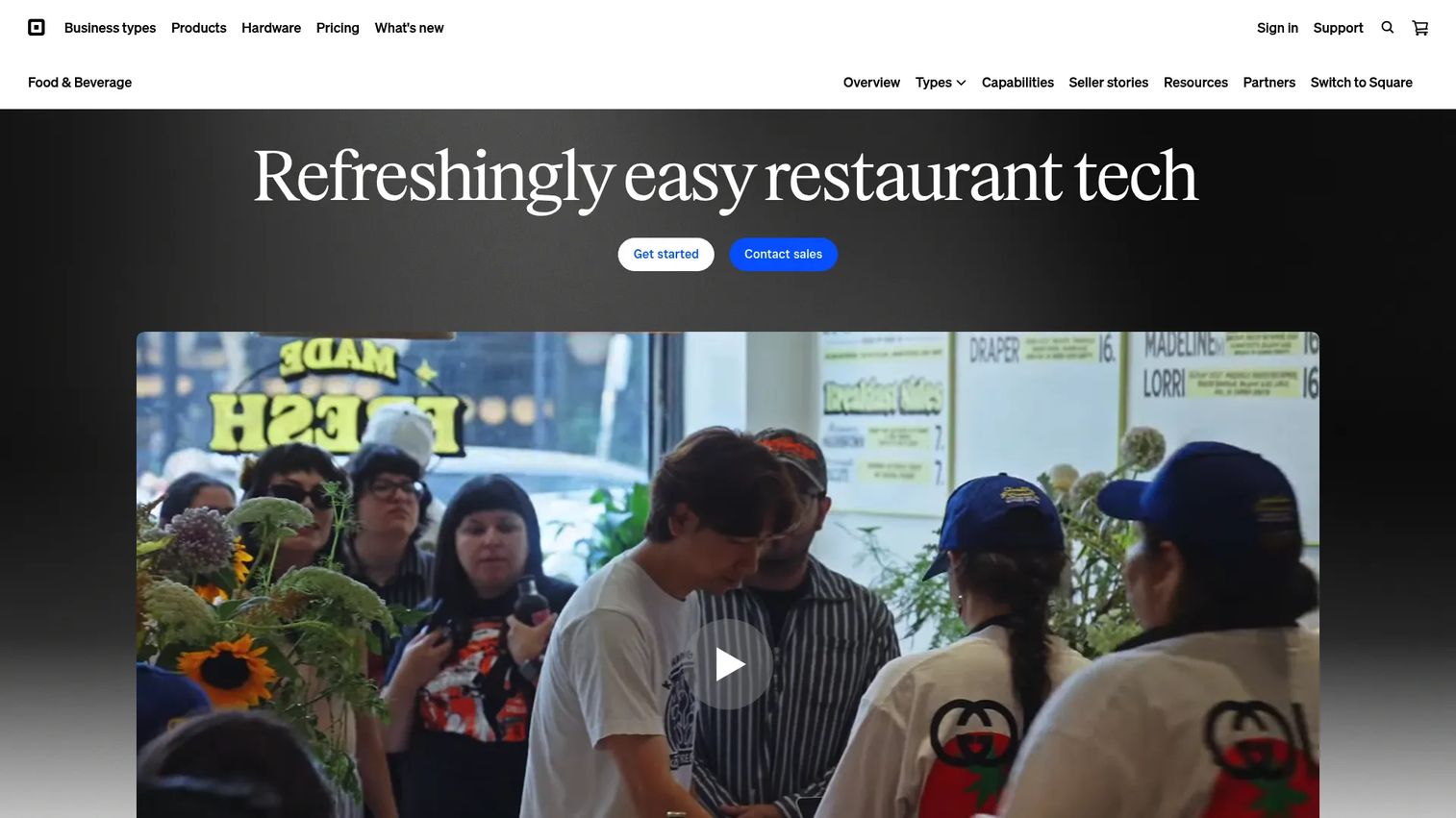
Square for Restaurants is a restaurant point-of-sale platform that covers payments, online ordering, kitchen display routing, loyalty, marketing, payroll, and staff management. It sits inside the broader Square ecosystem, which means a food truck can start for free and a multi-concept group can layer on banking, invoicing, and capital access without switching vendors.
Best for: Small restaurants, cafes, bakeries, food trucks, and quick-service operators that want to start fast and keep the vendor count low.
Key features
- Free restaurant POS plan with integrated Square payments
- Online ordering across in-house, delivery partner, and QR-code channels
- Kitchen display system and real-time menu management
- Floor plans, seat management, coursing, and drive-thru workflows
- Loyalty, gift cards, marketing, payroll, and invoicing as add-ons
Why choose Square for Restaurants: Strong fit when speed to first transaction and operational simplicity matter more than deep customization. Operators already using Square for payments or payroll get immediate continuity.
Square for Restaurants pricing: The Free plan costs $0/mo per location with processing fees applied when payments are accepted. Square Plus runs $49/mo per location and Square Premium runs $149/mo per location. Square Pro uses custom pricing for businesses processing over $250,000 annually.
2. Toast
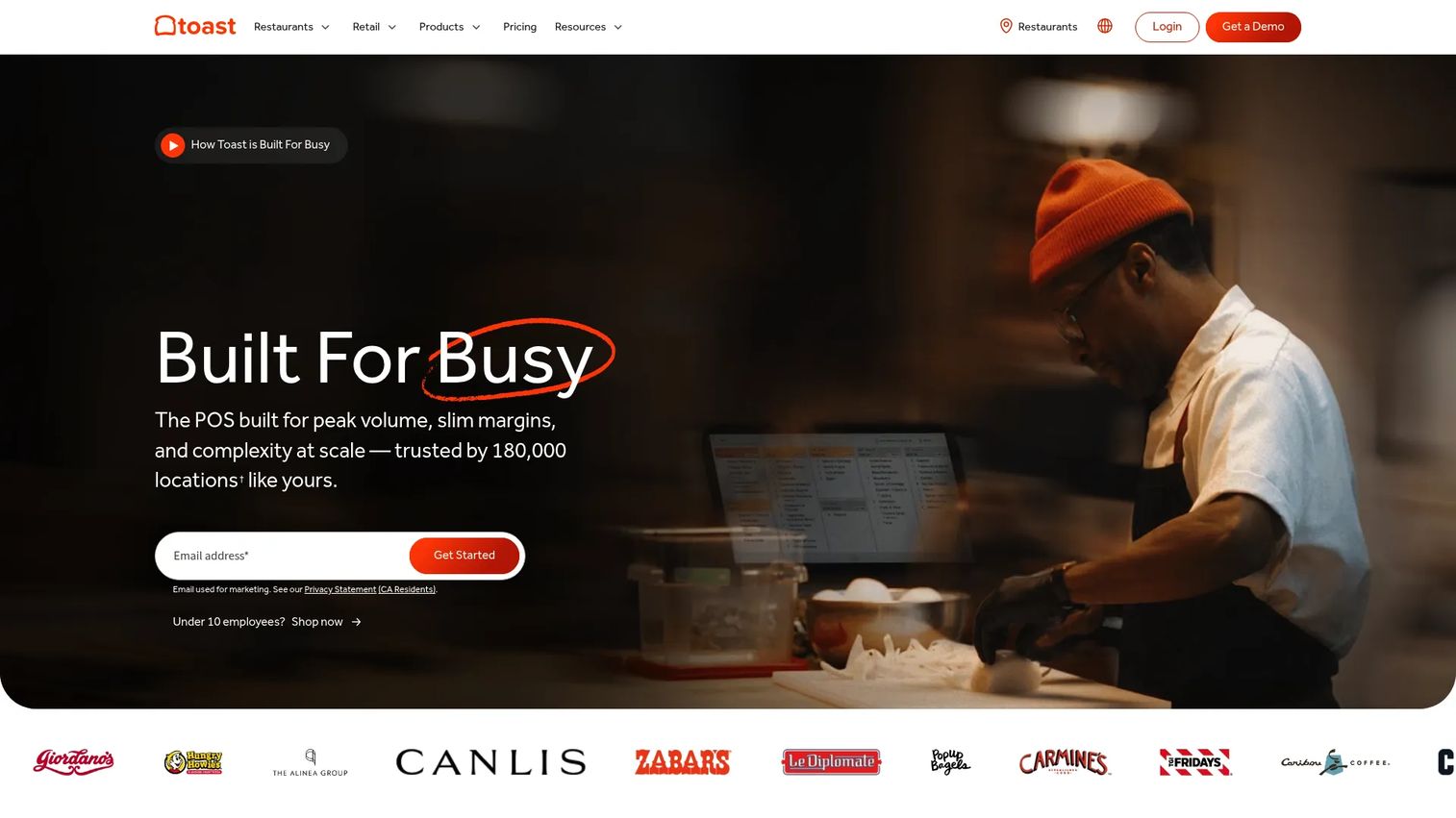
Toast is a restaurant technology platform built for the foodservice industry. Its hardware, software, and payments are designed to work together: Handheld ordering devices, kitchen display systems, self-service kiosks, and back-office tools all operate on the same infrastructure. Toast also covers payroll, scheduling, inventory, reporting, and guest engagement.
Best for: High-volume restaurants, multi-concept operators, and growing restaurant brands that need a complete foodservice stack.
Key features
- Restaurant-grade terminals, handhelds, kiosks, and kitchen displays
- Tableside ordering and integrated payment processing
- Online ordering and delivery management
- Payroll, team scheduling, and tip management
- Inventory, food cost tracking, and sales analytics
Why choose Toast: Strong fit when the restaurant needs deep foodservice workflows and can commit to a vendor-integrated hardware environment. Less suited to operators that need processor flexibility or want to avoid long-term hardware agreements.
Toast pricing: The Starter Kit is eligible at $0/mo for qualifying restaurants. Point of Sale starts at $69/mo. Build Your Own configurations use custom pricing. Hardware, processing, implementation, and add-ons affect total cost.
G2 rating: 4.2/5
3. Tab Commerce
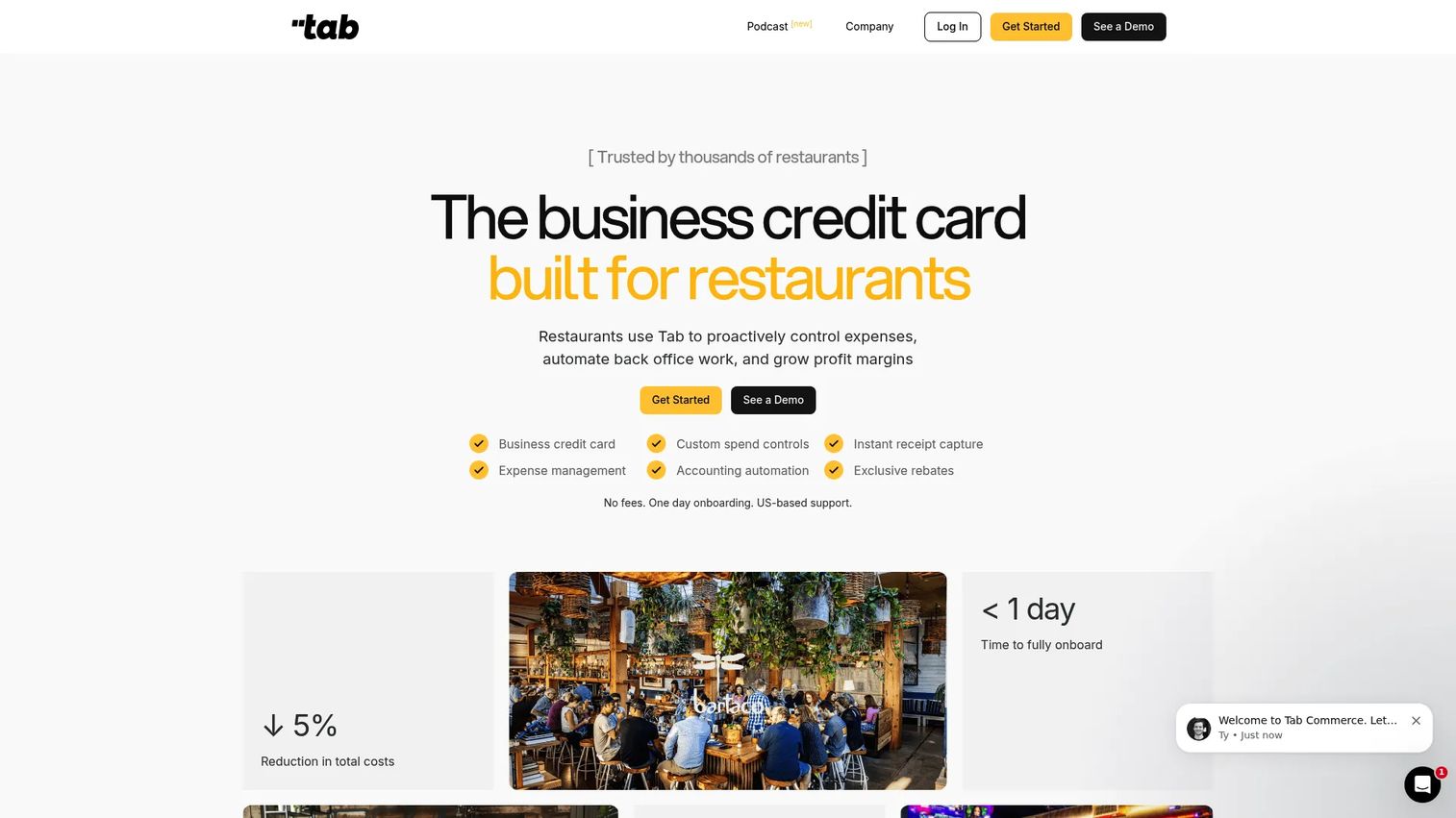
Tab Commerce positions itself as a financial technology platform built for restaurants, combining POS functionality with corporate card controls, virtual accounts, expense management, receipt capture via SMS, and accounting automation. Its focus is on back-office visibility and spend discipline rather than front-of-house feature depth.
Best for: Independent and multi-unit restaurant groups that want POS tied to spend management and accounting automation.
Key features
- Restaurant POS and order management
- Business credit cards with custom spend controls
- Instant receipt capture via SMS
- Expense management and accounting automation
- Operating accounts and restaurant-specific rewards
Why choose Tab Commerce: Strong fit for operators who want financial discipline built into the POS layer, not bolted on afterward. The angle is cash visibility and back-office consolidation, not checkout speed or kitchen routing depth.
Tab Commerce pricing: The homepage states "No fees" and offers "Start for free," but a formal pricing page with plan tiers was not publicly displayed at the time of research. Ask sales for software fees, card economics, processing rates, and any implementation costs before committing.
4. Lightspeed Restaurant
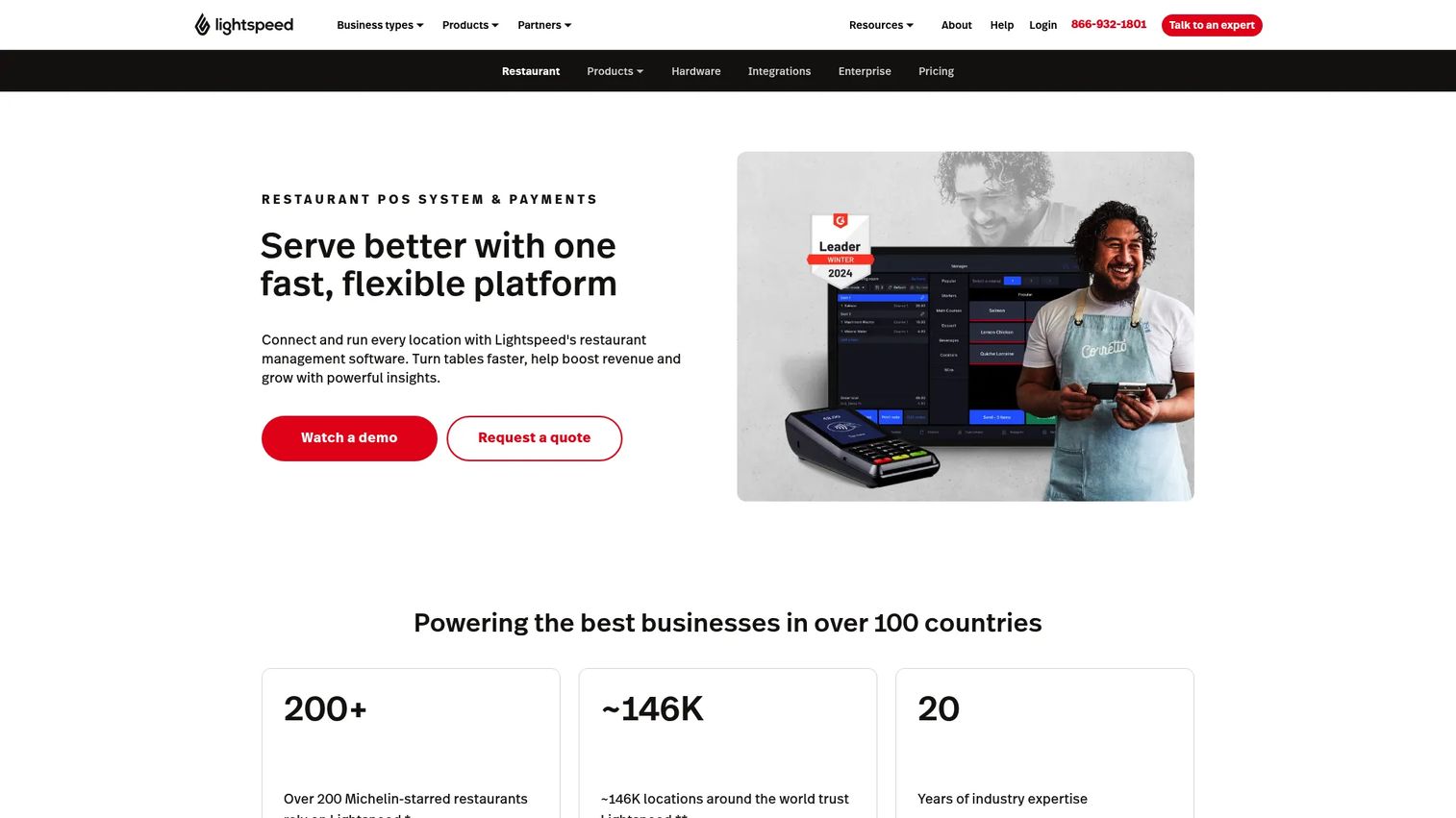
Lightspeed Restaurant is a cloud-based restaurant POS that emphasizes analytics, ingredient-level inventory, and multi-location management. It supports online ordering, tableside ordering, QR-code ordering, integrated payments, kitchen display systems, and accounting integrations. Hotel restaurant and property management system integrations are also available.
Best for: Restaurants that treat inventory depth and reporting as margin tools, not afterthoughts.
Key features
- Ingredient-level inventory and recipe costing
- Advanced sales reporting and performance analytics
- Online, tableside, and QR-code ordering
- Kitchen display system and floor plan management
- Accounting integrations and delivery connections
Why choose Lightspeed Restaurant: Strong pick when visibility into food cost and location-level performance drives operating decisions. Operators who need more reporting depth than entry-level POS tools provide will find it here. The analytics and inventory toolset earns its place when margins are tight and data matters.
Lightspeed Restaurant pricing: Starter runs $69/mo, Essential runs $189/mo, and Premium runs $399/mo. Enterprise uses a custom quote. The kitchen display system is listed at $30/screen per month.
G2 rating: 4.3/5
5. SpotOn Restaurant
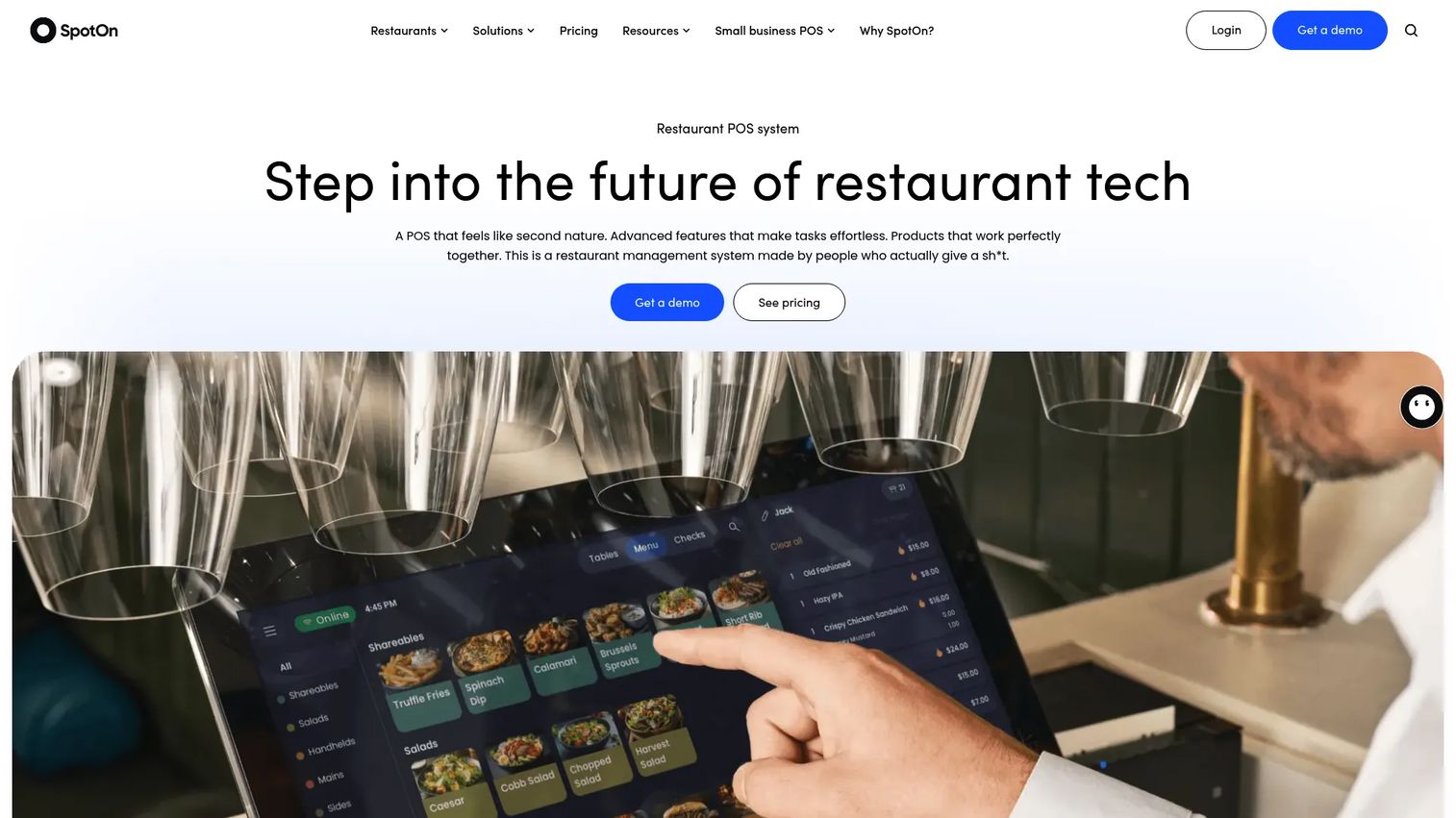
SpotOn Restaurant is a cloud-based restaurant management platform that combines POS, payments, online ordering, marketing, reservations, waitlist, labor tools, and a kitchen display system. SpotOn positions implementation support and ongoing service as a differentiator, which matters for operators who have been under-served by self-service platforms.
Best for: Independent and multi-location restaurants that want vendor support through implementation and beyond.
Key features
- Restaurant POS with table layouts, menu management, and offline mode
- Commission-free online ordering and branded ordering app
- Employee scheduling, tip management, and labor reporting
- Automated marketing, loyalty, and reservations tools
- Dynamic reporting and remote multi-location management
Why choose SpotOn Restaurant: Good fit when operator support and configuration guidance matter alongside the software itself. SpotOn also offers an AI-powered menu and profitability analysis tool, which appeals to operators making data-driven menu decisions.
SpotOn Restaurant pricing: The All-In plan starts at $0/station per month (with higher processing fees and a two-year minimum term). POS Essentials runs $55/station per month. The Core Bundle is $50/mo per location plus 20 basis points of gross payment volume, capped at $200. Custom pricing is available for larger configurations.
G2 rating: 4.4/5
6. TouchBistro
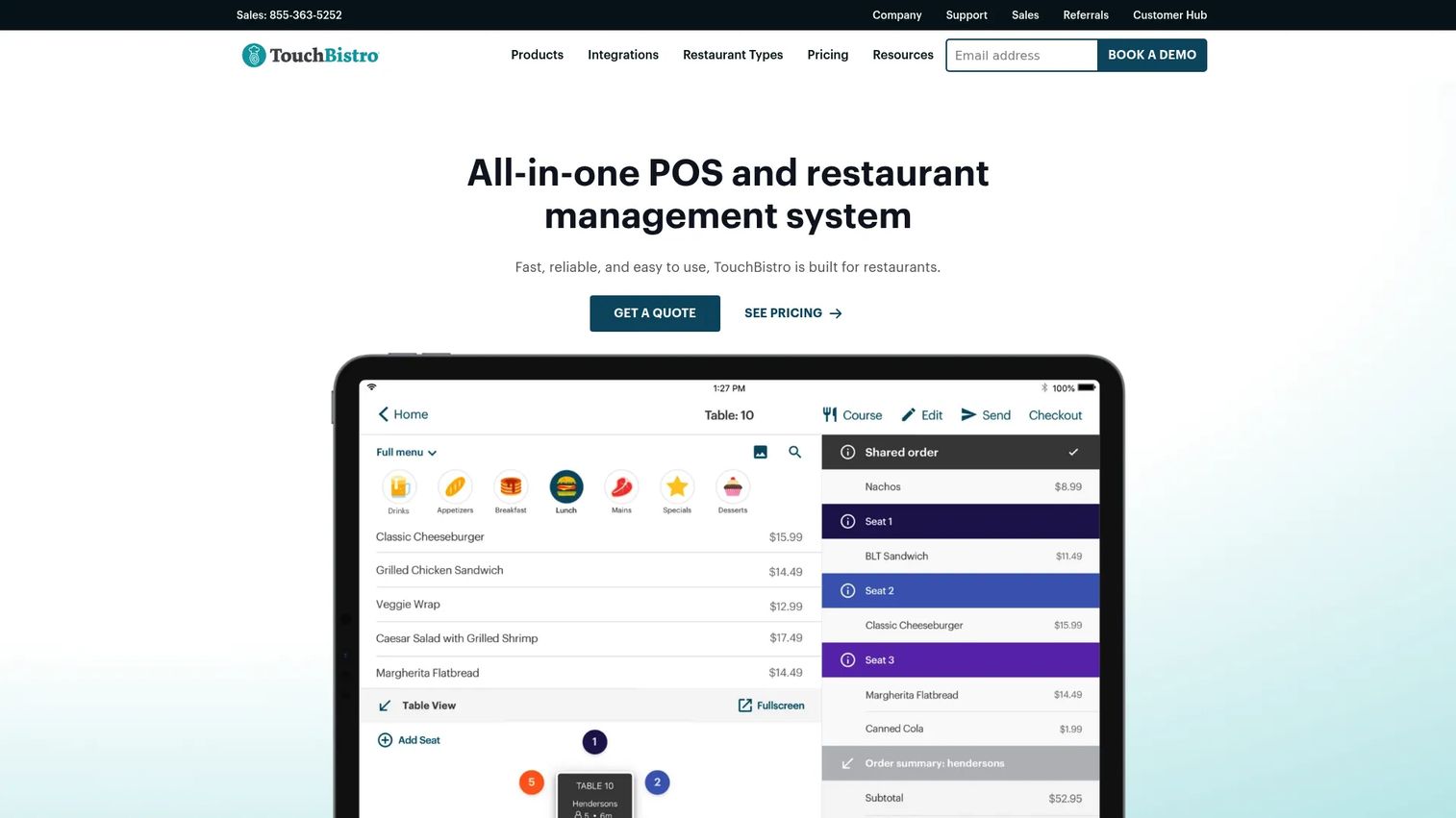
TouchBistro is an iPad-based restaurant POS built around full-service dining workflows. Its table management, floor plan tools, server-side ordering, and bill-splitting features are designed for restaurants where the dining room is the core revenue driver. Online ordering, reservations, loyalty, and marketing are available as add-ons.
Best for: Full-service restaurants where table flow, server efficiency, and guest experience drive revenue.
Key features
- Table management and customizable floor plans
- Tableside ordering and bill splitting
- Menu management and staff management tools
- Online ordering, reservations, and guest engagement add-ons
- Sales reporting and labor analytics
Why choose TouchBistro: Strong fit for dining rooms where server workflows and table management are the operational priority. Less suited to operators that need deep delivery management or complex enterprise customization.
TouchBistro pricing: Point of Sale starts at $69/mo. The Essentials Bundle starts at $119/mo and includes integrated payments and restaurant-grade hardware. Custom Setup pricing is available for more complex configurations. Hardware, payment processing, and additional module costs apply separately.
G2 rating: 4.1/5
7. Clover Dining
Clover Dining provides a restaurant POS built on the Clover hardware ecosystem. The platform covers order entry, kitchen routing, table mapping, tableside ordering, inventory, QR-code ordering, and online ordering. Access to Clover's app marketplace lets operators add third-party tools, from loyalty programs to delivery integrations.
Best for: Full-service and quick-service restaurants that want hardware flexibility and an extensible app marketplace.
Key features
- Order entry, table mapping, and kitchen routing
- QR-code contactless ordering and payments
- Inventory tracking and menu management
- Real-time sales reporting
- Online ordering and delivery integrations via app marketplace
Why choose Clover Dining: Good fit when hardware options and the ability to add third-party apps matter. One important note: Clover is distributed through resellers and financial institutions, so total cost (software, hardware, and processing) can vary significantly depending on who sets up the account. Get the full cost breakdown in writing before signing.
Clover Dining pricing: The restaurant pricing page lists Starter, Standard, and Advanced hardware bundles, but contact-sales pricing applies. Ask for software fees, hardware costs, processing rates, and any reseller or institution-specific terms.
G2 rating: 3.8/5
8. SkyTab POS
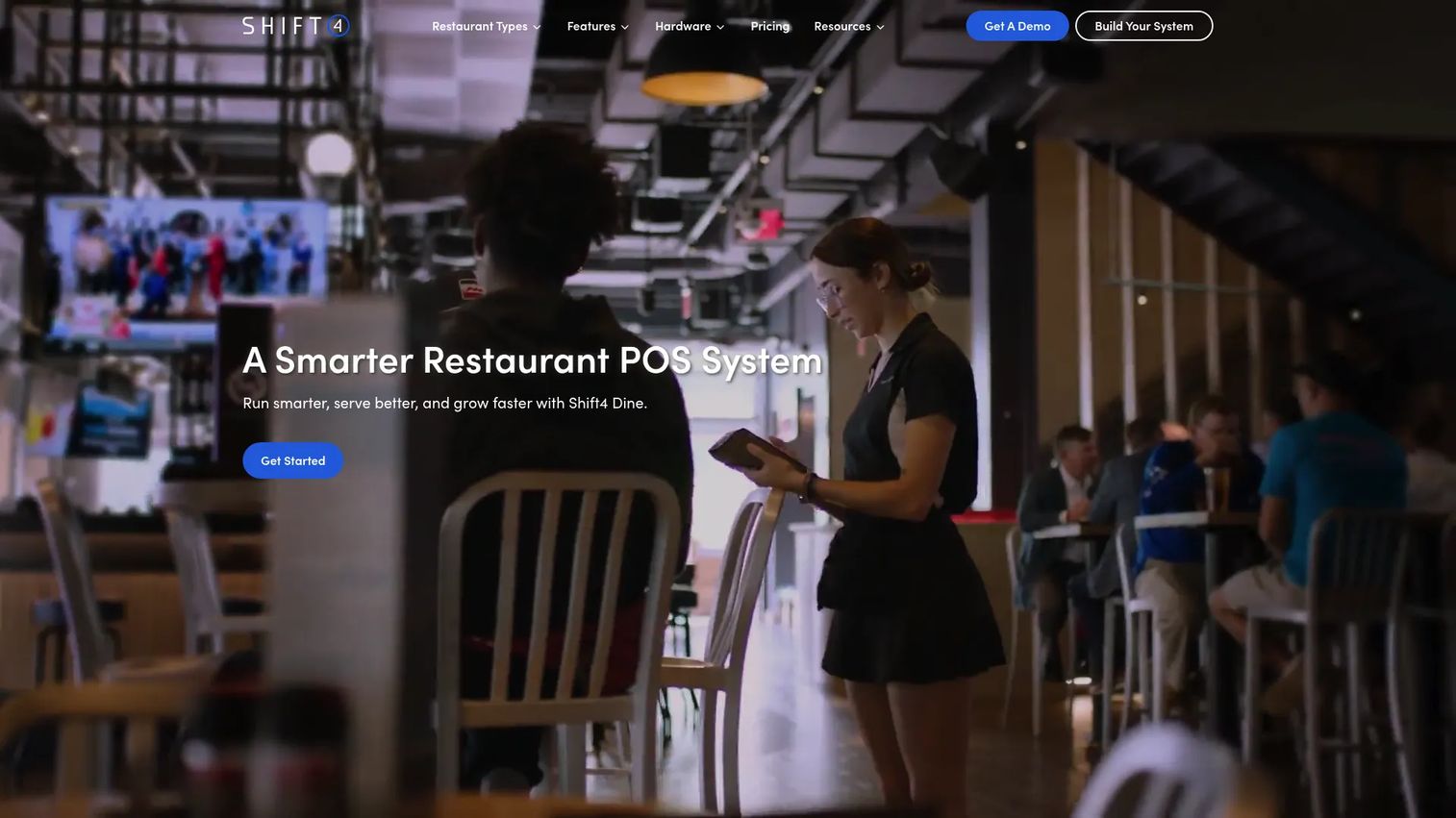
SkyTab POS is a restaurant management platform from Shift4, covering POS, handheld ordering, online ordering, marketing, loyalty, reservations, waitlist, and reporting. SkyTab provides the restaurant-facing product layer, while Shift4 handles payment processing underneath. The two share infrastructure but serve slightly different buyer angles (see entry 14 for the Shift4 payments story).
Best for: Restaurants evaluating bundled POS and payment processing from a single provider.
Key features
- Restaurant POS and handheld tableside ordering
- Online ordering and contactless QR ordering
- Marketing, loyalty, email campaigns, and gift cards
- Reservations and waitlist management
- Multi-location reporting and back-office tools
Why choose SkyTab POS: Good fit when operational simplicity and consolidated payment processing are the primary goals. Verify contract terms and processing rate structure before committing, since the payment relationship is central to the total cost calculation.
SkyTab POS pricing: The Table Service Bundle starts at $29.99/mo. Standard processing is 2.75% plus $0.15 per transaction. Custom-quote pricing is available for larger or more complex setups.
G2 rating: 3.2/5
9. Revel
Revel is an iPad-based cloud POS platform built for complex restaurant and multi-location operations. It supports inventory management, online ordering, loyalty, delivery integrations, enterprise reporting, and open API access for custom integrations. Revel is designed for operators who need configurability and centralized standards across many locations.
Best for: Multi-location restaurants and complex concepts that need configurable cloud POS infrastructure with centralized controls.
Key features
- iPad-based POS with multi-location management
- Inventory management and menu administration
- Online ordering and delivery integrations
- Loyalty and rewards programs
- Reporting, analytics, and open API access
Why choose Revel: Strong fit when single-location simplicity no longer covers the operational reality, and when centralized control with location-level flexibility matters. The open API is relevant for operators building custom integrations or connecting Revel to proprietary back-office systems.
Revel pricing: The official pricing page was inaccessible during research. Ask sales for monthly software fees, per-location or per-terminal pricing, implementation costs, hardware requirements, minimum location counts, and contract length.
G2 rating: 4.1/5
10. Oracle MICROS
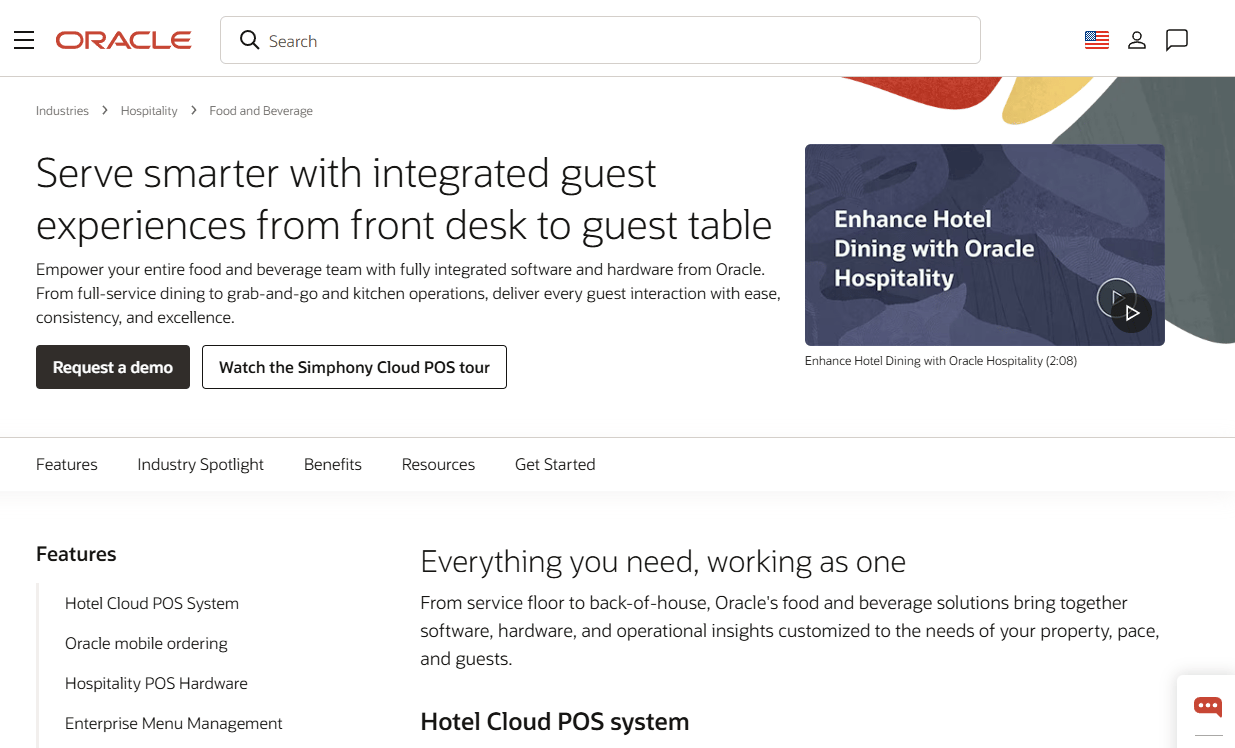
Oracle MICROS provides cloud-based restaurant point-of-sale and management through its Oracle Simphony platform. It serves large-scale restaurant operations, hotel food and beverage programs, casinos, stadiums, and global hospitality brands. The platform covers ordering, kitchen display integration, inventory, employee management, loyalty, and open API connections to third-party systems.
Best for: Enterprise restaurant groups, hotels, resorts, and complex multi-site hospitality environments.
Key features
- Enterprise POS with multi-location and multi-concept controls
- Online ordering, delivery, and third-party platform connections
- Table, reservation, and waitlist management
- Inventory, menu management, and employee scheduling
- Real-time reporting, analytics, and open API integrations
Why choose Oracle MICROS: Strong fit when scale, IT governance, and hospitality system integration matter more than fast setup. Oracle's procurement and implementation cycle is appropriate for large buyers with dedicated IT, operations, and procurement stakeholders. Smaller operators or single-location restaurants will find the process slower and heavier than necessary.
Oracle MICROS pricing: Oracle publicly advertises select POS hardware at US$1 when switching to Simphony. Software subscription pricing was not publicly displayed. Ask Oracle for software subscription fees, implementation services, module costs, payment integration options, and support terms.
G2 rating: 3.6/5
11. NCR Aloha
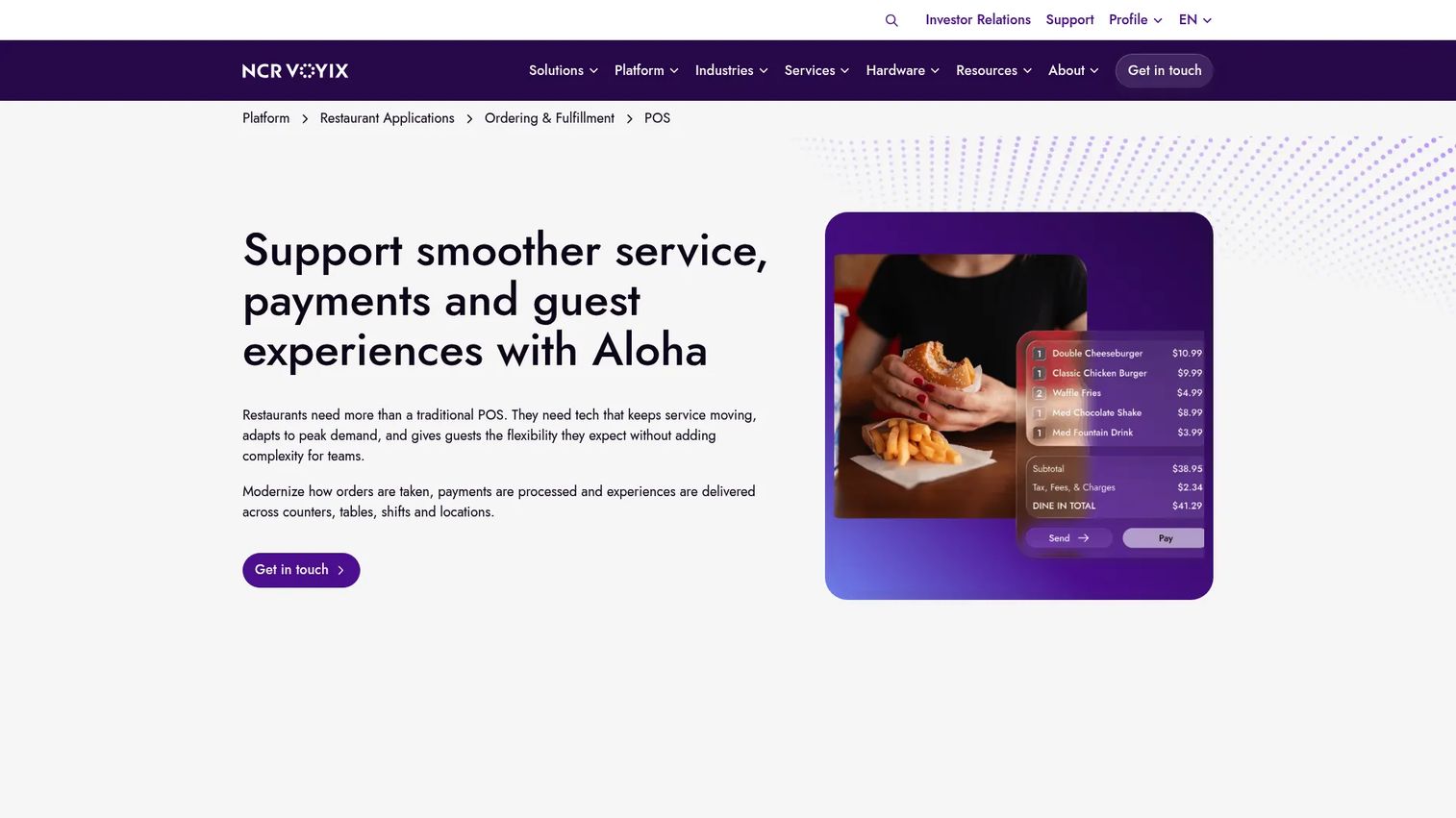
NCR Aloha (now under NCR Voyix) is a mature restaurant POS with a long footprint in quick-service and full-service chains. It supports complex order modifiers, check splitting, multi-revenue-center operations, mobile POS, integrated payments, contactless and digital-wallet acceptance, and centralized multi-channel menu management with channel-specific pricing. Add-ons include online ordering, advanced reporting, handheld POS, and labor and inventory management.
Best for: Established restaurant chains and high-volume multi-site operators that need proven enterprise POS infrastructure.
Key features
- Restaurant POS with complex modifiers and check splitting
- Mobile POS for tableside and counter ordering
- Integrated EMV, contactless, and digital-wallet payments
- Centralized multi-channel menu management with channel-specific pricing
- Add-on modules for online ordering, labor, inventory, and advanced reporting
Why choose NCR Aloha: Good fit for large operators that value proven restaurant-chain experience and mature workflows. Implementation and modernization timelines are longer than cloud-native alternatives, which is worth weighing against the depth of the platform.
NCR Aloha pricing: Custom pricing. NCR Voyix structures hardware, software, services, and payments through monthly subscriptions. Ask for base software fees, per-location or per-terminal costs, add-on module pricing, hardware options, implementation timeline, and contract length.
G2 rating: 3.9/5
12. HungerRush
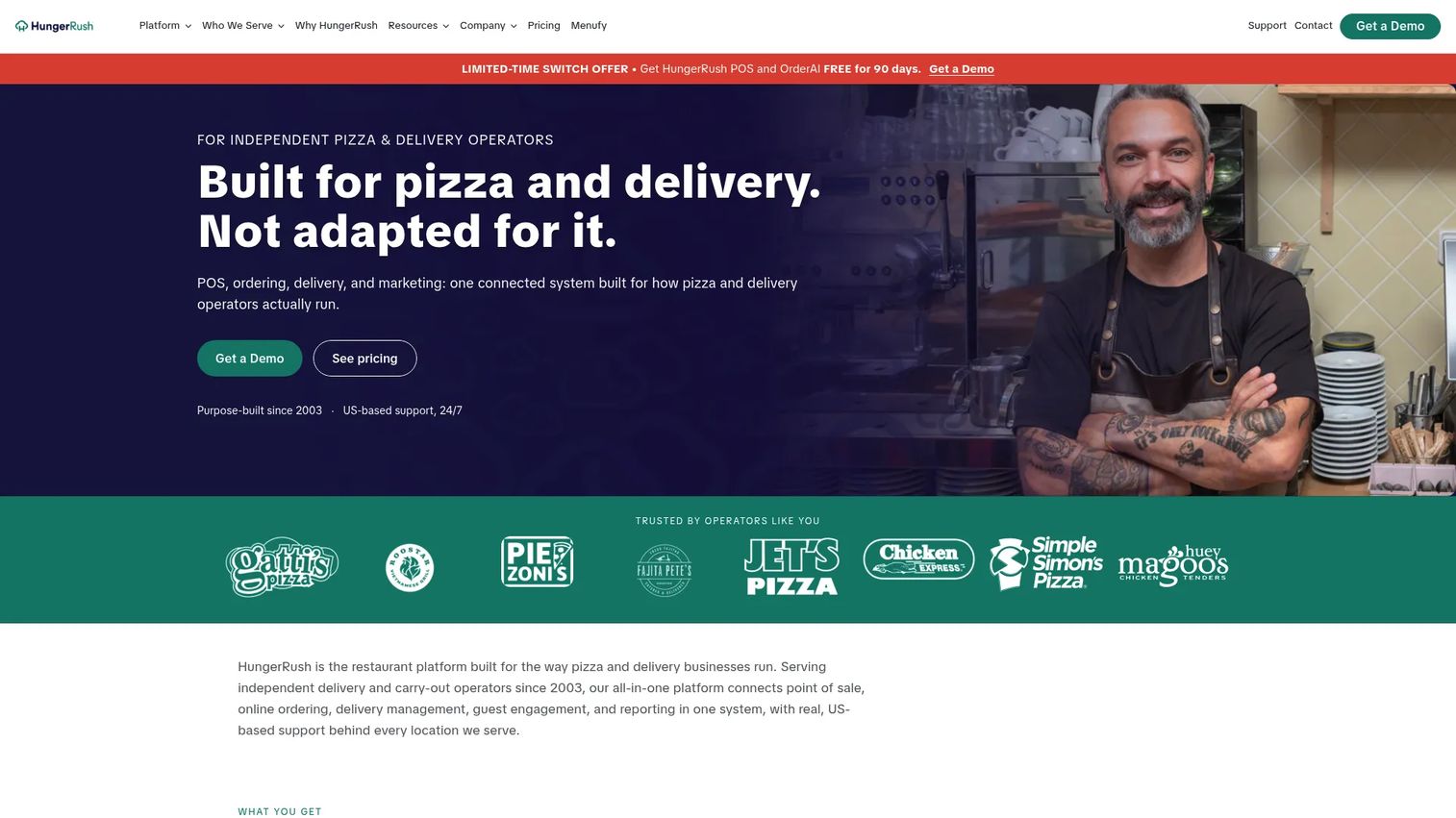
HungerRush is a restaurant platform built for delivery-first operations, especially pizza, carry-out, and fast-casual concepts. It combines POS, online ordering, delivery dispatch and driver management, kitchen display, loyalty, marketing, inventory, and AI phone ordering through its OrderAI feature.
Best for: Pizza shops, delivery-heavy restaurants, and carry-out concepts where online ordering and driver dispatch are core to daily operations.
Key features
- POS and in-store ordering with kitchen display integration
- Online ordering and delivery dispatch with driver management
- AI phone ordering through OrderAI
- Loyalty, marketing, feedback, and gift cards
- Reporting, labor, and inventory management
Why choose HungerRush: Strong fit when delivery is a primary revenue channel, not a side workflow. The combination of driver dispatch, online ordering, and POS in one system reduces the operational cost of managing multiple platforms. Less suited to full-service dining rooms where table management and server workflows are the priority.
HungerRush pricing: The Base Package starts at $149/mo on a 36-month agreement and includes hardware, core POS software, online ordering, delivery management and dispatch, and third-party delivery integrations. Additional modules use a custom quote.
G2 rating: 4.4/5
13. CAKE by Mad Mobile
CAKE by Mad Mobile is a cloud restaurant POS with ordering, AI-optimized inventory insights, conversational analytics, built-in loyalty, menu management, and check-splitting. It covers front-of-house operations with a focus on guest engagement and operational analytics rather than deep enterprise customization.
Best for: Restaurants that want POS with embedded analytics, loyalty, and guest engagement tools without enterprise-level complexity.
Key features
- AI-optimized ordering and inventory insights
- Conversational analytics for sales, staff, and operations
- Built-in loyalty with omnichannel rewards
- Menu management and order modifiers
- Customizable floor plans and check splitting
Why choose CAKE by Mad Mobile: Good fit when front-of-house guest flow and embedded analytics matter alongside core POS functionality. The AI inventory and analytics angle is relevant for operators making menu and staffing decisions from POS data directly.
CAKE by Mad Mobile pricing: A current first-party pricing page with plan amounts was not publicly available at the time of research. Ask sales for software fees, hardware costs, payment terms, and add-on module pricing.
G2 rating: 4.8/5
14. Shift4

Shift4 is a commerce technology company that provides payment processing alongside restaurant and hospitality technology. Its restaurant-facing stack covers POS, online ordering, mobile and QR-code ordering, reservations, waitlist, labor management, multi-location management, and business intelligence. Shift4's SkyTab product (entry 8) is its restaurant POS line; Shift4 itself is the broader payments and technology provider behind it.
Best for: Restaurants and hospitality businesses that want payments infrastructure and restaurant technology from a single provider.
Key features
- Restaurant POS and payment processing
- Online ordering and mobile payments
- QR-code ordering and contactless payments
- Reservations, waitlist, and labor management
- Multi-location management and business intelligence
Why choose Shift4: Strong fit when payment strategy is central to the POS decision, and when a consolidated relationship for processing and restaurant technology reduces vendor complexity. Operators evaluating Shift4 should compare total processing cost (rate plus monthly fees) against standalone alternatives before committing.
Shift4 pricing: The Table-Service Bundle starts at $29.99/mo. Standard processing runs 2.75% plus $0.15 per transaction. Gift card programs run US$25/mo per merchant ID. Additional products and configurations use custom pricing.
G2 rating: 3.5/5
Considerations when choosing a restaurant POS system
Payment processing and processor lock-in
Many restaurant POS vendors require you to use their integrated payment processor. That means your processing rate is set by the vendor, not negotiated on the open market. Compare the total cost of integrated processing (software plus rates) against what you could negotiate with a processor-agnostic system. Interchange-plus pricing is generally more transparent than flat-rate pricing for high-volume operators.
Offline mode and reconnection behavior
Offline mode is not a yes-or-no checkbox. Ask specifically: Can the system take card payments offline, or only cash? Does it store orders locally and sync after reconnection? How does it handle pending authorizations that failed during an outage? A system that falls back to cash-only during an internet interruption is a different operational reality than one that processes offline payments and reconciles cleanly.
Hardware ownership and replacement costs
Restaurant POS hardware includes terminals, handhelds, kiosks, kitchen displays, cash drawers, and receipt printers. Understand whether you are buying, leasing, or renting. Proprietary hardware (hardware that only works with one POS vendor) creates switching costs and limits your negotiating position. Get replacement and repair terms in writing before signing.
Native features versus paid add-ons
Loyalty programs, payroll integrations, advanced reporting, online ordering, and delivery management often cost extra. Before comparing monthly software prices, ask each vendor which features are native to the base plan and which require a partner app or additional module. The effective cost difference between a $69/mo base plan with four paid add-ons and a $149/mo all-in plan can be substantial.
Multi-location controls and reporting
Growing restaurant groups need more than location-level dashboards. Evaluate whether the system supports centralized menu management (update prices once, propagate everywhere), role-based permissions, consolidated financial reporting across locations, and payroll integrations that span multiple sites. For operators preparing a board presentation or a due diligence package, the quality of multi-location reporting determines how much manual work your team does before every data request.
Conclusion
No single restaurant POS system is the right answer for every concept. The decision turns on service model, payment economics, offline requirements, and how much operational visibility you need from day one.
For simpler starts, Square for Restaurants gets a single-location operator to first transaction without a monthly software cost. Toast covers the full foodservice stack for high-volume operations that need restaurant-native hardware. Lightspeed Restaurant earns its place when ingredient-level inventory and reporting depth drive margin decisions. HungerRush is the clear choice for delivery-first concepts that need dispatch and driver visibility in the same system. Oracle MICROS and NCR Aloha serve complex enterprise environments where governance and scale matter more than implementation speed.
For restaurants interested in bar POS software as part of their operations stack, the bar POS software guide covers that category in depth. Operators evaluating payment processing software more broadly will find a cross-category comparison useful before locking in a processor. Loyalty-focused buyers can also review the best loyalty management software guide for context on what loyalty programs look like outside the POS layer.
The practical next step: Shortlist three vendors based on your restaurant type and primary operational need, request full quotes (software, hardware, processing, implementation, and support), and compare total cost of ownership over a 36-month horizon before signing anything.
FAQs
A restaurant POS system is point-of-sale software and hardware that handles order entry, payment processing, kitchen ticket routing, menu management, sales tracking, and back-office integrations. Modern systems also cover online ordering, loyalty, labor management, inventory, and multi-location reporting, all connected through a single platform.
Square for Restaurants is the strongest starting point for small restaurants and cafes, given the free entry plan and the ability to add payments, loyalty, and online ordering without switching vendors. TouchBistro and Lightspeed Restaurant are worth evaluating for full-service dining rooms where table management and reporting depth matter more than cost. Compare payment processing fees in each case before deciding.
Monthly software ranges from $0 (Square Free, Toast Starter Kit eligibility) to $399/mo or more for full-featured cloud plans. Enterprise systems use custom pricing. On top of software, budget for hardware (terminals, handhelds, kitchen displays), payment processing fees (typically 2.5% to 3.5% per transaction depending on the plan), implementation, and any add-on modules for loyalty, payroll, or advanced reporting. Total cost of ownership over three years is a more useful comparison than monthly software price alone.
Lightspeed Restaurant, Toast, Revel, and SpotOn all support multi-location operations with centralized menu management and location-level reporting. Oracle MICROS and NCR Aloha are appropriate for large enterprise groups with complex governance requirements. The criteria to evaluate: Can you update a menu price once and have it propagate everywhere, can you view consolidated financials across all sites, and can you control which location-level staff can access or modify what?
Many do, but the specific offline capability varies significantly. Some systems process card payments offline and reconcile after reconnection. Others fall back to cash-only. Before signing, ask: Does offline mode accept card payments or only store orders, how are failed authorizations handled after reconnection, and what happens to inventory counts and tip records during an outage?
Most modern systems offer some online ordering capability, but the depth differs. First-party online ordering (your branded ordering page) is available from Toast, Square, SpotOn, TouchBistro, HungerRush, and others. Third-party delivery integrations (connecting to delivery marketplace platforms) are common but may carry commission exposure. HungerRush includes driver dispatch and delivery management natively, which is relevant for restaurants where delivery is a primary revenue channel.
Built-in processing simplifies operations: One vendor, one reconciliation, one support contact. The trade-off is that integrated processors often use flat-rate pricing, which costs more for high-volume operators than interchange-plus pricing from an independent processor. If you process more than $500,000 annually, the rate difference can be material. Get the effective processing rate in writing and compare it against what an independent processor would quote before committing to an integrated-only system.
Ask for the full contract length and termination fee structure. Ask how processing rates can change during the contract period and whether there are rate-increase protections. Get hardware ownership terms in writing: Do you own the equipment or lease it? Ask about offline payment behavior, data export rights if you switch vendors, implementation timeline and cost, support response time standards, and the price of each add-on module you plan to use. Most contract disputes in restaurant POS come from surprises on these six points, not from feature gaps.