You build the headcount plan in a spreadsheet. Finance builds a different one. HR exports a third from the HRIS. Three weeks later, leadership asks what happens to next year's budget if you delay 12 hires and open a new region. Nobody can answer in the same meeting, because the three plans never agreed in the first place.
That gap is the actual problem workforce planning software solves. The global market reached USD 8.7 billion in 2024 and is projected to hit USD 23.1 billion by 2033 at a 10.4% CAGR, according to Dataintelo (2024). The growth tracks a real shift: headcount, cost, and capacity decisions move faster than an annual planning cycle, and disconnected systems can't keep up.
The harder distinction is between strategic workforce planning and day-to-day workforce management. Both matter. But if you're trying to model headcount against budget, run scenario planning across growth and contraction, and keep HR and finance on one version of the truth, you need planning depth, not just scheduling. The same way enablement teams worry about headcount planning when a sales org scales fast, or finance teams care about budgeting accuracy, this software exists to connect those decisions. If you've ever evaluated other category roundups like best marketing analytics software or analytics platforms that drive ROI, this follows the same buyer-first logic.
This guide evaluates each platform on planning depth, scenario modeling, integrations, analytics, and implementation effort.
What's inside
This is a buyer's guide for planning leaders, not a feature dump. It covers strategic workforce planning tools, the kind built to model headcount, capacity, cost, and scenarios, alongside more operational suites that feed planning with real workforce data.
We selected platforms on four criteria: planning depth (headcount, capacity, talent, cost), scenario and what-if modeling, integration with HCM, HRIS, and finance systems, and how much implementation effort each one demands. The list spans enterprise planning platforms, people analytics tools, HR suites, and finance-led FP&A software, so you can match the tool to your actual bottleneck.
TL;DR
- Best overall for enterprise planning: Anaplan, for connected, cross-functional scenario modeling at scale.
- Best for finance-connected planning: Workday Adaptive Planning, when workforce planning needs to live inside the broader financial model.
- Best for people analytics and planning insight: Visier, for HR teams that need workforce intelligence alongside the plan.
- Best for mid-market HR teams: ChartHop and Paylocity, for approachable people planning and org visibility.
- Best for integrated HR and workforce execution: Oracle Cloud HCM and UKG Pro, when planning sits beside HR operations and labor data.
- Best for finance-led budgeting: Planful, when workforce inputs feed a structured FP&A workflow.
What is workforce planning software?
Workforce planning software is a category of tools that helps HR, finance, and operations teams forecast, model, and align headcount, capacity, cost, and talent decisions against business goals. It turns scattered people data and budget assumptions into a shared, scenario-ready plan.
Strategic workforce planning and workforce management are not the same thing. Strategic workforce planning answers forward-looking questions: how many people do we need, in which roles, at what cost, to hit the plan? Workforce management handles the operational layer, scheduling, time and attendance, labor compliance, and the day-to-day execution of the workforce you already have. The strongest stacks connect both, so operational data sharpens the strategic plan.
Strong platforms typically cover these capability areas:
- Headcount planning: model hires, backfills, and attrition against budget and org structure.
- Capacity planning: match staffing to demand, workload, or production targets over time.
- Talent planning: map skills, gaps, and succession against future needs.
- Cost planning: tie compensation, benefits, and loaded costs to the financial model.
- Scenario modeling: run what-if analysis on growth, contraction, reorganization, and location shifts.
- Plan-to-actuals visibility: compare the plan against live data and adjust continuously.
The best platforms also connect outward to the systems that hold the truth:
- HCM and HRIS for employee and org data
- Finance and ERP systems for budget and actuals
- Scheduling or labor data for capacity inputs
- Recruiting workflows for pipeline and backfill timing
Siloed spreadsheets break at scale for a simple reason: every export is a snapshot that goes stale the moment someone hires, quits, or shifts a budget line. There's no shared version, no audit trail, and no fast way to run a second scenario when leadership changes the question.
When to use workforce planning software
Use it when headcount decisions affect budget
Every hire is a cost decision. When HR plans a headcount and finance plans a budget in separate systems, the two drift, and the gap surfaces at the worst possible moment, usually mid-quarter when the forecast slips. Workforce planning software gives both teams the same version of the plan, with compensation and loaded costs flowing straight into the financial model. One change to the hiring plan updates the budget impact automatically.
Use it when capacity changes faster than your annual plan
An annual plan assumes the year holds still. It never does. Hiring accelerates, attrition spikes, demand shifts, a new product line lands. Continuous planning matters when the workforce you need in Q3 looks nothing like the one you planned in Q1. Capacity planning tools let you re-forecast staffing against real demand signals instead of waiting for the next annual cycle to catch up.
Use it when leadership wants scenario comparisons
The most valuable question a planning tool answers is "what if." What if we grow 30%? What if we freeze hiring? What if we consolidate two offices or redesign the org? Scenario planning and what-if analysis let you build, compare, and present multiple versions side by side, so leadership can weigh tradeoffs with numbers instead of guesses. This is where spreadsheets fall apart and dedicated platforms earn their cost.
Comparison table
The table below ranks the 10 platforms by relevance to strategic workforce planning, then notes the buyer intent each one fits, its core differentiation, pricing model, and current G2 rating. Pricing is largely quote-based across this category, so treat the differentiation column as the faster way to shortlist.
| # | Product | Intent | Key differentiation | Pricing | G2 rating |
|---|---|---|---|---|---|
| 1 | Anaplan | Enterprise connected planning | Multidimensional scenario modeling across finance, supply chain, and workforce | Quote-based (Essential, Standard, Advanced) | 4.6/5 |
| 2 | Workday Adaptive Planning | Finance-connected planning | Workforce planning inside a broader FP&A and operations platform | Quote-based, 30-day free trial | 4.3/5 |
| 3 | Visier | People analytics + planning | Workforce intelligence and analytics-led planning | Quote-based, free trial available | 4.6/5 |
| 4 | Paylocity | Mid-market HR + planning | HR, payroll, finance, and IT in one platform | Quote-based | 4.5/5 |
| 5 | Oracle Cloud HCM | Enterprise HCM + planning | Planning connected to a unified cloud HR suite and skills data | Quote-based | 3.5/5 |
| 6 | ChartHop | Org visibility + headcount planning | People data, org charts, and headcount planning in one system | From $5 per employee/month | 4.3/5 |
| 7 | ADP Workforce Now | HR + workforce execution | Integrated HR, payroll, and workforce data | Quote-based (Select, Plus, Premium) | Rated 4.4/5 on Capterra |
| 8 | UKG Pro Workforce Management | Workforce management + labor data | Scheduling, time, and compliance data that feeds planning | Quote-based | 4.3/5 |
| 9 | BambooHR | SMB people operations | Approachable HRIS with reporting and headcount visibility | From $10 per employee/month | 4.4/5 |
| 10 | Planful | Finance-led planning | Workforce inputs inside a structured FP&A workflow | Quote-based | 4.3/5 |
1. Anaplan
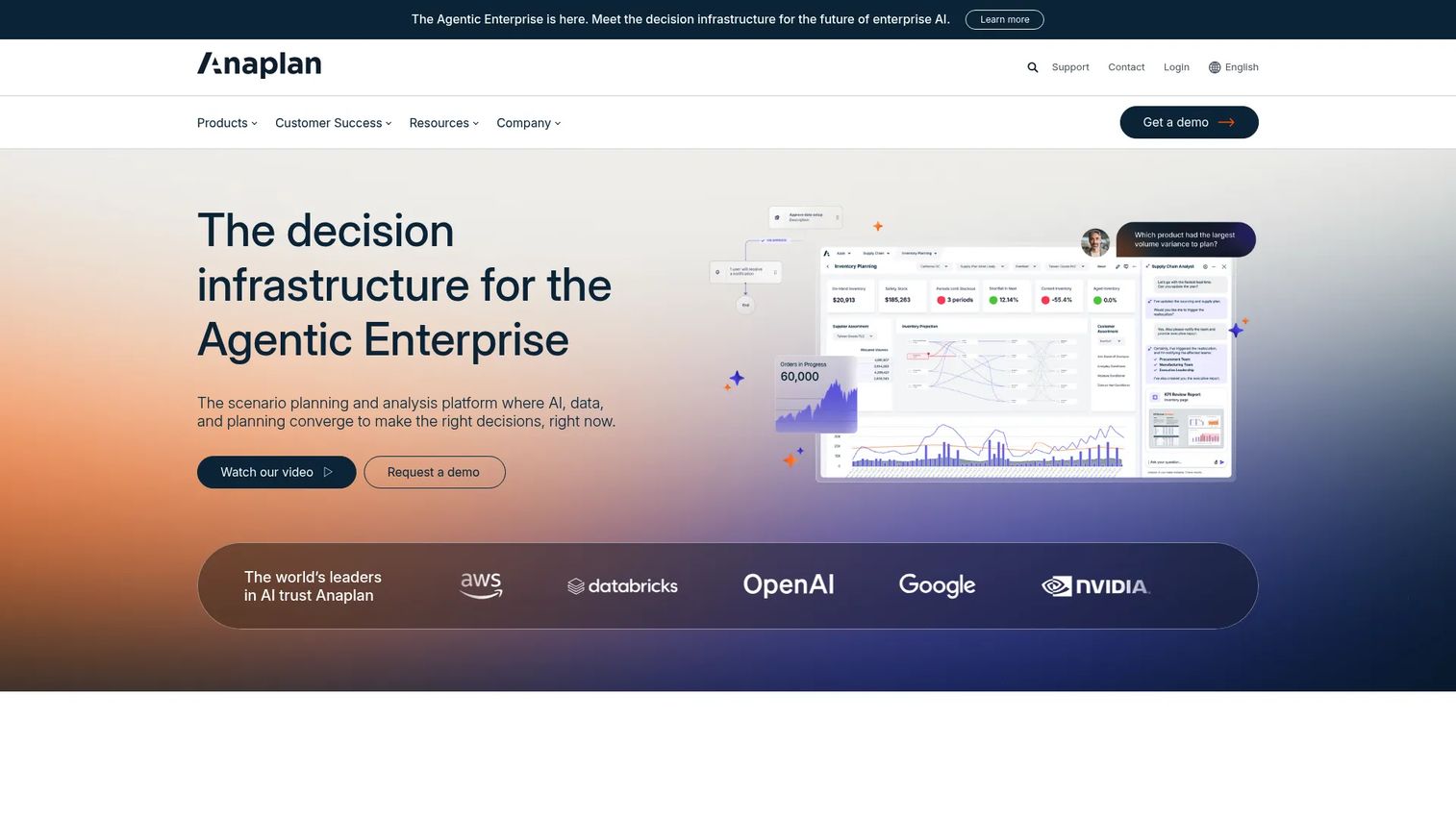
Anaplan is a connected planning platform built for large enterprises that need to model headcount, cost, and capacity across functions in one place. Its multidimensional modeling engine lets finance, HR, sales, and supply chain plan on shared data, so a workforce change ripples into the financial model without manual reconciliation. AI-driven scenario planning is central to how it positions itself in 2026.
Best for: large organizations that need cross-functional planning and deep scenario modeling.
Key strengths
- AI-driven scenario planning: model growth, contraction, and reorganization across the business and compare outcomes side by side.
- Connected data and workflows: role-based agents and shared models keep finance and HR on one version of the plan.
- Scalable multidimensional modeling: handle complex org structures, workforce gap analysis, and capacity planning at enterprise scale.
Why choose Anaplan: if your planning structure is genuinely complex, with multiple functions, regions, and cost drivers that all touch headcount, Anaplan is built for that interdependence. Smaller teams may find the modeling power heavier than they need, but planning leaders running cross-functional cycles get a single environment instead of a dozen reconciled spreadsheets.
Anaplan pricing: Anaplan does not publish public pricing. The platform is offered in three editions, Essential, Standard, and Advanced, all quoted through sales. Implementation is a project, not a switch you flip, so budget for modeling setup and admin enablement. Anaplan holds a 4.6/5 rating on G2.
2. Workday Adaptive Planning
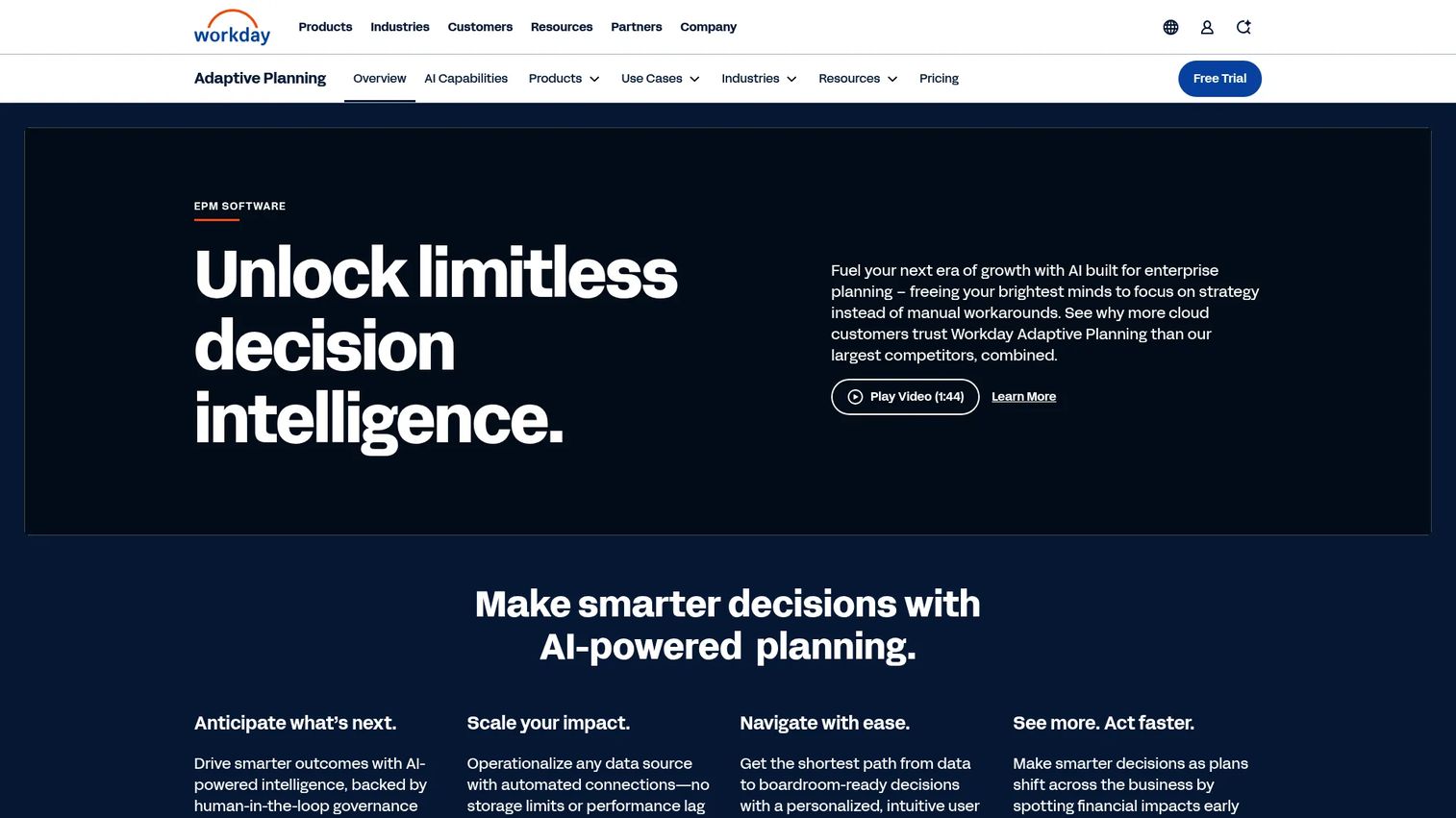
Workday Adaptive Planning frames workforce planning as one thread inside a broader enterprise planning platform that spans finance, workforce, and operations. It brings HR, finance, and operations together so headcount and cost plans connect directly to the financial model, with AI-driven budgeting and scenario planning across the board.
Best for: teams that want workforce planning to live inside a broader planning ecosystem rather than a standalone tool.
Key strengths
- Unified HR, finance, and operations planning: model headcount, cost, talent, and capacity against the same financial assumptions.
- AI-driven scenario planning: run unlimited scenarios and flexible models to prepare for risk and opportunity.
- Close and consolidation: extend planning into reporting and financial close for a continuous loop.
Why choose Workday Adaptive Planning: if your organization already runs on Workday, or finance owns the planning process, the connection between workforce inputs and the financial plan is the draw. It performs best when the goal is continuous, finance-aligned planning rather than HR-only headcount modeling.
Workday Adaptive Planning pricing: no public numeric price is shown. Workday lists a 30-day free trial plus the core Adaptive Planning offering and a separate Close & Consolidation product, both quoted through sales. It holds a 4.3/5 rating on G2.
3. Visier
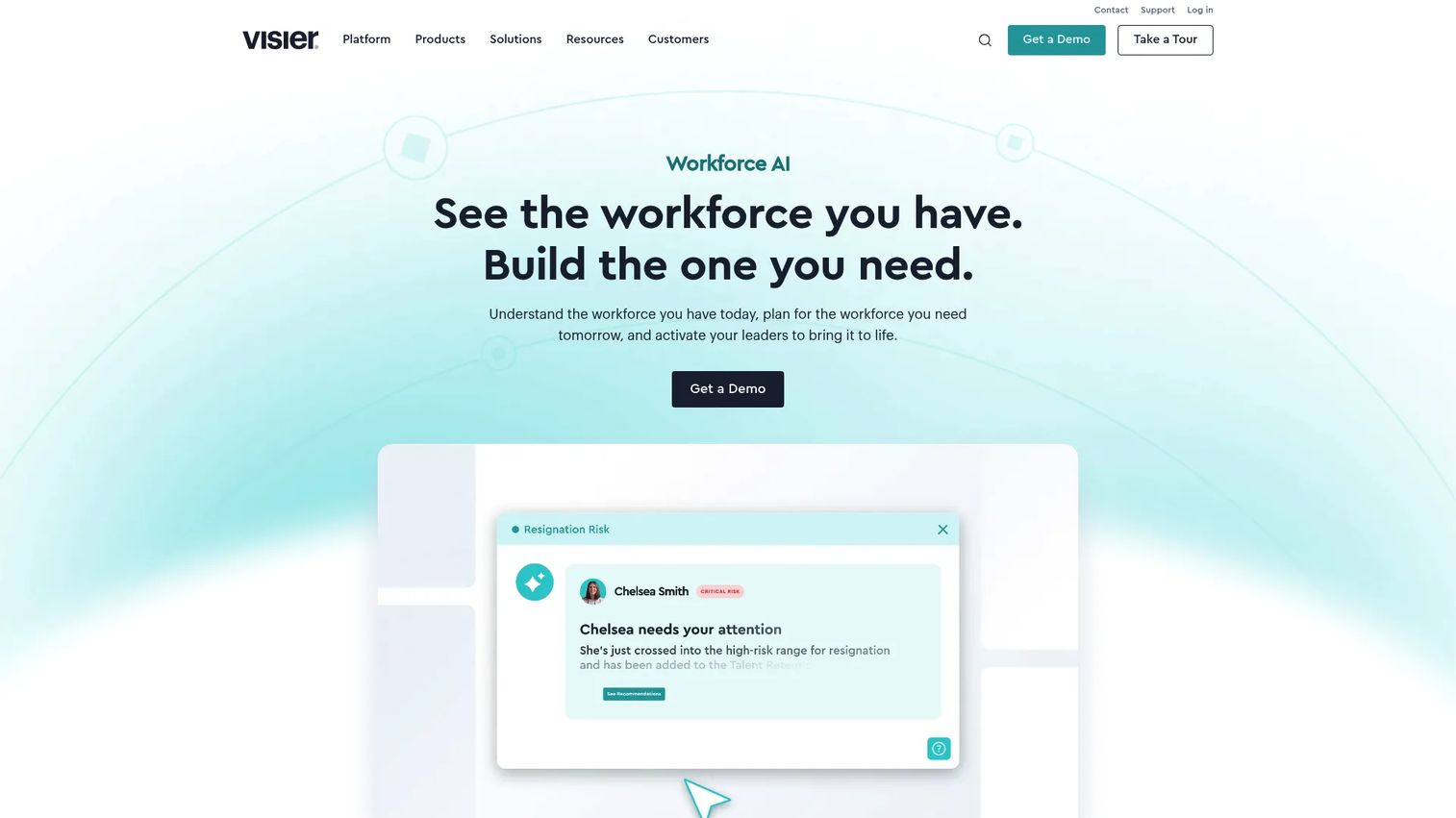
Visier leads with workforce analytics. Its platform turns scattered people data into workforce context, comprehensive insights, and recommendations you can trust, then layers planning and budgeting on top. For HR teams, the pitch is that you plan with intelligence, not just assumptions, because the analytics and the plan sit in the same place.
Best for: HR and people analytics teams that need strategic workforce planning plus the insight to back it up.
Key strengths
- Workforce analytics and reporting: surface trends in attrition, cost, and capacity before they become problems.
- Workforce planning and budgeting: build headcount and cost plans grounded in real people data.
- Real-time people data platform: connectors, APIs, and governance keep the underlying data clean and current.
Why choose Visier: Visier stands out in planning conversations when the workforce planning analytics are the point. If your team is constantly asked "why" behind every headcount number, the analytics depth means you walk in with answers, not just a plan. It pairs naturally with HR teams investing in HR analytics as a discipline.
Visier pricing: Visier does not publish a public price. The site uses demo and talk-to-sales CTAs but does offer a free trial on the platform. It holds a 4.6/5 rating on G2.
4. Paylocity
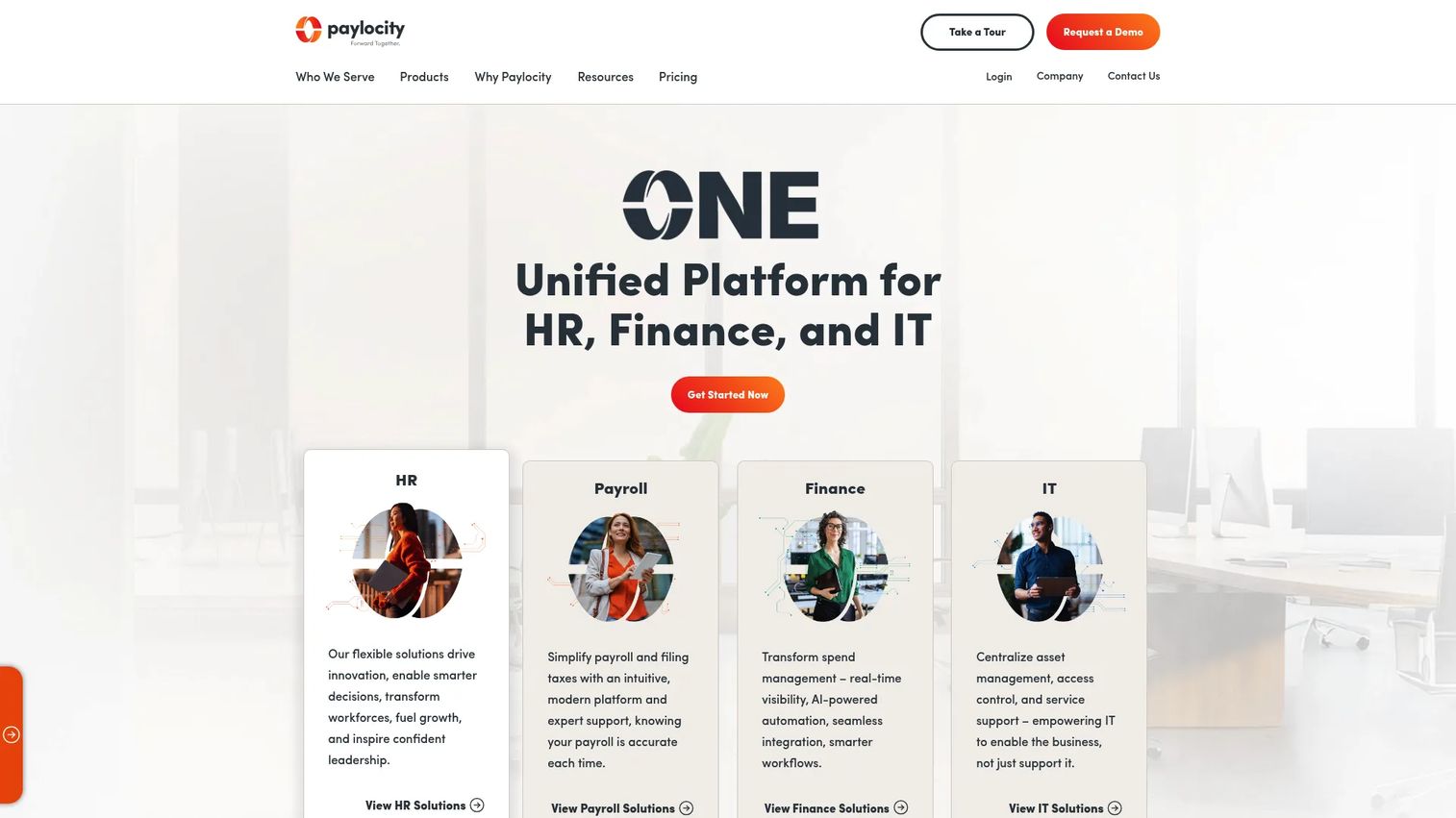
Paylocity brings teams together across HR, finance, and IT in one cloud platform, with planning sitting alongside payroll, surveys, recognition, and day-to-day HR execution. For mid-market organizations, the appeal is operational simplicity: workforce data, payroll, and planning context live in the same system instead of three.
Best for: mid-market organizations that want HR, payroll, and planning in one place without enterprise complexity.
Key strengths
- Payroll and HR workflow automation: keep headcount, cost, and pay data connected in one source.
- Employee experience tools: surveys and recognition feed engagement signals into workforce decisions.
- Finance and IT modules: integrations and analytics tie people data to budget and operational context.
Why choose Paylocity: for a mid-market team without a dedicated planning function, Paylocity keeps the workforce picture in one platform, which lowers the change-management cost. It fits teams that want practical headcount visibility tied to execution rather than a standalone strategic modeling engine.
Paylocity pricing: pricing is quote-based, customized per organization, with no public price displayed. Paylocity holds a 4.5/5 rating on G2.
5. Oracle Cloud HCM
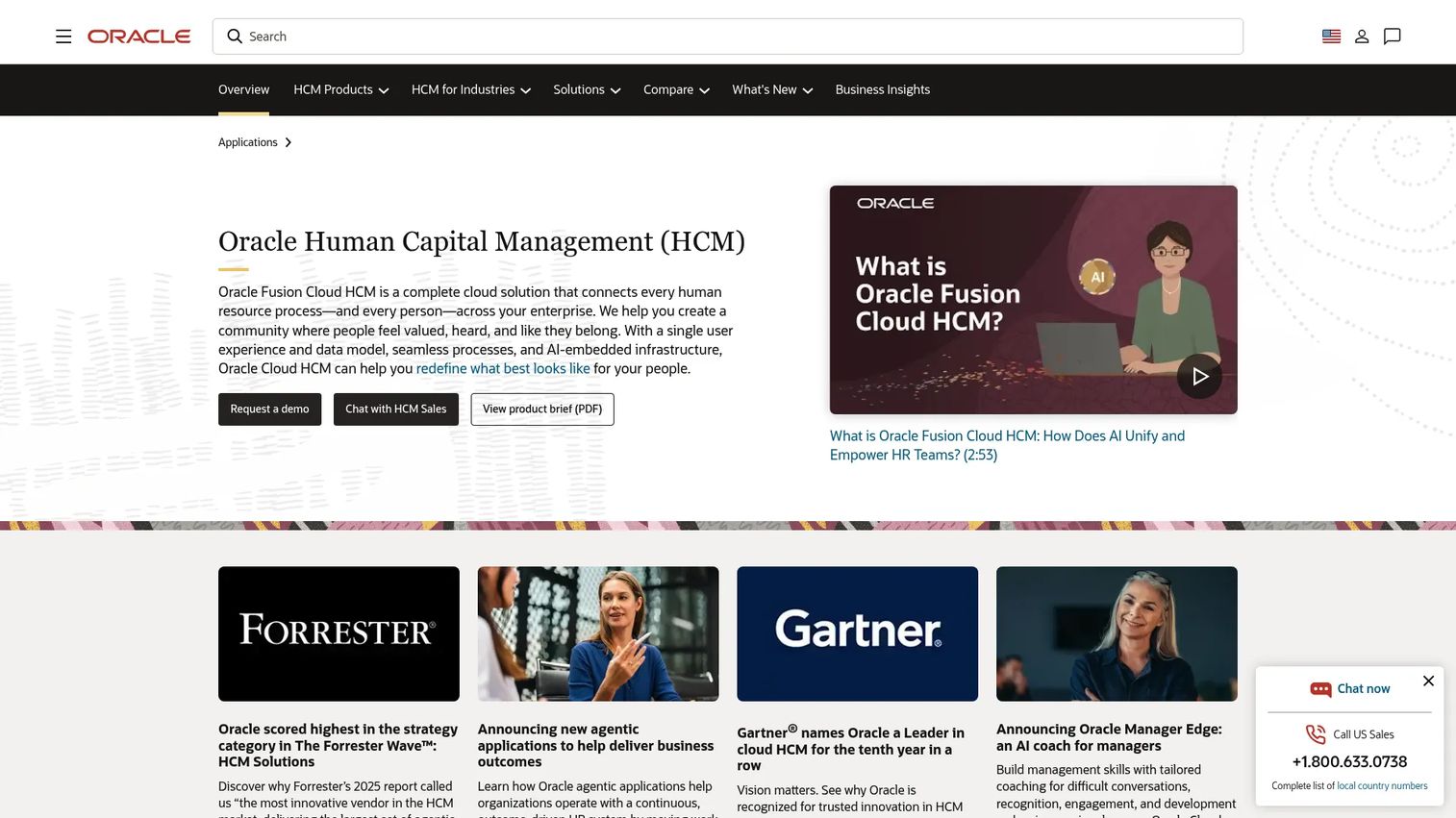
Oracle Cloud HCM treats workforce planning as one capability inside a full human capital management suite. Built on a single data model and user experience, it connects strategic workforce planning to HR operations, talent management, payroll, and skills data across the enterprise.
Best for: large enterprises that want planning connected to broad HR operations and skills data.
Key strengths
- Single data model: one source for HR, talent, workforce, and payroll keeps planning grounded in operational reality.
- AI-embedded HR processes: automation runs across the suite, from hire to plan.
- Skills and workforce visibility: product tours span HR, talent management, workforce management, and payroll.
Why choose Oracle Cloud HCM: for an enterprise already standardizing on Oracle, the integration depth across HR operations and skills data is the differentiator. Implementation is a significant program rather than a quick rollout, which fits organizations with the scale and resources to match. It earns a 3.5/5 rating on G2.
Oracle Cloud HCM pricing: Oracle does not publish a clear public starting subscription price for Cloud HCM. Pricing is quoted, and an enterprise rollout should account for implementation and change management.
6. ChartHop
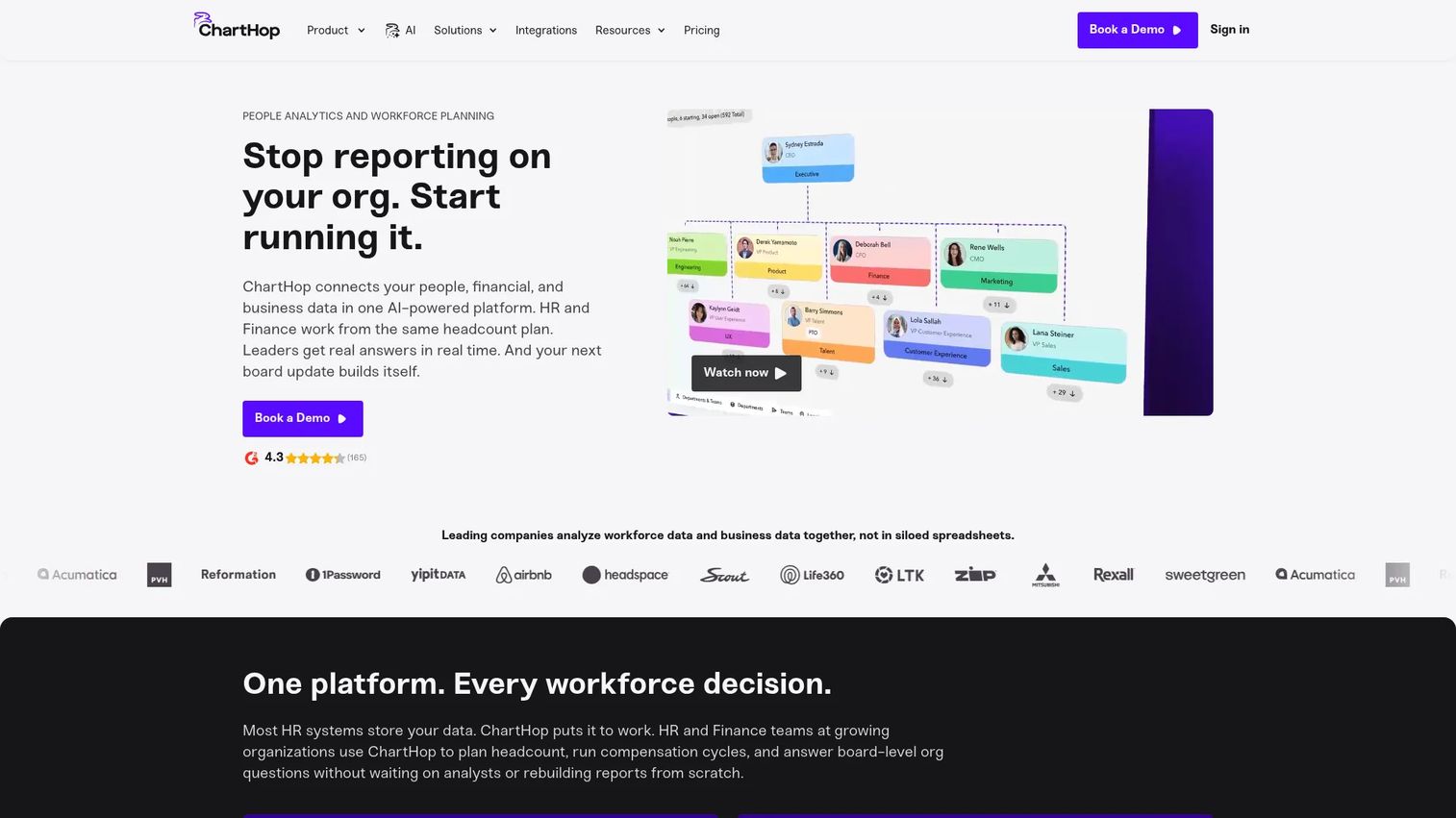
ChartHop is a people operations platform built around org visibility, headcount planning, and scenario modeling. It gives HR and finance a single system for people data, org charts, compensation, and planning, with the depth that all-in-one tools often can't match in this area.
Best for: fast-moving teams that need org design and headcount planning visibility in one view.
Key strengths
- People analytics and dashboards: see workforce trends and cost across the org at a glance.
- Org chart and employee profiles: model org redesign and reporting changes visually.
- Headcount planning and compensation: plan hires and comp against budget in a connected workflow.
Why choose ChartHop: ChartHop suits smaller and mid-market teams that need to see and plan the org without standing up an enterprise modeling platform. The visual, dashboard-led approach makes scenario planning approachable for teams that move fast and want cross-functional alignment between HR and finance.
ChartHop pricing: ChartHop Core starts at $5 per employee per month, billed annually. Additional modules, including Headcount Planning, start at $3 to $4 per employee per month, AI Pro is pay as you go, and Enterprise is custom-quoted. There is no free tier publicly shown. ChartHop holds a 4.3/5 rating on G2.
7. ADP Workforce Now
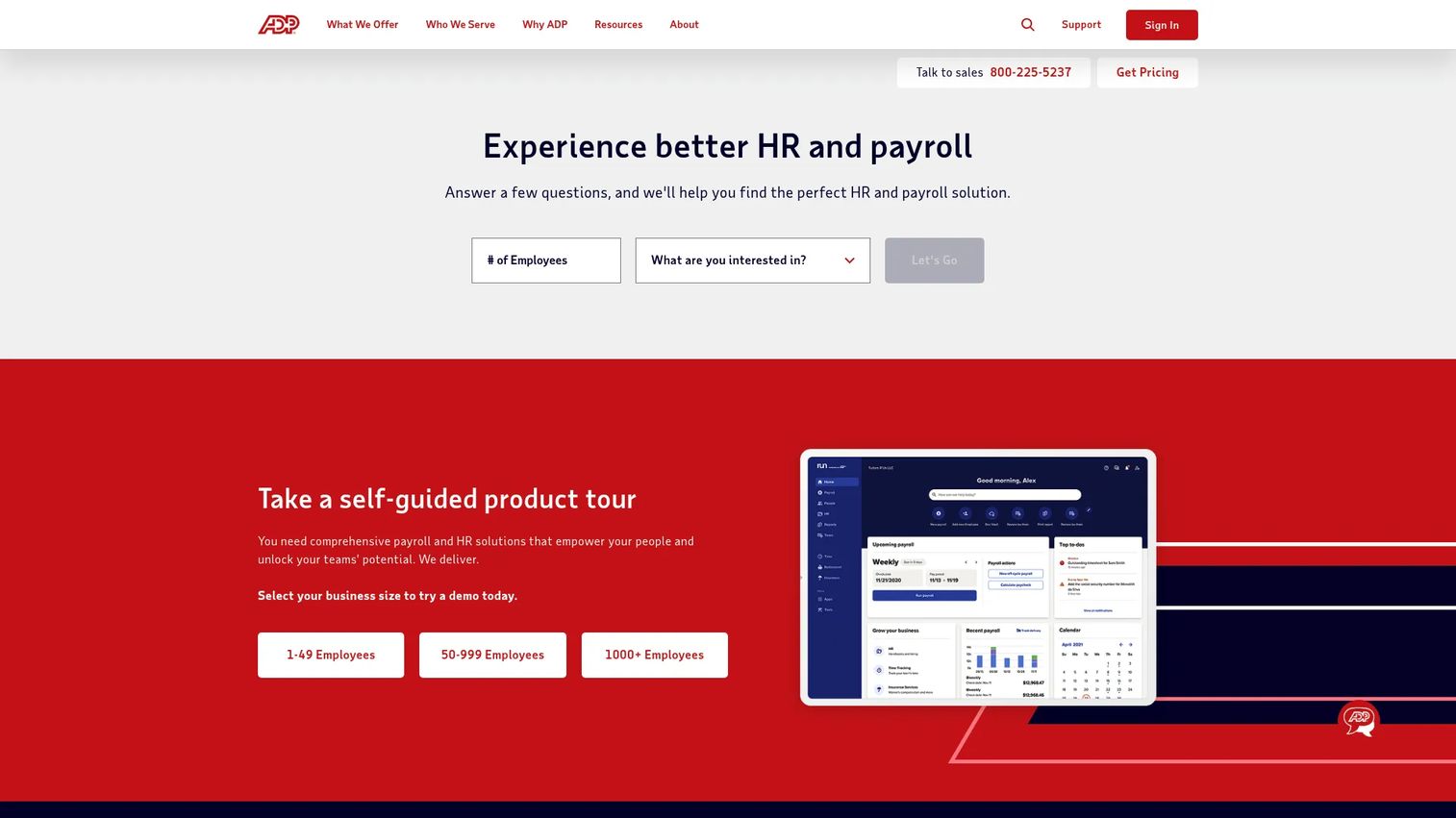
ADP Workforce Now is an AI-powered all-in-one HCM platform for midsized businesses, covering HR, payroll, benefits, time, talent, and analytics. Its appeal for planning is that workforce data and execution live in the same environment, so headcount and cost numbers come straight from the system that runs payroll and HR.
Best for: teams that need workforce data and execution in the same environment.
Key strengths
- HR and payroll in one system: headcount and cost data stay accurate because they come from the source.
- Time, attendance, and benefits: operational workforce data feeds planning context.
- Reporting and analytics: surface workforce trends to inform planning decisions.
Why choose ADP Workforce Now: ADP leans more operational than pure strategic planning, which is exactly right for teams whose first priority is running HR and payroll cleanly while still drawing planning signal from that data. With JobTarget integration and programmatic advertising, requisitions can post across 25,000+ job sites, which helps tie recruiting to backfill timing.
ADP Workforce Now pricing: ADP lists Select, Plus, and Premium packages with quote-based pricing and no public prices shown. It is rated 4.4/5 on Capterra.
8. UKG Pro Workforce Management
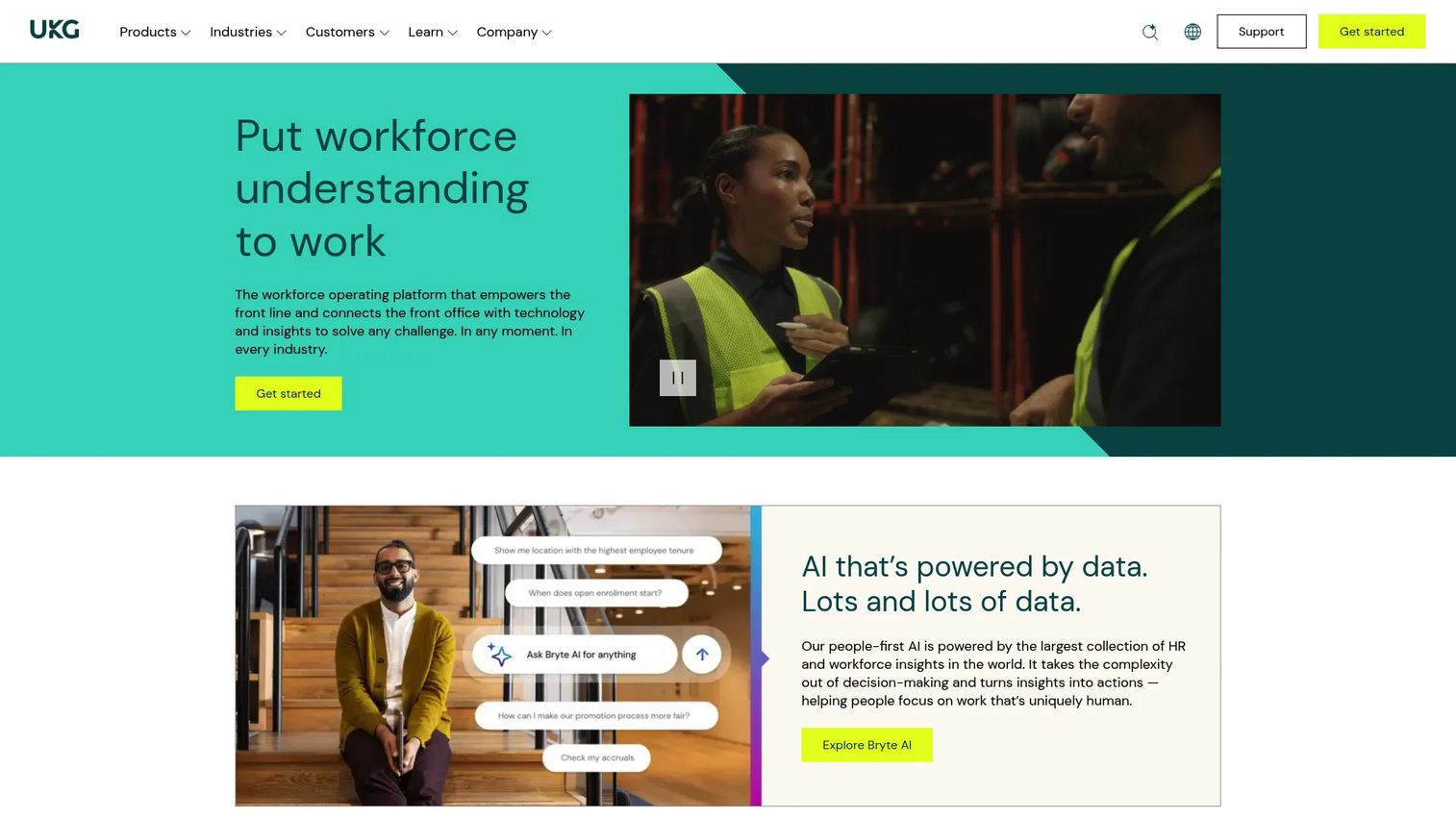
UKG Pro Workforce Management is cloud workforce management software built for complex scheduling, time and attendance, compliance, and analytics. Its strength in a planning context is the quality of its labor data: a clear view of every shift, location, and team becomes a foundation for accurate labor forecasting.
Best for: teams with scheduling, labor, and compliance-heavy operational needs.
Key strengths
- Time and attendance: precise labor data that sharpens capacity planning.
- Scheduling: match staffing to demand across shifts and locations.
- Workforce analytics: turn operational labor data into planning inputs and forecasts.
Why choose UKG Pro Workforce Management: in operational environments, frontline staffing, multi-location, compliance-heavy, the accuracy of labor data is what makes planning credible. UKG feeds that data into labor forecasting so capacity plans reflect what's actually happening on the floor, not an estimate. It holds a 4.3/5 rating on G2.
UKG Pro Workforce Management pricing: UKG prices by custom quote, with no public price shown. Plan for a configuration-based rollout sized to your scheduling and compliance needs.
9. BambooHR

BambooHR is cloud-based HR software for small and mid-sized businesses, built around an approachable HRIS with reporting, time tracking, and employee self-service. For planning, its value is headcount visibility and clean people data rather than deep strategic modeling.
Best for: smaller HR teams that want an approachable, all-in-one system.
Key strengths
- HR data and reporting: a clean source of headcount and people data for planning inputs.
- Time and attendance: operational data that supports capacity decisions.
- Mobile app and self-service: employees and managers keep data current without HR chasing it.
Why choose BambooHR: BambooHR is the right call when simplicity and adoption matter more than modeling depth. It is not the deepest strategic planning platform, and it doesn't try to be. For a growing SMB that needs reliable headcount visibility and a system people actually use, that focus is the point.
BambooHR pricing: BambooHR offers three plans, Core at $10, Pro at $17, and Elite at $25 per employee per month. For companies with 25 or fewer employees, pricing starts at a flat $250 per month. There is no free tier. It holds a 4.4/5 rating on G2.
10. Planful
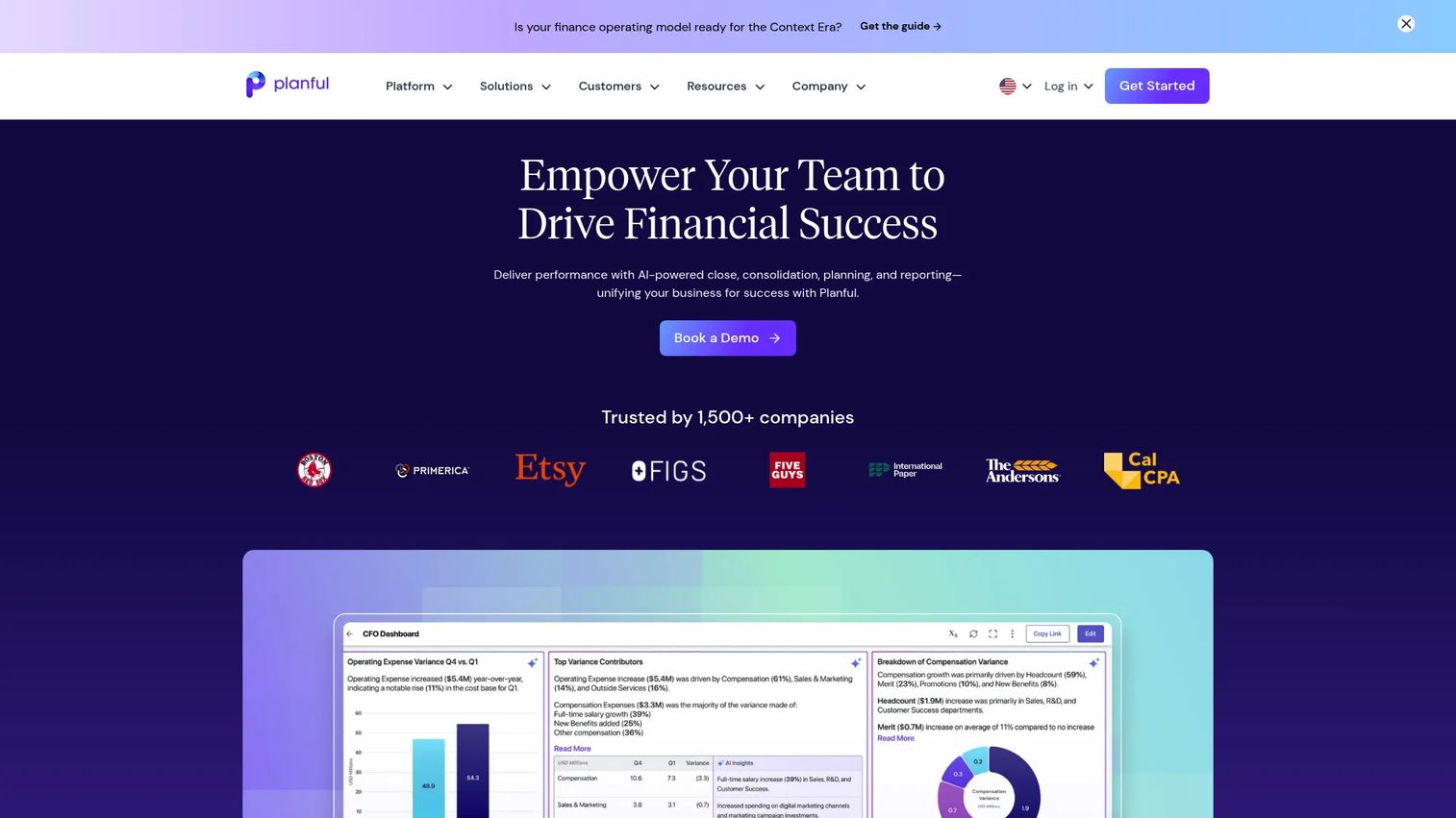
Planful is cloud financial performance management software for planning, budgeting, forecasting, consolidation, and reporting, with workforce inputs feeding the financial model. For finance-led teams, headcount and cost planning live where the budget already lives.
Best for: finance-led teams that need workforce data inside budgeting workflows.
Key strengths
- AI-assisted financial planning: forecast headcount cost alongside the rest of the budget.
- Financial close and consolidation: keep planning and reporting in one continuous workflow.
- Reporting and analysis: drill-down dashboards tie workforce planning analytics to financial outcomes.
Why choose Planful: Planful is strongest where finance owns the planning process and workforce cost is one input among many. If your bottleneck is connecting headcount to the budget rather than modeling the org itself, Planful keeps people planning inside the FP&A workflow your finance team already runs.
Planful pricing: Planful uses a subscription-based, quote-driven model with no public price shown. It holds a 4.3/5 rating on G2.
Considerations before you buy
Shortlisting is easier when you test against the criteria that actually break in production. Use this checklist before committing.
Planning depth vs. operational fit
Decide whether your core problem is strategic modeling or operational execution. Anaplan, Workday Adaptive Planning, and Planful lead on planning depth and scenario modeling. ADP Workforce Now, UKG Pro, and BambooHR lead on operational workforce data. Buying the wrong end of that spectrum is the most common expensive mistake.
Integration with your HCM and finance stack
A plan is only as good as the data feeding it. Confirm the platform connects cleanly to your HRIS, HCM, and finance systems, and that the sync is two-way where it needs to be. Ask specifically about your ERP and recruiting tools, not just the generic integration list.
Scenario and what-if modeling
Pressure-test how fast you can build a second scenario when leadership changes the question. If running a what-if analysis takes a week of admin work, the tool won't get used the way you need it to. Build a real scenario during the trial, not a demo dataset.
Implementation effort and ownership
Be honest about who owns the rollout. Enterprise platforms need modeling setup and admin enablement; mid-market tools turn on faster. Match the implementation weight to the resources you actually have, and budget for change management, not just the license.
Analytics and plan-to-actuals visibility
The plan you set in January means little without a way to compare it against live actuals. Check that the platform surfaces variance clearly and lets the right people see it without exporting to yet another spreadsheet.
Conclusion
The right workforce planning software depends entirely on where your plan breaks. For enterprise, cross-functional scenario modeling, Anaplan is the most complete. When workforce planning needs to live inside the financial model, Workday Adaptive Planning and Planful lead on finance-connected planning. For HR teams that need analytics behind every number, Visier brings workforce intelligence to the plan. And for simpler mid-market planning, ChartHop, Paylocity, and BambooHR keep headcount visibility approachable.
The decision comes down to one question: is your main problem scenario depth, HCM integration, or planning simplicity? Answer that, and the shortlist narrows fast.
Next step: build a one-page requirements sheet covering planning depth, integrations, and implementation effort. Compare your top two or three against it, then pilot one full planning cycle before you commit. A single real cycle tells you more than any demo ever will.
FAQs
Workforce planning software helps HR, finance, and operations teams forecast and align headcount, capacity, cost, and talent decisions against business goals. It replaces disconnected spreadsheets with a shared, scenario-ready plan that updates as the business changes. The strongest tools connect to your HCM, HRIS, and finance systems so the plan stays grounded in real data.
Strategic workforce planning answers forward-looking questions: how many people do we need, in which roles, at what cost? Workforce management handles the operational layer, scheduling, time and attendance, and labor compliance for the workforce you already have. Many organizations use both, with workforce management data feeding the strategic plan.
Prioritize headcount planning, capacity planning, scenario and what-if modeling, cost planning tied to the financial model, and plan-to-actuals visibility. Integration with your HCM, HRIS, and finance systems matters as much as the modeling itself, because the plan is only as good as the data behind it. Strong workforce analytics round out the set.
No. Enterprise platforms like Anaplan and Oracle Cloud HCM suit complex, cross-functional planning, but mid-market and SMB teams have approachable options too. ChartHop, Paylocity, and BambooHR deliver headcount planning and people data without enterprise implementation weight. The right fit depends on planning complexity, not just company size.
HR owns the headcount and talent plan; finance owns the budget. Workforce planning software gives both teams one shared version, so compensation and loaded costs flow from the hiring plan straight into the financial model. When HR changes a hire, the budget impact updates automatically, which removes the reconciliation gap that breaks separate spreadsheets.
Yes, and this is a core selection criterion. Most platforms offer connectors or APIs to pull employee and org data from your HRIS or HCM, and many sync budget and actuals from finance systems. Confirm the integration is two-way where you need it and that it covers your specific ERP and recruiting tools before buying.
Build a real scenario during the trial, not a demo dataset. Test how fast you can run a second what-if analysis when the assumptions change, confirm the integrations sync cleanly with your actual stack, and check that plan-to-actuals variance is visible without exporting. Then pilot one full planning cycle before committing.
Scenario planning lets you model multiple futures, growth, hiring freezes, reorganization, or location changes, and compare them side by side with real numbers. What-if analysis turns "what happens if we delay 12 hires" from a guess into a clear budget and capacity impact. Together they let leadership weigh tradeoffs with evidence instead of opinion, which is where spreadsheets fall short and dedicated platforms earn their cost.