Your roadmap shifted on Monday. By Thursday, the task lists inside three separate tools still reflect last quarter's priorities. A customer escalation lands Friday morning, and finding the decision log from last month's sprint review means searching through Slack, checking Notion, and pinging two people who were in the room.
The cost here is not being busy. It is coordination work eating the time you need for discovery, backlog grooming, and the judgment calls that move the product forward.
According to Gallup's 2026 workplace survey, 47% of U.S. employees say their organization has integrated AI tools to improve productivity, efficiency, or quality. Among workers already using AI at work, 68% report saving at least three to four hours per week (CCIA, 2025). The gap between teams that capture that time and teams that do not comes down to which workflows they actually automated.
This guide covers ten productivity bots built for the recurring operational work that pulls product managers away from product work. Each tool is chosen for its fit with real PM workflows, not for general hype.
What's inside
This guide covers ten AI productivity bots for product managers across:
- AI task planning and calendar defense
- Knowledge management and product documentation
- Cross-app workflow automation
- Meeting capture and action item follow-up
- Async status collection and team coordination
- Research synthesis for discovery work
Tools were selected based on:
- Direct fit with recurring PM workflows
- Integration depth with common SaaS systems of record
- Verified pricing and free plan availability
- Maintainability without constant engineering support
TL;DR
- Best for AI task planning: Motion automatically schedules tasks and meetings against available calendar time, so reprioritization happens without manual reshuffling
- Best for focus time protection: Reclaim.ai defends deep work and recurring rituals against meeting sprawl, with a free plan to start
- Best for product knowledge workflows: Notion AI works inside existing docs, databases, and release notes, with a free tier included
- Best for Slack-centered teams: Slackbot and Polly handle daily coordination inside the tool your team already uses
- Best for meeting follow-up: Fireflies.ai captures, transcribes, and surfaces action items from customer interviews, sprint reviews, and stakeholder calls
- Best for technical automation control: n8n suits product ops teams that need flexible, maintainable workflows with self-hosted or cloud deployment options
What are productivity bots?
Productivity bots are software assistants that automate recurring work such as task scheduling, status collection, meeting follow-up, knowledge retrieval, research, or actions across connected workplace apps. The term "bot" covers several meaningfully different categories, and treating them as interchangeable leads to buying overlapping tools.
Core types of productivity bots
- Planning bots: Reprioritize tasks and calendar blocks as deadlines shift
- Workflow bots: Move data and trigger actions across connected apps
- Meeting bots: Record, summarize, and route follow-ups from conversations
- Knowledge bots: Retrieve answers from documents, notes, and databases
- Team coordination bots: Collect updates, run polls, and surface decisions inside chat
- Research bots: Speed up source discovery, paper synthesis, and evidence review
Key features to look for
- Calendar and task integrations with existing systems of record
- Rule-based or AI-driven workflow triggers
- Structured outputs that land in the right destination
- Role-based permissions and admin controls
- Searchable history and notification throttling
- Reporting on adoption and workflow outcomes
A note on category fit
For product managers, the most important question is not "which bot scores highest?" It is "which recurring operational bottleneck is costing the most judgment time?" A planning bot does not solve a meeting follow-up problem. A research assistant does not replace a workflow automation for feedback routing. Match the tool to the specific friction first, then evaluate features.
| Bot type | Example job | Outcome |
|---|---|---|
| Planning | Reschedule tasks when a priority shifts | Fewer manual calendar rebuilds |
| Workflow | Route tagged feedback to a triage database | Faster time from signal to backlog |
| Meeting | Convert sprint review into action items | Fewer "what was decided?" follow-ups |
| Knowledge | Answer questions from PRDs and decision logs | Reduced context-switching to find docs |
| Team coordination | Run async release readiness check-ins | Replace one recurring sync per week |
| Research | Summarize academic or market evidence | Faster, sourced discovery preparation |
When should product managers use productivity bots?
Protect planning time when priorities move
Calendar fragmentation is a leading cause of reactive product work. When a new escalation or stakeholder request arrives, a planning bot can automatically shift task deadlines and calendar blocks without requiring the PM to rebuild the schedule manually. This works best when task estimates and deadlines are kept current inside the tool, since the automation can only optimize what it can see.
Turn meetings into accountable follow-up
A transcript is data, not an outcome. The value of a meeting bot comes from turning conversation into owned, trackable work: Specific action items, named owners, and due dates that land in the right system. PMs running customer interviews, cross-functional launch reviews, and sprint retrospectives can benefit most when the follow-up step is the one most likely to fall through the cracks.
Connect tools without adding engineering tickets
Recurring handoffs, such as new feedback creating a triage item, a launch milestone posting to a shared channel, or research intake feeding a database, are good automation candidates. Workflow bots handle these without an engineering request, which protects engineering opportunity cost and keeps the PM's operating rhythm intact even as the team and product scale.
Productivity bots comparison
All pricing and G2 rating data below was verified against each vendor's live pricing page and current G2 listing in October 2026. Free plan limits, billing frequency, and plan structures change regularly, so confirm current terms before buying.
| # | Product | Best for | Key differentiator | Pricing | G2 rating |
|---|---|---|---|---|---|
| 1 | Motion | AI planned workdays | Auto-schedules tasks around available calendar time | From $19/seat/mo | 4.1/5 |
| 2 | Reclaim.ai | Calendar defense and habits | Protects focus time, routines, and task scheduling | Free; paid from $12/seat/mo | 4.8/5 |
| 3 | Notion AI | Product knowledge workflows | AI inside docs, databases, and workspace search | Free tier; AI on paid plans | 4.6/5 |
| 4 | ClickUp Brain | Teams already using ClickUp | Contextual AI across tasks, docs, and project work | From $9/user/mo | 4.6/5 |
| 5 | Zapier | No-code cross-app automation | Connects triggers and actions across 9,000+ apps | Free; paid from $19.99/mo | 4.5/5 |
| 6 | Slackbot | Slack-centered internal work | Workplace AI assistant inside Slack conversations | Free with Slack; paid plans from $7.25/user/mo | Not listed on G2 |
| 7 | Fireflies.ai | Meeting capture and follow-up | Searchable recordings, summaries, and action items | Free; paid from $10/seat/mo | 4.7/5 |
| 8 | Elicit | Research synthesis | Evidence-focused paper analysis and source review | Free; paid from $11/user/mo | 4.5/5 |
| 9 | n8n | Technical automation control | Flexible workflows with cloud and self-hosted options | From 20€/mo (cloud); free self-hosted community edition | 4.7/5 |
| 10 | Polly | Async team updates | Standups, polls, check-ins, and response analytics | Free; paid from $19/mo | 4.6/5 |
Best productivity bots for 2026
1. Motion
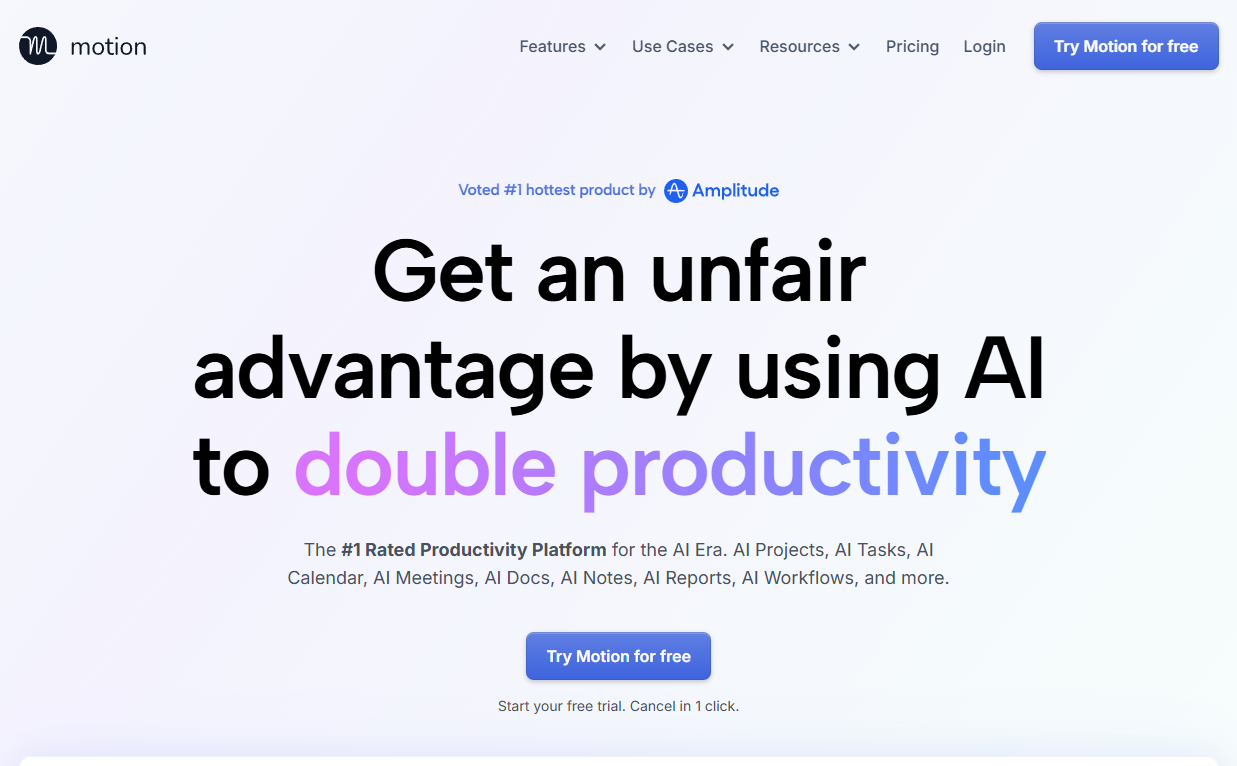
Motion is an AI planning platform that combines task management, project timelines, calendar scheduling, and meeting coordination in one workspace. Its core capability is automatic scheduling: When you add a task with a deadline and an estimated duration, Motion fits it into your available calendar time and adjusts the plan when priorities shift.
Best for: Product managers with volatile calendars who want task deadlines and calendar blocks to adapt automatically as new work arrives.
Key features
- Auto-scheduled tasks fitted to available calendar time
- AI meeting notetaker with summaries and action items
- Project timelines and Gantt chart views
- Daily plan adjustments as priorities change
- AI Docs, Wiki, and Notes in one workspace
Why choose Motion: Motion works best when the whole team commits to keeping task estimates and deadlines current. For a PM juggling a sprint, a roadmap review, and a customer escalation in the same week, it reduces the manual rebuild that usually follows each reprioritization.
Motion pricing: Pro AI starts at $19 per seat per month (monthly billing); Business AI is $29 per seat per month. Annual billing saves 33%. No free plan is available, but a free trial lets you test before committing.
G2 rating: 4.1/5
2. Reclaim.ai
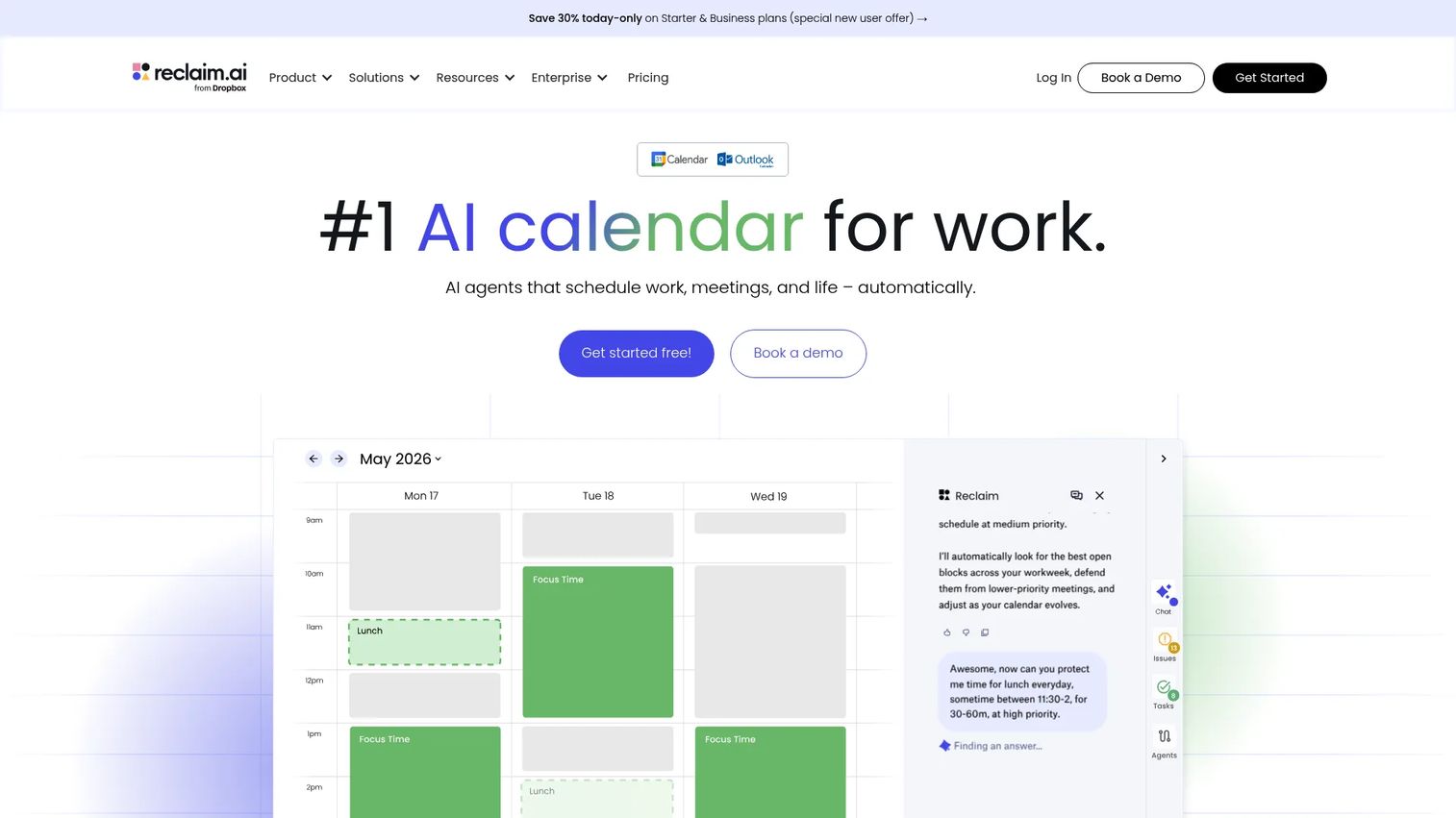
Reclaim.ai is a calendar automation bot that protects focus time, schedules recurring habits, and coordinates meetings around the work that actually matters. It integrates with Google Calendar and uses AI to adapt your schedule as meetings are added or priorities change.
Best for: PMs who need to defend deep work and recurring product rituals, such as discovery blocks and roadmap reviews, against meeting sprawl.
Key features
- Focus time protection with AI rescheduling
- Smart habits and recurring routines
- Task scheduling from connected project tools
- Shared calendar coordination for teams
- Calendar analytics showing time allocation trends
Why choose Reclaim.ai: If the core bottleneck is calendar fragmentation rather than task management, Reclaim.ai addresses it more directly than a full project planning suite. It is most effective when team norms align on respecting protected blocks; if every stakeholder can override focus time freely, the automation can only do so much.
Reclaim.ai pricing: A free Lite plan is available for one user. The Starter paid plan is $12 per seat per month (annual billing saves 29%). Business plan pricing requires contacting Reclaim.ai directly.
G2 rating: 4.8/5
3. Notion AI
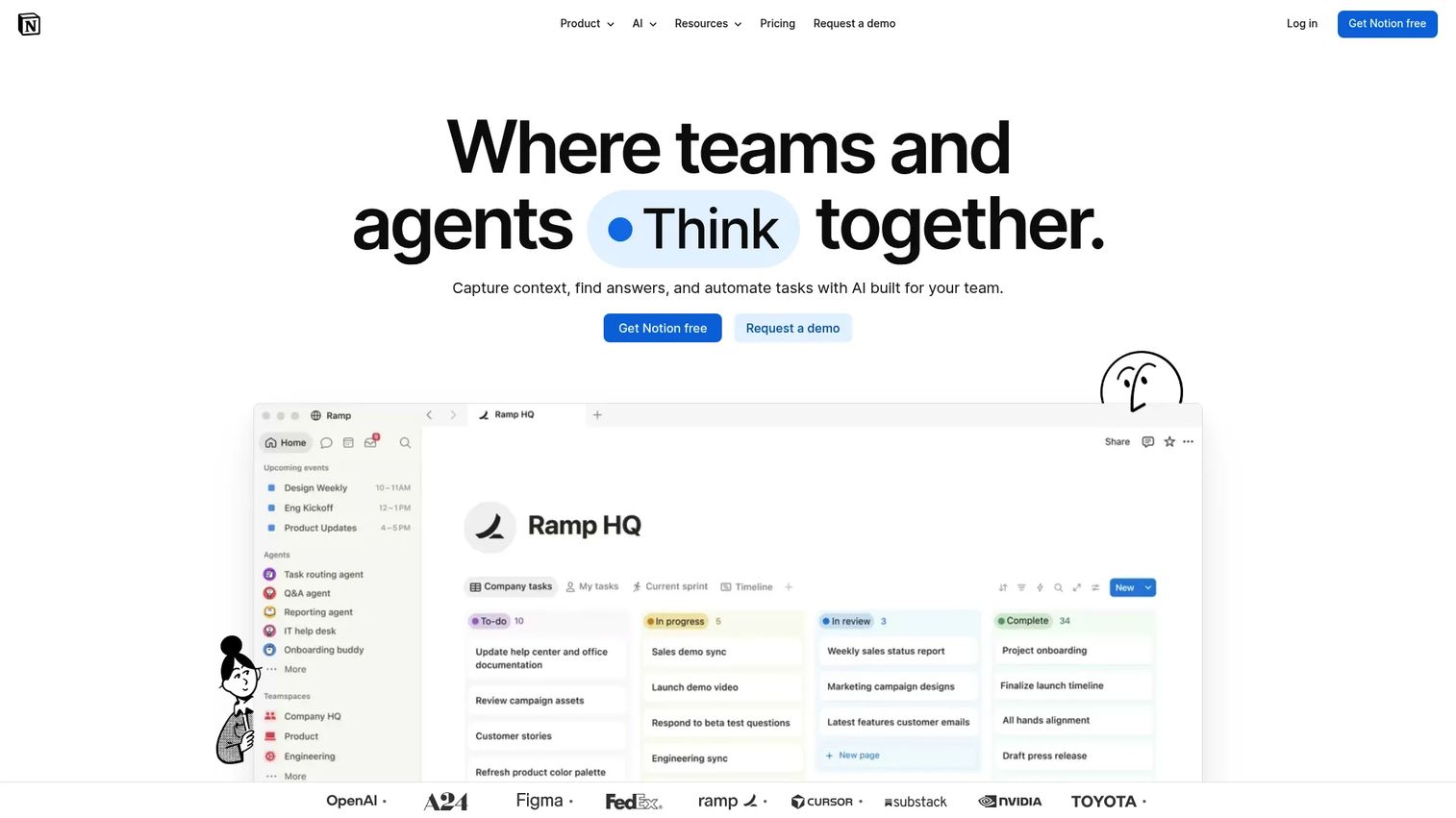
Notion AI adds AI capabilities directly inside the Notion workspace, covering docs, databases, meeting notes, and cross-app search. For product teams, this means AI assistance on PRDs, discovery notes, release plans, decision logs, and research repositories, without switching context to a separate tool.
Best for: PMs who already use Notion as a system of record for product knowledge and want AI assistance on that content rather than importing it elsewhere.
Key features
- Notion Agent for creating and editing pages and databases
- Enterprise Search across Notion and connected apps (Slack, Google Drive, GitHub)
- AI Meeting Notes with transcription and actionable follow-ups
- AI writing and editing inside any doc
- Database-assisted workflow automation
Why choose Notion AI: The output quality depends entirely on whether your product docs, decisions, and research notes are current and findable. If your team's knowledge is well-organized inside Notion, the AI amplifies what's already there. If it's split across disconnected systems, search and synthesis results will reflect that gap.
Notion AI pricing: A free plan includes a trial of Notion AI features. Paid plans start at €9.50 per member per month (Plus) and €19.50 per member per month (Business), billed monthly; Business includes Notion Agent, AI Meeting Notes, and Enterprise Search. Enterprise pricing is custom.
G2 rating: 4.6/5
4. ClickUp Brain
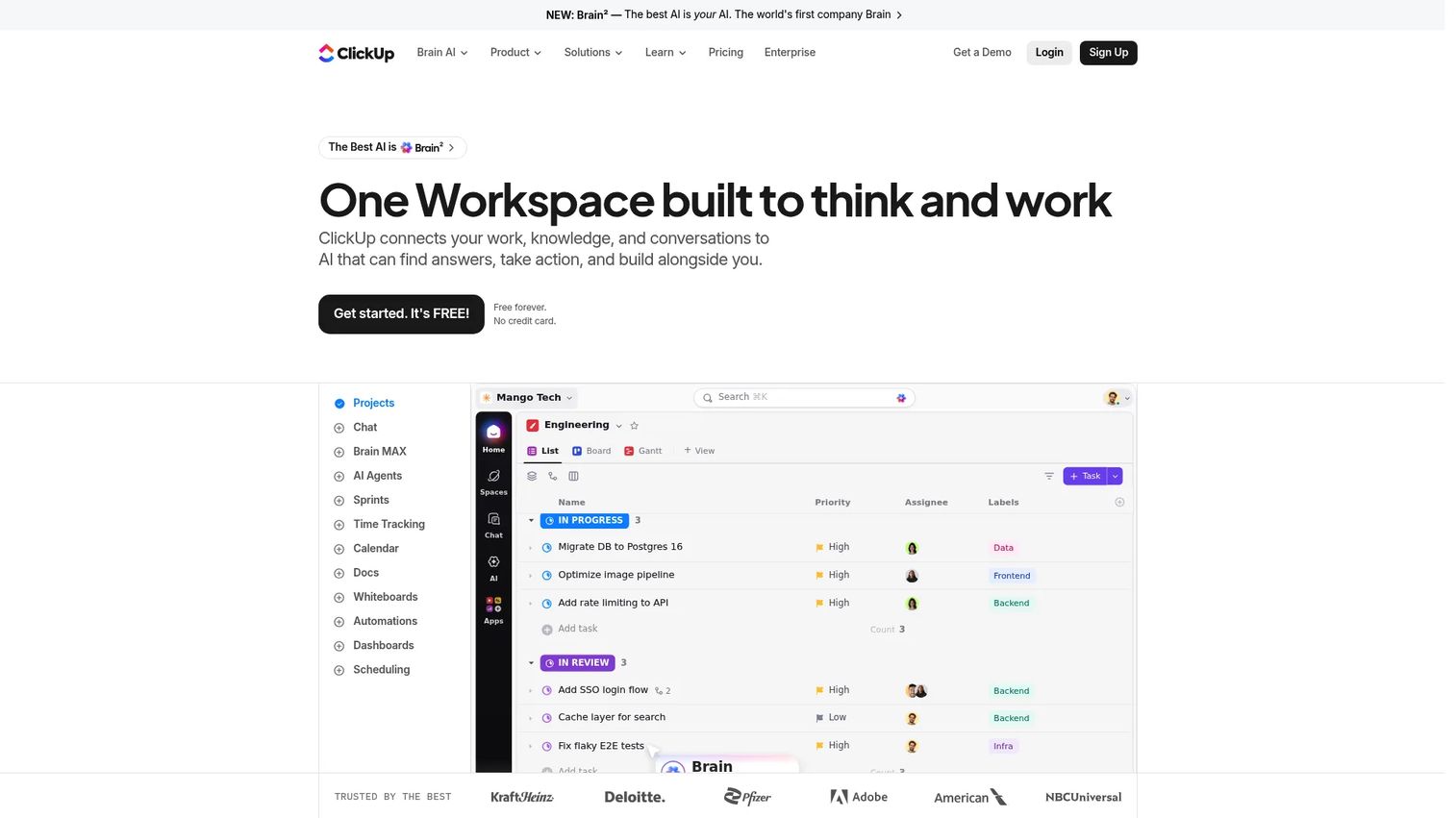
ClickUp Brain adds a contextual AI layer across ClickUp's task management, document editing, and project coordination environment. It can summarize project status, generate task updates, search workspace knowledge, and help draft docs, all within the project system the team already uses.
Best for: Product teams managing backlogs, cross-functional launches, and delivery coordination inside ClickUp who want to reduce manual status work.
Key features
- Conversational AI across tasks, Docs, and Chat
- AI task summaries and project update generation
- Workspace knowledge search with persistent memory
- Multi-model support (Max, Claude, ChatGPT, Gemini)
- Task and subtask creation from natural language
Why choose ClickUp Brain: It reduces the effort of writing and maintaining status updates when the project system already contains trustworthy context. The PM caveat applies here directly: AI summaries reflect whatever is in the workspace. Poor task hygiene, unclear ownership, or unstructured delivery practices produce unreliable outputs regardless of the AI model.
ClickUp Brain pricing: A Free Forever plan includes trial access to Brain. The Brain AI add-on is $9 per user per month; Everything AI is $28 per user per month. Both tiers are available with monthly or annual billing.
G2 rating: 4.6/5
5. Zapier
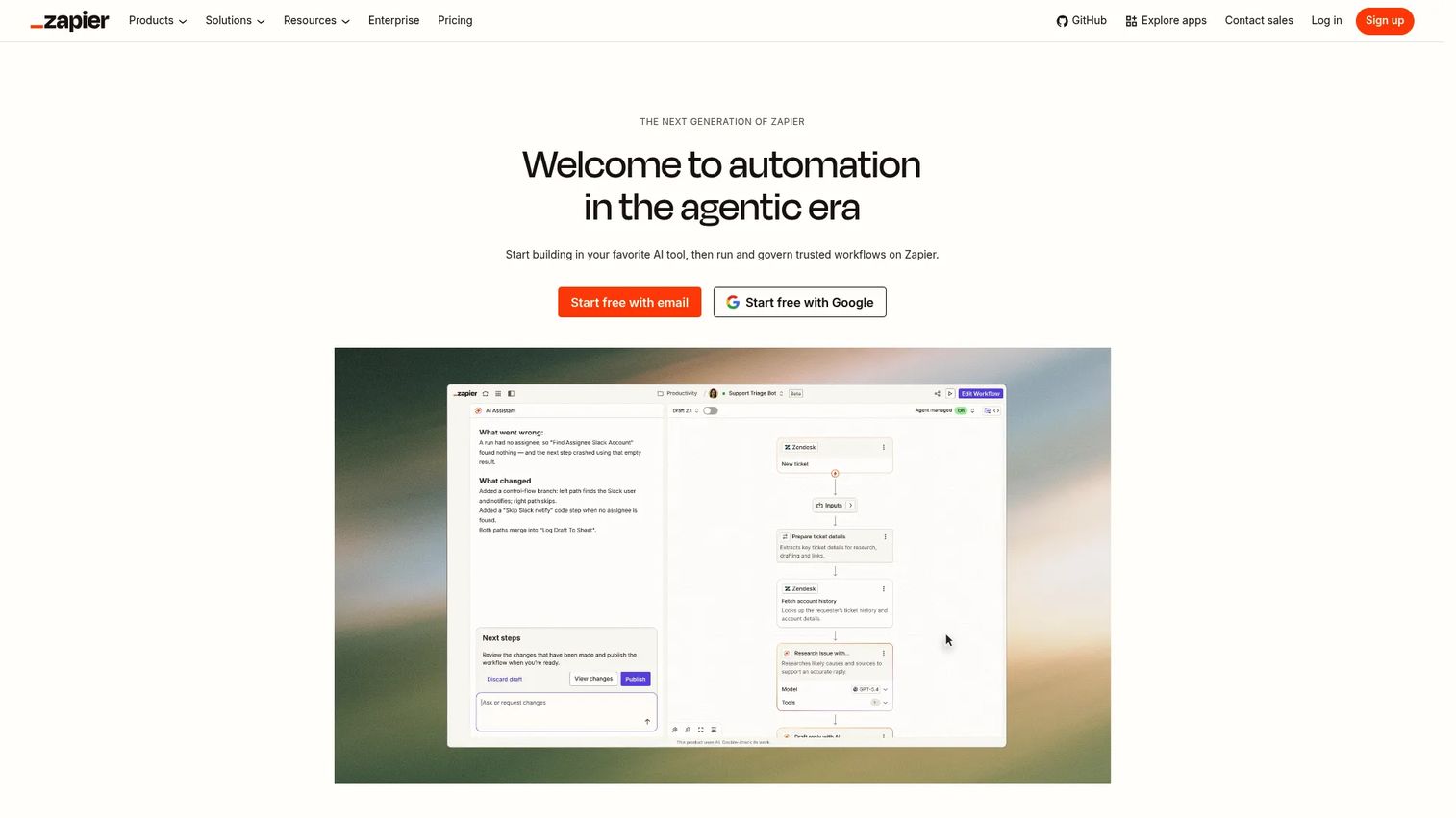
Zapier is a no-code workflow automation platform that connects more than 9,000 apps using trigger-based automations called Zaps. For product managers, it handles the recurring handoffs that otherwise require manual action or an engineering ticket: Routing customer feedback to a triage database, posting launch milestones to a shared channel, or escalating a support theme into the backlog.
Best for: PMs who need repeatable cross-app automation across a broad app ecosystem without writing custom code.
Key features
- Multi-step Zaps with filters, paths, and conditional logic
- 9,000+ app integrations including most SaaS tools
- AI-assisted Zap building and data formatting
- Scheduling, delays, and looping
- Error handling and task execution history
Why choose Zapier: The practical value is fast prototyping and broad coverage. You can build a working feedback-to-triage automation in an afternoon without touching the engineering backlog. The operational caveat: Automations need a named owner. As workflows multiply and the product process changes, someone must update triggers, permissions, and error handling.
Zapier pricing: The free plan includes 100 tasks per month. Professional starts at $19.99 per month; Team at $69 per month (both monthly billing, starting from). Enterprise pricing is custom.
G2 rating: 4.5/5
6. Slackbot
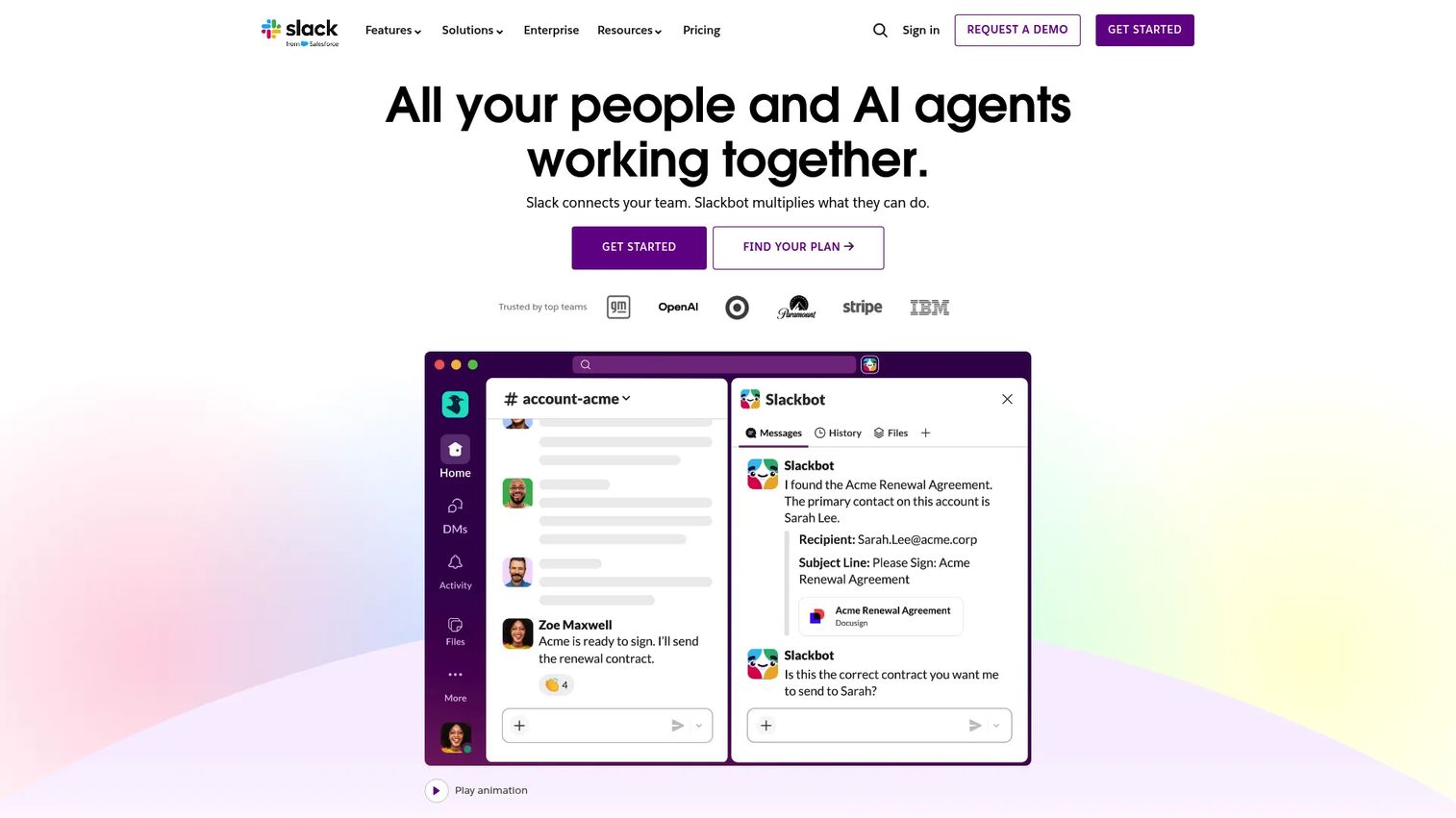
Slackbot is Slack's built-in AI work assistant, accessible inside any Slack conversation. It can search and synthesize information across messages, files, and connected apps, summarize channels or threads, help prepare meeting briefs, and support automated actions through Slack's Workflow Builder.
Best for: Product teams that already live in Slack and want to reduce context-switching for daily coordination, quick answers, and lightweight workflow support.
Key features
- Search and synthesis across permissioned Slack messages, files, and canvases
- Channel and thread summarization for quick context
- Meeting preparation and project brief generation
- Workflow Builder support for automated actions
- Connected app access where integrations are enabled
Why choose Slackbot: Its value is highest when the team already operates through Slack and wants AI assistance without a separate tool. The governance point matters here: Product decisions should still land in durable systems such as a roadmap, decision log, or issue tracker. Slackbot accelerates retrieval and summarization; it does not replace the systems of record where ownership and status live.
Slackbot pricing: Slackbot is included in Slack's Free plan at no cost. Pro is $7.25 per user per month (billed annually). Business+ is $15 per user per month (billed annually). Enterprise+ pricing requires contacting sales. AI capabilities vary by plan tier.
7. Fireflies.ai
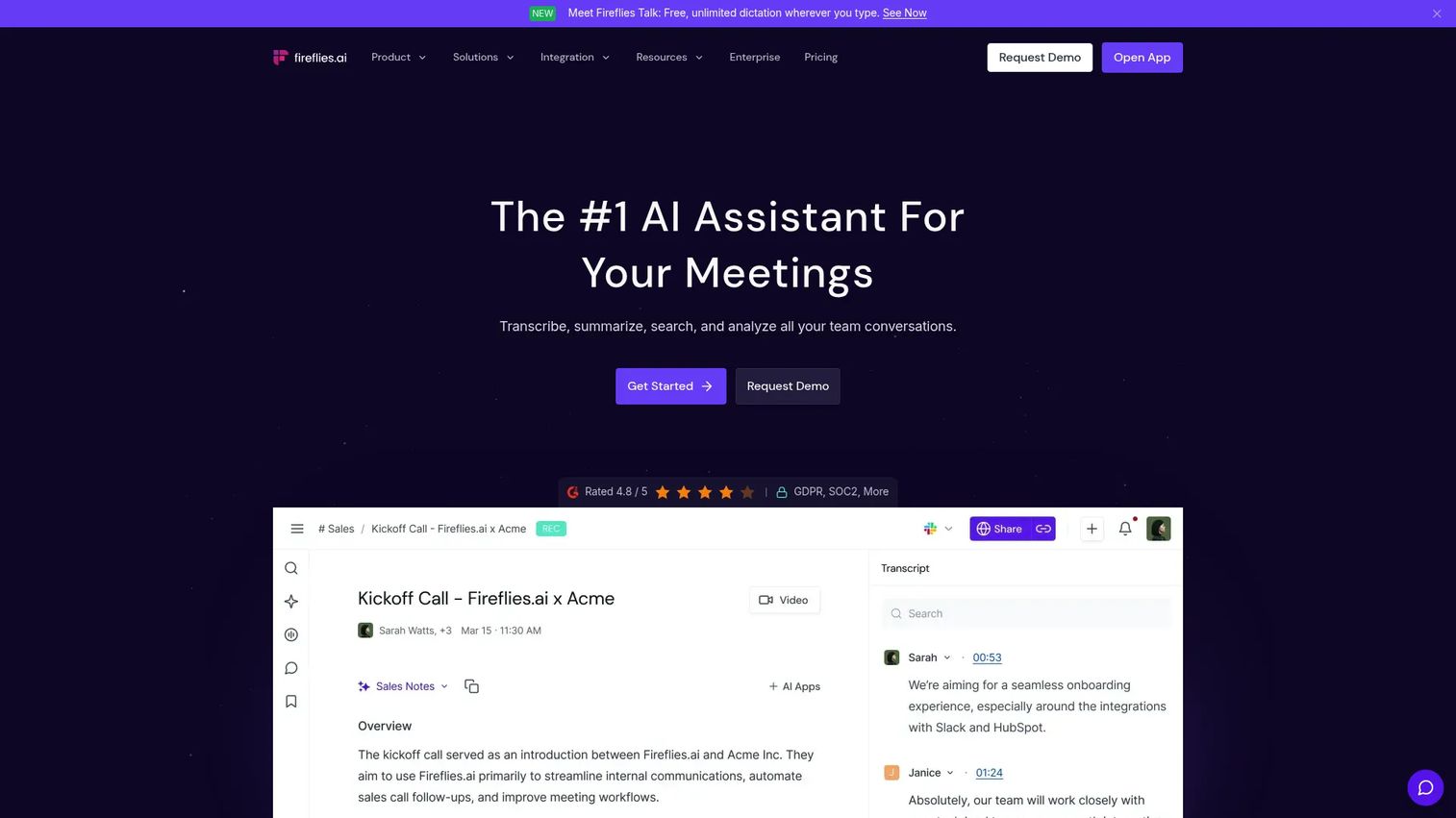
Fireflies.ai is a meeting intelligence tool that records, transcribes, summarizes, and makes conversations searchable. It works across customer interviews, sprint planning sessions, cross-functional launch reviews, and stakeholder meetings, automatically generating summaries and action items after each call.
Best for: PMs who need a searchable record of meetings and a more reliable path from discussion to named follow-up items.
Key features
- Meeting recording and transcription across major conferencing platforms
- AI summaries and action item extraction
- Searchable conversation archive with AskFred assistant
- Collaboration comments and conversation intelligence
- CRM and project management integrations
Why choose Fireflies.ai: It is particularly useful for preserving customer language and decision context from discovery interviews. The strongest implementations treat summaries as input to owned action items, not as documentation in themselves. Before rolling out, verify recording notification settings and retention policies match your company's data handling requirements.
Fireflies.ai pricing: A free plan is available. Pro costs $10 per seat per month billed annually ($18 per month billed monthly). Business is $19 per seat per month billed annually ($29 billed monthly). Enterprise is $39 per seat per month, billed annually only.
G2 rating: 4.7/5
8. Elicit
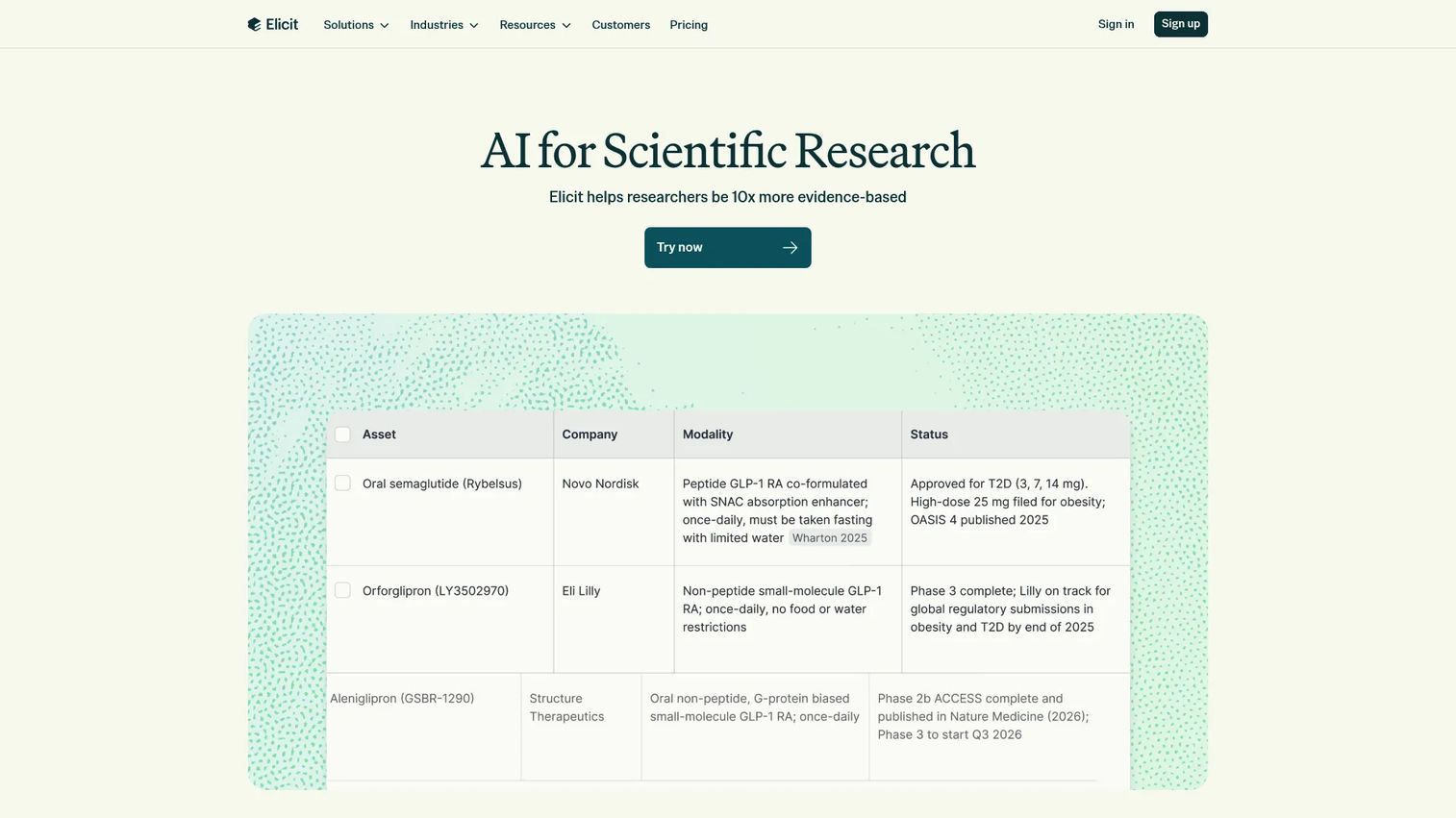
Elicit is an AI research assistant built for finding, analyzing, and synthesizing academic and scientific papers. For product managers, it supports the discovery preparation work that involves reviewing existing research, synthesizing market evidence, or assessing a technical or regulatory domain before formulating a hypothesis.
Best for: PMs working in complex domains where discovery begins with desk research, regulated subject matter, or technical evidence from published sources.
Key features
- Semantic and keyword search across research papers
- AI-generated paper summaries and chat-with-paper capability
- Systematic literature review workflows
- Data extraction into customizable columns
- Research reports with cited sources
Why choose Elicit: It reduces the time cost of structured literature review significantly for teams that regularly work with research-backed evidence. One important caveat: Treat outputs as a starting point, not a conclusion. Verify primary sources before citing a claim in a roadmap decision, market narrative, or executive brief. Elicit surfaces and organizes evidence; the judgment about what that evidence means for your product remains yours.
Elicit pricing: A Basic (free) plan is available for exploration. Plus is $11 per user per month (billed annually at $132). Pro is $39 per user per month (billed annually at $468). Scale is $89 per user per month (billed annually at $1,068). Enterprise pricing is custom.
G2 rating: 4.5/5
9. n8n
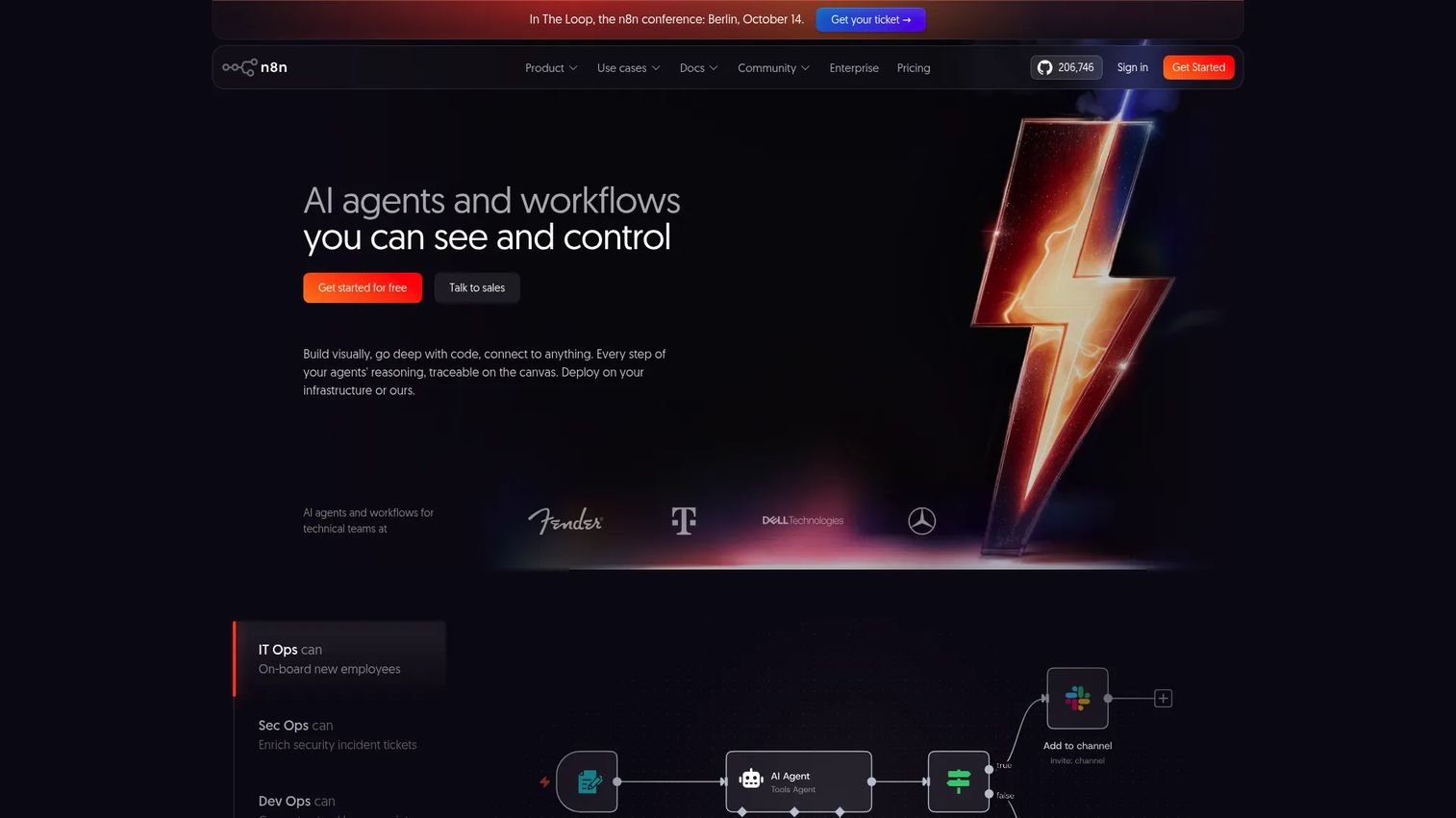
n8n is a workflow automation platform for teams that need more control than lightweight no-code triggers provide. It offers a visual workflow builder, conditional logic, JavaScript and Python code steps, API and webhook support, and both cloud-hosted and self-hosted deployment options.
Best for: Product operations and technical product teams that need flexible, maintainable automations across internal systems and APIs, with the option to self-host for data control.
Key features
- Visual workflow builder with 500+ integrations
- JavaScript and Python code steps plus custom API requests
- AI agents and AI workflow support
- Webhooks, schedules, and event-stream triggers
- Self-hosting with Docker or Kubernetes, plus version control
Why choose n8n: It fits teams with technical support available and stronger data control requirements. For a product ops function managing complex integrations between internal tooling, CRMs, and data pipelines, n8n provides the conditional logic and execution history that lightweight automation tools cannot. The implementation expectation is real: Every workflow needs ownership, documentation, and someone to handle changes when the underlying systems evolve.
n8n pricing: Cloud Starter is 20€ per month billed annually; Pro is 50€ per month billed annually; Business is 667€ per month billed annually. Enterprise pricing requires contacting sales. A free self-hosted Community Edition is also available.
G2 rating: 4.7/5
10. Polly
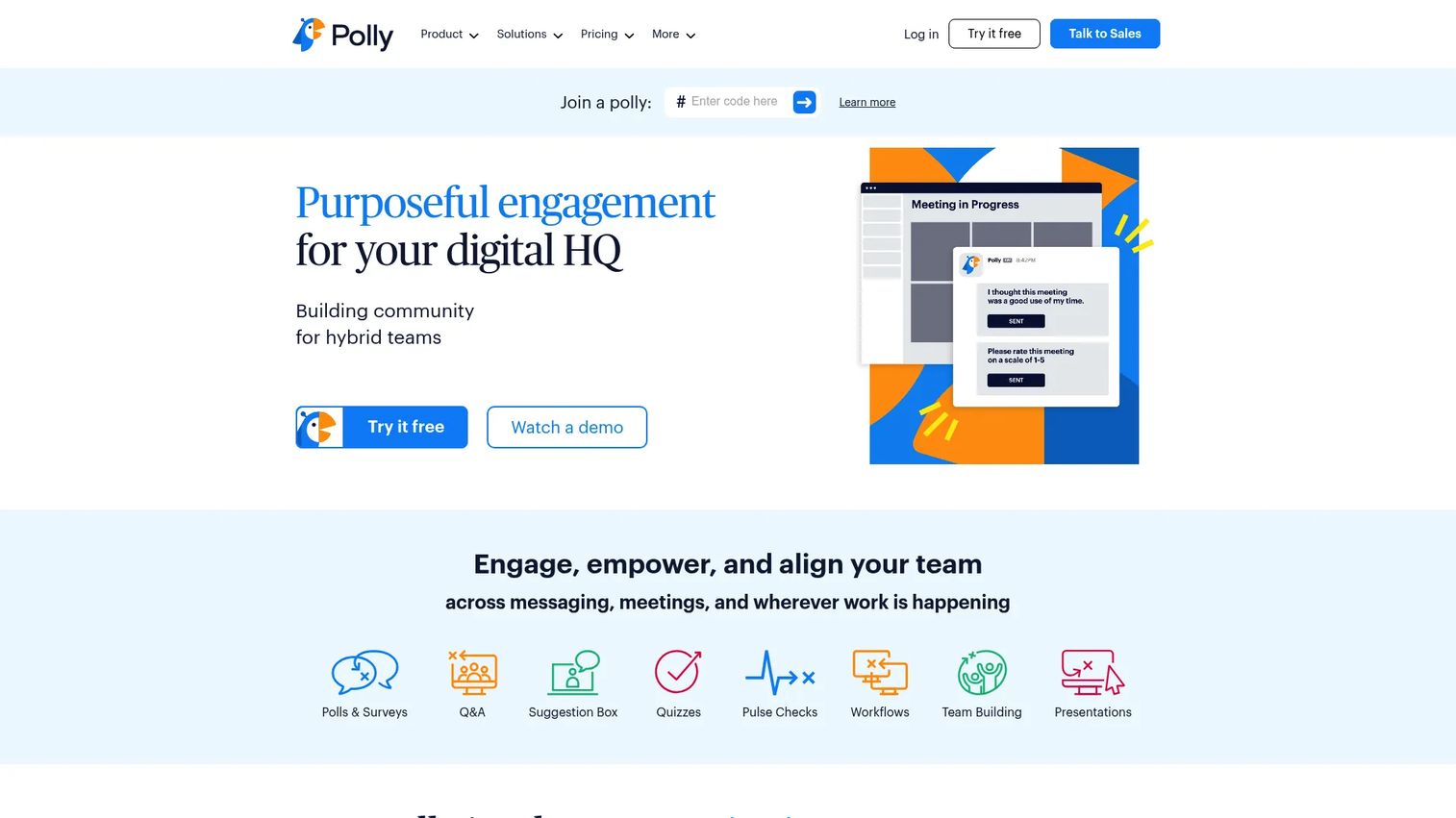
Polly is a team coordination bot for polls, standups, check-ins, Q&A, and lightweight feedback collection inside Slack and Microsoft Teams. For product managers, it replaces recurring synchronous meetings with structured async prompts that generate response data rather than more calendar commitments.
Best for: PMs who need predictable async updates from cross-functional stakeholders without scheduling another recurring meeting.
Key features
- Async standups with automated reminders
- Polls, surveys, Q&A, and suggestion boxes
- Pulse checks and eNPS measurement
- Real-time response visualization and analytics
- Integrations with Slack, Microsoft Teams, Zoom, and Jira
Why choose Polly: It works when the prompts are designed to surface a decision or escalation, not just collect data. A practical release readiness example: A weekly Polly check-in asks each function lead for a confidence score, one known blocker, an owner, and an expected resolution date. That response lands in a shared channel and either closes the loop or flags an escalation, replacing the standing sync.
Polly pricing: A free plan is available. Basic is $19 per month (billed annually for one license at $228). Pro is $29 per month (billed annually at $348). Team is $249 per month for five users billed annually. Enterprise pricing requires a quote.
G2 rating: 4.6/5
Considerations when choosing productivity bots
Choose the operational bottleneck first
A general AI assistant purchased because it looks flexible will become another inbox. Before evaluating tools, identify whether the actual bottleneck is scheduling, meeting follow-up, research, documentation, recurring status work, or a specific cross-tool handoff. The choice follows from the diagnosis.
Check where source data lives
A bot cannot produce reliable outputs without trustworthy inputs. Verify that the tool can access the systems where tasks, customer feedback, product decisions, and calendars already live. An AI summarizer connected to an outdated or sparsely maintained workspace produces summaries that reflect those gaps.
Assign an owner for every automation
Every workflow needs someone responsible for updating triggers, permissions, prompts, and error handling when the product process changes. Automation without ownership degrades quietly; weeks later, a Zap is silently failing or a standup bot is posting to the wrong channel.
Measure one operational metric per workflow
Track something concrete: Meeting follow-ups completed on time, hours per week protected for focus work, time from feedback received to backlog item created, or recurring status meetings eliminated. One meaningful metric per workflow beats a dashboard of activity metrics that do not connect to outcomes.
Control notifications before rolling out to the team
Productivity tooling fails when it adds alerts faster than it removes work. Before scaling any bot across a team, audit notification defaults, define escalation rules, and confirm admin controls for permissions and data retention. Start with a single workflow, measure the result, then expand.
Conclusion
The ten tools above cover distinct operational jobs. Motion and Reclaim.ai address planning and calendar protection. Notion AI and ClickUp Brain reduce friction for teams whose knowledge already lives in those workspaces. Zapier handles the no-code cross-app handoffs that would otherwise require engineering support. Fireflies.ai converts meetings into accountable follow-up. Elicit accelerates research-backed discovery work. n8n gives technical product operations teams flexible automation with self-hosted control. Slackbot and Polly handle daily coordination for teams running on chat.
The strongest starting point is one repeatable, measurable workflow. Pick the single task that recurs most frequently and costs the most judgment time. Automate the route from customer feedback to triage, or convert your weekly cross-functional update into a structured async check-in with Polly. Measure it for four weeks. Once that workflow runs reliably, add the next one.
Exploring best product management tools and best AI meeting assistants will help you build out the rest of your PM stack alongside the bots you choose here.
Start your journey with Guideflow today!
FAQs
A productivity bot is a software assistant that automates repetitive work, helps retrieve information, schedules time, summarizes meetings, or coordinates tasks across connected apps. Bots can be AI-driven, rule-based, or a combination of both. The defining characteristic is that they take action or surface structured output in response to a trigger, rather than waiting for a human to do the work manually.
The answer depends on the bottleneck. For planning overload, a scheduling tool like Motion or Reclaim.ai fits best. For converting meetings into follow-up, Fireflies.ai is purpose-built. For connecting systems without engineering involvement, Zapier or n8n handles the automation layer. Most PMs end up using two or three bots covering different jobs rather than finding one that covers everything.
No. Bots improve project management workflows, but the project system remains the authoritative source for priorities, ownership, and delivery status. A meeting bot can extract action items; those items still need to land in a task system with a named owner. A workflow bot can route feedback to a database; a PM still decides what happens to it. Bots reduce operational friction around the system of record, they do not replace it.
Teams should review each tool's data retention policies, model training practices, and connected app permissions before deploying. For product managers handling roadmap data, customer feedback, and unreleased feature information, the risk is connecting sensitive inputs to an external AI service without IT or security review. Involve your security team before connecting any bot that touches customer data, internal strategy documents, or production systems.
Workflow automation bots execute defined triggers and actions deterministically: If this event happens in app A, create a record in app B. AI assistants interpret natural language prompts or connected context to generate a response or take an action. Many modern tools combine both. The practical distinction matters for product managers: Use deterministic automation where an exact, auditable output is required. Use AI assistance where interpretation, summarization, or generation adds value and some variance in output is acceptable.
Yes, and several categories are specifically designed for distributed work. Async standups through Polly replace recurring syncs across time zones. Fireflies.ai captures decisions from video calls that remote teammates could not attend. Calendar automation in Reclaim.ai coordinates scheduling across distributed calendars without back-and-forth email. Workflow automation handles handoffs that would otherwise require a synchronous message to initiate.
Start with one workflow and measure whether it removes a recurring manual task or meeting. Turn off non-essential alerts by default. Define escalation rules: The bot should notify a human only when a threshold is crossed or an action is required, not for every execution. Check the tool's admin controls for notification frequency and channel targeting before rolling out to a larger team.
As of October 2026: Reclaim.ai, Notion, ClickUp, Zapier, Fireflies.ai, Elicit, and Polly all offer free plans. n8n offers a free self-hosted Community Edition. Motion does not have a free plan but offers a free trial. Slackbot is included in Slack's free tier with limited AI access. Free plan limits typically apply to automation task counts, meeting recording storage, AI credits, or advanced integrations, so verify current restrictions on each vendor's pricing page before choosing based on the free tier alone.