Your customers don't churn because they missed a webinar. They churn because they never got confident enough to use the product without help.
That gap between signing up and actually succeeding is where most CS teams lose the battle. Docs go unread. Training calls don't scale past 20 accounts. New features ship faster than enablement can follow. According to the TalentLMS 2026 L&D Report, 70% of surveyed employees reported multitasking during training sessions in 2025, which means even the training you do deliver often doesn't land.
Product training software changes that equation by giving customers, partners, and internal teams ways to learn on their own terms, at their own pace, through courses, interactive demos, in-app guides, knowledge bases, and more. The right tool reduces repetitive onboarding calls, cuts support ticket volume, and creates the kind of confident users who actually stick around.
This guide compares 17 tools so CSMs, onboarding managers, and customer education teams can find the right fit without guessing.
What's inside
This guide covers 17 product training software tools evaluated for relevance to customer-facing teams in SaaS and B2B tech.
- Who it's for: Customer Success Managers, Onboarding Managers, Customer Education leads, and CS operations teams
- Tool types covered: Interactive product training, LMS platforms, customer education platforms, in-app onboarding tools, help-center education, and enablement platforms
- Selection criteria: Learner engagement, analytics depth, integration fit with CS stacks, speed to publish, and relevance to customer-facing training motions
- What you'll get: A comparison table, per-tool breakdowns with pricing and G2 ratings, a buyer's checklist, and FAQ answers to common objections
TL;DR
- Best for interactive product training: Guideflow lets teams turn product workflows into guided, clickable training experiences for onboarding, feature adoption, support documentation, partner enablement, and internal product education
- Best for formal customer academies: Skilljar or Docebo, depending on whether you need an LMS for customers only or one that spans employees and partners as well
- Best for in-app onboarding: Appcues or Pendo for teams that want training to happen inside the product itself
- Best for simple LMS rollout: TalentLMS for teams moving off slide decks and into structured courses fast
- Best for knowledge-base education: Zendesk Guide for support-led training and ticket deflection
- Best for enablement and broader skill development: WorkRamp or LinkedIn Learning when training needs to reach both customer-facing and internal teams
What is product training software?
Product training software helps companies teach customers, employees, partners, and internal teams how to use a product through courses, guided product experiences, in-app flows, knowledge bases, assessments, and analytics.
The category spans several distinct formats, each suited to a different kind of learning moment.
Product training software formats
- Interactive product experiences: Clickable product stories, sandboxes for free exploration, and Demo Centers where training assets live in one branded hub
- Customer education LMS platforms: Structured courses, academies, certifications, and learner management systems for formal training programs
- In-app onboarding tools: Tooltips, checklists, behavior-triggered announcements, and contextual guidance delivered inside the product
- Knowledge bases: Searchable help articles, tutorials, and support documentation for self-serve reference
- Enablement platforms: Training programs for sales teams, partners, support agents, and internal teams who need product knowledge to do their jobs
- Learning content libraries: Ready-made professional development courses on skills beyond the product itself
Key features to look for
- Course creation and content management
- Guided product experiences and interactive walkthroughs
- Role-based and self-paced learning paths
- Assessments, quizzes, and certifications
- Analytics for completion rates, feature adoption, drop-off, and retention outcomes
- Integrations with CRM, support, and analytics tools
- Localization and multilingual training support
- Branding, academy customization, and governance controls
Why it matters for CSMs
Product training software directly targets the core CSM pain points: Repetitive education, low adoption, and scaling challenges. When customers can learn a workflow by clicking through it, revisit it after a kickoff call, and share it with teammates, the number of "how do I" escalations drops. That frees CS time for strategic account work instead of reactive support. Faster time-to-value also improves retention, which is the number that most CS leaders are ultimately accountable for.
When to use product training software
Onboard customers without repeating the same call
Manual onboarding calls don't scale past a handful of accounts. Product training software lets customers revisit workflows after kickoff, follow a structured path at their own pace, and reach confidence without depending on a CS touchpoint every time. Interactive training is especially strong when customers need to practice a workflow, not just read about it.
Drive feature adoption after launches
Product launches fail when customers see an announcement but never learn the new workflow. Use training software to build release education, feature walkthroughs, and role-based adoption paths that reach customers where they are, whether that's inside the product, in a help center, or through a shareable link.
Scale customer education across customers, partners, and teams
The same product knowledge often needs to reach customers, channel partners, support agents, and new internal hires. LMS platforms handle structured curricula and certifications well. Interactive tools are stronger for hands-on product learning where users need to feel the workflow, not just complete a quiz about it.
Product training software comparison
The table below is a shortlist for CSMs and customer education teams comparing product training software in 2026. Pricing and G2 ratings reflect verified data from vendor pricing pages and G2 listings.
| # | Product | Best for | Key differentiator | Pricing | G2 rating |
|---|---|---|---|---|---|
| 1 | Guideflow | Interactive product training | Guided, clickable product experiences across onboarding, support, partner enablement, and training | Free; paid plans from $35/month | 5.0/5 |
| 2 | Skilljar | Customer academies | Enterprise customer education and certification management | Quote-based | 4.6/5 |
| 3 | Docebo | Enterprise LMS | AI-powered LMS for employees, customers, and partners | Quote-based | 4.3/5 |
| 4 | TalentLMS | Simple LMS rollout | Fast course delivery; free plan available | From $119/month | 4.6/5 |
| 5 | Appcues | In-app onboarding | Product-led onboarding flows, checklists, and segmented messaging | From $3,600/year | 4.6/5 |
| 6 | Salesforce | CRM-connected training | Training tied to customer data and service workflows | From $25/user/month | 4.4/5 |
| 7 | CYPHER | AI-assisted learning | AI course creation and adaptive learning paths | Quote-based | N/A on G2 |
| 8 | 360Learning | Collaborative learning | Expert-driven co-authoring and peer feedback | From $8/user/month | 4.6/5 |
| 9 | Gainsight Customer Education | CS-led customer education | Customer education connected to success motions | Quote-based | 4.6/5 |
| 10 | LearnWorlds | Branded academies | Course storefronts, academies, and monetized training | From $44/month | 4.7/5 |
| 11 | LearnUpon | Extended enterprise training | Separate portals for customers, partners, and employees | Quote-based | 4.5/5 |
| 12 | Absorb LMS | Scalable LMS administration | Enterprise learner management and reporting | Quote-based | 4.6/5 |
| 13 | Pendo | Product adoption training | In-app guides tied to product usage analytics | Free plan available; paid custom | 4.4/5 |
| 14 | Zendesk Guide | Help-center education | Searchable knowledge base and ticket deflection | From $19/agent/month | 4.3/5 |
| 15 | WorkRamp | Customer and employee enablement | Training for customers, partners, and revenue teams | Quote-based | 4.4/5 |
| 16 | HubSpot Academy | Free educational content | Free courses and certifications; HubSpot-focused | Free | 4.8/5 |
| 17 | LinkedIn Learning | Professional skill development | Off-the-shelf expert-led courses for broad upskilling | Quote-based | 4.4/5 |
Best 17 product training software tools for 2026
Each tool below solves a different training job. The right pick depends on whether you need hands-on product education, formal LMS courses, in-app guidance, self-service documentation, or broad learning content for your team.
1. Guideflow
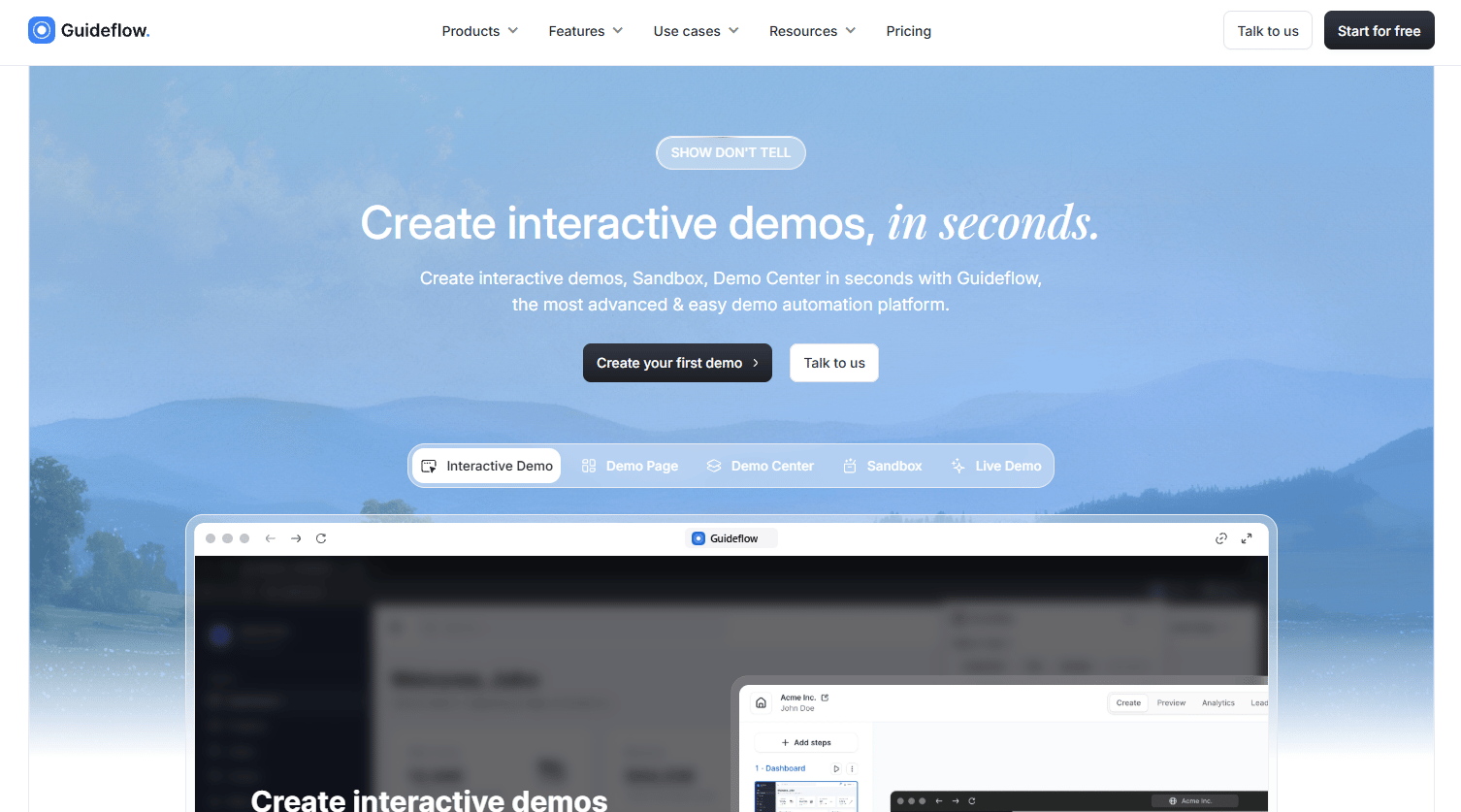
Guideflow is a no-code platform for creating guided, clickable product experiences that let users learn by doing rather than reading. Teams capture product flows in a few clicks, then publish interactive demos, sandboxes for free exploration, Demo Centers for organized training libraries, live demos for real-time sessions, and mobile demos for app-based products. The editor supports no-code personalization, AI-assisted steps and translations, and analytics that track completion and drop-off at the step level.
CS teams use Guideflow across the full customer lifecycle: Initial onboarding, feature adoption after launches, help-center education, partner enablement, and internal product training. A single captured flow can be shared by link, embedded in a help article, sent in email, or organized inside a branded demo center.
Best for: Customer success and onboarding teams that want hands-on product training without scheduling another live walkthrough.
Key features
- Interactive demos for guided, step-by-step product learning
- Sandboxes where users explore product flows freely
- Demo Centers that organize training assets in a branded hub
- AI-assisted step generation, translations, and voiceovers
- Step-level completion and engagement analytics
Why choose Guideflow: Choose Guideflow when product understanding improves most through doing. It's especially strong for complex SaaS workflows where users need to see each step in context, revisit it on their own schedule, and share it with colleagues who missed the kickoff call.
Guideflow pricing: A free plan is available. Paid plans start at $35/user/month (Solo, billed annually) and $499/month (Growth, billed annually). Monthly billing is also available at slightly higher rates.
G2 rating: 5.0/5
Start your journey with Guideflow today!
2. Skilljar
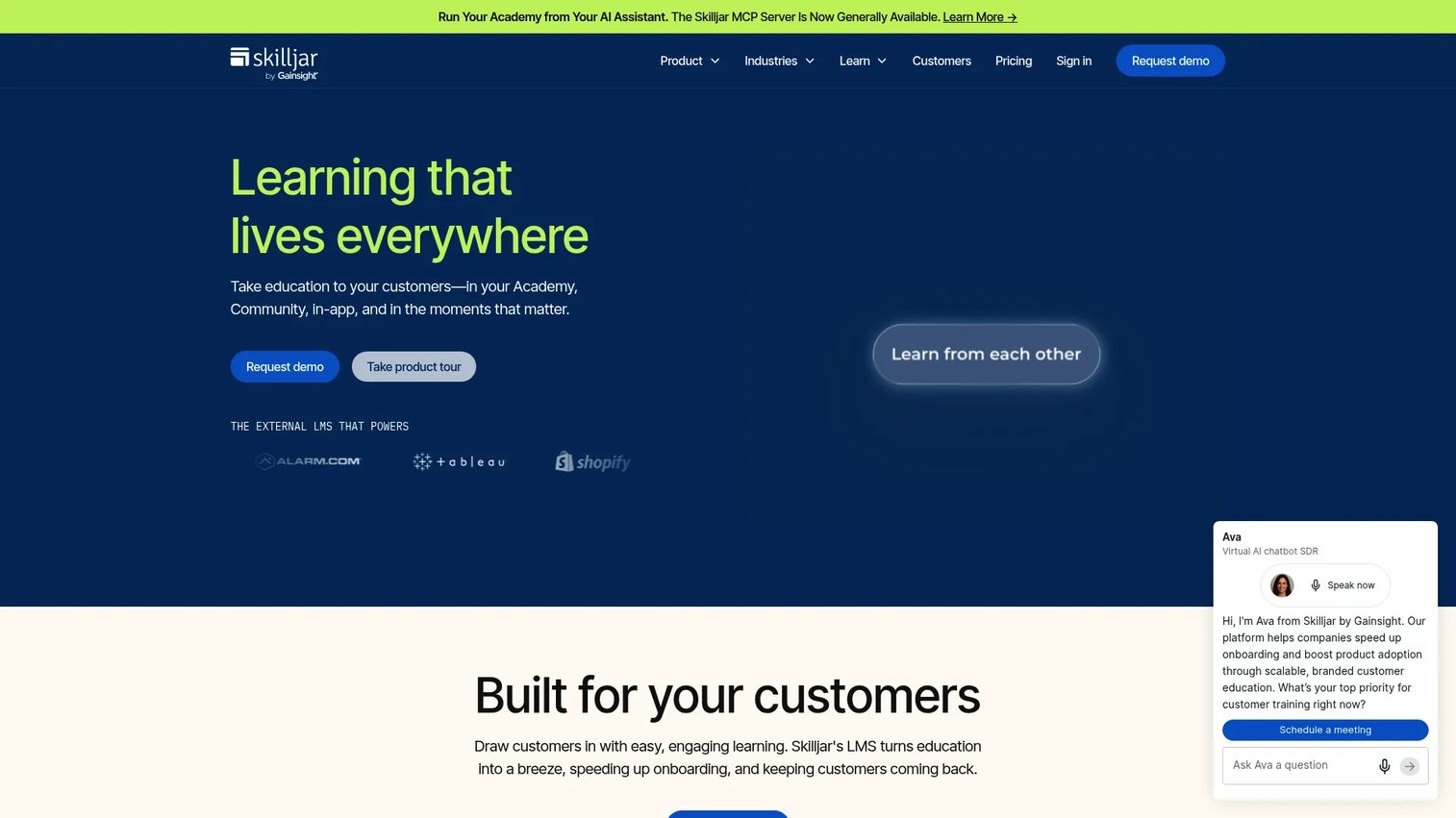
Skilljar is an external learning management and customer education platform for companies building formal customer and partner academies. It supports branded academy sites, course catalogs, certifications, learner management, and training monetization through payments and subscriptions. CRM integrations connect learner activity to customer data, and SSO options make it straightforward for customers to access training from within your product or portal.
Best for: Customer education teams building structured academies, certifications, and formal product training programs at scale.
Key features
- Customizable branded academy sites
- Certification and certificate management
- Instructor-led training integrations with Zoom and Webex
- Training monetization with payments and subscriptions
- CRM and analytics integrations
Why choose Skilljar: Choose Skilljar when customer education is a standalone function with structured curricula and certification goals. It fits teams that need more LMS depth than a simple onboarding checklist can provide, particularly when tracking learner progress against adoption outcomes matters.
Skilljar pricing: Skilljar uses an annual subscription model with a per-active-user fee. Plan names (Essentials, Professional, Enterprise) are listed on their pricing page, but amounts require a sales conversation.
G2 rating: 4.6/5
3. Docebo
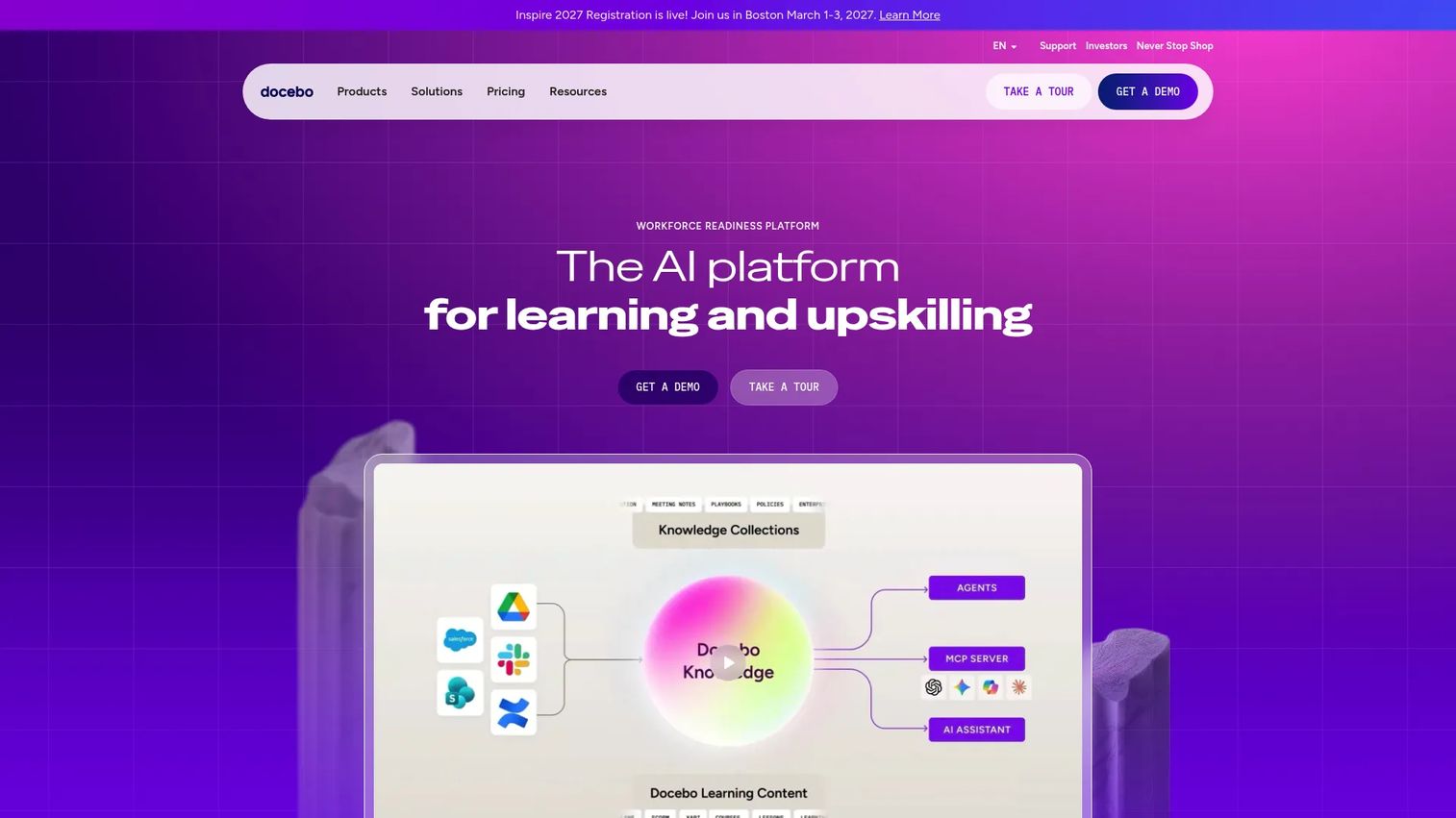
Docebo is an AI-powered learning and workforce readiness platform for training employees, customers, and partners from a single system. Its AI features cover content creation, search, recommendations, and a learning assistant. Docebo also supports certification and compliance tracking, multilingual training, live and on-demand learning, skills intelligence for workforce planning, and hundreds of integrations.
Best for: Enterprise teams that need one LMS for customer, partner, and internal product training under a unified admin layer.
Key features
- AI-powered content creation, search, and recommendations
- Extended enterprise portals for multiple learner audiences
- Certification and compliance tracking
- Multilingual training with instant translation support
- Advanced analytics and skills intelligence
Why choose Docebo: Choose Docebo when product training is part of a larger enterprise learning strategy that spans customer education, partner enablement, and employee development. It handles complex learner administration across multiple audiences better than lightweight onboarding tools.
Docebo pricing: Docebo lists Elevate and Enterprise tiers, plus optional Skills Intelligence and Talent Marketplace products, but prices require contacting sales. G2 reviewers report enterprise contracts commonly start in the $25,000 to $30,000 annual range depending on user count.
G2 rating: 4.3/5
4. TalentLMS
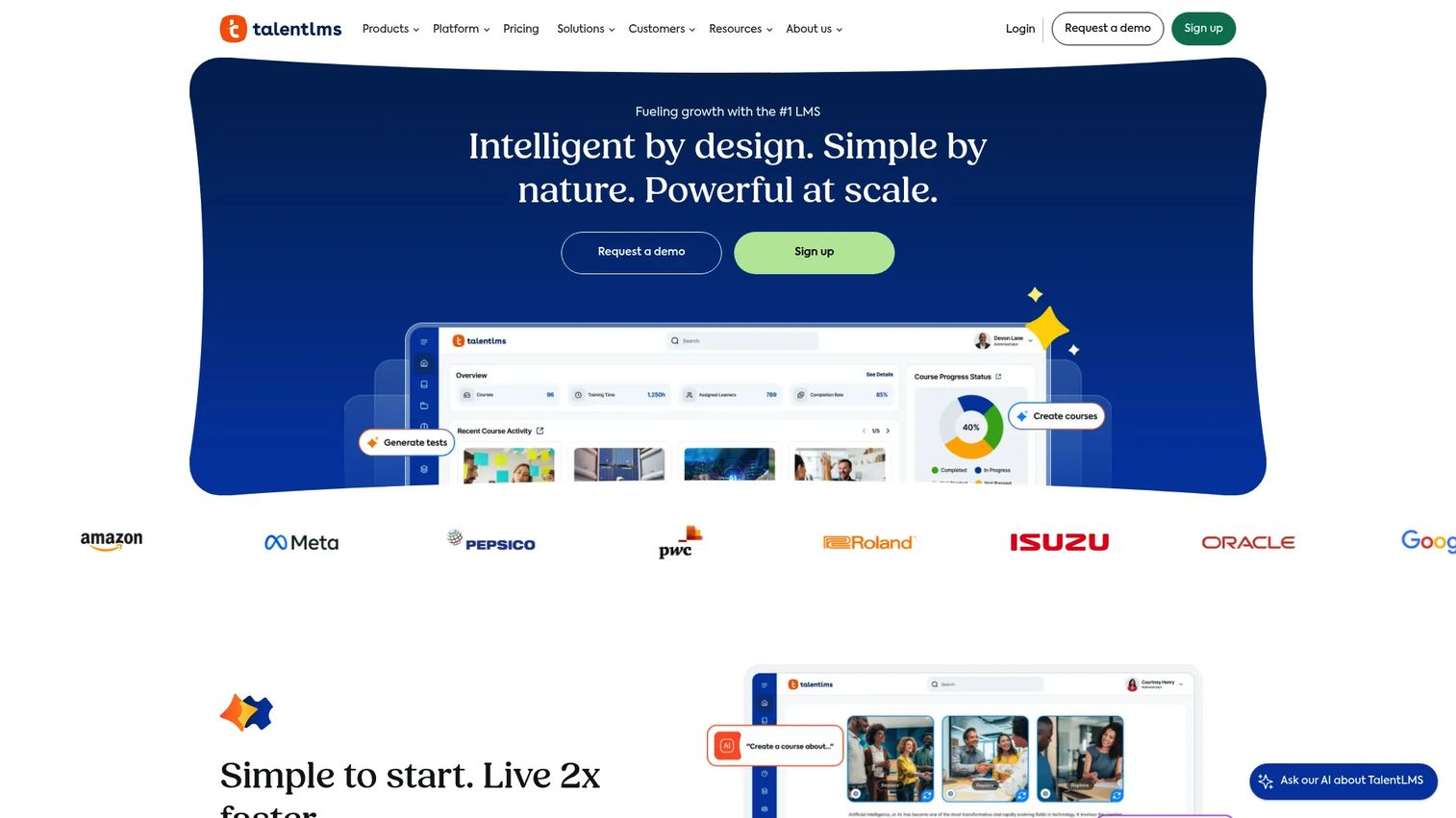
TalentLMS is a cloud-based LMS for teams that need fast course setup without enterprise-level complexity. It supports AI-powered content creation, SCORM and xAPI course imports, learning paths, assessments, certifications, gamification, automations, and branded learner portals. A free plan covers up to 5 users and 10 courses, making it accessible for teams just starting to formalize training.
Best for: Teams that need a practical LMS for product training courses and assessments without heavy enterprise administration.
Key features
- AI-powered course builder with multimedia support
- Quiz and assessment creation
- Learning paths, certifications, and gamification
- Branded portals and custom domains
- Real-time and scheduled training reports
Why choose TalentLMS: Choose TalentLMS when your product training program needs course structure but not the complexity of a full enterprise LMS. It fits teams moving from docs and slide decks into a real training platform for the first time, and the free plan removes the barrier to getting started.
TalentLMS pricing: A free plan is available with no time limit (up to 5 users, 10 courses). The Core plan starts at $119/month. Grow is $229/month and Pro is $449/month, all billed monthly. Annual billing saves 20% across Core, Grow, and Pro. Enterprise pricing requires contacting sales.
G2 rating: 4.6/5
5. Appcues
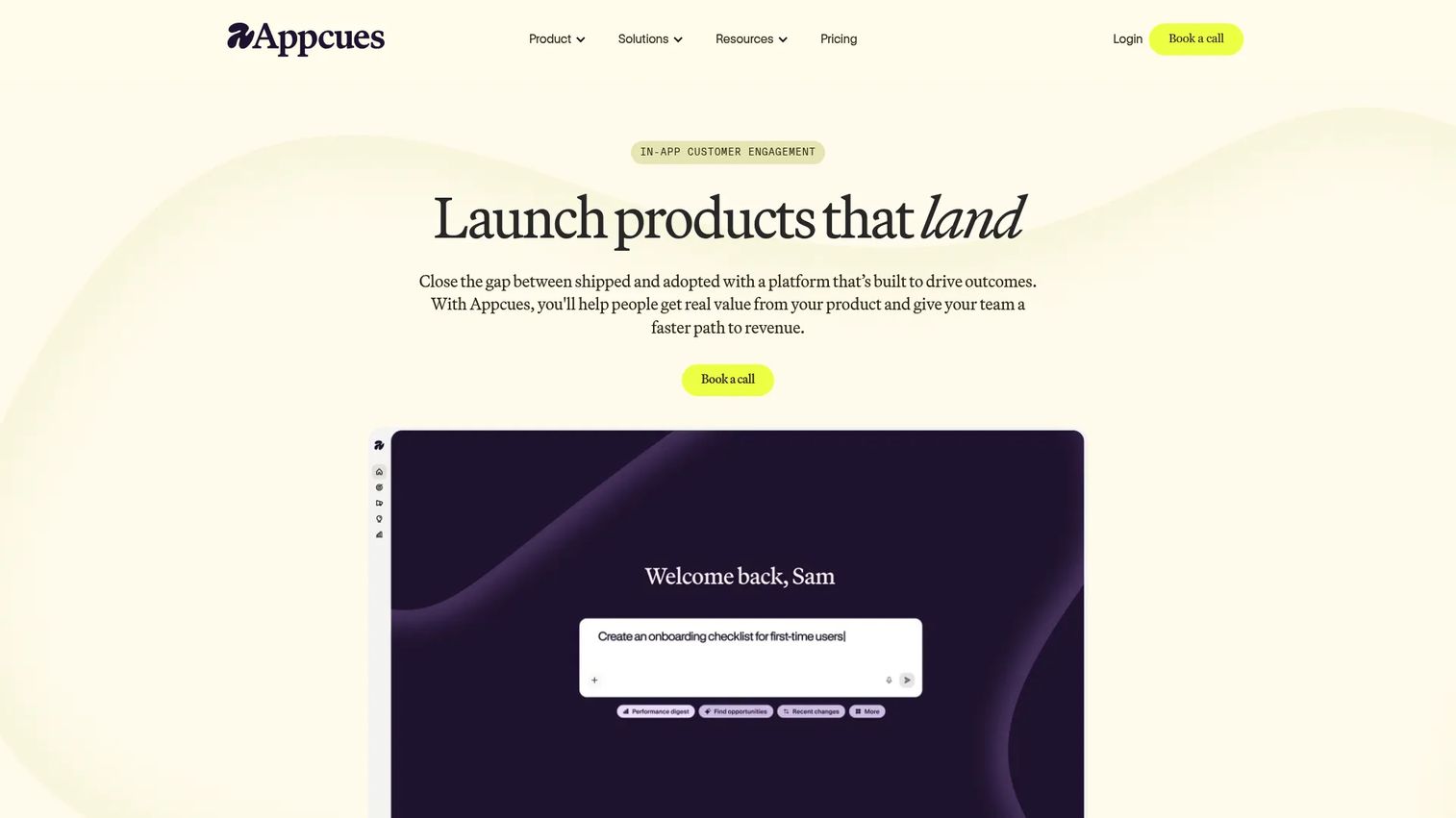
Appcues is an AI-powered customer engagement platform for creating personalized in-product experiences without engineering involvement. Teams use it to build onboarding flows, checklists, feature announcements, NPS surveys, and behavioral nudges, all targeted by user attributes, behavior, or lifecycle stage. Product usage analytics sit alongside the builder, so you can see which flows drive activation and which lose users mid-step.
Best for: Product-led teams that train users through in-app onboarding, feature discovery, and lifecycle nudges inside the product itself.
Key features
- In-app flows, checklists, pins, banners, and embeds
- Behavior- and attribute-based audience targeting
- Product usage analytics, funnels, and retention dashboards
- AI-assisted experience creation and optimization
- Email and push notification workflows
Why choose Appcues: Choose Appcues when the right training moment is inside the product, not in a separate course or help article. It is well suited for activation flows, feature discovery, and contextual guidance that meets users exactly where they get stuck.
Appcues pricing: The Spark plan starts at $3,600/year for teams of up to 25 and up to 1,000 monthly active users, plus a one-time $250 implementation fee. The Grow plan starts from $9,000/year for up to 50,000 MAUs. Enterprise pricing is custom.
G2 rating: 4.6/5
6. Salesforce
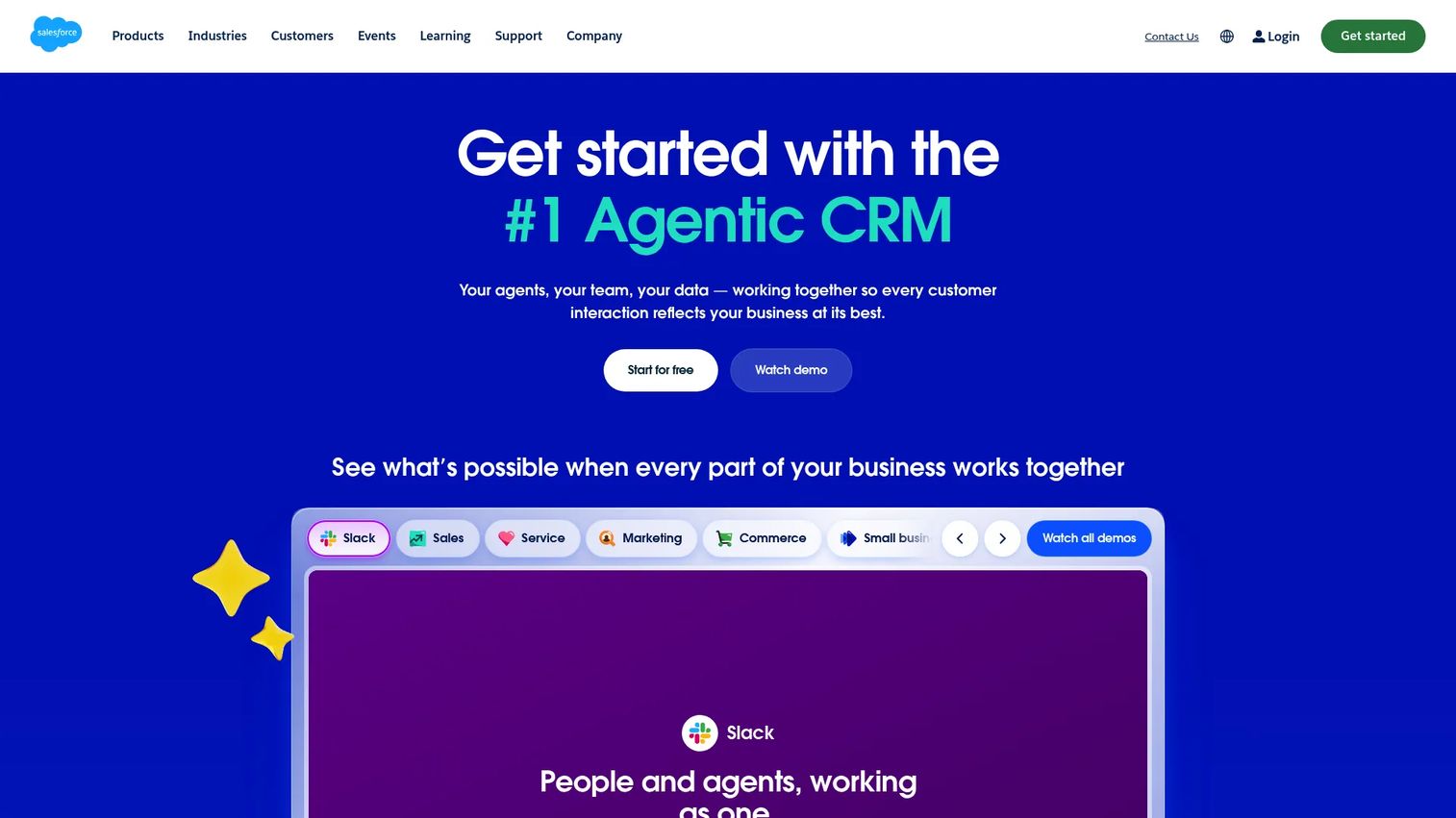
Salesforce is a customer success and CRM platform with training and enablement dimensions through Trailhead, Sales Cloud, and Service Cloud. For CS teams already operating inside Salesforce, connecting training workflows to customer records, service cases, and opportunity data can close the gap between learning activity and business outcome. Trailhead provides a broad library of role-based learning content for Salesforce users and admins.
Best for: Teams that want product training or enablement connected directly to CRM, service, and sales workflows.
Key features
- CRM data connection linking training activity to customer records
- Trailhead learning resources for Salesforce product education
- Service and sales workflow alignment
- Role-based enablement content
- Enterprise-grade integrations and customization
Why choose Salesforce: Choose Salesforce for training when the organization is already using it as the core system of record and training data needs to flow into customer health scores, case management, or sales pipeline. It is not a standalone LMS, so teams with dedicated training programs typically pair it with a purpose-built customer education platform.
Salesforce pricing: Sales Cloud starts at $25/user/month (Starter Suite, billed monthly or annually). Pro Suite is $100/user/month (billed annually). Core, Advanced, and Max tiers go up to $550/user/month. A 30-day trial is available.
G2 rating: 4.4/5
7. CYPHER
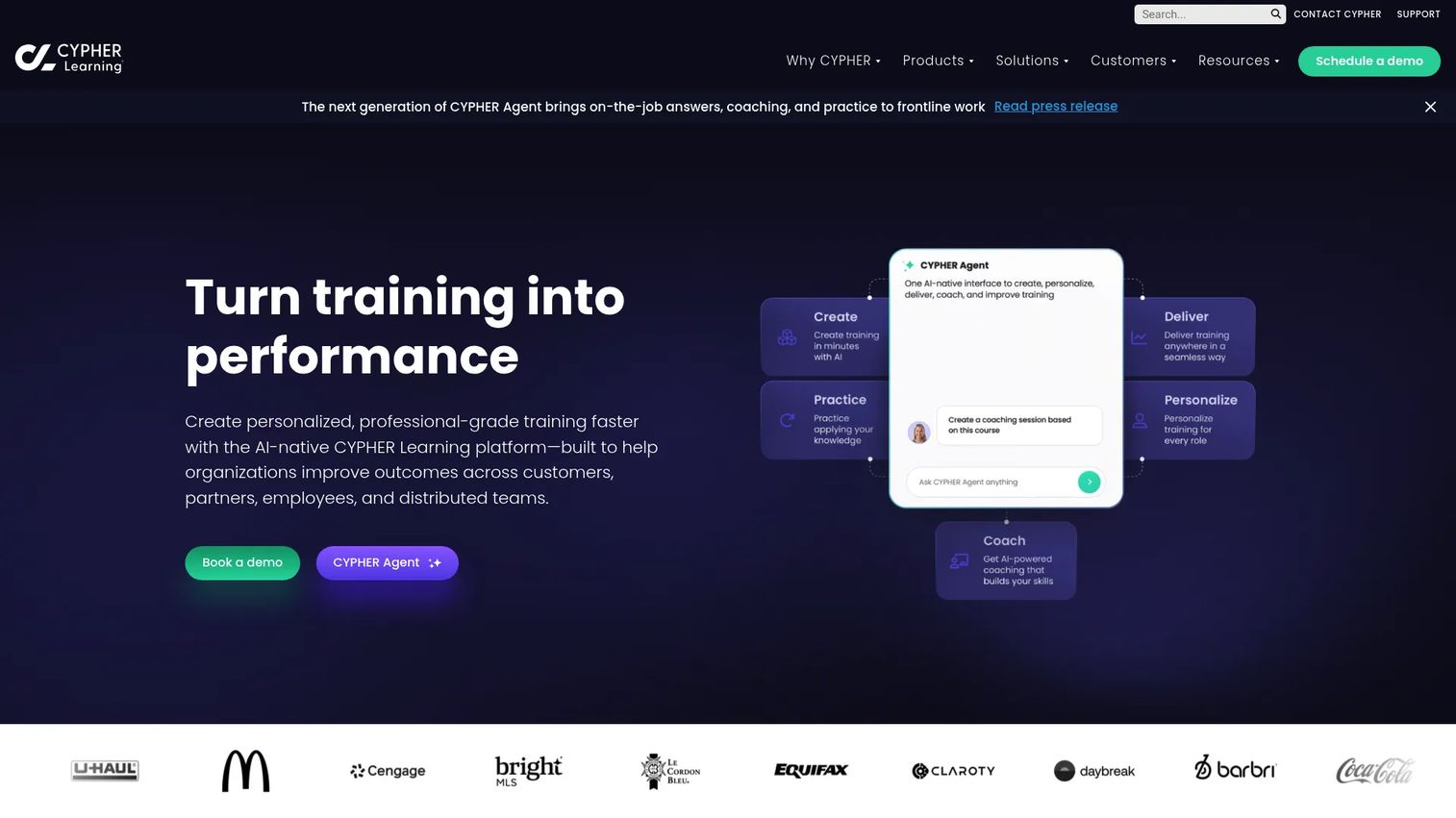
CYPHER is an AI-powered learning management and training platform for businesses, educational institutions, and distributed organizations. Its AI features focus on course creation from existing materials, adaptive learning paths based on skills gaps, competency mapping, assessments, gamification, and reporting. It supports both structured curricula and self-directed learning.
Best for: Teams that want AI-assisted course creation and personalized learning paths for product training, with strong skills-mapping capabilities.
Key features
- AI-assisted course and content creation
- Adaptive learning paths and competency mapping
- Assessments, gamification, and automations
- Multilingual training support
- Reporting and analytics
Why choose CYPHER: Choose CYPHER when the bottleneck is turning existing product materials into structured training fast, and when role-based proficiency tracking matters. It fits organizations that want AI to do the heavy lifting on course creation rather than building from scratch.
CYPHER pricing: Contact their sales team for a quote. Capterra reviewers report pricing in the mid-range LMS segment.
8. 360Learning
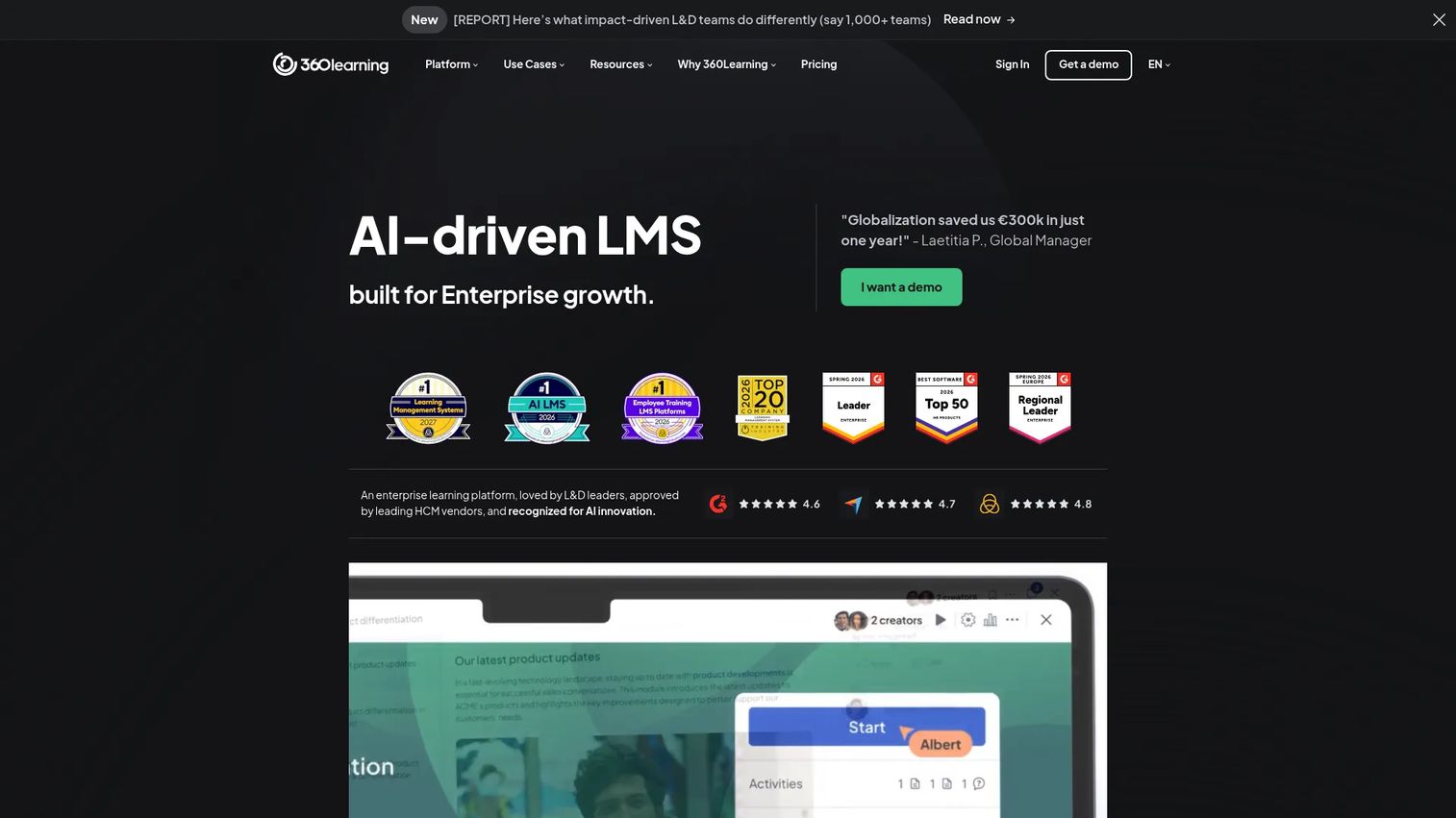
360Learning is an AI-powered learning platform combining LMS and collaborative authoring capabilities. Its defining feature is co-authoring: Subject-matter experts, CS leads, and product managers create and update training together, with peer feedback built into the workflow. It supports SCORM imports, instructor-led training, gamification, skills-based learning, and analytics.
Best for: Teams where product knowledge is distributed across internal experts and training quality depends on those experts staying involved.
Key features
- Collaborative course authoring with peer feedback
- AI-assisted content creation
- SCORM player and ILT session support
- Gamification and skills-based learning
- Advanced analytics and SSO integrations
Why choose 360Learning: Choose 360Learning when training quality depends on subject-matter experts who know the product deeply. It works well when product knowledge changes quickly and training needs distributed ownership rather than a single content manager updating everything alone.
360Learning pricing: The Team plan is $8/user/month for up to 100 users. Business and Enterprise plans use custom pricing. A free trial is available to test the platform before committing.
G2 rating: 4.6/5
9. Gainsight Customer Education
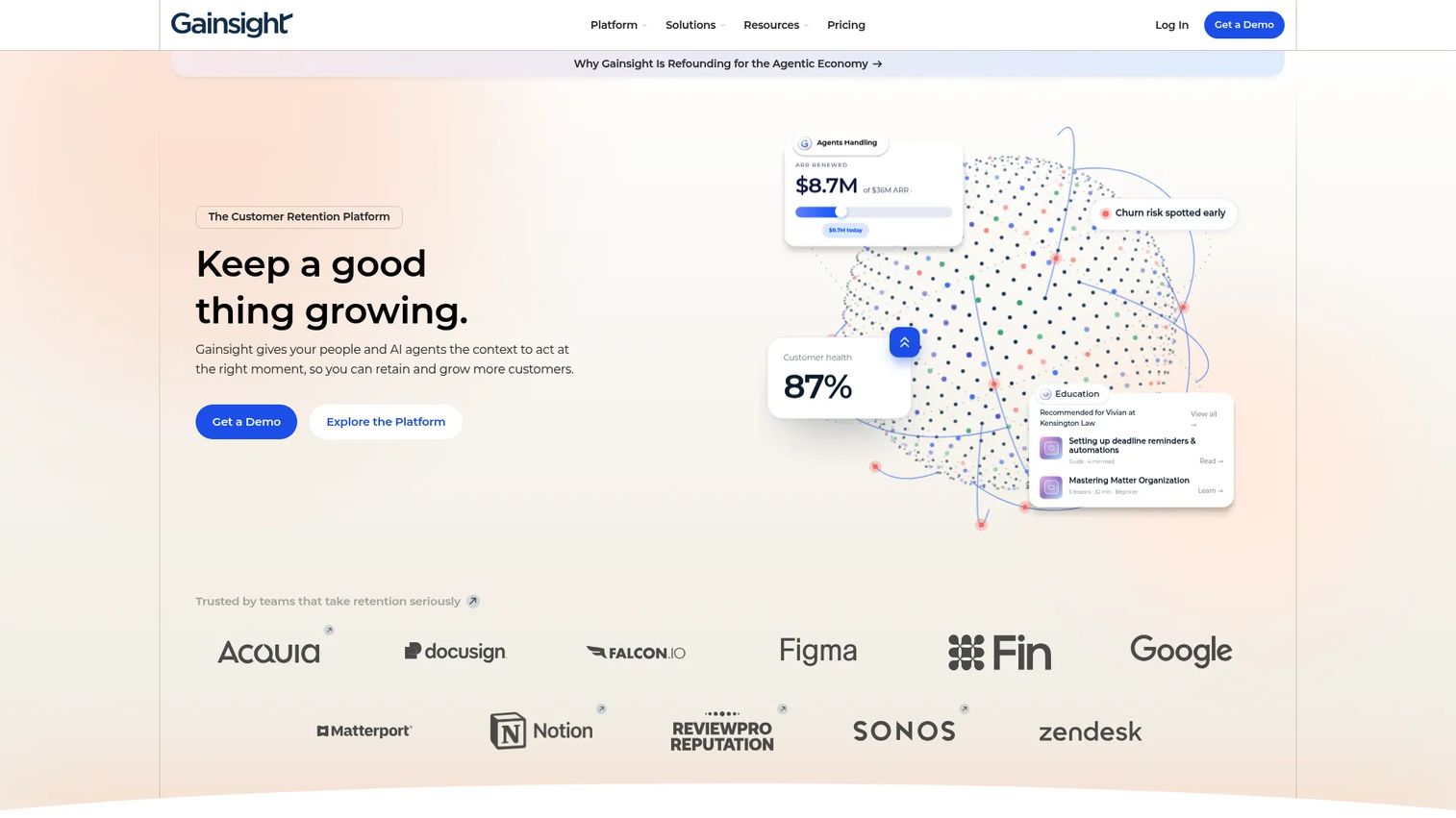
Gainsight Customer Education, now branded as Skilljar by Gainsight, is a customer education platform built to connect learning activity to customer success outcomes. It supports branded academy sites, unlimited seats and courses, learning analytics tied to customer and business systems, SSO for administrators, and AI-powered video captions. Its integration with Gainsight's broader CS platform means training data can flow into customer health scoring and renewal workflows.
Best for: Customer success teams that want training programs connected to broader customer health, adoption tracking, and renewal motions.
Key features
- Branded academy sites with unlimited seats and courses
- Standard and premium integrations including CS platform connections
- Learning analytics connected to customer and business systems
- Administrator SSO
- AI-powered video captions
Why choose Gainsight Customer Education: Choose it when customer training sits inside a larger CS operating model and you want training completion data to inform health scores or trigger success playbooks. Teams already managing customer success in Gainsight will find the tightest integration here.
Gainsight Customer Education pricing: Three tiers (Essentials, Professional, Enterprise) are listed on the pricing page, but amounts are not shown. All plans require requesting pricing from the sales team.
G2 rating: 4.6/5
10. LearnWorlds
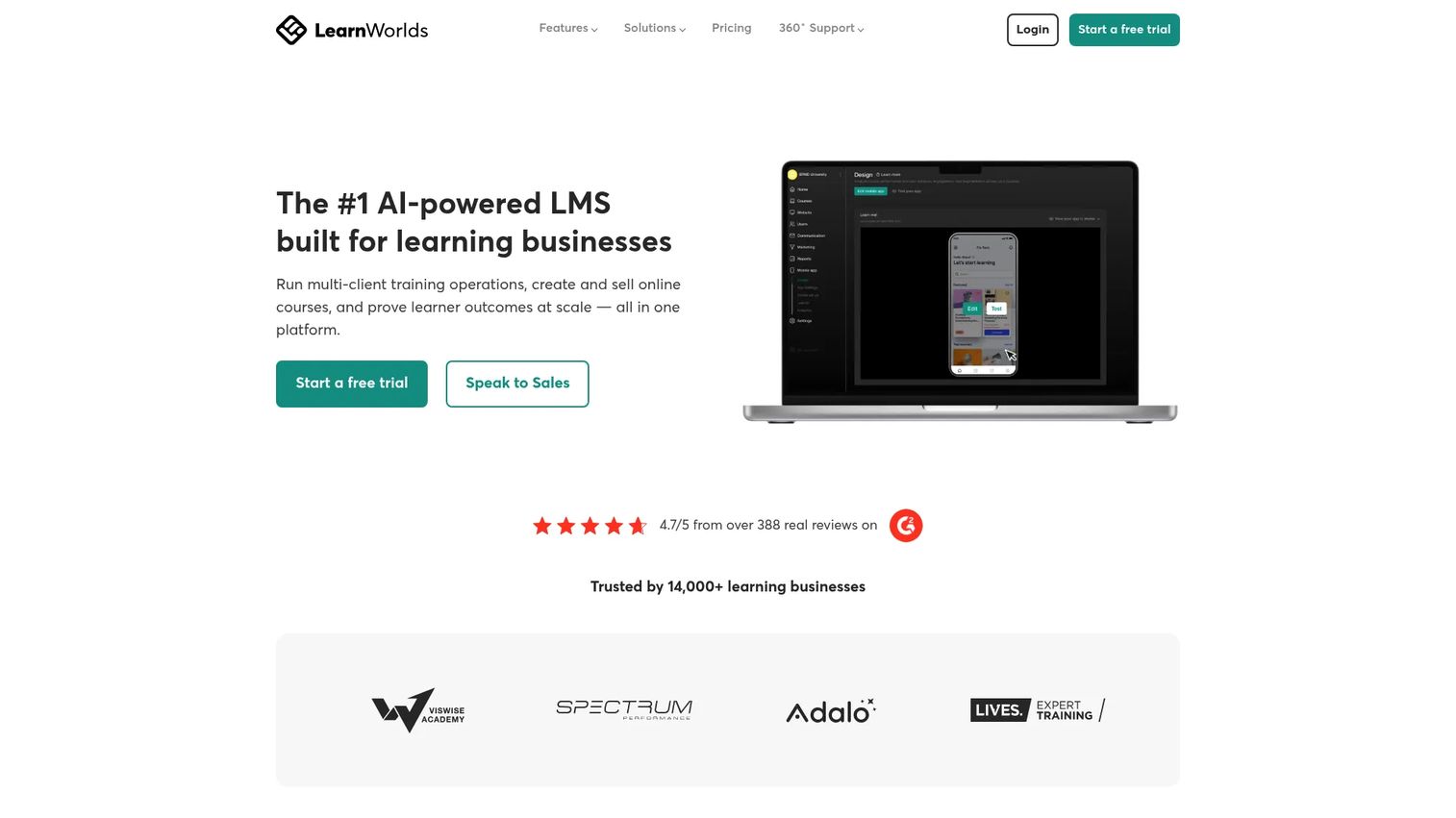
LearnWorlds is an all-in-one platform for creating, managing, and delivering online learning experiences. It includes an academy and website builder, interactive video tools, assessments, e-commerce for selling courses, community features, and learner management. Teams use it to build branded academies where customers can purchase or access training as part of a subscription.
Best for: Teams building branded academies, paid courses, or packaged customer education programs around product expertise.
Key features
- Branded academy and website builder
- AI-assisted course authoring and interactive video
- Assessments and exams
- E-commerce and course payment options
- Learner management and engagement reporting
Why choose LearnWorlds: Choose LearnWorlds when product training looks more like an academy or course business than an internal training program. It fits customer education teams that need polished branded experiences and want the option to monetize training as a product.
LearnWorlds pricing: The Starter plan is $44/month (billed annually) or $49/month. Pro Trainer is $79/month annually or $99/month. Learning Center is $249/month annually or $299/month. Corporate pricing is custom. Note that the Starter plan charges a $5 per-course-enrollment fee; higher tiers remove it.
G2 rating: 4.7/5
11. LearnUpon
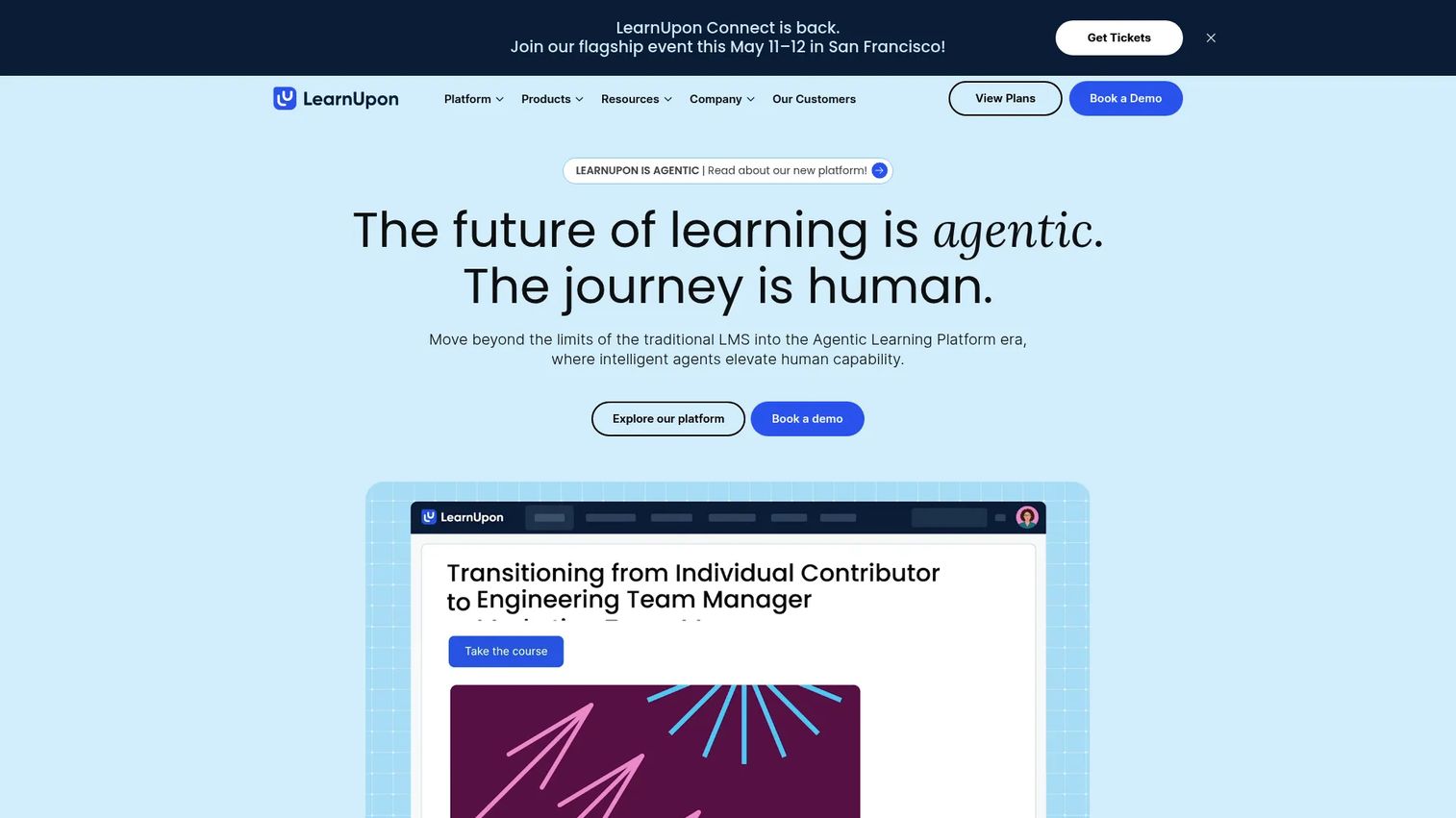
LearnUpon is an AI-driven LMS and agentic learning platform for training customers, partners, employees, and associations from separate portals within one system. It supports AI-powered course authoring, SCORM and xAPI, learning journeys, certification, eCommerce, and integrations with common business systems. Learning Portals let each audience get a tailored experience without requiring separate platform instances.
Best for: Teams that need distinct training portals for customers, partners, and employees, all managed from a single admin layer.
Key features
- AI-powered course authoring with Create+
- Learning Portals for multiple distinct audiences
- Learning Journeys and personalized delivery paths
- Certification and eCommerce capabilities
- SCORM and xAPI support with reporting and analytics
Why choose LearnUpon: Choose LearnUpon when product training must serve several audiences simultaneously and each needs a different experience. It is well suited for extended enterprise programs where partner certification, customer onboarding, and employee training all need to run in parallel.
LearnUpon pricing: Plans are organized for employees (from 100 users), customer education (from 300 users), and associations (from 150 users). Amounts require contacting sales. G2 reviewers report mid-market contracts typically starting in the range of $15,000 to $20,000 annually.
G2 rating: 4.5/5
12. Absorb LMS
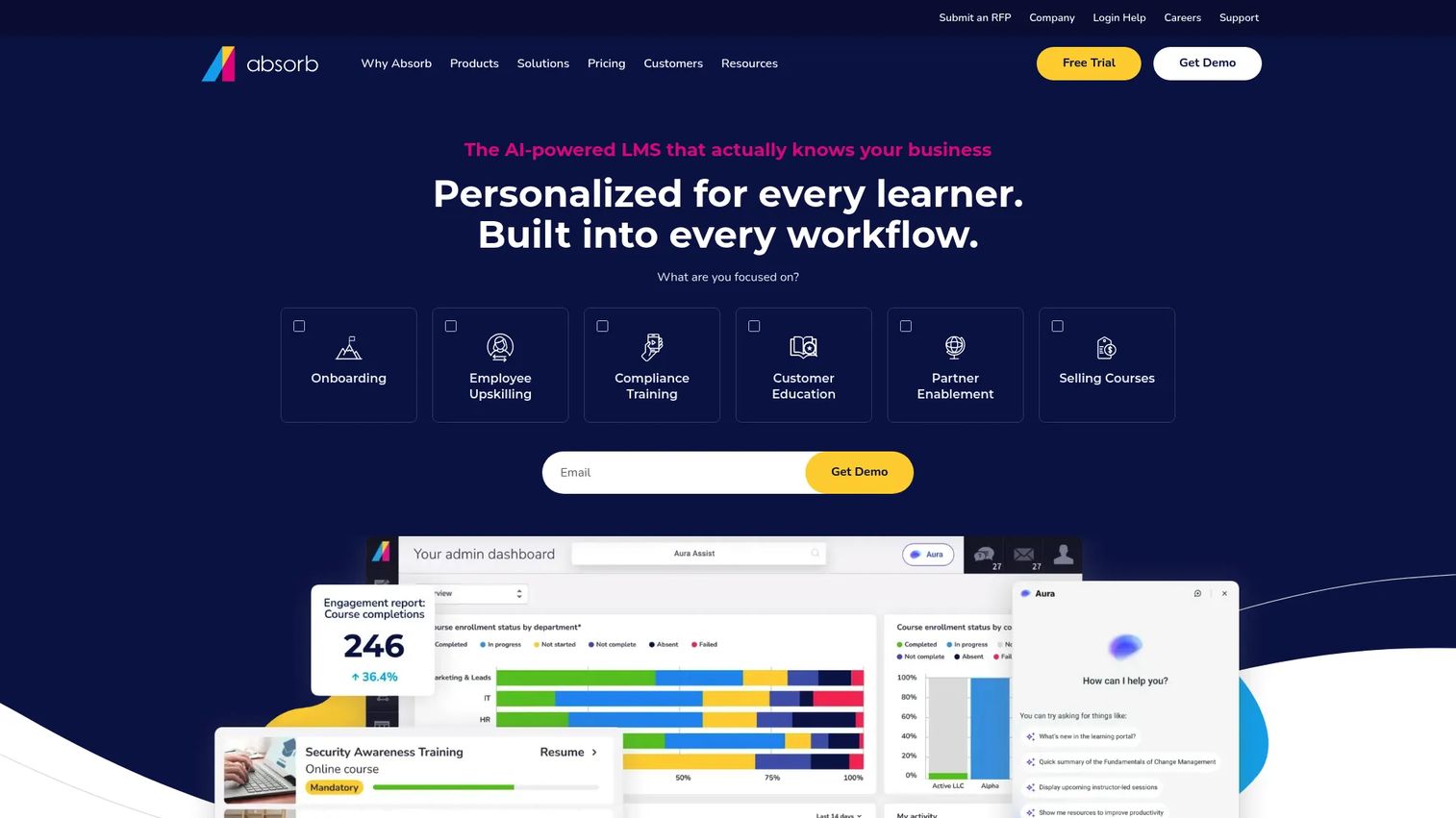
Absorb LMS is an AI-powered enterprise LMS for employee, customer, partner, and compliance training. Its AI-assisted course creation tool (Absorb Create) helps teams build content faster. The platform also supports skills-gap learning paths, integrated eCommerce, mobile learning, SCORM compliance, observational checklists, and RESTful APIs for custom integrations. The focus is on scalable administration across large learner populations.
Best for: Enterprise teams that need scalable LMS administration, strong reporting, and compliance-ready training programs.
Key features
- AI-assisted course creation with Absorb Create
- Personalized skills-gap learning paths
- Reporting dashboards and analytics
- Integrated eCommerce
- Mobile learning app and SCORM compliance
Why choose Absorb LMS: Choose Absorb LMS when administration depth matters as much as learner experience. It fits larger training teams managing many learner groups across customers, partners, and internal teams, and where compliance tracking and audit trails are requirements.
Absorb LMS pricing: Absorb LMS does not display plan names or prices on its pricing page. Pricing requires submitting learner count and contact information to get a quote. G2 reviewers report pricing in the enterprise LMS range, comparable to similar platforms.
G2 rating: 4.6/5
13. Pendo
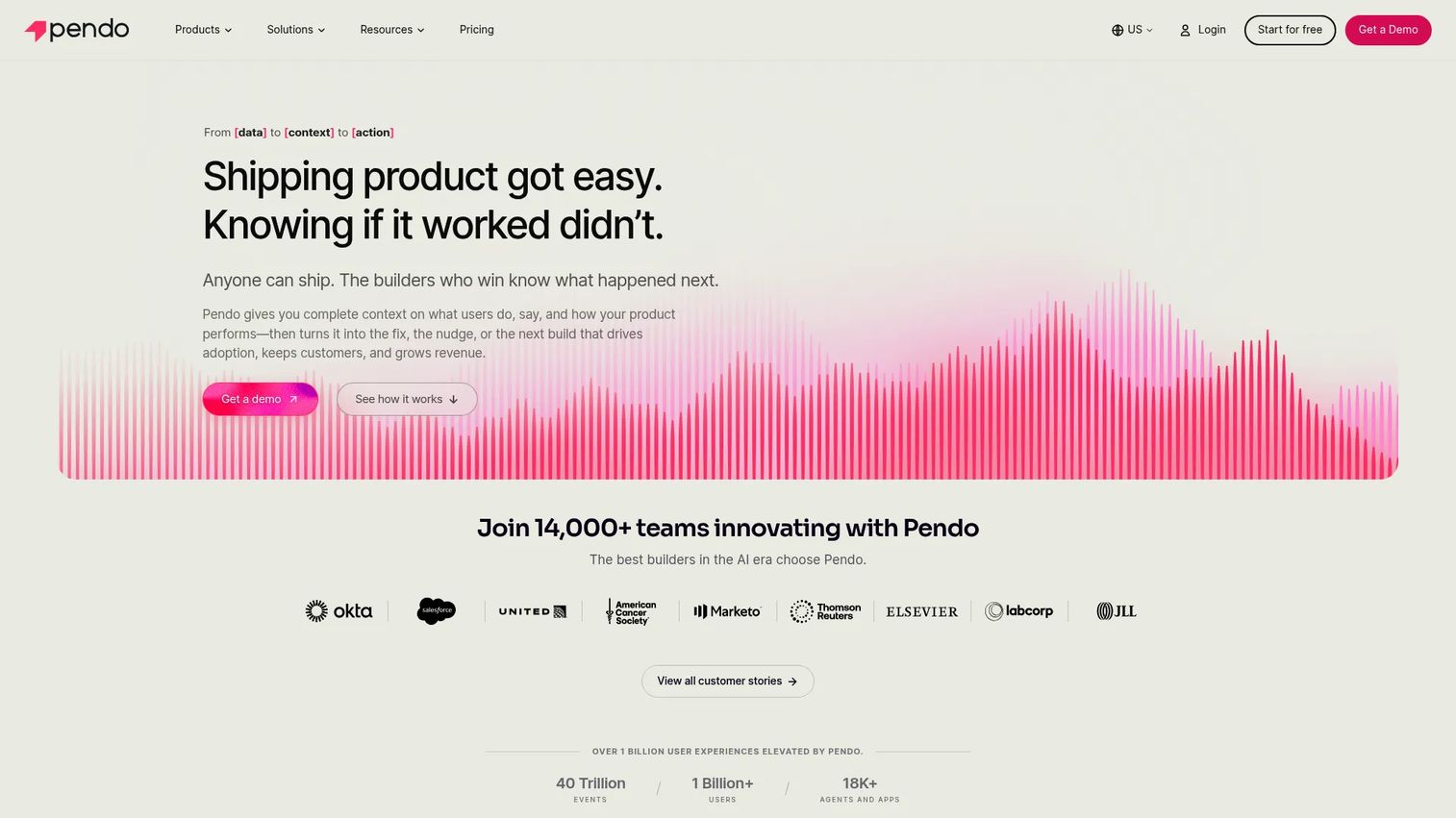
Pendo is a product experience platform that combines product analytics, in-app guidance, session replay, and feedback tools. For product training, its value is in connecting what users are doing inside the product to what guidance they receive. Teams use Pendo to identify where users stall or drop features, then deploy targeted in-app guides to address those gaps without a CS touchpoint.
Best for: Product and CS teams that want training tied directly to product usage analytics and behavior-based segmentation.
Key features
- Product analytics: Journeys, funnels, feature adoption, and product health
- In-app guides and Resource Center
- NPS, CSAT, and feedback collection
- Session Replay for understanding user behavior
- Cross-channel orchestration using in-app guides and email
Why choose Pendo: Choose Pendo when training strategy needs to start from product data. It is a strong fit for teams that want to identify adoption gaps first and then respond with guidance inside the product, rather than building a training curriculum in advance.
Pendo pricing: A free plan is available for up to 500 monthly active users. Base, Core, and Ultimate plans use custom MAU-based pricing and require contacting sales. A free beta product called Novus is also available with no MAU limit during the beta period.
G2 rating: 4.4/5
14. Zendesk Guide
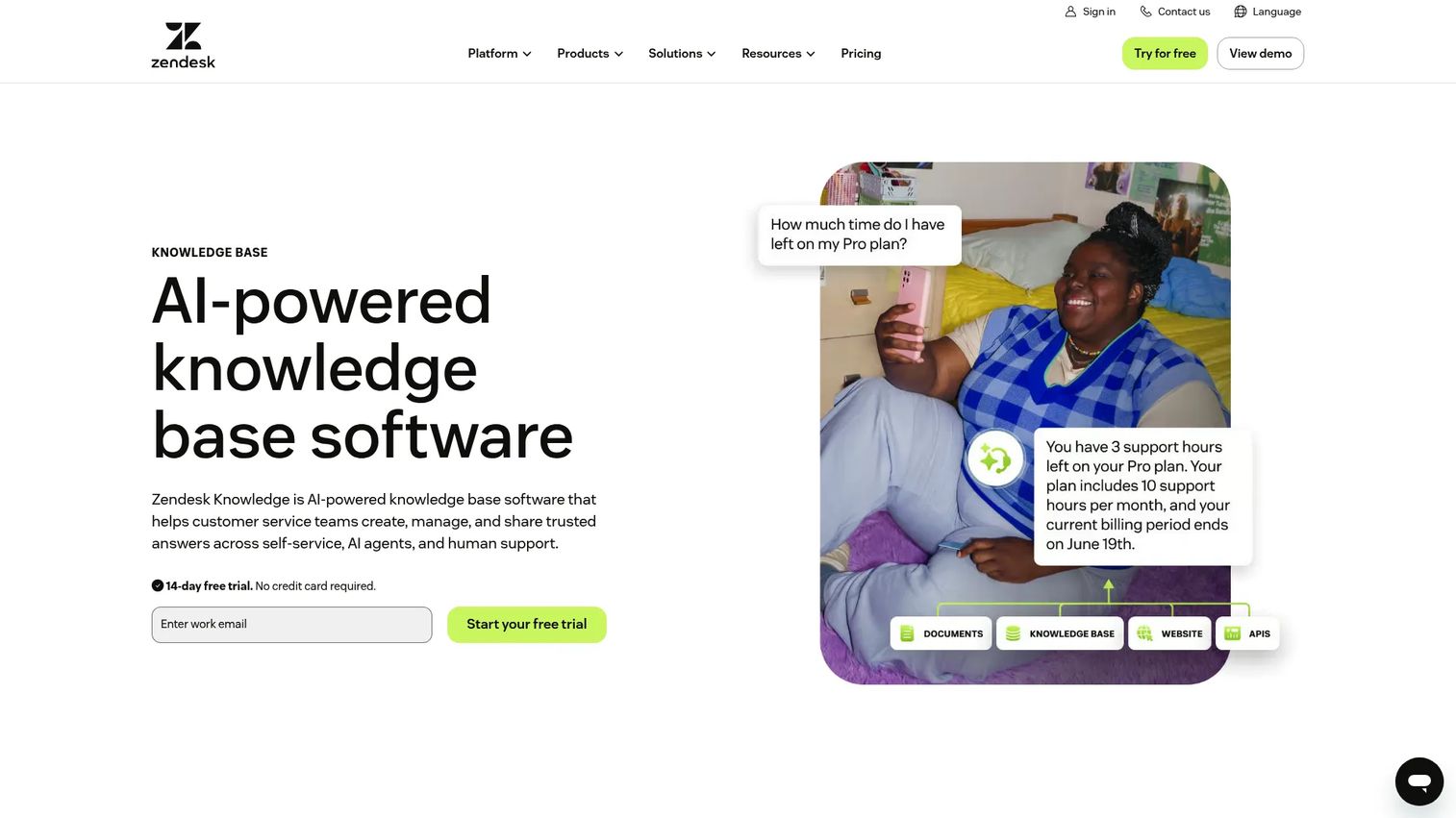
Zendesk Guide, now presented as Zendesk Knowledge, is a knowledge-base and self-service solution for helping customers find answers without contacting support. It supports AI-powered generative search, multilingual content in 40+ languages on applicable plans, article permissions, structured content, revision history, and content blocks for maintaining consistent help documentation.
Best for: Support teams that want searchable self-service product education and ticket deflection from a knowledge base connected to their support queue.
Key features
- Knowledge base and self-service help center
- AI-powered generative search
- Multilingual content on applicable plans
- Structured content, article permissions, and revision history
- Integration with Zendesk support and ticketing workflows
Why choose Zendesk Guide: Choose Zendesk Guide when your product training problem starts in the support queue. It is a strong fit for answering repeated "how do I" questions through maintained documentation that connects directly to your ticket management and agent workflows.
Zendesk Guide pricing: Guide/Knowledge capabilities are included in Zendesk service plans. The Support Team plan starts at $19/agent/month (billed annually) or $25/agent/month (billed monthly). Suite Team starts at $55/agent/month annually. Suite Professional is $115/agent/month annually.
G2 rating: 4.3/5
15. WorkRamp
WorkRamp, now represented as Learn:Up, is an AI-powered learning management platform for employee, customer, and partner training. It supports AI-driven role plays, simulations, AI-assisted content creation, personalized learning modalities including podcast, narration, and reader modes, analytics and reporting, and integrations with HRIS systems, Salesforce, Slack, Zoom, Okta, and Google Workspace.
Best for: Teams that want one training platform for customers, partners, and revenue teams, with strong enablement and AI-assisted learning modes.
Key features
- AI-driven role plays and simulations
- AI-assisted content creation
- Personalized learning modalities (podcast, narration, reader modes)
- Analytics and reporting
- Integrations with Salesforce, Slack, Zoom, and HRIS tools
Why choose WorkRamp: Choose WorkRamp when product knowledge needs to reach both external learners and internal revenue teams. It fits organizations that want customer education and sales or partner enablement under one roof, with AI features that make training feel less like a chore.
WorkRamp pricing: G2 reviewers report quote-based contracts for the platform.
G2 rating: 4.4/5
16. HubSpot Academy
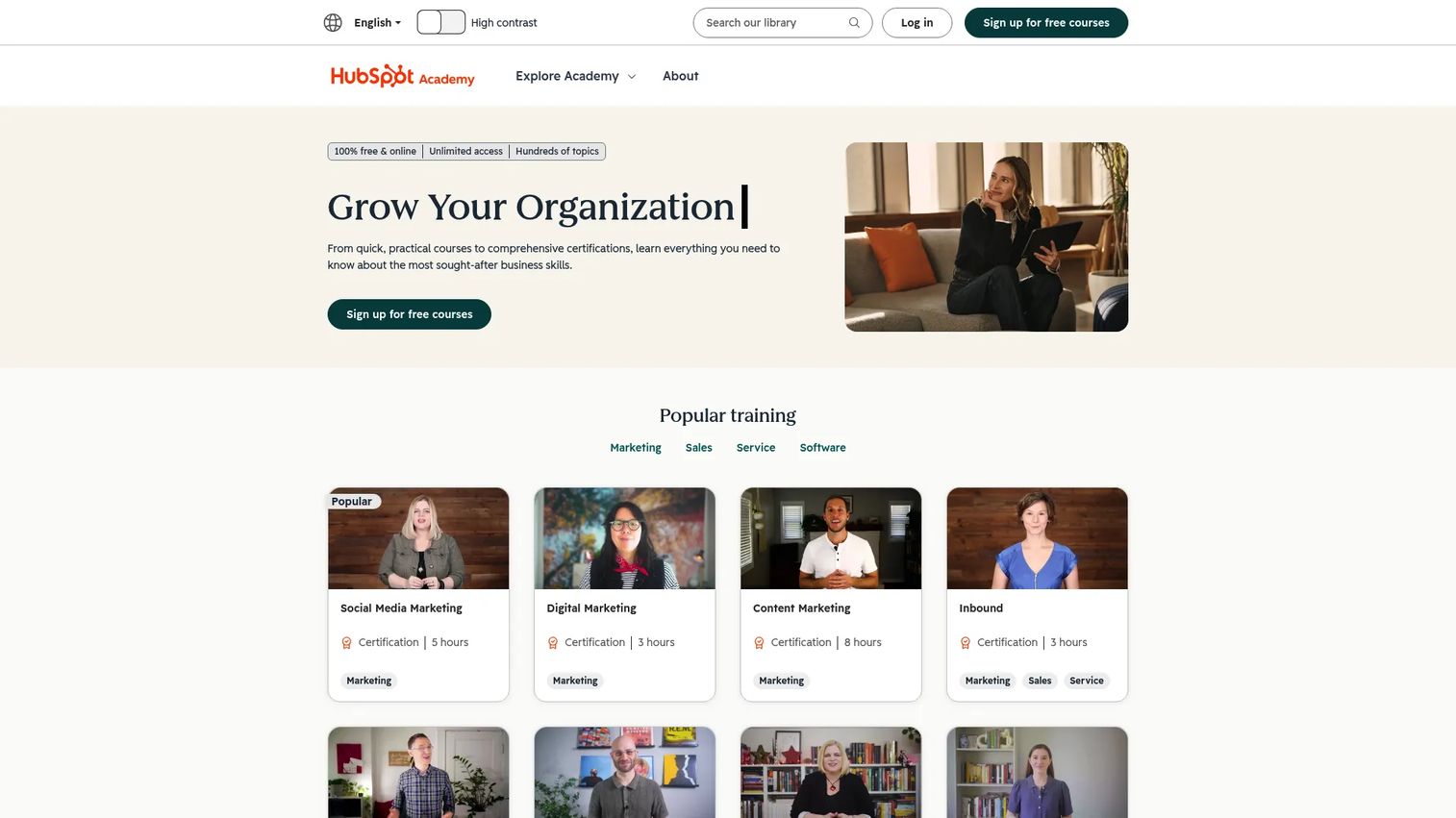
HubSpot Academy is a free, self-paced online education and certification platform covering HubSpot products, marketing, sales, customer service, and related GTM skills. Courses are available on-demand, certifications are globally recognized, and content is offered across five languages. An Academy Onboarding option is available for $400/year in the US for more structured implementation support.
Best for: Teams using HubSpot that want free product education and role-based certifications, particularly for marketing, sales, and service workflows.
Key features
- Self-paced online courses and lessons
- Globally recognized certifications with shareable certificates
- Live workshops, bootcamps, and community learning
- Personalized training recommendations
- Content available in five languages
Why choose HubSpot Academy: Choose HubSpot Academy when your team or customers need HubSpot-specific education at no cost. It is a ready-made learning destination rather than a platform for building your own training programs, which is an important distinction before committing to it as a CS tool.
HubSpot Academy pricing: Core courses, lessons, certifications, and bootcamps are free. Academy Onboarding is $400/year (US). No additional paid Academy tiers were found on the official site.
G2 rating: 4.8/5
17. LinkedIn Learning
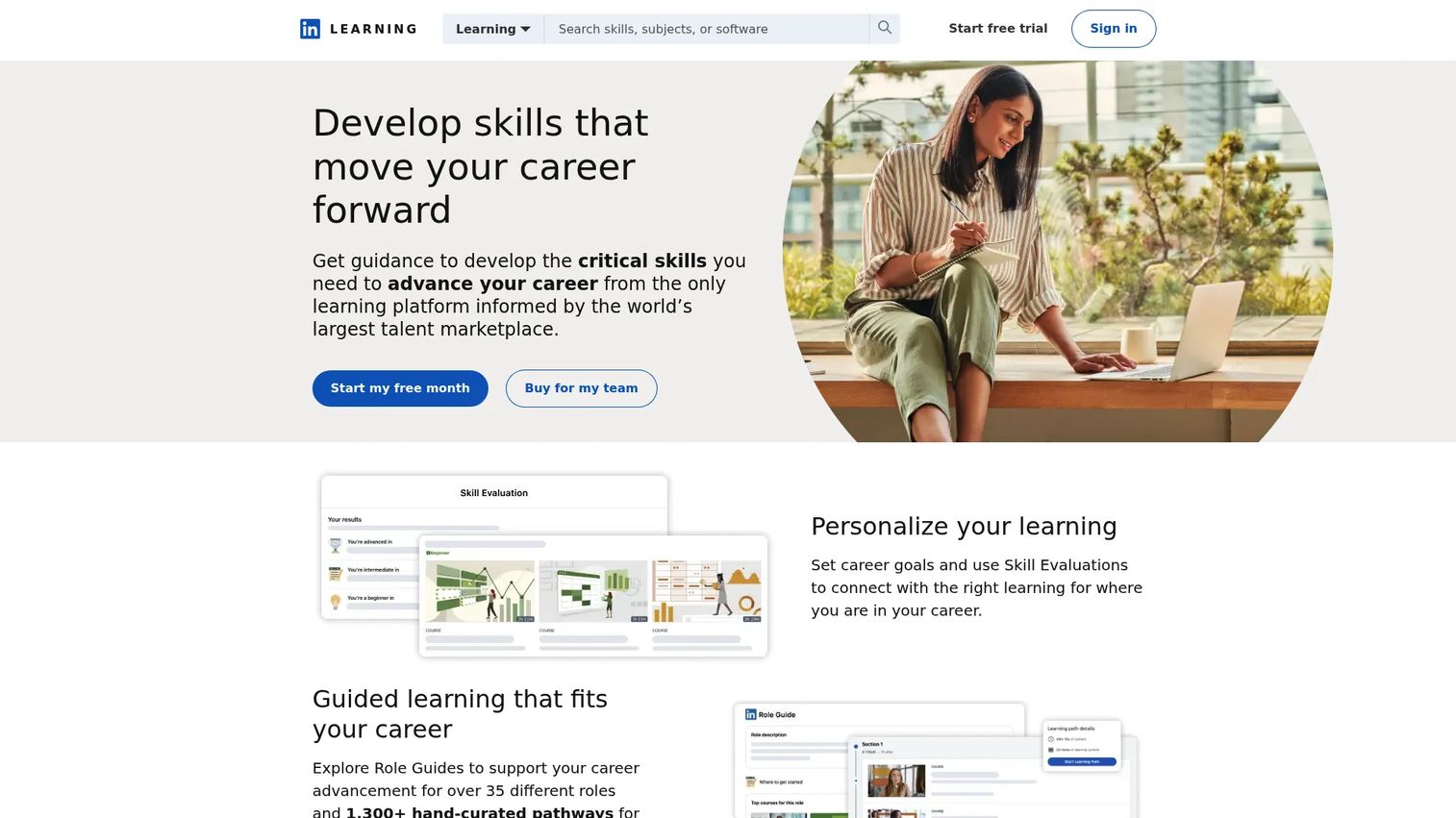
LinkedIn Learning is an online learning platform offering more than 25,000 expert-led courses in business, technology, and creative skills. It includes AI-powered coaching, role-play practice with real-time feedback, professional certificates, certification preparation, hands-on practice through labs and projects, and LMS and HRIS integrations. It is primarily a skills development platform rather than a product-specific training tool.
Best for: Teams that need off-the-shelf professional development content alongside product-specific training tools, particularly for communication, leadership, and technical skill development.
Key features
- 25,000+ expert-led courses across multiple formats
- AI-powered coaching and role-play practice
- Professional certificates and certification preparation
- Hands-on labs, code challenges, and projects
- LMS and HRIS integrations
Why choose LinkedIn Learning: Choose LinkedIn Learning when training needs go beyond your own product. It pairs well with product-specific tools when teams also need broader professional skills development. It is not the right fit when the primary training job is teaching customers how your product works.
LinkedIn Learning pricing: Business access requires contacting sales. A free trial is referenced on the site.
G2 rating: 4.4/5
Considerations when choosing product training software
Before committing to a tool, work through these criteria against your actual training motion.
Match the training format to the job
An LMS handles structured courses and certifications. Interactive demos and sandboxes are stronger for hands-on product workflows where users need to click through steps, not just complete a module. In-app tools work for contextual guidance at the moment a user gets stuck. Knowledge bases serve reference content. Picking the wrong format for the job is the most common mistake CS teams make when choosing training software.
Check how fast your team can update training
Product training decays quickly when screenshots, videos, or courses fall behind the product's current interface. Ask vendors specifically how long a typical update takes after a UI change. For CSMs managing multiple product launches per quarter, tools that allow step-level edits (rather than full recaptures) reduce maintenance burden significantly. If a software update requires rebuilding an entire course, that is a real operational cost.
Measure behavior, not just completion
Course completion rates alone do not prove adoption. Look for tools that connect training completion to downstream metrics like feature usage, support deflection, time-to-value, and renewal signals. For digital adoption platforms, the most useful analytics show where learners drop off or repeat steps, not just whether they finished. That drop-off data is where CS improvement work actually lives.
Verify integrations with your CS stack
Training data should connect to the tools you already use: CRM, help desk, product analytics, and collaboration platforms. Check whether learner activity can trigger CS follow-up in Salesforce, HubSpot, or Intercom. A training platform that sits in a silo is another disconnected system, which is exactly the problem CSMs are trying to solve. This is especially important when you need product analytics to inform training decisions.
Plan for multiple audiences
Customers, partners, support agents, and internal sales teams often need different training paths from the same product. Look for role-based segmentation, permission controls, separate portals, and the ability to personalize content by audience without rebuilding everything from scratch. If your product serves several industries or personas, training that cannot be segmented will always feel generic to someone.
Conclusion
Product training software is not one category, it's several tools solving different training jobs. The best starting point is matching the format to the job before shortlisting tools.
Guideflow is the strongest pick when product understanding improves through doing. Its interactive demos, sandboxes, and Demo Centers cover onboarding, feature adoption, support documentation, partner enablement, and internal training, all without scheduling another call. For structured academies and certifications, Skilljar, Docebo, LearnUpon, and Absorb LMS all offer deep LMS capabilities at different price points. Appcues and Pendo are the right tools when training should happen inside the product itself. Zendesk Guide fits support-led education, and LinkedIn Learning or WorkRamp covers broader enablement needs.
If you're a CSM trying to reduce repetitive onboarding and scale education without adding headcount, start with Guideflow's best onboarding flow software roundup to understand the broader onboarding stack, then map your specific training job to the tool that addresses it. Test one high-volume workflow first before rolling out a full training program.
Start your journey with Guideflow today!
FAQs
Product training software helps companies teach customers, employees, partners, and internal teams how to use a product. It spans several formats including LMS platforms for structured courses and certifications, interactive product experiences for hands-on learning, in-app guidance tools, and knowledge bases for self-serve reference. The right format depends on whether learners need to complete a curriculum, practice a workflow, or find a quick answer.
The best tool depends on the training motion. Guideflow fits teams that want hands-on, self-serve product training through interactive experiences that customers can revisit and share. LMS platforms like Skilljar or TalentLMS fit teams building formal courses and certifications. Appcues or Pendo fit teams where training happens inside the product through contextual nudges and onboarding flows.
No. An LMS (learning management system) is one type of product training software, focused on course delivery, learner tracking, and certifications. Product training software is a broader category that also includes interactive product demos, in-app onboarding tools, knowledge bases, and customer education platforms. Many CS teams use an LMS alongside other tools depending on what each training moment requires.
Tools that give users clear, self-serve answers to "how do I" questions can reduce repetitive ticket volume. Interactive product demos let users click through a workflow without contacting support. Knowledge bases and help centers provide searchable reference content. In-app guides address confusion at the moment it occurs. Teams that see the highest deflection typically combine a few of these formats rather than relying on a single tool.
Start by identifying the training job: Onboarding, feature adoption, customer academy, support deflection, partner training, or internal enablement. Then evaluate how fast the tool can be updated after product changes, what analytics it provides beyond completion rates, and how learner activity connects to your CRM and support stack. Test with one high-volume workflow before rolling it out broadly. For more context on evaluating your stack, see the best interactive demo tools comparison as a starting point.
Product training software teaches people how to use a specific product through courses, guided experiences, or in-app guidance. Customer education software often refers to broader programs including academies, certifications, and customer learning journeys that go beyond a single workflow. The categories overlap in SaaS, particularly for teams building formal customer academies around their product.
Yes, when training is tied to real workflows and adoption data rather than passive content. Completion metrics alone are not enough. Tools that show where learners drop off, which features get skipped, and how training completion correlates with actual product usage give CS teams the signal they need to improve both training and adoption outcomes.
Often, yes. A knowledge base answers reference questions quickly. Product training software teaches workflows through courses, guided experiences, or interactive product flows. A user asking "what does this feature do" needs a knowledge base. A user who needs to run a workflow for the first time needs something they can practice through. The two serve different moments and work best when connected, particularly if your CS team is active in AI customer service software or help center tools already.