AI agents sound useful until they actually need to do something. Reading a GitHub issue, querying a database, checking a Slack thread, fetching a webpage: Each of those actions requires a connector that your stack doesn't have by default.
That connector layer is what the Model Context Protocol (MCP) standardizes. MCP is an open protocol that lets AI clients request external actions or context from MCP servers in a consistent, governed way. Rather than building one-off integrations for every tool, teams configure servers that expose exactly what an agent can touch. According to Anthropic (2025), the Python and TypeScript MCP SDKs have crossed 97 million combined monthly downloads, and there are now more than 10,000 active public MCP servers available. A 2026 Stacklok survey found that 41% of software organizations were already running MCP servers in limited or broad production.
The problem isn't finding servers. It's knowing which ones are worth the security review, the setup overhead, and the ongoing maintenance. This guide cuts through the noise with 15 servers that map to real product, engineering, and product ops workflows.
For related reading on AI model deployment software and API security tools, those guides cover adjacent infrastructure decisions worth pairing with an MCP rollout.
What's inside
This guide is for product managers, engineering leads, and developer experience teams evaluating MCP servers for AI-enabled workflows. It covers 15 servers chosen by four criteria:
- Trust and maintenance status: Official reference implementations and actively maintained community servers only
- Permission scope: Preference for servers with narrow, reviewable access boundaries
- Workflow impact: Each server maps to a real PM, engineering, or product ops job
- Setup practicality: Local and remote options, with notes on transport and authentication
TL;DR
- Best overall for software teams: GitHub MCP connects agents to repositories, issues, and pull request workflows
- Best for browser automation: Playwright MCP gives agents cross-browser navigation and testing capability
- Best for avoiding hallucinated docs: Context7 MCP pulls current, version-specific library documentation into coding workflows
- Best free reference servers: Filesystem, Fetch, Git, Memory, Sequential Thinking, and Time are MIT-licensed and free to run
- Best for product and operational context: Slack, Google Drive, Sentry, Supabase MCP, and Postgres connect agents to team knowledge and production signals
- Security rule that applies to every server: Treat MCP servers like tools with delegated access, not harmless plugins; scope permissions before connecting anything important
What are mcp servers?
MCP servers are programs that expose tools, resources, and prompts to AI applications through the Model Context Protocol, so an AI client can safely request external actions or context.
MCP stands for Model Context Protocol. The protocol separates the AI application (the client) from the external systems it needs to reach (the servers). An MCP server is the connector that exposes capabilities in a structured, auditable way.
Three primitives make up what a server can offer. Tools let the model take actions, such as creating a GitHub issue or querying a database. Resources provide readable context, such as file content or document text. Prompts package reusable instructions for specific workflows.
Servers run either locally or remotely. Local servers typically communicate through stdio, which keeps execution on the user's machine and makes permission boundaries easier to control. Remote servers often use Streamable HTTP and may support OAuth for authenticated, shared access across a team.
MCP does not remove permission risk on its own. A server can only do what its underlying credentials allow, but those credentials can be broad if you don't scope them deliberately.
Key capabilities to evaluate in any MCP server
- Tool scope and what actions the server can take on your behalf
- Local or remote deployment model
- Authentication support and how credentials are stored
- Maintenance status and release cadence
- Client compatibility with your AI tooling (Claude, Cursor, VS Code, and others)
- Logging and observability for auditing agent behavior
- Security review requirements before connecting to sensitive systems
Official, community, and archived servers
Official reference servers from the Model Context Protocol repository are baseline implementations, good for learning and low-risk workflows, but not production platforms on their own. Community servers vary widely. Before adopting any community server, check the maintainer, review the source code, confirm active updates, and understand the permission scope it requests.
When to use mcp servers
Connect AI agents to product development workflows
Product decisions live at the intersection of issues, shipped code, and roadmap context. MCP servers let agents read that layer without you manually copying information between systems. A PM can ask an agent to summarize recent pull requests, check open issues against a release, or inspect a repository without switching tools. The boundary matters: Agents get the context they need without broad system access.
Give agents narrow access to company knowledge
Slack channels, Google Drive folders, and internal docs hold decision history, customer feedback, and launch context. MCP servers let agents retrieve that knowledge on demand, scoped to the folders or channels you specify. For product ops work, that means faster research synthesis without granting agents access to everything the organization stores.
Prototype AI-powered product features
Before committing engineering resources to an AI feature, PMs can test whether agents can usefully interact with databases, error monitoring systems, or web workflows. MCP makes those experiments faster. Every prototype that touches code, production data, or customer records still needs a security and engineering review before it moves beyond staging.
MCP servers comparison
This table ranks 15 servers by practical usefulness for product, engineering, and AI workflow adoption. G2 ratings apply to the underlying platform where relevant; most open-source reference servers have no G2 listing.
| # | Product | Best for | Key differentiator | Pricing | G2 rating |
|---|---|---|---|---|---|
| 1 | GitHub MCP | Repos, issues, PRs | Native software delivery context | Free (GitHub plan required) | N/A |
| 2 | Playwright MCP | Browser automation | Cross-browser AI agent testing | Free (open source) | 4.8/5 |
| 3 | Context7 MCP | Current documentation | Version-specific library docs | Free / $10 per seat/mo | 5.0/5 |
| 4 | Filesystem | Local file access | Scoped directory operations | Free (MIT) | N/A |
| 5 | Fetch | Web content retrieval | Controlled URL fetching | Free (MIT) | N/A |
| 6 | Git | Local repository work | Repository inspection via Git | Free (MIT) | N/A |
| 7 | Memory | Persistent agent context | Local knowledge-graph storage | Free (MIT) | N/A |
| 8 | Sequential Thinking | Multi-step reasoning | Structured reasoning chains | Free (MIT) | N/A |
| 9 | Time | Time and timezone context | Reliable temporal awareness | Free (MIT) | N/A |
| 10 | Slack | Team communication | Channel search and context | Free / $7.25/user/mo | 4.5/5 |
| 11 | Google Drive | Document knowledge | Shared file and doc access | From $7/user/mo | 4.6/5 |
| 12 | Sentry | Error monitoring | Production issue context | Free / $29/mo | 4.5/5 |
| 13 | Supabase MCP | App backend workflows | Database and project context | Free / $25/mo | 4.6/5 |
| 14 | Postgres | Database querying | Structured database access | Free | 4.4/5 |
| 15 | Brave Search | Web search | Independent search API | From $4/1,000 requests | N/A |
Best 15 mcp servers for 2026
1. GitHub MCP
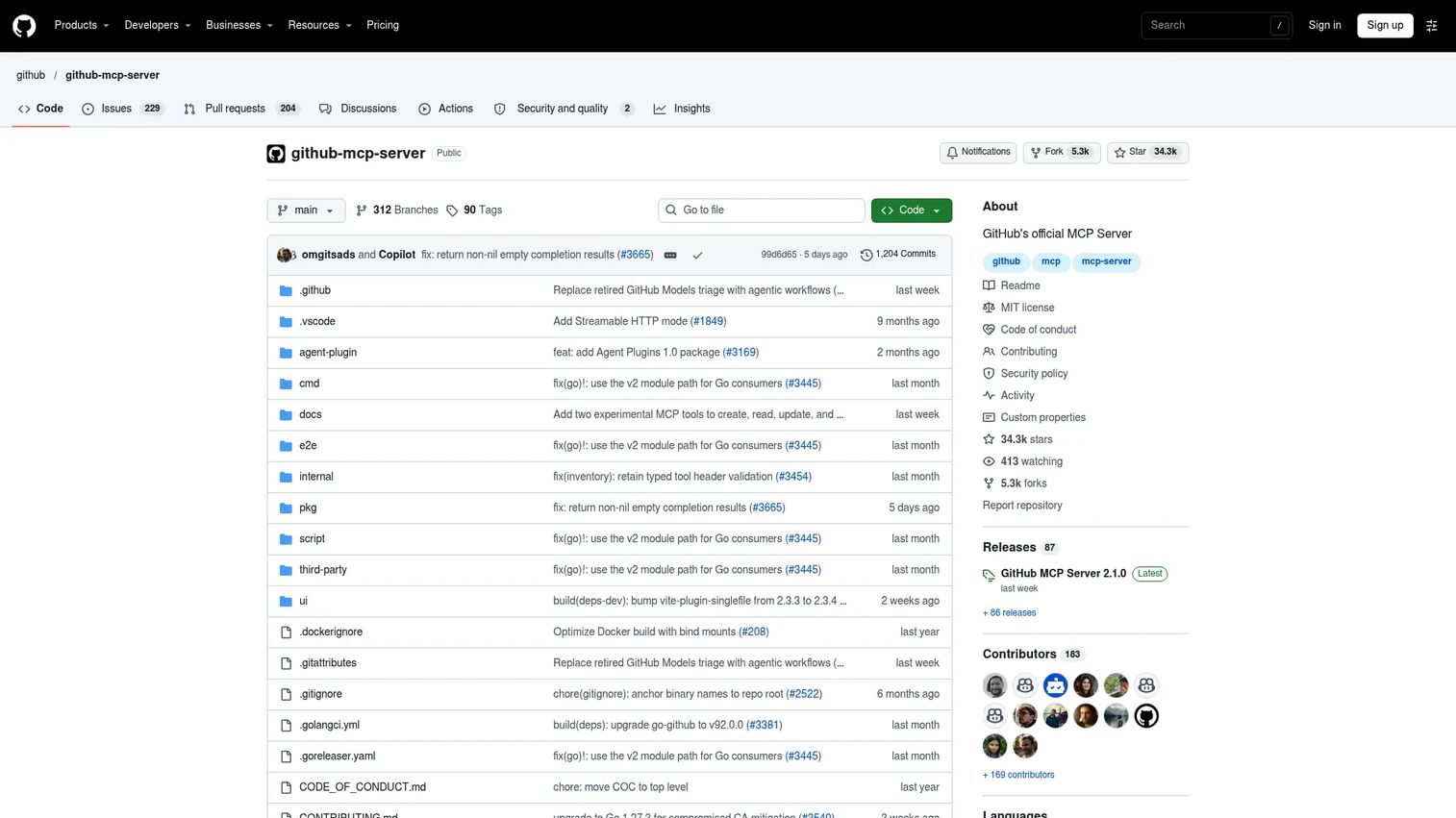
GitHub MCP is GitHub's official server for connecting AI tools to your repositories, issues, pull requests, discussions, and code workflows. It's the strongest default pick for software teams because product and engineering work converge at the boundary of issues and shipped code. The server handles repository context, code search, CI/CD workflow inspection, and release management, all accessible to an AI client with appropriate credentials.
Best for: Product and engineering teams that want agents to reason over software delivery context without manual copy-paste.
Key features
- Repository browsing, file search, and commit analysis
- Issue and pull request creation, updates, and review
- GitHub Actions workflow monitoring and CI/CD analysis
- Code search across repositories
- Release and security alert access
Why choose GitHub MCP: PMs can connect roadmap questions to implementation reality by asking agents about open issues, recent merges, or release blockers. Engineering gets automated PR summaries and issue triage. Review permissions carefully: Repository access can expose sensitive code and internal discussions.
GitHub MCP pricing: The MCP server itself carries no separate charge. GitHub account plans start at Free, with Team at $4 per user per month and Enterprise at $21 per user per month (monthly billing). The features you can expose to an agent depend on your GitHub plan.
2. Playwright MCP
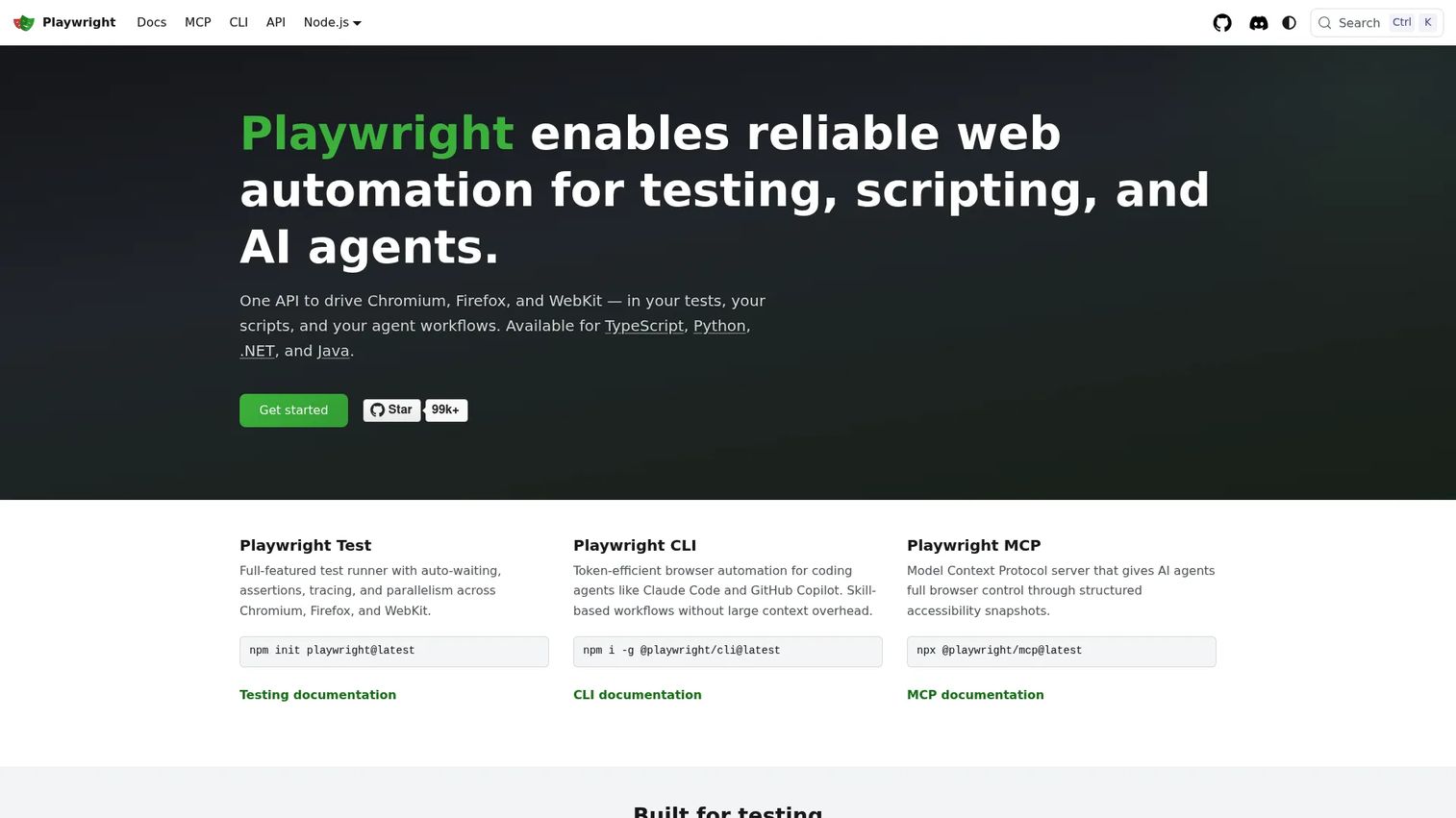
Playwright MCP gives AI agents browser automation through structured accessibility snapshots, so an agent can navigate pages, fill forms, take screenshots, and inspect UI state without brittle CSS selectors. It supports Chrome, Firefox, WebKit, and Edge, and works with clients including VS Code, Cursor, Windsurf, and Claude Desktop. For product teams, the practical use is validating onboarding flows, checkout paths, and admin workflows programmatically.
Best for: Teams that want AI agents to interact with a live product UI rather than only read data.
Key features
- Snapshot-based accessibility tree interaction
- Cross-browser support: Chrome, Firefox, WebKit, Edge
- Navigation, form filling, screenshots, and network mocking
- Persistent sessions with preserved login state
- Compatible with Claude Desktop, Cursor, and VS Code
Why choose Playwright MCP: Choose it when your AI workflow needs to verify what a user actually sees, not just what an API returns. Product teams can validate user journeys and catch UI regressions without manual QA sessions. Engineering should control test environments, credentials, and test data.
Playwright MCP pricing: The server is open source. Playwright itself is free under the Apache 2.0 license. Hosting costs for browser infrastructure or CI pipelines depend on your setup.
G2 rating: 4.8/5
3. Context7 MCP
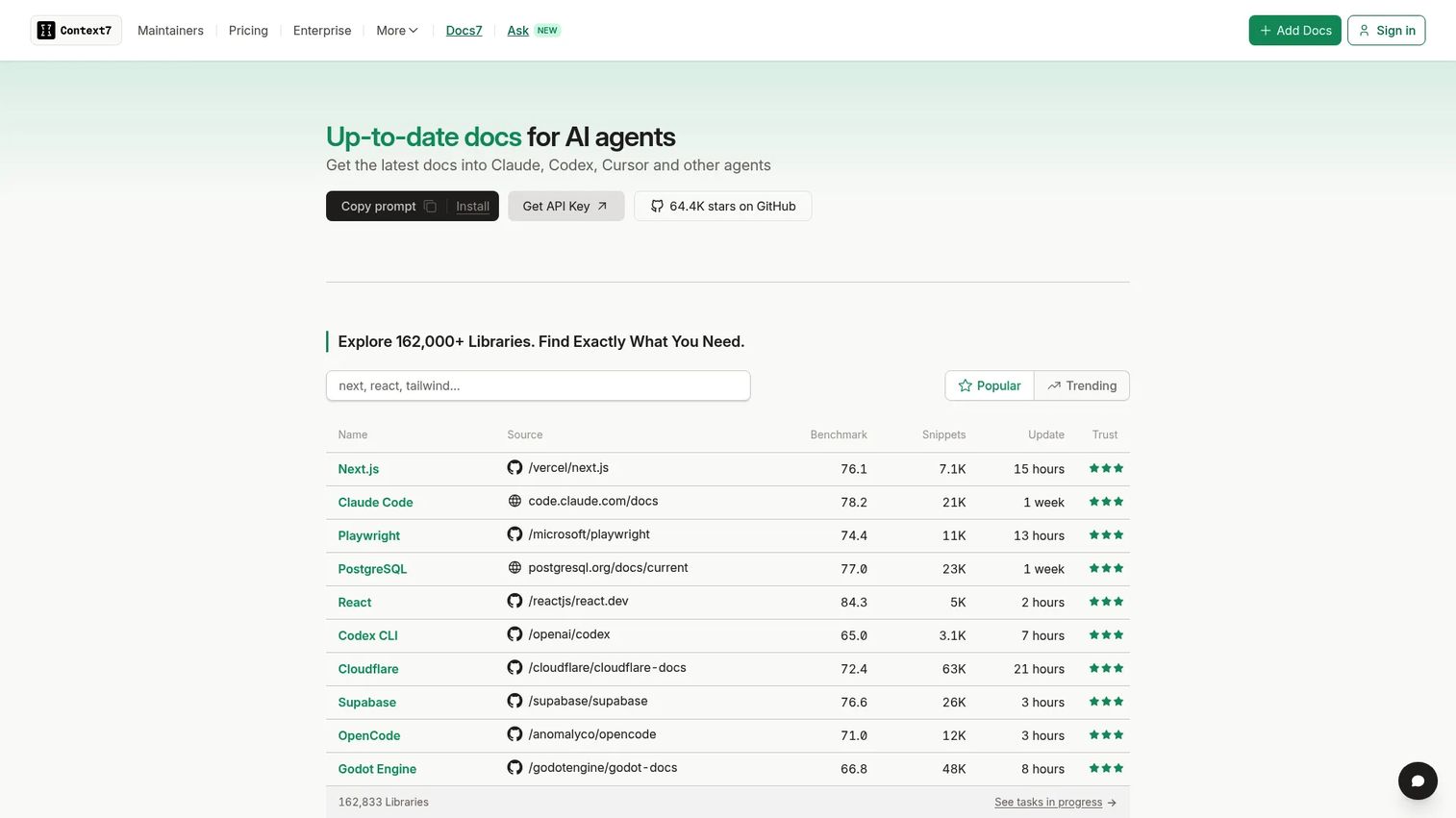
Context7 MCP solves a specific and common problem: AI coding agents often generate code based on outdated library documentation from their training data. Context7 pulls current, version-specific documentation and real code examples from official sources directly into coding agent workflows. It integrates with Claude, Cursor, and other AI coding tools, so the agent sees what the library actually does today, not what it did a year ago.
Best for: Product and engineering teams building AI-assisted development workflows on fast-moving stacks.
Key features
- Version-specific documentation for libraries and frameworks
- Real code examples sourced from official documentation
- Integrations with Claude, Cursor, Codex, and other coding agents
- Private repository support on paid plans
- Team collaboration and access controls
Why choose Context7 MCP: Pick it when your coding agent keeps writing deprecated API calls or generating code that breaks on import. For PMs, this matters during prototyping or when supporting engineering teams adopting newer frameworks.
Context7 MCP pricing: Free for public repositories with 1,000 API calls per month. Pro costs $10 per seat per month (monthly billing) and includes private repositories, team collaboration, and 5,000 API calls per seat. Enterprise pricing is custom, adding SOC-2, SSO, and self-hosted deployment.
G2 rating: 5.0/5.
4. Filesystem
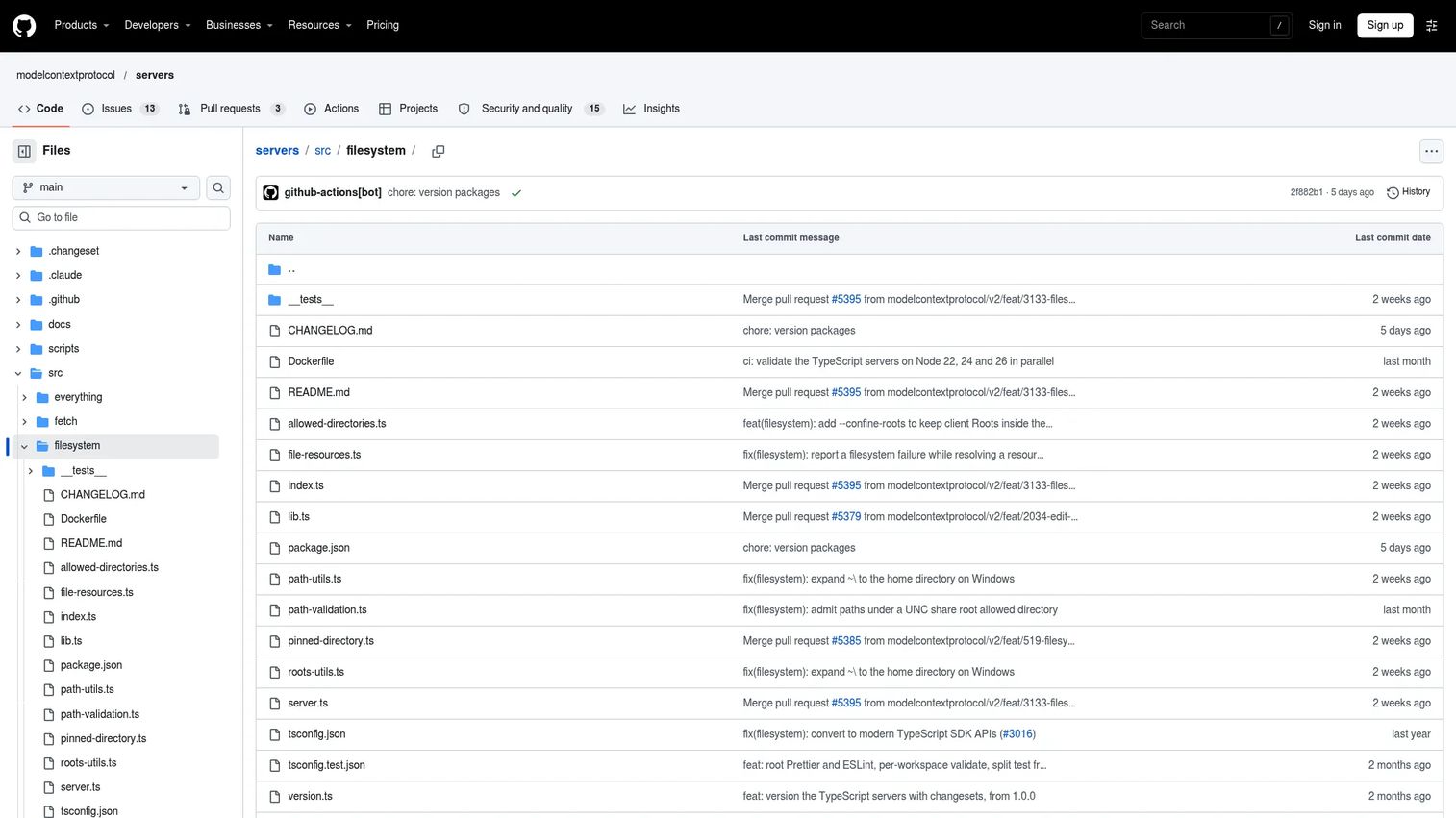
Filesystem is the official Model Context Protocol reference server for local file and directory access. It gives an AI client the ability to read, write, search, and manage files within boundaries you configure. The power is in the scope controls: You define which directories the agent can touch, and it cannot reach outside them. Local product artifacts, PRDs, CSV exports, and research notes become accessible to an AI assistant without exposing your entire machine.
Best for: Local workflows where an agent needs access to a controlled folder of product or research documents.
Key features
- Read and write files within allowed directories
- Create, list, delete, move, and copy files or directories
- Search files and retrieve file metadata
- Configurable directory restrictions
- Optional read-only mode
Why choose Filesystem: Use it when you want an AI assistant to summarize specs, extract data from exports, or draft content from local research notes. Keep the allowed directory narrow and avoid granting access to folders containing credentials, keys, or sensitive employee data.
Filesystem pricing: Free. The server is an MIT-licensed open-source reference implementation distributed via the official Model Context Protocol repository.
5. Fetch
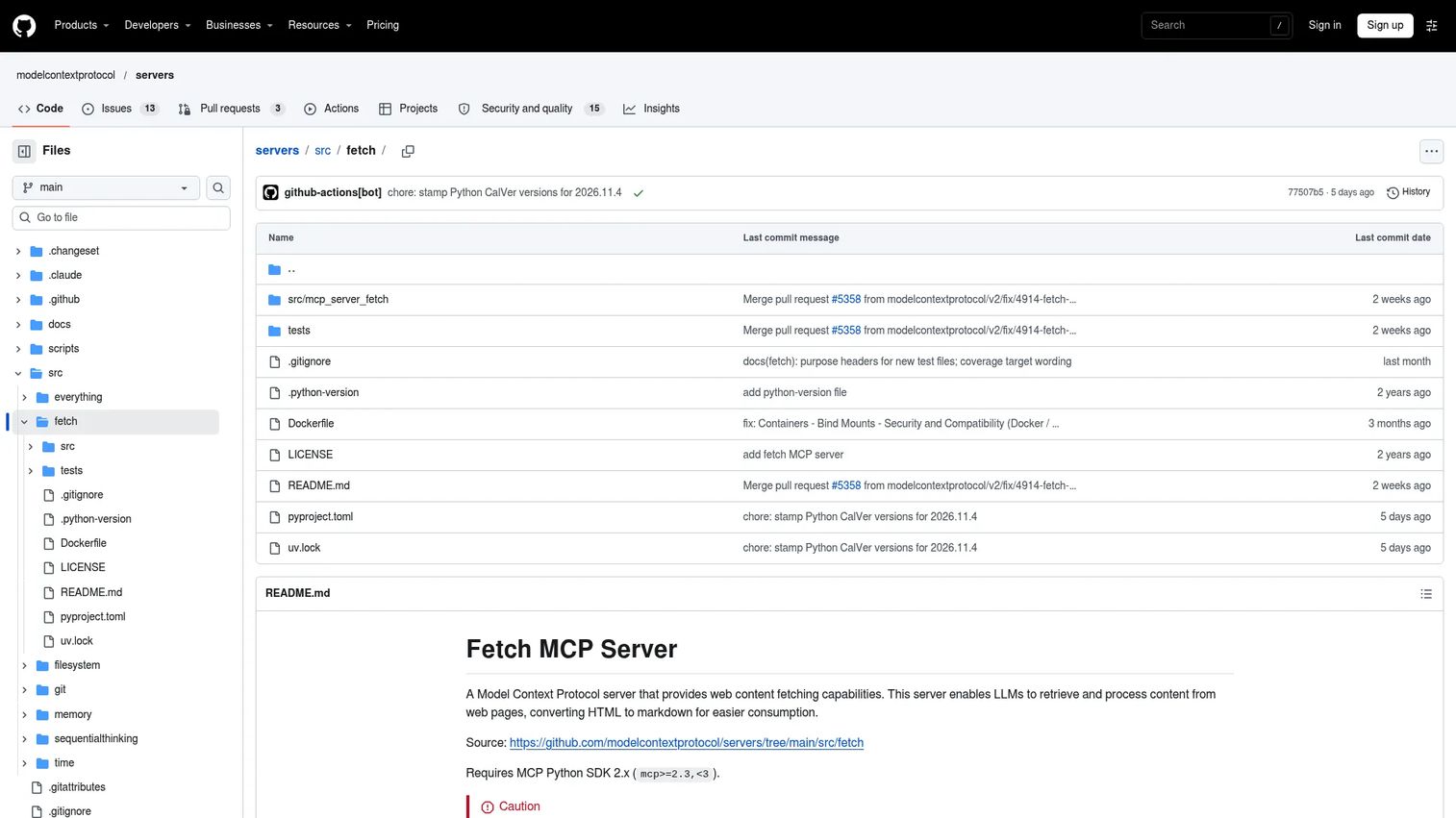
Fetch is the official reference server for retrieving web content and converting it into Markdown that an AI client can read and reason over. It's the simplest way to give an agent controlled external reading capability without building a custom connector. The server supports robots.txt compliance, private-IP protection, host allowlisting, and configurable timeouts, which matters when you're connecting an agent to external URLs.
Best for: Agents that need to read specific, known URLs for documentation review, public changelog monitoring, or research synthesis.
Key features
- Fetches URLs and converts HTML to Markdown
- Chunked extraction with start index support for long pages
- robots.txt compliance and private-IP protection
- Configurable host allowlists and timeouts
- Optional user-agent customization
Why choose Fetch: Product teams can use it for public documentation analysis, tracking competitor changelog pages, or summarizing known external resources. Public web content can include prompt injection attempts, so run it with safe client settings and limit it to trusted domains where possible.
Fetch pricing: Free. MIT-licensed open-source reference implementation.
6. Git
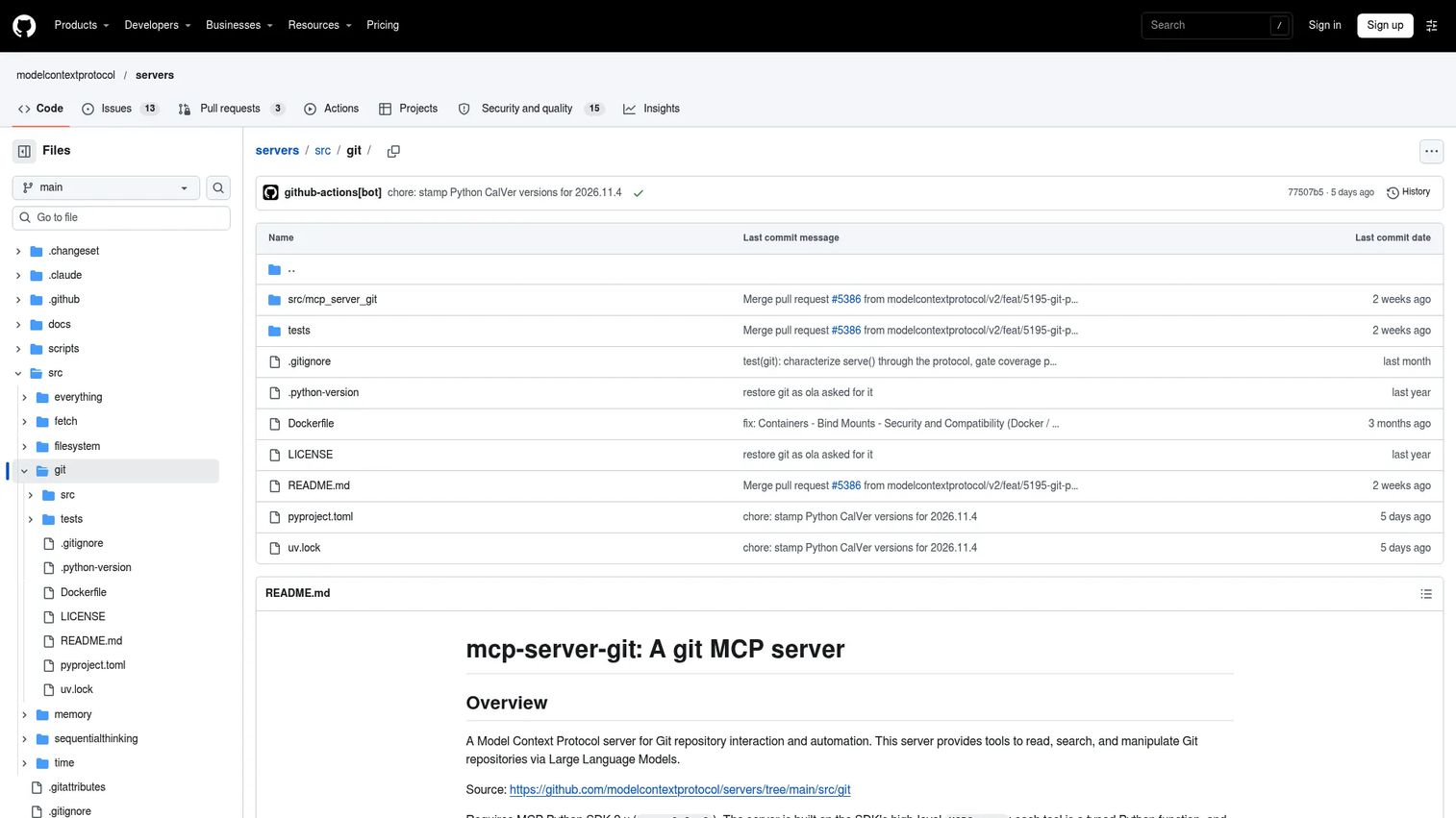
Git is the official reference server for local repository operations. It's distinct from GitHub MCP: Git works with your local repository history and branch state, while GitHub MCP connects to hosted collaboration features. Use Git when you need an agent to inspect commit history, generate a commit message, summarize recent changes, or understand why a file changed without leaving your local environment.
Best for: Local development workflows and repository history inspection where remote API access isn't required.
Key features
- Repository status, diffs, and commit history
- Commit, stage, reset, branch, and merge operations
- Branch and remote management
- Commit message generation prompts
- Change summary across date ranges or file paths
Why choose Git: PMs benefit when product decisions require understanding when and why implementation changed. Use it with engineering-approved repositories and avoid broad access to production or private codebases as a default starting point.
Git pricing: Free. MIT-licensed open-source implementation available via the Model Context Protocol repository.
7. Memory
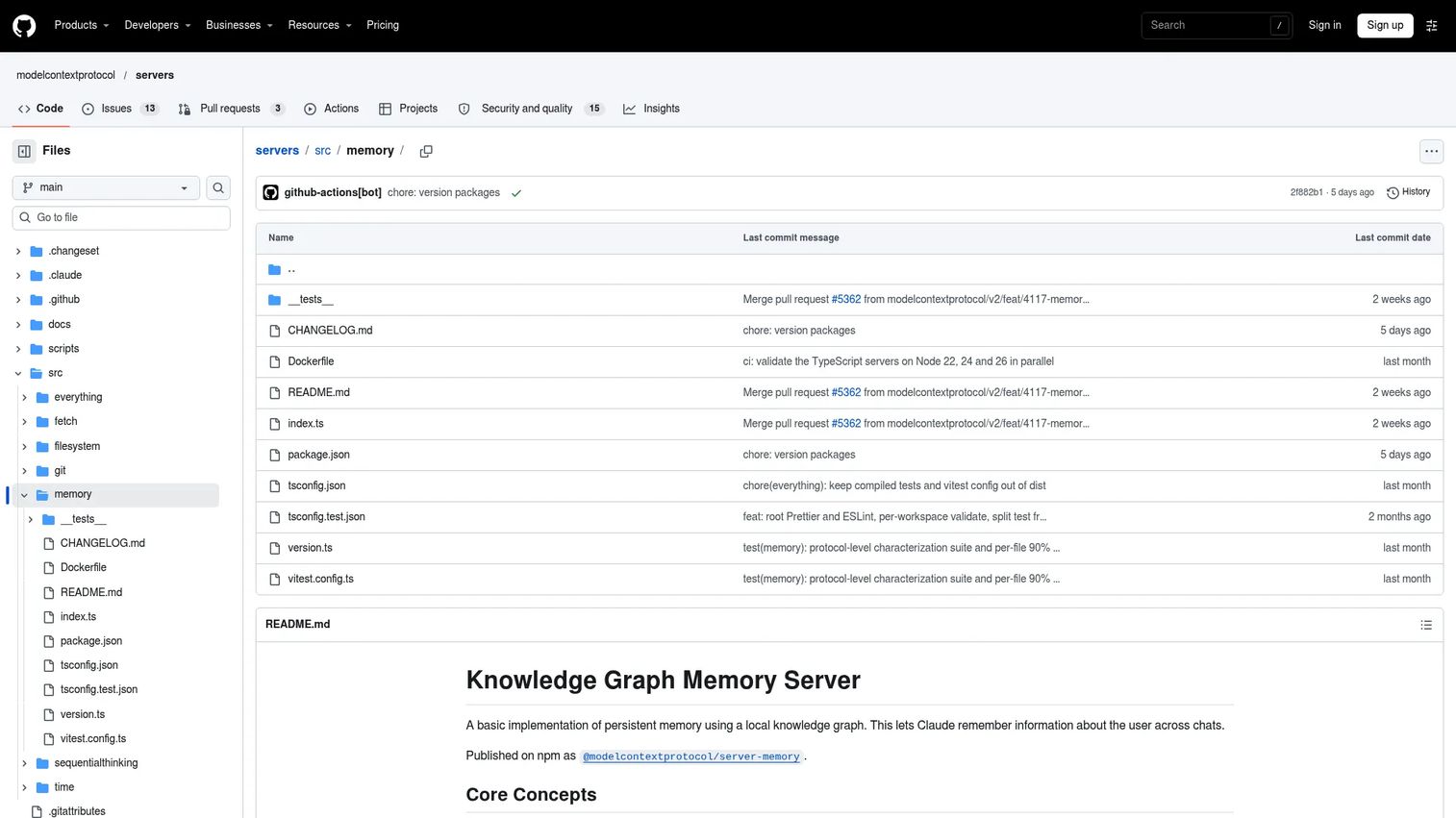
Memory stores and retrieves persistent context across agent sessions using a local knowledge graph. Without it, every new conversation starts from scratch. With it, an agent can remember product principles, recurring constraints, team glossary terms, or ongoing project context, and surface that knowledge when it's relevant. The storage is local, configurable via MEMORY_FILE_PATH, and built on entities, relations, and observations.
Best for: Teams experimenting with long-lived agent context for product planning or decision support workflows.
Key features
- Persistent local knowledge-graph storage
- Entities, relations, and observations structure
- Tools for creating, searching, reading, and deleting graph data
- Subscribable knowledge-graph resource
- Configurable storage location
Why choose Memory: Use it when repeated context matters across sessions, such as product principles, feature constraints, or ongoing project decisions. Set governance rules for what can be stored and how stale memory gets cleared. Without cleanup policies, memory accumulates noise.
Memory pricing: Free. MIT-licensed under the official Model Context Protocol repository as @modelcontextprotocol/server-memory.
8. Sequential Thinking
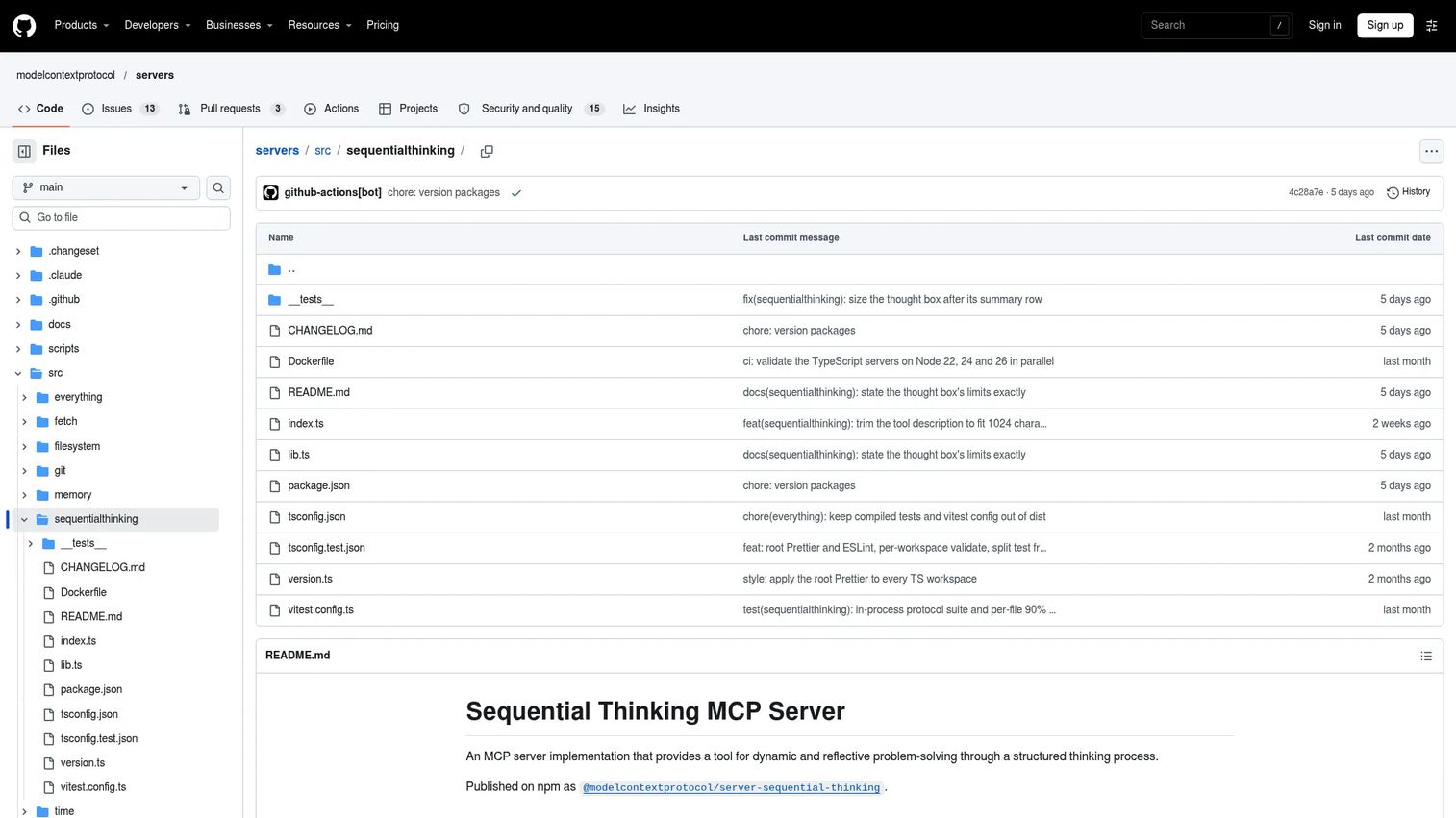
Sequential Thinking is an official reference server for structured, multi-step problem solving. Unlike the other servers on this list, it doesn't connect to an external system. Its job is to help an AI agent decompose a complex problem into manageable steps, revise earlier reasoning when new information changes the picture, and branch into alternative approaches when needed.
Best for: Complex planning, debugging ambiguous workflows, and structured analysis where step-by-step reasoning matters.
Key features
- Breaks complex problems into discrete, numbered steps
- Supports revision of earlier reasoning steps
- Branching into alternative reasoning paths
- Reference implementation for reflective problem solving
- MIT-licensed open-source distribution
Why choose Sequential Thinking: PMs can use it for structured launch planning, experiment design, or debugging product decisions where multiple factors interact. It doesn't replace evidence from real systems; it helps the agent reason about that evidence more carefully.
Sequential Thinking pricing: Free. MIT-licensed open-source implementation in the official Model Context Protocol repository.
9. Time
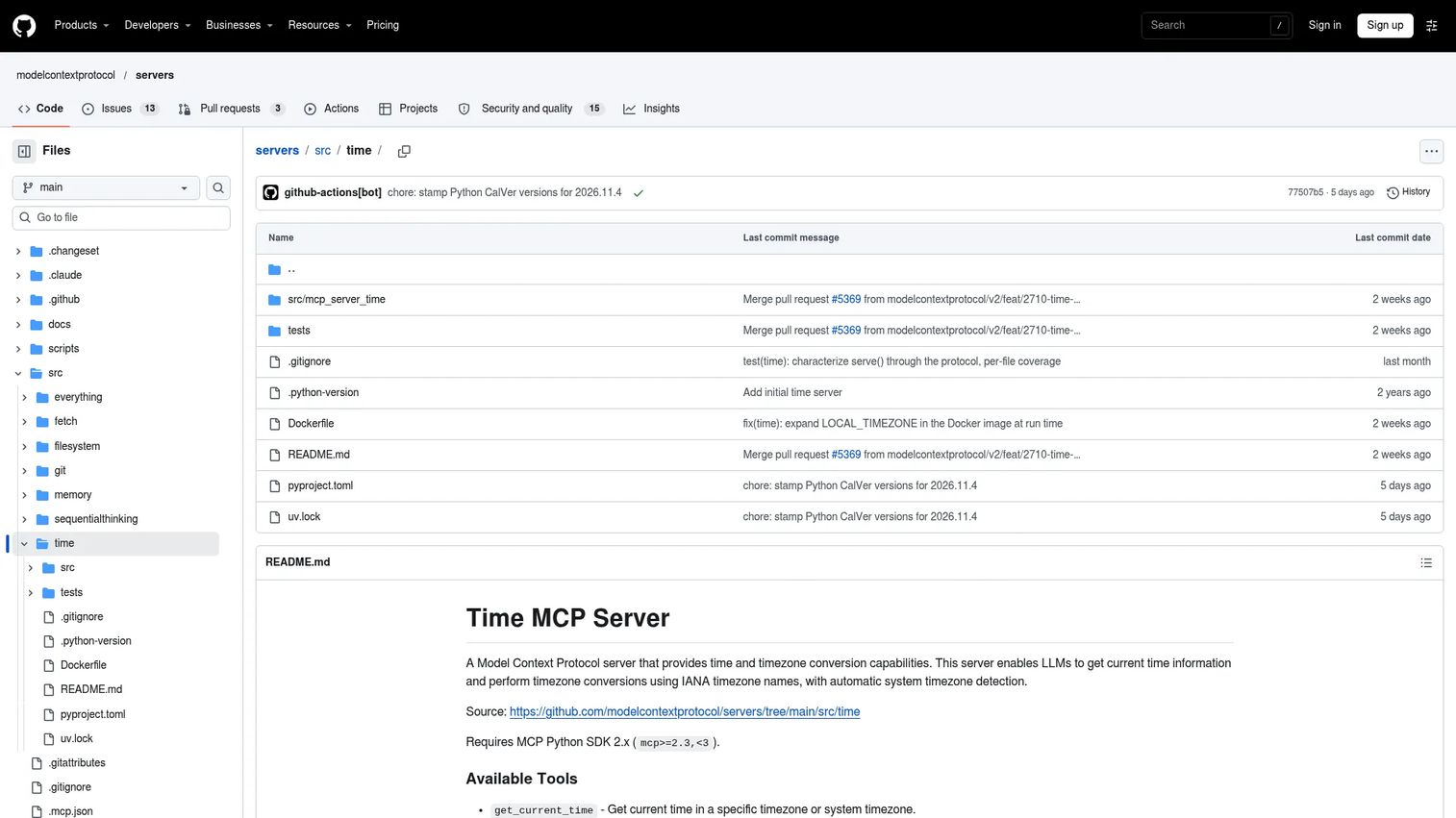
Time gives AI clients reliable time and timezone awareness. It sounds small, but product, support, and release workflows break in predictable ways when an agent gets dates or timezones wrong. SLA calculations, release window checks, distributed team handoffs, and customer support timelines all depend on accurate temporal context that the agent's training data can't reliably provide.
Best for: Scheduling, release planning, support ticket SLA checks, and time-aware automation across timezones.
Key features
- Current time lookup in a specified IANA timezone
- Timezone conversion between IANA zones
- Date calculations relative to now
- Automatic system timezone detection
- MIT-licensed lightweight implementation
Why choose Time: Use it whenever agents need to reason about deadlines, release windows, or time-sensitive customer issues. It's low risk when scoped properly, and it removes a category of error that tends to be invisible until it causes a real problem.
Time pricing: Free. MIT-licensed open-source reference implementation.
10. Slack
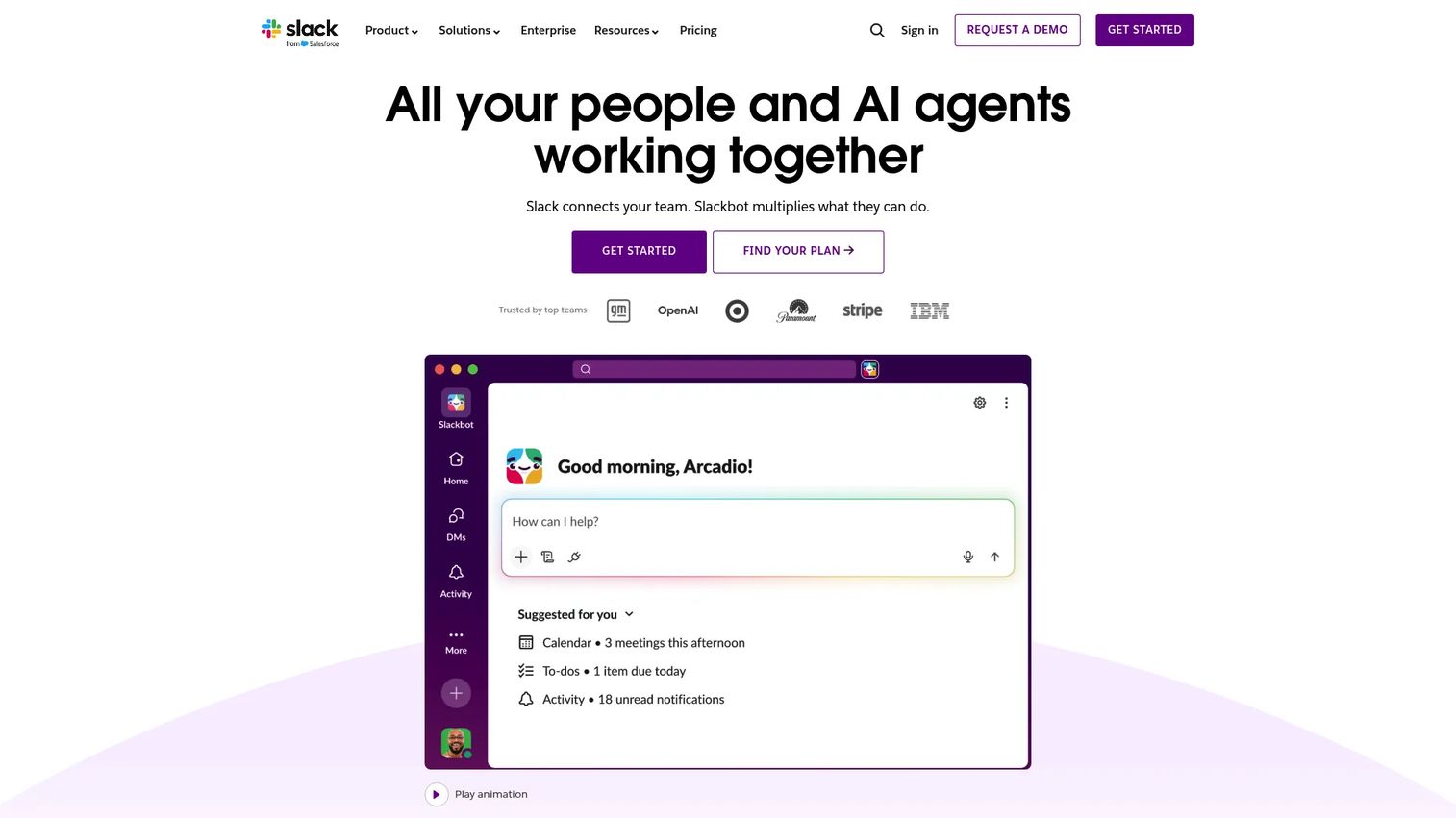
Slack holds a significant share of organizational decision history, incident context, launch coordination, and customer escalation threads. The Slack MCP server connects AI clients to that communication layer, letting agents search channels, retrieve message context, and surface relevant threads without you manually digging through years of history. For PMs, the value is faster synthesis of launch channel discussions, incident retrospectives, and cross-functional alignment threads.
Best for: Teams that want agents to retrieve and summarize relevant communication context across channels and threads.
Key features
- Channel search and message retrieval
- Thread context and conversation history
- Team communication data access
- Workflow automation support
- 2,600+ Slack app integrations as surrounding context
Why choose Slack: It reduces the manual searching that eats PM time during incident reviews, launch retrospectives, and stakeholder alignment work. Treat permissions seriously: Slack can expose internal strategy, employee conversations, and customer escalation details that require careful scoping.
Slack pricing: Free plan available. Pro costs $7.25 per user per month when paying annually ($8.75 monthly). Business+ runs $15 per user per month annually. Enterprise+ pricing is by quote.
G2 rating: 4.5/5.
11. Google Drive
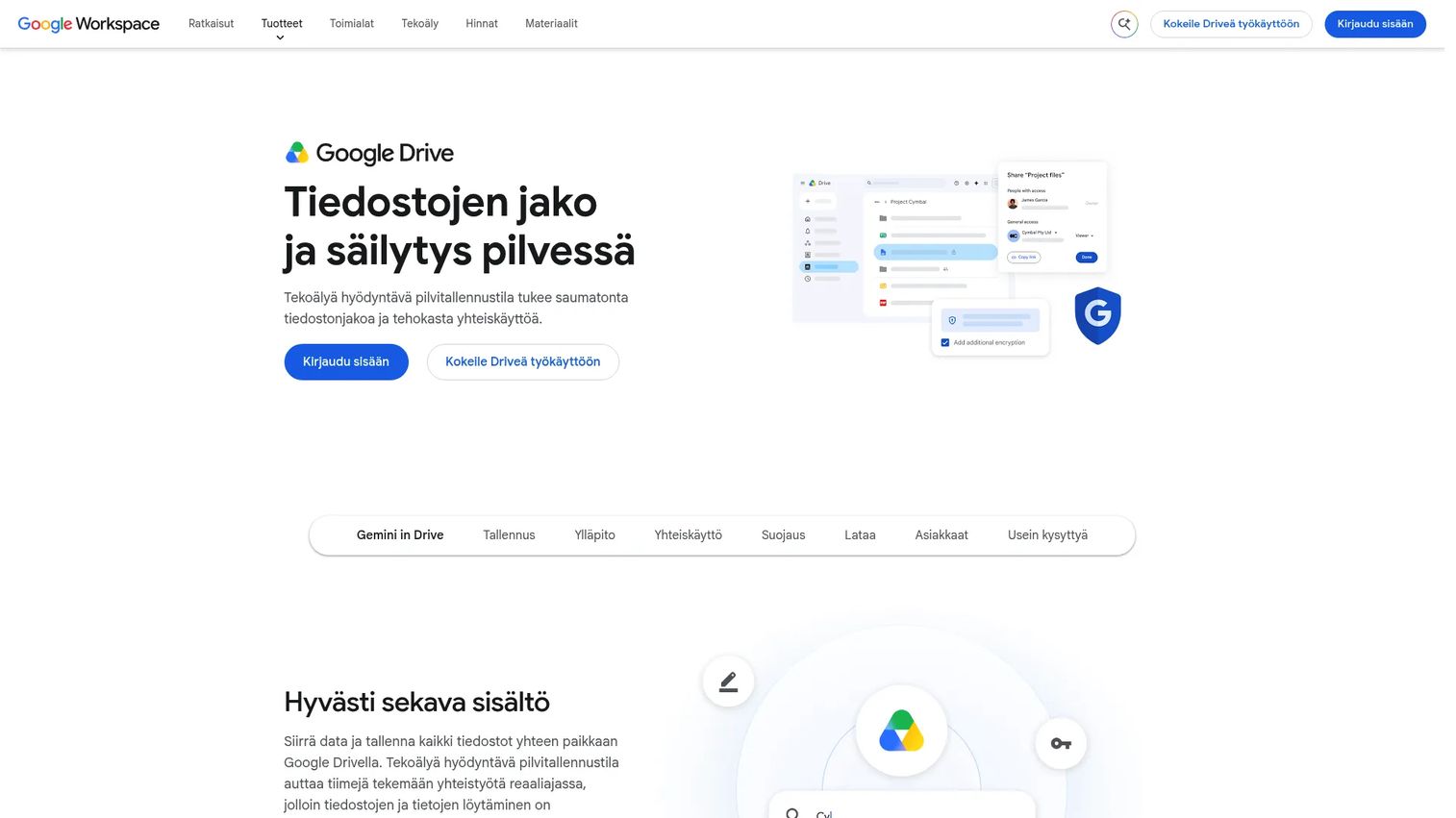
Google Drive holds the shared knowledge layer for most product teams: PRDs, interview notes, launch docs, OKR trackers, and competitive research. The Google Drive MCP server gives agents access to that document context using OAuth authentication, so access stays controlled by your existing Google Workspace permissions. Agents can search files, retrieve content, and surface relevant documents without you manually attaching them to every conversation.
Best for: Teams whose product knowledge lives in shared Google Workspace documents rather than code or ticket systems.
Key features
- Document search across shared drives
- File retrieval and content access
- Google Workspace integration
- OAuth authentication and scoped permissions
- AI-powered search through Gemini features in Drive
Why choose Google Drive: Use it when agents need internal product knowledge, research synthesis, or historical launch context. Partner with IT to define which folders and OAuth scopes the agent can access before connecting it to your full organizational drive.
Google Drive pricing: Google Drive is free for personal use with 15 GB of storage. Google Workspace Starter starts at $7 per user per month on an annual commitment, with Standard at $14 and Plus at $22. Enterprise pricing requires a sales conversation.
G2 rating: 4.6/5 (Google Workspace category).
12. Sentry
Sentry is the production error monitoring tool that most engineering teams already run. The Sentry MCP server connects AI clients to that error and performance data, letting agents answer questions like "what broke in the last release?" or "which issues are affecting the most users this week?" For PMs, this closes the gap between customer-reported problems and the underlying technical context, without needing an engineering translation layer for every incident.
Best for: Product and engineering teams connecting AI workflows to production errors and release quality signals.
Key features
- Error context with stack traces and breadcrumbs
- Issue lookup and prioritization
- Release health monitoring
- Performance monitoring and distributed tracing
- AI debugging assistance via Sentry's Seer feature
Why choose Sentry: Use it when you need agents to answer operational questions tied to code, not just communicate ones. Connect only the Sentry projects an agent needs. Broad project access exposes customer-impacting issue data that may carry sensitivity in regulated contexts.
Sentry pricing: Developer plan is free. Team plan starts at $29 per month. Business runs $89 per month. Enterprise pricing is event-based and requires a sales conversation.
G2 rating: 4.5/5.
13. Supabase MCP
Supabase MCP is the official server for connecting AI tools to Supabase-backed products. It gives agents access to database queries, schema inspection, project configuration, Edge Functions, storage, and TypeScript tooling. For teams building on Supabase, this collapses the distance between a product question and a backend answer. Agents can inspect schema, run migrations, and explore project state without engineering being the translation layer for every question.
Best for: Teams building AI-assisted workflows around Supabase-backed products and app backends.
Key features
- Database queries, migrations, and table management
- Project management, Edge Functions, and logs
- Read-only mode and project scoping for safety
- OAuth authentication and hosted or self-hosted deployment
- Compatible with Cursor, Claude, Windsurf, VS Code, and Cline
Why choose Supabase MCP: PMs prototyping product features get a faster path from question to backend reality. Production database access should go through engineering and security review; start with read-only mode and staging data until the workflow is validated.
Supabase MCP pricing: The MCP server is part of the Supabase platform. Supabase Free plan is $0 per month. Pro costs $25 per month. Team runs $599 per month. Enterprise pricing is custom.
G2 rating: 4.6/5.
14. Postgres
Postgres is the open-source relational database that powers a large share of SaaS products. The Postgres MCP server connects AI clients to PostgreSQL databases for SQL querying, schema inspection, and structured data exploration. For PMs, this matters when data questions don't require a formal analytics request but do require real query results rather than a CSV export from last quarter.
Best for: Teams that need AI-assisted SQL and schema exploration against PostgreSQL databases.
Key features
- SQL querying against configured PostgreSQL databases
- Schema inspection and table structure browsing
- Broad data-type support: JSON/JSONB, arrays, ranges, and more
- Local or remote database setup
- Advanced indexing and query optimization context
Why choose Postgres: Use it with a read-only role, a staging replica, or an analytics database rather than your production primary. The upside is faster data exploration without filing a data request. The risk of connecting an agent to a production write-enabled database is data loss or corruption.
Postgres pricing: PostgreSQL is free under the PostgreSQL License, including commercial use. Database hosting costs depend on your infrastructure provider.
G2 rating: 4.4/5.
15. Brave Search
Brave Search gives AI clients access to web search through an independent, privacy-preserving search index that doesn't fall back to Google or Bing. It's the right choice when Fetch is too narrow because the agent needs to discover relevant pages rather than read a known URL. For product teams, this opens up competitive monitoring, public documentation discovery, and research synthesis without manual search.
Best for: Agents that need current web search capability inside research, monitoring, or discovery workflows.
Key features
- Independent search index without Google or Bing fallback
- LLM Context API with extracted, token-budgeted content
- Web, news, image, and video search endpoints
- Zero Data Retention architecture for privacy
- Goggles for custom reranking and result filtering
Why choose Brave Search: Use it when the agent needs to find pages, not just read them. Mention API usage costs to your engineering team before scaling: Free monthly credits are limited, and usage pricing kicks in quickly for active agents.
Brave Search pricing: Each account receives $5 in free monthly credits. Search API costs $5 per 1,000 requests. The Answers API (which includes LLM-formatted results) starts at $4 per 1,000 requests plus $5 per million input/output tokens. Enterprise pricing is custom.
Considerations
Permission scope
Every MCP server operates with the credentials you give it. Before connecting any server, ask what it can read, write, delete, or execute. Start with read-only access for the first test. A server with write access to your production database or repository can cause real damage if an agent misinterprets a request.
Local versus remote deployment
Local servers run on a user's machine, typically using stdio transport, and are easier to constrain to a specific directory or repository. Remote servers run externally, often use Streamable HTTP, and may support OAuth for authenticated team access. Remote servers make sharing workflows across a team easier but require more governance around who can connect and what they can reach.
Maintenance and trust
Official reference servers from the Model Context Protocol repository are baseline implementations, not production platforms. Community servers vary significantly in quality. Check the maintainer's identity, the repository's commit history, the issue tracker for unresolved security concerns, and whether the server has been archived. A popular server with no commits in eight months is a maintenance risk.
Data sensitivity
Some workflows expose data that requires extra review before connecting an agent. Source code, customer records, support conversations, internal strategy documents, and production database records all carry risk. Run a sensitivity check on any system before exposing it through an MCP server, and document which servers have access to which data types.
Testing before rollout
Test any server with MCP Inspector or a staging client before connecting it to real systems. Validate the workflow value with non-sensitive data first, define the permission boundary, then expand access only when the workflow proves useful and the security review is complete. This is a reasonable application security testing practice that applies equally to MCP adoption.
Conclusion
The MCP servers worth evaluating first are the ones with clear workflow fit and reviewable permission scopes. GitHub MCP is the right starting point for software teams because product work lives at the intersection of issues and code. Playwright MCP extends that to UI validation. Context7 MCP keeps coding agents accurate when documentation has moved on.
The reference servers (Filesystem, Fetch, Git, Memory, Sequential Thinking, Time) are free, MIT-licensed, and appropriate for local workflows where you control the boundaries. Slack, Google Drive, Sentry, Supabase MCP, Postgres, and Brave Search connect agents to broader operational context, but each requires careful OAuth scoping and security review before you let agents near production data.
The practical next step is to pick one workflow that is low-risk and high-friction, define the permission boundary narrowly, test with staging or non-sensitive data, and validate that the agent actually reduces your workload before expanding. If you're evaluating agentic AI platforms or the broader best AI agents landscape alongside MCP adoption, those guides cover complementary infrastructure decisions.
Start your journey with Guideflow today!
FAQs
An MCP server is a program that exposes tools, resources, and prompts to an AI client through the Model Context Protocol. For example, a GitHub MCP server lets an AI client read issues or pull request context directly from your repository. The server acts as a governed connector between the AI and an external system.
GitHub MCP, Slack, Google Drive, Sentry, Supabase MCP, Postgres, and Playwright MCP cover the most common PM workflows. GitHub MCP provides software delivery context, Slack and Google Drive surface team knowledge, and Sentry connects agents to production quality signals. For data exploration, Postgres and Supabase MCP give agents structured database access with the right permission controls in place.
Security depends on how each server is configured, not on MCP itself. The relevant factors are permission scope, authentication method, hosting model, maintainer trust, and what systems the server can access. A local Filesystem server with a narrow allowed directory is low risk. A community server with broad write access to production databases is high risk. Treat every server as a tool with delegated access, not a harmless plugin.
Local servers run on the user's machine and communicate through stdio. They are easier to constrain to a specific directory, repository, or local service. Remote servers run externally, typically use Streamable HTTP transport, and may support OAuth for authenticated access across a shared team. Remote servers make collaboration easier but require more governance around access and credentials.
The general steps are: Choose a server, install it via the method the documentation specifies (often npx, uvx, or a package install), add the server to your AI client's configuration file with the required credentials, and test it with a narrow task before expanding access. Exact configuration syntax differs between clients, so verify against the current documentation for your specific client.
The MCP Registry is a discovery layer for community and company-published MCP servers. Use it as a starting point for finding servers outside the official reference implementations. Before adopting any server from the registry, check the source code, confirm the maintainer is active, review what permissions the server requests, and verify it's compatible with your client and workflow.
A server is the process or service that makes capabilities available to an AI client. A tool is a specific callable action that a server exposes, such as "create an issue" or "query a table." One server can expose many tools. When an AI agent uses a tool, it's making a request to the server that owns that tool, using the credentials and permissions that server was configured with.
PMs can evaluate use cases and run low-risk experiments, particularly with reference servers like Filesystem, Memory, or Sequential Thinking on local data. Any server that touches code, customer data, production systems, or internal strategy documents should go through engineering and security review before a PM connects it to an AI agent. The evaluation is a PM job; the permission architecture is an engineering and security job.