Your newest rep just finished their first week. Ask them where the objection-handling playbook lives and you'll probably get a blank stare, a Slack message to three different people, and a link to a Google Doc that hasn't been touched since the last product launch.
That's the real problem training manual software solves. Not the absence of documentation, but the absence of documentation that's findable, current, and tied to how people actually learn on the job. Spherical Insights & Consulting values the global employee training software market - the broader category training manual tools sit inside - at USD 16.19 billion in 2025, projected to reach USD 45.38 billion by 2035 at a 10.86% CAGR. The investment is real. The gap between what teams spend on training and what reps can actually find at the moment they need it is where onboarding ramp, win rate, and certification completion quietly suffer.
A purpose-built training manual creator changes the dynamic. It turns tribal knowledge into reusable, role-based paths that your reps can follow, your managers can audit, and your team can update without a full production cycle.
What's inside
This guide covers the 7 best training manual software tools for sales enablement, HR, and operations teams in 2026. Every tool was evaluated on the criteria that matter most for enablement leaders:
- Speed to create: How fast can a non-technical person build and publish a manual?
- Governance and version control: Can you assign owners, set review cycles, and track changes?
- Role-based delivery: Does the tool support assignments by team, stage, or ICP?
- Integrations: How well does it connect to your CRM, LMS, or knowledge base stack?
TL;DR
- Best overall for SOPs and role-based onboarding: Trainual covers training paths, accountability tracking, and SOP documentation in one place
- Best for AI-assisted documentation: Whale converts recorded workflows and video into structured SOPs with built-in version history
- Best for interactive, step-by-step SOP capture: Guideflow auto-generates interactive step-by-step guides and demos with screenshots in minutes
- Best for structured authoring and SCORM output: MadCap Create suits teams that need multi-format publishing and formal eLearning
- Best for knowledge management governance: Document360 excels at structured documentation with strong editorial controls
- Best for repeatable process checklists: Process Street handles auditable workflow execution and compliance-ready processes
- Best lightweight fallback for simple manuals: Microsoft Word works when the documentation need is basic and adoption is the primary constraint
What is training manual software?
Training manual software is a category of employee training software that helps teams create, store, organize, and distribute training manuals, SOPs, playbooks, and onboarding content in a structured, maintainable format.
Unlike general document editors, purpose-built training documentation software adds the layer of governance, delivery, and measurement that enablement teams actually need. Think of it as the difference between writing a process in a shared doc and building a repeatable training path that tracks completion, enforces version control, and surfaces who has actually read what.
Core capabilities to look for:
- Reusable templates: Pre-built structures for SOPs, onboarding paths, and role-specific plays so you're not starting from scratch each time
- Role-based assignments: Assign content by team, stage, ICP, or hire date so reps see what's relevant to them
- Visual step-by-step guides: Screenshots, annotated flows, and video embeds that show rather than describe a process
- Version control: Track changes, assign owners, set expiration dates, and roll back to previous versions when a process shifts
- Publishing and sharing: Export to PDF, embed in a knowledge base, or publish to an LMS depending on your delivery model
- Progress tracking: See who completed what, where people dropped off, and which content is being ignored
Related categories and how they differ:
- SOP software focuses specifically on process documentation, often with step capture and compliance features
- Knowledge management software is broader and covers customer-facing and internal docs together
- Onboarding software tends to prioritize new-hire flows and time-to-productivity over ongoing training
- LMS platforms handle structured course delivery and certification, but typically require more setup than a training manual creator
The best training manual generator for your team depends on whether you need quick SOP capture, structured onboarding paths, or enterprise-grade publishing. The sections below break that down.
When to use training manual software
Onboard new reps faster without live hand-holding
Every day a new rep spends waiting for shadowing calls or digging through Slack for context is a day they're not in the field. Training manual software turns the institutional knowledge sitting in your top performers' heads into a structured onboarding path any new hire can follow at their own pace. The result is a consistent baseline that doesn't depend on a manager having bandwidth that week.
Standardize SOPs when multiple managers teach the same thing differently
If your discovery call framework sounds different depending on who trained the rep, you have a consistency problem that content alone won't fix. The right SOP software puts one authoritative version of every process in one place, with clear ownership and a review cycle. When the methodology shifts, you update it once and every team member gets the current version automatically.
Keep training current when products and messaging change fast
Launch a new pricing tier, update a competitive positioning, or release a major product change and suddenly half your training content is wrong. Training documentation software with version control and owner assignments makes it possible to audit stale content, flag what needs updating, and push changes without rebuilding from scratch. That's what separates a document library from a live knowledge system.
Training manual software comparison table
The table below compares the 7 tools on the criteria most relevant to enablement and operations teams. Pricing reflects verified figures from each vendor's pricing page as of August 2026. G2 ratings are pulled from current listings.
| # | Product | Best for | Key differentiator | Pricing | G2 rating |
|---|---|---|---|---|---|
| 1 | Guideflow | Interactive step-by-step SOP capture | Auto-generated interactive guides and demos with screenshots | Free tier available; paid plans | 5.0/5 |
| 2 | Trainual | Role-based onboarding and SOPs | Structured training paths with tests and e-signatures | Custom pricing | 4.7/5 |
| 3 | Whale | AI-assisted SOP documentation | Video-to-SOP conversion and training flows | Free tier available; paid from $99/mo | 4.8/5 |
| 4 | MadCap Create | SCORM publishing and enterprise authoring | Structured XML authoring with multi-format output | Custom pricing | 5.0/5 |
| 5 | Document360 | Knowledge management governance | Structured knowledge base with editorial controls | Custom pricing; 14-day trial | 4.7/5 |
| 6 | Process Street | Repeatable workflow checklists | Auditable workflow execution with conditional logic | Custom pricing; 14-day trial | 4.6/5 |
| 7 | Microsoft Word | Simple manual drafting | Universal familiarity with free web access | Free; Microsoft 365 Personal at $99.99/yr | 4.7/5 |
Best training manual software for 2026
1. Guideflow
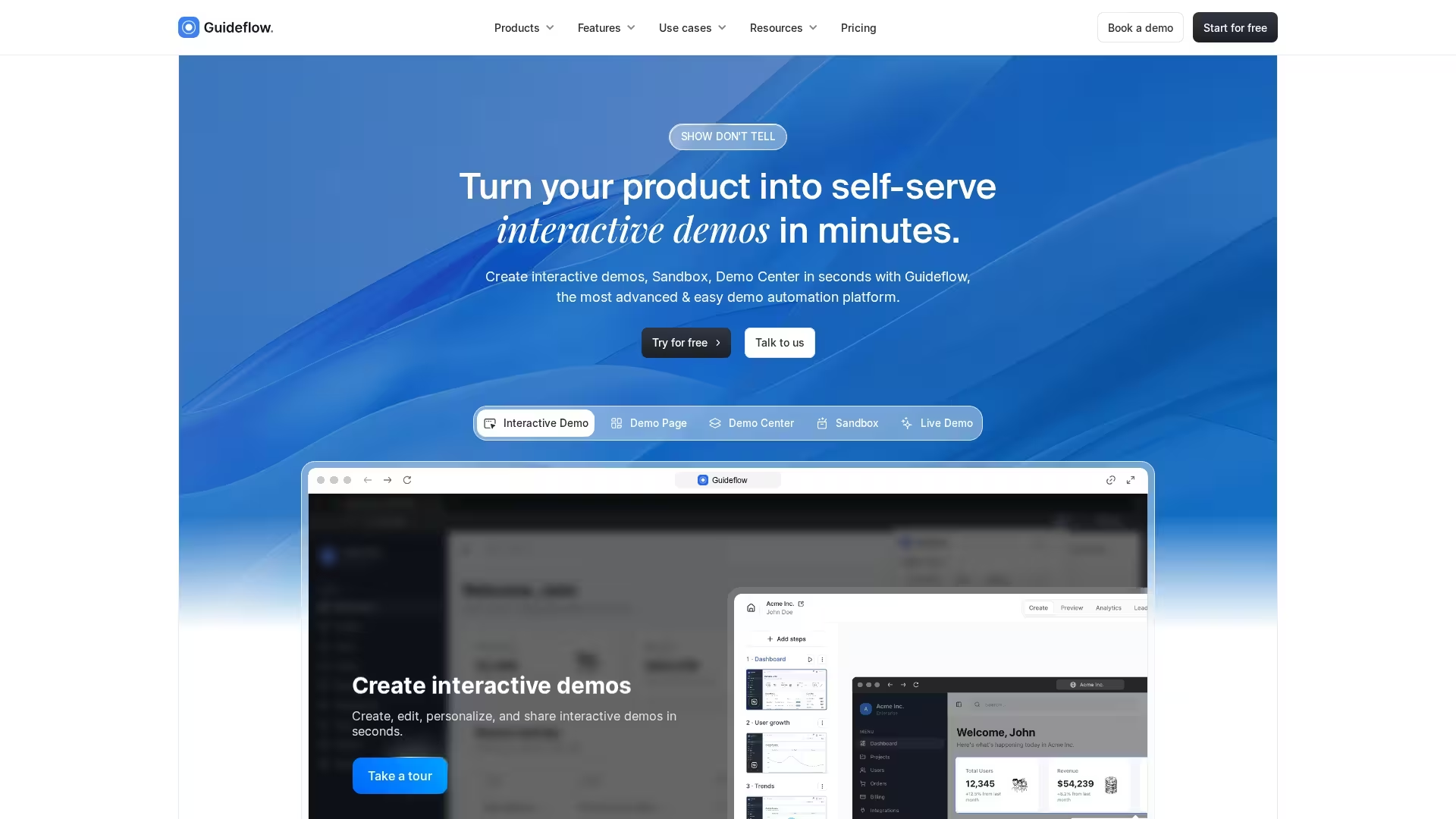
Guideflow is an interactive demo and step-by-step guide platform that turns any workflow into a shareable walkthrough. You capture your screen while clicking through a process, and Guideflow auto-generates an interactive, annotated guide with screenshots and clickable hotspots in minutes. While it's best known for interactive product demos, sandboxes, and demo centers, those same capabilities make it a fast way to build visual SOPs and training walkthroughs that reps can follow step by step rather than read through as static docs.
Best for: Enablement and operations teams that want to capture visual, click-through SOPs and interactive training walkthroughs quickly without heavy authoring overhead.
Key strengths
- Auto-generated step-by-step guides: Record a workflow and get a formatted, annotated walkthrough in minutes
- Interactive hotspots and annotations: Guide learners through a process click by click rather than with static screenshots
- Easy sharing and embedding: Publish guides via link or embed them in a knowledge base or onboarding flow
- Live, sandbox, and mobile capture: Build interactive walkthroughs across web and mobile experiences
Why choose Guideflow: Guideflow is the fastest path from "someone knows how to do this" to "here's an interactive guide anyone can follow." If your training gap is process documentation that shows rather than tells, its capture-and-generate workflow removes the friction of building visual SOPs by hand. It's a strong complement to a heavier training system when you need quick, interactive step-by-step content.
Guideflow pricing: Guideflow offers a free tier for getting started, with paid plans that add advanced customization, analytics, and team features. Check Guideflow's pricing page for current tier details as of August 2026.
Guideflow on G2: Rated 5.0/5 on G2.
2. Trainual
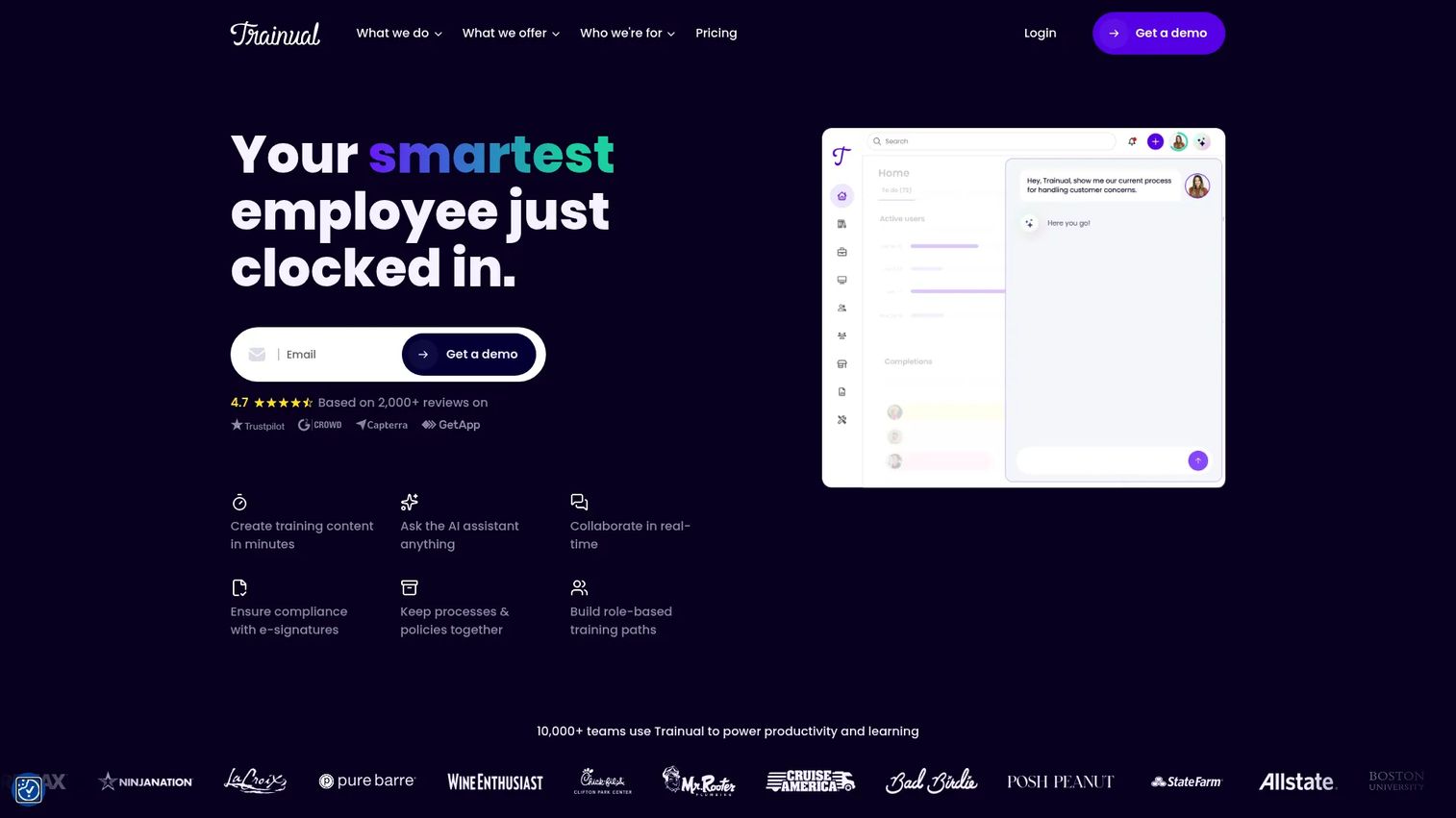
Trainual is a training, operations, and knowledge management platform built for growing teams that need more structure than a shared drive but less complexity than an enterprise LMS. It combines SOP documentation, onboarding paths, quizzes, e-signatures, and accountability tracking in one place. The platform positions itself as the central operating system for how a company runs, covering everything from role-specific training flows to policy sign-offs.
Best for: Companies scaling from 20 to 500 employees that need onboarding, SOPs, and internal training in a single governed system.
Key strengths
- Structured training paths: Assign content by role, department, or hire date
- Tests and quizzes: Verify comprehension before reps get into the field
- E-signatures and accountability: Track who acknowledged what and when
- AI-assisted documentation: Draft SOPs faster with built-in AI writing tools
Why choose Trainual: Trainual is the right call when you need accountability, not just access. If your problem is that reps say they read the playbook but aren't executing it, Trainual's testing and sign-off features give you something to point to. It's built for teams that treat training as a system, not a folder.
Trainual pricing: Trainual's pricing page lists Core, Pro, Premium, and Enterprise plans but does not display dollar amounts. You'll need to book a demo for a quote. G2 reviewer-reported pricing suggests plans start in the hundreds of dollars per month for small teams. No free tier is available.
Trainual on G2: Rated 4.7/5 on G2.
3. Whale
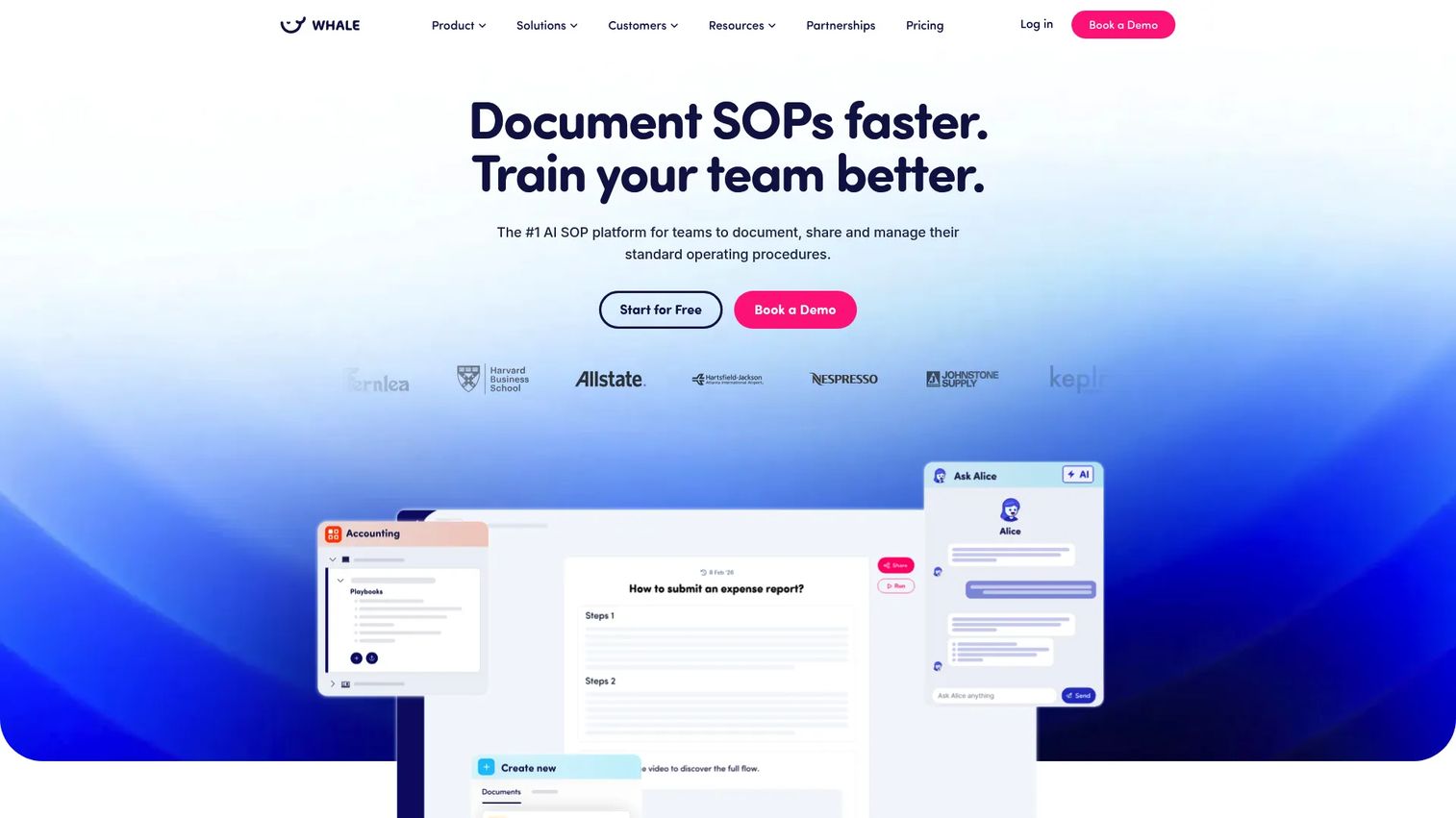
Whale is an SOP and process documentation platform built around the idea that capturing knowledge should take minutes, not days. Its AI-assisted documentation converts recordings, videos, and written notes into structured SOPs, and its training flows let you build guided learning paths with quizzes and mobile access. Teams use Whale to standardize how work gets done across departments without creating a documentation maintenance burden.
Best for: Operations and enablement teams that want AI-powered capture, strong version history, and training flows without heavy LMS overhead.
Key strengths
- AI-assisted documentation: Convert video recordings and notes into structured SOPs
- Rich SOP editor: Supports text, video, screenshots, tables, and file attachments
- Training flows with quizzes: Build sequential learning paths with comprehension checks
- Version history: Track every change and roll back when a process shifts
Why choose Whale: Whale earns its place when the documentation backlog is the bottleneck. If you have a dozen processes that live only in people's heads and you need to capture, structure, and assign them fast, the AI capture features cut that timeline meaningfully. It's particularly strong for ops-heavy teams that need SOPs and training in the same tool.
Whale pricing: Whale offers a free-forever plan for getting started. Paid plans run $99 per month (Team), $249 per month (Scale), and $499 per month (Advance), all billed annually. Enterprise pricing is available on request. All figures are from Whale's pricing page as of August 2026.
Whale on G2: Rated 4.8/5 on G2.
4. MadCap Create
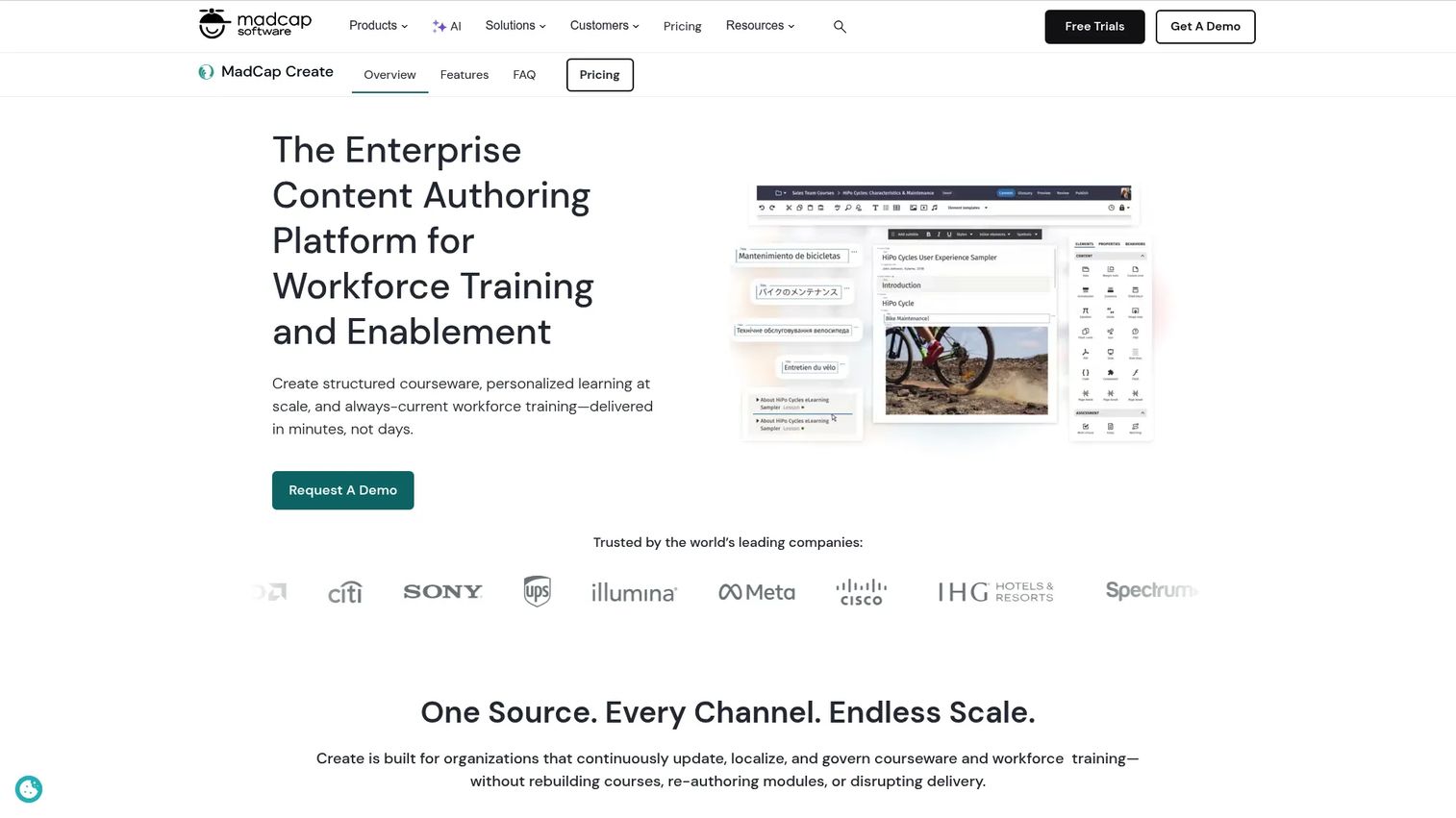
MadCap Create is a cloud-based enterprise content management platform built for learning and development teams that need structured authoring, multi-format publishing, and SCORM output. It uses XML-based structured authoring, which means content is modular, reusable across multiple outputs, and easier to maintain at scale. Teams use it to produce eLearning courses, PDF manuals, and web-based training from a single source.
Best for: L&D teams and enablement organizations that need to produce formal eLearning, SCORM-compliant courses, or multi-format documentation from one content library.
Key strengths
- Structured XML authoring: Modular content reusable across multiple output formats
- Omni-channel publishing: Output to SCORM, PDF, HTML5, and more from one source
- Collaborative authoring and review: Built-in review workflows for cross-functional teams
- Built-in xAPI data collection: Track learner engagement natively without a separate analytics layer
Why choose MadCap Create: Choose MadCap Create when the requirement is formal learning output, not just internal documentation. If your program needs SCORM packages for an LMS, structured content governance across a large library, or regulated publishing workflows, it fits where simpler tools stop. The trade-off is setup time and learning curve compared to lighter-weight options.
MadCap Create pricing: MadCap's pricing page shows a "Let's Talk" contact form rather than a listed price. Contact the vendor directly for a quote. No free tier or self-serve trial is available based on the pricing page as of August 2026.
MadCap Create on G2: Rated 5.0/5 on G2 (based on current review count).
5. Document360
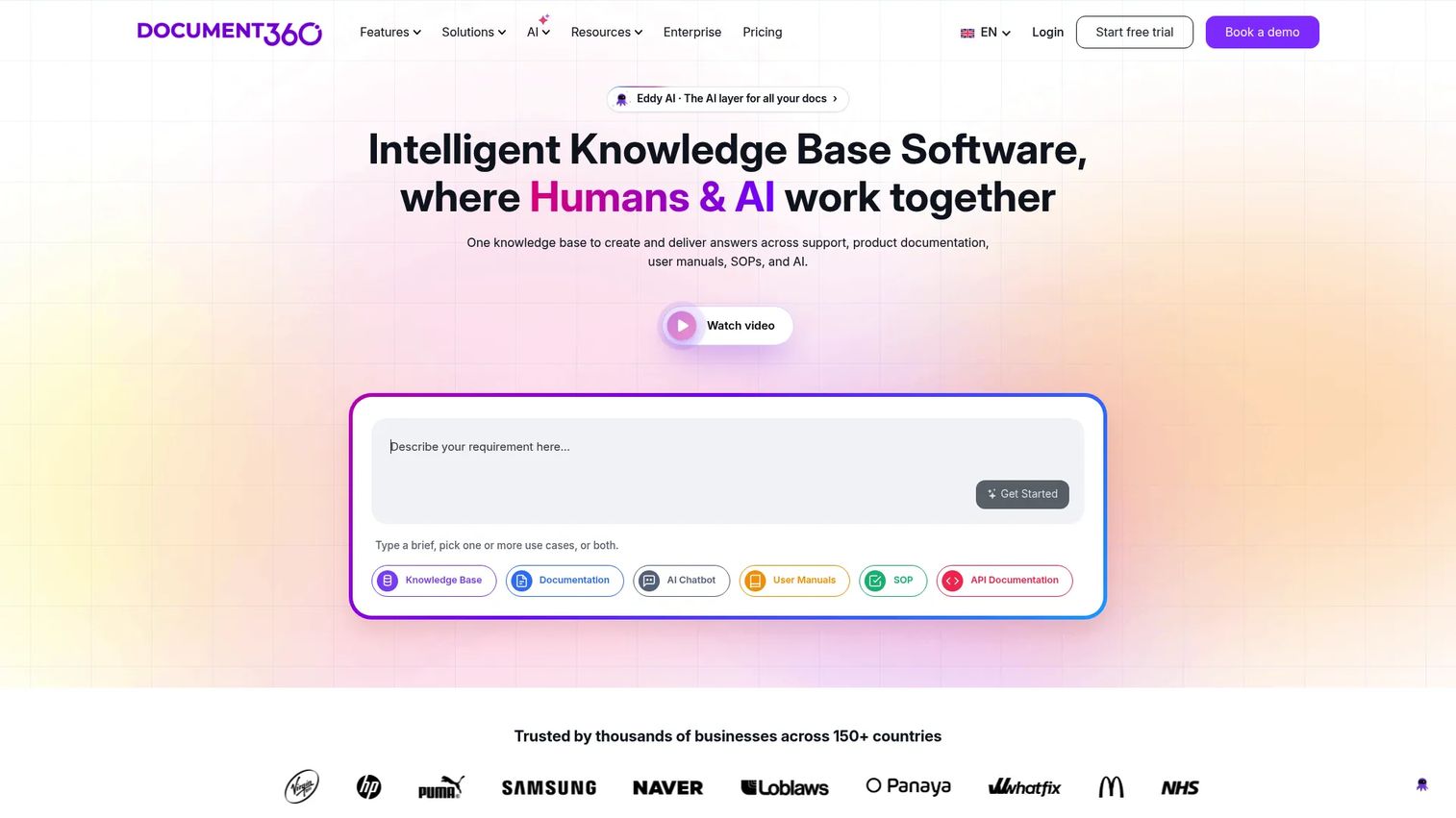
Document360 is a knowledge base platform with strong editorial controls, making it a practical choice for teams that need to manage both internal and customer-facing documentation in a structured, governed environment. It supports a knowledge base portal for internal teams, a public-facing site for customers, and an AI-powered assistant for surfacing answers. Version control, category management, and access permissions are core to the product rather than add-ons.
Best for: Teams that need structured knowledge management across internal training content and external product documentation, with clear editorial governance.
Key strengths
- Knowledge base portal and site: Separate spaces for internal and external audiences
- Version control and audit trail: Track every change with a full history and rollback capability
- AI-powered search assistant: Surface the right answer without manual navigation
- Category and permission management: Organize content by team, role, or audience with access controls
Why choose Document360: Document360 is the right pick when governance is the priority. If your documentation challenge is that content exists but it's outdated, inconsistent, or impossible to find, the editorial workflow and structured categorization give you the controls to fix it. It's less focused on training path delivery than Trainual or Whale, but stronger on content organization and findability.
Document360 pricing: Document360 describes pricing as customized to configuration and directs users to contact the team for a tailored quote. A 14-day free trial is available to evaluate the platform before committing. Pricing as of August 2026 from the Document360 pricing page.
Document360 on G2: Rated 4.7/5 on G2.
6. Process Street
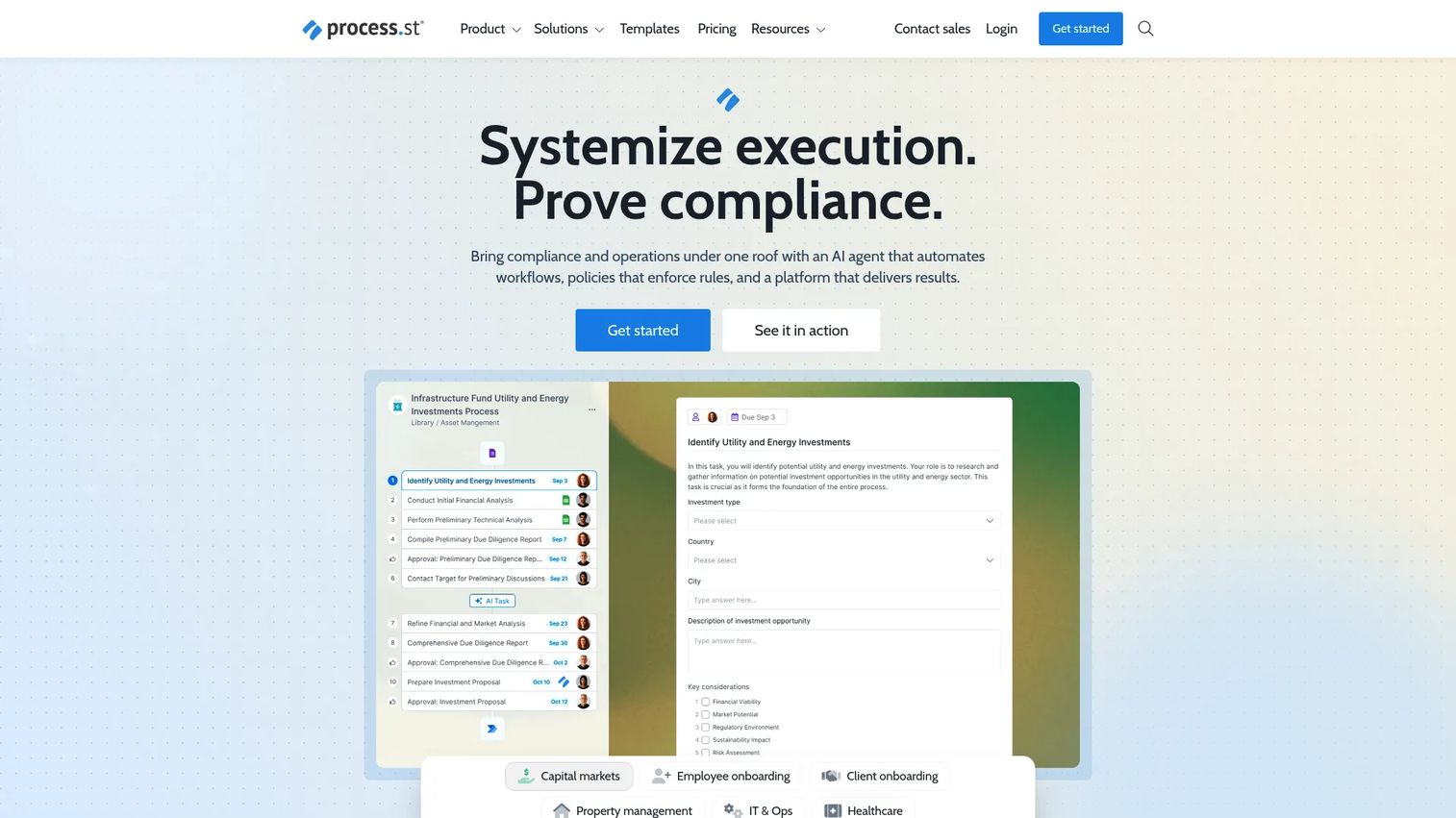
Process Street is a compliance operations platform built around repeatable workflow checklists, conditional logic, and process automation. Where most training manual tools focus on content creation, Process Street focuses on process execution. Teams use it to build templates for recurring workflows, assign tasks, enforce approvals, and maintain an audit trail that compliance and operations teams can point to.
Best for: Operations and compliance teams that need auditable, repeatable process execution with task-level accountability rather than content-heavy training delivery.
Key strengths
- Workflow templates with conditional logic: Build processes that branch based on inputs or outcomes
- Task assignments and approvals: Assign steps to specific people with due dates and sign-offs
- Process AI: Generate workflow templates and task descriptions from a prompt
- Data sets, forms, and pages: Collect structured data inside a workflow run
Why choose Process Street: Process Street earns its place when the goal is execution, not just reading. If your SOPs are checklist-driven and your team's problem is accountability rather than knowledge transfer, the workflow-first approach fits better than a document-heavy tool. It's a stronger fit for HR ops, customer onboarding, and compliance workflows than for sales playbook delivery.
Process Street pricing: Process Street lists Startup, Pro, and Enterprise plans on its pricing page but does not display dollar amounts. A 14-day free trial for the Pro plan is available. Contact sales for pricing details. Verified from the Process Street pricing page as of August 2026.
Process Street on G2: Rated 4.6/5 on G2.
7. Microsoft Word
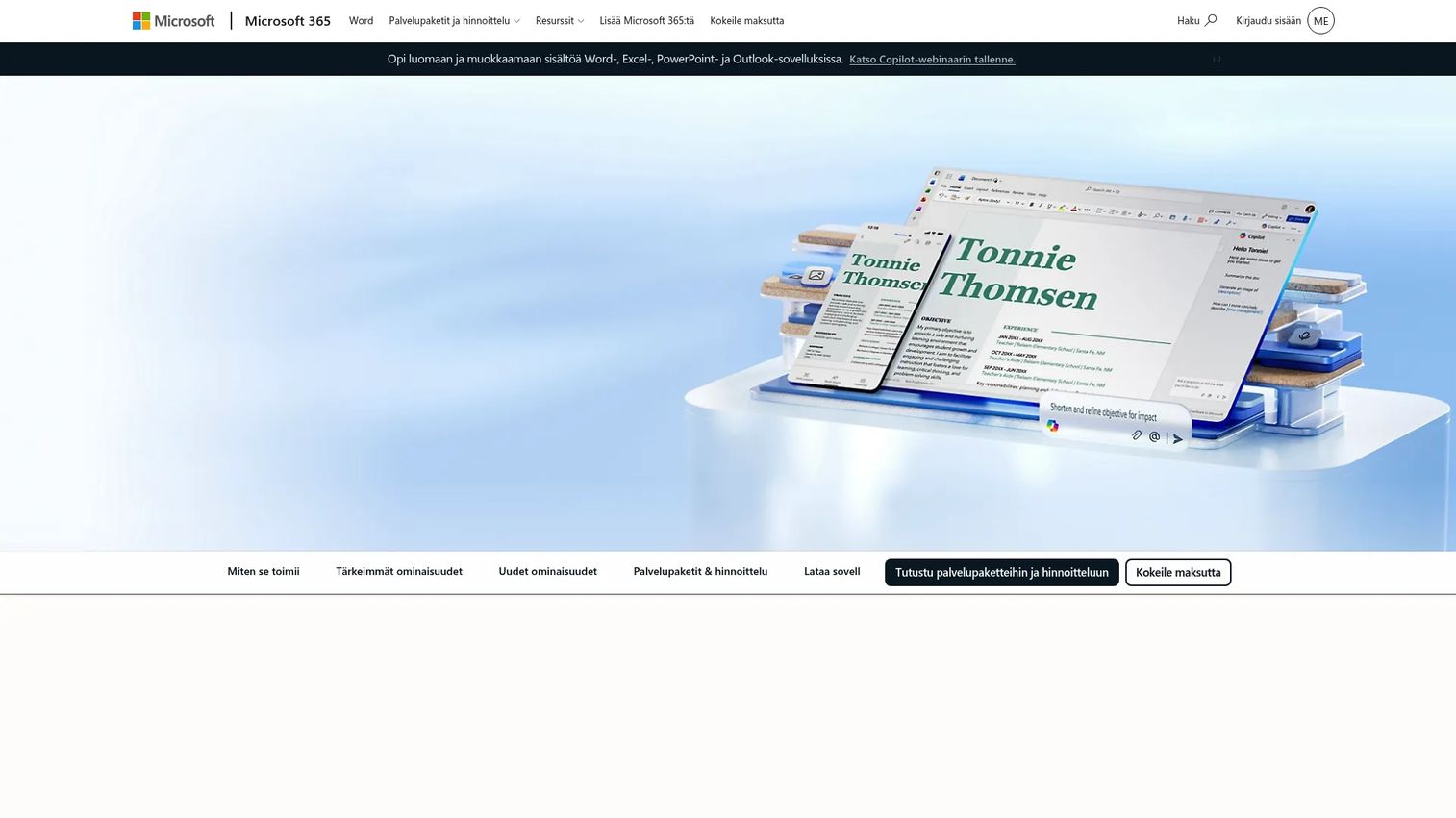
Microsoft Word is the document editor most of your team already knows. It's not a training platform, but it's worth including here because it's often the default tool for teams that haven't made a formal training manual software decision yet. Word for the web is free and supports real-time collaboration, comments, and basic version history. For simple manuals, onboarding checklists, or documentation that lives in SharePoint, it gets the job done.
Best for: Small teams or individuals who need a lightweight, familiar format for simple manual drafting and don't yet require role-based assignments, completion tracking, or governance workflows.
Key strengths
- Word for the web: Free browser-based access with real-time collaboration
- Real-time co-authoring: Multiple editors working simultaneously in the same document
- Dictation and voice commands: Draft content faster without typing
Why choose Word: Word is the honest fallback for teams where adoption is the real constraint. If your problem is that reps won't open a new tool, starting in Word and migrating later is a legitimate approach. The moment you need assignments, completion tracking, version ownership, or role-based paths, you've outgrown it.
Microsoft Word pricing: Word for the web is free. Microsoft 365 Personal, which includes the desktop app and full feature access, is $99.99 per year. Pricing from Microsoft's product page as of August 2026.
Microsoft Word on G2: Rated 4.7/5 on G2.
Considerations for choosing training manual software
Findability and search quality
A training manual that no one can find might as well not exist. Before committing to a platform, test the search functionality with realistic queries your reps would actually type. Check whether content is organized by role, stage, or topic, and confirm that the navigation matches how your team thinks about their work, not how the vendor organized their default template.
Governance and version control
Ask who owns each piece of content, what happens when a process changes, and how you notify the team when a document is updated. Tools that answer those questions with specific features, named owners, expiration dates, and change logs, are meaningfully different from tools that store documents and hope someone remembers to update them.
Role-based learning paths
Enablement content isn't one-size-fits-all. A rep in month one needs different material than a rep managing enterprise accounts. Check whether the tool supports assignments by role, team, hire cohort, or deal stage. Generic content libraries that surface everything to everyone tend to get ignored because the signal-to-noise ratio is too low.
Integrations and publishing options
Consider where your training content needs to land. If reps live in Salesforce, content that surfaces there will get used. If you run a formal LMS, SCORM compatibility matters. If your help center is in a knowledge base tool, embedding support is worth evaluating. The best tool for your stack is the one that meets reps where they already work.
Analytics and adoption visibility
You can't improve what you can't measure. Confirm the platform shows completion rates, time-on-content, drop-off points, and ideally some correlation between training completion and performance outcomes. For enablement leaders whose KPIs include ramp time and certification completion, visibility into who has done what is as important as the content itself.
Conclusion
Broken onboarding and stale SOPs aren't documentation problems. They're systems problems. The right training manual software gives your team a place to put that knowledge, a process to keep it current, and a way to confirm that reps actually absorbed it.
For most sales enablement use cases, start by evaluating Trainual and Whale. Trainual is the stronger pick when you need role-based paths, accountability, and a structured onboarding motion. Whale earns its place when the priority is speed of capture and AI-assisted documentation. Guideflow handles the specific case of interactive, visual, step-by-step SOP creation faster than anything else in this list.
If your program requires formal eLearning output or SCORM publishing, MadCap Create is the right direction. For teams that need knowledge governance across internal and external documentation, Document360 is worth a close look. Process Street fits operations and compliance workflows more than sales training delivery. And if your team isn't ready for a new tool, Word is a functional starting point, just recognize when you've grown past it.
Pick the tool that fits your current constraint, ramp speed, content chaos, or governance, and make sure reps can actually find it when they need it.
FAQs
The best training manual creator depends on the primary job it needs to do. Trainual is the strongest all-around option for role-based onboarding and SOP management. Guideflow is the fastest for interactive, visual, step-by-step documentation. MadCap Create is the right fit when formal eLearning output or SCORM publishing is a requirement.
Not exactly. Training manual software focuses on creating, organizing, and distributing documentation, SOPs, and playbooks. An LMS (learning management system) handles structured course delivery, formal certification, and completion reporting at scale. Many teams use both: A training manual tool for building and maintaining content, and an LMS to deliver and track it formally.
At minimum, look for role-based assignments, version control with owner tracking, search and findability, progress reporting, and some form of publishing or export. For sales enablement specifically, completion tracking, e-signatures or acknowledgment workflows, and CRM or LMS integration are the features that move the needle on ramp speed and consistency.
Yes, and it's one of the strongest use cases for the category. Structured onboarding paths in tools like Trainual give new reps a sequenced track to follow without requiring a manager to walk them through it live. The combination of role-based content delivery, quizzes, and completion tracking translates directly to shorter ramp times and more consistent early-stage execution.
Guideflow is the fastest entry point for most teams. You record your screen while clicking through a workflow, and the tool generates a formatted, interactive step-by-step guide automatically. For teams that need more structure or role-based delivery, Whale's AI-assisted documentation converts video recordings and notes into SOPs with minimal manual effort.
Assign explicit ownership to every piece of content and set a review cadence tied to your release or messaging schedule. Tools with expiration dates and change alerts, such as Document360 and Trainual, make this easier to enforce. Keep documents short enough that updating them is cheap. A three-step SOP is much easier to maintain than a 20-page manual.
SCORM matters when your content needs to run inside a formal LMS and you need to track learner completion at the course level. For most sales enablement teams using training manuals for onboarding and SOP documentation, SCORM is not a requirement. It becomes relevant when L&D teams need to issue formal certifications, report to HR systems, or deliver compliance training that requires an audit trail at the course level.