Your demo environment passes functional testing. Everything works. Then the prospect's security team opens the URL and sees a certificate warning before they ever see your product.
That moment kills momentum. The conversation shifts from business value to operational hygiene, and the SE is left explaining why a certificate problem showed up in a vendor environment.
SSL and TLS certificate tools exist to prevent exactly this situation, but the right SSL and TLS certificate tools for the job depend on what you're actually trying to do. Checking one certificate is different from decoding a CSR, testing TLS configuration, monitoring 500 hostnames for expiry, or running a full certificate lifecycle management program. The certificate lifecycle management market reached $1.51 billion in 2025 and is projected to reach $4.36 billion by 2031, according to Mordor Intelligence, which signals how seriously organizations are treating certificate risk.
This guide maps 15 tools to the specific job each one handles, so presales teams, IT administrators, security engineers, and DevOps engineers can choose the right fit quickly.
What's inside
This guide covers free and paid SSL and TLS certificate tools for 2026, spanning quick checkers, CSR utilities, TLS analyzers, keystore managers, expiry monitoring tools, and enterprise certificate lifecycle management platforms. Tools were selected based on:
- Use case fit: Does the tool solve a real certificate job, not just sound relevant?
- Diagnostic depth: How much information does it surface?
- Automation and workflow support: Does it scale beyond one-off checks?
- Pricing transparency and governance: Can teams evaluate cost without a sales call?
TL;DR
- Best for quick certificate checks: DigiCert and SSL Shopper for installation validation and browser-based utilities
- Best for TLS configuration analysis: Qualys SSL Labs for protocol, cipher, and vulnerability grading
- Best for command-line work: OpenSSL for developers and technical SEs who need local or scripted testing
- Best for enterprise certificate lifecycle management: Keyfactor Command, Sectigo Certificate Manager, and AppViewX CERT+
- Best for lightweight expiry monitoring: TrackSSL with a free tier and paid plans from $17/month
- Best for open-source PKI teams: EJBCA Community Edition, free and open source
What is SSL and TLS certificate software?
SSL and TLS certificate software helps teams check, validate, monitor, troubleshoot, automate, and manage digital certificates that secure encrypted connections between clients and servers.
The category splits into five distinct tool types, and conflating them leads to buying the wrong thing.
Certificate checkers
Certificate checkers validate installation, hostname matching, expiration, trust chain, issuer details, and Subject Alternative Name (SAN) coverage. Use them for quick troubleshooting and browser-trust validation before sending a prospect to a hosted environment.
Certificate utilities
Utilities handle CSR generation, CSR decoding, certificate decoding, private-key matching, format conversion, keystores, and local testing. These are task-specific tools, not monitoring platforms.
TLS analyzers
TLS analyzers inspect supported protocol versions, cipher suites, known vulnerabilities like Heartbleed and POODLE, HSTS headers, and overall security grading. The question they answer is not just "is the certificate valid" but "is this endpoint configured securely."
Certificate monitoring tools
Monitoring tools track expiry windows, certificate changes, and renewal alerts across multiple hostnames. They route notifications to the right owner before an outage occurs.
Certificate lifecycle management platforms
Lifecycle platforms discover certificates across environments, assign ownership, automate renewals, integrate with CAs and ITSM systems, enforce policy, and manage certificate risk at scale. These are the tools organizations need when certificate failure becomes a governance and compliance risk.
Key capabilities to look for across all five types:
- Certificate discovery and inventory
- Expiry monitoring and renewal automation
- Chain validation and intermediate certificate validation
- CSR decoding and private key matching
- TLS protocol analysis and cipher suite analysis
- Vulnerability detection
- CA and PKI integrations
- Reporting for audits and security reviews
- ACME, SCEP, and EST support for automation
When to use SSL and TLS certificate tools
Validate demo and POC environments before buyers see them
Presales engineers should run certificate checks before sending any prospect to a hosted demo, trial tenant, or POC environment. A browser warning in that first click carries more weight than almost any objection you'd handle in a call. Check hostname coverage, trust chain completeness, and expiry window before the environment goes live.
Troubleshoot certificate errors during technical validation
When a prospect or IT evaluator reports a certificate warning, SEs need diagnostics fast. Checkers confirm whether the issue is an expired certificate, a broken intermediate, a hostname mismatch, or a private key that doesn't match the certificate. OpenSSL lets technical teams go deeper from the command line when browser-based tools don't surface enough detail.
Manage certificate risk across production and internal systems
Teams outgrow one-off checkers once they manage more than a handful of hostnames. Internal services, staging environments, customer-specific tenants, and certificates from multiple CAs require asset lifecycle management software thinking: ownership tracking, renewal automation, and policy enforcement rather than periodic spot checks.
SSL and TLS certificate tools comparison
The tools below serve different certificate jobs. Don't compare a free SSL checker directly against an enterprise certificate lifecycle management platform. Use the table to identify which category covers your immediate need, then read the tool section for specifics.
Two entries in this table share one owner: Keyfactor develops both Keyfactor Command (row 10) and EJBCA (row 15), which it acquired with PrimeKey in 2021. They are listed separately because they solve different jobs, not because they are independent vendors.
| # | Product | Best for | Key differentiator | Pricing | G2 rating |
|---|---|---|---|---|---|
| 1 | DigiCert | CA-backed certificate diagnostics | SSL checker plus CSR, S/MIME, and vulnerability utilities | From $26/month | 4.3/5 (DigiCert ONE profile) |
| 2 | SSL Shopper | Quick browser-based certificate utilities | Free SSL checker, CSR decoder, key matcher, converter | Free | Not listed on G2 |
| 3 | OpenSSL | Command-line certificate and TLS testing | Open-source toolkit for keys, CSRs, and TLS handshakes | Free | 4.5/5 |
| 4 | Qualys SSL Labs | TLS configuration analysis and grading | SSL Server Test with protocol, cipher, and vulnerability checks | Free | Not listed on G2 |
| 5 | IBM certificate and key management utilities | IBM environment certificate management | Keystore and key pair management inside IBM stacks | Contact IBM | Not listed on G2 |
| 6 | Network Security Services | Developer-level security library work | certutil and cross-platform PKI library support | Free (MPL 2.0) | Not listed on G2 |
| 7 | Portecle Java Keystore Manager | Java keystore GUI management | Desktop GUI for JKS, PKCS#12, CSRs, and certificate import | Free (GPL) | Not listed on G2 |
| 8 | Real Time Logic Certificate Management Tool | IoT and embedded private PKI | Web-based private CA and certificate signing for device fleets | Free | Not listed on G2 |
| 9 | Virima | IT asset-connected certificate visibility | CMDB and service mapping context for certificate risk | From $4,740/year for 2,000 assets | No reviews on G2 |
| 10 | Keyfactor Command (Keyfactor) | Enterprise certificate lifecycle management | Discovery, automation, CA integrations, and crypto-agility | Custom pricing | 4.5/5 |
| 11 | Sectigo Certificate Manager | CA-backed enterprise CLM | Certificate lifecycle tied to Sectigo CA with 30-day trial | Custom pricing | 4.5/5 |
| 12 | ManageEngine Key Manager Plus | IT operations certificate and key management | SSL and TLS plus SSH key management in one platform | From $475/year | 4.5/5 |
| 13 | AppViewX CERT+ | Automated CLM across hybrid infrastructure | Lifecycle automation with multi-cloud and container support | Custom pricing | 4.5/5 |
| 14 | TrackSSL | Lightweight expiry monitoring | Expiry alerts, change detection, Slack and Teams notifications | Free; paid from $17/month | 4.7/5 |
| 15 | EJBCA (Keyfactor) | Open-source PKI and CA management | Community Edition free; Enterprise adds ACME, SCEP, CMP, SLA | Free (Community Edition) | 4.5/5 |
Tool-by-tool breakdown
1. DigiCert
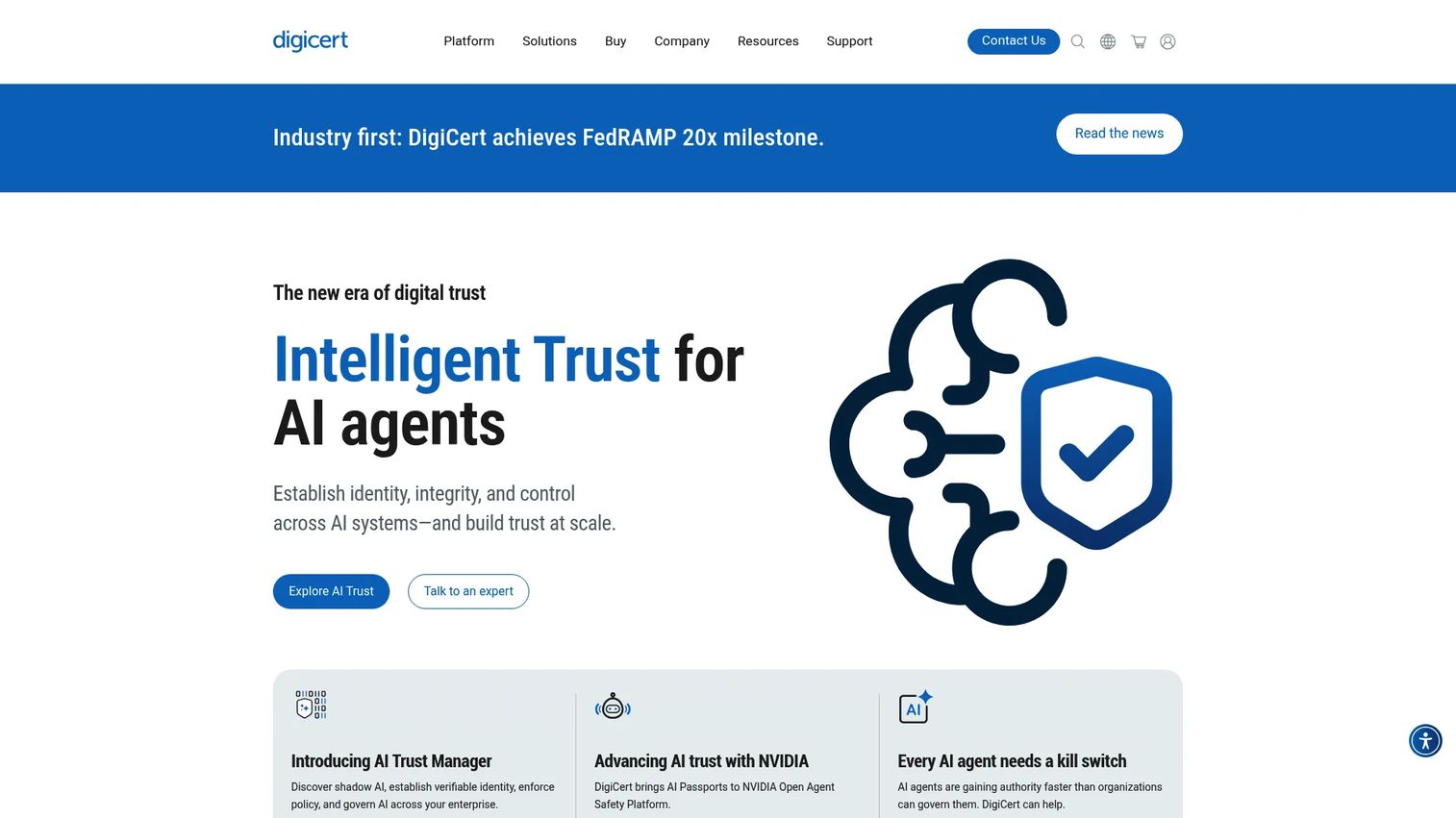
DigiCert is one of the largest certificate authorities in the world, and its diagnostic utilities sit alongside its core certificate products. The SSL certificate checker validates installation against a hostname, while related tools cover CSR creation, CSR validation, certificate installation guidance, S/MIME linting, and external vulnerability scanning. For presales teams working with enterprise buyers who are already DigiCert customers, these utilities carry implicit CA credibility in security reviews.
Best for: Security, IT, and presales teams that want certificate diagnostics backed by a major CA.
Key features
- SSL certificate checker with trust chain and expiry validation
- CSR creator and CSR validator
- Windows certificate utility support
- S/MIME lint and email certificate tools
- External vulnerability scan
Why choose DigiCert: DigiCert is the right starting point when you need quick SSL verification and the CA name itself carries weight in a security questionnaire or RFP. It is a practical first stop before deeper TLS configuration analysis.
DigiCert pricing: The diagnostic utilities themselves are free to use. Certificate products start at $26/month, or $372 per year, for a Basic OV standard domain on a 12-month auto-renewing subscription. Basic EV standard domain runs $39/month. DNS Essentials is listed at $300 per year. Enterprise DigiCert ONE offerings require contacting sales.
G2 rating: 4.3/5, from 88 reviews on the DigiCert ONE profile.
2. SSL Shopper
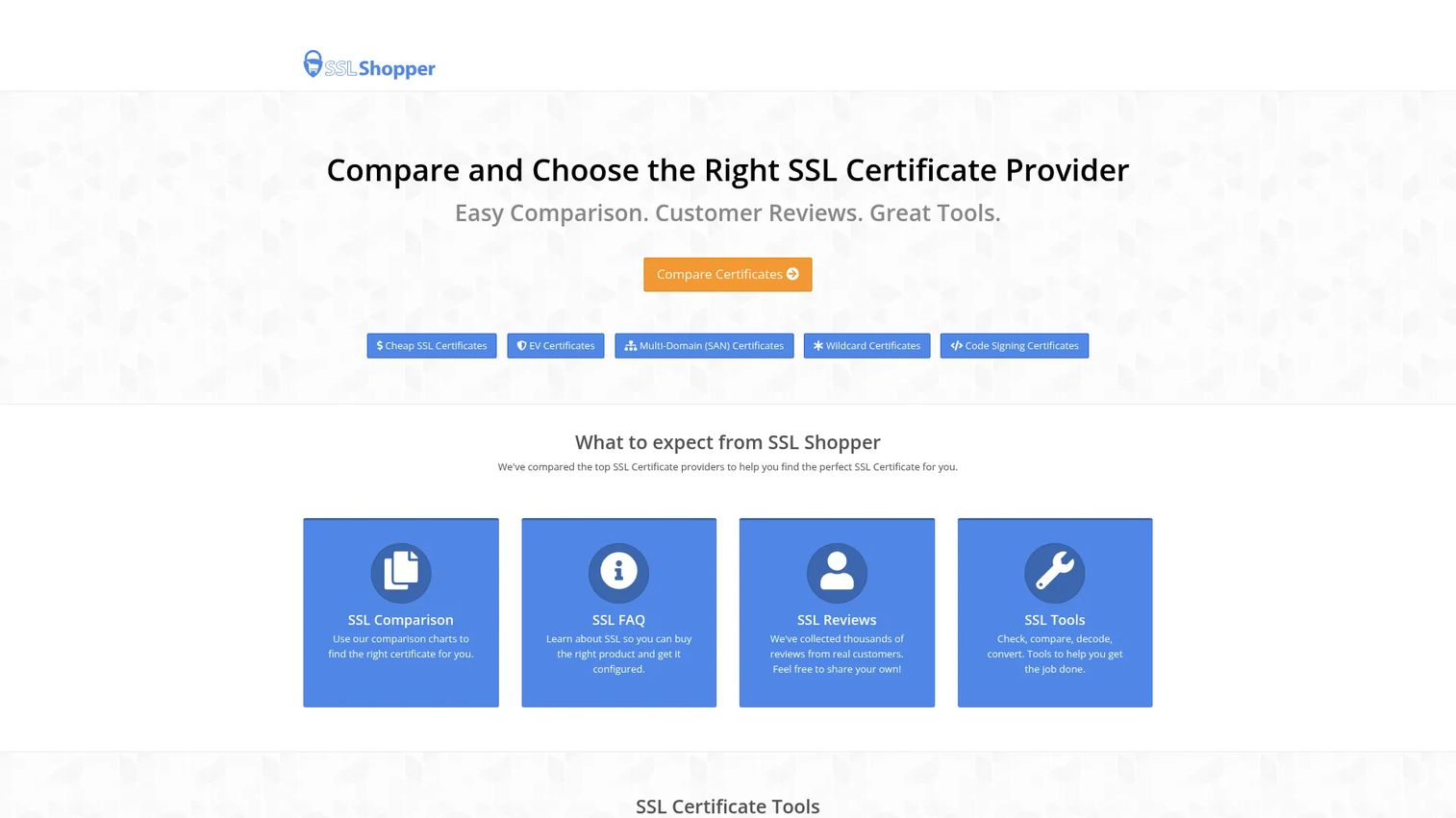
SSL Shopper is a free online utility directory built around the most common certificate troubleshooting tasks. It provides an SSL certificate checker, CSR decoder, certificate decoder, private key matcher, and SSL converter, all browser-based and accessible without an account. The site states that it is not run by any SSL vendor and funds itself partly through affiliate links to certificate sellers. For a solutions engineer who needs to quickly decode a CSR a customer sent over or match a private key to a certificate during a technical validation call, SSL Shopper covers those jobs in under a minute.
Best for: Developers, SEs, and admins who need immediate browser-based certificate utilities without a platform subscription.
Key features
- SSL certificate checker with chain and expiry details
- CSR decoder to inspect subject, SANs, and key type
- Certificate decoder for X.509 details
- Private key matcher to confirm key-cert pairs
- SSL converter across PEM, DER, and PKCS#12 formats
Why choose SSL Shopper: When the job is narrow and immediate, SSL Shopper removes every barrier. You don't need an account, a paid plan, or any setup. It works well alongside more powerful tools when you need a fast second opinion during a live technical call.
SSL Shopper pricing: All diagnostic utilities are free. SSL Shopper does not charge for tool access.
3. OpenSSL
OpenSSL is the command-line standard for certificate and TLS work at a technical level. It handles key generation, CSR creation, certificate inspection, TLS handshake testing, format conversion, and local debugging. For an SE troubleshooting a demo environment certificate that browser tools won't surface clearly, OpenSSL provides raw diagnostic output that removes guesswork. It requires comfort with a terminal but gives technical teams complete control over what they test.
Best for: Developers, DevOps engineers, and technical presales engineers who need local or scripted certificate testing beyond what browser tools offer.
Key features
- Certificate inspection with full field output
- CSR generation with key pair creation
- TLS handshake testing against live servers
- Certificate chain and expiry checks
- Format conversion between PEM, DER, and PKCS#12
Why choose OpenSSL: OpenSSL is the right choice when a browser-based checker doesn't surface enough detail, when the environment is internal or not publicly accessible, or when the task needs to be scripted and repeatable across multiple hostnames.
OpenSSL pricing: OpenSSL is fully open source. Versions 3.0 and later are released under the Apache License 2.0. There is no paid tier.
G2 rating: 4.5/5, from 26 reviews.
4. Qualys SSL Labs
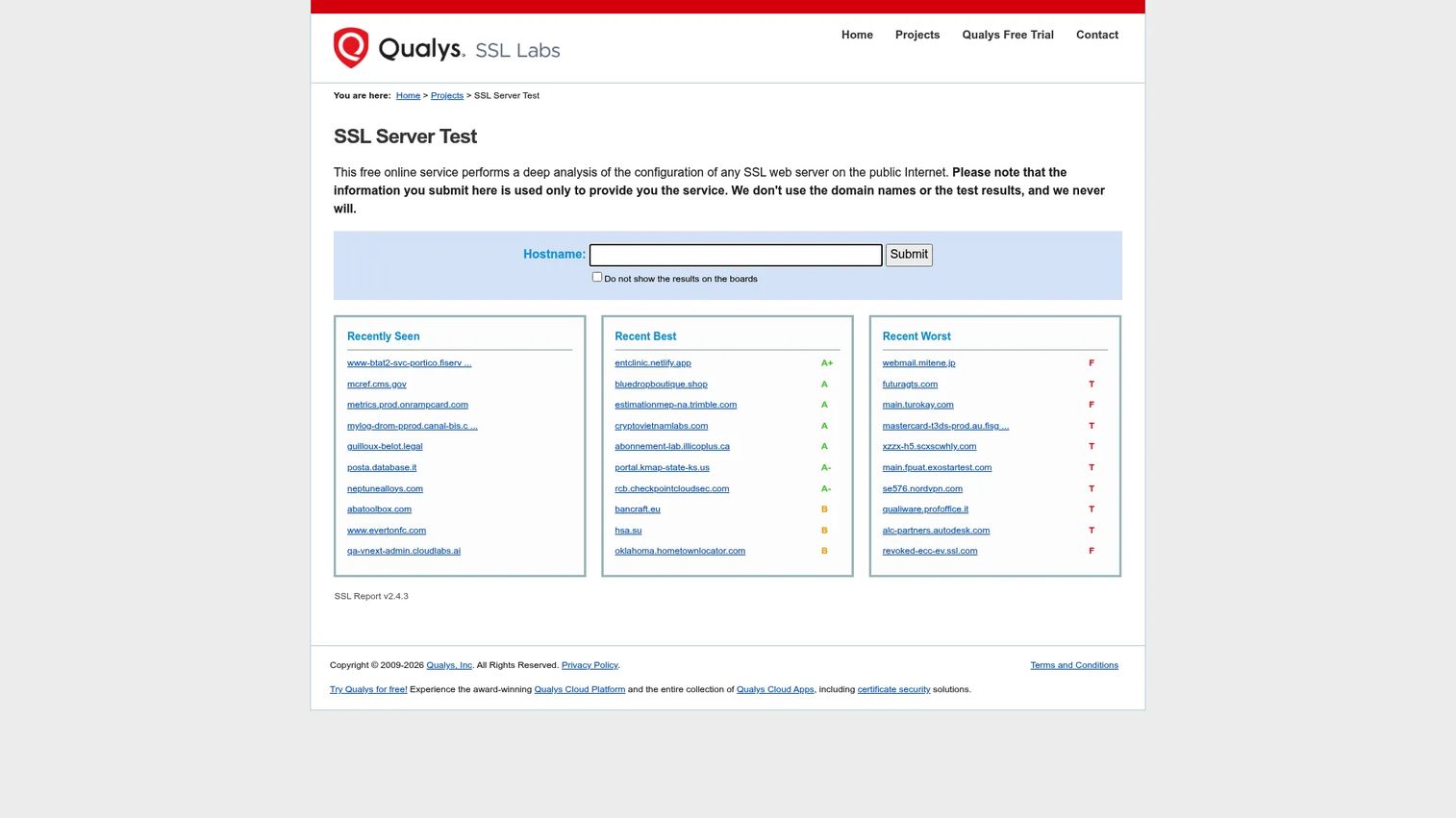
Qualys SSL Labs provides the most widely referenced free TLS configuration analysis tool available. The SSL Server Test inspects a public hostname and returns a detailed report covering protocol support, cipher suite analysis, certificate chain, known vulnerabilities including Heartbleed and POODLE tests, HSTS analysis, and an overall letter grade. Qualys describes SSL Labs as a non-commercial research effort. Security teams and SEs use it to confirm that a demo or production endpoint is configured securely, not just that a valid certificate is installed.
Best for: Security teams and SEs who need an external, independent view of TLS configuration quality, not just certificate validity.
Key features
- SSL Server Test with A through F grading
- TLS protocol analysis across TLS 1.0, 1.1, 1.2, and 1.3
- Cipher suite analysis with forward secrecy and strength ratings
- Vulnerability detection for Heartbleed, POODLE, BEAST, and others
- HSTS and certificate chain validation
Why choose Qualys SSL Labs: When a security reviewer asks about TLS configuration, Qualys SSL Labs provides the kind of objective, third-party evidence that carries weight. It's the right tool when the concern goes beyond certificate validity into server security posture.
Qualys SSL Labs pricing: The SSL Server Test and the SSL Labs API are free to use.
5. IBM certificate and key management utilities
IBM ships several separate certificate and key management utilities, and they are often confused with one another. iKeyman, also written IKEYMAN, is the key management utility bundled with the IBM SDK, Java Technology Edition, and used to manage keystores for IBM HTTP Server and WebSphere. Keyman/VSE is a distinct Java desktop application for creating RSA key pairs and SSL certificates on the z/VSE platform. KeyMan itself was a separate client-side PKI research tool from IBM Zurich Research Laboratory, built around PKCS#11 tokens and smart cards, and it is no longer actively distributed. Relevance here is strongest for teams running IBM application servers or z/VSE environments where certificate stores must be managed in IBM-specific formats.
Best for: System administrators managing certificates, key pairs, and keystores within IBM application server or z/VSE environments.
Key features
- SSL and TLS certificate management and import through iKeyman
- RSA key pair creation and export
- Keystore management for IBM HTTP Server and WebSphere
- Separate Keyman/VSE utility for z/VSE key pairs and certificates
- IBM-specific keystore format support
Why choose IBM certificate and key management utilities: If your organization already operates IBM middleware or z/VSE infrastructure, these utilities handle certificate operations inside that stack without requiring format conversion or external tools. Confirm which of the three utilities your platform actually ships before you plan around it, because they are not interchangeable. None is a fit for teams outside IBM environments.
IBM pricing: iKeyman is bundled with the IBM SDK rather than sold separately. Contact IBM for licensing details specific to your environment.
6. Network Security Services
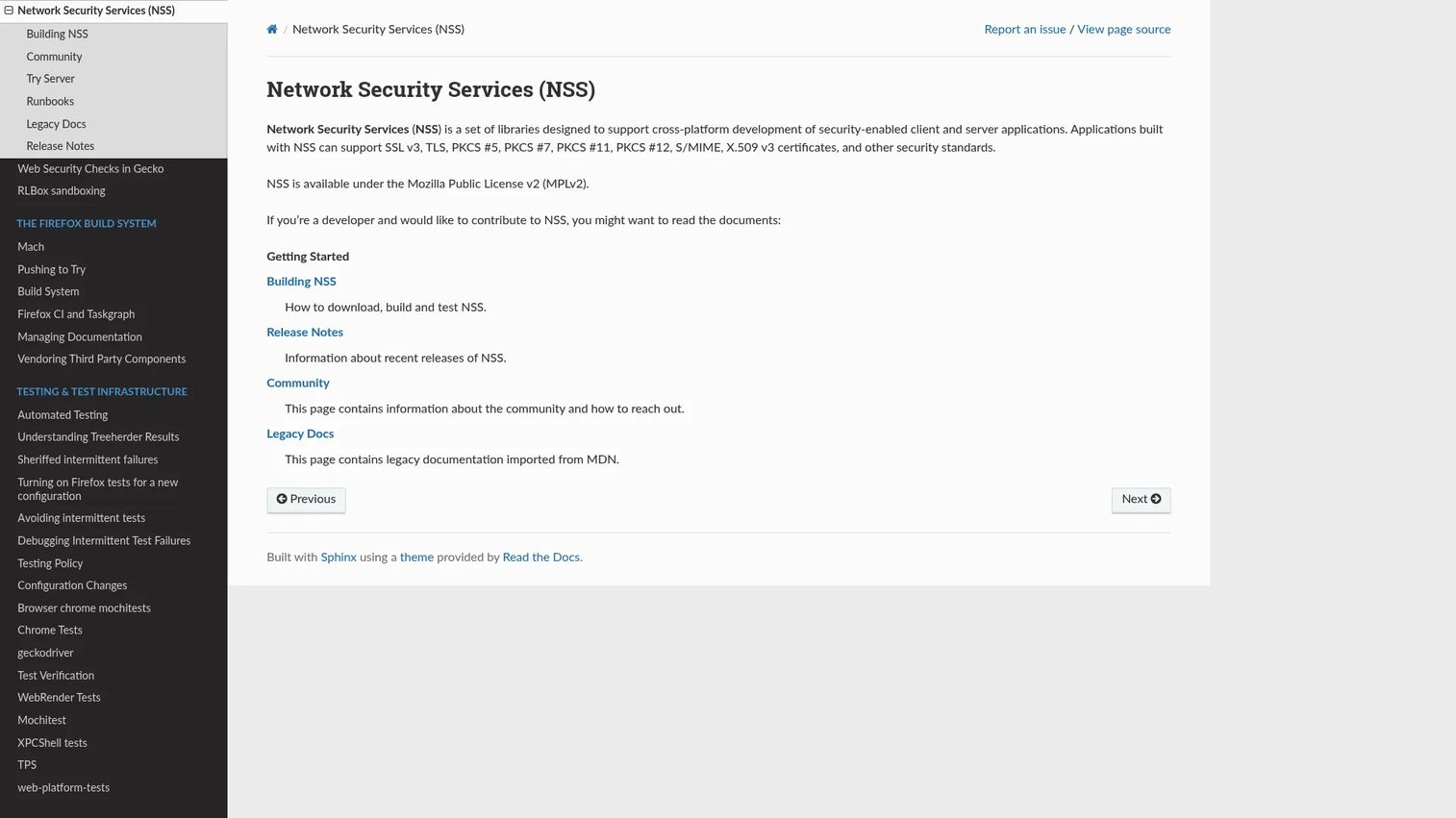
Network Security Services (NSS) is an open-source set of cryptographic libraries developed by Mozilla for building security-enabled client and server applications. NSS includes support for SSL and TLS, S/MIME, X.509 v3 certificates, PKCS standards, and the certutil command-line tool for certificate database management. Developers working on platforms that use NSS, including Firefox-based browsers and certain Linux distributions, rely on it for low-level certificate and PKI operations.
Best for: Developers and platform teams working with NSS-based systems, certificate databases, or cross-platform security library integrations.
Key features
- certutil for certificate database management and PKI operations
- SSL and TLS library support for client and server applications
- PKCS #5, #7, #11, and #12 standard support
- S/MIME and X.509 v3 certificate handling
- Static and shared library formats for cross-platform use
Why choose Network Security Services: NSS is appropriate when you're building or maintaining software that needs low-level cryptographic and certificate functionality, not when you need a GUI checker or monitoring dashboard. It belongs in a developer's toolkit, not an IT administrator's one.
Network Security Services pricing: NSS is free and available under the Mozilla Public License 2.0. There is no paid tier.
7. Portecle Java Keystore Manager
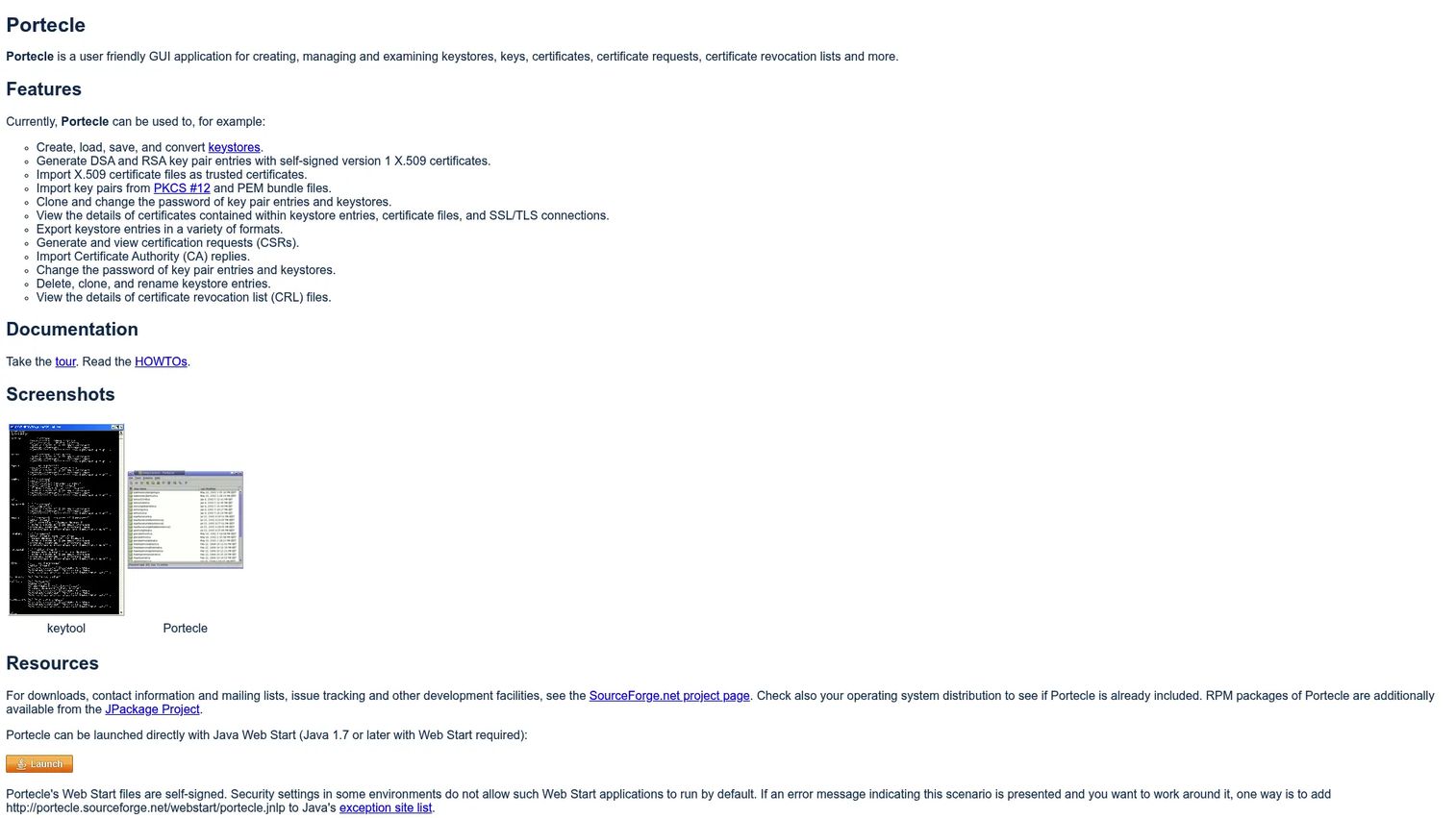
Portecle is a free desktop GUI application for creating, managing, and examining Java keystores. It removes the friction of keystore management from the command line by providing a visual interface for importing and exporting certificates, generating key pairs, creating CSRs, handling PKCS#12 files, and viewing certificate details. Java developers and teams managing JKS or PKCS#12 keystores find it much faster than equivalent keytool commands.
Best for: Java developers and application teams that need a desktop GUI for keystore management without relying entirely on command-line keytool operations.
Key features
- Java keystore creation, loading, saving, and conversion
- DSA and RSA key pair generation with self-signed X.509 certificates
- Certificate import from X.509, PKCS#12, and PEM bundles
- CSR generation and CA reply import
- Export, clone, rename, and delete operations for keystore entries
Why choose Portecle: Portecle makes Java keystore work accessible to team members who are not keytool experts. If your application stack involves JKS or PKCS#12 keystores and errors in command-line operations are creating delays, Portecle provides a reliable GUI that reduces mistakes. Note that it is a long-standing community project rather than an actively marketed product, so check release activity before standardizing on it.
Portecle pricing: Free software distributed under the GNU General Public License, version 2 or later.
8. Real Time Logic Certificate Management Tool
Real Time Logic's Certificate Management Tool is a web-based utility for creating private certificate authorities and signing certificates, primarily for IoT and embedded device deployments. It supports server and client certificate signing, CA hierarchy creation, conversion of X.509 certificates into SharkSSL binary or C-header formats, and certificate-based client authentication. Teams building device fleets or embedded applications that require private PKI rather than public CAs will find it targeted to that specific workflow.
Best for: IoT developers and embedded system teams creating private PKI hierarchies and managing device certificates without a full enterprise CLM platform.
Key features
- Private CA creation and management
- Server and client certificate signing
- Web-based certificate management interface
- X.509 to SharkSSL binary and C-header conversion
- Certificate-based client authentication support
Why choose Real Time Logic Certificate Management Tool: This tool belongs in the list as a focused utility for device certificate management, not a general-purpose checker or enterprise CLM. Teams building private PKI for IoT fleets will find it purpose-built. Teams looking for monitoring or enterprise governance should look elsewhere.
Real Time Logic Certificate Management Tool pricing: Real Time Logic distributes the tool free of charge. It is proprietary rather than open source, and the company publishes no paid tier for it. Its companion commercial products, including the SharkSSL stack and Mako Server, are licensed separately.
9. Virima
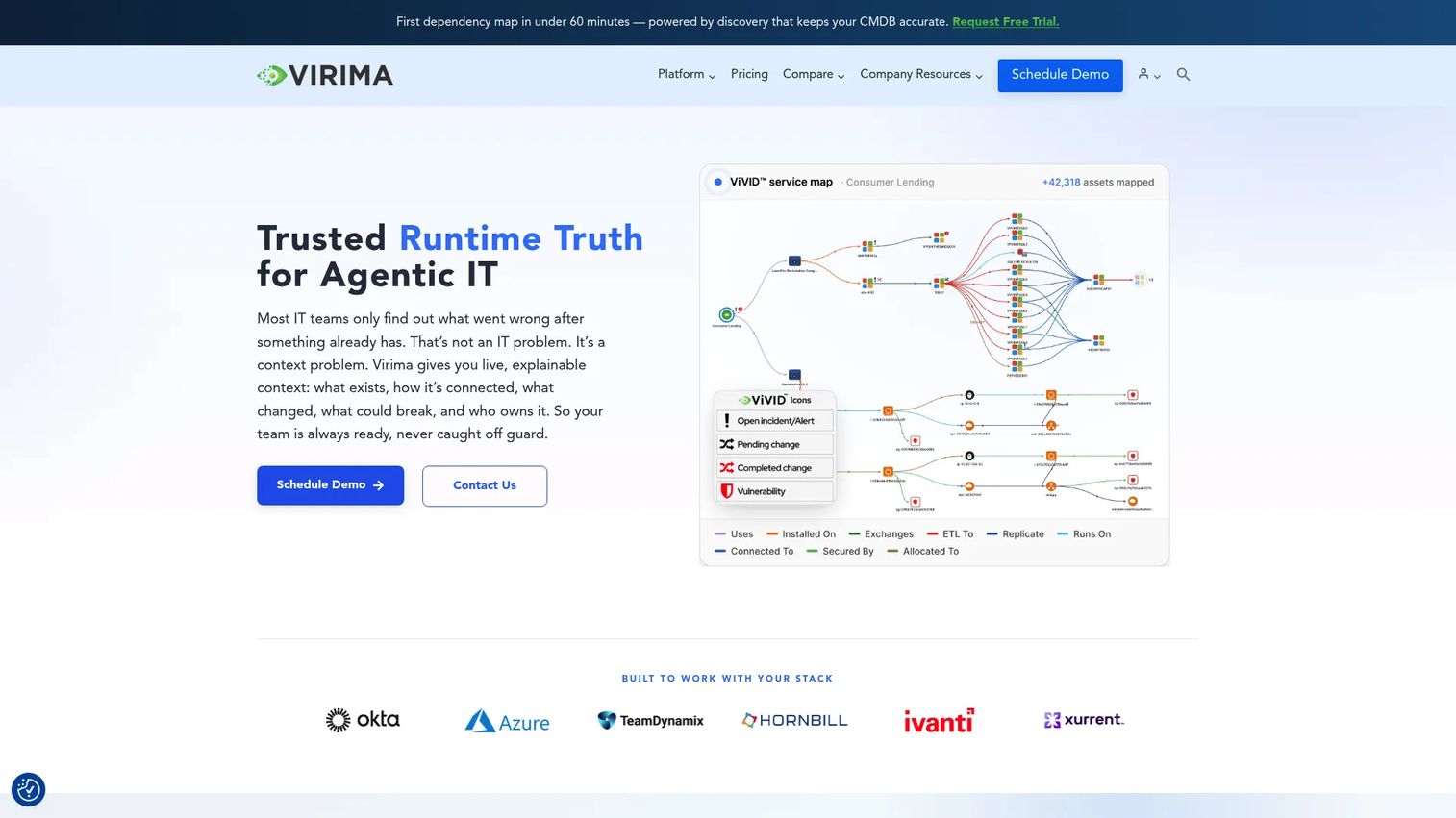
Virima is an IT asset management, CMDB, and service mapping platform that can surface SSL and TLS certificate visibility within operational context. It is not a dedicated certificate tool, so treat it as the operational layer around certificates rather than a replacement for a checker or a CLM platform. Rather than treating certificates as isolated assets, Virima connects them to the services, applications, and infrastructure they secure. This matters most when a certificate failure has service impact, and teams need to understand dependencies before making a change. The Business Pro plan includes discovery, CMDB, and dynamic service mapping.
Best for: Enterprise IT teams that want certificate visibility connected to CMDB context, service dependencies, and ownership tracking.
Key features
- Agent-based and agentless IT asset discovery across hybrid environments
- Discovery-sourced CMDB with health scoring and lifecycle tracking
- ViVID dynamic service mapping with blast-radius visibility
- Bidirectional ITSM integrations with ServiceNow, Jira Service Management, and others
- Hardware and software asset lifecycle management
Why choose Virima: Virima is strongest when certificate risk needs operational context alongside expiry alerts. Teams that need to answer "what services break if this certificate expires?" rather than just "when does this certificate expire?" will find the service mapping layer genuinely useful.
Virima pricing: The Business Pro plan starts at $4,740 per year billed annually, covering 2,000 assets and expandable to 6,000. That works out to an introductory $395 per month, discounted from a list rate of $435 per month. Enterprise plans with unlimited assets and private hosting require a quote.
10. Keyfactor Command
Keyfactor Command is an enterprise certificate lifecycle management and machine identity automation platform. It provides real-time certificate discovery across public and private CAs, cloud services, endpoints, Kubernetes, and certificate stores. Policy enforcement, role-based access controls, automated renewal, CA integrations, and crypto-agility support address the full scope of certificate governance for large organizations. Multiple deployment models cover on-premises, hosted CLaaS, PKIaaS, and SaaS Lite through Azure Marketplace. Note that Keyfactor also owns EJBCA, which appears separately at number 15, so these two entries come from the same vendor.
Best for: Enterprises managing high certificate volume across hybrid infrastructure where certificate failure is a governance, availability, and compliance risk.
Key features
- Real-time certificate discovery across CAs, clouds, endpoints, and Kubernetes
- Certificate metadata, grouping, search, and compliance workflows
- Role-based access, approvals, and audit trails
- Automated certificate provisioning via REST API and orchestration
- Multiple deployment models: on-premises, CLaaS, PKIaaS, and SaaS Lite
Why choose Keyfactor Command: Keyfactor Command fits organizations where one team manages thousands of certificates across multiple CAs and environments. Keyfactor's Test Drive environments run for 30 days and cover Command, EJBCA, and SignServer, which gives evaluation teams a way to try before committing. Keyfactor states that Test Drives are for testing and demonstration only, not production.
Keyfactor Command pricing: Custom pricing. Contact Keyfactor for a quote based on certificate volume and deployment model.
G2 rating: 4.5/5, from 86 reviews.
11. Sectigo Certificate Manager
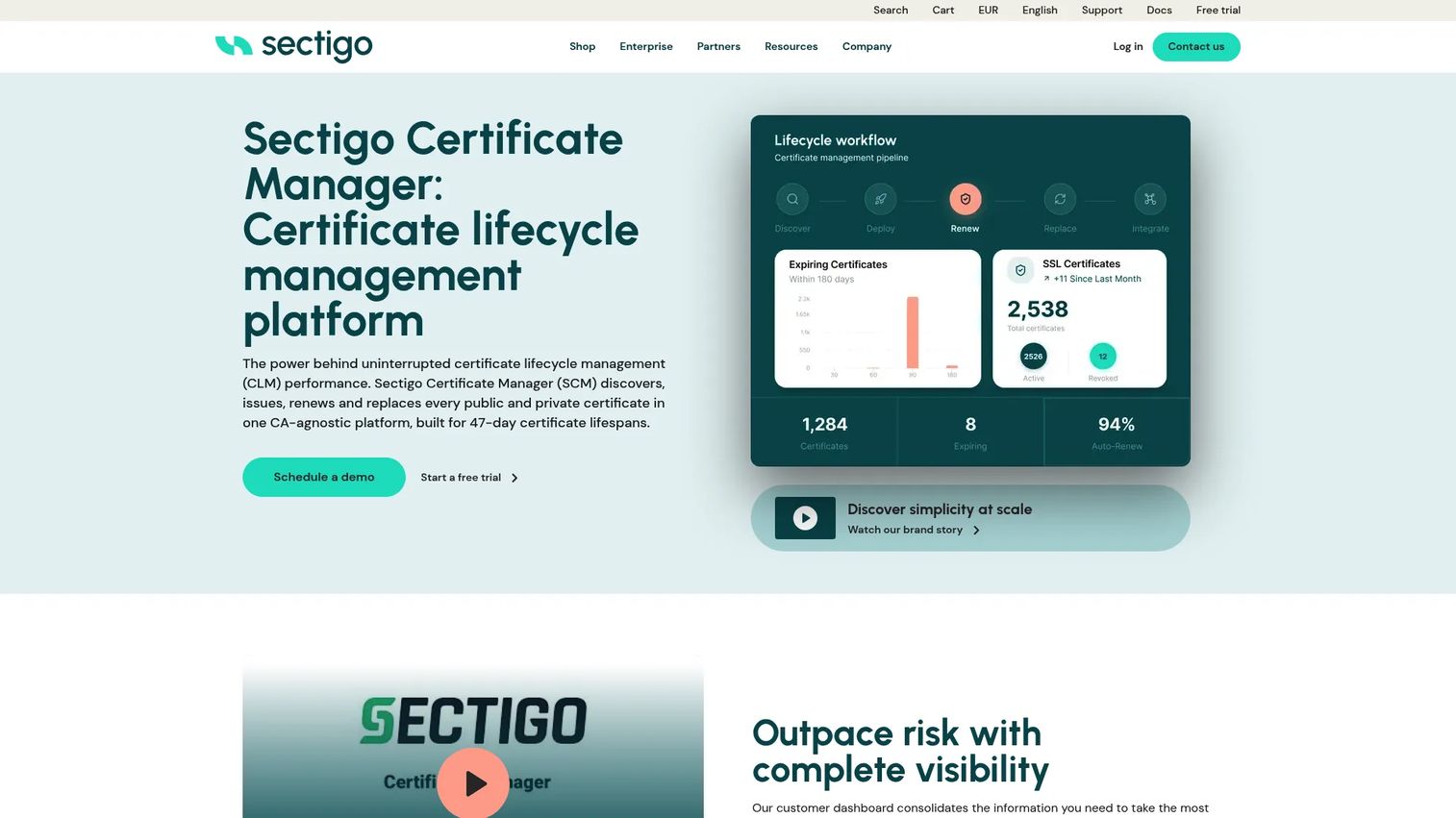
Sectigo Certificate Manager is a cloud-based certificate lifecycle management platform built by one of the largest commercial CAs. Sectigo was formerly Comodo CA and is now owned by private equity firm GI Partners. The platform handles discovery, issuance, automated renewal, revocation, policy controls, and reporting across SSL and TLS, S/MIME, code signing, device authentication, and private PKI. It integrates with more than 50 tools and supports CA-agnostic management, which means teams aren't locked into Sectigo certificates even if they use Sectigo as their primary CA.
Best for: Organizations that want enterprise certificate lifecycle management connected to a major CA, with 30-day trial access before committing.
Key features
- Certificate discovery and inventory across public, private, and hybrid environments
- Automated issuance, renewal, and revocation
- SSL and TLS, S/MIME, code signing, and private PKI management
- CT log monitoring and policy enforcement
- Integrations with 50+ tools and CA-agnostic support
Why choose Sectigo Certificate Manager: Sectigo fits teams that want CA-backed lifecycle management with strong automation and don't want to maintain separate CA and CLM vendor relationships. The 30-day free trial gives teams a concrete way to evaluate before purchasing, though the trial restricts some features.
Sectigo Certificate Manager pricing: Custom pricing. A 30-day free trial is available at sectigo.com.
G2 rating: 4.5/5, from 196 reviews.
12. ManageEngine Key Manager Plus
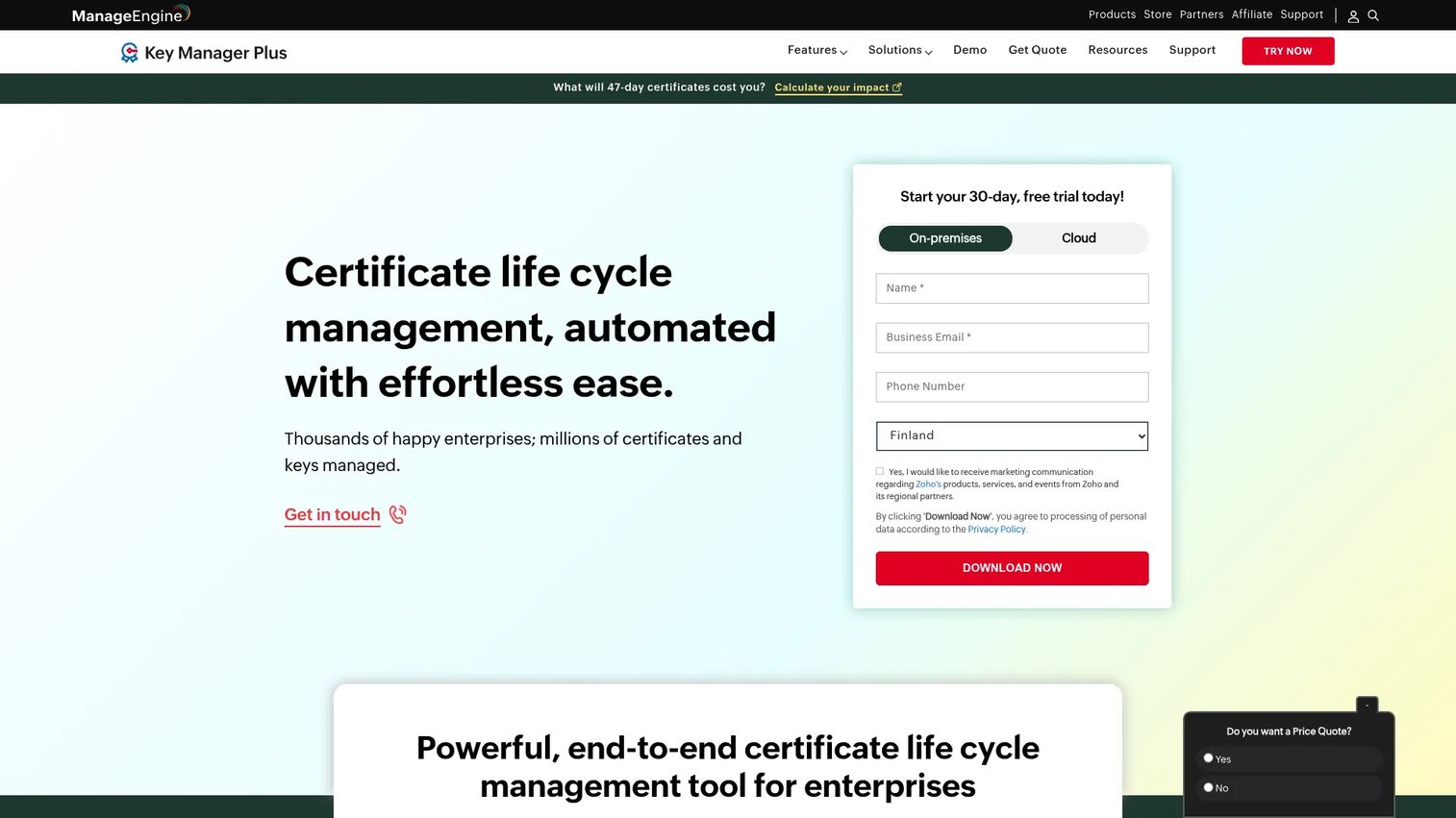
ManageEngine Key Manager Plus combines SSL and TLS certificate management with SSH key management in a single platform. It handles certificate discovery, expiry monitoring, certificate deployment, renewal workflows, and vulnerability scanning alongside SSH key discovery, rotation, and session recording. IT operations teams that manage both certificate and SSH key estates typically find managing them separately in two tools creates unnecessary overhead.
Best for: IT teams that want SSL certificate management alongside SSH key management without running separate tools for each.
Key features
- SSL and TLS certificate discovery, monitoring, and renewal
- Expiry alerts and certificate deployment automation
- SSH key discovery, generation, rotation, and session recording
- Azure Key Vault and secrets management
- Role-based access control, MFA, SSO, and REST APIs
Why choose ManageEngine Key Manager Plus: Key Manager Plus fits IT operations teams that handle both certificate and SSH key management and want those workflows in one platform. It is a more pragmatic operational tooling choice than a CA-first enterprise PKI suite, which makes it accessible for mid-market teams.
ManageEngine Key Manager Plus pricing: ManageEngine publishes tiered pricing by key count. The entry subscription tier is $475 per year for 25 keys, billed annually, rising to $2,045 per year for 500 keys. Perpetual licensing for 25 keys is listed at $599 billed annually or $59 billed monthly. A Free edition covering up to 5 keys and a 30-day trial covering up to 10 keys are both listed on G2.
G2 rating: 4.5/5, from 3 reviews.
13. AppViewX CERT+
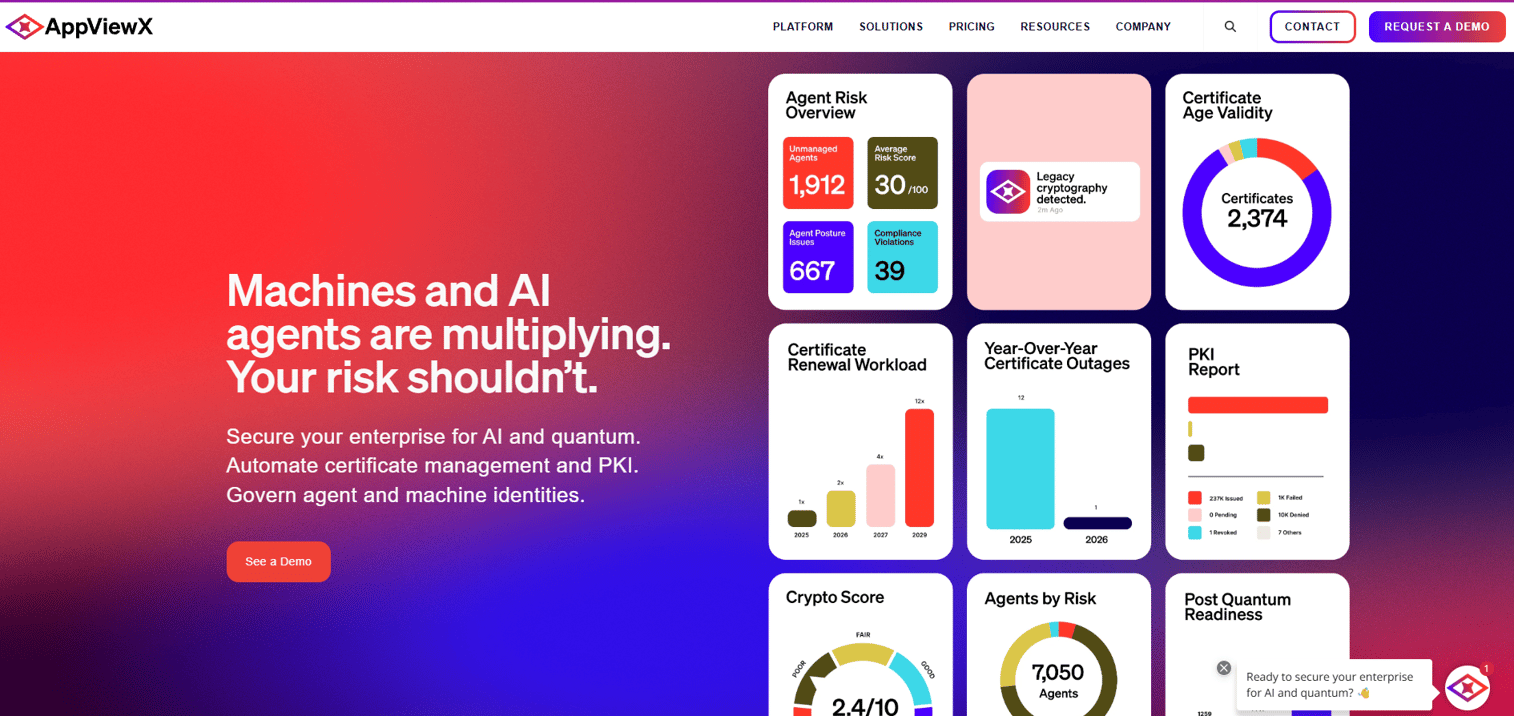
AppViewX CERT+ is a certificate lifecycle automation platform built for large organizations with complex certificate environments. It handles certificate discovery and inventory, issuance, renewal orchestration, revocation, policy enforcement, and integrations across multi-cloud, container, and application infrastructure. Teams with cross-functional certificate workflows involving approvals, policy gates, and multiple infrastructure owners find the automation and governance layer most useful.
Best for: Large organizations that need cross-team certificate lifecycle automation with policy enforcement and multi-cloud infrastructure integrations.
Key features
- Automated certificate discovery and inventory
- Certificate issuance, renewal, and revocation automation
- Policy compliance checks and role-based access control
- Multi-cloud, container, and application certificate management
- Expiry alerts, audit logs, and reporting
Why choose AppViewX CERT+: AppViewX CERT+ performs best when certificate management spans multiple teams, infrastructure types, and approval workflows. It's not the right choice for a small team monitoring a handful of public hostnames.
AppViewX CERT+ pricing: Custom pricing. Contact AppViewX for a quote.
G2 rating: 4.5/5, from 44 reviews.
14. TrackSSL
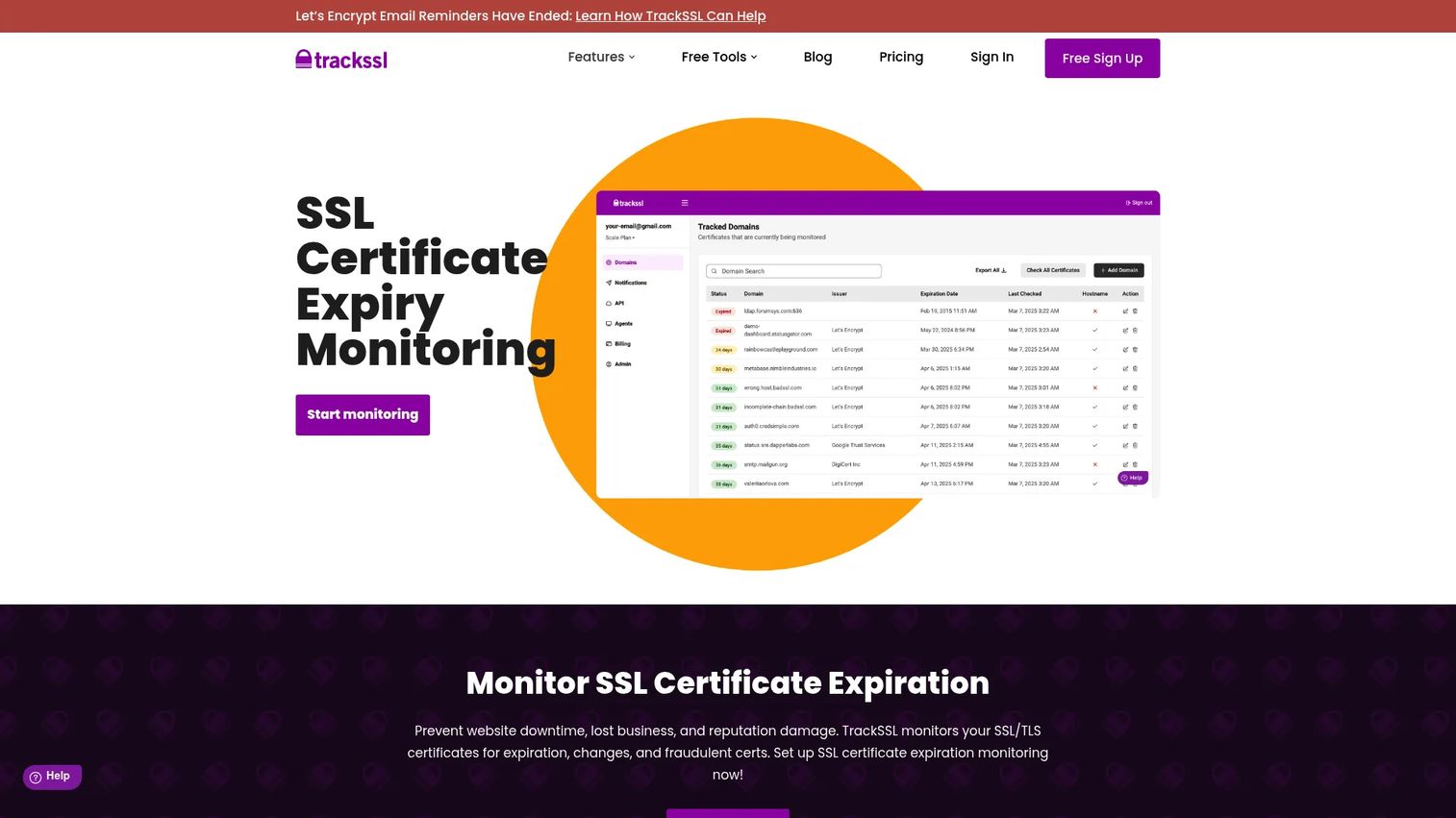
TrackSSL is a lightweight SSL certificate monitoring tool focused on expiry alerts, certificate change detection, and notification routing. It monitors certificates across public and private hostnames and sends alerts via email, Slack, Microsoft Teams, and webhooks. The free plan monitors 2 certificates. Paid plans scale from 20 to 500 certificates depending on tier. For small teams that lose certificates to missed renewals rather than complex governance gaps, TrackSSL solves the problem with minimal setup.
Best for: Small teams and agencies that need SSL expiry monitoring and change alerts without a full certificate lifecycle management platform.
Key features
- SSL certificate expiry monitoring and renewal alerts
- Certificate change and alteration detection
- Private and internal certificate monitoring
- Email, Slack, Microsoft Teams, and webhook notifications
- REST API access for custom integrations
Why choose TrackSSL: TrackSSL solves missed renewals. If the problem is certificates expiring before anyone notices, not managing a PKI program or governing renewal policy, TrackSSL covers the job at a price that makes sense for smaller teams.
TrackSSL pricing: The free plan monitors 2 certificates. Starter is $17/month paid annually, or $19/month billed monthly, for 20 certificates. Growth is $35/month annually for 80 certificates. Complete covers 200 certificates at $72/month annually. Scale covers 500 certificates at $136/month annually. Above 500 domains, pricing is custom.
G2 rating: 4.7/5, from 31 reviews.
15. EJBCA
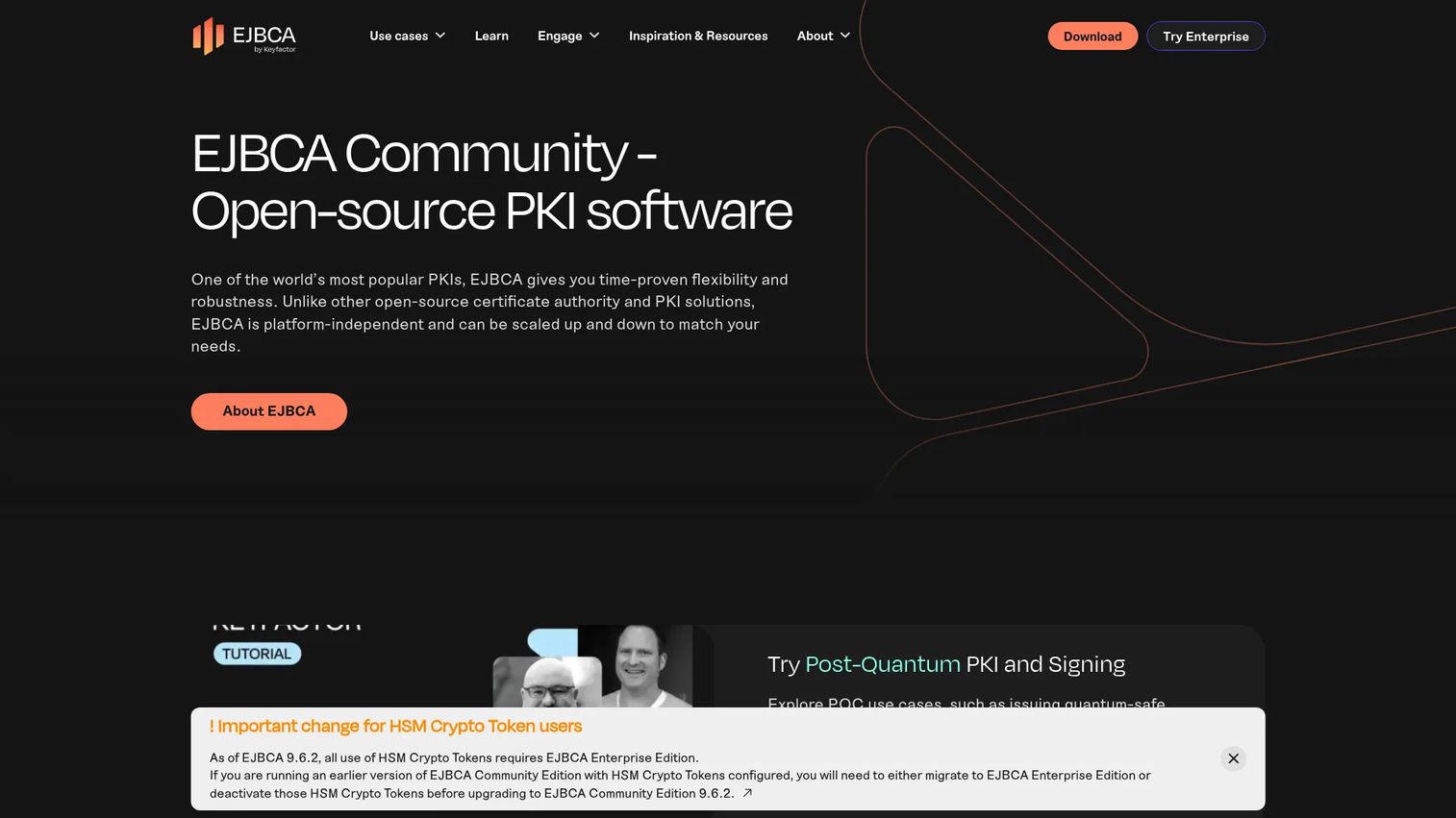
EJBCA is an open-source PKI and CA platform. It is sponsored and developed by Keyfactor, the same vendor behind Keyfactor Command at number 10, which acquired original maintainer PrimeKey in 2021. The Community Edition is free under LGPL v2.1 and handles X.509 certificate issuance, CA management, Registration Authority operations, and Validation Authority functions. The Enterprise Edition adds SLAs, audit-ready configurations, broader deployment options including appliances and SaaS, and the full set of enrollment protocols. Organizations that need to run or manage their own PKI infrastructure rather than rely on a commercial CA reach for EJBCA when scale, protocol breadth, or cost makes a self-managed CA the right call.
Best for: Organizations that need to operate PKI infrastructure directly, including DevOps teams running internal CAs, IoT manufacturers, and enterprises with complex identity workloads.
Key features
- X.509 certificate issuance and CA management
- RA and VA module support
- ACME, SCEP, CMP, EST, and REST enrollment protocol support (Enterprise Edition)
- IoT, DevOps, and enterprise PKI deployment options
- Community Edition free and open source under LGPL v2.1
Why choose EJBCA: EJBCA is the right choice when you need PKI infrastructure, not just certificate checking or expiry alerts. The Community Edition gives teams a production-grade CA without license cost. The Enterprise Edition adds protocol breadth and SLA support for organizations that need it. If you are also evaluating Keyfactor Command, remember that both come from the same vendor, so a combined quote may be more realistic than treating them as competing options.
EJBCA pricing: The Community Edition is free and open source. The Enterprise Edition and Cloud Edition require contacting Keyfactor for pricing. Keyfactor's 30-day Test Drive environment includes EJBCA.
G2 rating: 4.5/5, from 37 reviews. The product is listed on G2 as Keyfactor EJBCA.
Considerations when choosing SSL and TLS certificate tools
Match the tool to the certificate job
Start by identifying the failure mode you need to prevent. Checking one hostname before a demo requires a checker, not a lifecycle platform. Managing 2,000 certificates across multiple CAs requires discovery and automation, not a browser utility. Tools that solve the wrong job don't solve the actual problem.
Check public and internal coverage
Many online checkers only test publicly accessible hostnames. Presales teams with internal demo environments, staging tenants, or private PKI need tools that can reach those assets. OpenSSL works well for internal checks because it runs locally. Enterprise platforms like Keyfactor Command and ManageEngine Key Manager Plus support private certificate discovery alongside public hostname monitoring.
Verify automation support for shorter certificate lifespans
Certificate validity windows are shortening on a published schedule set by CA/Browser Forum ballot SC-081v3. The maximum validity for publicly trusted TLS certificates dropped to 200 days on 15 March 2026, falls to 100 days on 15 March 2027, and reaches 47 days on 15 March 2029. Domain control validation reuse periods tighten alongside each step. Manual renewal tracking will not survive those windows. Evaluate whether the tool supports ACME, SCEP, EST, or API-driven renewal. For teams managing more than a few dozen certificates, automation is not optional anymore.
Evaluate ownership and workflow routing
Expiry alerts only work if they reach the right person. Before purchasing a monitoring or lifecycle platform, map how alerts route to owners. Evaluate whether the tool integrates with your ITSM, Slack, email, or ticketing system. Virima and Keyfactor Command address ownership routing through CMDB and role-based assignment. TrackSSL handles it through notification channel configuration.
Review reporting for audits and security reviews
Presales and security teams need evidence, not just dashboards. Look for exportable certificate inventory reports, change history, vulnerability findings, and compliance documentation. During an enterprise security review or RFP process, a structured certificate posture report can move a stalled evaluation forward faster than any verbal explanation. This kind of application security testing software mindset applies equally to certificate governance.
Conclusion
The right SSL and TLS certificate tool depends entirely on the job at hand.
For quick SSL verification and browser-based utilities, DigiCert and SSL Shopper handle most immediate diagnostic needs without setup. Qualys SSL Labs adds TLS configuration depth when the question moves beyond certificate validity into security grading. OpenSSL covers command-line and internal testing that browser tools can't reach.
TrackSSL solves the missed renewal problem for small teams at a price that scales from free to $136/month. ManageEngine Key Manager Plus brings certificate and SSH key management together for IT operations teams who don't want two separate tools for those workflows.
For enterprise certificate lifecycle management, Keyfactor Command, Sectigo Certificate Manager, and AppViewX CERT+ each handle discovery, automation, policy, and CA integrations at scale. EJBCA covers teams that need to run PKI infrastructure rather than just manage certificates against external CAs. Keep in mind that Keyfactor Command and EJBCA come from the same vendor.
IBM's certificate utilities, Network Security Services, Portecle, and Real Time Logic serve niche technical and legacy workflows that fall outside general-purpose monitoring and lifecycle management.
The practical starting point for most technical teams is to pick one quick diagnostic tool and one monitoring or lifecycle platform that matches the size of the certificate estate. Use the comparison table above to identify the right fit for your current job, then revisit as the requirement grows.
Certificate hygiene is only half the problem in a technical evaluation. Once the environment is trusted, buyers still need to see the product work, and shortening certificate windows make long-lived hosted demo environments harder to keep healthy. Guideflow lets presales and product marketing teams build interactive demos that run outside your production stack, so a buyer sees the product without waiting on an environment that has to be provisioned and certified first.
Start your journey with Guideflow today!
FAQs
SSL and TLS certificate tools are software utilities and platforms that help technical teams check, decode, validate, monitor, and manage digital certificates. They range from free browser-based checkers for one-off verification to enterprise lifecycle management platforms that discover, automate, and govern thousands of certificates across hybrid infrastructure.
An SSL checker diagnoses a single hostname or certificate at a time, confirming whether the certificate is installed correctly, valid, and trusted. A certificate management tool handles discovery, inventory, ownership, renewal workflows, and policy enforcement across many certificates simultaneously. Using a checker when you need lifecycle management is like using a voltmeter to manage a power grid.
DigiCert suits teams that want CA-backed SSL verification with related utilities like CSR creation and S/MIME linting. SSL Shopper covers the broadest range of browser-based utilities including CSR decoding, key matching, and format conversion. Qualys SSL Labs adds TLS security analysis and grading on top of basic certificate validation.
SSL Shopper is the fastest option for browser-based CSR decoding and certificate decoding. OpenSSL handles the same tasks from the command line and gives more detailed output, which is useful when you need to inspect extension fields or validate a CSR before submission. Both tools confirm subject, SANs, issuer, validity period, and key type.
OpenSSL handles local testing, scripting, and detailed inspection exceptionally well. It cannot replace a management platform for inventory, ownership routing, renewal governance, policy enforcement, or audit reporting. Teams managing more than a small number of certificates need tooling that tracks state, routes alerts, and integrates with existing workflows, none of which OpenSSL provides on its own.
Presales teams use certificate tools to validate demo and POC environments before sending prospects to them, confirm that hostname coverage and trust chains are correct, and generate evidence for security questionnaires. An expired certificate or browser warning during a technical evaluation can stall a deal far more effectively than a missing feature. Running a quick SSL check before any buyer-facing environment goes live is a standard presales hygiene step.
Enterprise teams need certificate discovery across all environments including internal, cloud, and Kubernetes deployments. Renewal automation with ACME or SCEP support reduces manual tracking risk. CA integrations, ITSM workflow connections, role-based access controls, and exportable audit reports round out the core requirements. Teams also need to evaluate whether the platform supports private certificates alongside public ones, since internal services carry the same expiry risk.
Continuous monitoring is the right answer in 2026. The maximum validity for publicly trusted TLS certificates is now 200 days, down from 398, and it drops again in March 2027 and March 2029. Manual renewal schedules create unnecessary risk at those windows. Configure alerts well before expiry, typically at 30, 14, and 7 days out, and trigger additional checks after any infrastructure change that touches a hostname. Relying on a calendar reminder rather than automated alerting is how most unplanned outages from expired certificates happen.