Your landing page says the product is useful. Your PDF explains the features. Your webinar proves someone on the team knows the topic. None of that tells you what the buyer actually cared about.
That gap is why interactive content marketing software exists. According to DemandGen (2025), interactive content earns twice the engagement of static content, and 45% of B2B buyers rank it among their top three preferred content types. The behavior data you collect from someone who clicks, calculates, or explores tells you far more than a download ever will.
The challenge is that "interactive content" covers a wide field: interactive demos, quizzes, calculators, scrollytelling, branching video, data visualizations, and more. Each format serves a different campaign job. Picking the wrong tool means buying engagement you cannot act on.
What's inside
This guide compares 15 interactive content marketing software tools for 2026. It is written for growth and digital marketers evaluating campaign tools and trying to prove pipeline impact, not just activity.
Tools were selected using four criteria:
- Content format fit: Does the tool serve a real marketing use case?
- No-code creation speed: Can a marketer build and ship without engineering support?
- Lead capture and analytics: Does the tool collect behavior data the team can act on?
- Publishing and integration support: Does it embed in campaigns already running?
TL;DR
- Best for interactive product experiences: Guideflow lets B2B SaaS marketers build self-serve product demos, demo centers, sandboxes, live demos, and mobile demos without engineering help
- Best for quizzes and calculators: Outgrow is built for lead-gen formats like assessments, ROI calculators, and chatbots
- Best for immersive storytelling: Shorthand lets brand and editorial teams publish scrollytelling narratives without development dependencies
- Best for forms and surveys: Typeform converts static data collection into conversational, conditional flows
- Best for data visualization: Flourish and Infogram both offer strong interactive chart and map options at different price points
What is interactive content marketing software?
Interactive content marketing software helps marketers create digital experiences that users click, answer, explore, navigate, or personalize instead of passively reading or watching.
Where standard content marketing tools help you publish, interactive tools help you collect behavior and intent. A pageview tells you someone arrived. A completed calculator, an explored product demo, or a quiz answered tells you what they care about and how ready they are to buy.
Core formats this category covers:
- Product demos and self-serve product experiences
- Quizzes, assessments, and interactive surveys
- Calculators and estimation tools
- Interactive video with branching or shopping paths
- Scrollytelling pages and digital reports
- Interactive maps and location-based content
- Data visualizations, charts, and infographics
Key capabilities to look for:
- No-code builder with branding controls
- Embed support for landing pages, emails, and ads
- Lead capture forms with CRM sync
- Step-level analytics and drop-off tracking
- Personalization and conditional logic
- Templates for fast launches
- Collaboration and approval workflows
- Marketing automation integrations
The most important distinction between this category and standard content tools is what happens after the click. Static content produces a pageview. Interactive content produces a behavior trail: What the visitor chose, where they spent time, what they skipped, and where they stopped. That behavioral data is what growth marketers can actually use to route leads, score intent, and prioritize follow-up.
When to use interactive content marketing software
Turn passive traffic into active engagement
A landing page that explains the product is not the same as one that lets a visitor experience it. Interactive tools give visitors a reason to click, calculate, choose, or explore rather than scroll and leave. This applies across paid campaigns, organic pages, and email nurtures alike.
Qualify leads before sales gets involved
Quizzes, assessments, calculators, and product demos can surface intent before a meeting happens. A calculator input, a quiz completion, or a demo path all carry more signal than a form fill. The key is whether the tool connects that behavior to your CRM and marketing automation stack, not just your front-end analytics.
Explain complex products without adding meetings
B2B SaaS products are often hard to explain in static copy. Interactive product demos, guided product experiences, and interactive demo tools for marketing teams let buyers understand value at their own pace before they talk to sales. This reduces the number of exploratory calls that consume SE and AE time without advancing the deal.
Interactive content marketing software comparison
The table below maps all 15 tools by format, pricing, and G2 rating. Use it to shortlist by content type before reading the full tool sections. All pricing and ratings reflect verified figures from vendor pricing pages and G2 listings.
| # | Product | Best for | Key differentiator | Pricing | G2 rating |
|---|---|---|---|---|---|
| 1 | Guideflow | Interactive product experiences | No-code demo automation with five product formats | Free; paid from $35/mo | 5.0/5 |
| 2 | Outgrow | Quizzes and calculators | Lead-gen content with scoring and segmentation | Free; paid from $14/mo | 4.7/5 |
| 3 | Shorthand | Immersive scrollytelling | Visual storytelling without developer dependency | Contact sales | 4.7/5 |
| 4 | Ceros | Design-led interactive content | Rich animated web experiences for creative teams | Contact sales | 4.1/5 |
| 5 | Typeform | Forms and surveys | Conversational forms with conditional logic | Free; paid from $39/mo | 4.5/5 |
| 6 | Tolstoy | Shoppable and branching video | AI-powered ecommerce video and shop bots | From $20/mo | 4.7/5 |
| 7 | Genially | Interactive visual content | Presentations, quizzes, and infographics | Free; paid from €6/mo | 4.6/5 |
| 8 | Turtl | Interactive digital documents | Account-level content analytics for ABM | Contact sales | 4.4/5 |
| 9 | Flourish | Data visualization | 50+ chart types with live data connections | Free; paid custom | 4.9/5 |
| 10 | Thinglink | Interactive images and 360 media | Hotspot-based immersive media experiences | From $66/mo | 4.1/5 |
| 11 | Apester | Polls and audience engagement | Interactive units for publishers and brands | Contact sales | 4.5/5 |
| 12 | Mapme | Interactive maps | No-code location-based content and directories | From $50/mo | 4.6/5 |
| 13 | Calculoid | Embeddable calculators | Custom calculators with lead capture and payments | Free; paid from $19/mo | N/A |
| 14 | Stornaway.io | Branching video stories | Interactive video with viewer choice paths | Contact sales | N/A |
| 15 | Infogram | Infographics and reports | AI-assisted charts, dashboards, and branded visuals | Free; paid from $19/mo | 4.7/5 |
Best 15 interactive content marketing software for 2026
1. Guideflow
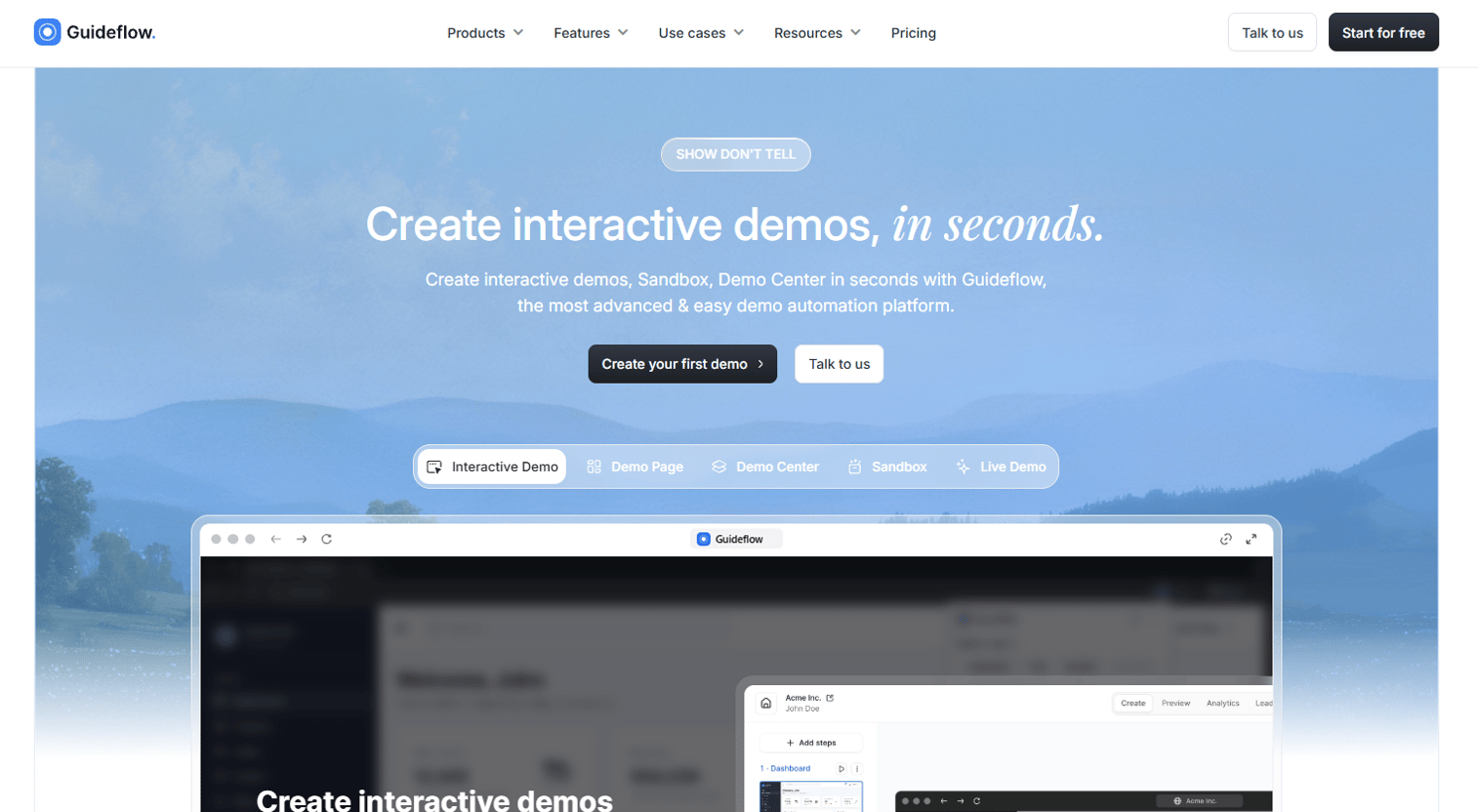
Guideflow is a demo automation platform that lets B2B marketing teams turn their product into self-serve interactive experiences without writing a line of code. Marketers capture product flows through a browser, then build, personalize, and share them as guided walkthroughs, open sandboxes, organized demo centers, or mobile-optimized product tours. Each format is designed for a different moment in the buyer journey, from a cold email attachment to a conference kiosk to a post-call leave-behind.
The platform includes AI features for step generation, translations, voiceovers, and avatars, so a demo that took days to produce can now go from capture to shareable link in minutes.
Best for: B2B SaaS marketing, demand gen, and product marketing teams that need buyers to experience the product before a sales call.
Key features
- No-code demo capture: Screenshot, HTML, and video modes
- Five product formats: Interactive demos, sandboxes, demo centers, live demos, and mobile demos
- CRM-ready personalization with dynamic variables and conditional logic
- Lead capture forms embedded inside demos
- Real-time analytics covering impressions, completion rate, and drop-off
Why choose Guideflow: Guideflow fits when the interactive content you need is the product itself, not an asset about the product. Interactive demos guide the narrative, sandboxes let buyers explore freely, demo centers organize everything into a branded hub, and live demos add the human layer. For teams running campaigns where "what did the buyer actually explore?" is a meaningful question, Guideflow provides the signal other interactive content tools do not.
Guideflow pricing: Free plan available. Solo starts at $35/month on annual billing, Growth at $499/month, Advanced at $1,499/month, and Enterprise with custom pricing.
G2 rating: 5.0/5
Start your journey with Guideflow today!
2. Outgrow
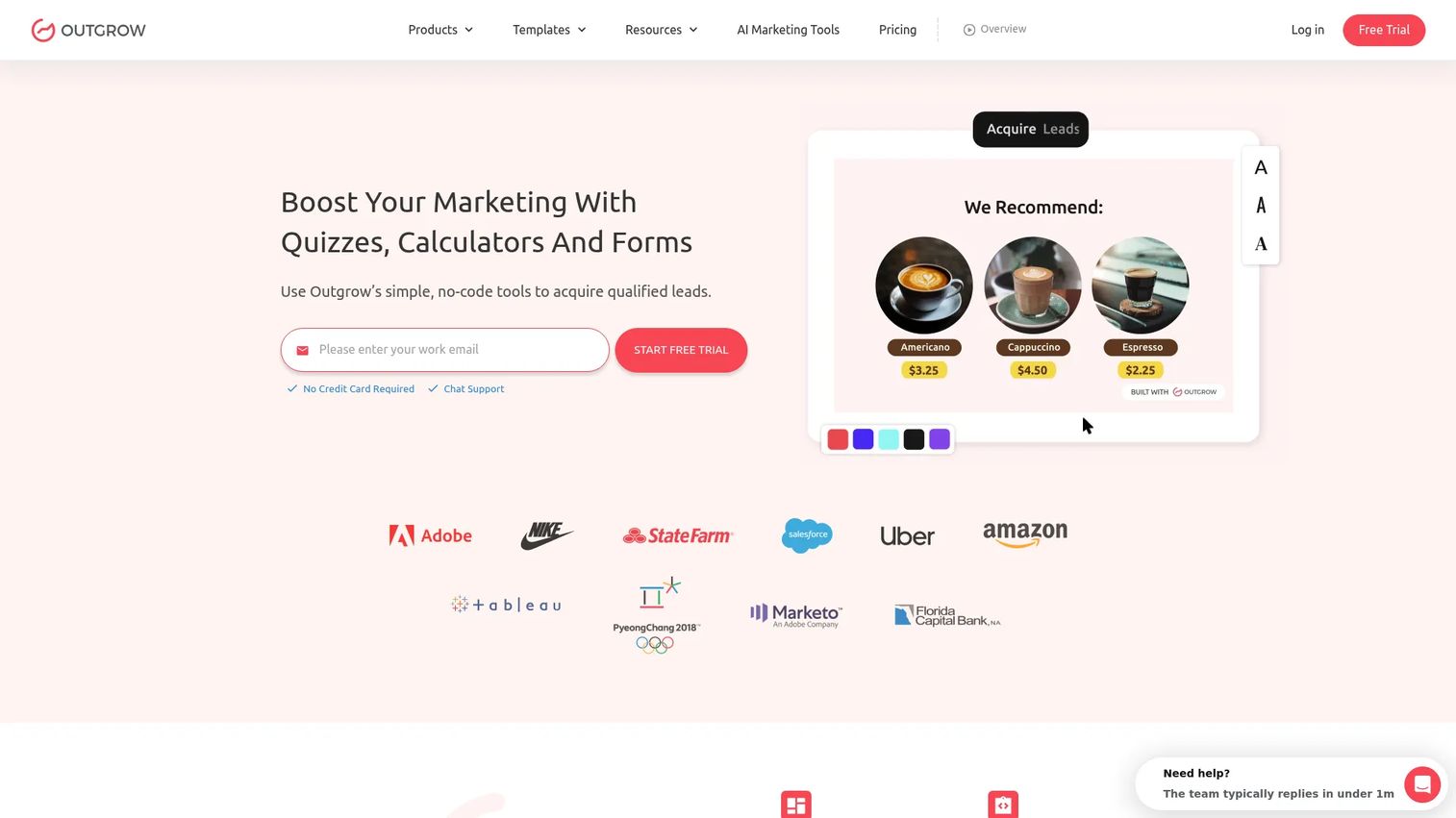
Outgrow is a no-code interactive content platform focused on lead generation through calculators, quizzes, assessments, polls, recommendations, and chatbots. Marketers use it to build content where the result is the hook: An ROI calculator that shows the buyer their own numbers, an assessment that segments them by maturity level, or a quiz that recommends a product tier. It is one of the most popular lead generation software options in its category.
Best for: Growth teams running lead-gen campaigns built around calculators, quizzes, or assessments.
Key features
- Interactive calculators, quizzes, and assessments
- Conditional logic, scoring, and outcome-based segmentation
- Lead capture with CRM integrations
- Embeds for landing pages and campaign pages
- Analytics on completion rates and answer patterns
Why choose Outgrow: Outgrow is a strong choice when the campaign mechanic is "get the visitor to answer something, then show them a personalized result." It is not built for product-experience demos, but for lead qualification through content interaction.
Outgrow pricing: Free plan available for forms and surveys. Paid plans start at $14/month on annual billing. Startup and Business plans run $35 to $600/month on monthly billing. Enterprise pricing requires a sales conversation.
G2 rating: 4.7/5
3. Shorthand
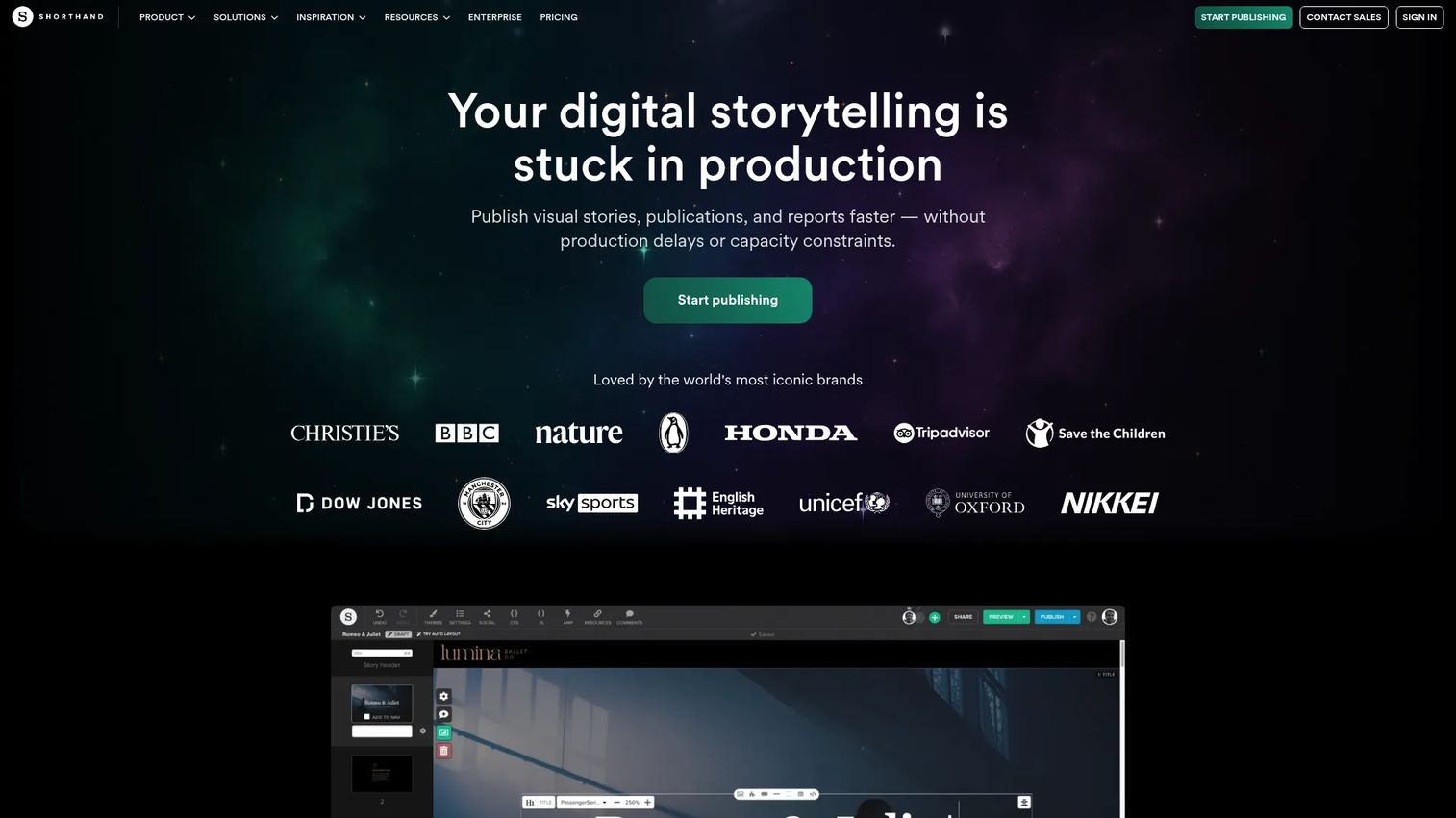
Shorthand is a visual storytelling platform for creating and publishing immersive web narratives, annual reports, campaign microsites, and scrollytelling pages. Teams in brand publishing, media, higher education, and nonprofit communications use it to produce rich editorial-style content without relying on web developers. Sections include scrollmation, parallax, galleries, charts, and custom HTML embeds, all controlled from a drag-and-drop editor.
Best for: Brand and content teams producing immersive campaign stories, digital reports, or editorial-style pages.
Key features
- Scrollytelling section builder with parallax and animations
- Rich media embeds including video, audio, and charts
- Cookieless built-in analytics with external analytics support
- Multiple publish options: Hosted, AWS, CMS, or self-hosted
- Collaboration workflows for editors and designers
Why choose Shorthand: Shorthand fits when narrative depth and visual production quality matter more than lead-form logic or product demos. It is the right tool for a brand campaign, a data-rich annual report, or a press-quality digital feature, not for quiz-based lead capture or product walkthroughs.
Shorthand pricing: Plans are structured around story volume and team size. Core covers 12 new stories per year. Unlimited removes that cap. Enterprise offers tailored terms.
G2 rating: 4.7/5
4. Ceros
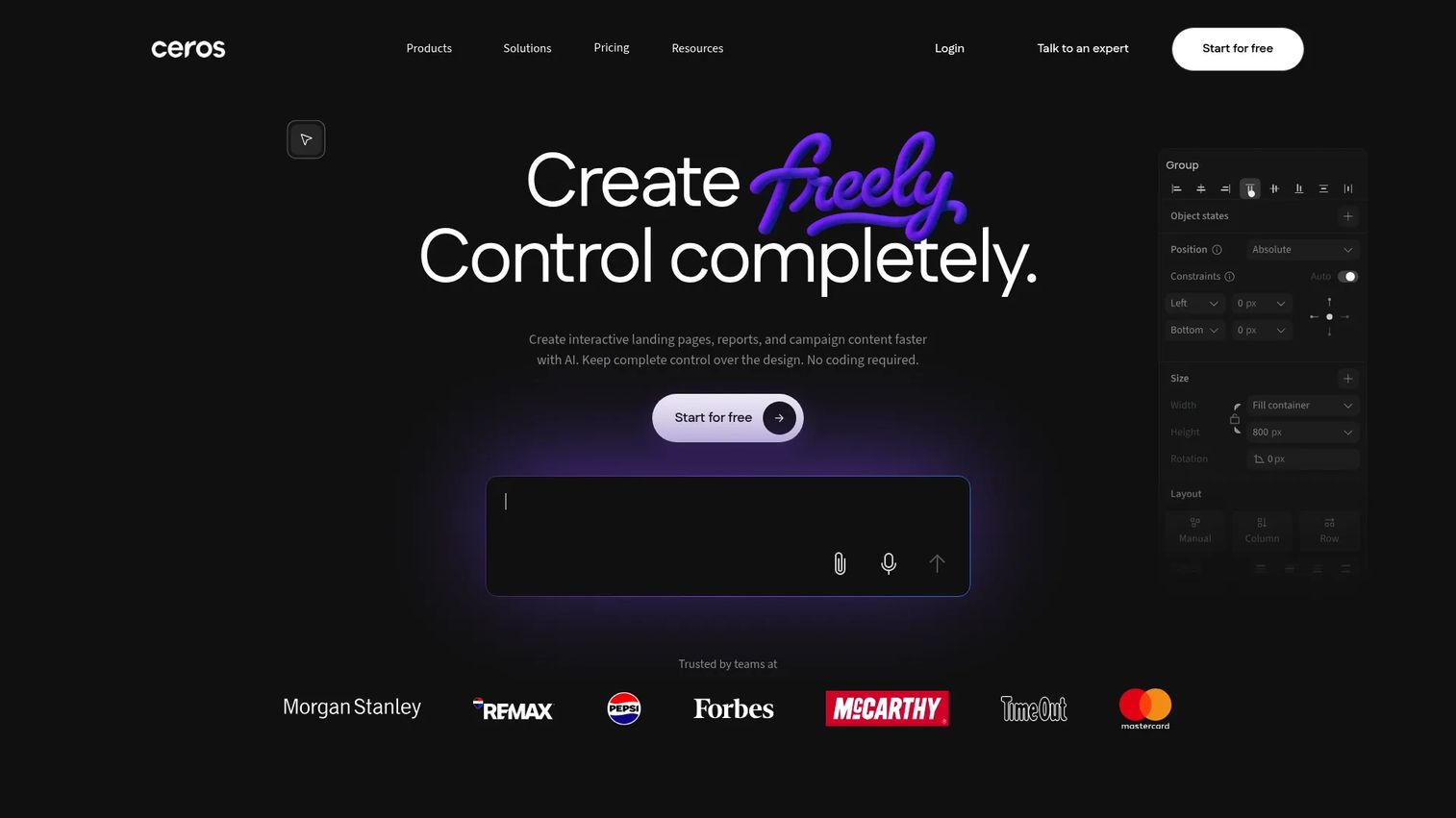
Ceros is a no-code creative platform for building animated, interactive web content including landing pages, infographics, campaign microsites, and digital publications. Its visual canvas gives design teams full creative control without writing code. AI features handle content generation, responsive layout, accessibility metadata, and translation. Enterprise security includes SSO and SOC 2 reporting.
Best for: Creative and brand teams that need polished, design-led interactive web assets for campaigns or content hubs.
Key features
- No-code visual design canvas with animations and states
- AI-powered content and layout generation (Flex AI)
- Scroll-driven reveals, hover effects, and click interactions
- Publishing to standalone URLs, CMS embeds, or HTML exports
- Analytics integrations with Google Analytics and Adobe Analytics
Why choose Ceros: Ceros rewards teams with design resources and time to invest in high-production interactive content. For a lean growth team running quick experiments, it may be more than the job requires. It shines for brand campaigns and enterprise content programs where visual polish drives results. For best content creation software tools, it ranks highly in the design-led interactive category.
Ceros pricing: Starter is available to try at no cost. Growth and Enterprise plans require a conversation with Ceros sales.
G2 rating: 4.1/5
5. Typeform

Typeform is a no-code platform for creating conversational forms, surveys, quizzes, intake flows, and lead qualification experiences. It turns static input fields into interactive conversations, showing one question at a time with conditional paths that adapt based on previous answers. Marketers use it for campaign intake, webinar registration, research, feedback, and routing leads before they reach sales.
Best for: Marketers who need interactive forms and surveys with conditional logic and a clean respondent experience.
Key features
- Conversational single-question flow with conditional branching
- Quiz scoring and multiple-outcome routing
- Multilingual forms and video questions
- Integrations with Salesforce, Slack, Calendly, and Zapier
- AI-powered form creation and editing
Why choose Typeform: Typeform is the right call when you need structured answers from people, not an experience they explore. It is better for data collection and lead routing than for visual storytelling or product walkthroughs. The free plan works for small teams; paid plans add response limits and integration depth.
Typeform pricing: Free plan available. Basic costs $39/month, Plus $79/month, and Business $129/month on monthly billing. Enterprise pricing is available through Typeform sales.
G2 rating: 4.5/5
6. Tolstoy

Tolstoy is an AI-powered commerce platform for creating product media, running ads, and adding interactive shopping experiences to ecommerce sites. Its shoppable video tools let visitors click on products inside a video and add them to cart. AI Shop Bots handle product recommendations and shopper conversations. For B2B marketers, the branching video and video quiz formats offer an interactive engagement layer when video is the primary campaign format.
Best for: Ecommerce and lifecycle marketers building shoppable or branching video journeys for product pages and campaigns.
Key features
- Shoppable video with in-video product links
- AI Shop Bots for product recommendations
- Branching video paths and video quizzes
- Media Studio for product photos and ad creative
- Performance analytics per video and interaction
Why choose Tolstoy: Tolstoy performs best when video is the primary medium and commerce is the goal. For B2B SaaS teams whose interactive content is a product demo rather than a shopping experience, Guideflow is the stronger fit. Tolstoy wins when a viewer choosing a path or clicking a product inside a video is the core campaign mechanic.
Tolstoy pricing: Plus starts at $20/month. Business plans run $100 to $500/month. Enterprise pricing is custom.
G2 rating: 4.7/5
7. Genially
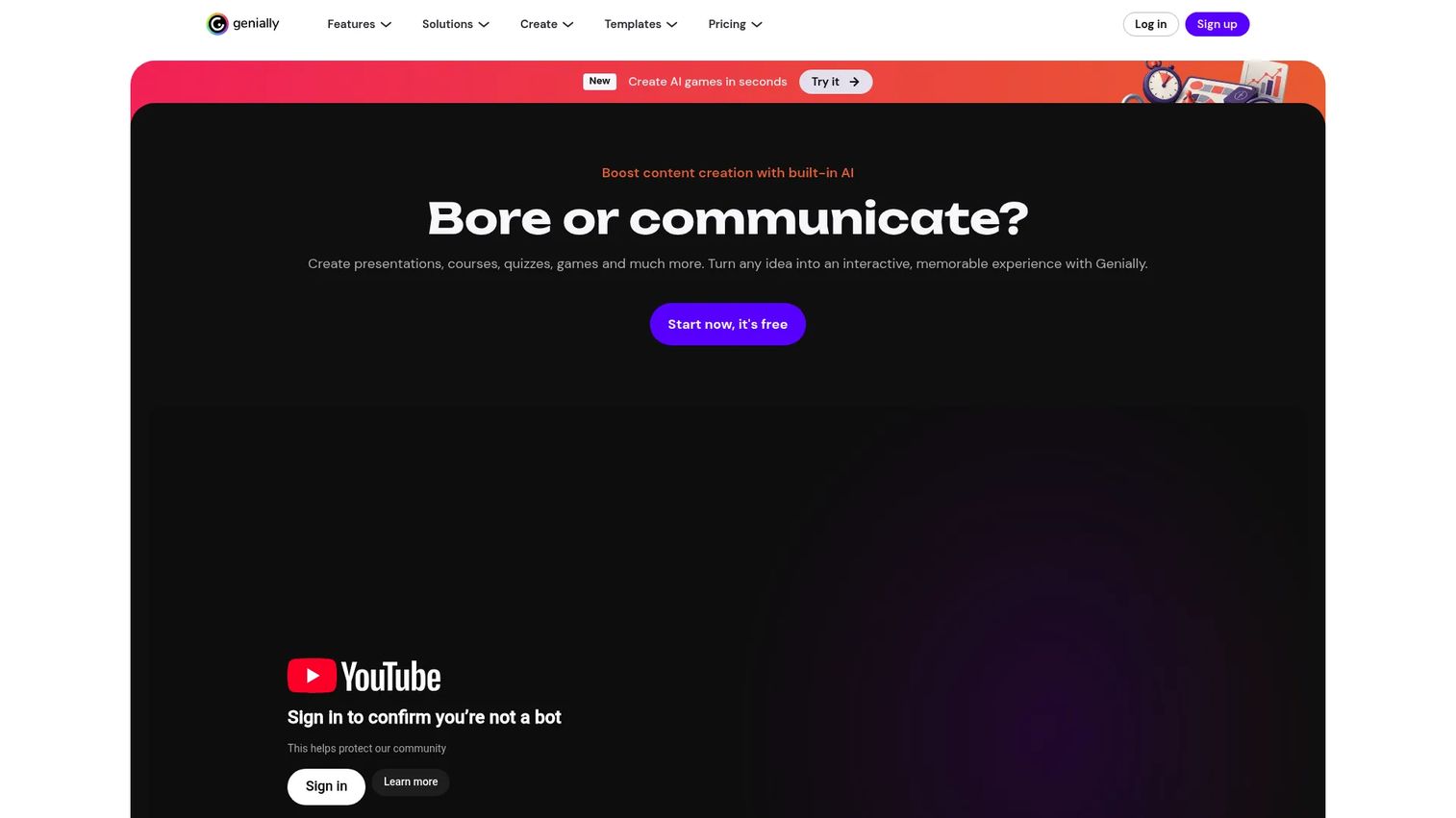
Genially is a no-code platform for interactive presentations, infographics, games, quizzes, microsites, and learning content. It has a broad format library and strong template catalog, making it useful for teams that need visual interactivity fast without a design background. It is particularly popular in education and training, but marketing teams use it for campaign visuals, event content, and interactive brand assets.
Best for: Teams creating broad interactive visual content, from campaign presentations to lightweight educational assets.
Key features
- Interactive presentations and infographics with animations
- Quizzes, games, and branching scenarios
- AI-powered content and image generation
- SCORM and LTI integrations for LMS delivery
- Real-time collaboration and analytics
Why choose Genially: Genially fits when you need broad creative flexibility and fast publishing without deep lead-gen logic. It is better suited for visual participation and audience engagement than for complex segmentation or product-experience demos.
Genially pricing: Free plan available. Pro costs €6/month on annual billing, Master €20/month, and Author €40/month. Enterprise pricing is custom.
G2 rating: 4.6/5
8. Turtl
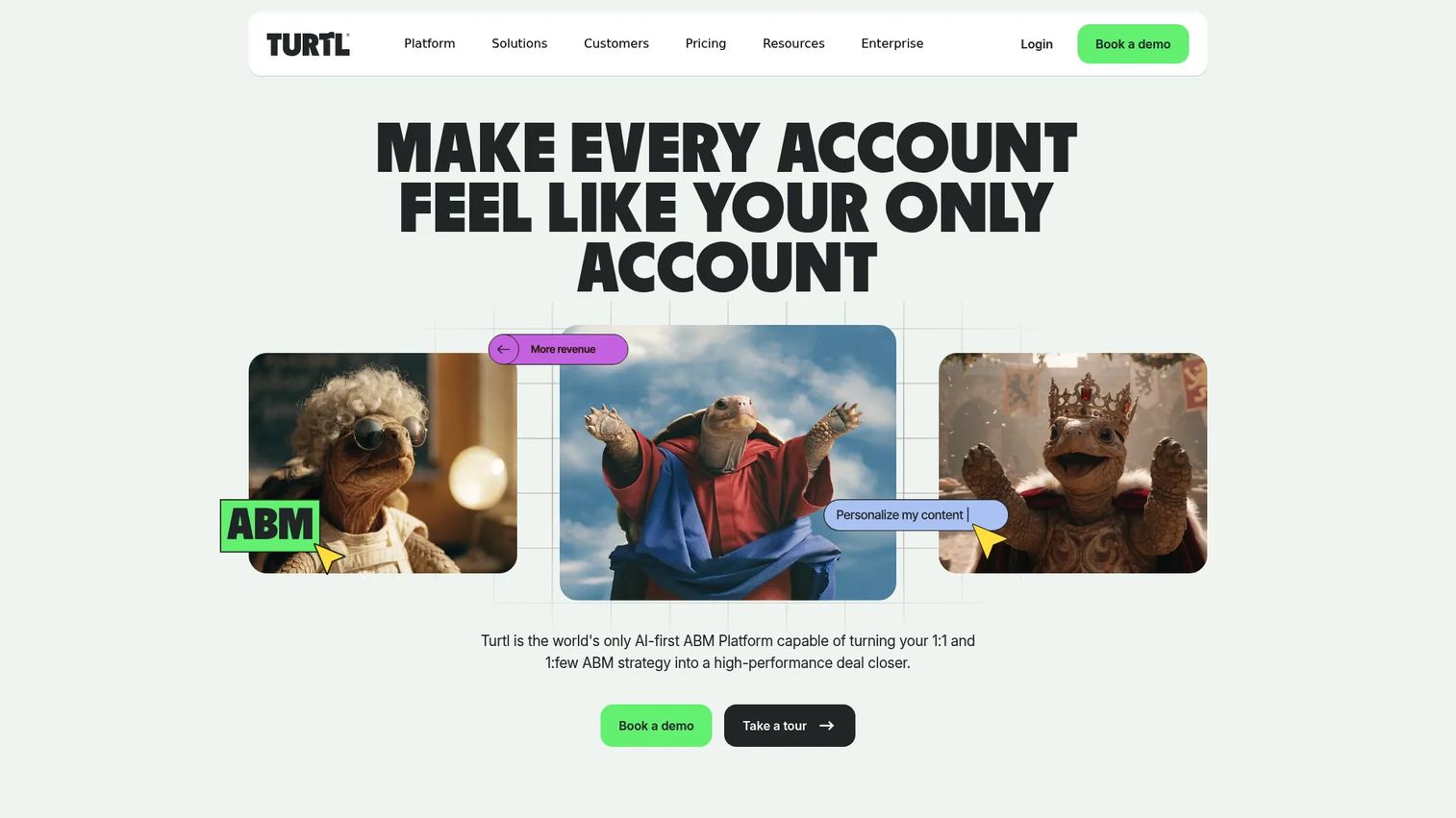
Turtl is an AI-first content platform for creating personalized interactive documents, digital reports, ebooks, and content hubs with account-level engagement analytics. It is built for enterprise ABM, demand generation, and sales teams that need to understand which content influences revenue at the account level. Its Personalization Engine adapts content by account, and its Hatch AI Revenue Agent connects content activity to pipeline signals.
Best for: B2B marketers turning long-form content assets into measurable, account-level engagement journeys.
Key features
- Interactive digital documents with personalization
- Account- and contact-level engagement analytics
- CRM and marketing automation integrations
- Hatch AI Revenue Agent for content-to-pipeline attribution
- Landing pages and PDF publishing
Why choose Turtl: Turtl is the right tool when you have strong content assets (reports, whitepapers, ebooks) and want to measure how individual accounts consume them. It is less suited for top-of-funnel campaigns that need quick quiz or calculator mechanics. For best content marketing tools with deep account analytics, Turtl sits in its own category.
Turtl pricing: Adopt AI, Grow AI, and Scale AI packages are available on annual subscription. All pricing requires a sales conversation.
G2 rating: 4.4/5
9. Flourish
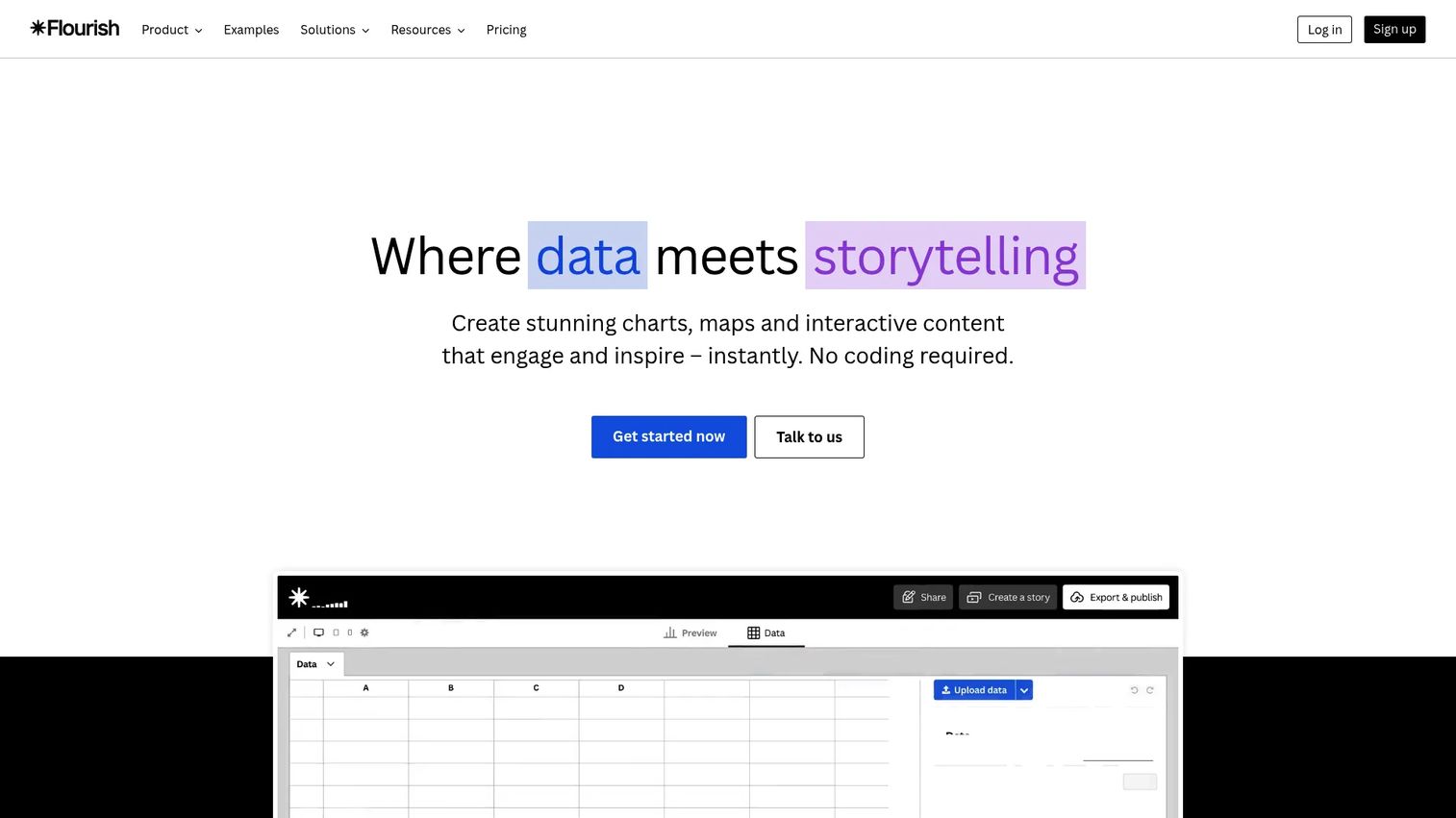
Flourish is a no-code platform for creating interactive data visualizations, maps, and scrollytelling data stories. It is used by publishers, content teams, and data-driven marketers to turn spreadsheet data into interactive charts and maps that readers can explore. Live data connections via Google Sheets or CSV mean the charts update automatically. It also integrates with Canva and PowerPoint.
Best for: Marketers and content teams publishing data-backed stories, research pages, or interactive visual reports.
Key features
- 50+ interactive chart and map templates
- Scrollytelling story builder
- Live data connections via Google Sheets and CSV
- Canva and PowerPoint integration
- AI-powered Flourish Assistant
Why choose Flourish: Flourish is the strongest choice when data is the content and exploration is the engagement mechanic. It is not a lead-gen suite by itself, so pair it with landing pages or forms where lead capture matters. For teams comparing best data visualization tools, Flourish consistently ranks near the top.
Flourish pricing: Free plan includes unlimited projects and public publishing. Presenter tier is included with Canva Business or Enterprise. Publisher and Enterprise tiers use custom contracts.
G2 rating: 4.9/5
10. Thinglink

Thinglink is an immersive content creation platform that adds clickable hotspots to images, videos, 360-degree media, and 3D models. Users click hotspots to reveal text, links, videos, or embedded media. Marketing use cases include interactive product visuals, virtual tours, field-training content, and educational explainers on campaign pages.
Best for: Teams wanting to add an interactive layer on top of existing visual assets including images, video, or 360-degree media.
Key features
- Clickable hotspots across images, video, and 360 media
- AI-powered Scenario Builder for immersive experiences
- Delivery across web, mobile, iOS, Android, VR, and AR
- LMS, LTI, xAPI, and SSO integrations
- Performance and learner analytics
Why choose Thinglink: Thinglink works best when the interactive experience is a media layer, not a campaign format in itself. It is strong for location, product photography, training, and virtual-tour content. Teams with fully produced visual assets benefit most.
Thinglink pricing: Create Starter runs $66/month on annual billing or $99/month on monthly billing. Team plans start at $500/month. Business starts at $1,500/month. No permanent free tier is offered, though free trials are available.
G2 rating: 4.1/5
11. Apester
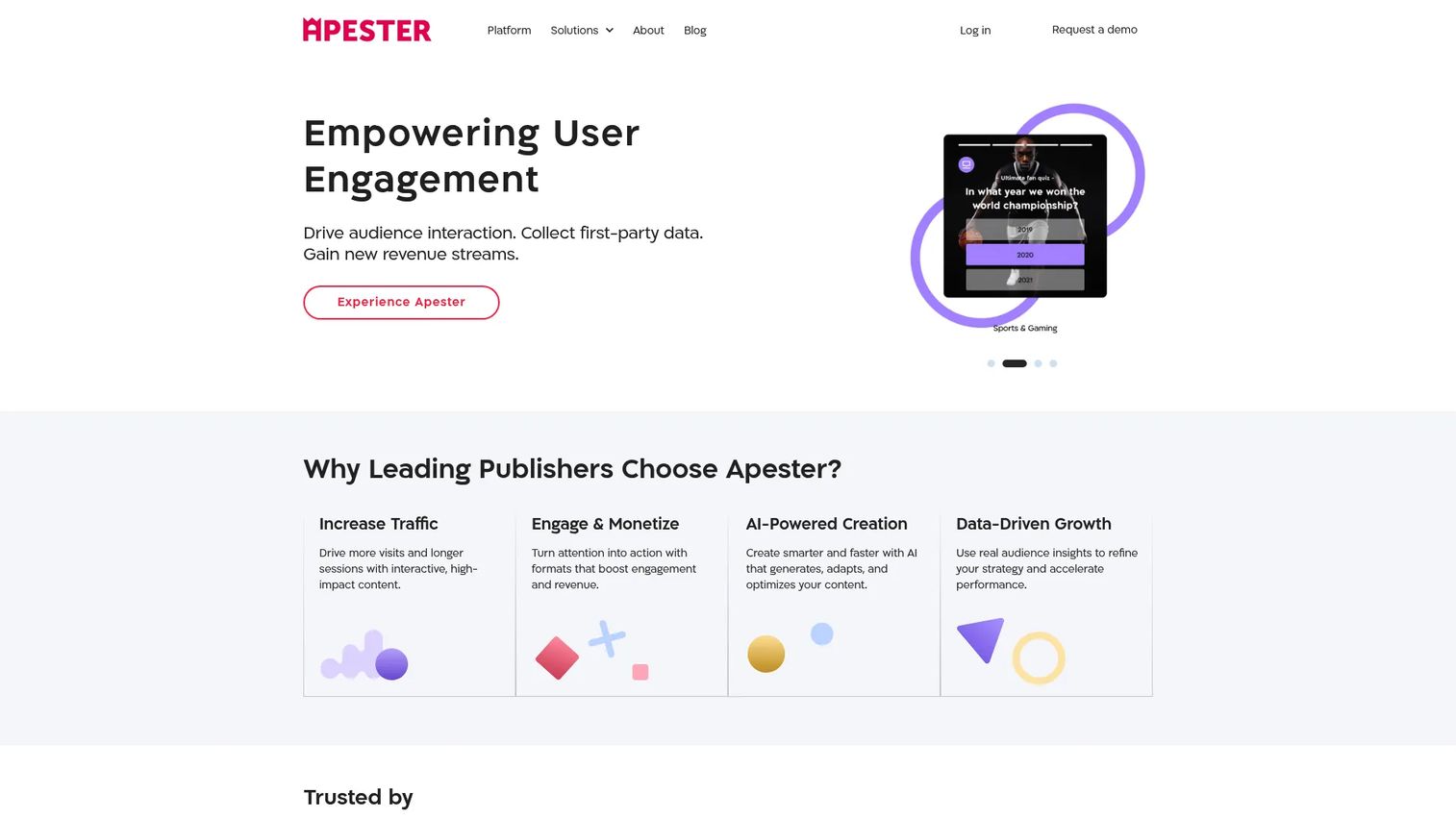
Apester is an interactive digital experience platform for publishers, brands, and media-style marketing teams. It creates polls, quizzes, surveys, landing pages, and web stories that run on websites, blogs, and social channels. It collects first-party and zero-party audience data and supports segmentation, personalization, and retargeting through integrations with CDPs, DMPs, and CRM systems.
Best for: Publishers and media-style marketing teams building polls, quizzes, and audience engagement widgets at scale.
Key features
- Polls, quizzes, surveys, and web stories
- Zero-party and first-party data collection
- Multi-channel distribution across web and social
- Audience segmentation and retargeting integrations
- CDP, DMP, and CRM connections via native API
Why choose Apester: Apester fits editorial and publishing workflows well. For B2B demand gen teams whose primary output is campaign-level lead qualification, the lack of visible pricing and self-serve trials may require a longer evaluation process.
G2 rating: 4.5/5
12. Mapme
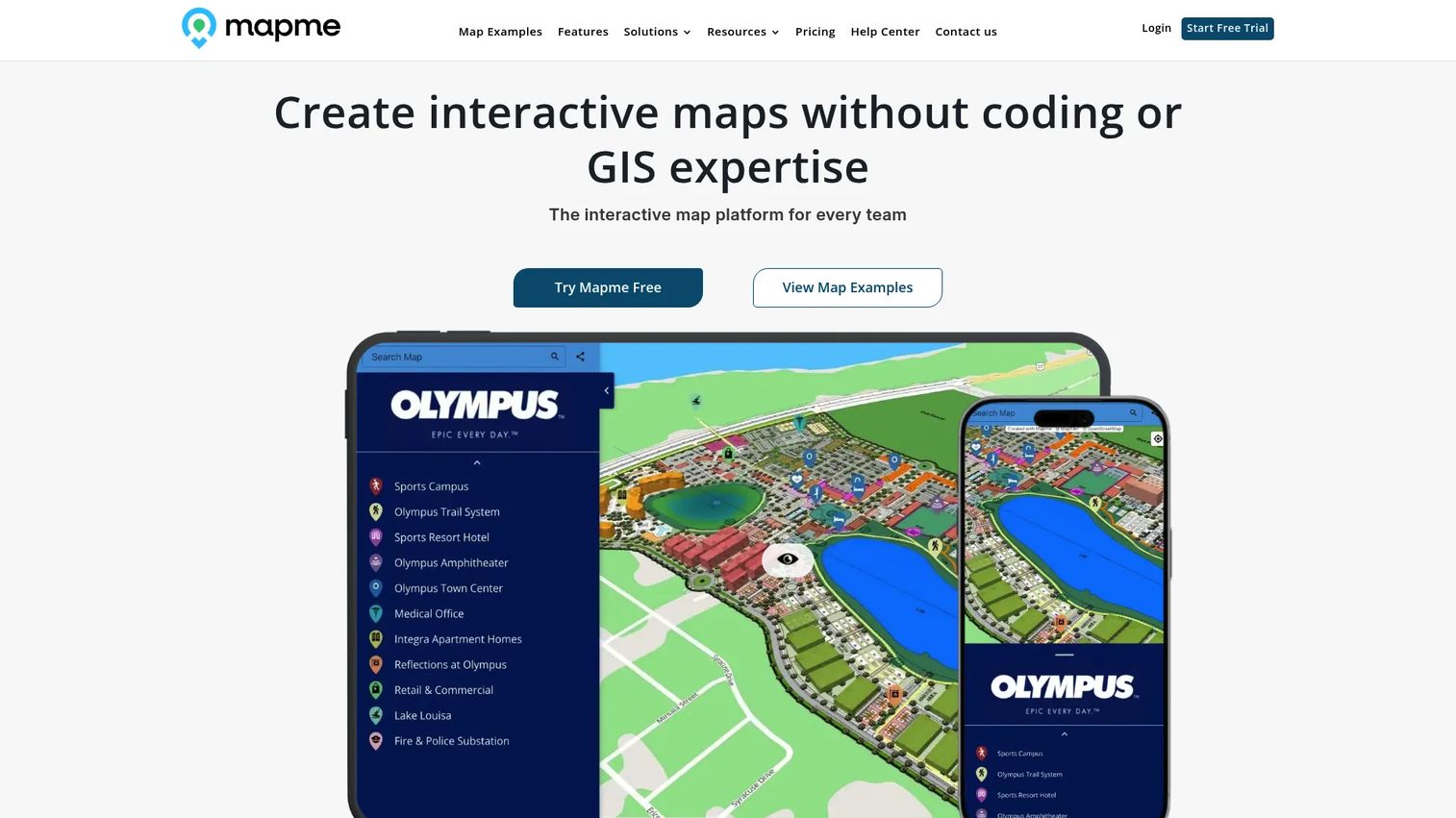
Mapme is a no-code platform for building and publishing interactive maps. Marketing teams use it for location directories, event guides, regional campaign pages, partner maps, campus guides, and community resources. Data can be imported from Excel, CSV, Google Sheets, or via AI-assisted input. Maps embed on websites and support custom markers, filters, search, and walking directions.
Best for: Teams building location-based interactive content where geography is central to the story or campaign.
Key features
- Interactive map creation with custom markers and categories
- Data import from CSV, Excel, and Google Sheets
- Filters, search, and radius tools for directory use cases
- 3D buildings, terrain, and globe view options
- Team collaboration, permissions, and analytics
Why choose Mapme: Mapme is a specialized tool. It solves the "we need an interactive map" job well and without development work. It is not a broad interactive content suite, so evaluate it only when location is the primary content dimension.
Mapme pricing: Starter costs $50/month. Professional runs $90/month. Expert costs $180/month. Enterprise pricing is custom. A 14-day free trial is available.
G2 rating: 4.6/5
13. Calculoid
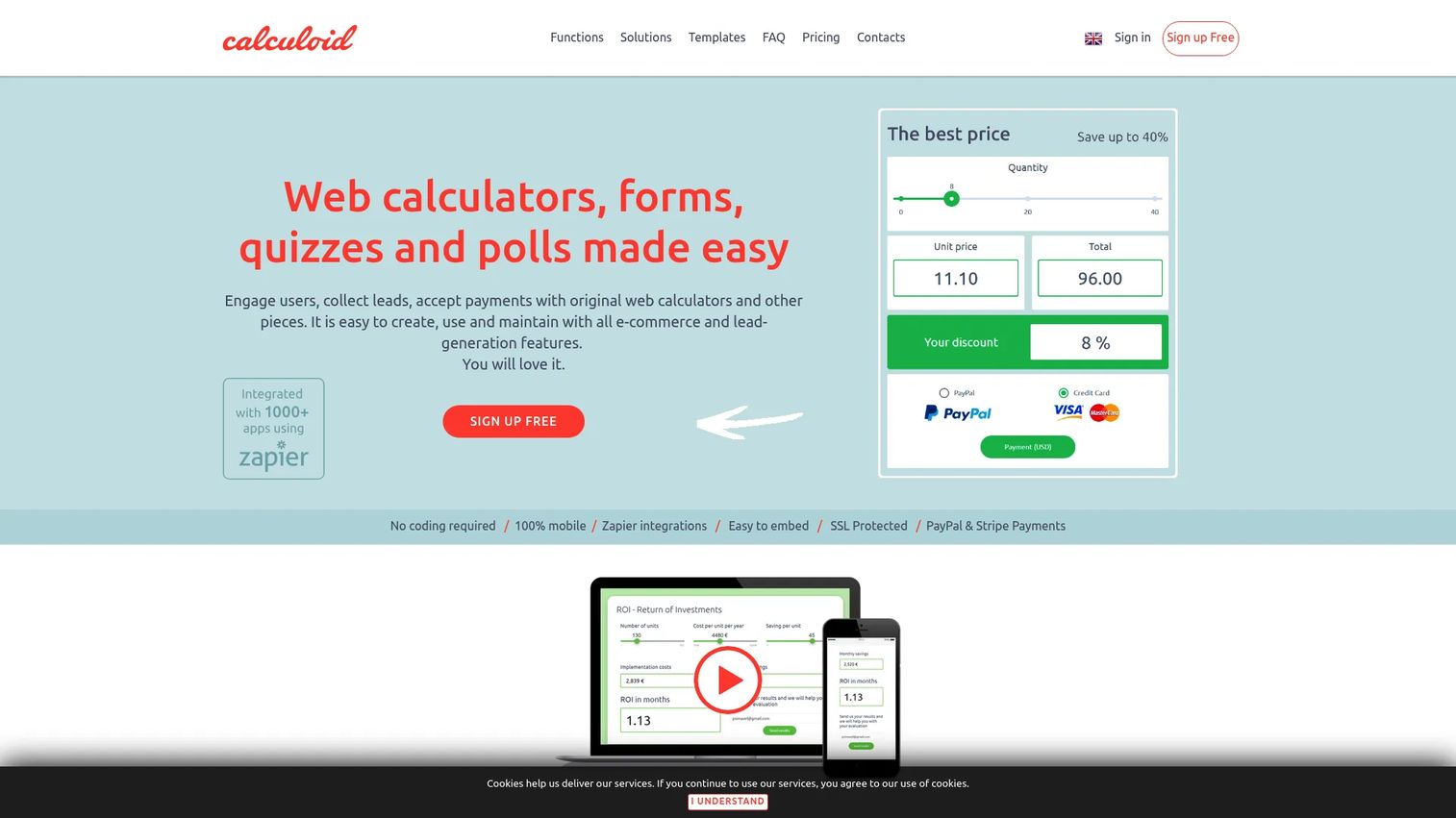
Calculoid is a no-code platform for creating embeddable interactive calculators for websites. Marketers use it to build ROI calculators, pricing estimators, savings calculators, and quote forms that capture leads alongside the calculation result. The formula builder uses Excel-like logic, and finished calculators embed via code or iframe on any page.
Best for: B2B marketers who need calculator-led lead generation where a number motivates the visitor to act.
Key features
- No-code drag-and-drop calculator builder
- Excel-like formula logic for custom calculations
- Lead capture tied to submitted calculation results
- PayPal and Stripe payment fields for quote flows
- Zapier integrations and SSL protection
Why choose Calculoid: Calculoid performs best when the team already knows what the calculation should be, such as an ROI model or a pricing formula. It is a focused tool for one job, and it does that job without the overhead of a broader interactive content platform.
Calculoid pricing: Free plan includes 500 monthly views. Lead generation plan starts at $19/month. High traffic and E-commerce plan costs $39/month. Agency plans start at $99/month.
14. Stornaway.io
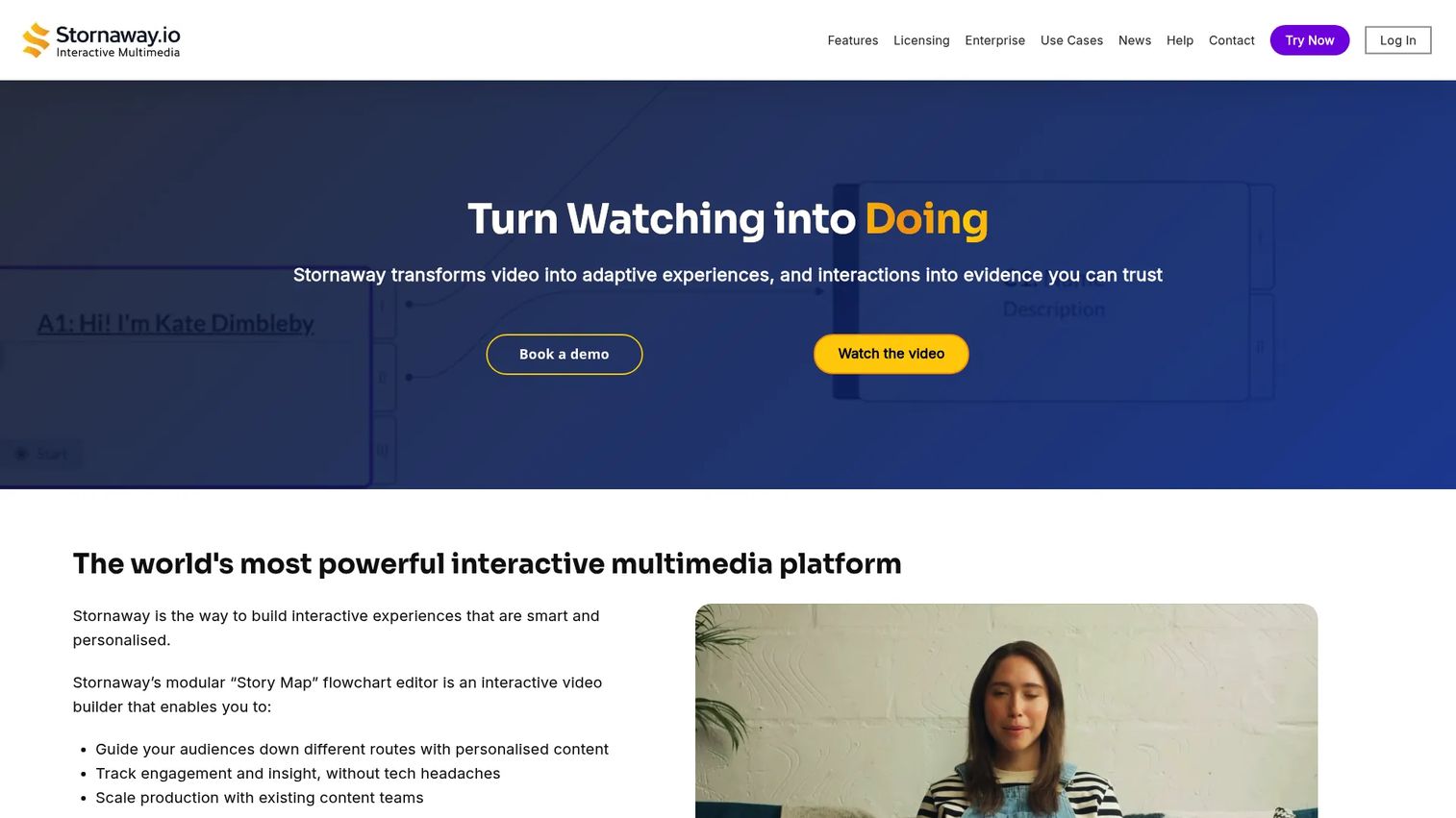
Stornaway.io is a no-code platform for creating adaptive, branching interactive video and multimedia experiences where viewers choose their path. Teams use it for interactive training, product education, marketing video campaigns, and simulations that adapt based on viewer decisions. Its Story Map editor provides a visual canvas for building and testing branching logic before publishing.
Best for: Teams creating interactive video stories, training scenarios, or recruitment experiences where viewer choice drives the narrative.
Key features
- No-code Story Map authoring for branching video
- Interactive multimedia design editor with live playtesting
- Viewer analytics and engagement tracking
- LMS, LRS, CRM, and analytics system integrations
- Collaboration tools for team production
Why choose Stornaway.io: Stornaway.io fits when the experience should feel like an interactive film or scenario, not a static video with a form at the end. It is a good choice for product education or recruitment campaigns where viewer agency matters. For the best interactive demo tools comparison in the product experience category, Guideflow is the stronger fit for SaaS marketers.
Stornaway.io pricing: Pricing is shaped through a licensing consultation. Teams contact Stornaway.io to discuss deployment scale, integrations, and support requirements.
15. Infogram
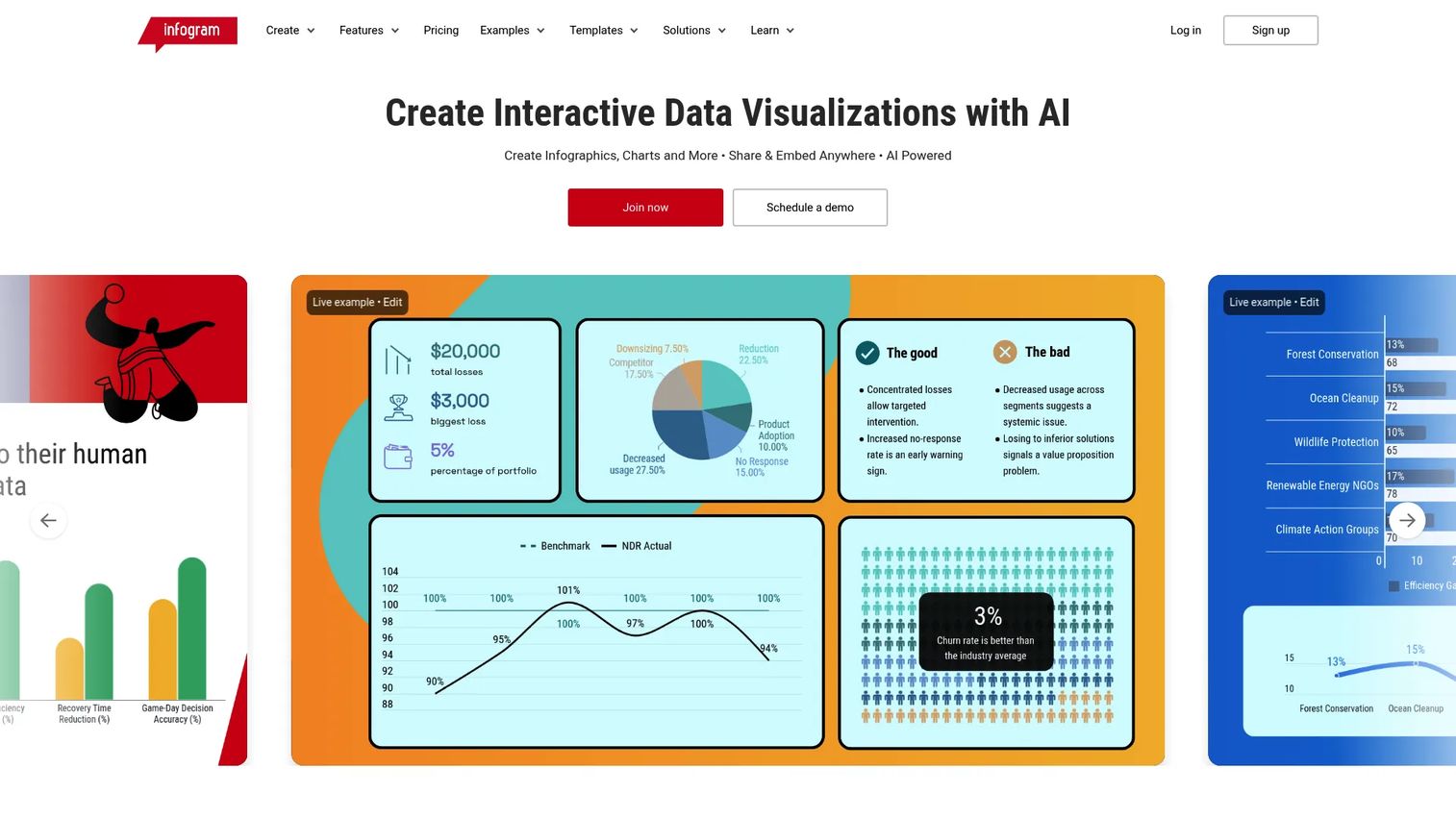
Infogram is an AI-powered platform for creating interactive data visualizations, infographics, charts, maps, dashboards, and reports. It is built for content marketers, analysts, and teams that produce data-backed assets for campaigns, editorial pages, social media, and client reports. It offers 35+ customizable chart types, 800+ maps, live data connections, and real-time collaboration.
Best for: Marketers creating interactive infographics, visual reports, and branded data assets from existing datasets.
Key features
- 35+ interactive and animated chart types
- 800+ map templates with geographic data
- AI-assisted chart suggestions and content generation
- Live data connections and embedding
- Real-time team collaboration and engagement analytics
Why choose Infogram: Infogram is easier for business users to pick up than more developer-oriented visualization tools. It fits content teams that need to produce branded, polished data visuals regularly. It is report-style content rather than lead capture, so pair it with a landing page or form tool when pipeline data matters.
Infogram pricing: Basic plan is free. Pro starts at $19/month on annual billing. Business costs $67/month, Team costs $149/month, and Enterprise pricing requires a sales conversation.
G2 rating: 4.7/5
Considerations when choosing interactive content marketing software
Match the format to the campaign job
Interactive content is not one category. A demo, a calculator, a quiz, and a map each invite a different visitor behavior. Before evaluating tools, name the specific action you want the visitor to take: Explore a product, answer a question, calculate an outcome, watch and choose, or navigate data. The format determines the tool, not the other way around.
Check what the tool actually captures
A click is useful only if the team can act on it. Evaluate whether the tool collects lead data with identifiable fields, tracks completion and drop-off at a step level, identifies visitor accounts, syncs to CRM, and exports analytics. Some tools give you engagement dashboards but no route into your marketing automation stack.
Evaluate production dependency
Growth marketers need speed. Check whether a marketer can build, update, and republish content without waiting for design or engineering. The best tools in this category let a single marketer own the full workflow from capture to publish. Tools that require agency production or developer support add cycle time that kills campaign velocity.
Test distribution and embedding
The tool should work where campaigns already run. Verify that embeds work on your landing page builder, CMS, and email platform. Check whether the tool supports sharing via public link, ad embed, in-app placement, and sales follow-up. A great interactive experience that only lives on the tool's hosted domain limits your distribution options.
Model the cost at scale
Pricing can jump significantly when usage grows. Before committing, check the per-seat model, monthly view or submission limits, branding control tier requirements, and what analytics or integration features are gated to higher plans. The right question is not "what does this cost today" but "what does this cost when we run 10 campaigns and add three more team members."
Conclusion
The right interactive content marketing software depends on the behavior you want from your visitors. If the goal is interactive product experience, Guideflow is where to start. For quizzes and assessments, Outgrow handles most lead-gen use cases at accessible price points. Typeform is the cleanest option for forms and surveys with conditional paths. Flourish and Infogram both serve data visualization well at different price levels. For immersive storytelling, Shorthand, Ceros, or Turtl fit different team sizes and content types.
Growth marketers ask "does this replace something we already pay for?" The answer here is probably yes for one or two tools on this list, depending on what static formats you are already using. Each tool in this list serves a distinct interactive format, so overlap is minimal across the full set.
Choose based on what you need the visitor to do next: Explore, answer, calculate, watch and choose, or navigate data. That decision makes the rest of the evaluation much shorter.
If your interactive content needs to show the product itself, start with Guideflow. Build a self-serve product experience, embed it in your next campaign, and measure what buyers explore before they talk to sales.
Start your journey with Guideflow today!
FAQs
Interactive content marketing software is a category of tools that help marketers create digital experiences users can click, answer, explore, or navigate rather than passively read or watch. Examples include product demos, quizzes, calculators, interactive video, scrollytelling pages, maps, and data visualizations. Marketers use these tools to increase engagement and collect behavioral intent data that static content cannot provide.
The answer depends on the content format. For interactive product experiences where the buyer explores the actual product, Guideflow is a strong fit. For lead qualification through quizzes and calculators, Outgrow or Calculoid cover most use cases. For interactive data reports and account-level content analytics, Turtl is built specifically for B2B demand gen. Most teams end up using two or more tools across different campaign formats.
Interactive content collects behavioral and declared data alongside the lead's contact information. A calculator input reveals what the visitor values, a quiz answer reveals their challenge or segment, and a demo path reveals which features they care about. That behavioral context helps marketing teams score leads more accurately and helps sales teams prioritize follow-up based on what the buyer actually explored.
The most effective formats depend on the campaign goal. ROI calculators and assessments drive lead capture in demand gen. Interactive product demos qualify buyers before sales calls. Quizzes and surveys collect audience data for segmentation. Interactive reports and scrollytelling pages increase time-on-page for content campaigns. Interactive video drives engagement on product and campaign pages. The format that works best is the one that matches the action you want the visitor to take.
Prioritize fast publishing without engineering support, analytics that connect to CRM, and distribution that works across campaigns already running. CRM and marketing automation integrations matter more than front-end feature lists, because the value of interactive content comes from acting on the behavior data, not just collecting it. Also check how pricing scales with team size and usage volume before committing.
Yes, when used in campaigns, landing pages, email nurtures, event follow-ups, or product education sequences. An interactive product demo lets a buyer experience the product directly, which is a fundamentally different engagement model than a quiz or article about the product. The behavior data from a demo (which features the buyer explored, where they spent time, and where they dropped off) is some of the most actionable intent signal a marketing team can collect.
Use a quiz or calculator tool when you need declared data: Answers, preferences, or segments the visitor provides. Use a demo tool when the buyer needs to understand the product and you want behavioral data about what they explored. Use an interactive video tool when the story, the presenter, or a shoppable path is the engagement mechanic. The deciding factor is what you want the visitor to do, not which tool has the longest feature list.
Pricing varies significantly across this category. Tools like Guideflow, Outgrow, Typeform, Genially, Flourish, Calculoid, and Infogram all offer free plans or low-cost entry tiers for smaller teams. Tools like Shorthand, Ceros, Turtl, Apester, and Stornaway.io price by quote and require a sales conversation. When evaluating cost, check what analytics, branding controls, and CRM integrations are included at each tier, since those features are often gated to paid plans.