You updated the help article last month. The interface changed yesterday. Now agents are pasting the same explanation into tickets again.
Choosing demo software for support teams starts with that recurring workload. Customers need to understand the task in front of them. Your CSMs need time for account strategy instead of another setup explanation.
The stakes extend beyond the queue. PwC reported in 2025 that 52% of U.S. consumers stopped buying from a brand after a poor product or service experience.
Customer support demo software gives users something they can follow at their own pace across help articles, onboarding, SOPs, and feature education. For support ticket deflection, the useful question is whether customers complete the task afterward.
Before buying ticket deflection software, identify the missing capability. Creating instructional content, delivering contextual help, and managing a billing ticket are different jobs.
What’s inside
This guide compares 11 options for support leaders and customer success teams responsible for education and adoption.
The shortlist spans dedicated demo creation, service platforms, in-app guidance, and customer portals. Selection centers on four practical criteria:
- Content production and maintenance: How you create instructions and keep them aligned with product releases
- Delivery: Whether education belongs in help articles, ticket replies, onboarding workspaces, or the application
- Measurement: Visibility into completion and subsequent support or adoption outcomes
- Operational fit: Connections to existing systems, pricing structure, and account context
Each entry distinguishes the tool’s primary job from its supporting role in customer education.
TL;DR
- Best overall for support demo automation: Guideflow creates reusable interactive demos for help centers, SOPs, onboarding, and customer training.
- Best for help desk operations: Zendesk connects ticket handling with knowledge content and automated service workflows.
- Best for B2B account context: TeamSupport connects support activity with customer intelligence and distress signals.
- Best for CRM-connected service: HubSpot Service Hub suits HubSpot-based operations; Salesforce Service Cloud fits enterprise service workflows.
- Best for in-app education: Userpilot, Appcues, Userflow, and Pendo address onboarding and adoption inside the product.
- Best for organizing education: Dock supports customer onboarding portals. Tourial provides interactive content creation for self-service support demos and broader product education.
What is demo software for support teams?
Demo software for support teams helps customers understand product tasks through visual or interactive experiences that support self-service resolution and learning.
The category contains distinct approaches. Dedicated interactive demo software creates clickable product experiences for help articles, SOPs, onboarding, and training. Service platforms manage the surrounding support operation. In-app guidance software delivers assistance within the application, while customer portals organize resources alongside implementation work.
These differences matter when comparing budgets. A help desk subscription and a demo creation subscription fund different responsibilities. Product demos for support teams can sit alongside ticketing rather than replace it.
Interactive demos for customer support offer a fundamentally different engagement model from screenshots and recorded video. Customers participate in the sequence and control their progress. Teams can inspect engagement instead of relying solely on article views.
Demo centers organize education across onboarding, feature adoption, partner enablement, and internal training. Sandboxes support open exploration for customer training, technical validation, partner certification, and advanced feature evaluation.
Look for these capabilities in support demo software:
- Product capture and no-code editing
- Help center embeds and shareable links
- Completion rate and drop-off step reporting
- Customer-segment personalization and sensitive-data controls
- Connections to existing customer systems
Evaluate those features against your operating process. For example, an administrator configuring permissions needs different instructions from an end user exporting a report. Distribution and segmentation should reflect that distinction.
SOP demo software generally means interactive demos used for support and SOPs, rather than a separate product category. The same approach can support employee instruction and customer-facing procedures.
Product education software also needs an owner. Assign responsibility for each asset and define which product changes trigger review. A reusable explanation earns its place when agents can find it and customers can apply it.
When to use demo software for support teams
Deflect repetitive “how do I?” tickets
Start with questions that agents answer using the same sequence repeatedly. Publish help center interactive demos for account setup, feature education, SOPs, and customer training.
Place links in support macros and onboarding emails where those questions arise. Compare subsequent contacts against a baseline, rather than counting every view as tickets deflected.
Keep support content current after releases
Stale screenshots can leave customers searching for a button that moved. Include content review in the release process whenever navigation or task order changes.
During evaluation, test how the editor handles replacement screens and sensitive information. Ask the person maintaining documentation to perform the update.
Train customers without adding more calls
Customer onboarding demo software can support admin configuration, feature adoption, internal procedures, and renewal education. Customer education demos give CSMs reusable material between scheduled conversations.
Track whether participants complete the featured task inside your product. Use that outcome alongside completion data to decide who needs personal assistance.
Demo software for support teams comparison
This comparison separates content creation from service operations and in-app adoption. Choose the category first, then compare vendors within the workflow you need.
Guideflow leads for reusable product education across support channels. The service platforms below address ticket management and customer context. Adoption tools bring instruction into the application, while Dock organizes customer-facing work.
Pricing reflects the supplied vendor research dated November 24, 2026. Annual rates are labeled; they are monthly equivalents unless stated otherwise.
G2 seller ratings are identified separately from product ratings. Empty rating cells contain no score because the research did not establish one.
| # | Product | Best for | Key use case | Pricing | G2 rating |
|---|---|---|---|---|---|
| 1 | Guideflow | Support demo automation | Help centers, SOPs, onboarding, customer training | Free; Solo from $35/month annually | 5.0/5 |
| 2 | Zendesk | Help desk operations | Ticket handling and knowledge-based self-service | From $19/agent/month annually | 4.3/5, seller |
| 3 | TeamSupport | B2B account-aware support | Customer distress signals and account context | From $45/month annually | 4.4/5, seller |
| 4 | HubSpot Service Hub | CRM-connected support | Shared customer context and service workflows | Free; Starter from $7/seat/month annually | |
| 5 | Salesforce Service Cloud | Enterprise service operations | Case management and configurable service processes | From $25/user/month | 4.4/5 |
| 6 | Userpilot | Product-led onboarding | Behavioral analytics and in-app education | Starter $299/month | 4.6/5 |
| 7 | Appcues | Targeted in-product engagement | Onboarding experiences and adoption campaigns | Grow from $9,000/year | 4.6/5 |
| 8 | Userflow | No-code onboarding | Contextual flows and onboarding checklists | From $240/month annually | 4.8/5 |
| 9 | Pendo | Analytics-led education | Usage analysis connected to in-app guidance | Free; paid plans use custom pricing | 4.4/5 |
| 10 | Dock | Customer onboarding portals | Education resources alongside implementation tasks | Free; Standard $350/month | 4.6/5, seller |
| 11 | Tourial | Interactive product stories | Self-service education, onboarding, feature instruction | Custom pricing for Engage and Scale |
Best 11 demo software tools for support teams
1. Guideflow
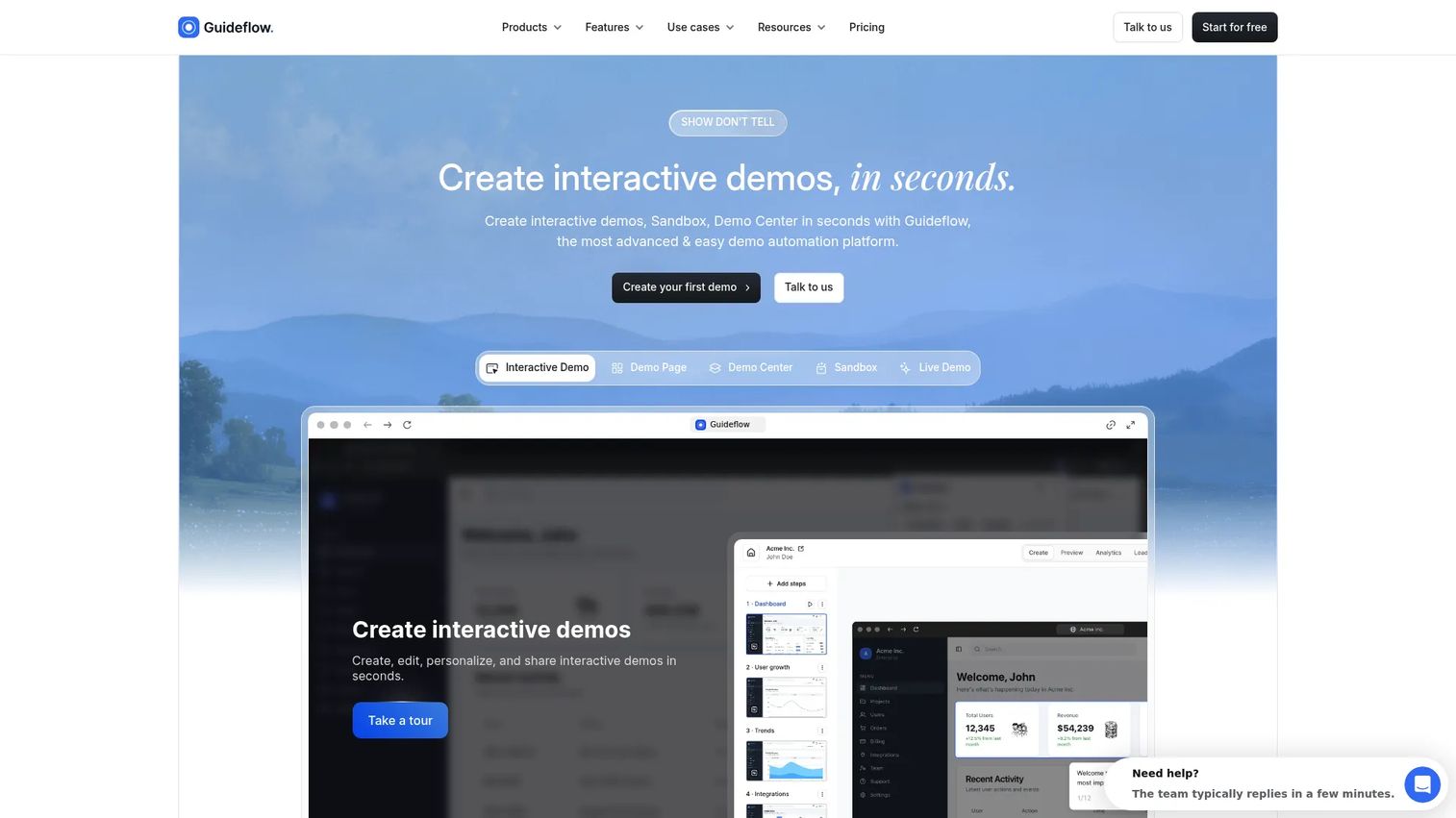
Guideflow is a demo automation platform for creating interactive product experiences without code. Support teams can capture workflows and publish reusable education across help articles, support replies, SOPs, and customer training. Its editor supports personalization and branding, with sharing through links or embeds.
For CSMs, the practical starting point is a recurring task customers need to understand before the next meeting. Create the explanation once, distribute it through existing touchpoints, and review where participants stop.
The suite supports several complementary approaches. Demo centers organize onboarding, feature education, partner resources, and internal training. Sandboxes give customers freedom for advanced workflow practice, technical evaluation, partner certification, and feature exploration.
Live demos support training sessions, renewal discussions, technical deep-dives, and executive briefings. Mobile demos serve app onboarding, mobile-specific support, field meetings, and messaging outreach.
Best for: Support and CS teams seeking interactive demo software for support teams across documentation, onboarding, SOPs, and ongoing education.
Key features
- Screenshot, HTML, and video capture
- No-code editing and customer personalization
- Help center embeds and shareable links
- Completion and drop-off analytics
- Branching paths and contextual calls to action
Why choose Guideflow: It fits teams replacing repeated explanations with reusable product instruction across their customer lifecycle. Step-level behavior helps identify where to improve the content or offer assistance.
Guideflow pricing: Free plan available; Solo costs $40/month monthly or $35/month billed annually. Annual plans include Growth at $499/month and Advanced at $1,499/month; Enterprise uses custom pricing.
G2 rating: 5.0/5.
Start your journey with Guideflow today!
2. Zendesk
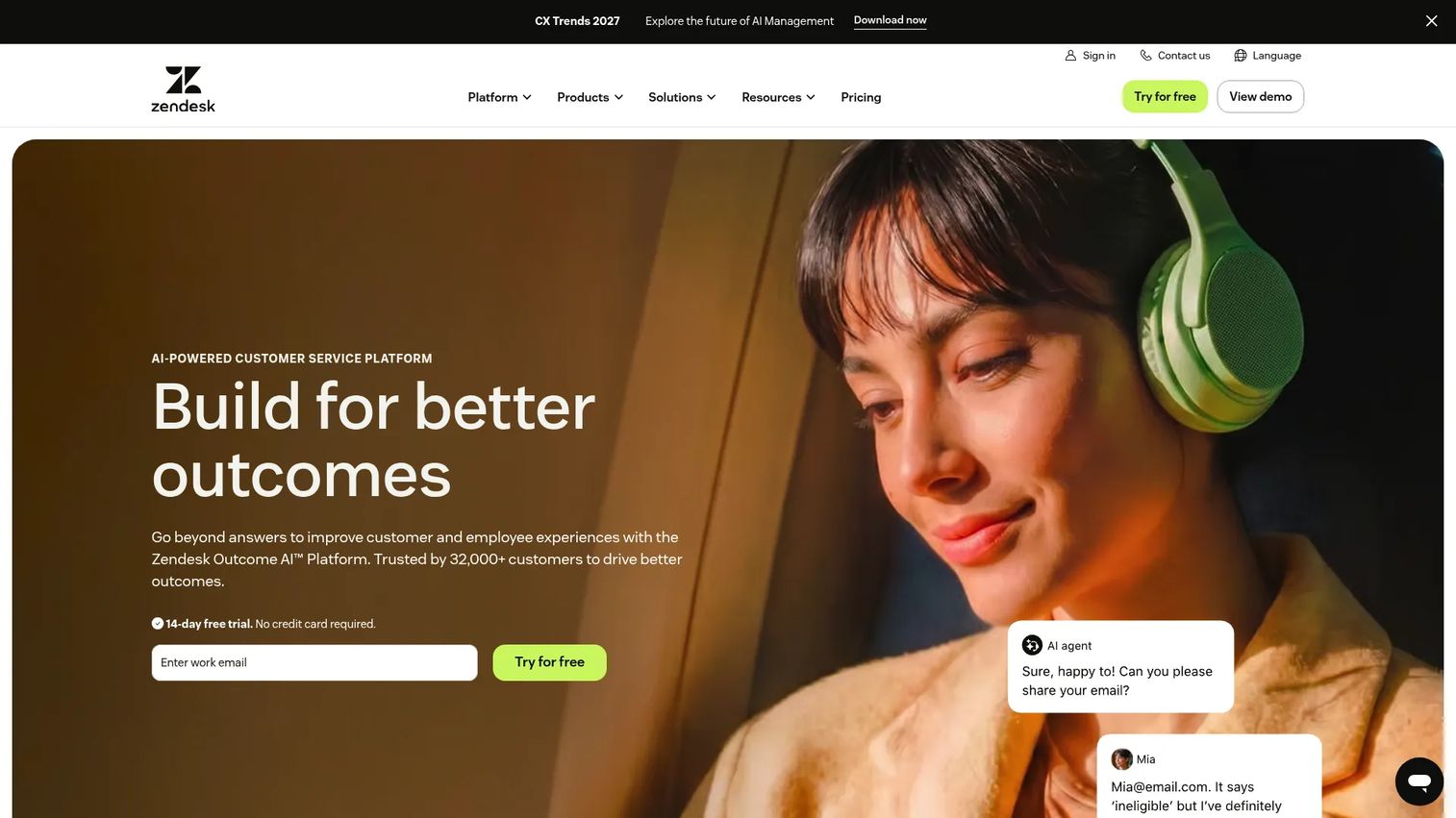
Zendesk manages customer support across channels, including ticketing and automated service workflows. Its knowledge base and AI agents support self-service alongside human assistance. This makes it a service-platform choice within the shortlist, rather than a dedicated product-demo authoring tool.
For a CSM, the evaluation should follow an escalation from customer question to agent resolution. Inspect how the team retrieves context and decides whether the issue needs specialist involvement.
Help center interactive demos can complement this environment across troubleshooting, onboarding, SOPs, and feature education. Evaluate the placement separately from the system responsible for ticket handling.
Best for: Support organizations replacing or expanding their help desk and self-service infrastructure.
Key features
- Ticketing and omnichannel routing
- AI agents and knowledge base
- Triggers, macros, and service-level agreements
- Messaging, live chat, and telephony
- Support analytics dashboards
During a trial, use an anonymized issue from your queue. Ask agents to find the relevant knowledge content and explain the handoff process. That exercise is more useful than watching a generic help desk demo software presentation.
Why choose Zendesk: Choose it when the operational bottleneck is handling support demand across channels. Dedicated instructional content can sit alongside that service workflow.
Zendesk pricing: Support Team costs $19/agent/month annually or $25 monthly; Suite Team costs $55 annually or $69 monthly. A 14-day trial is available.
G2 rating: 4.3/5, Zendesk seller rating.
3. TeamSupport
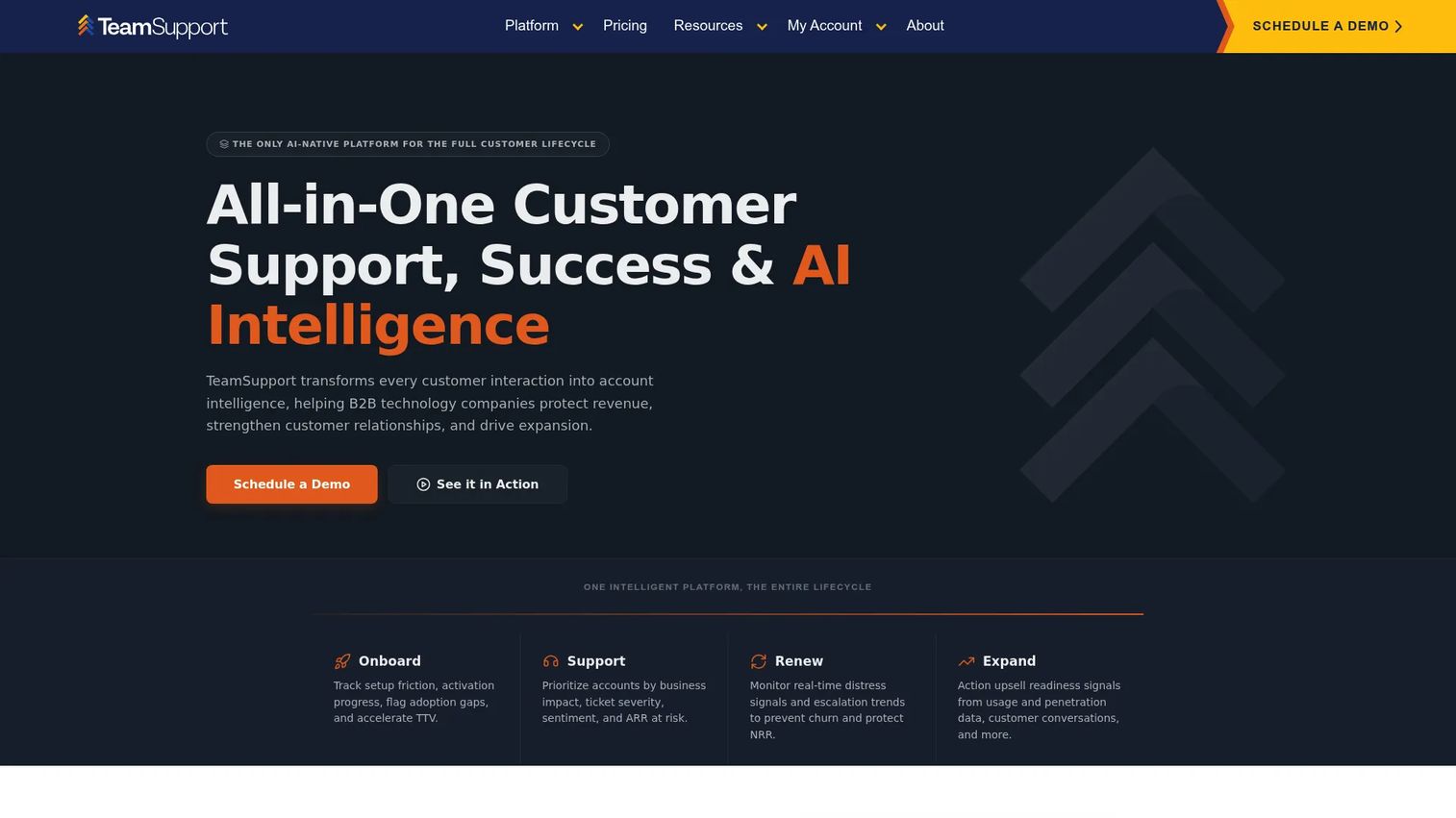
TeamSupport combines B2B customer support with onboarding and customer intelligence. Account-level distress signals help teams interpret support activity beyond an individual request. Its self-service capabilities include a customer portal and knowledge resources.
This account perspective matters when several employees contact support about related problems. A CSM evaluating retention risk needs to understand whether those requests reflect isolated confusion or a wider adoption issue.
Use the buying process to test that distinction. Bring an account scenario involving recurring setup questions and a separate technical escalation. Ask how each becomes visible to the person responsible for customer health.
Best for: B2B support and success teams that need shared account context around service activity.
Key features
- Account-level customer intelligence
- Customer distress signals
- AI-assisted support workflows
- Customer portal and knowledge base
- Playbooks and automation
TeamSupport belongs on the shortlist when education decisions require an account-level view. For example, the appropriate response might be targeted training for administrators rather than another identical ticket reply.
That is a different purchase from a standalone content creator. Define who will act on customer signals before adding another reporting surface.
Why choose TeamSupport: Its account-aware approach suits organizations connecting support operations with retention work. Evaluate whether the customer intelligence fits your CSM escalation process.
TeamSupport pricing: Starter costs $45/month billed annually, with a five-user maximum. Professional costs $65/month and Scale $85/month, both billed annually.
G2 rating: 4.4/5, TeamSupport seller rating.
4. HubSpot Service Hub
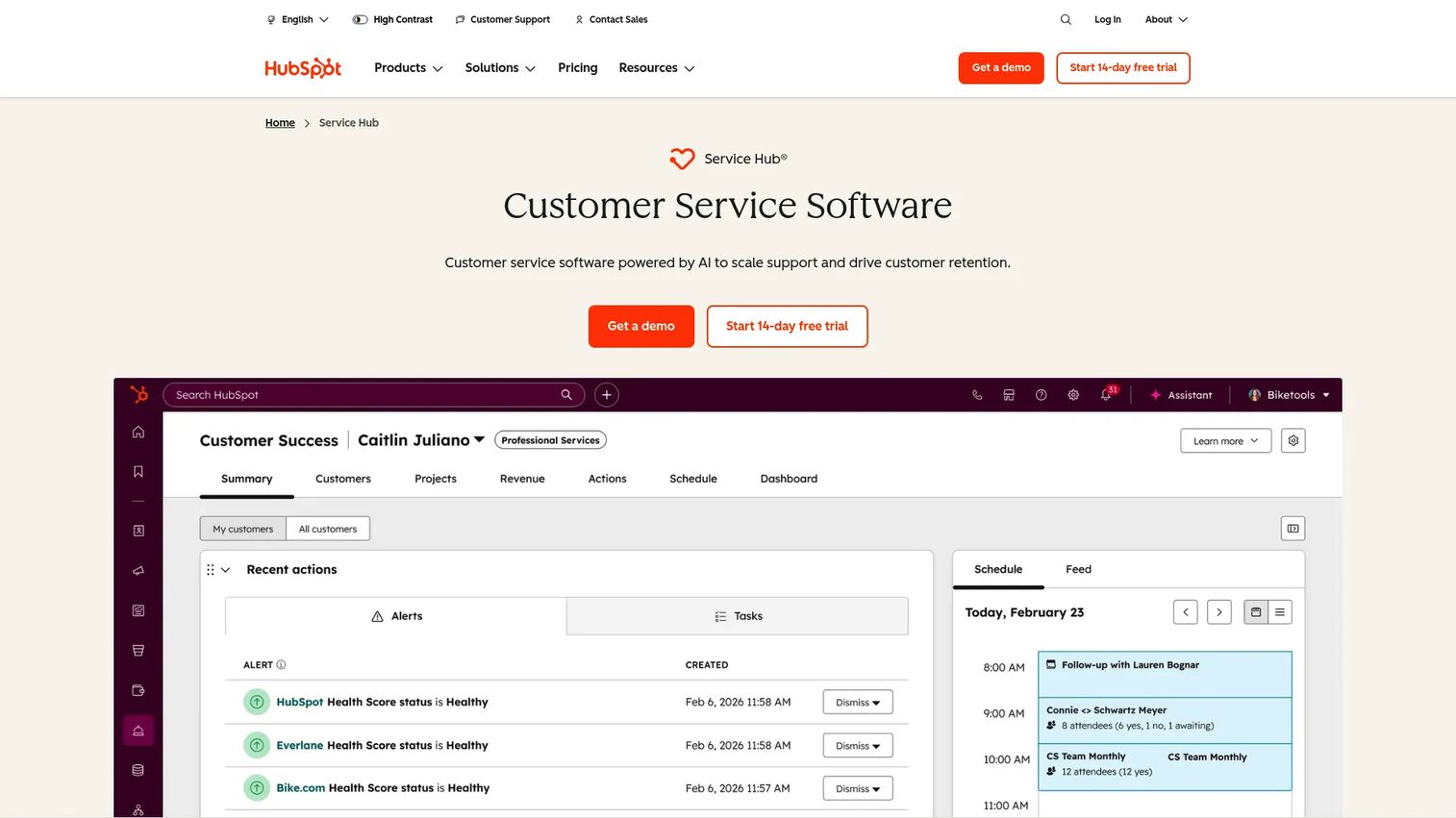
HubSpot Service Hub connects customer service with HubSpot CRM data. Its help desk supports omnichannel communication, while knowledge resources and a customer portal provide self-service options. Customer Agent handles automated support through email and live chat.
The appeal for CS is continuity. Evaluate whether the service team can use the customer context already maintained by your commercial organization.
For example, an onboarding question may require knowledge of the customer’s implementation commitments. Ask the vendor to demonstrate that scenario using representative records. Inspect the handoff instead of judging only the agent interface.
Best for: Teams already using HubSpot that want service operations connected to existing customer records.
Key features
- CRM-connected help desk
- Knowledge base and customer portal
- Customer Agent for automated support
- Intelligent routing and service-level agreements
- Real-time service analytics
Budget beyond the entry plan when your project involves a broader rollout. Professional and Enterprise require one-time onboarding fees. Include those charges in the comparison with your current stack.
For support education, define where content will live and who maintains it. Shared customer data helps coordination, but the learning experience still needs a clear owner.
Why choose HubSpot Service Hub: It fits teams prioritizing customer context across service and revenue operations. Make the purchase around that connected workflow rather than demo creation alone.
HubSpot Service Hub pricing: Free tools support up to two users; Starter costs $7/seat/month annually or $20 monthly. Professional costs $90/seat/month annually or $100 monthly.
5. Salesforce Service Cloud
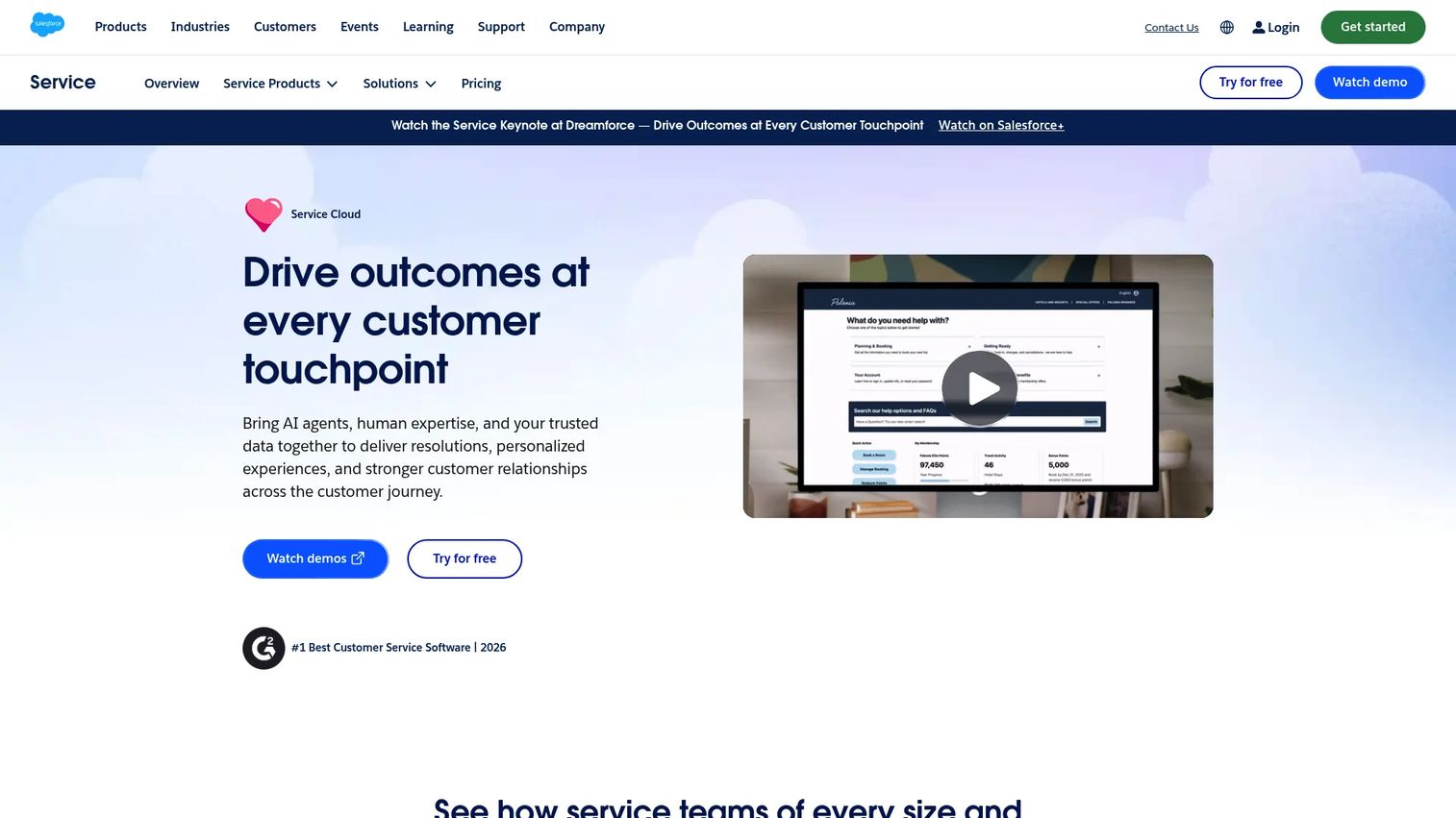
Salesforce Service Cloud combines case management with customer data and multichannel service. AI agents and service-rep assistance sit alongside knowledge management. The platform also includes service analytics and field service capabilities.
Its relevance here is enterprise service orchestration. A support leader evaluating demo software may discover that the underlying requirement is consistent handling across a complex organization.
For the evaluation, map a case requiring specialist review. Include the customer-facing update and the CSM’s responsibility after resolution. Ask how the proposed configuration keeps those responsibilities visible.
Best for: Enterprise service teams that need configurable support processes connected to Salesforce customer data.
Key features
- Case management
- Omnichannel routing
- Knowledge management and self-service
- AI agents and service-rep assistance
- Service analytics and dashboards
Separate purchasing requirements from the vendor’s demonstration. A polished service presentation should still answer who maintains routing rules and how the team reports exceptions.
For customer education, establish how agents will access approved material. The service platform can coordinate the case while reusable instruction supports setup, feature adoption, SOPs, and training.
Why choose Salesforce Service Cloud: Choose it when service governance and CRM-connected operations drive the decision. It suits a broader enterprise service project rather than an isolated content-production purchase.
Salesforce Service Cloud pricing: Starter Suite costs $25/user/month, billed monthly or annually; Pro Suite costs $100/user/month annually. A 30-day free trial is available.
G2 rating: 4.4/5.
6. Userpilot
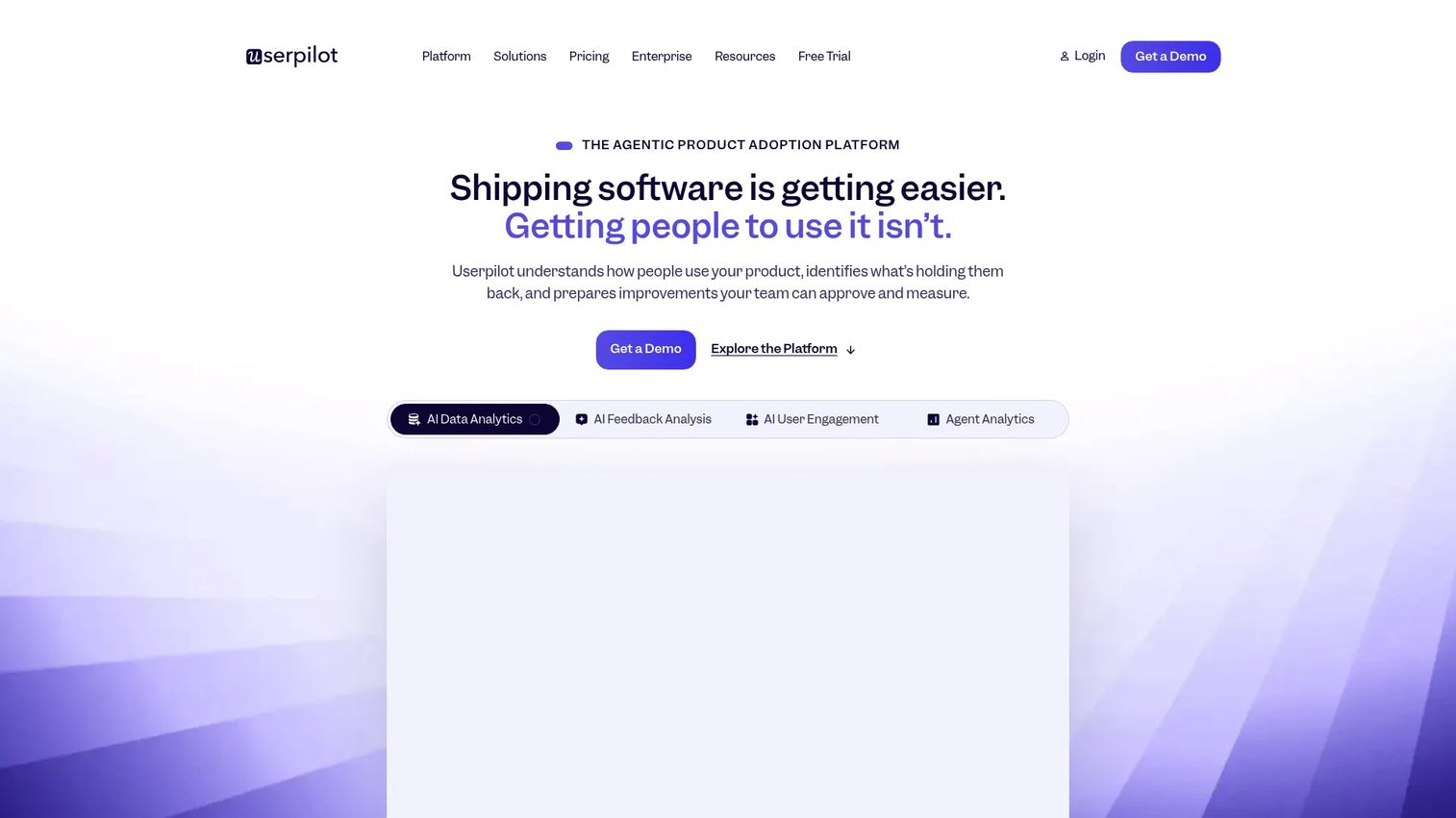
Userpilot combines product analytics with in-app engagement and customer feedback. Session replay provides another way to inspect behavior. Its workflows and behavior-triggered email extend education beyond an individual prompt.
This is product education software for teams connecting adoption work with observed usage. Support can contribute recurring questions, while Product and CS decide where intervention belongs.
A useful evaluation starts with a defined activation event. Ask how the platform identifies users who have not reached it and delivers relevant assistance.
Best for: Product-led support and CS teams that want behavioral data connected to onboarding and feature adoption.
Key features
- Product analytics and session replay
- In-app engagement
- Feedback and NPS surveys
- Behavior-triggered email workflows
- Data synchronization and integrations
When comparing customer onboarding demo software, distinguish an independent learning asset from an experience delivered inside the application. Userpilot’s buying case centers on the latter and its connection to usage analysis.
Assign responsibility for segmentation before launch. Support should help define the problem, while the operating team agrees which behavior signals success. Otherwise, campaign engagement becomes another metric disconnected from customer value.
Why choose Userpilot: It fits organizations that want to investigate adoption patterns and respond through contextual education. Evaluate it jointly with the product team that owns instrumentation.
Userpilot pricing: Starter is listed at $299/month for up to 2,000 monthly active users. Growth starts at $849/month; Enterprise uses custom pricing.
G2 rating: 4.6/5.
7. Appcues
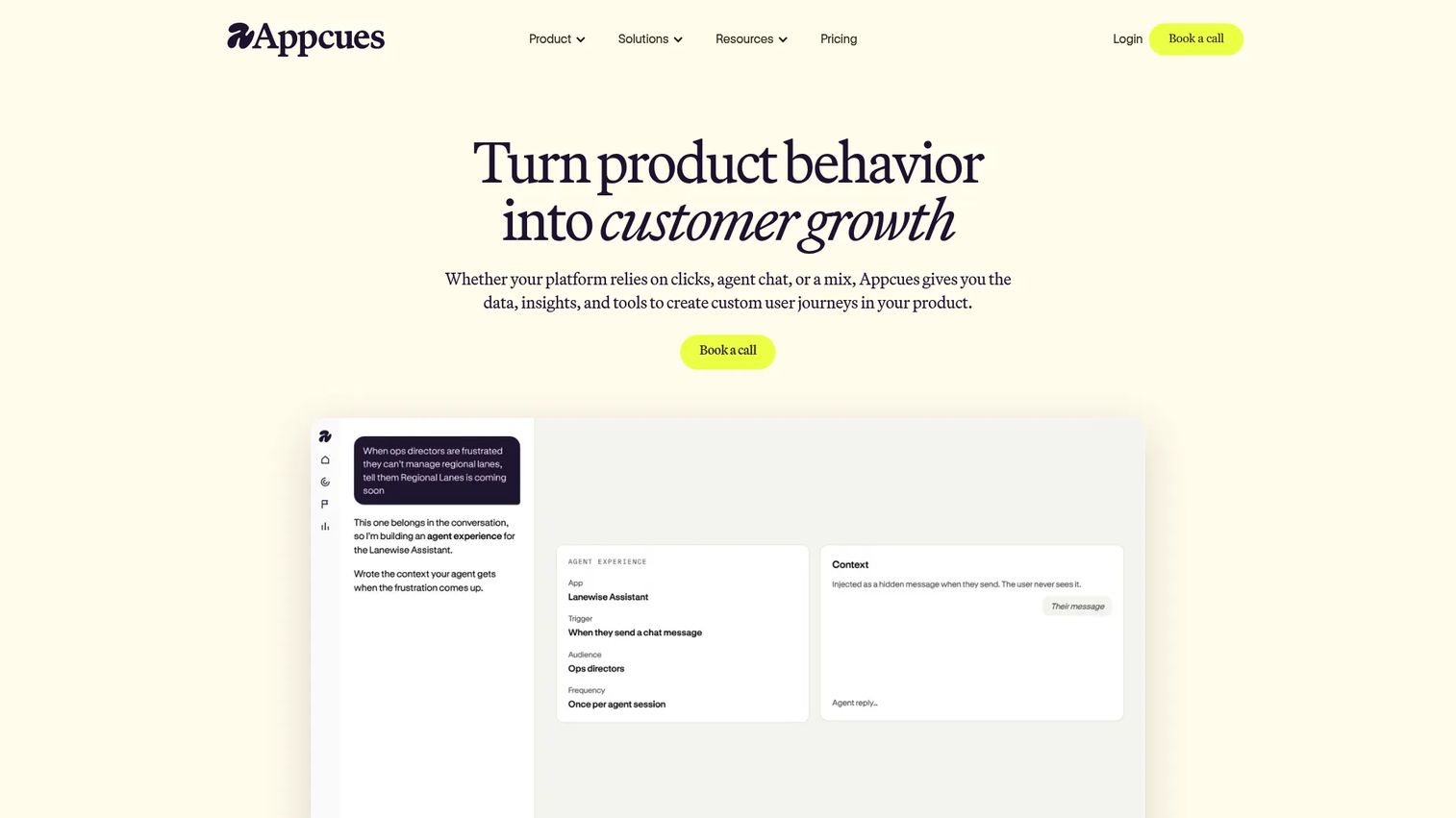
Appcues creates targeted in-product experiences using customer attributes and behavior. Its engagement options include flows and checklists, with analytics and experimentation supporting evaluation. Email and push-notification workflows extend communication across channels.
For support-adjacent CS teams, the relevant question is when a customer needs assistance. An onboarding prompt should appear at a useful moment and lead toward a task outcome.
Consider an administrator who has entered the product but has not completed configuration. During evaluation, test how the team defines that audience and measures the resulting behavior.
Best for: Support and product teams coordinating targeted onboarding and adoption campaigns.
Key features
- In-product flows and checklists
- Attribute-based and behavioral targeting
- Funnels, retention reports, and goals
- A/B tests and control experiments
- Email and push-notification workflows
Appcues deserves consideration when contextual delivery is central to your education program. Its experiments also give teams a way to assess changes instead of treating every published experience as successful.
Plan for collaboration. Agree who approves customer messaging and who monitors the intended product action. This keeps support content aligned with the broader onboarding journey.
Why choose Appcues: It suits teams treating customer education as an ongoing engagement program. Evaluate the targeting and measurement workflow against a specific support issue.
Appcues pricing: Grow starts at $9,000/year. Enterprise uses custom pricing.
G2 rating: 4.6/5.
8. Userflow
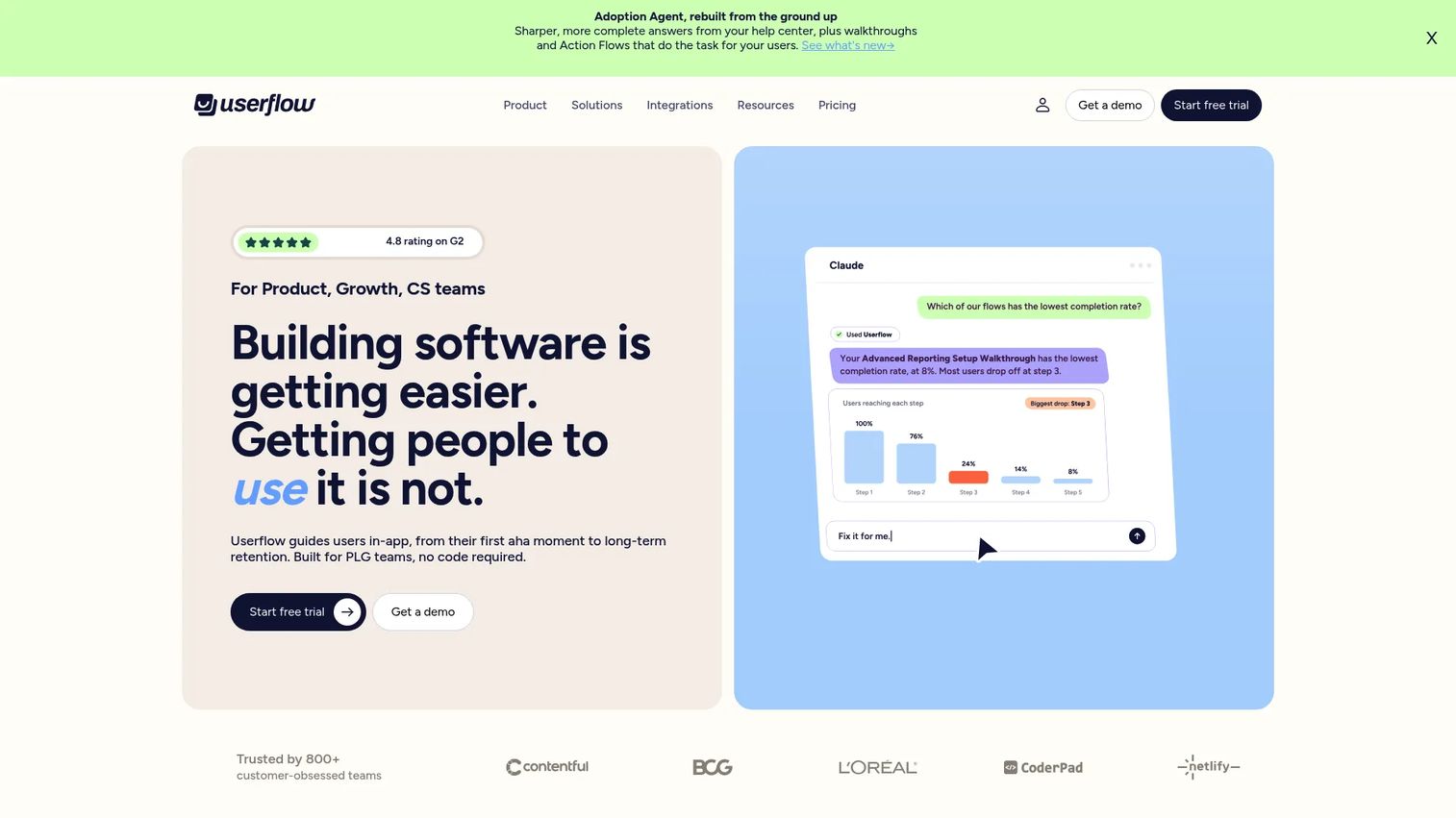
Userflow provides no-code onboarding experiences and product adoption analytics. Its Adoption Agent offers contextual answers and recommended flows. Checklists and announcements support education within the application.
Lean SaaS teams should evaluate it around the person responsible for daily updates. Ask that operator to build a representative onboarding sequence and revise it after a sample interface change.
The goal is to understand the ongoing operating process. Initial creation matters, but support teams also need a repeatable way to respond when questions change.
Best for: SaaS teams that want no-code in-app education with a defined onboarding owner.
Key features
- No-code flows and onboarding checklists
- Tooltips, banners, and announcements
- Contextual answers through Adoption Agent
- Product adoption analytics
- Surveys and NPS
For product tour software for support, delivery timing deserves a practical test. Use a scenario where a customer returns after abandoning setup. Assess whether the next instruction matches their current state.
Also model audience growth before signing. Essentials and Studio include 1,000 monthly active users. Compare your expected active audience with the package rather than using total customer accounts as a substitute.
Why choose Userflow: Its combination of contextual instruction and adoption measurement fits recurring onboarding work. Test it with the people who will maintain the experiences.
Userflow pricing: Essentials costs $240/month annually or $300 monthly; Studio costs $400 annually or $500 monthly. Both offer a 14-day trial.
G2 rating: 4.8/5.
9. Pendo
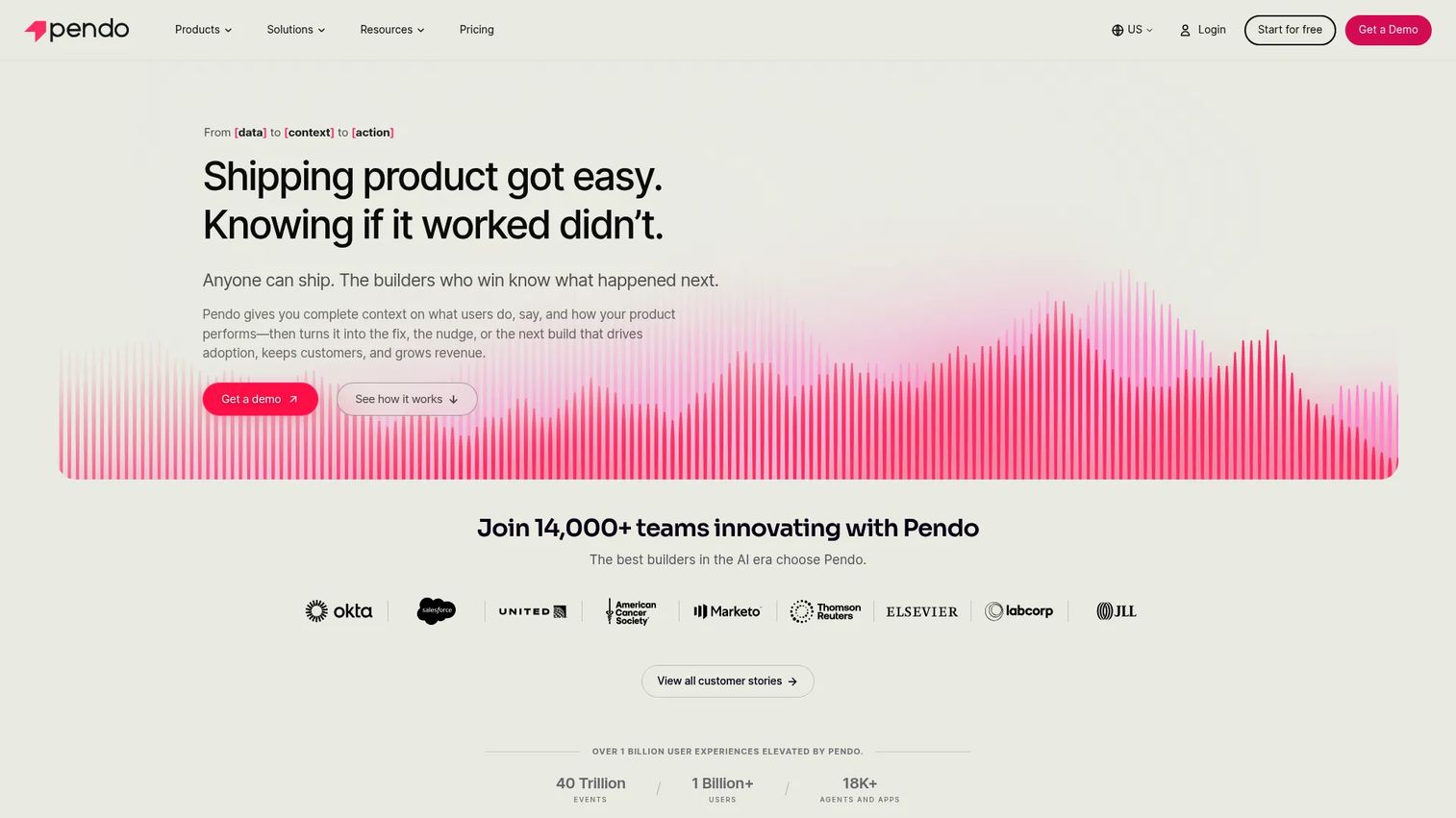
Pendo combines product analytics with in-app guidance and session replay. Teams can examine journeys and feature adoption, then target education by user or account. Cross-channel journeys connect in-app messages with email.
This makes Pendo relevant when the education backlog needs better evidence. Support tickets describe reported problems; usage analysis offers another perspective on where customers stop progressing.
Start with a workflow linked to customer value. Compare what users do with what your onboarding program expects them to do. Use the difference to choose an education intervention.
Best for: Product and customer-facing teams that share responsibility for adoption analysis and contextual instruction.
Key features
- Product journeys, paths, and funnels
- Feature adoption analysis
- User and account segmentation
- In-app guidance and Resource Center
- Session replay
Pendo’s fit depends partly on who will interpret the findings. A support team should identify its Product partner before purchasing analytics-led education software.
Set an explicit decision process. For example, determine when repeated abandonment calls for clearer instructions and when it requires a product change. Education and interface improvement can address different causes within the same task.
Why choose Pendo: Choose it when behavioral investigation is a major part of the education program. Its analytics orientation supports shared decisions across Product and CS.
Pendo pricing: Free supports up to 500 monthly active users. Base, Core, and Ultimate use custom pricing.
G2 rating: 4.4/5.
10. Dock
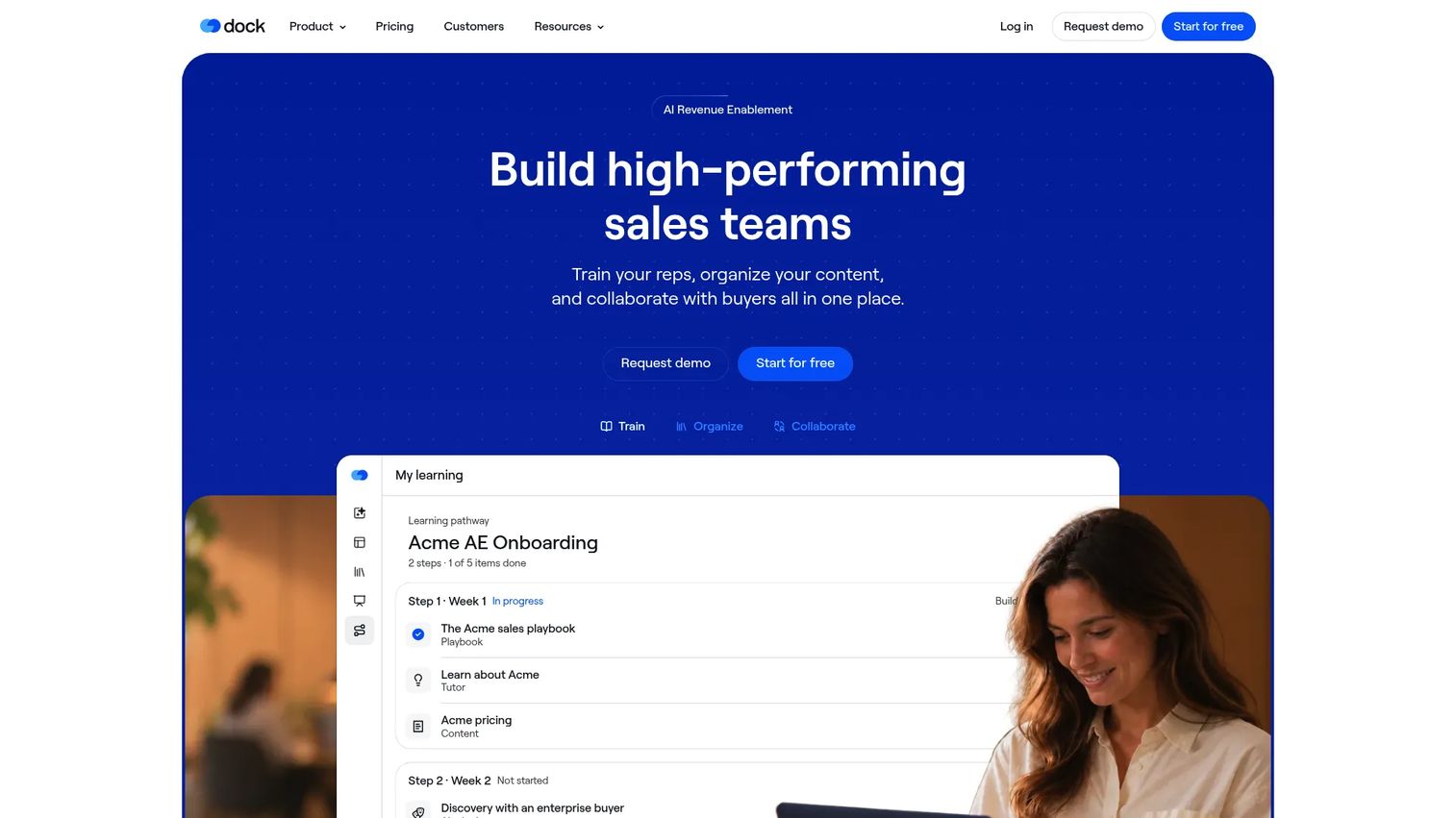
Dock provides customer-facing workspaces for onboarding and collaboration. Shared checklists and content management keep resources alongside implementation work. Engagement analytics help teams understand customer activity within those workspaces.
For CSMs, this addresses the coordination around education. A customer may need instructions, but also a clear owner and an agreed next action.
Evaluate Dock using an onboarding project with several participants. Ask how each person finds the relevant material and understands their responsibilities. Include the transition from implementation to ongoing customer management.
Best for: CS and onboarding teams organizing educational resources alongside customer-facing tasks.
Key features
- Customer onboarding hubs
- Client portals
- Collaborative checklists and mutual action plans
- Content management
- Buyer engagement analytics
Customer training demos can support setup, SOP learning, feature adoption, and renewal education within a broader resource plan. Dock’s role is the shared workspace around that content.
Define which materials belong in the portal and which remain in your help center. Clear ownership prevents competing copies from accumulating across channels.
Why choose Dock: Choose it when scattered resources and unclear implementation responsibilities create the support burden. Its collaboration model serves a different job from authoring standalone instructional content.
Dock pricing: Free is available; Standard costs $350/month. Premium costs $1,000/month billed annually; Enterprise requires a custom annual contract.
G2 rating: 4.6/5, Dock seller rating.
11. Tourial
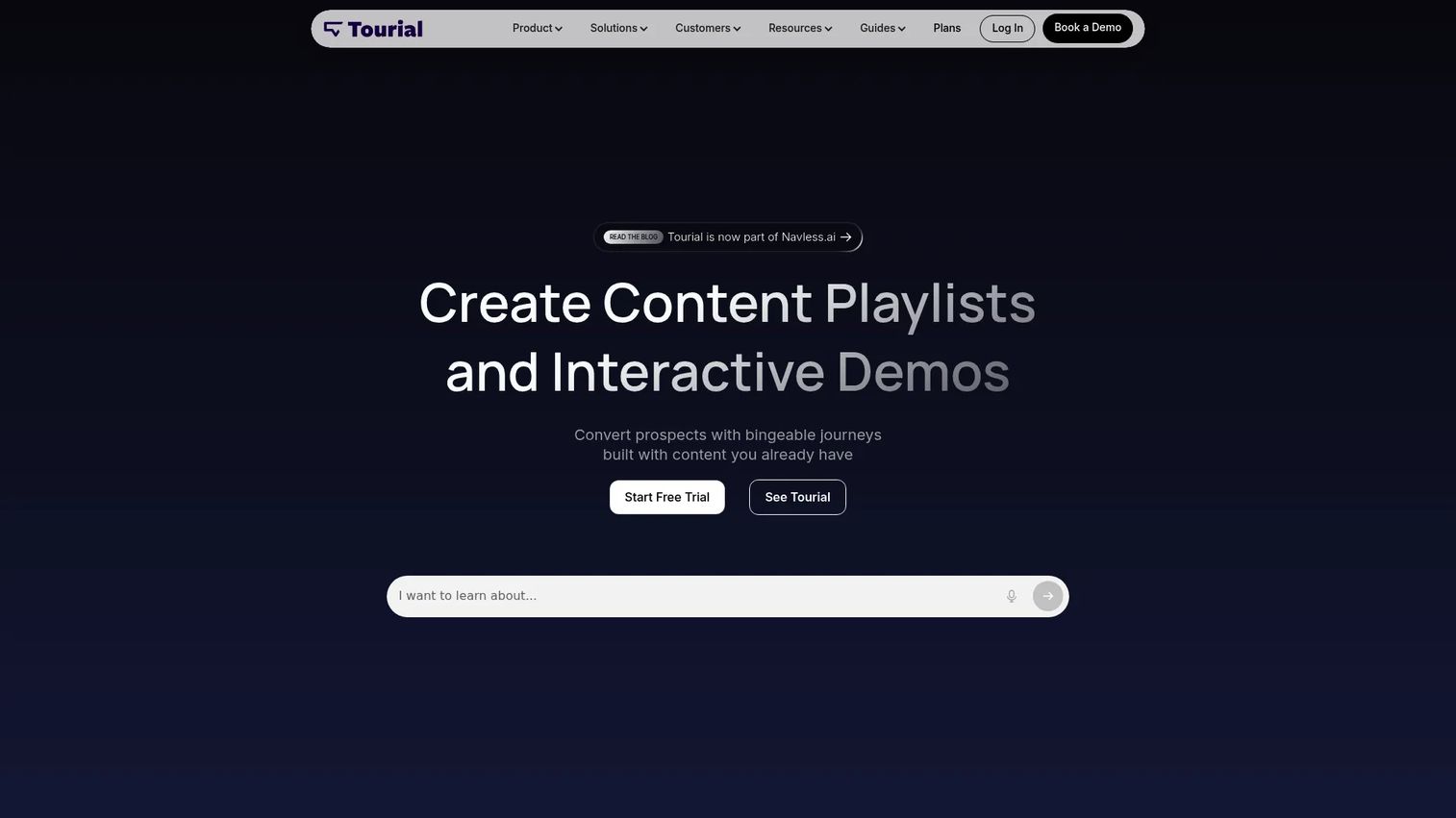
Tourial creates interactive product stories using a no-code builder and contextual hotspots. Its product positioning centers on buyer education, with capabilities applicable to onboarding, feature instruction, and customer training. The company has announced a rebrand to Navless.ai.
Support teams should evaluate it against their own publishing process. A customer education project needs useful instructions and a clear path to assistance, regardless of the vendor’s primary audience.
Use a task from your support queue during the evaluation. Assess how the content explains the outcome and how a customer reaches the relevant sequence.
Best for: Teams producing interactive product content for self-service education, onboarding, feature adoption, and training.
Key features
- AI-assisted tour generation
- Drag-and-drop no-code builder
- Interactive hotspots
- Tour analytics
- Personalization and scenario-based flows
The package structure deserves attention when multiple teams create content. Engage includes five seats and three Tour Centers. Scale expands seats and organizational controls, while premium SSO is an add-on.
For a support-led purchase, establish who owns updates and how agents find approved material. Those operational questions matter alongside visual presentation.
Why choose Tourial: It fits teams that want a dedicated interactive-content builder for customer education. Evaluate its support-channel fit against your existing knowledge and onboarding workflows.
Tourial pricing: Engage and Scale use custom pricing. Request a quote for the required seats and Tour Centers.
Considerations when choosing demo software for support teams
Fit the support channel first
Test delivery where the question occurs, such as a help article or an onboarding email. For interactive demos for customer support, also evaluate SOPs, feature education, and training distribution.
Check the update process
Give the content owner an interface change to reproduce during evaluation. Inspect editing and review requirements before committing to a larger library.
Assign an owner and review trigger to every published asset.
Measure support outcomes
Track completion rate and the drop-off step alongside repeat contacts and time-to-resolution. Treat tickets deflected as an estimate requiring a baseline, not an automatic count of content views.
Compare task-specific contact rates while accounting for changes in active users.
Verify system fit
Define what information should move between education content and the help desk or CRM. Ask for the precise integration behavior rather than accepting a logo on a marketplace page.
Decide where the CSM will see the next action.
Match format and ownership
Use a guided product story for repeatable procedures across support, onboarding, SOPs, and training. Organize broader collections when customers need several resources, and evaluate in-app delivery for contextual instruction.
Name the person maintaining the program before buying ticket deflection software.
Choose the tool that addresses your education bottleneck
Guideflow is our top pick for demo software for support teams creating reusable instruction across help centers, onboarding, SOPs, and customer education. Its capture and editing capabilities support a content program that stays connected to product changes.
Choose a service platform when ticket operations need attention. Zendesk and TeamSupport address service workflows, while HubSpot Service Hub and Salesforce Service Cloud connect support with broader customer records.
For education inside the application, evaluate the adoption platforms against your activation goals. Dock addresses coordination around customer resources; Tourial offers dedicated interactive-content creation.
Start with a recurring question rather than a platform-wide rollout. Record the existing contact volume, publish the appropriate self-serve support content, and compare task completion afterward.
That pilot gives you a defensible answer to “another tool to manage?” The purchase should earn its place through customer education at scale and a clearer operating process.
Start your journey with Guideflow today!
FAQs
Demo software for support teams helps customers learn product tasks through visual or interactive instruction. Use cases include troubleshooting, onboarding, SOPs, and ongoing feature education. Dedicated content creators differ from help desks, which manage requests, and adoption platforms, which deliver guidance inside the application. Choose according to where customers need assistance and who owns the learning experience.
It gives customers reusable instructions before they need an agent, across help articles, onboarding, SOPs, and customer training. Measure support ticket deflection by comparing task-specific contacts before and after publication, adjusted for audience changes. Completion rate and drop-off step indicate engagement, but they do not prove resolution. Follow-up questions or product events help establish whether the customer succeeded.
No. Help desk software manages incoming requests and agent workflows, while dedicated demo software creates product instruction for support, onboarding, SOPs, and training. A search for help desk demo software may also mean a vendor demonstration of its service platform. Clarify which job you mean before comparing subscriptions, because these tools can complement each other rather than replace the same expense.
Measure completion and abandonment alongside the product action the content teaches. Combine that evidence with first-contact resolution, repeat ticket volume, time-to-resolution, and relevant adoption data. Keep the comparison specific to the featured task rather than claiming a change across the entire queue. Record content revisions so you can distinguish improvements from changes in traffic or customer mix.
Help center interactive demos work across procedural articles, onboarding resources, SOPs, and feature education. Use customer portals or supported in-app surfaces when those match the learning moment. Ticket replies and email often call for a link instead of an embedded player. Test access from the customer’s device and permissions level before distributing the resource widely.
Keep written documentation for policies, reference details, prerequisites, and searchable explanations. Interactive instruction complements those materials across product setup, support procedures, feature adoption, and customer training. A useful article explains why the task matters and any conditions that apply, then shows the procedure. Preserve a clear route to human assistance when the customer’s situation needs individual investigation.
Guideflow is this article’s top pick for reusable interactive education across help centers, onboarding, SOPs, and customer training. Zendesk or a CRM-connected service platform fits a broader ticket-operations project. In-app adoption tools suit contextual assistance, while customer portals organize resources around implementation work. The best choice addresses your current bottleneck without duplicating capabilities the team already uses effectively.
Review content whenever navigation, task order, permissions, or product behavior changes. For onboarding, SOPs, support procedures, and feature education, tie that review to the relevant release rather than a calendar alone. Prioritize instructions linked from frequently used macros and high-traffic articles. Give each resource an owner who checks accuracy and verifies that the final action still produces the intended result.