You spent 45 minutes resetting a demo environment. The buyer asked one question, then went quiet. Meanwhile, two AEs just submitted new custom demo requests for next week.
The bottleneck isn't demo quality. It's demo scalability. Sales engineers are spending hours on prep that should take minutes, and the demos they build can't be reused, tracked, or shared without starting over.
Buyer behavior is shifting fast. According to TrustRadius's 2024 B2B Buying Disconnect Report, 54% of technology buyers used at least one type of interactive demo during their evaluation, and that figure climbs to 67% among enterprise buyers. Buyers want product proof before they talk to sales, not after. SaaS demo software closes that gap by letting teams create, personalize, share, and measure product experiences without depending on live environments or SE capacity for every request.
What's inside
This guide is for presales teams, sales engineers, and solutions consultants evaluating SaaS demo software in 2026.
- Who it covers: Tools used to create, share, personalize, or measure product demos for SaaS buyers
- Selection criteria: Demo format coverage, speed to publish, buyer engagement analytics, and CRM or revenue-stack integrations
- Presales fit: Technical validation support, demo leave-behinds, reusable demo libraries, and handoff visibility
- Data discipline: Pricing verified against vendor pages; G2 ratings pulled from live listings at time of writing
TL;DR
- Best overall for SaaS demo software: Guideflow covers interactive demos, sandboxes, demo centers, live demos, and mobile demos across the full buyer journey
- Best for guided marketing demos: Tourial, for structured product tours tied to website conversion
- Best for European sales demo programs: Demoboost, for governed demo libraries and presales enablement
- Best for live demo data personalization: Saleo (now part of Consensus), for account-specific data injected during live calls
- Best for AI-assisted demo creation: Olto, for autonomous demo agents and synthetic data injection
- Best for prototype demos before engineering ships: Anima, for Figma-to-interactive-product experiences
What is SaaS demo software?
SaaS demo software helps teams create, personalize, share, and measure product experiences that show how a SaaS product works without relying only on live calls or production environments.
The category covers several distinct demo formats, each suited to a different moment in the buying process:
- Interactive demos: Guided, step-by-step clickable product stories that walk buyers through a curated path
- Sandboxes: Open, explorable product replicas for buyer-led technical validation
- Demo centers: Branded hubs that organize multiple demos by persona, use case, or funnel stage
- Live demos: Presenter-led product experiences for discovery calls, deep dives, and executive briefings
- Mobile demos: Mobile-optimized experiences for apps and responsive product flows
- Screen and video demos: Useful for passive viewing and quick walkthroughs, though they lack clickable exploration
Key capabilities to evaluate:
- No-code capture and editing without engineering support
- Personalization by account, persona, or vertical
- Sharing by link, embed, email, and event kiosk
- Demo analytics covering completion, drop-off, and buyer intent
- CRM and MAP integrations for pipeline handoff
- Security controls: Access permissions, password protection, and sensitive-data masking
- Collaboration, versioning, and reusable demo libraries
The category sits at the intersection of sales enablement and product marketing. The best platforms serve presales, AEs, marketing, customer success, and onboarding from a shared asset library, not separate silos.
When to use SaaS demo software
Qualify buyers before a live demo
SDRs and AEs can send self-serve demos before a discovery call to filter for real interest. When a prospect engages with five steps and then revisits the pricing flow, that signal tells presales which deals deserve SE time. Skipping this step means your SEs are running live calls for prospects who aren't ready to evaluate.
Support technical validation without production access
Presales teams use interactive demos and sandboxes to show permissions models, admin workflows, integration configs, and sensitive data flows without touching a production environment. A buyer's security team can review the access control demo without asking for a full sandbox account. The result is fewer provisioning requests and faster security sign-off.
Give champions a shareable leave-behind
Multi-stakeholder SaaS deals rarely close after one call. A champion who saw a great live demo often struggles to explain it to procurement, IT, or the CFO. A demo link or organized demo center gives them something to share, with engagement data showing which internal reviewers actually opened it and how far they got.
SaaS demo software comparison
The table below covers all 12 tools with verified pricing and G2 ratings. Use it to build your shortlist, then read the full item sections for the detail that matters to presales decisions.
| # | Product | Best for | Key differentiator | Pricing | G2 rating |
|---|---|---|---|---|---|
| 1 | Guideflow | Full-funnel SaaS demo automation | Five demo formats: Interactive, sandbox, demo center, live, mobile | Free plan available; paid from $40/mo | 5.0/5 |
| 2 | Tourial | Guided demo tours and marketing content | AI tour generation and content playlists | Contact sales | 4.6/5 |
| 3 | Demoboost | Governed presales demo programs | HTML, screenshot, video, sandbox, overlay, and mobile demos | From $375/mo (billed yearly) | 4.8/5 |
| 4 | Saleo | Live demo data personalization | Prospect-specific data injected into native product | Contact sales | 4.9/5 |
| 5 | Olto | AI-assisted demo creation | AI demo agents with synthetic data injection | Custom pricing | 4.9/5 |
| 6 | Anima | Prototype and pre-release demos | Figma-to-interactive-product conversion | Free plan; enterprise from $500/mo | 4.3/5 |
| 7 | Demoleap | Live sales call guidance | Real-time playbook prompts during demos | Contact sales | Not listed |
| 8 | Vivun | Presales workflow management | AI sales teammate for call prep and deal assets | Contact sales | 5.0/5 |
| 9 | ScreenSpace | Visual product storytelling | Interactive visual stories and buyer journeys | From $8,000 one-time | 4.9/5 |
| 10 | DemoEasel | Repeatable live and self-guided demos | Multi-format demo output: Live, video, mobile, PowerPoint | 30-day trial; contact sales | 3.5/5 |
| 11 | Hobbes | AI-guided product demos and onboarding | Conversational browser agent with sandbox and voice support | Contact sales | Not listed |
| 12 | Lancey | AI coding agent for customer-driven development | Converts customer feedback into ready-to-merge pull requests | Contact sales | 5.0/5 |
Best 12 SaaS demo software tools for 2026
1. Guideflow
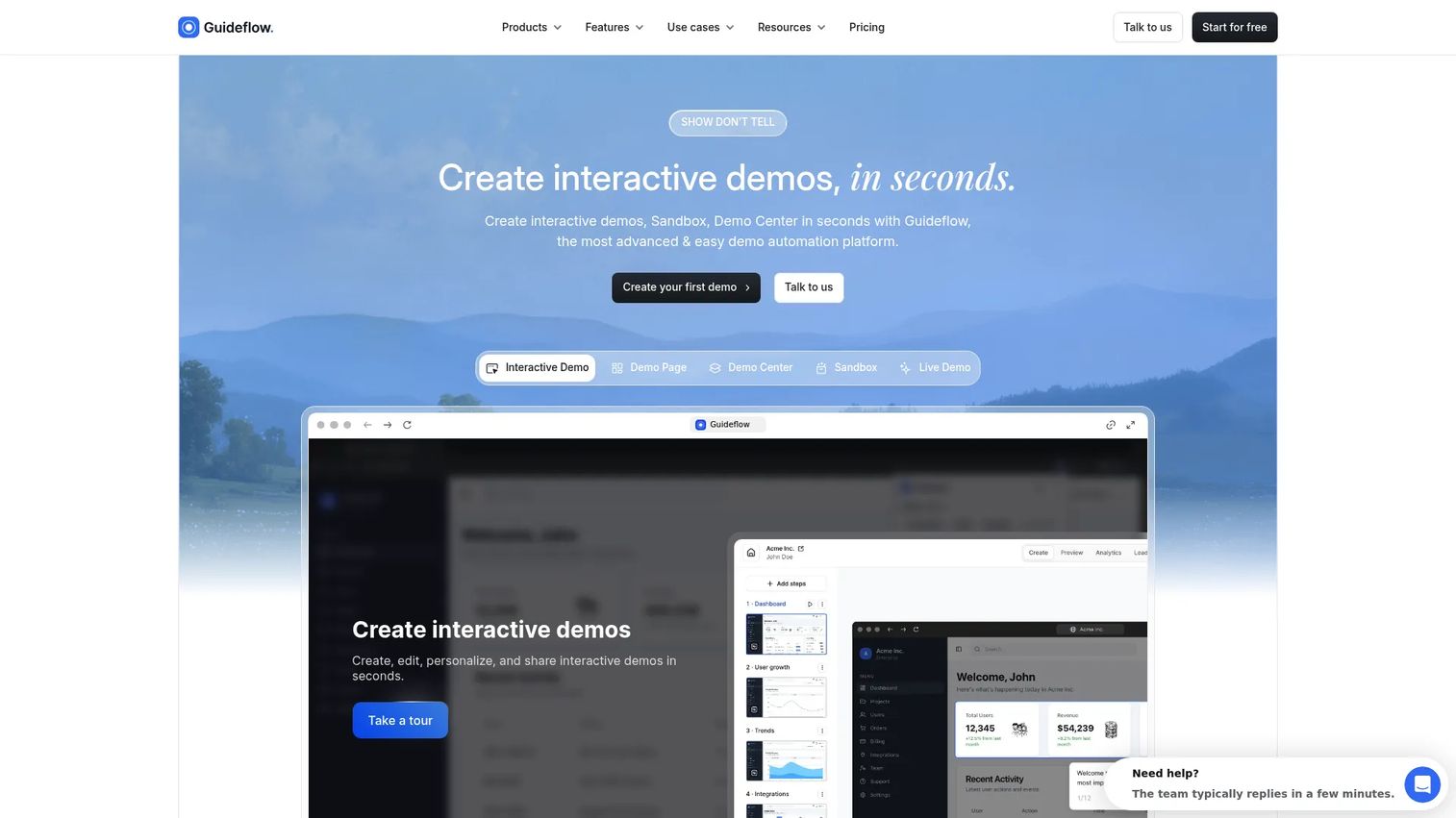
Guideflow is a demo automation platform built for B2B SaaS teams that need product demo coverage across the full buyer journey. Teams capture a product flow in a few clicks, refine it in a no-code builder, and publish a demo that works across landing pages, email follow-ups, event kiosks, help centers, and sales calls. The platform covers five formats: Interactive Demo, Sandbox, Demo Center, Live Demo, and Mobile Demo, so one team can serve presales, marketing, customer success, and onboarding from a shared library.
Best for: B2B SaaS presales, marketing, and CS teams that need reusable demo experiences across discovery, technical validation, follow-up, and onboarding.
Key features
- Interactive demos for guided product storytelling
- Sandbox demos for buyer-led, free-exploration validation
- Demo Center for organized, branded demo libraries
- AI editing, translation, voiceovers, and avatars
- Engagement analytics and CRM-ready buyer intent signals
Why choose Guideflow: Guideflow fits when a SaaS team needs more than one demo format. Interactive demos guide the narrative, sandboxes let buyers validate on their own terms, demo centers organize everything into one hub, live demos add the human layer for complex deals, and mobile demos meet buyers on their device.
Guideflow pricing: A free plan covers five guideflows, unlimited viewers, and one team member. Paid plans start at $40/month (Solo) for monthly billing, or $35/month on annual billing. The Growth plan is $499/month billed annually and adds unlimited guideflows, HTML capture, advanced analytics, and personalization. The Advanced plan is $1,499/month billed annually. Enterprise pricing is custom.
G2 rating: 5.0/5
Start your journey with Guideflow today!
2. Tourial
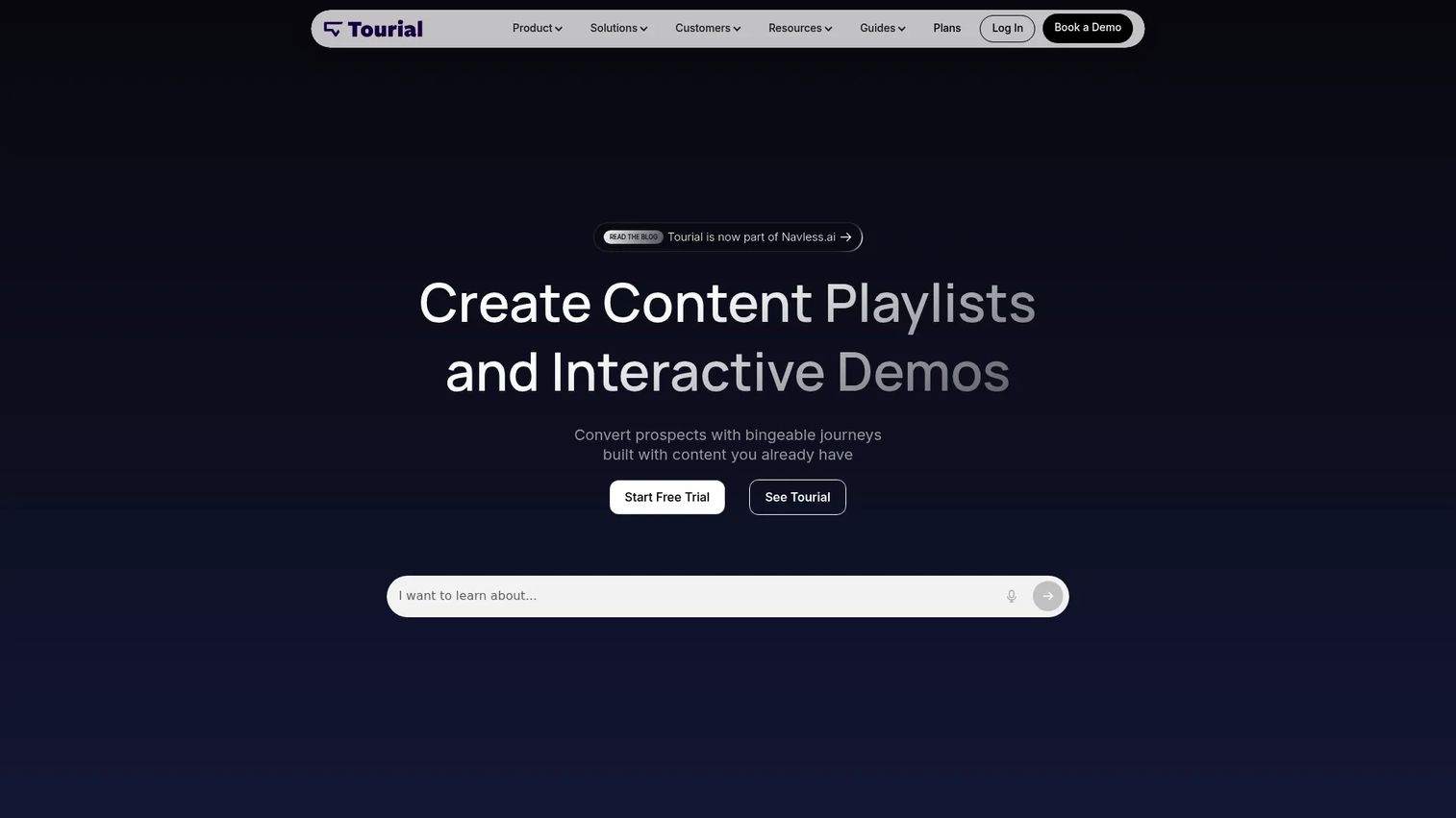
Tourial is a demo platform for creating guided product tours and content-led buyer experiences. The company recently rebranded to Navless.ai. It is built around AI tour generation and content playlists organized into tour centers, making it suited for marketing and demand generation teams that want structured product storytelling embedded on websites and landing pages.
Best for: Marketing and product marketing teams building guided demo experiences for website conversion and inbound nurture campaigns.
Key features
- AI-generated guided product tours
- Tour centers with content playlists
- Lead capture forms within tours
- Tour analytics and engagement tracking
- Integrations and advanced SSO (Scale plan add-on)
Why choose Tourial: Tourial fits teams whose demo program lives primarily in the marketing motion. If the goal is converting website visitors with structured product stories before they ever book a call, the tour center format and AI generation speed are strong advantages.
Tourial pricing: Tourial offers two plans, Engage and Scale, both priced through sales contact. Ask about the number of included editor seats, tour center limits, analytics access, and CRM integrations when you request a quote.
G2 rating: 4.6/5
3. Demoboost
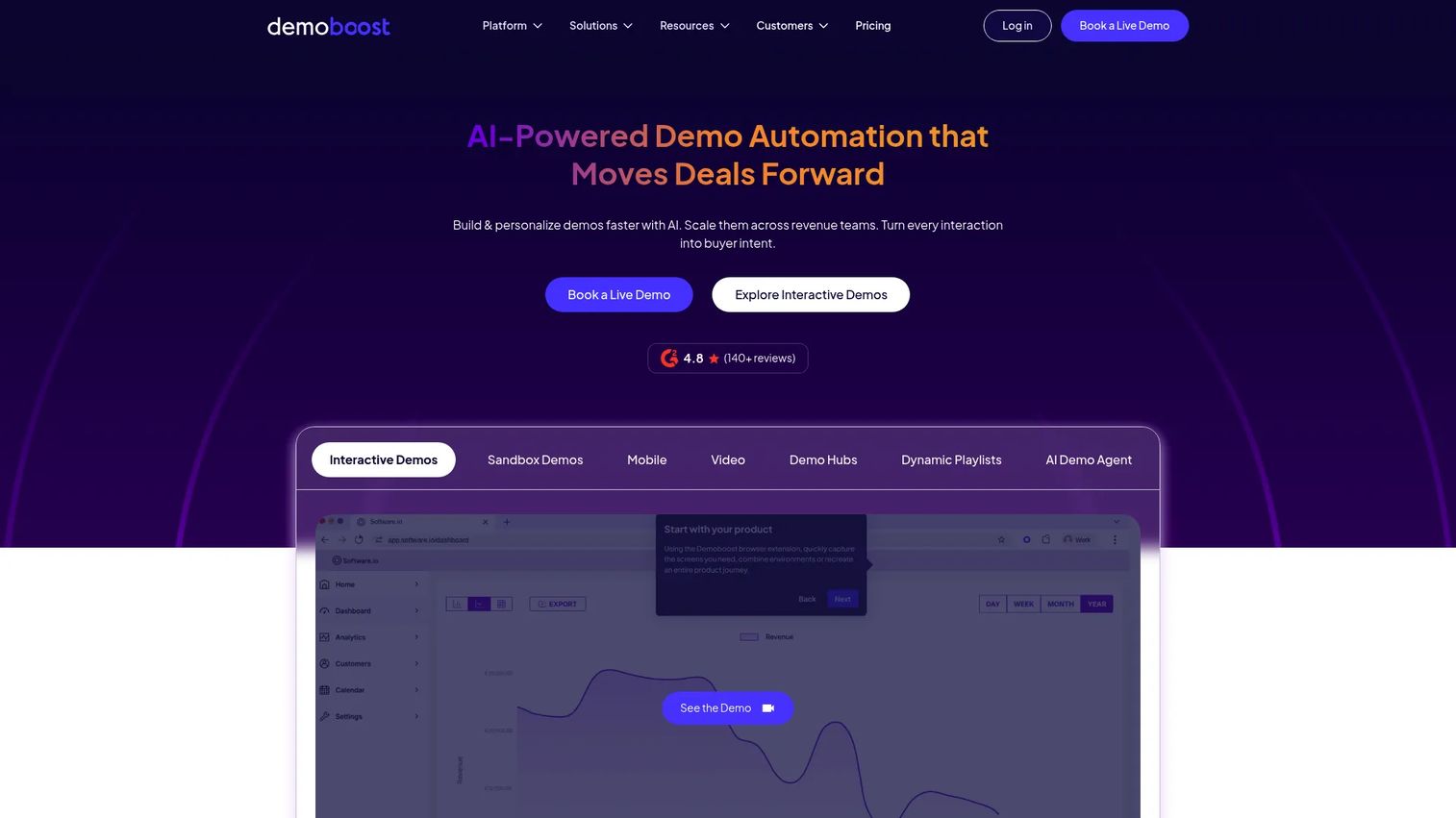
Demoboost is an interactive demo automation platform built for revenue teams that need a governed, reusable demo library. It supports HTML, screenshot, video, mobile, sandbox, and overlay demo formats, and layers on buyer engagement analytics, digital sales rooms, and CRM integrations. The platform targets presales and sales teams trying to move from scattered demo links to an organized demo program.
Best for: SaaS revenue teams, particularly in Europe, that need a central system for building, sharing, and measuring demos across presales and sales.
Key features
- HTML, screenshot, video, sandbox, overlay, and mobile demo formats
- Buyer engagement and intent analytics
- Digital Sales Rooms and demo playlists
- Native CRM and sales tech integrations (Growth plan and above)
- SSO and domain whitelabeling (Enterprise plan)
Why choose Demoboost: Demoboost suits teams operationalizing a demo program across both sales and presales, especially when governance matters: Access controls, versioned demo libraries, and engagement reporting tied to real deal stages.
Demoboost pricing: Plans are billed annually. Start Up is $375/month. Essentials is $600/month and adds mobile demos and expanded AI features. Growth is $1,200/month and adds sandbox demos, advanced analytics, and native CRM integrations. Enterprise is custom pricing.
G2 rating: 4.8/5
4. Saleo
Saleo was acquired by Consensus and now operates as Consensus Live. Its core capability lets sales engineers inject prospect-specific data, graphs, text, images, and metrics directly into a live product environment during a demo call. The result is a live product demo that feels built for the specific buyer's industry, company name, and use case without maintaining separate demo environments per account.
Best for: Sales engineering teams whose close rates depend on believable, account-specific live demos during enterprise sales calls.
Key features
- Prospect-specific data injected into the native product
- Real-time customization of graphs, text, and icons
- Seller-led live demo experiences
- Control over all visible product data during a call
- Enterprise-grade personalization without environment rebuilds
Why choose Saleo: Saleo is the right choice when the core demo challenge is relevance, not creation speed. If your SEs spend hours before each call swapping out dummy data, Saleo eliminates that prep by handling it at the layer level during the call itself.
Saleo pricing: Saleo now operates under Consensus pricing. Ask sales about seat model, implementation support, and enterprise controls.
G2 rating: 4.9/5
5. Olto
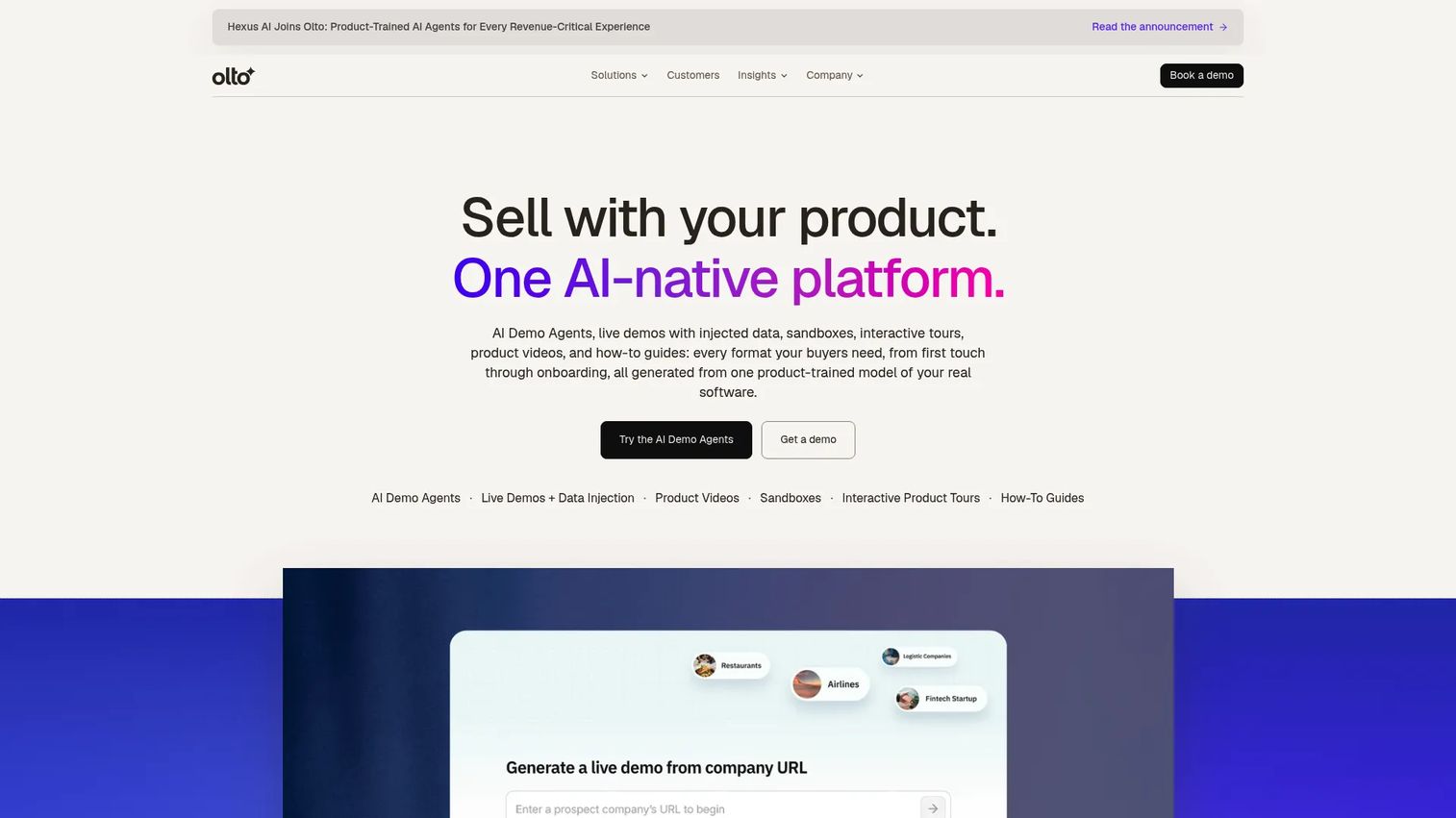
Olto is a product-powered revenue acceleration platform that includes AI Demo Agents for autonomous, personalized product demos. It supports live demos with prompt-generated synthetic data injection, alongside product videos, sandboxes, interactive product tours, and how-to guides. The homepage redirects from olto.ai to olto.com.
Best for: Revenue, presales, and solutions engineering teams that want AI to handle demo personalization and delivery at scale.
Key features
- AI Demo Agents for autonomous product demos
- Live demo synthetic data injection via prompt
- Product videos, sandboxes, and interactive tours
- How-to guides and step-by-step product walkthroughs
- Buyer engagement tracking across demo formats
Why choose Olto: Olto fits teams exploring AI-led demo production where the volume of personalized demos is high and manual customization is the bottleneck. It is worth evaluating when SEs need to run many account-specific demos without rebuilding each one.
Olto pricing: Custom pricing applies. Ask about seat model, demo volume limits, AI usage, and onboarding support when speaking with sales.
G2 rating: 4.9/5
6. Anima
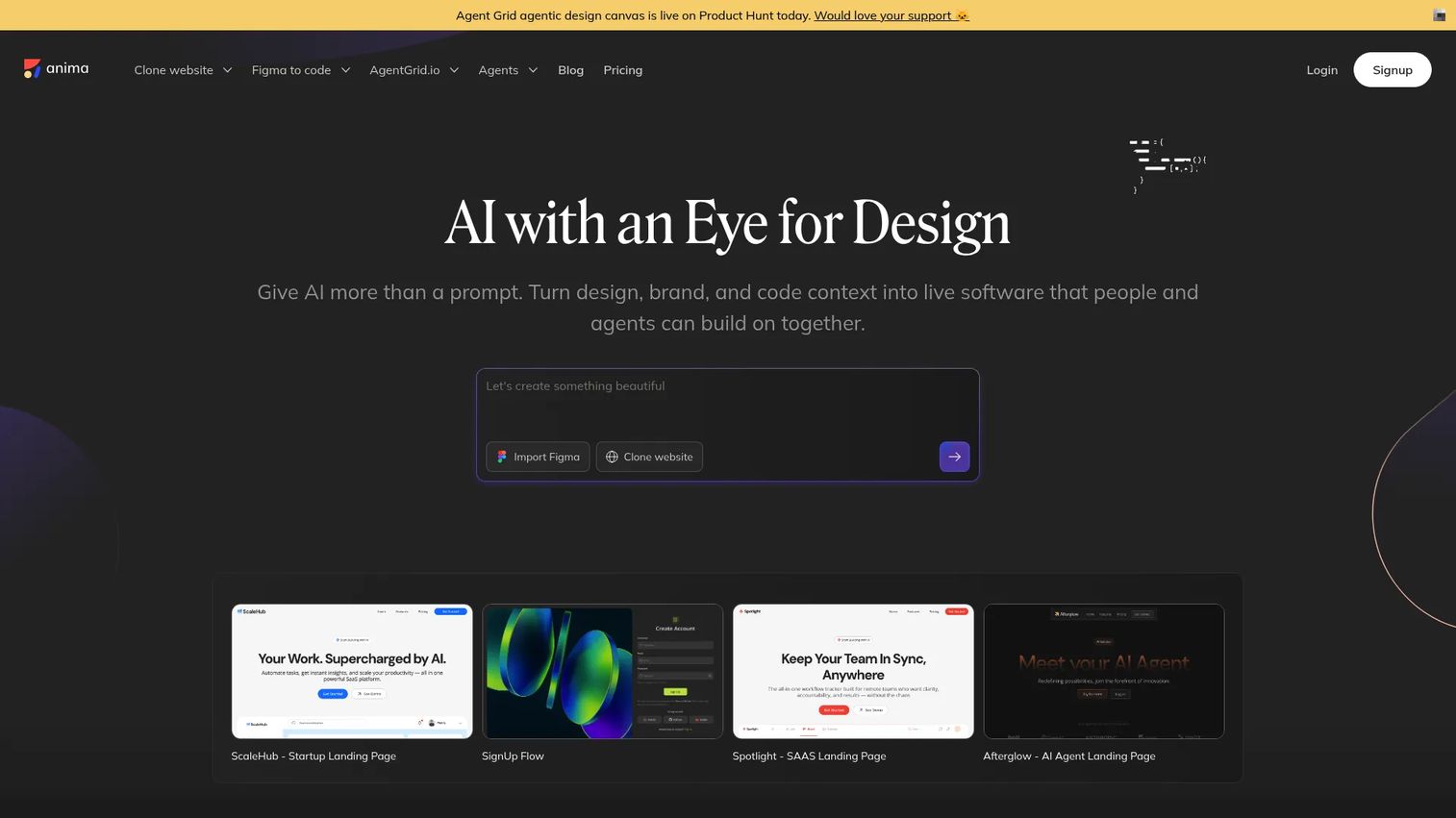
Anima is an AI-powered design-to-code platform that converts Figma designs, website references, images, and prompts into working HTML or React applications. Product and design teams use it to generate interactive, browsable product experiences from designs before engineering has shipped the feature.
Best for: Product, design, and pre-sales teams that need interactive prototypes for demos of planned features or unreleased products.
Key features
- Figma-to-HTML or React conversion
- Clone multi-page websites with routing and navigation
- Generate apps from prompts or screenshots
- In-browser preview and publish or export
- Database and authentication integration support
Why choose Anima: Anima solves a specific problem: Showing a planned feature credibly before it exists. It is not a demo library or a buyer analytics platform. Use it when the demo subject is a roadmap item or prototype, not a production workflow.
Anima pricing: A free plan covers 5 Figma imports, 5 AI playground messages, and 5 plugin code generations. Enterprise starts at $500/month billed annually and adds SSO, MFA, and enterprise-grade SLAs.
G2 rating: 4.3/5
7. Demoleap
Demoleap is a sales demo assistance tool that supports reps during live demo calls with real-time prompts, playbooks, and contextual guidance. The official homepage could not be verified during research, so claims here are limited to what could be confirmed from primary sources.
Best for: Sales teams that need in-call guidance to standardize demo execution across a rep population with varying product depth.
Key features
- Live demo playbook prompts during calls
- Discovery support and contextual guidance
- Rep coaching workflows
- Call execution standardization
- CRM-connected sales enablement
Why choose Demoleap: Demoleap addresses rep inconsistency during live demos rather than demo asset creation. It is worth evaluating when the demo quality problem comes from individual rep variance on calls rather than a missing demo library.
Demoleap pricing: Pricing requires a sales conversation. Ask about seat costs, CRM setup, enablement workflow coverage, and onboarding.
8. Vivun
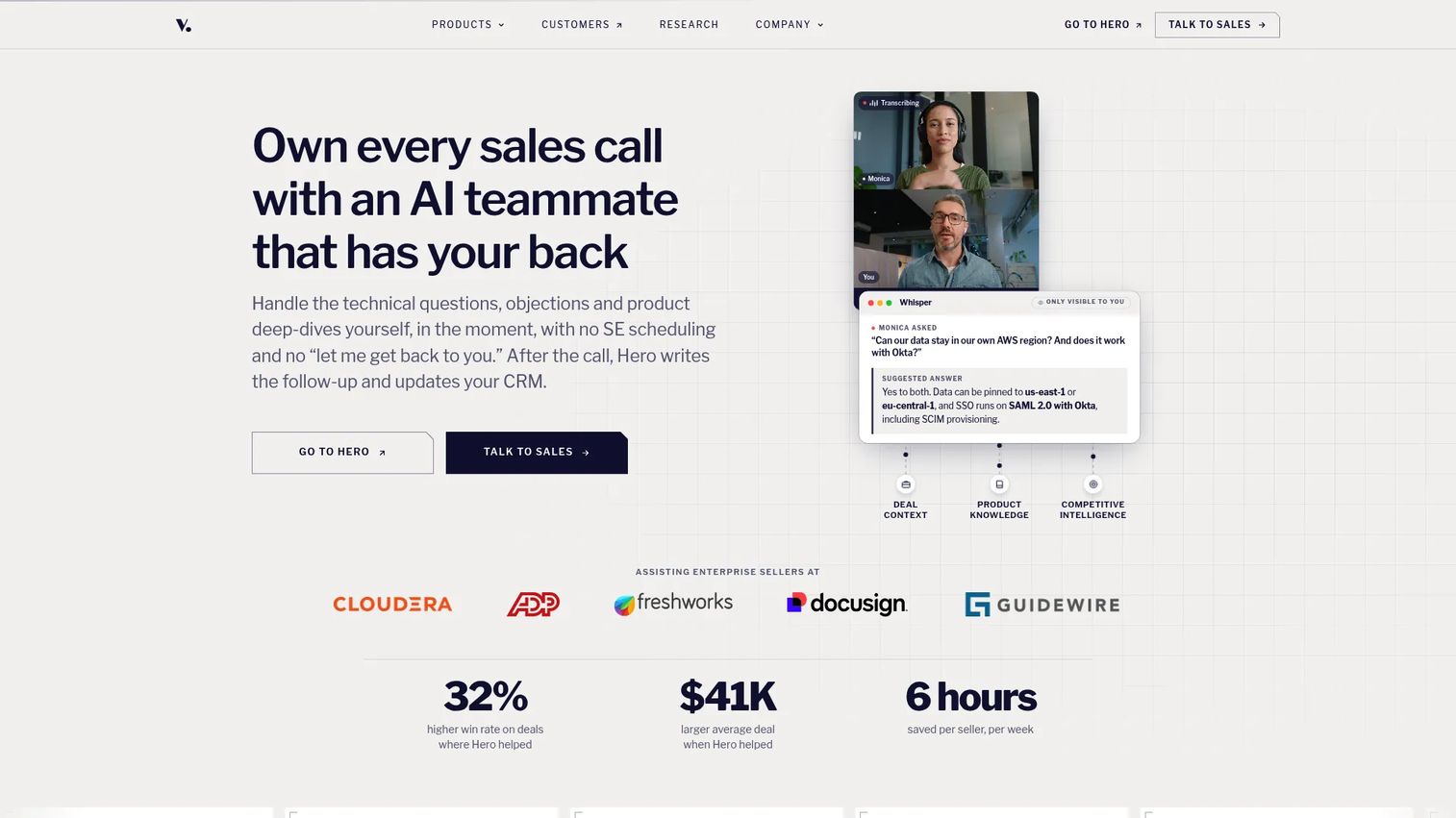
Vivun provides AI sales teammates, branded Hero, that help B2B sales and presales teams prepare for calls, answer questions in real time, coach reps after calls, and generate deal assets such as follow-up emails and proposals. It is broader than a demo creation tool, covering the full presales execution cycle from call prep to CRM update.
Best for: Presales organizations that need visibility into SE capacity, real-time call support, and automated deal follow-through tied to revenue workflows.
Key features
- Real-time call answers and objection support
- Account research and meeting prep from CRM and call data
- Post-call coaching and follow-up generation
- CRM update automation after calls
- Technical validation and product feedback capture
Why choose Vivun: Vivun fits when the demo challenge is part of a larger presales operating model problem: Too much manual prep, inconsistent follow-through, or limited visibility into what SEs are working on. It pairs well with a dedicated demo creation platform.
Vivun pricing: Contact sales and ask about seat model, CRM integration requirements, and implementation support.
G2 rating: 5.0/5
9. ScreenSpace
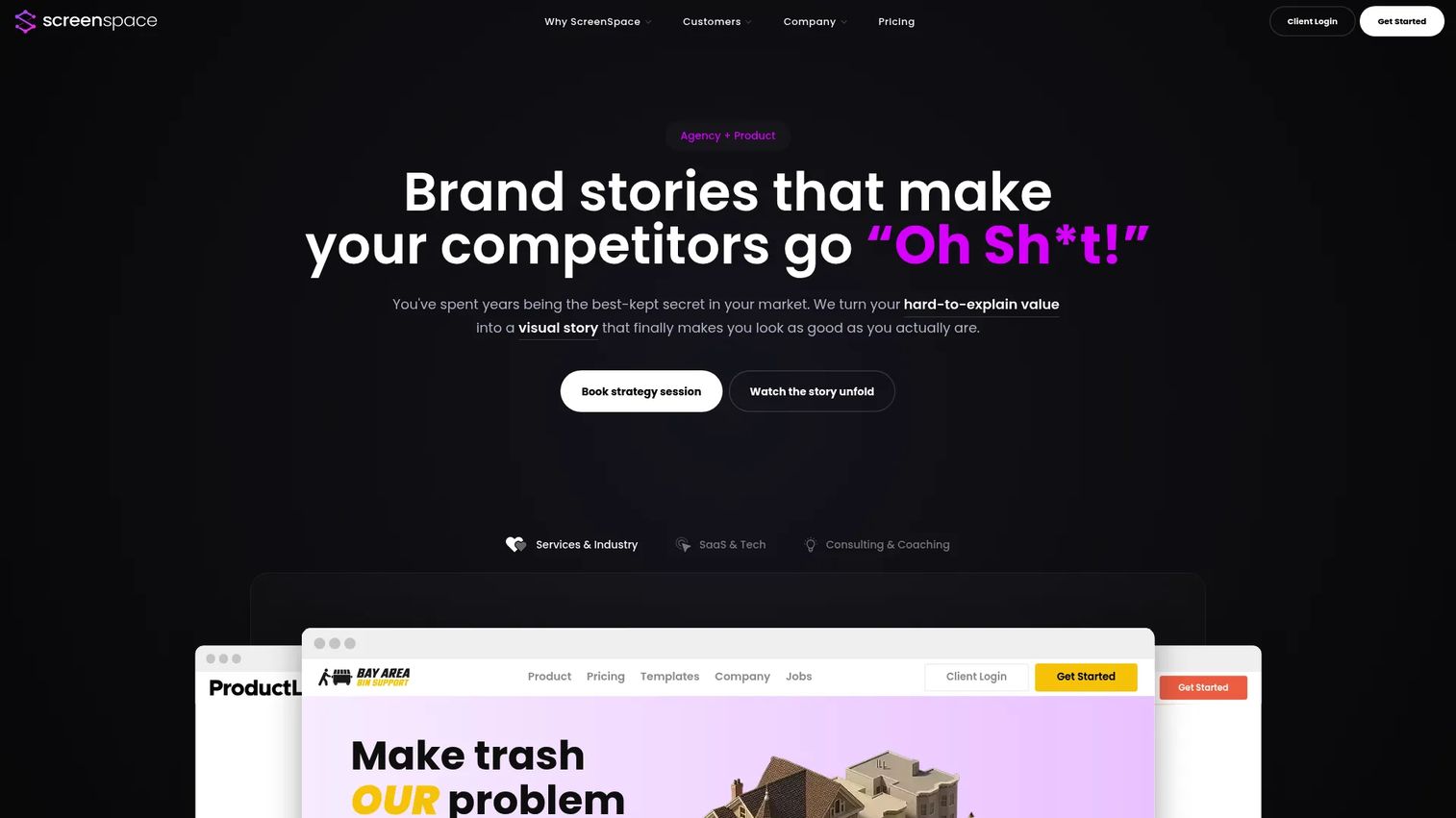
ScreenSpace is a visual storytelling agency and platform that turns complex B2B expertise into interactive buyer experiences. It offers both project-based engagements and ongoing creative partnerships, making it closer to an agency model than a self-serve SaaS tool. Buyers get interactive visual stories, buyer journey experiences, and embeddable content designed for GTM teams with complex products.
Best for: Established B2B companies that need polished, interactive product stories built by a specialist team for high-stakes buyer journeys.
Key features
- Interactive visual product stories
- Drag-and-drop story builder
- Guided templates by use case
- Lead capture and CRM integrations
- Real-time engagement analytics and custom domains
Why choose ScreenSpace: ScreenSpace fits when the demo problem is primarily about production quality and narrative complexity. It is not a self-serve platform for high-volume demo creation. The agency model suits teams that want finished, polished assets rather than an internal build workflow.
ScreenSpace pricing: The Narrative Foundation engagement starts at $8,000 as a one-time investment. Visual Story is $28,000 one-time and includes 12 months of platform access. Ongoing Creative Partnership plans run from $7,500/month to $12,000/month, billed quarterly.
G2 rating: 4.9/5
10. DemoEasel
DemoEasel is demo-creation software for producing live demos, self-guided walkthroughs, videos, mobile demos, PowerPoint content, and Keynote presentations. The official site offers a 30-day trial for download on Windows and macOS, suggesting a desktop-first architecture rather than a browser-based SaaS model.
Best for: Enterprise teams that need repeatable, multi-format demo output for live selling, self-guided buyer review, and presentation-based demos.
Key features
- Live demo creation and delivery
- Self-guided walkthrough production
- Video and mobile demo output
- PowerPoint and Keynote simulation export
- Reusable demo content across formats
Why choose DemoEasel: DemoEasel suits teams that need one platform to output demos across live calls, self-guided links, and presentation files. The desktop model may be a constraint for teams expecting a fully cloud-based library with real-time CRM sync.
DemoEasel pricing: A 30-day trial is available via download. Paid pricing requires contacting sales. Ask about seat costs, content limits, and enterprise support terms.
G2 rating: 3.5/5
11. Hobbes

Hobbes is an AI product agent that navigates software, answers buyer and customer questions by text or voice, and guides people through product workflows. It operates as a conversational browser agent with interactive product sandboxes, covering sales demos, onboarding, expansion conversations, and customer success. Note that the domain hobbes.com is an unrelated site; the official product is at hihobbes.com.
Best for: B2B SaaS companies that want an AI-guided demo and onboarding layer that answers buyer questions, qualifies leads, and routes to sales automatically.
Key features
- Conversational AI agent with interactive product sandboxes
- Text and voice support in 30-plus languages
- Lead qualification, scoring, and meeting booking
- CRM integrations, webhooks, API, and MCP support
- Whitelabeling, SSO/SAML, and GitHub Sync on higher tiers
Why choose Hobbes: Hobbes fits teams that want a demo experience driven by buyer questions rather than a linear guided path. It covers both top-of-funnel qualification and post-sale onboarding from one agent layer.
Hobbes pricing: Plans listed on the pricing page are Starter, Growth, Scale, and Custom. Contact Hobbes to ask about seat model, language coverage, integration depth, and enterprise security requirements.
12. Lancey
Lancey is currently positioned as an AI coding agent that ingests customer feedback from tools like Slack and Intercom, then generates ready-to-merge pull requests. At time of writing, the Lancey homepage states the team is working on something new and points visitors to useclearline.com. The product's current positioning is engineering-side, connecting customer-reported issues to code, rather than a buyer-facing demo creation tool.
Best for: Engineering and product teams that want customer feedback to drive code changes and faster product iteration.
Key features
- Customer feedback ingestion from Slack, Intercom, and Zendesk
- Automatic prioritization of feedback into tasks
- Ready-to-merge pull request generation
- Autopilot mode for processing new issues
- Multi-player collaboration with organization-wide memory
Why choose Lancey: Lancey is worth evaluating if the goal is connecting customer signals, including demo-driven product gaps, directly to the engineering queue. Verify the current product direction with the team before including it in a demo software shortlist.
G2 rating: 5.0/5
Considerations when choosing SaaS demo software
Match the demo format to the sales motion
Early-stage buyers respond well to guided demos that walk them through a curated story. Technical evaluators often need sandbox-style exploration to validate specific workflows. Identify which moment in your sales cycle is the actual bottleneck before choosing a format, and confirm the platform supports it without requiring engineering.
Check how personalization works
Evaluate whether the tool edits text, images, charts, logos, and flow paths without engineering help. Account-specific demos and buying-committee variants are table stakes for mid-market and enterprise motions. Ask vendors whether personalization is template-driven or variable-driven, and how many demo variants a team can maintain.
Verify analytics and intent signals
Completion rate, drop-off location, and viewer identity are the numbers that matter for presales follow-up. Confirm whether the platform captures account-level engagement, pushes alerts to Slack or CRM, and distinguishes between multiple viewers on the same account link.
Review governance, security, and access controls
For presales teams operating in security-sensitive deals, ask about private links, password protection, domain restriction, sensitive-data masking, and audit trails. Some platforms gate these features behind enterprise plans, which affects the total cost of ownership.
Pressure-test maintenance
A demo that becomes outdated after a UI change is a liability in front of buyers. Ask how fast a team can update a demo, whether recapture is step-level or full-flow, and whether a centralized library allows one edit to propagate everywhere the demo is shared.
Conclusion
If your presales team is drowning in custom demo requests and staging environment resets, the shortlist depends on what kind of problem you're actually solving.
Guideflow is the strongest overall pick for teams that need multiple demo formats from one platform. Interactive demos guide early-stage buyers, sandboxes support technical validation, demo centers organize the library, live demos cover complex calls, and mobile demos reach buyers on any device.
Tourial and ScreenSpace fit when the demo program is marketing-led and visual storytelling is the priority. Saleo fits sales engineering teams whose close rate depends on believable live call data. Demoboost suits presales orgs in Europe building a governed demo program. Vivun addresses the broader presales operating model when demo creation is just one part of a larger SE capacity problem. Anima fills the gap when you need to demo a feature before it ships.
Start with two or three tools from this list, match them to your actual bottleneck, and prioritize the one that removes the most manual work from your SE team.
Start your journey with Guideflow today!
FAQs
SaaS demo software helps teams create, personalize, share, and measure product experiences that show how a SaaS product works without relying entirely on live calls or production environments. The category includes interactive demos, sandboxes, demo centers, live demo tools, and mobile-optimized experiences, each suited to a different buying moment.
SaaS demo software is a subset of product demo software built specifically for cloud products, subscription sales motions, and multi-stakeholder buying cycles. It typically emphasizes buyer self-service, shareable demo links, CRM integration, and analytics on who engaged and how far they got, features that matter less for one-time or on-premise software sales.
Presales teams should prioritize reusable demo creation that doesn't require engineering support, sandbox options for technical validation, access controls for security-sensitive deals, CRM integration for pipeline handoff, and step-level analytics to understand where buyers drop off. Governance features like versioning, permission levels, and sensitive-data masking matter as much as creation speed.
It can replace many repetitive live demos and handle buyer self-education before or after a call. It should not replace live demos for discovery conversations, complex objection handling, or executive briefings where real-time dialogue changes the outcome. The right setup uses self-serve demos to filter unqualified prospects and reserve SE time for deals that need it.
SaaS demo software reduces the hours SEs spend on demo prep, environment resets, and rebuilding the same flow for different AEs. Reusable demo libraries mean SEs build a flow once and distribute it across the team. Engagement analytics show which prospects actually explored the product and what they cared about, so SEs can walk into live calls with better context.
Interactive demos excel when teams want to control the narrative and guide buyers through a specific product story step by step. Sandboxes excel when buyers want to explore freely, validate a specific workflow, or test a technical use case on their own terms. Both formats are strong tools for different moments: Guided demos fit early qualification and champion enablement, while sandboxes fit technical validation and proof-of-concept support.
Pricing varies by seat count, demo volume, analytics depth, security features, and integration requirements. Guideflow starts free and scales to $499/month on the Growth plan billed annually. Demoboost starts at $375/month billed annually. Platforms like Saleo, Olto, Vivun, and Hobbes price by quote. When evaluating, ask vendors about editor seat costs, viewer limits, and what features gate behind higher tiers.
Presales and sales engineering teams are the primary users, but the platforms in this list serve marketing, demand generation, product marketing, customer success, onboarding, support, partnerships, and training teams. The best platforms support a shared demo library across all these functions rather than creating separate assets for each team.