Your product changed last sprint. Support is still answering questions from docs written three releases ago. The API reference drifted in January and nobody noticed until a developer escalated. Your onboarding completion rate is at 34% and you can't tell whether the problem is the product or the docs.
This is the actual documentation problem. It's not that teams lack content. It's that the content stops being accurate the moment engineering ships, the right users can't find it, and nobody owns the gap between "we updated the product" and "users know how to use it."
According to the Stack Overflow Developer Survey (2025), 67.8% of developers used technical documentation to learn in the past year. That's the majority of your users relying on docs that your team has to keep current across every sprint, every persona, and every platform you support.
The right documentation tool changes what's maintainable. The wrong one becomes another high-maintenance system competing for engineering time.
What's inside
This guide covers 15 technical documentation tools for product, engineering, support, and technical writing teams. Tools were selected based on:
- Authoring workflow and maintainability: How docs stay current after releases
- Versioning and release alignment: Git workflows, CI/CD, review processes
- Search, permissions, and publishing control: Discoverability and governance
- PM-relevant fit: Impact on activation, support deflection, and onboarding completion
The list spans interactive documentation, hosted docs platforms, API reference generators, docs-as-code tools, internal knowledge bases, and help authoring systems.
TL;DR
- Best for interactive product documentation: Guideflow gives product and onboarding teams clickable guided demos, sandboxes, and demo centers with no engineering work
- Best for developer-first documentation: GitBook or Mintlify for polished, Git-backed docs with AI-ready exports
- Best for customer-facing knowledge bases: Document360 for governed, analytics-backed help centers
- Best for API documentation: ReadMe or Redocly for interactive API references and developer portals
- Best for docs-as-code teams: Docusaurus, MkDocs, or Read the Docs for Git-driven, version-controlled doc sites
- Best for enterprise help authoring: MadCap Flare or ClickHelp for structured, multi-channel publishing with technical writer ownership
What is technical documentation tools?
Technical documentation tools are software platforms that help teams create, maintain, publish, and measure product, API, developer, support, and internal documentation.
Types of technical documentation:
- Product documentation: Feature guides, release notes, onboarding flows, and user manuals
- API and developer documentation: Reference pages, SDK guides, OpenAPI specs, and changelogs
- Internal engineering docs: Architecture decisions, runbooks, and system design documents
- Help center and support docs: Troubleshooting articles, FAQs, and step-by-step walkthroughs
- Interactive product guides and demos: Guided walkthroughs and clickable product experiences that show users how to complete workflows
Core features to evaluate:
- Authoring and review workflows with commenting and approvals
- Version control or release-based publishing tied to your release cadence
- Search and navigation including AI-assisted discovery
- Permissions and governance for internal vs. customer-facing content
- API reference generation from OpenAPI or source-code comments
- Analytics and content feedback to measure usage and drop-off
- AI-assisted writing or agent-readable exports for AI search indexing
Written docs versus interactive product documentation:
Written docs explain concepts, edge cases, and reference material. Interactive demos help users see and complete workflows by clicking through the product itself. Strong documentation programs use both. A help article explaining a feature gets deflection; a guided demo showing the same workflow gets completion. These are different tools for different activation moments, and your docs strategy works better when you distinguish between them.
When to use technical documentation tools
Reduce repeat support questions
When your support queue fills with the same "how do I" questions, the problem is often findability, not content volume. Good documentation tools give you searchable content, reader analytics, and feedback loops that show where users get stuck. For PMs, this translates directly into lower CS load and higher self-serve activation without adding headcount.
Keep docs aligned with release cadence
Every feature ship creates a docs debt. Tools with versioning, Git integration, and review workflows let your team treat docs like code: Changes go through pull requests, CI/CD builds update the published site automatically, and stale content gets flagged before it reaches users. PMs should care about this because onboarding decay, where docs drift from the actual product UI, directly hurts TTFV and retention.
Help developers and users self-serve
API references, developer portals, and product onboarding flows each serve different self-serve needs. Developers need accurate, interactive API references with real call examples. Product users need guided paths through workflows. PMs should evaluate whether the audience needs conceptual explanation, reference material, or hands-on interaction, because the tool choice follows the content type.
Technical documentation tools comparison
The table below compares all 15 tools by best fit, key differentiator, pricing, and G2 rating. Pricing and ratings were verified against each vendor's pricing page and G2 listing.
| # | Product | Best for | Key differentiator | Pricing | G2 rating |
|---|---|---|---|---|---|
| 1 | Guideflow | Interactive product documentation and onboarding demos | Guided clickable demos with analytics and no engineering overhead | Free; paid from $35/mo (annual) | 5.0/5 |
| 2 | GitBook | Technical teams publishing collaborative product and API docs | Git sync plus AI documentation tools including MCP | Free; from $65/site/mo (annual) | 4.7/5 |
| 3 | Document360 | Customer-facing knowledge bases and internal docs portals | AI search, analytics, and governed publishing workflows | Custom pricing | 4.7/5 |
| 4 | Mintlify | Developer-first SaaS teams building AI-ready documentation | Git-backed docs with AI Autopilot for self-updating content | Free; from $450/mo (annual) | 4.6/5 |
| 5 | Docusaurus | Engineering teams wanting full frontend control over docs | React and MDX with versioning and static site generation | Free (open source) | N/A |
| 6 | MkDocs | Technical teams building Markdown docs with simple deployment | Lightweight Python-based static site generator | Free (open source) | N/A |
| 7 | ReadMe | API-first companies building interactive developer portals | Interactive API explorer with real call responses | Free; from $250/mo (annual) | 4.5/5 |
| 8 | Redocly | Teams governing API documentation at scale with OpenAPI | API catalog, linting, and governance scorecards | Free; from $69/mo (annual) | 5.0/5 |
| 9 | GitHub | Engineering teams keeping docs close to source code | README, wikis, GitHub Pages, and pull request reviews | Free; from $4/user/mo | 4.7/5 |
| 10 | Confluence | Cross-functional product teams documenting internal decisions | Jira integration with AI-powered search and collaborative pages | Free; from $5.42/user/mo | 4.1/5 |
| 11 | MadCap Flare | Technical writing teams with complex, governed documentation | Single-source publishing with multi-channel output | From $3,150/author/year | 4.4/5 |
| 12 | Read the Docs | Open-source and developer projects needing automated builds | Automated doc builds triggered by repository changes | Free (open source); from $50/mo (business) | 5.0/5 |
| 13 | Sphinx | Developers building structured technical docs from source files | reStructuredText with extensions and multi-format output | Free (open source) | 4.4/5 |
| 14 | Doxygen | Engineering teams documenting codebases from source comments | Generates cross-references and diagrams across 15+ languages | Free (open source) | N/A |
| 15 | ClickHelp | Technical writing teams needing hosted help authoring portals | AI Suite with AnswerGenius plus translation and SSO | From $194/mo | 4.7/5 |
Best 15 technical documentation tools for 2026
1. Guideflow
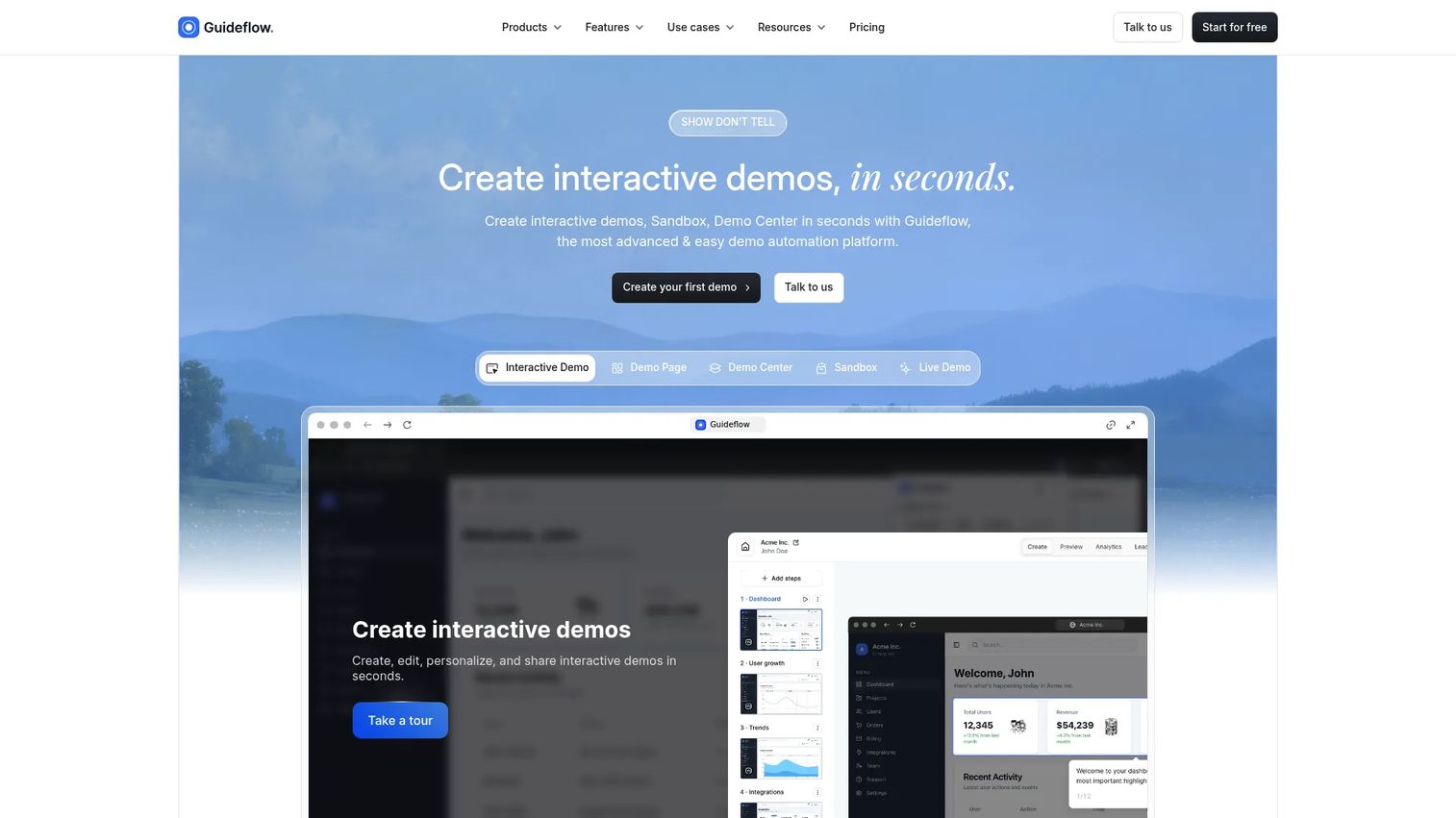
Guideflow is a demo automation platform that turns product workflows into guided, clickable experiences without engineering work. Product, support, onboarding, and marketing teams capture product flows directly from the browser, then publish interactive guides as help center embeds, onboarding demos, feature announcements, or customer training assets. The platform covers five formats: Interactive Demo, Sandbox, Demo Center, Mobile Demo, and Live Demo.
Best for: Product and onboarding teams that need interactive product documentation, guided workflows, and self-serve user education without adding engineering overhead.
Key features
- Browser-based product capture via screenshot, video, or HTML recording
- No-code editor with branding, branching, forms, and lead capture
- AI-generated demo content, translations, and voiceovers
- Public links, embeds, custom domains, and offline demos
- Engagement analytics covering completion rate, drop-off, and conversions
Why choose Guideflow: Guideflow fits best when a written article cannot show the workflow clearly. For PMs, it directly addresses activation and TTFV: Users who click through a guided demo complete onboarding steps faster than users who read a static article. It pairs naturally alongside GitBook, Document360, Confluence, or any developer docs setup as the interactive layer for product workflows. The best knowledge base software and Guideflow work as a stack, not substitutes.
Guideflow pricing: Free plan available. Paid plans start at $35/user/month (billed annually) on the Solo tier, with Growth at $499/month and Advanced at $1,499/month.
G2 rating: 5.0/5
Start your journey with Guideflow today!
2. GitBook
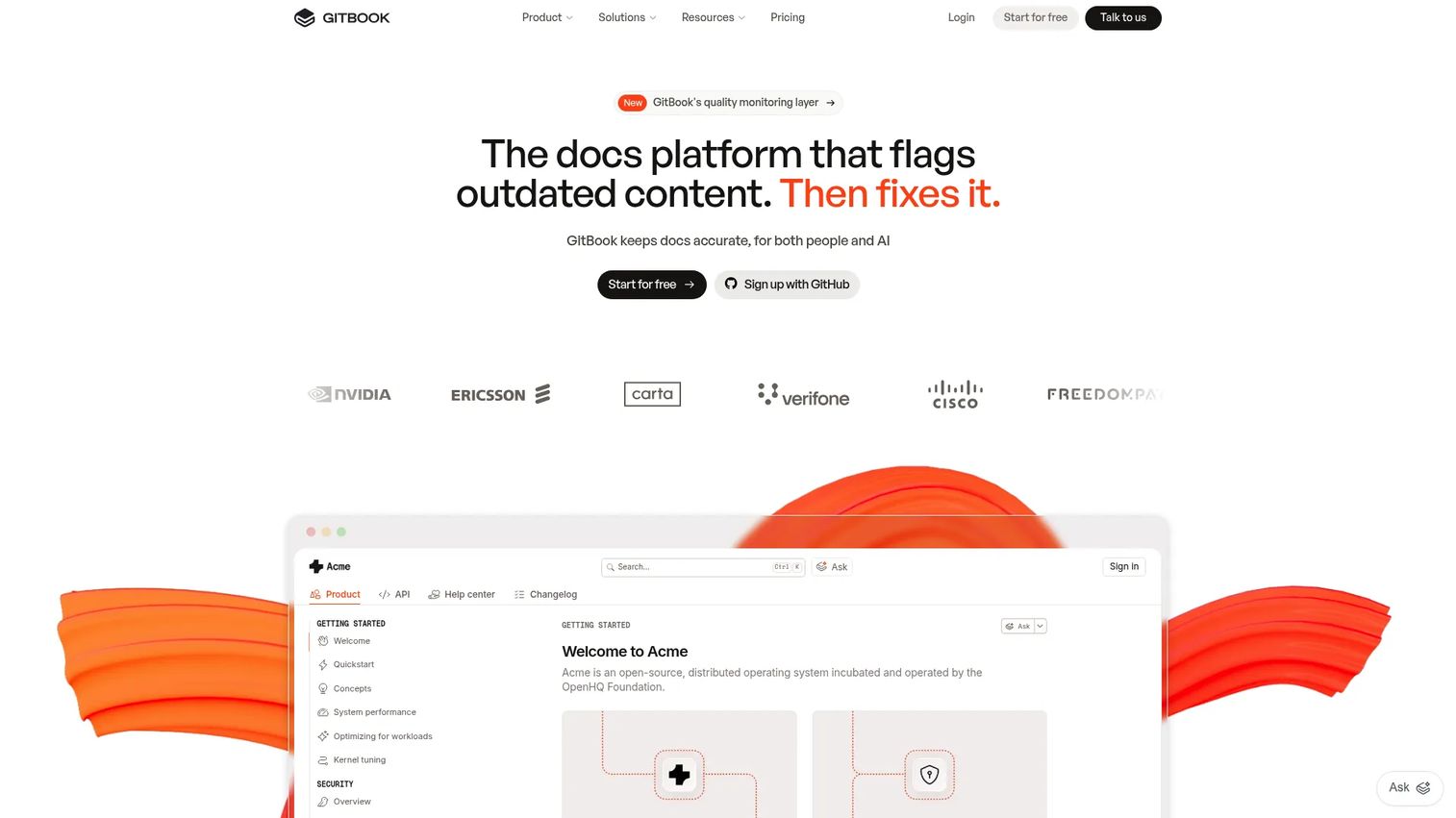
GitBook is an AI-native documentation platform for creating and publishing product documentation, API references, and technical content. Teams use a block-based visual editor alongside GitHub or GitLab synchronization, so engineers and PMs can contribute without leaving their existing workflows. GitBook also ships AI tools including GitBook Agent, an AI documentation assistant, and MCP server support for agent-readable exports.
Best for: Product and engineering teams that want polished public docs with collaborative editing, Git sync, and developer-friendly structure without maintaining static-site infrastructure.
Key features
- Block-based editor with Markdown and GitHub/GitLab sync
- AI tools: GitBook Agent, Assistant, and MCP server support
- Version history, change requests, and real-time commenting
- Analytics and reader feedback
- API documentation support with OpenAPI compatibility
Why choose GitBook: Strong fit when PMs and engineers both need to contribute to docs and neither team wants to maintain build pipelines. The free-to-paid path is straightforward for teams scaling docs alongside product growth.
GitBook pricing: Free plan available for individuals. Essential starts at $65/site/month plus $12/user/month, billed annually, with a 14-day free trial. Enterprise pricing is custom.
G2 rating: 4.7/5
3. Document360
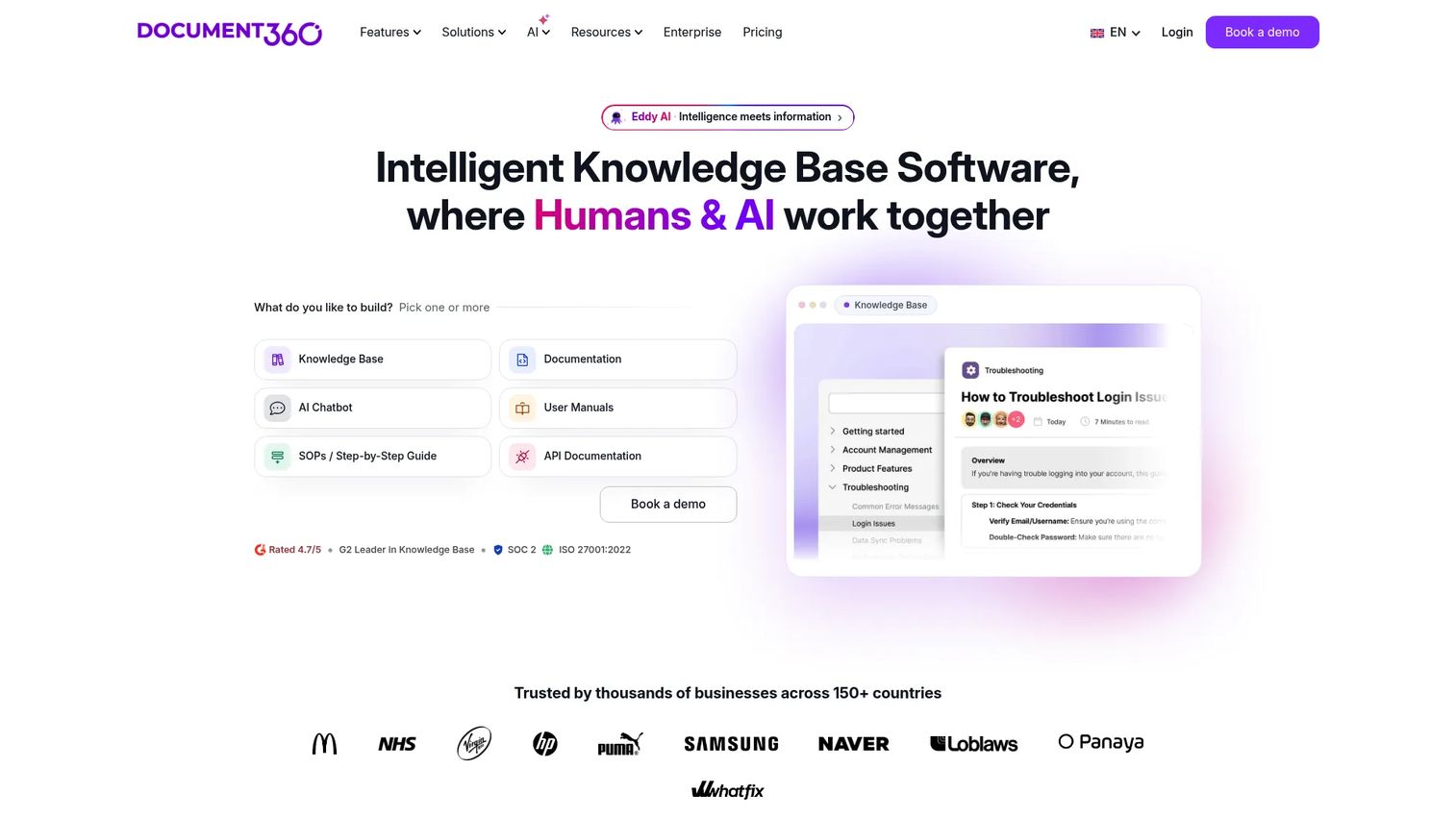
Document360 is an AI-powered knowledge base platform for creating and managing customer-facing help centers, internal documentation, SOPs, and API references. The platform includes an AI-powered chatbot, custom approval workflows, analytics by article and category, role-based access control, and embedded help widgets for in-app deployment. It handles multiple workspaces, localization, and SSO for enterprise governance.
Best for: Support, product, and customer education teams building searchable, governed knowledge bases where content usage data feeds back into product and support decisions.
Key features
- AI Search and AI Chatbot with self-serve discovery
- Custom workflow builder and approval publishing
- Analytics, SEO customization, and reader feedback
- SSO, SCIM, role-based access, and IP restriction
- PDF export, content import, and embedded help center widget
Why choose Document360: The analytics layer matters for PMs evaluating support deflection. You can see which articles get searched, which ones users abandon, and where the content gaps are. That feedback loop ties documentation quality directly to measurable activation and ticket reduction.
Document360 pricing: Pricing is quote-based and determined by team size, workspaces, language needs, and AI Premium Suite configuration. Contact Document360 for a current quote.
G2 rating: 4.7/5
4. Mintlify
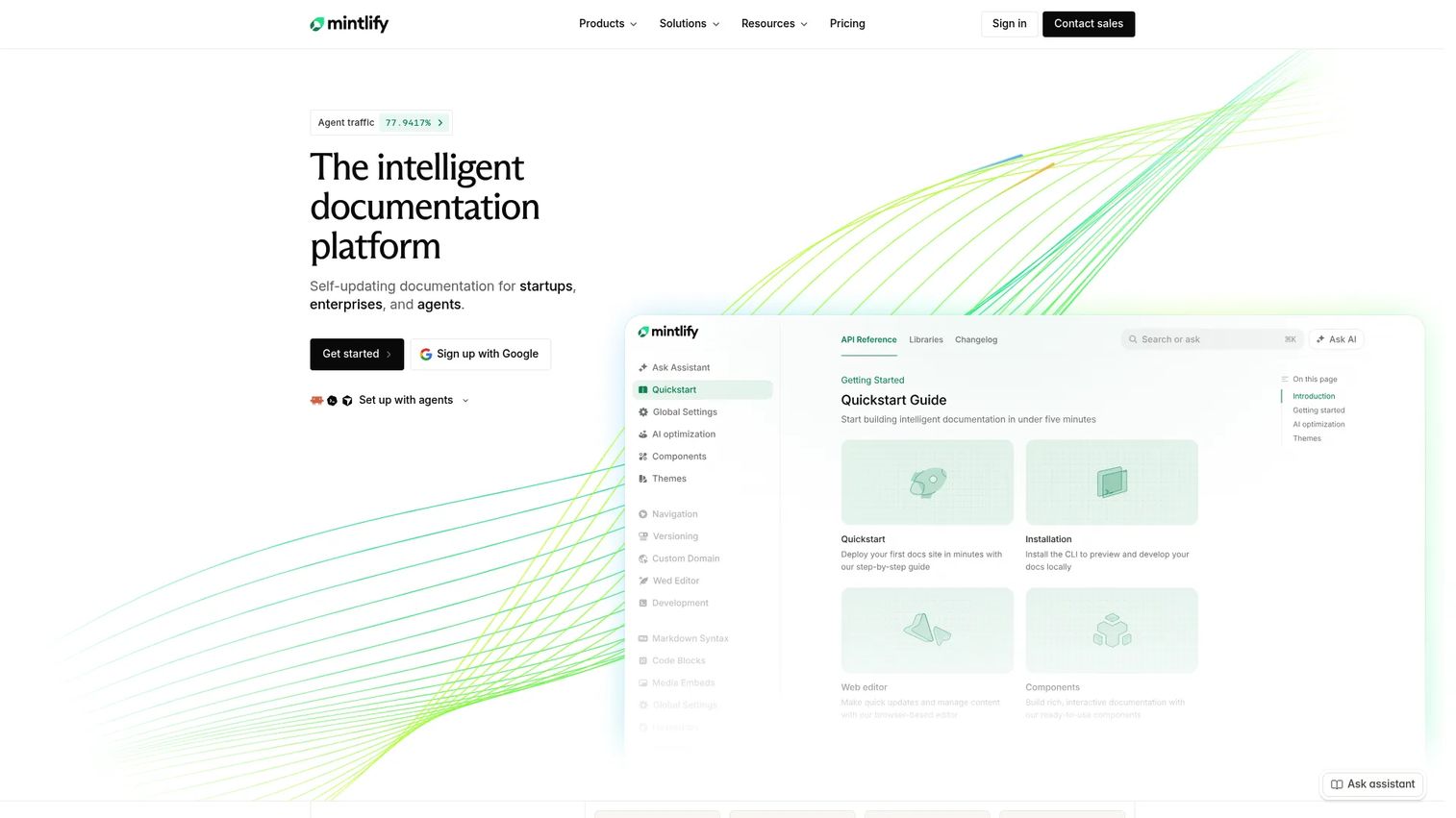
Mintlify is a documentation platform built for developer-first SaaS teams that need polished API references, interactive playgrounds, and AI-ready content architecture. It supports Git-backed workflows with a web editor, generates interactive API references from OpenAPI specs, and includes an AI Autopilot feature that keeps docs current as the product changes. Mintlify also supports llms.txt and MCP for agent-readable exports.
Best for: Developer tools, infrastructure products, and API-heavy SaaS teams where developer experience is a product differentiator.
Key features
- Git-backed docs with web editor and GitHub integration
- Interactive API playground from OpenAPI specs
- AI Assistant, Writing Agent, and Autopilot for self-updating docs
- Custom components and MDX support
- MCP server and llms.txt for AI agent access
Why choose Mintlify: Choose it when developer experience is part of your product's value proposition. For PMs at API-first companies, documentation quality directly affects developer onboarding conversion, and Mintlify's AI Autopilot reduces the maintenance burden after releases.
Mintlify pricing: Starter plan is free for up to five editors. Pro starts at $450/month billed annually ($540/month billed monthly). Enterprise pricing is custom.
G2 rating: 4.6/5
5. Docusaurus
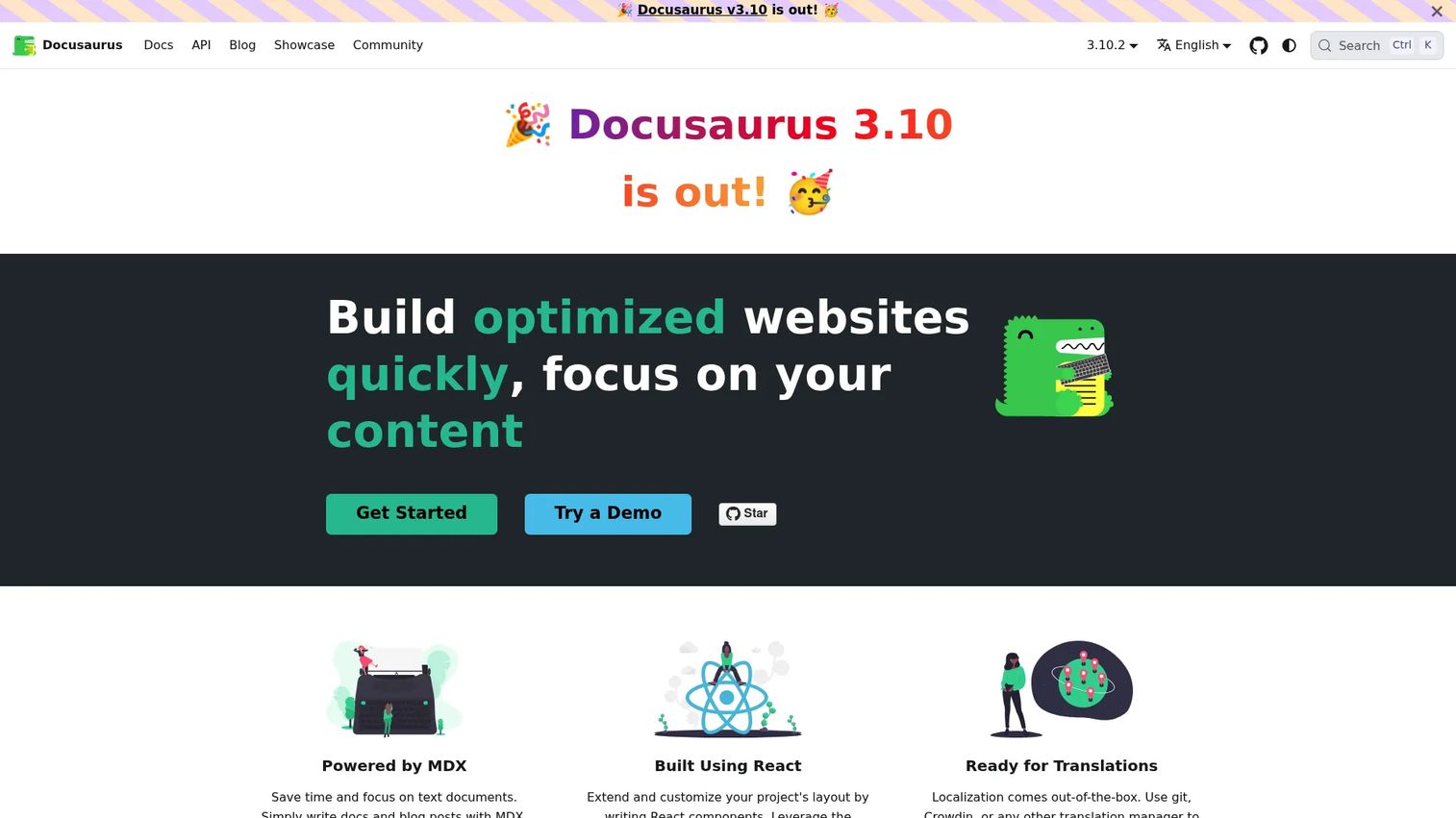
Docusaurus is an open-source static-site generator for building documentation sites using React and MDX. Meta created it and open-sourced it, and many engineering teams use it for product docs, developer guides, and API documentation. It supports document versioning, internationalization, built-in search, and a plugin architecture. Deployment works through GitHub Pages, Netlify, Vercel, or any static hosting service.
Best for: Engineering-led teams that want complete frontend control over docs UI, versioning, and deployment pipeline without paying for a hosted platform.
Key features
- MDX-powered authoring with embedded React components
- Document versioning and internationalization
- SEO-friendly static HTML generation
- Plugin-based architecture
- GitHub Pages, Netlify, and Vercel deployment support
Why choose Docusaurus: The right call when engineering wants to treat docs exactly like a product: Source-controlled, reviewed via PR, and deployed through CI/CD. PMs should account for the ongoing engineering maintenance cost, since design and infrastructure decisions sit entirely with the team.
Docusaurus pricing: Free and open source. Hosting costs apply depending on the deployment target, but Docusaurus itself carries no licensing fees.
6. MkDocs
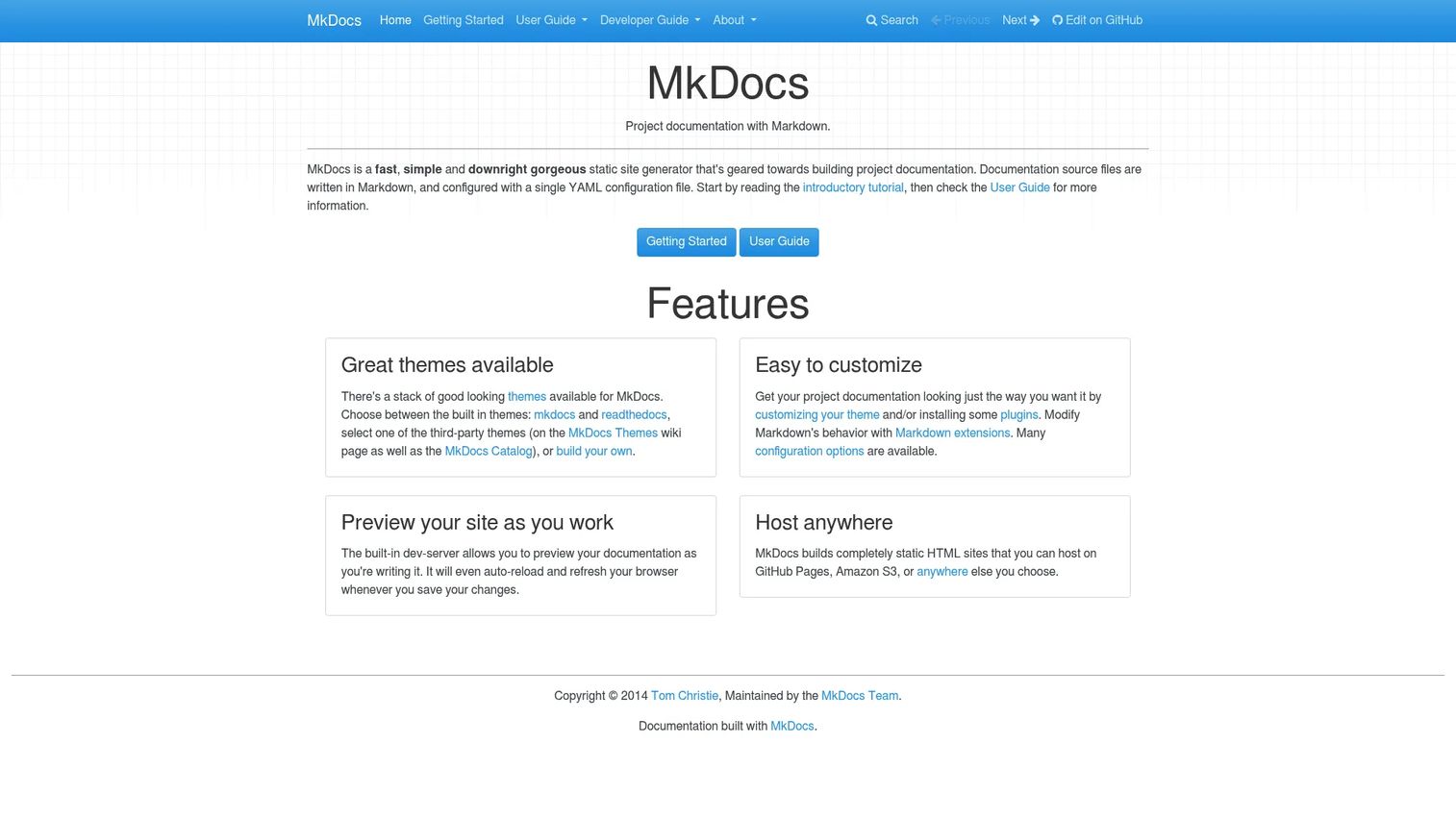
MkDocs is a Python-based static site generator for Markdown documentation. Teams write content in Markdown, configure navigation through a YAML file, and MkDocs builds a clean static HTML site. The Material for MkDocs theme is a popular add-on that extends design options significantly. MkDocs includes a built-in development server with live auto-reload, making it fast to iterate locally before deployment.
Best for: Technical teams already comfortable with Git and Python who want a lightweight, Markdown-first docs setup without a managed platform subscription.
Key features
- Markdown-first authoring with YAML navigation config
- Built-in development server with live auto-reload
- Theme and plugin support including Material for MkDocs
- Static HTML output deployable to GitHub Pages or Amazon S3
- Simple configuration with a single mkdocs.yml file
Why choose MkDocs: Best when docs ownership sits close to engineering and the team prefers simplicity over features. The low setup overhead makes it a good starting point, but PMs should check whether non-engineers can contribute comfortably before committing to it as the team's primary platform.
MkDocs pricing: Free and open source. Hosting costs depend on deployment target.
7. ReadMe
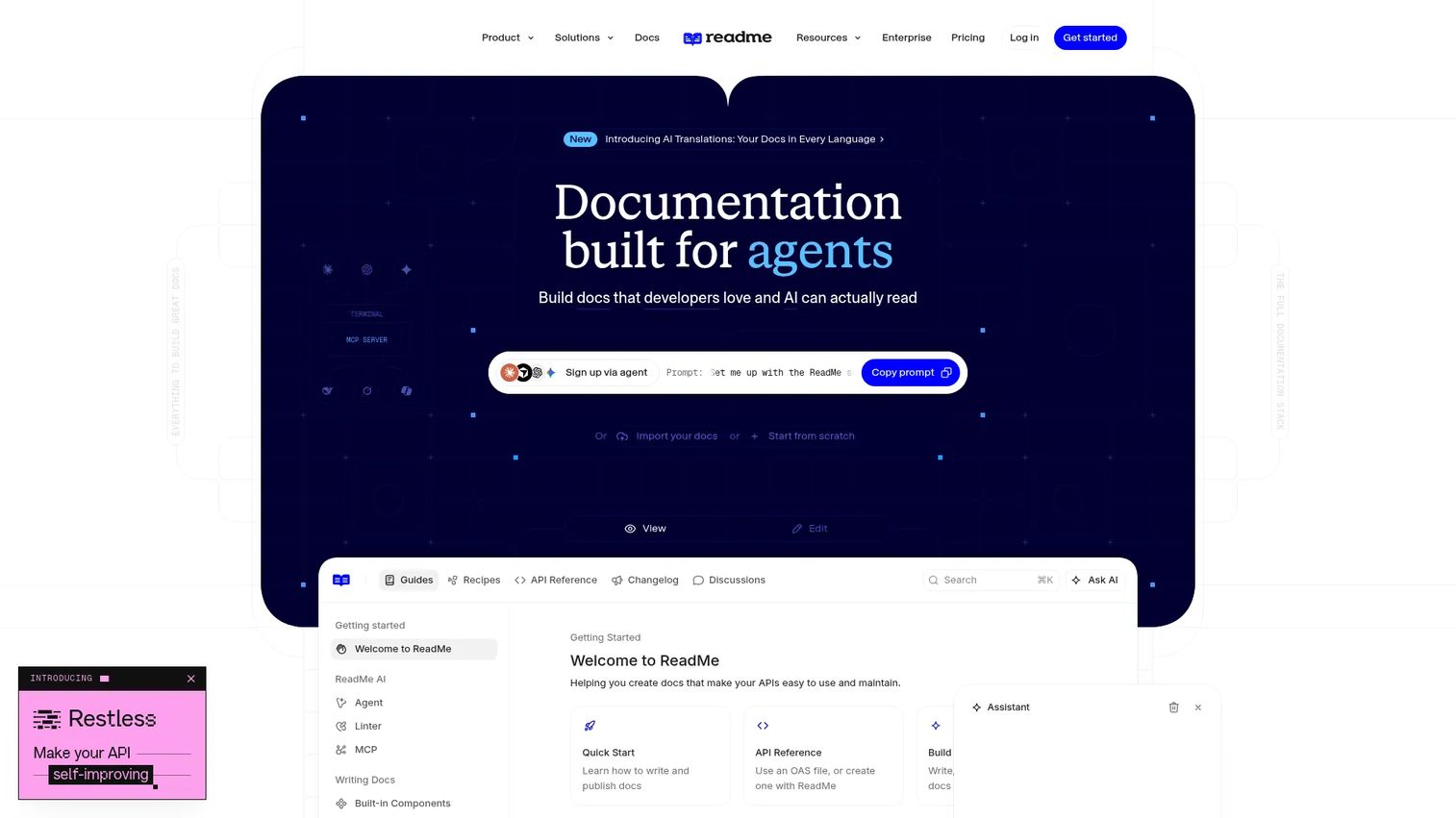
ReadMe is a documentation platform for building developer portals with interactive API references, Markdown guides, changelogs, and usage analytics. The interactive API explorer lets developers make real calls and see real responses directly from the docs, which significantly reduces time-to-first-successful-API-call. ReadMe integrates with OpenAPI, Swagger, GitHub, and GitLab for content synchronization, and supports AI-readable documentation through its platform.
Best for: API-first companies that need developer portals combining onboarding guides, interactive references, and documentation usage metrics.
Key features
- Interactive API references with real call and response testing
- OpenAPI, Swagger, GitHub, and GitLab synchronization
- Markdown guides with customizable themes and custom domains
- Changelog support for documenting API updates
- Usage analytics tied to developer onboarding behavior
Why choose ReadMe: When API adoption is a product metric, ReadMe gives PMs visibility into where developers stall in the docs, what endpoints they're testing, and whether the documentation is converting trial access into active usage.
ReadMe pricing: Starter plan is free. Pro starts at $250/month billed annually. Enterprise pricing requires a sales conversation.
G2 rating: 4.5/5
8. Redocly
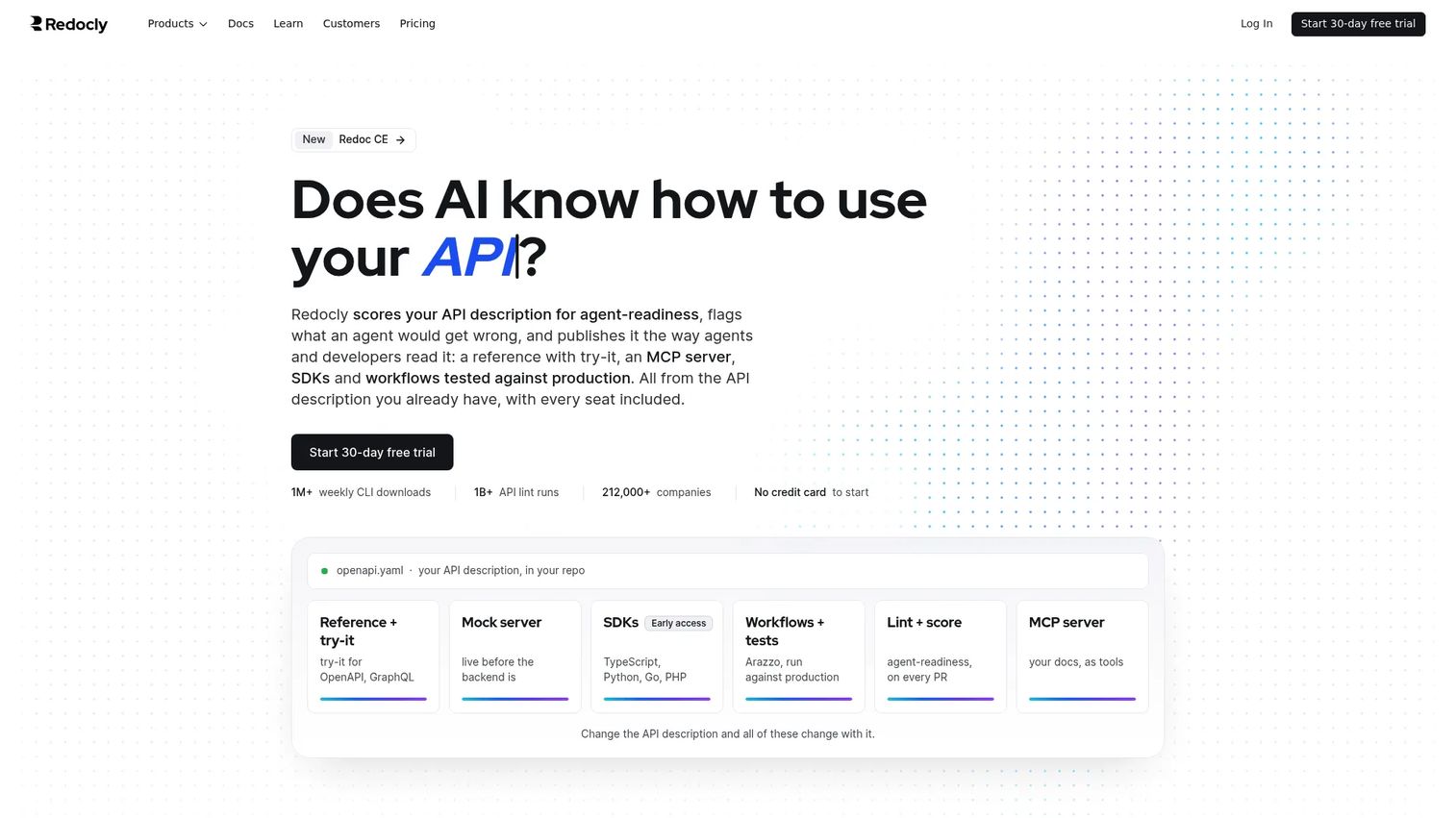
Redocly is an API documentation and developer portal platform built around OpenAPI governance. It supports OpenAPI, GraphQL, and AsyncAPI specs and includes API linting, governance scorecards, an API catalog, and an interactive testing console called Replay. Redocly also ships an AI assistant, MCP server support, and llms.txt for agent-readable documentation. Git-based collaboration with pull request previews makes it fit naturally into engineering workflows. Explore api documentation tools for a focused comparison of API-specific options.
Best for: Organizations with mature API programs that need governance, OpenAPI reference docs, and a developer portal infrastructure that scales across multiple APIs.
Key features
- OpenAPI, GraphQL, and AsyncAPI reference documentation
- API linting and governance scorecards
- Interactive API testing with Replay and mock servers
- Git-based collaboration with pull request previews
- AI assistant, MCP server, and llms.txt support
Why choose Redocly: The governance layer matters when API consistency affects partner integrations or product adoption. PMs at companies with multiple API products benefit from the catalog and scorecard features, which make API quality visible across teams.
Redocly pricing: Starter plan is free. Basic starts at $69/month billed annually. Professional starts at $300/month billed annually. Enterprise pricing is custom.
G2 rating: 5.0/5
9. GitHub
GitHub is the dominant code hosting and collaboration platform, and it also supports documentation through README files, repository wikis, GitHub Pages, Discussions, and Issues. According to the Stack Overflow Developer Survey (2025), 81.1% of respondents regularly used GitHub for code documentation and collaboration. It's not a dedicated documentation platform, but its proximity to source code makes it a natural home for engineering documentation that needs to stay synchronized with code changes.
Best for: Engineering teams that want documentation to live alongside source code, with pull request reviews as the natural governance mechanism.
Key features
- README files with Markdown formatting
- Repository wikis for structured documentation
- GitHub Pages for publishing static documentation sites
- Pull requests as the review workflow for doc changes
- Discussions and Issues for collaborative documentation feedback
Why choose GitHub: Best when documentation ownership is entirely within engineering and discoverability for non-engineers is secondary. PMs should watch for the fact that GitHub wikis and READMEs can become difficult for support or CS teams to navigate or update without developer involvement.
GitHub pricing: Free plan includes unlimited public and private repositories. Team plan starts at $4/user/month. Enterprise starts at $21/user/month.
G2 rating: 4.7/5
10. Confluence
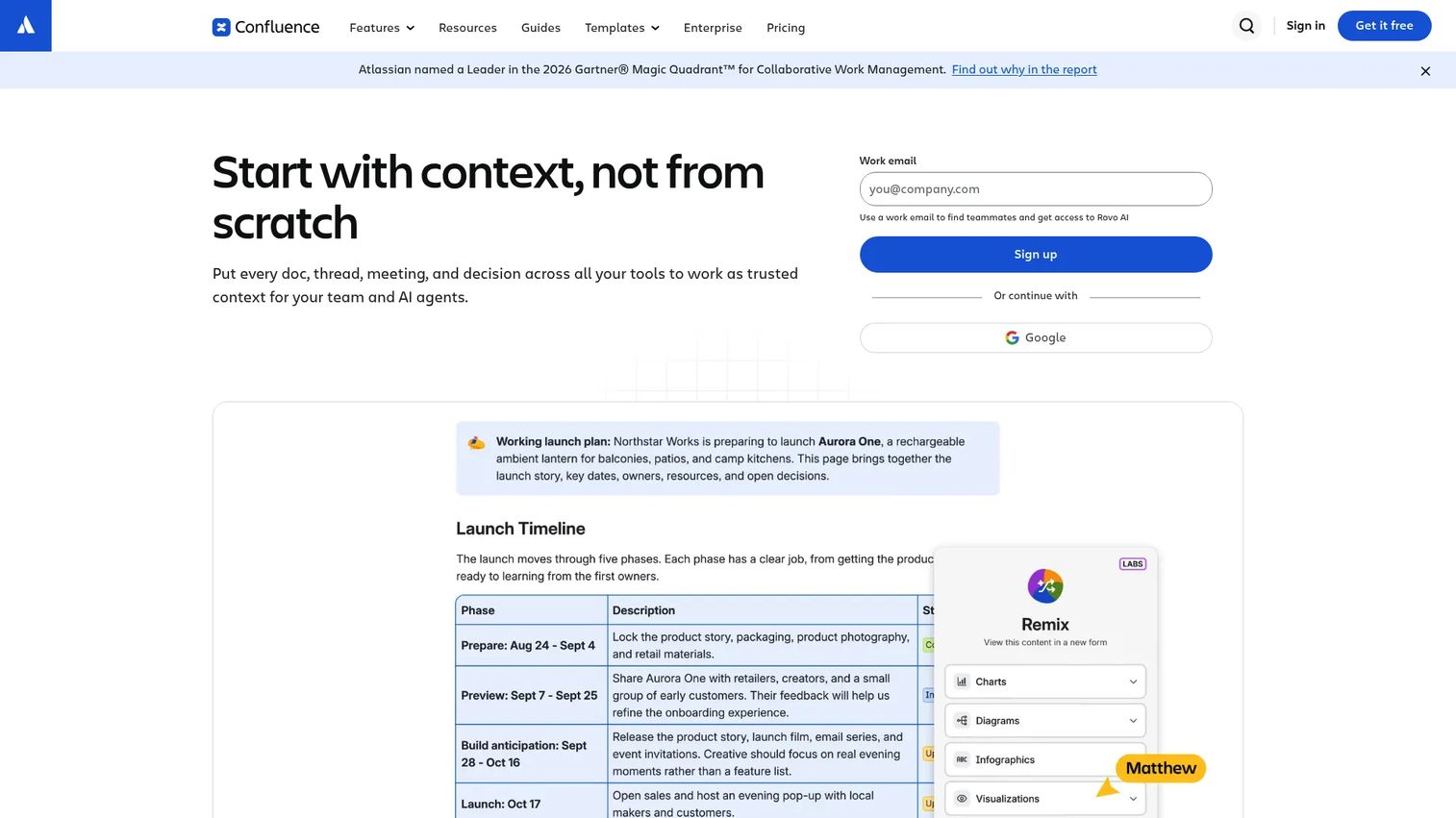
Confluence is Atlassian's collaborative workspace for internal product documentation, decision logs, project specs, release notes, and team wikis. The platform includes AI-powered search through Rovo, real-time collaborative editing, whiteboards, structured databases, and deep Jira integration for connecting docs to work items. According to the Stack Overflow Developer Survey (2025), 32.8% of respondents regularly used Confluence for documentation and collaboration.
Best for: Cross-functional product teams documenting internal decisions, PRDs, release plans, and team knowledge where Jira is already the work-tracking system.
Key features
- Real-time editing, commenting, and AI-powered Rovo search
- Jira integration for linking docs to work items
- Databases for organizing and visualizing structured information
- Templates for PRDs, retros, and release plans
- Spaces with granular permissions per team or audience
Why choose Confluence: Confluence works well for internal product documentation where the audience is your own team. PMs should avoid using it as the only source for polished external developer docs, since discoverability and contribution workflows favor internal users over external ones. For external documentation, pair it with a dedicated platform.
Confluence pricing: Free for up to 10 users. Standard starts at $5.42/user/month. Premium starts at $10.44/user/month. Enterprise pricing requires a sales conversation.
G2 rating: 4.1/5
11. MadCap Flare
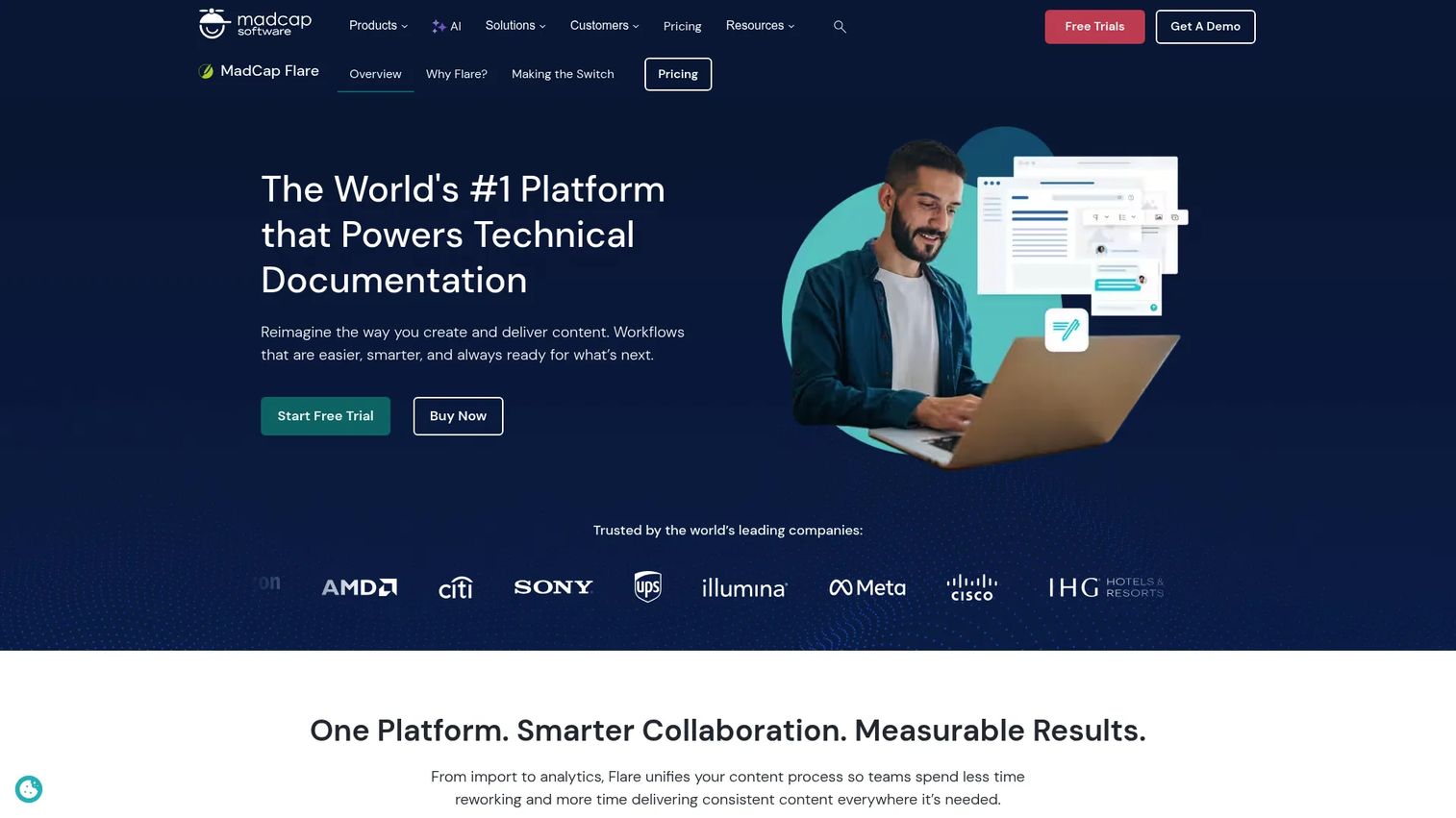
MadCap Flare is professional help authoring and technical communication software for teams producing large, governed documentation sets. It supports topic-based authoring, single-source publishing across HTML, PDF, and Word outputs, content reuse with variables and snippets, and translation workflows. Flare Online adds cloud-based collaboration for distributed technical writing teams.
Best for: Technical writing teams producing large, multi-channel documentation sets where content reuse, structured authoring, and publishing governance are core requirements.
Key features
- Topic-based and micro-content authoring
- Multi-channel publishing to HTML, PDF, and Word
- Single-source content reuse with variables and snippets
- Translation workflow support
- Cloud-based collaboration through Flare Online
Why choose MadCap Flare: The right choice when a dedicated technical writing team owns content quality, publishing cadence, and content governance. For PMs, MadCap Flare is a tool for technical writers rather than a PM-managed platform. The investment makes sense when documentation complexity justifies full-time authoring ownership.
MadCap Flare pricing: Flare Desktop starts at $3,150/author/year. Flare Online Individual, Team, and Business plans are priced through sales on annual billing.
G2 rating: 4.4/5
12. Read the Docs
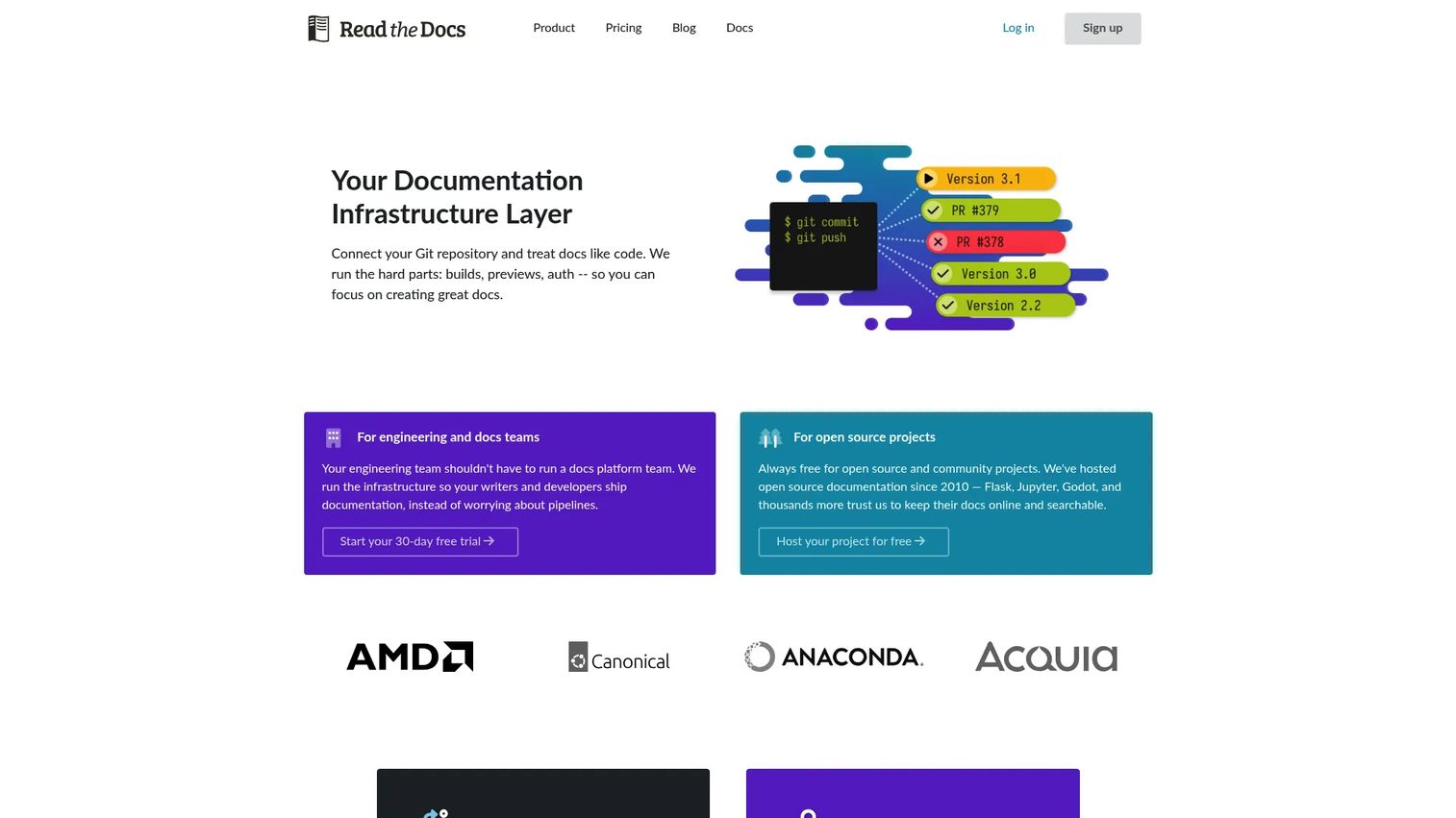
Read the Docs is a documentation hosting and deployment platform that automatically builds and publishes documentation from repository changes. It integrates with GitHub, GitLab, and Bitbucket, supports Sphinx, MkDocs, Docusaurus, and VitePress as build tools, and handles versioning from commits, branches, or tags. The community version is free for open-source projects; business plans add private docs, custom domains, and analytics. Explore api development tools for a broader developer toolchain view.
Best for: Open-source projects and developer teams that want documentation to build automatically whenever code changes, with no manual deployment step.
Key features
- Automatic documentation builds triggered by repository changes
- Versioning from Git commits, branches, or tags
- Integrations with GitHub, GitLab, Bitbucket, Sphinx, and MkDocs
- Search included with every hosted project
- Private docs and custom domains on business plans
Why choose Read the Docs: Strong choice when engineering owns the docs and manual deployment is the friction point. The automation model means docs stay as current as the latest commit, which directly reduces the gap between shipped product and published documentation.
Read the Docs pricing: Free for open-source projects. Business plans start at $50/month (Basic), $150/month (Advanced), and $250/month (Pro), all billed monthly or annually. Enterprise is $10,000/year.
G2 rating: 5.0/5
13. Sphinx
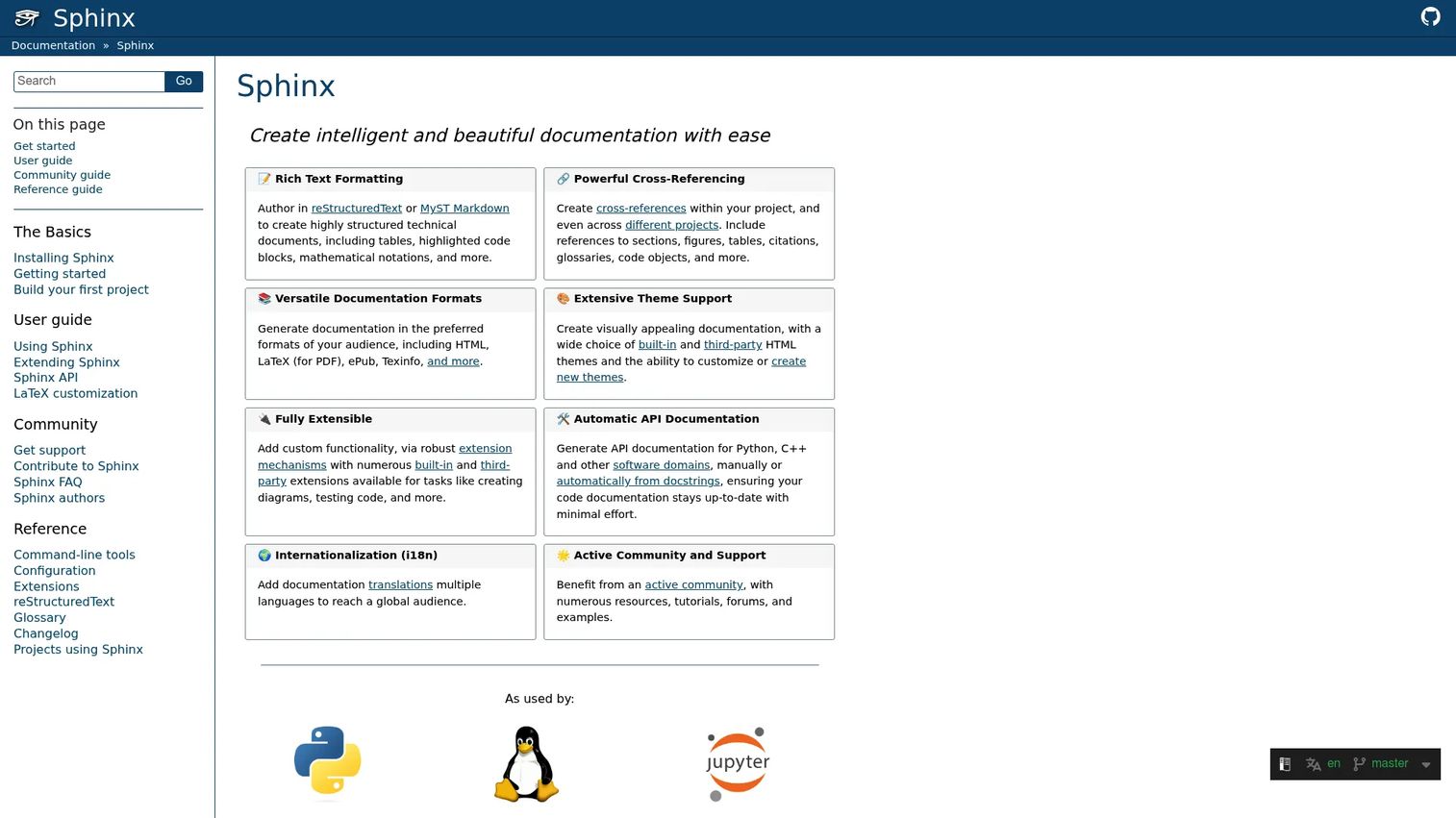
Sphinx is a documentation generator that converts reStructuredText or MyST Markdown into HTML, LaTeX/PDF, ePub, and other formats. It's widely used in the Python ecosystem and by technical documentation teams building structured, cross-referenced docs from source files. Sphinx supports automatic API documentation from code docstrings, an extension ecosystem, and internationalization. It integrates directly with Read the Docs for hosted deployment.
Best for: Engineering and technical documentation teams building version-controlled software documentation and API references from source files, particularly in Python-centric stacks.
Key features
- reStructuredText and MyST Markdown authoring
- Cross-references, indices, glossaries, and code-object links
- HTML, LaTeX/PDF, ePub, and Texinfo output
- Automatic API documentation from code docstrings
- Extension system and Read the Docs compatibility
Why choose Sphinx: Strong fit when the docs team needs structured, code-adjacent documentation with the full extension ecosystem. PMs should check whether non-engineers can contribute comfortably, since reStructuredText has a steeper learning curve than Markdown.
Sphinx pricing: Free and open source. Hosting and maintenance costs apply separately depending on the deployment approach.
G2 rating: 4.4/5
14. Doxygen
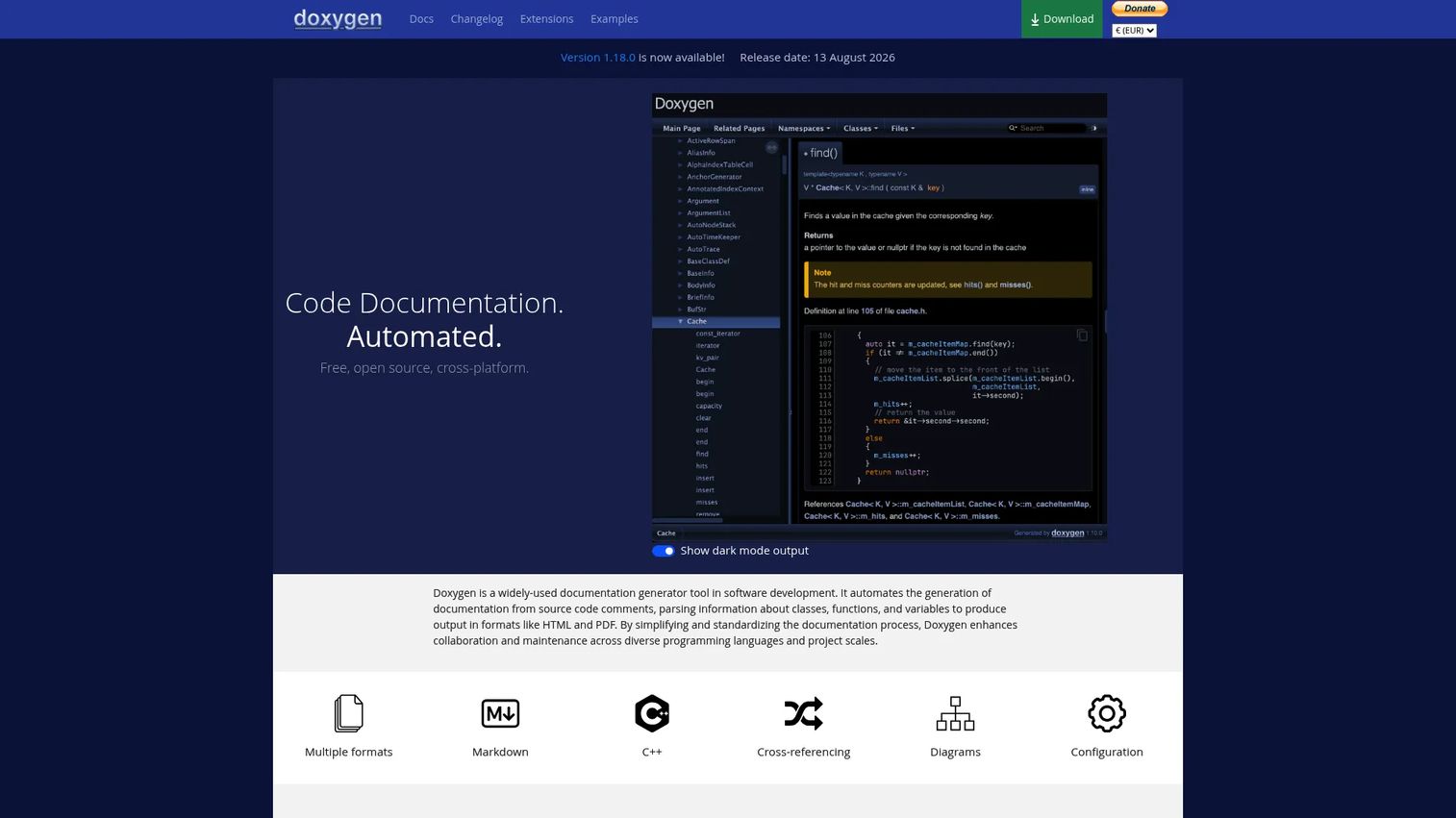
Doxygen is a free, open-source code documentation generator that extracts documentation directly from source-code comments and produces HTML, PDF via LaTeX, RTF, XML, and other output formats. It supports C, C++, C#, Java, Python, PHP, and over a dozen other languages. Beyond reference pages, Doxygen generates class hierarchies, dependency graphs, collaboration diagrams, and cross-referenced documentation for internal navigation.
Best for: Engineering teams documenting codebases and APIs directly from source comments across multiple programming languages.
Key features
- Source comment extraction across 15+ programming languages
- Cross-references, class hierarchies, and dependency graphs
- HTML, PDF via LaTeX, RTF, and XML output
- Diagram generation for collaboration and dependency views
- Searchable generated documentation output
Why choose Doxygen: Doxygen is the right tool for internal engineering and library documentation where the primary audience is other developers. PMs should not treat Doxygen output as a customer-facing documentation platform since the generated output is optimized for technical audiences who can read code-level references.
Doxygen pricing: Free and open source, with no paid tiers.
15. ClickHelp
ClickHelp is a browser-based documentation and help authoring platform for technical writing teams that want hosted publishing without building their own infrastructure. The platform includes topic-based authoring, single-sourcing, content reuse, multi-format publishing, and an AI Suite with AnswerGenius for conversational search, AI Overview, and WriteAssist for drafting. It also supports translation through XLIFF and machine-translation integrations, SSO, audit trails, and IP allowlists for enterprise governance.
Best for: Technical writing teams that want hosted help authoring with structured publishing workflows, translation support, and reader analytics without managing server infrastructure.
Key features
- Topic-based authoring with workflow and review management
- Single-sourcing, content reuse, and multi-format publishing
- AI Suite with AnswerGenius, AI Overview, and WriteAssist
- Translation ecosystem with XLIFF and machine-translation support
- SSO, permissions, audit trail, and IP allowlist
Why choose ClickHelp: Strong for structured technical documentation with hosted publishing where technical writers own content quality and governance. PMs evaluating it should weight the analytics and reader feedback features, which surface content performance data relevant to support deflection and onboarding completeness.
ClickHelp pricing: Starter starts at $194/month. Growth is $325/month. Professional is $640/month. All plans are monthly. A free trial gives Professional-tier access including the Translation Module.
G2 rating: 4.7/5
Considerations when choosing technical documentation tools
Match the tool to the documentation owner
Engineering-owned docs need Git, Markdown, and CI/CD. PM or support-owned docs need collaborative editing, permissions, review workflows, and analytics. The best tool for a technical writer is often the wrong tool for a product team, and vice versa. Start by naming who maintains the content after launch, not who requests it.
Decide whether users need words, interaction, or both
Written docs, API references, and interactive demos serve different activation moments. A help article explains a concept; a guided demo shows the workflow. When users need to complete an onboarding task rather than understand a concept, interactive product documentation delivers materially higher engagement than static text. Guideflow fits this interactive layer specifically, complementing written documentation without replacing it.
Check how docs stay current after releases
Evaluate versioning, review workflows, and stale content detection. Ask whether a feature change requires editing one source file or manually updating dozens of articles. For PMs running frequent release cycles, documentation that drifts after each sprint creates compounding support debt. Docs-as-code tools handle this through automated builds; hosted platforms handle it through ownership workflows and version management.
Evaluate search, navigation, and discoverability
Bad search creates support tickets even when the answer exists. Evaluate AI-assisted discovery, tagging, information architecture, and user feedback on unhelpful searches. For PMs, documentation discoverability is an activation variable: Users who can't find the right article when they're stuck don't complete the workflow.
Validate security, permissions, and integrations
Consider SSO, role-based access, private documentation, audit requirements, and connections to your CRM, support system, or analytics stack. For enterprise PMs, documentation governance is a compliance conversation as much as a content one.
Conclusion
The right technical documentation tool depends on who owns the content and who consumes it. No single platform covers every documentation type, which is why most product teams end up running more than one.
For internal product documentation and cross-functional alignment, Confluence remains the standard. For polished public docs with Git sync, GitBook and Mintlify are strong picks. API references belong in ReadMe or Redocly if developer experience matters as a product metric. Engineering-owned docs live best in Docusaurus, MkDocs, Sphinx, or Read the Docs depending on complexity. MadCap Flare and ClickHelp serve technical writing teams with structured, governed publishing needs.
Guideflow occupies a different position in this stack. When a user needs to complete a workflow rather than read about one, interactive product documentation closes the gap. It pairs with any of the written documentation platforms above and handles onboarding demos, help center embeds, feature adoption guides, and customer training without engineering involvement.
Start your journey with Guideflow today!
FAQs
Technical documentation tools are software platforms that help teams create, maintain, publish, and measure product, API, developer, support, and internal documentation. They cover a wide range from docs-as-code generators like Docusaurus to hosted knowledge bases like Document360 to interactive demo platforms like Guideflow. The category includes anything that helps turn product knowledge into content users can find and act on.
For interactive product documentation and onboarding workflows, Guideflow lets product teams build guided, clickable demos without engineering work. For written docs, GitBook works well when PMs and engineers co-own content. Document360 fits customer-facing knowledge bases where analytics and governance matter. Confluence covers internal product documentation and cross-functional alignment.
It depends on the use case. GitBook and Mintlify suit developer-first SaaS teams building public docs with Git workflows. ReadMe and Redocly specialize in interactive API references and developer portals. Docusaurus, MkDocs, Sphinx, and Read the Docs cover docs-as-code scenarios where engineering owns the pipeline. Doxygen handles codebase documentation extracted directly from source comments. See our api documentation tools guide for a focused comparison.
Technical documentation explains how a product, API, system, or workflow works, often covering developer references, architecture decisions, and configuration details. A knowledge base focuses on support, troubleshooting, and customer self-service. Some platforms handle both, but Document360 and ClickHelp lean toward knowledge base and help authoring, while Mintlify and Redocly are purpose-built for technical documentation. The distinction matters for PMs because the authoring workflow, the audience, and the governance requirements differ between the two.
Docs-as-code treats documentation like software: Markdown or text files live in Git, changes go through pull requests, and publishing often happens automatically through CI/CD. Tools like Docusaurus, MkDocs, Sphinx, and Read the Docs support this approach natively. The benefit for PMs is that documentation stays coupled to code changes through the same review process engineers already use, which reduces the gap between shipped features and accurate docs.
PMs should evaluate maintainability across release cadence, content segmentation by audience and persona, analytics that surface support deflection and onboarding completion data, low engineering overhead for updates, and clear ownership workflows between product, engineering, and support. A tool that requires an engineer to update a paragraph after every sprint will accumulate documentation debt faster than a team can repay it.
Coverage varies significantly across this category. ReadMe and Redocly specialize in interactive API documentation and developer portals. GitBook and Mintlify support API references as part of broader product documentation workflows. Sphinx and Doxygen generate API references from source code and comments. Docusaurus and MkDocs can host API documentation but require more manual structure. See our best product analytics software tools guide for related developer toolchain context.
Interactive demos help users learn workflows by clicking through the product rather than reading about it. They complement written docs when users need to complete an onboarding task, adopt a new feature, or understand a process that involves multiple UI steps. Written documentation is better for concept explanation and reference material. Interactive demos are better for activation moments where users need to see and do rather than read and remember. The two work best together: A help article provides the explanation, and an embedded interactive demo provides the hands-on path to completion.