Your forecast call starts in ten minutes. One opportunity still shows this month’s close date, but the champion hasn’t replied. Another has plenty of activity and no clear next step.
You open the account record, search your inbox, and try to reconstruct what changed. Sales tracking software should make that preparation unnecessary.
Salesforce’s State of Sales report for 2026 found that reps spend 60% of an average workweek on nonselling activities. Adding another system only makes sense if it reduces that burden.
The best sales tracking software connects buyer progress with the work happening around an opportunity. It should distinguish a meeting held from a decision made. A useful sales tracking tool also makes missing information visible before someone asks you to defend the number.
For small teams, adoption matters as much as reporting depth. Choose a system that helps you track sales without turning every customer conversation into a data-entry exercise.
What’s inside
- Who this is for: Account executives, sales managers, RevOps, and small teams replacing fragmented deal records.
- What’s compared: Twelve sales tracking tools, including full CRMs, activity connectors, custom application platforms, and spreadsheet alternatives.
- Selection criteria: Pipeline visibility, activity capture, reporting usefulness, and adoption effort. Integration fit matters throughout.
- Evidence base: Vendor product and pricing information, plus G2 ratings, collected on November 24, 2026.
- What to watch: Whether the system helps you identify forecast risk or simply gives you more fields to maintain.
- How to use the shortlist: Start with your sales motion, then test the relevant options using active opportunities rather than sample data.
TL;DR
- Best overall for small sales teams: Pipedrive puts visual pipeline management and activity-based selling at the center of the workflow.
- Best for enterprise forecast discipline: Salesforce Sales Cloud suits organizations needing configurable opportunity management and governed reporting.
- Best for teams already using HubSpot: HubSpot Sales Hub connects deal records with contact history and sales engagement.
- Best for budget-conscious CRM tracking: Zoho CRM offers a free edition for up to three users and paid options with broader automation.
- Best for sales and marketing alignment: Outfunnel fits Pipedrive-focused data synchronization. ActiveCampaign suits teams combining CRM capabilities with campaign automation.
- Best spreadsheet stopgap: Microsoft Excel works for a small, manually maintained pipeline. Treat it as an interim system when shared activity history becomes essential.
What is sales tracking software?
Sales tracking software records and organizes sales activities, contacts, deal stages, and revenue expectations so teams can understand pipeline progress.
A sales tracking CRM connects those records. An account contains contacts and opportunities; each deal has an owner, expected value, stage, and target close date. Activities show what happened around it.
That structure helps answer practical questions. Which opportunity needs attention today? Has procurement responded? What changed since the previous forecast review?
Different sales tracking programs cover different parts of this job. A full CRM manages the relationship and opportunity record. Lead tracking software adds information about prospect behavior. A spreadsheet provides a flexible place to maintain fields manually.
Sales reporting software analyzes those inputs through dashboards or reports. Broader sales management software can also support approvals and operational workflows.
Key features to look for
- Pipeline and deal-stage tracking
- Call, email, meeting, and task logging
- Lead and contact management
- Sales reporting dashboards
- Forecasting and pipeline health views
- Workflow automation
- CRM and email integrations
- Mobile access
- Permissions and data hygiene controls
The important distinction is between activity and progress. Sending a proposal records seller effort. Receiving approval from the budget owner establishes buyer movement.
Keep both visible. Otherwise, a busy account can look healthy while the purchase decision remains stalled.
For software sales tracking, stakeholder context matters too. A technical evaluator’s approval and a commercial signature represent different milestones. Your system should preserve that distinction rather than hide everything behind a single “negotiation” label.
A CRM can provide sales tracking, but a small team doesn’t automatically need enterprise infrastructure. Start with the information required to make dependable decisions.
Spreadsheets remain workable when ownership is clear and updates are manageable. Reconsider them when shared history or recurring handoffs require constant reconciliation.
Whichever approach you choose, define what each field means. Consistent records make sales pipeline tracking useful; additional columns alone don’t improve visibility.
When to use sales tracking software
Track deal movement without rebuilding the timeline
Use a shared tracker when answering “what happened?” requires searching across separate conversations. Record buyer commitments alongside the next action and its owner.
An AE taking over an opportunity should understand the outstanding decision without interviewing everyone involved. Sales activity tracking becomes useful when the history explains the current position.
Clean up forecast calls before they become debates
Introduce a consistent review process when close dates keep moving without an explanation. Examine opportunities with missing next steps or no recent buyer interaction.
A late-stage deal that has gone quiet for 14 days is a useful review example, not a universal failure threshold. Set expectations around your sales cycle and the buyer’s agreed timeline.
Replace spreadsheets when sales becomes a team sport
Move beyond a personal tracker when several reps need to coordinate ownership and follow-ups. Repeatedly merging files is a sign that your reporting process needs a shared record.
Before migrating, decide which updates matter and who maintains them. Buying software won’t settle disagreements about stage definitions or when an opportunity belongs in the forecast.
Sales tracking software comparison
The table separates primary sales systems from tools that support them. That distinction matters more than a higher rating or a lower entry price.
Pipedrive and the other CRMs can hold your opportunity records. Salespanel adds buyer intelligence, while Outfunnel connects engagement data with an existing CRM. Trello and Excel require you to design and maintain the tracking process.
Use this comparison to narrow your shortlist, then inspect the relevant paid package. An entry subscription doesn’t establish that every feature discussed below is included.
Prices retain their source currencies and billing terms. The monday.com figures refer to work management, not its separate CRM product.
| # | Product | Best for | Key differentiator | Pricing | G2 rating |
|---|---|---|---|---|---|
| 1 | Pipedrive | Small sales teams | Visual pipelines and activity-based selling | Lite from €14/seat/month, billed annually | 4.3/5 |
| 2 | Salesforce Sales Cloud | Enterprise teams | Configurable CRM and forecasting | Starter Suite from $25/user/month | 4.4/5 |
| 3 | HubSpot Sales Hub | HubSpot-native teams | Contact history and sales engagement | Free tools; paid editions available | 4.4/5 |
| 4 | Zoho CRM | Cost-conscious teams | CRM tracking and workflow automation | Free; Standard from $14/user/month annually | 4.1/5 |
| 5 | ActiveCampaign | Campaign-led sales processes | CRM capabilities alongside marketing automation | Select plan and contact count for pricing | 4.4/5 |
| 6 | monday.com | Flexible operational workflows | Configurable work management and dashboards | Free; Basic from $9/seat/month annually | 4.7/5 |
| 7 | Zoho Creator | Custom sales applications | Low-code application development | Free; Standard from $8/user/month annually | 4.3/5 |
| 8 | Salespanel | Buyer-intent tracking | Website activity and company identification | From $99/month, billed annually | 4.6/5 |
| 9 | Outfunnel | Pipedrive-focused teams | CRM and marketing data synchronization | Basic from $29/month | 4.4/5 |
| 10 | SalesBinder | Inventory-linked sales operations | Customer records connected with stock and invoicing | Starter from $9/month | 4.2/5 |
| 11 | Trello | Lightweight pipeline boards | Cards and lists adapted to deal tracking | Free; Standard from $5/user/month annually | 4.4/5 |
| 12 | Microsoft Excel | Small manual pipelines | Flexible spreadsheet-based tracking | Free web edition; paid Microsoft 365 options | 4.7/5 |
Best 12 tools for sales tracking software
1. Pipedrive
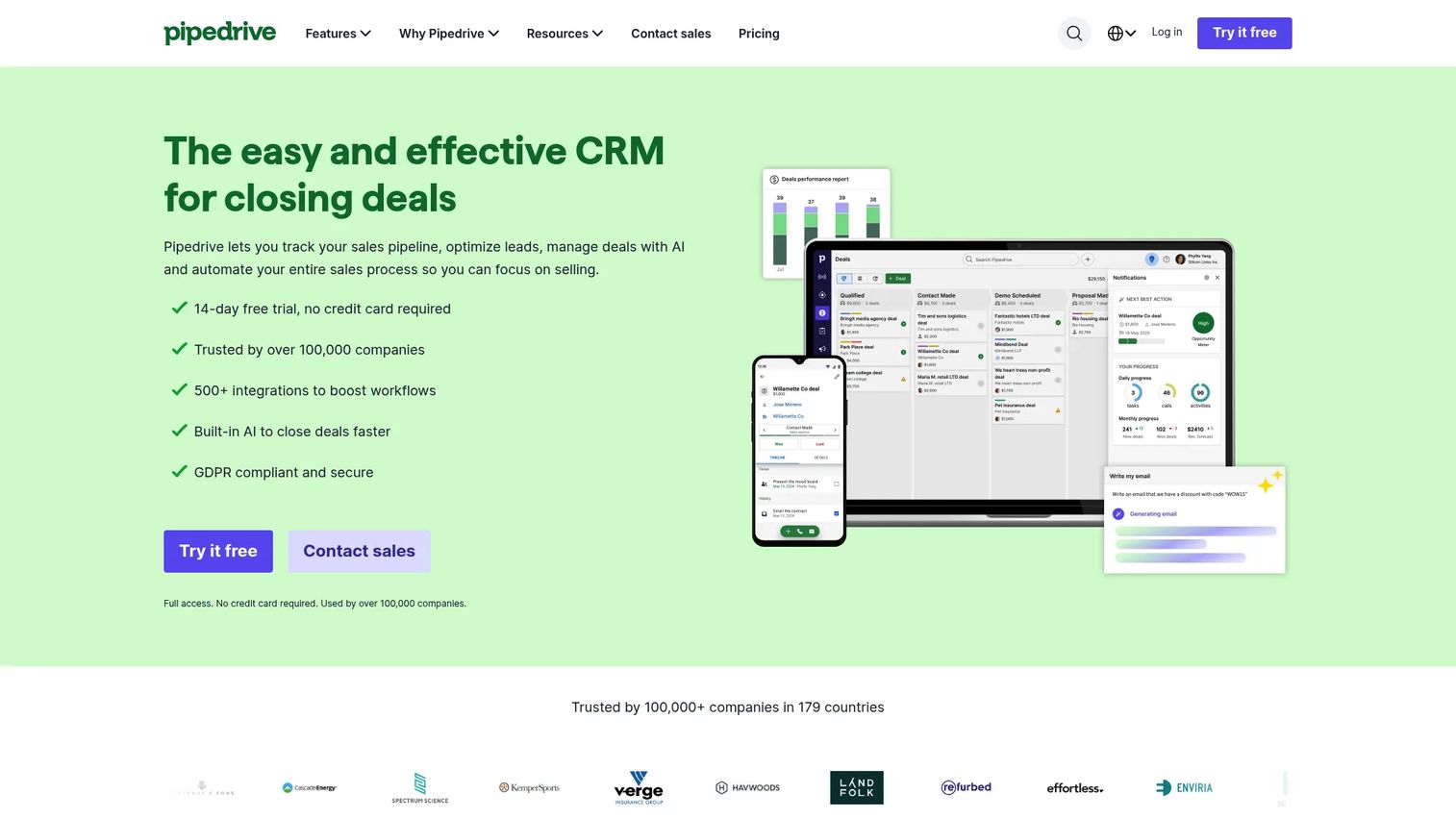
Pipedrive is a CRM built around activity-based selling. Its pipeline-centered approach makes it our starting recommendation for smaller teams that need usable deal tracking software. Reps can connect opportunity management with the work required to move a purchase forward.
Best for: SMB and mid-market AEs who want a visual pipeline tied to daily selling activity.
For evaluation, bring an opportunity that looks healthy on paper but has an unresolved blocker. Check whether the record makes that problem obvious without opening several reports.
Then examine the rep workflow. After a customer conversation, can you update the commercial position and identify the next action without interrupting your selling rhythm?
The decision should also involve the manager. A clean personal view is useful, but pipeline reviews need consistent information across sellers. Ask each evaluator to explain the same opportunity from the record alone.
Pipedrive’s fit is strongest when the sales process already has clear stages and needs consistent execution. Teams building a more elaborate operating model should examine their configuration requirements before committing.
Key features
- Pipeline and lead management
- Sales and workflow automation
- Email synchronization and tracking
- Reporting and revenue forecasting
- Security and permission controls
Why choose Pipedrive: Choose it when getting reps to maintain useful deal records matters more than building extensive CRM infrastructure. Test required add-ons alongside the core subscription.
Pipedrive pricing: Lite starts at €14 per seat monthly, billed annually, excluding VAT. A 14-day trial is available; there’s no free tier.
G2 rating: 4.3/5.
2. Salesforce Sales Cloud
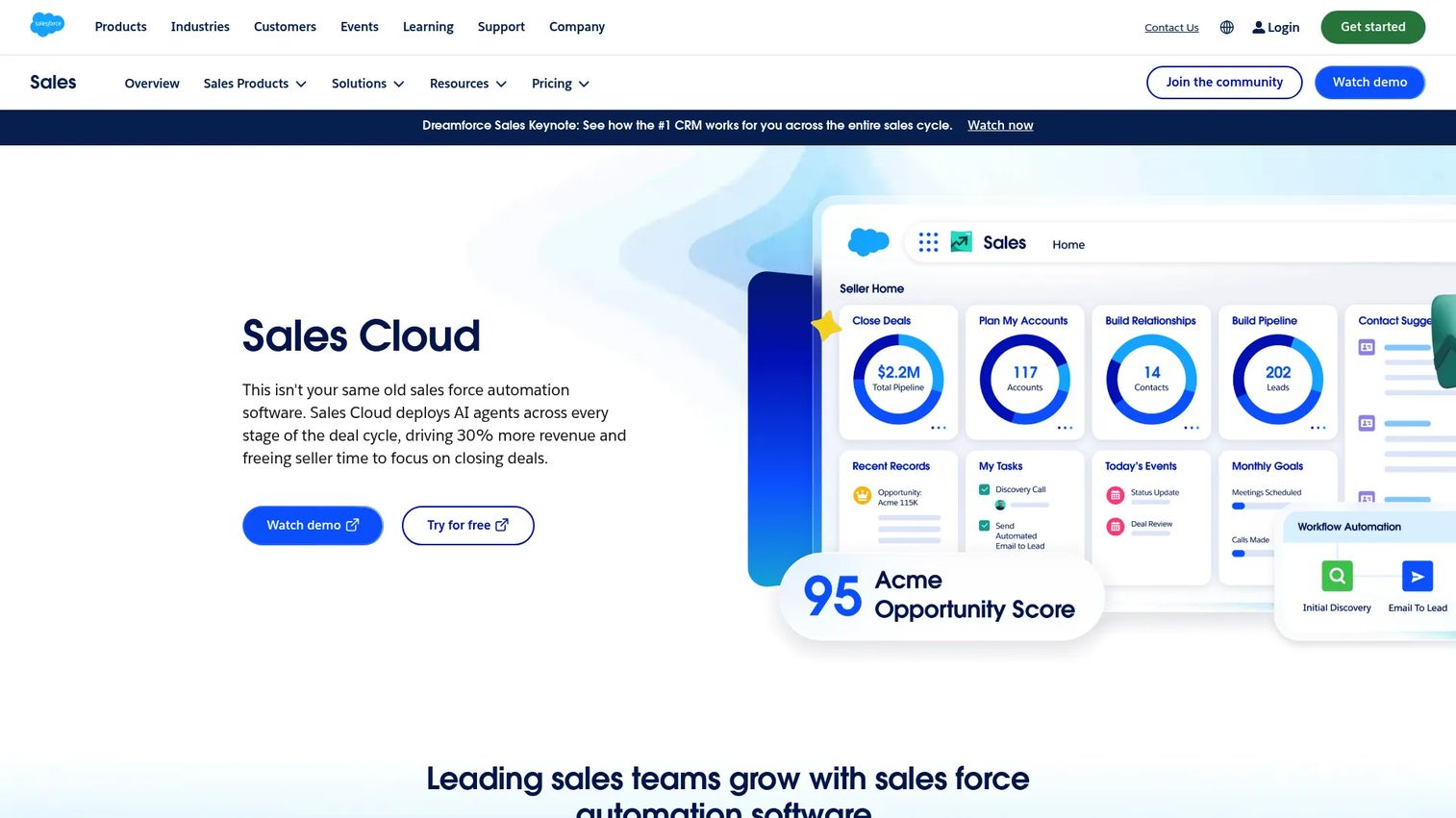
Salesforce Sales Cloud provides sales force automation for organizations with complex customer relationships and reporting requirements. It connects opportunity records with forecasting and configurable business processes. Its scope makes it a candidate for teams standardizing how different sales groups operate.
Best for: Enterprise and scaling mid-market organizations with complex pipelines and dedicated CRM ownership.
The evaluation should reflect the deals you need to govern. Bring an opportunity involving a commercial approval and a separate procurement milestone. Ask how the account history supports both the AE and the manager.
Pay particular attention to what sellers must enter manually. A configurable CRM creates value when the required information supports decisions. Fields without a clear owner or purpose deserve scrutiny.
Administration is part of the buying decision. Identify who will maintain the operating model after launch, including changes requested by management.
For forecast hygiene, test how the proposed configuration exposes close-date changes and stage progression. Ask the implementation team to explain which capabilities belong to the selected edition.
Avoid designing the entire organization’s ideal CRM before validating the core workflow. Establish the opportunity record and reporting requirements first, then expand deliberately.
Key features
- Lead, account, contact, and opportunity management
- Forecast and pipeline management
- Reports and dashboards
- Workflow and process automation
- Quoting and contract approvals
Why choose Salesforce Sales Cloud: Choose it when your organization needs configurable CRM infrastructure with governed processes. Budget for administration and adoption alongside the subscription.
Salesforce Sales Cloud pricing: Starter Suite costs $25 per user monthly, billed monthly or annually. A 30-day free trial is available.
G2 rating: 4.4/5.
3. HubSpot Sales Hub
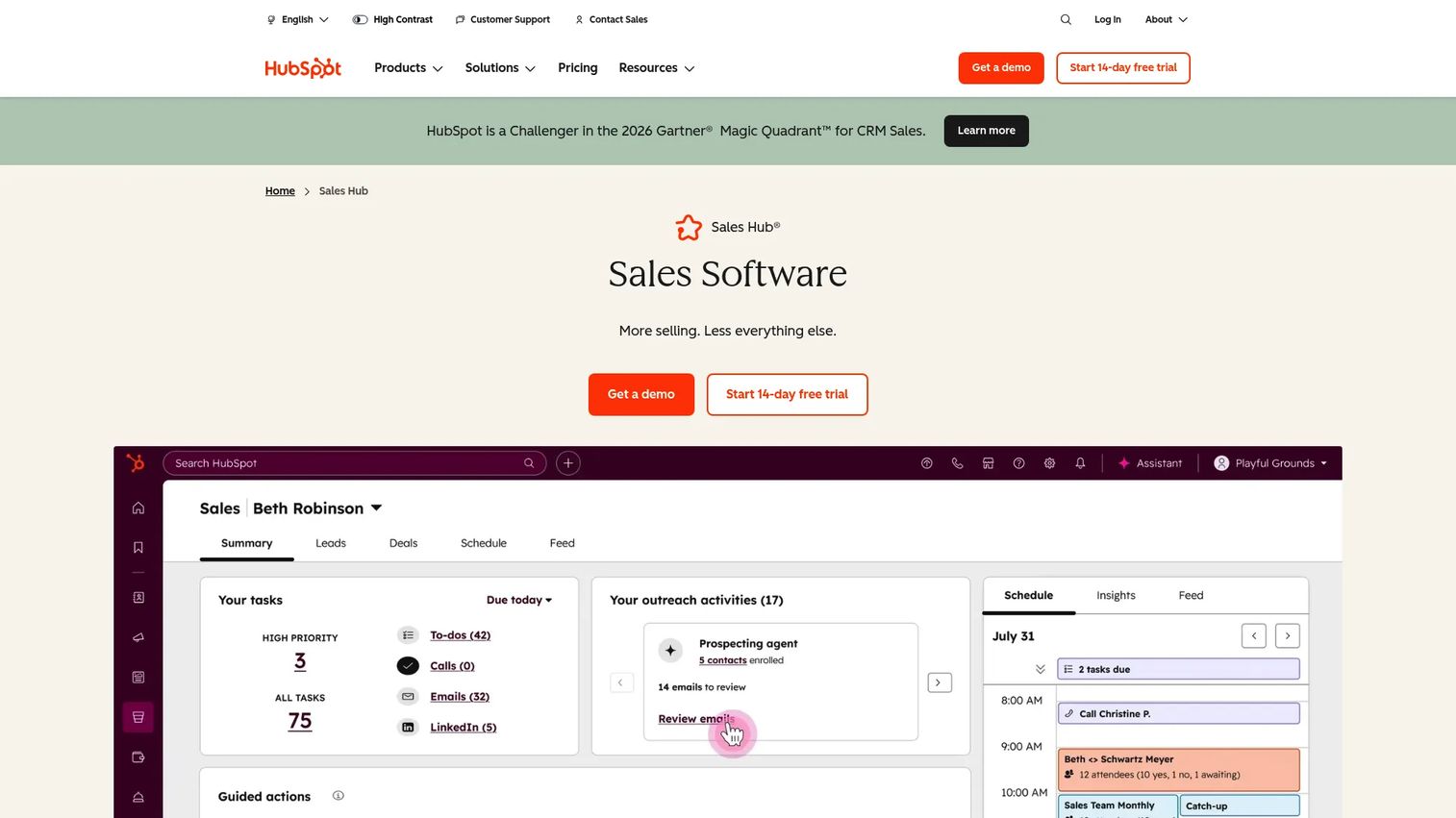
HubSpot Sales Hub combines CRM capabilities with sales engagement and workflow automation. It deserves particular attention when your team already works in HubSpot. A shared contact record can make the transition from inbound interest to an active opportunity easier to inspect.
Best for: Growing teams that want sales tracking connected to contact history and inbound selling.
Start the evaluation at the handoff. Give an AE a lead record they haven’t seen before and ask them to prepare for discovery.
Look for enough context to avoid repeating questions the buyer already answered. Then follow the opportunity through the seller’s daily work, including scheduling and outreach.
The central buying question is how much of your existing workflow the chosen edition covers. Don’t assume a free account includes every engagement or automation capability.
Also examine commercial costs beyond seats. HubSpot’s Professional and Enterprise editions require onboarding fees of $1,500 and $3,500 respectively, according to its pricing information.
A useful pilot should include both a new lead and an existing account. Those situations expose different requirements around ownership and relationship history.
For managers, ask whether the team can distinguish an active conversation from an opportunity ready to enter the forecast. Shared records still need clear qualification rules.
Key features
- Contact and lead management
- Email tracking and scheduling
- Meeting scheduling
- Calling with recording and transcription
- Pipeline and deal management
Why choose HubSpot Sales Hub: Choose it when preserving context between marketing and sales is a priority. Compare the edition your workflow requires, including onboarding costs.
HubSpot Sales Hub pricing: Free tools support up to two users. Starter is listed at $7 per seat monthly, or $20 per seat monthly with annual billing.
G2 rating: 4.4/5.
4. Zoho CRM
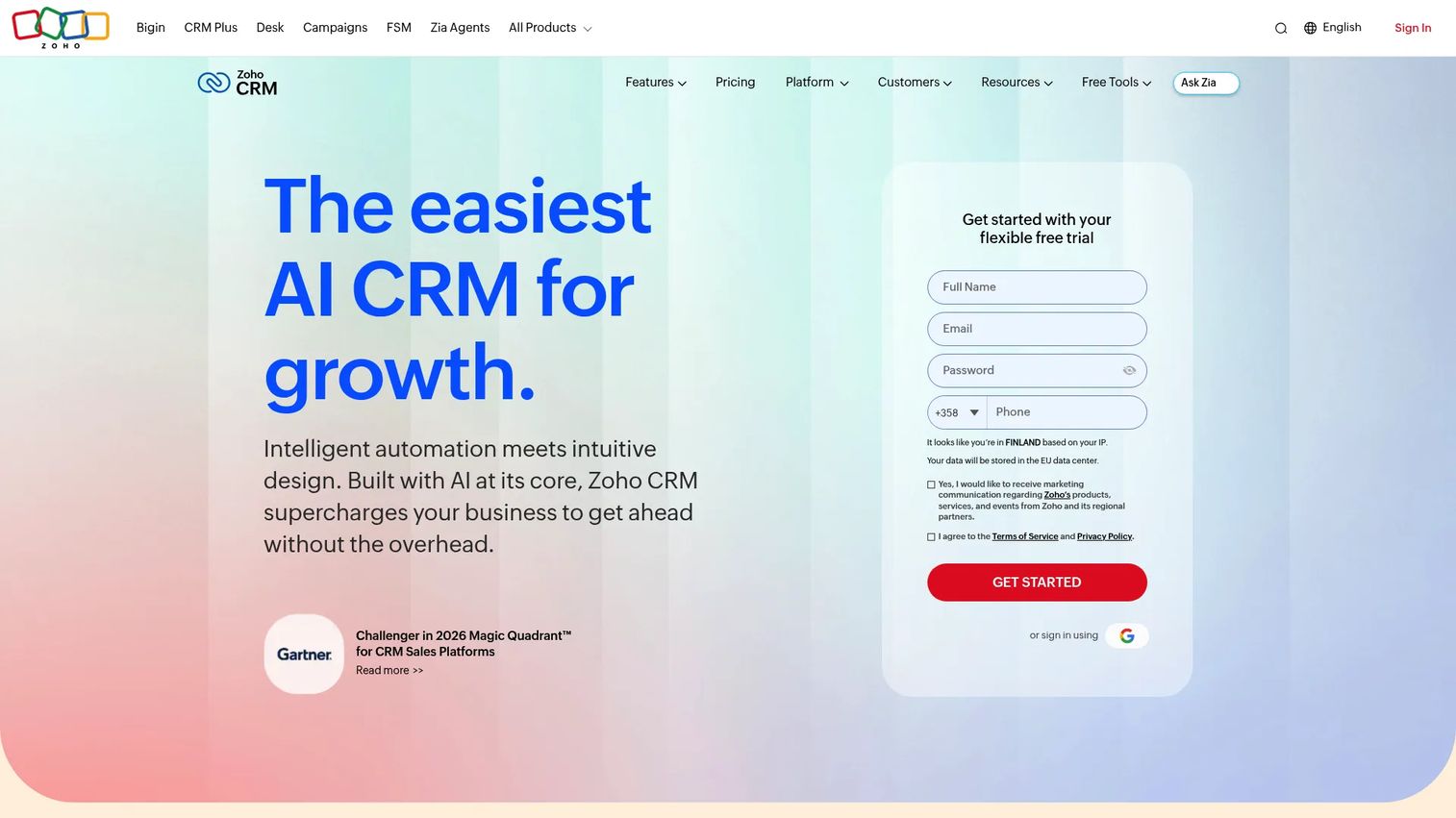
Zoho CRM combines lead and deal management with sales automation and customizable workflows. It is a strong budget-conscious candidate for teams seeking a full CRM foundation. Its broader capabilities support buyers expecting their process to become more structured over time.
Best for: Small businesses that need CRM depth while keeping subscription spending under control.
Evaluate affordability against the edition you will use after the pilot. Your required automation or reporting may determine the appropriate package more than the entry price.
For an AE, the practical test is record quality. Can someone understand the opportunity’s commercial position without asking you to explain every field?
Bring a deal with changing stakeholder involvement. Test how you would document the relationship and distinguish the buyer’s next action from your own follow-up task.
Customization needs ownership. Decide which fields are mandatory, who can change their definitions, and how exceptions get handled.
You should also compare the first-week workflow with the manager’s reporting expectations. A team that records different meanings under the same stage will produce inconsistent forecasts regardless of software.
Use the trial or evaluation process to agree on a minimal operating model. Add complexity only when a specific selling or reporting requirement justifies it.
Key features
- Lead and deal management
- Pipeline management and forecasting
- Workflow automation
- Lead capture and enrichment
- AI assistance and agents
Why choose Zoho CRM: Choose it when you need a broad, customizable CRM at accessible subscription rates. Keep configuration disciplined so the system remains usable for reps.
Zoho CRM pricing: The free edition supports three users. Standard costs $14 per user monthly with annual billing, or $20 with monthly billing.
G2 rating: 4.1/5.
5. ActiveCampaign
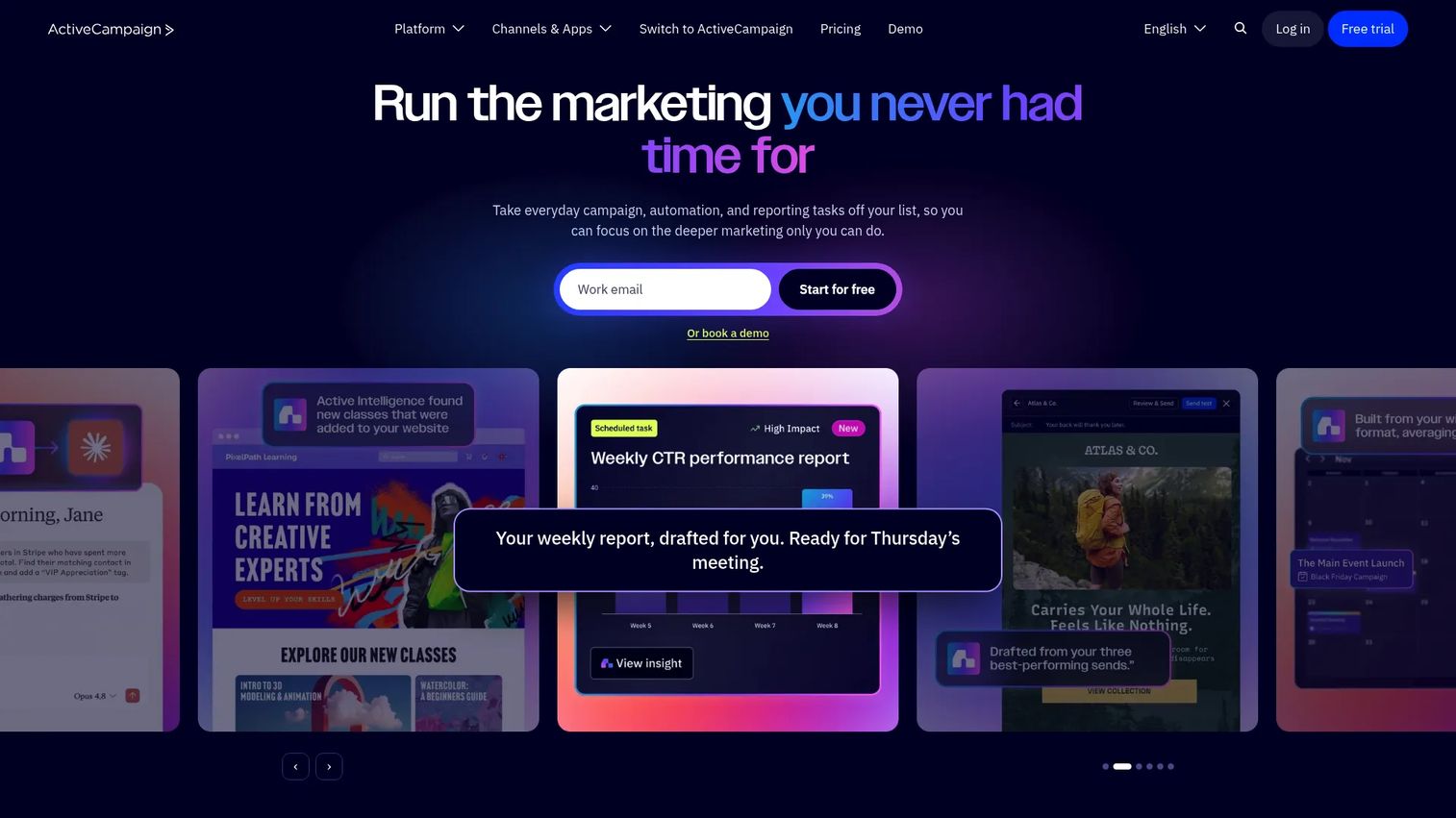
ActiveCampaign brings CRM capabilities together with email marketing and customer-journey automation. Its place on this list is strongest when campaign activity affects sales follow-up. Consider it for a process where marketing and sales need coordinated actions around the same contacts.
Best for: Teams whose selling motion depends on nurture campaigns and automated customer communications.
Start with the handoff rule rather than the campaign builder. Define which behavior deserves AE attention and what the rep should do afterward.
A contact interacting with marketing content isn’t automatically a qualified opportunity. Keep engagement separate from the evidence required to advance a deal.
During evaluation, map one journey from initial interest to a seller-owned conversation. Ask which parts of that process require CRM packaging or a different subscription.
The budget also needs a contact-volume assumption. Estimate the audience you intend to maintain, rather than pricing only the database you have today.
For forecast-heavy teams, inspect the proposed setup against your reporting requirements. Strong marketing automation doesn’t remove the need for clear opportunity ownership and stage definitions.
The practical benefit comes from coordinating communication without losing the commercial context. Establish who stops automated messaging when an AE takes responsibility for the next conversation.
Key features
- Multi-step marketing automation
- CRM capabilities
- Email campaigns and personalization
- Cross-channel marketing
- AI campaign and automation builders
Why choose ActiveCampaign: Choose it when campaign-driven engagement is central to selling. Validate the CRM package against your opportunity management requirements before replacing an existing system.
ActiveCampaign pricing: Choose a plan and contact count for pricing. A 14-day free trial is available.
G2 rating: 4.4/5.
6. monday.com
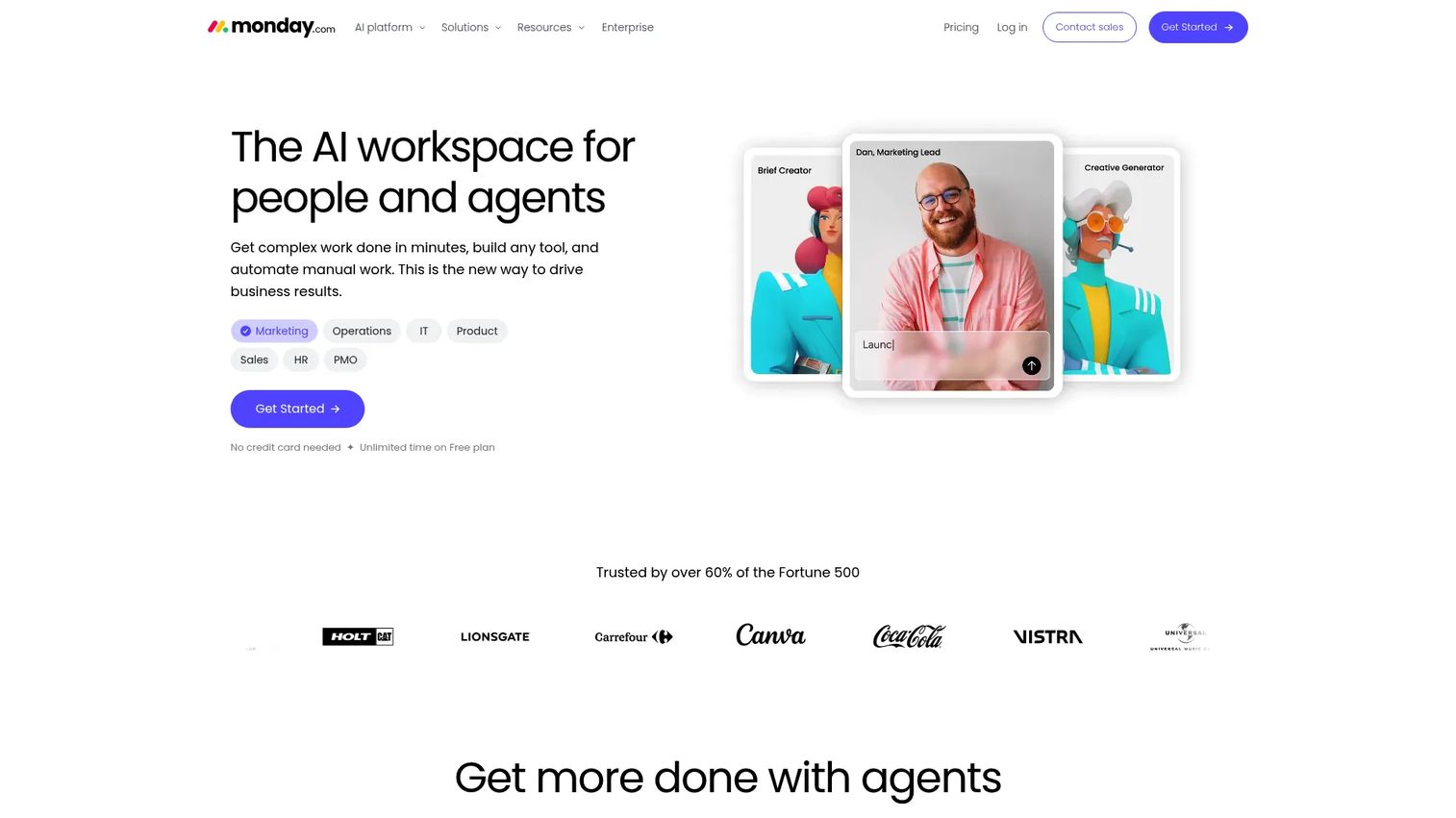
monday.com is a work platform for coordinating projects and business processes. Teams can adapt its configurable structure to sales operations and pipeline visibility. The offering assessed here is work management, which should be distinguished from monday.com’s separate CRM product.
Best for: Teams that want sales-related work connected with broader operational coordination.
This option is worth evaluating when a deal’s progress depends on tasks owned outside the sales organization. Examples include an implementation assessment or a commercial approval.
Define the opportunity record before building the workspace. Decide how a seller identifies the current stage and distinguishes an overdue task from a blocked purchase.
Flexible systems need naming discipline. If every rep builds their own version of the pipeline, managers will struggle to compare records consistently.
Test the information required for a forecast review before choosing a board design. Ask whether the proposed configuration answers the questions leadership already uses.
The package distinction matters financially and operationally. A work-management subscription price should not be treated as a quote for a dedicated CRM deployment.
For adoption, involve the teams responsible for downstream work. A sales board that depends on updates from people outside the pilot may look complete while missing crucial context.
Key features
- Project dashboards
- Custom automations
- Code-free integrations
- Open API
- Workload and dependency management
Why choose monday.com: Choose it when cross-functional work coordination drives your tracking requirements. Specify the exact product and configuration before comparing it with dedicated CRMs.
monday.com pricing: Work management has a free plan. Basic starts at $9 per seat monthly, billed annually, in the displayed 10-seat pricing view.
G2 rating: 4.7/5.
7. Zoho Creator
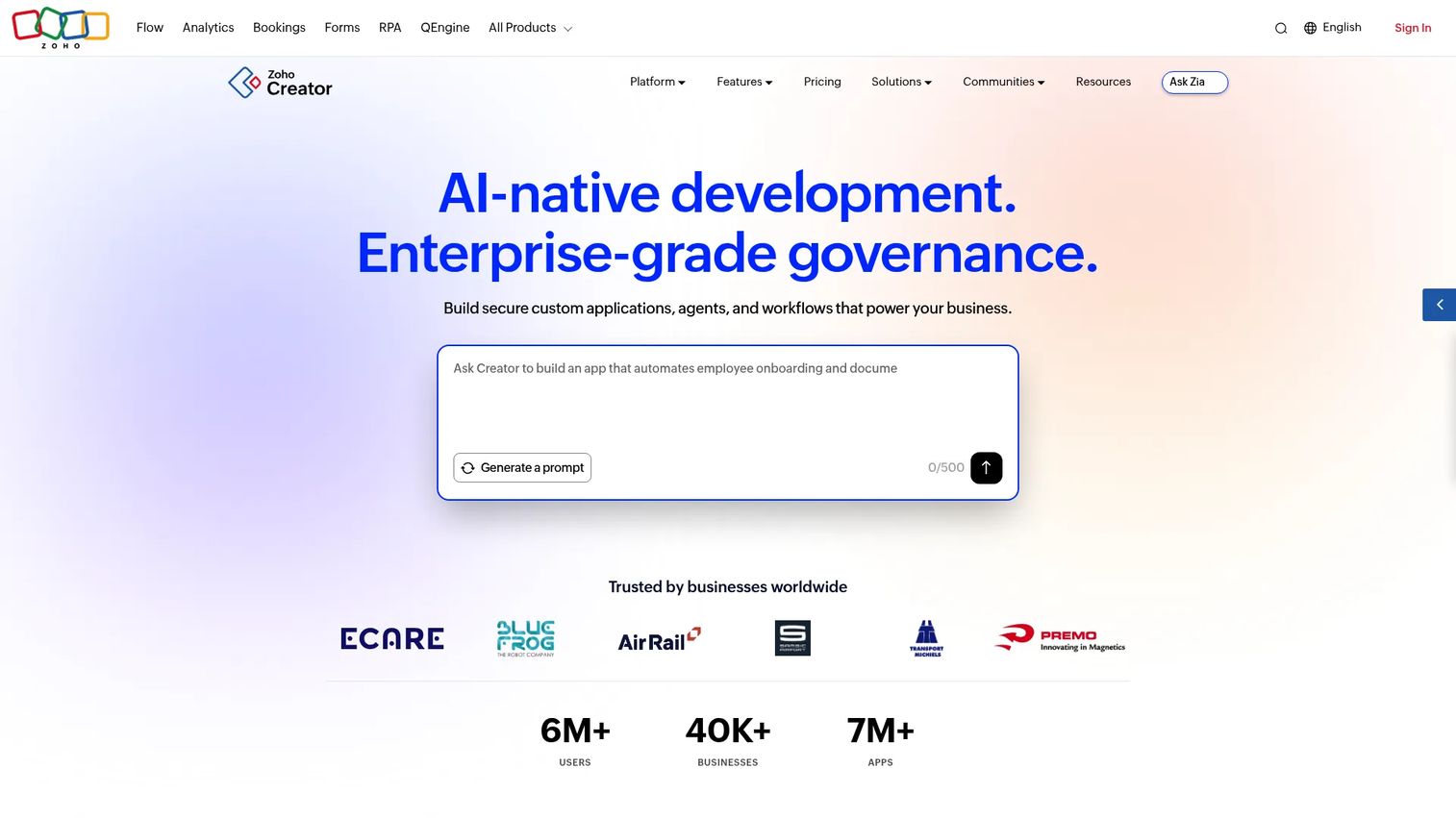
Zoho Creator is a low-code platform for building custom business applications. It supports a different buying decision from a packaged CRM. You use it when your sales process requires an application model that standard opportunity tracking doesn’t adequately represent.
Best for: Teams with custom sales operations requirements and an owner for application design.
A suitable use case might connect a commercial opportunity with order approvals or fulfillment status. Begin by mapping those records and the people responsible for updating them.
Avoid starting with a blank app builder and an undefined process. Decide what information an AE needs before the next customer conversation.
The evaluation should include ongoing ownership. Someone must maintain business rules when the approval process changes or management requests a new report.
Ask how your proposed application handles incomplete information. For example, an order awaiting approval should remain distinguishable from a deal awaiting buyer commitment.
Custom development also deserves a reporting test. Build the forecast view from the proposed data model before expanding the interface.
Creator makes sense when customization solves a specific operational problem. A conventional CRM deserves priority when standard account and opportunity records already match your selling motion.
Key features
- Custom web and mobile applications
- Approval and workflow automation
- APIs and connectors
- Dashboards and data visualization
- Portals and branding controls
Why choose Zoho Creator: Choose it when your tracking process requires a custom application. Budget for design and maintenance rather than assuming low-code removes operational ownership.
Zoho Creator pricing: A free edition is available. Standard starts at $8 per user monthly, billed annually.
G2 rating: 4.3/5.
8. Salespanel
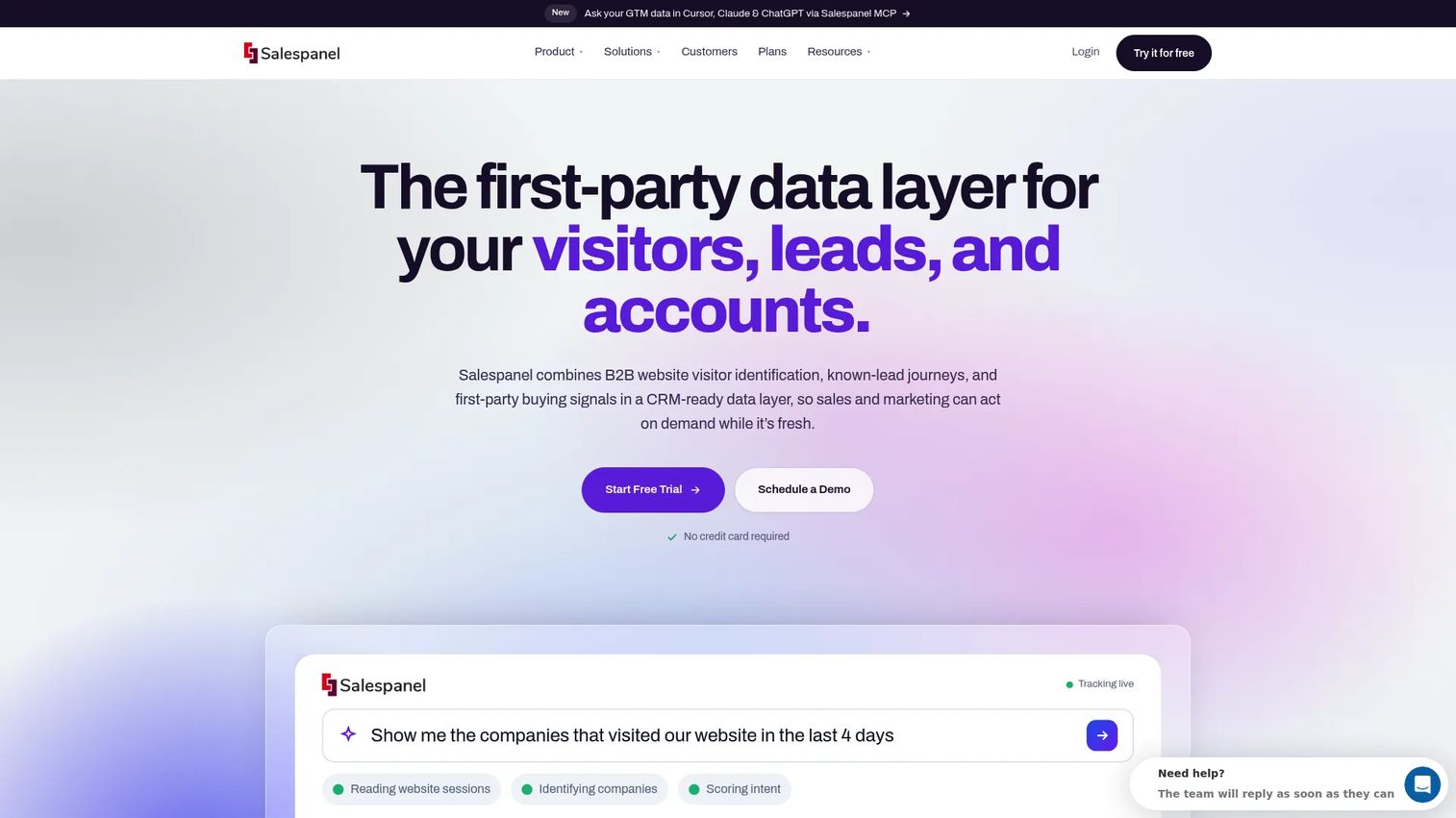
Salespanel focuses on B2B lead identification and behavioral tracking. It adds context about website engagement and customer journeys. Treat it as an intelligence input for sales prioritization, with the CRM retaining ownership of opportunity stages and forecast decisions.
Best for: B2B teams that need website behavior and account intelligence alongside their existing CRM.
The first evaluation question is what you will do differently with the information. A new signal deserves a defined action and an owner.
For example, decide how an AE should respond when a previously quiet account resumes research. Keep that action proportionate to what the activity establishes.
Company identification and individual contact activity are different forms of evidence. Ask how each appears in the proposed workflow and which records receive the information.
Then examine noise. A useful signal should help you choose a relevant next conversation rather than create another queue of alerts.
Its commercial model also differs from per-seat CRM subscriptions. Compare expected website volume and identification requirements before estimating ongoing cost.
Salespanel belongs on the shortlist when your current system records seller activity but lacks useful context about buyer research. It complements pipeline management rather than becoming the default opportunity record.
Key features
- Real-time website tracking
- Lead segmentation and scoring
- Anonymous company identification
- Customer journey and activity tracking
- CRM, API, and webhook integrations
Why choose Salespanel: Choose it when better buyer context would change lead prioritization or follow-up. Preserve separate criteria for engagement signals and forecast commitments.
Salespanel pricing: Customer Data Platform and Account Reveal each start at $99 monthly, billed annually. A 14-day free trial is available.
G2 rating: 4.6/5.
9. Outfunnel
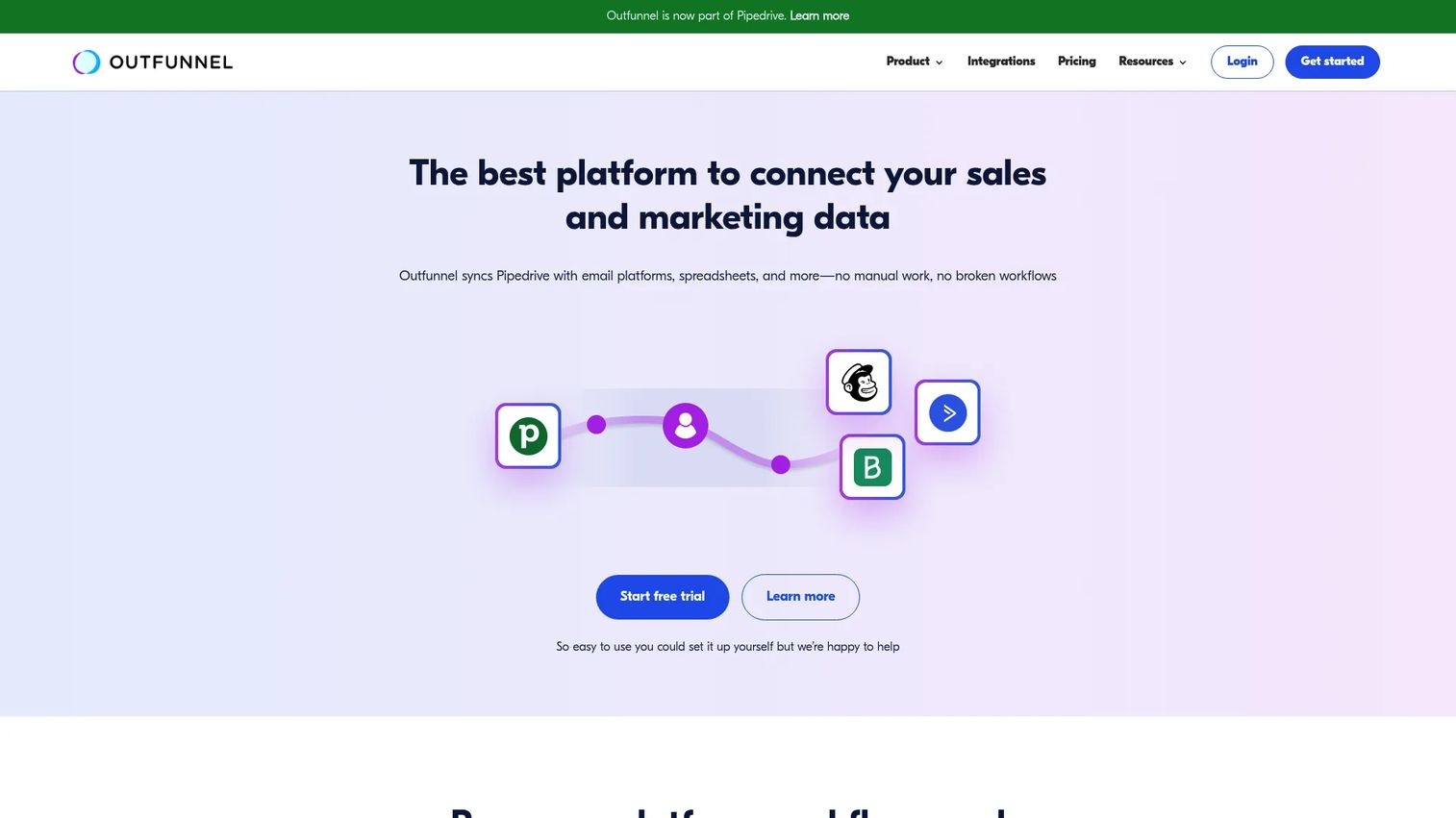
Outfunnel synchronizes sales and marketing data between applications. Its current focus is Pipedrive-centered workflows. This makes it relevant when AEs already have a CRM but need engagement information available within that working context.
Best for: Pipedrive-focused B2B teams connecting marketing activity with sales follow-up.
Before evaluating a connector, identify the missing information precisely. Specify the event that should appear in the CRM and the person who will use it.
For a pilot, follow a contact through a marketing interaction and inspect the resulting record. Check whether the context is understandable to an AE who didn’t build the integration.
Duplicate management also deserves attention. Ask how your proposed connection handles an existing contact, conflicting values, and changes made in either application.
Product direction matters here. Outfunnel scheduled its email marketing tool and non-Pipedrive CRM support to end during 2026. Establish compatibility for your specific applications before purchasing.
Do not build a new evaluation around its former lead-scoring capability. Outfunnel’s help-center information states that lead scoring is unavailable to new customers.
The value is stronger context inside an existing workflow. Your opportunity stages and forecast rules should remain in the CRM rather than spread across connected systems.
Key features
- Bidirectional contact synchronization
- Marketing engagement tracking in CRM
- Web-visit tracking in CRM
- Web-form data synchronization
Why choose Outfunnel: Choose it when missing marketing context is the problem and Pipedrive is your primary sales system. Validate each required connection against current support.
Outfunnel pricing: Basic starts at $29 monthly, with annual billing discounts available. All plans include a 14-day free trial.
G2 rating: 4.4/5.
10. SalesBinder
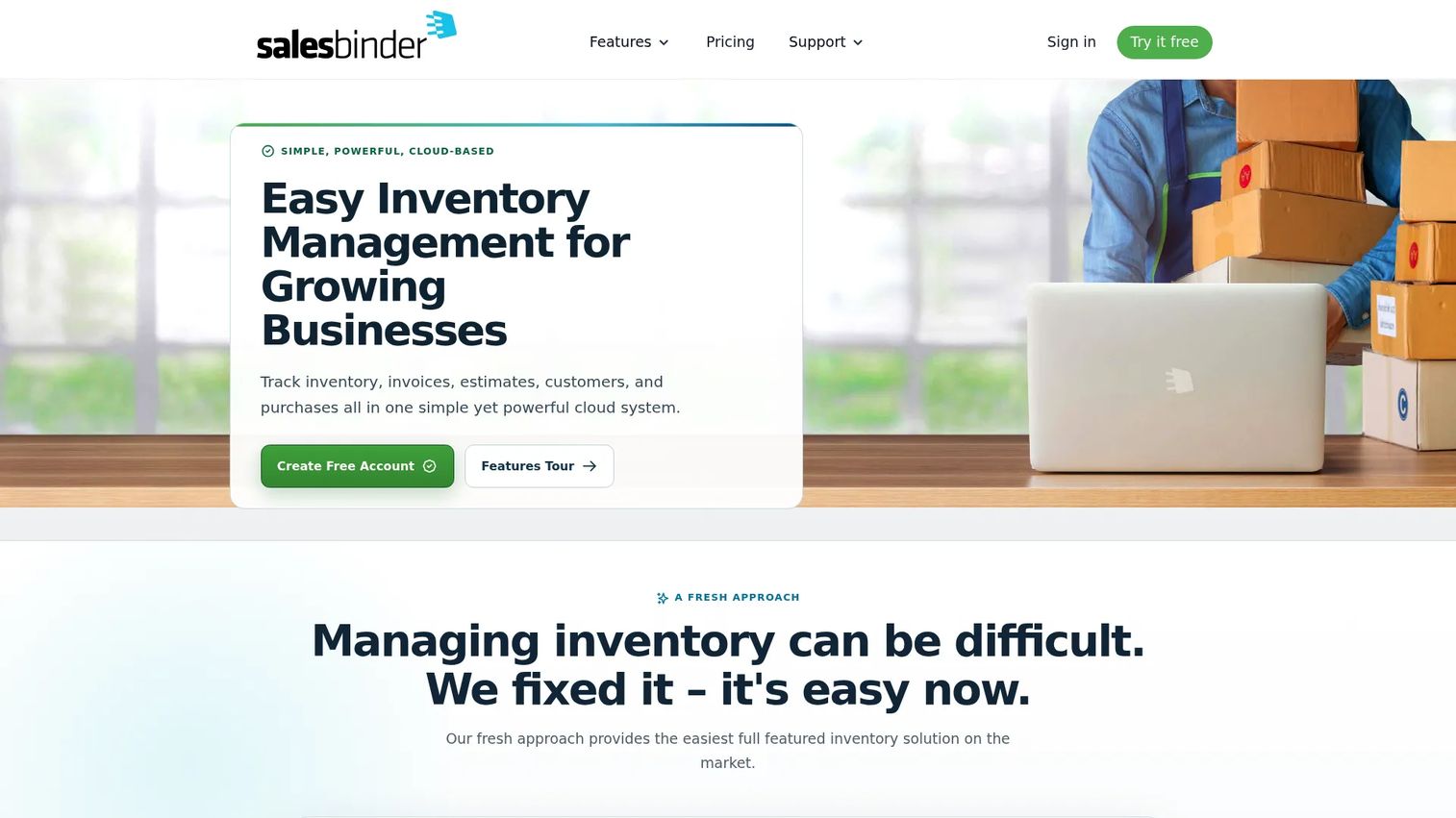
SalesBinder connects customer records with inventory and commercial documents. Its strongest fit is a business where selling depends on physical stock and order execution. For a pure SaaS AE, its operational emphasis differs from opportunity-led pipeline management.
Best for: Product-based businesses that need customer activity connected with inventory and invoicing.
Evaluate it from the customer request through fulfillment. Ask whether the seller can understand what is available and what has already been committed.
The distinction between a quote and revenue matters. Decide which document or business event establishes a sale for reporting purposes.
If your organization also manages an opportunity forecast, define where that information belongs. Stock availability and purchase likelihood answer different questions.
Run the evaluation with the people who maintain inventory records. Sales visibility will depend on operational updates as much as AE behavior.
SalesBinder’s plans differ primarily by active-record capacity, user accounts, and integrations. Estimate the records created by ongoing operations rather than counting only customers.
This is a focused choice for businesses whose sales process extends directly into purchasing and shipment activity. Teams selling subscriptions should compare that fit against their need for stakeholder histories and forecast categories.
Key features
- Inventory management and low-stock notifications
- Customer accounts and CRM features
- Invoices and estimates
- Purchase orders and shipment tracking
- Reporting and user permissions
Why choose SalesBinder: Choose it when stock and fulfillment determine what sellers need to know. A dedicated CRM is a better starting point for SaaS opportunity forecasting.
SalesBinder pricing: Starter costs $9 monthly. A 30-day free trial is available without a credit card.
G2 rating: 4.2/5.
11. Trello
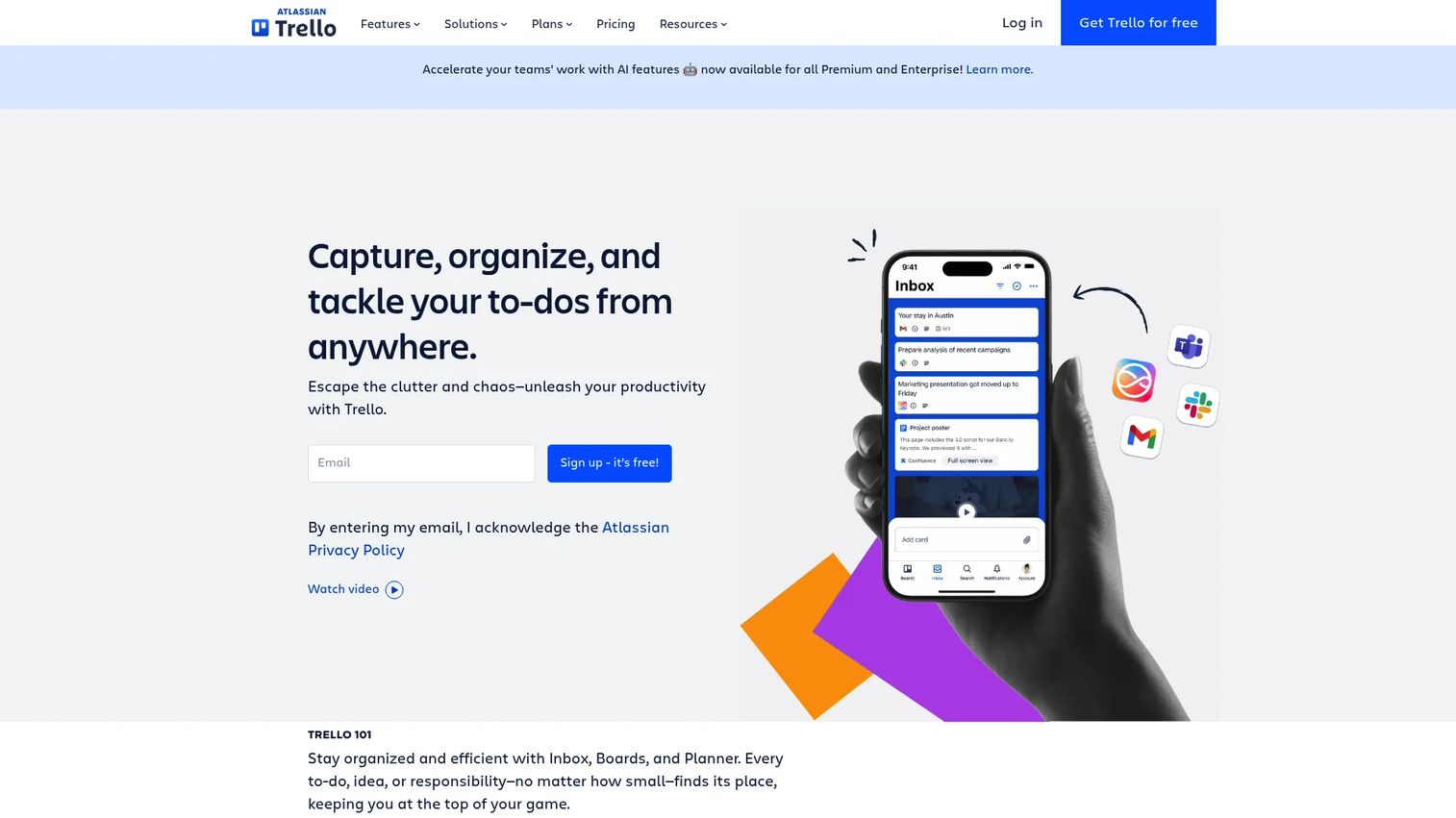
Trello organizes work through boards, lists, and cards. A small team can adapt that structure into a visual sales pipeline. The important qualification is that you are designing a tracking process within a work-management tool.
Best for: Founders and small teams that need a visible pipeline before committing to a CRM.
A practical setup assigns each opportunity a card and uses lists for agreed stages. Keep the next action visible rather than burying it in a long comment thread.
Define how you will record the buyer’s decision separately from internal task completion. Moving a card should represent a meaningful change in the opportunity.
For evaluation, choose a deal with several contacts and an extended history. See whether another seller can understand the position from the board.
Reporting requirements determine how long this approach remains suitable. Ask how the team will calculate stage conversion or explain repeated close-date changes.
The subscription decision should also reflect required structure. Trello’s Standard plan adds custom fields and advanced checklists, which may matter when formalizing deal records.
Trello is a credible temporary choice when visibility is the immediate problem. Reassess it once maintaining customer histories and recurring forecasts becomes a significant part of the selling process.
Key features
- Boards, lists, and cards
- Built-in no-code automation
- Power-Ups and integrations
- Templates and Planner
- Calendar and dashboard views
Why choose Trello: Choose it for a small, clearly owned visual pipeline. Move toward a CRM when consistent relationship history and sales reporting become essential.
Trello pricing: Free supports up to 10 collaborators per Workspace. Standard costs $5 per user monthly annually, or $6 with monthly billing.
G2 rating: 4.4/5.
12. Microsoft Excel
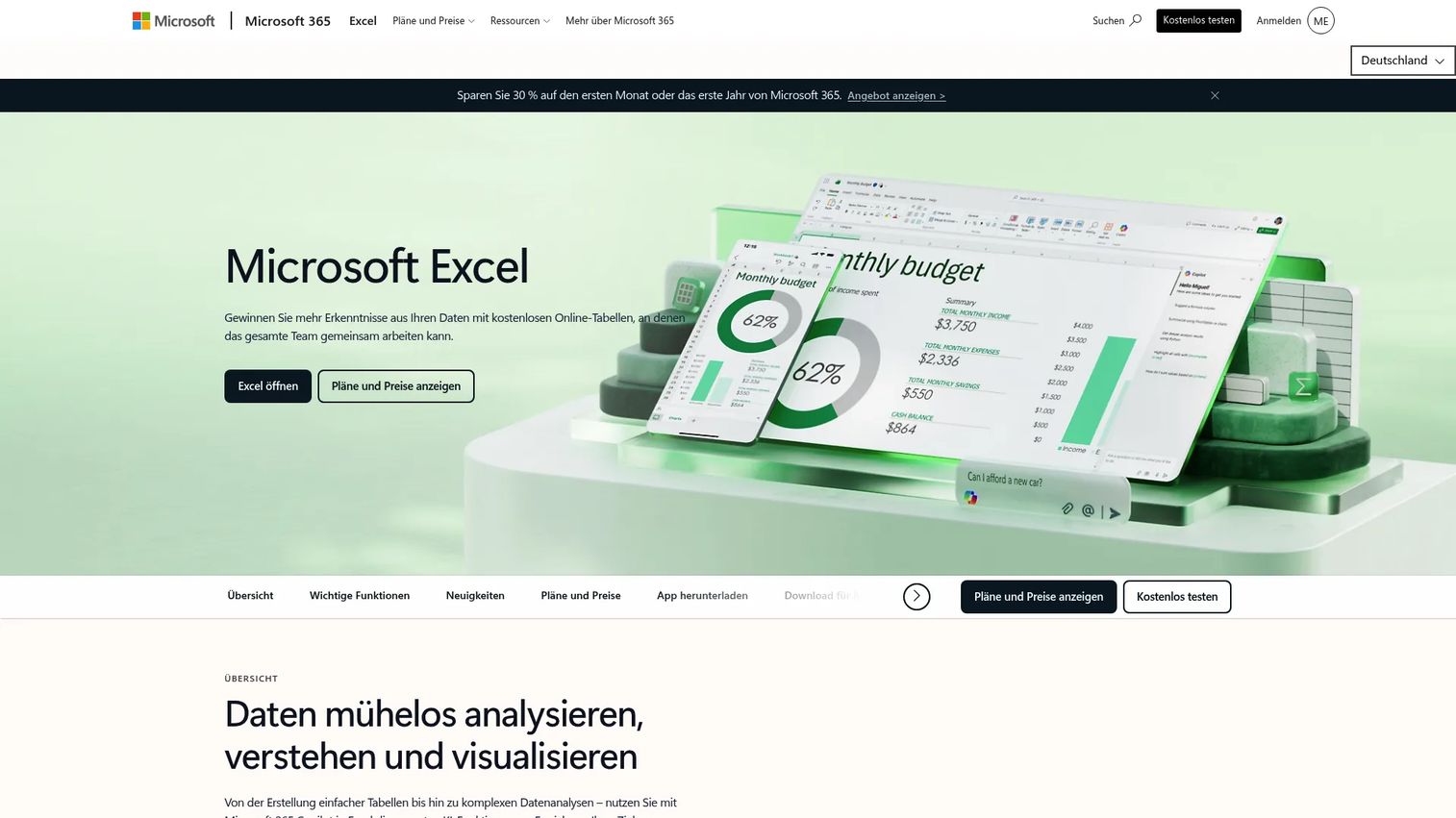
Microsoft Excel provides a flexible spreadsheet foundation for manually tracking sales. You can define the fields and calculations without adopting a dedicated CRM. That makes it a reasonable starting point for a small pipeline with clear ownership.
Best for: Individual sellers and small teams with manageable reporting needs and disciplined manual updates.
Start with a clear definition of what each row represents. An opportunity-based tracker needs different rules from a contact list or a record of completed sales.
Include an owner and a next action alongside the commercial fields. A sheet that contains amounts without follow-up context won’t help you decide what to do today.
Separate actual revenue from expected revenue. If you calculate a weighted forecast, document how the probabilities were chosen.
Collaboration is available, but process discipline remains your responsibility. Agree on how changes are made and who resolves conflicting information.
Test the spreadsheet against a handoff. Ask another person to explain the account’s history without relying on your memory or private notes.
Excel becomes a weaker operating choice when sellers spend substantial time maintaining relationship records manually. That is the point to evaluate a sales tracking CRM, even if the existing workbook still produces attractive reports.
Key features
- Custom spreadsheet creation
- Formulas and tables
- Formatting and data analysis
- Sharing and real-time collaboration
- Web and mobile access
Why choose Microsoft Excel: Choose it when a manually maintained tracker matches your current sales volume. Establish migration criteria before shared history becomes difficult to manage.
Microsoft Excel pricing: Excel for the web is free. Microsoft 365 Personal costs $9.99 monthly or $99.99 annually.
G2 rating: 4.7/5.
Considerations when choosing sales tracking software
Match the tool to your sales motion
High-volume selling needs quick updates and visible follow-ups; complex account selling requires deeper relationship records and governed forecasting. Decide whether you need a primary CRM, an activity connector, or a custom application before comparing features.
Check activity capture before dashboard design
Test email and calendar connections, then inspect call logging and mobile updates. A useful sales tracking app should preserve context without requiring the rep to reconstruct every interaction later.
Define deal stages before importing data
Write an entry requirement for each stage using evidence of buyer progress. Separate “proposal sent” from “commercial terms accepted,” and decide how stalled opportunities should be handled before migrating inconsistent records.
Evaluate forecast hygiene
Ask each shortlisted sales reporting software provider to show missing next steps, stage aging, close-date changes, and inactive opportunities. For sales forecast tracking, judge whether a manager can understand the risk without requesting a separate explanation.
Measure adoption cost, not only subscription cost
Include administration and training in the buying decision, alongside integrations and recurring data maintenance. During the pilot, measure how long sellers need to update records and whether managers can run reviews from the system alone.
Choose the tracker your team will maintain
Pipedrive is the best overall starting point here for small teams seeking an activity-centered CRM. Salesforce Sales Cloud deserves evaluation when complex forecasting and configurable processes justify dedicated administration.
HubSpot Sales Hub fits teams already organizing customer activity within HubSpot. Zoho CRM is a strong budget-conscious option when you want broad CRM capabilities.
Trello and Excel remain valid interim choices for small pipelines. Their usefulness depends on clear ownership and the amount of manual relationship tracking your team can sustain.
For software sales tracking, select the operating model before the subscription. Decide where opportunities live and which evidence supports stage changes.
Then run a pilot using current deals. Include an opportunity that is moving and one that has stalled. Ask reps to update both after customer conversations, and have a manager review them without extra context.
The best sales tracking software should make those records understandable. Choose the tool your team will keep current when the quarter gets busy.
FAQs
Sales tracking software organizes opportunity records and the activities surrounding them so teams can evaluate pipeline progress and sales performance. A useful setup connects contacts with deal stages, next actions, and reporting. It should let an AE explain the current position from the record rather than reconstructing the history across separate conversations.
Pipedrive is a strong starting point for small teams prioritizing visual deal management, while Zoho CRM suits buyers balancing breadth with subscription cost. HubSpot Sales Hub deserves attention when the business already uses HubSpot for customer records. Trello can support a small visual pipeline, but evaluate it against your relationship-history and reporting requirements before choosing it over a CRM.
Yes, a sales tracking spreadsheet can work when a small team has clear ownership and a manageable volume of updates. Define what each row represents, protect calculation logic, and agree on how changes are maintained. Reconsider the approach when handoffs require missing context or several reps need dependable activity histories and consistent recurring forecasts.
Prioritize pipeline tracking and activity capture, supported by contact records and useful reporting. Evaluate forecasting, integrations, automation, and mobile access against the work your team performs. During a pilot, ask sellers to record buyer commitments and next actions, then check whether another person can understand each opportunity without asking for an explanation.
Costs depend on the pricing model and the capabilities your workflow requires. Buyers seeking sales tracking software free of subscription charges can consider spreadsheet-based setups or confirmed free CRM editions. Paid products may charge by user, contact count, website volume, or record capacity. Compare the required package and implementation costs rather than treating the advertised entry price as the complete budget.
Sales tracking focuses on commercial progress, including activities and opportunity movement. CRM software manages the broader customer relationship, with sales tracking commonly included as part of that system. Some sales tracking programs instead add behavioral information or synchronize existing applications. Choose a CRM as the primary record when relationship history and opportunity ownership need to remain connected.
Teams track progress by defining stages around buyer milestones and maintaining next actions with clear owners. Review close dates alongside supporting evidence, including unresolved approvals or an agreed purchasing timeline. Compare activity with stage movement so frequent outreach doesn’t disguise a stalled decision. Sales performance tracking becomes more useful when records distinguish seller effort from buyer commitment.
Implementation time depends on data quality, configuration requirements, and the number of connected workflows. A basic tracker requires less preparation than a customized CRM rollout, but adoption still needs ownership and training. Start with agreed stages and a limited pilot before adding automation. Consider the rollout successful when reps maintain records consistently and managers can use them without rebuilding reports elsewhere.