If your sales enablement team is hunting for Screencastify alternatives, the core question is not which tool records cheaper. It is whether the job calls for a video someone watches or a product experience someone clicks through.
According to Wyzowl's 2026 State of Video Marketing report, 91% of businesses use video as a marketing tool, and 19% of video marketers say screen recording is their primary production method. That scale means your enablement content library is probably full of recorded clips that reps cannot find, that go stale when the product changes, and that offer no signal about which step a prospect actually cared about.
This roundup covers 10 Screencastify alternatives for B2B software teams. The list spans async video, screen recording and editing, screenshot tools, and one interactive demo platform. For teams that need reps, buyers, or customers to follow a product path, Guideflow is the top pick for interactive demos. For teams that need polished recorded training videos, Camtasia is the strongest choice. The full shortlist: Guideflow (interactive demo), Loom and Vimeo Record (async video), Camtasia and ScreenFlow (screen recording and editing), ScreenPal and Vmaker (screen recording), RecordCast (browser recording), EaseUS RecExperts (desktop recording), and Awesome Screenshot (screenshots and recording).
TL;DR
- Best for interactive product demos: Guideflow. Viewers follow an interactive product path at their own pace, with step-level drop-off data, rather than rewinding a clip.
- Best like-for-like async video pick: Loom. Screen and webcam recording, AI-generated summaries, and viewer insights, starting free with Business plans from $18/user per month.
- Best for polished training videos: Camtasia. Multi-track editing, cursor effects, and AI tools, from $39/year for Starter.
- Best affordable all-around recording: ScreenPal. Recording, editing, hosting, captions, and AI tools from $4/month billed annually.
- Best for Mac-based editing: ScreenFlow. One-time purchase at $199, Mac-only, with strong multi-track editing.
- Best free browser option: RecordCast. Up to 5-minute recordings free; $3.99/month unlocks 30-minute recordings.
- Category note: This list includes screen recording, video editing, async video, desktop recording, screenshots, and one demo automation platform. Category labels appear on every entry.
What's inside
- Why B2B enablement teams look for Screencastify alternatives
- A fair overview of what Screencastify is
- A comparison table with category, pricing, free plan, and G2 rating
- 10 ranked alternatives with per-tool depth, sourced shortfalls, and pricing
- Use-case routing for training videos, interactive demos, quick recording, and free options
- FAQs for sales enablement teams evaluating screen recording vs interactive demos
What is Screencastify?
Screencastify is a browser-based screen recording and screencasting platform. Its core job is recording screen, webcam, microphone, and browser activity into a video someone watches. The output is a linear clip.
The platform built its strongest following in education, where teachers record lessons, assignment instructions, and feedback directly in Chrome. Its strengths include fast capture, a Chrome extension workflow, classroom-friendly sharing, and annotation tools.
B2B teams often reach for similar tools when they need quick training clips, rep onboarding videos, product walkthroughs for follow-up, or async customer education. Screencastify covers those jobs at a basic level. Where it starts to strain is when teams need deeper editing, better business video workflows, more advanced viewer analytics, team governance, or interactive product experiences that go beyond passive video.
Why teams look for Screencastify alternatives
Teams usually move on when simple screen recording no longer matches how they train sellers, support buyers, or manage enablement content.
Recorded clips age when the product changes
Sales enablement libraries fill up with training recordings, feature launch clips, and product explanation videos. When the UI ships an update, every affected clip needs a re-record or a careful edit. At scale, this means managers maintaining a library full of content they cannot trust, and reps getting certified on a workflow that no longer matches what they sell. G2 reviewers of several recording tools flag this maintenance burden as a consistent pain.
Passive video limits procedural learning
A viewer watches a recorded product sequence but does not click through it. For software training, this creates a knowing-doing gap: A rep can recite the steps from the video but stumbles in a live call because they never ran the product path themselves. The session ends when the video ends, with no signal about which step they rewatched or where attention dropped off.
Sales teams need intent signals, not just view counts
A screen recording tells you someone opened the link. It does not tell you which product step they spent time on, where they stopped, or which account sent four colleagues through the same clip. For enablement managers trying to prove asset impact on pipeline, that gap is real. Tools with step-level engagement data, viewer identification, or CRM sync address it; a basic screen recorder does not.
Editing depth and B2B workflow fit
Screencastify's editing tools cover trimming and annotations, but not the multi-track timeline, cursor effects, or AI scripting that teams building formal training libraries need. G2 reviewers who moved to dedicated editors cite the need for more polished output, captions, and structured asset organization.
Pricing changes at team scale
A per-seat model built for individual recording can become difficult to manage when every rep, trainer, and enablement manager needs access. Flat-rate or one-time-purchase tools often provide a better unit economics fit for content production teams that are small relative to the sales org.
How we picked these Screencastify alternatives
Criteria for every tool on this list: Real fit for a B2B software team replacing or supplementing screen recording, public pricing or clear vendor pricing context, a G2 rating where available, and at least one sourced shortfall from that tool's own reviews or pricing page.
The list covers a spread of categories: Async video, screen recording and editing, desktop recording, browser-based recording, screenshot and annotation, and interactive demo. Category labels appear on every entry and in the comparison table, so teams can tell a like-for-like swap from a category upgrade. Tools without a G2 rating are included where their pricing and category fit are strong and confirmed.
According to Mordor Intelligence's 2026 screen-recording software market report, the global market was valued at $2.1 billion in 2025 and is projected to reach $4.62 billion by 2030, a 17.08% CAGR. That growth reflects how diverse this tool category has become.
Screencastify alternatives at a glance
Guideflow leads for teams whose job is interactive product demos. Loom leads for recorded async video and team messaging. Camtasia and ScreenFlow lead for polished editing. ScreenPal covers affordable all-around recording. The rest of the list fills specific recording, browser, desktop, and annotation needs.
| Tool | Category | Best for | G2 rating | Free plan | Starting price |
|---|---|---|---|---|---|
| Guideflow | Interactive demo | Interactive product demos and enablement | 5.0 | Yes | $35/user/month (annual) |
| Loom | Async video | Screen and webcam recording with quick sharing | 4.7 | Yes | $18/user/month |
| ScreenPal | Screen recording | Affordable recording, editing, and hosting | 4.5 | Yes | $4/month (annual) |
| Camtasia | Screen recording and editing | Polished tutorial and training video production | 4.6 | No | $39/year |
| Vmaker | Screen recording | AI-powered recording with editing and sharing | 4.7 | Yes | $18/month |
| ScreenFlow | Screen recording and editing | Mac-based recording with strong editing | 4.5 | No | $199 one-time |
| Vimeo Record | Async video | Simple recording tied to hosted video | 4.3 | Yes | $16/month |
| RecordCast | Browser-based recording | Lightweight browser recording | 4.6 | Yes | $3.99/month |
| EaseUS RecExperts | Desktop recording | Desktop recording across Windows and Mac | 3.0 | Yes | $5.80/month (annual) |
| Awesome Screenshot | Screenshot and recording | Screenshots, annotation, and quick recording | 4.4 | Yes | $5/month |
The best Screencastify alternatives in 2026
1. Guideflow (interactive demo)
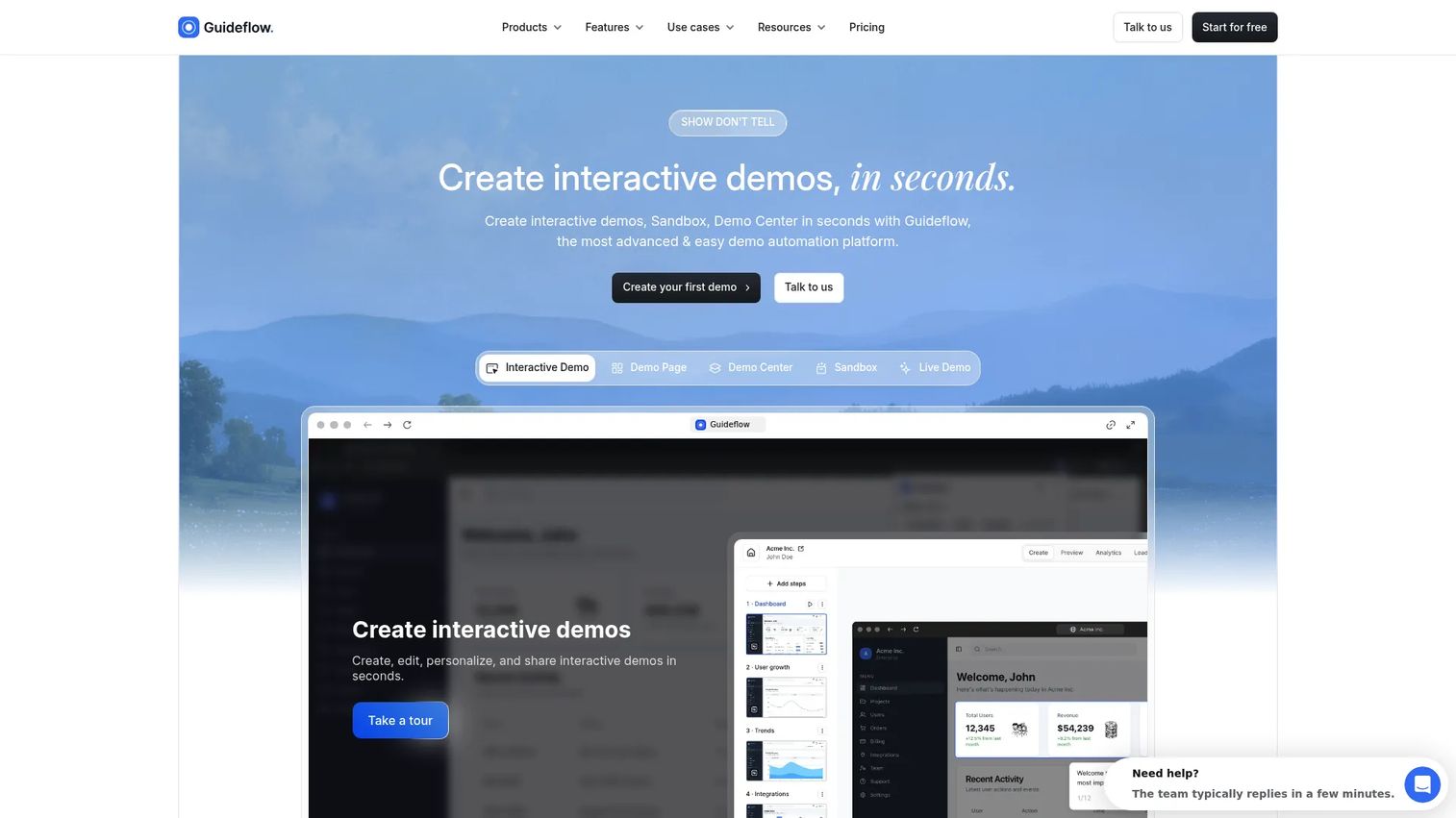
Guideflow is a demo automation platform that turns your product into an interactive demo people click through rather than a recorded clip they watch. For sales enablement teams, the difference matters: When a rep sends a Guideflow interactive demo as a sales leave-behind, the buyer follows the actual product path, and you see exactly where they went and where they stopped.
Best for: B2B software teams that need prospects, reps, or customers to follow an interactive product path at their own pace.
What it is: Guideflow is a demo automation platform for building interactive demos, demo pages, demo centers, sandboxes, live demos, and mobile demos. Capture runs through the Chrome extension or the native app using screenshot, HTML, or video capture modes. The editor supports text, images, graphs, and branching, and step content is generated automatically.
Key features:
- Six demo formats: Interactive demos, demo pages, demo centers, sandboxes, live demos, and mobile demos
- Capture through the Chrome extension or native app across screenshot, HTML, and video modes
- Editor for text, images, graphs, and branching
- Step-level completion, drop-off, and viewer flow analytics
- In-demo forms and personalized links for CRM record creation; integrations with HubSpot, Salesforce, Pipedrive, Zoho, and Marketo
Where Guideflow falls short: Look elsewhere if the job is a talking-head recording with face and voice on camera. For coaching clips, async rep updates, or narrated onboarding videos, a video tool fits better. Guideflow performs best when the viewer should interact with the product path, not watch someone describe it.
Pricing: Free plan available. Solo is $35/user/month (annual). Growth is $499/month (annual). Advanced is $1,499/month (annual). Enterprise starts from $2,999/month (annual) and adds SSO, advanced governance, and enterprise security.
G2 rating: 5.0
How it compares to Screencastify: Screencastify records a video someone watches. Guideflow creates an interactive demo people follow, with step-level completion and drop-off data attached.
Start your journey with Guideflow today!
2. Loom (async video)
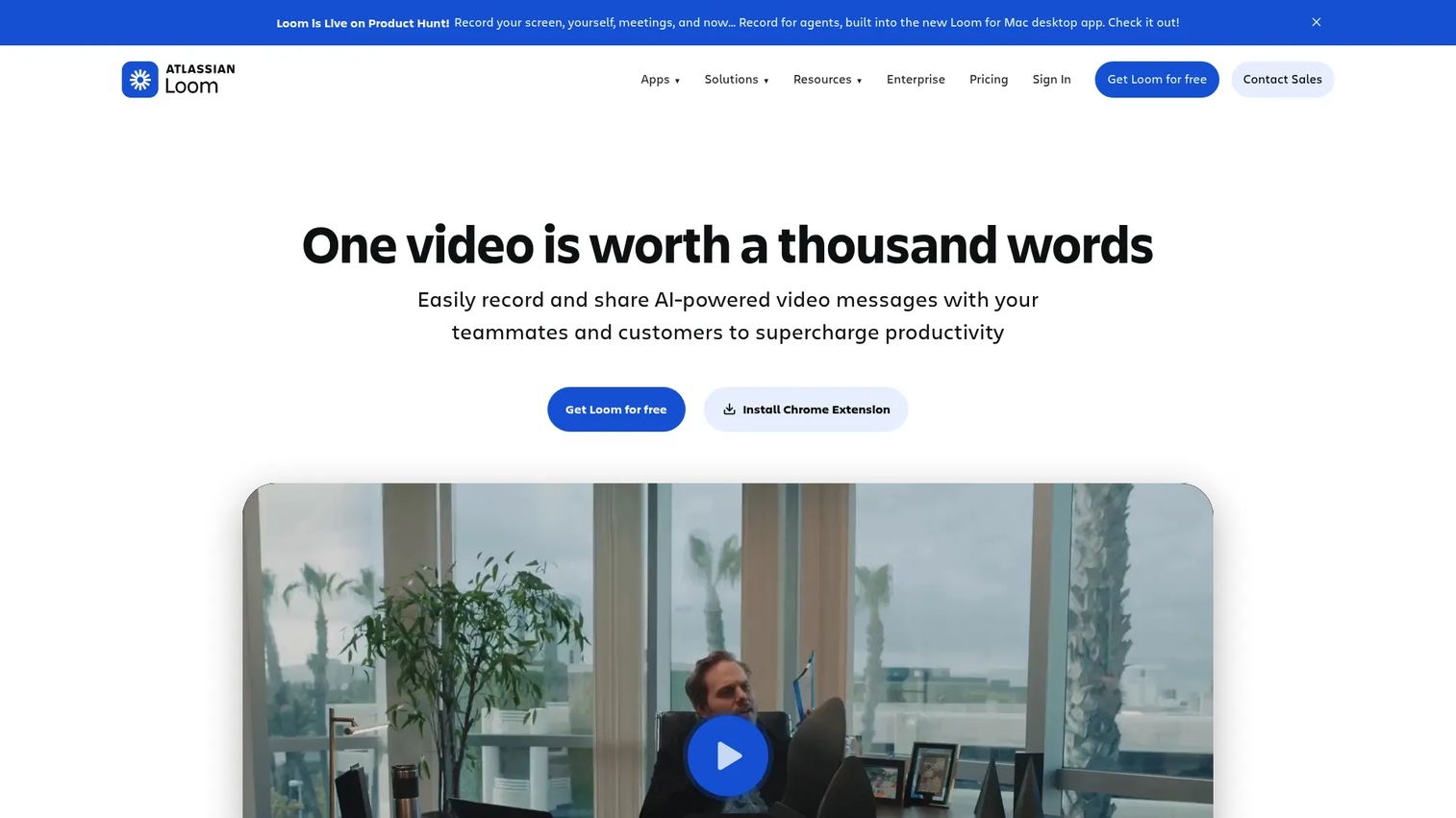
Loom is the strongest like-for-like B2B swap for teams that need recorded video with human context. Sales enablement teams use it for rep coaching clips, deal review recordings, quick internal product updates, and customer-facing async walkthroughs with a human face attached.
Best for: Sales and enablement teams that need screen and webcam recordings with quick sharing and viewer insights.
What it is: Loom is an AI-powered video messaging platform for recording screen, camera, and voice, then sharing via link. Its business positioning centers on async communication and team video libraries. It sits in the async video category.
Key features:
- Screen and camera recording
- AI-generated titles, summaries, chapters, and CTAs
- Video editing with trim and stitch
- Transcriptions and closed captions
- Viewer insights and emoji reactions
Where Loom falls short: The free Starter plan limits recordings to 25 videos with a 5-minute cap per recording, which restricts longer training or demo content. Reviewers on G2 note that advanced editing and video organization at scale require the Business or Business + AI tier, increasing cost per seat for larger teams.
Pricing: Starter is free (up to 25 videos, 5-minute cap). Business is $18/user/month. Business + AI is $24/user/month. Enterprise pricing requires contacting sales.
G2: 4.7
How it compares to Screencastify: Stronger fit for business async communication, team video libraries, and AI-enhanced messaging. Still recorded video, but built for professional B2B sharing rather than classroom workflows.
3. ScreenPal (screen recording)
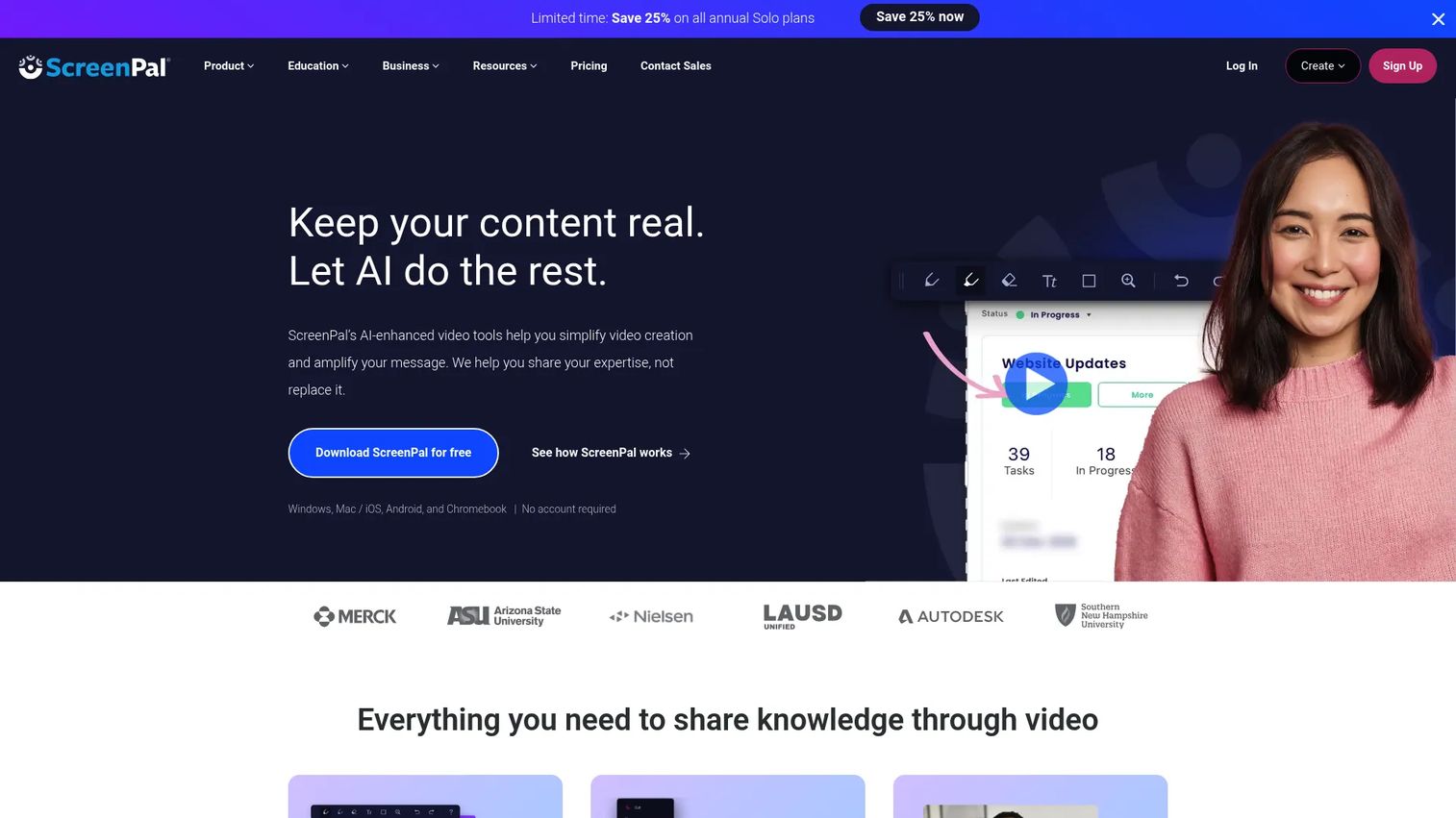
ScreenPal bundles recording, editing, hosting, and interactive video into one platform at a price point that makes sense for enablement teams producing practical training libraries rather than broadcast-quality productions.
Best for: Teams that want screen recording plus editing and hosting without a heavy production workflow.
What it is: ScreenPal is a screen recording, video editing, hosting, and interactive video platform. It covers tutorials, training, demos, and knowledge-sharing for individuals and teams. The platform includes AI features across captions, transcripts, summaries, and translation.
Key features:
- Screen and webcam recording
- Video editing with stock media on paid plans
- Secure hosting and sharing
- Interactive quizzes, polls, and buttons
- AI captions, transcripts, summaries, and video translation
Where ScreenPal falls short: G2 reviewers note the interface carries a learning curve for new users, and collaboration features for larger teams are limited compared to dedicated enablement platforms. Advanced AI features sit behind the higher-tier plans.
Pricing: Free plan available. Deluxe is $4/month (annual). Max is $10/month (annual). Business is $8/user/month.
G2: 4.5
How it compares to Screencastify: A broader recording and editing toolkit for teams building structured training libraries, with hosting and AI tools Screencastify does not match.
4. Camtasia (screen recording and editing)
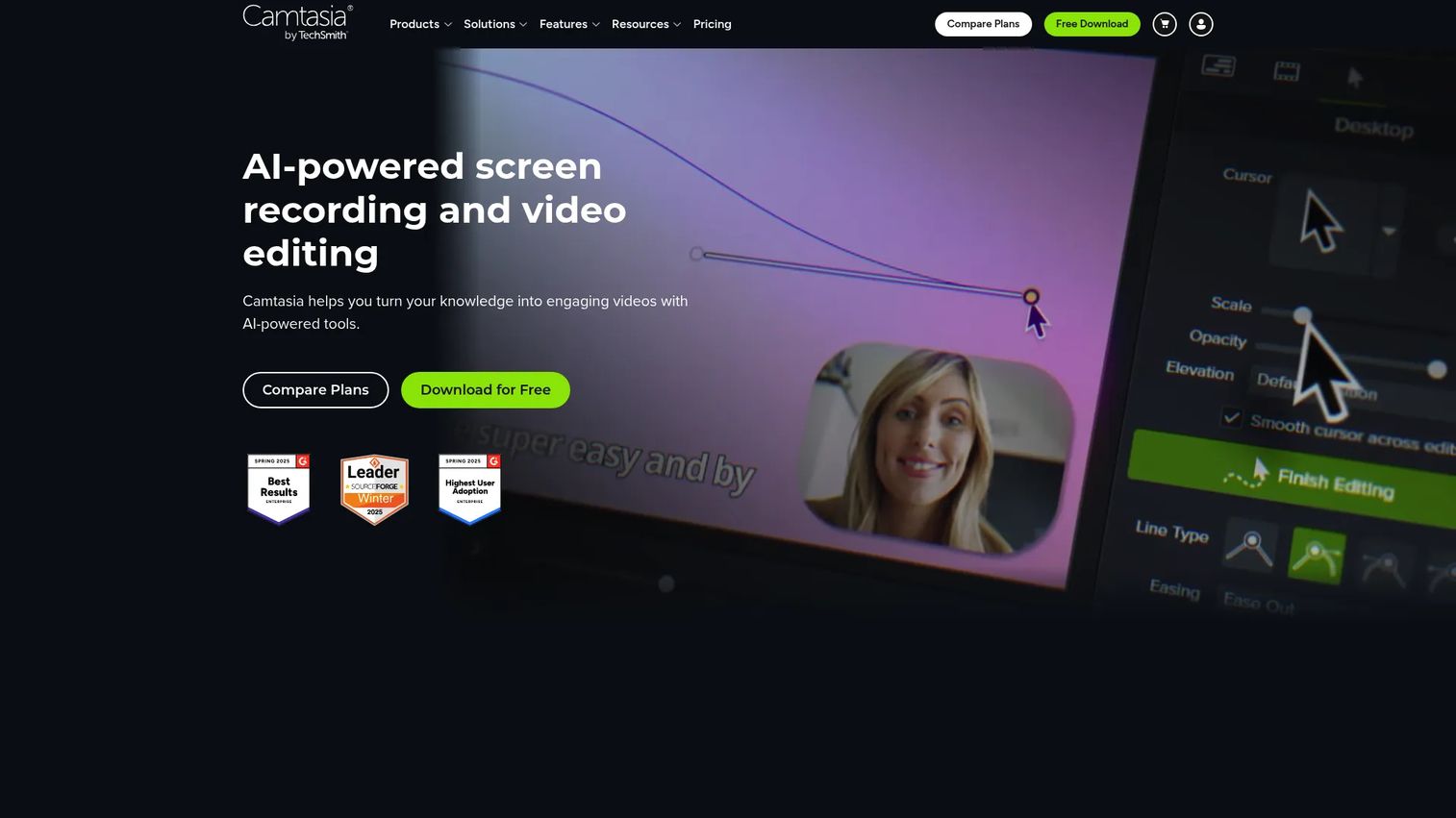
Camtasia is the go-to for enablement teams that need polished, durable training videos. If your team is producing certification content, structured onboarding modules, or customer training with multi-track editing and cursor callouts, Camtasia is built for that job.
Best for: Enablement teams that need polished training videos with timeline editing, cursor effects, and structured asset production.
What it is: Camtasia is a screen recorder and video editor from TechSmith for creating instructional, training, demonstration, and communication videos at up to 4K and 60fps.
Key features:
- Screen recording with camera, microphone, and keystroke capture
- Multi-track video editing with effects, transitions, callouts, and animations
- AI text-based editing, script generation, and voiceover generation
- Avatar and AI dubbing on higher tiers
- Starter plan includes Snagit for screenshots
Where Camtasia falls short: G2 reviewers with a 4.6 rating consistently note that the learning curve for the full editor is steep for occasional users. The desktop workflow does not suit teams that need fast async clips without a production step. Rendering performance on older machines draws complaints.
Pricing: No free tier, though a free trial is available. Starter is $39/year. Essentials is $179.88/year. Create is $249/year. Pro is $599/year.
G2 rating: 4.6
How it compares to Screencastify: Better for finished training assets that require a real production workflow. Less suited to lightweight one-off recording or quick async sharing.
5. Vmaker (screen recording)
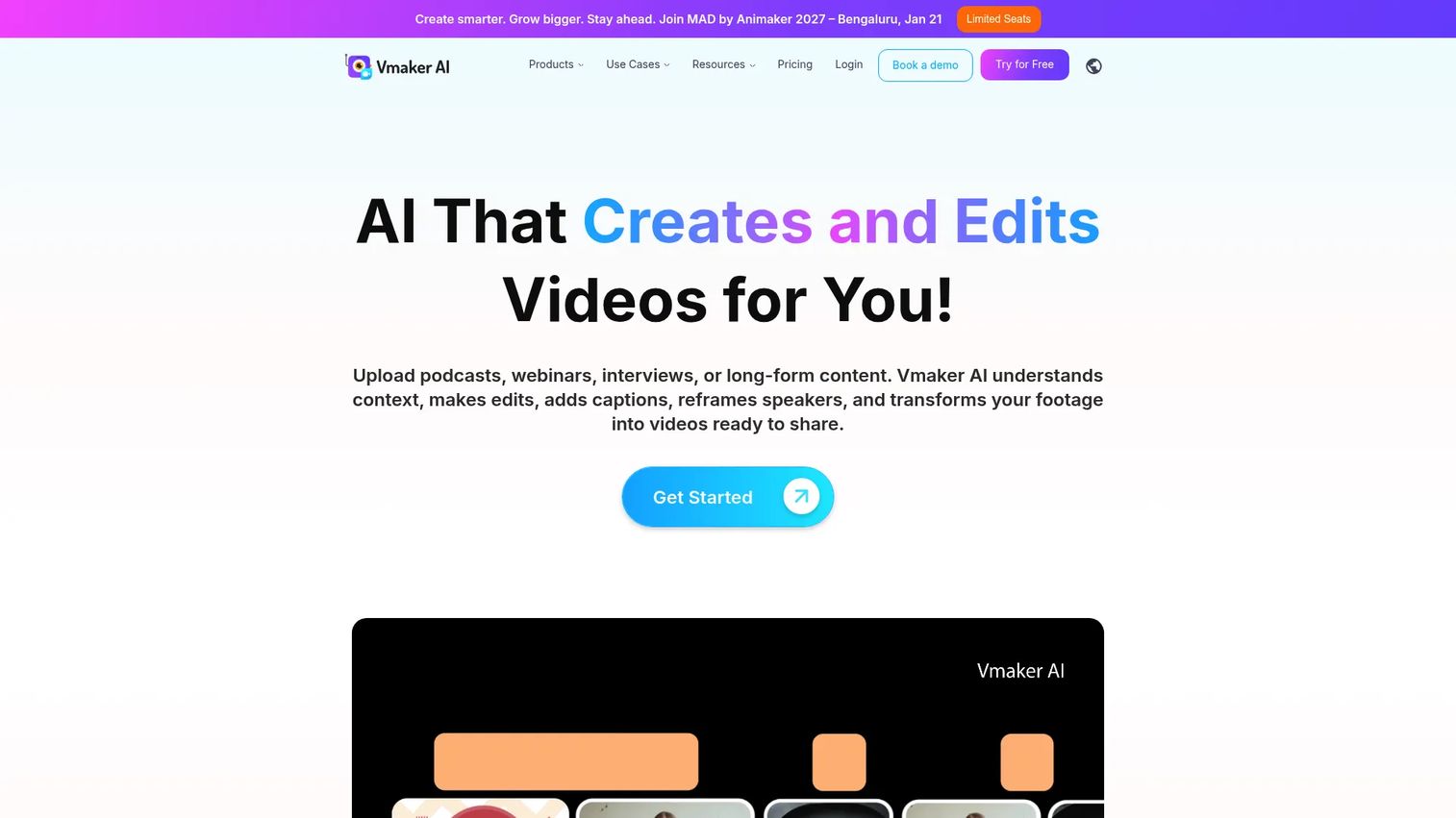
Vmaker combines 4K screen and webcam recording with AI-powered video editing and repurposing, targeting teams that want to produce marketing, training, and instructional videos from recorded content without a full production stack.
Best for: Teams that want video recording with lightweight AI editing, subtitle automation, and branded sharing.
What it is: Vmaker is an AI-powered video creation, editing, screen recording, and repurposing platform. It handles recording, long-to-short video generation, automatic subtitles, and AI avatar video creation for teams and creators.
Key features:
- 4K screen and webcam recording
- AI video editing with viral clip generation
- Automatic subtitles and translation
- Document-to-video conversion
- Team workspace for organizing and sharing
Where Vmaker falls short: G2 reviewers with a 4.7 rating note that the free plan has feature limitations that push most practical use cases to paid tiers. Some reviewers flag the export and admin controls as less mature compared to more established recording tools.
Pricing: Free plan available. Starter is $18/month ($216 billed yearly). Teams is $25/month ($300 billed yearly). Enterprise is custom pricing.
G2 rating: 4.7
How it compares to Screencastify: More business-oriented recording with AI editing and branded sharing options. Stronger fit for teams producing marketing and training video at speed; still a passive video format.
6. ScreenFlow (screen recording and editing)
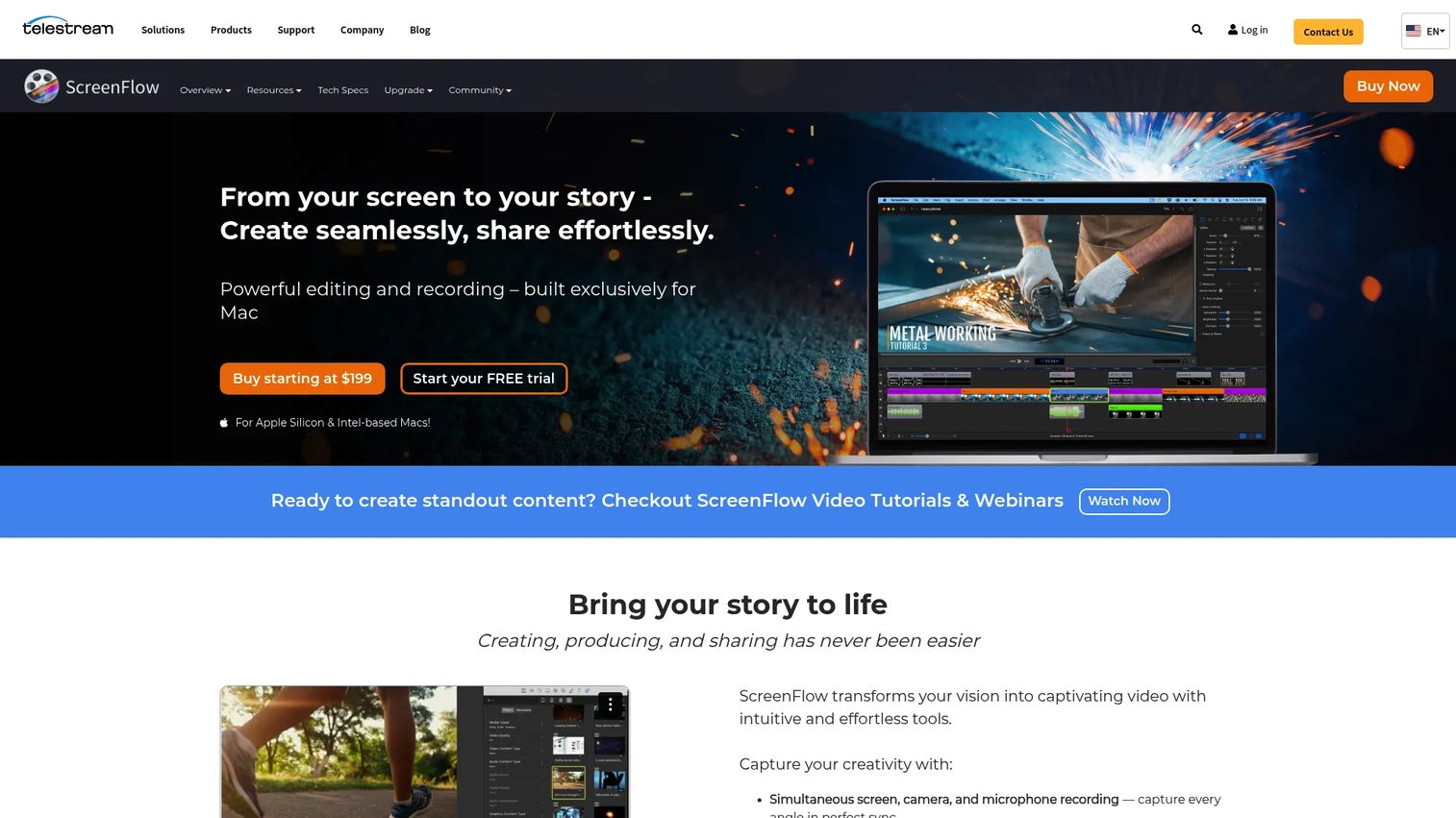
ScreenFlow is Mac-only recording and editing software sold as a one-time purchase rather than a subscription. For Mac-based enablement teams producing polished tutorials and software demonstrations without a recurring SaaS cost, it delivers a strong editing environment at a fixed price.
Best for: Mac-based teams that want recording plus strong timeline editing at a one-time cost.
What it is: ScreenFlow is a Mac-exclusive screen recording and video editor from Telestream for creating tutorials, demos, training videos, and presentations.
Key features:
- Screen, camera, microphone, and iOS device recording
- Multi-track editing with transitions, effects, annotations, and captions
- Animated GIF, ProRes, and MP4 export with direct publishing
Where ScreenFlow falls short: G2 reviewers with a 4.5 rating flag that the platform is Mac-only, which excludes Windows-based team members entirely. Collaboration features are limited, and additional content requires the bundle upgrades. Some reviewers note that upgrade costs between major versions add up over time.
Pricing: No free tier, though a free trial is available. ScreenFlow is $199 one-time. The Super Pak bundle with Stock Media Library is $275 one-time. The Super Pak+ bundle adding Premium Support is $325 one-time.
G2 rating: 4.5
How it compares to Screencastify: Better for Mac-produced, polished videos with real editing depth. Less suited to browser-first lightweight recording or cross-platform team workflows.
7. Vimeo Record (async video)
Vimeo Record connects screen and camera recording directly to Vimeo's video platform. It suits teams already using Vimeo for video hosting, or those who want recorded clips to land in a managed, branded video library.
Best for: Teams that want simple screen and webcam capture connected to hosted video distribution.
What it is: Vimeo Record lets users record their camera, microphone, and screen, then save recordings to Vimeo for sharing or further editing. It is included with all Vimeo plans.
Key features:
- Camera, microphone, and screen recording
- Picture-in-picture recording
- Audio-only recording and teleprompter support
- Recording-to-library workflow with Vimeo hosting
Where Vimeo Record falls short: G2 reviewers with a 4.3 rating note that advanced editing and viewer analytics sit behind higher Vimeo plan tiers, adding cost for teams that want more than basic recording. The free plan limits recordings to 30 minutes per video.
Pricing: Free plan available (up to 30-minute recordings). Creator is $16/month. Core is $40/month. Professional is $120/month. Studio is $400/month.
G2 rating: 4.3
How it compares to Screencastify: Better fit when video hosting and distribution matter more than classroom recording. Ties recorded content directly to a managed video library rather than standalone clips.
8. RecordCast (browser-based recording)
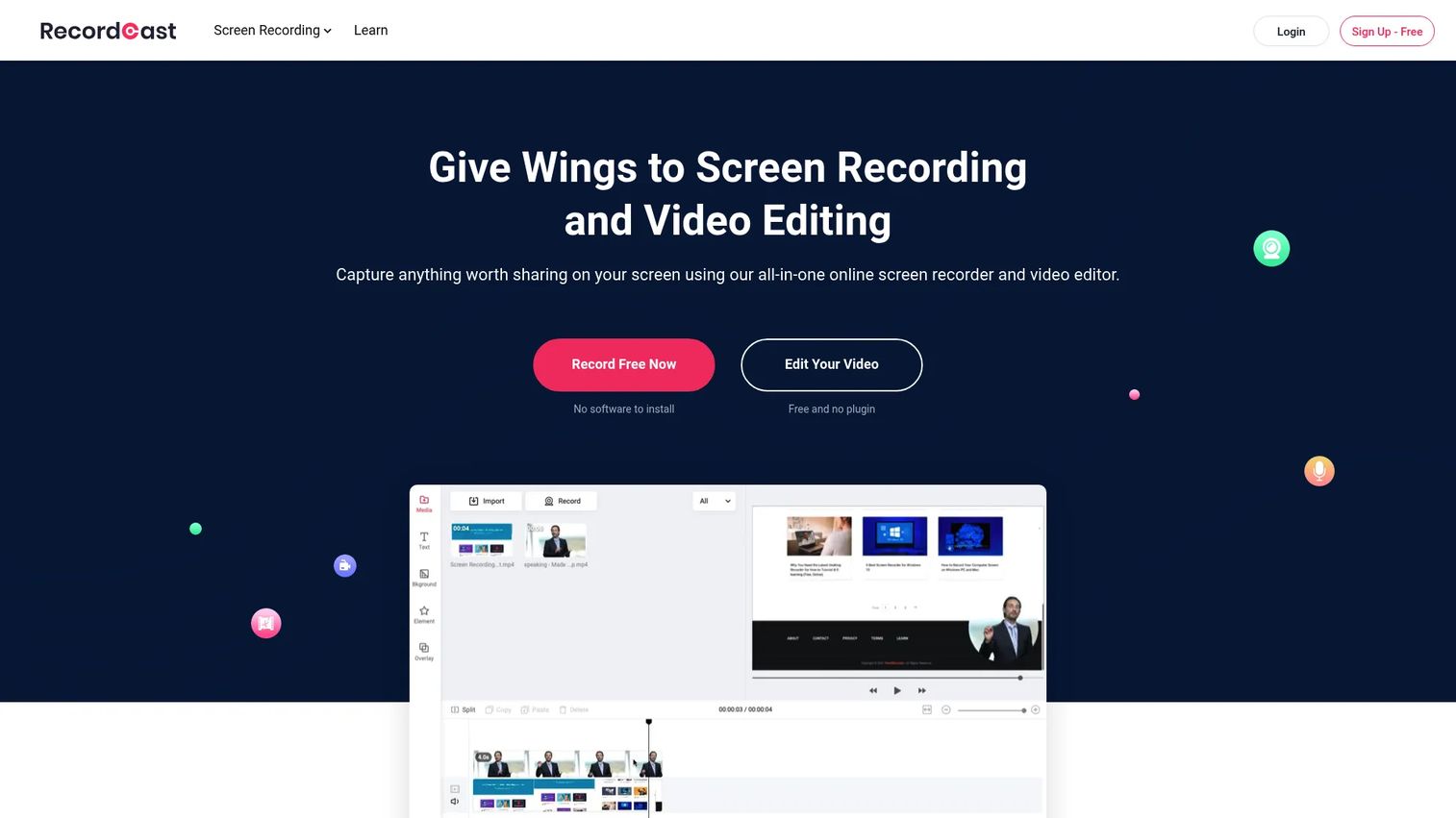
RecordCast is a browser-based screen recorder and editor with no installation required. It fits teams that need to record a quick support clip, a rep coaching note, or a one-off product explanation without setting up desktop software.
Best for: Lightweight browser-based recording without a complex editing or installation setup.
What it is: RecordCast is an online screen recorder and video editor that runs entirely in the browser. It handles screen, webcam, and system-audio capture with built-in trimming, text effects, overlays, and logo support.
Key features:
- Screen, webcam, and screen-plus-webcam recording
- Microphone and system-audio capture
- Built-in editing with trimming, text effects, overlays, and logo support
Where RecordCast falls short: The free plan restricts recordings to 5 minutes and 480p downloads, limiting its use for training videos with any depth. There is no advanced team management, analytics, or CRM integration, making it unsuitable for structured enablement governance.
Pricing: Free plan available (5-minute cap, 480p, up to 12 projects). Plus is $3.99/month or $47.88 billed annually.
G2: 4.6
How it compares to Screencastify: Similar lightweight browser recording intent, with an integrated editing workflow. Narrower scope than Screencastify on classroom features, more focused on quick browser capture and basic editing.
9. EaseUS RecExperts (desktop recording)
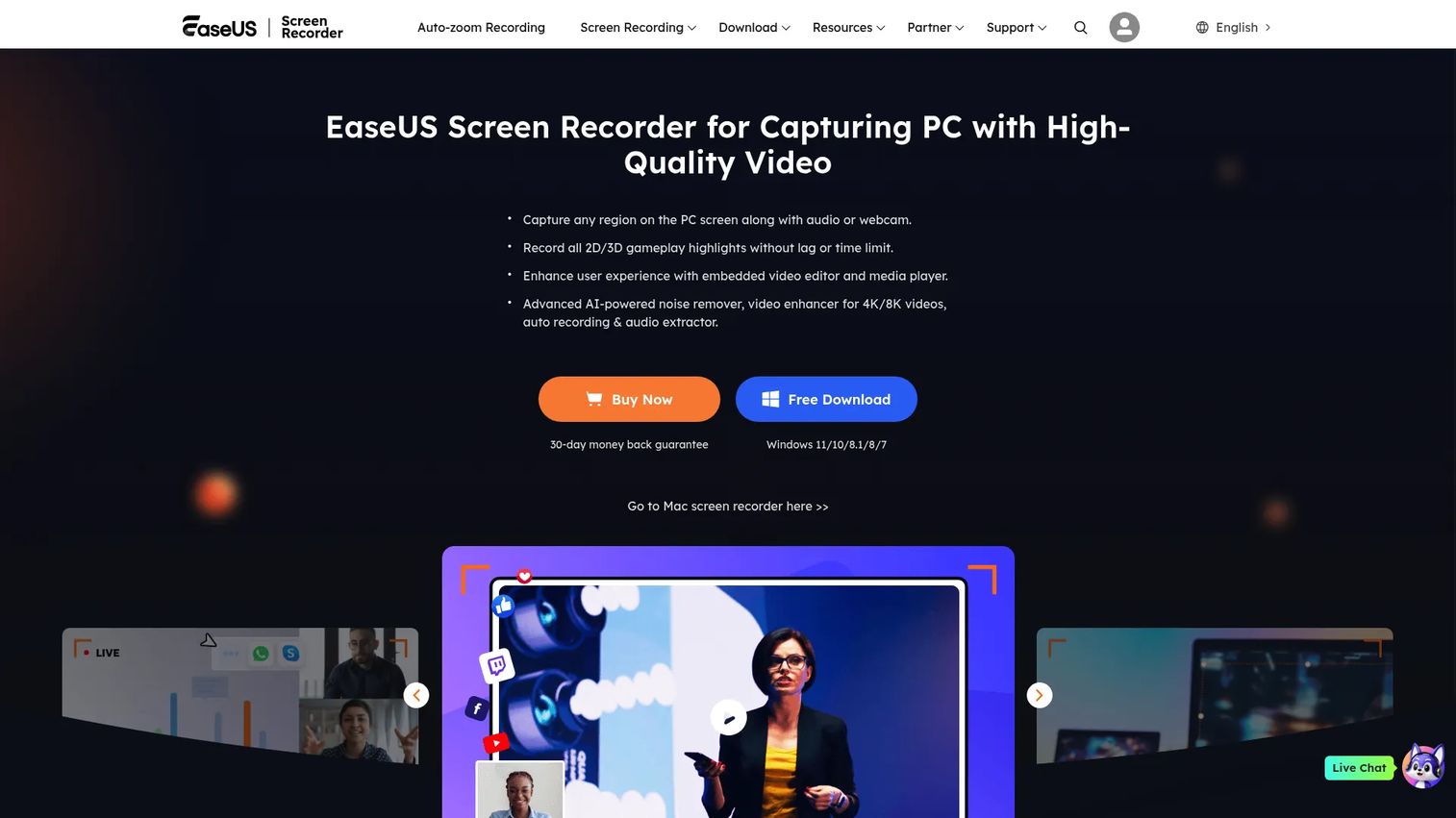
EaseUS RecExperts is a desktop screen recorder for Windows and macOS with broad recording capabilities that go beyond browser extension tools, including gameplay capture, scheduled recording, and 4K output.
Best for: Teams that need desktop recording across Windows and Mac for software tutorials, meeting recordings, and training modules.
What it is: EaseUS RecExperts is a desktop screen recorder for Windows and macOS covering screen, webcam, audio, scheduled recording, and gameplay at up to 4K and 144fps.
Key features:
- Full-screen, region, and multi-screen recording
- Webcam recording with virtual background and simultaneous audio capture
- AI noise reduction on audio tracks
- Scheduled recording
- Screenshot capture and built-in media player
Where EaseUS RecExperts falls short: G2 reviewers with a 3.0 rating flag limited collaboration features and weak business sharing controls. It lacks the team governance, CRM integration, and viewer analytics that enablement managers need to prove content impact.
Pricing: Free download available. Monthly plan is $19.95. Yearly plan is $5.80/month (billed annually). Lifetime individual license is $119.95. Business 2 PC is $199.95 one-time. Business 5 PC is $449.95 one-time.
G2 rating: 3.0
How it compares to Screencastify: Better for desktop recording scenarios that need more than a browser extension, including scheduled capture and gameplay. Less focused on classroom-style sharing or business team workflows.
10. Awesome Screenshot (screenshot and recording)
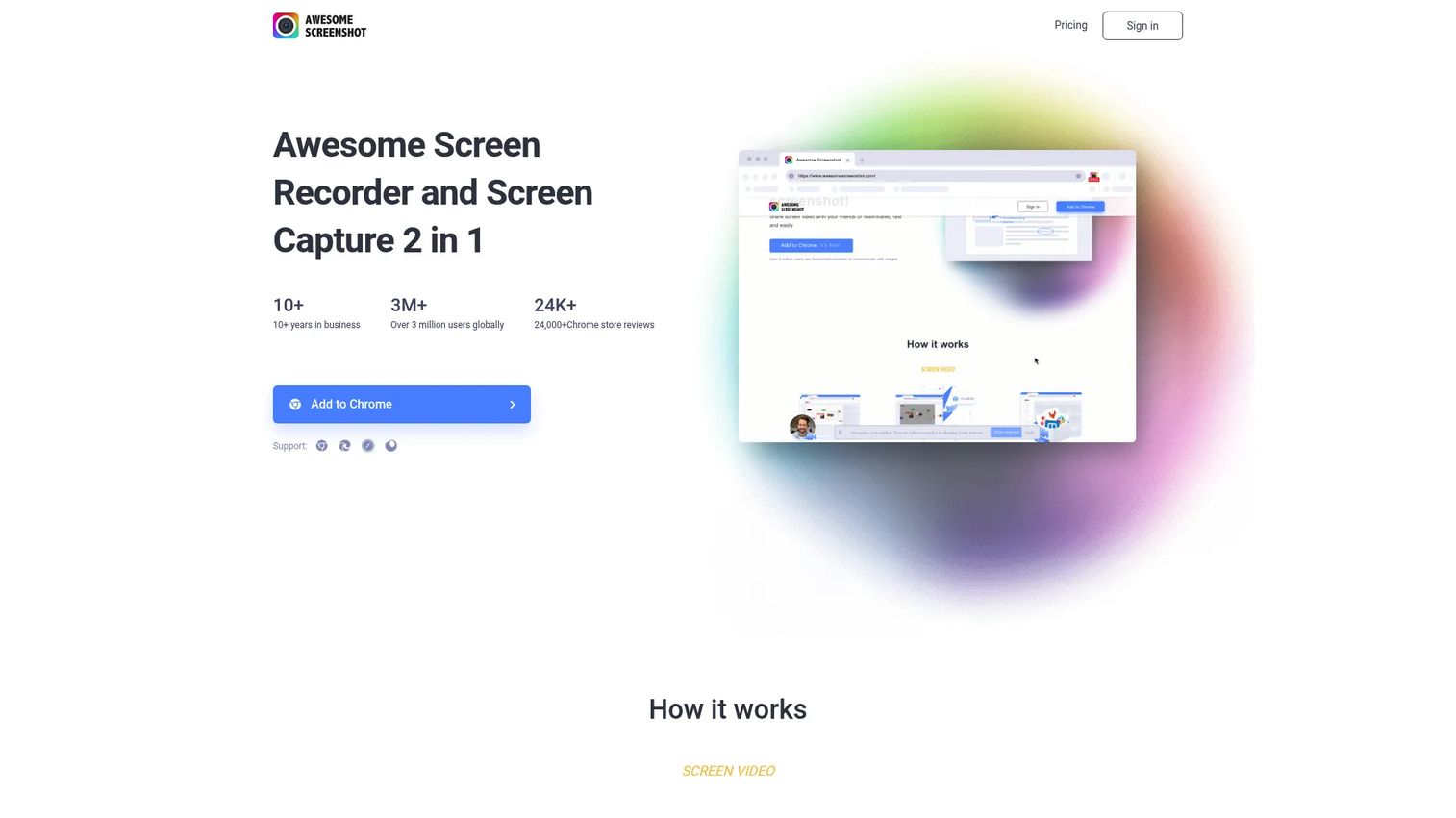
Awesome Screenshot combines screenshot capture, annotation, and screen recording in one browser extension. It fits support teams, product feedback workflows, and enablement managers who regularly annotate product screens or send visual context alongside text.
Best for: Teams that need screenshots, annotation, and lightweight screen recordings in a single tool.
What it is: Awesome Screenshot is a screenshot, annotation, and screen recording tool for taking, annotating, and sharing visual captures and short video clips.
Key features:
- Full-page and selected-area screenshots
- Screen and camera recording
- Screenshot annotation and editing
- Integrations with Trello, Slack, Asana, and Jira
- WebM and MP4 recording support
Where Awesome Screenshot falls short: Capterra reviewers with a 4.6 rating note that video editing depth is limited and hosted video storage has caps that restrict larger teams. Advanced viewer analytics and CRM sync are absent, so it does not serve as a standalone enablement platform.
Pricing: Free plan available. Basic is $5/month. Professional is $6/month (annual billing shown as lower). Pricing varies by annual versus monthly billing.
G2: 4.4
How it compares to Screencastify: Stronger for visual feedback, annotated product captures, and quick recordings sent in support or enablement workflows. Not a fit for structured training video production.
What is the best Screencastify alternative for interactive product demos?
Guideflow is the right choice when the goal is an interactive product demo rather than a recorded video.
A recorded video plays a linear sequence; the viewer watches and rewinds. Guideflow creates an interactive demo where the viewer follows the product path themselves, with step-level drop-off data showing exactly where engagement stopped. For sales enablement, this matters across follow-up emails, onboarding sequences, rep training, and buyer-led evaluation. When a rep shares a Guideflow interactive demo, the account's engagement syncs to your CRM through in-demo forms or personalized links.
Which Screencastify alternative is best for polished training videos?
Camtasia is the strongest pick for polished tutorial and training video production.
Multi-track editing, cursor callouts, AI scripting, and structured asset management make Camtasia the right tool when your team is building certification content, durable onboarding modules, or customer training that needs a production workflow. The Starter tier covers basic capture and Snagit; the Create and Pro tiers add AI voiceover and avatar features.
For Mac-only teams, ScreenFlow covers the same editing depth through a one-time purchase model at $199, without a subscription cost.
Which Screencastify alternative is best for quick screen and webcam recording?
Loom is the strongest B2B choice for screen and webcam recording with quick sharing.
For rep coaching clips, deal review notes, internal async product updates, and customer replies, Loom's combination of screen, camera, and voice recording with AI-generated summaries fits the job. Its Business plan at $18/user per month adds unlimited videos and recording time beyond the free Starter limits. Vmaker and ScreenPal also cover this use case with slightly different feature mixes and pricing.
What is the best free Screencastify alternative?
Several tools on this list have free plans, and the right one depends on what you need to record.
Loom's Starter plan is free for up to 25 videos with a 5-minute cap per recording, covering basic async video needs. ScreenPal's free plan covers recording, editing, hosting, and screenshot tools with its own limits on features and storage. RecordCast is free for recordings up to 5 minutes at 480p, covering quick one-off browser captures. Vimeo Record's free plan allows recordings up to 30 minutes per video. Guideflow has a free plan. Vmaker and Awesome Screenshot also offer free tiers.
Free plans across all these tools carry restrictions on video length, branding, storage, exports, or team controls.
What is the cheapest Screencastify alternative for B2B teams?
The cheapest option shifts depending on seat count and billing model.
For individual recording without a seat-per-user cost, RecordCast at $3.99/month covers basic browser recording. ScreenPal's Deluxe plan at $4/month (annual) adds editing and hosting for one user. For teams where every rep needs access, per-seat tools like Loom at $18/user/month scale in cost with headcount. ScreenFlow's one-time $199 purchase suits Mac-based content teams that need strong editing without ongoing subscription fees. EaseUS RecExperts' yearly plan at $5.80/month (billed annually) or a $119.95 lifetime license is the lowest-cost desktop recording option.
When should you stay with Screencastify?
Screencastify still does its job for teams with a stable Chrome-based recording workflow that does not need broader business integrations or deeper editing.
If your team records simple one-off videos, the Chrome extension workflow feels natural, and you are not running into the editing, sharing, or analytics ceiling, switching adds change management overhead without a clear gain. Existing libraries that reps use and trust are worth preserving if the content is still accurate. For teams whose primary output is classroom-style educational video and whose audience is comfortable with Screencastify's sharing model, the tool continues to fit that narrow scope well.
Why teams switch from Screencastify to Guideflow
Enablement teams switch when recorded clips stop being enough for the job.
When buyers need to evaluate a product before a call, a linear recording makes them watch. A Guideflow interactive demo lets them follow the product path themselves, exploring the feature flows relevant to their role. When new reps need to learn a workflow, a Guideflow interactive demo runs them through the actual product steps, not a narrated description of them. When you need to know which part of a sales asset drove engagement, Guideflow's step-level analytics show completion rates and drop-off at each point, not just a view count.
For distributed enablement libraries, demo centers let you organize interactive demos by product, persona, use case, or funnel stage under a single branded destination. For teams that need hands-on product evaluation without a live environment, sandboxes give buyers free exploration without connecting to production systems.
Guideflow integrates with HubSpot, Salesforce, Pipedrive, Zoho, and Marketo through in-demo forms and personalized links, creating CRM records only when a viewer identifies themselves. Translation covers more than 30 languages for multi-region enablement teams.
The one scenario where a video tool still wins: A talking-head coaching message, an async rep update, or a narrated onboarding introduction where a human face and voice carry the communication. For those jobs, Loom or ScreenPal fits better.
Start your journey with Guideflow today!
Frequently asked questions: Screencastify alternatives
The right choice depends on whether the content should be watched or clicked through. For quick async clips, rep coaching recordings, and narrated product updates, Loom is the strongest like-for-like swap. For formal training video production with multi-track editing, Camtasia fits better. For interactive product demos where reps, buyers, or customers follow the actual product path, Guideflow is the right category.
Several tools on this list include free plans. Loom's Starter plan covers up to 25 videos with a 5-minute recording cap. ScreenPal's free tier includes recording, editing, hosting, and screenshots. RecordCast is free for recordings up to 5 minutes. Vimeo Record is free for recordings up to 30 minutes. Guideflow has a free plan. Vmaker and Awesome Screenshot also offer free tiers. All free plans carry restrictions on video length, storage, branding, or team controls.
For recorded product demo videos, Loom, ScreenPal, or Camtasia cover the job depending on editing depth and sharing needs. For interactive product demos where the viewer follows the product path themselves, Guideflow fits better. The core distinction is passive watching versus active clicking through the product, with step-level engagement data in the interactive case.
Sometimes, and for specific jobs. Interactive demos work best when the viewer needs to experience product steps rather than passively watch a narration. Screen recordings remain the right fit for talking-head coaching messages, async updates with a human face, and polished training videos with multi-track editing. Many B2B enablement teams use both categories for different moments in the rep or buyer journey.
Key criteria include recording depth and camera support, editing capabilities for the production level you need, video hosting and sharing controls, team governance features such as versioning and approval, viewer analytics and CRM integration, and pricing that fits at your team size. For teams building interactive product experiences, adding an interactive demo platform to the stack addresses the gap that screen recording tools leave.
Camtasia is the strongest pick for deep editing, cursor effects, and structured training modules. ScreenFlow covers the same editing depth for Mac-based teams through a one-time purchase. ScreenPal handles lighter training video production with hosting included. Polished tutorial production is a different job from interactive demos: It involves a production workflow, timeline editing, and an asset that plays linearly.
Loom, Vmaker, ScreenPal, and Vimeo Record all cover screen and webcam recording with narration. The differences come down to AI features, editing depth, pricing model, and how recordings are shared and managed. Loom is the most established B2B async video option. Vmaker adds AI editing and subtitle automation. ScreenPal bundles hosting and interactive video elements. Vimeo Record connects recordings to a managed video library.
Use video for rep coaching recordings, async updates, narrated onboarding introductions, and formal training modules where editing and polish matter. Use interactive demos when a rep, buyer, or customer should follow the product steps themselves, with the engagement data to prove it. The strongest enablement stacks run both, using video for training and human communication, and interactive demos for buyer-facing product exploration and in-the-moment rep enablement.