Your release is staged, tests are green, and the feature ships on schedule. But the authenticated checkout flow, the admin panel behind a role check, and the new API endpoint nobody thought to document? Those went live untested against real attack payloads.
Code scanners catch insecure patterns before deployment. They cannot show you what happens when a running application interacts with browsers, sessions, and infrastructure under adversarial conditions. That gap is what dynamic application security testing tools are built to close. According to the OWASP Developer Guide, DAST is specifically designed to test running web applications from the outside, reflecting how real attackers approach a target.
The practical problem for most teams: Only 34% of organizations had implemented DAST as of 2024, up 8% from the prior year (GitLab Global DevSecOps Report, 2024). The remaining majority are shipping without runtime coverage. Whether the blocker is cost, complexity, or a findings backlog nobody can work through, the tool you choose determines whether DAST actually runs.
Which dynamic application security testing tool fits the team's release process without becoming a coordination tax?
What's inside
This guide covers nine DAST tools evaluated for web application and API security in 2026. It is written for Product Managers who influence security requirements, release readiness, and engineering prioritization, alongside the Engineering and Security colleagues who configure and operate these tools.
Selection criteria:
- Runtime scanning depth and authentication handling
- API coverage: REST, GraphQL, SOAP, gRPC
- CI/CD workflow fit and scan-to-finding latency
- Finding quality and false-positive controls
- Pricing transparency and operational overhead
TL;DR
- Best for developer-first CI/CD security: StackHawk for teams that want DAST scanning integrated directly into delivery pipelines and modern API workflows
- Best for hands-on penetration testing: Burp Suite Professional for security practitioners who combine automated scanning with deep manual investigation
- Best for validated enterprise findings: Invicti for organizations that need proof-based vulnerability validation across a broad application portfolio
- Best free DAST tool: OWASP ZAP for teams with the technical capacity to configure and maintain an open-source scanning workflow
- Best for starting with web and API scanning: Probely for smaller teams that want a free entry point and a clear path to enterprise controls
- One caution: DAST works best alongside application security testing software, manual testing, and SAST for business logic and authorization coverage
What is DAST software?
Dynamic application security testing, or DAST, is a category of security software that tests a running web application or API from the outside by sending requests, observing responses, and identifying exploitable weaknesses.
Unlike SAST, which reviews source code before deployment, DAST interacts with a live target the way an external attacker would. It crawls reachable routes, sends attack payloads and malformed inputs, observes errors and behavioral anomalies, and tests common vulnerability classes including injection, cross-site scripting, weak headers, misconfigurations, and exposed components. When configured with sessions, credentials, tokens, or scripted login flows, it can also reach authenticated workflows and role-specific functionality.
What DAST tools commonly scan
- Web applications and customer-facing portals
- Single-page applications and JavaScript-heavy interfaces
- REST, GraphQL, SOAP, and selected gRPC APIs
- Authenticated user journeys and admin functions
- Staging, pre-production, and production environments
- OWASP Top 10 and OWASP API Top 10 risk categories
DAST vs SAST vs IAST
| Testing type | Tests | Best timing | What it reveals |
|---|---|---|---|
| DAST | Running apps and APIs | Pre-production and continuous runtime | Exploitable external behavior |
| SAST | Source code and build artifacts | During coding and pull requests | Insecure coding patterns |
| IAST | Running apps with in-app instrumentation | Test execution and QA | Runtime issues with code-level context |
Mature programs use DAST alongside SAST, not instead of it. Each detects different classes of issues. Pairing both gives engineering teams earlier signal and broader coverage. Complementary tools like AI software testing tools can also accelerate triage.
What DAST misses
Important: DAST does not reliably replace manual testing for business logic abuse, multi-step authorization failures, race conditions, unlinked endpoints, or novel attack paths. Product and security teams should map high-risk critical user journeys before scanning, then validate those workflows deliberately with a practitioner.
When to use DAST tools
Test release-critical workflows before launch
High-risk releases involving payments, permissions, external sharing, onboarding, identity, data exports, or admin controls warrant DAST coverage before they ship. PMs should define a short list of critical user journeys with Security and Engineering, then verify those flows are in scope for the scanner before the release gate.
Add runtime coverage to CI/CD
Developer-first DAST fits teams that want scans on preview environments, staging builds, or scheduled post-deploy checks. Scans need stable test data and clear environment boundaries. A scan that produces useful results two weeks after a release does not help a team shipping daily. Connecting DAST to your CI/CD tools pipeline keeps coverage continuous without requiring a separate security coordination step.
Validate APIs and authenticated experiences
REST, GraphQL, and gRPC endpoints often carry the highest-value risk, and most sit behind logins or role-specific permissions. Public endpoint coverage alone is insufficient. Prioritize API security testing for any endpoint that handles user data, performs state changes, or grants elevated access.
DAST tools comparison
No single DAST scanner wins every operating model. The table below compares tools across the decision that actually matters: Whether the team needs shift-left CI/CD scanning, enterprise program controls, hands-on manual testing depth, API-first coverage, or a zero-cost starting point.
Pricing and ratings verified October 2026 from vendor pricing pages and current G2 listings.
| # | Product | Best for | Key differentiator | Pricing | G2 rating |
|---|---|---|---|---|---|
| 1 | StackHawk | Developer-led CI/CD DAST | API-first runtime testing built around delivery pipelines | From $10/user/mo, 14-day trial | 4.6/5 |
| 2 | Burp Suite Professional | Hands-on penetration testing | Deep manual toolkit plus automated scanner | $499/user/year | 4.8/5 |
| 3 | Invicti | Enterprise web and API scanning | Proof-based vulnerability validation | Custom quote; Agentic Pentest up to $500/assessment | 4.3/5 |
| 4 | OWASP ZAP | Free and open-source DAST | Automated and manual scanning, fully open source | Free | 4.7/5 |
| 5 | Detectify | Attack-surface and application scanning | Crowdsourced research feed with authenticated and API coverage | From €0/year platform fee | 4.5/5 |
| 6 | Rapid7 InsightAppSec | Cloud DAST with compliance reporting | 95+ attack types, Attack Replay, cloud and on-premises engines | From $175/app/mo, billed annually | 3.9/5 |
| 7 | Probely | Teams starting with web and API scanning | Free tier with web and API scanning plus enterprise upgrade path | Free plan (5 scan hours/mo); Enterprise by quote | 4.7/5 |
| 8 | Bright Security | DevSecOps teams testing modern apps | DAST automation with exploitability validation and CI/CD fit | Enterprise pricing by quote | 4.7/5 |
| 9 | Nikto | Lightweight web server checks | Command-line scanner for misconfigurations and known risky files | Free | N/A |
Best 9 DAST tools for 2026
1. StackHawk
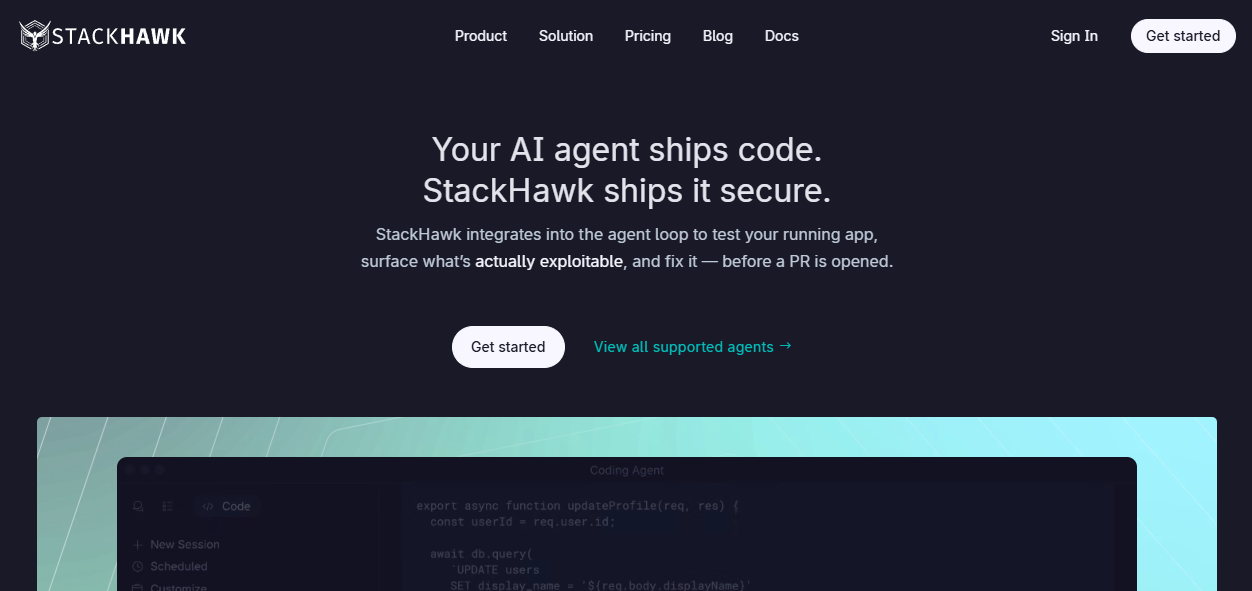
StackHawk is an AppSec platform designed for engineering teams that want security testing to run inside delivery pipelines, not alongside them. It supports runtime DAST for web applications and APIs, including REST, GraphQL, SOAP, and gRPC, and offers attack-surface discovery sourced from code rather than passive crawling. AI coding-agent integration lets teams scan, identify, and verify fixes within the same workflow.
Best for: Product and engineering teams that want DAST embedded in CI/CD rather than handled through a periodic security review cycle.
Key features
- CI/CD-native runtime DAST and API security testing
- Attack-surface discovery from source code
- Authentication as code for scripted login flows
- LLM and sensitive-data detection
- Jira and Slack integrations for findings routing
Why choose StackHawk: It fits teams shipping frequently who need consistent release-gate criteria without a manual security coordination step. The authentication-as-code approach makes scanning authenticated workflows repeatable across environments.
StackHawk pricing: The Wingman plan starts at $10 per user per month with a 14-day free trial and includes unlimited apps with 50 scans per user per month. The Scale plan, which adds agentic scans and attack-surface discovery, requires contacting sales.
G2 rating: 4.6/5 (verified October 2026).
2. Burp Suite Professional
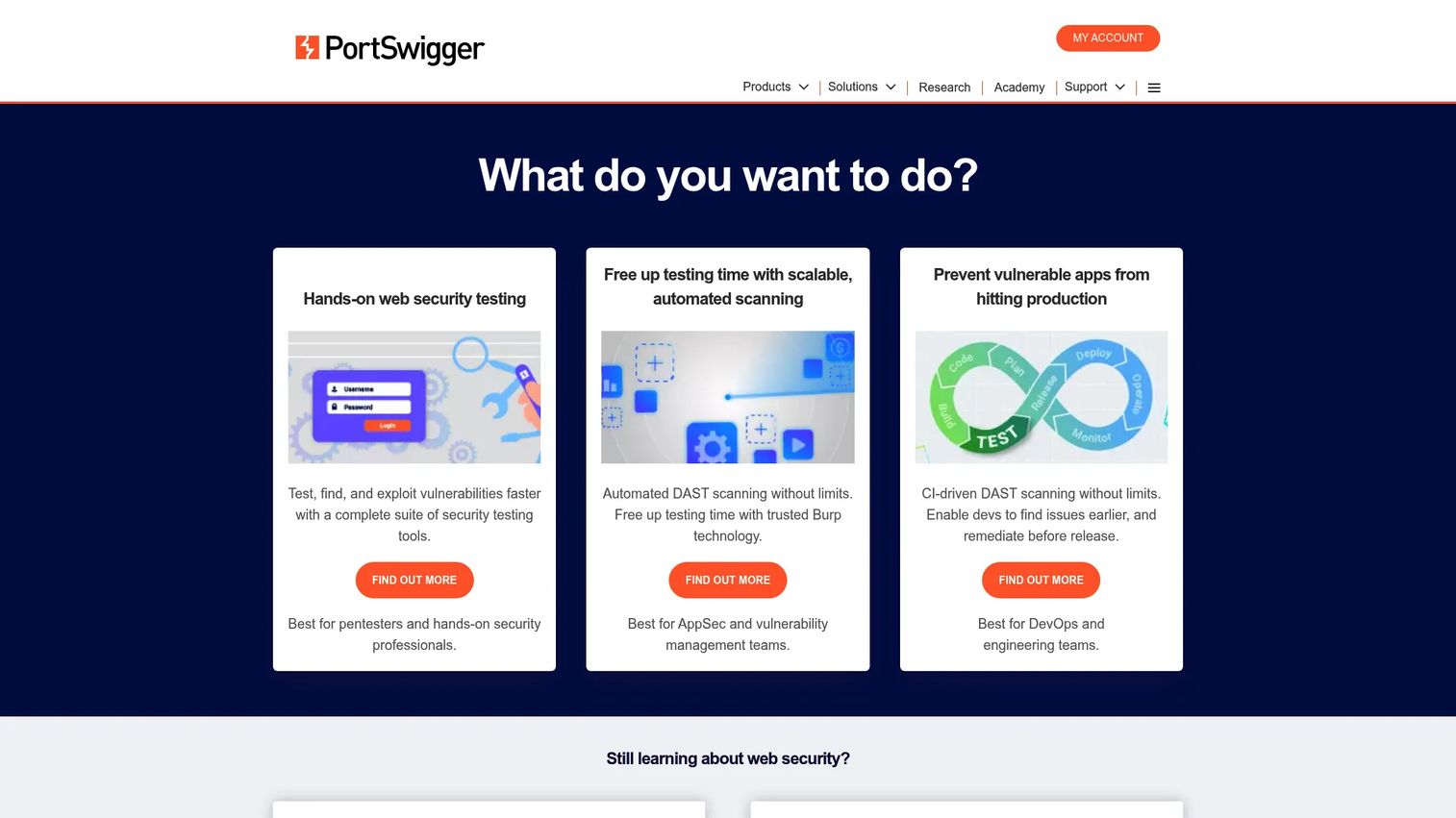
Burp Suite Professional is a toolkit for application security practitioners who need granular control over web testing. It combines an automated vulnerability scanner with manual tools including an intercepting proxy, Repeater, Intruder, and Burp Collaborator for out-of-band detection. AI-assisted features (Burp AI) and extensibility through the BApp Store make it adaptable to complex testing scenarios.
Best for: Security engineers and penetration testers who need automated scanning paired with deep manual interception and payload-level investigation.
Key features
- Automated web and API vulnerability scanner
- Intercepting proxy, Repeater, Decoder, and Sequencer
- Authenticated browser-powered scanning
- Burp Collaborator for out-of-band vulnerability detection
- Extensible via BApp Store, Bambdas, and BChecks
Why choose Burp Suite Professional: Choose it when the team has hands-on AppSec expertise and needs to investigate complex behavior beyond automated scan results. It complements, rather than replaces, CI/CD-focused scanning tools for teams managing both a periodic pentest schedule and continuous pipeline coverage.
Burp Suite Professional pricing: $499 per user annually. A free Community Edition is available separately with reduced functionality.
G2 rating: 4.8/5 (verified October 2026).
3. Invicti
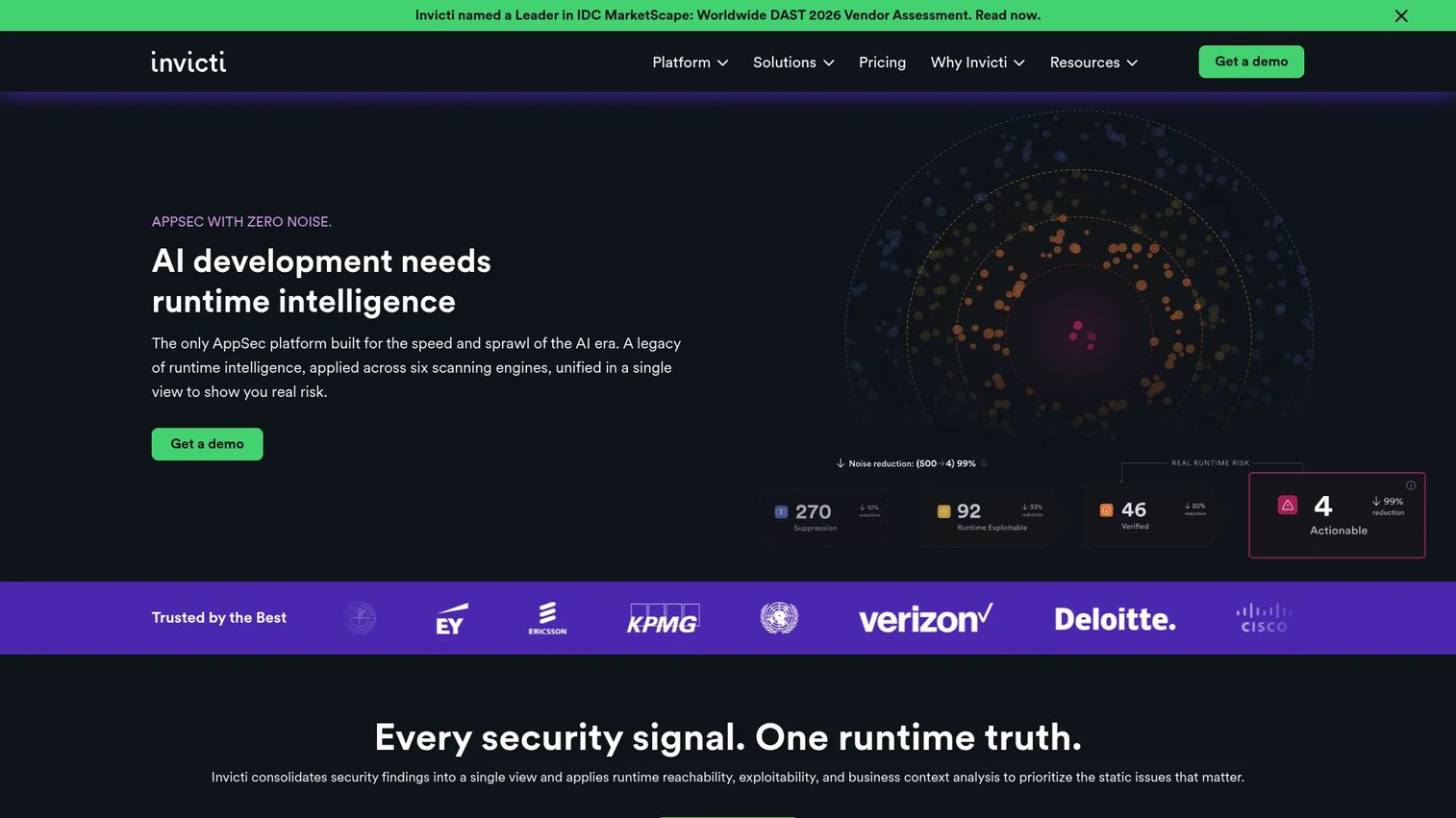
Invicti is an application security platform that spans DAST, SAST, SCA, IaC scanning, secrets detection, and container security. Its defining capability is proof-based vulnerability scanning, which validates findings at runtime before surfacing them. That validation step directly reduces the triage burden: Teams spend less time sorting low-confidence results and more time remediating confirmed issues.
Best for: Enterprise AppSec teams managing a broad application portfolio who prioritize validated findings and deployment flexibility.
Key features
- Proof-based vulnerability validation via runtime scanning
- Web, REST, SOAP, and GraphQL API discovery and testing
- CI/CD, issue-tracker, and developer-workflow integrations
- SBOM generation and software composition analysis
- Cloud, on-premises, and air-gapped deployment options
Why choose Invicti: Use it when DAST is a program-level capability, not just a developer tool. The proof-based approach means fewer false positives reaching engineering, which matters when triage bandwidth is limited. Enterprise deployment is worth planning: Asset inventory, target ownership, and remediation workflows all need to be in place before the scanner delivers its full value.
Invicti pricing: Web + API, AppSec Core, and AppSec Flex packages are sold by custom quote. The Agentic Pentest offering is capped at $500 per assessment. Confirm current package terms with the vendor before budgeting.
G2 rating: 4.3/5 (verified October 2026).
4. OWASP ZAP
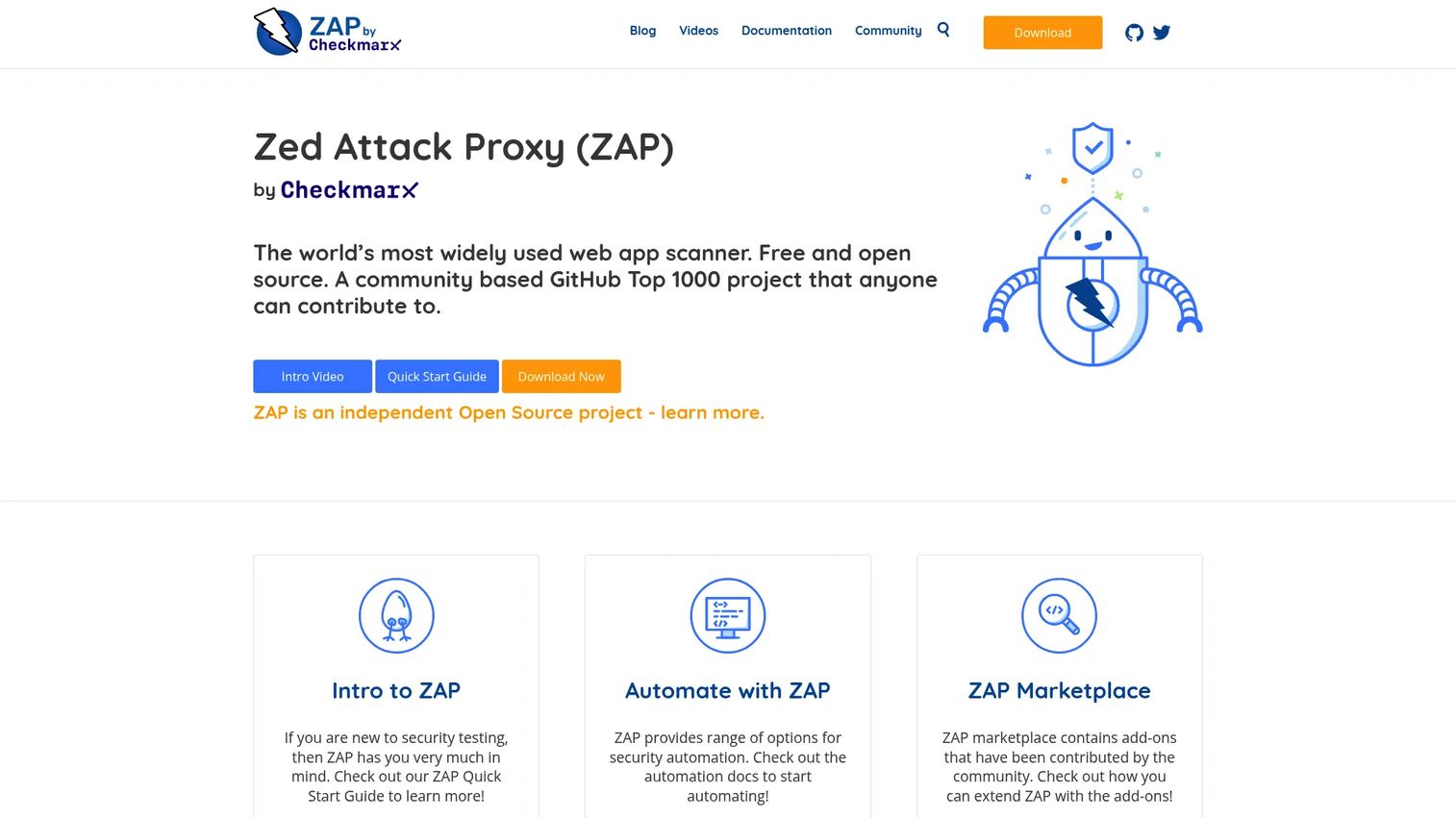
OWASP ZAP (now maintained by Checkmarx under the OWASP project) is a free, open-source DAST tool that supports both automated scanning and manual web application security testing. It includes HTTP active and passive scanning, a client spider for JavaScript-heavy applications, WebSockets passive scanning, and an extensible add-on marketplace. Automation capabilities make it usable in pipelines with the right configuration.
Best for: Teams with limited software budget and enough security engineering capacity to configure, automate, and tune an open-source DAST workflow.
Key features
- Automated active and passive HTTP scanning
- WebSockets passive scanning
- AJAX/client spider for JavaScript applications
- Intercepting proxy for manual testing
- Extensible add-on marketplace
Why choose OWASP ZAP: It provides capable baseline scanning for web application vulnerability scanning and security regression checks. The OWASP Benchmark is a useful reference for understanding scanner evaluation methodology, though benchmark scores should not be confused with real-world coverage completeness. ZAP works best when a team can invest in authentication scripts, scan policies, and regular result interpretation.
OWASP ZAP pricing: Free and open source, including all Marketplace add-ons.
G2 rating: 4.7/5 (verified October 2026).
5. Detectify
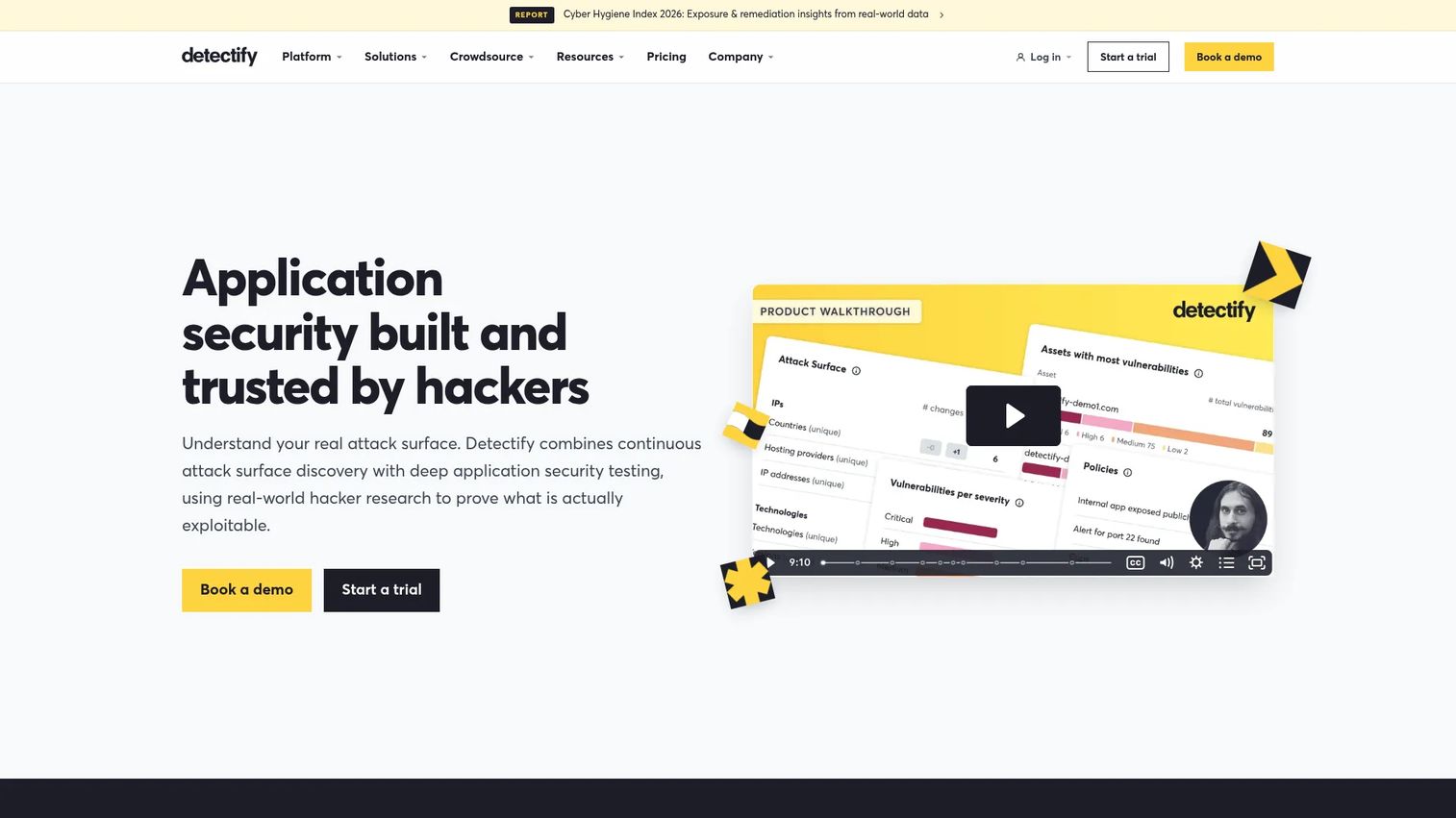
Detectify combines External Attack Surface Management with payload-based dynamic application security testing. Its test coverage is informed by a crowdsourced ethical hacker community, which means findings often reflect active attacker techniques rather than only known CVE patterns. The platform supports authenticated scanning, REST and GraphQL API security testing, and JavaScript-heavy application crawling, alongside CI/CD and internal scanning options.
Best for: Growing security teams that want managed application scanning with research-driven test coverage and a clear pricing path.
Key features
- Continuous external attack-surface discovery and monitoring
- Payload-based authenticated web application scanning
- REST and GraphQL API scanning
- Internal scanning and CI/CD integration
- Integrations with Jira, Slack, GitHub Actions, and GitLab
Why choose Detectify: It covers more than a traditional DAST scanner by combining asset discovery with application scanning. Teams that previously relied only on periodic scans can move toward continuous visibility across external assets and authenticated workflows. Factor in that platform and target-level costs compound: Model total cost against the number of applications, APIs, and internal scanning requirements before committing.
Detectify pricing: The Starter platform tier is €0 annually (up to 5 users). Standard is €2,500 annually, Professional is €5,000 annually, and Enterprise is €15,000 annually. Application Scanning carries additional per-target costs. Confirm current regional pricing directly with the vendor.
G2 rating: 4.5/5 (verified October 2026).
6. Rapid7 InsightAppSec
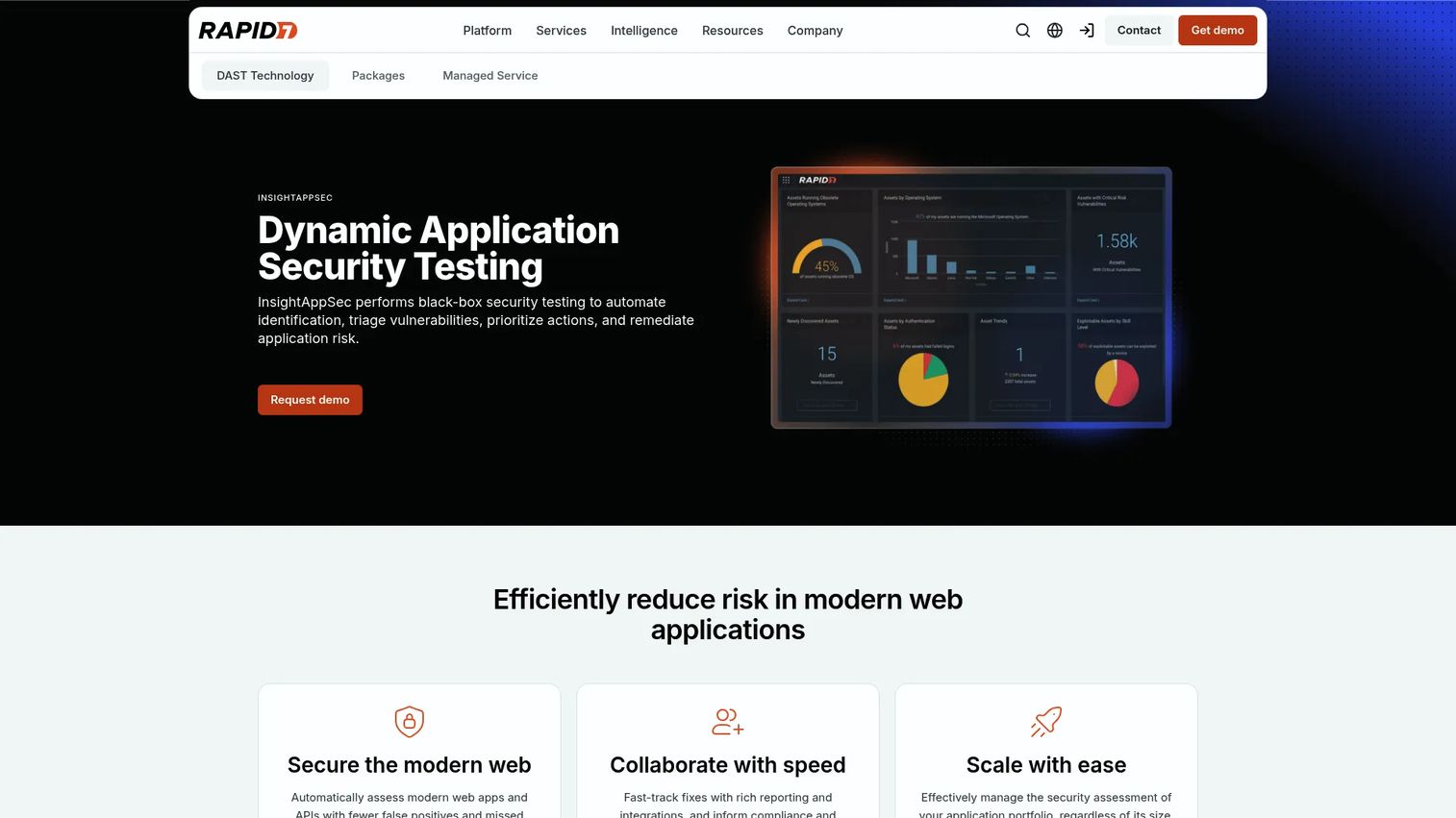
Rapid7 InsightAppSec is cloud DAST for organizations that need application scanning, compliance-oriented reporting, and remediation workflows within a broader security platform. Its Universal Translator handles discovery and attack across diverse web application architectures, covering 95+ attack types. The Attack Replay feature lets developers reproduce a confirmed finding to validate that a fix actually works.
Best for: Security teams that need repeatable web application scanning, scheduled testing windows, and reporting for compliance and remediation programs.
Key features
- Universal Translator for discovery and attack across app types
- 95+ attack types
- Attack Replay for fix validation
- Cloud and on-premises scan engines
- Scan scheduling, blackout periods, and compliance reporting
Why choose Rapid7 InsightAppSec: It fits teams that already operate within the Rapid7 platform and need a consistent scanning workflow tied to compliance obligations. Scan scheduling and blackout periods reduce disruption during release windows, which matters when Product and Security need to coordinate around deployment cadence. Note that international prices vary; confirm local pricing before committing to a budget figure.
Rapid7 InsightAppSec pricing: Starts at $175 per application per month, billed annually. Scope assumptions around target count and managed-service additions affect total cost.
G2 rating: 3.9/5 (verified October 2026).
7. Probely
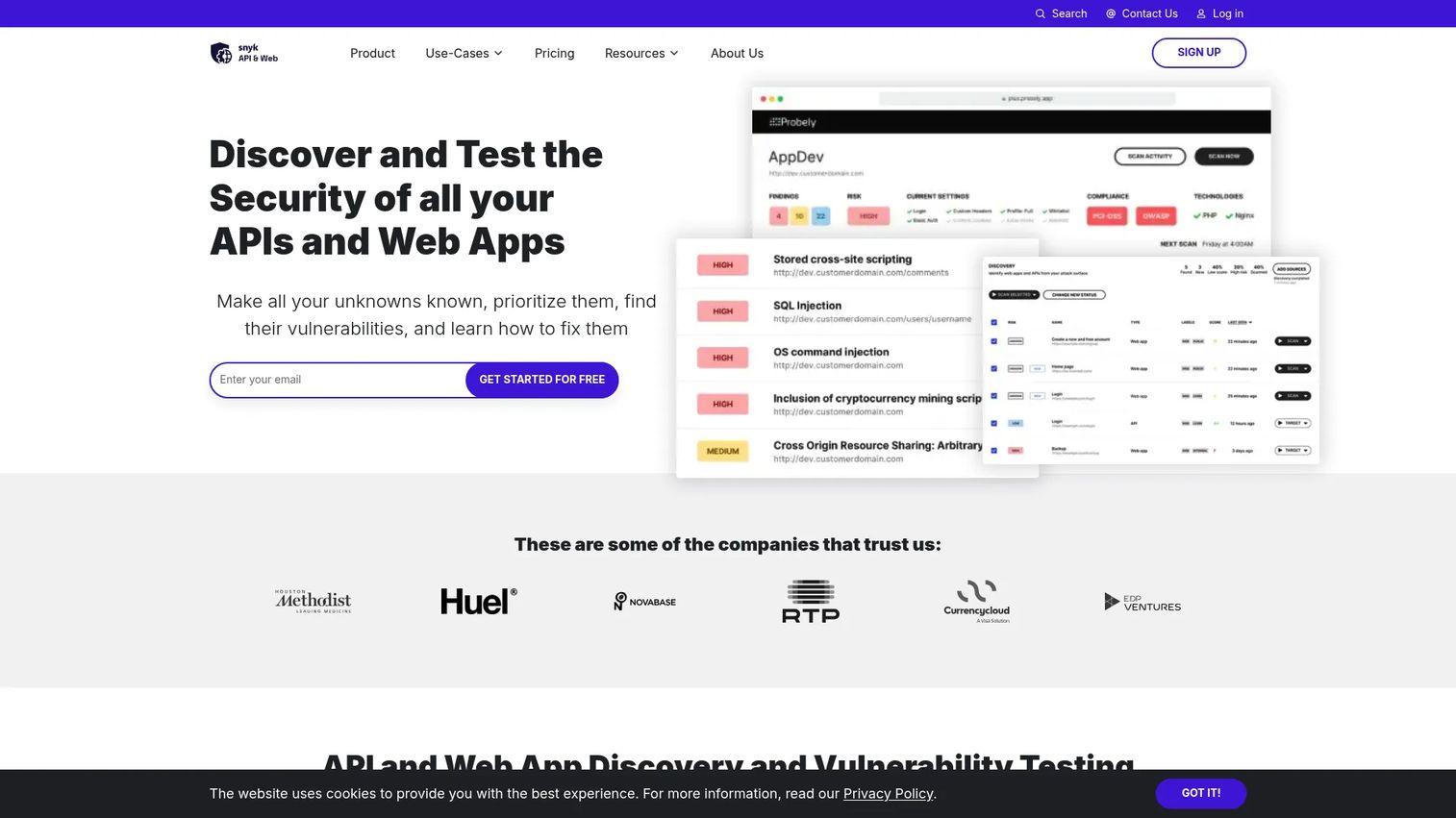
Probely is an automated security scanner for web applications and APIs, now operating within the Snyk platform. It offers a free tier with meaningful functionality, Swagger, OpenAPI, and Postman import for API security testing, and partial and incremental scans that reduce overhead on large targets. The Enterprise plan adds asset discovery, unlimited users, custom permissions, internal-target scanning, SSO, and compliance reports.
Best for: Small product and engineering teams that need web and API scanning before committing to a larger AppSec platform investment.
Key features
- Free web and API vulnerability scanning tier
- Swagger, OpenAPI, and Postman specification import
- Partial and incremental scanning to reduce scan time
- Authenticated and scheduled scanning
- Compliance reports and CI/CD integrations
Why choose Probely: Use it to validate the DAST process and establish baseline coverage without an immediate enterprise commitment. The free plan includes five scan hours per month, which covers regular small-scale scans but not broad authenticated scanning across multiple applications. Estimate how much scanning your authenticated environments and APIs will consume before choosing a tier, because scan-hour limits affect coverage meaningfully.
Probely pricing: The Free plan is $0 per month and includes core web and API scanning for up to 3 users. Enterprise adds unlimited scans starting with five targets and is priced by custom quote.
G2 rating: 4.7/5 (verified October 2026).
8. Bright Security
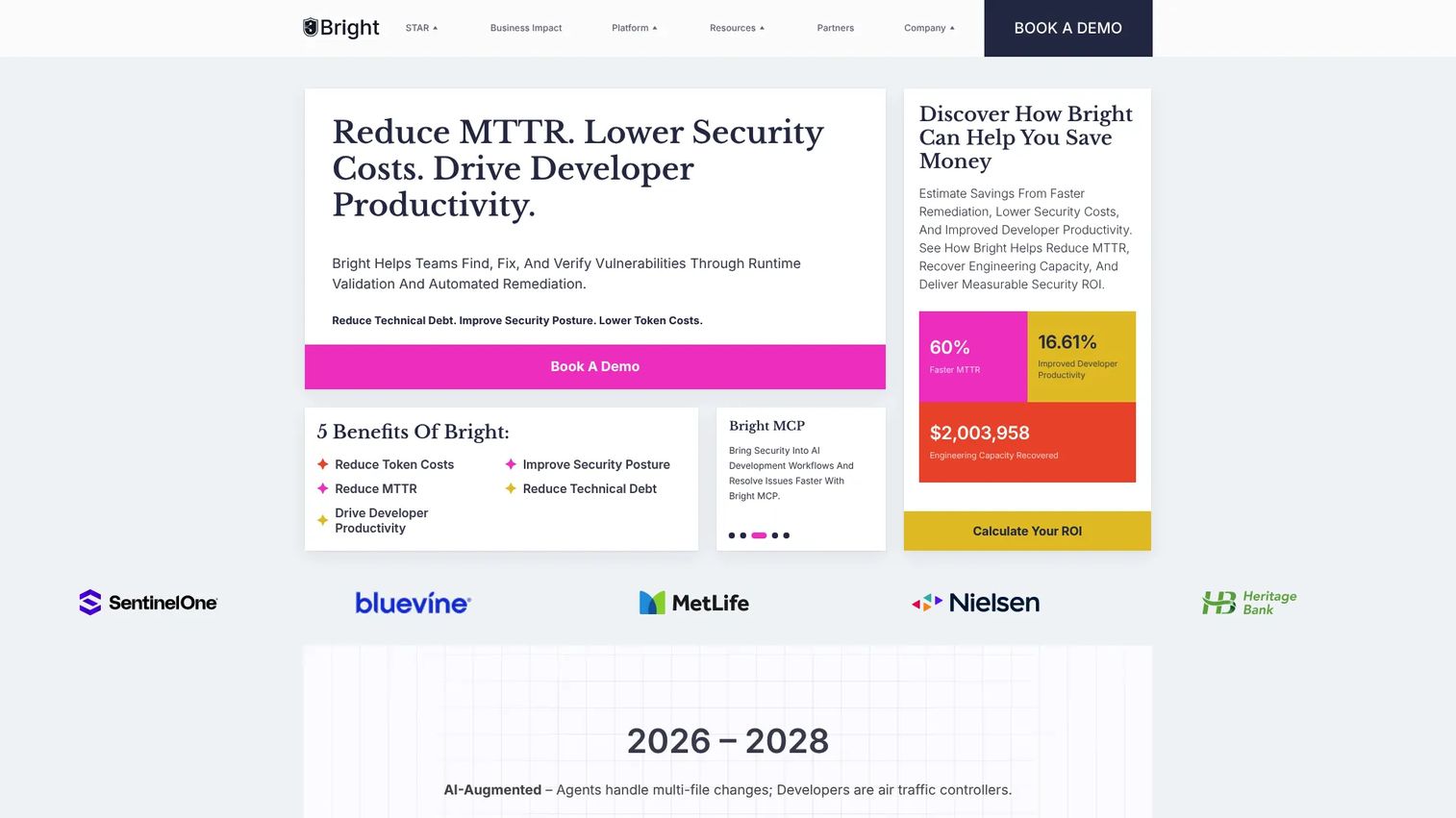
Bright Security is a DAST platform built for DevSecOps teams that want runtime security testing close to code delivery. It covers web applications, APIs, and mobile targets, with exploitability validation built in to reduce false-positive volume. CLI, REST API, and code-based scan controls let engineering teams operate scans programmatically. The platform also positions itself for AI-assisted development environments, where code generation speeds introduce new application security risk.
Best for: DevSecOps teams looking to add automated DAST and API security testing to modern web application and CI/CD delivery pipelines.
Key features
- DAST for web applications, APIs, and mobile targets
- CLI, REST API, and code-based scan control
- Exploitability validation to reduce false positives
- CI/CD and ticketing-system integrations
- Automated remediation and runtime fix validation
Why choose Bright Security: It works well for teams that want to operationalize runtime security checks within fast-moving development cycles. Validate false-positive handling and authentication support in your specific environment before selecting a tier. Confirm how scan capacity, API endpoints, and enterprise support affect annual cost, because the pricing structure is not standardized on the vendor's main site.
Bright Security pricing: Enterprise pricing is by quote. The vendor's AI pentesting page indicates continuous coverage costs can run under $5,000 to $10,000 per engagement, but current standard subscription terms require verification directly with the sales team.
G2 rating: 4.7/5 (verified October 2026).
9. Nikto
Nikto is a lightweight, command-line web server scanner distributed under the GPLv3 license. It checks for dangerous files, outdated server software, risky configurations, TLS fingerprinting issues, and known web-server problems. It supports IPv4 and IPv6, HTTP proxy usage, basic and NTLM host authentication, and multiple report formats including JSON, XML, HTML, and CSV. Container-based execution makes it usable in automated workflows.
Best for: Security practitioners and system administrators who need quick web server checks as part of a broader security toolkit.
Key features
- Checks for outdated server components and risky files
- Multiple report formats: JSON, SQL, XML, HTML, CSV
- IPv4 and IPv6 support with HTTP proxy option
- Multi-port and multi-host scanning
- TLS configuration and fingerprinting detection
Why choose Nikto: Use it for server-level baseline checks or as an additional utility in a broader security workflow. It checks server-side exposures and known patterns efficiently, but it is not the right primary tool for deep authenticated application testing or modern API security testing. A full DAST strategy still needs application crawling, authenticated workflow coverage, and manual validation for high-risk flows.
Nikto pricing: Free and open source.
Considerations when choosing DAST tools
Authentication and role coverage
A DAST scanner that only reaches public pages misses the workflows that carry the most risk. Evaluate how each tool handles sessions, API tokens, SSO constraints, MFA flows, test accounts, and multiple user roles before selecting a vendor. Authentication setup should be validated in your environment before treating scan results as representative.
API and modern application support
Verify that the tool supports the protocols your product operates on. For most SaaS applications, that means REST and GraphQL first, then SOAP or gRPC where applicable. Confirm how the tool imports API specifications, discovers undocumented endpoints, and handles stateful API workflows. Dedicated API testing tools can complement DAST coverage where scanner support is limited.
CI/CD workflow and release cadence
Match scanner workflow to deployment frequency. Confirm scan duration, environment requirements, failure thresholds, and how findings reach engineering. A scanner that queues results outside the developer's existing workflow adds coordination overhead instead of removing it. Review your current CI/CD tools stack to understand where scan outputs can be routed automatically.
Finding quality and remediation effort
Ask each vendor how it validates findings before surfacing them, whether it supports retests after a fix is applied, and how ownership is assigned. Duplicate tickets from the same vulnerability create engineering friction and erode trust in the scanner. Proof-based or exploitability-validated findings reduce that friction.
Coverage boundaries and manual testing
No scanner finds every high-impact flaw. Maintain a process for manual testing of authorization boundaries, business logic, multi-step workflows involving money or sensitive data, and high-risk product changes. Treat DAST as a repeatable baseline, not a complete substitute for security expertise.
Conclusion
The nine tools in this list cover distinct operating models. StackHawk fits engineering teams that want DAST built into CI/CD workflows with API-first coverage. Burp Suite Professional belongs in the toolkit of any team running hands-on penetration testing. Invicti serves enterprise programs that need proof-based findings across a broad application portfolio.
OWASP ZAP and Nikto are free, open-source options that work well as baselines when teams have the technical capacity to configure and maintain them. Detectify, Rapid7 InsightAppSec, Probely, and Bright Security each address a distinct slice: Managed scanning with research-driven coverage, compliance reporting, low-cost entry with an upgrade path, and DevSecOps pipeline integration, respectively.
The right DAST choice is one the team can actually operate continuously, with authenticated coverage, clear finding ownership, and a defined escalation path for high-risk release decisions. Start with the operating model that matches your release cadence, then evaluate authentication support and API coverage as your primary technical criteria.
Start your journey with Guideflow today!
FAQs
A DAST tool tests a running web application or API from an external perspective, the way an attacker would approach it. The scanner sends requests, injects test payloads, and inspects application behavior to identify exploitable security weaknesses without access to source code.
SAST reviews source code or build artifacts before deployment and finds insecure coding patterns early in the development cycle. DAST tests a live application and identifies vulnerabilities that only appear at runtime, such as injection flaws, misconfigured headers, and session-handling issues. Mature programs run both because each surfaces different issue classes.
Yes, when configured correctly. Most modern DAST tools support session-based authentication, API tokens, scripted login flows, and browser-based authentication. Teams must set up and validate authentication configuration before relying on scan coverage of authenticated workflows.
Many modern DAST scanning tools support REST and GraphQL, while some also cover SOAP and gRPC. Support varies by product. Validate specification import, endpoint discovery, authentication handling, and stateful workflow coverage for your specific API surface before selecting a tool. See our roundup of API testing tools for complementary coverage options.
Common categories include injection flaws, cross-site scripting, insecure response headers, server misconfigurations, exposed sensitive files, and selected API security issues mapped to the OWASP Top 10 and OWASP API Top 10. Exact coverage depends on scan configuration, authentication setup, and the reachable surface the scanner can reach.
DAST may not reliably detect business logic abuse, subtle multi-step authorization failures, race conditions, unlinked endpoints that crawlers cannot discover, or novel attack paths that fall outside known payload patterns. Manual testing and product-specific threat modeling remain important complements to automated scanning for high-risk workflows.
They can be effective for baseline scanning, security regression checks, and learning DAST methodology. The real cost is configuration effort, authentication scripting, scan policy tuning, and ongoing maintenance as the product changes. Teams should weigh engineering time against the cost of a commercial tool before defaulting to open source as the lower-cost option.
The market includes free open-source tools such as OWASP ZAP and Nikto, per-user annual licenses such as Burp Suite Professional at $499 per user, per-application subscriptions such as Rapid7 InsightAppSec from $175 per application per month, per-user SaaS plans such as StackHawk from $10 per user per month, and quote-based enterprise platforms such as Invicti and Bright Security. Calculate total cost across test environments, scan volume, and engineering time for triage and maintenance, not just the license line item.
Define the target scope, the critical user journeys that must be covered, which test accounts and roles exist, safe staging boundaries, and who owns finding triage. DAST generates findings that need ownership and remediation tracking. A scan without a triage process creates a backlog instead of closing a security gap.
DAST works best as a defined security acceptance criterion, not a last-minute check. PMs can work with Security and Engineering to specify which scan profiles run on which environments, what severity threshold blocks a release, and how findings are routed. Connecting scan results to your CI/CD tools keeps the gate automated and predictable across release cadences.