



You finish a draft, send it to a co-writer, and the formatting breaks the moment they open it. Scene headings shift. Page counts drift. The revision they made last week is gone, and nobody can say why.
That is the real cost of the wrong tool. Not the sticker price, but the hours lost to rework, the lost versions, and the handoff that turns a clean script into a mess.
The market is moving toward tools that fix this. The global screen and script writing software market reached USD 200.1 million in 2025 and is projected to hit USD 527.1 million by 2034 at an 11.02% CAGR, according to IMARC Group (2025). Cloud-based tools already hold most of that spend.
So the question is not whether these tools work. It is which one fits how you and your team actually write, revise, and hand off scripts.
What's inside
This guide is for writers, co-writing partners, and small creative teams choosing a script drafting tool without a week of trial-and-error. We tested and researched each option against the criteria that actually decide the workflow, not the marketing page.
- Formatting accuracy: Does it hold industry standards automatically as you type?
- Collaboration: Can two or more people write, comment, and revise the same script?
- Export compatibility: Does it produce .fdx, PDF, and Fountain files without breaking?
- Reliability and price: Does it sync across devices, back up your work, and cost what you expect?
TL;DR
- Best for industry-standard handoff: Final Draft, the .fdx format most production teams expect.
- Best for co-writing: WriterDuet, built for real-time and async collaboration with line-by-line revision history.
- Best for planning alongside writing: Celtx, pairing scripts with pre-production tools.
- Best modern all-rounder: Arc Studio Pro, clean interface with cloud sync and revision management.
- Best value without a subscription: Fade In, a one-time purchase with strong formatting.
- Best free option: Trelby, open-source and no cost for Windows and Linux writers.
What is screenwriting software
Screenwriting software is a tool that automatically formats a script to film and television industry standards while you write, so you focus on the story instead of margins and spacing.
Type "INT." and the app knows it is a scene heading. Hit tab and it moves to action, then dialogue, then character names, following the rules a script reader expects. The category exists because manual formatting in a word processor eats time and still gets rejected.
Beyond formatting, most tools now cover the full drafting lifecycle. Cloud-based options captured 66.34% of market share in 2024, per Mordor Intelligence (2025), which tells you where the category is heading: Away from a single desktop file and toward synced, shareable projects.
Key capabilities to expect:
- Screenplay formatting: Automatic scene headings, action lines, dialogue, and transitions
- Revisions and version history: Track changes, colored revision pages, and restore points
- Collaboration and comments: Shared editing, inline notes, and read-through modes
- Import and export formats: .fdx, PDF, Fountain, and Word compatibility
- Cloud sync and offline writing: Cross-device continuity plus local backups
The film and TV production segment holds the largest application share at 42.5%, according to MarketIntelo (2025). That matters because production readiness, meaning clean exports and revision tracking, is the feature set most tools compete on.
For a Series B founder skimming this to hand to a creative lead or an in-house content team, the lens is the same one you apply to your stack: Does it produce repeatable output, survive handoffs, and cost what it says. A screenplay software choice is a small version of that decision.
When to use
Write professionally formatted scripts fast
Automatic formatting matters most when you draft at speed and cannot stop to fix spacing. The tool applies scene headings, action, and dialogue rules as you type. You avoid the formatting mistakes that get a script rejected before anyone reads page two.
Collaborate with co-writers or a writers' room
Collaboration tools earn their place when more than one person touches the script. Look for inline comments, shared editing, and version trails so nobody overwrites someone else's work. Some tools run live, updating in real time; others sync async, which suits distributed writers on different schedules.
Move scripts across devices and formats
Cross-device continuity and backups protect you from lost work. You start on a laptop, revise on a tablet, and the file stays current. Strong export support then carries the script into production handoff and submission, where .fdx and clean PDFs are the expected currency.
Comparison table
Here is the fast version. Every price and rating below was checked against each vendor's live pricing page and G2 listing as of August 2026. Ratings and prices change, so confirm before you buy.
| # | Product | Best for | Key differentiator | Pricing | G2 rating |
|---|---|---|---|---|---|
| 1 | Final Draft | Industry-standard handoff | The .fdx format production teams expect | From $99.99/year or $249.99 one-time | 4.5/5 |
| 2 | WriterDuet | Co-writing and revision trails | Real-time and offline collaboration | Free, paid from $9.99/mo | 4.6/5 |
| 3 | Celtx | Writing plus pre-production | Script and production planning in one | Free, paid from $11.24/mo | 4.2/5 |
| 4 | Arc Studio Pro | Modern all-round workflow | Clean UI with cloud sync and revisions | Free, paid from $69/year | 4.7/5 |
| 5 | Fade In | Value without a subscription | One-time purchase, cross-platform | $79.95 one-time | Not listed |
| 6 | Trelby | Free, lightweight formatting | Open-source, no cost | Free | 4.2/5 |
| 7 | Movie Magic Screenwriter | Legacy production workflow | Long-running formatter with production tools | From $69.95 one-time | 4.2/5 |
Best 7 screenwriting software for 2026
1. Final Draft
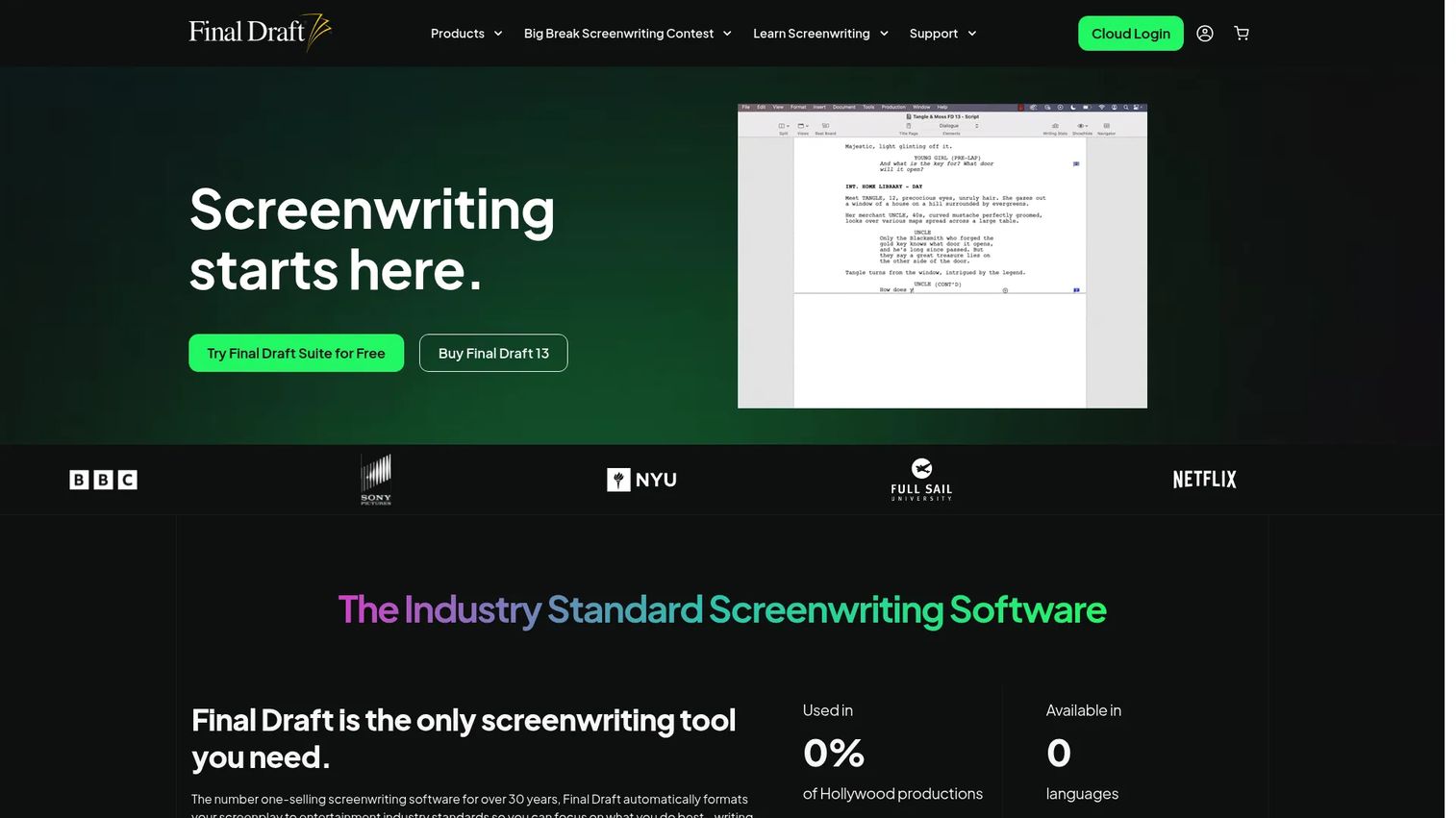
Final Draft is the name most production teams recognize on sight. It handles formatting, outlining, collaboration, and production workflows in one desktop and cloud package. The .fdx file it produces is the format studios and script coordinators expect, which is the single biggest reason writers pick it.
Best for: Professional screenwriters and production teams who need the format everyone downstream already uses.
Key features
- Automatic industry-standard script formatting
- Beat Board and Outline Editor for story planning
- Structure Lines for mapping acts
- Tracked revisions and commenting
- Real-time collaboration
Why choose Final Draft: If your script ends up in front of a studio, agent, or production coordinator, .fdx compatibility removes friction at handoff. It is the safe default when the rest of the pipeline runs on Final Draft.
Final Draft pricing: Final Draft 13 costs $249.99 as a one-time purchase. The Final Draft Suite bundle runs $99.99 per year or $16.99 per month after a 5-day trial, and includes Final Draft 13 plus Final Draft Cloud.
On G2, Final Draft holds a 4.5/5 rating.
2. WriterDuet
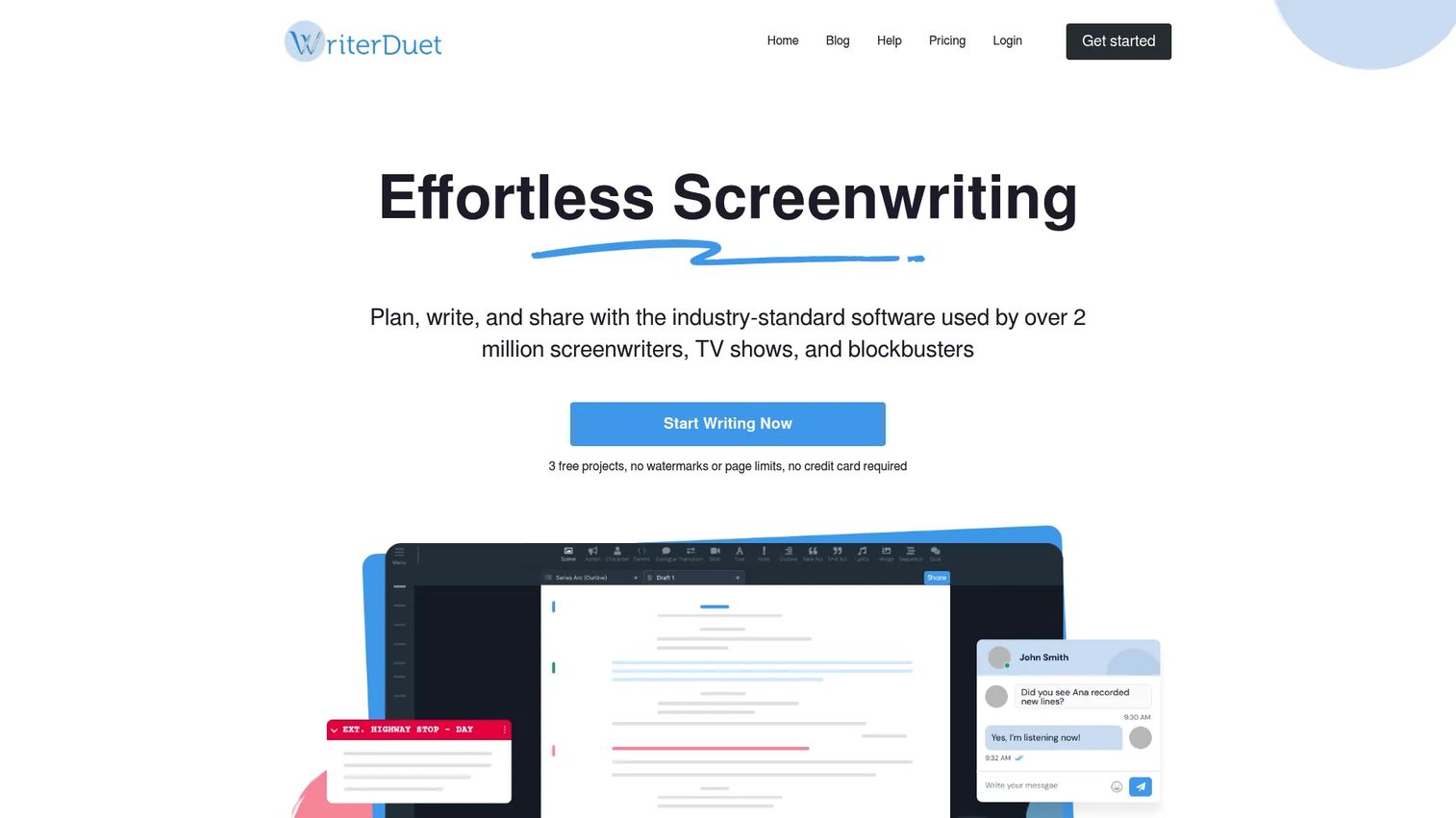
WriterDuet is built around co-writing. Two writers can edit the same script at once, watch each other's changes land, and leave notes without emailing files back and forth. It is cloud-based but writes offline and syncs when you reconnect, so a dropped connection does not stop the draft.
Best for: Writing partners and small teams who need live or async collaboration with a reliable revision trail.
Key features
- Real-time collaboration
- Offline writing with auto-sync
- Line-by-line revision history
- Industry-standard screenplay formatting
- Import and export across major formats
Why choose WriterDuet: When more than one person owns the script, the revision history is what saves you. You see who changed what, line by line, and roll back cleanly. That is the workflow Final Draft handles less naturally for distributed pairs.
WriterDuet pricing: The Free plan includes three projects. Paid plans are Plus at $9.99/month, Pro at $11.99/month, and Premium at $13.99/month, with yearly billing available.
WriterDuet carries a 4.6/5 rating on G2.
3. Celtx
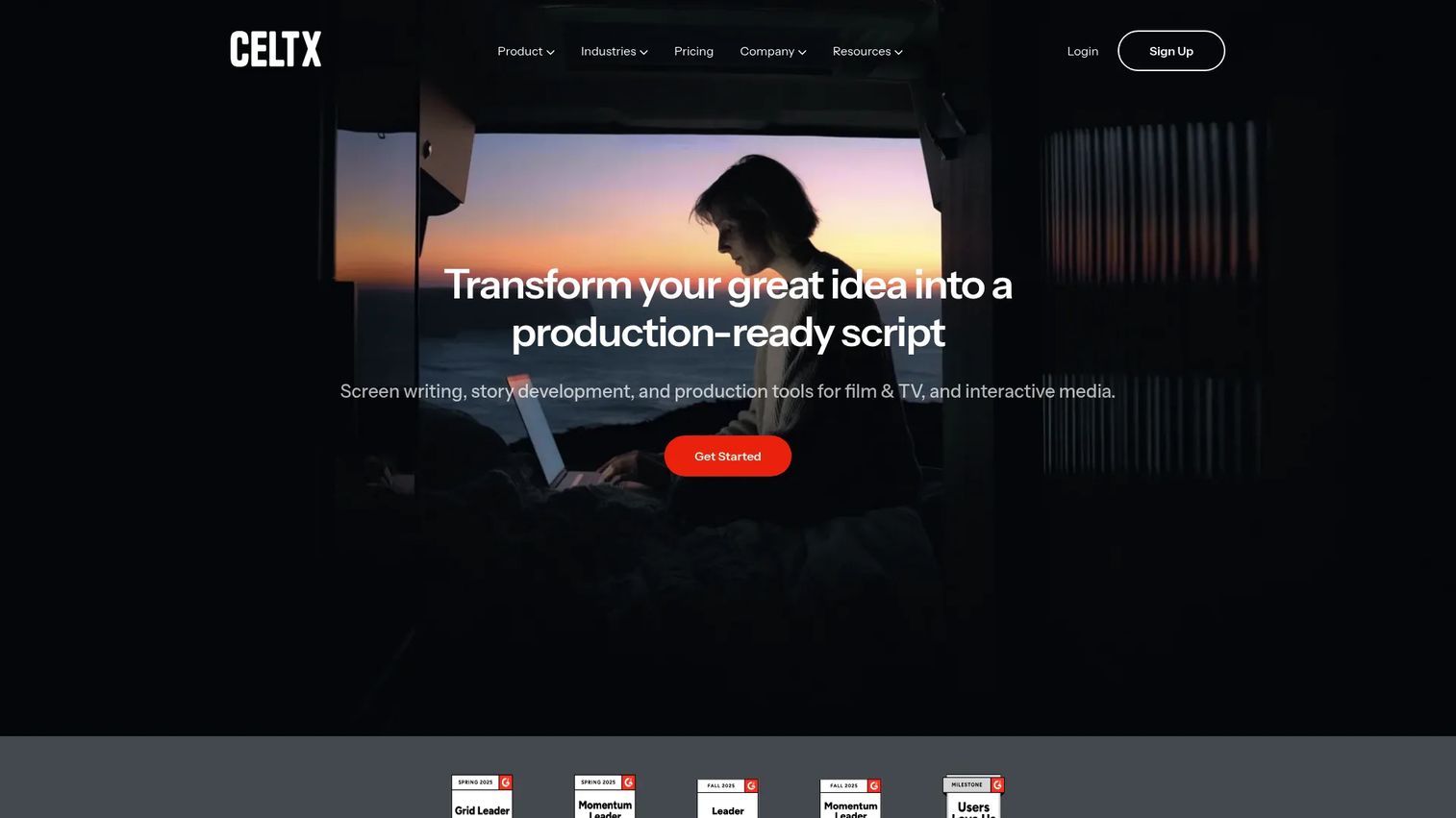
Celtx does more than draft scripts. It connects writing to pre-production, so the same project that holds your screenplay also holds breakdowns, schedules, shot lists, and call sheets. For writers who wear a producer hat on smaller shoots, that consolidation removes a second tool.
Best for: Writers and small production teams who want scriptwriting and pre-production planning in one workspace.
Key features
- Industry-standard script formatting
- Beat sheet and storyboard tools
- Production breakdowns and scheduling
- Shot lists and call sheets
- Team plans for shared projects
Why choose Celtx: Pick it when the script is only half the job and you also plan the shoot. If you never touch production logistics, that breadth is more than you need, and a focused writing tool fits better.
Celtx pricing: The Free plan costs $0. Paid plans, billed yearly, are Writer at $11.24/month, Writer Pro at $18.74/month, and Team at $44.95/month, with Education and Student options also listed.
Celtx holds a 4.2/5 rating on G2.
4. Arc Studio Pro
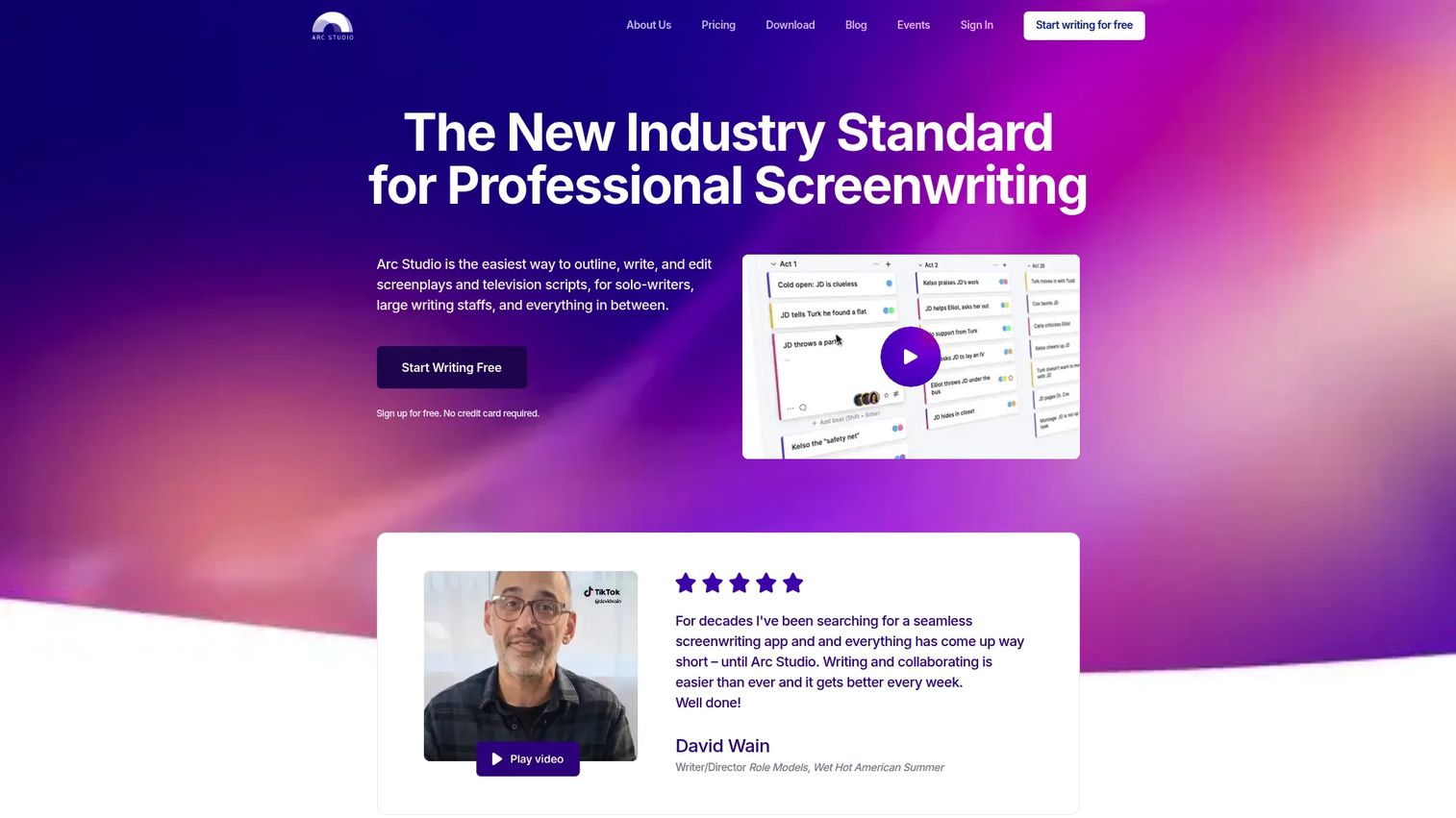
Arc Studio Pro is the modern-feeling option in this list. Clean interface, cloud sync, and outlining tools sit next to real-time collaboration and revision management. It runs in the browser, on desktop, and on iPhone and iPad, so the script follows you across devices.
Best for: Writers and teams who want a current-feeling tool that handles both solo drafting and shared work.
Key features
- Cloud sync and automatic backups
- Real-time collaboration and comments
- Revision management
- Outlining tools
- Browser, desktop, and mobile apps
Why choose Arc Studio Pro: It lands between a solo writing app and a full team platform, which makes it a strong middle choice. Note that some extras, like Table Read and Research Assistant, are paid add-ons on top of the subscription.
Arc Studio Pro pricing: The Free plan costs $0. Essentials runs $69/year and Pro runs $99/year, with a free 7-day Pro trial available.
Arc Studio Pro carries a 4.7/5 rating on G2, the highest in this list.
5. Fade In
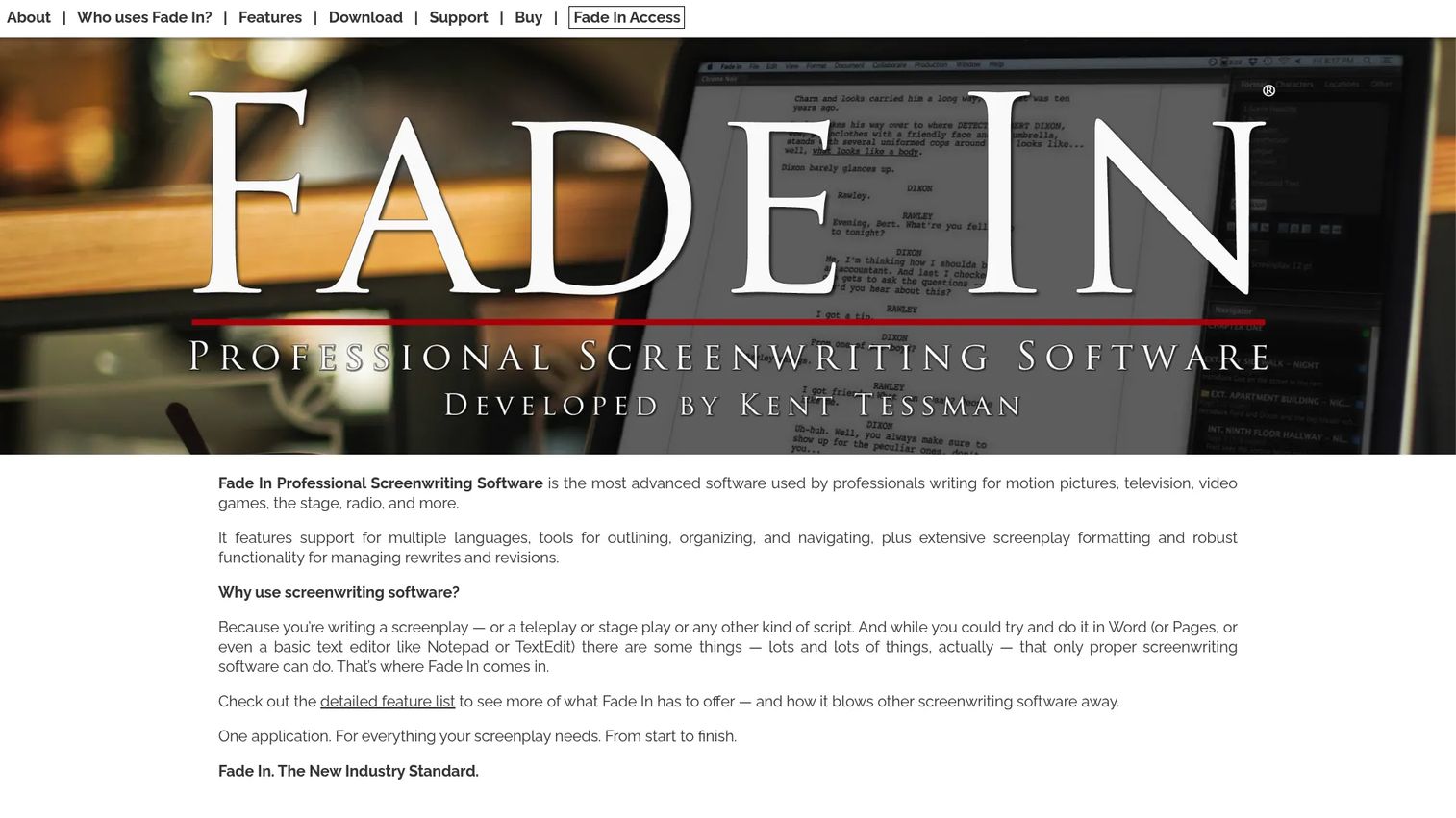
Fade In gives you professional formatting without a recurring bill. You buy the desktop license once, and updates and upgrades come free. It formats scripts to standard, handles broad import and export, and includes outlining, organizing, and navigation tools for longer projects.
Best for: Budget-conscious writers who want pro-grade formatting and prefer to own the software outright.
Key features
- Automatic screenplay formatting
- Outlining, organizing, and navigation tools
- Rewrites and revisions
- Collaboration via Fade In Access
- Cross-platform desktop use
Why choose Fade In: If subscriptions grate on you, the one-time license is the draw. You trade the always-updating cloud model for ownership and offline reliability, which suits writers who work solo and want predictable cost.
Fade In pricing: The individual user license costs $79.95 as a one-time purchase. Student pricing is $59.95, and updates and upgrades are included at no extra cost.
Fade In does not currently carry a G2 rating; Capterra reviewers rate it favorably.
6. Trelby
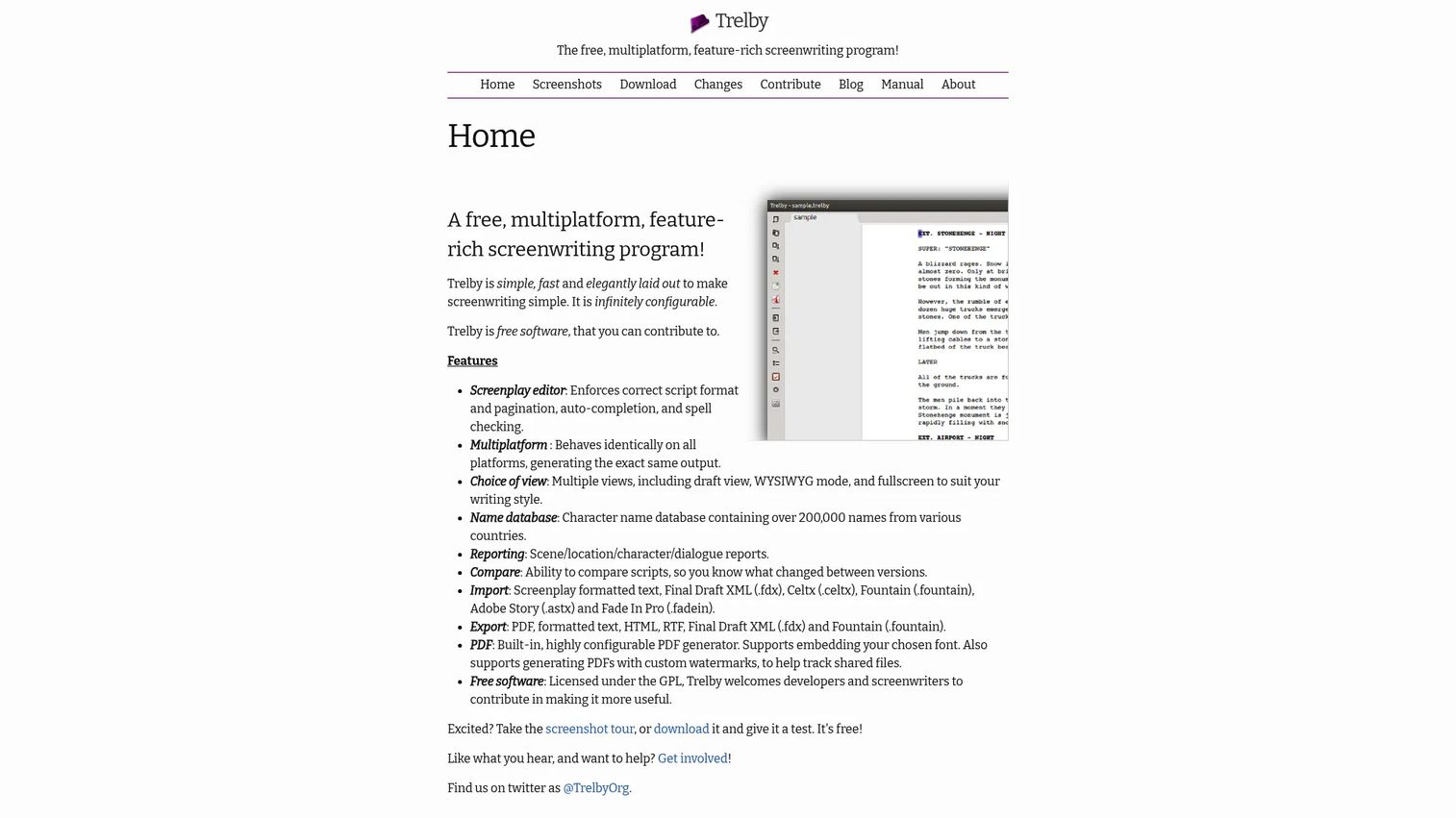
Trelby is free and open-source. It strips the category down to what most writers actually need: Automatic formatting, a clean editor, and reliable export. There is no account, no subscription, and no upsell path. It runs on Windows and Linux.
Best for: Writers on Windows or Linux who want zero-cost formatting and a simple workflow.
Key features
- Completely free and open-source
- Screenplay formatting with auto-completion
- Import and export for .fdx, Fountain, PDF, RTF, and more
- Draft, WYSIWYG, and fullscreen views
- Built-in PDF generation
Why choose Trelby: When cost is the deciding factor and you write solo, Trelby covers the basics without asking for anything. The tradeoff is platform reach and the lighter feature set, since it lacks the cloud sync and native macOS support that paid tools offer.
Trelby pricing: Trelby is free, with no paid plans.
On G2, Trelby holds a 4.2/5 rating.
7. Movie Magic Screenwriter

Movie Magic Screenwriter is a long-running desktop formatter with a following among writers who have used it for years. It bundles more than 100 templates and tools for brainstorming, outlining, writing, and rewriting, plus production features like tagging, breakdowns, and reports.
Best for: Writers who value a legacy tool with production-oriented features and recognize the name.
Key features
- Over 100 templates for outlining and writing
- Screenplay formatting
- iPartner online collaboration
- Tagging, revisions, and breakdowns
- Production reports
Why choose Movie Magic Screenwriter: Choose it when legacy familiarity matters or your collaborators already run it. Its production tooling is a genuine draw; the tradeoff is a more dated feel next to the cloud-first options above.
Movie Magic Screenwriter pricing: The full download costs $169.00 as a one-time purchase. Upgrades run $69.95 to $89.95, and the academic version is $99.95.
Movie Magic Screenwriter carries a 4.2/5 rating on G2.
Considerations
Before you commit, run the tool against the five criteria that decide whether it holds up in real use.
Formatting accuracy
The core job is applying screenplay standards without you thinking about them. Test scene headings, margins, and page breaks on a real scene, not the demo file. A tool that drifts on page count or spacing creates rework at exactly the moment you can least afford it.
Collaboration and comments
If two people ever touch the script, evaluate shared editing, inline comments, and how the tool merges changes. Live collaboration suits partners working the same hours; async sync suits distributed writers. Weak collaboration turns co-writing into a file-swapping mess.
Export compatibility
Check that .fdx, PDF, Fountain, and Word exports come out clean. The .fdx format is what most production pipelines expect, so a broken export is a broken handoff. Send a test export to a collaborator and confirm nothing shifts on their end.
Cloud sync and offline reliability
Backups and device switching are what stand between you and lost work. Confirm the tool syncs across devices and keeps a local copy when you go offline. Cloud-based tools now dominate the category for this reason, per Mordor Intelligence (2025).
Free versus paid trade-offs
Free plans usually cap project count, restrict collaboration, or hold back export options. Free screenwriting software works fine for a first script; the limits bite when you scale to multiple projects or a team. Map the cap against how you actually work before you assume free is enough.
Conclusion
The right screenplay software comes down to workflow, not hype. If your script ends up in a production pipeline, Final Draft and its .fdx standard remove handoff friction. If you co-write, WriterDuet's real-time editing and line-by-line revision history are hard to beat. Celtx earns its place when writing and pre-production planning live together.
For a modern all-rounder, Arc Studio Pro balances solo drafting and team work with the highest G2 rating in the group. Fade In is the value pick for writers who want ownership over a subscription, and Trelby covers the zero-cost case on Windows and Linux.
The practical next step: Pick two that fit your workflow and write the same scene in both. First-week feel tells you more than any feature list. Most offer a free tier or trial, so the test costs you nothing but an hour.
If your team also needs to show a product, not just a script, and turn that into repeatable pipeline, that is where interactive experiences come in. Start your journey with Guideflow today!
FAQs
Trelby and WriterDuet's free plan are the easiest entry points, because both format automatically and cost nothing to start. Trelby suits solo writers on Windows or Linux, while WriterDuet adds cloud access and collaboration. Beginners rarely need advanced production tools on the first script.
Yes, in the sense that .fdx remains the format most studios, agents, and production coordinators expect. That familiarity is why many writers keep it in their stack even when a competitor feels more modern. If your work heads into a professional pipeline, the standardization is the value.
Trelby is the strongest fully free, open-source option, with no account or subscription. WriterDuet's free tier is the best free cloud choice, though it caps you at three projects. Both format to standard, so the choice comes down to offline versus cloud and how many projects you run.
Yes. WriterDuet and Arc Studio Pro both support real-time collaboration, so co-writers edit the same script at once and see changes land live. WriterDuet also writes offline and syncs later, which helps distributed teams on different schedules. Look for inline comments and revision history alongside live editing.
Most tools here export to both PDF and .fdx, the Final Draft format. WriterDuet, Celtx, Arc Studio Pro, Fade In, and Trelby all handle .fdx, PDF, and usually Fountain. Always run a test export and open it in the destination tool, since clean handoff is the whole point.
Fade In and Trelby are desktop-first, so they write reliably offline without needing a connection. WriterDuet also writes offline and syncs when you reconnect, giving you cloud continuity plus offline safety. If you frequently work without internet, a desktop tool with local files is the safer bet.
WriterDuet is cloud-first and built for real-time co-writing with line-by-line revision history. Final Draft is the desktop standard whose .fdx format production teams expect at handoff. Choose WriterDuet for collaboration and version trails; choose Final Draft when downstream compatibility drives the decision.
If you write across devices or lose work to crashes, yes. Cloud sync keeps one current version everywhere and backs it up automatically, which is why cloud tools hold most of the market, per Mordor Intelligence (2025). If you write solo on one machine and back up locally, an offline desktop tool may serve you just as well.










