You shipped the onboarding redesign. Activation still dips on mobile because the first dashboard takes four seconds to load during peak traffic. Engineering blames origin load. Growth blames the experience. Meanwhile, 56% of desktop websites and only 48% of mobile websites achieved good Core Web Vitals scores in 2025, according to the HTTP Archive Web Almanac. Slow delivery is not a minor inconvenience. It hits activation rates, trial-to-paid conversion, and the kind of early retention metrics that keep the board calm.
Web server accelerator software exists to cut that latency, reduce origin strain, and make your app feel fast regardless of geography or traffic volume. Picking the wrong category of tool, or picking the right one without understanding the deployment model, wastes engineering cycles and creates maintenance debt. This guide cuts through that.
What's inside
This guide covers 15 web server accelerator software options for 2026, ranked by deployment fit rather than brand recognition.
- Who it's for: Product managers, platform teams, and engineering leads evaluating origin protection, edge delivery, or CMS-level caching
- Selection criteria: Deployment model fit, cache behavior controls, origin offload effectiveness, operational overhead, pricing clarity, and G2 rating
- What you'll find: A comparison table, per-tool breakdowns, a buyer's checklist, and FAQs for long-tail questions your platform team will ask
TL;DR
- Best for high-performance HTTP delivery and reverse proxy: F5 NGINX, for teams that need flexible traffic control across hybrid or cloud-native architectures
- Best for programmable cache control: Varnish Software, when your engineering team needs deep VCL-level cache tuning
- Best for ecommerce page-speed and Core Web Vitals: Speed Kit, for high-traffic storefronts that need visible improvement fast
- Best for WordPress acceleration: W3 Total Cache for plugin-based optimization; QUIC.cloud for LiteSpeed-native CDN
- Best for global edge delivery: Fastly for programmable edge logic, Cloudflare for CDN plus security, Akamai for enterprise scale
- Best for cloud-native CDN: Amazon CloudFront on AWS, Azure Front Door on Microsoft Azure, Google Cloud CDN on Google Cloud
What is web server accelerator software
Web server accelerator software improves how quickly web applications, pages, and assets reach users by caching responses, reducing origin load, and improving connection handling at the server or edge level.
The category covers several distinct deployment models:
- Reverse proxy accelerators: Sit in front of origin servers to cache and route HTTP traffic before it hits your application
- High-performance HTTP servers: Handle high concurrency and static-asset delivery efficiently, often doubling as a reverse proxy
- CDNs and edge platforms: Cache content at globally distributed edge locations to shorten the network path to end users
- Cloud traffic accelerators: Use provider networks and routing logic to improve availability and reduce cross-region latency
- CMS and WordPress accelerators: Add page caching, object caching, minification, and CDN integration at the plugin or service layer
Key capabilities to evaluate:
- Response caching and cache key control
- Cache invalidation and purge speed
- Compression and image optimization
- TLS termination and protocol modernization (HTTP/2, HTTP/3, QUIC where supported)
- Origin shielding and request coalescing
- Load balancing and failover logic
- Real-user monitoring and delivery analytics
Web server acceleration is not the same as observability software, which measures performance without altering it. It is also not the same as a load balancer alone, which distributes requests without necessarily caching or accelerating them. The distinction matters when you are scoping what to bring to your platform team.
The global web server accelerator market was valued at $3.62 billion in 2025 and is projected to grow at a 9.2% CAGR through 2034, according to Dataintelo (2025), which signals that the category is expanding across infrastructure layers.
When to use web server accelerator software
Reduce origin load during traffic spikes
Every launch day, campaign spike, and product announcement sends a surge of requests to your origin. Without caching, request coalescing, or origin shielding, that surge hits your backend directly. Stale-while-revalidate patterns and grace mode caching keep serving cached responses while revalidation runs in the background. This protects your infrastructure at precisely the moment when executive attention and growth team scrutiny are highest. Bring this requirement to your platform team when you're planning the next major release.
Improve perceived performance across geographies
Users in Sydney, São Paulo, or Singapore experience higher latency than users in Virginia if your origin sits in one AWS region. CDNs and edge platforms shorten the network path by caching content at points of presence closer to those users. This matters when your activation or trial conversion data shows regional drop-off that isn't explained by product fit. Ask your analytics team to segment time-to-first-byte by geography before concluding the problem is in the product itself.
Speed up content-heavy pages and onboarding flows
Onboarding pages, pricing pages, and documentation load with a mix of static assets and dynamic content. Image optimization, compression, and page caching reduce what the browser has to fetch and process. Core Web Vitals scores, particularly Largest Contentful Paint, improve when large images are compressed and delivered from the edge rather than from origin. This is the clearest path to measurable activation improvement that engineering can implement without touching product code.
Web server accelerator software comparison
The table below sorts tools by deployment model relevance. Pricing and G2 ratings reflect verified data from vendor pricing pages and G2 listings. Where a G2 rating could not be confirmed, the cell shows N/A.
| # | Product | Best for | Key differentiator | Pricing | G2 rating |
|---|---|---|---|---|---|
| 1 | F5 NGINX | High-performance HTTP server and reverse proxy | Mature traffic control, load balancing, caching, and API delivery | Contact sales (30-day trial) | 4.6/5 |
| 2 | Varnish Software | Advanced reverse proxy caching | Deep VCL cache control, request coalescing, and origin shielding | From €69/month (CDN Growth) | 4.6/5 |
| 3 | Speed Kit | Ecommerce and dynamic website acceleration | Predictive preloading, dynamic caching, and Core Web Vitals improvement | Custom pricing based on page views | 4.2/5 |
| 4 | W3 Total Cache | WordPress performance optimization | Page, object, database, and browser caching with CDN integration | Free; Pro from $99/year | 4.5/5 |
| 5 | Fastly | Programmable edge delivery | Instant purging, programmable edge logic, and real-time observability | From $1,500/month (Network Services Basic) | 4.6/5 |
| 6 | Cloudflare | Global CDN and security acceleration | CDN, WAF, Workers edge compute, and DNS in one platform | Free; Pro from $20/month | 4.5/5 |
| 7 | Akamai | Enterprise edge and security delivery | Large global edge network, enterprise traffic controls, and security modules | From $0.005/GB (cloud pricing) | 4.5/5 |
| 8 | Amazon CloudFront | AWS-native CDN acceleration | Tight AWS integration, CloudFront Functions, and global edge locations | Free tier; Pro from $15/month per distribution | 4.4/5 |
| 9 | Microsoft Azure Front Door | Azure cloud app delivery | Global HTTP load balancing, dynamic site acceleration, and WAF | From $35/month base fee | 4.2/5 |
| 10 | Google Cloud CDN | Google Cloud workloads | Edge caching tied to Google Cloud Load Balancing and Cloud Armor | From $0.08/GiB egress | N/A |
| 11 | bunny.net | Cost-conscious CDN acceleration | Simple CDN, edge storage, image optimizer, and clear per-GB pricing | From $0.01/GB (Standard, EU/NA); $1 monthly minimum | 4.8/5 |
| 12 | Gcore | Global CDN and edge infrastructure | CDN plus edge compute, GPU cloud, DNS, and security in one portfolio | Free tier (1 TB/month); then from €0.01/GB | 4.7/5 |
| 13 | CDN77 | Media and high-volume content delivery | CDN with video, large-file, and software delivery focus | From $990/month (Growth, 250 TB included) | 4.8/5 |
| 14 | KeyCDN | Lightweight pay-as-you-go CDN | Simple CDN setup, instant purge, and transparent per-GB pricing | From $0.04/GB (North America/Europe); $4 monthly minimum | 4.5/5 |
| 15 | QUIC.cloud | LiteSpeed and WordPress CDN | CDN and optimization built around LiteSpeed Cache workflows | Free tier; paid plans from $5/month | 4.3/5 |
Best 15 web server accelerator software tools for 2026
1. F5 NGINX
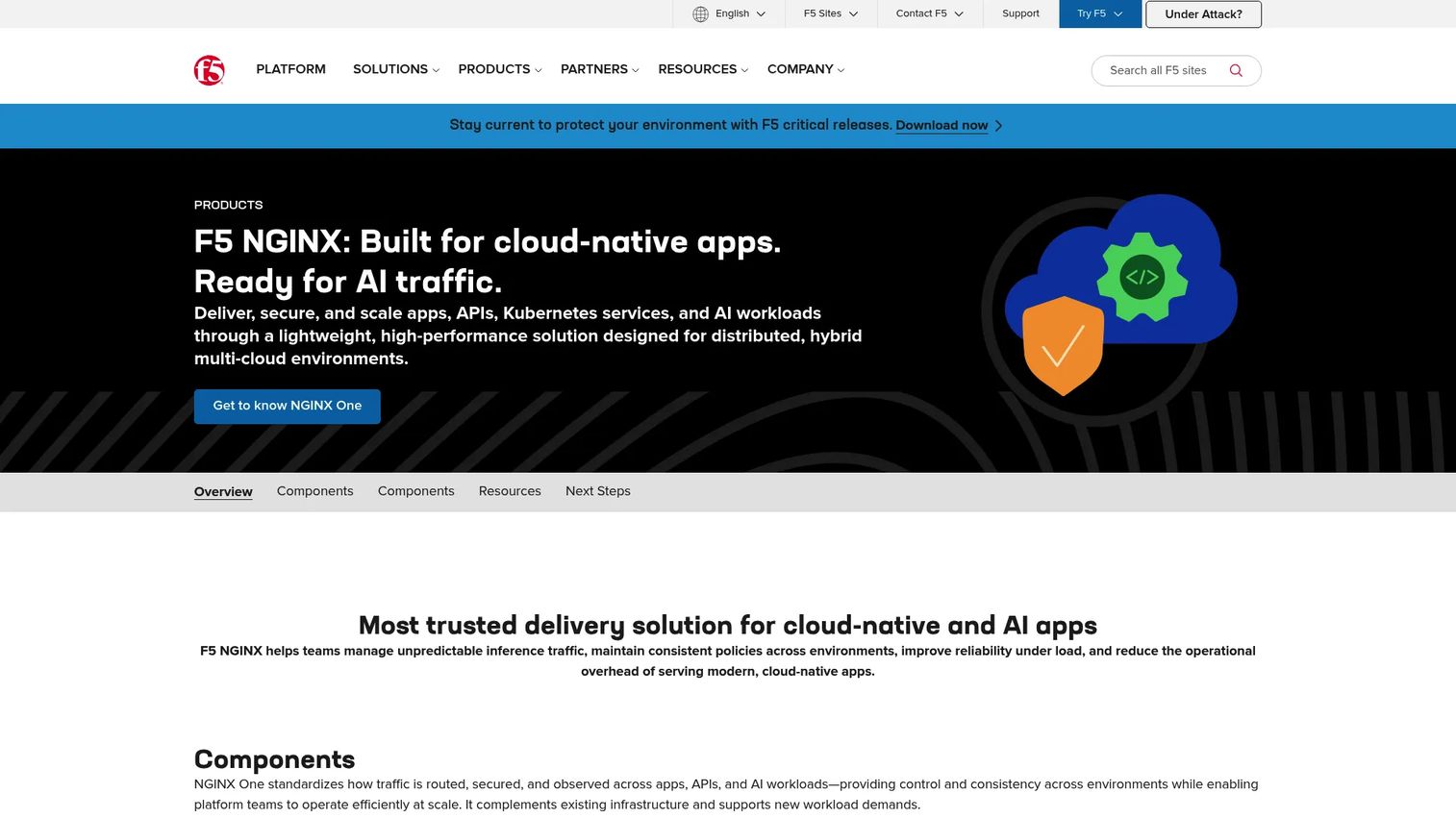
F5 NGINX is a cloud-native application delivery and security platform used for web serving, reverse proxying, load balancing, API gateway, and Kubernetes traffic management. It handles high-concurrency workloads and ships with capabilities for TLS termination, caching, authentication enforcement, and observability. F5 acquired NGINX in 2019 and has expanded its enterprise packaging significantly since then.
Best for: Product and platform teams that need flexible, programmable HTTP traffic control across hybrid or cloud-native architectures.
Key features
- Reverse proxy and HTTP caching
- Load balancing with active health checks
- Kubernetes ingress controller and mTLS enforcement
- API gateway with authentication and rate limiting
- Web application firewall and layer 7 DDoS defense
Why choose F5 NGINX: Choose NGINX when your team needs a single layer that handles HTTP delivery, traffic routing, and API security without stitching together separate tools. It rewards engineering ownership, so bring it to your platform team with a clear config governance plan rather than treating it as a managed service.
F5 NGINX pricing: F5 NGINX products are sold through annual enterprise subscriptions, priced through direct sales contact. A 30-day NGINX One free trial is available.
G2 rating: 4.6/5
2. Varnish Software
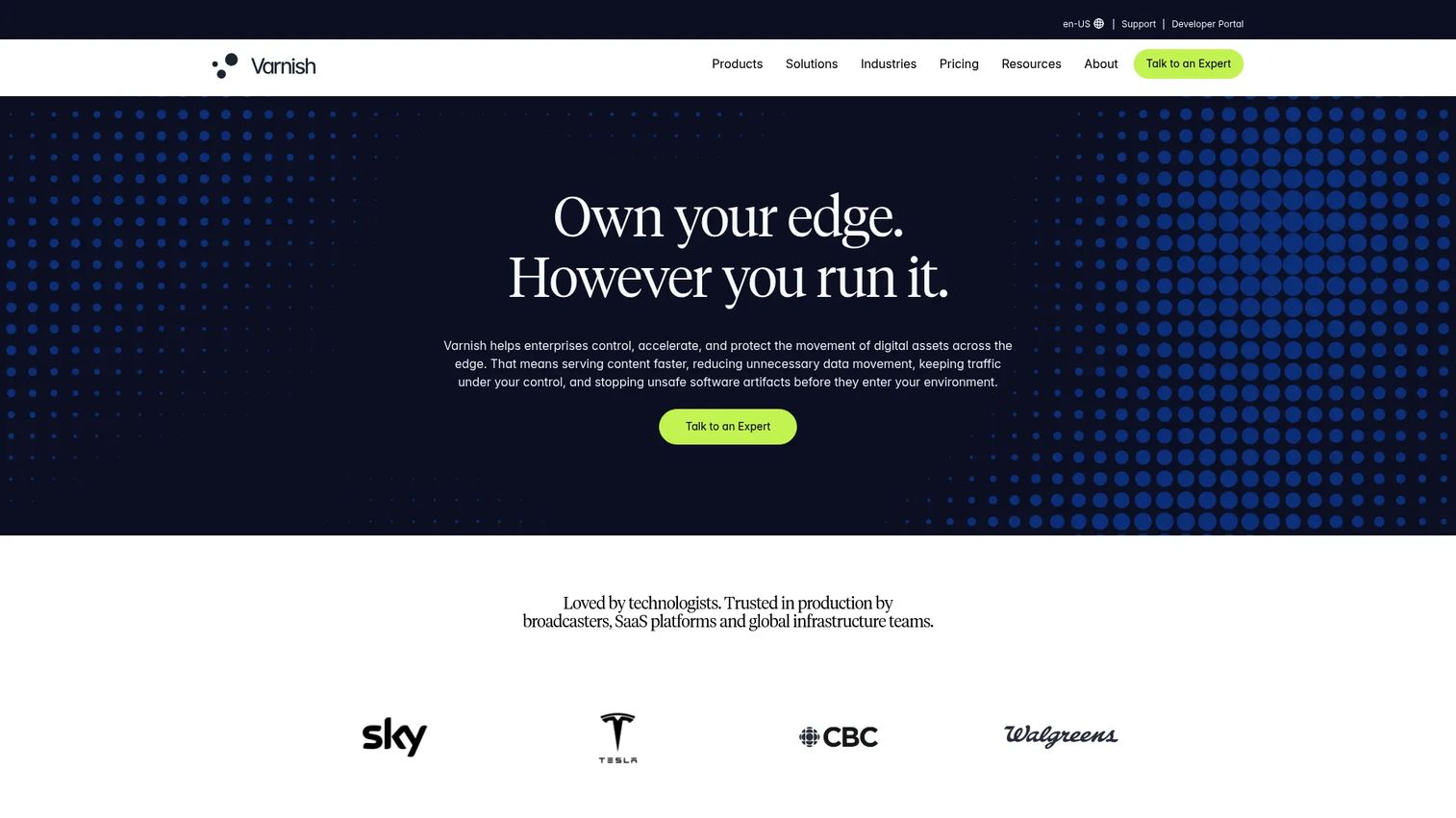
Varnish Software provides high-performance content delivery and caching infrastructure, anchored by Varnish Cache (the open-source reverse proxy) and Varnish Enterprise for large-scale production deployments. Its Varnish Configuration Language (VCL) gives engineering teams precise control over cache behavior, request routing, and origin protection that most managed CDNs cannot match.
Best for: Engineering teams that need deep cache tuning, origin protection, and high-volume HTTP delivery with explicit control over every cache decision.
Key features
- VCL-based cache rules with granular key control
- Request coalescing to prevent cache stampedes
- Grace mode caching for stale-while-revalidate patterns
- Real-time cache purging and cache invalidation
- Origin shielding to reduce backend request volume
Why choose Varnish Software: Choose Varnish when cache behavior needs to be tuned precisely and your team has HTTP and caching expertise. It is a strong fit for high-volume media, publishing, or ecommerce backends where the difference between a 60% and 95% cache hit ratio is a material infrastructure cost.
Varnish Software pricing: Varnish Cache is free and open source. The Varnish CDN Growth plan starts at €69/month, with a free Developer trial available. Enterprise and custom-contract CDN plans require a sales conversation.
G2 rating: 4.6/5
3. Speed Kit

Speed Kit is an AI-optimized website performance service that uses predictive preloading, dynamic caching, and service-worker-based delivery to accelerate page loads without requiring a full infrastructure rebuild. It is particularly targeted at ecommerce storefronts and content-heavy sites where Core Web Vitals scores directly affect conversion.
Best for: Ecommerce and high-traffic content teams that want faster pages and improved Core Web Vitals without significant infrastructure changes.
Key features
- Predictive preloading and prerendering of likely-next pages
- Dynamic caching for personalized content
- Image optimization and compression
- Third-party asset acceleration
- Real-user monitoring and speed analytics
Why choose Speed Kit: Choose Speed Kit when the goal is visible, measurable UX improvement on a storefront or content site without waiting for a platform migration. Your engineering team should still validate how it interacts with personalization tokens and third-party tracking scripts before rolling it to production.
Speed Kit pricing: Pricing is customized based on page-view volume, so you will need to contact Speed Kit for a quote.
G2 rating: 4.2/5
4. W3 Total Cache
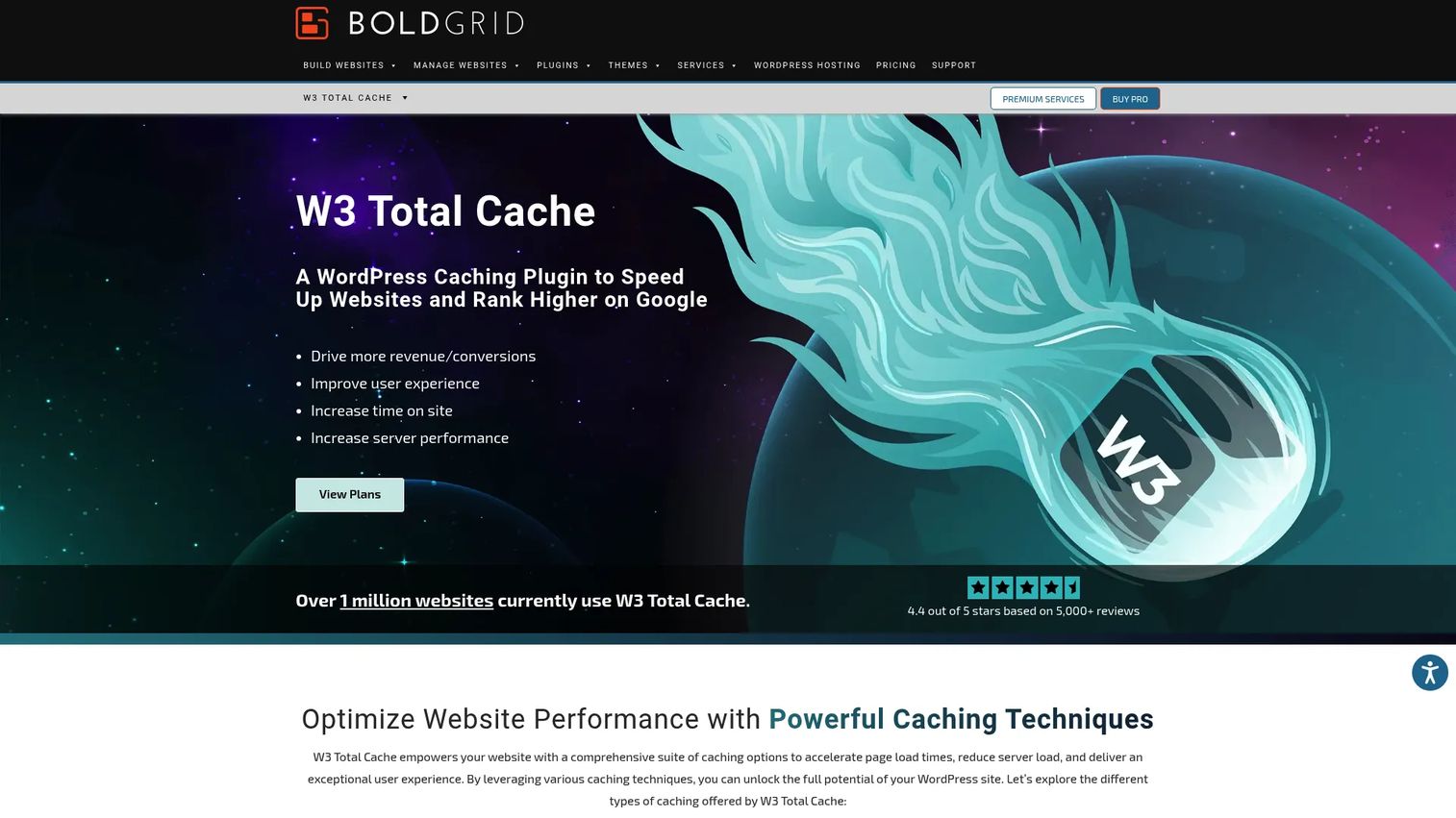
W3 Total Cache is a WordPress caching and performance optimization plugin with one of the broadest feature sets in its category. It covers page caching, object caching, database caching, browser caching, CDN integration, minification, and lazy loading within a single plugin. Product and content teams running WordPress sites use it to reduce server load and improve page speed without adopting a full CDN stack.
Best for: WordPress site owners and developers who want extensive caching and performance controls at the plugin layer.
Key features
- Page, object, database, fragment, and browser caching
- CDN integration and Full Site Delivery support
- HTML, CSS, and JavaScript minification
- Lazy loading and WebP image conversion
- HTTP compression and cache statistics dashboard
Why choose W3 Total Cache: Choose W3 Total Cache when you run WordPress and want granular cache control without adopting a separate CDN service. Test configuration changes in a staging environment before rolling to production, since aggressive minification settings can break JavaScript-heavy page elements.
W3 Total Cache pricing: The free plugin is available through the WordPress plugin repository. Pro plans start at $99/year for a single site, $350/year for five sites, and $500/year for ten sites. A 30-day money-back guarantee applies.
G2 rating: 4.5/5
5. Fastly
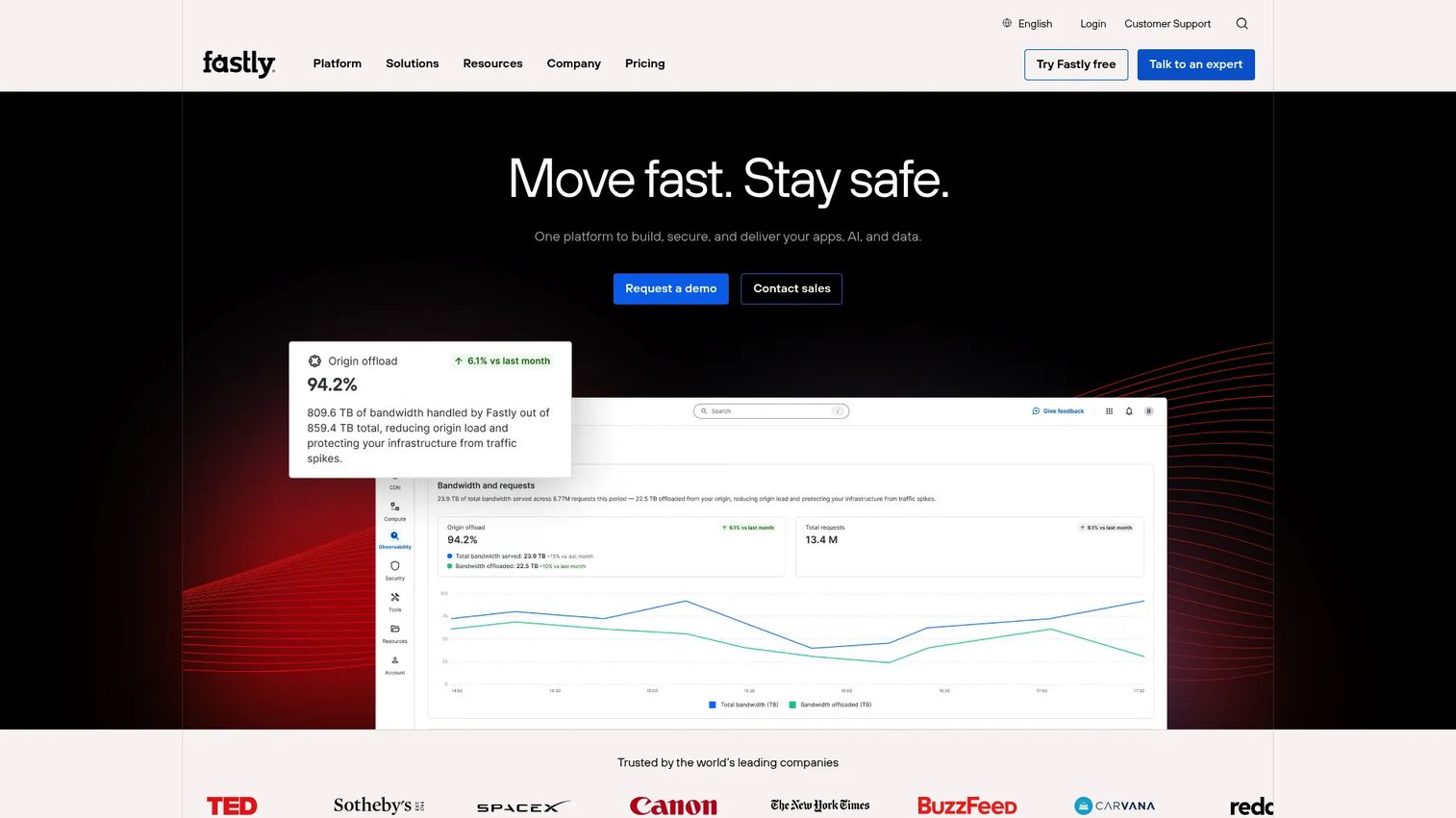
Fastly is an edge cloud platform built for teams that want programmable control over how content is cached, routed, and secured at the edge. Its Varnish-based caching layer supports instant cache purging, real-time logging, and edge compute through Fastly Compute. Engineering teams with strict cache-invalidation requirements often choose Fastly over managed CDNs that offer less visibility into cache state.
Best for: Engineering-led teams that need programmable edge logic, fast cache invalidation, and real-time observability for high-traffic web applications.
Key features
- Programmable edge configuration with instant purging
- Real-time logging and observability
- Edge compute for request and response manipulation
- Origin shielding and request coalescing
- WAF, DDoS protection, and bot management
Why choose Fastly: Choose Fastly when your release cadence is high and stale content after deploys would create support or trust problems. Its power scales with the team's ability to invest in configuration and monitoring, so factor that operational overhead into the evaluation.
Fastly pricing: Usage-based pricing starts with 1 million requests/month included. Preconfigured packages begin at $1,500/month for Network Services Basic and $6,000/month for Network Services Starter. Compute starts at $500/month for the Starter package. Enterprise pricing requires a sales conversation.
G2 rating: 4.6/5
6. Cloudflare

Cloudflare combines CDN, DNS, WAF, DDoS protection, and serverless edge compute (Workers) in a single platform. It is one of the few options where a team can adopt web acceleration, security controls, and edge programmability through the same dashboard without separate vendor contracts. The free plan provides meaningful CDN and DNS capabilities, which makes it accessible for smaller teams before they need enterprise features.
Best for: Teams that want CDN acceleration and security controls integrated into a single edge platform, from startup scale to enterprise.
Key features
- Global CDN with configurable caching rules
- Authoritative DNS with performance routing
- WAF and DDoS protection
- Workers serverless edge compute
- Image optimization (Polish and Mirage)
Why choose Cloudflare: Choose Cloudflare when you want CDN, security, and edge programmability without managing separate vendors for each. Keep in mind that security features, advanced cache rules, and Workers usage vary by plan tier, so validate that the features you need are included at the tier you plan to purchase.
Cloudflare pricing: A Free plan is available. Pro costs $20/month billed annually ($25/month billed monthly). Business costs $200/month billed annually ($250/month billed monthly). Enterprise plans use custom contract pricing.
G2 rating: 4.5/5
7. Akamai

Akamai provides one of the largest global edge networks alongside enterprise CDN, application security, and distributed cloud infrastructure. For organizations with global traffic, security review requirements, and complex delivery needs, Akamai is often on the shortlist. The procurement and implementation cycle is enterprise-grade, which means your platform team should allocate time for security review, contract negotiation, and onboarding.
Best for: Enterprise teams with global traffic, formal security evaluation requirements, and high-complexity delivery needs that require a large-scale edge network.
Key features
- Global edge delivery across a large distributed network
- Enterprise CDN with traffic management and routing controls
- Web application and API protection, including WAF and bot management
- Edge-native serverless compute
- Media delivery and adaptive streaming support
Why choose Akamai: Choose Akamai when scale, global reach, and enterprise support contracts are non-negotiable. Bring procurement and legal into the evaluation early, and ask your platform team to validate the security module pricing separately from base CDN costs.
Akamai pricing: Enterprise security and delivery products are priced through sales. Cloud compute pricing starts at $0.005/GB for outbound transfer. Expect a custom-contract engagement for CDN and security services.
G2 rating: 4.5/5
8. Amazon CloudFront
Amazon CloudFront is a content delivery network tightly integrated with AWS services, including S3, Elastic Load Balancing, Lambda@Edge, and AWS Shield. For teams already running workloads on AWS, CloudFront reduces latency by serving cached content from edge locations close to end users, without routing traffic off the AWS backbone unnecessarily.
Best for: AWS-native teams that want CDN acceleration tightly coupled with existing cloud infrastructure and AWS IAM, Shield, and WAF integrations.
Key features
- Global edge locations with AWS-native origin integration
- CloudFront Functions for lightweight request manipulation
- TLS/HTTPS termination and signed URLs for access control
- AWS WAF and AWS Shield integration for security
- Support for static assets, APIs, and video streaming
Why choose Amazon CloudFront: Choose CloudFront when your origin already runs in AWS and you want CDN delivery inside the same billing and IAM structure. Work with your engineering team to model usage-based costs before launch, since data transfer charges can grow unpredictably at scale.
Amazon CloudFront pricing: A Free tier is available. Flat-rate plans include Free, Pro at $15/month per distribution, Business at $200/month per distribution, and Premium at $1,000/month per distribution. Custom pricing is also available for high-volume contracts.
G2 rating: 4.4/5
9. Microsoft Azure Front Door
Microsoft Azure Front Door is a globally distributed application delivery service that combines dynamic site acceleration, HTTP load balancing, WAF, TLS termination, and Azure-native routing in a managed service. Product teams building multi-region web applications on Azure use it to route traffic intelligently and improve availability across regions.
Best for: Microsoft Azure teams building globally distributed web applications that need acceleration, load balancing, and WAF from a single Azure-native service.
Key features
- Global HTTP load balancing with failover routing
- Dynamic site acceleration for personalized content
- Web application firewall and bot protection
- TLS/SSL offloading and custom routing rules
- Azure Private Link support for secure origin connectivity
Why choose Azure Front Door: Choose Azure Front Door when your workloads already run on Azure and you want acceleration, load balancing, and security controls managed through the same Azure subscription and IAM policies. Plan for usage-based charges on top of the monthly base fee.
Azure Front Door pricing: The Standard tier starts at a $35 monthly base fee. The Premium tier starts at a $330 monthly base fee. Both tiers add usage-based charges for data transfer, requests, and edge actions.
G2 rating: 4.2/5
10. Google Cloud CDN
Google Cloud CDN provides edge caching integrated directly with Google Cloud Load Balancing, enabling teams on Google Cloud to serve cached content from Google's global network without routing traffic through a separate vendor. It supports fine-grained cache key configuration, cache invalidation, signed URLs, and Cloud Armor integration for security.
Best for: Google Cloud teams that want CDN acceleration as a native extension of their existing cloud architecture rather than a separate service.
Key features
- Edge caching for static and dynamic content
- Tight integration with Cloud Load Balancing and Cloud Armor
- Custom cache key controls and configurable TTLs
- Cache invalidation and signed URL support
- Broad origin support across GKE, Cloud Run, and external backends
Why choose Google Cloud CDN: Choose Google Cloud CDN when you are already running workloads on Google Cloud and want CDN delivery inside the same project and billing structure. Ask your engineering team to validate cache key configuration and invalidation rules before launch, since default settings may not match your expected cache behavior.
Google Cloud CDN pricing: Cache egress starts at $0.08 per GiB for under 10 TiB per month, with rates varying by destination. Cache fill within North America or Europe costs $0.01/GiB. HTTP/HTTPS cache lookup requests cost $0.0075 per 10,000 requests.
11. bunny.net
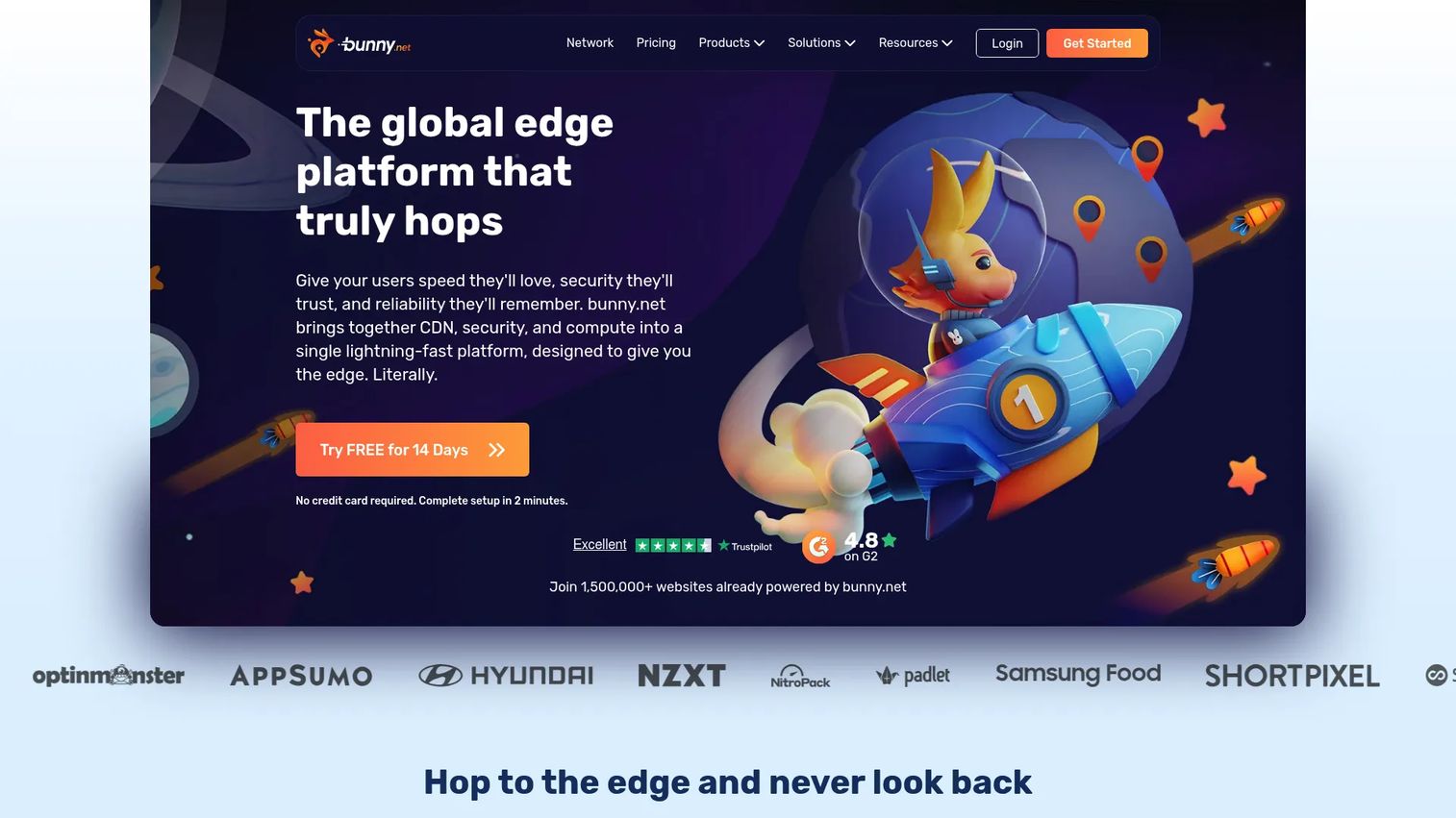
bunny.net is a global edge platform providing CDN, edge storage, image optimization, video delivery, and edge scripting. Its pricing model is straightforward: Pay-as-you-go by bandwidth with regional rates, a $1 monthly minimum, and no complexity from enterprise sales processes. Teams that need a practical CDN with clear economics and fast setup often find bunny.net easier to validate than larger platform vendors.
Best for: Small to mid-sized teams that want clear per-GB CDN pricing, integrated storage, and image optimization without enterprise procurement overhead.
Key features
- Global CDN with Standard and Volume network pricing tiers
- Edge storage with geo-replication
- Image optimizer for WebP conversion and resizing
- Pull zone setup for origin-based delivery
- DDoS protection, free SSL, and real-time monitoring
Why choose bunny.net: Choose bunny.net when the team wants a CDN with predictable per-GB costs and minimal setup complexity. For organizations with governance, audit log, or enterprise SLA requirements, evaluate whether the available plan features meet those needs before committing.
bunny.net pricing: Standard network bandwidth starts at $0.01/GB for Europe and North America. A 14-day free trial is available with no credit card required. The monthly minimum charge is $1.
G2 rating: 4.8/5
12. Gcore

Gcore is a global edge infrastructure provider that spans CDN delivery, edge compute, cloud hosting, GPU infrastructure, DNS, and security services. Teams that want CDN acceleration as part of a broader edge and cloud infrastructure strategy, without being locked into a hyperscaler, often evaluate Gcore alongside larger CDN vendors.
Best for: Teams looking for global CDN acceleration paired with edge compute, cloud, and GPU infrastructure from one provider.
Key features
- CDN delivery across 210-plus locations worldwide
- Edge compute and serverless application deployment
- DDoS protection, WAAP, and API security
- DNS services with low-latency resolution
- Traffic analytics and infrastructure automation through APIs and Terraform
Why choose Gcore: Choose Gcore when your team needs CDN acceleration alongside edge compute or cloud infrastructure and wants to consolidate vendors. Keep the article's focus on CDN and edge delivery when scoping the initial use case, since the broader portfolio adds evaluation complexity.
Gcore pricing: The CDN PAYG plan includes 1 TB of traffic free each month. Traffic above 1 TB starts at €0.01/GB. Enterprise pricing is custom.
G2 rating: 4.7/5
13. CDN77
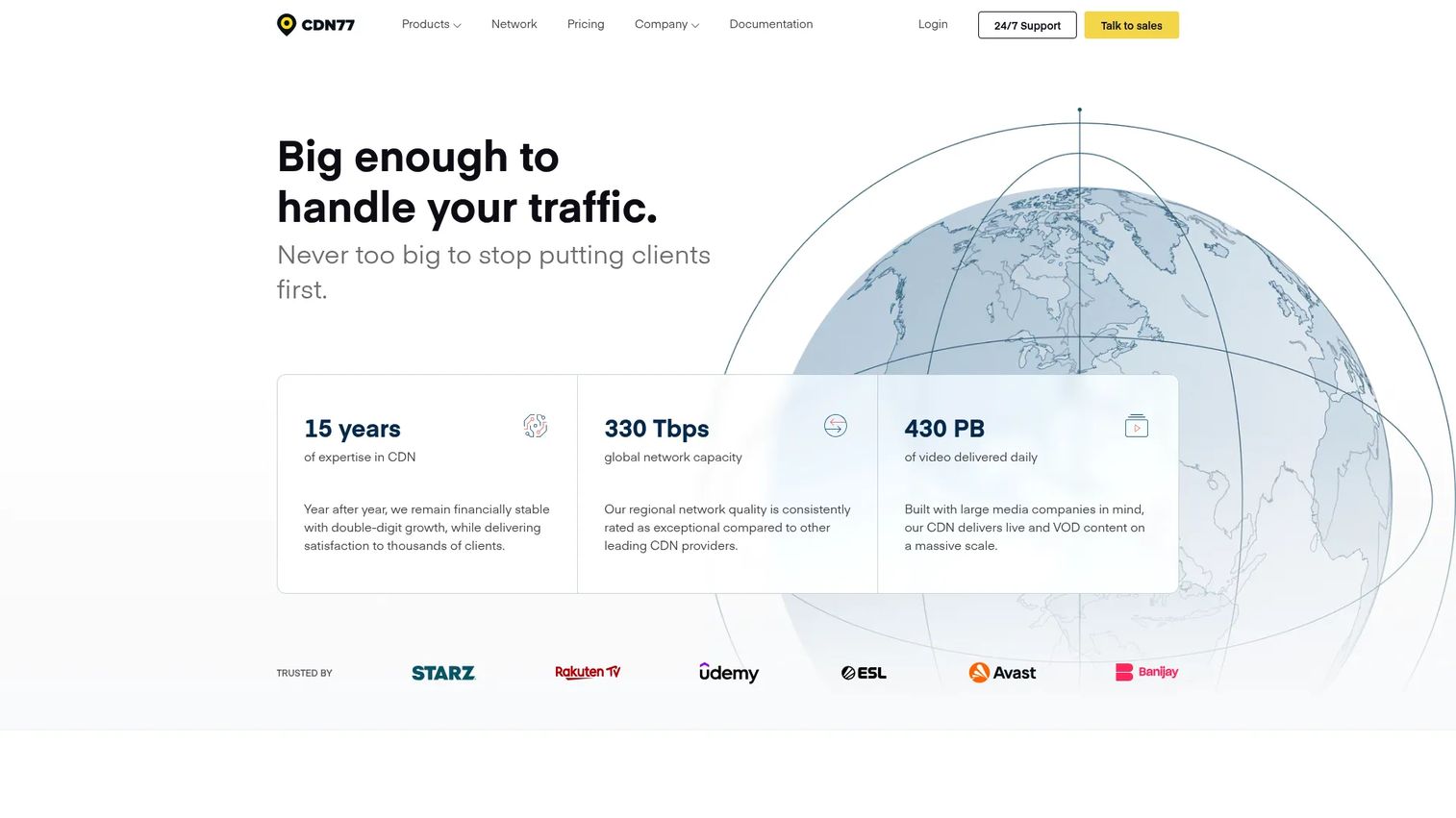
CDN77 is a global content delivery platform focused on high-volume content, media, and large-file distribution. It supports HTTP object delivery, live and adaptive media streaming, edge computing, and S3-compatible storage. Teams delivering software downloads, video, or large static files at scale often find CDN77's pricing model more cost-effective than general-purpose CDNs at high transfer volumes.
Best for: Media, software distribution, and content teams that move high transfer volumes and need straightforward CDN pricing with real-time reporting.
Key features
- Global CDN delivery with HTTP/2 support
- Live and adaptive streaming media delivery
- Edge computing capabilities
- DDoS protection and content protection controls
- S3-compatible cloud storage and origin shielding
Why choose CDN77: Choose CDN77 when bandwidth-heavy content delivery and simple CDN controls are the primary requirement. For dynamic web applications with personalized content, validate cache behavior and bypass rules against your actual workload before committing to the Growth plan's volume commitment.
CDN77 pricing: The Growth plan starts at $990/month and includes 250 TB of traffic per month, with overage at $3.96/TB. Enterprise plans use custom pricing.
G2 rating: 4.8/5
14. KeyCDN
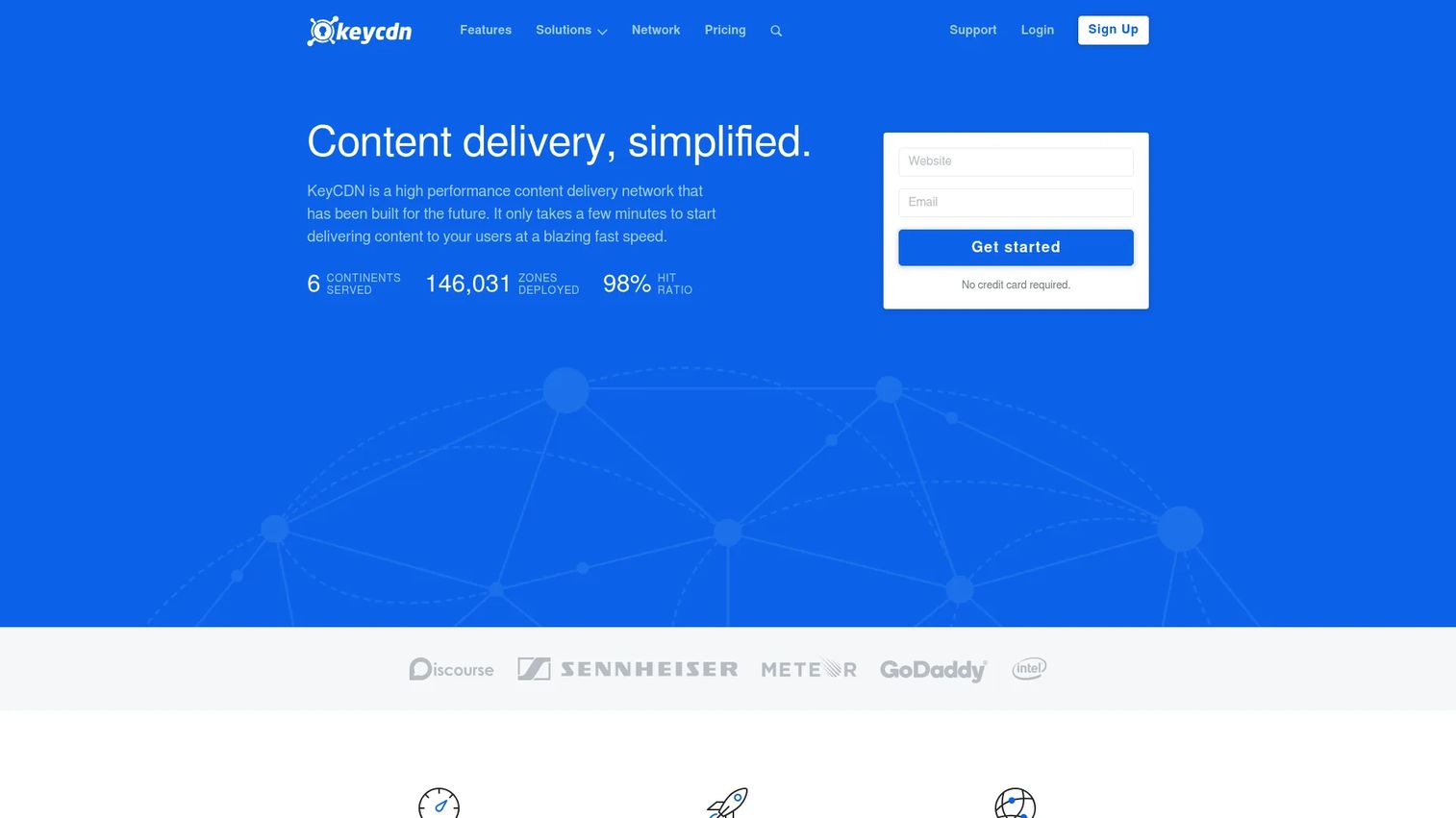
KeyCDN is a high-performance CDN built on a pay-as-you-go model with no long-term contract and straightforward per-GB rates. It supports pull zones and push zones, image processing, Brotli compression, instant purge, origin shield, and a RESTful API. Teams that want CDN basics without committing to an enterprise contract find KeyCDN practical for smaller to mid-scale workloads.
Best for: Smaller teams and developers that want clean CDN setup, transparent usage-based pricing, and instant purge without sales negotiation.
Key features
- Pull zones for origin-based delivery and push zones for direct uploads
- Real-time analytics and reporting dashboard
- Image processing and Brotli compression
- Instant purge and origin shield
- RESTful API for programmatic management
Why choose KeyCDN: Choose KeyCDN when CDN basics cover your workload and you want to pay only for what you use with a $4 monthly minimum. Teams with advanced security requirements, complex application delivery needs, or compliance mandates should evaluate whether complementary tooling is needed alongside the CDN layer.
KeyCDN pricing: Bandwidth starts at $0.04/GB for North America and Europe (first 10 TB/month). Asia and Oceania start at $0.08/GB, and Africa/Latin America at $0.10/GB. The monthly minimum charge is $4. No free tier is available.
G2 rating: 4.5/5
15. QUIC.cloud
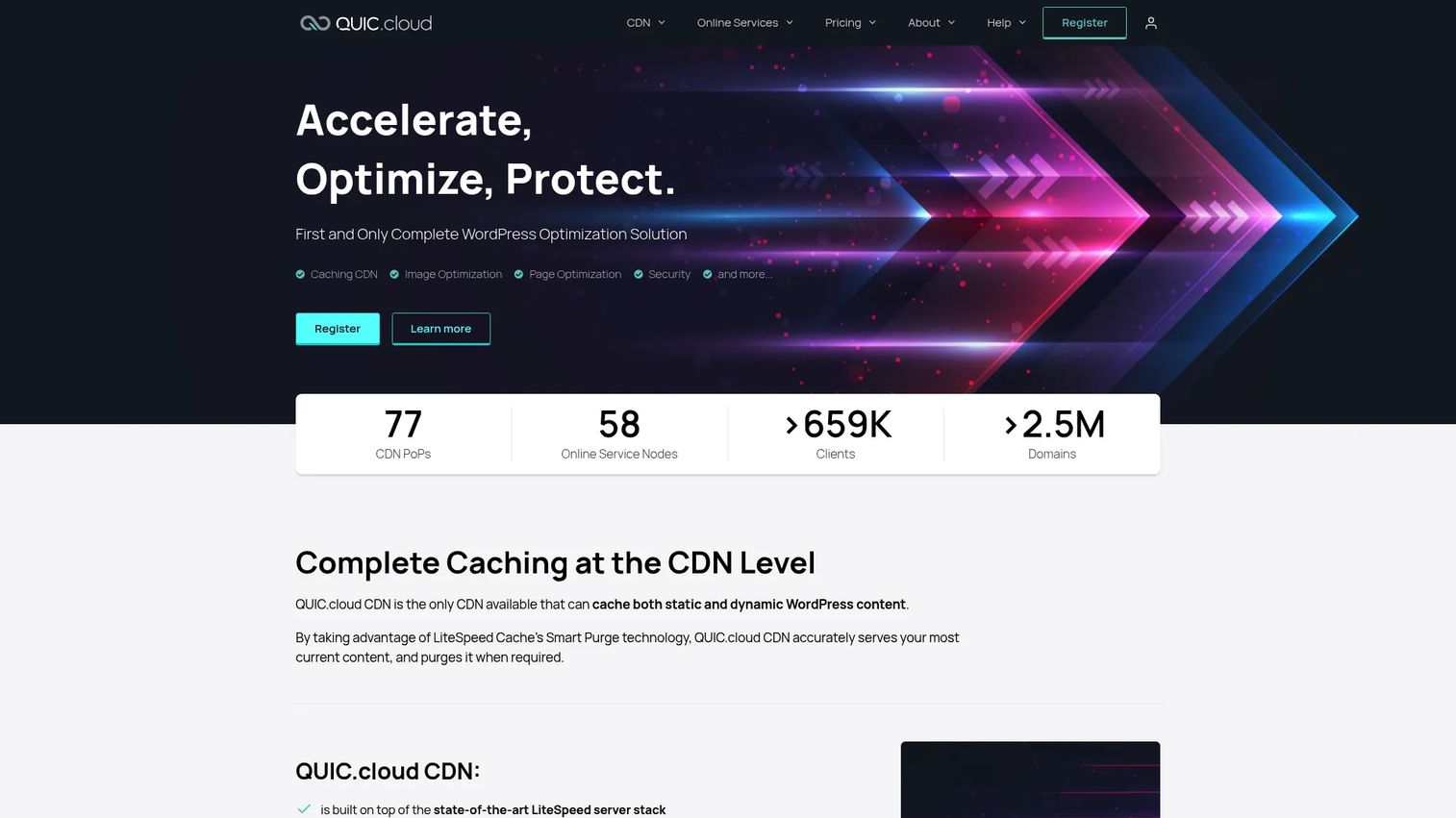
QUIC.cloud is a CDN and optimization service built specifically for WordPress sites running LiteSpeed Cache. It handles CDN delivery with HTTP/3 support, image optimization (WebP and AVIF), Critical CSS generation, Viewport Images processing, and WAF rules, all tightly integrated with LiteSpeed Cache plugin workflows. Teams already using LiteSpeed Web Server or LiteSpeed Cache get the most out of QUIC.cloud's optimization pipeline.
Best for: WordPress sites already running LiteSpeed Cache that want CDN delivery and performance optimization aligned with their existing caching setup.
Key features
- WordPress CDN with HTTP/3 support
- Image optimization with WebP and AVIF generation
- Page optimization including Critical CSS and Unique CSS
- WAF rules, DDoS protection, and brute-force defense
- DNS support with QUIC.cloud nameservers
Why choose QUIC.cloud: Choose QUIC.cloud when your WordPress stack already uses LiteSpeed Cache and you want CDN and optimization that integrates into that workflow without additional configuration effort. Teams running non-LiteSpeed stacks or other CMS platforms should compare it against broader CDN options before committing.
QUIC.cloud pricing: A Free plan is available. Paid plans start at $5/month (Basic), $20/month (Pro), $100/month (Business), and from $250/month (Enterprise). Note that QUIC.cloud's plan-based pricing structure launched November 10, 2026.
G2 rating: 4.3/5
Considerations when choosing web server accelerator software
Match the deployment model to the bottleneck
A CDN reduces latency for global users but will not speed up a slow database query at the origin. Identify whether the problem is network distance, origin overload, or application performance before choosing a tool. Bring benchmark data from your application performance monitoring tools to the conversation with your platform team so the selection starts from evidence rather than assumptions.
Check cache behavior before pricing
Cache hit ratio, purge speed, stale-while-revalidate support, and bypass rules for logged-in or personalized experiences determine whether an accelerator actually helps your workload. A tool with low cache hit ratios on your traffic pattern will cost more in origin egress than it saves in delivery. Test cache key configuration against your actual page mix, not a synthetic benchmark.
Model traffic spikes before rollout
Run production-like load tests that include cache misses, bot traffic, and failover scenarios, not just average-load simulations. Demand spikes on launch days and campaign moments are where acceleration earns its cost, and they are also when misconfigured cache rules surface. Build a release orchestration checklist that includes cache validation steps.
Measure both business impact and infrastructure impact
Track time to first byte, Largest Contentful Paint, cache hit ratio, origin request volume, error rate during spikes, and bandwidth cost. Tie those infrastructure metrics back to activation rate and trial-to-paid conversion by page type. A team that only measures server performance and never maps it to product outcomes will struggle to justify the ongoing cost and maintenance effort.
Plan ownership and release maintenance
Accelerators accumulate stale cache rules when no single team owns the purge strategy. Assign a named owner for cache rules, define a release checklist that includes invalidation steps, and schedule quarterly audits of cache bypass rules. Tools like application security software and endpoint protection often intersect with CDN and edge configurations; keep those teams aligned on what gets cached and what stays dynamic.
Conclusion
The right web server accelerator depends on the bottleneck you are solving and the stack you are already running.
For high-performance HTTP delivery and reverse proxy flexibility, start with F5 NGINX. For deep cache control and origin protection, evaluate Varnish Software. For ecommerce Core Web Vitals improvement, Speed Kit is the most focused option. WordPress teams should compare W3 Total Cache for plugin-based control and QUIC.cloud for LiteSpeed-native CDN delivery.
For global edge delivery, the choice follows your cloud stack: Amazon CloudFront on AWS, Azure Front Door on Azure, Google Cloud CDN on Google Cloud, or an independent CDN (Fastly for programmable control, Cloudflare for security breadth, Akamai for enterprise scale). Teams that want clear per-GB pricing with minimal procurement friction should evaluate bunny.net, Gcore, CDN77, or KeyCDN based on volume, media requirements, and geographic coverage.
Bring baseline metrics to every vendor conversation: Time to first byte, cache hit ratio by page type, and regional latency data. Performance decisions made without a baseline produce spending, not results.
If your product team also needs to show complex infrastructure workflows to internal stakeholders, buyers, or customers, consider using interactive demos to make technical decisions easier to communicate across teams.
Start your journey with Guideflow today!
FAQs
Web server accelerator software improves web delivery through caching, compression, protocol optimization, routing, and origin offload. It can run as a reverse proxy, a high-performance HTTP server, a CDN, or a cloud-native traffic accelerator depending on the deployment architecture. The category is distinct from observability software, which measures performance without altering it.
A CDN can act as a web accelerator when it caches content at edge locations and reduces round-trip time, but the terms are not identical. Web server acceleration also includes reverse proxy caching close to the origin, high-performance HTTP serving, and application-level compression, none of which require a distributed edge network. Many production architectures use both a local reverse proxy and a CDN.
Bring acceleration into the conversation when activation drops on mobile pages, regional latency data shows drop-off in specific geographies, or traffic spikes during launches are causing timeouts and support tickets. Present that data to engineering rather than prescribing a specific tool, since the right choice depends on where the bottleneck sits in the request path.
Track time to first byte, Largest Contentful Paint, and cache hit ratio before and after rollout. Also monitor origin request volume, error rate during traffic spikes, and bandwidth cost. Tie infrastructure changes back to product metrics like activation rate and trial-to-paid conversion by page type to confirm that faster delivery is producing the expected product outcomes. Establish baselines before the rollout or the data has no anchor.
F5 NGINX and Varnish Software are strong fits for reverse proxy and origin protection at high concurrency. Cloudflare, Fastly, and Akamai fit global edge delivery at scale. Amazon CloudFront, Azure Front Door, and Google Cloud CDN are the natural choices for teams running on those cloud platforms. The right choice depends on traffic shape, the cacheability of your content, security requirements, and cloud stack.
Stale content after a release erodes user trust and can cause functional errors if old JavaScript or CSS conflicts with updated backend logic. Product and engineering teams need a release checklist that includes purge rules, versioned asset filenames, and post-deploy cache validation steps. Faster purge capability (Fastly's instant purge, for example) gives teams more confidence to cache aggressively without long invalidation windows.
They can help, but dynamic content requires careful cache key design, edge logic for segment-based routing, bypass rules for logged-in sessions, and privacy review for any personally identifiable data stored at the edge. Personalized onboarding flows and gated application pages should be tested with real user states in a staging environment before rollout. The application security testing team should review what edge nodes can see and store.
Reverse proxy caching sits close to the origin server and absorbs repeat requests before they hit the application. Edge caching stores responses at geographically distributed points of presence closer to end users, reducing round-trip network time. Many mature web architectures combine both: A Varnish or NGINX layer protecting the origin, plus a CDN delivering cached assets to users across regions. Deciding which layer to optimize first depends on where latency or load is highest in your request path.