You're halfway through a technical evaluation when the buyer asks whether your team can validate regional access, inspect API traffic, or collect competitive pricing data at scale. The answer depends on the proxy tool, not the slide deck.
Verified Market Research puts the proxy server market at $3.40 billion in 2025, with a projection of $7.20 billion by 2033. Numbers at that scale reflect how deeply proxy infrastructure has embedded itself in data operations, security workflows, and technical validation. Yet most buyers arrive at the purchasing decision with the wrong mental model. They confuse residential proxy networks with HTTP debugging tools, or mistake enterprise remote access software for web scraping infrastructure.
Picking the wrong category costs more than money. It costs POC time, procurement cycles, and credibility with the technical buyer on the other side of the table.
This guide cuts through that confusion. It maps 15 proxy network software tools to specific jobs, explains where each type of proxy fits, and gives presales and technical teams the evaluation language to move faster.
What's inside
This guide is built for technical buyers, presales teams, data engineers, QA teams, and security reviewers evaluating proxy software in 2026. Tools were selected based on four criteria:
- Proxy type coverage: residential, datacenter, mobile, ISP, SOCKS5, HTTP, and debugging proxies
- Pricing clarity: published rates with the billing model stated, whether that is per GB, per IP, per request, or per licence
- G2 presence and ratings: every score below was read off the vendor's live g2.com listing in October 2026
- Technical fit: POC readiness, compliance posture, and platform integrations
You'll get a comparison table, per-tool sections, a buyer's checklist, and an FAQ covering the most common evaluation questions.
One structural note before the list. The proxy market is far more concentrated than the number of brand names suggests. Two of the tools below are the same product under an old and a new name, two more trace back to the same Lithuanian company builder, and one has had its service paused since July 2026. Those relationships are called out in the table and in each affected entry, because they change what a three-vendor shortlist actually gives you.
TL;DR
- Best overall for enterprise data operations: Oxylabs, with broad proxy coverage and residential plans from $30/month
- Best for large-scale web data collection: Bright Data, combining proxy networks with dataset and scraping tools
- Best for budget-conscious residential proxies: DataImpulse at $1/GB pay-as-you-go, or ProxyWing at $1/GB
- Best for developer scraping workflows: Apify (free tier available) or Zyte for managed extraction with anti-blocking
- Best for HTTP traffic inspection and debugging: Proxyman, with a perpetual licence from $89
- Best for enterprise remote endpoint access: PROXY Pro from Proxy Networks, Inc., built for attended and unattended endpoint support
- Note before you shortlist: Smartproxy and Decodo are one product, and NetNut's proxy service has been paused since July 2026
What is proxy network software?
Proxy network software routes internet traffic through intermediary servers or IP addresses so teams can control where traffic appears to originate, inspect requests, restrict access, or collect web data.
At the network level, a proxy sits between the client and the destination server. Requests leave through the proxy's IP rather than your own. The destination sees the proxy's address, not yours. This matters for geo-testing, data collection, security audits, and app debugging alike.
Proxies differ from VPNs in a practical sense. A VPN routes all device-level traffic through an encrypted tunnel, typically for privacy. A proxy routes traffic at the application or request level, often without encryption, and is configured per-browser, per-app, or per-API call. Proxies give more granular control over individual requests; VPNs give broader device-wide coverage.
Key capabilities to look for
- Residential, datacenter, mobile, and ISP proxy options
- Country, state, city, and ASN-level targeting
- Rotation controls: rotating sessions versus sticky sessions
- HTTP, HTTPS, SOCKS, and SOCKS5 protocol support
- Authentication methods: username/password and IP allowlisting
- Traffic inspection, request replay, or SSL decryption (for debugging tools)
- API access and programmatic session management
- Usage analytics, activity logging, and audit trails
- Compliance documentation, acceptable-use policies, and data sourcing transparency
Common proxy types
| Proxy type | What it does | Best for |
|---|---|---|
| Residential proxy | Routes through consumer IPs | Geo-testing and web data collection |
| Datacenter proxy | Uses server-based IPs | Speed and lower-cost workloads |
| Mobile proxy | Routes through mobile carrier IPs | Mobile app testing and ad verification |
| ISP proxy | Residential IPs hosted on datacenter infrastructure | Stable sessions at scale |
| SOCKS proxy | Handles many traffic types beyond HTTP | Flexible routing across protocols |
| HTTP proxy | Handles web traffic specifically | Browser and API testing |
| Reverse proxy | Sits in front of servers | Load balancing and access control |
| Debugging proxy | Captures and inspects requests | App, API, and mobile troubleshooting |
When to use proxy network software
Validate regional buyer experiences
Presales, QA, and growth teams use proxies to check how websites, pricing pages, product experiences, and localized content appear across different regions. A residential proxy in Germany shows you what a German buyer actually sees. This matters during POCs when a buyer asks: "Does your product work in our region?" Proxies give you a repeatable answer without flying the team there.
Collect web data without brittle infrastructure
Web scraping, SERP monitoring, price intelligence, and brand protection all require reliable IP rotation and compliance controls. Raw IP count matters less than pool quality. A smaller pool of clean, regularly refreshed residential IPs outperforms a large pool of flagged ones. Managed scraping platforms like Apify or Zyte reduce operational burden further by wrapping proxy management inside extraction workflows.
Inspect and troubleshoot application traffic
When a developer or SE needs to see exactly what an API request contains, what headers are being sent, or why an integration is failing, a debugging proxy like Proxyman captures the full HTTP or HTTPS exchange. This is a fundamentally different job from IP rotation. Debugging proxies decrypt SSL traffic, let you set breakpoints, and replay requests. Do not buy a residential proxy network for this job, and vice versa.
Proxy network software comparison
Pricing varies significantly across proxy types, and the billing model matters as much as the headline number. Some tools charge per GB of traffic, others per IP, per request, per day, or per licence. G2 ratings below were read off each vendor's live g2.com listing in October 2026, with review counts included so you can weigh how much each score rests on. Compare cost-per-successful-task rather than headline price to get an accurate read on total spend.
| # | Product | Best for | Key differentiator | Pricing and billing model | G2 rating |
|---|---|---|---|---|---|
| 1 | Oxylabs † | Enterprise proxy and scraping infrastructure | Scraper APIs plus broad proxy network | Residential plans from $30/mo (5 GB) | 4.5/5 (420 reviews) |
| 2 | Bright Data | Large-scale web data collection | Proxy network plus dataset marketplace | Per 1K records, per GB or per IP by product | 4.7/5 (340 reviews) |
| 3 | Decodo † | Scalable scraping and proxy access | Web Data API with free tier | Free API tier; residential from $4/GB | 4.6/5 (714 reviews) |
| 4 | Smartproxy † | Same product as Decodo, row 3 | Former brand name, not a separate vendor | See Decodo, row 3 | Same G2 profile as Decodo |
| 5 | IPRoyal | Multiple proxy types on one account | Flexible proxy types with per-GB and per-IP billing | Residential from $7/GB; datacenter from $1.80/IP/mo | 4.7/5 (997 reviews) |
| 6 | NetNut.io | ISP and static residential proxies | Stable sessions with rotating and static options | Service paused since July 2026, see entry | 4.9/5 (385 reviews) |
| 7 | Proxy-Seller | Dedicated proxy purchasing | IPv4, IPv6, ISP, mobile, datacenter options | Per IP for dedicated types; per GB for residential | 4.7/5 (166 reviews) |
| 8 | NodeMaven | Quality-filtered residential proxies | IP quality filtering and sticky sessions | Per GB residential; per IP for ISP | 4.7/5 (200 reviews) |
| 9 | Apify | Developer scraping and automation workflows | Actor marketplace with built-in proxy support | Free tier; plans from $19/mo plus usage | 4.7/5 (578 reviews) |
| 10 | Zyte | Managed web extraction | Anti-blocking API with browser rendering | Per successful request, not per GB | 4.4/5 (125 reviews) |
| 11 | DataImpulse | Low-cost residential proxy testing | Pay-as-you-go traffic with no expiration | From $1/GB, pay-as-you-go | 4.7/5 (28 reviews) |
| 12 | ASocks | Flexible multi-type proxy access | Mobile, residential, and corporate proxies | From $3/GB, pay-as-you-go balance | 4.9/5 (132 reviews) |
| 13 | Proxyman | HTTP debugging and traffic inspection | SSL decryption with perpetual licence | $89 one-time, per seat | Not listed on G2 |
| 14 | PROXY Pro | Enterprise remote endpoint access | Attended and unattended remote control | Quoted by Proxy Networks, Inc. | Not listed on G2 |
| 15 | ProxyWing | Straightforward proxy access | Datacenter, residential, ISP, and mobile | Per IP/mo, per GB, or per day by type | 4.8/5 (63 reviews) |
† Shared ownership, the single most important thing to know about this table. Rows 3 and 4 are the same product: Smartproxy rebranded to Decodo in April 2025, and G2 holds one merged listing called "Decodo (formerly Smartproxy)." Treating them as two shortlist options gives you one vendor, not two. Rows 1, 3 and 4 are also connected: both Oxylabs and Decodo were started inside Tesonet, the Lithuanian company builder founded by Tomas Okmanas and Eimantas Sabaliauskas, which also seeded Nord Security. Public sources document the shared lineage but not the current ownership percentages, so treat Oxylabs and Decodo as related rather than fully independent competitors. A shortlist of Oxylabs, Decodo and Smartproxy is effectively a shortlist of one corporate family.
How the 15 tools compare in practice
1. Oxylabs
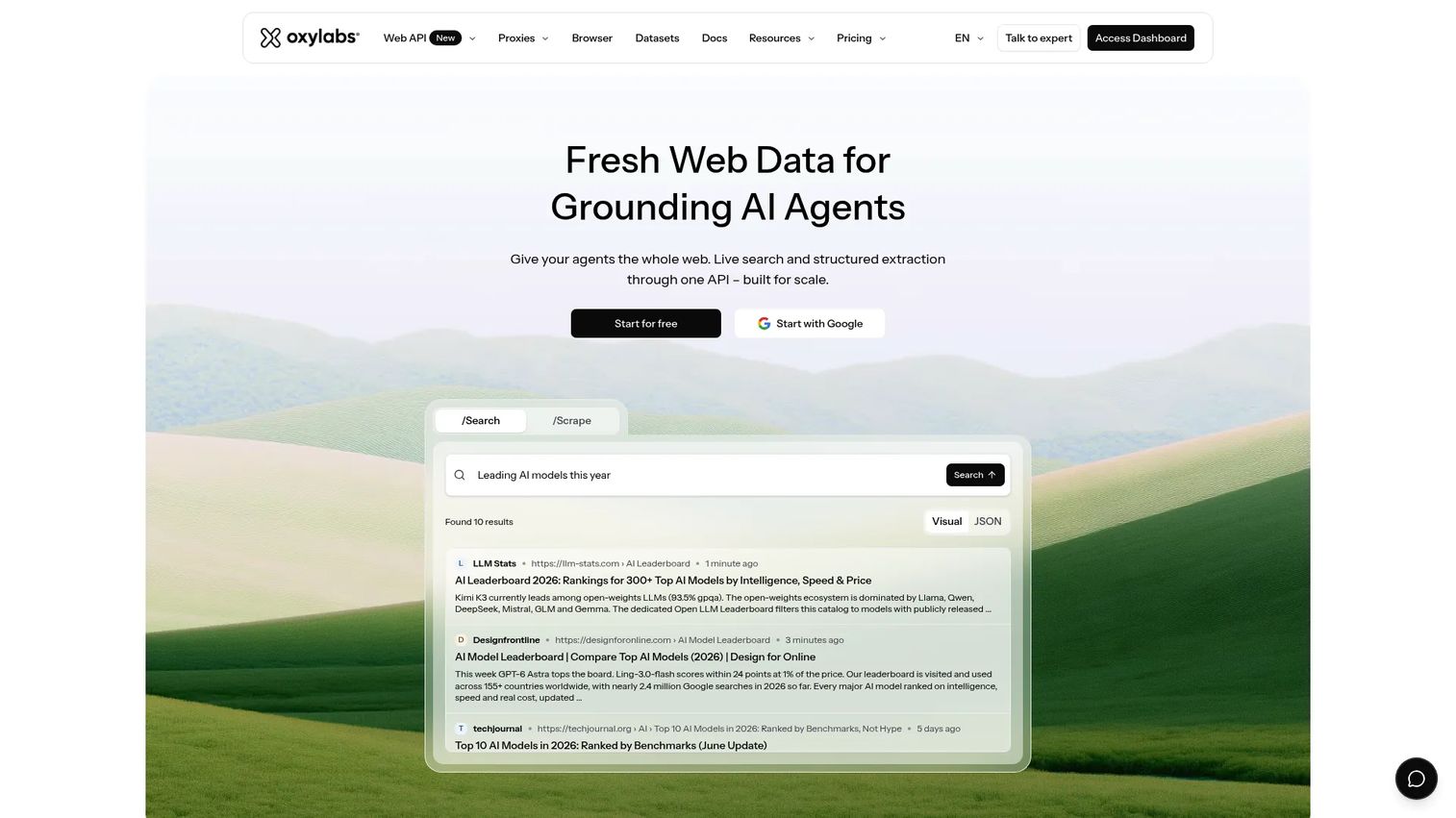
Oxylabs provides proxy services and web data acquisition tools for scraping, data extraction, and public web intelligence. The platform covers residential, mobile, datacenter, and ISP proxies alongside purpose-built Scraper APIs with JavaScript rendering and custom parsers. A single subscription gives access to all products, with usage-based pricing varying by proxy type and volume.
Ownership note: Oxylabs was founded in 2015 inside Tesonet, the Lithuanian company builder behind Nord Security, and Decodo (rows 3 and 4) came out of the same group. If Oxylabs and Decodo are both on your shortlist, you are comparing two related vendors rather than two independent ones.
Best for: Enterprise data teams that need reliable infrastructure, broad geographic coverage, and dedicated account support.
Key features
- Rotating residential proxies with country and city targeting
- Web Scraper API with JavaScript rendering and scheduling
- HTTP(S) and SOCKS5 proxy support
- Custom parser and Proxy Rotator tools
- Enterprise support and compliance documentation
Why choose Oxylabs: Choose it when your use case demands infrastructure depth, reliable uptime, and the ability to pass a security review. Presales teams supporting enterprise data operations will find the compliance documentation and dedicated support useful during procurement.
Oxylabs pricing: Residential proxies are sold as monthly subscriptions with an included traffic allowance, so the effective per-GB rate depends on how much of the allowance you use. Starter is $30/month for 5 GB ($6/GB), Basic is $100/month for 20 GB ($5/GB), Advanced is $500/month for 125 GB ($4/GB), and Corporate is $2,500/month for 1 TB ($2.50/GB). Pay-as-you-go runs at $8/GB with a 1 GB minimum. Allowances do not normally roll over, so size the plan against real usage rather than the headline rate.
G2 rating
Oxylabs holds 4.5 out of 5 on G2 across 420 reviews.
2. Bright Data
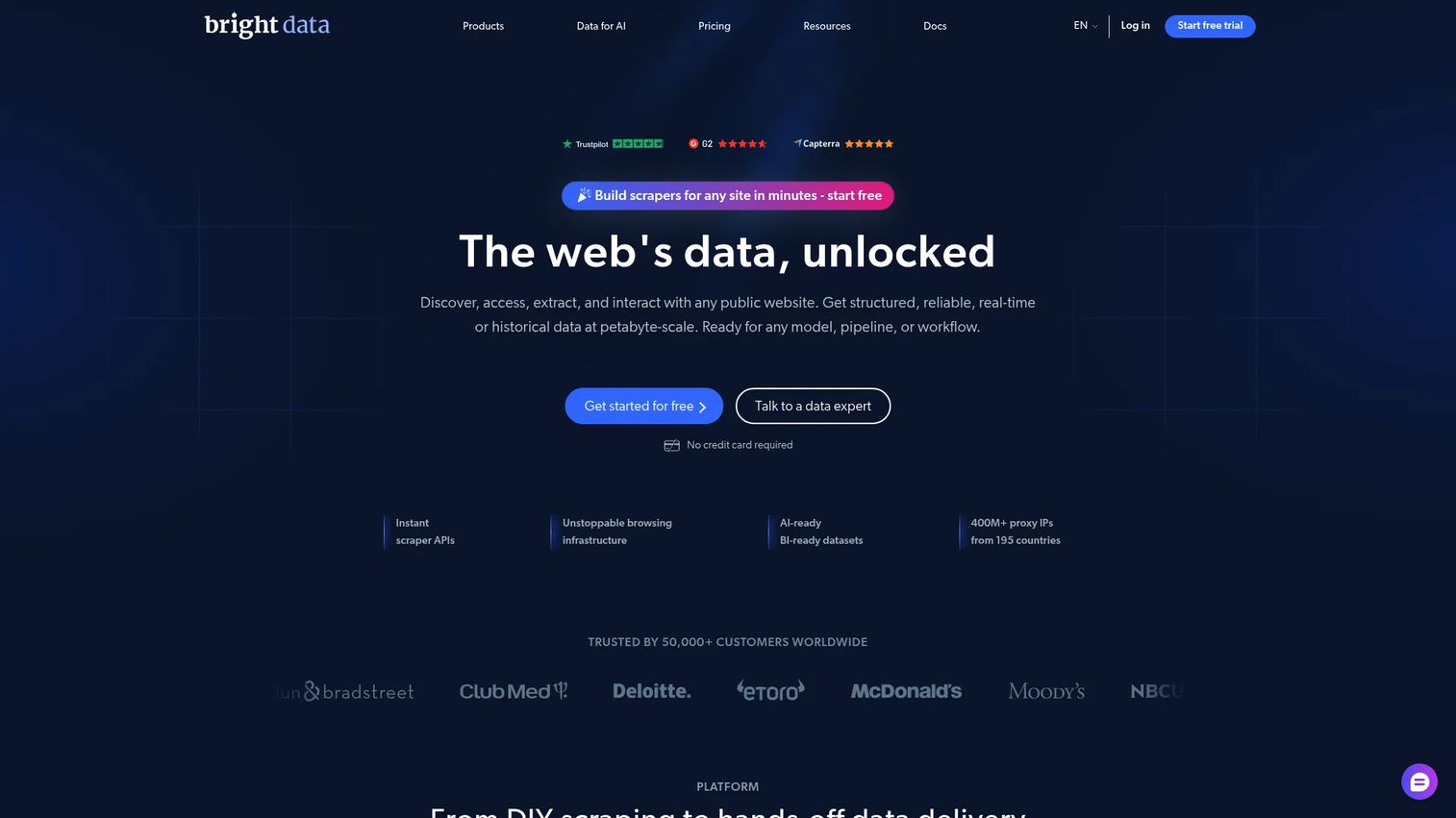
Bright Data is a web data platform combining proxy networks with scraping APIs, ready-to-use datasets, and managed data collection services. The platform supports residential, ISP, datacenter, and mobile proxies alongside a Web Scraper API that handles CAPTCHA, JavaScript rendering, and structured output. Buyers who need both proxy access and a data marketplace will find everything under one contract.
Ownership note: Bright Data began life as Luminati Networks, a division of Hola, and renamed in 2021. EMK Capital took a majority stake in 2017. It is independent of the Tesonet group that Oxylabs and Decodo came from.
Best for: Organizations running large-scale web data collection, ad verification, pricing intelligence, or SERP monitoring at volume.
Key features
- Residential, ISP, datacenter, and mobile proxy networks
- Web Scraper APIs with automatic CAPTCHA handling and JS rendering
- Ready-to-use datasets and managed data collection services
- Compliance controls and acceptable-use documentation
- Usage-based and subscription pricing across all products
Why choose Bright Data: Choose it when the proxy infrastructure and the data collection workflow belong in the same buying decision. Review acceptable-use policies early in the evaluation cycle; buyers in regulated industries will want that documentation ready for procurement.
Bright Data pricing: Billing differs by product, which is the main thing to pin down before you compare it with a per-GB provider. The Web Scraper API is priced per 1,000 records on a pay-as-you-go basis, starting around $0.75. Datasets are sold per record volume, starting around $250 for 100K records. Residential proxies are billed per GB from roughly $2.50, datacenter proxies per IP from roughly $0.90, and ISP proxies per IP from roughly $1.30. Free tiers and trials exist on several products. Confirm the current rate card with Bright Data, because the published figures move with volume commitments.
G2 rating
Bright Data holds 4.7 out of 5 on G2 across 340 reviews.
3. Decodo
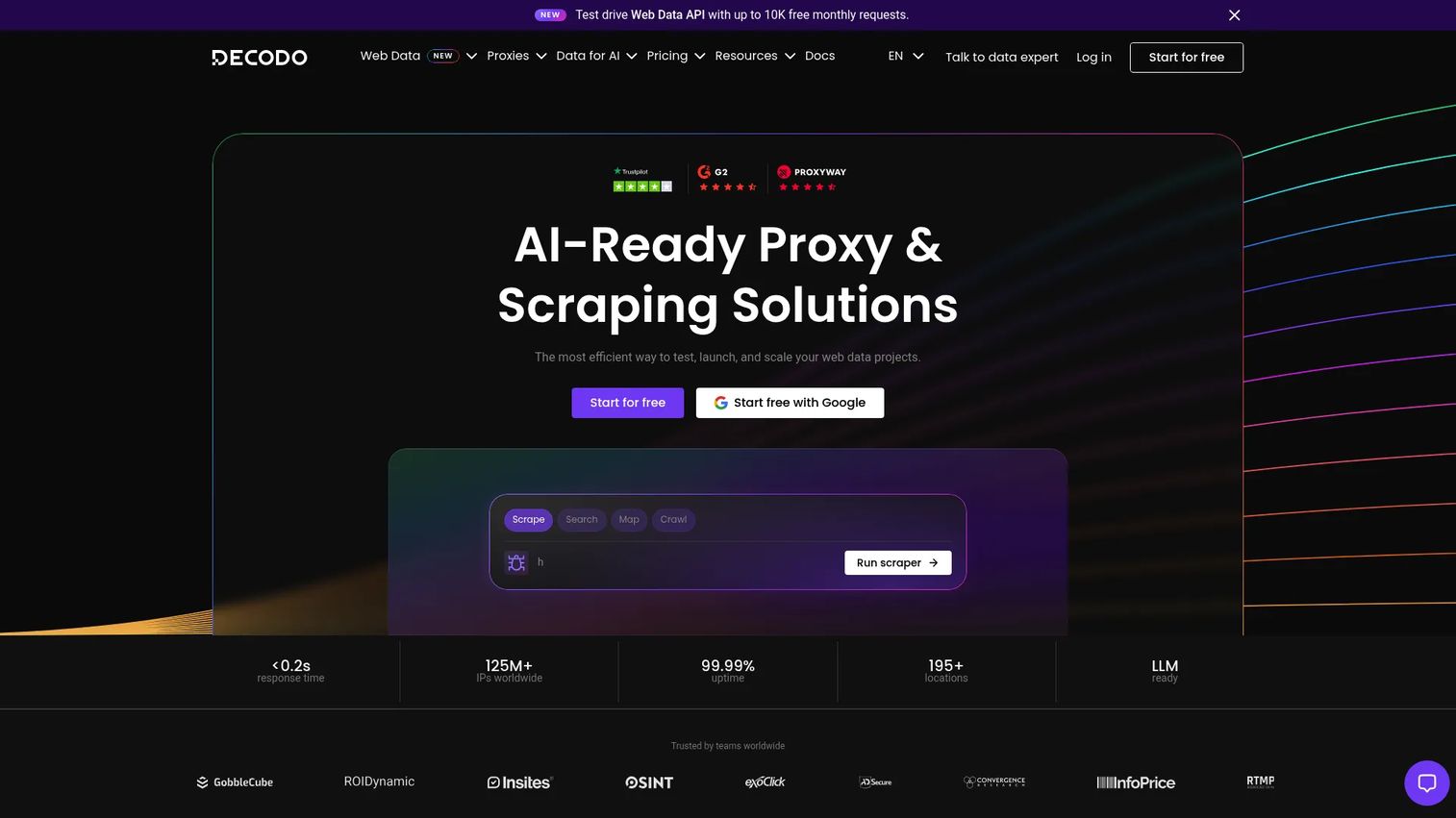
Decodo (formerly Smartproxy) provides AI-ready proxy and web scraping infrastructure for collecting live web data. The platform covers residential, static residential, mobile, and datacenter proxies alongside a Web Data API for scraping, searching, mapping, and crawling. A built-in Site Unblocker handles CAPTCHA and IP-block challenges automatically.
Ownership note: This is the same product as Smartproxy in row 4. The rebrand took effect in April 2025 and G2 holds a single merged listing. Decodo also shares its Tesonet origins with Oxylabs in row 1, so a shortlist built from rows 1, 3 and 4 covers one corporate family rather than three vendors.
Best for: Small to mid-sized teams that need accessible proxy infrastructure, a scraping API, and clear pricing without enterprise buying cycles.
Key features
- Web Data API with a free plan and paid tiers
- Residential, static residential, mobile, and datacenter proxies
- Site Unblocker with automatic CAPTCHA and block handling
- Scraping APIs for search, maps, and structured content
- HTTP(S) and SOCKS5 support
Why choose Decodo: A strong option for SE teams supporting smaller POCs where the buyer wants working proxy access and a scraping workflow without a long procurement process. The free Web Data API plan lets you test the product before committing.
Decodo pricing: Billing is mostly per GB on the proxy side and per request on the API side. The Web Data API has a free plan, with paid API tiers starting at $19/month. Residential proxies start at $4 for 1 GB, with pay-as-you-go limited to small top-ups and the per-GB rate falling at higher committed volumes. Rotating datacenter proxies work out at about $0.60/GB, and dedicated static residential IPs run around $3.33/IP. Check the live pricing page before you buy, because Decodo re-tiers these plans regularly.
G2 rating
Decodo holds 4.6 out of 5 on G2 across 714 reviews, under the listing name "Decodo (formerly Smartproxy)." That one listing covers both brand names, so there is no separate Smartproxy score to compare it against.
4. Smartproxy
Smartproxy is not a separate vendor. It is the former name of Decodo in row 3. The rebrand took effect in April 2025, the official site now redirects, and the underlying infrastructure, including residential, mobile, static residential, and datacenter proxies, is the Decodo platform. It appears here as its own row because buyers still search for the old name and still find it on vendor lists, where it is routinely presented as an independent alternative to Decodo. It is not one.
Ownership note: Same company, same product, same G2 listing as Decodo. Both also share Tesonet origins with Oxylabs in row 1.
Best for: Buyers who arrived via the old brand name and need to know where the product went.
Key features
- Residential, mobile, static residential, and datacenter proxies, all delivered by Decodo
- Web Data API for scraping and structured data retrieval
- HTTP(S) and SOCKS5 with rotating and sticky sessions
- Browser extensions for quick proxy configuration
- Broad location coverage across many countries
Why choose Smartproxy: There is no separate Smartproxy purchase to make. If a comparison table, a procurement sheet, or an internal shortlist lists Smartproxy and Decodo side by side, collapse them into one line and free up a shortlist slot for a genuinely different vendor.
Smartproxy pricing: There is no independent Smartproxy rate card. Pricing is the Decodo pricing in row 3. Any list quoting different numbers for the two brands is quoting stale figures for one of them.
G2 rating
There is no standalone Smartproxy listing on G2. The reviews sit under "Decodo (formerly Smartproxy)," at 4.6 out of 5 across 714 reviews.
5. IPRoyal
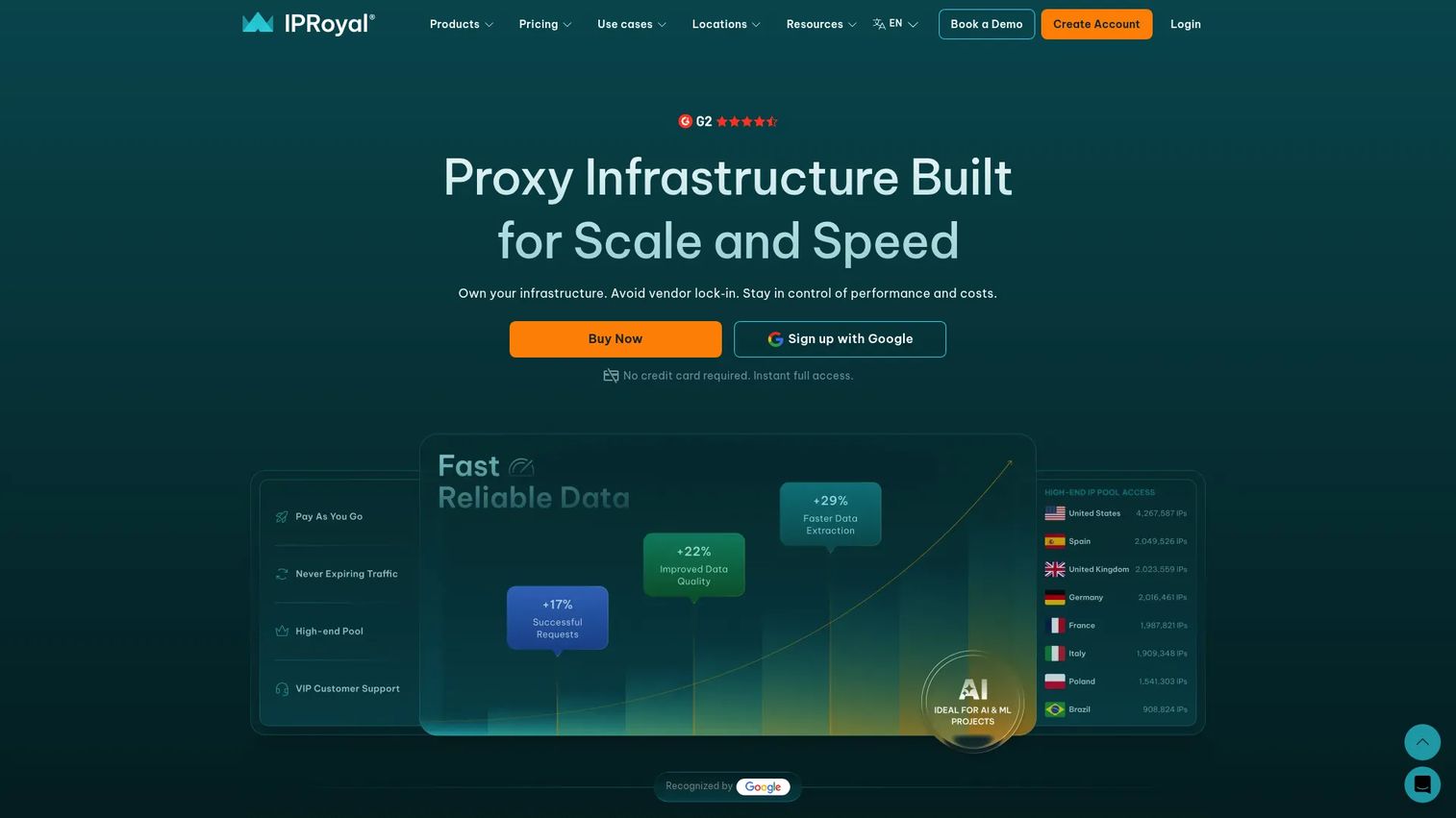
IPRoyal is a proxy provider offering residential, ISP, datacenter, mobile, and web-unblocking options. Residential proxies support HTTP(S) and SOCKS5, rotating and sticky sessions, and country, state, and city targeting. Mobile proxies include auto-rotation with 5G, 4G, 3G, and LTE support. A workspace control panel handles user roles, 2FA, billing management, API access, and usage analytics.
Best for: Teams that want several proxy types on one account with no minimum commitment, and that are willing to pay a higher entry rate per GB for that flexibility.
Key features
- Residential proxies with country, state, and city targeting
- Mobile proxies with auto-rotation and localized carrier support
- Datacenter and ISP proxy options
- API access and workspace controls with user roles and 2FA
- HTTP(S) and SOCKS5 support across proxy types
Why choose IPRoyal: A practical option when the team needs more than one proxy type without opening more than one account. Presales teams can recommend it for early validation cycles where the buyer wants to test several proxy types before deciding which one the production workload needs.
IPRoyal pricing: Three different billing models apply, so read the right one for the product you want. Residential proxies are billed per GB, starting at $7 for 1 GB, sold either as non-expiring packages whose rate drops at higher volumes or as monthly subscriptions that run about 5% below the pay-as-you-go rate and carry traffic over. Datacenter proxies are billed per IP per month, starting at $1.80 and falling to roughly $1.44 at 500 IPs. ISP proxies are billed per IP per month, starting at $4.00 and falling to roughly $2.55 at 500 IPs, with single-day rentals available. Mobile is sold either as a dedicated device, around $10 per device per 24 hours, or as pool access billed per GB. Longer billing periods carry 5% and 10% discounts, and low-fraud-score and custom-requirement options add 10% to 30%. Verify current rates on the IPRoyal pricing page, since the per-IP tiers shift frequently.
G2 rating
IPRoyal holds 4.7 out of 5 on G2 across 997 reviews.
6. NetNut.io
NetNut.io is a proxy service built for web scraping, data collection, and geographically targeted access, covering rotating residential, static residential, and mobile proxies. It is owned by Alarum Technologies (Nasdaq and TASE: ALAR), which acquired NetNut Ltd. in 2019 when the parent was still named Safe-T Group.
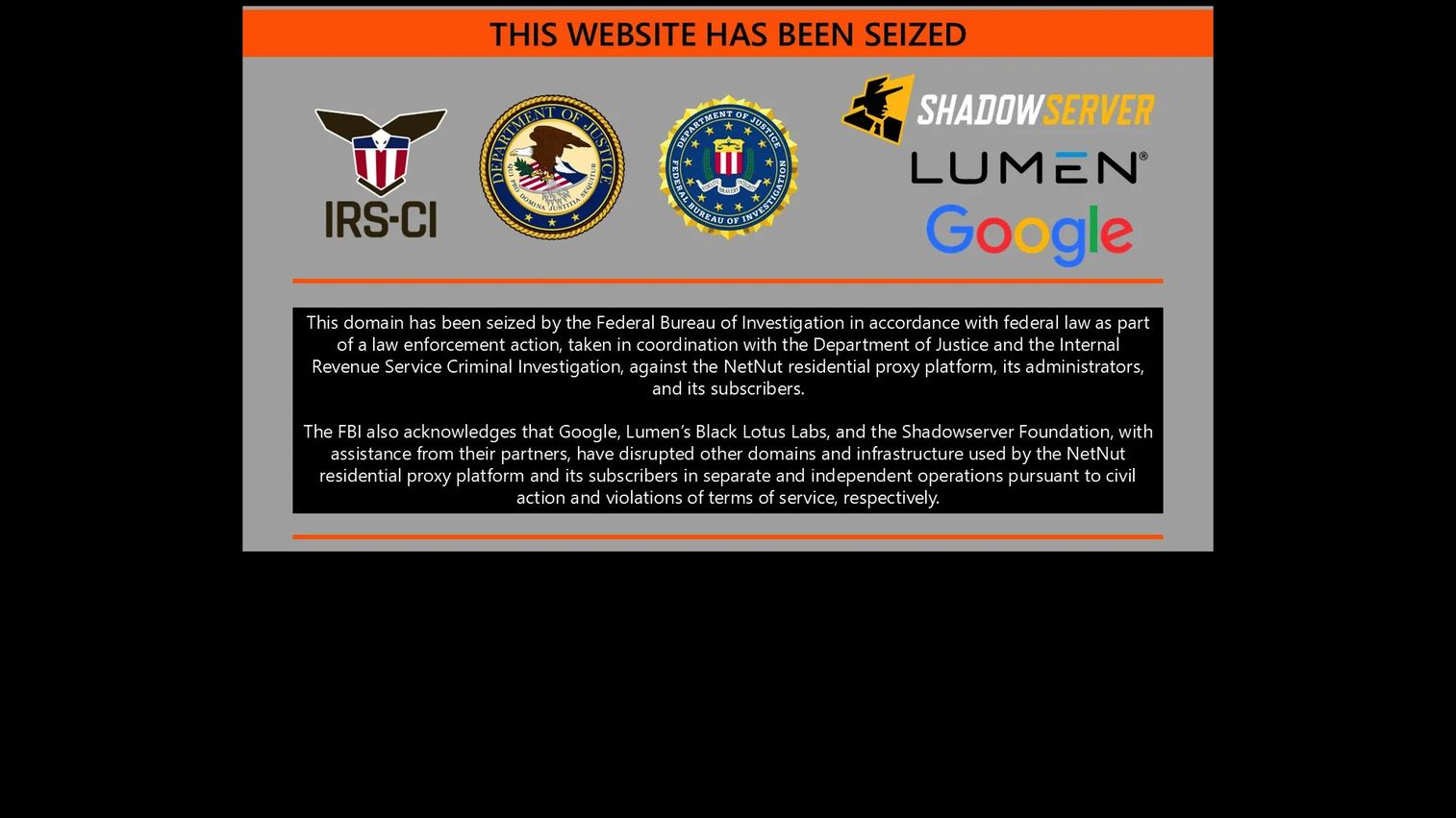
Status before you evaluate it. Alarum disclosed that the FBI seized certain NetNut domains on 2 July 2026, and followed that with further disclosures on 3 and 4 July about additional law-enforcement action against NetNut-related domains and a pause of certain network services. In its 13 July 2026 update, Alarum said it still did not know the root cause, that external cybersecurity and forensic advisers were reviewing whether third parties had misused the network, and that a cost-reduction plan would affect about one third of its workforce. The company said any restart of services would follow an enhanced legal, technical, and compliance review. Service availability has not been restored on the original terms, so NetNut is not currently a tool you can put into a POC.
Best for: Nothing you need to ship this quarter. Keep it on a watch list if static residential sessions are your requirement, and revisit it only after Alarum confirms service restoration and publishes the outcome of its review.
Key features
- Rotating residential proxies for dynamic IP access
- Static residential proxies for persistent sessions
- Mobile proxies for carrier-based IP access
- API access for programmatic proxy management
- Web scraping and geolocation-targeted data collection support
Why choose NetNut.io: The product's design strength was session stability for long-running geo-targeted collection. That strength is beside the point while the service is paused and the forensic review is open. Any security reviewer who reads the Alarum disclosures will ask about them, so raise the status yourself rather than letting procurement find it. If your requirement is static residential sessions today, evaluate another provider and keep NetNut as a later option.
NetNut.io pricing: No current rate card applies while services are paused. Alarum has not published restoration terms or pricing for a restarted network. Direct any questions to Alarum Technologies rather than to a reseller list quoting pre-July 2026 figures.
G2 rating
NetNut.io holds 4.9 out of 5 on G2 across 385 reviews. Those reviews predate the July 2026 service pause, so the score reflects the product as it operated before the disruption rather than what a buyer can get now. This is a good illustration of why a G2 score should never be read without a date attached to it.
7. Proxy-Seller
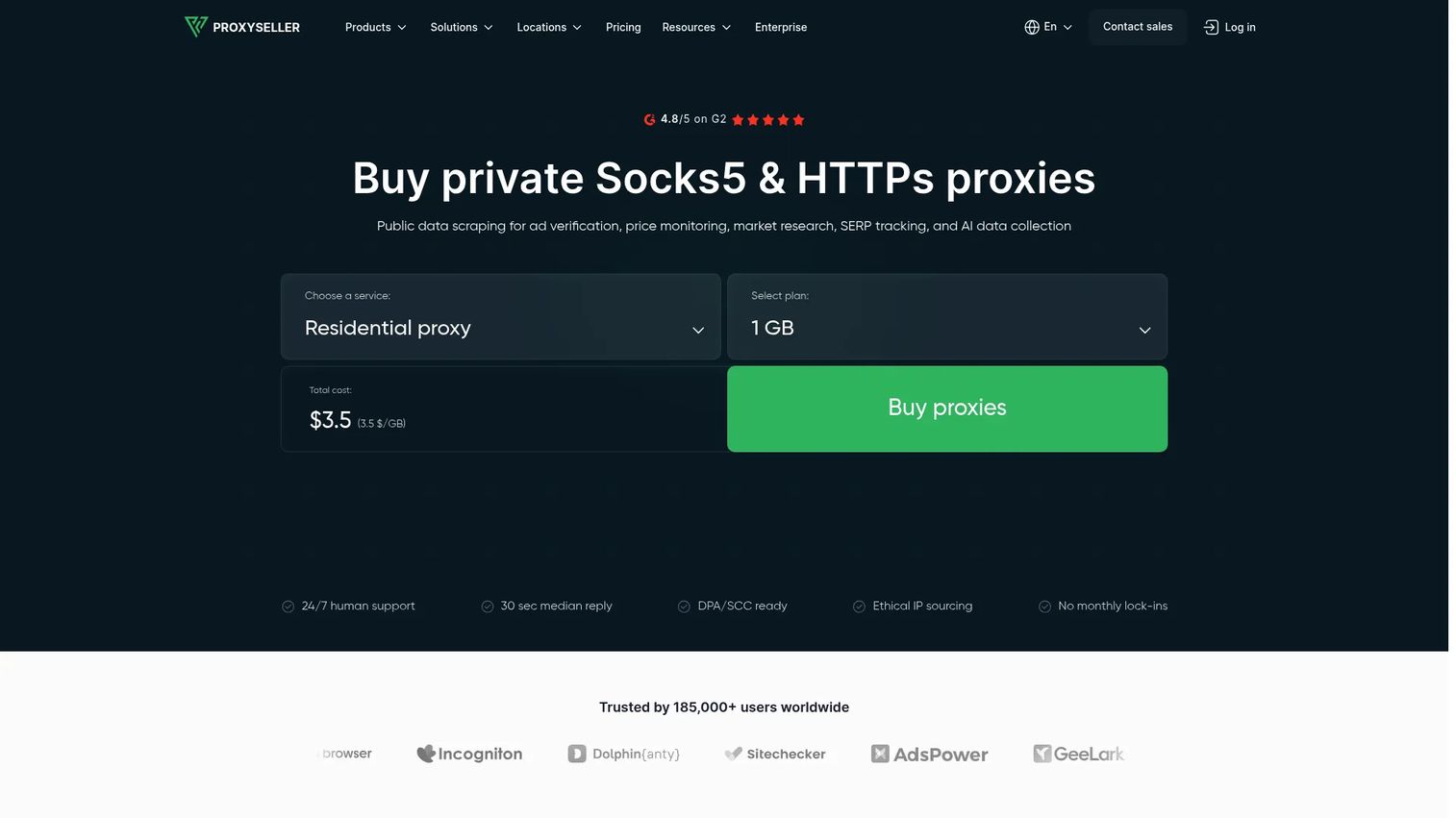
Proxy-Seller offers residential, ISP, IPv4, IPv6, mobile, and datacenter proxies for scraping, automation, ad verification, SEO monitoring, and data collection. The company has operated since 2015 and is based in Larnaca, Cyprus. Static and rotating IPs are available with sticky-session or per-request rotation. HTTP, HTTPS, and SOCKS5 protocols are supported across proxy types, with REST API and SDK integrations for programmatic control.
Best for: Buyers that need direct control over proxy type, location, and rental duration without a full enterprise platform contract.
Key features
- Residential proxies with country, city, and ISP targeting
- IPv4, IPv6, ISP, mobile, and datacenter proxy options
- HTTP, HTTPS, and SOCKS5 protocol support
- REST API, SDK integrations, and IP allowlisting
- Dashboard-based proxy management with 24/7 support
Why choose Proxy-Seller: Useful when a team wants to purchase specific proxy types and rental durations at clear per-unit pricing. Keep the evaluation purchasing-focused rather than platform-focused. No free trial is offered, so request a price quote against your target traffic volume before signing.
Proxy-Seller pricing: The company runs two billing models side by side, which makes headline comparisons misleading. Residential traffic is billed per GB, starting around $3.50/GB and falling to roughly $1.45/GB at 1,000 GB. Dedicated proxies are billed per IP: IPv6 and datacenter from a few cents per IP, IPv4 from around $0.49/IP, ISP from around $0.98/IP, and mobile from around $10/IP. The sub-cent per-IP figures that appear in roundups come from the IPv6 range and say nothing about what residential traffic will cost you, so price your own workload against the right model. Confirm current rates on the Proxy-Seller pricing page.
G2 rating
Proxy-Seller holds 4.7 out of 5 on G2 across 166 reviews.
8. NodeMaven
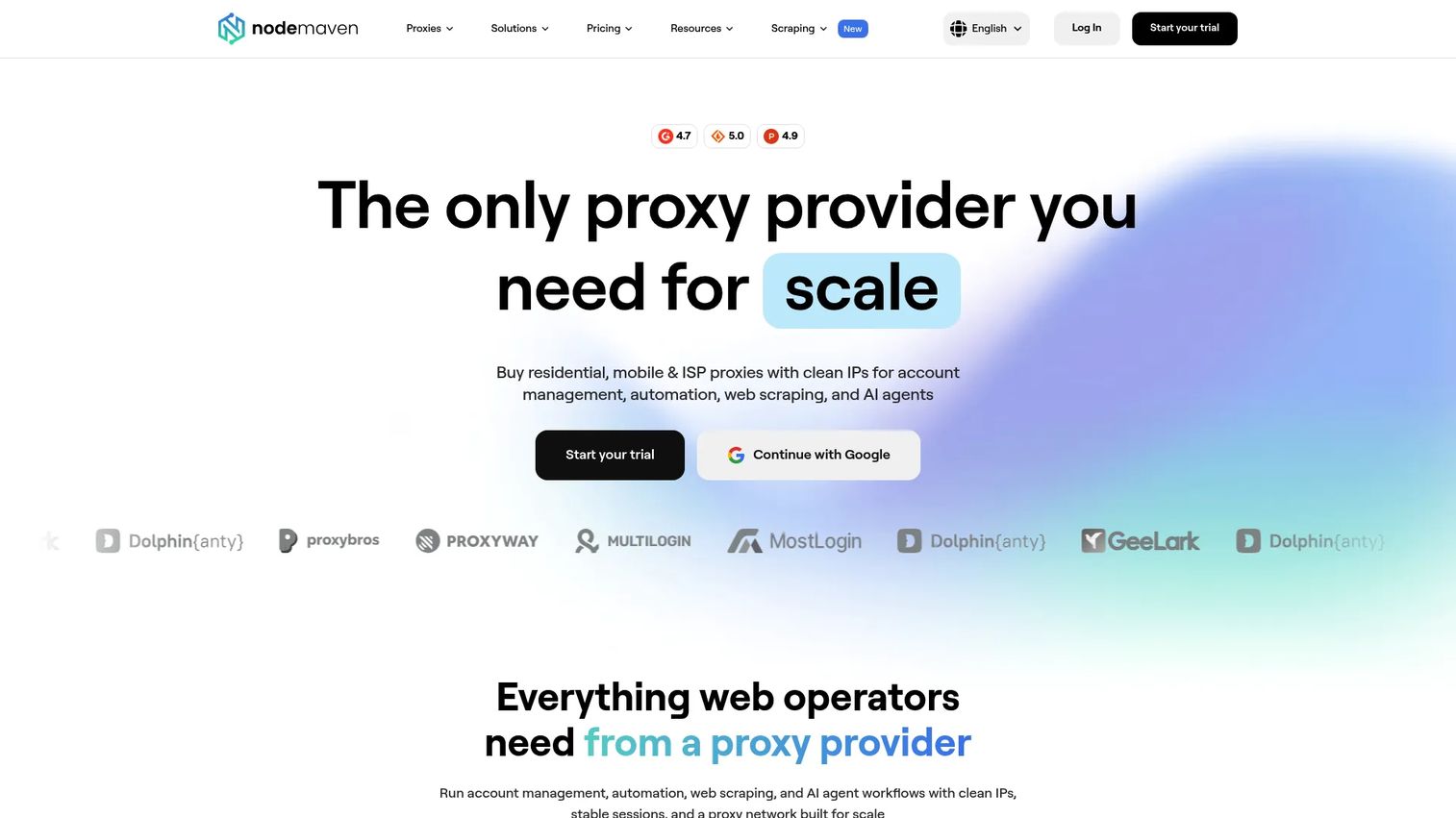
NodeMaven provides residential, mobile, and ISP proxies with a focus on IP quality filtering and clean pool management. The platform offers ZIP-level, country, city, region, and ISP targeting alongside sticky sessions up to 24 hours, traffic rollover, and a quality guarantee. Buyers who have been burned by blocked or low-quality IPs in previous proxy tests will find the filtering approach relevant. The company has been selling since 2023, which is worth noting when you weigh its review volume against older providers.
Best for: Teams that care about proxy quality and connection reliability over raw pool size.
Key features
- Residential and mobile proxies with quality and speed filters
- ZIP-level, city, region, country, and ISP targeting
- Sticky sessions configurable up to 24 hours
- Traffic rollover and a quality guarantee
- Usage dashboard and API access
Why choose NodeMaven: A strong fit when blocked or degraded IPs have undermined past POC results. Presales teams can frame it around connection reliability during technical evaluations rather than leading with IP count. A small paid trial is available before you commit to a monthly plan.
NodeMaven pricing: Residential and mobile proxies are billed per GB on monthly plans, starting around $2.20/GB, with traffic rollover between periods. ISP proxies are billed per IP rather than per GB, at roughly $2.99/IP for 30-day or 90-day terms. A small paid trial of a few hundred megabytes is sold for a few dollars. Custom pricing applies above 1,000 GB per month. Confirm the current figures on the NodeMaven pricing page before you build them into a business case.
G2 rating
NodeMaven holds 4.7 out of 5 on G2 across 200 reviews.
9. Apify
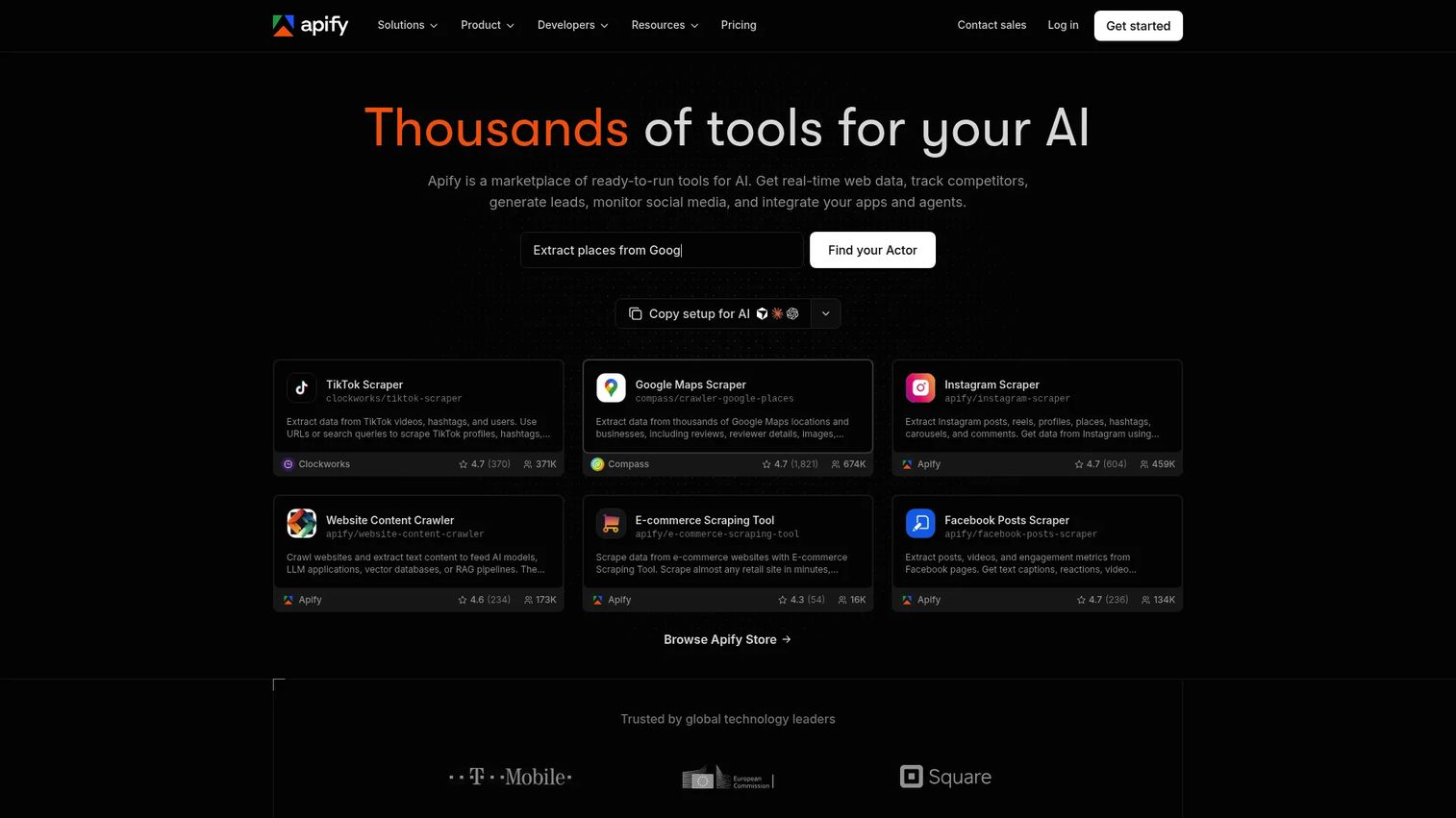
Apify is a cloud platform and marketplace for web scraping, data extraction, browser automation, and AI workflows. The core unit is an Actor: a reusable, serverless scraping or automation script that runs in the cloud and stores results in datasets, key-value stores, or request queues. Proxy support is integrated into the Actor runtime, so developers configure proxy rotation alongside their extraction logic in one place.
Best for: Developers and data teams that want a complete scraping workflow, including scheduling, proxy management, and output storage, rather than raw proxy access alone.
Key features
- Actor marketplace with pre-built scrapers and automation tools
- Integrated proxy support with residential and datacenter options
- Datasets, key-value stores, and request queues for output storage
- Scheduling, REST API, CLI, webhooks, and integrations with Make, n8n, and Zapier
- Free plan with a monthly usage credit
Why choose Apify: Choose it when the buyer needs a repeatable data extraction job, not just IP access. For presales teams supporting technical buyers who ask about structured, recurring data collection, Apify's Actor approach is the clearest answer. It abstracts proxy management into a larger workflow.
Apify pricing: Billing combines a plan fee with consumption credits, so the plan tier sets your floor rather than your total. The Free plan includes a small monthly usage credit. Starter runs at $19/month plus pay-as-you-go usage, Scale at $199/month, and Business at $999/month, each including prepaid usage credits at the plan value. Enterprise pricing is quoted. Model your expected compute and proxy consumption, not just the subscription line, because overage is where the real cost lands.
G2 rating
Apify holds 4.7 out of 5 on G2 across 578 reviews.
10. Zyte
Zyte provides web data collection APIs and managed extraction services for accessing and structuring web data at scale. The company previously operated as Scrapinghub and maintains the open-source Scrapy framework. The Zyte API handles headless browser automation, JavaScript rendering, automatic proxy rotation, AI-powered data extraction, and anti-ban handling. Session and cookie management, geolocation controls, and configurable IP types are included. Teams pay per successful response rather than per proxy.
Best for: Engineering teams and data buyers that want managed web extraction with built-in anti-blocking, rather than self-managed proxy rotation.
Key features
- Headless browser automation and JavaScript rendering
- Automatic proxy rotation and anti-ban handling
- AI-powered extraction into structured data
- Session and cookie management with geolocation controls
- Screenshots, network captures, and browser action support
Why choose Zyte: Choose it when the buyer wants fewer proxy operations tasks and more managed extraction outcomes. The per-successful-response pricing model is distinct from bandwidth-based proxy billing and worth explaining to buyers comparing Zyte against traditional proxy providers.
Zyte pricing: Zyte bills per successful request, which makes a direct comparison with per-GB proxy pricing impossible without modelling your own workload. Plain HTTP response body requests sit at the low end of the range, in the region of $0.13 per 1,000 requests, rising with target complexity. Browser-rendered requests cost substantially more per 1,000, because each one consumes a rendered session rather than a simple fetch. A small free credit is available for a time-limited trial with no subscription required. Run a sample of your real target URLs through the API during the trial, since the price per 1,000 depends on which tier your targets fall into.
G2 rating
Zyte holds 4.4 out of 5 on G2 across 125 reviews.
11. DataImpulse
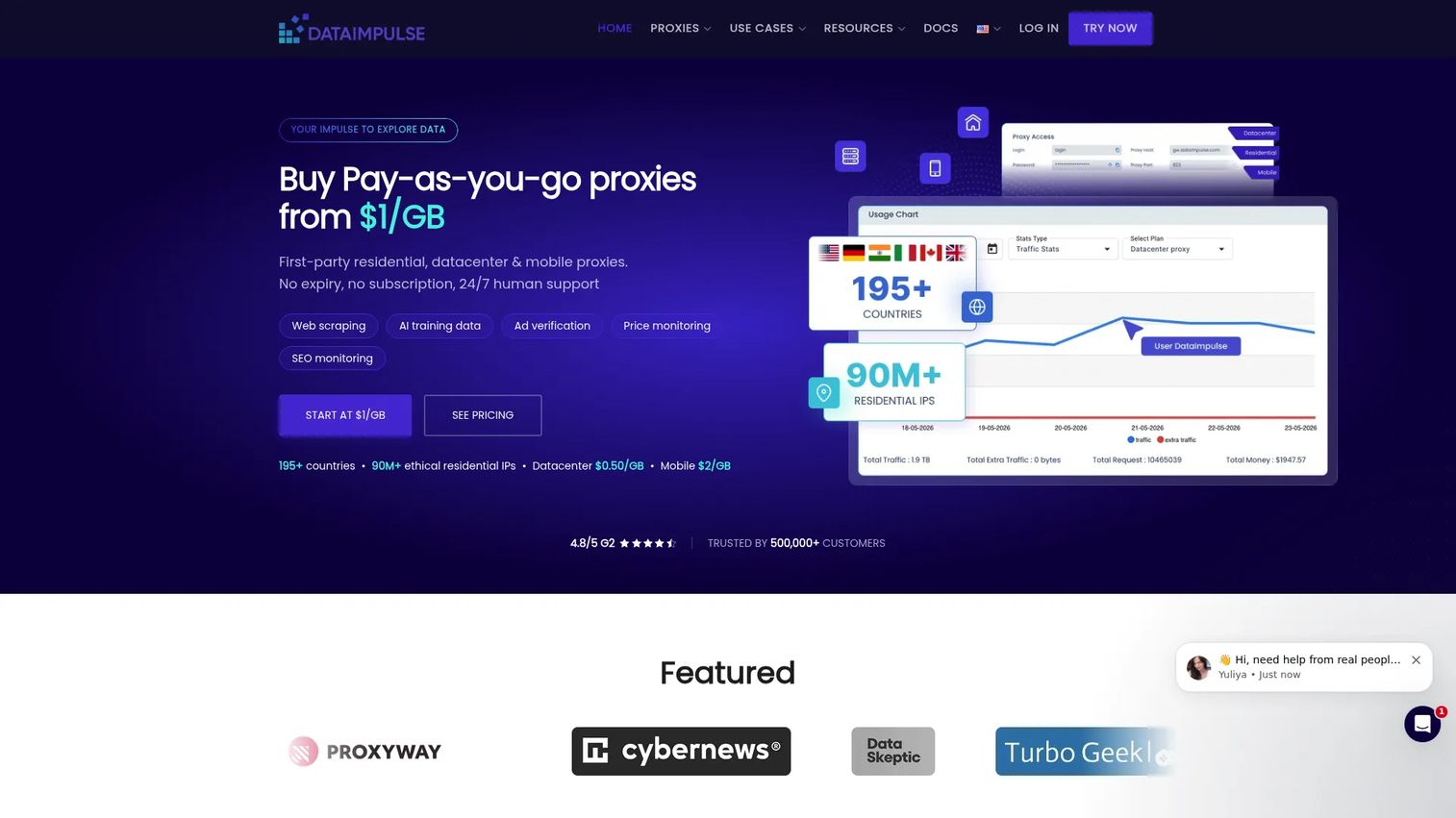
DataImpulse provides pay-as-you-go residential, datacenter, mobile, and premium residential proxies with no traffic expiration. The company states coverage of more than 195 countries with country, state, city, ZIP, and ASN targeting. HTTP(S) and SOCKS5 are supported with rotating and sticky sessions. The no-subscription model suits teams that want to pay for what they use without a monthly commitment.
Best for: Teams that need low-cost residential proxy testing, smaller workloads, or price-sensitive POCs before committing to a larger platform.
Key features
- Residential, datacenter, mobile, and premium residential proxies
- Country, state, city, ZIP, and ASN targeting, with coverage figures stated by the vendor
- Rotating and sticky sessions with HTTP(S) and SOCKS5 support
- Pay-as-you-go traffic with no expiration date
- API access and 24/7 support
Why choose DataImpulse: A good fit for early-stage testing where the team needs to validate proxy quality on a specific target site before scaling spend. The small entry pack removes friction from starting a POC quickly.
DataImpulse pricing: Everything is billed per GB on a pay-as-you-go balance with no subscription and no traffic expiry, which is the cleanest model on this list to reason about. Residential traffic starts at $1/GB, with a small entry pack sold at $5. Datacenter, mobile, and premium residential traffic are each sold per GB at their own rates, with premium residential the most expensive and datacenter the least. Custom pricing applies at multi-terabyte volumes. Check the live pricing page for the current per-GB rate on each pool before committing budget.
G2 rating
DataImpulse holds 4.7 out of 5 on G2 across 28 reviews. That is a small sample next to the providers above it, so weight it accordingly rather than reading 4.7 here as equivalent to 4.7 across several hundred reviews.
12. ASocks
ASocks is a proxy service offering mobile, residential, and corporate proxies. The vendor states coverage of more than 150 locations, a pool of more than 7 million IP addresses, and a 99.7% connection success rate, all of which are company claims rather than independently measured figures. It positions itself for ad verification, price monitoring, market research, e-commerce, load testing, social media, and financial data use cases.
Best for: Buyers that want several proxy types on one balance with no subscription and no expiry on unused traffic.
Key features
- Mobile, residential, and corporate proxies
- Geo-targeting across the locations the vendor lists
- Pay-as-you-go balance with no monthly or yearly plan required
- Unused traffic does not expire
- 24/7 technical support
Why choose ASocks: Fits users who want access to multiple proxy types without a subscription. Presales teams should position it as practical proxy infrastructure rather than a managed scraping platform. Evaluate actual connection success rates against your specific target geography during a trial, since the vendor's headline success figure is self-reported.
ASocks pricing: The primary model is per GB, not per proxy. Residential, mobile, and datacenter traffic are sold at a flat $3/GB on a pay-as-you-go balance that you top up, with no monthly or yearly plans and no expiry on unused traffic. IP allowlisting is charged separately at roughly a cent per port per day, and payment-method commissions can lift the effective rate above the list price. Per-proxy monthly figures circulate in third-party roundups, so confirm with ASocks which model applies to the product you want before you build a budget on either one.
G2 rating
ASocks holds 4.9 out of 5 on G2 across 132 reviews.
13. Proxyman
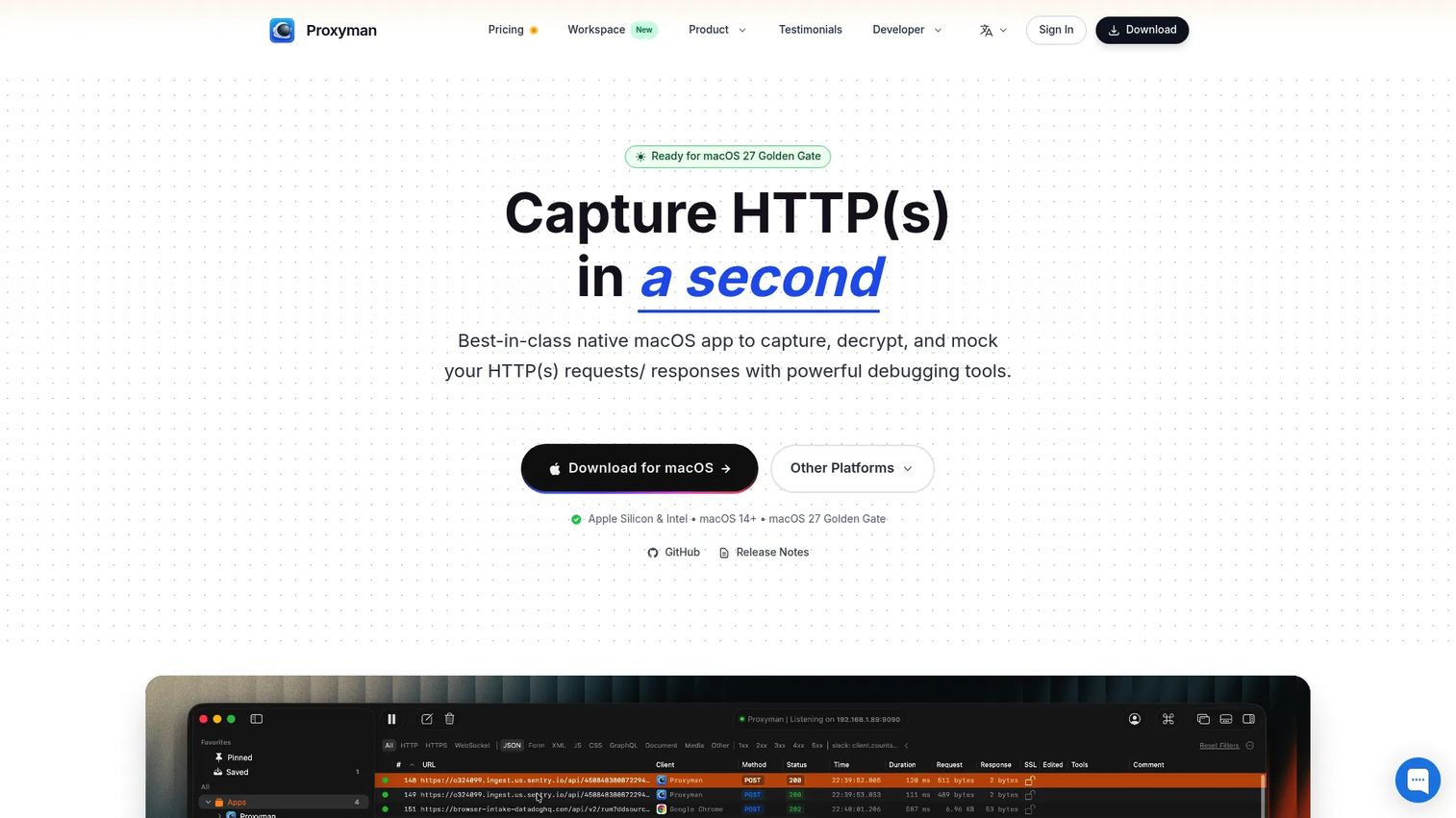
Proxyman is an HTTP debugging proxy for macOS, Windows, Linux, iOS, and Android that captures, inspects, and modifies HTTP and HTTPS traffic. It supports SSL decryption across desktop and mobile devices, breakpoints, Map Local and Map Remote rules, scripting, WebSocket inspection, HTTP/2 inspection, and composing or resending requests. This is a traffic inspection tool, not a residential proxy network.
Best for: Developers, QA engineers, and SEs troubleshooting app, API, or mobile traffic where visibility into request and response details is the core job.
Key features
- HTTP and HTTPS traffic capture with full request and response inspection
- SSL decryption across desktop, mobile, and emulator environments
- Breakpoints, Map Local, Map Remote, and scripting tools
- WebSocket and HTTP/2 inspection
- Compose and resend HTTP requests for testing
Why choose Proxyman: Choose it when the job is inspection and debugging, not IP rotation. This distinction matters in presales contexts where the buyer might conflate "proxy software" with residential networks. Proxyman solves the developer question; Oxylabs or Bright Data solve the data operations question.
Proxyman pricing: Licences are sold per seat, not per GB, which is why Proxyman looks cheap next to proxy networks and is not actually comparable to them. A free trial with limited features is available. The Standard perpetual licence costs $89 for one seat on one Mac, Windows, or Linux device, with one year of updates. The Personal perpetual licence costs $99 for two desktop seats plus two mobile seats for iOS or Android, again with one year of updates. Team licences start at five seats, either $99 per seat one-time or $12 per seat per month billed yearly. Under the perpetual licences you keep using the last version you received after the update year ends, and renewal is optional.
G2 rating
Proxyman is not listed on G2. Its user feedback sits on the Mac App Store, Setapp, and developer communities instead, so judge it on a trial rather than on a peer-review score.
14. PROXY Pro

PROXY Pro is remote access and endpoint-control software from Proxy Networks, Inc., a privately held company based in Boston, Massachusetts. Proxy Networks was founded in 2006 to acquire the remote desktop product line from Juniper Networks, which had itself acquired the original developer, Funk Software, in 2005. The product is built for helpdesks, IT teams, and managed service providers, and it supports attended and unattended endpoint access, remote control, file transfer, remote printing, session recording, and chat. It ships as a peer-to-peer edition, an on-premises Remote Access Server edition with a browser-based web console, and PROXY Air, a hosted service for teams that do not want to run their own server.
Best for: IT and helpdesk teams that need to access, support, and manage endpoints remotely with centralized administration and session audit capabilities.
Key features
- Attended and unattended endpoint access and remote control
- File transfer and remote printing
- Session recording and activity logging
- Chat during support sessions
- On-premises, peer-to-peer, and hosted deployment options
Why choose PROXY Pro: Choose it when the proxy-related job is secure remote endpoint support, not web scraping or geo-targeted traffic routing. This tool earns a place in this comparison because some buyers use "proxy network software" language when searching for remote access tools. PROXY Pro is the right answer for that specific job; it is the wrong answer for residential IP rotation or web data collection. Note that the vendor is Proxy Networks, Inc., which has no connection to any of the residential proxy providers above, despite the shared word in the name.
PROXY Pro pricing: Proxy Networks sells PROXY Pro through per-seat and per-endpoint licensing quoted on request, and through software resellers, rather than publishing a self-service rate card. Ask Proxy Networks directly for licensing terms, trial availability, and volume pricing against your endpoint count, and confirm which edition the quote covers, since on-premises and hosted deployments are licensed differently.
G2 rating
PROXY Pro is not listed on G2. Proxy Networks has a G2 seller profile with no reviews on it, so there is no score to report. TrustRadius and software reseller catalogues carry the limited third-party feedback that exists.
15. ProxyWing
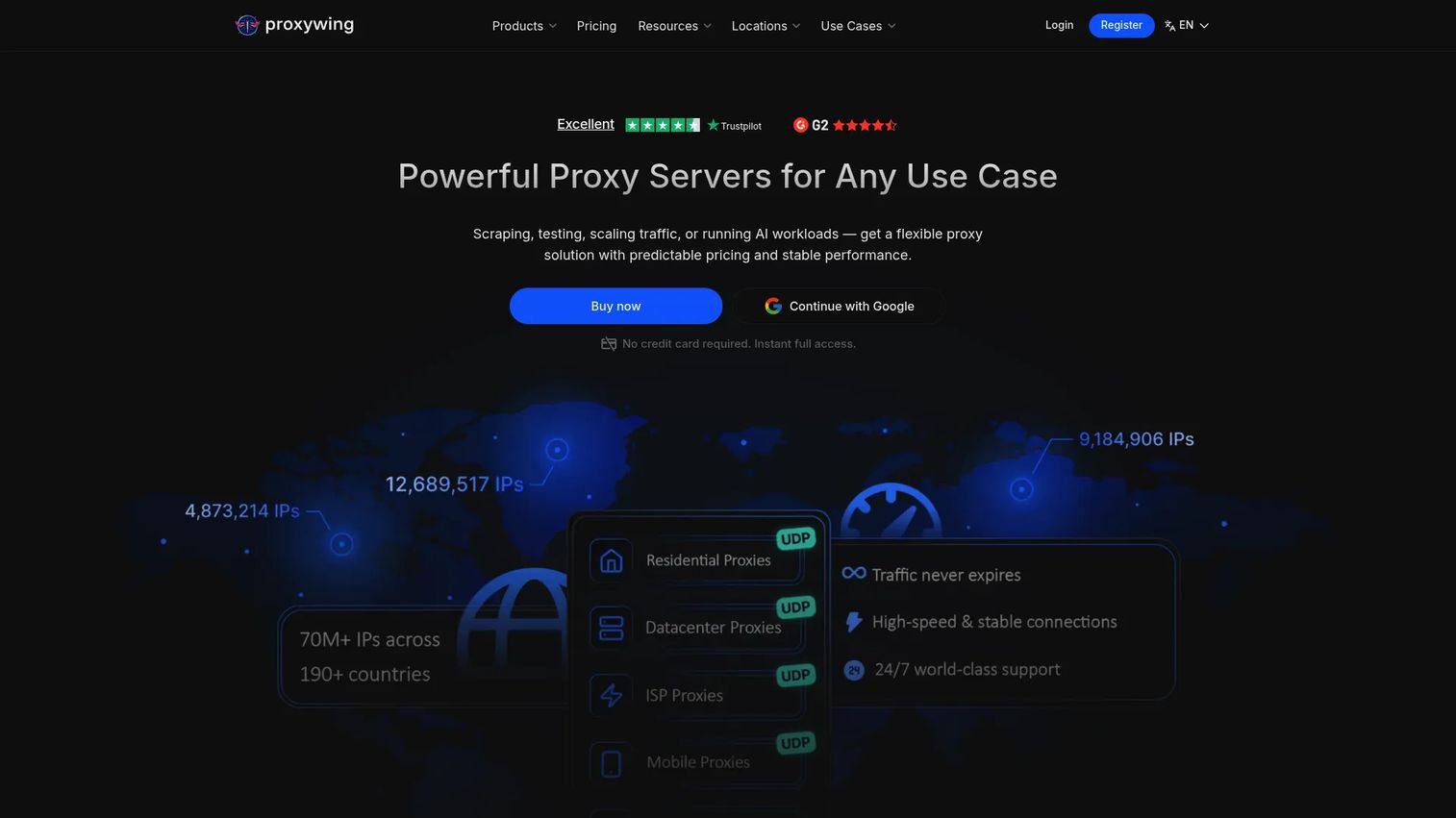
ProxyWing provides datacenter, residential, ISP, and mobile proxies with country, city, and ISP targeting. HTTP and SOCKS5 protocols are supported with rotating and static session options. A public API enables programmatic proxy ordering and session management. Pricing varies by proxy type, volume, location, and billing period, with residential plans available in Standard and Premium tiers.
Best for: Businesses that need straightforward proxy access across multiple proxy types without a heavy platform layer or enterprise contract.
Key features
- Datacenter, residential, ISP, and mobile proxies
- Country, city, and ISP targeting with rotating and static sessions
- HTTP and SOCKS5 protocol support
- Public API for programmatic ordering and management
- Standard and Premium residential options
Why choose ProxyWing: Useful for buyers who want a smaller provider for direct proxy access at clear per-unit pricing. Its 63 G2 reviews are a thinner evidence base than the larger providers on this list, so lean on your own trial results. Evaluate actual coverage in your target regions and review the acceptable-use policy before signing up for a scraping-heavy workload.
ProxyWing pricing: Four billing models apply across four products. Datacenter proxies are sold per IP on monthly plans from roughly $0.90/IP with bulk discounts. Residential Standard traffic is billed per GB from $1/GB, pay-as-you-go, with no subscription or minimum order and no expiry on traffic. ISP proxies are sold per IP on monthly plans from roughly $1.70/IP. Mobile is sold as a day pass from around $4/day, with monthly 5G plans also listed. There is no free plan or free trial, and some plans are quoted on request. ProxyWing's published figures have moved more than once in 2026, so take the current rate from the vendor rather than from a roundup.
G2 rating
ProxyWing holds 4.8 out of 5 on G2 across 63 reviews.
Considerations when choosing proxy network software
Check who owns the brands on your shortlist
This list makes the case on its own. Smartproxy and Decodo are one product under two names, and Oxylabs came out of the same company builder as Decodo. A shortlist that looks like three vendors can turn out to be one corporate family with one infrastructure footprint, one acceptable-use posture, and one commercial relationship. That matters for negotiating leverage, for redundancy planning, and for any security review that asks who actually operates the network. Before you finalise a shortlist, search each brand name alongside its parent company and check whether a rebrand or an acquisition has happened since the comparison you are reading was written.
Match the proxy type to the job
Residential proxies route through consumer IP addresses and are harder for websites to detect as automated traffic. Datacenter proxies use server-based IPs, are faster, and cost less, but are easier to identify as non-human. Mobile proxies route through carrier IPs and are valuable for mobile app testing and ad verification. SOCKS proxies handle protocols beyond HTTP. Debugging proxies capture and inspect traffic but provide no IP rotation whatsoever. Buy the proxy category that matches the job before comparing vendors within that category.
Evaluate IP pool quality, not just pool size
A large IP pool with high block rates is less useful than a smaller, well-maintained one. During a POC, measure success rate on your actual target sites, latency to target regions, and session stability. Ask vendors about refresh cadence, ASN diversity, and how flagged IPs are removed from rotation. Block rate on your specific targets matters more than total IP count in the catalog, and pool size figures are usually vendor-stated rather than audited.
Check compliance and acceptable-use controls
Web scraping and proxy use carry legal and ethical considerations that surface during procurement, especially in regulated industries. The NetNut situation in July 2026 is a reminder that a residential proxy network's exposure can become your supply-chain problem. Verify that the vendor documents data sourcing practices, explains how consent is obtained from the devices in a residential pool, publishes an acceptable-use policy, and has controls for rate limiting and responsible crawling. For access control software environments and enterprise security reviews, ask vendors whether SOC 2, GDPR, or data residency documentation is available.
Compare pricing models carefully
Proxy tools price on GB of traffic, per IP, per request, per day, per seat, or per licence, and several vendors on this list use two or three models at once across their product range. A per-GB residential plan that looks cheap at small volume may cost more than a per-IP ISP plan at scale. Calculate cost-per-successful-task on your specific workload, not headline price. Some providers also charge separately for sticky sessions, advanced targeting, IP allowlisting, or payment-method commissions, so read the pricing page in full before signing.
Read G2 scores with the review count attached
A 4.9 from 28 reviews and a 4.5 from 420 reviews do not carry the same weight, and neither tells you anything about the product's status today. NetNut's 4.9 was earned before its service was paused. Check the review count, read the most recent reviews rather than the summary score, and confirm the product is still operating on the terms those reviews describe.
Test support and reliability during a POC
Run a small controlled test against your actual target sites, in your target regions, at your expected traffic shape. Measure uptime, latency, session stability, ban rate, and how quickly support responds when something breaks. Documentation quality matters for developer-led implementations. A POC that surfaces support gaps is far less expensive than discovering them post-purchase.
Conclusion
The right proxy network software choice depends entirely on the job. Choosing by brand name or headline price without matching proxy type to use case is how teams end up with a residential proxy network when they needed a debugging tool, or a scraping platform when they needed dedicated IPs.
Before anything else, collapse the duplicates. Smartproxy and Decodo are the same product, and Oxylabs shares its origins with Decodo, so a shortlist drawn from those three names gives you one corporate family. NetNut's service has been paused since July 2026, which takes it out of contention for anything you need to run this quarter whatever its review score says.
For enterprise data operations and web intelligence at scale, Oxylabs and Bright Data offer the infrastructure depth and compliance documentation that survive procurement reviews, and they are genuinely independent of each other. For developer-led scraping workflows with built-in automation, Apify and Zyte reduce operational overhead significantly. Budget-conscious buyers running residential proxy tests should look at DataImpulse or ProxyWing first, both at $1/GB pay-as-you-go.
For HTTP traffic inspection and API debugging, Proxyman is purpose-built and licensed per seat. For remote endpoint support, PROXY Pro from Proxy Networks, Inc. solves the job that residential proxy networks cannot.
The practical next step is to build a shortlist of two or three genuinely independent tools based on your specific use case, run a controlled POC against your actual target sites or endpoints, and compare success rate, support responsiveness, and total cost at your expected volume.
Explore more technical evaluation guides in our best presales software tools roundup, or check our coverage of access review software for related security and governance tooling.
Proxy evaluations almost always end the same way, with a buyer asking to see the thing working before they sign. That part is a presales problem rather than a proxy problem. If your team spends POC cycles setting up environments and screen-sharing sessions so stakeholders can see a product in action, an interactive demo can carry some of that load. Guideflow is an interactive demo platform for presales and product marketing teams, used to build interactive demos that buyers can open and explore on their own time. It has nothing to do with proxy infrastructure, and it will not help you rotate an IP. It may help you spend fewer POC hours on the show-and-tell part. Start your journey with Guideflow today!
FAQs
Proxy network software routes internet traffic through intermediary servers or IP addresses so the destination sees the proxy's address rather than the originating client. Teams use it to control where traffic appears to originate, collect web data at scale, test geo-specific content, inspect application traffic, or access remote endpoints. The category includes residential proxy providers, datacenter proxy networks, HTTP debugging tools, and enterprise remote access platforms.
A VPN encrypts all device-level traffic and routes it through a tunnel, typically for privacy or secure remote access. A proxy routes traffic at the application or request level, configured per-browser, per-app, or per-API call, and does not always encrypt the connection. Proxies give more granular control over individual requests and IP selection; VPNs provide broader, device-wide network routing. The buying criteria differ substantially, so evaluate each against your specific technical requirement.
More than most comparison tables admit. Smartproxy and Decodo are the same product: Smartproxy rebranded to Decodo in April 2025 and the two share a single G2 listing. Oxylabs and Decodo both started inside Tesonet, the Lithuanian company builder that also seeded Nord Security, so they are related rather than independent competitors. Bright Data was formerly Luminati Networks, which began as a division of Hola, with EMK Capital taking a majority stake in 2017. NetNut is owned by Alarum Technologies, formerly Safe-T Group, which acquired it in 2019. Zyte previously operated as Scrapinghub. Check ownership before you build a shortlist, because redundancy across two brands from the same group is not redundancy.
Residential proxies reduce block rates on most public websites because they route through consumer IPs that look like ordinary browsers. Datacenter proxies are faster and cheaper but are easier to identify as automated traffic. Managed scraping platforms like Apify or Zyte reduce the operational burden by wrapping proxy rotation inside a full extraction workflow. Test against your specific target sites before choosing a provider, since block rates vary by target domain and geography.
Neither is universally better. Residential proxies are harder to detect as non-human traffic, making them suitable for geo-testing, competitive research, and web data collection on sites with aggressive bot detection. Datacenter proxies offer faster response times and lower cost per request, making them a practical choice for high-volume workloads on less restrictive targets. Match the proxy type to the detection environment of your target site.
Presales teams need to understand the buyer's specific use case before recommending a proxy category. Key questions include: What are the target sites or endpoints? Which regions matter? What is the expected traffic volume per day? Are there compliance or procurement constraints that affect vendor selection? What does a successful POC look like? Answering these before the evaluation saves significant time during technical validation and security review.
Run a small controlled test on your actual target sites during a trial period. Measure success rate (percentage of requests that return the expected response), average latency to target regions, session stability over time, and ban rate (percentage of IPs blocked during the test). Ask the vendor about IP refresh cadence, ASN diversity within the pool, and how flagged IPs are removed. A high-quality pool with lower IP count will outperform a large pool with elevated block rates on your specific targets. See also our guide on big data analytics software for related data infrastructure context.
A debugging proxy captures and inspects HTTP or HTTPS traffic between a client and a server so developers can see exactly what is being sent and received. It typically supports SSL decryption, request breakpoints, request replay, and network condition simulation. Proxyman is the clearest example in this list. A debugging proxy is fundamentally different from a residential proxy network: it provides traffic visibility rather than IP rotation, and is used for app debugging, API troubleshooting, and mobile network testing rather than web data collection.
Pricing models vary by tool, and the model matters more than the number. Residential proxy providers typically charge per GB of traffic, from around $1/GB at DataImpulse and ProxyWing to $7/GB at IPRoyal's entry volume, with per-GB rates falling as committed volume rises. Datacenter and ISP proxies usually price per IP per month, from under a dollar to a few dollars each. Managed extraction platforms charge per successful request, as Zyte does, or per usage credit against a plan tier, as Apify does. Debugging tools like Proxyman sell perpetual per-seat licences from $89. Enterprise remote access software like PROXY Pro is quoted on request. Compare cost-per-successful-task against your expected workload volume rather than headline price per unit.