Your paid social calendar needs five new cuts by Friday. The webinar recording still needs clips. The founder wants a product video for the launch page. The problem isn't making a video. The problem is choosing software that matches the pace and formats your channels demand.
According to Wyzowl's Video Marketing Statistics (2025), 89% of businesses now use video as a marketing tool. That adoption pressure has outgrown what most marketing teams can ship manually. And the wrong software makes it worse: Exporting in the wrong format, rebuilding social cuts by hand, or paying for professional editing features that nobody on the team will ever use.
The right choice depends on your workflow. A social-first marketer building TikTok variations needs something different from a demand gen manager hosting webinars and product demos. This guide cuts through the category noise so you can match the tool to the asset, not the other way around.
What's inside
This guide compares 9 video software tools for marketers, creators, and business teams.
- Who it's for: Digital marketers, growth teams, and content teams shipping video across paid social, YouTube, landing pages, and business channels
- Selection criteria:
- Editing workflow and ease of use for non-specialists
- AI and automation features that save real production time
- Social publishing, resizing, and export controls
- Pricing transparency, free tiers, and watermark rules
- Pricing and G2 ratings reflect live vendor pages and G2 listings, not memory
TL;DR
- Best for branded campaign videos: Canva combines design and video in one browser-based workflow, making it the fastest option for teams already building social assets there
- Best for desktop editing value: CyberLink PowerDirector delivers a full AI-assisted editing suite at a price that beats most alternatives
- Best for beginners: Wondershare Filmora gives new editors a practical starting point with templates, AI captions, and cross-platform support
- Best for short-form social: CapCut is the fastest path to TikTok and Reels content, with auto-captions and trend-ready templates built in
- Best for hosted business video: Vimeo adds hosting, embeds, and viewer analytics on top of its browser editor
- Best for Adobe-aligned teams: Adobe Express fits teams already using Adobe assets or Adobe Stock who need quick, branded social video
What is video software?
Video software is a category of tools used to create, edit, enhance, export, host, or distribute video content for channels such as websites, paid ads, social platforms, webinars, and sales materials.
Core types of video software
The category splits into distinct workflow types, and picking the wrong type creates more work than it saves:
- Online video editors: Browser-based tools like Canva and Adobe Express; no installation required, strong for social and brand content
- Desktop video editing software: Installed applications like CyberLink PowerDirector and Wondershare Filmora; more timeline control for longer or more complex projects
- Mobile and social-first editors: Apps like CapCut; built around short-form formats, trending effects, and fast mobile output
- Video hosting and business video platforms: Tools like Vimeo that combine editing with hosting, embeds, and audience analytics
- AI video generators and editing assistants: Features embedded across most modern tools, handling captions, transcript editing, background removal, and content generation
Key features to look for
- Trimming, cropping, splitting, and merging
- Templates and stock media libraries
- Captions, subtitles, and auto-transcription
- Audio editing and noise cleanup
- AI editing, silence removal, and auto-highlights
- Brand kits and design controls
- Social resizing and format presets
- MP4 export and resolution controls
- Collaboration and commenting
- Hosting, analytics, and embed options
How marketers should define "best"
"Best" is not the most advanced editor. For a marketing team, best means the tool that ships the right asset faster. That comes down to campaign throughput, brand consistency, approval workflow, and whether the output connects to measurable distribution. A tool that takes three hours to learn for a fifteen-second asset is not the best choice, regardless of what it can do.
When to use video software
Create paid social variations faster
Paid social requires multiple cuts for different hooks, audiences, aspect ratios, and formats. The bottleneck is usually production speed, not creative direction. Tools with templates, auto-resizing, quick caption generation, and fast MP4 export solve this directly. Online and mobile editors typically win here over full desktop suites.
Turn long-form content into campaign assets
Webinars, customer interviews, product explainers, and event recordings contain usable clips buried inside long files. Transcript-based editing, AI highlight detection, and fast clipping tools reduce the time between "we have this recording" and "we have five social posts." Vimeo fits this workflow. So does any tool with AI-assisted trimming.
Build branded videos without a production team
Launch videos, landing page assets, product announcements, and email nurture content can be built without an agency or a dedicated video editor when the tool includes brand kits, reusable templates, stock media, and collaboration controls. Speed to first draft matters more than feature depth for these use cases.
Video software comparison
The table below maps each tool to its primary marketing use case. Prices reflect annual billing where applicable; check each vendor's current pricing page before purchasing because promotional rates shift frequently.
| # | Product | Best for | Key differentiator | Pricing | G2 rating |
|---|---|---|---|---|---|
| 1 | Canva | Branded campaign videos | Browser-based design and video workflow | Free; Pro $144/year | 4.7/5 |
| 2 | CyberLink PowerDirector | Desktop editing value | Full AI-assisted suite with 4K export | $59.99/year | 4.4/5 |
| 3 | Wondershare Filmora | Beginner-friendly editing | Templates, AI captions, cross-platform | From $49.99/year | 4.4/5 |
| 4 | Movavi Video Editor | Fast everyday editing | Simple desktop editing with AI tools | From $54.95/year | 4.6/5 |
| 5 | Adobe Premiere Elements | Guided editing for non-professionals | Guided Edit modes with one-time license | $99.99 one-time | 4.1/5 |
| 6 | CapCut | Short-form social video | Social-first editing with auto-captions | Free; Pro $19.99/mo | N/A |
| 7 | Magix Video Pro X | Advanced Windows editing | Multicam, HDR, 8K, and offline AI tools | $139.99 one-time | 4.0/5 |
| 8 | Vimeo | Hosted business video | Editing plus hosting, embeds, and analytics | From $12/seat/mo | 4.3/5 |
| 9 | Adobe Express | Fast social and brand assets | Templates, Adobe Stock, and social resizing | Free; Premium $9.99/mo | N/A |
Best 9 video software tools for 2026
1. Canva
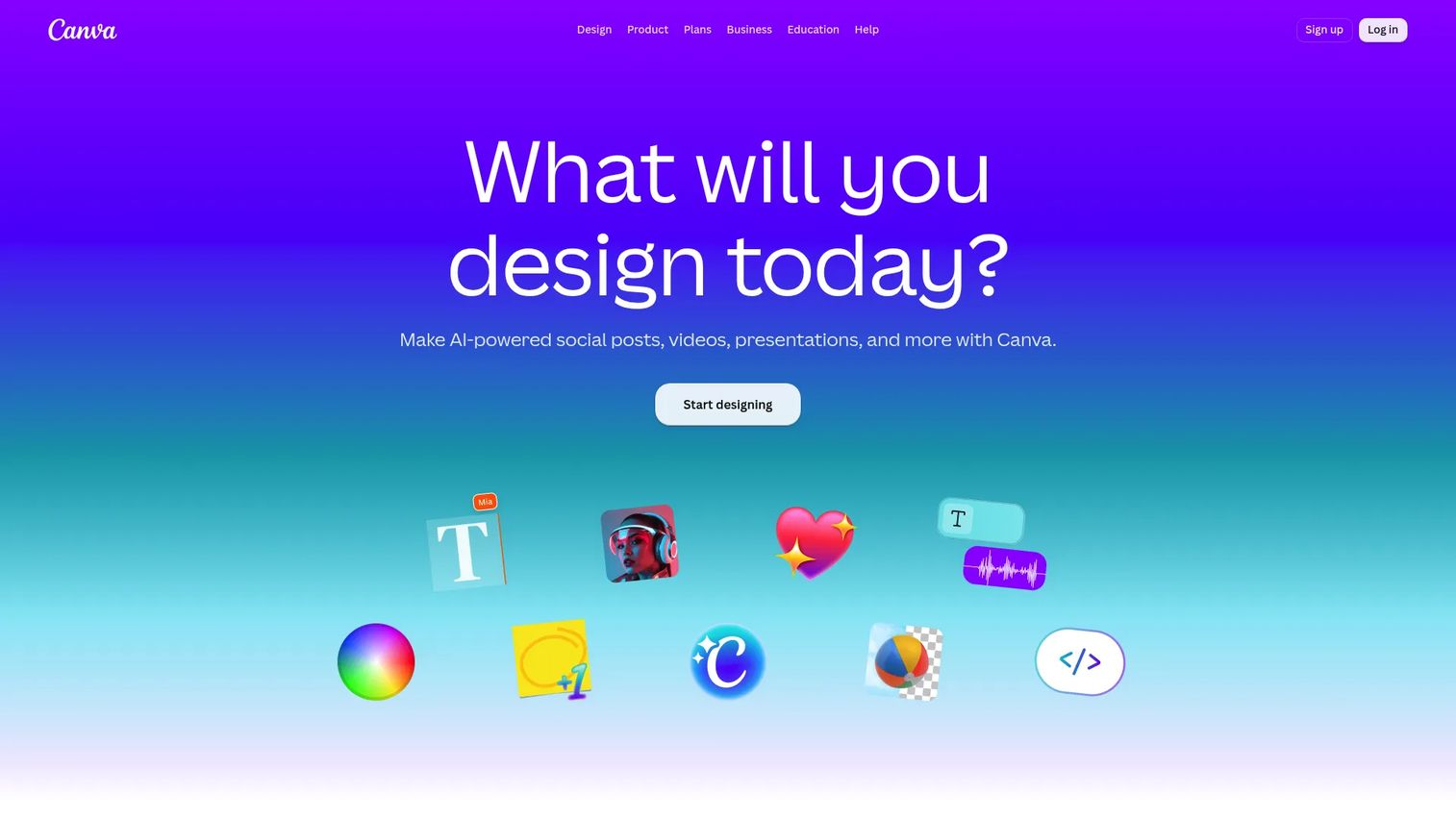
Canva is a browser-based visual design and publishing platform that handles graphics, presentations, videos, documents, and websites from one editor. Its video tools sit inside the same interface where most marketing teams already build social creatives and slide decks, which makes it the lowest-friction choice for teams that need design and video in a single workflow. Brand kits, templates, and stock media are built in. Collaboration and publishing tools round out the package.
Best for: Marketers and campaign teams who want design and social media video creation in one browser-based tool without switching applications.
Key features
- Drag-and-drop timeline editor for video and motion
- Brand kits with logo, color, and font controls
- AI tools including background removal and Magic Video
- Social format presets for Reels, Shorts, and Stories
- 1,000-plus template types including video and motion graphics
Why choose Canva: Canva is the right call when speed and brand consistency matter more than timeline depth. Teams that spend half their time in Canva for graphics get video output at almost no additional workflow cost. Advanced post-production teams will outgrow it.
Canva pricing: A free plan is available. Canva Pro costs $144 per person per year (billed annually), and the Business plan runs $250 per person per year. Enterprise pricing requires a sales conversation.
G2 rating: 4.7/5
2. CyberLink PowerDirector
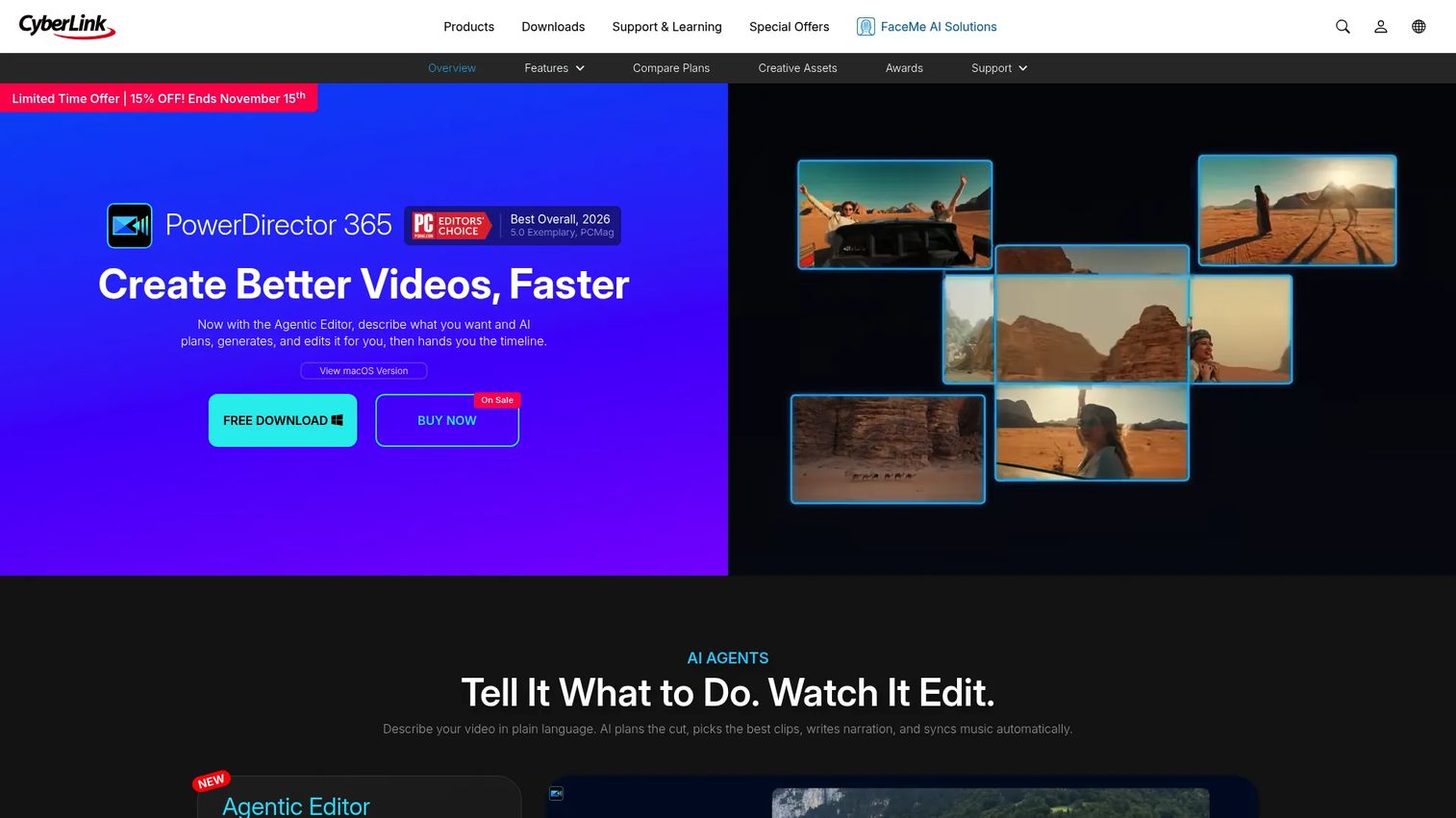
CyberLink PowerDirector is AI-powered video editing software for Windows and Mac that covers the full range from beginner to semi-professional output. It includes motion tracking, chroma key, multicam editing, and a substantial effects library alongside its AI tools, giving marketers more timeline control than browser editors at a price that undercuts most professional suites. Screen recording and action-camera editing tools are also included, which makes it useful for product walkthroughs and tutorial content.
Best for: Marketers and content teams who need capable desktop video editing software for Windows or Mac for YouTube videos, product explainers, and heavier editing workloads.
Key features
- AI and generative AI editing tools
- 4K video preview and export
- Screen recording and action-camera support
- Multicam editing and motion tracking
- Audio noise removal and voice enhancement
Why choose CyberLink PowerDirector: PowerDirector sits between a browser editor and a professional suite in terms of depth and cost. Teams that have outgrown Canva but don't need full professional editing will find it covers most marketing video workflows at a defensible price point.
CyberLink PowerDirector pricing: PowerDirector 365 runs $59.99 per year on annual subscription or $79.99 monthly. A perpetual license (PowerDirector 2026) is also available at $139.99. A free trial is offered.
G2 rating: 4.4/5
3. Wondershare Filmora
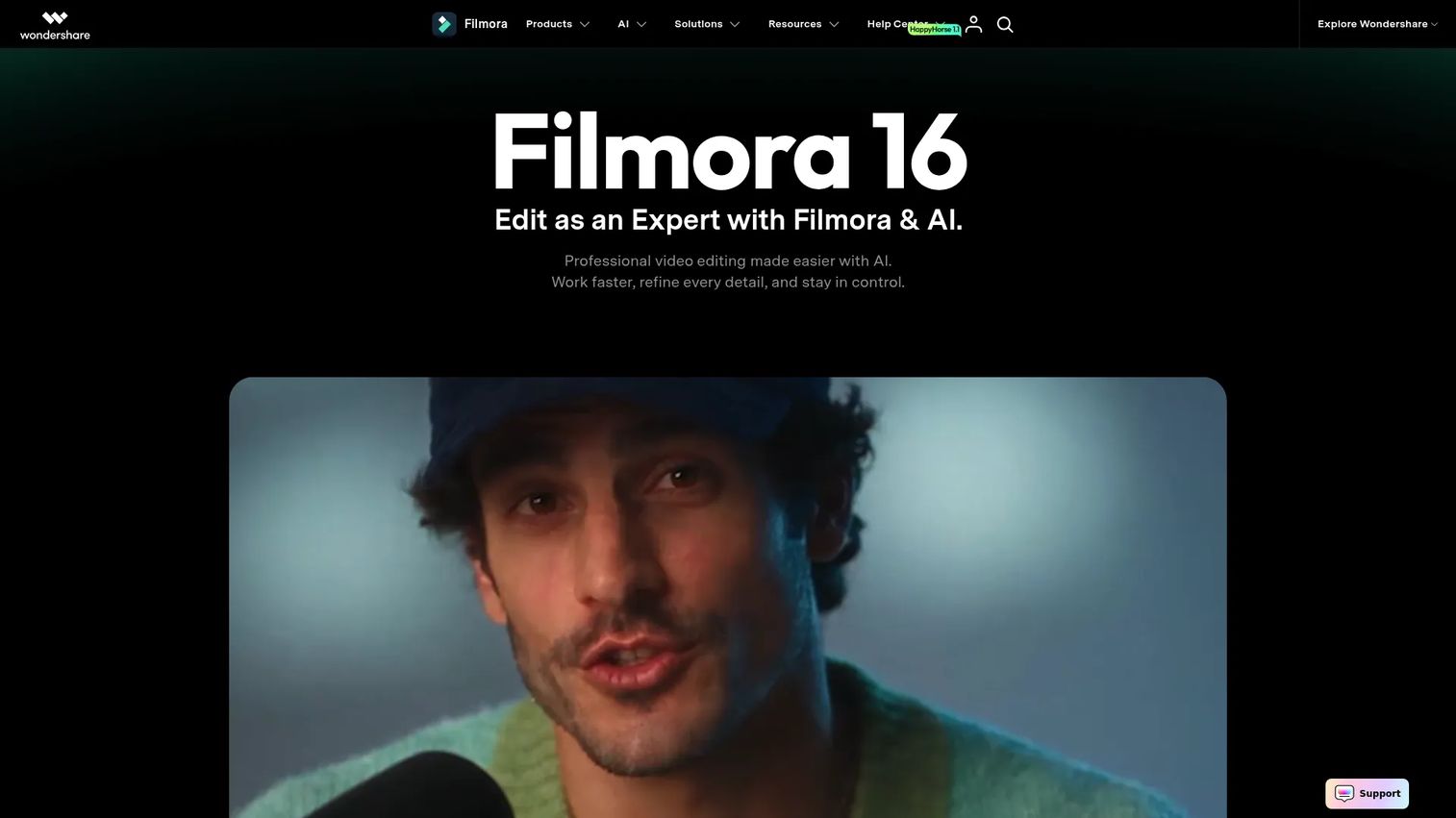
Wondershare Filmora is AI-powered video editing software built for creators, marketers, educators, and small teams who want polished output without professional editing complexity. It runs on both desktop and mobile, includes automatic captions, audio denoise, beat sync, and a broad effects marketplace. AI media analysis and smart cutout tools reduce manual work on common tasks like background removal. Stock media and templates keep the starting point low for teams with limited production resources.
Best for: Small teams, solo marketers, and educators who want beginner-friendly desktop video editing software with AI-assisted tools and a range of effects.
Key features
- Template-driven editing with timeline and keyframing
- AI caption generation and text animation
- Audio denoise and beat sync
- Effects, filters, and stock media library
- Cross-platform support (Windows, Mac, mobile)
Why choose Filmora: Filmora is the practical middle ground between a simple social editor and a full professional suite. It gives newer editors enough structure to produce decent output quickly. Check which AI features and assets sit behind paid tiers before committing, as the free trial adds watermarks.
Filmora pricing: Plans start at $19.99 per month (billed monthly) or $49.99 per year. A perpetual license is available at $79.99. A bundle subscription including Filmstock Standard costs $109.99 per year. A free trial is available with watermark restrictions on export.
G2 rating: 4.4/5
4. Movavi Video Editor
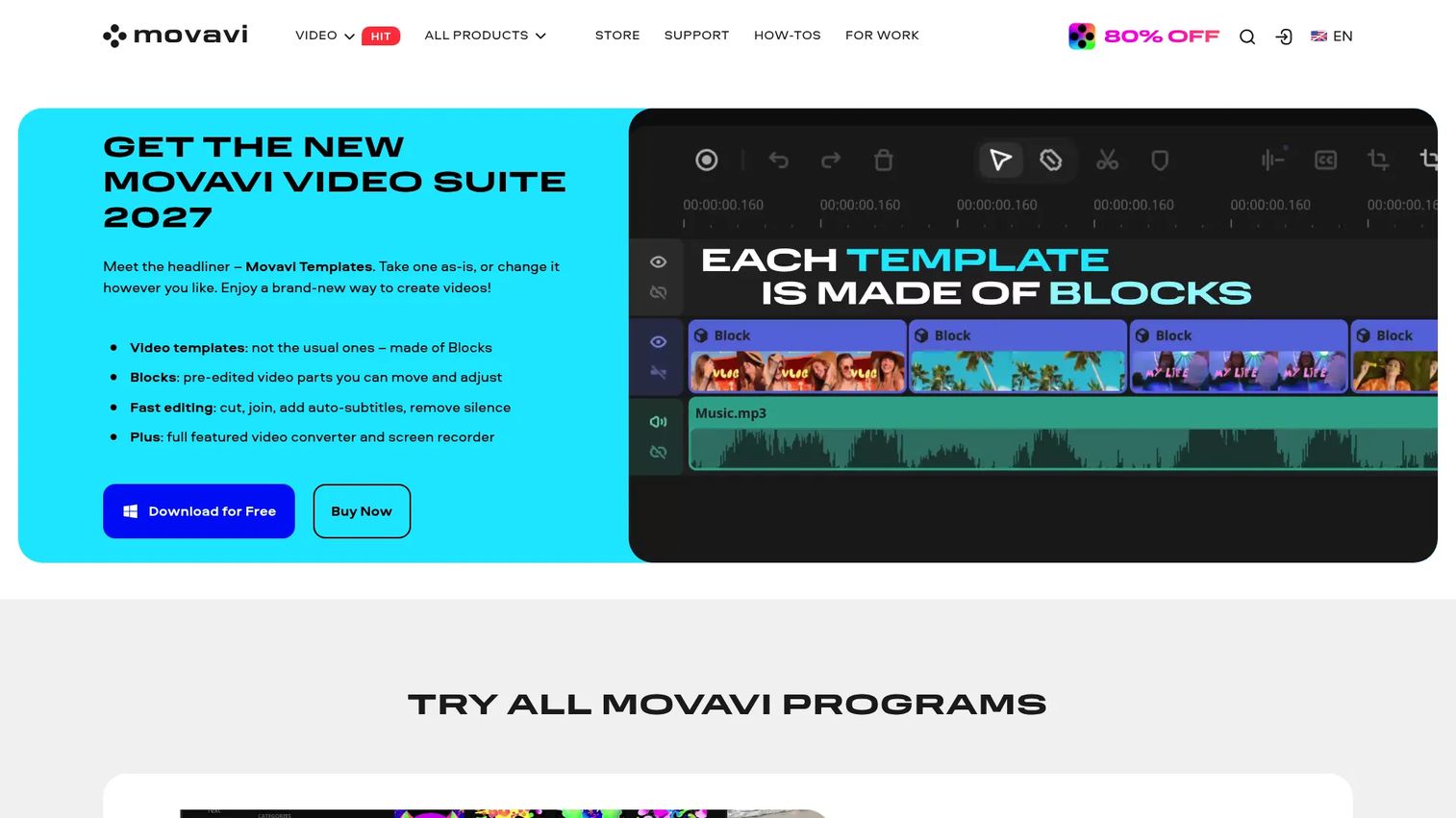
Movavi Video Editor is a desktop editor focused on quick, straightforward projects for Windows and Mac. It covers the core editing actions (cutting, trimming, joining, adding titles, transitions, and filters) with one-click AI tools for subtitles, background removal, and noise reduction layered on top. 4K processing, chroma key, stabilization, and picture-in-picture are included, giving the editor enough capability for product clips, simple ads, and event recaps without a steep learning curve.
Best for: Smaller teams and individual marketers who need a dependable drag-and-drop video editor for repeatable, low-complexity videos without committing to a full professional tool.
Key features
- Cutting, trimming, and joining with simple timeline
- Transitions, titles, and overlay effects
- One-click AI subtitle generation and noise removal
- Chroma key, stabilization, and picture-in-picture
- Fast 4K export
Why choose Movavi: Movavi suits teams that run a consistent type of video content and want to do it quickly without a learning curve. Teams that need advanced collaboration controls or complex multi-track workflows will want to look at a more capable desktop option.
Movavi pricing: A monthly subscription starts at $19.95. Annual plans run $54.95 for a one-year personal license or $69.95 for the Plus edition. A lifetime license is $119.95 for one PC. A free version is available with export restrictions.
G2 rating: 4.6/5
5. Adobe Premiere Elements
Adobe Premiere Elements is Adobe's consumer-facing video editing software with Guided Edits, automatic video creation, and AI-assisted tools designed for non-professional editors. Three editing modes (Quick, Guided, and Expert) let users choose how much control they want. The Guided Edit mode walks editors through specific creative tasks step by step, which makes it approachable for marketers who don't edit regularly. Media organization tools, effects, motion titles, and collage options are included.
Best for: Marketers, small business owners, and non-specialist editors who want step-by-step Adobe-style editing without subscribing to a full professional creative cloud.
Key features
- Guided Edits for step-by-step creative tasks
- Quick, Guided, and Expert editing modes
- AI tools and automatic video creation
- Effects, transitions, and motion titles
- Media organizer for managing project files
Why choose Adobe Premiere Elements: Elements is the right pick for a marketer who wants the Adobe editing experience with guardrails rather than the full Premiere Pro complexity. The one-time license structure also avoids recurring subscription costs for teams that don't edit constantly.
Adobe Premiere Elements pricing: Premiere Elements 2027 is $99.99 as a one-time term license (covering three years). An upgrade price of $79.99 is available for existing license holders. A 7-day free trial is offered before purchase.
G2 rating: 4.1/5
6. CapCut
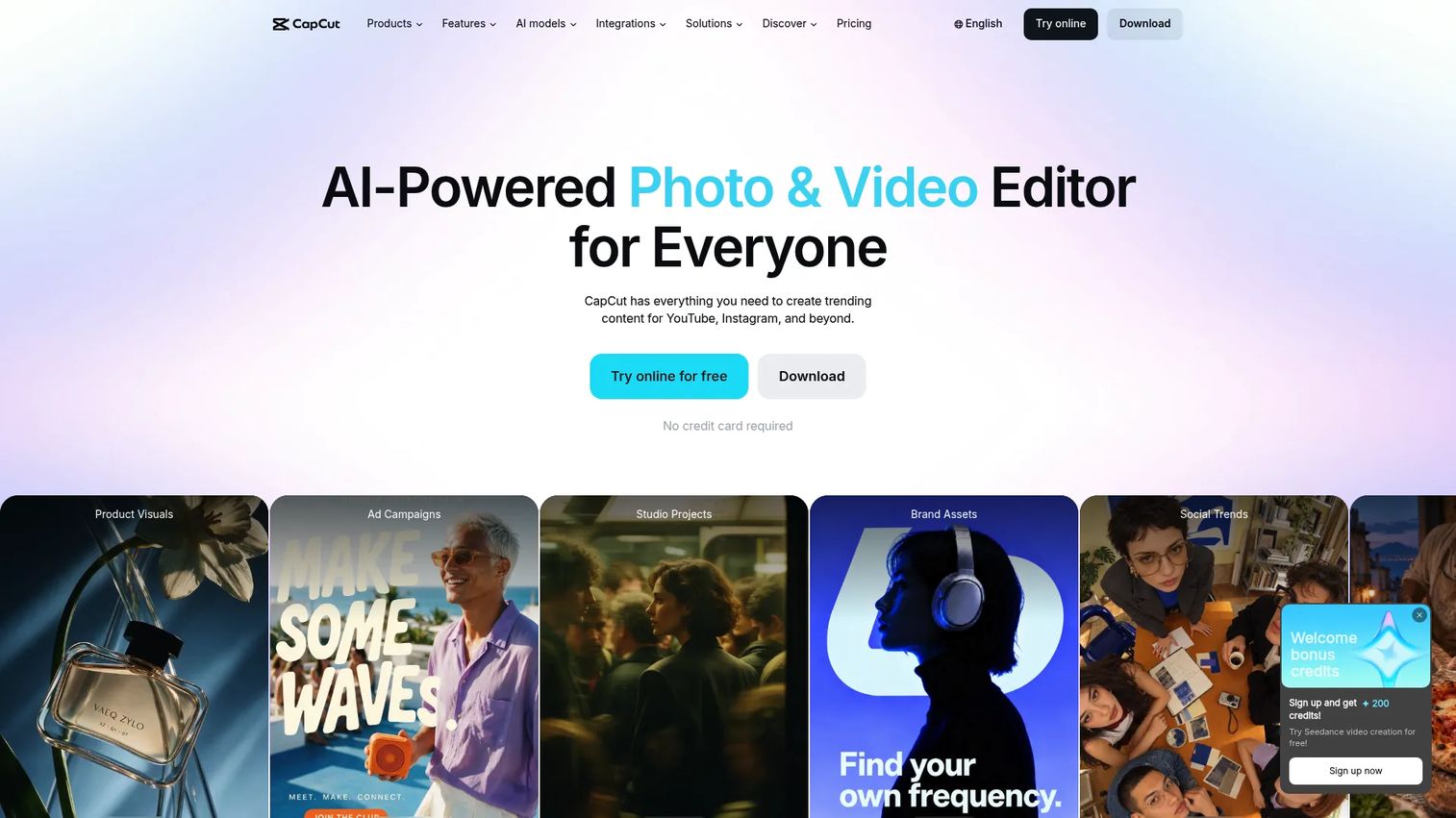
CapCut is an AI-powered video editing platform built around social-first creative workflows. It runs on mobile, desktop, and web, with templates optimized for TikTok, Reels, and YouTube Shorts. Auto-caption generation, background removal, AI image generation, and a large effects library make it fast to produce trend-aware content. For paid social teams running high-volume creative testing, the template speed and mobile editing capability reduce the cycle time between concept and published asset.
Best for: Creators and marketing teams producing short-form social video at volume, particularly for TikTok-style clips, Reels, and paid social creative variations.
Key features
- Short-form templates optimized for social formats
- Auto-caption generation
- AI background removal and image generation
- Mobile, desktop, and web editing
- Large trending effects and audio library
Why choose CapCut: CapCut is the fastest path to social-native video styles. If your team produces high volumes of short-form content and needs to match current format trends quickly, it beats browser and desktop editors on speed for that specific job. Larger marketing teams should factor in brand governance review, as the free-form template environment can drift from brand standards without an approval step.
CapCut pricing: A free plan is available. Pro costs $19.99 per month, Ultra costs $79 per month, and Teams costs $12.49 per seat per month, all billed monthly with auto-renewal.
7. Magix Video Pro X
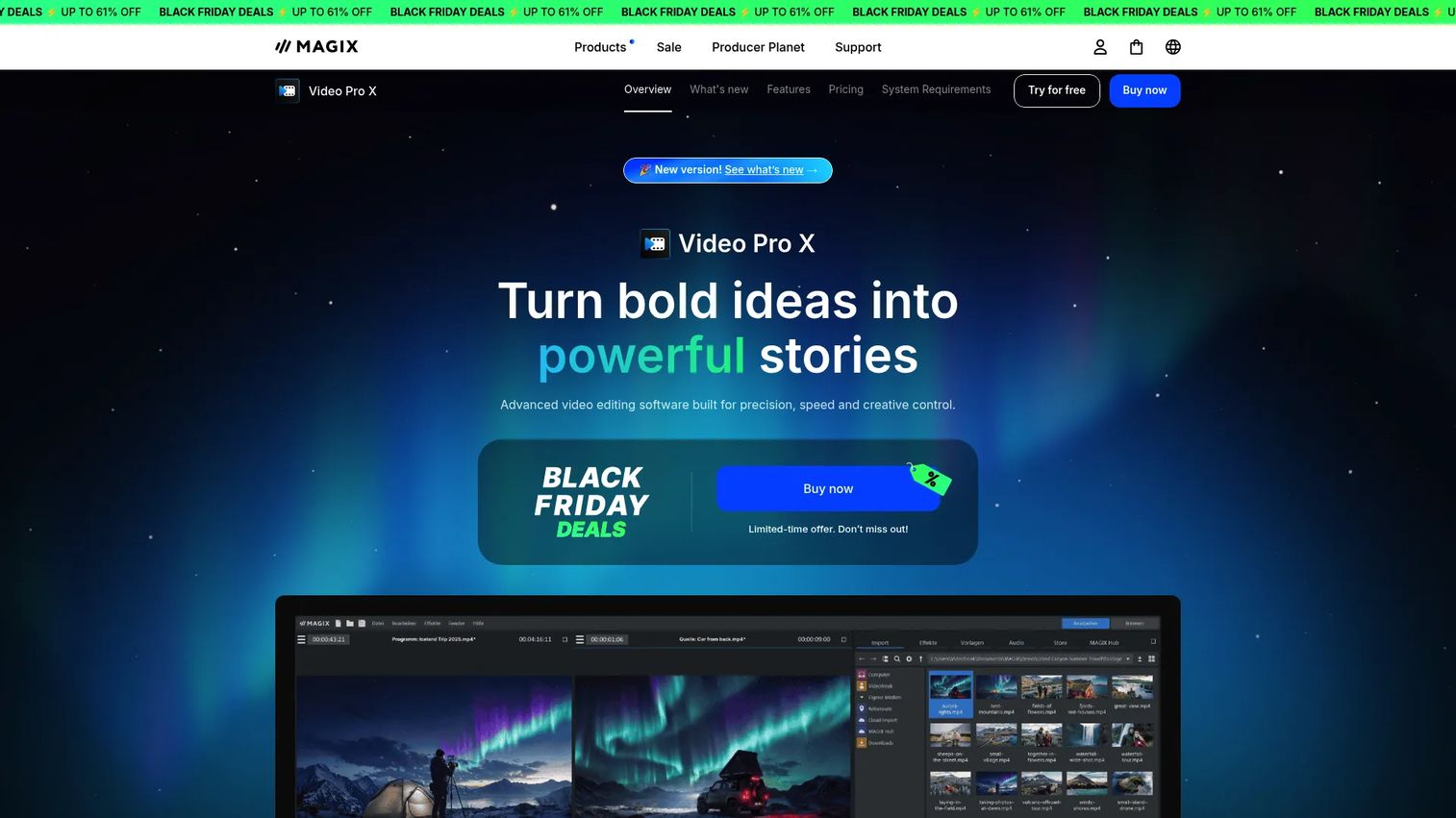
Magix Video Pro X is advanced Windows video editing software built for experienced editors who need precision, speed, and format flexibility that consumer tools don't offer. It supports 8K and HDR workflows, multicam editing for up to nine cameras, advanced color grading with LUTs and curves, and professional audio mastering. Offline AI tools handle voiceovers, subtitles, and face recognition without requiring a cloud connection. RAW image support and a broad codec library give production-adjacent teams the control they need.
Best for: Experienced editors, production-adjacent marketing teams, and agencies on Windows that need advanced color work, multicam editing, and professional export formats.
Key features
- Multicam editing for up to 9 cameras
- Advanced color grading with HDR, LUTs, and curves
- 8K and RAW format support
- Offline AI voiceovers and subtitle generation
- Professional audio mastering and cleanup tools
Why choose Magix Video Pro X: Video Pro X is built for editors who know what they're doing and need the tool to get out of their way. It's a poor fit for casual marketers looking for quick social clips, but a strong one for teams running high-spec production workflows on Windows. Note that it does not offer a Mac version.
Magix Video Pro X pricing: The Classic edition is $139.99 as a one-time license. The Ultimate edition, which adds additional proDAD tools, Cinema LUTs, stock content, and soundpacks, is $179.99 as a one-time license.
G2 rating: 4.0/5
8. Vimeo
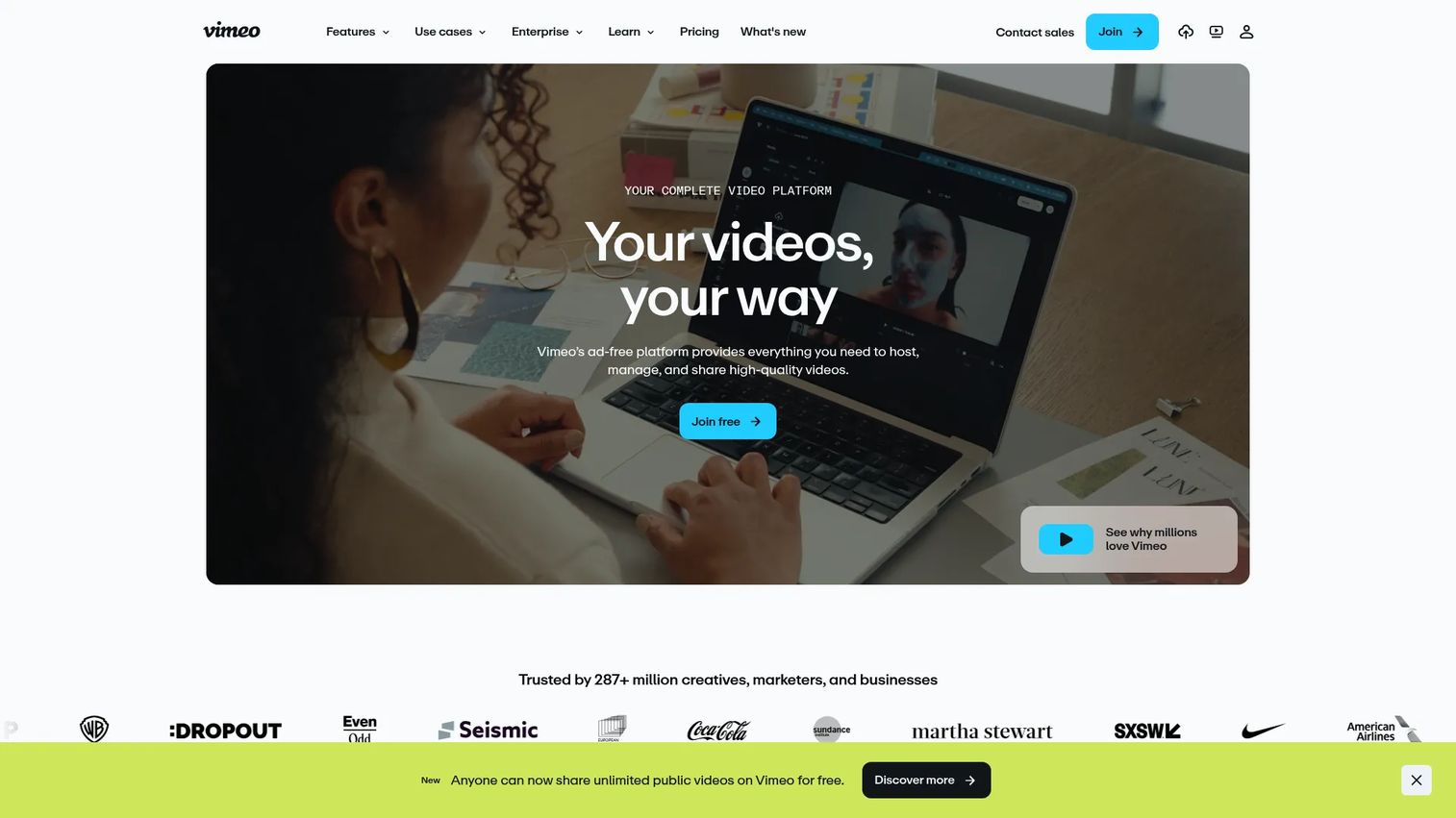
Vimeo is an ad-free video platform that combines browser-based editing with hosting, analytics, live streaming, and collaboration in a single environment. AI transcription, translation, and summaries are included, along with version history and review tools for team approval workflows. The customizable player, privacy controls, and embed options make it the right tool for webinars, customer stories, product videos, and content libraries where distribution and measurement matter as much as the edit itself.
Best for: Marketing and business teams that need video hosting, embeds, and viewer analytics alongside editing, particularly for webinars, product videos, and customer content.
Key features
- Ad-free video hosting with customizable player
- Browser-based editor with AI transcription and translation
- Video collaboration, review, and version history
- Live streaming and virtual events
- Viewer analytics and marketing integrations
Why choose Vimeo: Vimeo earns its place when hosting and distribution are part of the job, not just editing. If your team is building a video library for a landing page, a customer portal, or a sales motion, the hosting controls and analytics Vimeo provides are hard to replicate with a pure editing tool. For simple social clips, it's more platform than you need.
Vimeo pricing: A free plan is available. Paid plans start at $12 per seat per month (Starter), $25 per seat per month (Standard), and $75 per seat per month (Advanced). Enterprise pricing requires a sales conversation.
G2 rating: 4.3/5
9. Adobe Express
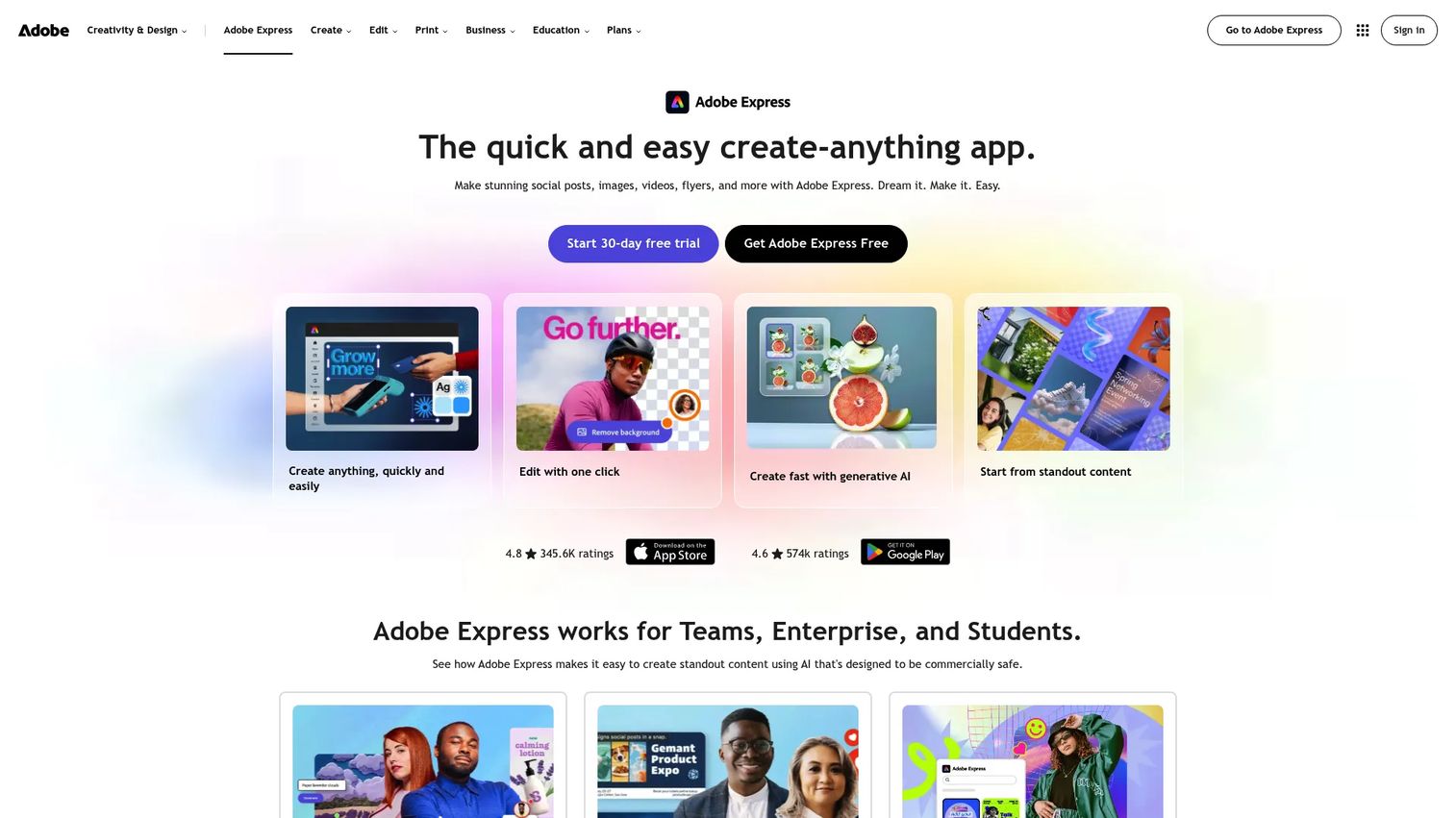
Adobe Express is a browser-based content creation app for social posts, images, videos, flyers, and other on-brand content. It draws on Adobe Stock, includes generative AI tools, and handles quick actions like background removal, resizing, captioning, and QR-code generation without requiring professional design skills. Brand kits, content scheduling, and social publishing are included. For teams already operating inside the Adobe ecosystem, Express lets them stay in the same asset library while producing video and social creative in one workflow.
Best for: Marketers and small businesses already using Adobe assets or Adobe Stock who need fast, branded social video without deep editing complexity.
Key features
- Video and motion templates with professional design quality
- Adobe Stock asset integration
- Social format resizing and auto-captions
- Brand kits and design controls
- Content scheduling and publishing to social channels
Why choose Adobe Express: Express is a fast, brand-safe choice for social and lightweight marketing video when your team is already in the Adobe stack. It doesn't replace professional editing tools for complex timelines or multi-track audio work, but it removes the need to context-switch between design and video for typical campaign content.
Adobe Express pricing: A free plan is available. Premium costs $9.99 per month with no annual commitment, or $4.99 per month per license on the Teams plan (first-year promotional rate; renews at $7.99 per month per license). Enterprise pricing requires a sales conversation.
Considerations when choosing video software
Match the tool to your main channel
TikTok, YouTube, webinars, and paid social each pull in different directions. YouTube content needs timeline depth, color control, and reliable audio. Paid social needs fast variant production, auto-captions, and format presets. Identify the channel that drives the most video volume and choose the tool optimized for that output first.
Check watermark and export rules first
Free plans frequently add watermarks, cap resolution, limit download counts, or restrict file formats. MP4 is the baseline format most marketing channels expect. Before committing to a free tier, verify what the specific export restrictions are. Filmora's free trial, for example, adds watermarks on export. CapCut's free plan includes basic tools but limits some AI credits and storage.
Separate AI claims from useful automation
Most tools now advertise AI features. The ones that save real time are specific: Auto-captions, transcript-based editing, silence removal, background cleanup, smart resizing, and highlight generation. Vague AI value claims rarely translate into measurable workflow improvement. Check the feature list for concrete automation, not marketing language.
Calculate team workflow cost
The cheapest tool can become expensive if it adds manual steps. Evaluate collaboration controls, brand kit support, approval flow, storage limits, and template reuse. A tool that saves two hours of production time per week pays for itself faster than a free tool that requires constant workarounds for a team of four.
Verify platform support and file compatibility
Check Windows, macOS, browser, iOS, and Android support before buying, particularly for distributed marketing teams. Magix Video Pro X is Windows-only. CyberLink PowerDirector supports both Windows and Mac. Some tools cap import formats or require specific codecs for 4K sources. Confirm file compatibility with your existing production workflow before the trial ends.
Conclusion
The right video software for a marketing team comes down to three questions: Where the content goes, who edits it, and how often. Canva is the fastest option for teams building branded campaign content in a browser. CyberLink PowerDirector gives desktop editors more control at an accessible price. Wondershare Filmora and Movavi suit teams with less editing experience who still need polished output. CapCut is purpose-built for high-volume short-form social. Adobe Premiere Elements fits marketers who want guided editing without a subscription. Magix Video Pro X serves experienced Windows editors with demanding format requirements. Vimeo earns its keep when hosting, embeds, and viewer analytics are part of the job. Adobe Express rounds out the list for teams already in the Adobe ecosystem who want fast, branded social video.
Pick the tool that fits your highest-volume use case first. Everything else can be evaluated later.
If your team also needs prospects to experience your product after watching a video, interactive demos give buyers a hands-on product experience that video alone can't deliver.
Start your journey with Guideflow today!
FAQs
The best choice depends on the channel and workflow. Canva fits teams producing branded social and campaign content. CapCut is faster for TikTok and Reels at volume. Vimeo suits teams that need hosting and analytics alongside editing. CyberLink PowerDirector is a strong pick for desktop editing that covers YouTube and product video workflows.
Free plans vary significantly by watermark, export, storage, and resolution restrictions. Canva, CapCut, Adobe Express, and Vimeo all offer free starting points, but each has specific limitations. Movavi offers a free version with export restrictions. Verify what each tool's free tier actually exports before building a workflow around it.
CapCut is built for this use case, with short-form templates, auto-captions, and trend-ready effects. Canva and Adobe Express also work well for teams that need branded templates with social resizing. All three support the aspect ratio presets and fast export speeds that short-form social video creation requires.
CyberLink PowerDirector, Wondershare Filmora, Movavi, and Adobe Premiere Elements are all capable YouTube video editing software options. Longer YouTube content needs timeline control, audio cleanup, title animation, and reliable 4K export. Desktop tools handle these requirements better than browser-only editors for videos over five minutes.
Watermark rules differ by tool and plan. CapCut's free plan allows watermark-free exports on some content. Filmora's free trial adds watermarks. Movavi's free version restricts exports. Canva's free plan allows video downloads, but some premium assets require the Pro plan. Always confirm the specific export terms for the free tier before making a final decision.
Yes, several tools support mobile editing. CapCut has strong mobile apps for iOS and Android, designed for social-first workflows. Canva works well on mobile for shorter content. Filmora also offers mobile support. Mobile editing is best suited to quick social edits and short clips; longer or more complex timelines are easier to manage on desktop.
The features that move campaign output are templates, brand kits, auto-captions, social resizing, MP4 export, and collaboration controls. AI tools that handle specific tasks (silence removal, transcript editing, background cleanup) reduce production time in ways that generic AI claims don't. Analytics and embedding matter if the video lives on a landing page or is part of a sales motion. Check our best social media marketing tools guide for context on how video fits into a broader marketing stack.
For many social ads, launch videos, explainers, and product clips, yes. Browser-based tools like Canva and Adobe Express handle these use cases without installation or a learning curve. Desktop software becomes necessary for advanced color work, complex multi-track timelines, long-form content, or specific codec requirements. Hosted platforms like Vimeo add value when distribution, security, and viewer analytics are part of the deliverable. For further reading, see our roundups of best AI video generators, best audio editing software, and best social media management tools.