Code is no longer just code. When product commitments, security reviews, QA sign-offs, and release schedules all depend on what lands in a repository, the platform hosting that repository becomes infrastructure for your entire delivery workflow.
According to The Pragmatic Engineer's 2025 survey of 2,997 tech professionals, 78% reported using version control, with almost all using a variant of Git. That near-universal adoption means the question has shifted: Not whether to use version control, but which hosting platform fits your team's workflow model, governance requirements, and CI/CD stack.
For product managers, this choice shapes release cadence, bug-fix traceability, and how clearly you can connect roadmap work to shipped code. Pick the wrong platform and you inherit permission drift, stale branches, and migration debt. This guide helps you avoid that.
What's inside
This guide compares 15 version control hosting tools across cloud platforms, self-hosted Git services, and enterprise SCM systems. It is built for product, engineering, DevOps, and security stakeholders who influence tooling decisions.
Tools were selected and evaluated on:
- Repository hosting capability and deployment model (cloud, self-hosted, or hybrid)
- Code review workflow depth: Pull requests, merge rules, branch protection
- Permission and governance controls: Access levels, audit logs, compliance fit
- CI/CD integration and release pipeline connections
- Fit across team sizes, from small startups to regulated enterprise environments
Pricing and G2 ratings in this guide reflect figures verified at generation time.
TL;DR
- Best overall for most software teams: GitHub offers broad developer familiarity and the largest hosted Git ecosystem
- Best for integrated DevSecOps: GitLab combines repository hosting, CI/CD, and security scanning under one platform
- Best for Atlassian teams: Bitbucket connects Git hosting directly to Jira sprint and issue workflows
- Best for Microsoft-heavy organizations: Azure DevOps links repositories, boards, and pipelines within Microsoft identity
- Best for self-hosted lightweight Git: Forgejo or Gogs give teams full data control without a large platform footprint
- Best for large binary assets and game development: Perforce Helix Core handles massive files where Git alone struggles
What is version control hosting software?
Version control hosting software stores repositories online or on a managed server, so teams can track code changes, review work, manage branches, and collaborate around source control workflows.
There are two concepts worth separating. A version control system tracks changes to files over time. It records who changed what, when, and why, so teams can roll back, compare, and merge work. Git and Mercurial are distributed systems, meaning every contributor holds a full local copy of the repository history. Apache Subversion and many enterprise tools use centralized models, where commits flow through a single server.
Hosting software adds the layer on top: Remote repository access, web-based interfaces, permissions, code review tooling, CI/CD integrations, and audit capabilities. GitHub is not a version control system. Git is. GitHub hosts Git repositories and adds collaboration, automation, and security features around them.
Key capabilities you should evaluate across any version control hosting platform:
- Hosted repositories with web-based access
- Pull requests or merge requests for code review
- Branch protection rules and required approvals
- Repository permissions and access control
- Audit logs and compliance reporting
- CI/CD integration and deployment gates
- Large file support (Git LFS or proprietary handling)
- Issue or work item connections
- Webhooks, APIs, and third-party integrations
- Cloud or self-hosted deployment options
Some tools in this list are complete DevOps platforms. Others are focused repository servers or source control systems that require separate hosting and pipeline tooling. That distinction matters when you are evaluating operational overhead.
As of 2025, Mordor Intelligence reported that distributed platforms account for 92.43% of the version control system market, with cloud deployment representing 62.77% of total usage. The market was valued at $1.48 billion in 2025.
When to use version control hosting software
Coordinate code changes across distributed teams
Remote teams need a shared repository with clear review paths and controlled merge workflows. Without a hosted platform, engineers push to conflicting branches, overwrite each other's work, and lose context on why a change was made. Product managers benefit here too: A well-configured repository makes it possible to trace a feature from backlog to branch to deployment, without chasing engineers for status updates.
Protect production quality before code ships
Branch protection rules, required approvals, and automated status checks stop unreviewed code from reaching production. The goal is not more process overhead. The goal is fewer silent changes causing incidents, and faster hotfix cycles when something does go wrong. Audit logs support compliance reviews and post-incident analysis.
Connect source control to the delivery pipeline
Repository hosting rarely stands alone. When code changes link directly to CI/CD pipelines, issue trackers, deployment gates, and release notes, engineering throughput improves and cross-functional visibility follows. Product managers can see what shipped, what is blocked, and what release cadence is realistic, without needing direct repository access.
Version control hosting software comparison
The table below summarizes all 15 tools by deployment model, key differentiator, pricing, and G2 rating. Pricing reflects the lowest entry point with paid figures where available. Use this as a starting shortlist, then read the tool sections for depth.
| # | Product | Best for | Key differentiator | Pricing | G2 rating |
|---|---|---|---|---|---|
| 1 | GitHub | Most software teams | Largest hosted Git collaboration platform | Free; $4/user/mo (Team) | 4.7/5 |
| 2 | GitLab | Integrated DevSecOps | Repository plus CI/CD and security in one platform | Free; $29/user/mo (Premium) | 4.5/5 |
| 3 | Bitbucket | Atlassian teams | Git hosting connected to Jira workflows | Free up to 5 users; $3.65/user/mo | 4.4/5 |
| 4 | Azure DevOps | Microsoft-heavy teams | Repos, boards, pipelines, and enterprise identity | Free for 5 users; $6/user/mo | N/A |
| 5 | Forgejo | Self-hosted open-source Git | Lightweight community-run Git hosting | Free (open source) | N/A |
| 6 | Gogs | Minimal self-hosted Git | Simple Git service with low server overhead | Free (open source) | 4.3/5 |
| 7 | AWS CodeCommit | Existing AWS teams | Managed private Git inside AWS governance | $1/active user/mo (existing customers only) | 4.2/5 |
| 8 | Perforce Helix Core | Large binary assets | Version control for massive files and game assets | Free up to 5 users; $39/user/mo (Cloud) | 4.2/5 |
| 9 | Unity Version Control | Game and 3D teams | Asset-friendly version control for Unity workflows | 25 GB included; $0.10/GB above that | N/A |
| 10 | Fossil | Small self-contained projects | VCS plus wiki, tickets, and web UI in one executable | Free (open source) | 3.5/5 |
| 11 | Mercurial | Distributed VCS teams | Git alternative with clean distributed model | Free (open source) | 4.2/5 |
| 12 | Apache Subversion | Centralized repositories | Mature centralized version control | Free (open source) | 3.9/5 |
| 13 | IBM Rational ClearCase | Regulated enterprise teams | Enterprise configuration management and controlled baselines | Custom pricing | 2.9/5 |
| 14 | OpenText Dimensions CM | Enterprise change control | Requirements-linked change and configuration management | Custom pricing | N/A |
| 15 | AccuRev | Stream-based SCM | Stream model for parallel development lines | Custom pricing | 3.8/5 |
Best 15 version control hosting software tools for 2026
1. GitHub
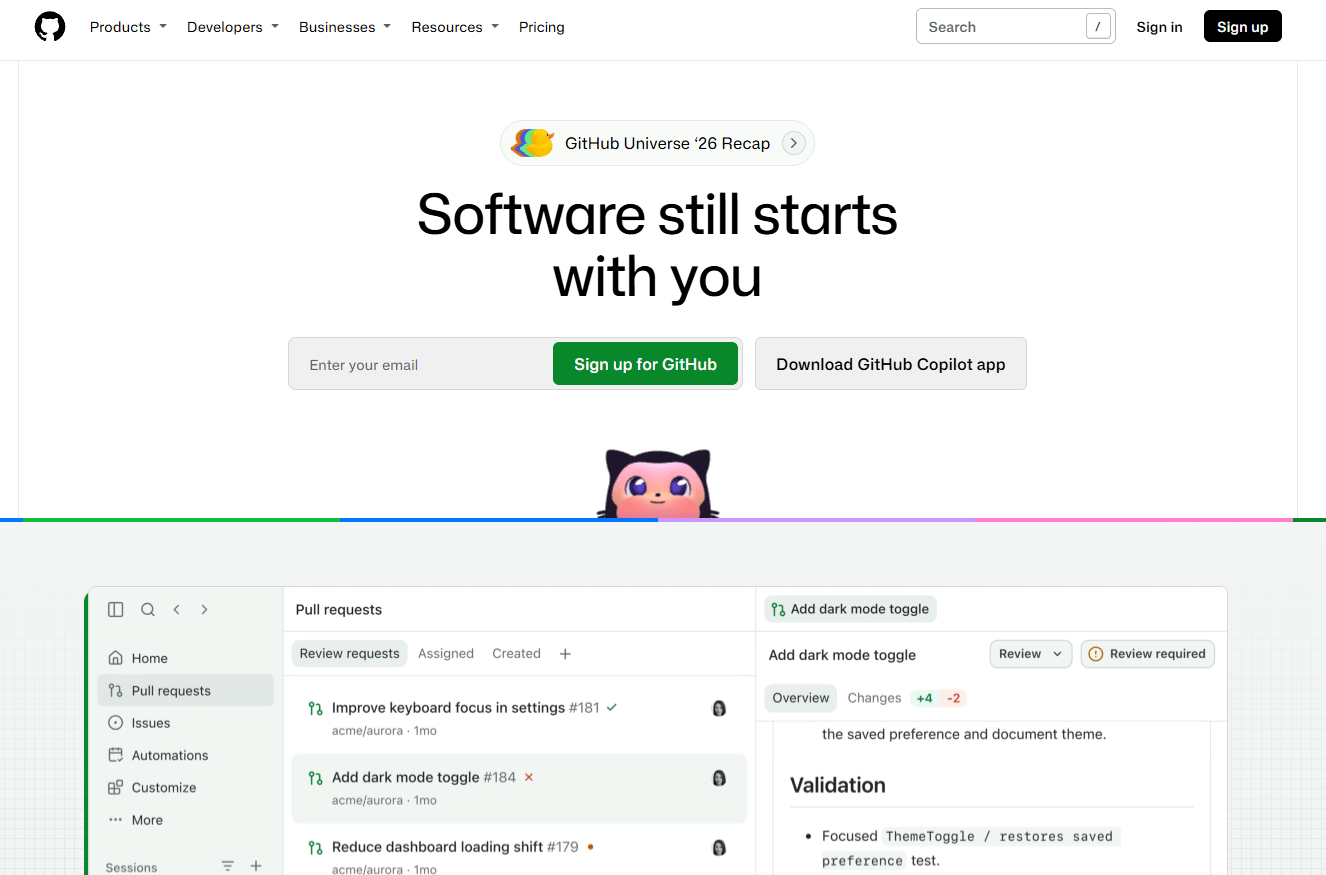
GitHub is the default hosted Git collaboration platform for a large share of engineering teams worldwide. It covers repositories, pull requests, issue tracking, GitHub Actions for CI/CD, branch protection rules, Dependabot security alerts, code scanning, secret scanning, and GitHub Codespaces for cloud development environments.
Best for: SaaS teams that want broad developer familiarity, a large integration ecosystem, and a single platform spanning source control through deployment automation.
Key features
- Hosted Git repositories with web-based access
- Pull requests with code review and approval rules
- GitHub Actions: CI/CD automation built into the repository
- Branch protection rules and merge queue support
- Dependabot, code scanning, and secret scanning
Why choose GitHub: The developer familiarity advantage is real. Teams onboard faster, the marketplace of Actions is extensive, and product managers benefit from the direct connection between GitHub Issues, project boards, and code changes. It is the right starting point for most teams without a specific reason to go elsewhere.
GitHub pricing: Free plan covers core repositories, issues, and limited CI/CD usage. Team plan runs $4 per user per month and adds advanced collaboration and increased usage limits. Enterprise is $21 per user per month, adding Copilot access, enterprise identity management, audit streaming, and higher usage allowances.
G2 rating: 4.7/5
2. GitLab
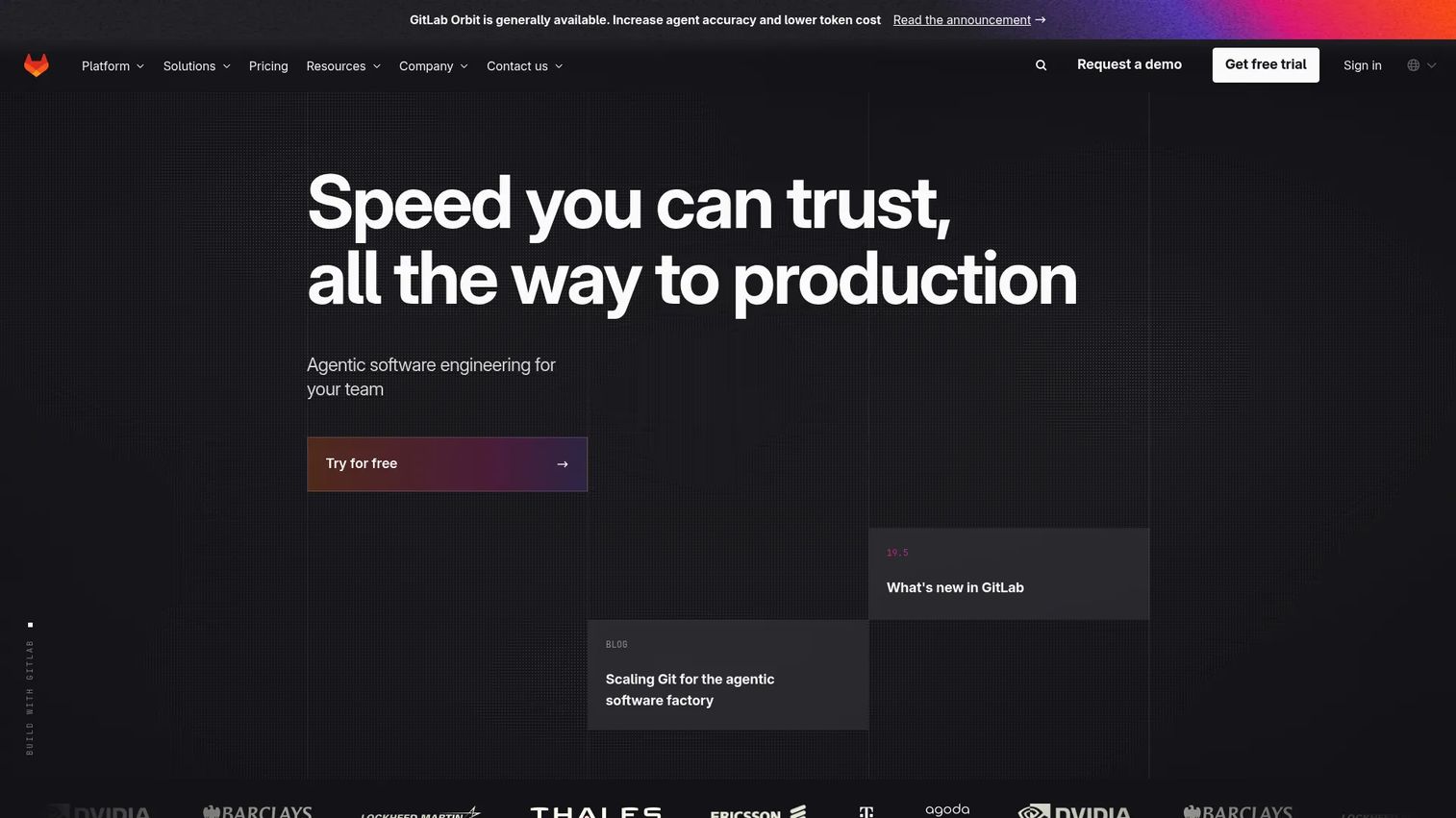
GitLab positions itself as an integrated DevSecOps platform. Beyond Git repository hosting and merge requests, it bundles built-in CI/CD pipelines, application security scanning, vulnerability management, package management, container registry, and planning features, all without requiring separate tool integrations.
Best for: Teams that want repository hosting, CI/CD, and security workflow in one platform, reducing the number of vendor relationships and integration points to maintain.
Key features
- Git repository hosting with merge requests
- Built-in CI/CD with configurable pipelines
- Application security testing and vulnerability management
- Value stream analytics for release traceability
- AI-powered code suggestions and DevSecOps workflows
Why choose GitLab: Fewer handoffs across planning, code, test, and release stages is the core argument. For product managers tracking feature delivery across multiple engineering teams, GitLab's value stream analytics provide release cycle visibility that most separate-tool stacks can't match without custom instrumentation.
GitLab pricing: Free plan includes source code management, CI/CD, 400 compute minutes per month, and 10 GiB of storage. Premium is $29 per user per month (billed annually) and adds advanced CI/CD, project management features, and priority support. Ultimate uses custom pricing and adds the full application security and compliance suite.
G2 rating: 4.5/5
3. Bitbucket
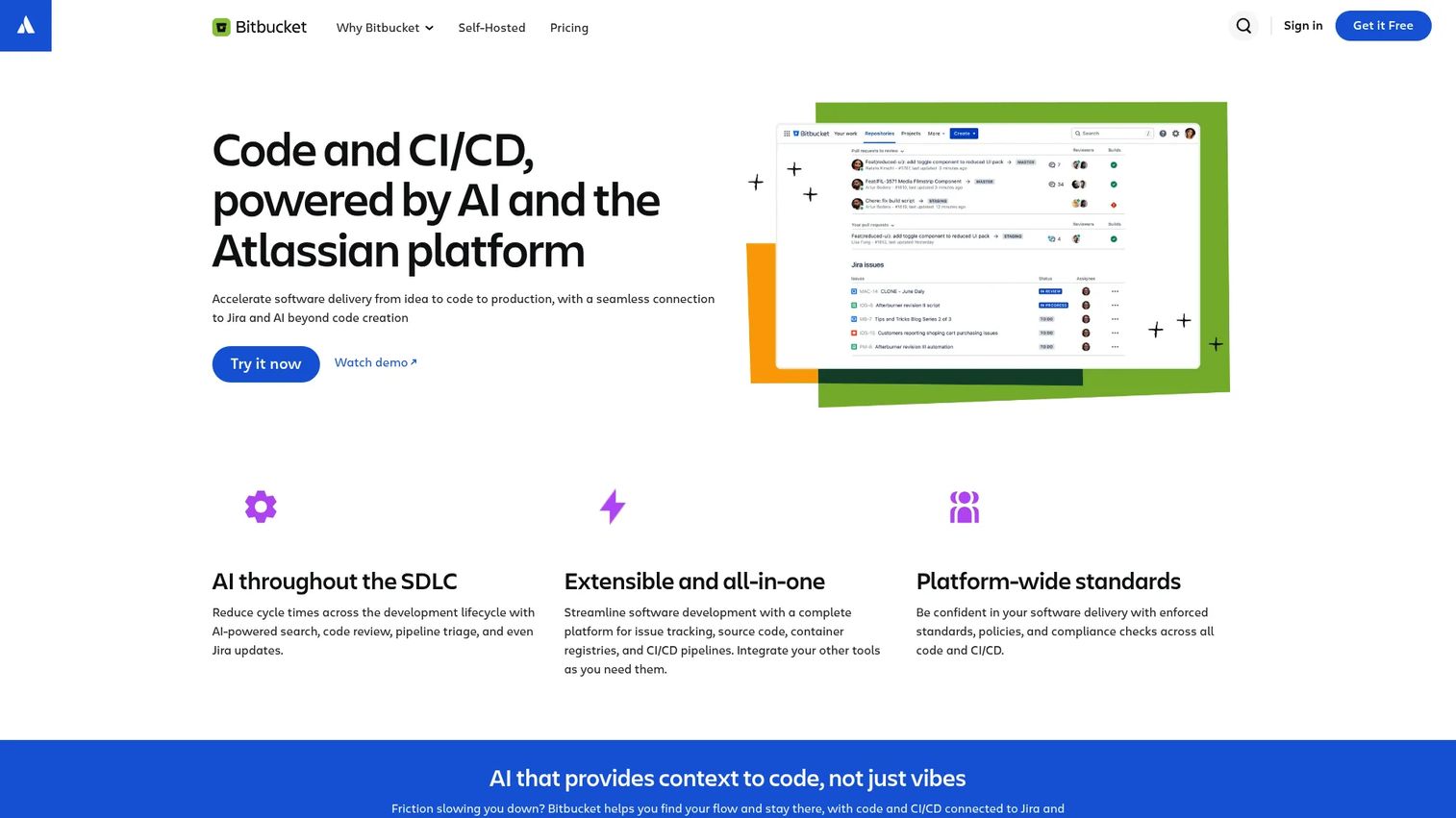
Bitbucket is Atlassian's Git repository hosting platform. Its strongest argument is the depth of its Jira integration: Code changes link directly to Jira issues, development activity surfaces inside sprint boards, and release tracking flows between both tools without custom configuration.
Best for: Teams already using Jira, Confluence, and Atlassian workflows who want source control that connects to their existing project management setup.
Key features
- Hosted Git repositories with pull requests
- Native Jira integration with development panel
- Bitbucket Pipelines for CI/CD
- Branch permissions and merge checks
- IP allowlisting and required two-step verification on Premium
Why choose Bitbucket: If your engineering team already lives in Jira, Bitbucket reduces context switching. Product managers benefit when a pull request automatically links to the Jira ticket driving it, keeping sprint status and code review status in sync without manual updates.
Bitbucket pricing: Free plan supports up to 5 users. Standard is $3.65 per user per month and covers the core Bitbucket feature set. Premium is $8 per user per month and adds advanced administration, security controls, AI features, and audit capabilities.
G2 rating: 4.4/5
4. Azure DevOps
Azure DevOps is Microsoft's end-to-end delivery suite. Azure Repos provides unlimited private Git repository hosting. Azure Boards handles work item tracking. Azure Pipelines runs CI/CD builds and deployments. Azure Test Plans covers manual and exploratory testing. Azure Artifacts hosts packages.
Best for: Microsoft-centric organizations using Azure cloud infrastructure, Entra ID for identity, or Visual Studio for development, where native integration reduces configuration work.
Key features
- Azure Repos: Unlimited private Git repositories
- Azure Pipelines: CI/CD across cloud and on-premises targets
- Azure Boards: Agile planning with work item traceability
- Azure Test Plans: Manual and exploratory testing
- Enterprise identity controls through Microsoft Entra ID
Why choose Azure DevOps: End-to-end delivery management under one Microsoft subscription is the operational advantage. For product managers, the traceability from work item to code commit to build pipeline to deployment makes release coordination easier, especially for organizations already standardized on Microsoft tooling.
Azure DevOps pricing: The first 5 users get the Basic plan free. Additional users cost $6 per user per month. The Basic + Test Plans tier is $52 per user per month and adds test planning and browser-based testing capabilities.
5. Forgejo
Forgejo is a community-governed, self-hosted Git forge. It supports repositories, pull requests, issue tracking, Forgejo Actions for CI/CD workflows, package registries, repository mirroring, and federation capabilities under active development. The project emerged from the Gitea community as an independently governed alternative.
Best for: Teams that want a lightweight, self-hosted Git service with open-source governance and no dependency on a commercial vendor.
Key features
- Self-hosted Git repositories with web interface
- Pull requests and issue tracking
- Forgejo Actions for CI/CD automation
- Package registries
- Repository mirroring and migration support
Why choose Forgejo: Teams with internal hosting policies, data residency requirements, or a preference for community-run software find Forgejo fits without the overhead of a full DevOps platform. For product managers in organizations where data control is a constraint, it removes the cloud dependency while keeping code review and automation functional.
Forgejo pricing: The software is free and open source. Infrastructure, hosting, and administration are the buyer's responsibility. There are no paid tiers or commercial licensing fees for the platform itself.
6. Gogs
Gogs is a self-hosted Git service designed to run with minimal server resources. It provides repository hosting, a web-based UI, issue tracking, pull requests, user management, webhooks, and Git LFS support. The design philosophy prioritizes low overhead over feature breadth.
Best for: Small teams or internal groups that need functional source control hosting on constrained infrastructure, without the operational weight of a larger platform.
Key features
- Self-hosted Git with low resource footprint
- Repository web UI and user management
- Pull requests and issue tracking
- Webhooks and API access
- Git LFS support
Why choose Gogs: Simplicity is the differentiator. If the team needs source control hosting and nothing more, Gogs gets there without requiring a large server or a DevOps engineer to maintain it. It is less suited to teams that need built-in CI/CD, advanced permissions, or enterprise audit features.
Gogs pricing: Gogs is open-source software available at no cost. Infrastructure and administration costs fall to the team running it.
G2 rating: 4.3/5
7. AWS CodeCommit
AWS CodeCommit is Amazon's managed private Git repository service. It integrates with IAM for access control, encrypts data with AWS KMS, connects to AWS CodeBuild, CodePipeline, and Lambda, and supports repository triggers and notifications.
Important: AWS announced in July 2024 that CodeCommit is no longer available to new customers. Existing customers can continue using the service, but teams evaluating source control should plan accordingly.
Best for: Existing AWS customers that have already adopted CodeCommit and want managed private Git repositories inside AWS governance and network controls.
Key features
- Managed private Git repository hosting on AWS
- IAM-based access control with fine-grained permissions
- Encryption in transit and at rest via AWS KMS
- Repository triggers and Lambda integration
- Pull requests, code reviews, and branch management
Why choose AWS CodeCommit: For existing users, the AWS-native access control model removes the need for separate identity management, and network policies can keep repository traffic inside a VPC. New teams should evaluate alternative Git hosting platforms given the service's closure to new signups.
AWS CodeCommit pricing: Existing customers pay $1 per active user per month, with 10 GB of storage and 2,000 Git requests included monthly. Additional storage runs $0.06 per GB per month, and additional Git requests cost $0.001 each.
G2 rating: 4.2/5
8. Perforce Helix Core
Perforce Helix Core (also marketed as P4 following a 2025 rebrand) is enterprise-grade version control built for large codebases, binary assets, and distributed global teams. It handles exclusive file locking, streams-based branching, granular file-level permissions, and proxy or edge servers for global replication.
Best for: Game studios, semiconductor teams, and enterprises managing massive files, monorepos, or digital asset libraries where Git's binary handling creates bottlenecks.
Key features
- Large file and binary asset versioning
- Exclusive file locking to prevent overwrite conflicts
- Streams and Sparse Streams for advanced branching
- Granular file-level permissions and audit logs
- Proxy and edge servers with delta transfers for global teams
Why choose Perforce Helix Core: When repository size, binary file count, or asset collision risk has become a release quality problem, Perforce addresses what Git alone cannot scale to. For product managers in game development or hardware-adjacent teams, it connects directly to fewer overwritten assets and more predictable release lines.
Helix Core pricing: Free plan covers up to 5 users and 20 workspaces. Cloud-managed hosting starts at $39 per user per month. Scale and Platform tiers use annual quote-based pricing for larger deployments.
G2 rating: 4.2/5
9. Unity Version Control

Unity Version Control is a source control system built for game and real-time 3D development workflows. Originally known as Plastic SCM, the tool supports branching, visual branch management, file locking for binary assets, role-based workflows between developers and artists, and integration with the Unity Editor.
Best for: Game development teams working with Unity projects, large binary assets, and mixed teams of programmers and artists who need collaborative version control.
Key features
- Asset and binary file versioning
- File locking for artist-created content
- Role-based workflows for mixed developer and artist teams
- Unity Editor integration
- Cloud and on-premises hosting options
Why choose Unity Version Control: The collaboration model between programmers and artists is the core differentiator. Where standard Git workflows create friction for non-technical contributors managing large asset files, Unity Version Control is designed around those handoffs. Product managers in gaming can connect this to shorter asset review cycles and fewer overwritten files close to a release.
Unity Version Control pricing: Cloud storage includes 25 GB per organization per month at no charge. Usage from 25 to 100 GB costs $0.10 per GB per month, dropping to $0.06 per GB above 100 GB. Premium cloud storage runs $0.30 per GB per month. On-premises seats are listed at $38 per seat.
10. Fossil
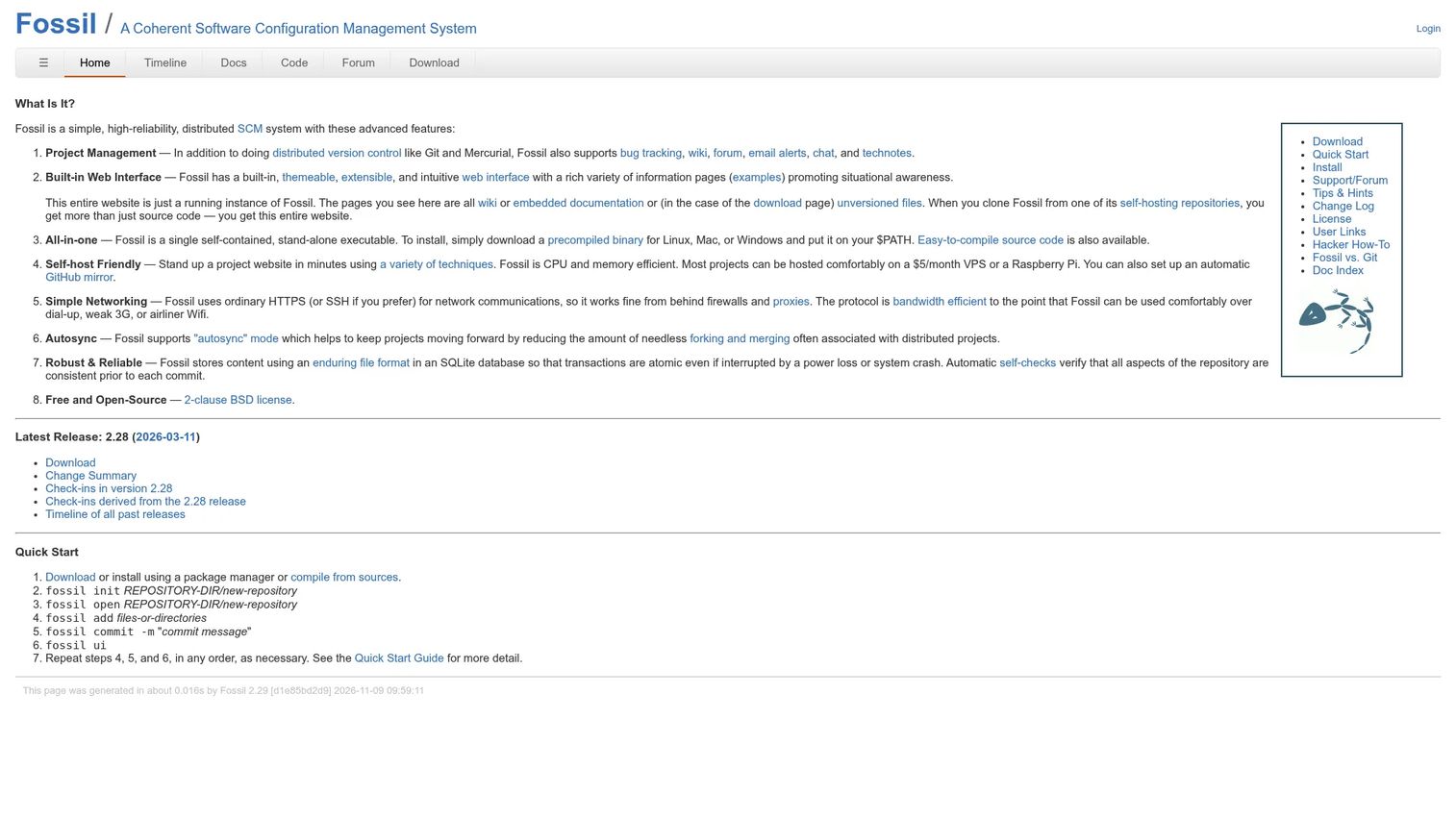
Fossil is a self-contained distributed version control system that ships as a single executable. It includes version control, bug tracking, a wiki, a forum, chat, email alerts, and a built-in web interface. The entire project history lives in a single SQLite database file.
Best for: Small technical teams that want version control, project artifacts, and project history in one lightweight self-hosted system without deploying multiple services.
Key features
- Distributed version control with autosync
- Integrated bug tracking and wiki
- Built-in web interface and forum
- Single-file SQLite-based repository
- HTTPS and SSH networking support
Why choose Fossil: The self-contained model reduces operational overhead for small teams. One binary, one file, one interface. The tradeoff is unfamiliarity: Teams accustomed to Git workflows will face a learning curve, and the ecosystem of integrations is narrow compared to mainstream platforms.
Fossil pricing: Free and open source under a 2-clause BSD license. Infrastructure costs are the team's responsibility.
G2 rating: 3.5/5
11. Mercurial
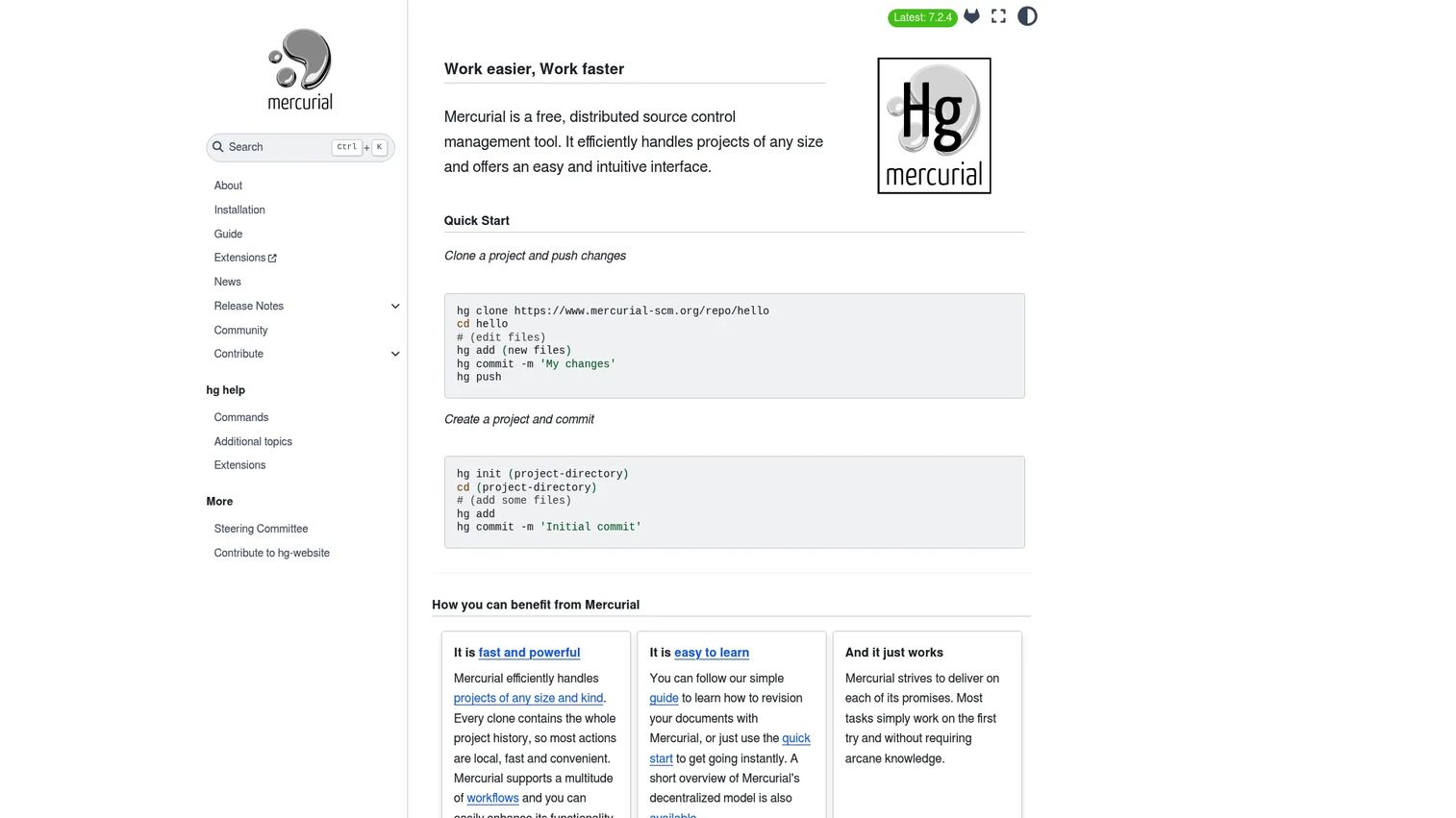
Mercurial is a distributed version control system, not a hosted platform. Teams can host Mercurial repositories using compatible servers or managed providers. The tool is known for its clean command model, fast local operations, and extensibility through an official extension system.
Best for: Teams with existing Mercurial history who want distributed version control with a consistent command model and prefer not to migrate to Git.
Key features
- Distributed repositories with full local history
- Changesets and fast branching
- Extension system for custom workflows
- Cross-platform CLI
- SSH and HTTPS repository access
Why choose Mercurial: Teams with long-standing Mercurial history and established workflows may find migration to Git more disruptive than the operational gain justifies. Be clear that buyers need to arrange separate hosting infrastructure; Mercurial does not provide a managed hosting service.
Mercurial pricing: Free software under the GNU General Public License. Hosting and infrastructure costs depend on the server or managed provider the team selects.
G2 rating: 4.2/5
12. Apache Subversion
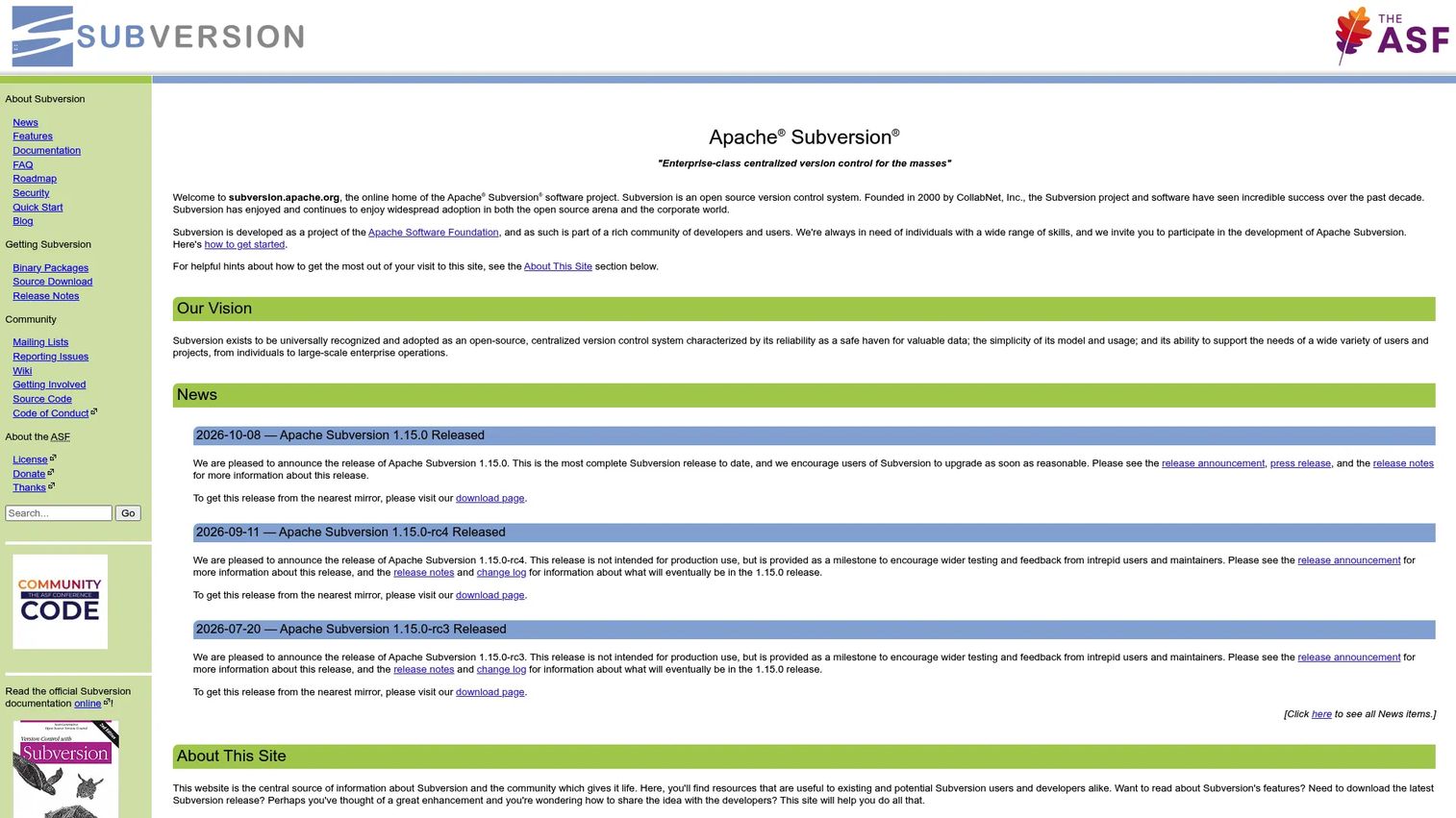
Apache Subversion (SVN) is a centralized version control system with a long track record. It stores repositories on a central server, supports atomic commits, directory versioning, merge tracking, file locking, and path-based access control. SVN hosted using Apache HTTPD over WebDAV or the standalone svnserve server.
Best for: Teams maintaining legacy centralized repositories, organizations with file-locking requirements, or groups not ready to absorb a Git migration.
Key features
- Centralized repository with atomic commits
- Directory and file metadata versioning
- Branching and tagging via fast copy operations
- File locking for exclusive editing
- Path-based access control
Why choose Apache Subversion: SVN remains practical when migration risk outweighs short-term gains. For teams with large binary repositories, strict centralized control requirements, or significant existing SVN history, the opportunity cost of migrating to distributed Git may exceed the engineering capacity available. Managed SVN hosting is available through several third-party providers.
Apache Subversion pricing: Free and open source from the Apache Software Foundation. Infrastructure and managed hosting costs depend on the deployment model selected.
G2 rating: 3.9/5
13. IBM Rational ClearCase
IBM Rational ClearCase is enterprise software configuration management designed for controlled development environments. It provides version histories, branching, comparison, merging, enterprise-scale deployment across thousands of users and sites, dynamic views, centralized security, user authentication, audit trails, and compliance support.
Best for: Large enterprises with regulated software development, long-lived assets, and formal configuration management requirements that demand controlled baselines and enterprise-grade auditability.
Key features
- Version histories with branching and merging
- Dynamic views for workspace management
- Enterprise-scale access controls and audit trails
- Centralized security and user authentication
- Compliance support for regulated development
Why choose IBM Rational ClearCase: ClearCase fits organizations where governance requirements drive tool selection more than developer experience does. It is not a practical starting point for a growth-stage SaaS company, but it remains relevant for defense, aerospace, automotive, and financial services teams with long-established SCM processes.
IBM Rational ClearCase pricing: IBM uses a FlexPoints-based consumption model for ClearCase. Pricing requires a direct quote from IBM sales.
G2 rating: 2.9/5
14. OpenText Dimensions CM
OpenText Dimensions CM is enterprise change and configuration management software. It supports native Git alongside proprietary version management, links requirements to change packages, provides immutable baselines, runs approval workflows, includes code vulnerability scanning, and maintains audit traceability across the development lifecycle.
Best for: Enterprise software teams that need source control tied to formal change management, requirements traceability, and regulated delivery workflows.
Key features
- Native Git and proprietary version management
- Requirements-linked change packages
- Immutable baselines and audit traceability
- Approval workflows and code vulnerability scanning
- Continuous integration support
Why choose OpenText Dimensions CM: The requirements-to-code traceability is the differentiator for regulated environments. Teams delivering into safety-critical or compliance-heavy industries can connect a requirements change directly to the code commit that addresses it. For product managers in those environments, it closes the gap between roadmap intent and delivery evidence.
OpenText Dimensions CM pricing: Custom pricing. Contact OpenText sales for a quote. The pricing model covers seats, deployment model, and support tier.
15. AccuRev
AccuRev is software configuration management built around streams as the core organizational unit. Stream hierarchies allow teams to maintain parallel development lines, isolate changes in change packages, track merges across streams, and control access at the enterprise level. OpenText now owns the product.
Best for: Enterprise software teams with established stream-based development models and existing AccuRev history who need to continue parallel development workflows.
Key features
- Stream-based SCM architecture
- Change packages for grouped modifications
- Parallel development line support
- Merge tracking across streams
- Enterprise access control
Why choose AccuRev: AccuRev fits organizations that have built development processes around stream hierarchies and are not ready to migrate to a different model. Teams starting fresh with modern cloud Git hosting would find mainstream platforms a better fit. Existing AccuRev users evaluating continuation versus migration should weigh stream complexity against the broader tooling ecosystem available through Git-based platforms.
AccuRev pricing: Custom pricing through OpenText sales.
G2 rating: 3.8/5
Considerations when choosing version control hosting software
Match the tool to your workflow model
Distributed Git-centered teams should prioritize pull request workflows, branch protection, and CI/CD integration depth. Enterprise teams with regulated or long-lived systems may need baseline management, formal change control, or stricter approval chains. Choosing a Git-first cloud platform for a team that requires centralized control will create friction, and choosing an enterprise SCM for a startup will create overhead without benefit.
Decide cloud, self-hosted, or hybrid early
Cloud hosting reduces infrastructure management and speeds onboarding. Self-hosting gives control over data residency, network access, and customization depth. Hybrid models create a maintenance ownership problem that engineering teams inherit if it is not clearly defined upfront. Make this decision before comparing tools, not after.
Check review and release controls
Look for required approvals, protected branches, status checks, merge queues, file locking, and audit log depth. Product managers should evaluate these controls directly: They determine how confident you can be that reviewed code is what ships, and how quickly teams can execute a hotfix without bypassing safety checks.
Evaluate CI/CD and issue tracking fit
Repository hosting connects to build pipelines, ticket systems, deployment targets, and release notes. Check whether that connection is native or requires a third-party bridge. A broken CI/CD integration adds engineering overhead on every release. For related tooling decisions, the application release orchestration tools guide covers release pipeline tooling in depth.
Plan migration before you pick
Migration is where teams discover branch naming chaos, stale repositories, permission drift, and binary file problems. Ask vendors how they handle import of full commit history, large file migration, user mapping, and post-migration validation. Switching version control hosting platforms mid-cycle is expensive; front-loading the migration plan saves engineering time later. For teams evaluating broader tooling governance, the audit management software guide covers audit and compliance tooling that often connects to SCM workflows.
Conclusion
The right version control hosting platform depends on three factors: Your repository model (Git-first versus centralized or stream-based), your governance requirements (open collaboration versus controlled baselines), and your CI/CD and integration stack.
GitHub is the practical starting point for most software teams. GitLab wins when you want repository hosting, CI/CD, and security scanning under one roof. Bitbucket earns its place for Atlassian-heavy teams where Jira integration drives sprint visibility. Azure DevOps fits Microsoft-centric organizations that need traceability from work item to deployment.
For self-hosted needs without commercial vendor dependency, Forgejo and Gogs both deliver functional Git hosting with minimal footprint. Perforce Helix Core and Unity Version Control solve the binary asset problem that Git alone can't handle at scale.
ClearCase, Dimensions CM, and AccuRev serve long-established enterprise environments where formal change control and audit requirements drive tool selection, often alongside significant existing SCM history.
Shortlist two or three platforms based on your hosting model, governance needs, and existing stack, then validate against your team's migration capacity and integration requirements before committing.
For related software evaluations, the best product management tools guide covers adjacent tooling that connects to release and delivery workflows. The API monitoring tools guide is useful for teams evaluating observability alongside their source control decisions.
FAQs
Version control hosting software provides remote repository storage and adds collaboration features including code review, branch management, permissions, audit logs, and CI/CD integrations. It is distinct from the version control system itself, which tracks file changes. GitHub, GitLab, and Bitbucket are examples of hosting platforms built on top of Git as the underlying version control system.
Version control software, such as Git, Mercurial, or Subversion, tracks changes to files and allows teams to manage history, branches, and merges. Version control hosting software provides remote access to those repositories and layers on collaboration features: Web interfaces, pull requests, role-based access control, audit trails, and integrations with CI/CD pipelines and issue trackers.
Git is the version control system. GitHub hosts Git repositories and adds code review, automation through GitHub Actions, security scanning, project planning, and package management. The two are separate: You can use Git without GitHub, but GitHub requires Git as its underlying version control engine.
GitHub's free plan works well for small teams using Git, covering repositories, issues, and limited CI/CD usage. GitLab's free tier includes more built-in features including CI/CD pipelines and security scanning. For teams with self-hosting requirements and constrained infrastructure, Gogs or Forgejo provide functional Git hosting at no software cost, with infrastructure as the main expense.
Enterprise teams typically evaluate GitHub Enterprise, GitLab Ultimate, or Azure DevOps for Git-based workflows with strong governance and identity integration. Teams with large binary assets or game development workflows should consider Perforce Helix Core. Regulated environments with formal change management requirements may need IBM Rational ClearCase, OpenText Dimensions CM, or AccuRev depending on existing processes and compliance constraints.
Cloud hosting reduces maintenance overhead, improves availability, and speeds up onboarding for new engineers. Self-hosted options give control over data residency, network access, and customization depth, but require dedicated infrastructure and administration. The right choice depends on your security model, compliance requirements, and how much engineering capacity you can allocate to platform maintenance.
The features that most affect delivery quality are: Repository permissions and access control, code review workflow depth (required approvals, protected branches, merge queues), audit logs for compliance review, CI/CD integration, and large file or binary support where applicable. For product managers, traceability between work items and code commits matters as much as raw repository features.
Product managers rarely write code directly in a repository, but the platform shapes what they can see and trust. A well-configured repository with linked issues, pull request workflows, and branch protections lets a PM trace a feature from backlog to branch to production without chasing engineers for status. Release cadence, hotfix speed, and onboarding decay for new engineers all connect to how the repository hosting platform is configured and maintained.