You started with a textarea. Then a user asked for bold text. Then another wanted tables. Then someone in CS asked why pasted Word content looks broken. Now engineering is three sprints deep into editor maintenance, and you still don't have paste cleanup working right.
The WYSIWYG editor software market reached $2.35 billion in 2025, according to Wise Guy Reports (2026). That size reflects how many product teams are making this same decision, often without a clear framework for what actually matters. The wrong choice creates a maintenance sink that compounds with every release. The right one fades into the background and lets users focus on their content.
This guide cuts through the landscape for product managers who need to ship a content editing experience without betting the roadmap on a library they'll regret in six months.
What's inside
This guide is for PMs, product leads, and engineering leads evaluating rich text editor software for SaaS products, CMS workflows, admin tooling, or user-generated content features. Tools were selected based on four criteria:
- Editor type fit: Drop-in commercial editors versus open-source frameworks versus full website builders versus headless CMS tools
- Output format: HTML, JSON, Markdown, or structured blocks
- Implementation cost and maintainability: Engineering effort, release cadence, plugin ecosystem
- Licensing clarity: Open-source, commercial, or enterprise licensing with verifiable pricing
Pricing and G2 ratings were verified at generation time against each vendor's live pricing page and G2 listing.
TL;DR
- Best overall WYSIWYG HTML editor: TinyMCE for mature rich text editing with broad integrations and document-style workflows
- Best commercial editor for polished UI: Froala Editor for teams that want a refined drop-in experience fast
- Best for enterprise collaboration: CKEditor 5 for comments, track changes, and document workflows inside the product
- Best for custom product editors: TipTap or ProseMirror when engineering needs full control over schema and UI
- Best Notion-style block editor: BlockNote for modern block-based UX without starting from scratch
- Best for Markdown workflows: Toast UI editor when developer-facing content or documentation is the use case
- Best full website builder: WYSIWYG Web Builder when the job is building complete sites visually, not embedding an editor in an app
What is WYSIWYG editor software?
WYSIWYG editor software lets users create and format digital content visually while the editor generates the underlying HTML, JSON, Markdown, or structured content model. "What you see is what you get" means the editing canvas matches the rendered output, so non-technical users can work without touching code.
This category covers more ground than most PMs expect. The landscape splits across four distinct editor types, and treating them as interchangeable is where roadmaps go wrong:
Embedded rich text editors: Drop-in JavaScript libraries that replace a plain textarea inside a web app. TinyMCE, Froala Editor, and CKEditor 5 fit here. Fast to integrate, commercially supported, and suitable when formatting is a feature rather than a product differentiator.
Editor frameworks: Toolkits for building custom editors. ProseMirror, TipTap, Slate, Lexical, and DraftJS belong here. Higher implementation cost, but you control the schema, the UI, and the output format.
Block-based and structured editors: Output clean JSON or block structures rather than HTML. Editor.js and BlockNote are the main options. Strong when content powers downstream workflows, product pages, or API delivery.
Full website builders and CMS tools: WYSIWYG Web Builder for visual site creation; Strapi for headless CMS workflows. Neither is an embedded editor widget.
Key capabilities to evaluate across any category:
- Visual formatting toolbar with configurable controls
- HTML, JSON, Markdown, or block output depending on downstream need
- Paste cleanup from Word or Google Docs
- Media upload and file handling
- Plugin or extension model
- Framework integrations: React, Vue, Angular, Rails, Django
- Accessibility controls
- Collaboration features: Comments, track changes, revision history
- AI-assisted drafting or editing
- Licensing fit for commercial products
When to use WYSIWYG editor software
Replace a plain textarea in a product workflow
When users need formatting, lists, media embeds, or table support, a plain textarea creates friction that shows up in your activation data. Admin panels, support macro editors, knowledge base creation, and CMS fields all benefit from a drop-in rich text editor. Define the exact formatting scope before engineering picks a library, because over-specifying features early creates editor bloat that erodes performance.
Build structured content for a custom product experience
Use a framework-level editor when content must power downstream workflows, not just render as HTML. Collaborative docs, AI-assisted editing, marketplace listings, and onboarding content blocks all benefit from JSON or block output that carries semantic meaning across rendering contexts. This is where implementation cost is justified by the product differentiation.
Give non-technical teams control over content
When marketing, support, or operations teams need to update content without filing a ticket, the editor becomes a governance tool. The right choice here reduces support ticket volume for content changes and gives you a cleaner release cadence. PMs should track this directly: Fewer content update tickets after shipping the editor is a measurable activation and support deflection win.
WYSIWYG editor software comparison
The table below covers all 17 tools in this guide. Pricing and G2 ratings reflect verified figures from each vendor's live pricing page and current G2 listing. Tools with no G2 listing are marked N/A after checking.
| # | Product | Best for | Key differentiator | Pricing | G2 rating |
|---|---|---|---|---|---|
| 1 | TinyMCE | Embedded rich text in SaaS apps | Broad plugin ecosystem with enterprise editing support | Free; paid from $79/month | 4.5/5 |
| 2 | Froala Editor | Polished commercial drop-in editor | Clean UI with commercial licensing and framework kits | 30-day trial; from $899/year | 4.4/5 |
| 3 | CKEditor 5 | Enterprise collaboration and document workflows | Comments, track changes, and real-time collaboration | Free; paid from $160/month | 4.3/5 |
| 4 | TipTap | Custom product editors with full UI control | Headless ProseMirror-based framework with extensions | From $49/month (open-source core free) | 4.6/5 |
| 5 | ProseMirror | Deep editor architecture from scratch | Schema-driven content model with plugin system | Open source (free) | N/A |
| 6 | Quill | Lightweight open-source rich text editing | Delta document model and simple API | Open source (BSD license, free) | 4.1/5 |
| 7 | Slate | Custom React editors beyond standard toolbars | React-first framework with schema-less core | Open source (MIT, free) | N/A |
| 8 | Editor.js | Structured JSON block output for CMS workflows | Clean block-based editing with portable JSON data | Open source (free) | N/A |
| 9 | Trix | Simple rich text in Rails products | Minimal setup with Action Text alignment | Open source (free) | N/A |
| 10 | Summernote | Bootstrap and jQuery-based projects | Lightweight 100KiB editor with Bootstrap support | Open source (MIT, free) | 4.7/5 |
| 11 | BlockNote | Notion-style block editing in React | Modern block UX with collaboration and AI integration | Free community tier; Business from $195/month | N/A |
| 12 | Toast UI editor | Markdown and WYSIWYG dual-mode editing | Live preview with Markdown/WYSIWYG toggle | Open source (MIT, free) | N/A |
| 13 | Lexical | Modern extensible editor in React | Meta-backed framework with custom nodes and commands | Open source (free) | N/A |
| 14 | DraftJS | Maintaining existing React editor implementations | Established React-based editor framework with decorators | Open source (free) | N/A |
| 15 | WYSIWYG Web Builder | Visual website creation without code | Drag-and-drop site builder with FTP publishing | One-time license from $39.95 | 4.3/5 |
| 16 | Strapi | Headless CMS with rich text and API delivery | CMS architecture with role permissions and REST/GraphQL | Free community; Cloud from $35/month | 4.5/5 |
| 17 | Filestack | Media upload and processing alongside an editor | Multi-source file picker with CDN and AI-powered processing | Free tier; paid from $69/month | 4.2/5 |
Best 17 WYSIWYG editor software tools for 2026
1. TinyMCE
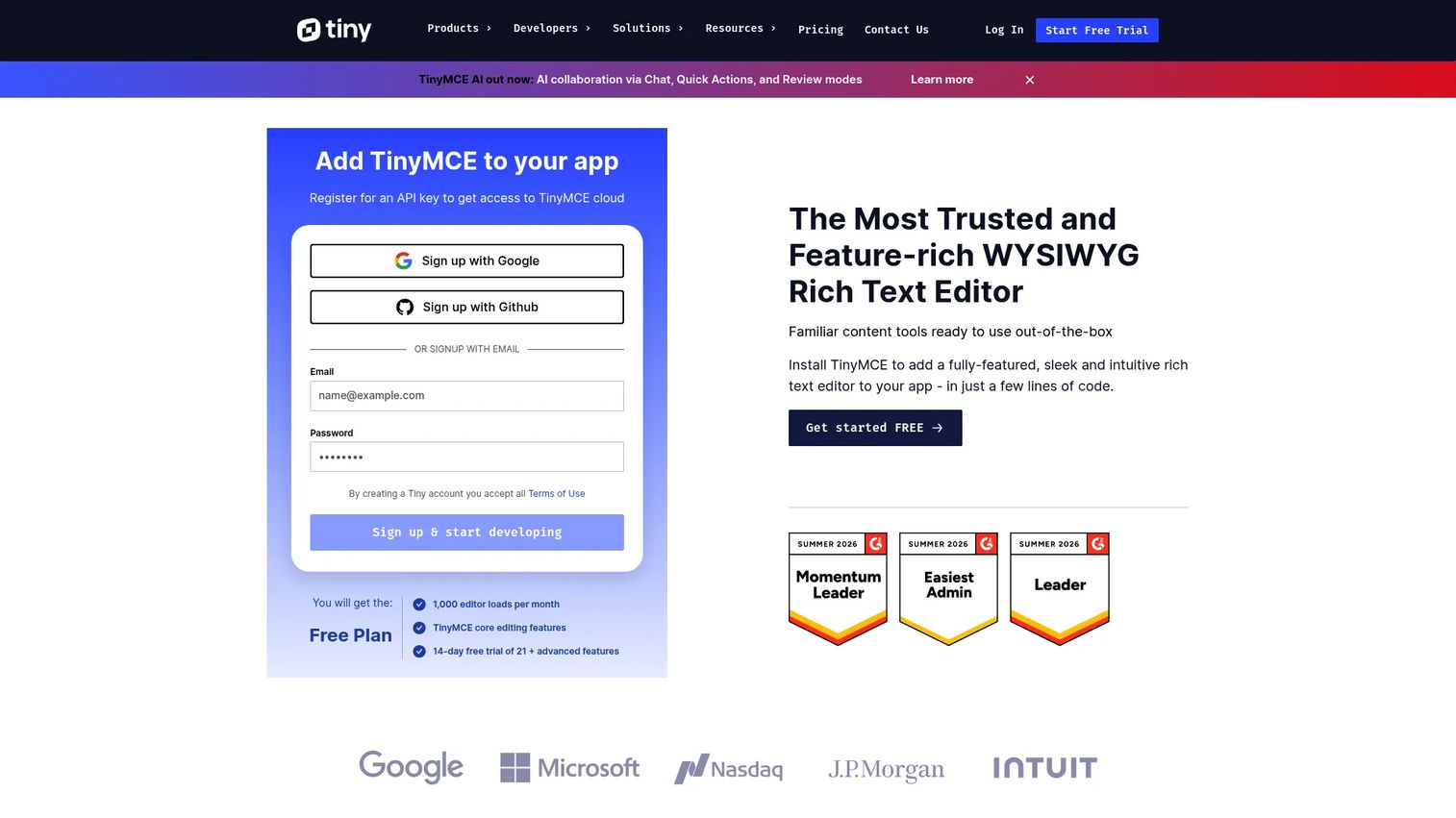
TinyMCE is one of the most established WYSIWYG HTML editors available, used across SaaS products, CMS platforms, and enterprise admin tools. It offers a configurable toolbar, an extensive plugin library, and integrations across React, Vue, Angular, Django, Rails, and WordPress. AI-assisted writing, collaboration features, and document conversion are available through premium plugins.
Best for: Product teams embedding a reliable, commercially supported rich text editor into a SaaS product or CMS field.
Key features
- Customizable toolbar and plugin configuration
- Premium AI Chat, Quick Actions, and content review
- Collaboration: Comments, mentions, revision history, and suggested edits
- Paste cleanup from Word and other document sources
- Framework integrations for React, Vue, Angular, and more
Why choose TinyMCE: Choose it when the editor is central to admin or content creation workflows and your team wants commercial support without building editor infrastructure. The free tier works for prototyping; the paid tiers add collaboration and AI features that matter at scale.
TinyMCE pricing: A free tier covers 1,000 editor loads per month. The Essential plan costs $79/month (billed annually) for 5,000 loads, and the Professional plan costs $145/month (billed annually) for 20,000 loads. Enterprise pricing requires a custom quote.
G2 rating: 4.5/5
2. Froala Editor
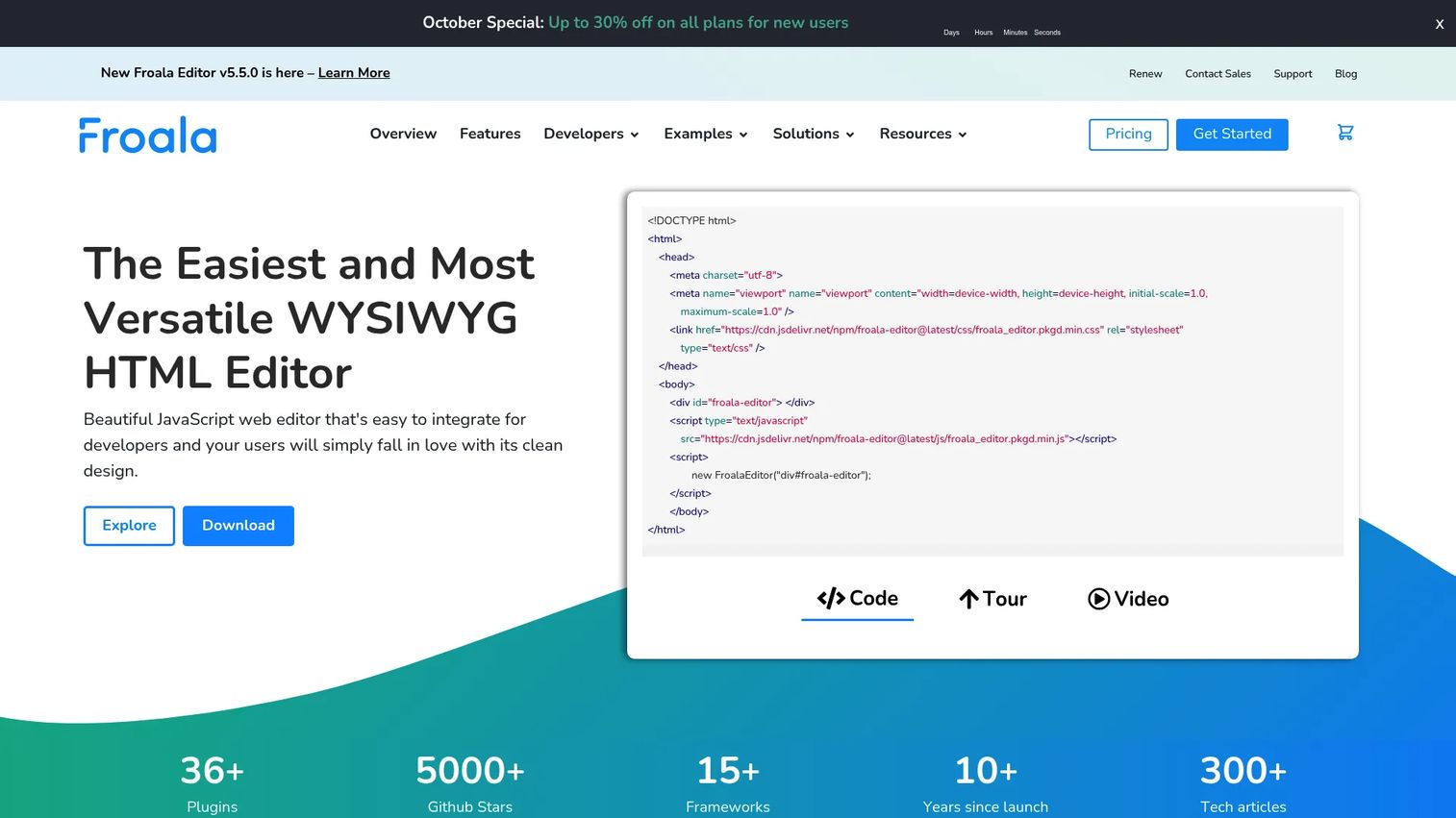
Froala Editor is a commercial WYSIWYG HTML editor with a clean visual interface and a fast drop-in setup for web and mobile applications. It ships with 30+ plugins, framework integration kits for React, Vue, and Angular, and commercial licensing that fits SaaS products. AI Assist, collaborative editing, track changes, and Word export are included in higher tiers.
Best for: Product teams that need a professional-looking editor quickly and care about the UI feel the editor delivers to end users.
Key features
- Clean editor interface with configurable toolbar
- 30+ plugins including image upload, Markdown, and code view
- Framework kits for React, Vue, and Angular
- AI Assist, collaborative editing, and track changes
- Word export and spell checking
Why choose Froala Editor: Use it when the editing experience needs to feel polished out of the box and your team wants a commercial package with clear licensing. The self-hosted model suits organizations with data sovereignty requirements.
Froala Editor pricing: A 30-day free trial is available without a credit card. The Professional license costs $899/year or $2,699 as a one-time lifetime purchase. The Enterprise license costs $1,999/year or $5,999 lifetime. Custom Architect pricing is available for larger deployments.
G2 rating: 4.4/5
3. CKEditor 5
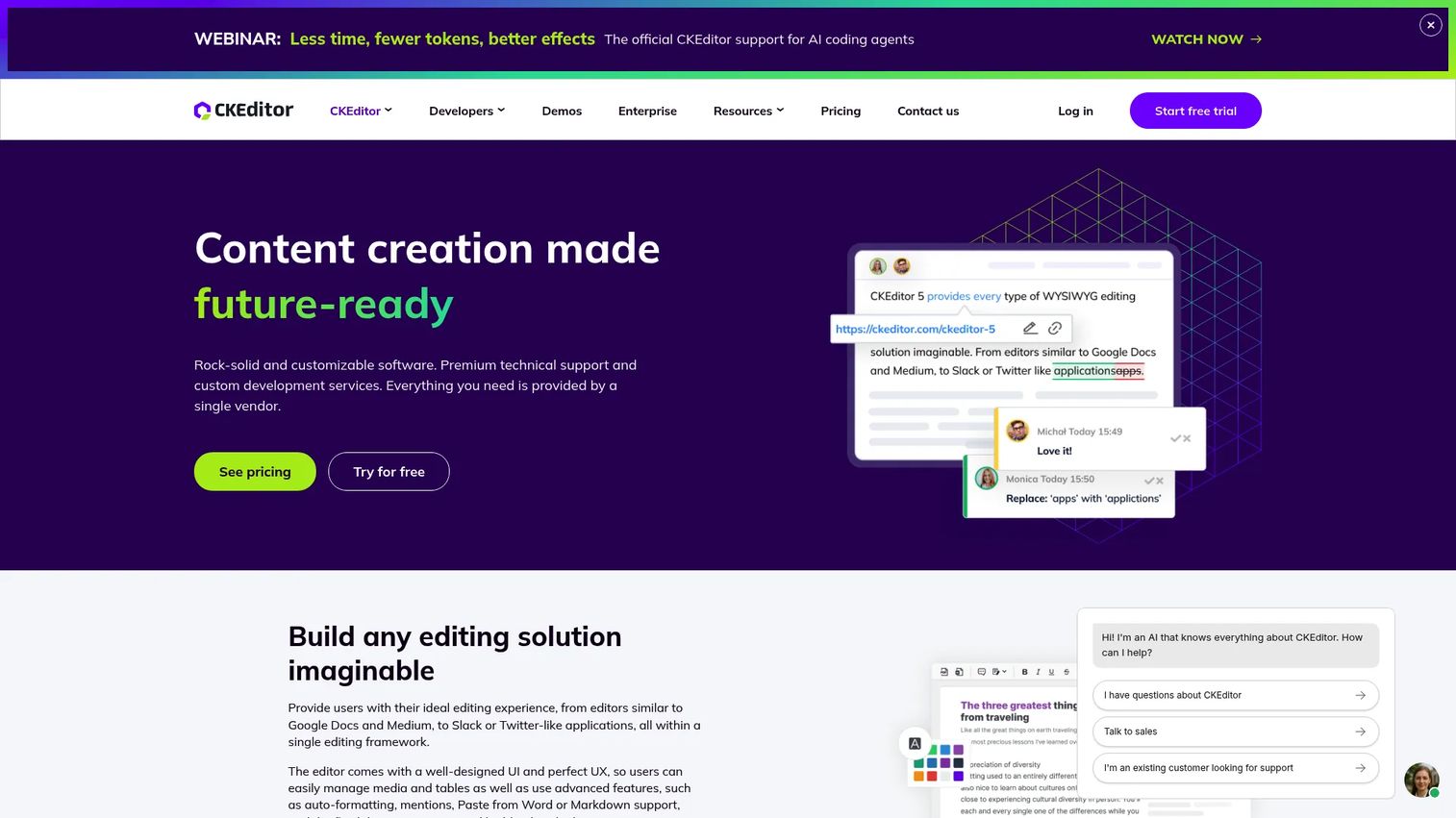
CKEditor 5 is an AI-powered rich text editor framework built for products that need collaborative and document-heavy workflows. It supports real-time and asynchronous collaboration through comments, mentions, track changes, and revision history. Import from Word and export to Word or PDF come built in, making it a strong fit for products where users move content between the app and their existing document tools.
Best for: Organizations embedding an editor into products where approval loops, document review, or team-based content creation are core workflows.
Key features
- Real-time and asynchronous collaboration: Comments, track changes, revision history
- AI Chat, AI Review, AI Quick Actions, and AI Translate
- Import from Word, export to Word or PDF
- HTML and Markdown output options
- Accessible, plugin-extensible architecture
Why choose CKEditor 5: Choose it when user workflows resemble document editing with governance requirements. The collaboration features are production-grade, not bolted on, which matters when multiple stakeholders edit the same content.
CKEditor 5 pricing: A free tier covers 1,000 editor loads per month. The Essential plan costs $160/month or $144/month on an annual commitment, covering 5,000 loads. The Professional plan costs $319/month or $289/month annually. Custom pricing is available for larger volumes.
G2 rating: 4.3/5
4. TipTap
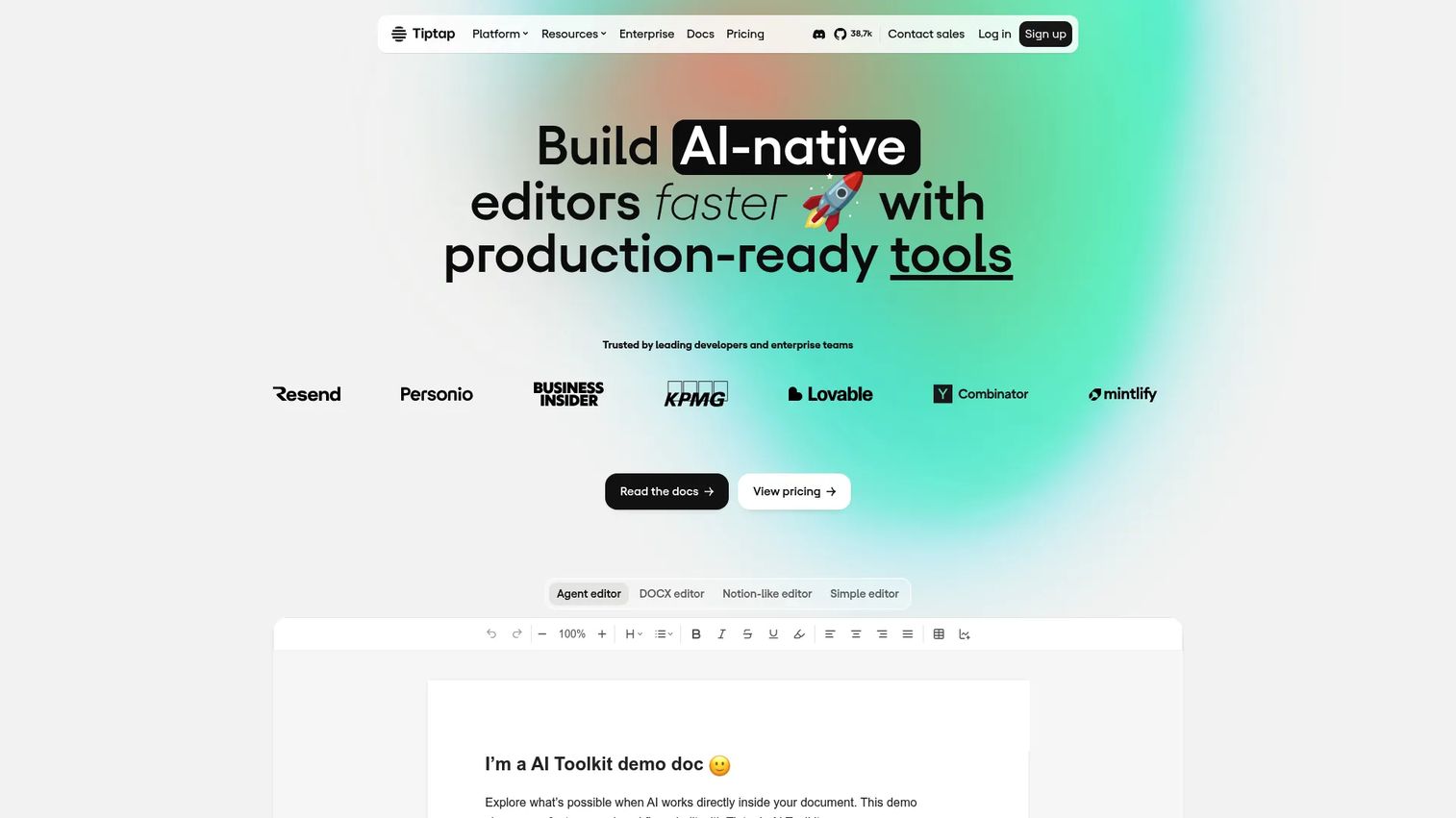
TipTap is a headless, open-source rich text editor framework built on ProseMirror. It gives engineering teams full control over the editor UI, schema, extensions, and output format. The framework is agnostic across React, Vue, Svelte, and plain JavaScript. Cloud plans add real-time collaboration, version history, AI features, and DOCX import/export.
Best for: Development teams building a custom editor UX where the editing interface itself is a product differentiator.
Key features
- Headless, extension-based editor architecture
- Framework-agnostic: React, Vue, Svelte, plain JavaScript
- Real-time collaboration with comments and version history
- AI integration, DOCX import/export
- Open-source MIT core with commercial cloud services
Why choose TipTap: Choose it when your team wants ProseMirror's power without starting from scratch. The extension model gives you custom block types, custom commands, and a collaboration layer without rewriting the editor internals.
TipTap pricing: The open-source editor core is free under the MIT license. Platform plans start at $49/month (Start), $149/month (Team), and $999/month (Business). Enterprise pricing is custom. A 30-day free trial is available without a credit card.
G2 rating: 4.6/5
5. ProseMirror
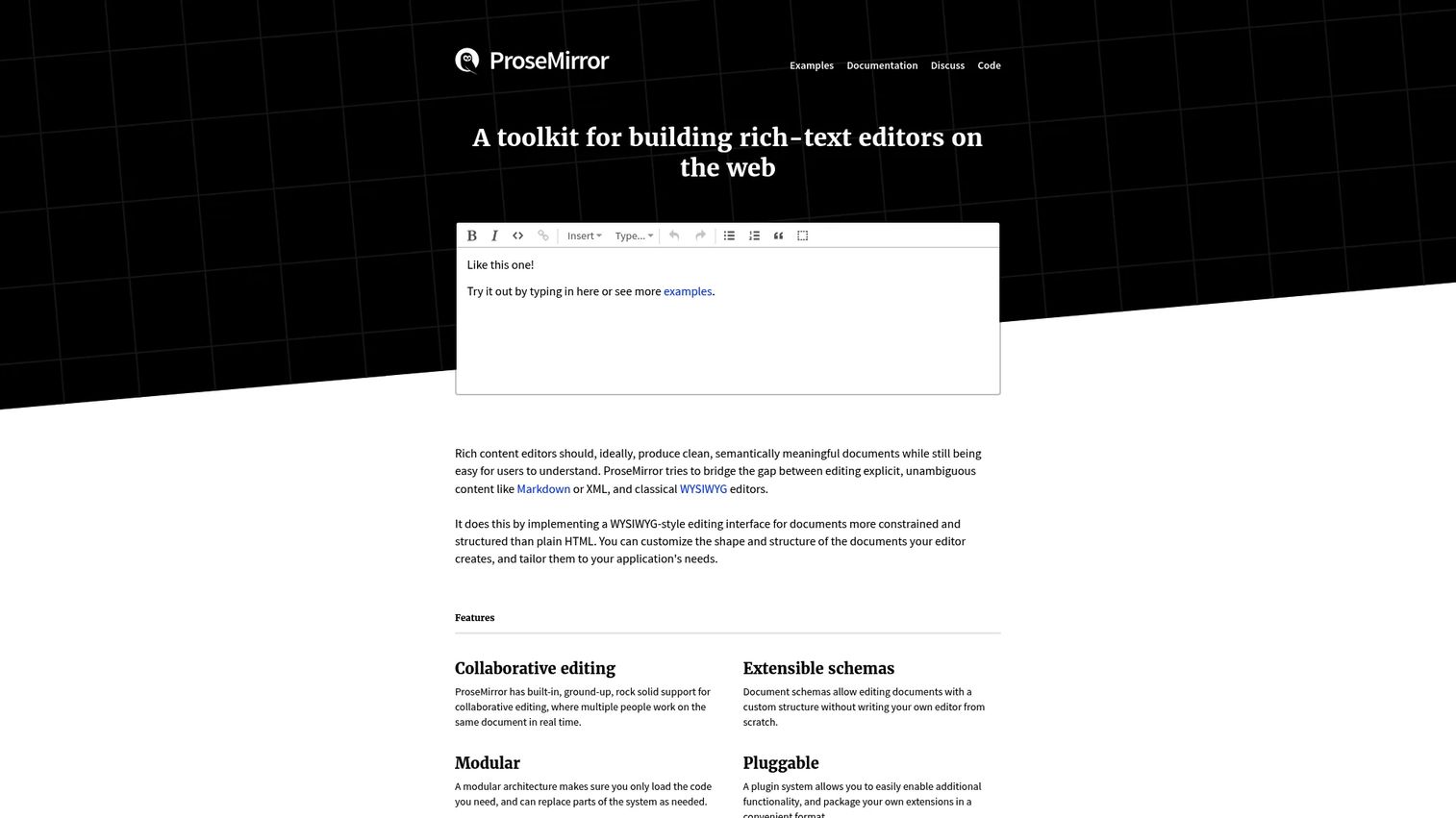
ProseMirror is an open-source toolkit for building custom rich text editors with full schema and plugin control. It powers several well-known products under the hood, including TipTap, and gives engineering teams access to collaborative editing primitives, immutable document state, and a transaction-based change model. There is no finished editor UI. What you get is the foundation.
Best for: Engineering teams building a custom editor where complete architectural control matters more than implementation speed.
Key features
- Schema-driven, extensible document model
- Plugin-based extensibility with low-level API access
- Collaborative editing foundations and transaction model
- Functional, immutable editor state
- Unopinionated core with no built-in UI
Why choose ProseMirror: Choose it when the editor is a core product capability and your team has the bandwidth to own the implementation. TipTap abstracts most of ProseMirror's complexity; ProseMirror is the right choice when even TipTap's abstractions are too constraining.
ProseMirror pricing: ProseMirror is open source and free for commercial use. The maintainers note a social expectation around funding support, but there are no paid plans.
6. Quill
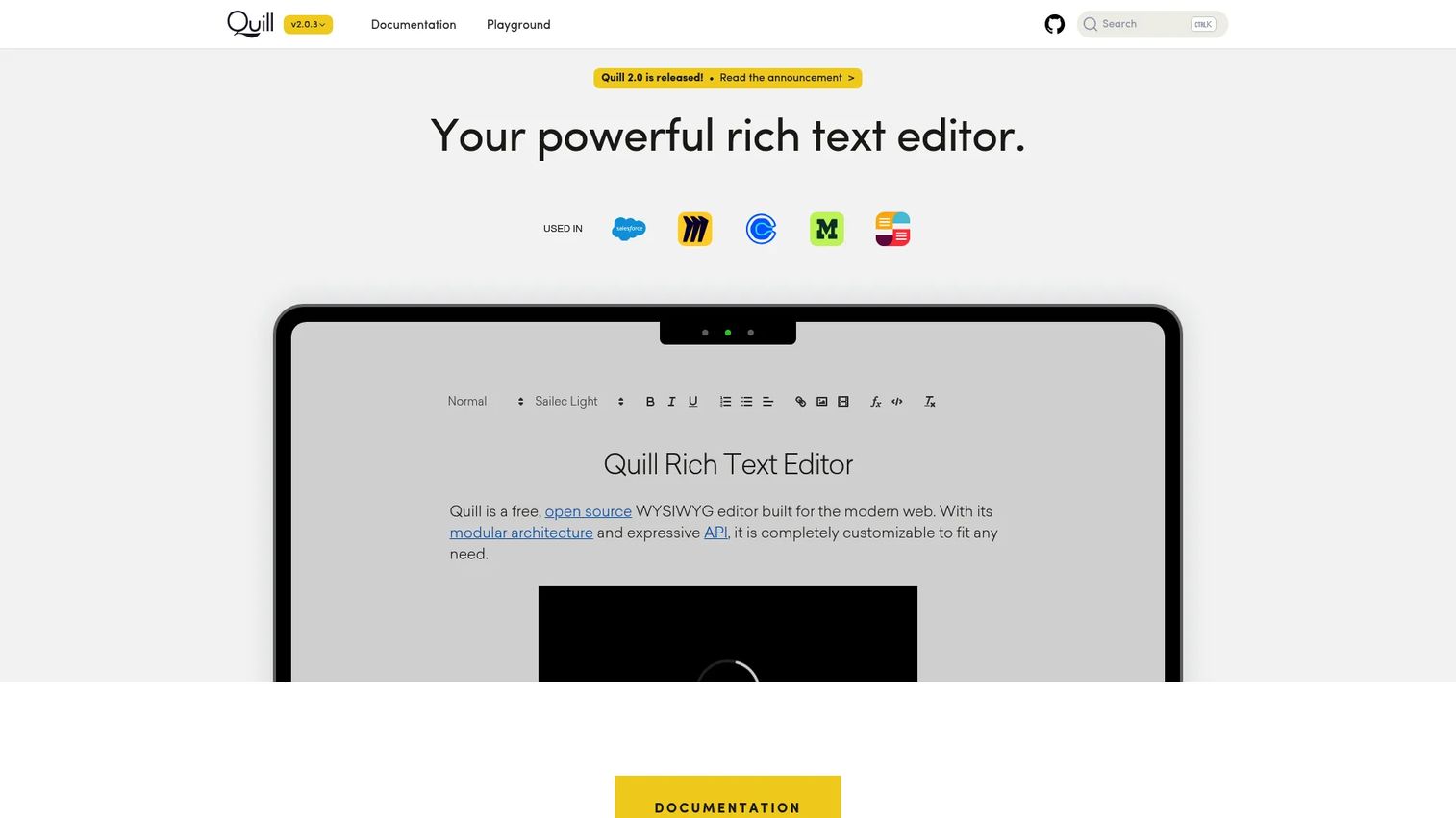
Quill is a lightweight, API-driven open-source rich text editor with a Delta content model that represents content and changes as a JSON-based format. Its API surface is small by design, making it approachable for teams that want formatting controls without deep editor framework knowledge. Broad browser support and a module-based extension system cover most standard rich text needs.
Best for: Developers needing straightforward rich text editing where a clean API matters more than enterprise document features.
Key features
- Delta content model with JSON input and output
- Lightweight, configurable toolbar
- Module system for custom formats and extensions
- Cross-platform browser support
- Theme options
Why choose Quill: Choose it when the product's formatting requirements are moderate and licensing cost should be zero. Quill's adoption is broad, but check whether the specific wrapper you need for your framework is actively maintained before committing.
Quill pricing: Quill is open source under a BSD license. Free for personal and commercial use.
G2 rating: 4.1/5
7. Slate
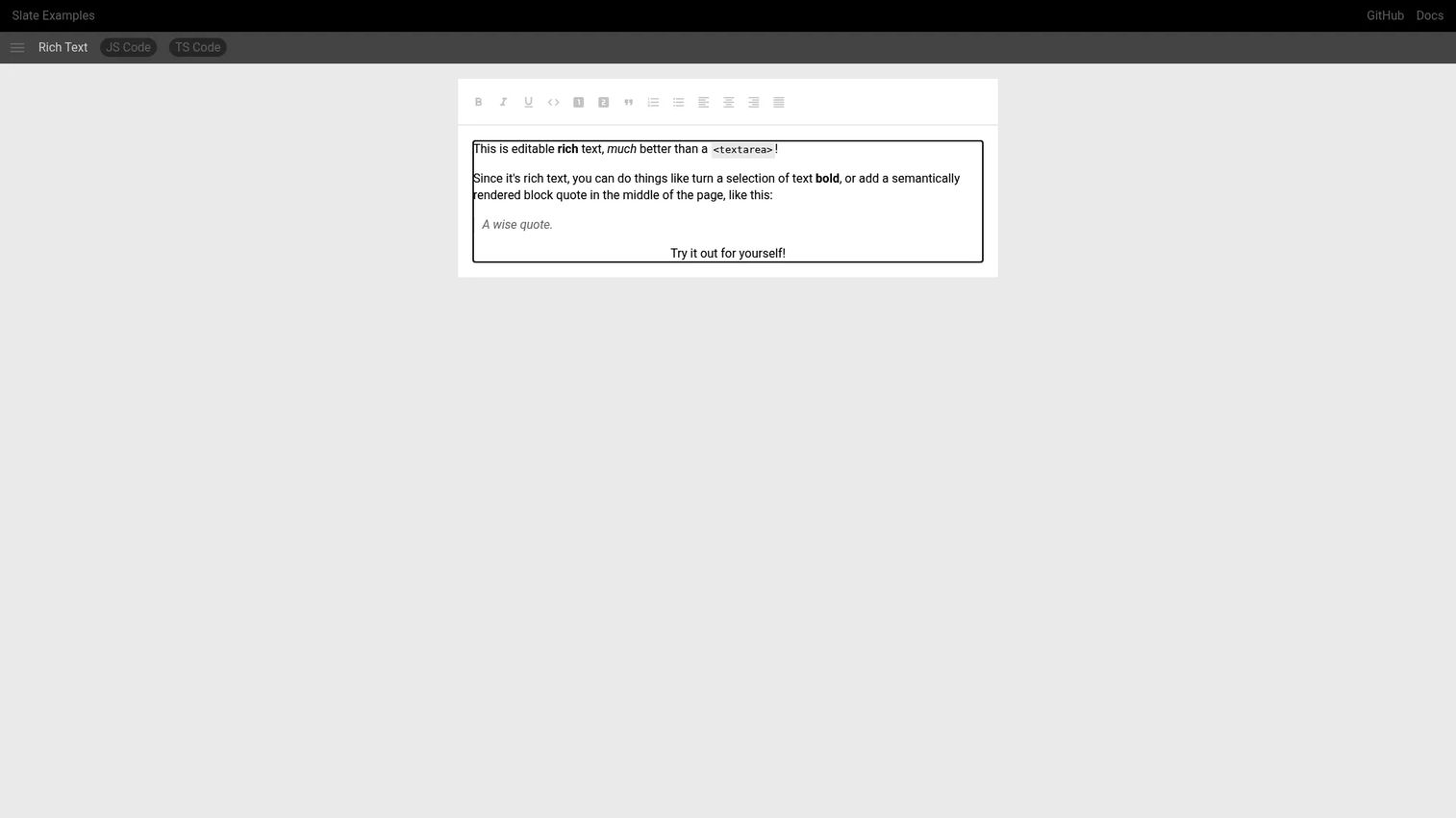
Slate is a React-first framework for building custom rich text editors. Its schema-less core and plugin-style behavior mean engineering teams define the content model, rendering, and commands. The result is an editor that can become anything, from a simple comment box to a collaborative document editor, given sufficient engineering ownership.
Best for: Product teams building a highly tailored editor in React where design requirements outgrow what standard toolbar editors offer.
Key features
- React-first architecture with custom document model
- Schema-less, plugin-style behavior system
- Nested recursive document model
- Collaboration-ready data model
- Custom commands and transforms
Why choose Slate: Choose it when product design requires an editor that standard libraries can't produce. Budget implementation and QA time carefully. Slate gives you flexibility, but that flexibility carries ongoing maintenance responsibility.
Slate pricing: Slate is open source under the MIT license. Free for commercial use.
8. Editor.js
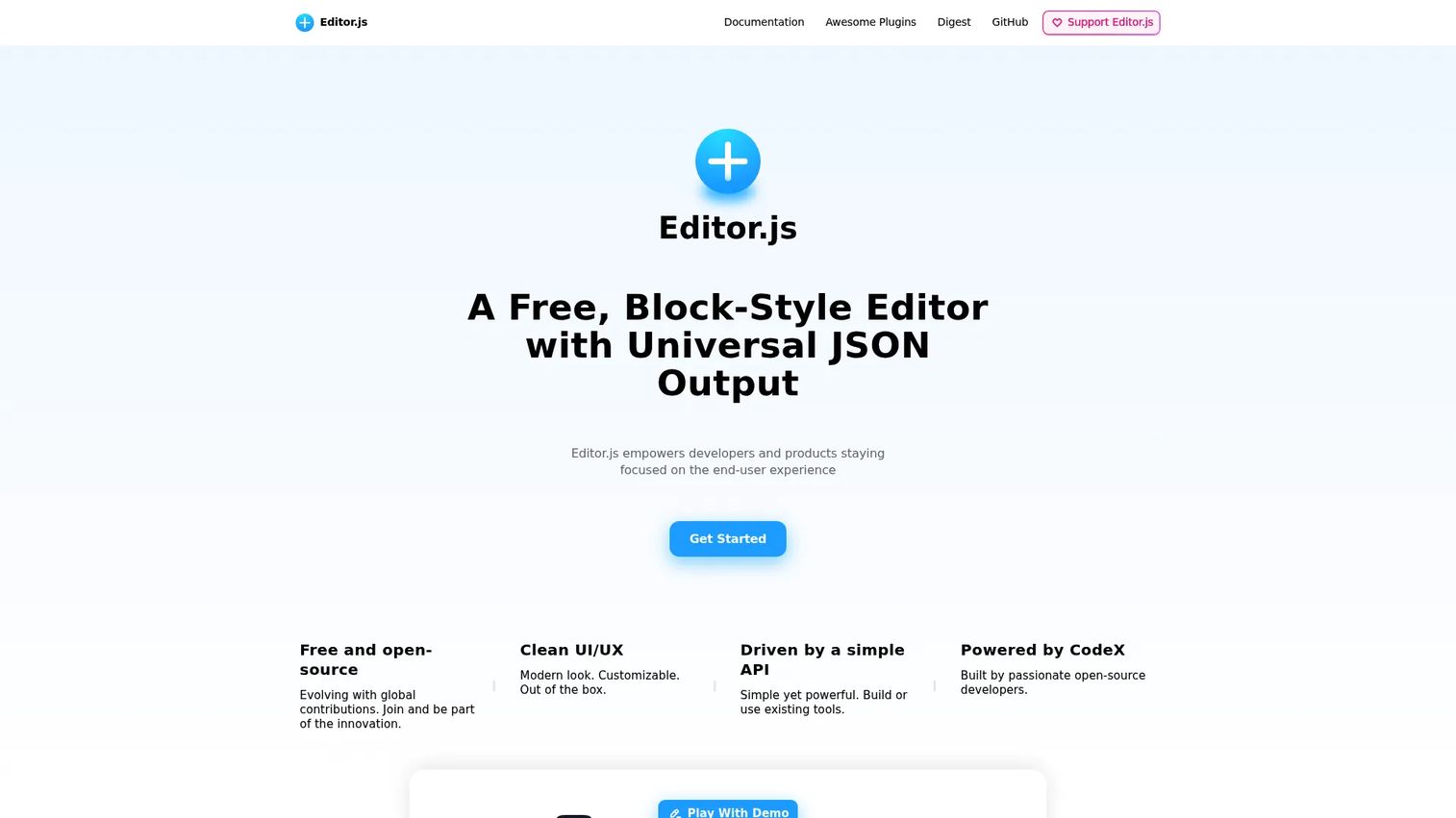
Editor.js is a block-style editor that outputs clean, structured JSON instead of HTML. Each content block, whether a paragraph, heading, image, or embed, is an independent data object. That structure makes content portable across rendering contexts, useful for knowledge bases, marketplaces, onboarding content systems, or any product where the same content renders differently in different places.
Best for: Product teams building content systems where structured, portable data matters more than HTML output.
Key features
- Block-based editing with independent content blocks
- Clean JSON output with no HTML markup
- Pluggable API for custom block tools
- Read-only mode and internationalization support
- Open-source architecture
Why choose Editor.js: Choose it when content needs to travel across surfaces, including mobile apps, web renders, and API consumers, without carrying HTML formatting that breaks downstream. The trade-off is a smaller plugin ecosystem than commercial editors.
Editor.js pricing: Free and open source. No paid tiers.
9. Trix
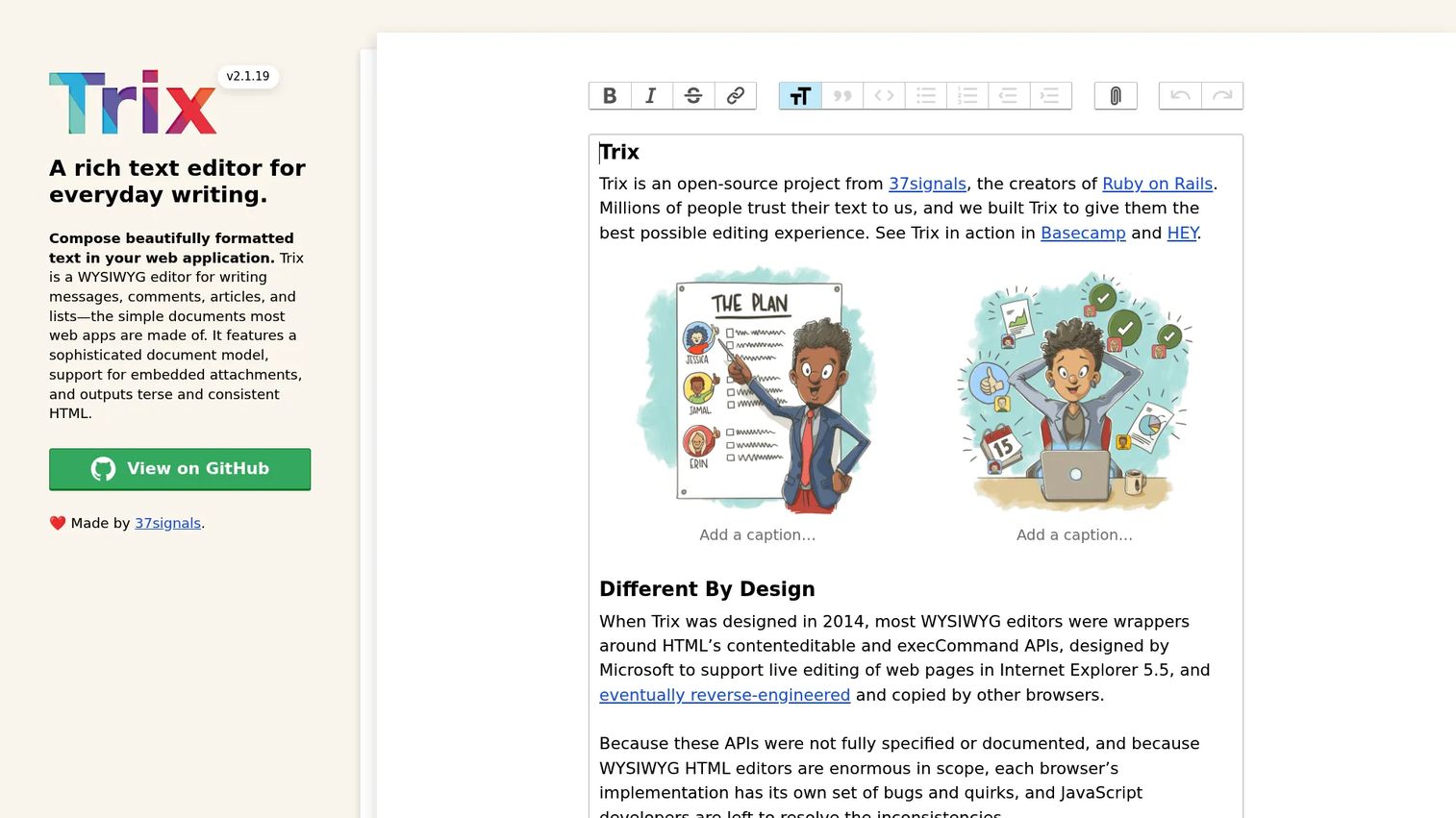
Trix is an open-source WYSIWYG rich text editor with a simple document model, attachment support, and terse HTML output. It integrates with Rails through Action Text, making it the natural choice for Rails teams that need basic rich text without custom editor infrastructure. Configuration is minimal by design.
Best for: Rails teams adding rich text to content fields, comments, or articles where simple beats heavily engineered.
Key features
- Simple toolbar with formatting controls
- Embedded attachment support
- Terse, consistent HTML output
- Action Text alignment for Rails
- Minimal configuration requirements
Why choose Trix: Choose it when the stack is Rails-based and the content editing requirements are basic. Trix is not the right choice for React-heavy applications or products that need collaboration features.
Trix pricing: Open source and free. No paid tiers.
10. Summernote
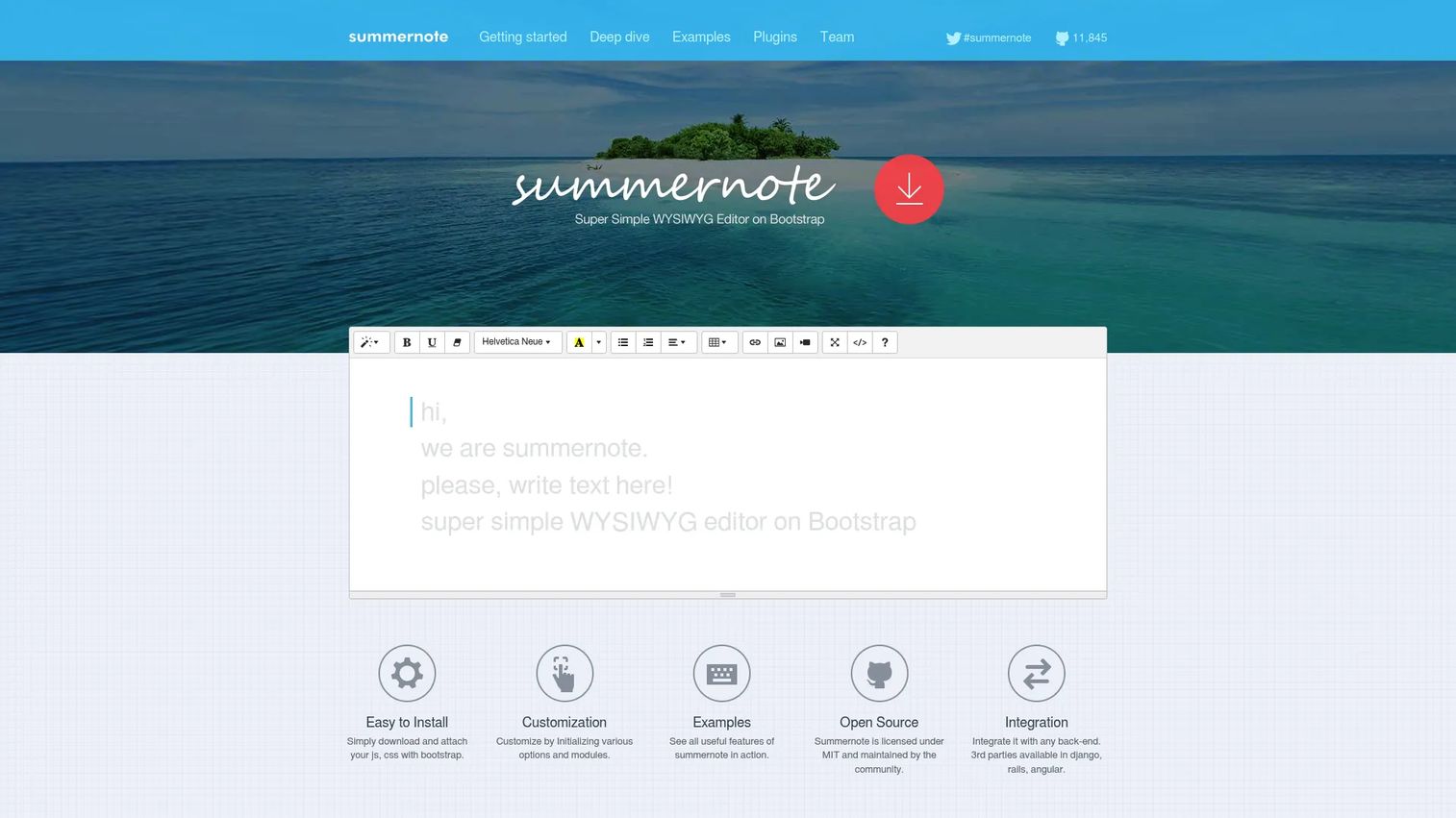
Summernote is an open-source WYSIWYG editor weighing in at 100KiB, built for Bootstrap and jQuery-based projects. It supports Bootstrap 3.x through 5.x, covers standard formatting controls, and integrates with Django, Rails, and Angular backends. The lightweight footprint makes it practical for internal tools or legacy stacks where a modern React framework is not in play.
Best for: Development teams working with Bootstrap or jQuery who need basic formatting without framework overhead.
Key features
- Bootstrap 3.x through 5.x compatibility
- jQuery-based setup with minimal configuration
- Standard formatting toolbar with image insertion
- Back-end integration for Django, Rails, and Angular
- 100KiB lightweight footprint
Why choose Summernote: Choose it when the product already runs on Bootstrap or jQuery and the editing needs are straightforward. For greenfield React or Vue projects, more actively maintained alternatives will reduce future migration risk.
Summernote pricing: Open source under the MIT license. Free for commercial use.
G2 rating: 4.7/5
11. BlockNote
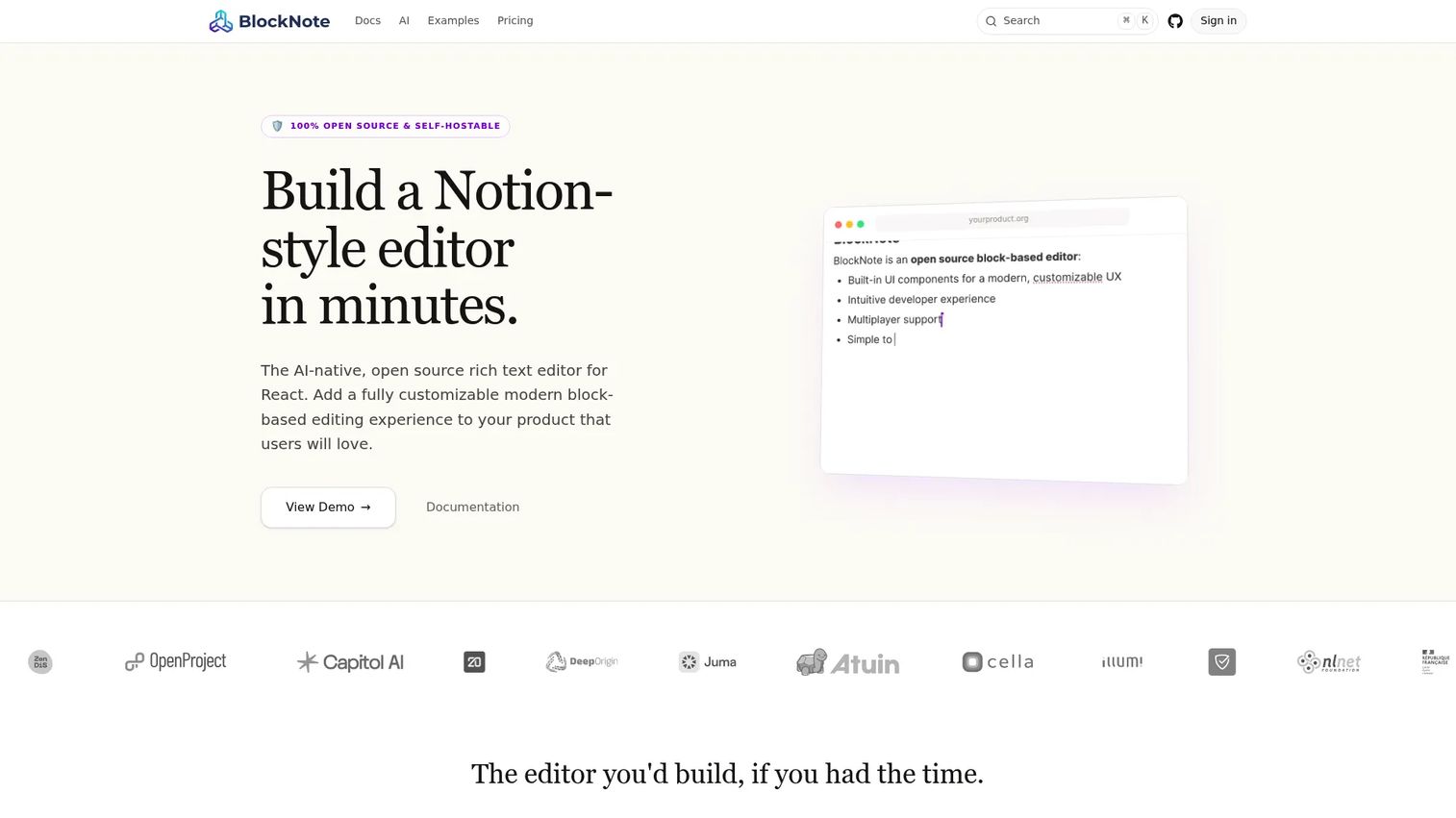
BlockNote is an open-source, AI-native React rich text editor for building Notion-style block-based editing experiences. It supports drag-and-drop block reordering, nested content, real-time collaboration powered by Yjs, and exports to PDF, Docx, and email formats. TypeScript support and a custom block API make it extensible without starting from the framework level.
Best for: Product teams building docs, notes, or workspace features in React where users expect a modern block editor rather than a classic toolbar.
Key features
- Block-based editing with drag-and-drop and nested blocks
- Real-time collaboration with comments and offline sync (Yjs)
- AI integration and custom block types
- TypeScript support
- Exports to PDF, Docx, ODT, and email formats
Why choose BlockNote: Choose it when your product requires a modern block UX and you want to avoid building the editor primitives from scratch. The collaboration features are production-ready, and the export options cover common document workflow needs.
BlockNote pricing: The Community tier is free for any project. The Business plan costs $195/month and includes a commercial license and technical support. Enterprise pricing is custom.
12. Toast UI editor
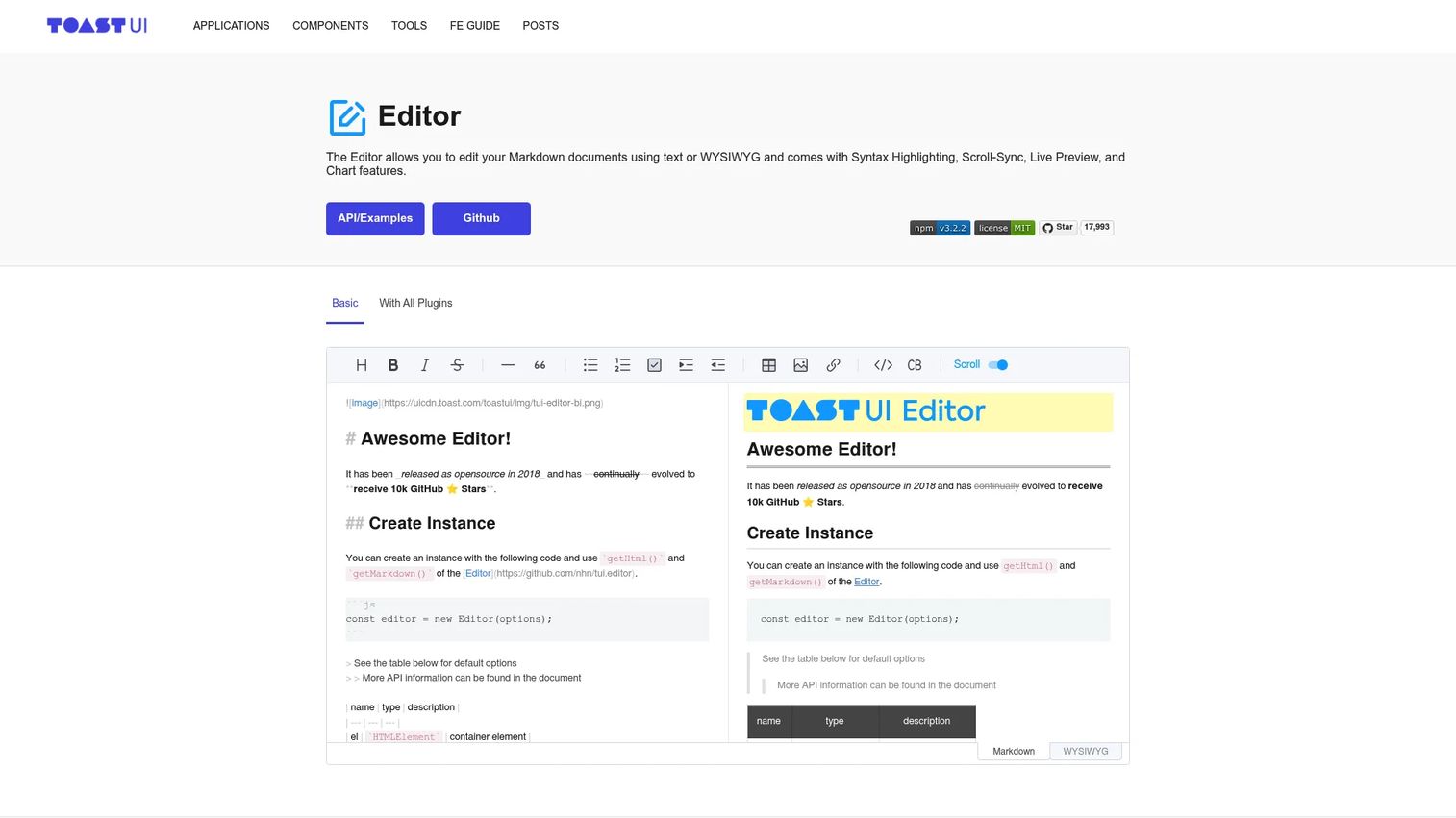
Toast UI editor is an open-source JavaScript editor offering both Markdown and WYSIWYG editing modes. Users can switch between modes with live preview, scroll synchronization, and syntax highlighting. React and Vue wrapper components are available, and plugins cover charts, code syntax highlighting, merged table cells, and UML support.
Best for: Developer-facing products, documentation tools, or content platforms where Markdown output matters but users shouldn't be forced to write raw Markdown.
Key features
- Markdown and WYSIWYG dual editing modes with live preview
- Scroll synchronization and syntax highlighting
- Plugins for charts, code blocks, color syntax, and UML
- React and Vue wrapper components
- Internationalization and viewer mode
Why choose Toast UI editor: Choose it when your user base includes a mix of technical and non-technical contributors. The dual-mode approach lets each user type in the format they prefer without forking the content model.
Toast UI editor pricing: Open source under the MIT license. Free for commercial use.
13. Lexical
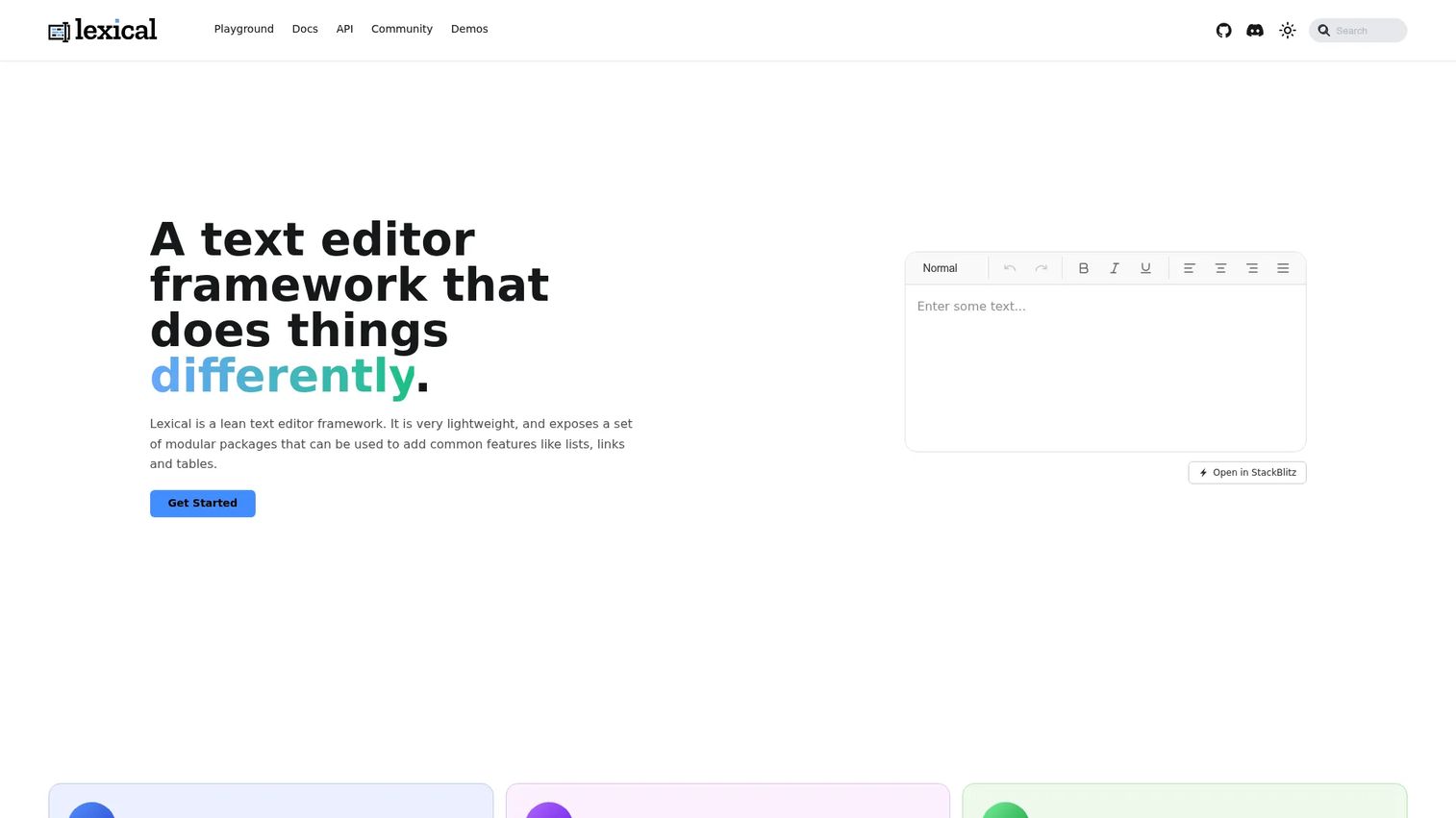
Lexical is an extensible, lightweight text editor framework from Meta. It offers a modular package structure covering lists, links, tables, and images, with an editor state model designed for React. Custom nodes, a command system, and Yjs-based collaborative editing support make it a credible foundation for products that need a modern editor with long-term flexibility.
Best for: Engineering teams building a React-oriented editor where performance, extensibility, and a modern architecture are the primary requirements.
Key features
- Modular packages for lists, links, tables, code blocks, and images
- Extensible editor state with custom nodes
- React integration with a command system
- Real-time collaborative editing via Yjs
- Lightweight, modern architecture
Why choose Lexical: Choose it when the editor roadmap includes performance-sensitive contexts or custom behaviors that established libraries can't accommodate. Meta uses Lexical in production, which signals ongoing maintenance, though the ecosystem is younger than ProseMirror's.
Lexical pricing: Open source and free for commercial use.
14. DraftJS
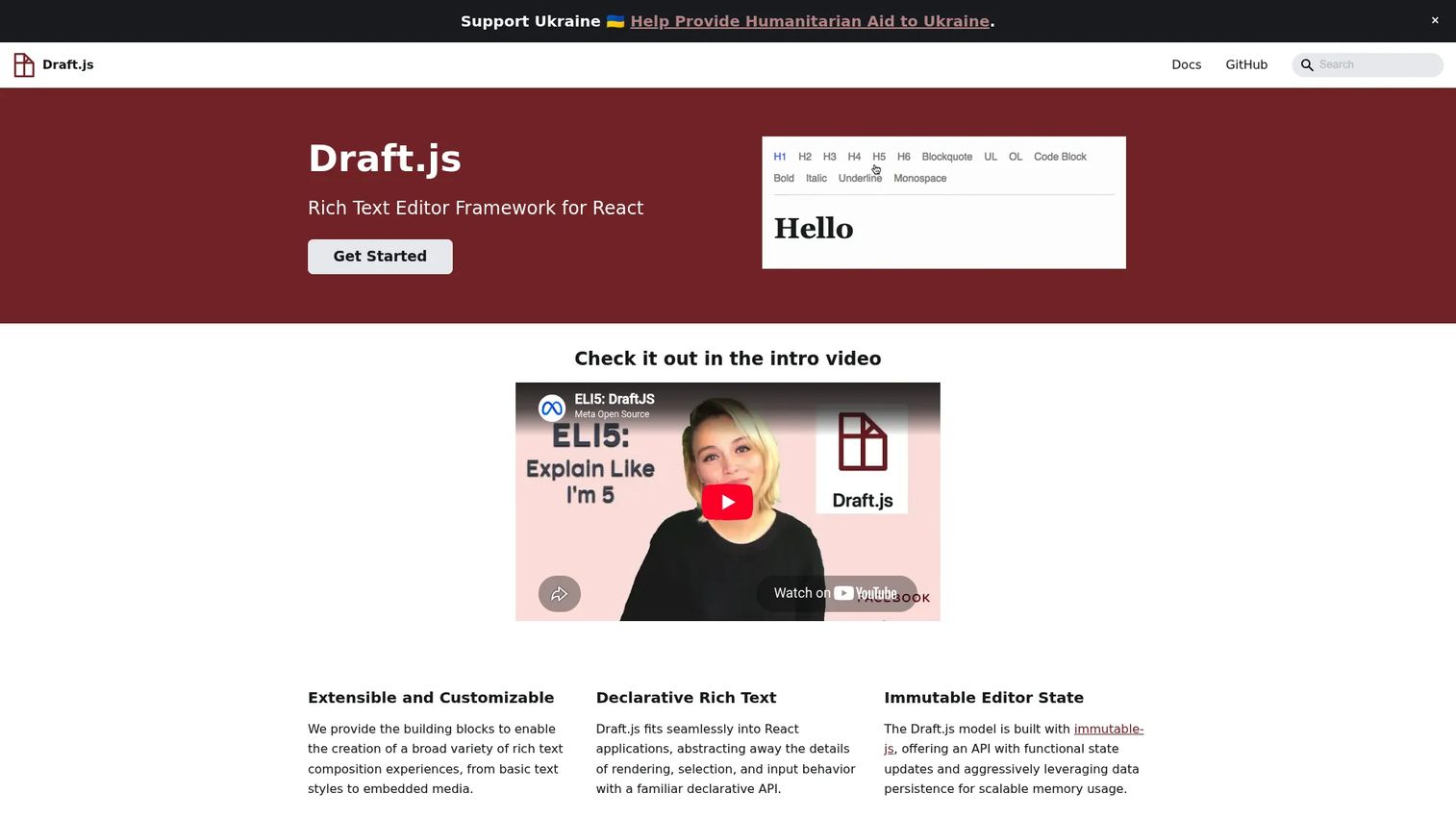
DraftJS is a React-based framework for building rich text editors, originally developed at Meta. It handles entity-based content like mentions and hashtags, supports custom block components, and carries an immutable editor state with full undo/redo history. Development activity on DraftJS has slowed, and Meta now directs new development toward Lexical.
Best for: Teams maintaining or extending an existing DraftJS implementation where migration cost exceeds the benefit of switching.
Key features
- Declarative React-based rich text composition
- Immutable editor state with undo/redo history
- Custom block components and embedded media
- Entity handling for mentions and hashtags
- Decorator support for custom rich styling
Why choose DraftJS: The honest answer is that DraftJS is best chosen when you're already on it. For new projects, Lexical or Slate are more actively maintained React alternatives. Migration from DraftJS is real work, but the opportunity cost compounds over time.
DraftJS pricing: Open source and free for commercial use.
15. WYSIWYG Web Builder
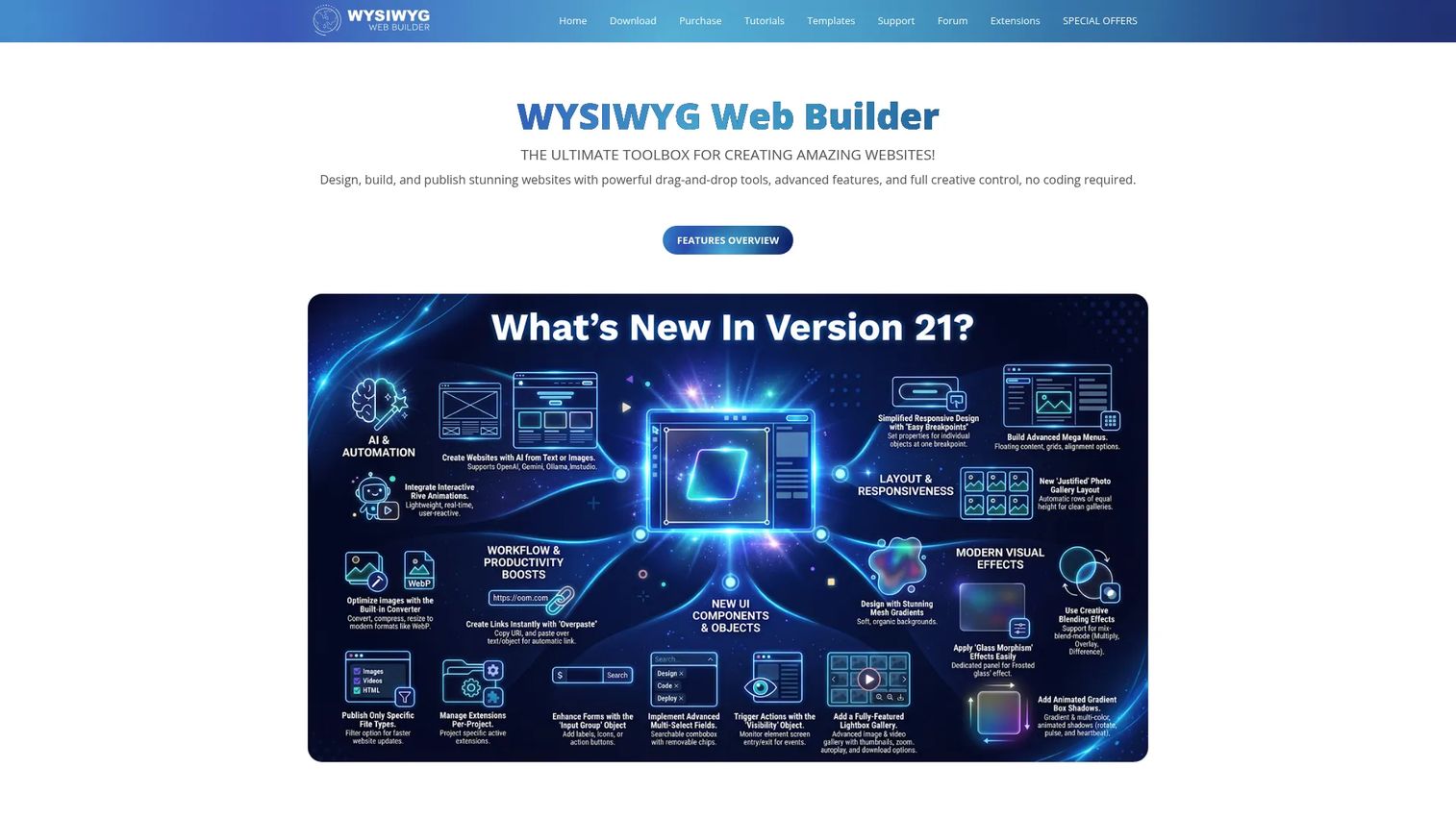
WYSIWYG Web Builder is a drag-and-drop desktop application for creating responsive websites without writing code. It generates HTML automatically from visual layouts and publishes via FTP, FTPS, or SFTP. Built-in tools cover forms, navigation, SEO, CMS fields, ecommerce integrations, and media management. It is not an embeddable editor component for SaaS products.
Best for: Individuals, freelancers, and designers who want full visual control over responsive website layouts without a developer workflow.
Key features
- Drag-and-drop visual design with automatic HTML generation
- Responsive layouts: CSS Grid, Flexbox, breakpoints
- One-click publishing via FTP, FTPS, or SFTP
- Built-in SEO tools, forms, CMS, and ecommerce integrations
- Template library with prebuilt sections
Why choose WYSIWYG Web Builder: Choose it when the job is building complete websites visually rather than embedding an editor inside a web application. It belongs in a different category from the other tools in this guide. Product teams building SaaS features should look elsewhere.
WYSIWYG Web Builder pricing: The standard license costs $39.95 as a one-time purchase. WYSIWYG Web Builder Plus costs $66.95 one-time. A fully functional 30-day trial is available. No subscription required.
G2 rating: 4.3/5
16. Strapi
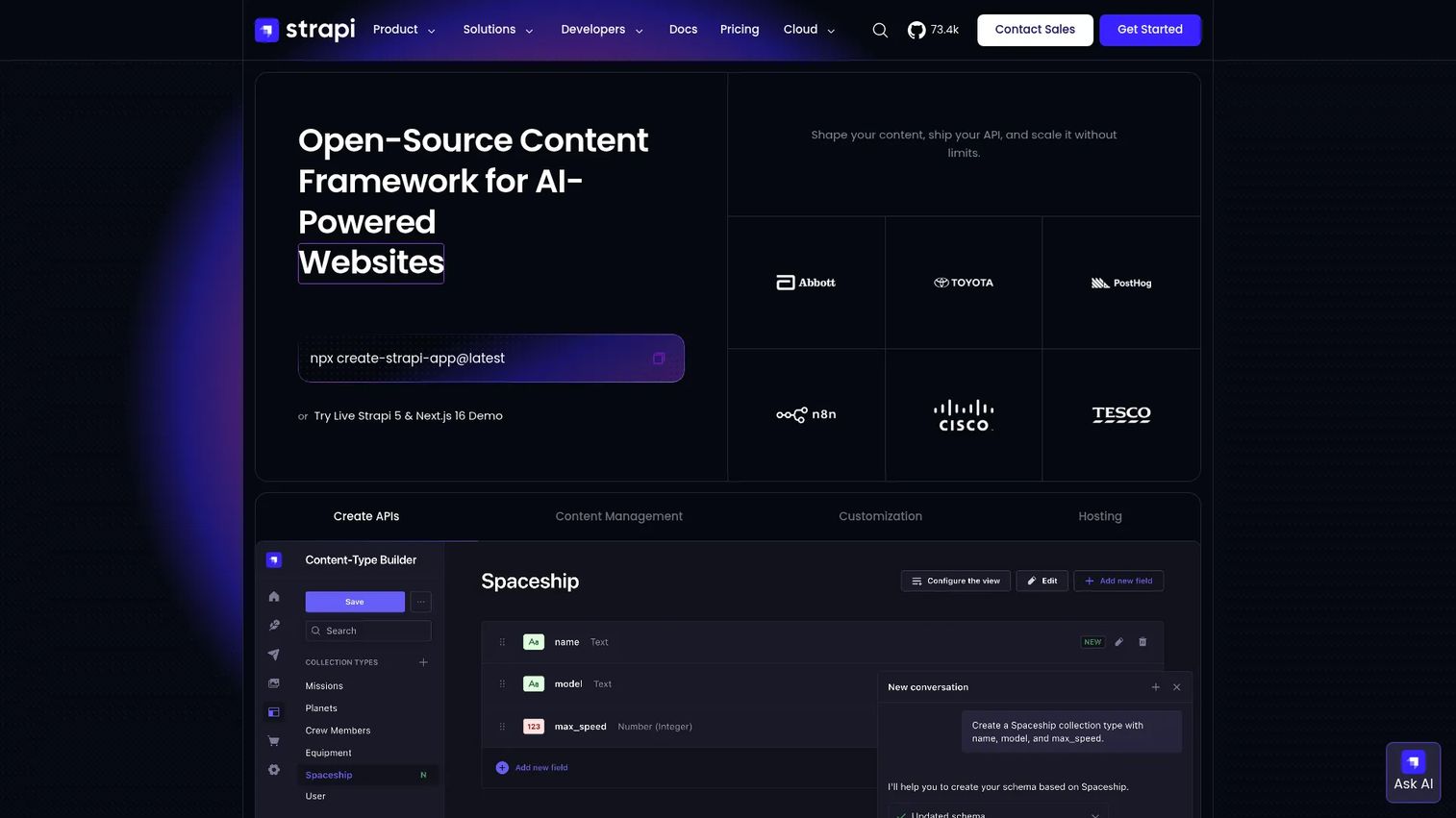
Strapi is an open-source, customizable headless CMS that delivers content through REST and GraphQL APIs. It includes a Content-Type Builder, rich text fields, internationalization, role-based access control, and a media library. When the editor decision is part of a broader content architecture rather than a standalone component, Strapi provides the CMS layer around the editing experience.
Best for: Developers and content teams that need a CMS foundation alongside rich text editing, not just an editor widget.
Key features
- REST and GraphQL API delivery
- Content-Type Builder with components and dynamic zones
- Role-based access control and webhooks
- Internationalization and multilingual content
- Media Library, Live Preview, and Content History
Why choose Strapi: Choose it when product and content teams need a managed content architecture, not just formatting controls. Strapi handles governance, permissions, and API delivery that a standalone editor library leaves to you.
Strapi pricing: The Community self-hosted plan is free. The Growth plan costs $45/month. Enterprise pricing requires a custom quote. Strapi Cloud hosting starts at $35/project/month (Starter), $90/month (Pro), and $450/month (Business).
G2 rating: 4.5/5
17. Filestack
Filestack is a file management platform for uploading, transforming, securing, and delivering files through APIs. It is not a rich text editor, but media handling is frequently part of editor implementation. When users upload images, PDFs, or videos inside an editor workflow, Filestack provides the upload picker, CDN delivery, image transformations, and AI-powered processing that most editor libraries leave as an integration exercise.
Best for: Development teams that need reliable, integrated file upload and media processing alongside an existing editor implementation.
Key features
- Multi-source file picker supporting 20+ upload sources
- Image and document transformations
- AI-powered OCR, virus detection, and content moderation
- Global CDN delivery with adaptive optimization
- Security policies and domain whitelisting
Why choose Filestack: Choose it when media upload reliability matters as much as the editor itself. Filestack pairs with TinyMCE, Froala Editor, and other editors where file handling is not included or is underpowered in the base package.
Filestack pricing: A free tier is available. The Start plan costs $69/month, Grow costs $199/month, and Scale costs $379/month. Enterprise pricing is custom.
G2 rating: 4.2/5
Considerations
Output format fit
Map your downstream requirements before choosing an editor. HTML works well for display-ready content that renders in a browser. JSON or block output is the better choice when content powers API delivery, mobile rendering, or structured product workflows. Markdown suits documentation and developer-facing content. The editor you choose locks in this architectural decision, and migration is expensive.
Framework and stack compatibility
Verify which wrappers are actively maintained, not just nominally supported. A library that claims React compatibility through an unmaintained community wrapper creates a future engineering debt that won't show up in an initial evaluation. Ask your engineering team to run a dependency audit on wrapper freshness before shortlisting.
Licensing and commercial use
Open-source licenses vary. MIT and BSD licenses are permissive and commercially safe. GPL-adjacent licenses may impose conditions on distribution. Commercial editors like TinyMCE, Froala Editor, and CKEditor 5 include support contracts that open-source libraries don't. Factor in the cost of internal support versus a paid SLA when the editor is a critical path for your product.
Collaboration and governance requirements
If multiple stakeholders edit the same content, comments, track changes, and revision history become infrastructure requirements rather than nice-to-haves. CKEditor 5, TipTap with collaboration, and BlockNote have production-grade collaboration. Check whether those features gate to higher pricing tiers before including them in a business case.
Maintenance cost over the release cadence
Editor decisions create long-term product surface area. Every product release that changes the UI surfaces the editor touches may require a recapture or update. Short-list tools with active release cadences, clear deprecation policies, and documentation that engineering can rely on without your intervention.
Conclusion
The right WYSIWYG editor software comes down to four questions: What output format does your product need, how much implementation time can engineering invest, what licensing model fits your commercial requirements, and how much ongoing maintenance are you prepared to own?
For commercial drop-in editors with support contracts, TinyMCE and Froala Editor are the most established options. CKEditor 5 is the strongest choice when collaboration and document workflows are requirements. For custom product editors built in React, TipTap offers the best balance between ProseMirror's power and implementation speed; BlockNote is the right pick for teams that want a modern block UX without starting from primitives. Open-source options like Quill, Editor.js, and Toast UI editor cover more specific use cases across structured output and Markdown workflows. WYSIWYG Web Builder belongs on a different shortlist entirely, aimed at site creation rather than embedded editing. Strapi is the answer when the editor decision is really a CMS architecture decision. Filestack rounds out the list as a media layer that complements rather than replaces an editor.
Verify pricing and G2 ratings directly before finalizing any shortlist, since this category moves quickly.
Start your journey with Guideflow today!
FAQs
WYSIWYG editor software, short for "what you see is what you get," lets users format content visually while the editor generates the underlying HTML, JSON, Markdown, or structured data model. The editing canvas matches the rendered output, so non-technical users work without touching code. The category covers embedded library editors, full editor frameworks, block-based tools, and website builders.
The answer depends on whether you need a drop-in component or a custom editor. For speed and commercial support, TinyMCE, Froala Editor, and CKEditor 5 are the most proven drop-in options. When engineering needs schema control and a custom UI, TipTap and ProseMirror are the strongest frameworks. The output format you need, HTML versus JSON versus Markdown, should drive the final decision as much as the feature set.
The terms overlap significantly. Rich text editor typically refers to a formatting-focused component that outputs styled text. WYSIWYG editor can mean the same thing, but the term also covers visual page editors, website builders, and CMS editing interfaces where the user edits layout and media, not just text. For embedded SaaS use cases, the two terms describe the same category.
HTML is the practical choice when content renders directly in a browser and portability is not a concern. JSON or block output is better when content powers multiple rendering targets, mobile apps, or API consumers, because the data carries semantic structure rather than formatting assumptions. Markdown suits developer documentation and technical content platforms where writers are comfortable with the syntax. Map your rendering requirements before selecting a library, because switching output formats after launch is significant engineering work.
The best open-source option depends on the use case. TipTap covers most custom editor needs with its ProseMirror foundation and extension model. Quill is the most approachable for moderate formatting requirements. Editor.js is the right choice when block-based JSON output matters. Slate suits complex custom React editors. Lexical is the strongest option when performance and modern React architecture are priorities. Verify the license of any open-source tool before commercial use.
TipTap, Slate, Lexical, DraftJS, BlockNote, and Quill (via community wrappers) all target React directly. TinyMCE, Froala Editor, and CKEditor 5 provide official React integration packages. Check whether the integration package version matches the React version your product uses, and confirm the wrapper is actively maintained before making it a dependency.
Strapi is the right choice when the editing experience is part of a broader CMS architecture, covering content types, roles, permissions, and API delivery. For embedding a rich text field within an existing CMS or product, TinyMCE and CKEditor 5 are the most widely adopted, with strong plugin ecosystems for media handling and document-style content. Editor.js suits CMS workflows where structured JSON output feeds multiple rendering surfaces.
Commercial editors are adding AI features directly. TinyMCE includes AI Chat and Quick Actions in paid tiers. Froala Editor has AI Assist. CKEditor 5 offers AI Chat, AI Review, and AI Translate. For open-source frameworks like TipTap, Lexical, or BlockNote, AI capabilities come through extensions that connect to external AI APIs. Engineering must own prompt design, data handling, and security when connecting an editor to an external AI model.