Your onboarding funnel shows where people leave. It doesn’t explain whether they misunderstood a permission request or couldn’t find the next step.
User testing software helps you investigate that gap before engineering spends a sprint building the wrong fix. Watching someone attempt a task gives you evidence to challenge assumptions about activation and time to first value.
The method is widely used. Askable’s UX Research Trends in 2025 reported that 84% of surveyed teams used usability testing. Adoption alone, though, doesn’t tell you which platform belongs in your stack.
For product managers, the decision starts with the unanswered question. Can new administrators configure their workspace? Do invited teammates understand their role? Does the proposed navigation match how customers describe their work?
The right user testing tools help answer those questions within your release cadence. They also make findings usable by colleagues who won’t watch every recording.
What’s inside
This guide compares 12 options across the user research workflow, from preparing prototypes to recruiting participants and interpreting observations.
The selection criteria focus on:
- Testing fit: Support for the tasks and research methods behind your product decision
- Participant access: Ways to reach relevant customers or recruit unfamiliar users
- Analysis workflow: How observations become evidence your team can discuss
- Operational fit: Cost and coordination requirements for recurring research
You’ll find dedicated usability testing platforms alongside supporting design and recruitment tools. Those categories serve different jobs. Validately also receives a separate entry explaining its current buying path, rather than presenting it as an independent purchase.
Pricing and review sources reflect the supplied research dated November 24, 2026.
TL;DR
- Best for enterprise research: UserTesting combines participant access with multiple study formats for teams gathering evidence across product areas.
- Best for prototype validation: Maze suits recurring unmoderated studies. Its free plan includes one study monthly and five seats.
- Best for moderated sessions: Lookback supports live observation and collaborative analysis when follow-up questions matter.
- Best for website behavior signals: Hotjar belongs on the behavior analytics shortlist, but new accounts now go through Contentsquare.
- Best for recruitment: User Interviews helps when finding appropriate participants is the bottleneck. Rally fits ongoing participant operations and governance.
- Best supporting tools: Figma prepares testable designs; Miro helps teams interpret findings. Neither should be mistaken for a complete replacement for dedicated user testing tools.
What is user testing software?
User testing software helps teams observe participants attempting tasks and analyze difficulties across prototypes, websites, apps, and other product experiences.
The category includes usability testing software for running studies, plus supporting products for recruitment or synthesis. A user testing platform may combine these functions, but coverage differs considerably.
Product analytics identifies behavioral patterns across your customer base. Research sessions add context by showing what someone expected and why they chose a particular action. Use both when diagnosing an activation problem.
Moderated and unmoderated research
Moderated usability testing involves a researcher observing a participant and asking follow-up questions. It fits unfamiliar workflows or situations where unexpected behavior needs immediate exploration.
Unmoderated usability testing gives participants instructions to complete independently. Clear prompts matter because nobody is present to clarify an ambiguous task.
Remote sessions let participants use software from their own location. In-person work provides a shared setting for observation. Choose the format around the product and research question.
Capabilities worth comparing
Usability testing tools offer different combinations of:
- Participant recruitment and screening
- Task creation and completion tracking
- Screen recordings and spoken feedback
- Transcripts and highlight clips
- Prototype and live website testing
- Automated analysis and reporting
- Study templates and collaboration
- Connections to design tools
For task-based usability testing, define success before launching the study. “Invite a teammate with read-only access” is more useful than “explore the dashboard.”
Track task completion and time on task alongside observed confusion. A participant who finishes through repeated guessing presents a different problem from someone who immediately understands the interface.
Recruitment and adjacent methods
Research participant panels help reach people outside your customer base. Self-recruitment lets you target existing accounts with specific product experience.
Other methods answer narrower questions. First-click testing examines the initial navigation choice, while five-second tests explore immediate comprehension. Card sorting and tree testing investigate information architecture; preference tests compare reactions to alternatives.
Keep these boundaries clear. A design canvas prepares the experience, a testing platform captures evidence, and a recruitment service supplies participants.
When to use user testing software
Validate a workflow before engineering builds it
Test a prototype when the next sprint depends on an uncertain assumption about user behavior. Workspace setup and permission changes are useful candidates because mistakes can block first value.
Remote user testing tools let you observe task completion before production code exists. Record hesitation alongside spoken feedback, then separate design problems from gaps in the prototype.
Diagnose why users drop from a live product
Use remote usability testing when instrumentation reveals a drop-off point without explaining the cause. Ask participants to complete the affected workflow without showing them the intended route.
Connect observations to a measurable outcome, such as onboarding completion or support requests. After shipping a change, use analytics to assess whether the broader cohort behaves differently.
Compare concepts and information architecture
User experience testing also helps before a detailed interface exists. Test whether customers understand a feature name or recognize the destination behind a navigation label.
Choose the method around the uncertainty. Preference testing captures reactions to alternatives; tree testing examines findability within a proposed hierarchy.
Keep comprehension separate from preference. Someone can like a design while misunderstanding what it does.
User testing software comparison
Treat this table as a workflow shortlist rather than a universal ranking. Dedicated usability testing software, participant operations, and design workspaces solve different parts of the research process.
When comparing remote user testing tools, start with the evidence you need. Live probing calls for a different setup than an independent prototype task. Research participant panels also matter when your existing users don’t match the audience you need to study.
The pricing units deserve attention. Annual subscriptions, per-interview charges, and recruitment fees aren’t interchangeable. Free access also varies from an ongoing plan to a limited trial.
Two entries require particular care. Validately redirects to UserTesting, while Hotjar directs new customers to Contentsquare. Their rows describe those current paths.
| # | Product | Best for | Key differentiator | Pricing | G2 rating |
|---|---|---|---|---|---|
| 1 | UserTesting | Enterprise customer research | Participant recruitment and multiple feedback formats | Custom pricing; trial available | 4.4/5 |
| 2 | Maze | Recurring prototype studies | Testing methods with automated reports | Free; Enterprise custom pricing | 4.5/5 |
| 3 | Lookback | Collaborative moderated research | Live observation and session analysis | From $299/year; trial available | 4.3/5 |
| 4 | User Intuition | AI-moderated qualitative research | Adaptive interviews and searchable findings | From $30/quality voice interview | 4.9/5 |
| 5 | PlaybookUX | Mixed-method research | Recruitment, study execution, and analysis | Scale $5,400/year; self-serve trial | 4.6/5 |
| 6 | Validately | Evaluating a legacy research option | Current website redirects to UserTesting | Buying path through UserTesting | N/A |
| 7 | Hotjar | Continuous behavior analysis | Heatmaps and session replay through Contentsquare | Contentsquare Free; Growth from $39/month | 4.3/5 |
| 8 | Useberry | Prototype and website research | Behavioral results and participant recruitment | Free; Growth €83/month, billed yearly | 4.4/5 |
| 9 | Figma | Preparing testable interfaces | Collaborative design and interactive prototypes | Free; Professional Full seat $16/month | 4.7/5 |
| 10 | Miro | Collaborative research synthesis | Shared visual workspace and workshop tools | Free; Starter $8/member/month, billed yearly | 4.6/5 |
| 11 | Rally | Governed research operations | Participant CRM and study management | Custom pricing | 4.8/5 |
| 12 | User Interviews | Participant recruitment | Screening and participant operations | $49/session; annual Essential $41/session | 4.6/5 |
The 12 best tools for user testing
1. UserTesting
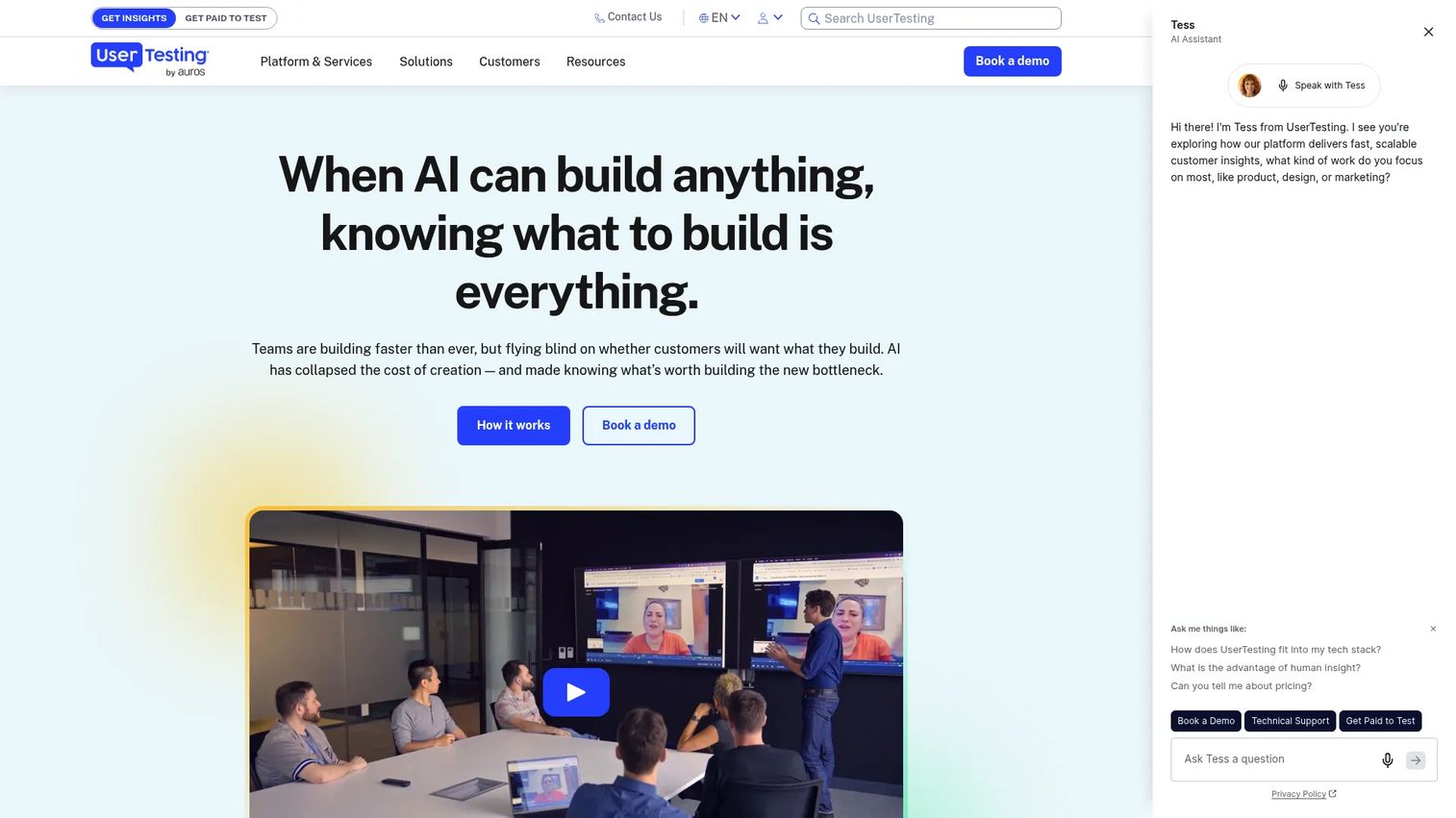
UserTesting is a human insight platform for gathering customer feedback across digital experiences. Its research formats include think-out-loud tests, interaction tests, surveys, and Live Conversations. Consumer and professional recruitment supports teams investigating different audiences.
Best for: Enterprise product teams running frequent studies across multiple product areas.
For PMs comparing UX testing tools, the useful distinction is breadth across research questions. An onboarding study can explore task behavior, while another investigation examines how customers interpret a proposed experience.
Build your evaluation around a decision with consequences for engineering. For example, ask participants to configure account access without naming the control they should use. Compare what they attempt with what your team expected.
Key features
- Consumer and professional participant recruitment
- Think-out-loud and interaction tests
- Live Conversations
- AI summaries and visualizations
- Behavioral analytics
AI analysis for UX research can help organize feedback. During a pilot, inspect whether the summary preserves the difference between participant comments and observed behavior.
If you need prototype testing software alongside live website testing, bring representative materials to the evaluation. Assess the complete path from creating a study to sharing evidence with stakeholders.
Why choose UserTesting: Choose it when several teams need a shared research platform and access to different audiences. Compare its usage model with your expected study volume.
UserTesting pricing: Advanced and Ultimate use custom pricing. A free trial is available.
G2 rating: 4.4/5.
2. Maze
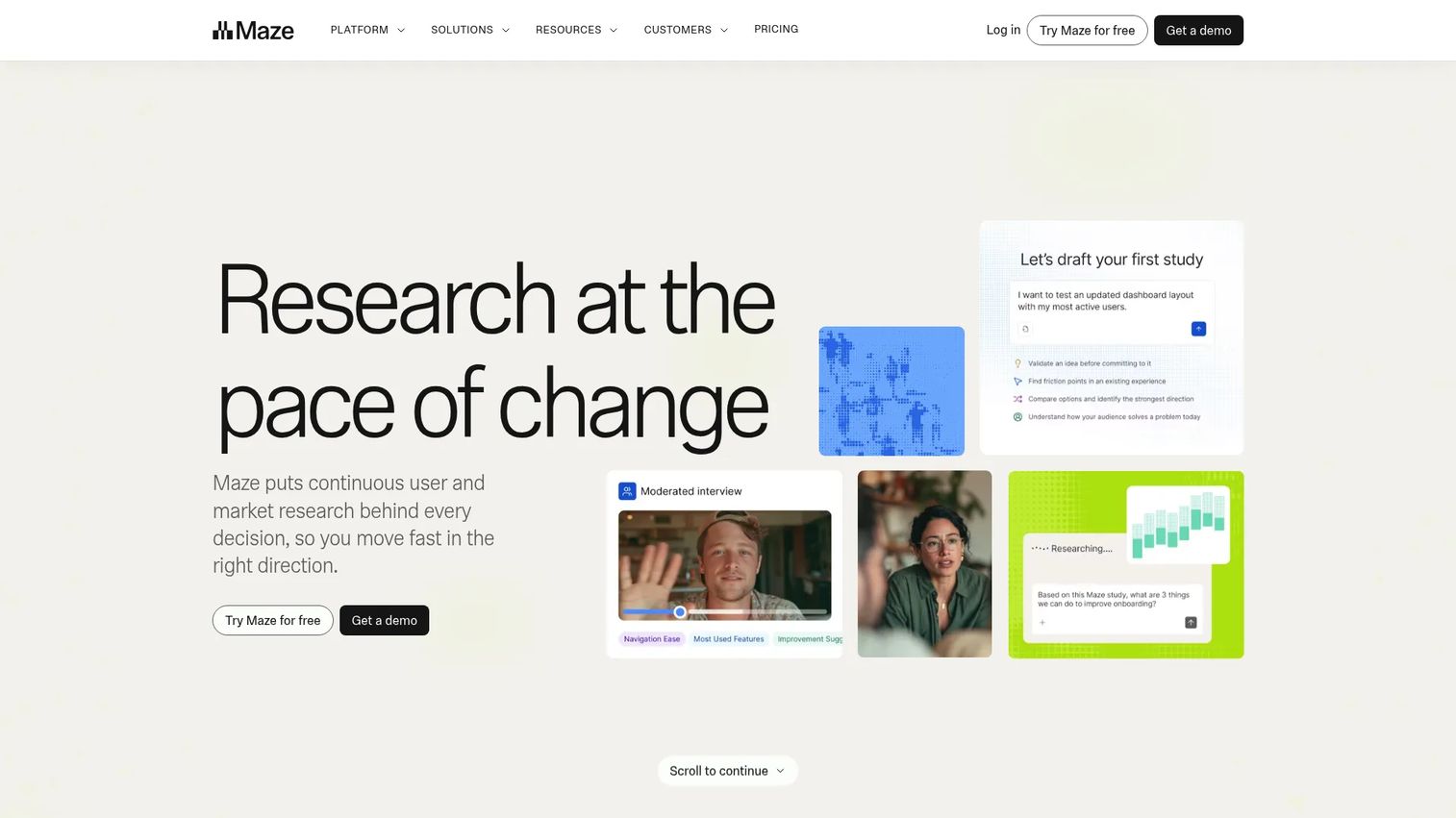
Maze supports prototype research alongside live website and mobile app testing. Its methods also include moderated interviews and AI-moderated interviews. Recruitment and automated reporting connect study execution with analysis.
Best for: Product and design teams validating proposed flows before engineering commits.
Maze belongs on a prototype testing software shortlist when your team regularly revises designs between releases. Unmoderated usability testing gives participants a task to attempt independently, making prompt quality central to the result.
For prototype usability testing, begin with a complete route to the intended outcome. A missing state can look like a usability issue even when the participant understood the interface.
Key features
- Prototype and live website testing
- Mobile app testing
- Moderated and AI-moderated interviews
- Card sorting and tree testing
- Participant recruitment and automated reports
Among UX testing tools, Maze’s method coverage supports questions beyond task completion. A PM can investigate navigation structure separately from the detailed screen design.
Use the same success definition across iterations. Changing the task wording while changing the interface makes the comparison harder to interpret.
During evaluation, also review how reports communicate uncertainty. Your stakeholders need to distinguish a recurring obstacle from a single participant’s preference.
Why choose Maze: Choose it for recurring validation within a product and design workflow. Its broader research methods also support teams whose questions extend beyond prototypes.
Maze pricing: Free includes one study per month and five seats. Enterprise uses custom pricing.
G2 rating: 4.5/5.
3. Lookback
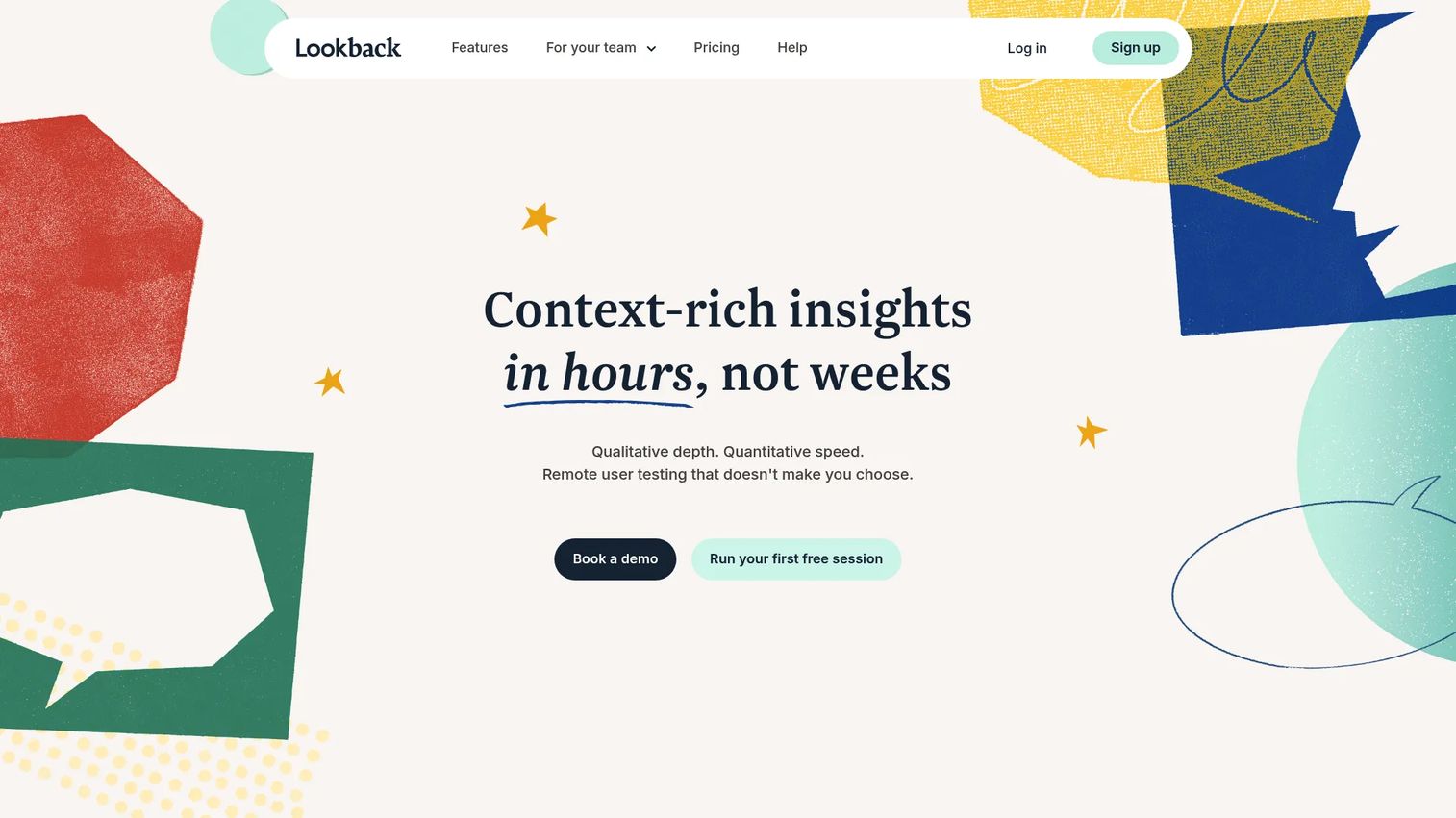
Lookback supports moderated and unmoderated research with session recording and analysis. Live observation and private chat let colleagues participate without interrupting the researcher. Native mobile research covers iOS and Android.
Best for: PMs and researchers who need live probing and stakeholder observation.
Moderated usability testing fits questions that change as you learn. A participant may complete an invitation flow but misunderstand the permissions they assigned. Follow-up questions help explore that gap.
Lookback’s collaboration model is relevant when engineering or customer success needs to see the problem directly. Decide who moderates and how observers submit questions before the session begins.
Key features
- Moderated and unmoderated sessions
- Live observation and private chat
- Session recordings and transcription
- Findings and Reels
- Native iOS and Android research
Its Discover and Eureka capabilities add AI-assisted analysis. Recruitment is also available through a User Interviews integration.
When comparing UX testing tools, evaluate the participant experience alongside the researcher’s controls. Run a rehearsal on the same device type your audience will use.
Keep your intervention rules consistent. If one participant receives a hint and another doesn’t, record that difference before interpreting task success.
Why choose Lookback: Choose it when understanding the participant’s reasoning matters more than collecting an independent task result. Observer access helps connect research with product decisions.
Lookback pricing: Freelance starts at $299/year; Team costs $1,782/year, and Insights Hub costs $4,122/year. A 60-day trial includes up to five sessions.
G2 rating: 4.3/5.
4. User Intuition
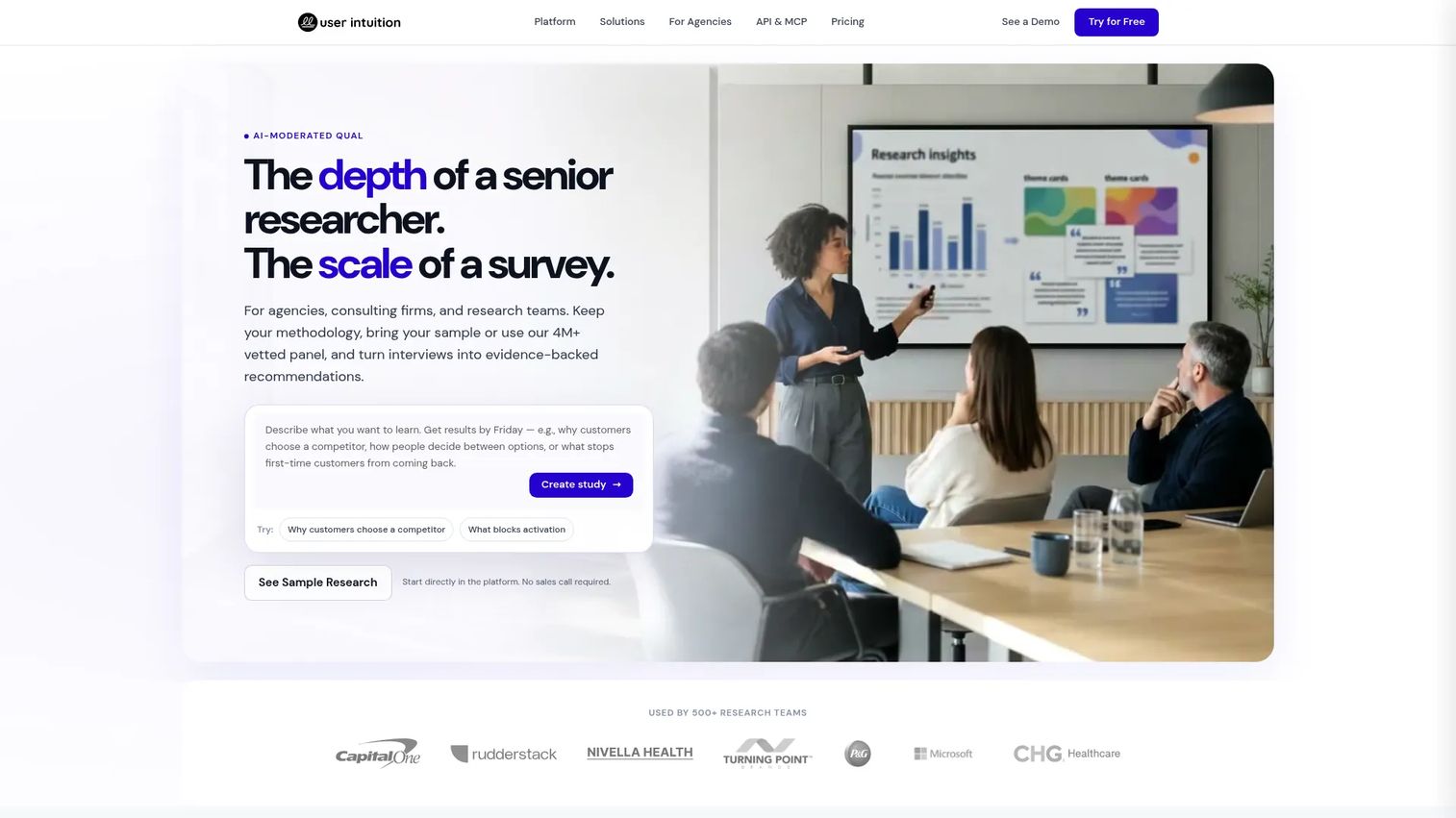
User Intuition runs AI-moderated qualitative interviews through voice, video, and chat. Adaptive questioning collects participant feedback, while automated reporting organizes the results. A searchable Customer Intelligence Hub supports later retrieval.
Best for: Teams seeking qualitative context without a human moderator attending every interview.
The strongest reason to evaluate this approach is an interview workload that exceeds your available research time. A PM exploring setup expectations can gather responses without coordinating every conversation personally.
Treat AI analysis for UX research as a workflow to assess, rather than a reason to skip review. Inspect whether follow-up questions explore the participant’s meaning without introducing assumptions.
Key features
- Adaptive AI-moderated interviews
- Voice, video, and chat research
- Participant panel access
- Automated analysis and reporting
- Searchable Customer Intelligence Hub
The platform also offers interactive usability research capabilities. When your study depends on task behavior, establish how observations relate to the interview responses.
Start with a question your team already understands reasonably well. That gives you a basis for evaluating the moderator’s follow-up quality and the resulting summaries.
Budget participant sourcing separately from interview processing. The vendor notes that recruitment and incentives may add costs, particularly for specialty audiences.
Why choose User Intuition: Choose it when scheduling limits your qualitative research capacity. Pilot the interview behavior before using its findings for a high-stakes roadmap decision.
User Intuition pricing: Starter includes three free quality interviews, then charges $30 per quality voice interview. Professional costs $2,499/month with a three-month minimum.
G2 rating: 4.9/5.
5. PlaybookUX
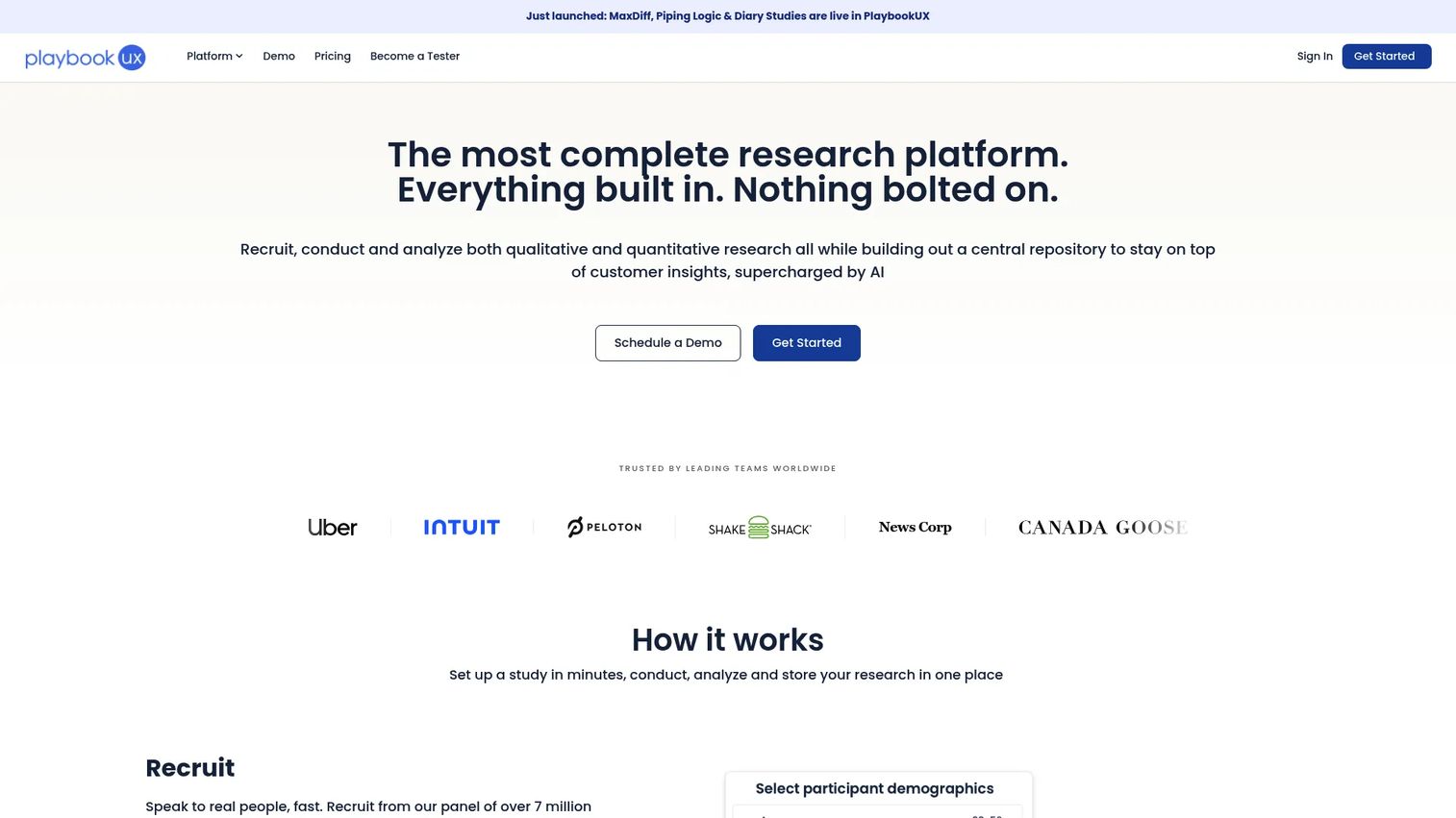
PlaybookUX combines participant recruitment with qualitative and quantitative research methods. It supports moderated interviews and unmoderated studies, followed by recordings and analysis. Teams can recruit through its panel or bring their own participants.
Best for: Product teams combining several research methods without a dedicated operations function.
A PM might begin with a navigation study and then investigate an unexpected result through moderated usability testing. Keeping those activities within one platform is worth evaluating when coordination consumes research time.
Method selection still needs discipline. A preference test answers a different question from observing whether someone can complete account setup.
Key features
- Moderated interviews and unmoderated tests
- Card sorting and tree testing
- First-click and five-second tests
- Transcripts, tagging, and highlight reels
- AI task summaries and executive reports
PlaybookUX also supports surveys and preference testing. These options make it relevant when a product decision requires more than one type of evidence.
Use a pilot to examine the handoff from raw sessions to an actionable recommendation. Ask a colleague who missed the study to review the report and explain the finding.
Pay attention to research volume before selecting a package. Session allowances and panel credits affect how often your team can repeat a study.
Why choose PlaybookUX: Choose it when your research program moves between interviews and structured tasks. Its analysis workflow helps keep evidence connected across those methods.
PlaybookUX pricing: Scale costs $5,400/year, and Pro costs $8,800/year. Self-serve includes a trial, with pay-per-use panel credits.
G2 rating: 4.6/5.
6. Validately
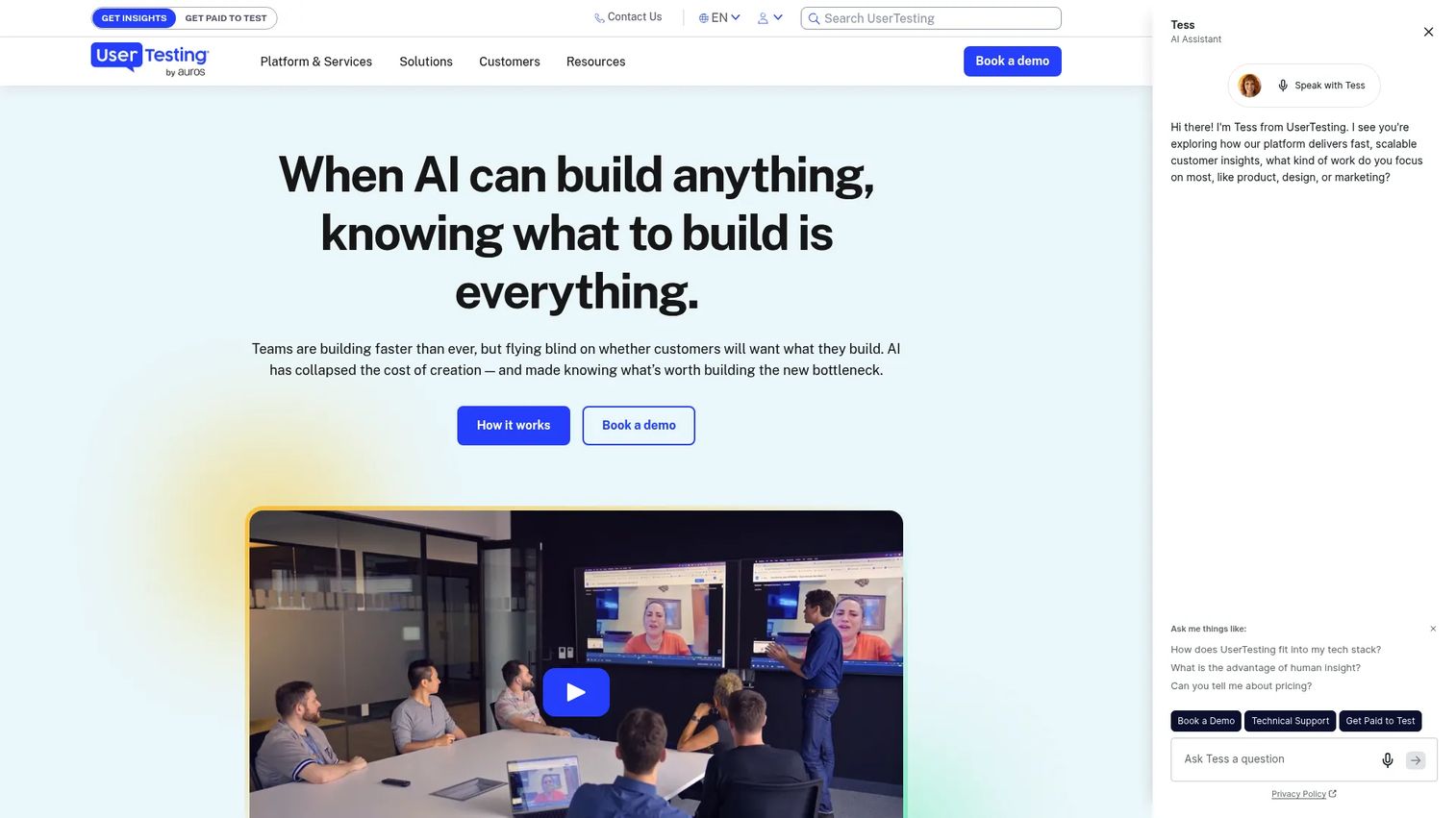
Validately currently redirects to UserTesting. Treat it as a legacy name in your evaluation, rather than a separate platform to purchase. The current destination supports customer feedback on apps and other digital experiences.
Best for: Teams revisiting an older shortlist or existing research documentation that mentions Validately.
This distinction matters when comparing remote usability testing options. An old procurement spreadsheet may describe packaging that no longer represents the current buying path.
For a new moderated usability testing purchase, assess the destination platform’s current offer. Avoid carrying historical feature assumptions into your requirements document.
Key features
The current destination describes:
- Feedback on apps and digital experiences
- Customer video and audio feedback
- Insights for product decisions
Those capabilities describe the destination, not an independently assessed Validately package.
If your organization previously used the service, gather contract and data questions before contacting sales. Ask how existing recordings and participant records relate to the current offering.
Keep migration requirements separate from a new platform evaluation. Access to earlier research can matter even when your next study uses a different workflow.
Why choose Validately: Use this entry to resolve an outdated product name. Evaluate UserTesting’s current package rather than treating both names as separate purchasing options.
Validately pricing: Request a current proposal through UserTesting.
7. Hotjar
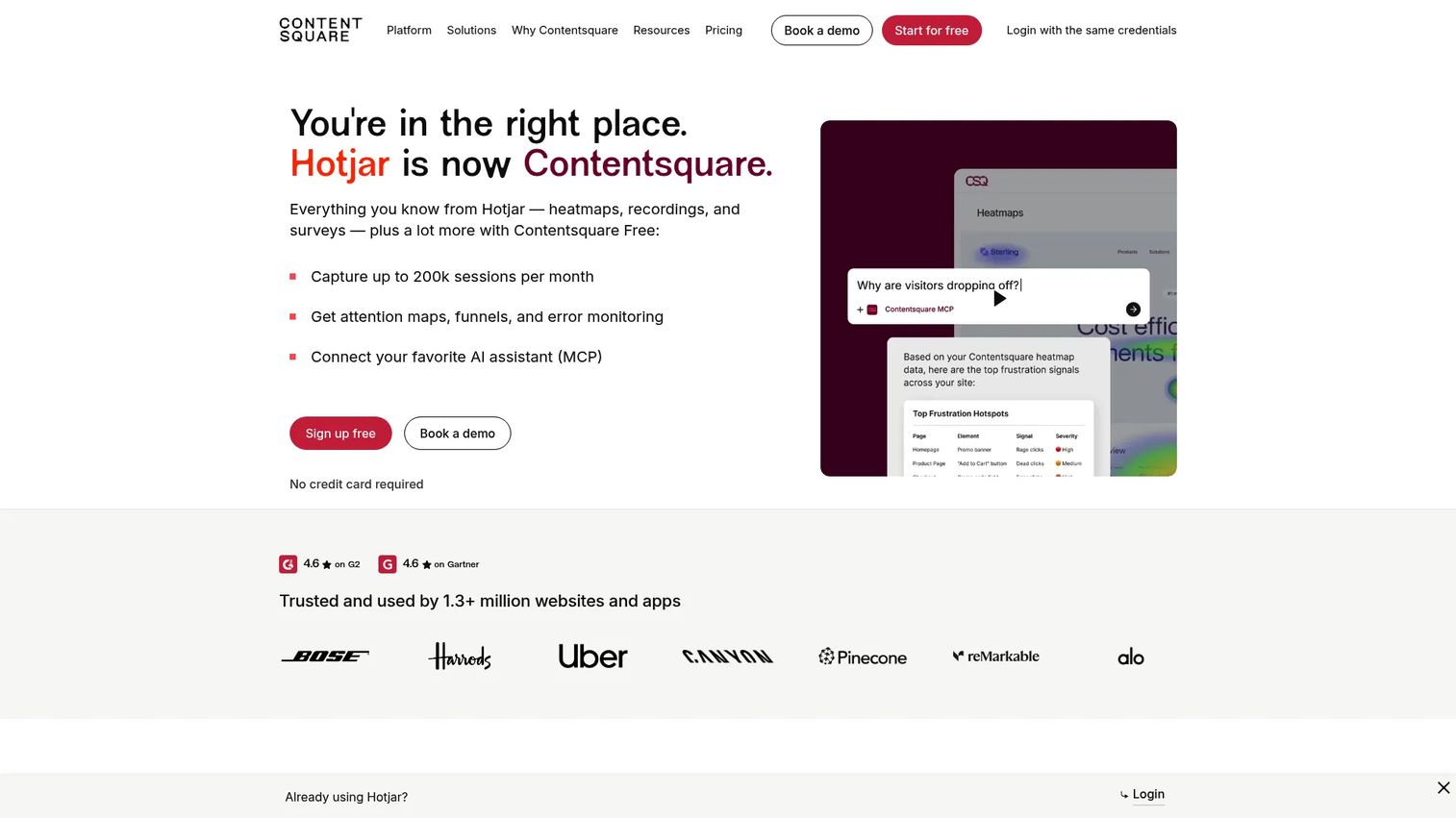
Hotjar is now part of Contentsquare, and new users can no longer create Hotjar accounts. Its current buying path leads to Contentsquare’s experience analytics offering. The focus is behavior analysis rather than researcher-assigned tasks.
Best for: PMs investigating where visitors encounter friction in a live experience.
Session recordings and heatmaps provide material for deciding what to investigate next. For example, examine the behavior around a setup screen before writing a focused research task.
This is a different job from asking a recruited participant to explain a decision. Observed activity gives you clues, while a research session lets you explore the reasoning.
Key features
- Heatmaps and session replay
- Funnel analysis
- Surveys and feedback
- Error monitoring
- Performance monitoring
For live website testing, distinguish naturally occurring behavior from a structured study. Visitors arrive with their own goals, which may differ from your intended activation journey.
Use this information to choose a hypothesis. Then investigate whether the apparent obstacle reflects interface confusion, an error, or something outside the product.
Existing customers should also review the account transition separately from feature evaluation. New buyers need the current Contentsquare package rather than a historical Hotjar plan.
Why choose Hotjar: Choose this buying path for continuous experience analytics. Pair behavioral evidence with direct research when the reason behind an action remains unclear.
Hotjar pricing: Through Contentsquare, Free costs $0 and Growth starts at $39/month. Pro and Enterprise use custom pricing.
G2 rating: 4.3/5
8. Useberry
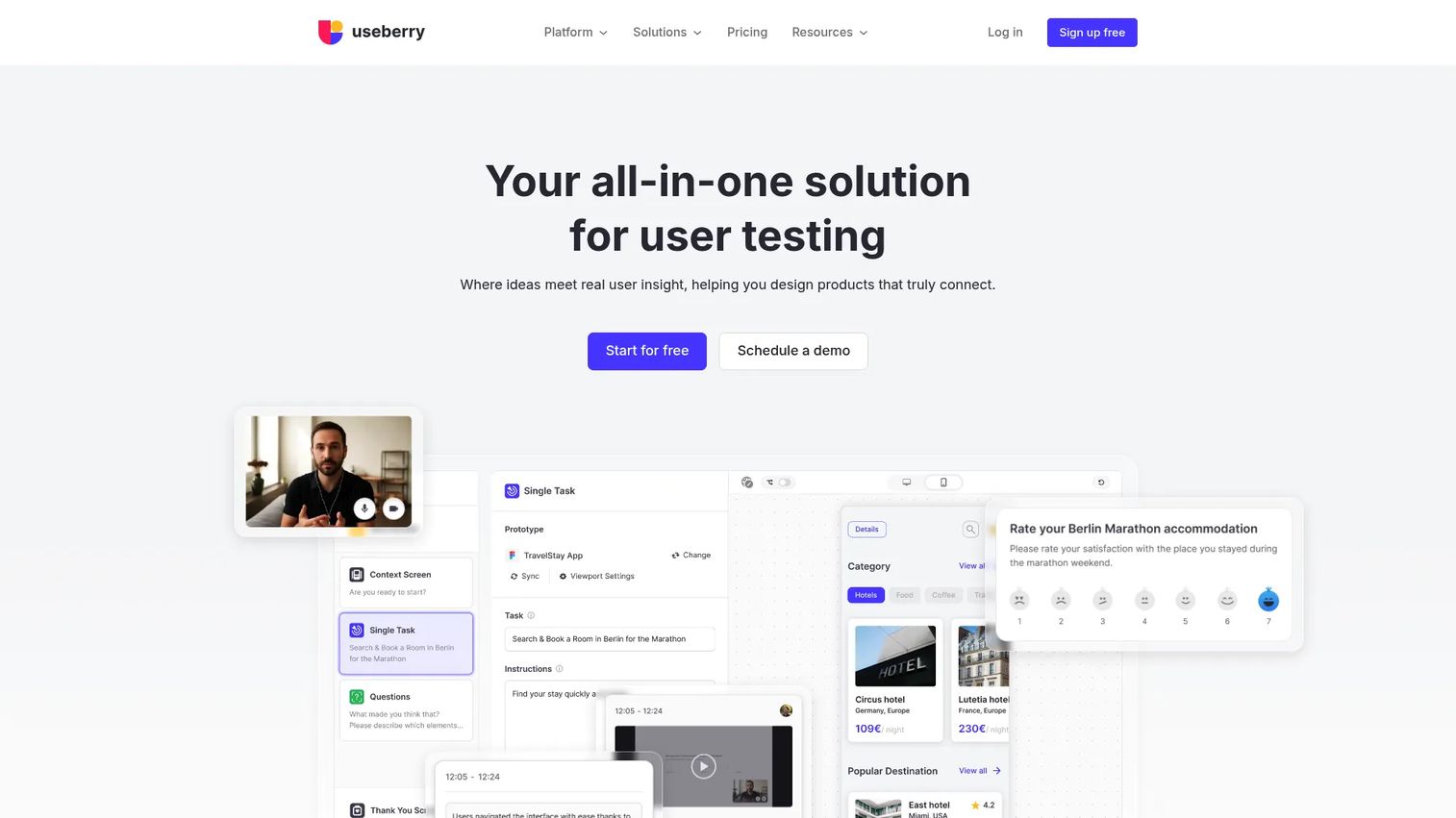
Useberry supports research on prototypes and live websites. Behavioral outputs include click tracking, user flows, and session recordings. Teams can recruit through share links or the Participant Pool.
Best for: Product teams connecting task behavior with design decisions.
As prototype testing software, Useberry belongs in an evaluation where the route through an interface matters. A completion result becomes more useful when you can inspect the path that produced it.
For unmoderated usability testing, write prompts around the user’s goal. “Find out who can access this workspace” avoids directing participants toward a specific menu.
Key features
- Prototype and website testing
- Click tracking and user flows
- Session recordings and result KPIs
- Moderated interviews with scheduling
- Participant Pool and share-link recruitment
Live moderated interviews also include recordings and transcripts. That gives teams another way to investigate behavior that needs follow-up.
When comparing UX testing tools, examine your prototype’s behavior in the participant view. Confirm that relevant interactions work before attributing a failed task to the design.
For live website testing, choose a workflow that participants can attempt safely. Use appropriate test data and make the starting conditions consistent.
Why choose Useberry: Choose it when you need to connect task outcomes with navigation paths. Its recruitment options support both external audiences and people you invite directly.
Useberry pricing: Free includes 10 responses/month. Growth starts at €83/month, billed yearly at €996.
G2 rating: 4.4/5.
9. Figma
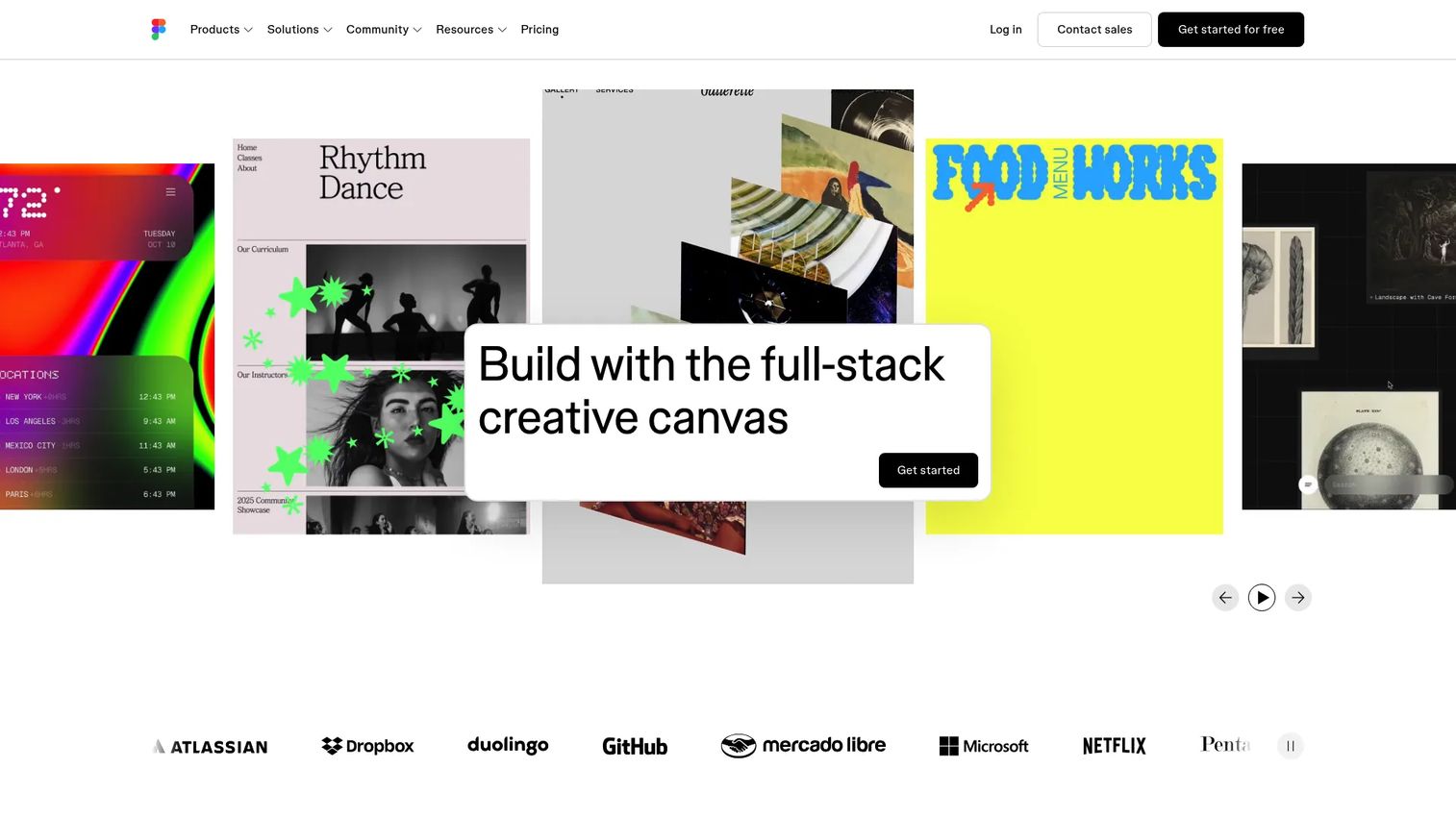
Figma is a collaborative design platform with interactive prototyping and developer handoff. Product teams use it to prepare interfaces that participants can explore before implementation. Its primary role here is creating the test material.
Best for: Product and design teams validating interface concepts before development.
When evaluating prototype testing software, separate prototype creation from study execution. Figma helps prepare the experience; recruitment and structured research need their own workflow.
For prototype usability testing, include enough states to support the task. A participant attempting an invitation should encounter the relevant outcome, not an unexplained dead end.
Key features
- Collaborative multiplayer editing
- Interactive prototypes and animations
- Components and auto layout
- Variables and styles
- Dev Mode and code inspection
Design fidelity should follow the research question. Navigation testing needs a coherent structure, while investigating a permission decision requires understandable labels and consequences.
Agree with design on which behavior the prototype represents. Record intentional simplifications before the study so observers don’t confuse them with product defects.
The platform’s developer handoff capabilities also help preserve the relationship between the tested design and implementation. Keep the research finding attached to the decision, rather than relying on a remembered conversation.
Why choose Figma: Choose it to create and refine testable interfaces within your design workflow. Add dedicated research tooling when you need participant operations and structured analysis.
Figma pricing: Starter is free. Professional costs $16/month per Full seat, $12 per Dev seat, or $3 per Collab seat, billed monthly.
G2 rating: 4.7/5.
10. Miro
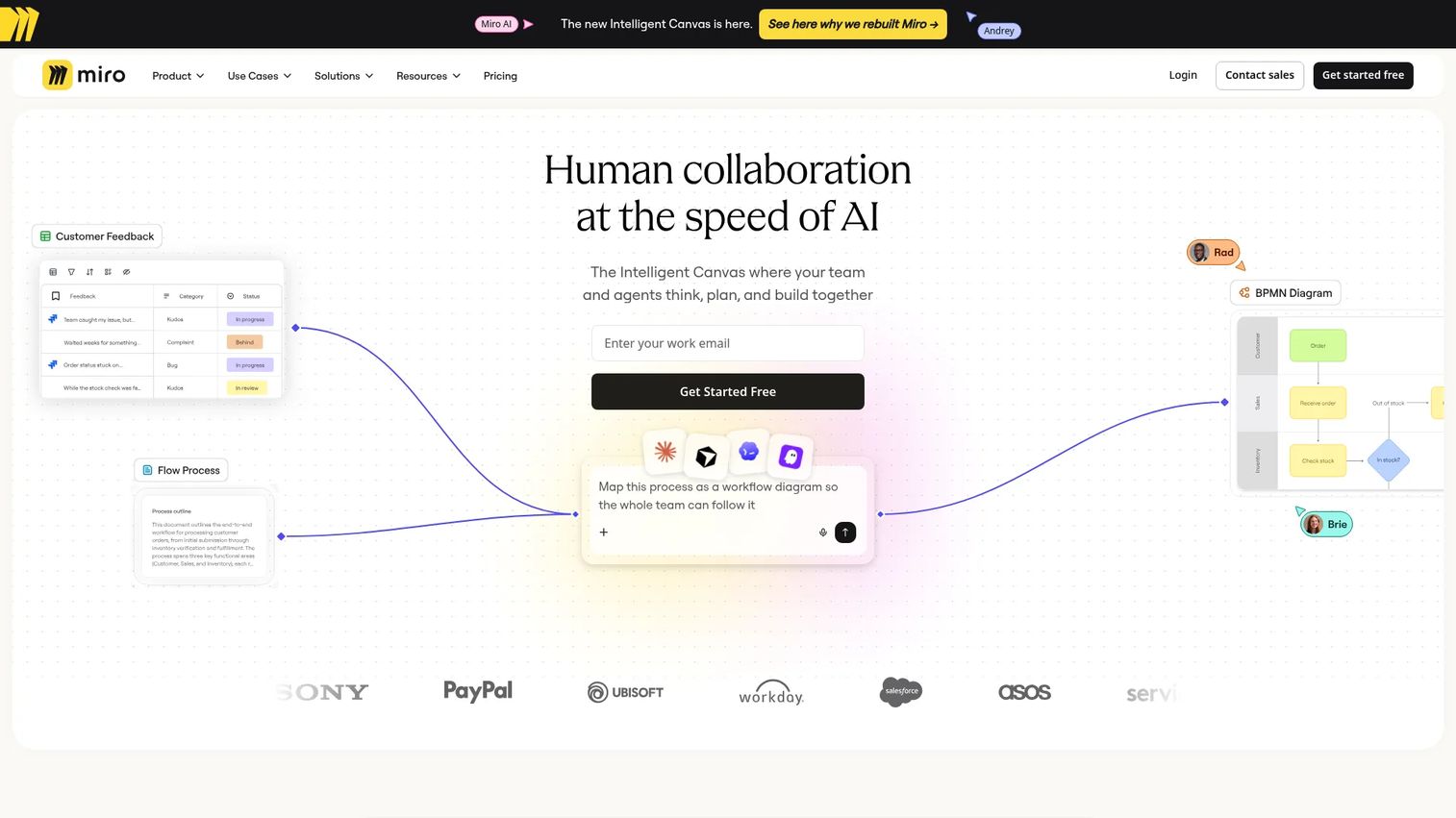
Miro provides a shared visual workspace for planning and collaboration. Workshop tools and AI-generated summaries support discussions around research material. It fits the interpretation stage rather than participant task execution.
Best for: Teams that need to turn observations into shared product decisions.
Research synthesis requires separating what happened from what your team believes it means. A shared board can make that reasoning visible to design and engineering.
For an onboarding study, organize observations around the user’s attempted task. Preserve the connection to supporting evidence before grouping findings into themes.
Key features
- Shared visual canvas
- AI-generated summaries and diagrams
- Docs, Tables, and Timelines
- Workshop voting and polls
- Two-way project management integrations
Miro’s workshop features support discussion, but voting should not replace evidence. A popular interpretation still needs to explain the observed behavior.
Use the board to distinguish an interface fix from a larger product assumption. Changing a label and changing the permission model involve different risks and implementation costs.
Before buying another workspace, review what your team already uses. The practical question is whether colleagues will return to the findings after the workshop ends.
Why choose Miro: Choose it when analysis and cross-functional alignment are your bottlenecks. Keep participant recruitment and testing in tools designed for those tasks.
Miro pricing: Free includes three editable boards. Starter costs $8/member/month, and Business costs $20/member/month, both billed yearly.
G2 rating: 4.6/5.
11. Rally
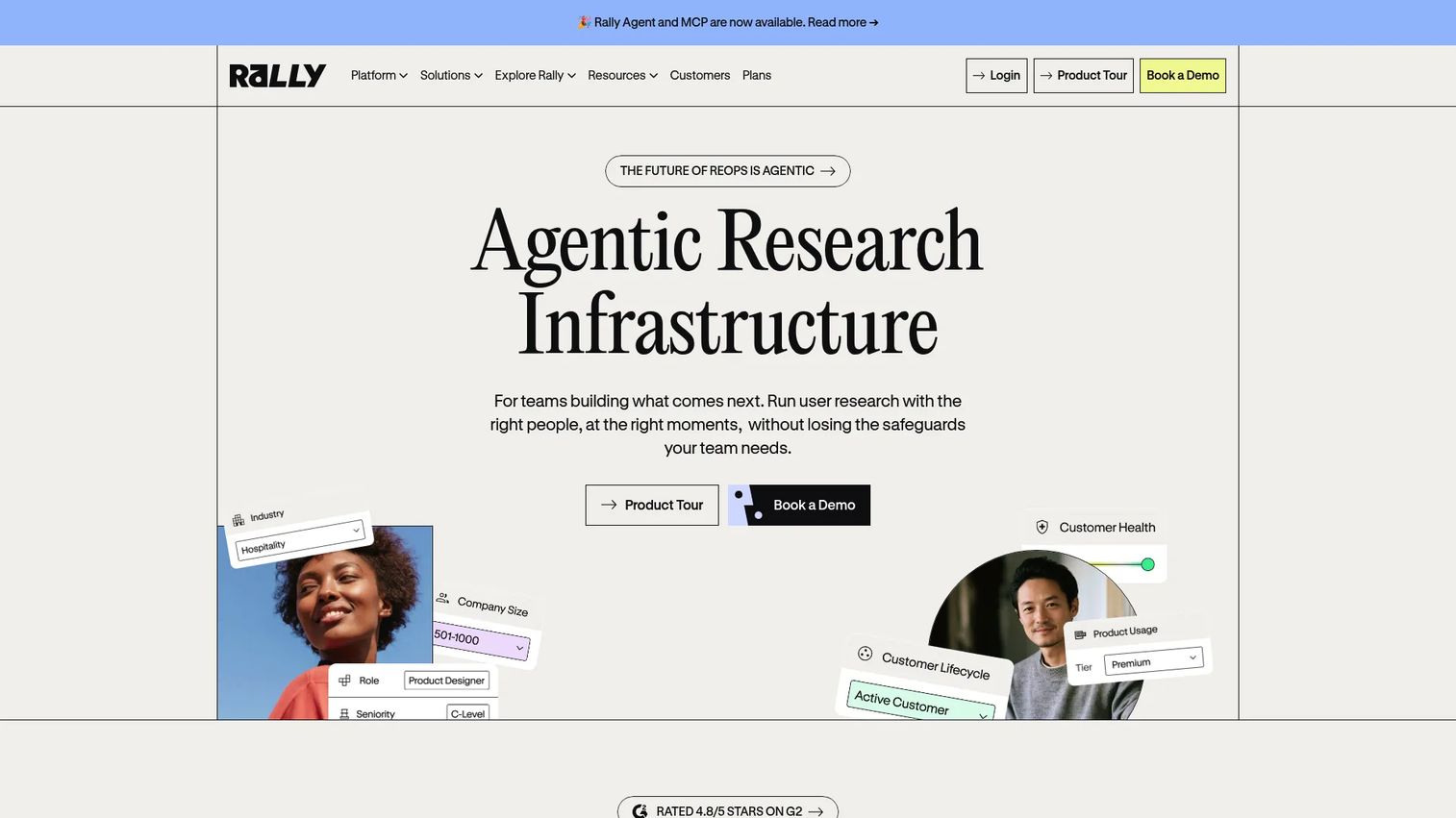
Rally combines participant management with governed research workflows. Its capabilities extend across recruitment, scheduling, study management, and session analysis. Consent controls and engagement rules support research across product organizations.
Best for: Teams building a recurring research program across several squads.
Participant recruitment software becomes more important when different PMs repeatedly approach the same customers. Establishing ownership and contact rules helps coordinate that work.
Rally also supports study management for unmoderated usability testing. Evaluate how an independent test fits into the wider participant relationship, including invitations and follow-up.
Key features
- Participant CRM and panel management
- Automated recruitment and scheduling
- Consent and engagement rules
- Global incentives and payments
- Recordings, transcripts, and searchable highlights
For continuous discovery, assess how the system reflects your customer segments. An administrator and an occasional end user may belong to the same account but answer different questions.
Governance is also a product concern. Ask who can contact participants and how prior involvement affects eligibility for a new study.
Rally Agent and MCP integrations add AI-assisted research capabilities. Keep the evaluation grounded in a specific operational task rather than buying automation without a defined workflow.
Why choose Rally: Choose it when research coordination is becoming shared infrastructure across teams. Its fit is strongest when participant relationships need consistent management over time.
Rally pricing: Rally and the Rally Agent add-on use custom pricing.
G2 rating: 4.8/5.
12. User Interviews
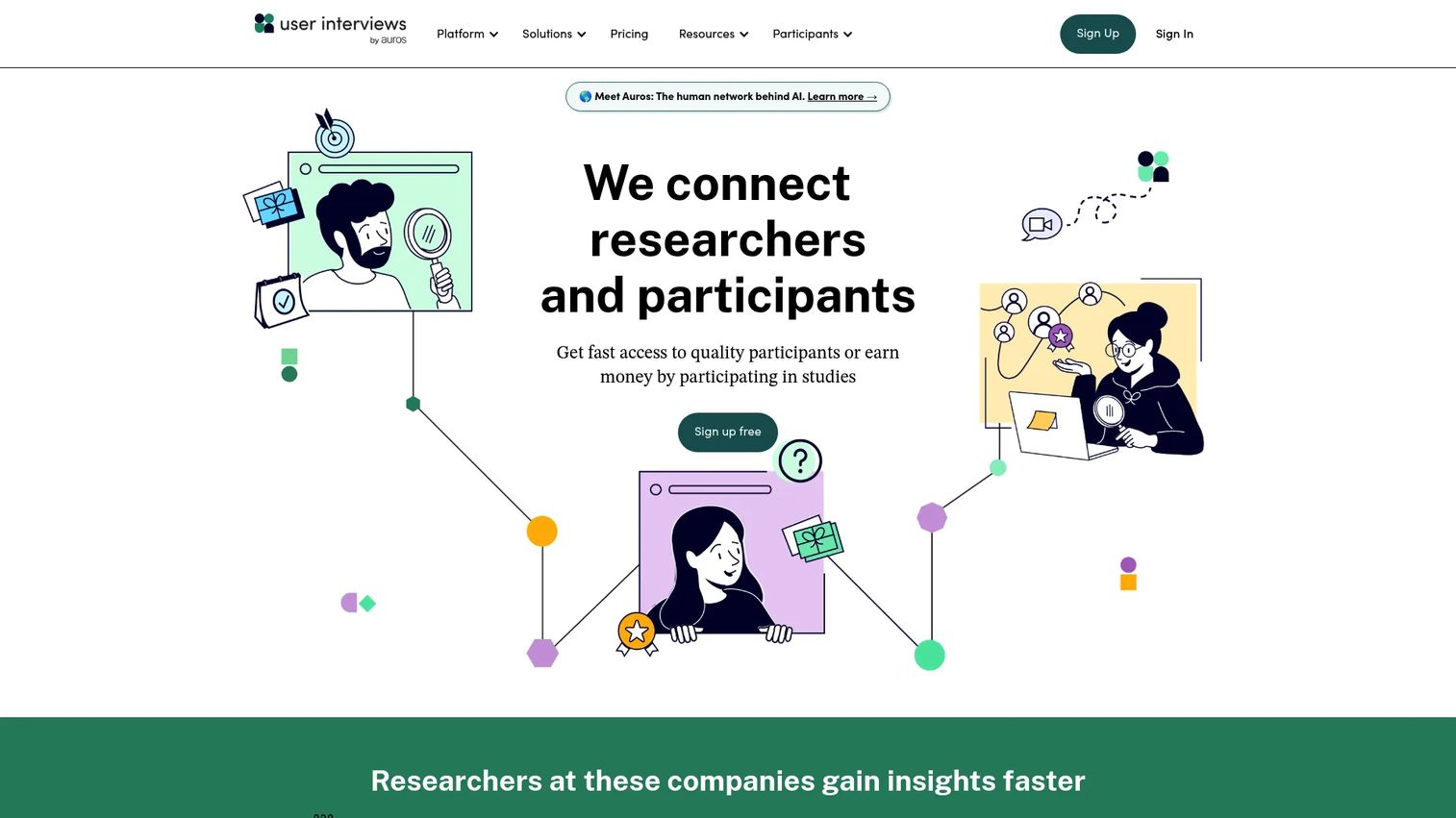
User Interviews focuses on finding participants and managing research workflows. Its recruitment tools cover audience targeting and screeners, with scheduling and incentive management. Research Hub adds participant operations and CRM options.
Best for: Teams whose research stalls because they cannot reliably reach the right people.
This participant recruitment software is relevant when your testing method already works. Replacing the session platform won’t solve a shortage of suitable participants.
For a B2B onboarding study, screen for the responsibility involved in the task. A broad job title may include people who never configure accounts or assign permissions.
Key features
- Audience targeting and recruitment
- Screener surveys
- Automated scheduling
- Participant incentive management
- Participant CRM and panel tools
The platform also offers research-tool integrations and APIs. Evaluate the connection to your study workflow before committing to a recurring recruitment package.
Write screeners that establish experience without revealing the answer you want. Participants should qualify because of relevant behavior, not because they recognize a desirable response.
Cost comparisons require particular care for professional audiences. Advanced B2B targeting carries an additional per-session charge, and paid add-ons can change the total.
Why choose User Interviews: Choose it when participant access is the constraint on useful research. Keep the study design focused so better recruitment produces better evidence.
User Interviews pricing: Pay As You Go costs $49/session. Essential starts at $41/session with annual billing; advanced B2B targeting costs extra.
G2 rating: 4.6/5.
Considerations when choosing user testing software
Start with the research decision
Write down the decision you need evidence to make, such as changing workspace setup or simplifying an invitation flow. Evaluate usability testing platforms against that task.
A feature checklist is useful only after the research question is clear.
Match the method to the uncertainty
Moderated sessions let you investigate unexpected behavior. Independent studies fit clearly defined tasks that participants can attempt without clarification.
Assess UX research tools against your expected mix, including the coordination time each method requires.
Check participant quality before feature depth
Evaluate screeners and audience targeting before comparing dashboards. Ask how the provider handles unsuitable participants and how you can recruit existing customers.
For B2B research, distinguish someone’s title from their experience with the workflow.
Evaluate synthesis alongside recording
During a pilot, move from raw evidence to a decision your team can explain. Review whether clips and summaries preserve enough context.
Research synthesis should make disagreements visible, including where observations support more than one interpretation.
Price the complete workflow
Include recruitment charges and incentives alongside subscriptions. Review seat requirements, storage allowances, transcription access, and any separate AI charges.
Also ask who owns recordings and what happens to research materials when the contract ends. Operational fit includes access after the study finishes.
Conclusion
Choose user testing software around the decision you need to make next.
UserTesting fits enterprise teams collecting evidence across product areas. Maze is worth evaluating for recurring prototype validation, while Lookback supports research that benefits from live probing.
Hotjar’s current Contentsquare path serves continuous behavior analysis. Useberry connects task results with navigation behavior. User Interviews addresses recruitment when participant access delays the work.
Supporting tools have a different role. Figma prepares testable designs, and Miro helps colleagues discuss findings. Keep those responsibilities separate when deciding what your stack already covers.
Start with a small pilot using an upcoming product decision. Define the target participant and the outcome that would change your plan. Then assess the effort required to turn observations into a recommendation.
The useful comparison is time to a defensible decision, including recruitment and research synthesis. More recordings won’t help if nobody can explain what should change.
Start your journey with Guideflow today!
FAQs
The best option depends on the research decision and how your team works. Enterprise platforms suit frequent studies across departments, while prototype-focused workflows fit validation before engineering begins. Recruitment products are worth evaluating when participant access causes the delay. Pilot a relevant task and judge the quality of the resulting decision, rather than selecting by feature count.
Product analytics reveals patterns in what users do across a product. User testing adds direct observation and spoken context around specific tasks. Use analytics to identify an area worth investigating, then research to explore possible explanations. After implementing a change, return to behavioral measurement to assess whether the wider customer cohort experiences an improvement.
Choose moderated research when the workflow is unfamiliar or you need to investigate unexpected behavior immediately. Unmoderated usability testing fits clearly defined tasks that participants can attempt independently. Product teams can use both at different points in a release cycle. Compare the coordination required with the depth of evidence the decision demands.
Prototype testing is a supported method in several tools covered here, including Maze and Useberry. Before purchasing, test compatibility with the specific Figma interactions your study requires. Review how participants enter the experience and whether the resulting evidence captures the behavior you care about. Include relevant outcome states so incomplete prototype construction doesn’t distort the findings.
There is no single participant count that fits every study. A focused qualitative investigation can reveal important obstacles with a small group, while variant comparisons need a different sampling approach. Consider audience diversity and the consequences of making the wrong decision. Increase coverage when different roles perform different tasks, and avoid treating a small qualitative sample as a population estimate.
Prioritize participant fit and clear task setup before evaluating analysis extras. Recordings and transcripts should help you trace a finding back to its evidence, while reporting should support decisions outside the research team. Integrations matter when they reduce manual handoffs between existing UX research tools. Include access controls and data ownership in the buying conversation.
Hotjar is better described as behavior analytics and feedback software. Its recordings and heatmaps help identify areas for investigation, rather than replacing an observed session with researcher follow-up. The current buying path also matters because new customers are directed to Contentsquare. Evaluate the current offer against your need for continuous behavioral evidence or structured remote usability testing.
The tools in this comparison use several billing models, including subscriptions and charges per research session or interview. Participant targeting and incentives can add to the platform cost. Compare an expected month of research rather than the entry price alone. Include internal coordination time in your decision, especially when recruiting specialized B2B audiences or running frequent moderated sessions.