Every infrastructure decision feels manageable until you're adding workloads faster than the team can provision them. Physical servers solve the immediate request, then create a new problem: Low utilization, inconsistent environments, and more hardware to maintain.
Server virtualization software lets one physical host run multiple isolated virtual machines, turning hardware capacity into a shared resource the team can manage from a single control plane. The hard question isn't whether to virtualize. It's which platform matches your operating model at the next stage of growth.
According to a 2025 Red Hat and Illuminas survey, 84% of organizations had deployed server virtualization and 71% had virtualized more than half of their IT infrastructure. The market sat at $10.03 billion in 2025, per Fortune Business Insights. Virtualization is not an emerging bet; it's a baseline infrastructure decision with real consequences for reliability, migration risk, and staff capacity.
This guide helps you narrow a crowded field to the platforms worth a proof of concept.
What's inside
This guide covers 14 current server virtualization platforms, from open source hypervisors to integrated hyperconverged infrastructure. It's written for founders and infrastructure leads at Series B SaaS companies evaluating or replacing their virtualization stack. Products were selected based on current market relevance and recurring coverage.
Selection criteria:
- Hypervisor capability and VM lifecycle management
- High availability, live migration, and disaster recovery support
- Management interface and automation depth
- Cost model, including commercial support options
TL;DR
- Best for enterprise data centers: VMware vSphere offers the most mature management stack, though licensing now routes through Broadcom sales
- Best Windows-centered option: Hyper-V integrates natively with Windows Server, Active Directory, and existing Microsoft tooling
- Best open source starting point: Proxmox VE gives teams a unified VM and container management interface with a free software download and optional paid subscriptions starting at €120/year per socket
- Best Linux-native foundation: KVM is the open source hypervisor underneath most major cloud platforms, free to use with a management layer built on top
- Best for private cloud orchestration: OpenNebula and Apache CloudStack both support multi-tenant VM provisioning without a vendor-locked control plane
- Best for distributed and edge infrastructure: Scale Computing Platform and Nutanix Cloud Platform handle clustered operations across locations with integrated management
What is server virtualization software?
Server virtualization software abstracts physical server resources so multiple isolated virtual machines can run on one physical host.
The core components work together as a stack:
- Hypervisor: The control layer that allocates CPU, memory, storage, and network resources to each VM. Type 1 (bare-metal) hypervisors run directly on hardware; Type 2 run on top of a host OS
- Host server: The physical machine running the hypervisor
- Guest operating system: The OS inside each virtual machine, isolated from other VMs on the same host
- Virtual machine manager: The interface or control plane used to provision, monitor, move, and retire workloads
- Virtual storage and networking: Software-defined layers connecting VMs to storage pools, virtual switches, and external networks
Key capabilities to look for
- VM provisioning from templates
- Resource allocation and scheduling
- Snapshot and cloning support
- Live migration between hosts
- High availability and automated failover
- Backup and disaster recovery integration
- Centralized monitoring and alerting
- Role-based access controls
- API and infrastructure-as-code support
- Hardware-assisted virtualization (Intel VT-x or AMD-V)
Where virtualization fits
Server virtualization software focuses on running and managing virtual machines. Containers share an OS kernel and serve a different deployment model. Desktop virtualization and application virtualization address different workloads entirely. A cloud management layer may use virtualization underneath, but it adds orchestration and service delivery on top.
A hypervisor alone is rarely enough for a growing SaaS company. The operational platform includes management, backup, monitoring, security, and recovery workflows. Evaluate the complete stack, not only the hypervisor.
When to use server virtualization software
Consolidate underused physical servers
Most physical servers in a traditional data center run at 10 to 20% utilization. Virtualization lets multiple workloads share one host while remaining isolated from each other. Server consolidation reduces capital expenditure, shrinks data center footprint, and standardizes the environment your team maintains. For a Series B company managing burn multiple, fewer physical hosts with higher utilization is a direct input to infrastructure efficiency.
Provision environments without waiting for hardware
Development, staging, internal tools, and customer-facing services all need repeatable environments. VM provisioning from templates replaces manual server setup with a reproducible process the team can automate. Infrastructure-as-code integrations let the team treat VM creation the same way they treat application deployments.
Run private cloud and high-availability workloads
Clustered hosts support workload portability through live migration and failover. When a host fails, workloads restart on surviving nodes automatically. For SaaS companies that need predictable uptime or must keep workloads in controlled infrastructure for compliance or data residency reasons, a private cloud built on a solid virtualization platform gives the operations team a manageable alternative to full public cloud dependency.
Virtualization may not be the right first move for highly specialized bare-metal workloads, latency-sensitive systems with strict hardware requirements, or teams whose workloads are already managed effectively by a public cloud service.
Server virtualization software comparison
Use the table below as a screening tool. Pricing and G2 ratings reflect verified sources as of the research date. Validate storage, networking, backup, and licensing requirements in a proof of concept before committing.
| # | Product | Best for | Key differentiator | Pricing | G2 rating |
|---|---|---|---|---|---|
| 1 | Hyper-V | Windows-centric environments | Native Microsoft ecosystem integration | Bundled with Windows Server; contact reseller | 4.4/5 |
| 2 | KVM | Linux-native virtualization | Open source kernel-based hypervisor | Free and open source | N/A (standalone) |
| 3 | Proxmox VE | Open source VM and container management | Unified KVM and LXC web interface | Free download; subscriptions from €120/year/socket | 4.6/5 |
| 4 | VMware vSphere | Enterprise data centers | Mature virtualization and management stack | Contact Broadcom sales | 4.5/5 |
| 5 | XenServer | Citrix workload environments | Xen-based virtualization via Citrix subscription | Requires eligible Citrix subscription | 4.2/5 |
| 6 | XCP-ng | Open source Xen deployments | Community-driven Xen platform with free features | Free; support from $2,000/year | N/A |
| 7 | OpenNebula | Private cloud operators | Lightweight cloud orchestration with multi-cloud support | Custom pricing; enterprise subscriptions available | 4.4/5 |
| 8 | oVirt | Linux KVM management | Open source KVM management platform | Free and open source | 3.8/5 |
| 9 | Oracle Linux Virtualization Manager | Oracle Linux environments | KVM management aligned with Oracle Linux | Oracle Linux support subscription required | 4.3/5 |
| 10 | Apache CloudStack | Service providers and private clouds | Open source IaaS cloud orchestration | Free and open source | 4.4/5 |
| 11 | Scale Computing Platform | Edge and distributed infrastructure | Integrated hyperconverged operations | Contact sales | 4.7/5 |
| 12 | Nutanix Cloud Platform | Hybrid and private cloud operations | Integrated compute, storage, and management | Contact sales; licensed by CPU-core capacity | N/A |
| 13 | Virtuozzo Hybrid Server | Service providers running VMs and containers | Combined VM and container hosting model | Contact sales | 4.4/5 |
| 14 | Red Hat Enterprise Linux | Enterprise Linux workloads | Commercial Linux support with KVM virtualization | From $383.90/year (Self-support) | 4.6/5 |
Best 14 server virtualization software for 2026
1. Hyper-V
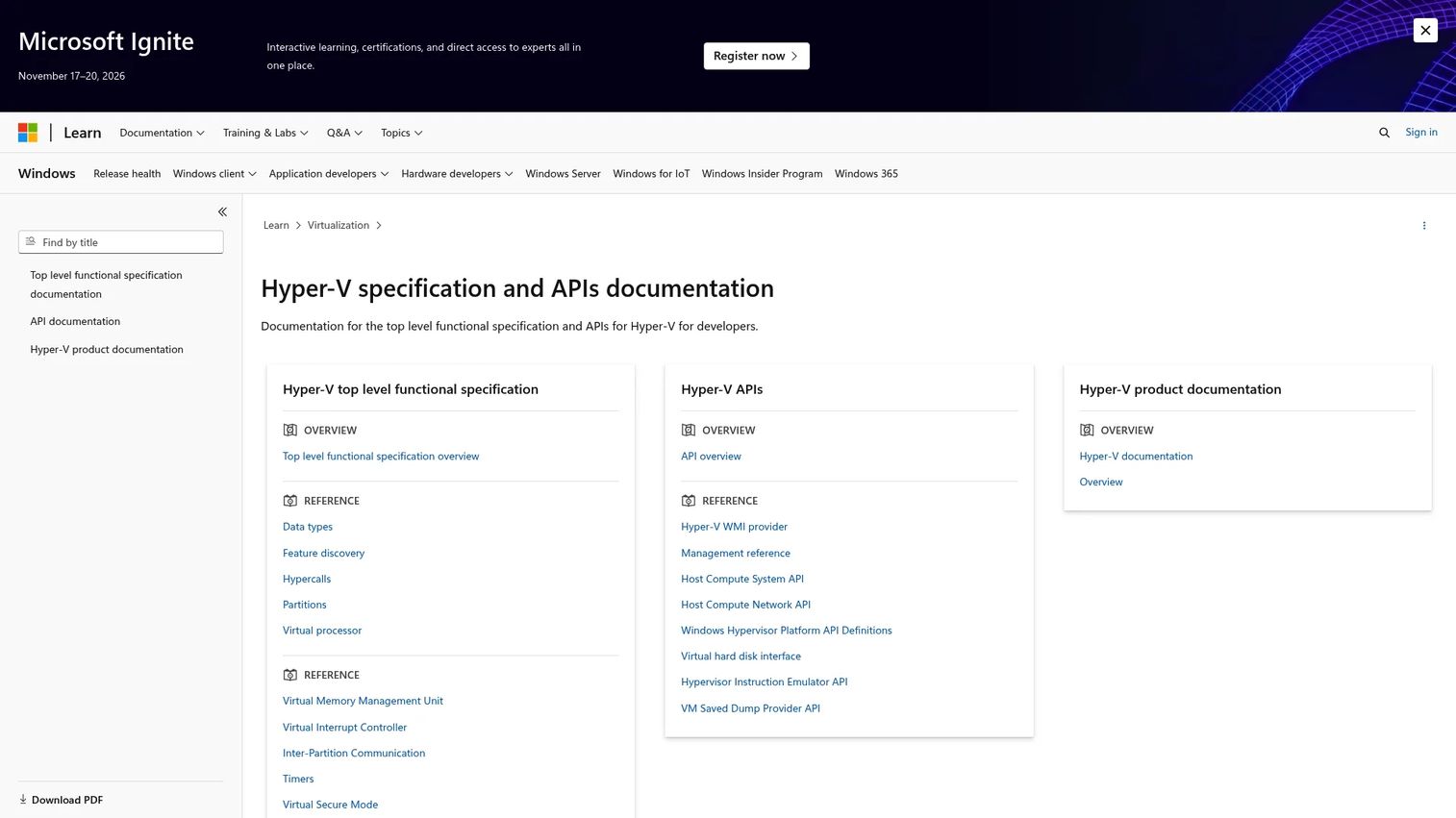
Hyper-V is Microsoft's hardware virtualization technology, built into supported editions of Windows and Windows Server. It lets teams create and manage virtual machines running Windows or Linux workloads, with management available through Hyper-V Manager, Windows Admin Center, or PowerShell. Failover Clustering extends the platform to multi-host availability for production workloads.
Best for: Organizations standardized on Windows Server, Active Directory, and Microsoft infrastructure tooling.
Key features
- Live migration and failover clustering for Windows Server environments
- Secure Boot, virtual TPM, and shielded VMs
- Virtual networking through Hyper-V Virtual Switch
- Checkpoints and VM replication
- PowerShell and Windows Admin Center management
Why choose Hyper-V: If your team already runs Windows Server across the stack, Hyper-V avoids a separate virtualization licensing relationship. Existing Active Directory skills, Group Policy, and Microsoft monitoring tooling all carry over. Evaluate whether the management layer you need is Hyper-V alone or a broader platform such as System Center.
Hyper-V pricing: Hyper-V is bundled with Windows Server rather than sold separately. Windows Server pricing is reseller-driven and varies by edition and core count. Contact a Microsoft reseller or volume licensing channel for current numbers.
G2 rating: 4.4/5 (rated as Microsoft Windows Server 2019 with Hyper-V)
2. KVM
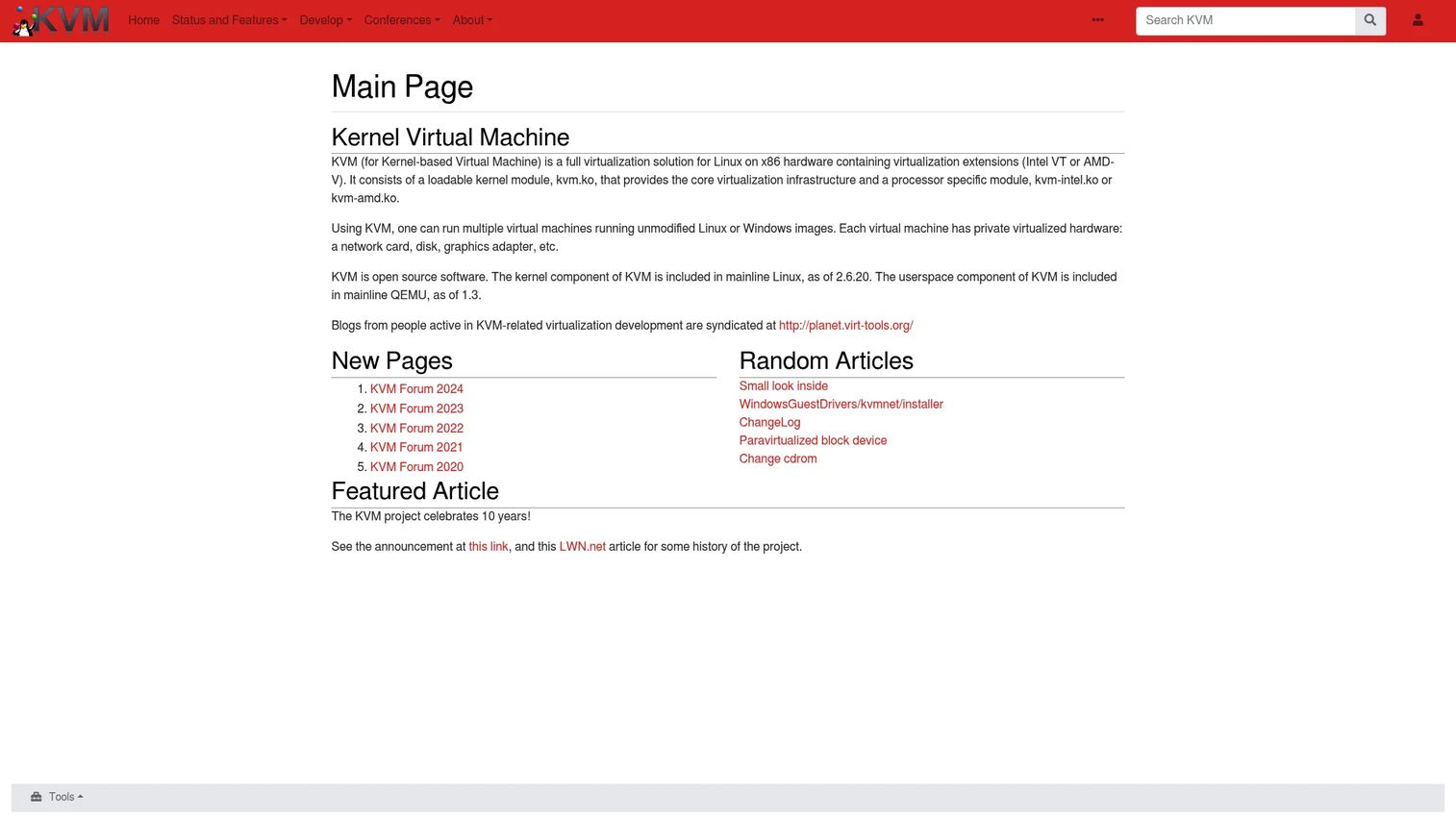
KVM (Kernel-based Virtual Machine) is an open source virtualization module built into the Linux kernel. It turns a Linux host into a hypervisor capable of running multiple unmodified Linux or Windows VMs on hardware with Intel VT-x or AMD-V support. KVM serves as the foundation for many major cloud platforms and commercial virtualization products.
Best for: Linux infrastructure teams that want an open source hypervisor foundation with broad ecosystem compatibility.
Key features
- Hardware-assisted virtualization using Intel VT-x and AMD-V
- Live migration of running VMs between hosts
- Nested virtualization support
- Virtio paravirtualized networking and storage
- Device assignment and PCI Express passthrough
Why choose KVM: KVM's strength is its position as the hypervisor underneath many tools you may already use. It requires a management layer, such as libvirt, oVirt, or Proxmox VE, before it becomes an operational platform. Teams should evaluate backup tooling, monitoring, storage integration, and support model alongside the hypervisor itself.
KVM pricing: KVM is free and open source. Support costs depend on the Linux distribution and management tooling chosen. Red Hat Enterprise Linux and SUSE Linux Enterprise include commercially supported KVM as part of their subscriptions.
G2 rating: No standalone KVM G2 listing was verified.
3. Proxmox VE
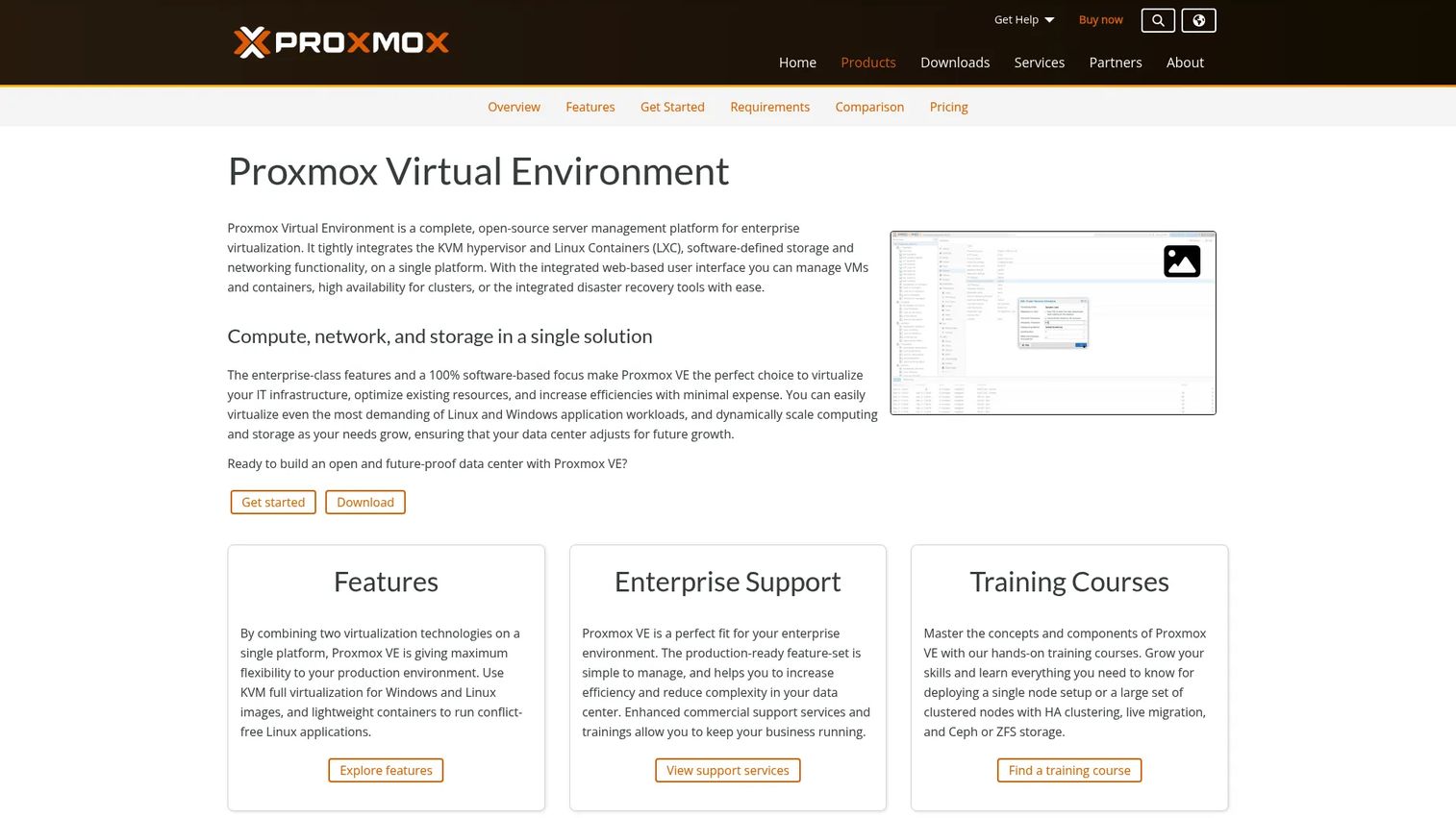
Proxmox VE is an open source server virtualization platform that manages KVM virtual machines and LXC containers through a web-based interface. It bundles clustering, storage management, backup integration, and software-defined networking into a single platform teams can deploy without a separate management server. For infrastructure teams that want a shorter path from installation to managed virtualization, Proxmox VE is one of the most practical open source options available.
Best for: Infrastructure teams that want an open source platform with unified VM and container management without a proprietary control plane.
Key features
- KVM virtual machines and LXC container support
- High-availability clustering with live migration
- Integrated backup and Proxmox Backup Server support
- Software-defined storage including Ceph and ZFS
- REST API for automation and infrastructure-as-code workflows
Why choose Proxmox VE: The free software download covers the full feature set, including clustering. Paid subscriptions add access to the stable Enterprise Repository and tiered support. If the team has Linux skills and wants operational control without vendor lock-in, Proxmox VE is a strong candidate for a proof of concept.
Proxmox VE pricing: The software is free to download and use. The Community subscription starts at €120/year per CPU socket and includes Enterprise Repository access. The Basic tier runs €370/year per socket, Standard is €550/year per socket, and Premium reaches €1,100/year per socket. Prices are net; VAT may apply.
G2 rating: 4.6/5
4. VMware vSphere
VMware vSphere is the enterprise virtualization stack most large data center teams built their operations around over the past two decades. The platform pairs the ESXi bare-metal hypervisor with vCenter Server for centralized management, and adds vMotion live migration, distributed resource scheduling, and high availability clustering. Following Broadcom's acquisition of VMware, the packaging and procurement model has changed significantly.
Best for: Organizations operating large or complex data centers with formal infrastructure teams and existing VMware skills.
Key features
- ESXi bare-metal hypervisor
- vCenter Server for centralized management
- vMotion live migration between hosts
- Distributed Resource Scheduler for workload balancing
- High availability clustering with automated VM restart
Why choose VMware vSphere: The platform carries decades of enterprise integrations, broad ecosystem support, and a large skills pool. For teams running mixed workloads at scale with established operational tooling, vSphere remains a credible choice. VMware migration planning has become a more active consideration since the Broadcom acquisition changed licensing and bundling, so evaluate the full cost of the current subscription model against alternatives before committing.
VMware vSphere pricing: Current offerings are sold by subscription through Broadcom sales representatives, channel partners, or qualified OEM partners. No standalone price is published. Contact Broadcom sales for current edition pricing and packaging details.
G2 rating: 4.5/5
5. XenServer
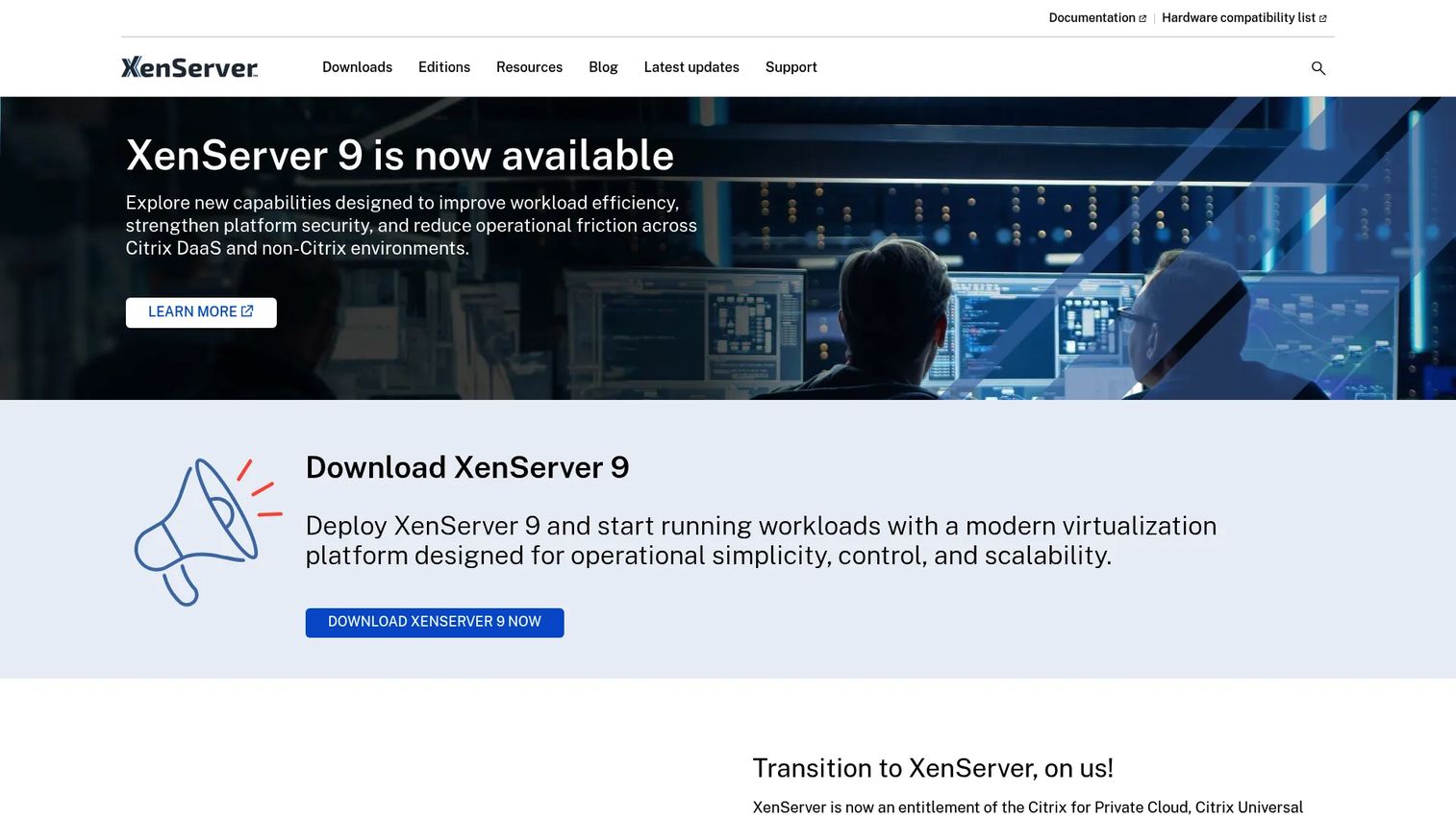
XenServer is a Xen-based virtualization platform for enterprise and service-provider workloads. It provides centralized VM management, host pooling, live migration, and high availability. XenServer has historically been used in environments running Citrix workloads, and it is now available as an entitlement of eligible Citrix subscriptions.
Best for: Teams with existing Xen expertise, Citrix infrastructure, or workloads designed around Xen-based environments.
Key features
- Xen hypervisor with host pooling
- Live VM migration and high availability
- VM snapshots and cloning
- XenCenter graphical management console
- GPU passthrough and dynamic memory control
Why choose XenServer: XenServer makes most sense when the organization already runs Citrix and the virtualization entitlement fits within an existing subscription. Teams evaluating XenServer independently should review the current licensing structure, support terms, and ecosystem direction carefully before building a production dependency.
XenServer pricing: XenServer is currently available only through eligible Citrix subscriptions. No standalone pricing is displayed. Contact Citrix Sales or a channel partner for current subscription terms and entitlement details.
G2 rating: 4.2/5
6. XCP-ng
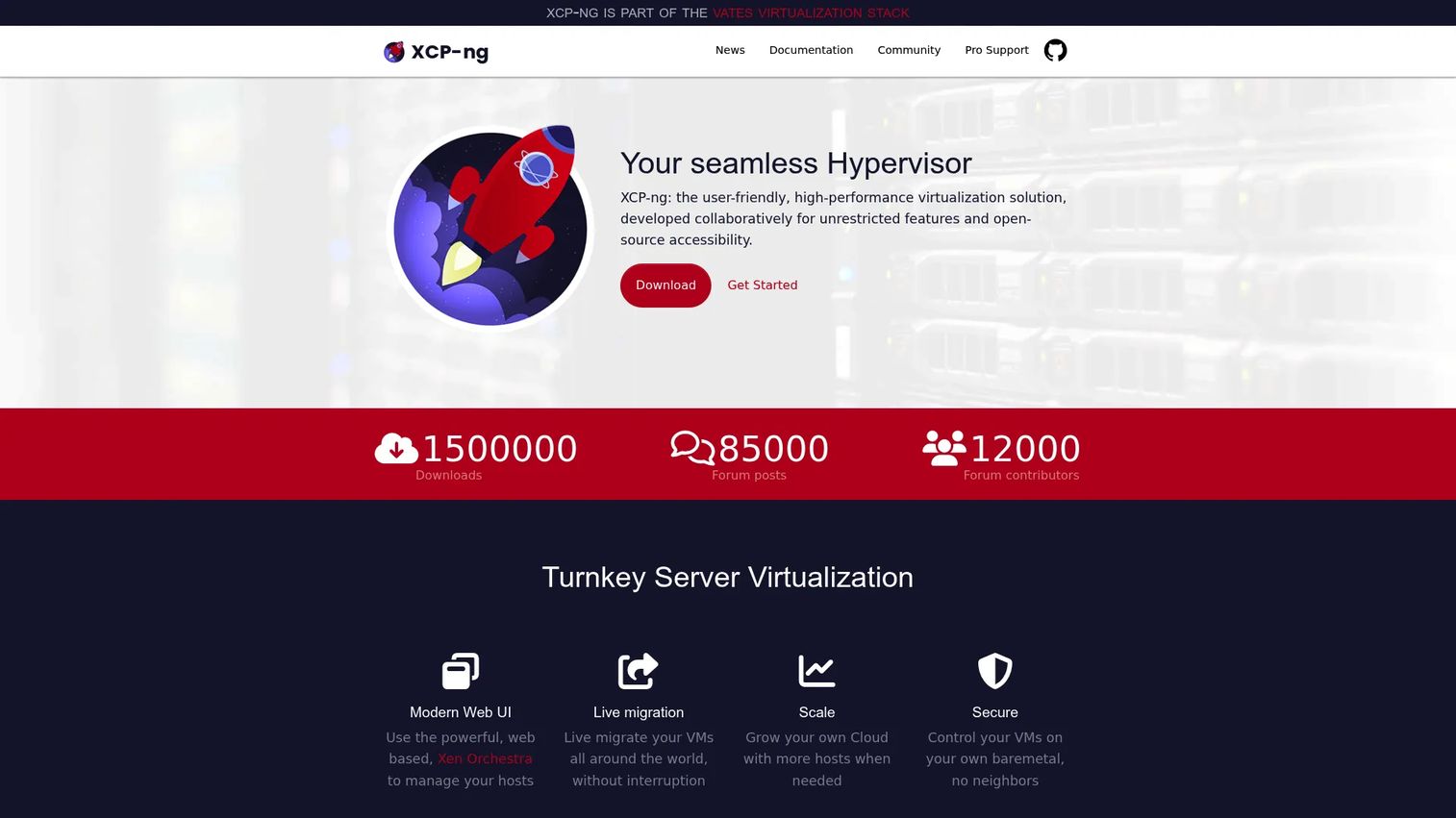
XCP-ng is an open source virtualization platform built on the Xen hypervisor, maintained by Vates as a community-driven alternative to commercial Xen products. All features are available without payment. The platform supports host pools, VM lifecycle operations, live migration, and management through Xen Orchestra. Vates offers commercial support subscriptions for organizations that need SLA-backed assistance.
Best for: Teams seeking an open source Xen platform with no feature gating and the option to add commercial support.
Key features
- Xen-based virtualization with host pool management
- Live migration and centralized VM management via Xen Orchestra
- API-based automation with Terraform, Packer, and Ansible integration
- VM backup capabilities through Xen Orchestra
- No feature limits on the free platform
Why choose XCP-ng: XCP-ng removes the feature restrictions found in some commercial Xen products. The platform is a practical option for teams migrating away from a commercial Xen environment or building a new Xen-based stack without a proprietary licensing dependency. Evaluate Vates support subscriptions if production SLAs matter.
XCP-ng pricing: XCP-ng is free with all features included. Vates commercial support subscriptions start at $2,000/year for the Essential tier. The Essential+ tier is $4,000/year, Pro runs $1,000/host/year, and Enterprise is $1,800/host/year.
G2 rating: No verified standalone XCP-ng G2 listing was found.
7. OpenNebula
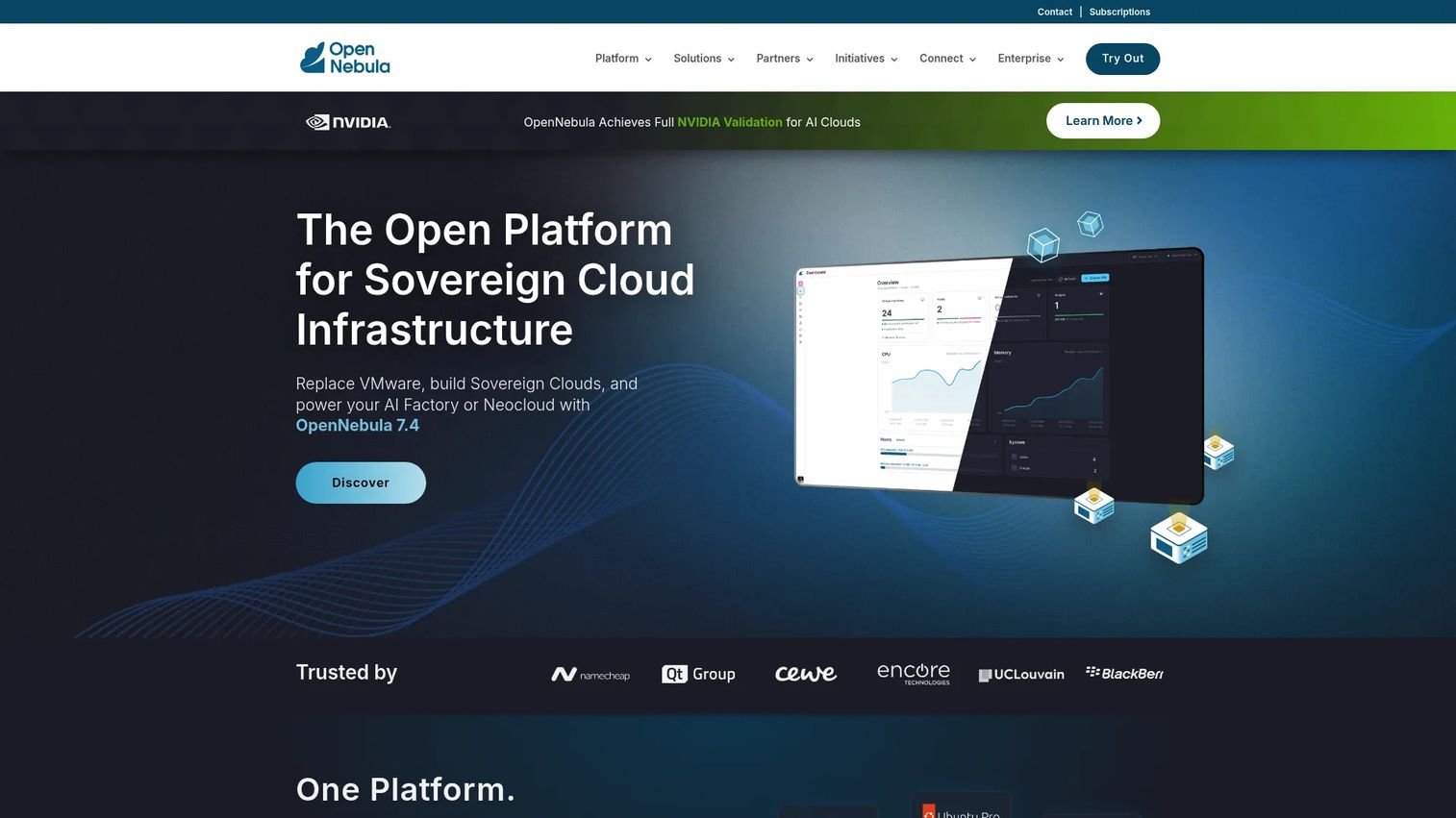
OpenNebula is an open source cloud and virtualization management platform that orchestrates compute, storage, networking, and VM lifecycle operations across private, hybrid, edge, and multi-site environments. It supports KVM virtual machines alongside Kubernetes clusters and is designed for organizations that want self-service infrastructure provisioning without adopting a heavyweight control plane.
Best for: Teams building private cloud capabilities with multi-tenant controls and low vendor dependency.
Key features
- VM lifecycle orchestration with multi-cloud and edge support
- Secure multi-tenancy with ACLs, quotas, and network isolation
- High availability, live migration, and workload scheduling
- GPU and accelerated AI workload support
- REST API for automation and integration
Why choose OpenNebula: OpenNebula suits SaaS companies that need self-service VM provisioning and multi-tenant controls without adopting a complex commercial cloud stack. It positions itself as a platform for sovereign cloud infrastructure with open source governance. Enterprise support subscriptions require a tailored quote from OpenNebula.
OpenNebula pricing: Enterprise subscriptions are available at Standard and Premium tiers. Pricing requires a quote from OpenNebula directly. Contact OpenNebula for current subscription terms.
G2 rating: 4.4/5
8. oVirt
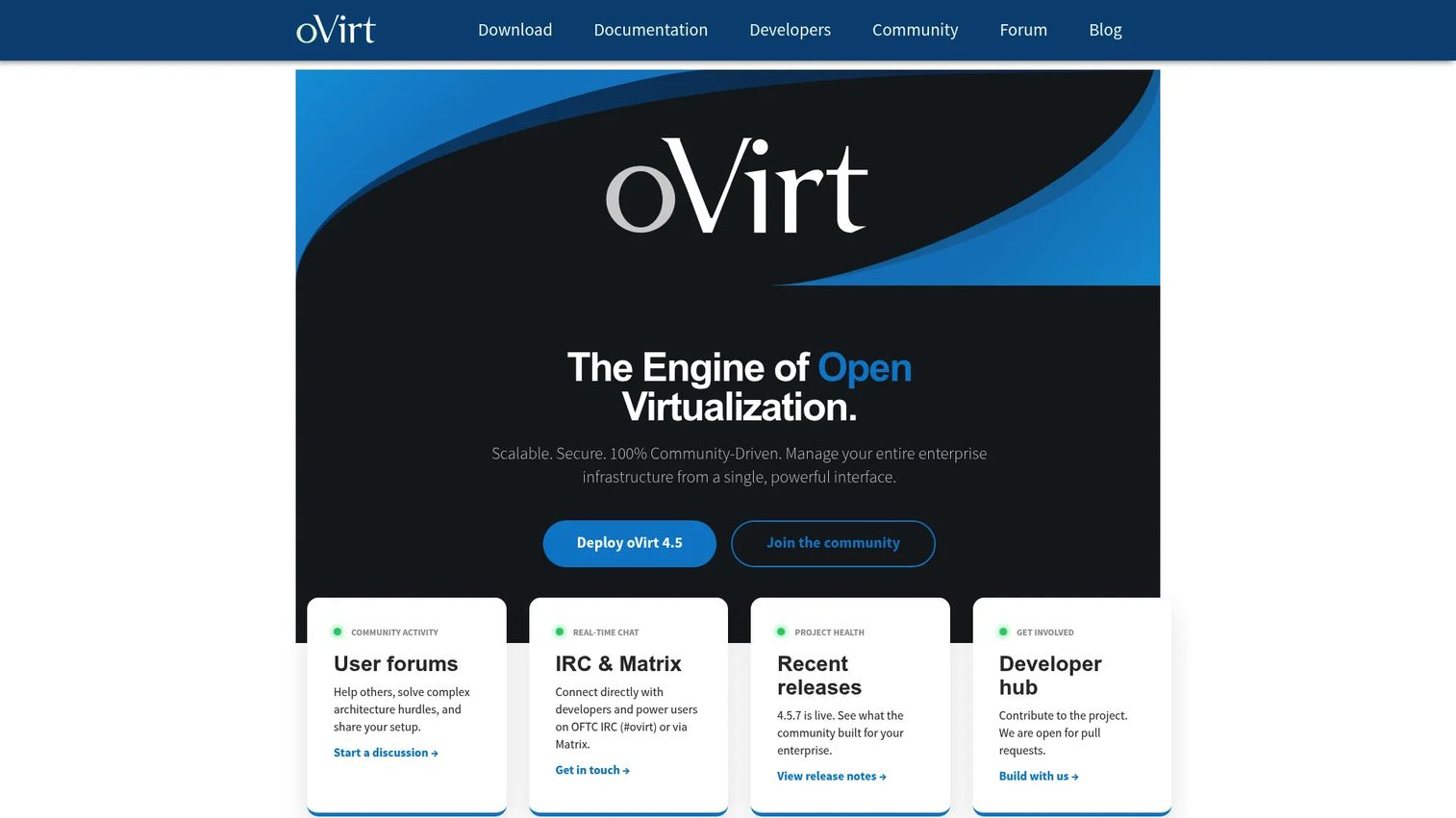
oVirt is a free, open source virtualization management platform for Linux-based data centers. It manages KVM hosts and virtual machines through a web-based interface and provides cluster management, storage domains, VM templates, and role-based administration. oVirt served as the upstream project for Red Hat Virtualization before Red Hat shifted its virtualization strategy toward RHEL and OpenShift.
Best for: Linux infrastructure teams with Red Hat ecosystem experience that want open source KVM management with enterprise-style controls.
Key features
- KVM-based virtualization management
- High availability and live migration
- OVN networking and centralized storage management
- Ansible automation integration
- REST API and SDK access
Why choose oVirt: oVirt is a practical choice for teams already operating in the Red Hat ecosystem who need KVM management without a commercial license. Review the project's current maintenance status and community activity before building a long-term production dependency on it.
oVirt pricing: oVirt is free and open source with no paid tiers.
G2 rating: 3.8/5
9. Oracle Linux Virtualization Manager
Oracle Linux Virtualization Manager is a KVM-based virtualization management platform aligned with Oracle Linux environments. It provides centralized management of KVM hosts and virtual machines, including live migration, high availability, cluster management, storage domains, and VM templates. The platform is described as open source by Oracle and is supported through Oracle Linux Premier Plus Support subscriptions.
Best for: Organizations already running Oracle Linux or Oracle-centered infrastructure that want an aligned KVM management layer.
Key features
- Centralized management of Oracle Linux KVM hosts and VMs
- Live migration and high availability
- VM templates and storage domain management
- Centralized network administration
- Oracle Linux support integration
Why choose Oracle Linux Virtualization Manager: The platform makes most sense when the organization has an existing Oracle Linux support relationship and wants a KVM management layer that fits within it. Teams evaluating it outside an Oracle Linux context should compare it against oVirt and other KVM management options on support coverage and long-term platform direction.
Oracle Linux Virtualization Manager pricing: The software is described as open source. Support requires an Oracle Linux Premier Plus Support subscription. Oracle support pricing is not published and requires a quote.
G2 rating: 4.3/5 (rated as Oracle Virtualization)
10. Apache CloudStack
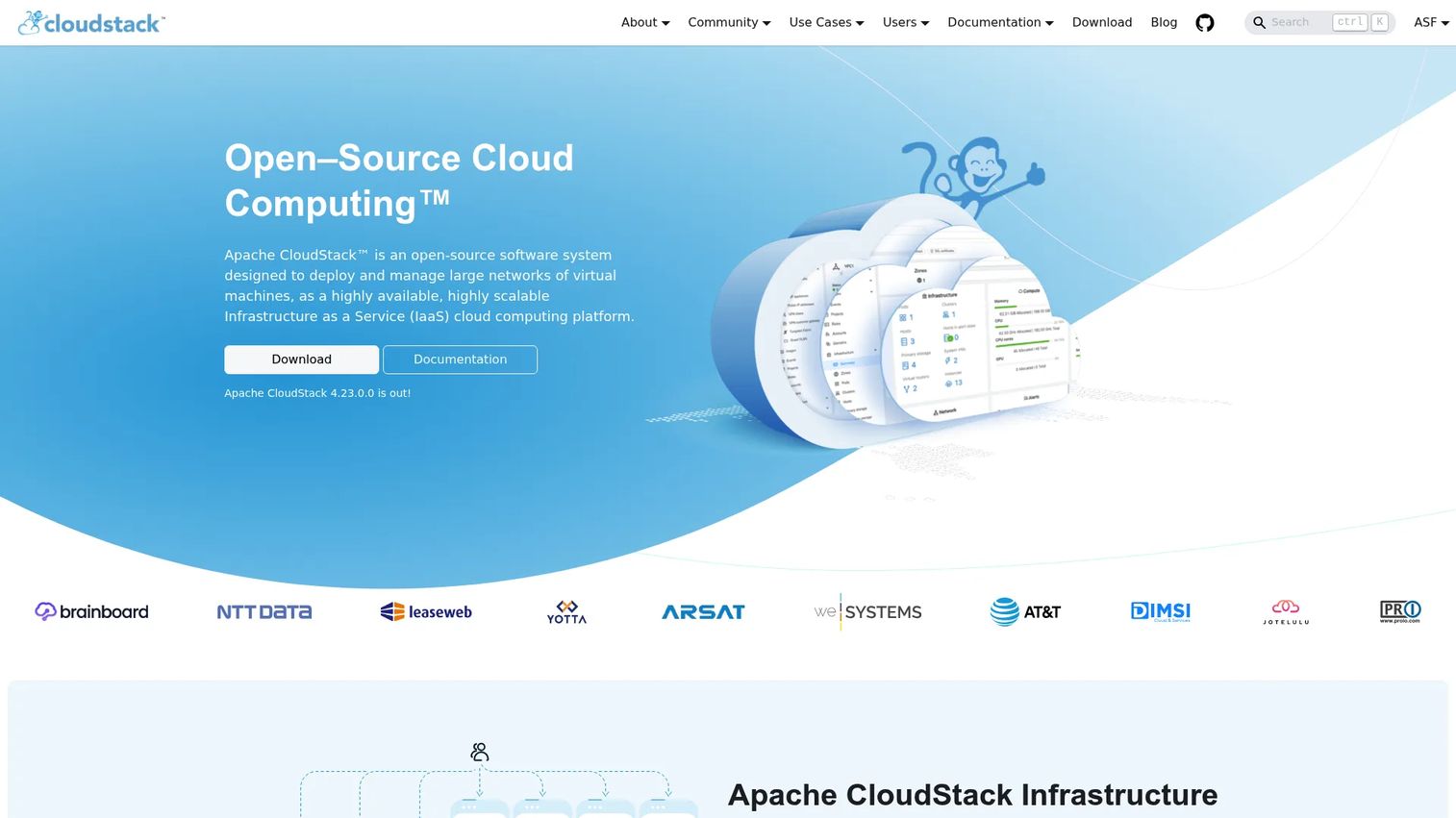
Apache CloudStack is an open source IaaS cloud orchestration platform used by service providers, managed service providers, telcos, and enterprises building scalable private or hybrid clouds. It supports multiple hypervisors including KVM, VMware, and Xen-based platforms, and provides compute orchestration, Network-as-a-Service, storage management, and multi-tenant resource accounting.
Best for: Cloud providers and enterprises building multi-tenant IaaS infrastructure that needs cloud service workflows rather than only VM administration.
Key features
- Multi-hypervisor support: KVM, VMware, XenServer/XCP-ng, and Hyper-V
- Multi-tenant VM management with resource accounting and quotas
- Network-as-a-Service with zone-level network isolation
- AWS EC2 and S3-compatible API options
- Web UI, CLI, and native API access
Why choose Apache CloudStack: CloudStack is a strong fit for organizations that need to deliver cloud-style self-service infrastructure to multiple tenants or business units. Implementation requires engineering investment in configuration, network design, and integration. Commercial support is available through third-party providers who contribute to the project.
Apache CloudStack pricing: Apache CloudStack is free and open source. Commercial support is available from third-party providers; pricing varies by provider and scope.
G2 rating: 4.4/5
11. Scale Computing Platform
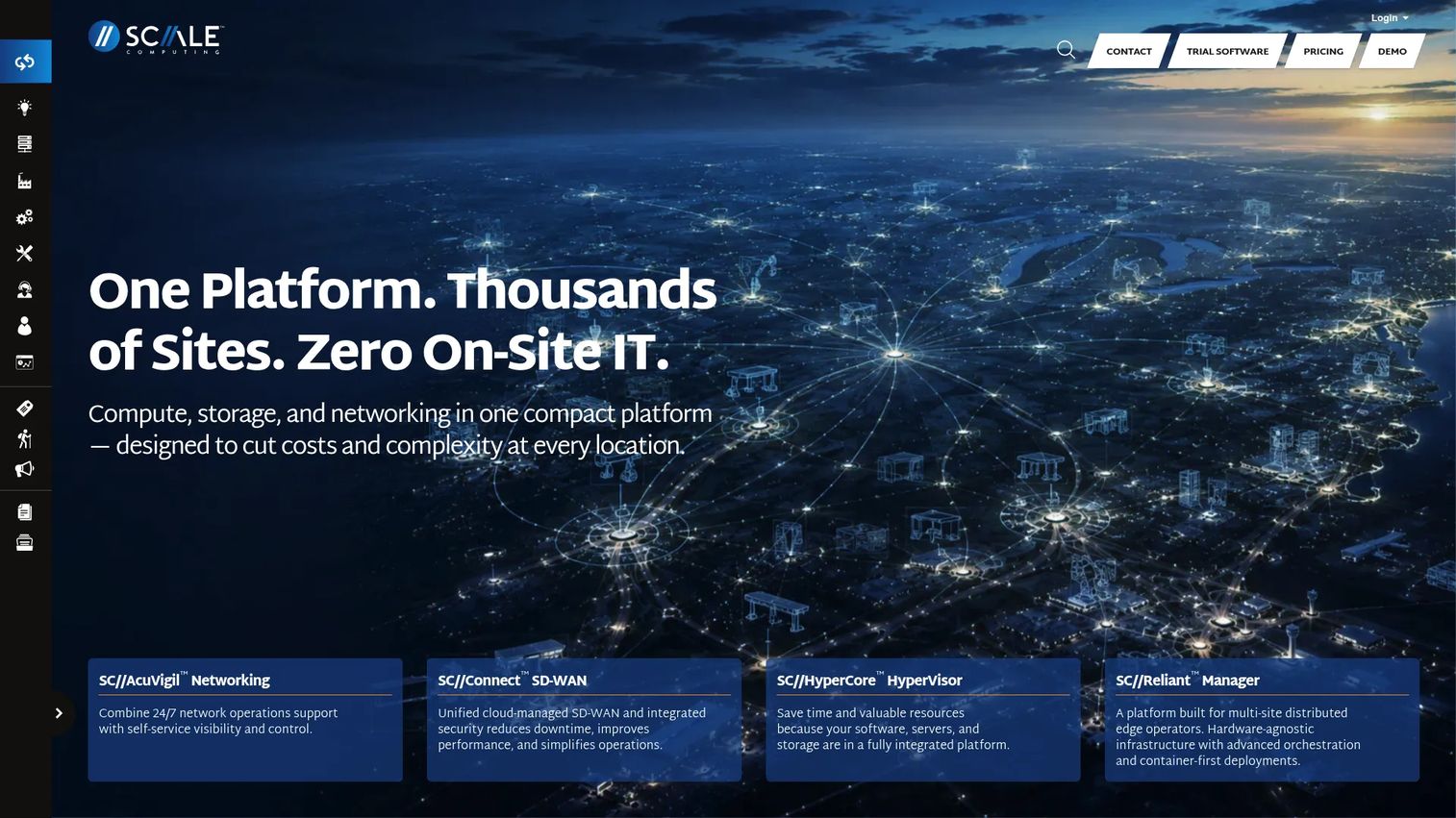
Scale Computing Platform is an integrated virtualization and infrastructure management system designed for distributed, edge, and branch environments. It combines compute, storage, and virtualization into a hyperconverged architecture managed centrally through SC//Fleet Manager. Self-healing high availability restarts workloads automatically without administrator intervention.
Best for: Companies that need consistent, centrally managed infrastructure across distributed locations with a lean operations team.
Key features
- SC//HyperCore hyperconverged virtualization
- Self-healing high availability with automated VM restart
- Centralized fleet management across distributed sites
- Integrated backup and disaster recovery
- REST API and hybrid-cloud capabilities
Why choose Scale Computing Platform: The platform targets organizations running distributed infrastructure across branch offices, retail locations, or edge sites where a lean team needs to manage many nodes remotely. Evaluate hardware requirements, vendor support terms, expansion model, and the total cost of the hardware plus software bundle before committing.
Scale Computing Platform pricing: Pricing is not published. Contact Scale Computing for a quote based on node count and deployment scope.
G2 rating: 4.7/5
12. Nutanix Cloud Platform
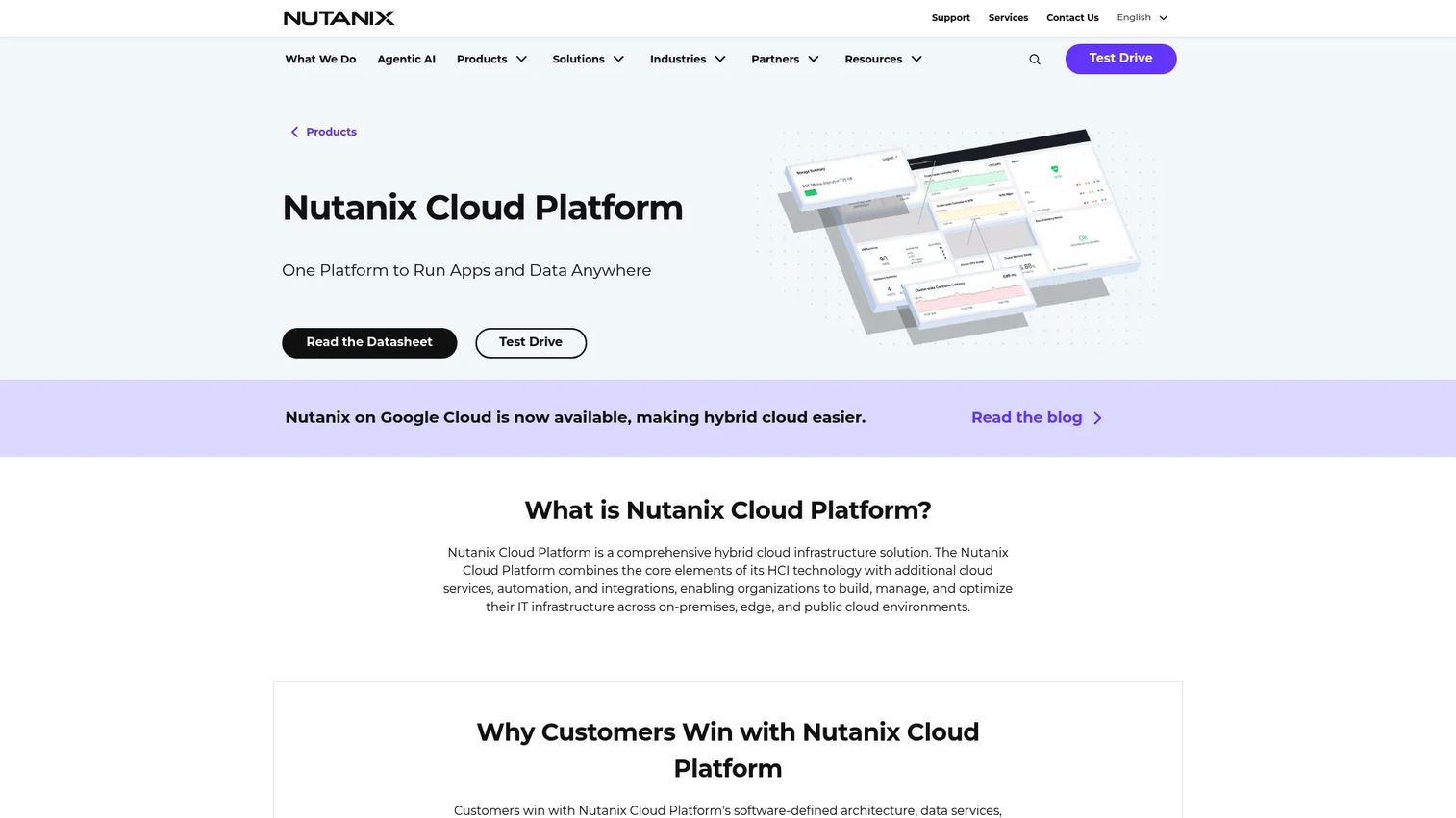
Nutanix Cloud Platform is an integrated private and hybrid cloud infrastructure platform. It bundles Nutanix Cloud Infrastructure (compute, storage, virtualization, and networking) with Nutanix Cloud Manager (intelligent operations, self-service, cost governance, and security management). Workloads can move across on-premises nodes, edge locations, and public cloud environments from a unified management interface.
Best for: Organizations consolidating virtualization, storage, and hybrid cloud operations into a single vendor platform.
Key features
- Integrated compute, storage, virtualization, and networking
- Policy-based automation and self-service provisioning
- Unified file, block, and object storage
- Built-in disaster recovery, microsegmentation, and data protection
- Hybrid-multicloud workload mobility
Why choose Nutanix Cloud Platform: Nutanix suits organizations that want to reduce the number of vendors managing discrete layers of infrastructure. The platform spans on-premises, edge, and public cloud environments under one operational model. Licensing is by physical CPU-core capacity across three tiers (Starter, Pro, Ultimate) on one-to-five-year terms. Validate workload compatibility and total platform cost before procurement.
Nutanix Cloud Platform pricing: Pricing is not published. Licensing uses physical CPU-core capacity with Starter, Pro, and Ultimate editions available on one-to-five-year terms. Contact Nutanix for a quote.
G2 rating: No verified standalone Nutanix Cloud Platform G2 listing was found.
13. Virtuozzo Hybrid Server
Virtuozzo Hybrid Server is a server virtualization platform for service providers and organizations managing both virtual machines and containers on physical hosts. It supports OS-level container virtualization alongside traditional VMs, with resource isolation, multi-tenant hosting, and support for Linux and Windows guest workloads. Virtuozzo documentation notes that the product has been renamed Virtuozzo Server in some contexts.
Best for: Hosting providers and service providers that need to deliver both VM and container workloads from shared physical infrastructure.
Key features
- OS-level container virtualization with isolated containers
- Virtual machine support alongside containers
- Resource management and workload isolation
- Linux and Windows guest support
- Multi-tenant service-provider tooling
Why choose Virtuozzo Hybrid Server: The platform's combined VM and container model fits service providers whose customers want choice between workload types on the same infrastructure. Review current licensing structure, support availability, and workload compatibility carefully, particularly if the VM volume is large.
Virtuozzo Hybrid Server pricing: Licensing is required and covers CPUs, containers, VMs, and servers. Pricing is not published; contact Virtuozzo for current terms.
G2 rating: 4.4/5 (rated as Virtuozzo overall)
14. Red Hat Enterprise Linux
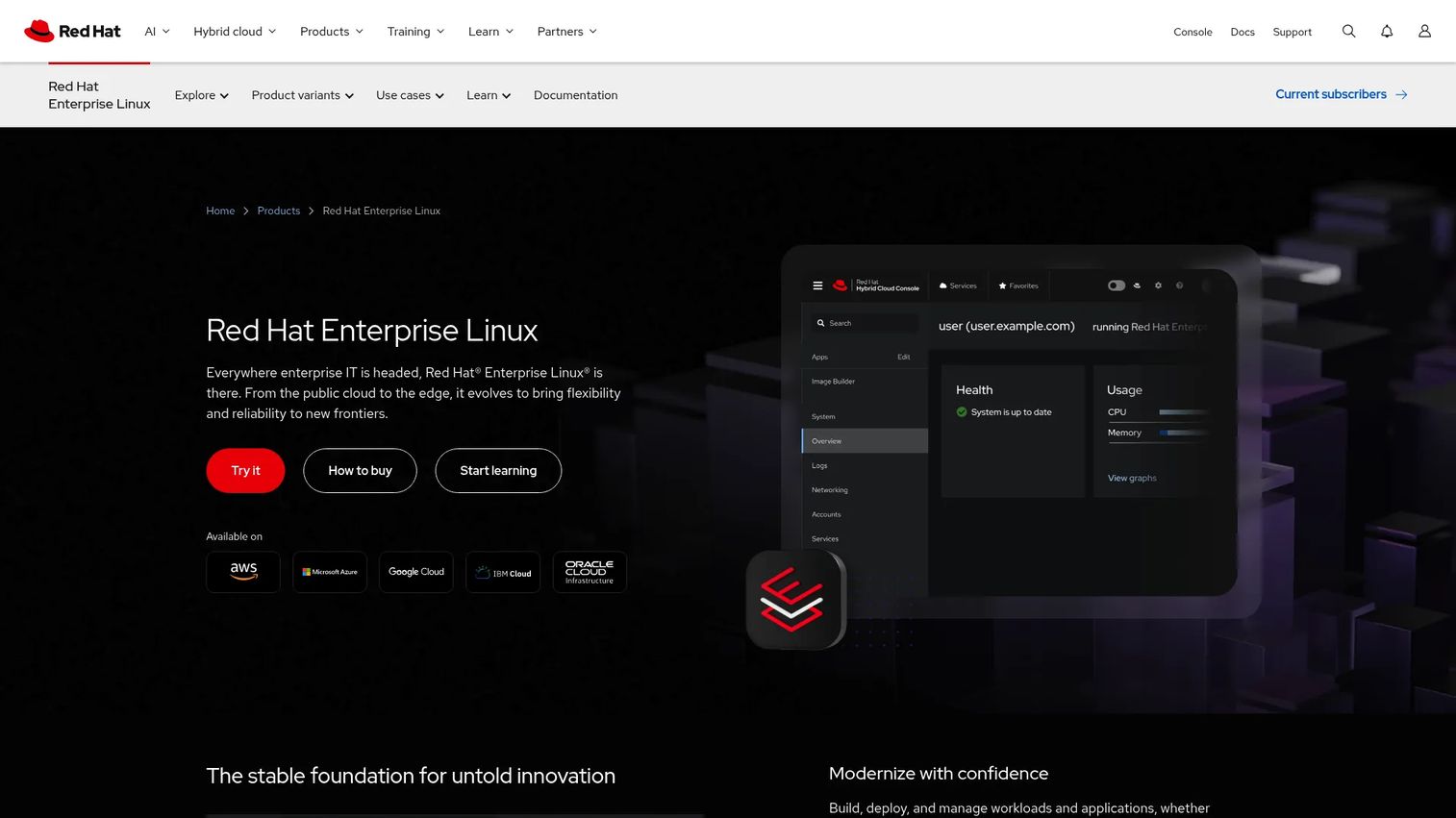
Red Hat Enterprise Linux is an enterprise Linux operating system with built-in KVM virtualization support. RHEL subscriptions include security features (SELinux, FIPS, OpenSCAP), deployment across physical systems, VMs, private cloud, and edge environments, and access to Red Hat Lightspeed for AI-assisted management. Migration tooling including Convert2RHEL and Leapp helps teams move workloads from other Linux distributions.
Best for: Enterprises standardizing on Red Hat support, security practices, and Linux operations who need KVM virtualization within a commercially supported distribution.
Key features
- Built-in KVM virtualization support
- SELinux, FIPS, OpenSCAP, and Red Hat Lightspeed security tooling
- Image Builder and image mode for VM image creation and deployment
- Convert2RHEL and Leapp migration tools
- Automation ecosystem through included RHEL system roles
Why choose Red Hat Enterprise Linux: RHEL makes sense when the team needs a commercially supported Linux foundation with KVM included, rather than a standalone virtualization management platform. Understand that RHEL is the operating system layer, not a complete virtualization control plane. Teams that need centralized VM lifecycle management across a cluster will still need a separate management layer such as a KVM orchestrator or a broader Red Hat platform.
Red Hat Enterprise Linux pricing: Server subscriptions start at $383.90/year for Self-support, $878.90/year for Standard, and $1,428.90/year for Premium. All prices are for one-year terms.
G2 rating: 4.6/5
Considerations when choosing server virtualization software
Match the platform to your workloads
Start with a workload inventory before selecting a platform. Identify operating systems, database types, performance-sensitive applications, GPU requirements, and VM density targets. A platform that handles general Linux VMs well may require additional configuration or add-ons for Windows workloads, high-memory databases, or GPU passthrough. Confirm compatibility before running a pilot.
Compare total operating cost, not just licensing
A free hypervisor still carries engineering cost. Estimate patching frequency, upgrade cycles, backup tooling, monitoring setup, incident response time, and training for new hires. For open source platforms, also estimate the cost of commercial support subscriptions if production SLAs require them. A three-year operating cost model is more useful than a license comparison alone.
Validate high availability and disaster recovery before committing
Test cluster behavior under failure conditions in the proof of concept, not after go-live. Check failure detection time, automatic VM restart behavior, recovery time objectives, and backup restoration. Know who owns the recovery process during an incident and whether the platform's failover behavior meets the SLA your product team is accountable to.
Plan VMware migration before selecting a replacement
If you're evaluating alternatives to VMware, build a migration plan before choosing the destination. Inventory current VM images, network configurations, storage volumes, and application dependencies. Test image conversion and network reconfiguration on representative workloads in a staging environment. Run a phased migration with a defined rollback path rather than a full cutover.
Review storage and networking integration depth
The virtualization layer depends on storage latency, redundancy, and network isolation. Test the full stack, including storage backend and virtual networking, not only VM provisioning. Poor storage performance or inadequate network isolation can make a technically capable platform operationally problematic at scale.
Conclusion
The platforms in this list cover a range of deployment contexts. VMware vSphere remains the most mature enterprise option, though its procurement model now requires engaging Broadcom sales directly. Hyper-V is the natural default for Windows-heavy environments. Proxmox VE and KVM give teams an open source path without feature gating. XCP-ng and OpenNebula offer open source alternatives for Xen and private cloud use cases respectively. Apache CloudStack fits teams building IaaS-style multi-tenant infrastructure. Scale Computing Platform and Nutanix Cloud Platform suit organizations that need integrated management across distributed or hybrid environments. oVirt, Oracle Linux Virtualization Manager, and XenServer are best evaluated when an existing ecosystem relationship makes them a natural fit. Virtuozzo Hybrid Server addresses the specific need for combined VM and container delivery in service-provider contexts. Red Hat Enterprise Linux provides KVM within a commercially supported distribution for teams that standardize on Red Hat.
Before committing to any platform, run a proof of concept that includes representative workloads, a simulated host failure, backup restoration, live migration, and a realistic estimate of three-year operating cost. The platform that wins on a feature sheet may not be the one your infrastructure team can operate reliably at the next growth stage.
For a broader look at the application server software and cloud file storage software decisions that accompany infrastructure modernization, the Guideflow blog covers those categories in similar depth. Teams also working through asset lifecycle management software decisions will find the same evaluation framework applies.
FAQs
Server virtualization software creates a layer between physical hardware and operating systems, allowing multiple isolated virtual machines to run on a single physical host. A hypervisor manages resource allocation, while a virtual machine manager handles provisioning, monitoring, and lifecycle operations. Together they form the operational platform that infrastructure teams use to run and maintain workloads.
A hypervisor is the component that runs and isolates virtual machines on physical hardware. A virtualization platform adds the management layer on top: VM provisioning, storage integration, networking controls, backup, monitoring, high availability, and policy management. KVM is a hypervisor; Proxmox VE is a platform built around KVM that adds those operational capabilities.
Open source platforms including KVM, Proxmox VE, XCP-ng, oVirt, and Apache CloudStack run in production at scale globally. Suitability depends on whether the organization has the engineering skills to operate the platform, a support model for incidents, a tested recovery process, and a security practice aligned with the workload's risk profile. Open source code does not preclude production use; it shifts the support responsibility to the team or a chosen support vendor.
Hyper-V is the most natural starting point for Windows-centered infrastructure. It integrates with Active Directory, Group Policy, and existing Microsoft management tooling. The key evaluation is whether Hyper-V alone provides the management depth needed, or whether additional components such as Windows Admin Center or System Center are required. VMware vSphere also has strong Windows support and may be more familiar to teams already running it.
Start with a workload inventory that documents VM image formats, storage connections, network configurations, and application dependencies. Evaluate image conversion compatibility with the target platform, test network reconfiguration in staging, and plan for backup system changes. Run a phased migration with a rollback path. Factor in licensing changes, staff training on the new platform, and the operational cost of running two environments in parallel during the transition.
Some platforms support containers alongside VMs. Proxmox VE manages LXC containers next to KVM VMs from the same interface. Virtuozzo Hybrid Server combines OS-level containers with VMs. Apache CloudStack and OpenNebula can orchestrate both in different configurations. Containers and VMs use different isolation and deployment models, so teams should evaluate whether they need VM management, container orchestration, or both before selecting a platform.
Virtualization raises utilization on physical hardware by running multiple workloads on each host instead of dedicating hardware to single workloads. Server consolidation reduces capital expenditure and data center footprint. Standardized VM provisioning from templates reduces manual setup time. Workload portability through live migration allows the team to balance resources and perform maintenance without downtime. Efficiency gains depend on workload mix, storage performance, and operational discipline.
High availability requires clustered hosts with automated VM restart on failure, reliable shared storage or storage replication, redundant networking, and tested failover procedures. The critical questions are: How fast does the platform detect a host failure, how long does VM restart take, and what is the recovery time objective for each workload tier. Test these under realistic conditions before relying on them in production.
Total cost includes the platform license or subscription, host hardware, storage, networking, backup software, monitoring, management tools, migration effort, and staff time. Open source platforms have no software license cost but carry engineering and support costs. Commercial platforms such as VMware vSphere and Nutanix Cloud Platform require direct vendor quotes. Red Hat Enterprise Linux Server subscriptions start at $383.90/year. Proxmox VE subscriptions start at €120/year per socket. Plan for three years of operating cost, not just the first purchase.