Your VPs each have a different answer to "what are we working on this quarter." Your best engineers are split across four initiatives. The board wants a portfolio update, and you are about to spend two hours stitching together slides from project boards, roadmap docs, and finance spreadsheets.
The problem is not that your teams are disorganized. The problem is that you do not have a system that connects strategy, people, and execution at the same time. Project portfolio and program management software solves that. It gives leadership the visibility to decide which work gets funded, which gets deprioritized, and where the team is overcommitted before something slips.
The global PPM software market reached $6.3 billion in 2025, according to Grand View Research, and is forecast to reach $12.3 billion by 2030. That growth reflects how many companies at the Series B stage and beyond are building operating infrastructure for the first time.
This guide compares 12 project portfolio management tools to help you find the right fit for your stage, operating model, and leadership team.
What's inside
This guide covers 12 project portfolio management software platforms for 2026, chosen for relevance to portfolio planning, resource capacity, program visibility, and executive reporting. Pricing and G2 ratings reflect live sources at the time of writing.
Selection criteria:
- Portfolio planning and prioritization depth
- Resource and capacity management capabilities
- Financial forecasting and scenario modeling
- Execution visibility and integration with common SaaS stacks
- Fit for growing SaaS operating models at the 30 to 150 employee range
TL;DR
- Best enterprise PPM platform: Planview, for organizations with mature portfolio governance needs
- Best Microsoft-native option: Microsoft Planner, included in Microsoft 365 subscriptions
- Best for classic project planning depth: Microsoft Project, with detailed scheduling and resource controls
- Best for cross-functional teams: Wrike, with structured execution and portfolio-level dashboards
- Best for flexible SaaS operating teams: monday.com, starting at $9/seat/month with strong configurability
- Best for engineering and agile portfolios: Jira Align, connecting strategy to Jira delivery at scale
- Best for spreadsheet-familiar teams: Smartsheet, starting at $9/member/month with familiar grid views
- Best for client services teams: Teamwork, starting at $9.99/user/month with profitability visibility
What is project portfolio and program management software?
Project portfolio and program management software helps organizations evaluate, prioritize, fund, staff, track, and report work across multiple projects, programs, and strategic initiatives.
Three levels operate inside this category:
- Project management: Delivers individual work on time and on budget
- Program management: Coordinates a set of related projects toward a shared business outcome
- Portfolio management: Decides which work deserves investment, people, and executive attention
PPM software becomes critical when leadership can no longer trust that the right work is happening because visibility is fragmented across too many disconnected tools. For a Series B SaaS company, this usually shows up as competing roadmap bets without clear capacity trade-offs, board updates that require manual spreadsheet reconstruction, and senior hires who arrive without an operating system to plug into.
Key capabilities to look for in PPM software include:
- Project intake, demand scoring, and portfolio prioritization
- Resource capacity planning and utilization tracking
- Scenario planning and what-if modeling
- Budgeting, cost tracking, and financial forecasting
- Risk, dependency, and milestone visibility
- Dashboards and executive portfolio reporting
- Integrations with project tools, finance systems, and analytics platforms
Capterra's 2025 research found that 41% of organizations use hybrid project management methodologies, mixing agile and waterfall approaches. That means the PPM tools that handle multiple delivery frameworks will fit more teams than those locked into a single method. The same research found that 55% of recent software purchases in this category were prompted by buyers wanting AI-powered functionality, so AI-assisted prioritization, resource recommendations, and portfolio forecasting are increasingly table-stakes expectations.
When to use project portfolio management software
Prioritize competing initiatives before the quarter starts
Portfolio management software earns its place when every VP thinks their roadmap should be fully funded and there is no shared system to settle the debate. Use it to score projects against strategic outcomes, available capacity, and expected revenue impact. The goal is not tracking every task. The goal is choosing which work earns your scarce engineers and budget this cycle.
See resource capacity before work slips
At the Series B stage, engineering, product, GTM operations, and customer success all compete for the same pool of people. PPM tools surface where teams are overcommitted before the slippage shows up in a sprint review or a customer escalation. Capacity planning runs at the named person or role level, not just the team level.
Turn board reporting into an operating rhythm
Good portfolio reporting answers the questions your board actually asks: What slipped since last quarter? Which initiative is strategically important but has no one working on it? Which roadmap bet is unfunded? PPM software builds that view continuously, so board prep is an export, not a reconstruction project.
Project portfolio management software comparison
The table below summarizes all 12 platforms by key differentiator, pricing, and G2 rating. No tool here is the right answer for every organization. Match your choice to the operating question your leadership team cannot answer today.
| # | Product | Best for | Key differentiator | Pricing | G2 rating |
|---|---|---|---|---|---|
| 1 | Planview | Enterprise PMOs | Strategic portfolio management depth | Custom pricing | 4.1/5 |
| 2 | Microsoft Planner | Microsoft 365 teams | Portfolio visibility inside Microsoft work management | From $0 (included in M365) | 4.2/5 |
| 3 | Microsoft Project | Advanced project planning | Deep scheduling and project planning controls | From $679.99 one-time | 4.0/5 |
| 4 | Wrike | Cross-functional operations | Work management with portfolio visibility | From $0 (free plan) | 4.2/5 |
| 5 | monday.com | Flexible SaaS teams | Configurable work operating system | From $9/seat/month | 4.7/5 |
| 6 | Jira Align | Engineering and agile portfolios | Strategy-to-execution alignment for agile teams | From $77,400/year | 4.1/5 |
| 7 | Smartsheet | Spreadsheet-oriented teams | Familiar grid interface with portfolio controls | From $9/member/month | N/A |
| 8 | Adobe Workfront | Marketing and creative operations | Enterprise work management for campaign portfolios | Custom pricing | 4.1/5 |
| 9 | Planisware Orchestra | Mid-market PMOs | Portfolio governance with structured PMO support | Custom pricing | 4.4/5 |
| 10 | Oracle Primavera | Capital-intensive programs | Complex program planning and cost controls | From $2,750 (perpetual) | N/A |
| 11 | Teamwork | Client services teams | Project profitability and delivery visibility | From $9.99/user/month | 4.4/5 |
| 12 | Businessmap | Lean portfolio teams | Kanban-based portfolio flow management | Custom pricing | 3.9/5 |
Best 12 project portfolio management software tools for 2026
1. Planview
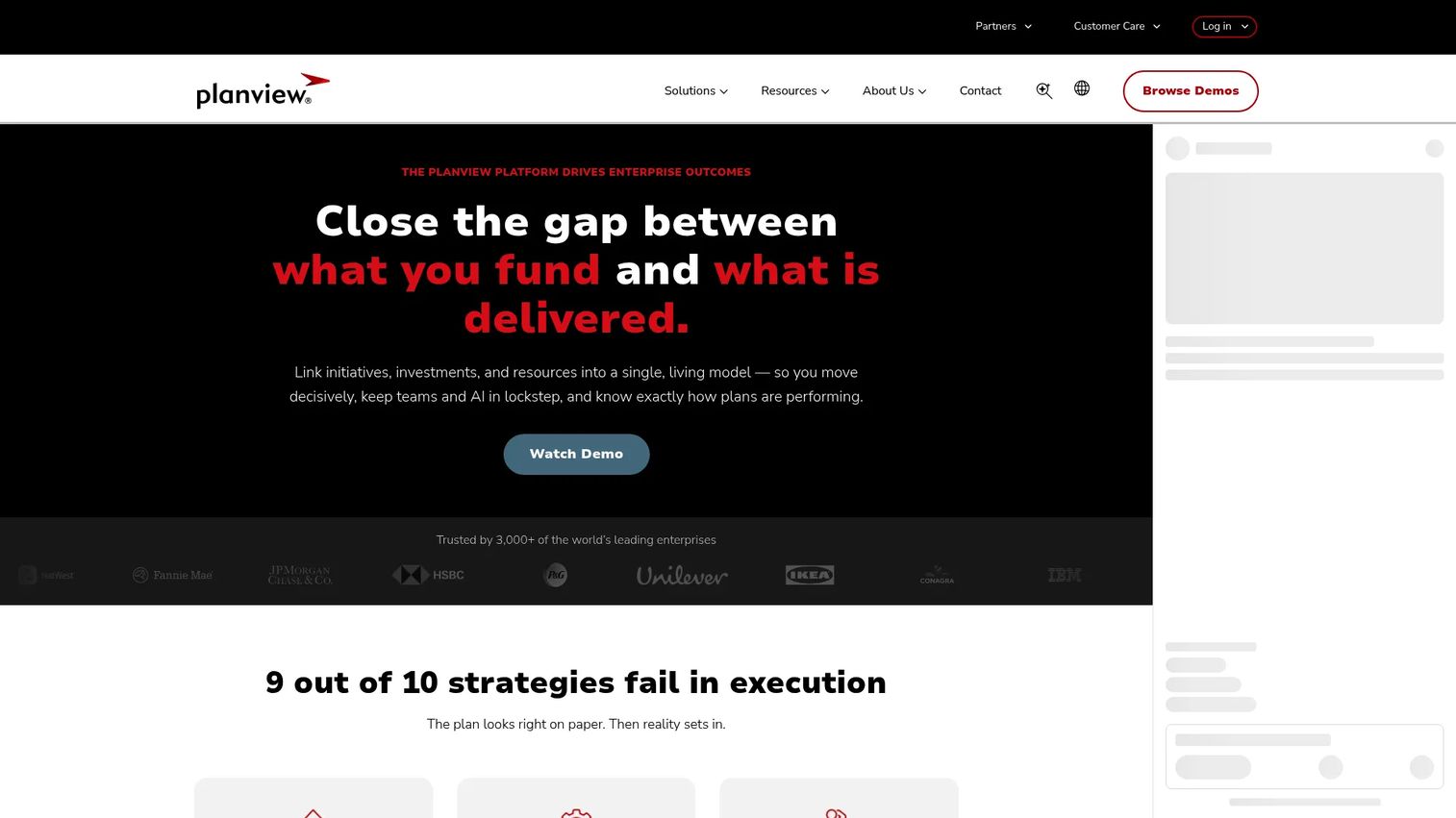
Planview is an enterprise PPM and strategic portfolio management platform that connects strategy, investment decisions, resource allocation, and work execution. It covers portfolio planning, roadmapping, scenario planning, financial forecasting, and delivery tracking across projects, products, and software teams. The platform is built for organizations running formal PMO governance at scale.
Best for: Large enterprise PMOs and SaaS companies with complex, multi-initiative portfolio governance needs.
Key features
- Strategic portfolio planning and prioritization
- Scenario planning and what-if modeling
- Resource capacity and utilization management
- Roadmaps with dependency tracking
- AI-powered insights and workflow automation
- Integrations with Jira, Azure DevOps, ServiceNow, and 60+ other tools
Why choose Planview: Planview is strongest when portfolio decisions cross multiple business units and need a formal governance layer. For a Series B founder who has just hired a VP of Product and a VP of Engineering, this is the kind of platform you evaluate when the complexity of running parallel initiatives has grown beyond what a shared Notion doc or spreadsheet can hold.
Planview pricing: Planview prices by quote. Contact their sales team for plan details, implementation scope, and user packaging. A 30-day free trial is available for ProjectPlace and AgilePlace, but the core strategic portfolio platform requires a sales conversation.
G2 rating: 4.1/5
2. Microsoft Planner
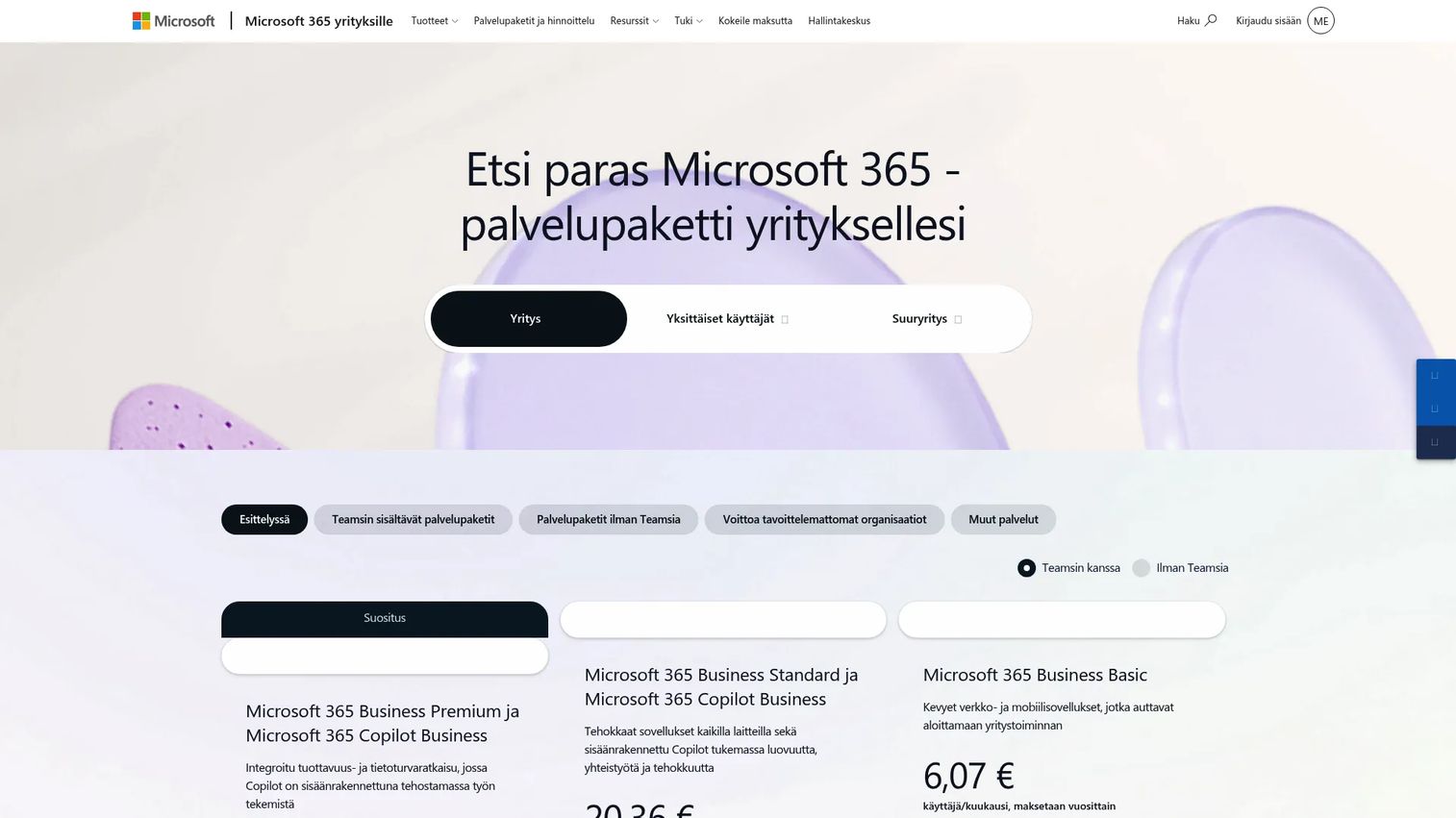
Microsoft Planner is a collaborative task and project management tool built into Microsoft 365, with premium tiers that extend into portfolio planning, roadmaps, and program visibility. Teams that already standardize on Teams, SharePoint, and Power BI can add portfolio views without leaving the Microsoft stack.
Best for: Microsoft 365 and Teams users who want portfolio visibility without adopting a separate PPM platform.
Key features
- Portfolio views across projects and plans
- Task and project management with boards, lists, and timelines
- Roadmap visibility and project goals
- Microsoft Teams integration and real-time collaboration
- Power BI reporting connections for executive dashboards
Why choose Microsoft Planner: Planner works best when adoption is the priority and your team is already paying for Microsoft 365. The friction to get started is low. For founders who want to give a new COO or Head of Operations a starting point before committing to a heavier PPM investment, Planner is the logical first step.
Microsoft Planner pricing: The base version is included in Microsoft 365 subscriptions. Planner Plan 1 starts at $10/user/month (billed annually), adding premium planning features. Planner and Project Plan 3 is $30/user/month (billed annually), which adds advanced portfolio, baselines, critical path, and Project Online access.
G2 rating: 4.2/5
3. Microsoft Project
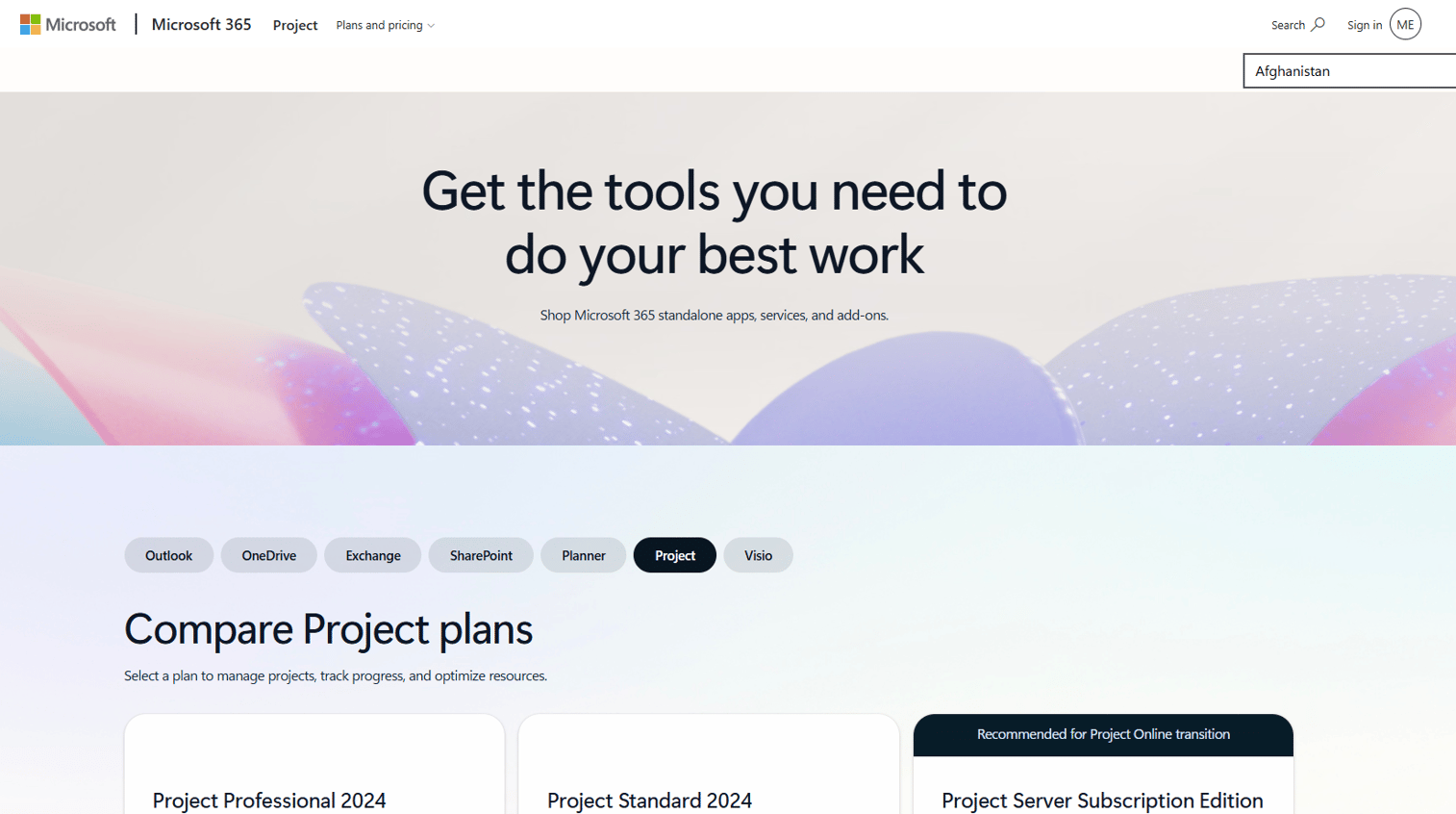
Microsoft Project is a mature project planning tool for structured schedules, dependency mapping, resource planning, and cost tracking. It supports portfolio workflows through the broader Microsoft ecosystem, particularly when paired with Planner and Power BI for executive reporting.
Best for: Teams that need detailed project schedules, dependency planning, and resource controls for structured delivery work.
Key features
- Gantt charts with automated task scheduling
- Dependency tracking and critical path analysis
- Resource planning, leveling, and cost management
- Baseline tracking and milestone reporting
- Custom reports and PDF/XPS output
Why choose Microsoft Project: Choose Project when project planning rigor is the primary need. Operations, implementation, and technical delivery teams with complex schedules and resource constraints get more out of Project than from a lightweight board tool. Worth noting: Project Online is scheduled for retirement on September 30, 2026, so check Microsoft's migration guidance if that version is in your current stack.
Microsoft Project pricing: Project Standard 2024 is a one-time purchase at $679.99. Project Professional 2024 is a one-time purchase at $1,129.99. Project Server Subscription Edition pricing goes through a Microsoft partner. No free plan is available.
G2 rating: 4.0/5
4. Wrike
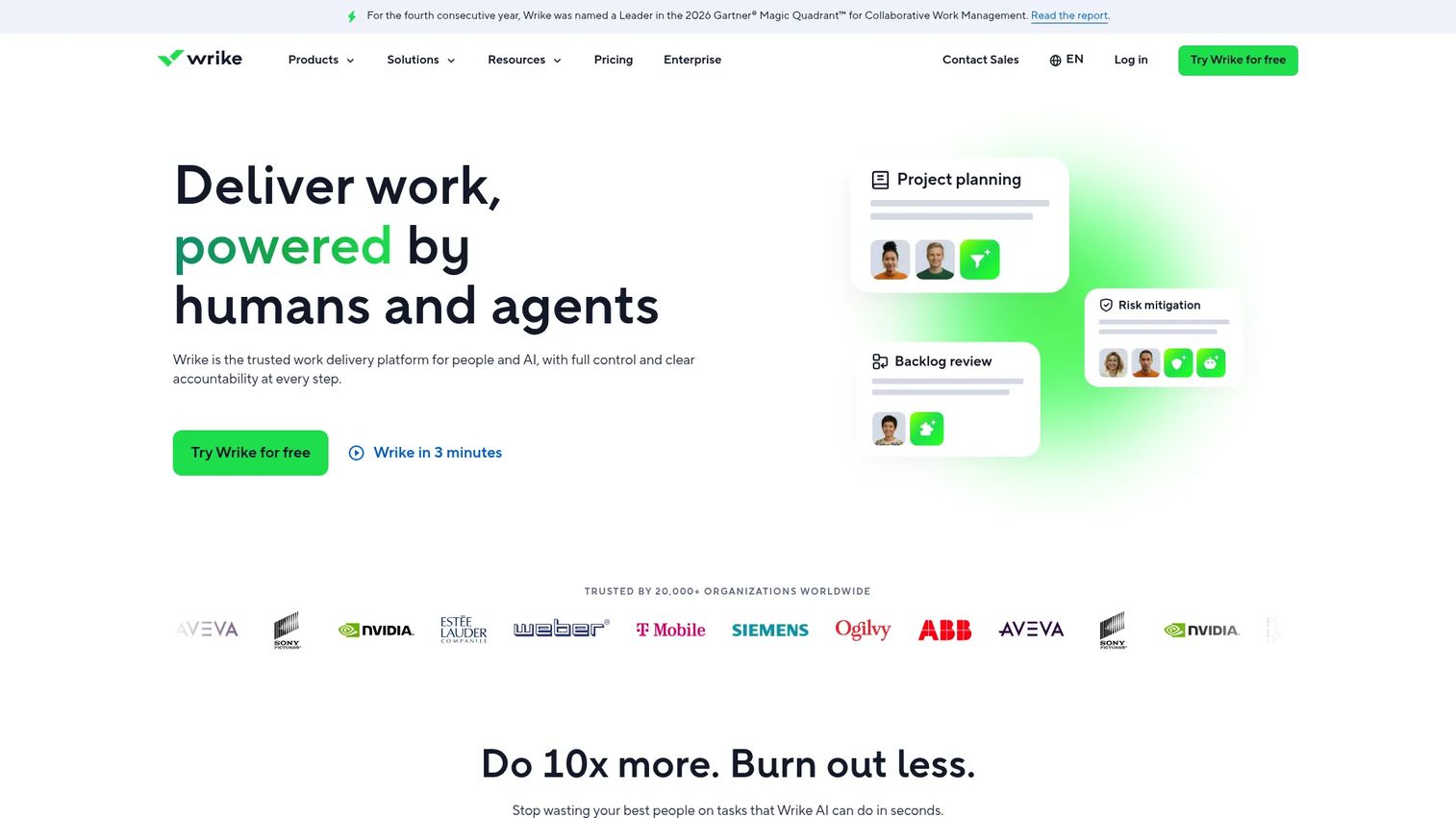
Wrike is an AI-powered work management platform that spans project execution, portfolio reporting, resource planning, workflow automation, and cross-functional collaboration. Its custom dashboards, intake forms, and approval workflows make it practical for SaaS teams running product, marketing, operations, and customer success work in parallel.
Best for: Cross-functional SaaS teams that need structured work management alongside portfolio-level reporting.
Key features
- Dashboards with configurable portfolio views
- Request intake forms and automated routing
- Resource planning and workload tracking
- Workflow automation and approval workflows
- Reporting and analytics with time tracking
Why choose Wrike: Wrike is a practical choice when the company needs visible execution without jumping straight to heavy enterprise PPM. It gives VPs a shared operating layer with enough reporting depth to run weekly reviews. Founders often forward Wrike to their Head of Operations as a VP-ready system that does not require a six-month implementation.
Wrike pricing: A free plan is available. The Team plan is $10/user/month (billed annually). The Business plan is $25/user/month (billed annually). Pinnacle and Apex tiers require a sales conversation for custom pricing.
G2 rating: 4.2/5
5. monday.com
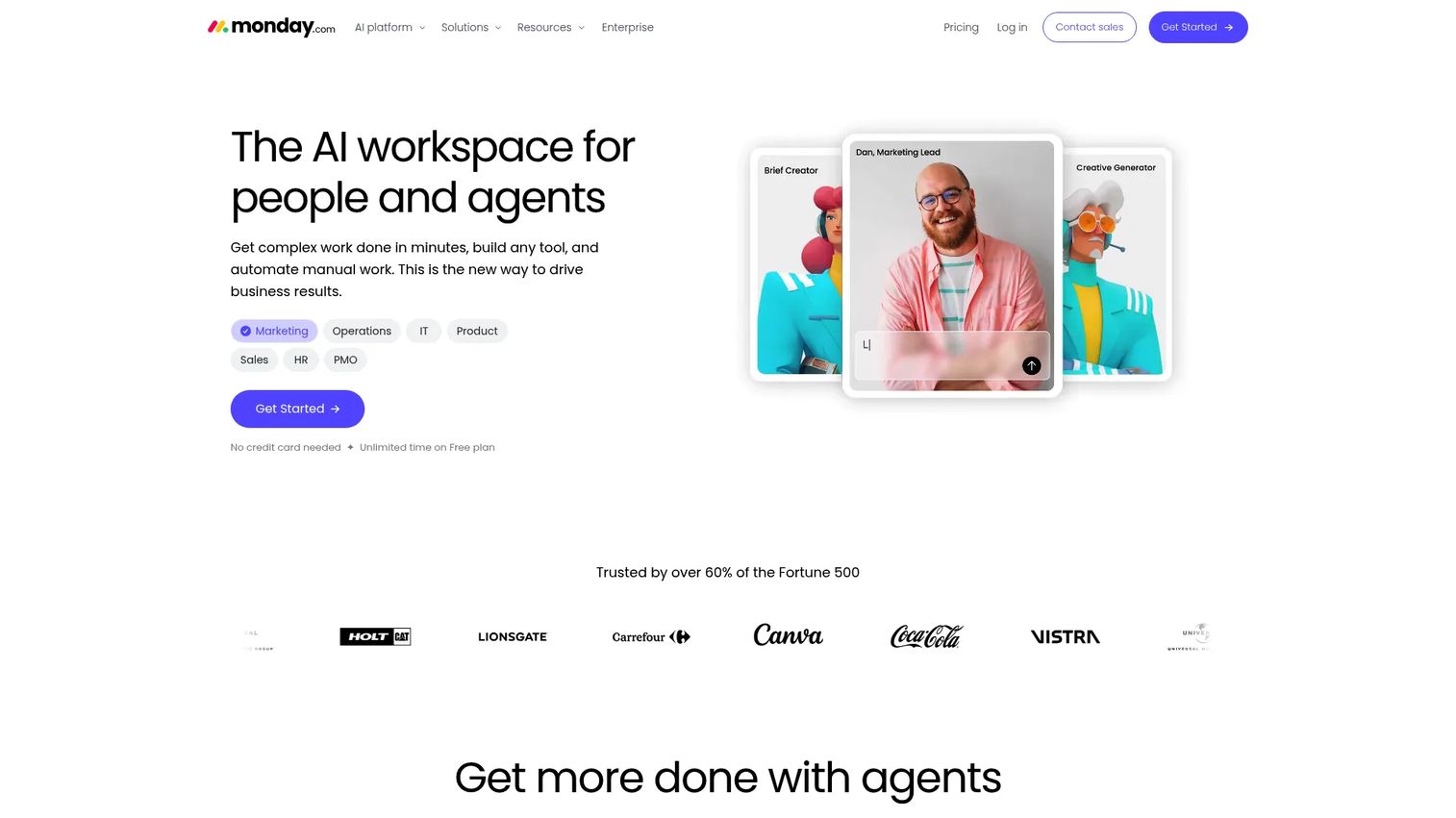
monday.com is a configurable work operating system that handles project tracking, portfolio dashboards, automation, and team collaboration across a wide range of operating models. Its strength is flexibility: Teams configure boards, automations, and views to match how they already work rather than redesigning around the tool's defaults.
Best for: SaaS teams that want flexible portfolio tracking without enforcing a rigid PMO process.
Key features
- Custom boards and portfolio dashboards
- Workload views and resource allocation
- Automation and form-based project intake
- Integrations with CRM, dev, and analytics tools
- Dependency tracking and timeline views
Why choose monday.com: monday.com performs well when quick adoption and cross-team flexibility matter more than deep governance controls. For a 50-person SaaS company that wants a shared operating system without hiring a PMO director, it covers most portfolio visibility needs at a price point that makes sense before ARR justifies heavier tooling. It may require deliberate setup to function as a true portfolio system rather than a collection of independent boards.
monday.com pricing: A free plan is available for up to 2 seats. Basic starts at $9/seat/month (billed annually). Standard is $12/seat/month, Pro is $19/seat/month, and Enterprise pricing requires a custom quote.
G2 rating: 4.7/5
6. Jira Align
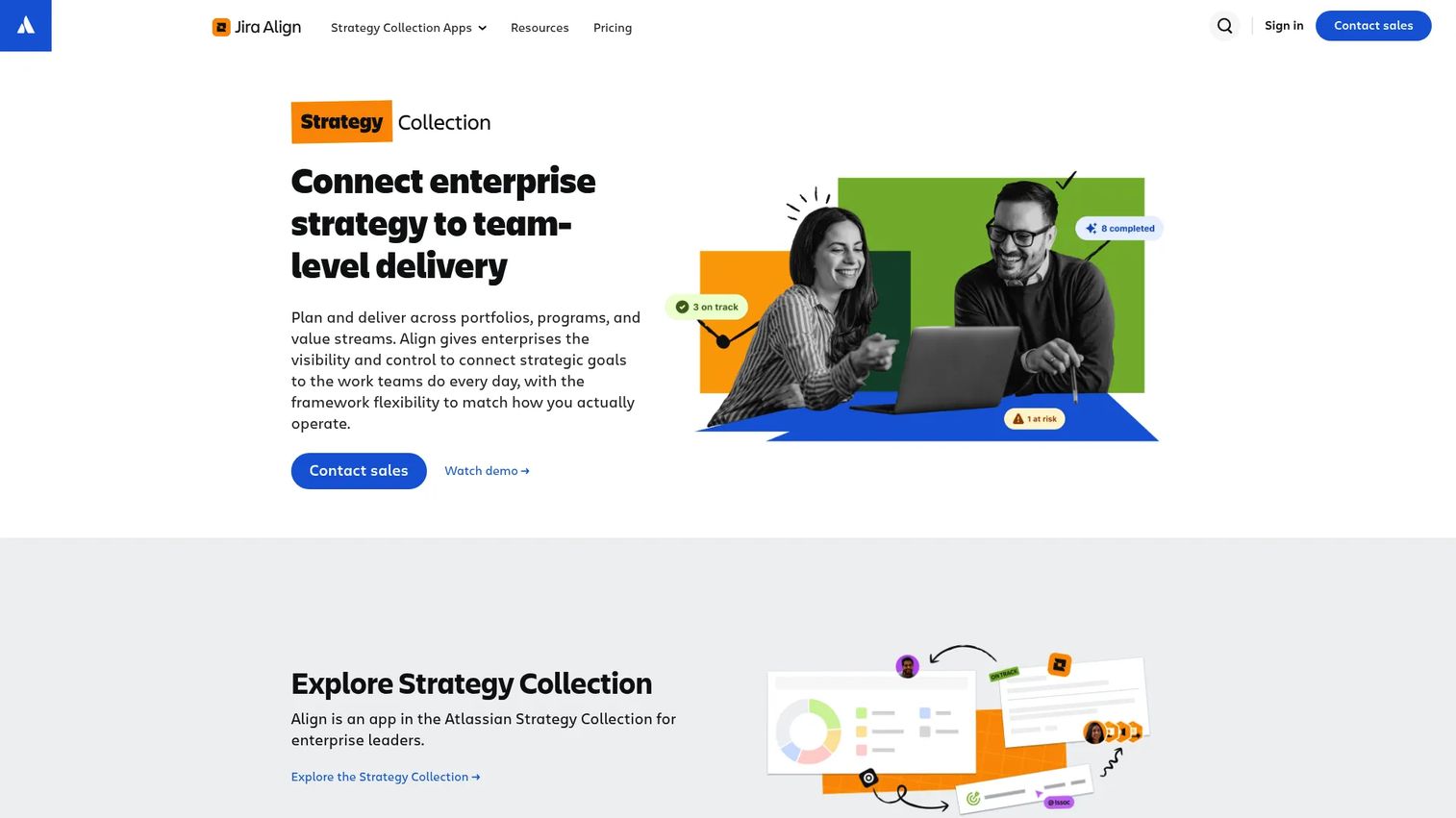
Jira Align is an enterprise agile planning platform that connects organizational strategy to team-level delivery through Jira. It maps strategic bets to epics, features, and team work in real time, surfacing risks, dependencies, and delivery progress across portfolios and programs.
Best for: Engineering-led SaaS companies scaling agile planning across multiple product and development teams.
Key features
- Strategic alignment from objective to delivery
- Cross-team program boards and dependency mapping
- Roadmap planning and agile portfolio reporting
- Capacity and investment planning
- Support for SAFe, Scrum@Scale, and custom agile frameworks
- Native integrations with Jira and Azure DevOps
Why choose Jira Align: Jira Align is the right pick when the product and engineering organization already lives in Jira and leadership needs to connect strategic portfolio decisions to what teams are actually building. It helps a VP of Product or CTO see whether the highest-priority bets are staffed and whether delivery signals match strategic intent. It is a substantial investment, so it fits organizations with enough agile delivery maturity to get signal from the data.
Jira Align pricing: Jira Align is part of Atlassian's Strategy Collection, which includes Focus and Talent alongside Jira Align. The Strategy Collection starts at $77,400/year for up to 50 users (billed annually, cloud only). No free trial is available. Jira Cloud Premium is a prerequisite.
G2 rating: 4.1/5
7. Smartsheet
Smartsheet is a work and portfolio management platform built around a familiar grid interface, extended with Gantt views, dashboards, automated workflows, and resource tracking. It appeals strongly to teams moving out of spreadsheets who want more structure without abandoning the row-and-column mental model.
Best for: Teams that want spreadsheet familiarity paired with governance, automation, and portfolio reporting.
Key features
- Grid, Gantt, calendar, board, and timeline project views
- Portfolio dashboards and resource tracking
- Automated workflows and intake forms
- AI-assisted formula generation and dashboard building
- Enterprise security and data-region controls
Why choose Smartsheet: Smartsheet reduces the spreadsheet chaos that shows up when teams hit 20 or more active projects. It does not require rethinking how people organize work. For founders who want to give a new Head of Operations a system on day one without a long implementation cycle, Smartsheet is a practical bridge between ad hoc project tracking and formal capacity planning software.
Smartsheet pricing: Pro is $9/member/month (billed annually). Business is $19/member/month (billed annually). Enterprise and Advanced Work Management tiers use custom pricing. A 30-day free trial is available with no credit card required.
8. Adobe Workfront
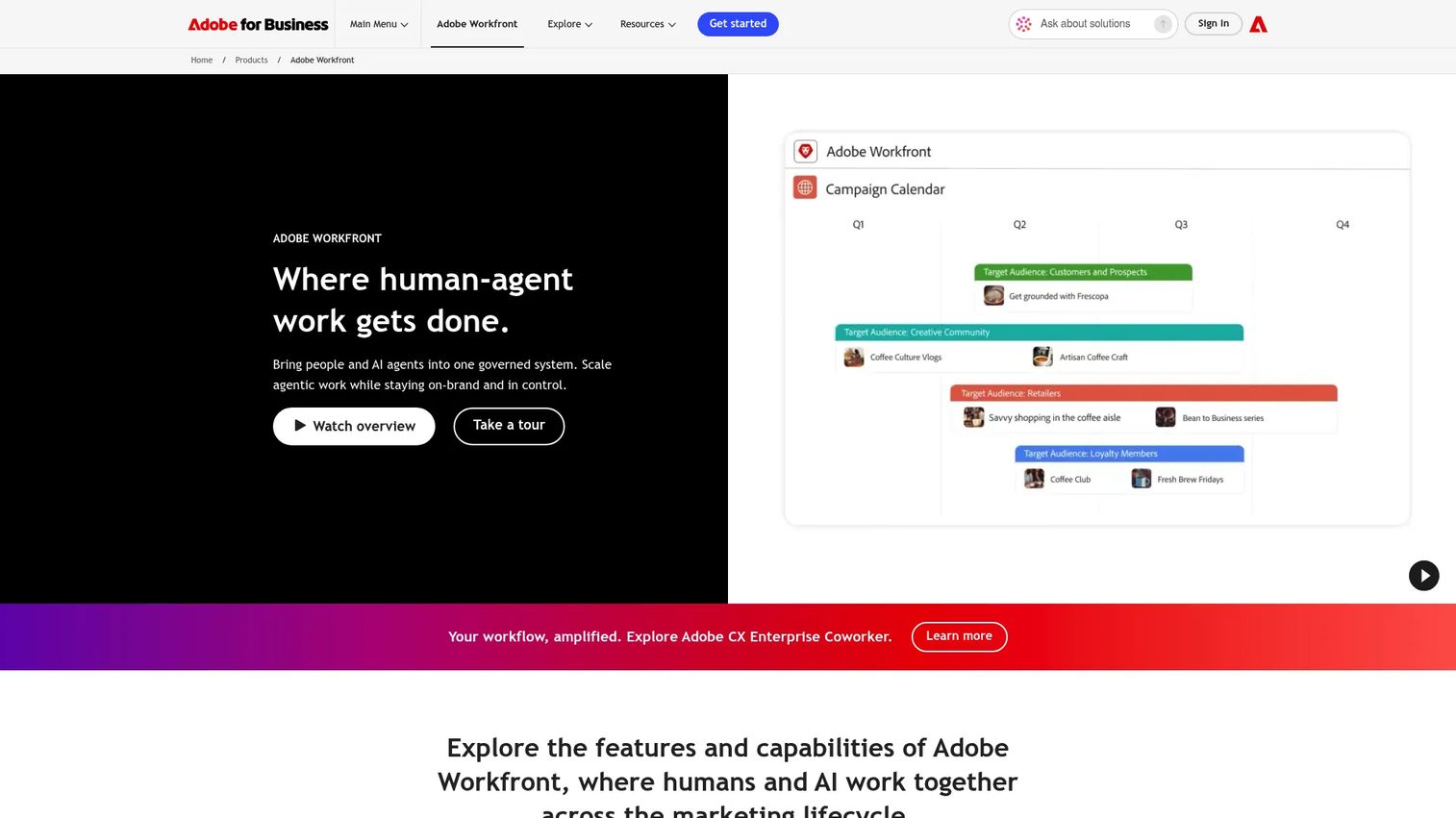
Adobe Workfront is an enterprise work management platform used heavily by marketing, creative operations, and campaign execution teams. It handles request intake, approval workflows, proofing, resource management, and portfolio visibility across complex content and campaign pipelines.
Best for: Marketing and creative operations teams managing high-volume, complex work portfolios across campaigns and launches.
Key features
- Work request intake with custom forms and automated routing
- Campaign portfolio tracking and project prioritization
- Proofing and approval workflow management
- Resource planning and utilization tracking
- Integrations with Adobe Creative Cloud and third-party tools
Why choose Adobe Workfront: Workfront is the right pick when GTM launch volume has outgrown ad hoc project boards and marketing operations has become a portfolio problem in its own right. It is especially strong for organizations already in the Adobe ecosystem. If campaign execution, compliance review, and creative approvals are consuming more leadership bandwidth than engineering priorities, Workfront deserves a spot on the shortlist.
Adobe Workfront pricing: Adobe offers Select, Prime, and Ultimate packages. All tiers require a customized quote through sales. When evaluating, ask specifically about user seats, the Workfront Planning and Fusion add-ons, and expected implementation scope.
G2 rating: 4.1/5
9. Planisware Orchestra
Planisware Orchestra is a project portfolio management platform built for PMOs that need governance without the weight of the largest enterprise deployments. It covers portfolio and demand management, resource planning, budget tracking, risk reporting, and project scheduling across agile, waterfall, and hybrid delivery models.
Best for: Mid-market PMOs and growing organizations formalizing portfolio governance for the first time.
Key features
- Portfolio and demand management with scenario evaluation
- Resource, capacity, cost, and time management
- Project scheduling across agile, waterfall, and phase-gate approaches
- Portfolio scoring and prioritization tools
- Risk and dependency reporting
Why choose Planisware Orchestra: Orchestra fits organizations building PPM maturity without committing to the largest enterprise platforms. For a Series B company whose operational scale now requires dedicated portfolio discipline but whose team is not ready for a multi-year enterprise rollout, it offers structured governance at a deployment speed that is faster than its larger-platform peers.
Planisware Orchestra pricing: Contact their sales team for a demo and quote. A 14-day trial may be available depending on your situation, so ask during the initial conversation.
G2 rating: 4.4/5
10. Oracle Primavera
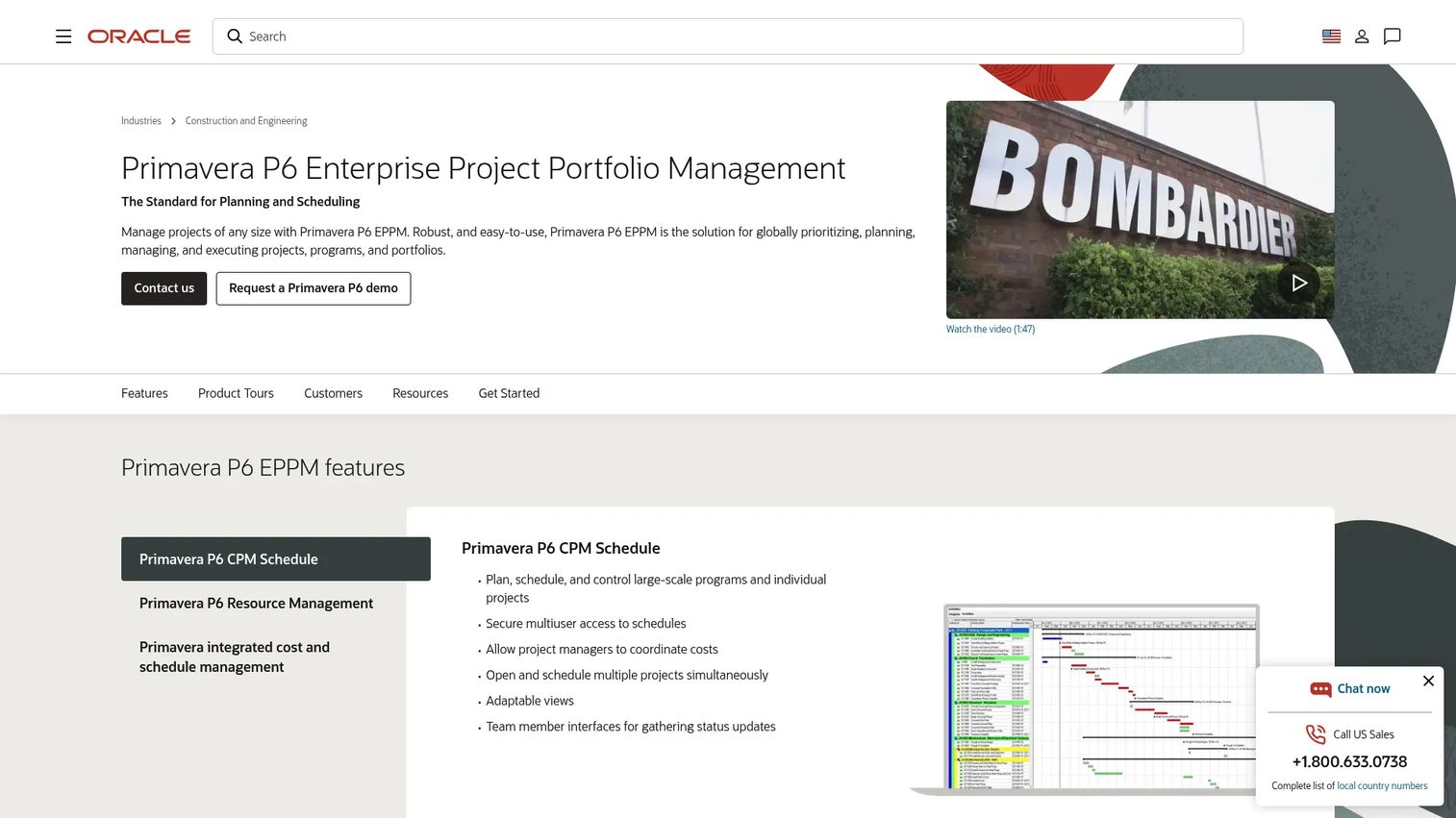
Oracle Primavera P6 is a heavyweight project and portfolio management platform built for complex capital programs in construction, infrastructure, engineering, and manufacturing. It handles critical path scheduling, program controls, cost management, and multi-project resource planning across long-horizon initiatives.
Best for: Capital-intensive programs and complex enterprise delivery environments with long timelines and strict cost governance.
Key features
- Critical path method (CPM) scheduling and multi-project planning
- Resource management, optimization, and capacity planning
- Integrated cost and schedule management
- Risk analysis and program controls
- Earned value management (EVM) support
Why choose Oracle Primavera: Primavera makes sense when project controls, long timelines, regulatory compliance, and cost governance dominate the buying criteria. It is not the default pick for a SaaS product team. If your company runs capital projects, infrastructure deployments, or complex implementation programs alongside your software product, Primavera handles that side of the portfolio.
Oracle Primavera pricing: Oracle's public price list shows Primavera P6 Enterprise Project Portfolio Management at $2,750 for a perpetual license per application user, with an annual software update and support fee of $605. Current commercial pricing may differ; contact Oracle for updated figures and cloud subscription options.
11. Teamwork
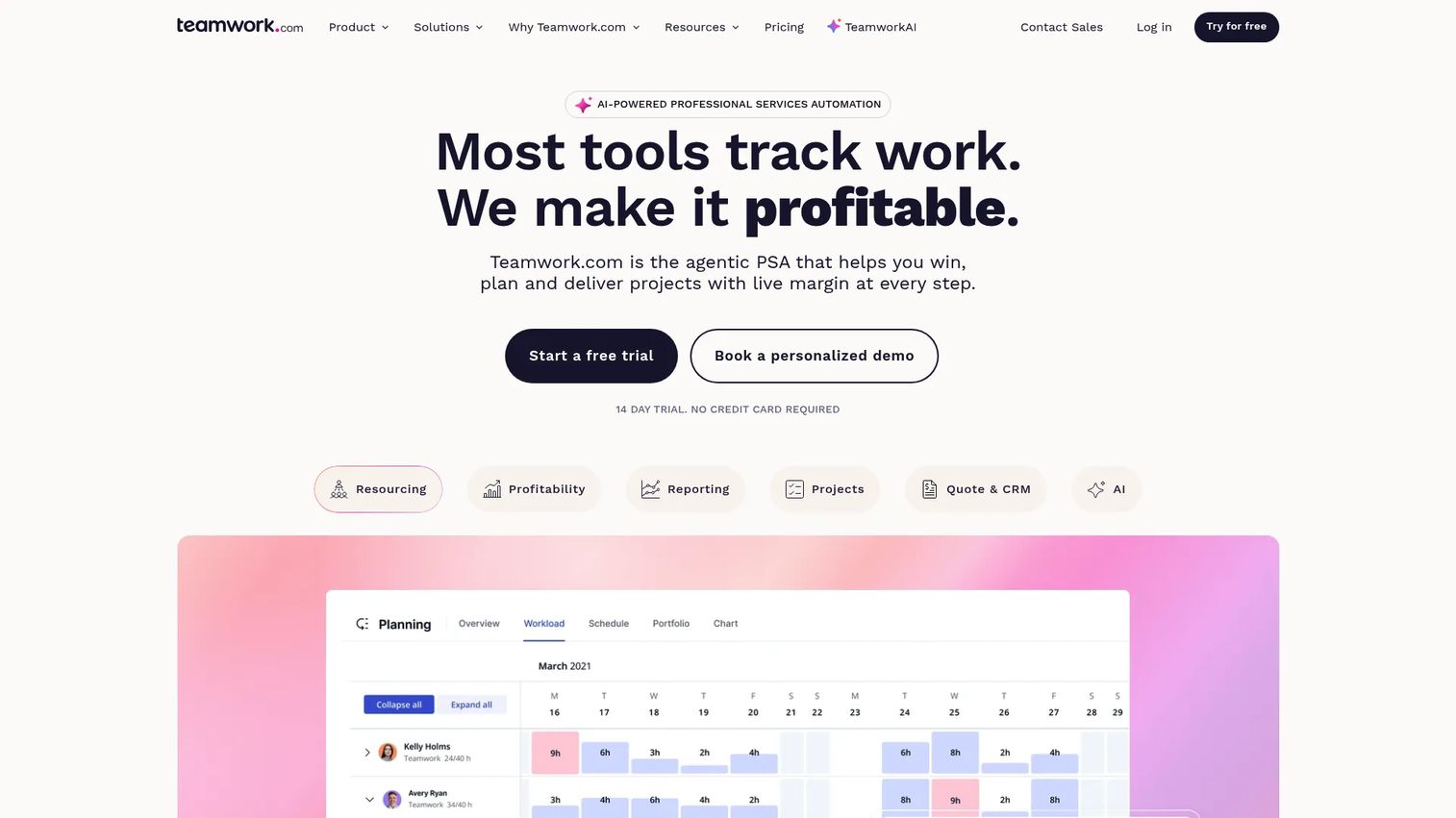
Teamwork is a project management and professional services automation platform for client-services businesses, agencies, and delivery teams. It surfaces project profitability, time tracking, resource workload, client collaboration, and financial reporting in one place.
Best for: Services teams that need project delivery visibility alongside profitability and client management tools.
Key features
- Project management with List, Board, Gantt, and Timeline views
- Time tracking and budget management with profitability reporting
- Resource planning, workload visibility, and utilization forecasting
- Client permissions and collaboration tools
- Project templates and invoicing
Why choose Teamwork: Teamwork fits when the portfolio is made of client projects rather than internal strategic initiatives. For founders running a SaaS company with a professional services or implementation arm, the ability to see delivery margin, onboarding capacity, and customer timeline risk in one view is worth the investment. It surfaces the operational questions that matter for services growth: Which accounts are burning hours beyond budget? Which delivery team is overbooked next month?
Teamwork pricing: A free plan supports up to 5 users and 5 projects. The Basics plan is $9.99/user/month (billed annually). Accelerate is $24.99/user/month (billed annually). Optimize and Enterprise tiers require a sales conversation.
G2 rating: 4.4/5
12. Businessmap
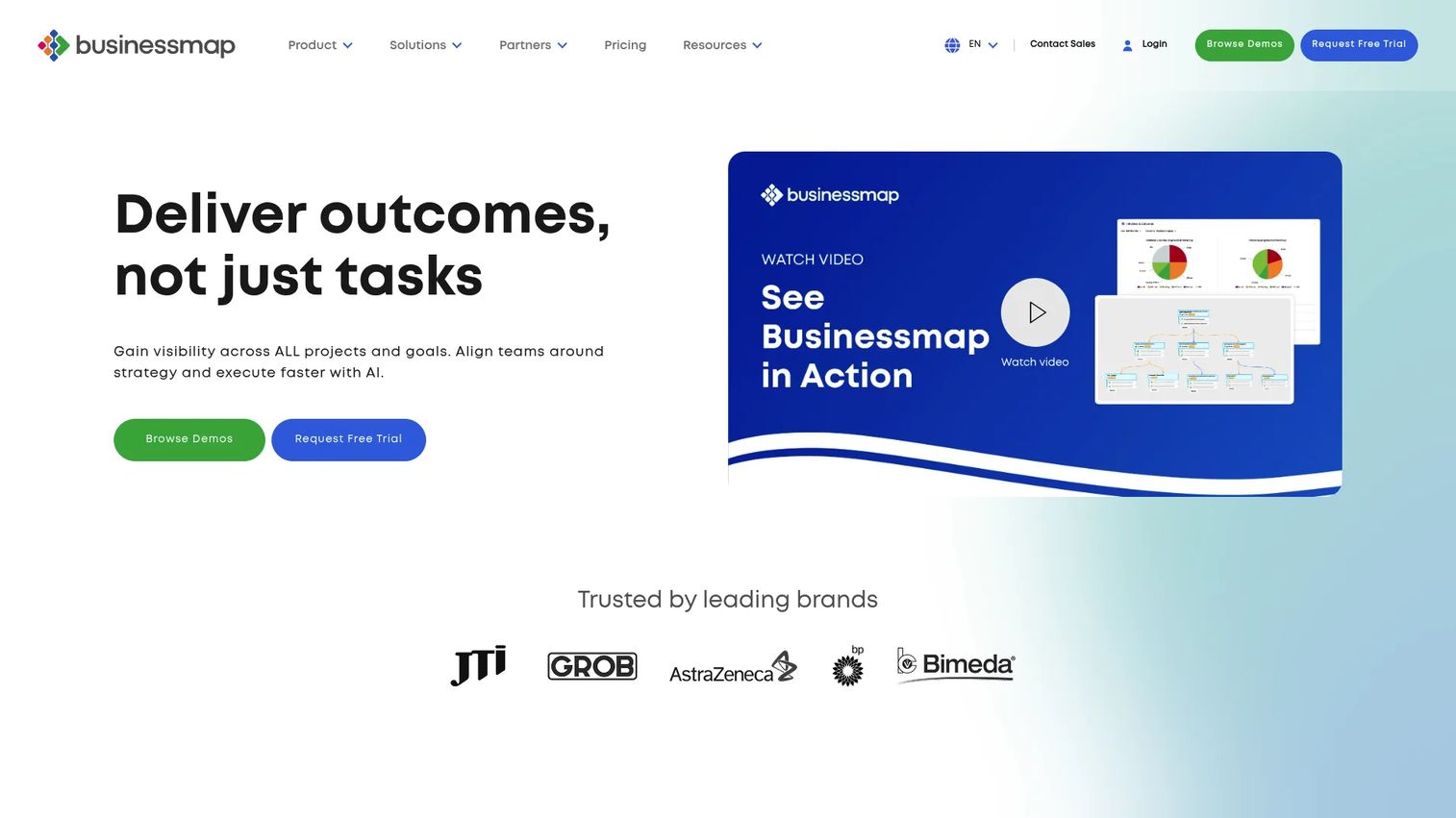
Businessmap is a strategic and project portfolio management platform built around Kanban-based workflow visualization, OKR alignment, and flow analytics. It helps leadership see bottlenecks, work-in-progress limits, and initiative flow across teams rather than managing static project plans.
Best for: Lean portfolio teams that want flow visibility and OKR alignment across strategic work without rigid PMO processes.
Key features
- Portfolio workspaces and Kanban-based portfolio management
- Flow analytics and work-in-progress (WIP) limit controls
- OKR and KPI strategy management
- Dependency visualization across teams and initiatives
- AI-powered project planning and forecasting
Why choose Businessmap: Businessmap works well when the leadership problem is too much work in progress and no clear view of which initiatives are flowing versus stalling. For founders who think in systems and want to see portfolio throughput rather than task completion rates, the Kanban-first approach maps naturally to how agile leadership teams already think about work. It also handles application portfolio management use cases for organizations managing software systems alongside project portfolios.
Businessmap pricing: Businessmap uses a simple pricing model with Standard and Enterprise tiers. Standard covers the core platform. Enterprise adds global-scale features, advanced security, and premium support. Contact Businessmap for a quote, as pricing is not shown on the product page.
G2 rating: 3.9/5
Considerations when choosing project portfolio management software
Match the tool to your operating maturity
A 50-person SaaS company does not need the same portfolio governance infrastructure as a 5,000-person enterprise. The right tool is one your leadership team can actually maintain. If you do not yet have a PMO function or a dedicated operations hire, start with a tool your VPs can self-serve before adding process overhead.
Check resource planning depth
Resource planning is where most tools diverge. Understand whether the platform supports named-person capacity, role-based capacity, or just team-level headcount views. For founders where headcount is the largest operating investment, the ability to run scenario models against hiring plans before committing to a roadmap bet is worth scrutinizing carefully. See how capacity planning software choices scale as your team grows.
Test portfolio reporting before buying
Dashboards should answer the specific questions your board and leadership team actually ask: What slipped this month? Which initiative has no one staffed to it? Which project no longer maps to your current strategy? Run your current quarter's real initiatives through any tool before signing. If you cannot build that view in a trial, the reporting is not deep enough.
Clarify integrations with your current stack
PPM tools need to connect to where work and financial data already live. That means project tools, your finance system, CRM, identity management, and collaboration platforms. Avoid generic "integrates with everything" assurances. Ask specifically which integrations come native and which require middleware or custom development.
Price implementation, not only licenses
Most PPM tools carry setup costs well beyond the license fee. Factor in process design, admin configuration, data migration, training, and change management. Ask every vendor what a first 30 days requires from your team. Some platforms that look affordable at the license level require a significant internal lift to get to working portfolio visibility.
Conclusion
The best project portfolio management software is the one that answers the operating question your leadership team cannot answer today, whether that is "which initiatives should we stop funding," "where are our best people overcommitted," or "what changed between this board meeting and the last one."
For enterprise PMOs with mature governance needs, Planview covers the most ground. Microsoft Planner is the lowest-friction entry point for Microsoft 365 shops. Wrike and monday.com fit cross-functional SaaS teams that want execution visibility without a formal PMO. Jira Align is built for engineering-led organizations that need strategy-to-delivery signal from their existing Jira investment. Teamwork works for client-services teams focused on profitability alongside delivery.
Start by identifying the operating question you cannot answer today. Then shortlist two or three tools and run a real portfolio review using your current initiatives as the test case. The one that generates useful signal in a trial week is the one worth buying.
For a broader view of best marketing resource management software or how PPM connects to advanced planning and scheduling software, those guides cover adjacent categories worth reviewing alongside this one.
FAQs
Project portfolio and program management software helps organizations evaluate, prioritize, fund, staff, track, and report work across multiple projects, programs, and strategic initiatives. It sits above project management, which handles individual delivery, by giving leadership the visibility to decide which work deserves people, budget, and executive attention. Program management coordinates groups of related projects toward shared business outcomes, while portfolio management governs the overall investment mix.
Project management focuses on delivering a specific piece of work on time, on budget, and within scope. Project portfolio management focuses on deciding which projects to fund and run in the first place, tracking how they perform against strategic goals, and reallocating resources when priorities shift. Most project management tools are good at tracking individual delivery. PPM software is built to answer the question that sits above: Are we working on the right things?
The clearest signal is when leadership can no longer answer basic resource questions without manually stitching together data from multiple tools. Other triggers include competing roadmap bets with no shared scoring system, board reporting that takes more than a few hours to assemble, unclear ownership across product and GTM initiatives, or a newly hired VP who needs an operating system to run their function. Most Series B companies hit at least one of these conditions within the first two quarters after their raise.
Yes, but avoid overbuying. A 10-person team with two active roadmap bets does not need enterprise PPM governance. Use your existing project tools or a lightweight configuration of Smartsheet or monday.com until you have enough parallel initiatives, teams, and board-level reporting requirements to justify a heavier investment. The right time to adopt PPM software is when the cost of not having portfolio visibility is higher than the cost of running the platform.
The features that matter most depend on the operating question you are trying to answer. For resource allocation decisions, capacity planning and utilization tracking are critical. For prioritization, project scoring and scenario modeling matter. For financial accountability, budget tracking and cost forecasting earn their place. For board reporting, dashboard depth and export flexibility determine whether you replace a spreadsheet or just add another tab to it. Tie every feature to a decision before treating it as a requirement.
Microsoft Planner can serve Microsoft-native teams with moderate portfolio needs. The premium tiers add roadmap views, resource management, and reporting connections to Power BI. Where Planner reaches its limit is in deep governance, advanced scenario modeling, financial planning, and cross-business-unit visibility. Organizations that need those capabilities typically graduate to dedicated PPM software like Planview, Wrike, or Planisware Orchestra.
Pricing spans a wide range. monday.com starts at $9/seat/month. Smartsheet starts at $9/member/month. Wrike has a free plan with paid tiers starting at $10/user/month. At the enterprise end, Jira Align starts at $77,400/year. Planview, Adobe Workfront, and Planisware Orchestra all require a sales conversation with no public pricing. Beyond license fees, factor in implementation, admin time, integration development, and training. Some platforms that look affordable on the license side carry meaningful setup costs that extend the real payback period.
Strategic portfolio management extends PPM by explicitly connecting investment decisions to company strategy, expected outcomes, and financial performance. Where PPM tracks and governs work, strategic portfolio management asks whether the work being done is the right work for where the company needs to go. It is more relevant as organizations scale beyond basic project tracking and start making trade-off decisions at the program and initiative level during annual planning and quarterly reforecasting cycles.