Catering demand is not the problem. Fulfillment is. A corporate client books six lunch drops for the same Friday. A wedding venue confirms a 200-person dinner. A new restaurant account wants weekly recurring orders. Each one lands in a different inbox, gets quoted in a different spreadsheet, and gets staffed over text.
The global catering services market reached $76.66 billion in 2025 and is projected to nearly double by 2034, according to Fortune Business Insights (2025). Demand is growing faster than most operations can handle it cleanly. The bottleneck is not leads. It is the order-to-event workflow sitting across email, PDFs, phone calls, and scattered payment tools.
Which on-demand catering software turns that chaos into a repeatable system?
What's inside
This guide compares 18 tools across dedicated catering platforms, event management software, workforce scheduling, payment processing, accounting, and automation. Tools were chosen based on operational coverage, pricing transparency, integration fit, and usefulness for repeatable catering operations.
- Covers dedicated catering platforms plus supporting tools for staffing, finance, and automation
- Evaluation criteria: Catering workflow fit, speed to first value, pricing transparency, and integration quality
- Pricing and G2 ratings verified live before publication
- Built for caterers, restaurant operators, and foodservice leaders replacing scattered manual stacks
TL;DR
- Best dedicated catering platform: CaterZen, for caterers that need online ordering, CRM, kitchen production, delivery routing, and repeat-order workflows in one system
- Best all-in-one event catering system: Better Cater, for proposals, contracts, BEOs, invoices, menus, and recipe costing
- Best for complex event operations: Total Party Planner and Caterease, depending on how deep your event production and reporting requirements run
- Best workforce layer: Connecteam, 7shifts, Nowsta, or StaffMate, depending on whether the team needs scheduling, time tracking, field visibility, or event-focused crew coordination
- Best supporting finance and automation stack: Stripe, Square, QuickBooks, Gusto, and Zapier for payments, accounting, payroll, and workflow automation
- Best lightweight starting point: Google Calendar and Wix Bookings for very small teams before committing to a full platform
What is on-demand catering software?
On-demand catering software is a digital system that helps catering businesses manage fast-moving orders, event details, menus, staffing, production, delivery, payments, and customer communication from inquiry through fulfillment.
The category includes dedicated catering management platforms, restaurant catering ordering tools, event planning and BEO systems, workforce and staffing tools, delivery and field operations tools, and payment, accounting, payroll, and automation tools. Most businesses need a mix: One or two core catering systems plus a few supporting tools for the operational gaps.
Core capabilities to look for:
- Online ordering and inquiry capture: Branded order pages, intake forms, and customer-facing menus
- Catering CRM and lead tracking: Contact records, event history, follow-up reminders, and repeat-order triggers
- Quotes, proposals, contracts, and e-signatures: Full document workflow from first inquiry to signed agreement
- BEOs, calendars, production sheets, and packing lists: The operational documents that turn a sale into an executable event
- Menus, recipes, packages, and costing: Ingredient-level costing, margin tracking, and package pricing
- Staff scheduling, time tracking, and team communication: Shift assignment, mobile clock-in, and crew messaging
- Delivery routing, driver assignment, and customer updates: Route optimization, proof of delivery, and status notifications
- Payments, deposits, invoices, accounting, and payroll: End-to-end financial workflows from deposit to final reconciliation
- Integrations and workflow automation: Connecting ordering, CRM, scheduling, accounting, and communication tools
All-in-one platforms handle most catering-specific work. Supporting tools fill gaps in staffing, finance, booking, or automation where a dedicated platform falls short.
When to use on-demand catering software
Capture catering demand without losing details
Phone calls, web forms, email requests, and repeat corporate orders each create detail risk. A client mentions a dietary restriction in a text. The drop-off window changes in a follow-up email. Without software, those details live in someone's inbox or memory. On-demand catering software standardizes intake, captures required fields, and moves from inquiry to quote without manual translation.
Run events without founder-managed handoffs
The business should not depend on one person holding every operational detail in their head. Catering management software moves details into shared calendars, BEOs, production sheets, packing lists, and staffing views. When a manager can brief the kitchen team from a printed production report rather than a phone call with the owner, the operation scales. That is the difference between a founder-led business and one with repeatable systems.
Protect margins across menus, labor, and delivery
Catering margins disappear through food cost drift, labor surprises, delivery issues, and uncollected balances. Recipe costing tells you which items make money before they hit the event. Time tracking surfaces labor overruns before the next payroll. Delivery routing reduces fuel waste. You can see what is working without stitching together five dashboards.
On-demand catering software comparison
The 18 tools below fall into two groups: Dedicated catering or event operations platforms (tools 1 through 10), and supporting systems for staffing, payments, accounting, booking, payroll, or automation (tools 11 through 18). Use the table to find your starting point, then read the detailed entries.
| # | Product | Best for | Key differentiator | Pricing | G2 rating |
|---|---|---|---|---|---|
| 1 | CaterZen | Drop-off, full-service, and restaurant catering | CRM plus operations, delivery routing, and marketing | From $179/mo | N/A |
| 2 | Better Cater | Event caterers needing proposals and BEOs | Proposals, contracts, BEOs, costing, and e-signatures | From $83/mo | N/A |
| 3 | HoneyCart | Drop-off and pickup catering online ordering | Branded online ordering with kitchen prep reports | From $99/mo | 4.0/5 |
| 4 | Total Party Planner | Full-service event caterers | Event planning, menus, costing, staffing, and payments | From $119/mo | 4.5/5 |
| 5 | Caterease | High-volume catering and banquet operations | Deep event management, documents, and staffing | From $99/mo | 3.5/5 |
| 6 | Curate | Event professionals managing proposals and profitability | AI-assisted proposals, costing, and operations | Custom pricing | 4.8/5 |
| 7 | Connecteam | Catering workforce and field team operations | Scheduling, time clock, chat, GPS, and task management | From $29/mo | 4.6/5 |
| 8 | 7shifts | Restaurant catering labor management | Restaurant scheduling, payroll, and compliance | From $44.99/mo/location | 4.5/5 |
| 9 | FoodStorm | Grocery, retail, and prepared-food catering | Omnichannel ordering and production for perimeter departments | Custom pricing | 4.5/5 |
| 10 | Nowsta | Event staffing and contingent labor | AI-powered scheduling, geofencing, and payroll integration | Custom pricing | N/A |
| 11 | StaffMate | Event staff scheduling | Drag-and-drop scheduling with GPS clock-in | From $49/mo | N/A |
| 12 | Stripe | Online payment processing | Developer-friendly payments with no monthly fees | 2.9% + 30¢/transaction | 4.4/5 |
| 13 | QuickBooks | Accounting and invoicing | Bookkeeping, invoicing, expense tracking, and reporting | From $0/mo | 4.0/5 |
| 14 | Google Calendar | Shared scheduling | Simple shared calendar visibility across teams | From $0 (personal) | N/A |
| 15 | Zapier | Workflow automation | Connects catering tools without engineering | From $0/mo | 4.5/5 |
| 16 | Wix Bookings | Simple service booking pages | Website-integrated appointment and service scheduling | From $0/mo | N/A |
| 17 | Gusto | Payroll and HR | Payroll, benefits, tax filing, and contractor payments | From $49/mo + $6/person | 4.6/5 |
| 18 | Square | POS and payments for food businesses | Payments, POS, invoices, and online ordering | From $0/mo | 4.5/5 |
Best 18 on-demand catering software tools
1. CaterZen
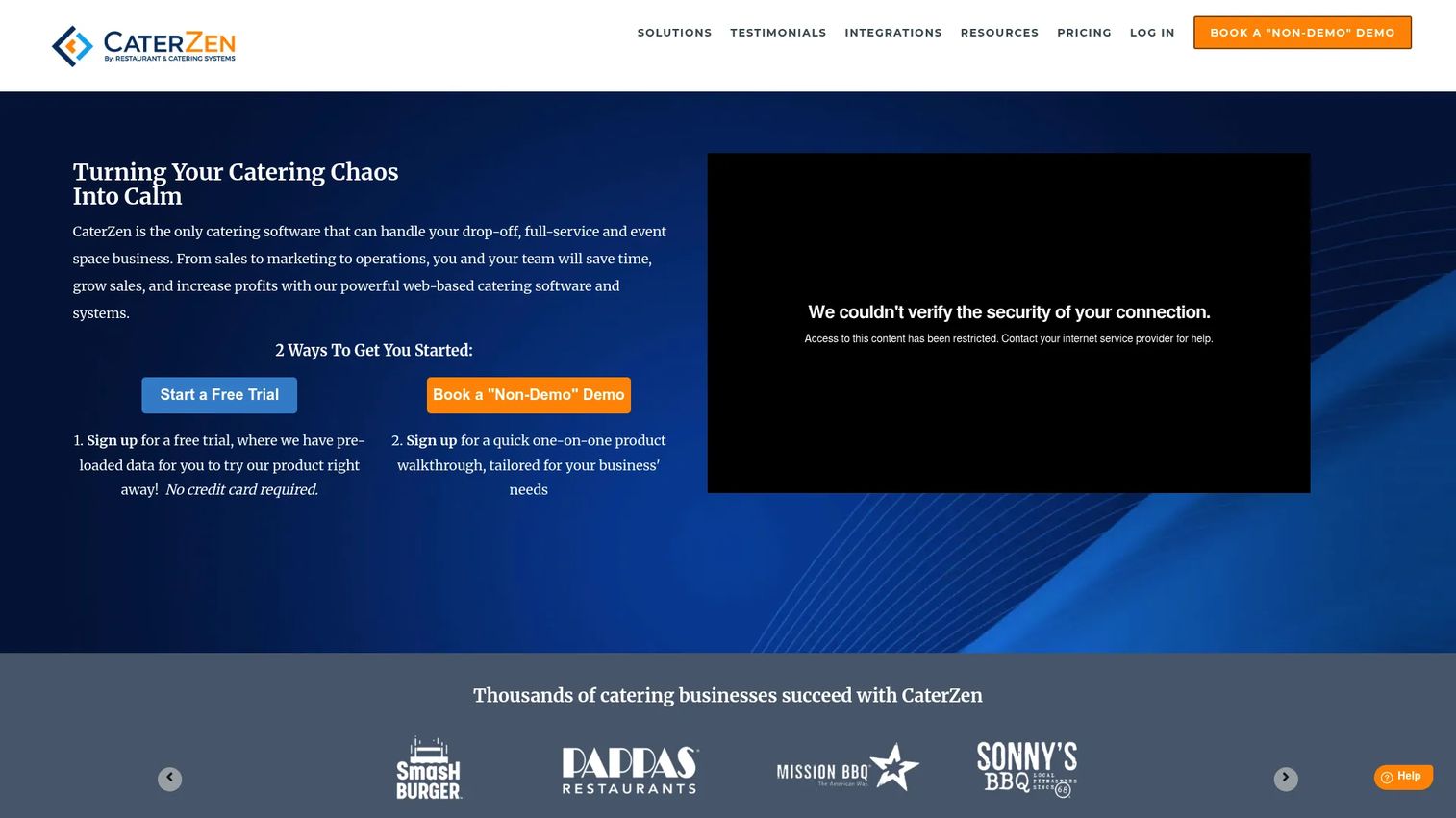
CaterZen is a web-based catering software platform built specifically for drop-off, full-service, and restaurant catering operations. It covers catering CRM, online ordering, proposal and quote generation, kitchen production reports, delivery routing, email marketing, and repeat-order workflows. All plans include unlimited users and transactions, which makes the per-seat math simple as the team grows.
Best for: Catering businesses that want one catering-specific operating system from first inquiry through delivery.
Key features
- CRM and prospect management with follow-up reminders
- Branded online ordering with mobile order taking
- Kitchen production reports and BEO templates
- Delivery routing and driver management
- Email marketing, loyalty programs, and lead-capture forms
Why choose CaterZen: It is the strongest fit when catering is a core revenue line, not a side add-on. Sales, production, delivery, and customer retention workflows live in one platform, which removes the manual translation between tools that kills margin.
CaterZen pricing: Plans start at $179/month (Pro), $199/month (Pro Plus), and $229/month (Marketing Pro Plus). Enterprise pricing requires contacting the team. A free trial is available with no credit card required.
2. Better Cater
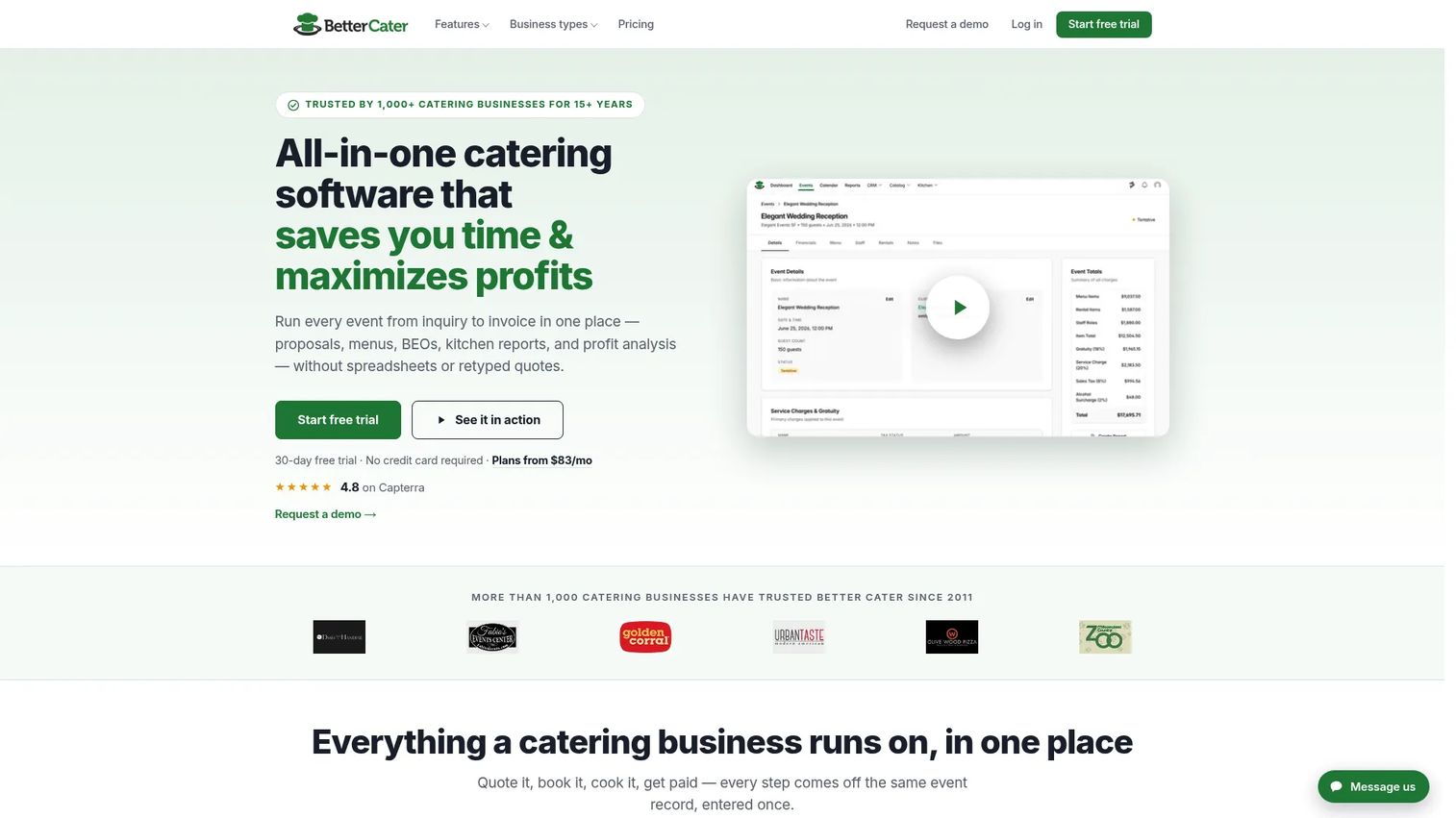
Better Cater is catering business software for proposals, event management, BEOs, contracts, e-signatures, invoices, deposits, menus, recipes, and food costing. It serves a range of catering business types, from weddings and corporate events to restaurants and food trucks. The platform covers lead tracking, kitchen production, packing lists, and shopping lists alongside the client-facing documents.
Best for: Event caterers that need proposals, BEOs, and financial controls in one platform without managing multiple tools.
Key features
- Proposal builder with contracts and e-signatures
- BEOs, kitchen reports, packing lists, and shopping lists
- Menus, packages, recipes, and food costing
- Lead tracking and client management
- Invoice, deposit, and balance tracking
Why choose Better Cater: This is the right fit when proposals, production documents, and margins are currently managed across spreadsheets. The recipe costing gives you a clear line between what an event costs and what it earns.
Better Cater pricing: Plus plan is $83/month billed annually ($99 monthly). Premium is $125/month billed annually ($149 monthly). Plus supports one location; Premium supports up to three locations with priority support and API access. A 30-day free trial is available.
3. HoneyCart
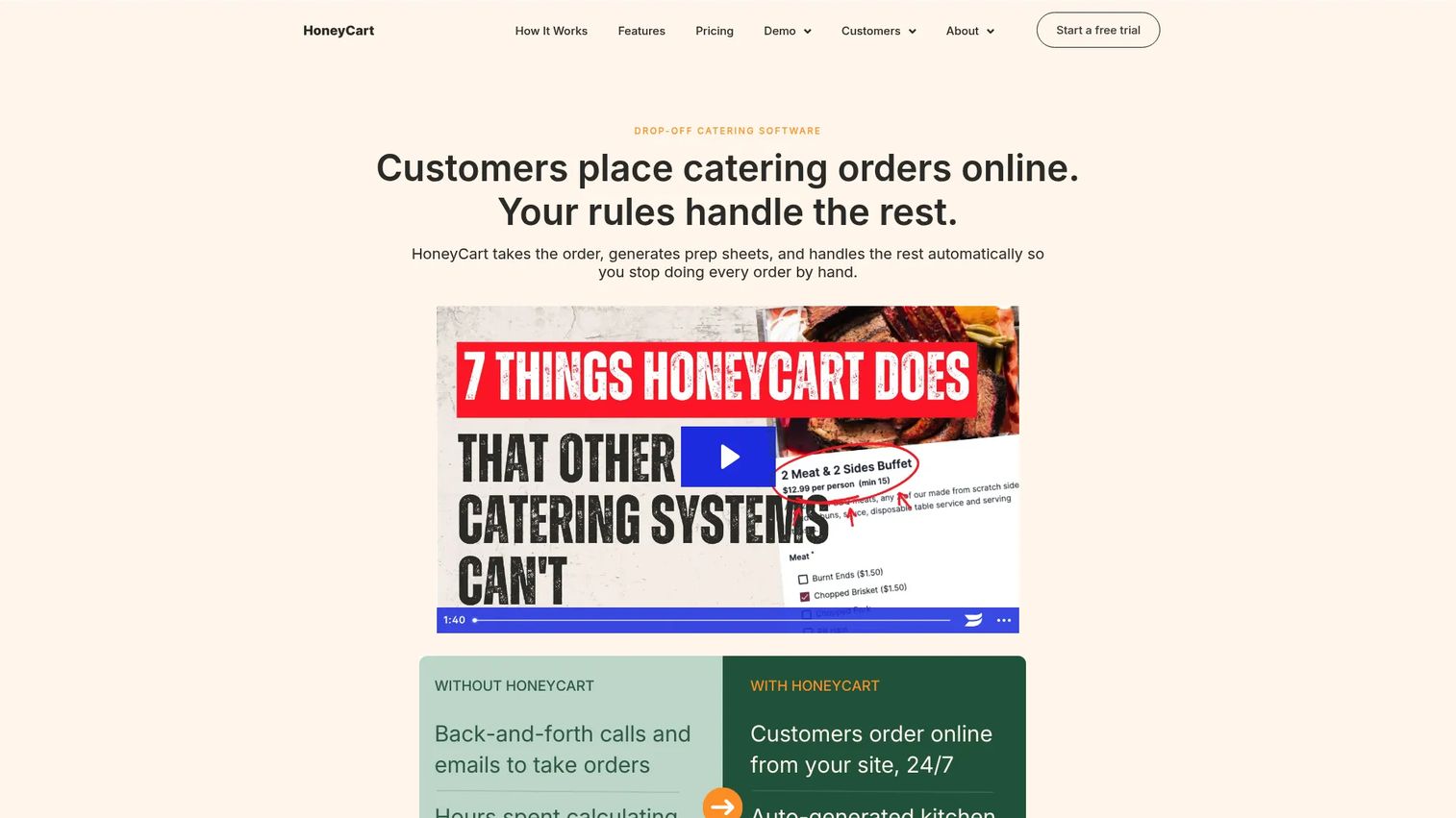
HoneyCart is online ordering software built specifically for drop-off and pickup catering. Customers browse a branded menu, select items, choose a delivery or pickup window, and pay at checkout. The platform automates policies like lead times, minimum order thresholds, and delivery fees. Kitchen prep reports and packing lists generate automatically from confirmed orders.
Best for: Established caterers that want a customer-facing ordering experience with built-in production documents and corporate billing.
Key features
- Branded online catering ordering with scheduling
- Automated policies: Lead times, minimums, and delivery fees
- Kitchen prep reports and packing lists
- Corporate billing and payment processing
- Loyalty and rewards programs
Why choose HoneyCart: Choose HoneyCart when the priority is a clean customer ordering experience. It reduces the back-and-forth of phone and email order taking, and the automated policy enforcement saves a repeated operational conversation with every new client.
HoneyCart pricing: Starter is $99/month, Growth is $149/month, and Professional is $199/month. A 14-day free trial and a 30-day money-back guarantee are included.
G2 rating: 4.0/5
4. Total Party Planner
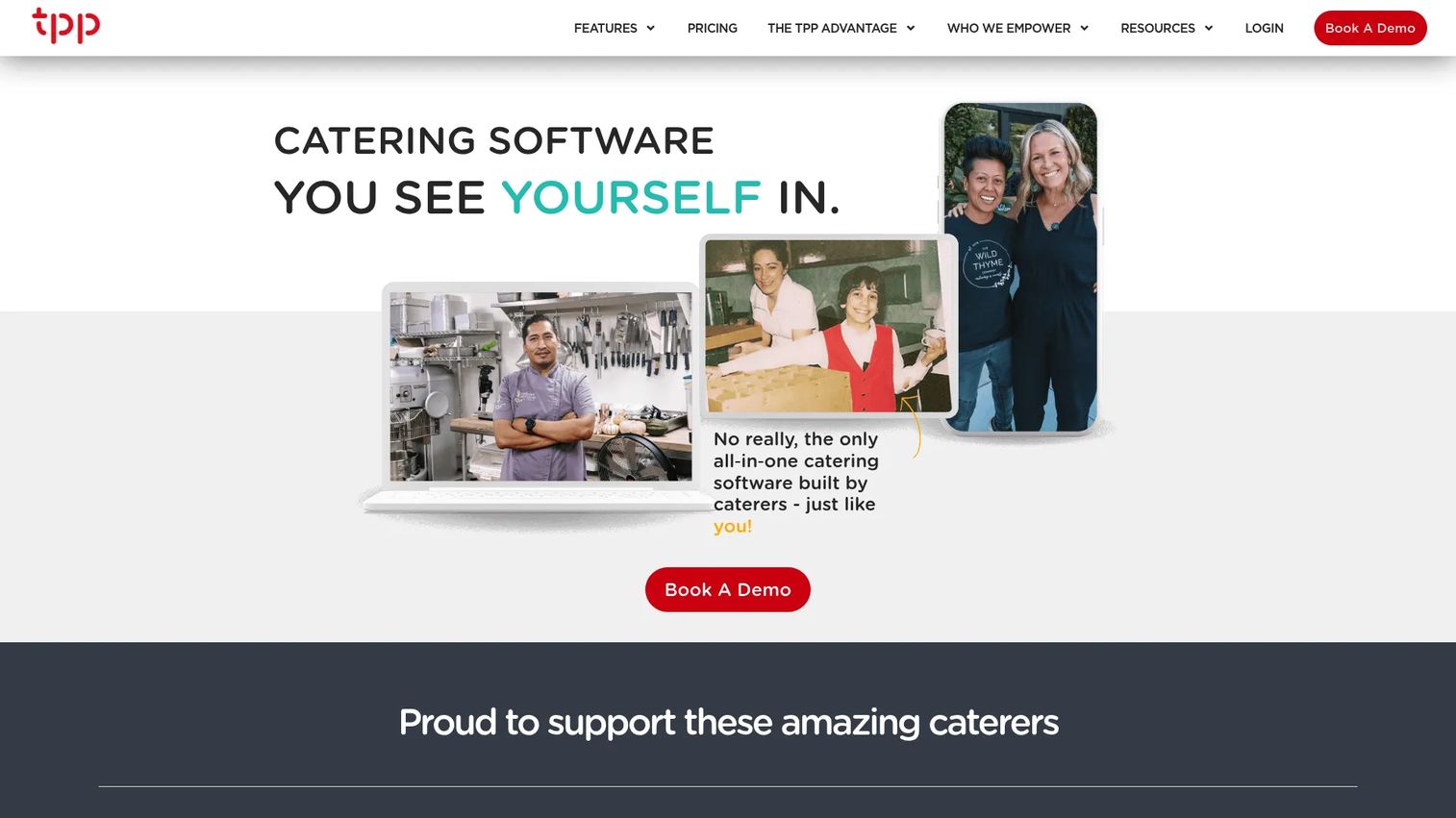
Total Party Planner is web-based catering management software for full-service event operations. It covers event and lead management, proposals, BEOs, invoices, menus, food costing, production reports, packing lists, staff management, and online payments. The platform integrates with QuickBooks, Google Calendar, Nowsta, StaffMate, and several other tools in the catering stack.
Best for: Full-service caterers that need to move from sales conversation to executable event plan without rebuilding data across multiple documents.
Key features
- Event management and calendar tracking
- Proposals, BEOs, invoices, packing lists, and order creation
- Menu management and food costing with profit analysis
- Staff and task management with mobile access
- Online payments via TPP Pay, with QuickBooks integration
Why choose Total Party Planner: The integration set is a practical advantage. If the team already uses QuickBooks for accounting and Nowsta or StaffMate for staffing, Total Party Planner connects the core event data without manual re-entry at each handoff.
Total Party Planner pricing: Nibble (1 user) is $119/month. Feast (2 users) is $299/month. Delicacy (3 users) is $429/month. Additional users cost $25/month each. Annual plans receive 10% off. A $299 setup fee applies. No free trial; a 30-day money-back guarantee is offered.
G2 rating: 4.5/5
5. Caterease
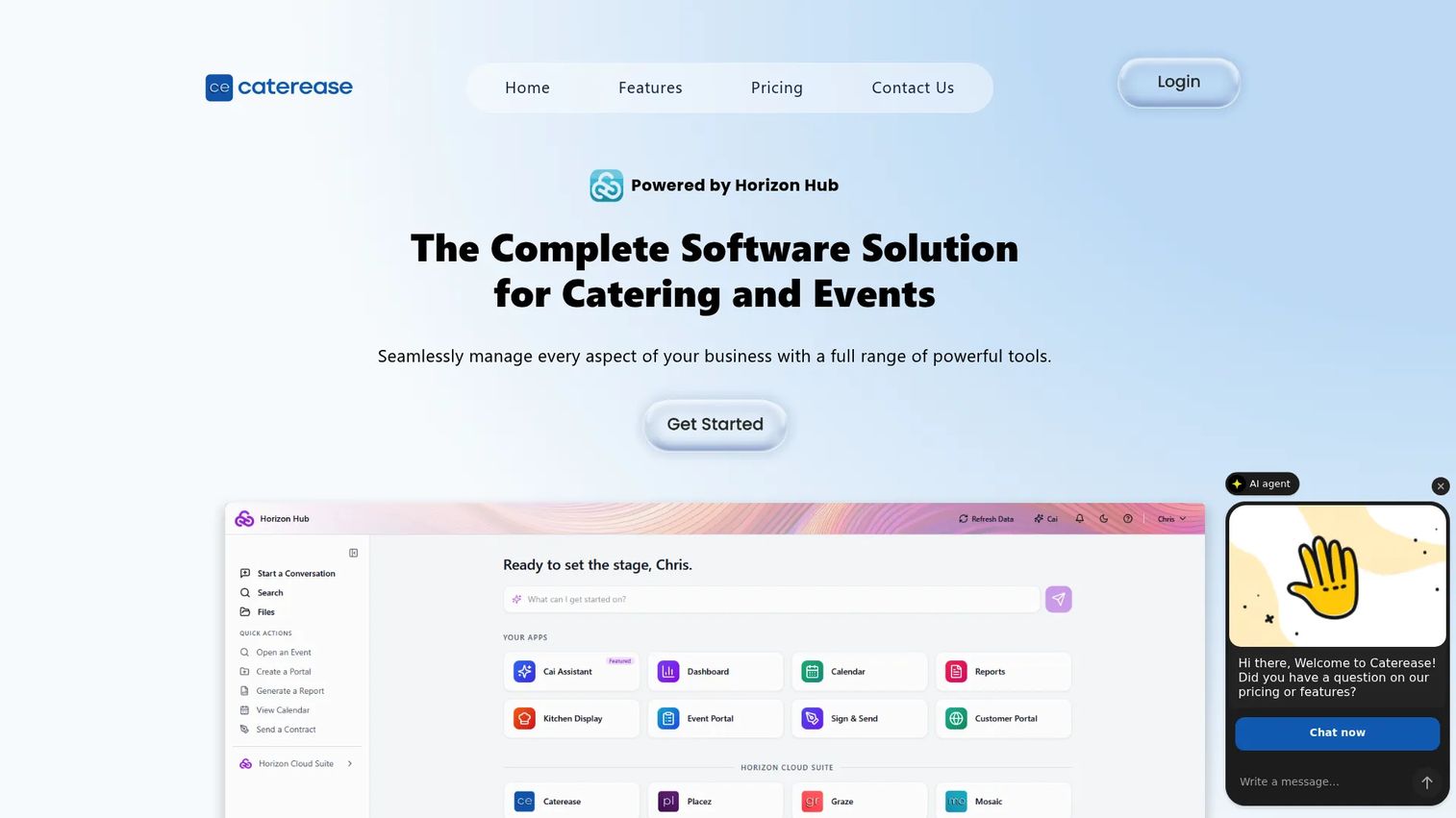
Caterease is a long-standing catering and event management platform for high-volume catering operations, banquet facilities, and venues. It covers event booking, menu management, customizable documents, staff shifts, recipes, packing lists, payment processing, and client management. The AI-driven Horizon Hub includes dashboards, calendars, kitchen display, e-signatures, and event portals.
Best for: High-volume caterers and event teams that need robust event records, operational documents, and staffing controls across many concurrent events.
Key features
- Event booking wizards and calendar management
- Dynamic menu building and document customization
- Shifts, staffing, recipes, and packing lists
- Payment processing via Mosaic
- Horizon Hub: AI dashboards, kitchen display, and e-signatures
Why choose Caterease: The depth of document customization works well for operations running dozens of events at a time. The structured workflow fits teams that need every event to follow a consistent process rather than starting from scratch.
Caterease pricing: Express is $99/month, Standard is $149/month, and Professional is $199/month, all billed annually. Optional modules are $25/month each. Additional users cost $28/month each. A one-time launch fee of $200 per user applies to all plans.
G2 rating: 3.5/5
6. Curate
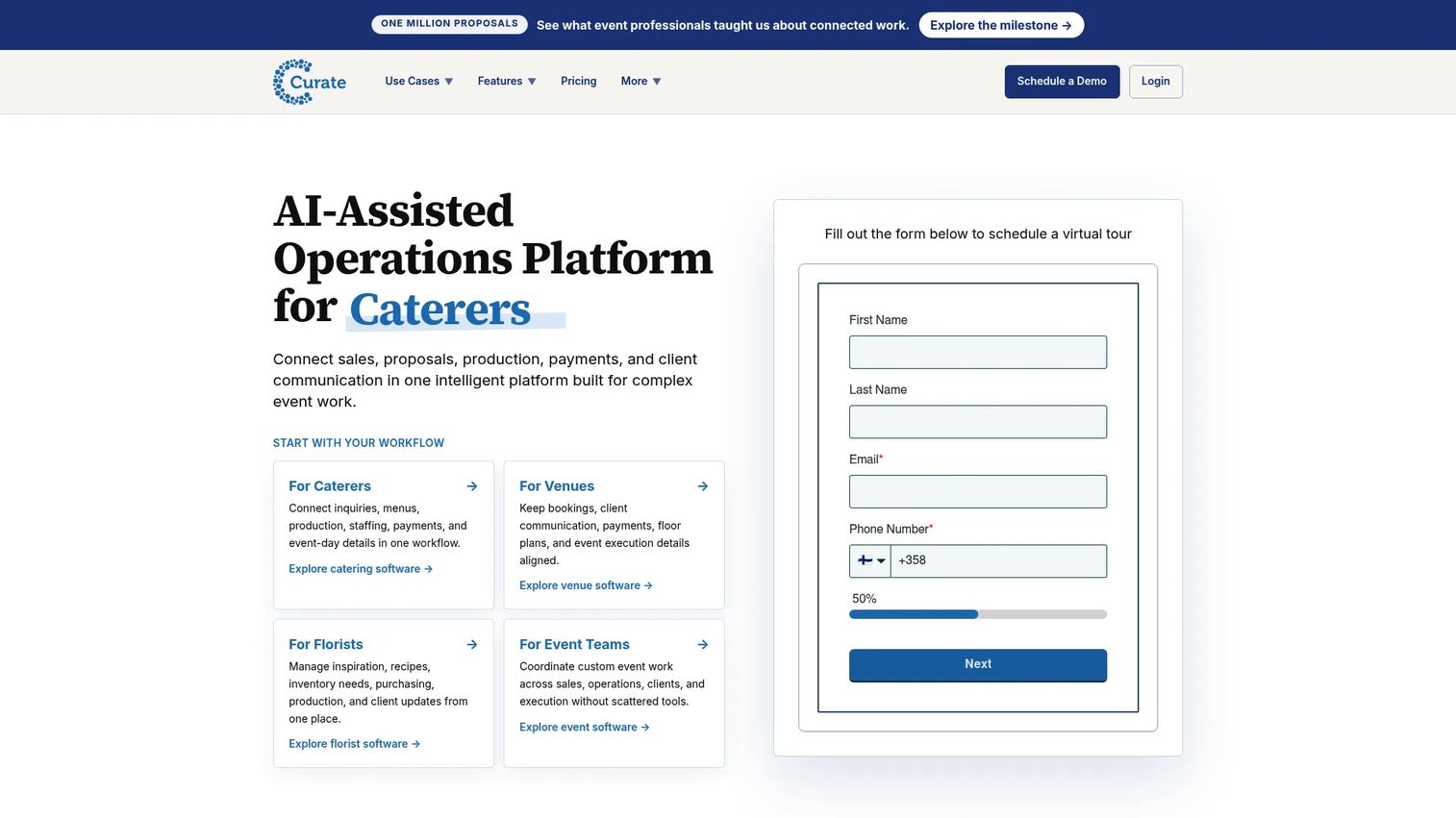
Curate is an AI-assisted event operations platform connecting sales, planning, production, payments, staffing, reporting, and client communication. It handles proposals, e-signatures, contracts, catalogs, recipes, rental inventory, purchasing, shopping lists, and profitability analysis. Event businesses with complex multi-line proposals benefit most from the cost-to-margin visibility built into each event record.
Best for: Caterers, florists, venues, and other event professionals managing complex proposals where cost visibility and profitability tracking matter as much as client communication.
Key features
- Proposal builder and client portal with AI Assist
- Contracts, e-signatures, payments, tax, and gratuity
- Catalog, recipes, packages, orders, and cost tracking
- Production, purchasing, shopping lists, and staffing
- Reports, profitability analysis, and workflow automations
Why choose Curate: Use Curate when event complexity and margin visibility are the gap. For caterers who also manage florals, rentals, or multi-vendor events, the unified proposal and costing engine reduces the fragmentation of building a quote across separate systems.
Curate pricing: Basic, Growth, and Partnership plans are available.
G2 rating: 4.8/5
7. Connecteam
Connecteam is an all-in-one workforce management platform built for deskless and frontline teams. For catering operations, it handles staff scheduling, mobile time clock with GPS attendance, job forms, task checklists, team chat, and document storage. It is not a catering CRM or BEO tool. Its value is internal execution: Coordinating drivers, setup crews, kitchen staff, and event managers without phone trees.
Best for: Catering teams with mobile staff that need field visibility, shift coordination, and proof that work happened.
Key features
- Staff scheduling with GPS attendance tracking
- Mobile time clock and timesheet management
- Job forms, task checklists, and operations management
- Team chat, updates, and knowledge base
- Courses, onboarding, and employee recognition
Why choose Connecteam: Use it when the catering workflow breaks during execution rather than during planning. If managers spend the event day fielding "where do I go?" calls, Connecteam reduces that to a schedule check on a phone.
Connecteam pricing: Paid plans start at $29/month for the first 30 users (billed yearly). Advanced is $49/month and Expert is $99/month for the same first 30 users. Businesses with fewer than 10 employees can access a free Small Business Plan. A 14-day free trial is available.
G2 rating: 4.6/5
8. 7shifts
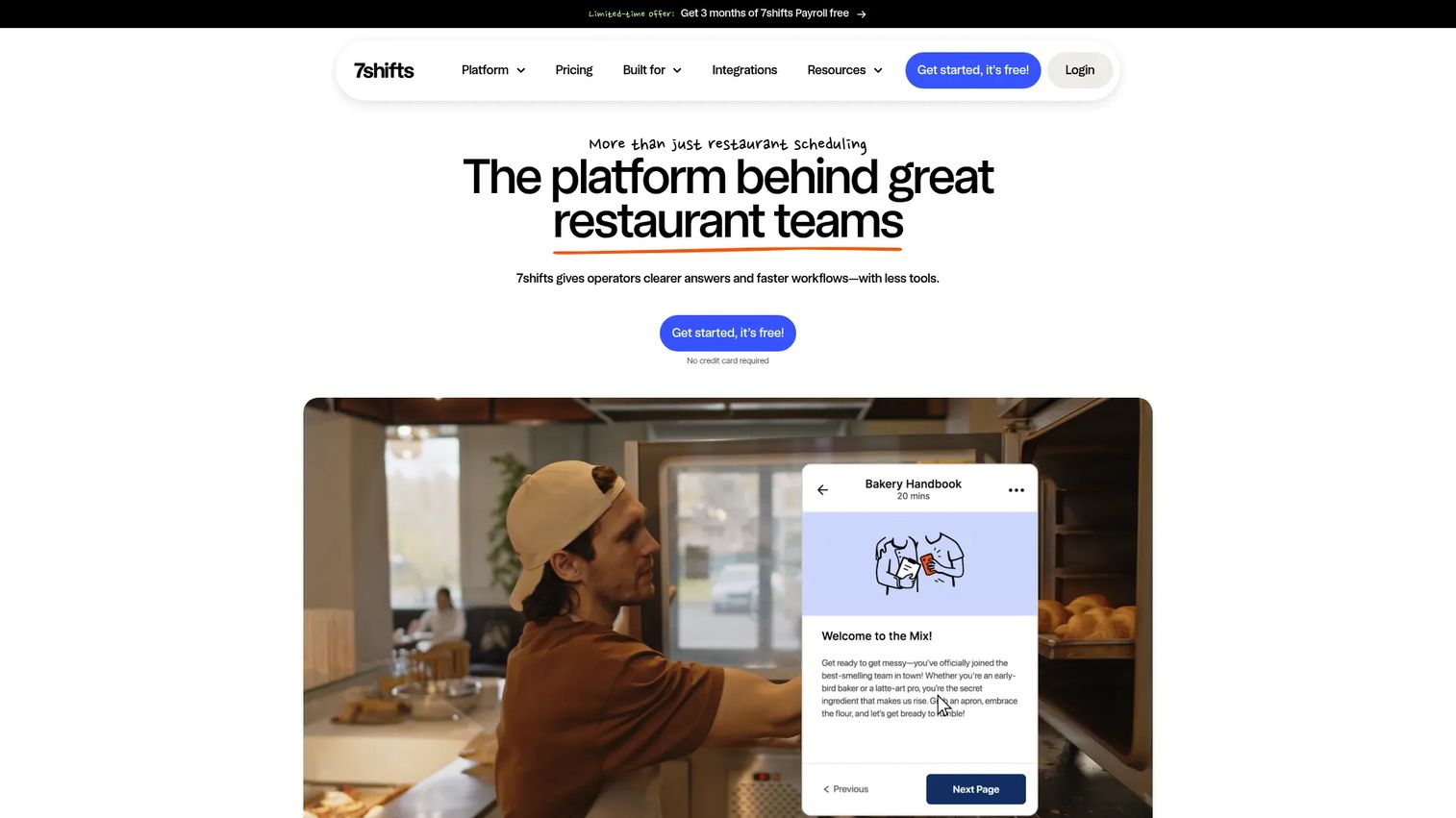
7shifts is a restaurant HR platform for hiring, scheduling, payroll, and team management. It is not catering-specific, but it fits restaurants that run catering alongside dine-in or takeout operations. Scheduling, labor forecasting, compliance tools, tip management, and team messaging are built for restaurant contexts where labor cost is a critical metric.
Best for: Restaurants running catering as a revenue channel alongside regular service, where labor management and scheduling are already a priority.
Key features
- Restaurant scheduling and labor forecasting
- Time clocking and labor compliance tools
- Payroll and tip management
- Team messaging and performance management
- Hiring and employee onboarding
Why choose 7shifts: Choose 7shifts when labor coordination is the bottleneck and the operation already looks like a restaurant. It pairs well with a separate catering order system for the front-end quote and production workflow.
7shifts pricing: Essentials starts at $44.99/month per location. Pro is $89.99/month per location. Premium is $149.99/month per location plus $6/month per paid employee.
G2 rating: 4.5/5
9. FoodStorm
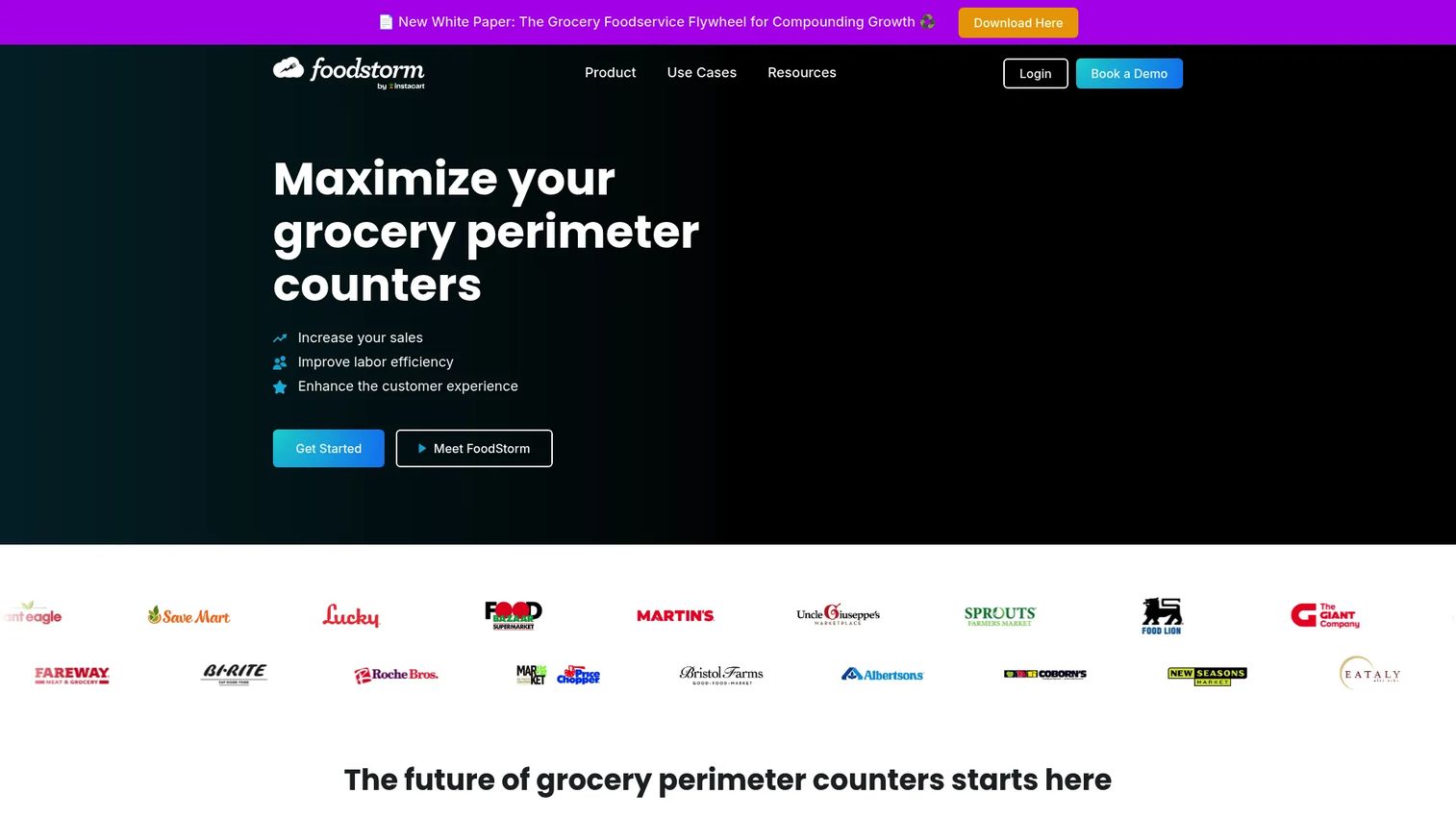
FoodStorm is an order management system for grocery perimeter-counter operations, covering deli, bakery, catering, floral, custom cake, and prepared-food ordering. It handles omnichannel customer ordering, kitchen display, production management, pickup coordination, CRM features, and fulfillment. It integrates with Instacart, POS systems, Stripe, QuickBooks, and Xero.
Best for: Grocery retailers and large prepared-food operations managing online catering orders across multiple departments or locations.
Key features
- Omnichannel customer ordering (online, in-store, kiosk)
- Kitchen Display System and production management
- Pickup coordination and customer notifications
- CRM features and customer order history
- Instacart, POS, Stripe, QuickBooks, and Xero integrations
Why choose FoodStorm: It is the right fit when the catering operation sits inside a grocery or retail foodservice context. For standard event catering businesses, the dedicated platforms above will cover more of the event-specific workflow.
FoodStorm pricing: Contact FoodStorm for a quote.
G2 rating: 4.5/5
10. Nowsta
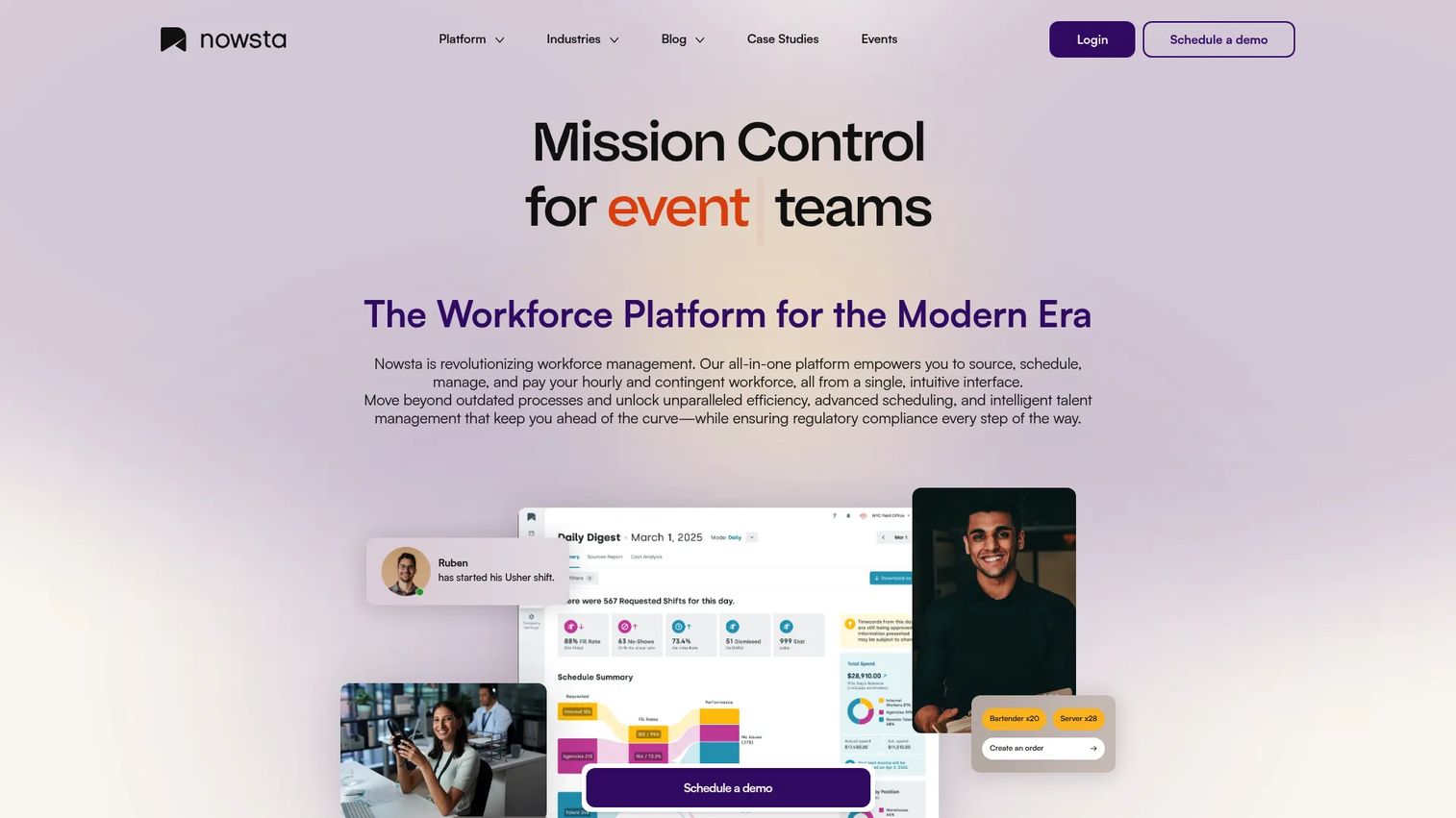
Nowsta is a workforce management platform for hourly and contingent workers in hospitality, events, catering, hotels, and restaurants. It covers shift scheduling with AI-powered recommendations, demand forecasting, shift swaps, time and attendance with geofencing, timesheet approvals, talent sourcing, ATS, onboarding, and payroll integration.
Best for: Catering and event businesses with flexible labor pools, frequent staffing changes, and last-minute coverage needs.
Key features
- AI-powered shift scheduling with demand forecasting
- Geofenced time tracking and timesheet approvals
- Talent sourcing and applicant tracking
- Mobile workforce management and shift claiming
- Payroll integration and labor-cost reporting
Why choose Nowsta: It is strongest when staffing volatility is the biggest operational problem. If the team regularly scrambles to fill event crews the week before a job, Nowsta's shift claiming and demand forecasting reduce that friction.
Nowsta pricing: Contact Nowsta for current pricing.
11. StaffMate
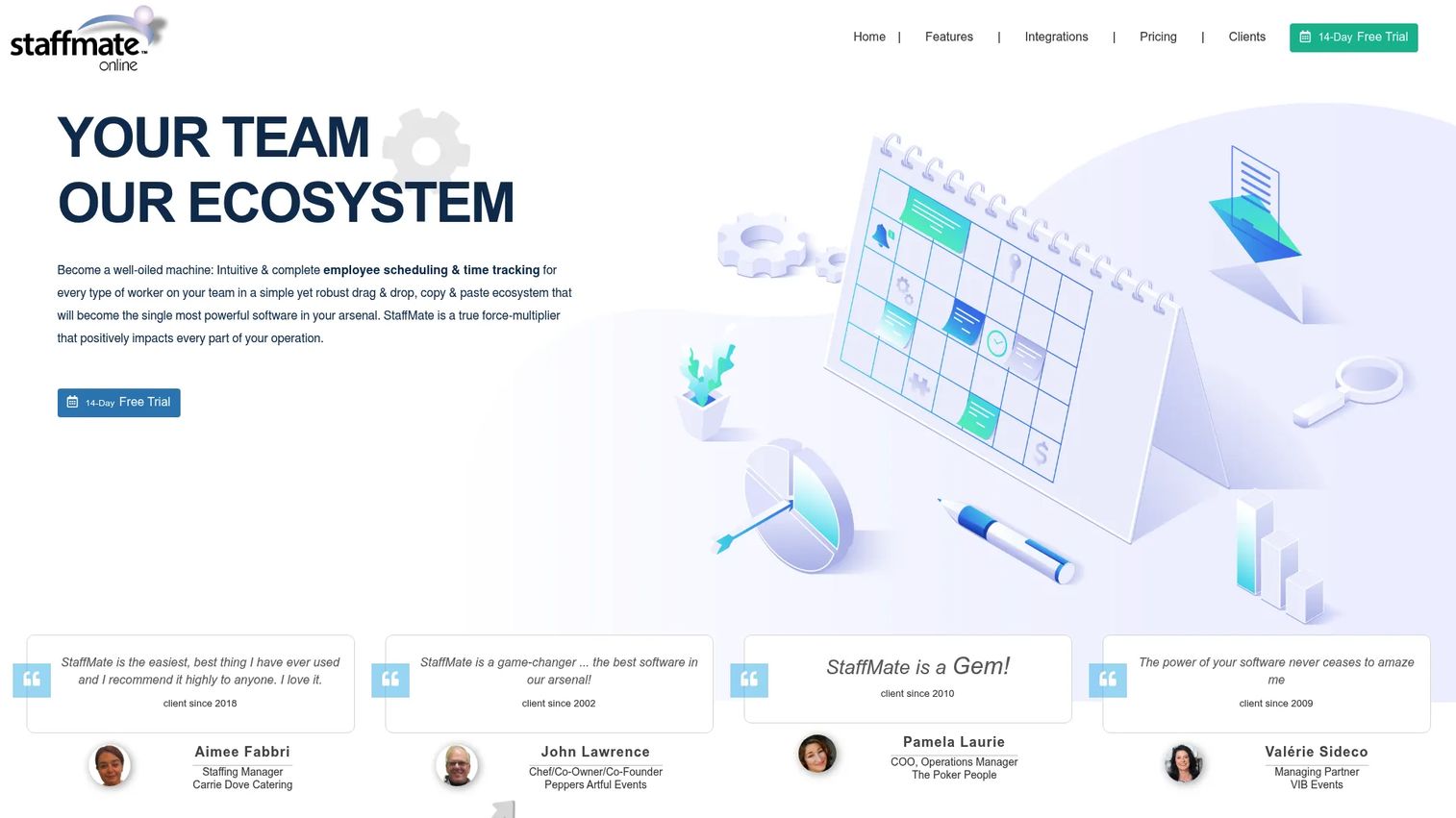
StaffMate is employee scheduling and time-tracking software for event, hospitality, staffing, and distributed workforces. It handles drag-and-drop shift scheduling, GPS mobile clock punches, worker availability tracking, shift swaps, and automated clock-in reminders. Same-day onboarding and white-glove support are included with both plans.
Best for: Event and catering businesses that need a focused scheduling tool without buying a full restaurant or HR platform.
Key features
- Drag-and-drop shift scheduling
- GPS mobile clock punches and time tracking
- Worker availability and shift swap management
- Automated clock-in and clock-out reminders
- Same-day onboarding and migration support
Why choose StaffMate: Use it when event crew coordination is the specific pain and the team does not need broader HR or payroll features built in. It integrates with Total Party Planner, which makes it a practical pairing for event caterers already on that platform.
StaffMate pricing: Boutique plan is $49/month for up to 30 workers. Mid-Market+ is $1.50/worker/month for 31 or more workers. A 14-day free trial is available.
12. Stripe
Stripe is a financial infrastructure platform for online payments, billing, invoicing, and business data. For catering teams, it functions as the payment layer: Processing deposits, final balances, and custom checkout flows on a website or ordering portal. It is not catering management software. It handles the payment infrastructure that other tools sit on top of.
Best for: Catering businesses that need flexible online payment processing embedded into their website, ordering flow, or custom catering portal.
Key features
- Online and in-person payment acceptance
- Payment links and hosted checkout pages
- Recurring billing and invoicing
- Fraud prevention and identity verification
- Developer APIs for custom payment flows
Why choose Stripe: Use Stripe when the business needs payment infrastructure that works across multiple tools and surfaces. It integrates with HoneyCart, FoodStorm, and many catering platforms, making it a reliable deposit and payment layer regardless of which front-end system the team uses.
Stripe pricing: Standard pricing charges 2.9% + 30¢ per successful domestic card transaction, with no monthly fees or setup costs. Custom pricing is available for higher volumes.
G2 rating: 4.4/5
13. QuickBooks
QuickBooks is online accounting software covering income and expense tracking, invoicing, payments, bank reconciliation, financial reporting, and sales tax workflows. For catering businesses, it is the financial layer that ties vendor costs, payroll entries, client invoices, and event margins into a single view. It integrates with Total Party Planner, FoodStorm, and many catering tools via direct connection or Zapier.
Best for: Caterers that need cleaner books, accurate invoices, and profitability reporting without a full finance team.
Key features
- Income and expense tracking with bank reconciliation
- Invoicing and payment collection
- Financial reports and dashboards
- Sales tax calculation and filing
- Integration with catering platforms and payroll tools
Why choose QuickBooks: It is the accounting software layer most catering stacks need. When deposits, vendor costs, and final balances need to tie back to financial reporting for a board or investor review, QuickBooks gives you that view without custom reports.
QuickBooks pricing: A free plan is available with limited features. Simple Start is $19/month. Essentials is $42.50/month. Plus is $70/month. Advanced is $170/month. Promotional discounts apply for the first three months.
G2 rating: 4.0/5
14. Google Calendar
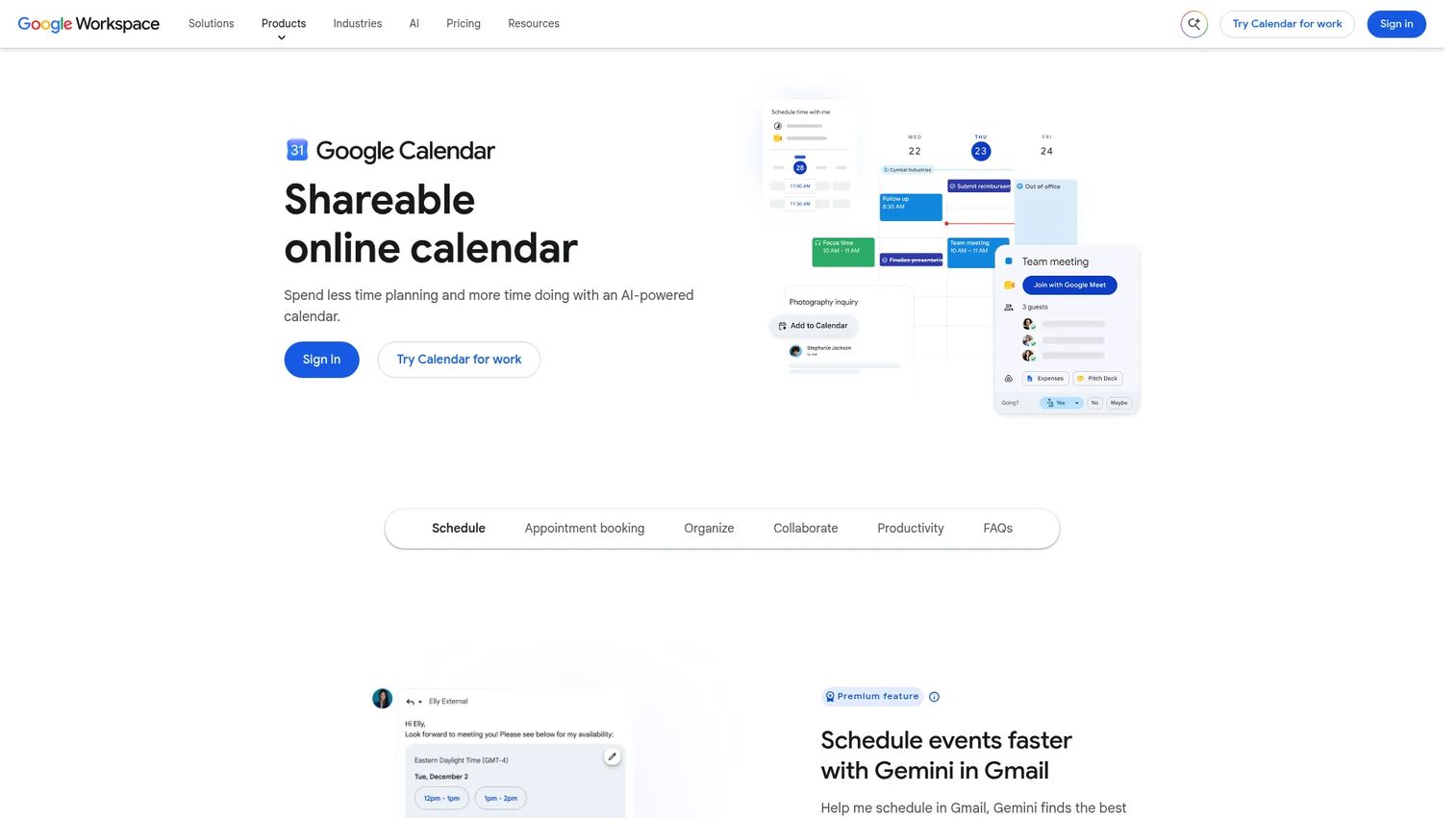
Google Calendar is an online calendar and scheduling tool for organizing events, sharing team schedules, and tracking availability. For catering teams, it can track events, prep windows, delivery slots, and internal deadlines across a shared view. It is not a dedicated catering platform and will not manage BEOs, costing, proposals, or production details.
Best for: Very small catering teams that need shared calendar visibility before committing to a full catering management platform.
Key features
- Shared calendars with team-level visibility
- Event reminders and recurring event setup
- File attachments to calendar events
- Google Workspace sync for email and contacts
- Mobile access and booking pages
Why choose Google Calendar: Use it as a lightweight starting point or a coordination layer alongside a primary catering system. Teams that need something up and running before a full platform decision should start here, then migrate event data when they commit to a dedicated tool.
Google Calendar pricing: Free for personal Google accounts. Google Workspace plans (which include Calendar for business teams) start at $7/user/month (Starter), $14/user/month (Standard), and $22/user/month (Plus). A 14-day trial is available.
15. Zapier
Zapier is a workflow automation platform that connects more than 9,000 apps through no-code multi-step automations. For catering stacks, it removes manual handoffs: A new form submission triggers a CRM record, a paid invoice creates a calendar task, a new online order sends a Slack notification. It is not catering-specific, but it makes the rest of the catering stack talk to each other.
Best for: Teams connecting a mixed catering software stack where useful tools do not natively integrate with each other.
Key features
- Multi-step workflow automation across 9,000+ apps
- Filters, paths, and conditional logic
- Scheduling, data formatting, and looping
- Webhooks for custom connections
- AI fields and no-code workflow builder
Why choose Zapier: Use Zapier when the operational problem is not missing software but missing connections between software already in the stack. A form-to-CRM automation or a payment-to-calendar trigger can remove recurring founder handoffs within the first week.
Zapier pricing: Free plan includes 100 tasks/month. Professional starts at $19.99/month with multi-step Zaps, unlimited premium apps, and webhooks. Team starts at $69/month for up to 25 users.
G2 rating: 4.5/5
16. Wix Bookings
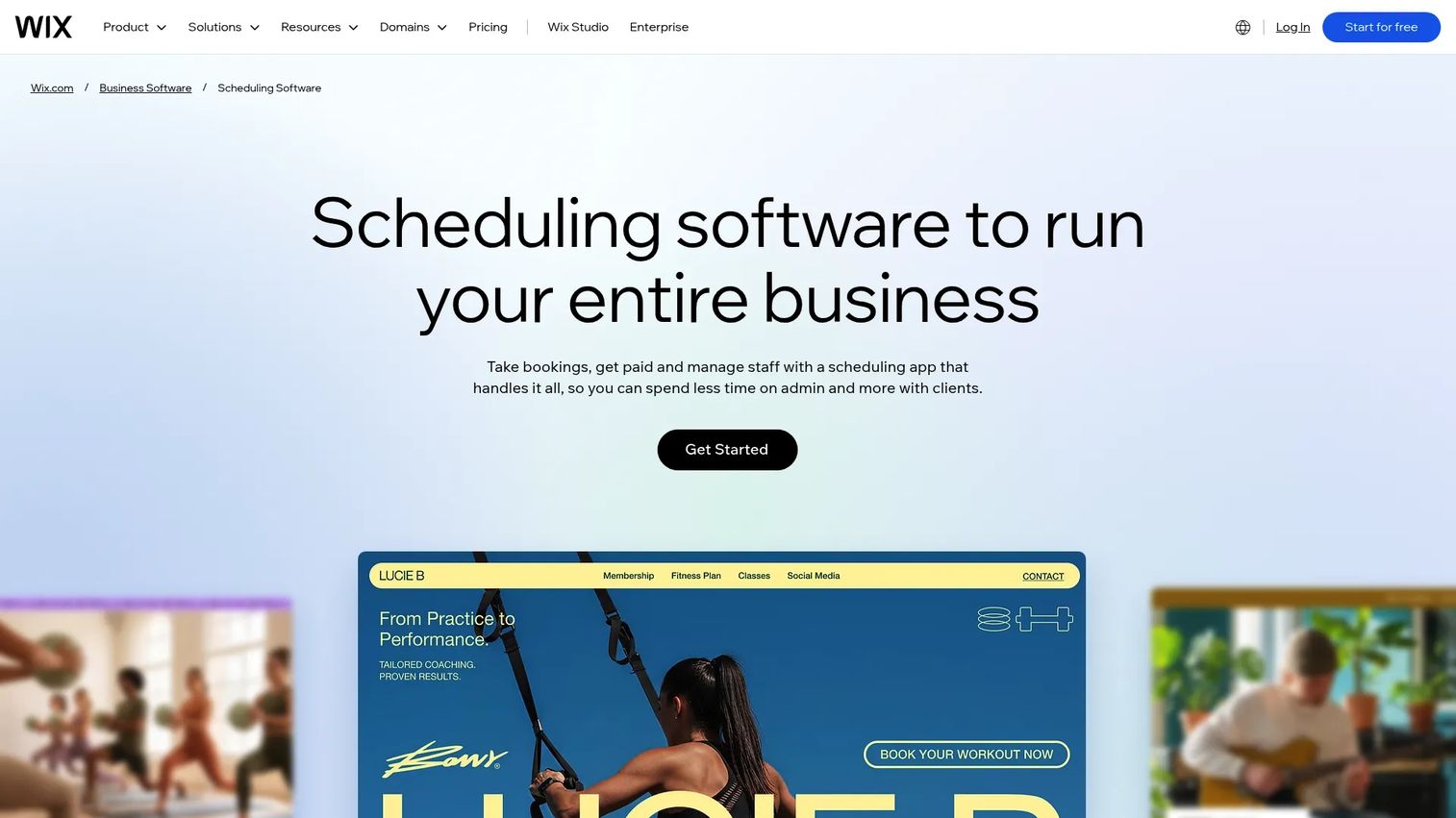
Wix Bookings is an online scheduling system for managing appointments, classes, services, payments, and client calendars. For small caterers, it can collect consultation requests, tasting appointments, or service bookings directly from a website. It is not a catering operations system; it handles the initial booking moment rather than the subsequent proposal, BEO, or production workflow.
Best for: Small caterers using Wix as their website platform who need a simple intake and booking page before investing in a full catering management tool.
Key features
- Appointment, class, and service booking from a website
- Calendar sync with Google and iCal
- Online payments, memberships, and packages
- Automated email and SMS reminders
- Client management and mobile booking access
Why choose Wix Bookings: Use it when the website is the main intake point and the team needs a low-friction way to collect inquiries. For anything beyond initial booking, a dedicated catering platform handles the actual event workflow.
Wix Bookings pricing: Wix Bookings is free to install. Accepting bookings and online payments requires an upgraded Wix site plan, which starts at $29.77/month in the displayed pricing view.
17. Gusto
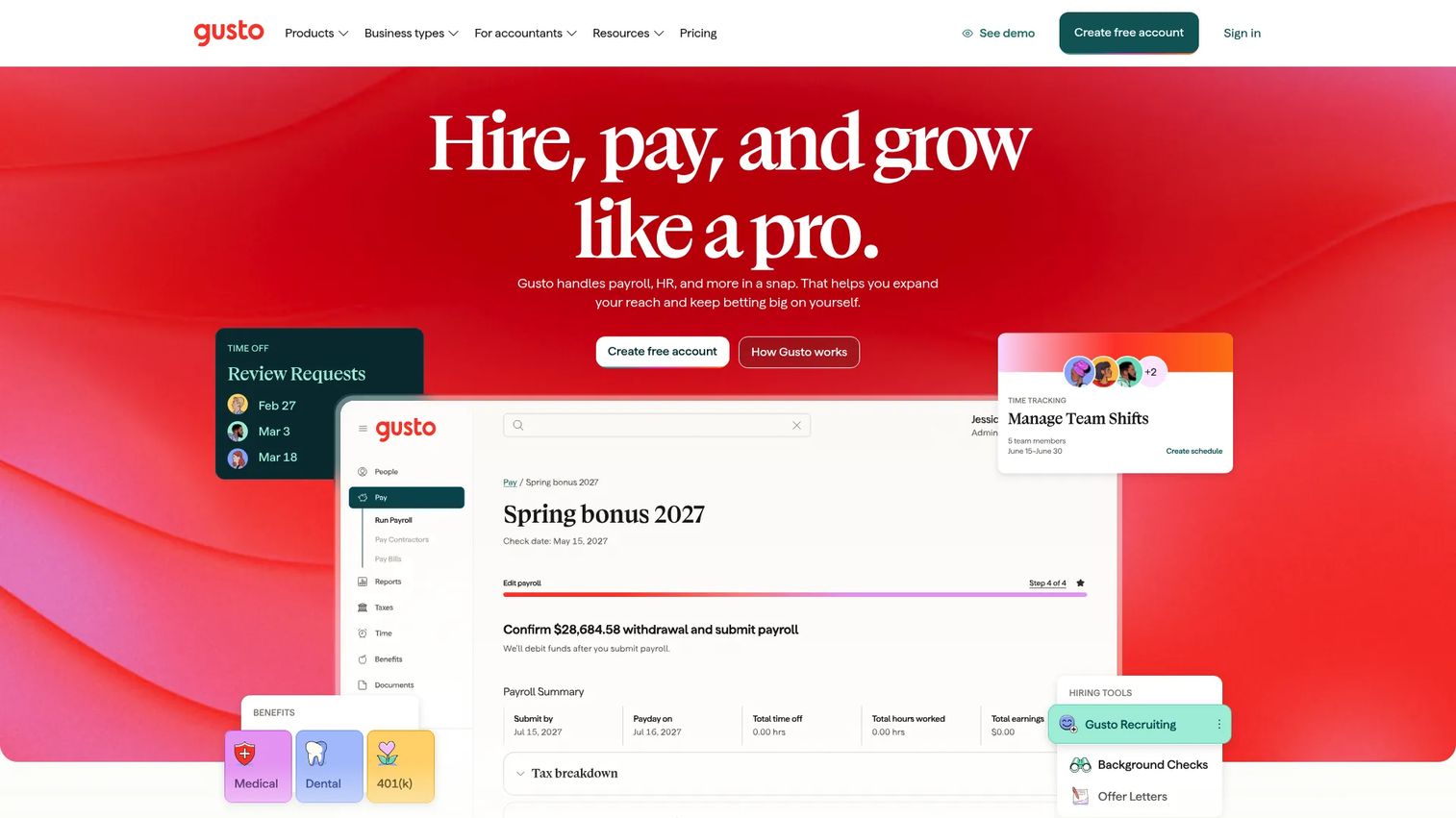
Gusto is an integrated payroll, benefits, HR, and compliance platform for businesses. For catering teams, it handles paying kitchen staff, event staff, delivery staff, contractors, and admins. It automates payroll tax calculation, filing, and payment, and manages employee benefits including health insurance and 401(k). Time tracking and scheduling are included in higher-tier plans.
Best for: Catering businesses where payroll accuracy, contractor payments, and HR compliance have outgrown spreadsheets and manual bank transfers.
Key features
- Automated payroll with tax calculation, filing, and payment
- Contractor payments and 1099 filing
- Employee benefits including health insurance and 401(k)
- Employee self-service for paystubs, benefits, and PTO
- Time tracking and scheduling on higher plans
Why choose Gusto: Choose Gusto when the labor operation is maturing and payroll mistakes cost more than the subscription. It pairs with scheduling tools like 7shifts, Connecteam, or Nowsta rather than replacing them.
Gusto pricing: Simple is $49/month plus $6/month per person. Plus is $80/month plus $12/month per person. Premium is $180/month plus $22/month per person. No free tier is available.
G2 rating: 4.6/5
18. Square
Square is an integrated payment processing, point-of-sale, and commerce platform for food businesses. For caterers, it handles in-person and online payments, invoicing, online ordering, customer profiles, and basic staff management. It is not a dedicated catering management system, but it covers the commerce and payment layer for smaller operations or for restaurants that already use Square at the counter.
Best for: Small catering businesses and restaurants that already use Square for POS or in-person payments and want a consistent payment tool across their operation.
Key features
- Payment acceptance: Tap, chip, digital wallets, and ACH
- POS tools for payments, inventory, and reporting
- Online ordering and invoicing
- Customer loyalty and marketing tools
- Staff management and scheduling
Why choose Square: Square works well when the catering operation is tied to a restaurant or small food business that already relies on Square hardware. For operations that need proposals, BEOs, or production sheets, a dedicated catering platform will cover more of the workflow.
Square pricing: Square Free is $0/month per location. Square Plus is $49/month per location. Square Premium is $149/month per location. Processing fees apply per transaction.
G2 rating: 4.5/5
Considerations when choosing on-demand catering software
Match the tool to your operating model
Drop-off catering, full-service events, restaurant catering, and corporate recurring orders each need different software depth. A drop-off caterer running 50 weekly orders needs a strong online ordering and production workflow. A full-service event team needs BEOs, staffing, and detailed event records. Identify your primary model before shortlisting tools.
Check the order-to-fulfillment workflow
Evaluate the complete path: Inquiry, quote, order, contract, deposit, production, packing, staffing, delivery, final invoice, and rebooking. A tool that covers only one or two of these steps can still be valuable, but it should not replace a true operating system. Ask which step currently creates the most founder involvement, and start there.
Verify pricing against team size and order volume
Pricing changes with users, locations, order volume, and payment processing rates. CaterZen charges by plan tier with unlimited users. Total Party Planner charges per user seat. Stripe charges per transaction. Know which driver matters most for your volume before comparing sticker prices.
Look for integrations that cut manual re-entry
Manual re-entry between tools hides true margin and slows weekly decision-making. Confirm that the event management software connects to your accounting tool, that scheduling exports to payroll, and that your ordering platform notifies the kitchen without a separate data entry step. The payment processing software layer also needs to sync with your accounting records.
Test the first-week setup path
For a founder or ops lead, the question is not features alone. How quickly can the team get first value: One menu live, one proposal sent, one BEO built, one staff schedule published? Ask vendors for a first-week onboarding plan and treat the answer as a signal about how the product actually works in practice.
Conclusion
On-demand catering software is not one tool. It is the operating stack that turns orders, events, staffing, delivery, payments, and finance into a system the team can run without the founder in every conversation.
Start with the system that fixes the current bottleneck. For most catering businesses, that means choosing a core platform first:
- CaterZen for catering-specific sales, operations, and delivery
- Better Cater for proposals, BEOs, and event financials
- Total Party Planner or Caterease for deeper event production workflows
- Curate for event businesses managing complex proposals and cost visibility
Layer the workforce tools next: Connecteam, 7shifts, Nowsta, or StaffMate depending on how the team is structured. Add Stripe or Square for payment processing, QuickBooks for accounting, Gusto for payroll, and Zapier to connect the pieces that do not talk to each other. Google Calendar and Wix Bookings work as lightweight starting points before the main platform is in place.
The right catering software stack earns its place within the first quarter by removing at least one recurring founder handoff. Pick the system that solves the current bottleneck and build from there.
Explore related buying guides: best event management software, best payment processing software, and best event planning software.
FAQs
Small catering operations typically need online ordering, simple proposals, invoices, calendars, and payments first. Better Cater's Plus plan at $83/month covers proposals, BEOs, and costing for a single location with a 30-day free trial. Square and QuickBooks handle payments and accounting with free starting tiers. Google Calendar and Wix Bookings work for scheduling before a full platform is in place.
Catering software broadly describes any tool used in a catering workflow, including payment processors, scheduling apps, and ordering tools. Catering management software typically refers to platforms that cover the event lifecycle end to end: Orders, proposals, BEOs, production documents, and customer records. Supporting tools handle specific functions like payments, payroll, or scheduling but are not substitutes for a core management platform.
Dedicated platforms are worth the investment when catering is a major revenue line with complex orders, events, delivery, or production. A general stack of a form builder, spreadsheet, payment tool, and calendar can work for very small or early-stage operations, but it creates manual work at every step. The transition to dedicated software typically happens when the founder notices they are the connective tissue between every tool.
Better Cater, Total Party Planner, and Caterease all include BEO creation and management. Evaluate each one based on template flexibility, the ability to attach production notes and staffing details, and how the BEO connects to the event record. Total Party Planner and Caterease both allow customization of event documents, while Better Cater focuses more heavily on the client-facing proposal and document workflow.
CaterZen includes delivery routing and driver management as part of its core platform. Connecteam adds GPS tracking and mobile task management for field teams, which covers the execution side of a delivery workflow. For customer-facing order status, the ordering platform (HoneyCart, FoodStorm, or Square online ordering) typically handles notifications.
Yes, with limits. Restaurant tools like 7shifts cover labor scheduling, payroll, and team communication effectively. Square handles POS and payments. Where restaurant tools fall short is the catering-specific workflow: Proposals, BEOs, event production sheets, repeat corporate order management, and delivery routing. Teams running catering at meaningful volume alongside restaurant service typically add a dedicated catering tool rather than trying to stretch general restaurant software.
The cost depends on which tools the operation needs and how they are priced. Dedicated catering platforms range from $83/month (Better Cater Plus, annual) to $429/month (Total Party Planner Delicacy). Workforce tools start around $29/month for small teams. Payment processing adds 2.9% + 30¢ per transaction with Stripe. Accounting starts free with QuickBooks and scales to $170/month for advanced features. A complete catering stack typically runs $200 to $700/month for a mid-sized operation depending on the combination of tools chosen.
The most valuable CRM features for catering are lead capture tied to online forms, contact history with event notes and order records, automated follow-up reminders, repeat-order triggers for corporate accounts, and clear quote status tracking. CaterZen and Better Cater both include CRM functionality alongside their operational tools. Total Party Planner covers client management alongside event and financial records. The key signal is whether the CRM reduces the chance of a lead going cold or a repeat client not being re-contacted after their last event.