You shipped the mobile onboarding fix. Android conversion improved. iOS support tickets doubled.
That gap is the shape of mobile quality risk in 2026. Mobile devices accounted for 58.5% of global website traffic in 2025, according to Statista, which means a regression on the wrong device model can quietly erode activation rates before anyone on the team notices. A test that passes on an emulator does not prove the flow works for the user segment that drives early retention. The device matrix is fragmented, OS adoption curves vary by market, and release cadence keeps compressing.
For product managers, the question is not how many devices the QA team can access. It is which untested device group can break signup, permissions, or first-workflow completion before the sprint closes.
The mobile application testing solutions market reached $6.22 billion in 2025 and is projected to exceed $28.16 billion by 2035, according to Research Nester (2025). That growth signals how seriously engineering and product teams are taking mobile quality as a release-critical discipline, not an afterthought.
This guide compares 21 mobile device testing software options to help you ask better questions before choosing one.
What's inside
This guide is for product managers, QA leads, and engineering managers evaluating mobile device testing tools for native, hybrid, mobile web, React Native, and Flutter apps.
- 21 tools covered: Open-source frameworks, native platform frameworks, commercial platforms, real-device clouds, visual testing tools, and AI-assisted testing
- Selection criteria: Device coverage, automation depth, CI/CD fit, debugging quality, and pricing transparency
- PM angle: How each tool affects release risk, activation-critical flows, and the opportunity cost of QA bottlenecks
- Taxonomy: Frameworks vs. device clouds vs. commercial platforms, explained so you compare by job, not just rating
TL;DR
- Best open-source automation framework: Appium for cross-platform teams that want one framework across Android and iOS
- Best native Android framework: Espresso for Android-first teams with engineering-owned test suites
- Best native iOS framework: XCUITest for teams standardizing on Apple's native testing stack
- Best real-device cloud: BrowserStack or Sauce Labs for broad device coverage without maintaining a lab
- Best codeless platform: Katalon Studio or TestGrid for QA coverage without deep automation engineering
- Best visual testing layer: Applitools for teams protecting UI-heavy onboarding, checkout, and account setup flows
- Best for React Native: Detox for gray-box end-to-end testing inside the React Native codebase
What is mobile device testing software?
Mobile device testing software helps teams validate mobile apps and mobile web experiences across devices, operating systems, screen sizes, network conditions, and release environments before users find the defects.
The category spans several distinct tool types:
- Automation frameworks: Help teams write and run repeatable tests (Appium, Espresso, XCUITest, Detox, Maestro)
- Native platform frameworks: Built by Apple and Google and integrated into their development environments
- Real-device cloud platforms: Provide remote access to physical Android and iOS devices at scale
- Emulator and simulator tools: Allow testing on virtual representations of devices
- Codeless test automation platforms: Enable test creation without deep scripting expertise
- Visual regression tools: Detect unintended UI changes across device configurations
- Performance and debugging platforms: Surface latency, crash behavior, and experience quality on real networks
Core testing types mobile teams run
- Functional testing
- UI testing
- Regression testing
- Performance testing
- Compatibility testing
- Visual testing
- Mobile web testing
- Network condition testing
- Accessibility testing
Key features to look for
- Real-device coverage for high-revenue user segments
- Android and iOS support, including version coverage
- Emulator and simulator support for earlier-stage testing
- CI/CD integrations for pull request and release-branch execution
- Parallel test execution to reduce feedback time
- Debug logs, session replay, and video artifacts
- Codeless and code-based test creation paths
- Framework compatibility with your app stack
- Pricing by concurrency, device minutes, seats, or usage volume
When to use mobile device testing software
Validate activation-critical mobile flows
Signup, onboarding, permissions, payment, and first-workflow completion carry more conversion risk than any settings screen. A broken permissions prompt on a specific Android version can suppress activation for an entire user segment. Automated mobile testing against these flows, on real devices representative of your highest-value cohorts, is where the instrumentation effort pays off in measurable activation rate impact.
Ship across Android, iOS, and mobile web without device fragmentation surprises
Device fragmentation is not abstract. Your users are on Android 13 and 14, on iPhones from three generations, on mid-range devices your engineering team does not own. Before building a device matrix, pull your support ticket data, your analytics by OS version, and your revenue concentration by segment. Test the combinations that matter first, then expand. That approach makes mobile testing tools a product-risk decision, not just a QA workflow.
Move regression testing into the release pipeline
Automated mobile testing fits CI/CD when someone owns the suite, defines triage rules, and decides which failures block release versus queue for the next sprint. A test suite that blocks every release becomes a product bottleneck. A suite that misses signup regressions becomes a retention problem. The goal is clear signal, not coverage theater. For teams evaluating CI/CD tools alongside mobile testing, the integration layer matters as much as the test framework itself.
Mobile device testing software comparison
The list below mixes frameworks, device clouds, and commercial platforms. Compare by job first: Frameworks help teams create tests, device clouds help teams run tests on real hardware, and commercial platforms often do both plus reporting. A team standardized on Appium still needs device access, which usually means a cloud subscription.
| # | Product | Best for | Key differentiator | Pricing | G2 rating |
|---|---|---|---|---|---|
| 1 | Appium | Cross-platform automation | Open-source across Android and iOS | Free | N/A |
| 2 | Espresso | Native Android UI testing | Fast Android instrumentation testing | Free | N/A |
| 3 | XCUITest | Native iOS UI testing | Apple-native automation in Xcode | Free | N/A |
| 4 | Kobiton | Real-device testing with debugging | Device cloud with manual and automated testing | From $83/month | 4.3/5 |
| 5 | TestGrid | Codeless and cloud mobile testing | AI-assisted real-device cloud | From $199/seat/month | 4.7/5 |
| 6 | Katalon Studio | Mixed codeless and scripted testing | Low-code testing across mobile, web, and API | Free; paid from $1,000/seat/year | 4.4/5 |
| 7 | TestComplete | Commercial mobile UI automation | Codeless and scripted test creation | Contact sales; 14-day trial | 4.2/5 |
| 8 | LambdaTest | Cloud mobile and web testing | Broad browser and device cloud coverage | From $15/month | 4.5/5 |
| 9 | Sauce Labs | Enterprise device cloud testing | Device cloud plus CI-friendly testing | From $39/month | 4.3/5 |
| 10 | HeadSpin | Mobile performance and experience testing | Global device infrastructure and observability | From $39/month | 4.7/5 |
| 11 | TestMu AI | AI-assisted mobile testing | AI-driven test creation and maintenance | Free tier available; paid from $15/month | N/A |
| 12 | BrowserStack | Real-device cloud testing | Large device cloud for app and web testing | From $8/month | N/A |
| 13 | BitBar | Cloud-based mobile app testing | SmartBear device cloud for app testing | 14-day trial; contact sales for pricing | 4.1/5 |
| 14 | Firebase Test Lab | Android and iOS testing on Google Cloud | Google-managed physical and virtual devices | Free quota; from $1/device/hour | 4.3/5 |
| 15 | Ranorex Studio | Desktop and mobile UI automation | GUI test automation for multiple app types | Contact sales; 14-day trial | 4.2/5 |
| 16 | Pcloudy | Cloud mobile app testing | Real-device cloud and app testing workflows | From $23/month | 4.4/5 |
| 17 | Perfecto | Enterprise continuous testing | Device cloud with enterprise governance | Custom pricing | 4.4/5 |
| 18 | AWS Device Farm | Device testing on AWS infrastructure | AWS-managed device testing service | From $0.17/device minute | 4.5/5 |
| 19 | Applitools | Visual AI testing | Visual validation across devices and screens | From $667/month (annual) | 4.3/5 |
| 20 | Maestro | Lightweight mobile UI automation | YAML-based mobile flow testing | Free locally; cloud plan required for hosted runs | 4.4/5 |
| 21 | Detox | React Native end-to-end testing | Gray-box testing for React Native apps | Free | N/A |
Best 21 mobile device testing tools for 2026
1. Appium
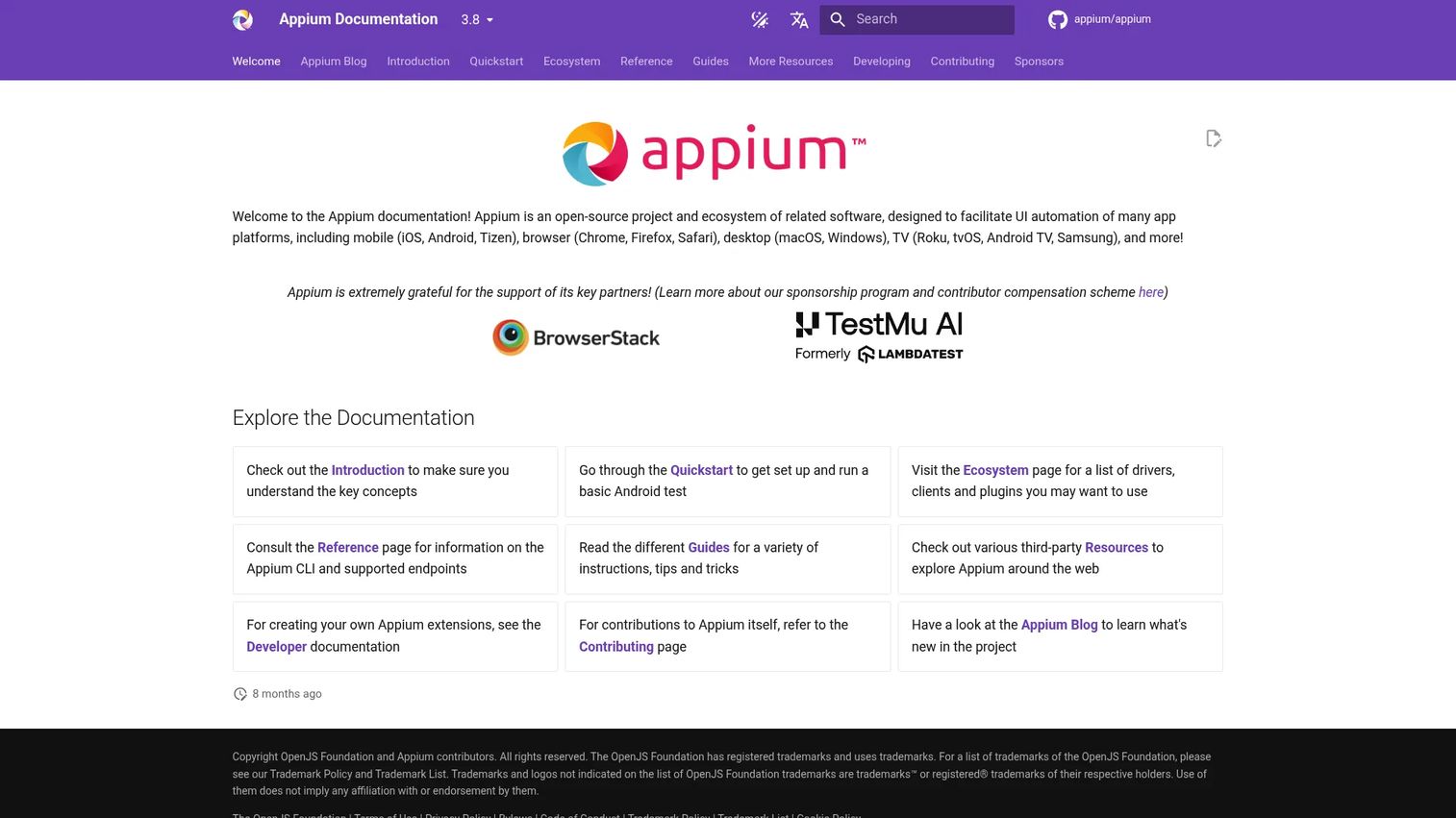
Appium is an open-source ecosystem for UI automation across mobile, web, desktop, and TV platforms, using a unified W3C WebDriver-based API. It supports drivers, clients, and plugins, which lets teams automate native, hybrid, and web applications across Android and iOS from one framework. Because it is open-source and framework-agnostic, Appium has become the de facto standard for cross-platform mobile automation engineering.
Best for: Engineering-led teams that want flexible, open-source mobile automation across Android and iOS.
Key features
- Cross-platform automation: Android, iOS, and mobile web
- W3C WebDriver protocol support
- Native, hybrid, and web app automation
- Multiple language bindings (Java, Python, JavaScript, and others)
- Driver and plugin extensibility
Why choose Appium: Choose Appium when your team has automation engineering capacity and wants framework flexibility without vendor lock-in. For PMs, this is a strong foundation for activation-critical flows, but it needs sustained engineering ownership to stay healthy across release cycles.
Appium pricing: Free and open source. Costs come from the device cloud or infrastructure you run tests on, CI execution minutes, and engineering time to build and maintain the suite.
2. Espresso
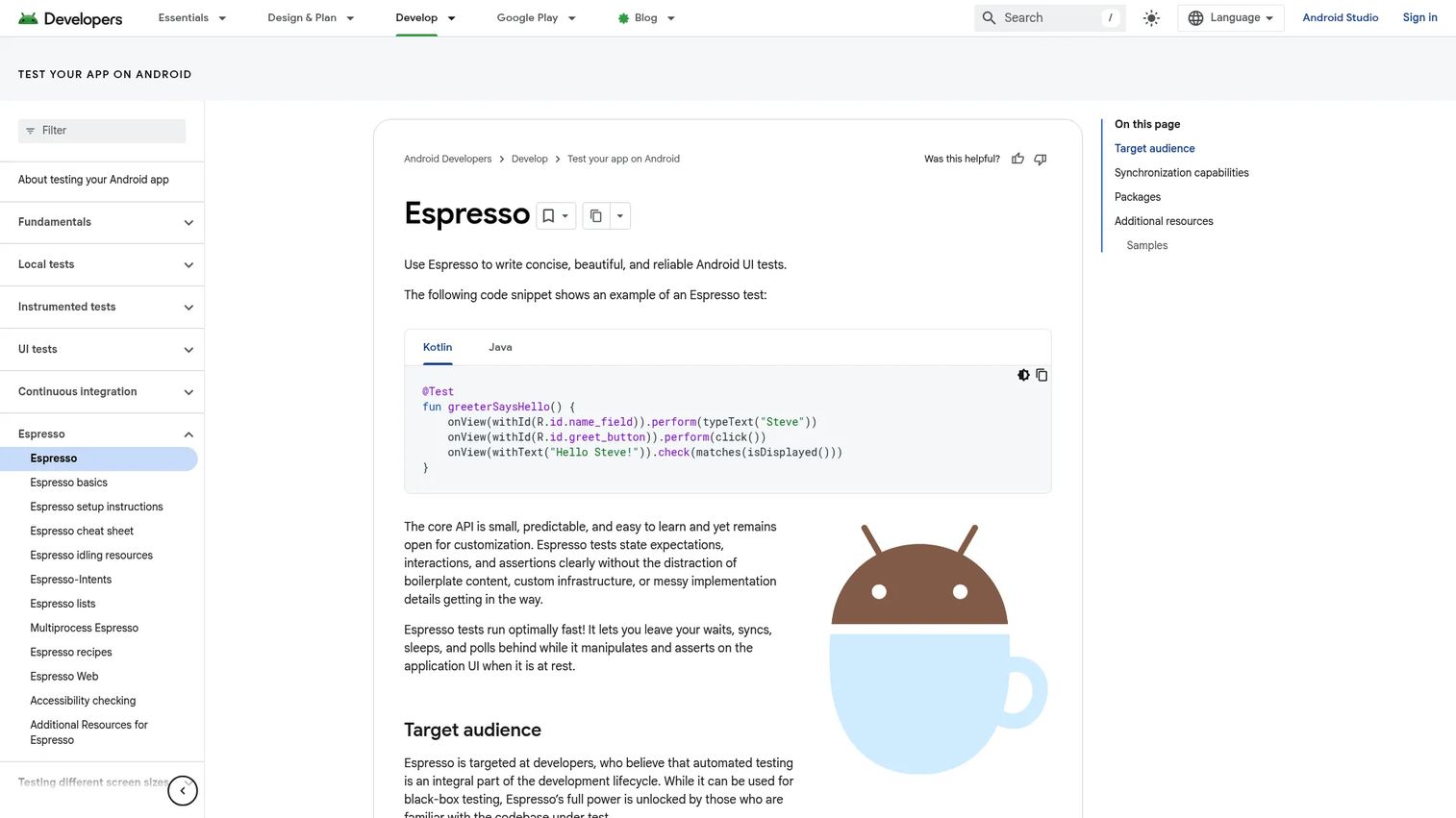
Espresso is Google's native Android UI testing framework for writing concise, synchronized tests based on user interactions and assertions. It runs close to the app code, which makes tests fast and reduces flakiness from timing issues. Built into the Android testing ecosystem, it supports Kotlin and Java, and it includes tools for testing WebViews, intents, and multiprocess apps.
Best for: Android-first product teams with engineering-owned test coverage and Kotlin or Java codebases.
Key features
- Android UI interaction testing with view matchers and actions
- Built-in synchronization with the UI thread and async operations
- Testing for WebViews, intents, and multiprocess apps
- Espresso Test Recorder for generating tests from recorded interactions
- Kotlin and Java support
Why choose Espresso: Choose Espresso when Android quality is the primary concern and engineers can maintain tests inside the existing Android codebase. It is especially strong for activation-critical Android flows such as permissions, onboarding steps, and payment paths.
Espresso pricing: Free as part of the Android testing ecosystem. Infrastructure and engineering time are the real cost drivers.
3. XCUITest
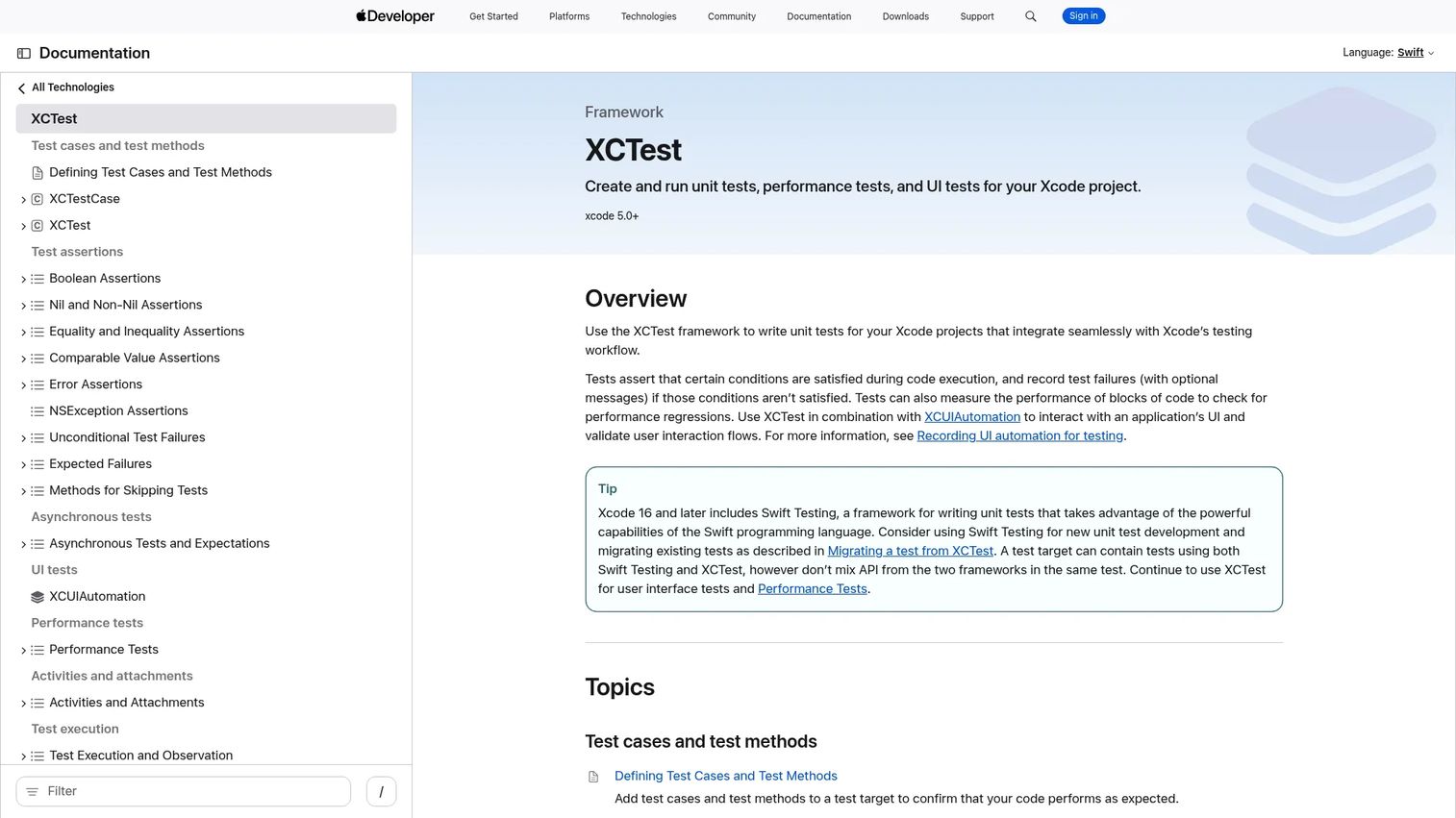
XCUITest is Apple's native UI testing framework for iOS, iPadOS, and macOS applications, built into Xcode through the XCTest framework. It automates and validates user-interface interactions, supports performance testing, asynchronous expectations, and test activities. For teams building iOS apps, it is the default serious option for native automation without third-party dependencies.
Best for: iOS teams that want Apple-native UI testing inside Xcode with Swift support.
Key features
- Automated UI interaction testing via XCUIAutomation
- Assertions for validating application behavior and UI state
- Performance testing and regression measurement
- Asynchronous test expectations
- Setup, teardown, and UI interruption handling
Why choose XCUITest: Choose XCUITest when iOS release confidence is the priority and engineers already work in Xcode. Onboarding flows, permissions screens, and in-app purchase paths are strong candidates for coverage.
XCUITest pricing: Free with Apple's developer tooling. Factor in engineering time, simulator costs, and CI execution as the main cost drivers.
4. Kobiton
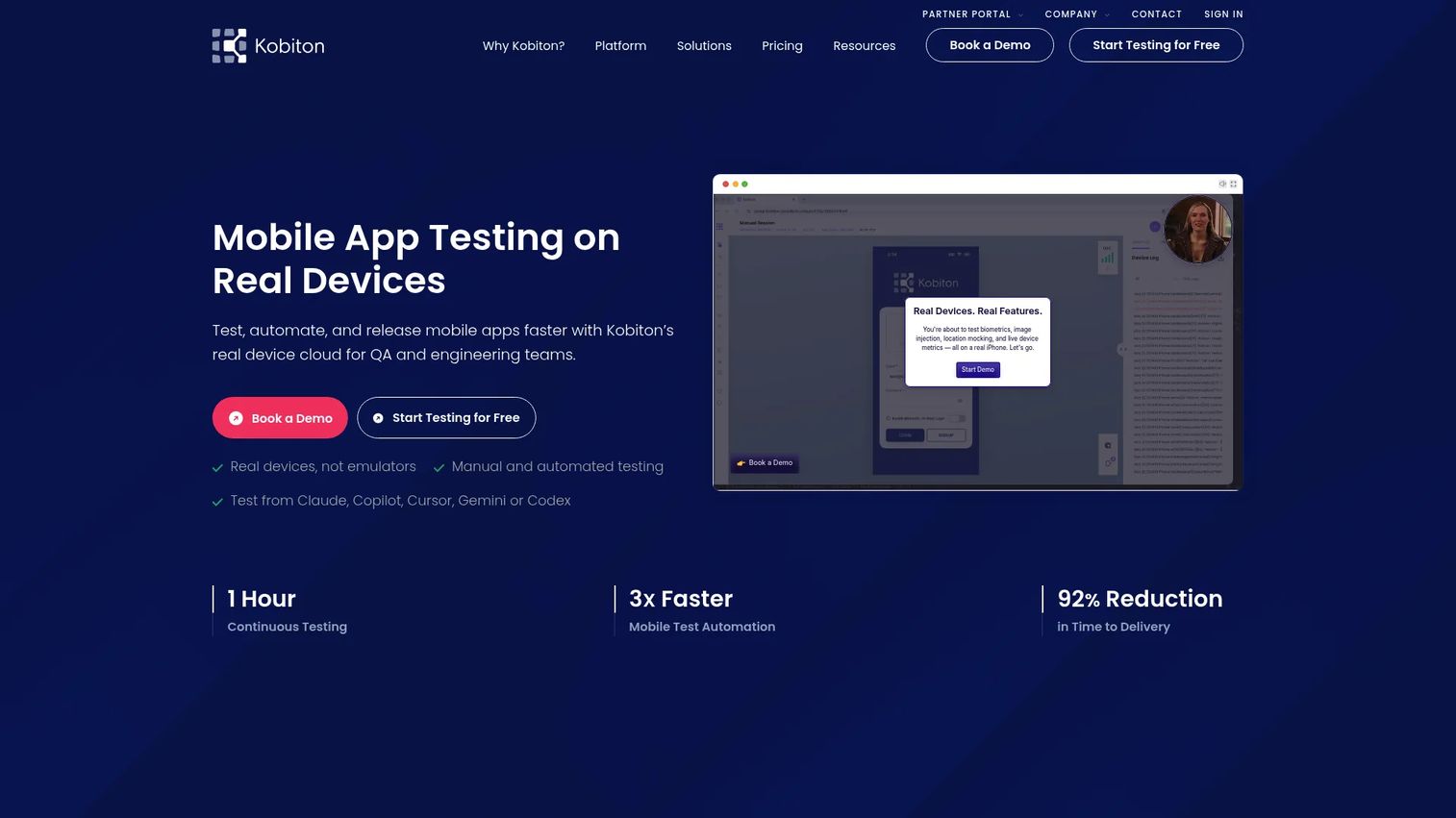
Kobiton is a mobile application testing platform for cloud, on-premises, hybrid, and private real-device testing. It supports manual sessions, scripted automation with Appium, Espresso, and XCUITest, and no-code scriptless automation. The Session Explorer captures logs, screenshots, videos, and performance data, which gives teams repeatable evidence to resolve device-specific bugs without owning a physical lab.
Best for: Teams that need real-device coverage and both manual exploration and automation in the same platform.
Key features
- Real-device cloud: Android and iOS physical devices
- Manual testing sessions with session logs and video
- Scriptless and Appium-based automation
- Appium script generation and self-healing execution
- Accessibility and visual validation
Why choose Kobiton: Choose Kobiton when device-specific bugs slow releases and your team needs repeatable evidence from physical devices. PMs benefit because real-device session data gives concrete answers about whether a failure is device-specific or product-wide, which makes release decisions faster.
Kobiton pricing: Plans start at $83/month (Startup, 500 device minutes). The Accelerate plan starts at $399/month (3,000 minutes). Scale is $9,000/year (7,500 minutes). Enterprise pricing is custom, with dedicated or on-premises devices, unlimited users, and priority support.
G2 rating: 4.3/5
5. TestGrid
TestGrid is an AI-powered end-to-end software testing platform combining real-device access, AI test-case generation, codeless and record-and-play automation, and cross-browser testing. It supports on-premise, private-cloud, and hybrid deployment, which matters for teams with data-residency or security constraints. Selenium, Appium, Cypress, and Playwright are all supported frameworks.
Best for: QA teams that need codeless mobile testing plus real-device execution without deep automation engineering.
Key features
- AI test-case generation and AI testing agents
- Codeless, low-code, and record-and-play automation
- Real mobile-device and browser testing
- Visual, performance, and API testing
- On-premise, private-cloud, and hybrid deployment
Why choose TestGrid: Choose TestGrid when your QA team needs device coverage quickly and cannot wait for a fully scripted automation suite. For PMs, the AI-assisted creation reduces the engineering opportunity cost of building initial coverage for high-risk flows. Check AI software testing tools if you are evaluating the broader AI testing category alongside TestGrid.
TestGrid pricing: Starter is $199 per seat per month. Growth and Custom Device Lab packages are custom pricing, available through sales.
G2 rating: 4.7/5
6. Katalon Studio
Katalon Studio is an automated testing IDE for web, mobile, API, and desktop applications. It blends record-and-playback, low-code, and full-code authoring, which makes it workable across teams with mixed skill levels. AI-assisted test generation, failure analysis, and self-healing capabilities reduce maintenance overhead as the product changes.
Best for: Teams that want one testing platform across mobile, web, and API coverage without forcing all testers into scripting.
Key features
- Web, mobile, API, and desktop test automation
- AI-assisted test generation and self-healing
- Record-and-playback, low-code, and full-code authoring
- Data-driven testing and parallel execution
- CI/CD integrations
Why choose Katalon Studio: Choose Katalon Studio when mobile testing is part of a broader QA program. For PMs, it reduces the argument about which testing tool serves which team, because one platform covers mobile, web, and API in a single workflow.
Katalon Studio pricing: Free tier supports local authoring and execution. Professional is $1,000 per seat per year (billed annually), adding AI features, parallel execution, and integrations. Enterprise pricing is custom, with advanced security, governance, and premium support.
G2 rating: 4.4/5
7. TestComplete
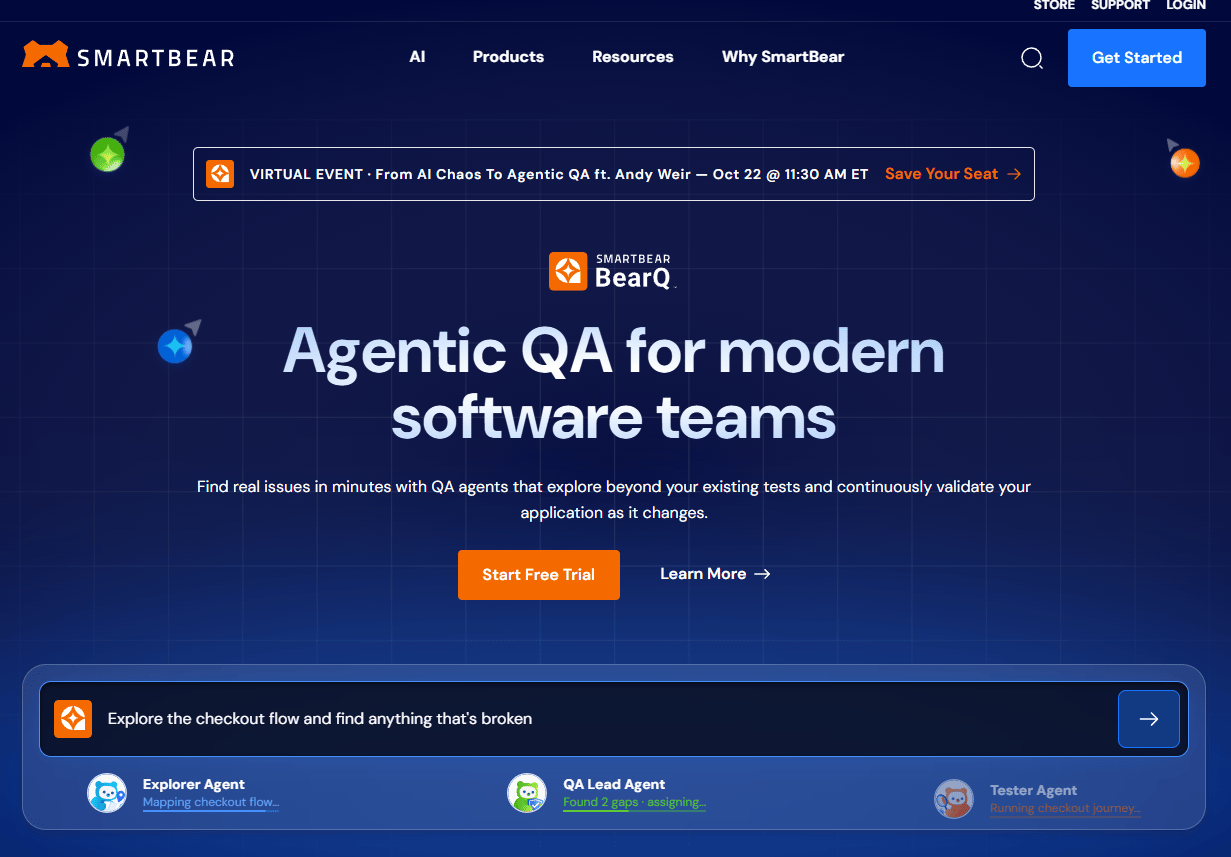
TestComplete is a commercial automated UI testing environment for desktop, web, and mobile applications. It supports behavior-driven and keyword-driven testing, record-and-replay workflows, and GUI object recognition with AI-powered visual matching. CI/CD integrations run through CLI and REST API.
Best for: QA teams that want commercial UI automation with codeless and scripted paths across multiple app types.
Key features
- Record-and-replay automated UI testing
- Codeless and scripted test creation
- AI-powered GUI object recognition
- Data-driven and parallel test execution
- CI/CD integrations via CLI and REST API
Why choose TestComplete: Choose TestComplete when QA needs a commercial tool that handles multiple app types and skill levels. PMs should verify that the platform supports their app architecture and mobile framework before committing to the 14-day trial.
TestComplete pricing: SmartBear requires you to contact sales for paid pricing. A 14-day free trial is available with no credit card required.
G2 rating: 4.2/5
8. LambdaTest
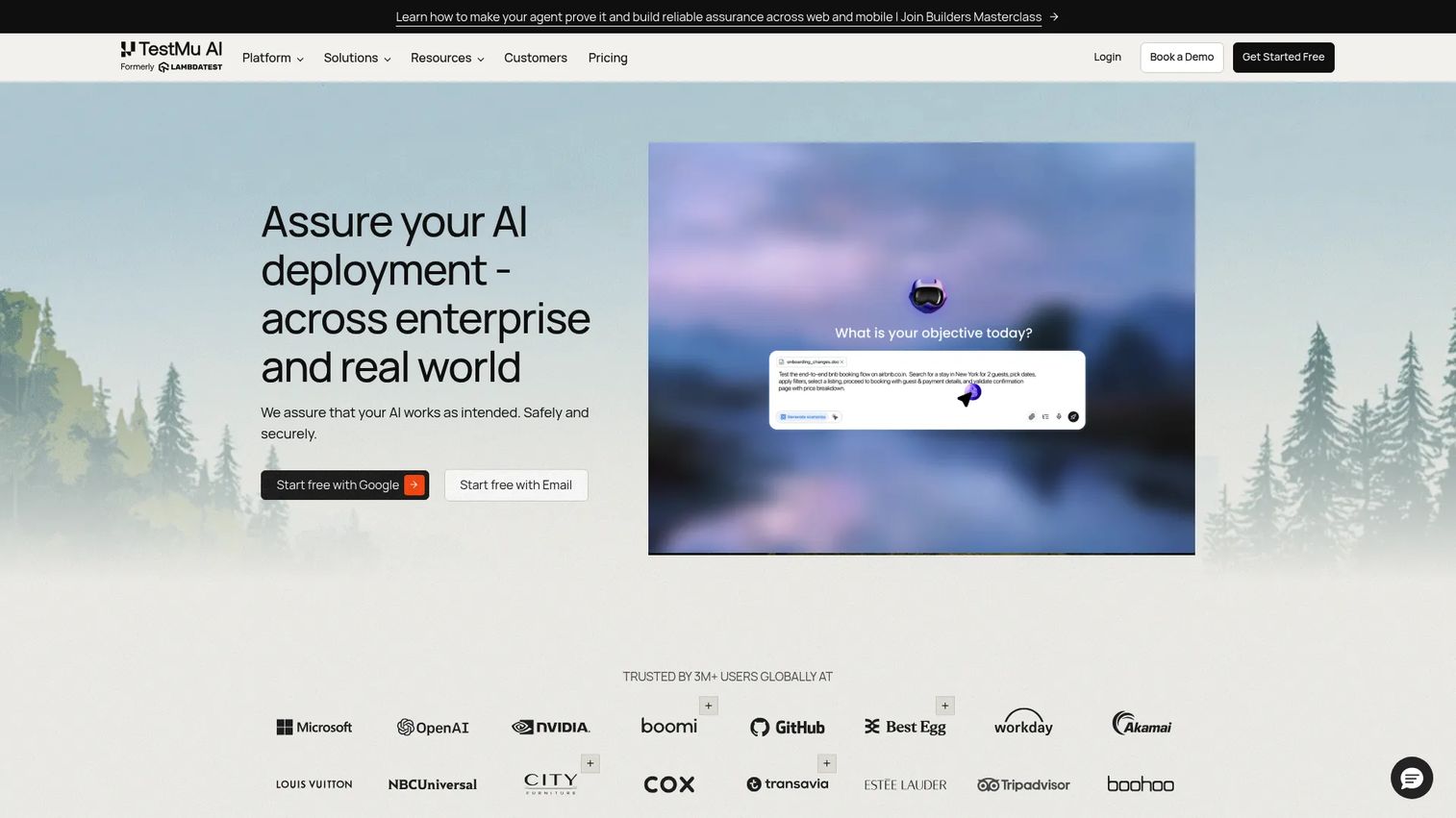
LambdaTest is an AI-native cloud quality engineering platform for testing web and mobile applications across browsers, devices, and operating systems. It covers cross-browser web testing, real device cloud access, automated testing with Selenium, Cypress, and Playwright, AI-native test orchestration with HyperExecute, visual regression testing, and geolocation testing. The platform is particularly relevant when mobile web and native app testing live in the same QA workflow.
Best for: Teams testing mobile apps and mobile web experiences across many device and browser combinations.
Key features
- Cross-browser web testing at scale
- Real device cloud for Android and iOS
- AI-native test orchestration with HyperExecute
- Visual regression testing
- Geolocation and local-page testing
Why choose LambdaTest: Choose LambdaTest when your mobile risk includes mobile web, responsive layouts, and device-browser combinations. PMs who own conversion flows across both app and web channels benefit from a single execution environment.
LambdaTest pricing: Free testing is available. Paid plans start at $15/month. Full plan details require visiting the pricing page, as tier names were not publicly displayed at verification time.
G2 rating: 4.5/5
9. Sauce Labs
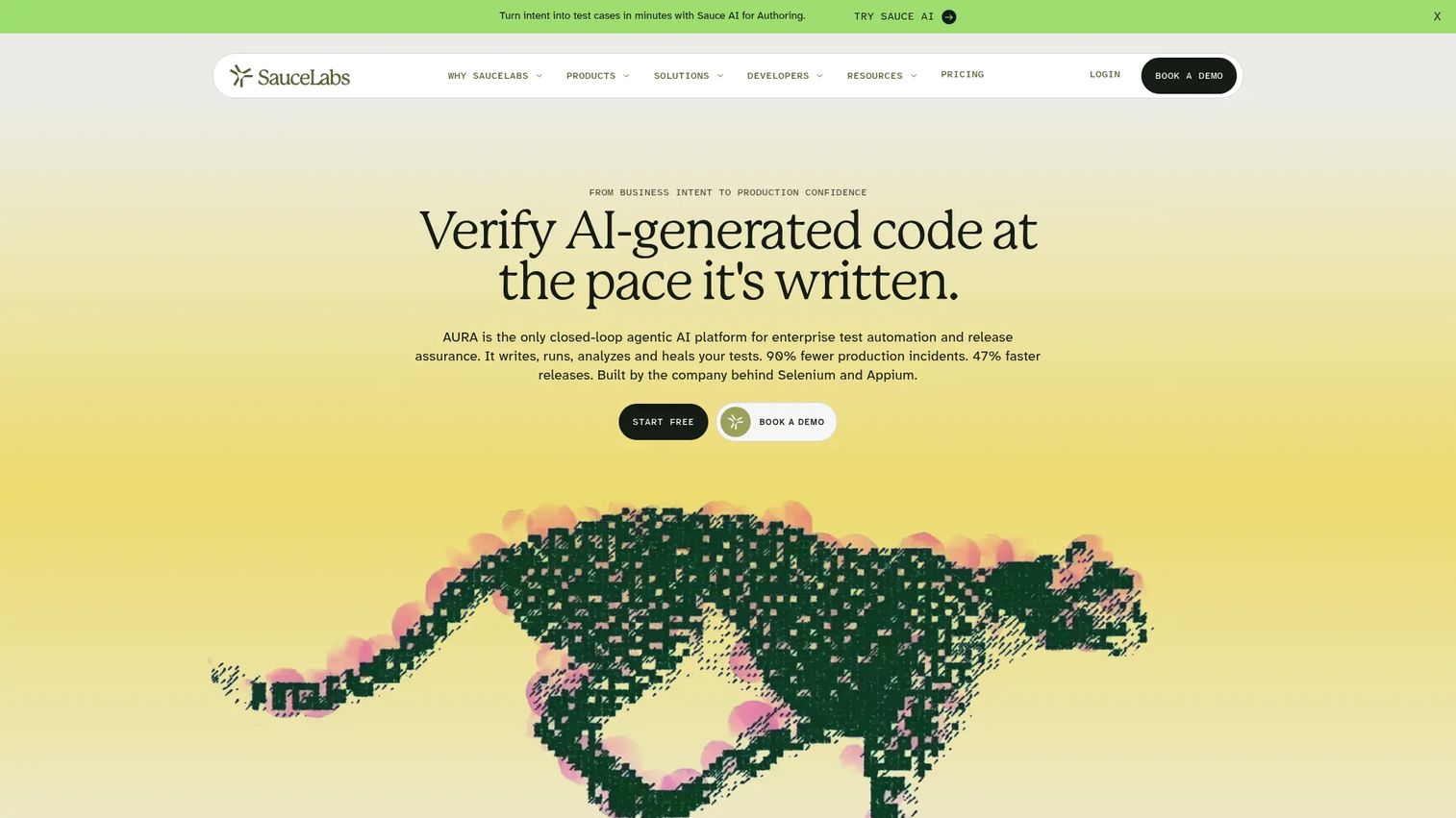
Sauce Labs provides cloud-based web and mobile application testing, release assurance, and error reporting. It supports automated and manual cross-browser testing across desktop browsers, mobile emulators, simulators, and real devices. Framework support includes Selenium, Appium, Cypress, and Playwright, with AI-powered test authoring, visual testing, mobile app distribution, and production error reporting also available.
Best for: Enterprise and scale-up teams running automated tests across broad device coverage with CI integration.
Key features
- Real-device cloud: Android and iOS
- Emulator and simulator testing
- Parallel test execution with CI/CD integrations
- AI-powered test authoring and insights
- Mobile app distribution and production error reporting
Why choose Sauce Labs: Choose Sauce Labs when release confidence depends on running many tests in parallel across devices and environments. PMs should evaluate concurrency limits, debugging quality, and the cost of scale relative to their release volume.
Sauce Labs pricing: Live Testing starts at $39/month (billed annually) or $49 month-to-month. Virtual Device Cloud starts at $149/month annually. Real Device Cloud starts at $199/month annually. Enterprise pricing requires contacting sales.
G2 rating: 4.3/5
10. HeadSpin
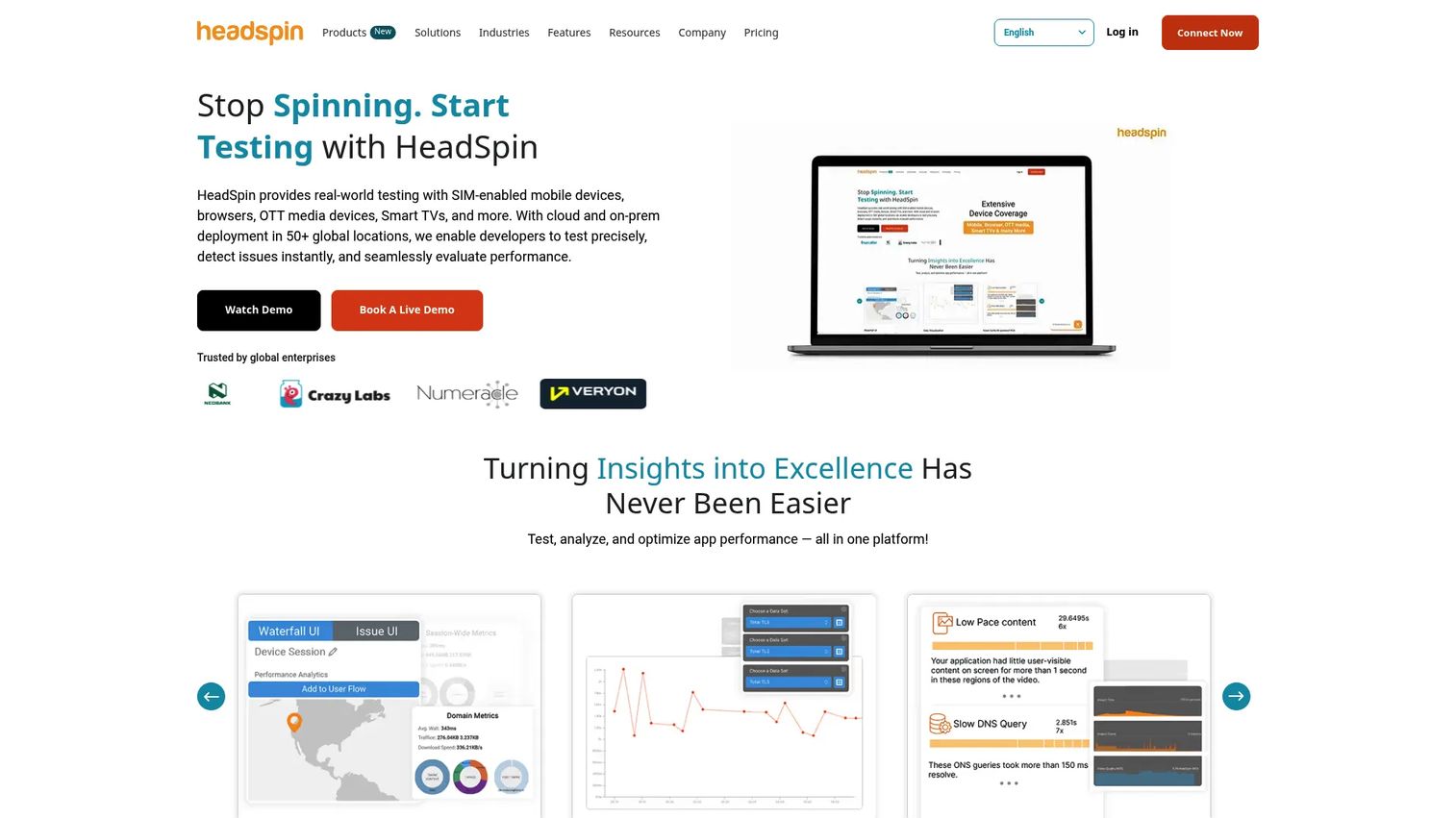
HeadSpin is a digital experience testing platform for testing, monitoring, and analyzing applications across real devices, networks, browsers, and global locations. It captures 130+ performance KPIs with AI-powered root-cause insights, and it supports 60+ automation frameworks including Appium and Selenium. For teams where "the test passed" is not enough, HeadSpin surfaces the latency and device-behavior data that explains why conversion dropped on a specific carrier network.
Best for: Teams that need mobile performance data, debugging visibility, and experience monitoring across real networks and geographic locations.
Key features
- Real-device and browser testing across global locations
- 130+ performance KPIs with regression detection
- AI-powered root-cause analysis
- Network condition and location testing
- Support for 60+ automation frameworks
Why choose HeadSpin: Choose HeadSpin when activation or retention data suggests location-specific or network-specific degradation that standard functional tests do not catch. PMs should map HeadSpin's experience insights to their highest-value user segments by geography and carrier.
HeadSpin pricing: CloudTest Lite starts at $39/month. CloudTest Go starts at $83/month. CloudTest Pro is custom pricing based on deployment model and project requirements.
G2 rating: 4.7/5
11. TestMu AI
TestMu AI is a unified quality engineering platform for AI, web, mobile, and enterprise application testing. Its KaneAI capability supports AI-native test planning, authoring, and automation, including testing of chat, voice, and image-analyzer AI agents. The platform includes real-device cloud testing for iOS and Android, visual testing, and accessibility testing.
Best for: Enterprise QA and engineering teams testing AI-powered applications alongside standard web and mobile test coverage.
Key features
- AI-native test planning and authoring with KaneAI
- Real-device cloud testing for iOS and Android
- Testing of AI agents including voice, chat, and image analyzers
- Visual, accessibility, and API testing
- Cross-browser and performance testing capabilities
Why choose TestMu AI: Choose TestMu AI if your QA bottleneck is test creation speed and you are building AI-powered features that need their own validation layer. PMs should confirm how AI-generated tests are reviewed before they gate releases. For more context on the broader category, see AI software testing tools.
TestMu AI pricing: Free tier is available. KaneAI Starter is $17/month (billed annually). KaneAI Pro is $89/month. KaneAI Max is $179/month. Real Device Plus Live starts at $39/month. Virtual Live starts at $15/month.
12. BrowserStack
BrowserStack is a cloud-based testing platform for web and mobile applications across real browsers, devices, and operating systems. It covers over 3,500 real desktop and mobile browser combinations, real device cloud access, local and staging website testing, and parallel testing. Features for real-device testing include file upload and download, OTP authentication, location simulation, and network testing.
Best for: Teams that need broad real-device access quickly without building or managing internal infrastructure.
Key features
- 3,500+ real desktop and mobile browser combinations
- Real device cloud: Android and iOS
- Local and staging environment testing
- Parallel test execution
- OTP authentication, location, and network testing on real devices
Why choose BrowserStack: Choose BrowserStack when device coverage and quick access matter more than managing infrastructure. PMs should evaluate device availability specifically for the OS versions and handsets that represent their highest-value user cohorts.
BrowserStack pricing: Plans start at $8/month (Lite, billed annually). Basic is $15/month. Pro is $23/month. Desktop and Mobile is $39/month. Enterprise pricing is available on request. A free tier is included.
13. BitBar
BitBar is a cloud-based testing platform under SmartBear for testing web, native, and hybrid applications across real browsers and devices. It supports parallel automated testing, CI/CD and framework integrations, and public cloud, dedicated-device, and private-cloud deployment options. Teams already using SmartBear products such as TestComplete or QAComplete often evaluate BitBar as part of a broader SmartBear QA stack.
Best for: Teams already using SmartBear tools or needing cloud mobile app testing with flexible deployment options.
Key features
- Parallel automated testing across browsers and devices
- Real browsers, operating systems, and mobile devices
- CI/CD and testing-framework integrations
- Public cloud, dedicated-device, and private-cloud deployment
Why choose BitBar: Choose BitBar when mobile app testing should connect with a broader commercial QA setup. PMs should verify how it fits with existing bug tracking, test management, and CI workflows before starting the trial.
BitBar pricing: A 14-day free trial is available with no credit card required. Paid pricing requires contacting SmartBear sales directly.
G2 rating: 4.1/5
14. Firebase Test Lab
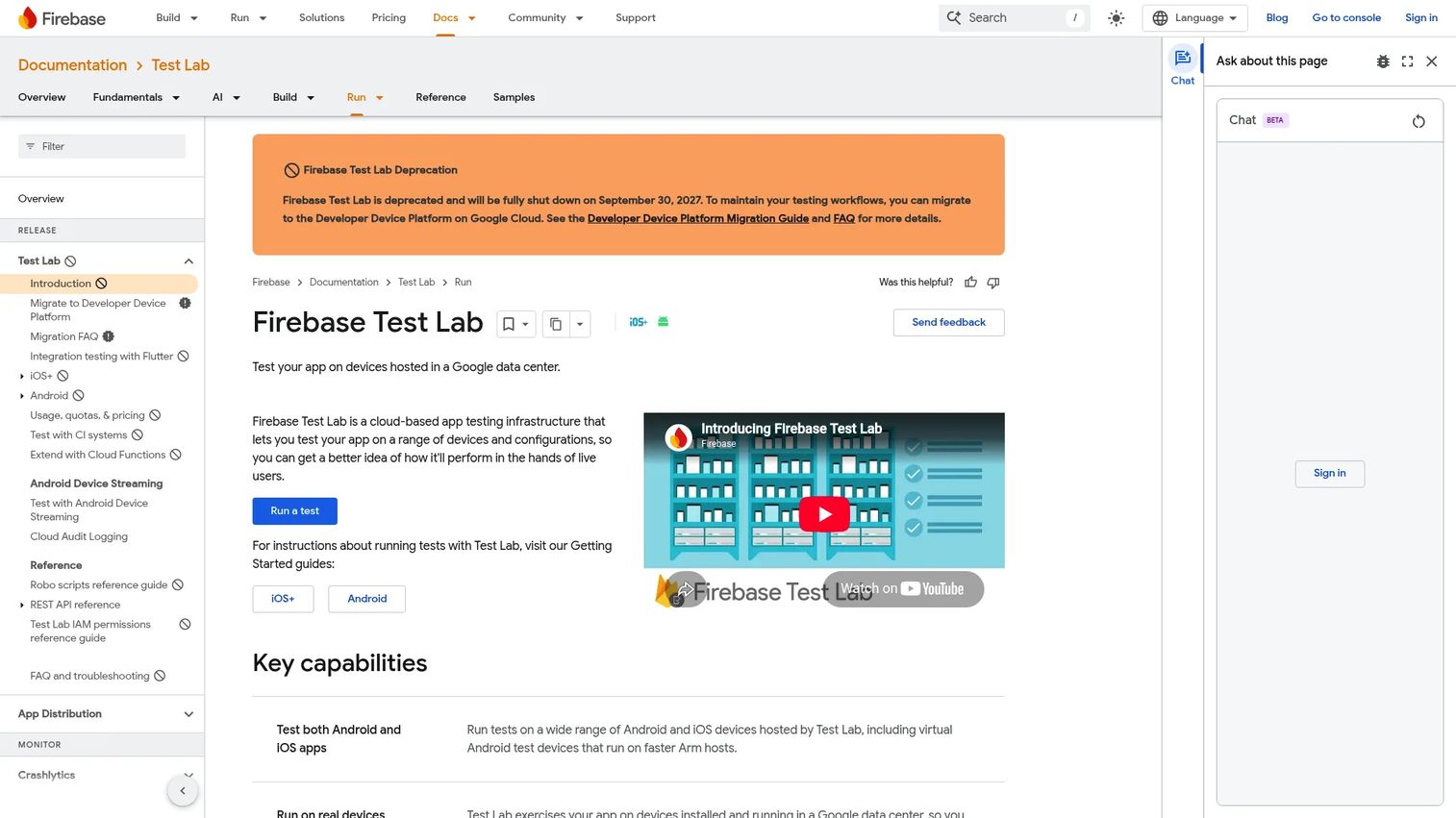
Firebase Test Lab is Google's cloud-based app testing infrastructure for Android and iOS apps across physical and virtual devices hosted in Google data centers. It supports instrumentation tests, Robo tests, Game Loop tests, and XCTest, and it integrates with Firebase Console, Android Studio, gcloud CLI, and CI systems. Note that Firebase has announced Test Lab will be deprecated, with test executions supported until September 30, 2027, and Google recommends migrating to the Developer Device Platform.
Best for: Teams using Firebase or Google Cloud who need cloud device testing integrated into their existing Google-ecosystem toolchain.
Key features
- Physical and virtual device testing in Google infrastructure
- Instrumentation, Robo, Game Loop, and XCTest support
- Configurable test matrices: Devices, OS versions, locales, orientations
- Integrations with Android Studio, gcloud CLI, and CI systems
- Firebase Console test results and logs
Why choose Firebase Test Lab: Choose Firebase Test Lab when your team is invested in the Google ecosystem and wants device testing close to existing CI infrastructure. Be aware of the deprecation timeline and plan a migration accordingly. For broader CI context, see CI/CD tools.
Firebase Test Lab pricing: Spark plan includes 10 virtual-device tests and 5 physical-device tests per day at no cost. Blaze plan provides free daily minutes followed by $1/device/hour for virtual devices and $5/device/hour for physical devices.
G2 rating: 4.3/5
15. Ranorex Studio
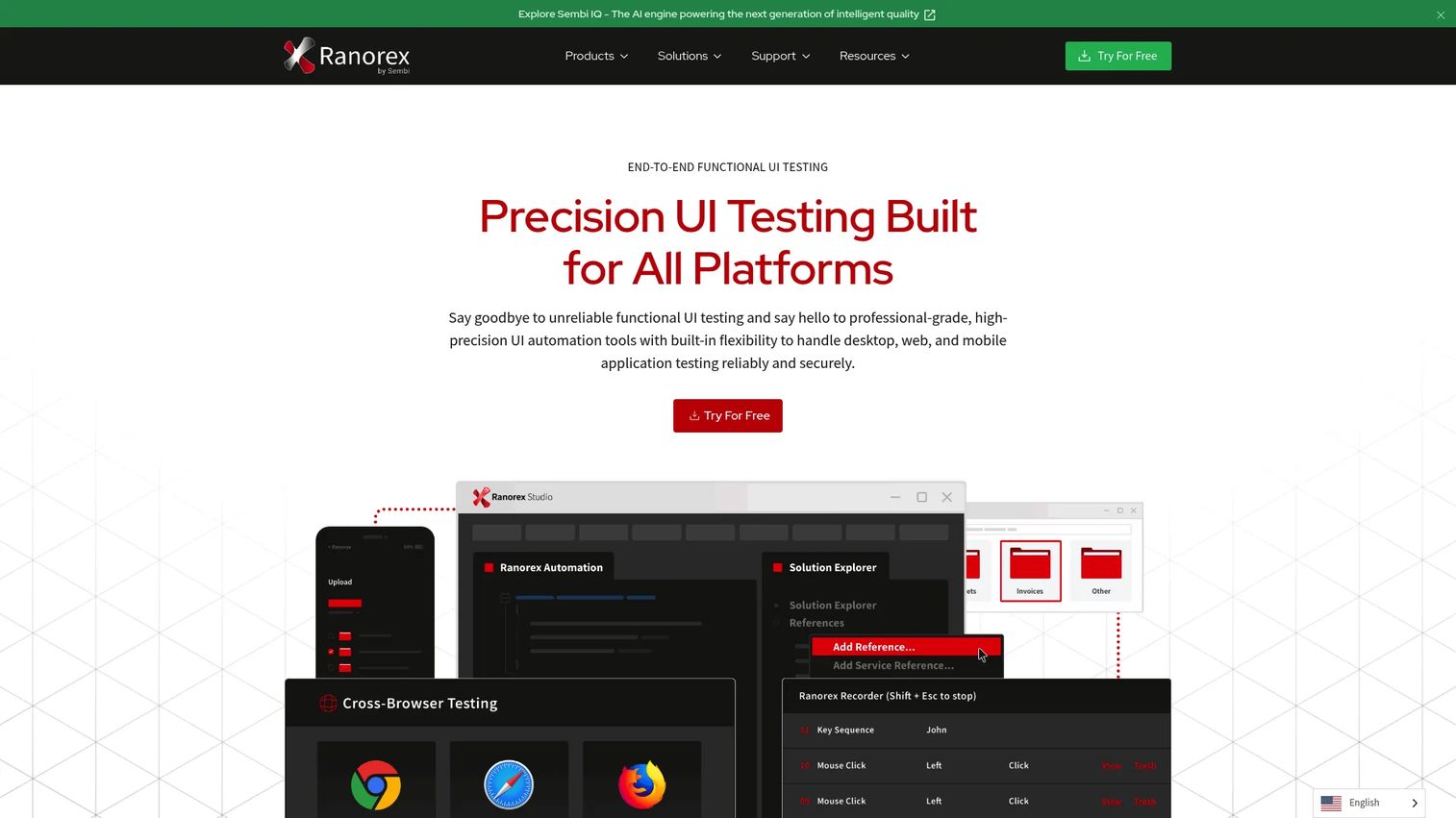
Ranorex Studio is an all-in-one test automation platform for desktop, web, and mobile applications. It supports no-code visual test recording, drag-and-drop test logic, C# and VB.NET scripting, and cross-platform testing for Windows, web browsers, iOS, and Android. Parallel testing, CI/CD integrations, and advanced reporting with screenshots, logs, and video playback round out the platform.
Best for: QA teams that need one commercial tool covering desktop, web, and mobile testing with codeless and scripted paths.
Key features
- No-code visual test recording and drag-and-drop logic
- C# and VB.NET automation with Visual Studio integration
- Ranorex Spy object recognition and RanoreXPath
- Cross-platform: Windows, web browsers, iOS, and Android
- Parallel testing and CI/CD integrations
Why choose Ranorex Studio: Choose Ranorex Studio when the QA stack needs to cover more than mobile. PMs should verify that the mobile framework support matches their app architecture before starting the trial.
Ranorex Studio pricing: Studio Enterprise and Studio Runtime are available by annual subscription with quote-based pricing. A 14-day free trial is available.
G2 rating: 4.2/5
16. Pcloudy
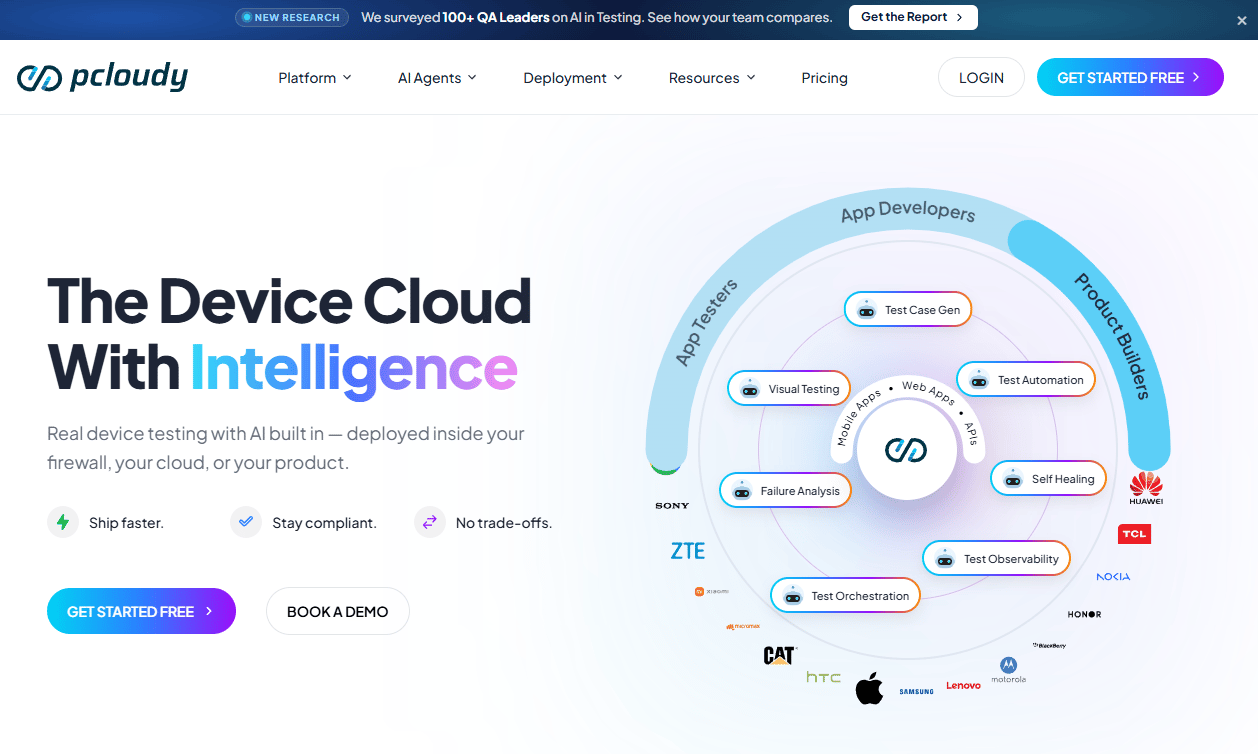
Pcloudy is an AI-powered mobile, web, browser, and API testing platform using real devices and browsers. It supports automated testing with Appium, Selenium, Playwright, Espresso, and XCUITest, alongside performance, visual, and accessibility testing. Public cloud, private cloud, and on-premise deployment options are available, which helps teams with data-residency or security requirements.
Best for: Distributed QA teams that need remote access to mobile devices with automation and enterprise deployment options.
Key features
- Real-device mobile app testing
- Automated testing with Appium, Espresso, and Playwright
- Performance, visual, and accessibility testing
- CI/CD integrations
- Public cloud, private cloud, and on-premise deployment
Why choose Pcloudy: Choose Pcloudy when your team is distributed and needs shared remote access to mobile devices. PMs should confirm that the device inventory covers the OS versions and handsets their active user base runs.
Pcloudy pricing: Accessibility Testing Agent starts at $23/month. App Performance Experience is $239/month. Test Automation Agent is $200/month. Live and automated testing plan pricing requires contacting Pcloudy directly. Annual plans are advertised as 20% cheaper.
G2 rating: 4.4/5
17. Perfecto
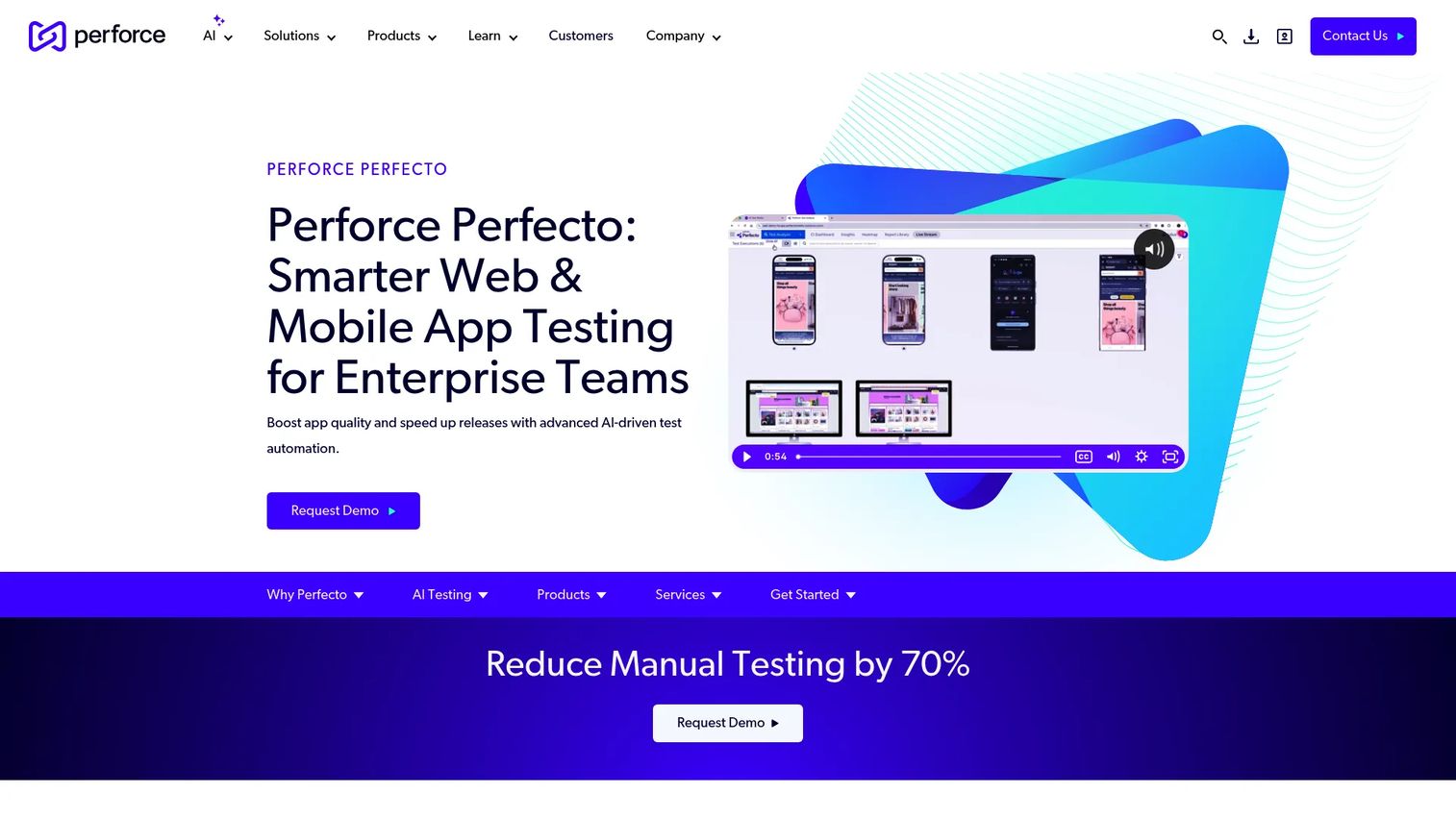
Perfecto is an enterprise testing platform for web, mobile, desktop, and API applications with AI-powered automation and analytics. It supports AI-generated, natural-language test creation, testing across real devices, browsers, simulators, and emulators, AI-powered root-cause analysis, and mobile, web, desktop, API, accessibility, and performance testing in one platform.
Best for: Enterprise QA and software teams with complex testing governance requirements across web, mobile, and desktop.
Key features
- AI-generated natural-language test creation
- Real devices, browsers, simulators, and emulators
- AI-powered root-cause analysis and test maintenance
- Mobile, web, desktop, API, and accessibility testing
- Enterprise reporting and CI/CD integrations
Why choose Perfecto: Choose Perfecto when testing has to support enterprise release processes, security expectations, and broad device coverage simultaneously. PMs at enterprise companies should involve QA, security, and procurement early in the evaluation. Ask about parallel executions, device access, and support tiers when requesting a quote.
Perfecto pricing: Custom pricing. The official site directs buyers to build a quote. Plans are licensed by parallel executions, with automated plans requiring at least two parallel executions.
G2 rating: 4.4/5
18. AWS Device Farm
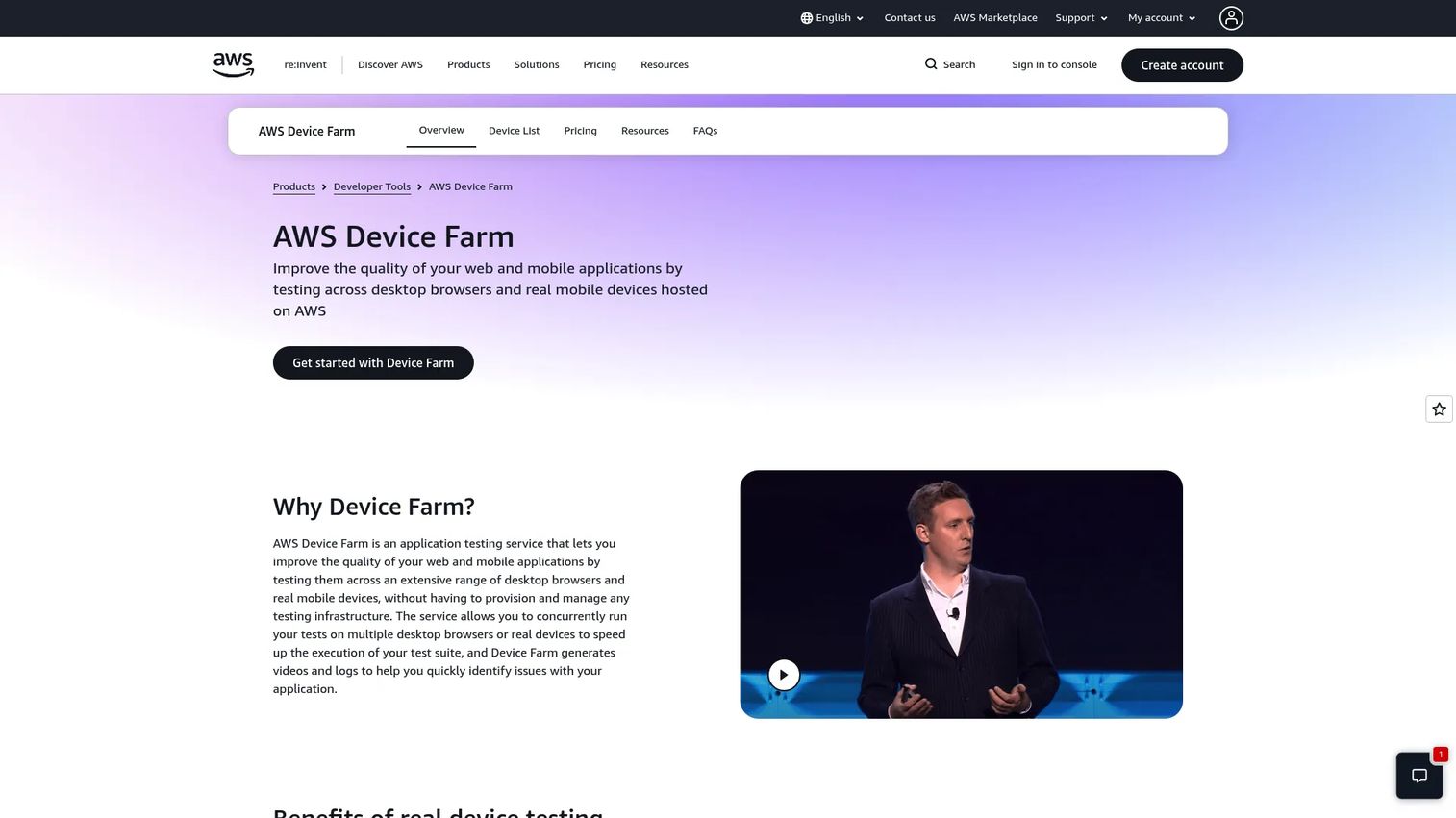
AWS Device Farm is Amazon's cloud-based service for testing Android, iOS, and web applications on real physical devices and desktop browsers. It supports automated testing in parallel across real Android and iOS devices, real-time remote access through a web browser, desktop browser testing via Selenium, and test reports with logs, screenshots, videos, and performance data. The service runs only in the us-west-2 (Oregon) AWS region.
Best for: Engineering-led teams that want mobile device testing inside their existing AWS infrastructure.
Key features
- Automated parallel testing across real Android and iOS devices
- Real-time remote access and manual testing via browser
- Desktop browser testing with Selenium
- Test reports: Logs, screenshots, videos, and performance data
- Private devices and configurable device pools
Why choose AWS Device Farm: Choose AWS Device Farm when your engineering team wants mobile testing integrated with existing AWS services and CI pipelines. PMs should ensure QA can translate cloud test results into clear release decisions without requiring DevOps escalation.
AWS Device Farm pricing: Pay-as-you-go mobile testing runs $0.17 per device minute. Unlimited testing via device slots starts at $250/month. Private devices start at $200/month. The first 1,000 mobile device minutes are free as a one-time trial.
G2 rating: 4.5/5
19. Applitools
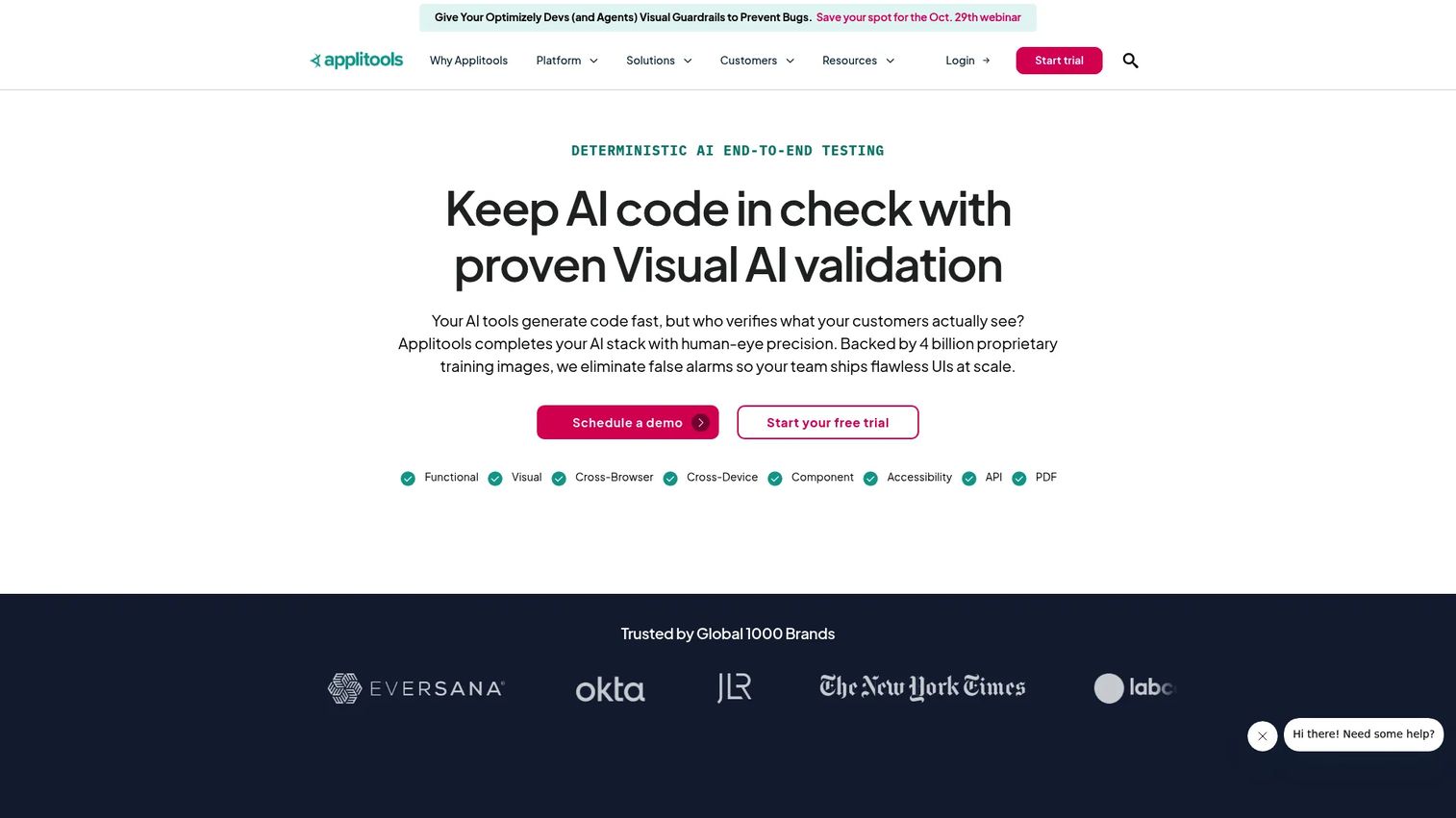
Applitools is an AI-powered visual and functional testing platform for validating web, mobile, desktop, PDF, and component interfaces. Visual AI testing detects unintended layout changes, color shifts, and rendering errors across devices and screen sizes. It complements functional test suites rather than replacing them, and it is particularly useful for catching UI regressions that break visual trust on activation-critical screens.
Best for: Engineering and QA teams protecting UI-heavy mobile flows from visual regressions across device configurations.
Key features
- Visual AI testing for layout and rendering validation
- Cross-device testing with the Ultrafast Grid
- Root Cause Analysis for visual failures
- Automated maintenance for visual baselines
- Accessibility testing and codeless recording
Why choose Applitools: Choose Applitools when visual quality affects conversion, trust, or support volume. Onboarding screens, checkout flows, and account setup pages are strong candidates. It works best as a layer on top of existing functional coverage, not as a standalone strategy. For teams evaluating application security testing software alongside quality tools, Applitools fits the visual-quality side of that stack.
Applitools pricing: Starter is $667/month, billed annually. It includes 100,000 component checkpoints or 1,000 page checkpoints, unlimited users, Visual AI, CI/CD integrations, automated maintenance, and standard support. Professional pricing is customizable, starting at 150 active pages or 1,500 components, and includes unlimited executions.
G2 rating: 4.3/5
20. Maestro
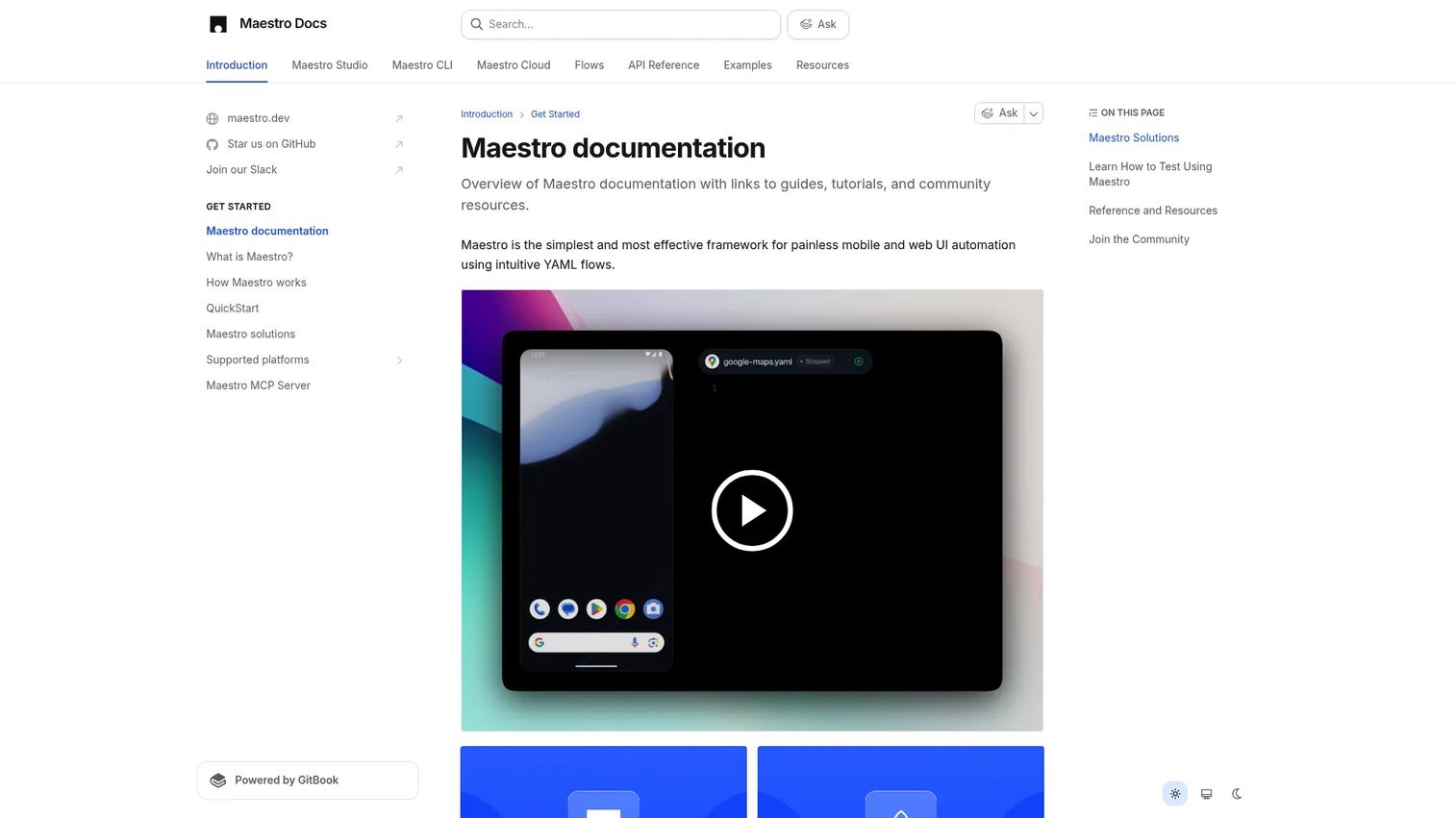
Maestro is a framework for mobile and web UI automation using intuitive YAML flows. Maestro Studio provides visual test authoring and debugging, while the Maestro CLI handles local execution and CI/CD integration. Maestro Cloud enables parallel hosted test runs. The framework supports Android, iOS, React Native, Flutter, and web apps, which makes it useful for cross-platform product teams.
Best for: Mobile teams that want readable, maintainable UI flows for Android and iOS tests without heavy scripting overhead.
Key features
- YAML-based UI automation flows
- Maestro Studio for visual authoring and debugging
- Maestro CLI for local and CI/CD execution
- Maestro Cloud for parallel hosted runs
- Support for Android, iOS, React Native, Flutter, and web
Why choose Maestro: Choose Maestro when your team wants mobile tests that product and QA can discuss together. YAML flows are readable enough for PMs to review during acceptance-criteria conversations, which reduces the distance between spec and coverage.
Maestro pricing: Local Maestro usage and Maestro Studio are free. Maestro Cloud requires a Cloud Plan; a free trial is available, but a public numeric price for the paid cloud plan was not displayed at time of verification.
G2 rating: 4.4/5
21. Detox
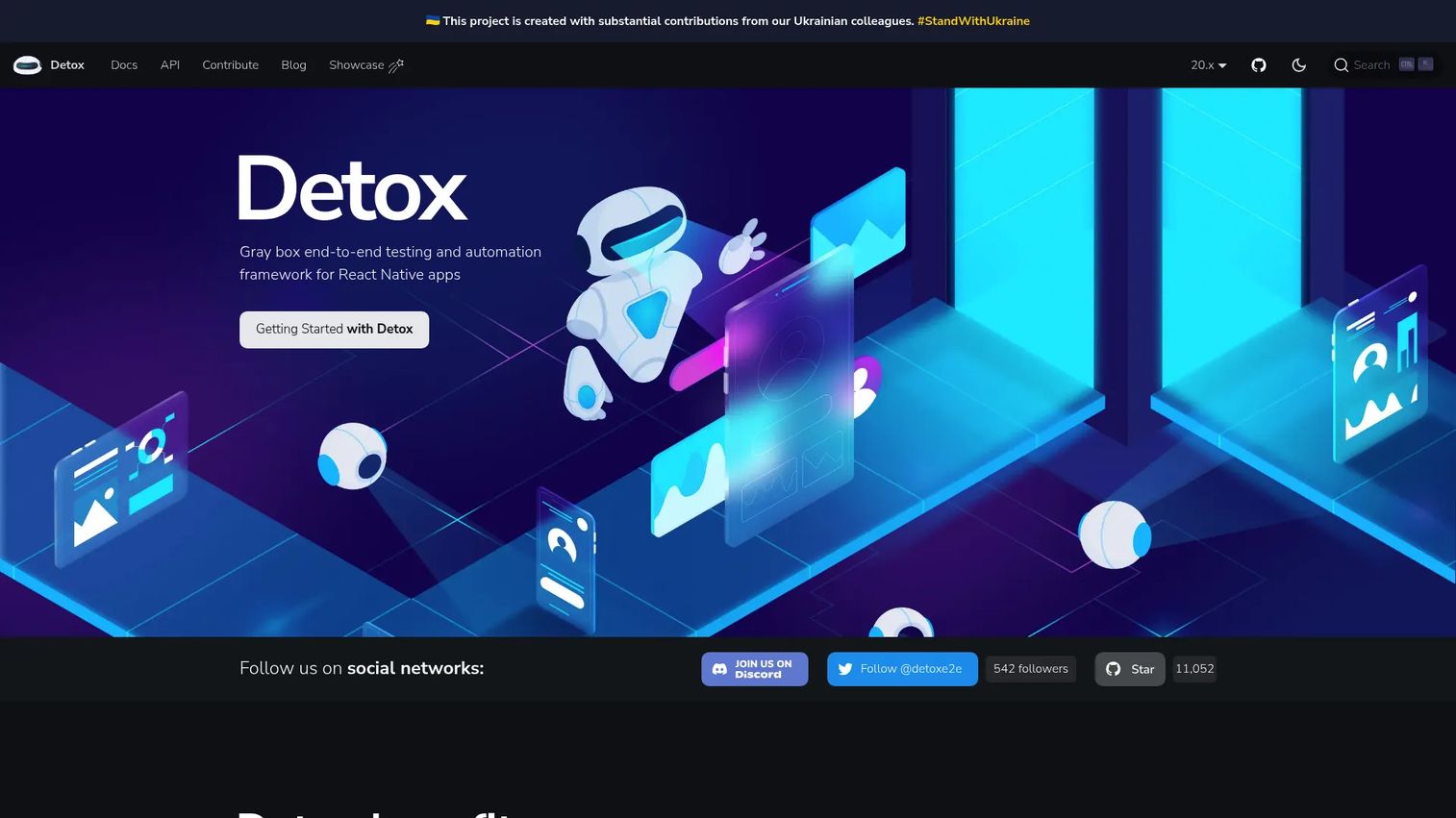
Detox is an open-source gray-box end-to-end testing and automation framework for React Native mobile applications. Gray-box testing means Detox can synchronize with the app's internal state, including network requests, animations, and React Native operations, which significantly reduces test flakiness compared to black-box UI automation. It supports iOS and Android, integrates with Jest, and includes Detox Pilot for natural-language test authoring.
Best for: React Native development teams that want reliable end-to-end mobile testing tightly integrated into the development workflow.
Key features
- Cross-platform JavaScript end-to-end testing for iOS and Android
- Automatic synchronization with app state, network, and animations
- Real device and simulator or emulator support
- Jest integration and test-runner-agnostic APIs
- Detox Pilot for natural-language testing
Why choose Detox: Choose Detox when the app is React Native and engineering wants tests close to the codebase. PMs should confirm whether the team can maintain the suite as the product changes, because gray-box automation requires ongoing engineering investment to stay reliable.
Detox pricing: Free and open source. Costs come from engineering time, CI execution minutes, and device infrastructure.
Considerations when choosing mobile device testing software
Start with the flows that decide product outcomes
Map test coverage to business-critical journeys first: Signup, permissions, onboarding completion, payment, push notification opt-in, and first meaningful workflow. Not every screen carries equal risk to activation or early retention. PMs should build a priority list from support ticket volume, funnel drop-off data, and revenue concentration by segment before evaluating which tool serves those flows best.
Build a device matrix from your actual user data
Device coverage should reflect who uses your product, not which devices the engineering team owns. Pull OS version distribution from your analytics, segment by revenue or retention impact, and include the mid-range Android devices your highest-value emerging-market users run. Testing only flagship devices while support tickets cluster on older OS versions is a common release-risk gap.
Separate framework choice from device access
Appium, Espresso, XCUITest, Maestro, and Detox are frameworks. They help teams create tests. Real-device clouds (BrowserStack, Sauce Labs, Kobiton, LambdaTest) provide execution environments. Most production mobile testing programs need both. Choosing a framework before confirming device access, or picking a device cloud before confirming framework compatibility, creates expensive rework.
Check CI/CD fit before the proof of concept
Ask how tests run on pull requests, release branches, nightly builds, and hotfixes. Understand how the tool handles flaky test detection, debug artifact retention, and failure routing. A mobile test suite that produces ambiguous results or requires manual interpretation before every release adds cognitive overhead that competes with shipping speed. For teams evaluating the full pipeline, see CI/CD tools.
Price by concurrency and usage volume, not just seats
Mobile testing costs often scale with parallel sessions, device minutes, private device access, screenshot storage, and enterprise support tiers. Get a quote based on your actual release volume: How many test runs per week, how many parallel sessions you need, and whether private devices are required for security. A seat-based license estimate that ignores concurrency will underestimate the real annual cost.
Conclusion
The 21 tools in this guide cover the full range of mobile device testing software needs in 2026.
Appium, Espresso, and XCUITest fit engineering-led teams standardizing automation by platform. BrowserStack, Sauce Labs, Kobiton, LambdaTest, BitBar, Perfecto, Pcloudy, Firebase Test Lab, and AWS Device Farm fit teams that need real-device access without managing a lab. Katalon Studio, TestComplete, TestGrid, and Ranorex Studio fit teams that want commercial tooling with lower-code creation paths.
Applitools, HeadSpin, TestMu AI, Maestro, and Detox solve narrower needs: Visual regression detection, experience-quality observability, AI-assisted test creation, YAML-based mobile flows, and React Native end-to-end coverage respectively.
The next step is a focused proof of concept. Pick two or three tools that match your current bottleneck, framework, and device-access situation. Run one activation-critical flow, one regression-heavy flow, and one device-specific bug scenario. Compare debugging quality and CI integration before evaluating cost at scale.
Once you have release confidence on your mobile flows, the next question is how you communicate those changes to users. Start your journey with Guideflow today!
FAQs
Mobile device testing software is a category of tools that helps teams validate mobile apps and mobile web experiences across devices, operating systems, screen sizes, and network conditions before users encounter defects. The category includes automation frameworks, real-device cloud platforms, codeless testing tools, and visual regression tools, which serve different parts of the testing workflow.
Mobile testing tools is the broader category, covering manual testing, device access, debugging, performance monitoring, and reporting alongside automation. Mobile automation testing tools specifically create and run repeatable tests without manual execution, and include frameworks like Appium, Espresso, XCUITest, Detox, and Maestro. Many commercial platforms combine both in one product.
Espresso is strong for native Android teams with engineering-owned suites in Kotlin or Java. Appium fits cross-platform teams that want one framework across Android and iOS. Device clouds such as BrowserStack, Sauce Labs, and Kobiton provide physical Android device access at scale. The best choice depends on whether the bottleneck is test creation, device coverage, or both.
XCUITest is Apple's native iOS framework, integrated into Xcode, and the default choice for teams building iOS apps. Appium also supports iOS through its driver architecture. For physical device access across iOS versions and iPhone models, real-device clouds provide coverage without managing a device lab. Detox is worth evaluating if the app is React Native.
Yes. Mobile defects affect activation rates, early retention, app-store ratings, and support ticket volume, all of which are PM-owned metrics. PMs do not need to own every test decision, but they should help define which flows carry the most activation and conversion risk, and ensure those flows get priority coverage in the testing matrix.
For engineering-led teams with strong automation skills, open-source frameworks can cover most functional testing needs. The gap appears at device access, reporting, and maintenance scale. Most teams using Appium, Espresso, or Detox also use a device cloud for real-device coverage and a reporting layer to surface failure patterns. Open-source licensing is free; the infrastructure and engineering time are not.
Confirm framework support first. Detox is purpose-built for React Native. Maestro supports React Native, Flutter, and web in its YAML-based flow model. Appium supports both through available drivers. Commercial platforms like BrowserStack, LambdaTest, and Sauce Labs also document their support for React Native and Flutter on their feature pages. Run a critical flow through two tools in a short proof of concept before committing.
Costs vary significantly by pricing model. Open-source frameworks (Appium, Espresso, XCUITest, Detox, Maestro local) have no licensing cost, but engineering time and CI infrastructure add up. Real-device clouds price by device minutes, parallel sessions, and private device slots, starting around $15 to $200 per month for entry tiers and scaling steeply with concurrency. Enterprise platforms like Perfecto and TestComplete use custom, quote-based pricing. Ask for a cost estimate at your actual release volume, not just the advertised entry price.