Your customer no longer separates the bank from the app. If the mobile experience is slow, confusing, or weak on security, that is the bank experience, full stop. According to the American Bankers Association and Morning Consult (2025), 54% of U.S. bank customers use a mobile app most often to manage their accounts. That number has only moved in one direction.
For fintech founders and product leaders, this matters beyond consumer preference. The mobile banking app is where trust is built or lost on the first session. It is where support tickets originate when transfers fail. It is where churn begins when budgeting tools are buried or card controls require a phone call. App-store complaints are product research, and the best mobile banking software sets the benchmark for what customers now expect from any financial product.
This guide compares seven major mobile banking platforms on security, money movement, financial management depth, and app maturity, written for founders and operators who need a defensible shortlist to study, benchmark, or forward to their VP Product.
What's inside
- Who this guide is for: Fintech founders, bank product teams, digital banking operators, and anyone benchmarking mobile-first financial product experiences
- How tools were selected: Major U.S. banking and fintech apps with strong mobile banking feature coverage and meaningful market presence
- Evaluation criteria: Account access, money movement reliability, security controls, financial insights depth, and app maturity
- What the comparison covers: Standout capabilities, account economics, app-store signals, G2 ratings where available, and best-fit use cases
TL;DR
- Best overall mobile banking software benchmark: Bank of America, for broad full-service account coverage, Erica, mobile deposits, Zelle, Merrill investment access, and mature security controls
- Best for mobile-first checking simplicity: Capital One 360 Checking, for Eno, card lock controls, and low-friction digital account management
- Best credit union option: Alliant Credit Union, for high-rate checking with no monthly fee and up to $20/month in ATM fee rebates
- Best branch-plus-mobile coverage: Chase, for Total Checking, Credit Journey, and J.P. Morgan investing access in one app
- Best all-in-one fintech banking: SoFi, for checking and savings, credit score tracking, and financial coaching in a single platform
What is mobile banking software?
Mobile banking software is a digital banking application or platform that lets customers access accounts, move money, deposit checks, manage cards, monitor financial health, and receive support directly from a phone or tablet.
The mobile banking definition differs from online banking (browser-based) and from mobile payments (single-transaction tools like tap-to-pay). A full mobile banking application covers the customer's complete financial relationship, not just a transaction endpoint.
Core capabilities include:
- Account balance and transaction history access
- Transfers, bill pay, wires, and peer-to-peer payments (including Zelle)
- Mobile check deposit
- Card controls and digital wallet support
- Biometric login and two-factor authentication
- Fraud alerts and real-time transaction monitoring
- Budgeting, spending categories, and savings goals
- Credit score and financial health insights
- Virtual financial assistants and in-app customer support
- Investment or brokerage account access
How mobile banking differs from adjacent categories:
Digital banking is the umbrella term covering both browser and app-based access. Neobank apps are mobile-first by design and typically carry no physical branch network. Banking-as-a-service platforms (you can compare the banking as a service software landscape separately) power the financial infrastructure behind many fintech apps, rather than serving consumers directly. Mobile payments tools handle the transaction layer but not account management. Understanding where a provider sits on this spectrum matters when benchmarking feature depth.
The global mobile banking software market was estimated at $11.1 billion in 2025, according to Dataintelo (2025), and 77% of U.S. consumers used mobile banking in 2025 per the Federal Reserve Bank of Atlanta. For founders building financial products, that adoption curve sets the floor for what your customers already expect before they download anything.
When to use mobile banking software
Give customers 24/7 account control
Customers expect balances, transaction history, card freezes, and security alerts without calling support. Mobile banking software is essential when customers need to manage their account at any hour without waiting for a branch to open. Every self-service action completed in the app is a support ticket that never enters your queue, which matters directly to your CS cost per customer.
Move money without creating support tickets
Transfers, bill pay, Zelle, mobile check deposit, and wire initiation are the capabilities customers reach for most frequently. Poor UX on these flows creates immediate trust damage. A failed or delayed transfer at 10pm is not a minor inconvenience; for many customers it is a material problem. The best mobile banking software makes money movement obvious and confirms success clearly.
Turn the banking app into a financial operating layer
Budgeting tools, spending category breakdowns, credit score monitoring, savings goals, and virtual financial assistants shift the app from a utility into a daily financial habit. Apps that do this well see stronger weekly engagement, higher NPS, and lower churn. For fintech product teams, these features are where differentiation from commodity banking still exists.
Mobile banking software comparison
The table below compares the seven providers on best fit, key differentiator, account economics, and ratings. G2 profiles exist for some providers but reflect broader company ratings rather than consumer mobile app reviews. App Store and Google Play ratings are the stronger signal for consumer mobile banking specifically. Pricing reflects published account fees verified from each provider's official pages as of November 2026.
| # | Product | Best for | Key differentiator | Pricing | G2 rating |
|---|---|---|---|---|---|
| 1 | Bank of America | Full-service mobile banking | Erica, Merrill access, Zelle, mobile deposit | $8/mo (Advantage Savings, waivable) | 3.8/5 |
| 2 | Capital One | Mobile-first checking | Eno assistant, card lock, 360 Checking | $0/mo (360 Checking) | 3.8/5 |
| 3 | Alliant Credit Union | Digital credit union banking | 0.25% APY checking, ATM rebates, no monthly fee | $0/mo (High-Rate Checking) | N/A |
| 4 | Chase | Branch-plus-mobile banking | Credit Journey, J.P. Morgan investing access | $15/mo (Total Checking, waivable) | 3.9/5 |
| 5 | Wells Fargo | Traditional bank mobile access | Fargo assistant, Everyday Checking, bill pay | $15/mo (Everyday Checking, waivable) | N/A |
| 6 | Cash App | Lightweight fintech banking | P2P payments, Cash App Card, $0/mo account | $0/mo | 3.7/5 |
| 7 | SoFi | All-in-one fintech banking | Checking and savings, credit insights, SoFi Plus | $0/mo (standard), $10/mo (SoFi Plus) | 4.1/5 |
Best 7 mobile banking apps and platforms for 2026
1. Bank of America
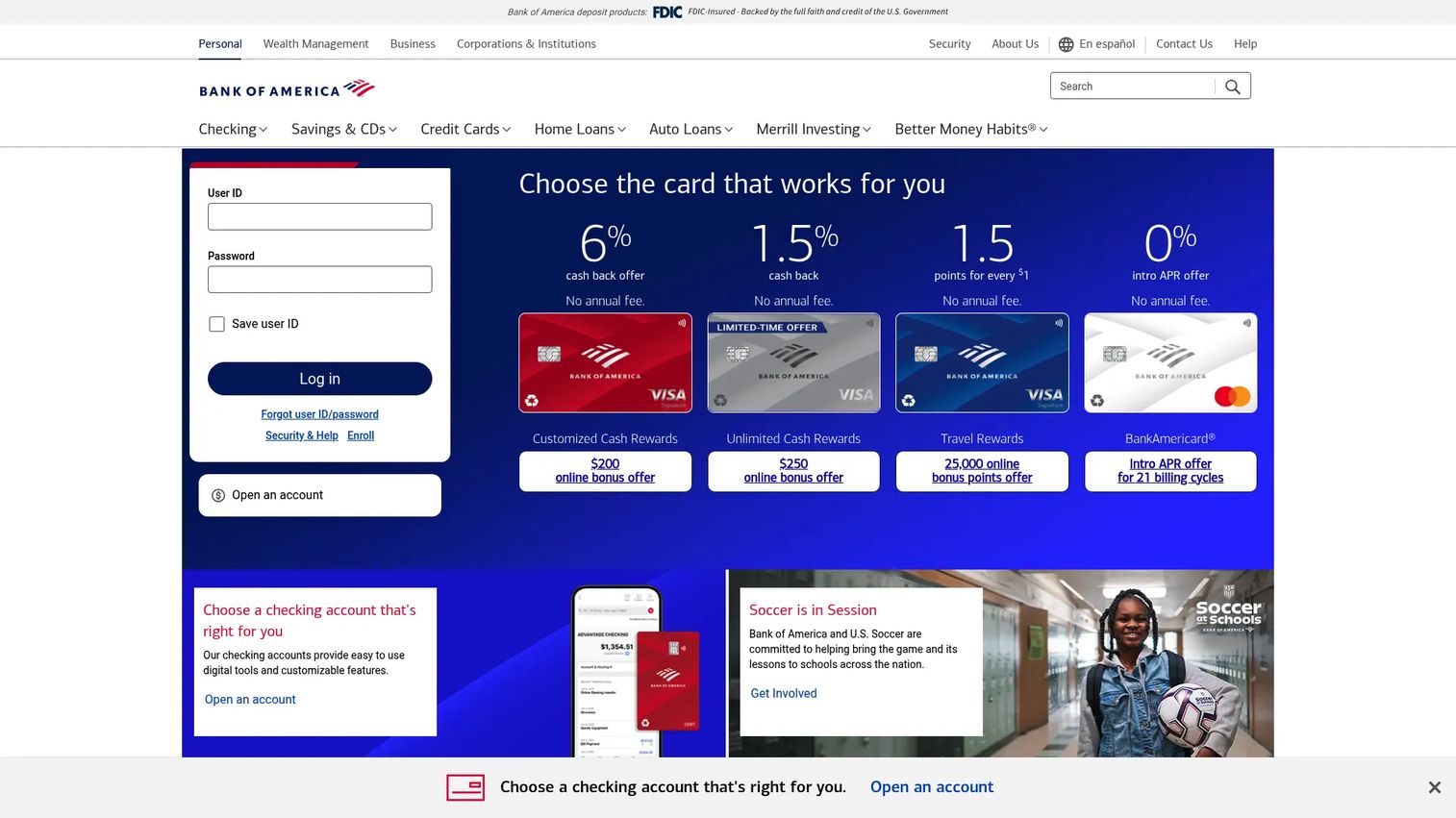
Bank of America offers one of the most complete mobile banking experiences among major U.S. banks, covering checking, savings, credit cards, loans, and investment accounts inside a single app. Its Erica virtual financial assistant handles balance inquiries, spending insights, transaction searches, and bill reminders. For founders benchmarking mature financial product UX, Bank of America sets a high bar on breadth and integration across account types.
Best for: Customers who want one app to handle everyday banking, credit management, and investment access.
Key features
- Erica virtual financial assistant: Balance alerts, spending insights, bill reminders
- Mobile check deposit: Capture and submit checks from your phone
- Zelle and bill pay: Peer-to-peer payments and scheduled bill management
- Merrill investment access: View and manage brokerage accounts in-app
- Biometric login and transaction alerts: Face ID, fingerprint, and real-time fraud notifications
Why choose Bank of America: The app is the right benchmark when you need to study how a large financial institution integrates support, money movement, credit, and investing without fragmenting the customer into separate portals. For fintech product leaders, Erica's conversational banking approach shows what a virtual financial assistant can do when it has access to the full account picture.
Bank of America pricing: The Advantage Savings account carries a published $8.00/month maintenance fee, with waiver requirements tied to minimum daily balance or account linking. Checking account fees vary by product and eligibility. App access is included for account holders. Check the current fee schedule on Bank of America's official account pages before comparing with other providers.
G2 rating: 3.8/5 on G2
2. Capital One
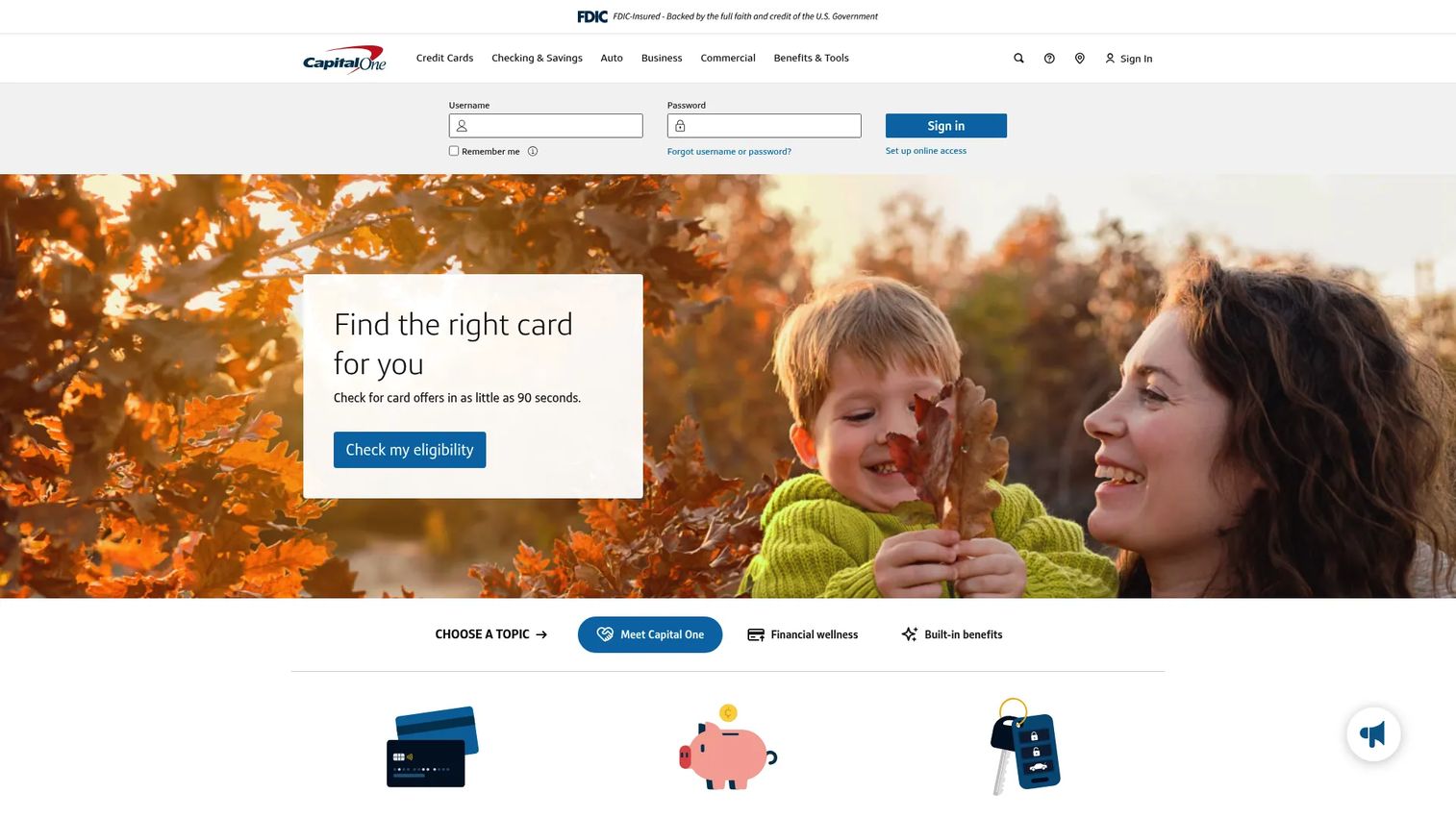
Capital One built its 360 Checking account with digital-first customers in mind, and the mobile banking app reflects that priority. Eno, Capital One's virtual assistant, monitors accounts for unusual charges, helps manage subscriptions, and sends proactive spending alerts. The app covers mobile check deposit, bill pay, card lock, and account transfers, all with a clean interface that reduces friction on common actions.
Best for: Customers who want a no-fee digital checking account with smart alerts and straightforward mobile controls.
Key features
- Eno virtual assistant: Spending alerts, subscription monitoring, unusual charge detection
- 360 Checking: No monthly fee, no minimum balance requirement
- Mobile deposit and bill pay: Check capture and scheduled payments
- Card lock controls: Freeze and unfreeze the debit card instantly
- Allpoint ATM access: 70,000+ fee-free ATMs nationwide
Why choose Capital One: The app is worth studying for how it reduces cognitive load on everyday banking. No maintenance fee, clean navigation, and an assistant that surfaces information before the customer has to ask for it. For SaaS founders thinking about onboarding friction, the Capital One app demonstrates how removing financial product complexity can itself become a retention lever.
Capital One pricing: The 360 Checking account carries no monthly fee and no minimum balance. Credit card annual fees range from $0 (Platinum) to $395 (Venture X), depending on the product. App access comes with any Capital One account.
G2 rating: 3.8/5 on G2
3. Alliant Credit Union
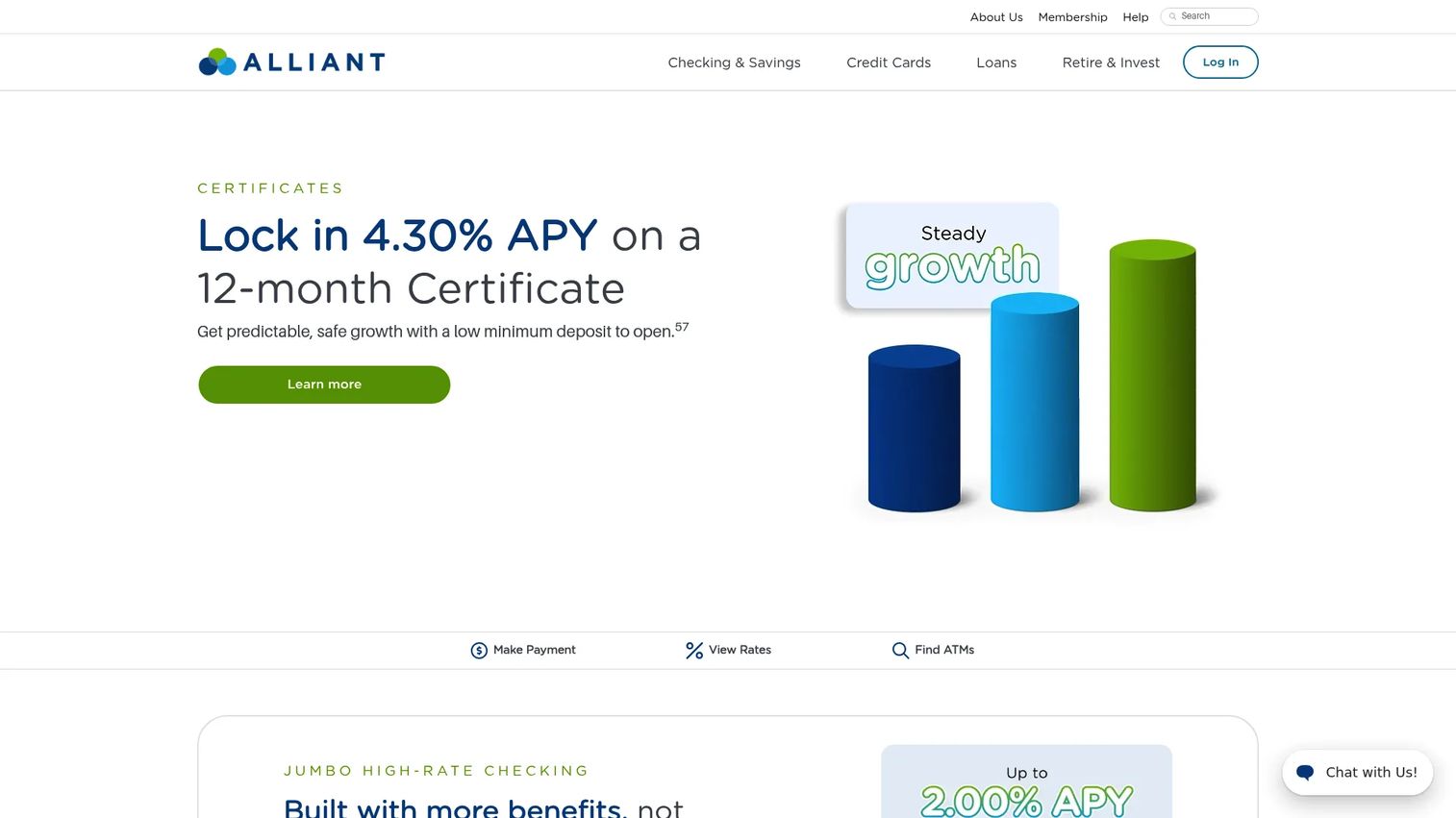
Alliant Credit Union is a digital-first credit union that offers the economics of a not-for-profit institution with a mobile banking experience competitive with consumer fintech apps. Its High-Rate Checking account carries no monthly maintenance fee and earns 0.25% APY, while the High-Rate Savings account pays 3.01% APY with a $100 minimum balance to earn interest. Members get access to 80,000 fee-free ATMs and up to $20/month in out-of-network ATM rebates.
Best for: Customers who want credit union economics, competitive deposit rates, and a fully digital account management experience without a physical branch requirement.
Key features
- High-Rate Checking: 0.25% APY, no monthly fee, no minimum balance
- High-Rate Savings: 3.01% APY with $100 minimum to earn interest
- Mobile check deposit, transfers, and bill pay
- Free credit score access in-app
- 80,000+ fee-free ATMs and up to $20/month in ATM rebates
Why choose Alliant Credit Union: Member-owned institutions typically pass cost savings into rates rather than product features. Alliant proves a digital credit union can compete on app experience when it focuses on the core banking jobs: Deposits, transfers, and account visibility. For fintech founders, Alliant is a useful case study in how a narrow, well-executed product proposition earns loyalty without expensive acquisition channels.
Alliant Credit Union pricing: High-Rate Checking has no monthly maintenance fee. Opening requires a $25 minimum online deposit, and savings accounts require a $5 minimum balance to remain open. Rates are subject to change; verify current APY on Alliant's official rates page before making account decisions.
4. Chase
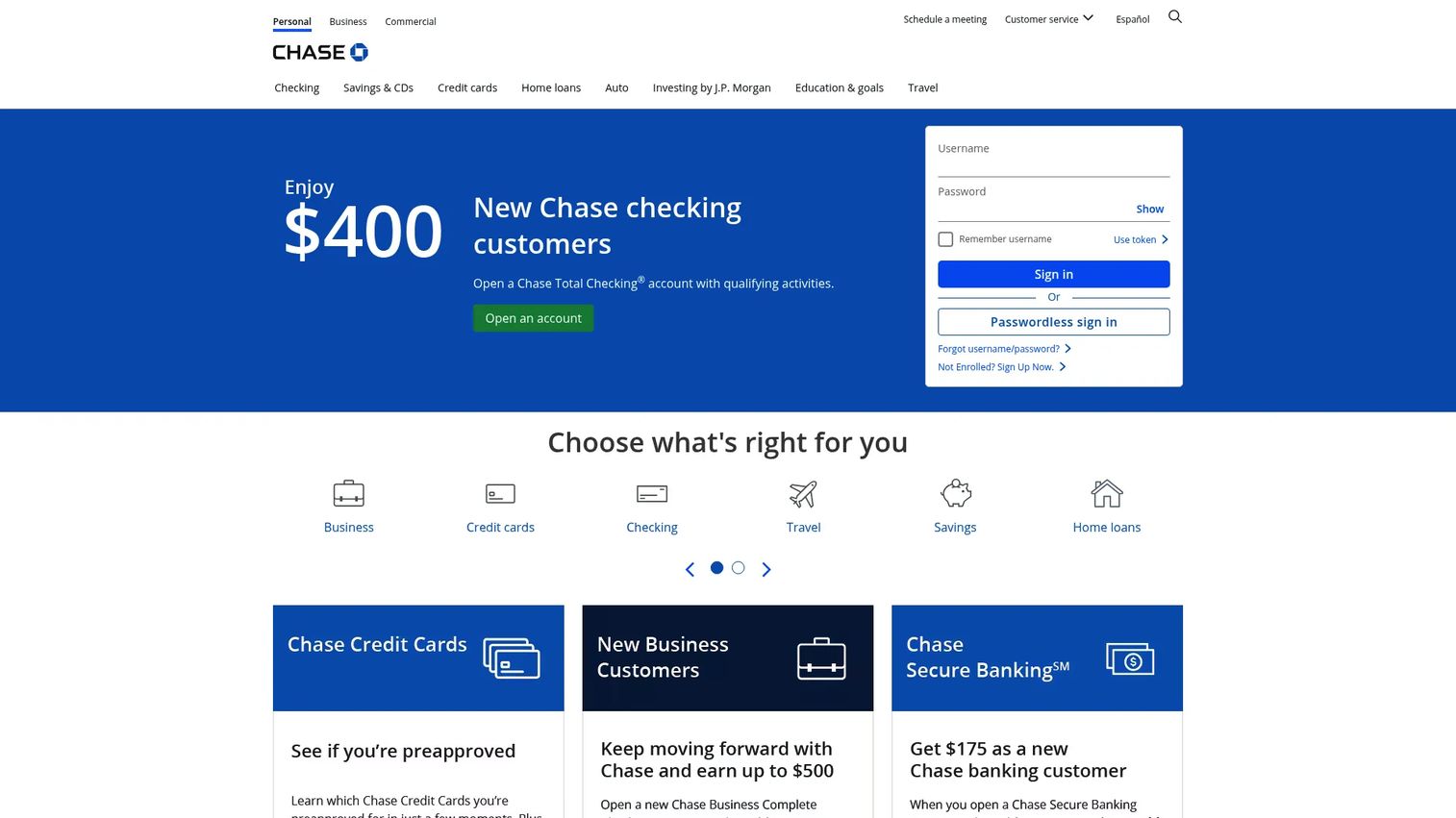
Chase covers personal and business banking, credit cards, home lending, and investment accounts, all accessible through a single mobile app. Chase Credit Journey provides free credit score monitoring directly inside the banking experience. Zelle is built into the app for peer-to-peer payments, and eligible customers can access J.P. Morgan investing from the same interface. Chase Total Checking is the entry consumer checking product, with a monthly service fee waivable through direct deposit or minimum balance requirements.
Best for: Customers who want a major national bank with strong mobile coverage across everyday banking, credit, and investing.
Key features
- Chase Credit Journey: Free credit score and identity monitoring
- Zelle transfers: Instant peer-to-peer payments inside the app
- Mobile check deposit and bill pay
- J.P. Morgan investing access for eligible customers
- Card controls, account alerts, and fraud monitoring
Why choose Chase: The app handles a wide range of financial relationships in one place without requiring customers to navigate separate portals for banking, credit cards, and investing. For product teams, Chase is a strong benchmark for multi-product cohesion: How do you build one app that serves many different financial jobs without making it feel scattered?
Chase pricing: Chase Total Checking carries a $15/month service fee, waivable with $500 or more in monthly direct deposits, a $1,500 daily balance, or an average daily balance of $5,000 across linked accounts. Chase Secure Banking is $4.95/month with its own waiver path. App access is included for all Chase customers. Verify current waiver requirements on Chase's official checking page.
G2 rating: 3.9/5 on G2
5. Wells Fargo
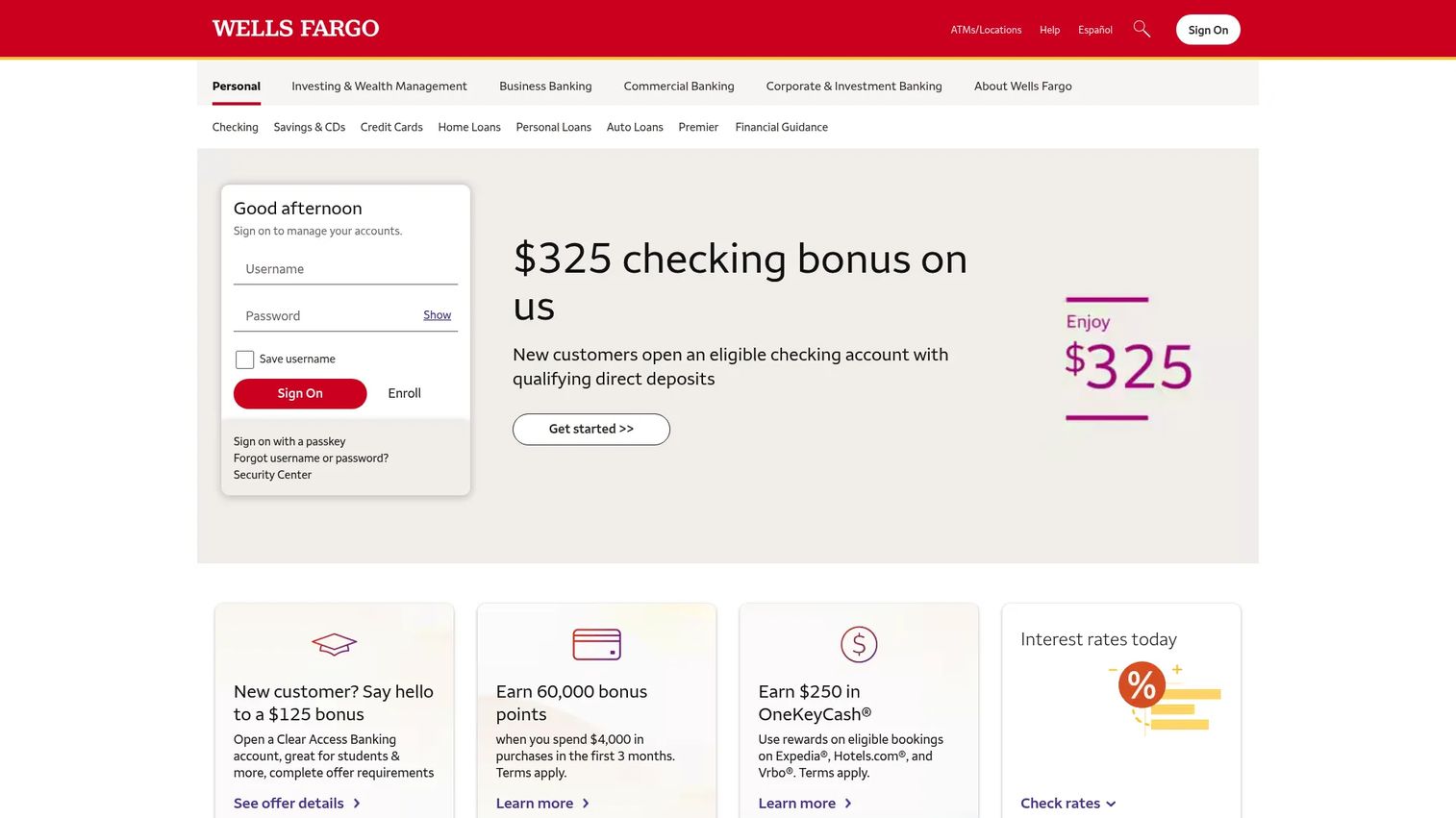
Wells Fargo is one of the four largest U.S. banks by assets and offers a broad mobile banking experience across consumer and business accounts. The Fargo virtual assistant handles account inquiries, spending summaries, and customer service routing through natural language. Everyday Checking is the primary consumer account, with Zelle, mobile deposit, bill pay, and transaction alerts all accessible in the Wells Fargo mobile app.
Best for: Customers who value a traditional bank footprint combined with a mobile app that covers everyday banking and digital support.
Key features
- Fargo virtual assistant: Account inquiries and spending summaries via natural language
- Mobile check deposit and bill pay
- Zelle transfers and account-to-account transfers
- Account alerts and transaction monitoring
- Card controls, ATM locator, and branch banking access
Why choose Wells Fargo: Wells Fargo is relevant to study when your financial product needs to serve customers who still value physical branch access while expecting full mobile coverage. Fargo's conversational approach to customer service routing shows one way large banks are reducing call-center volume by pushing resolution into the app. That support-deflection logic translates directly to SaaS CS strategy.
Wells Fargo pricing: Everyday Checking carries a $15/month service fee, waivable with $500 or more in monthly direct deposits or a $500 minimum daily balance. Clear Access Banking starts at $5/month. App access is included for all Wells Fargo customers. Confirm current fee schedules on the official Wells Fargo checking page.
6. Cash App
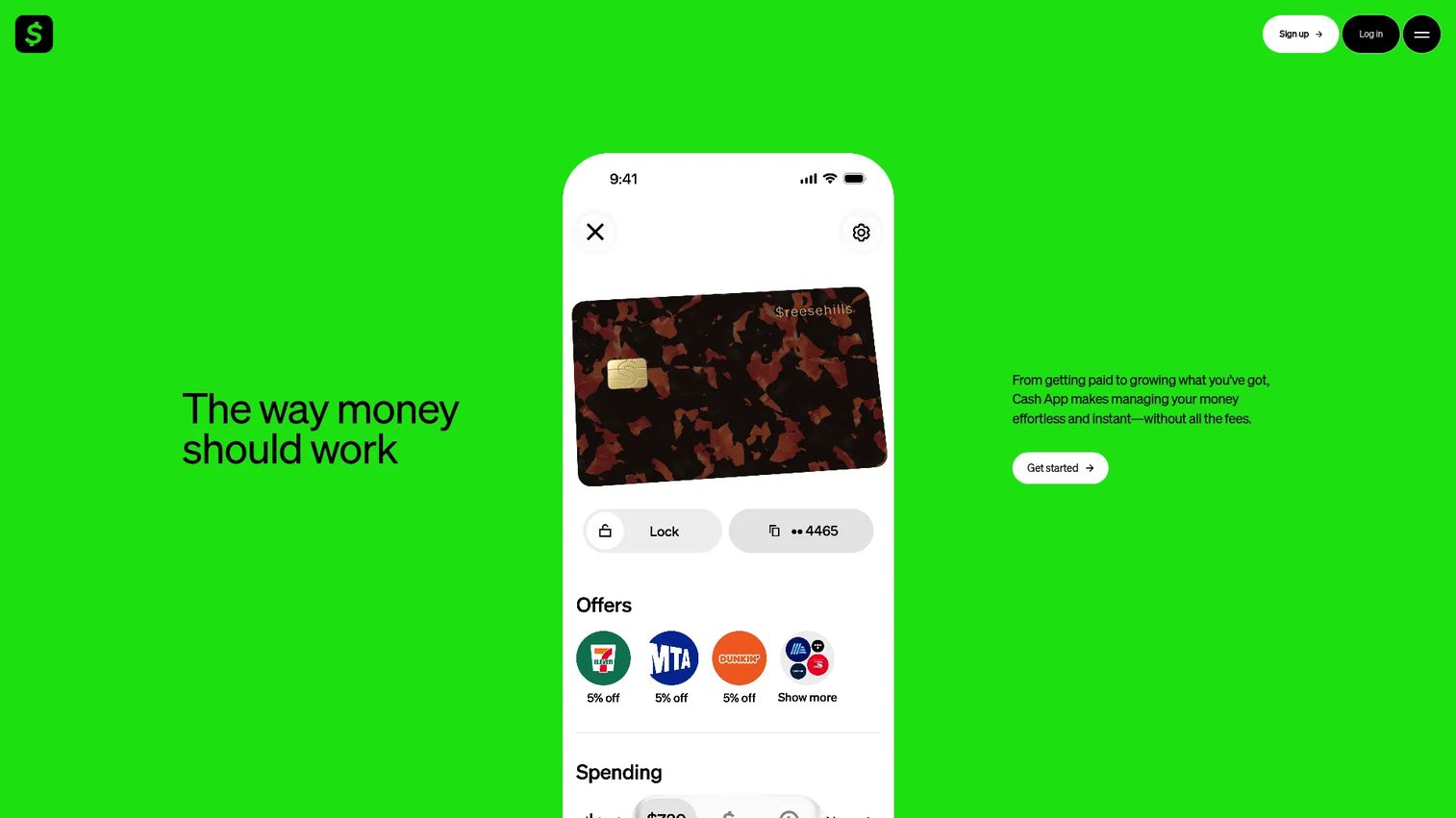
Cash App is a financial services platform built around peer-to-peer money movement, with banking features layered on top. The Cash App Card is a customizable debit card with no monthly fee. Accounts support direct deposit, standard and instant bank transfers, savings with up to 3.5% interest, and cash management features. Cash App is a fintech product rather than a chartered bank; banking services are provided through partner institutions, which matters for how you describe its coverage to customers or regulators.
Best for: Customers who want a lightweight mobile money app for fast peer-to-peer transfers, everyday spending, and basic savings features.
Key features
- Peer-to-peer payments: Send and receive money via $cashtag, phone, or email
- Cash App Card: Customizable debit card with no monthly fee
- Direct deposit and standard bank transfers
- Savings: Up to 3.5% interest with automatic savings tools
- Security controls: Real-time alerts, card lock, and Security Lock
Why choose Cash App: Cash App is worth benchmarking for onboarding design. The app reduces signup friction to a minimum and builds financial habit through peer-to-peer payments before layering in savings and spending tools. For founders studying how to get customers to their first meaningful financial action quickly, Cash App's activation model is instructive.
Cash App pricing: The core account and Cash App Card have no monthly fee. Standard bank transfers are free; instant transfers carry a fee. Credit card payments also carry a fee. Cash App Green membership is $0 with qualifying monthly activity. Check the current fee disclosures on Cash App's official site, as instant transfer fee ranges vary.
G2 rating: 3.7/5 on G2
7. SoFi
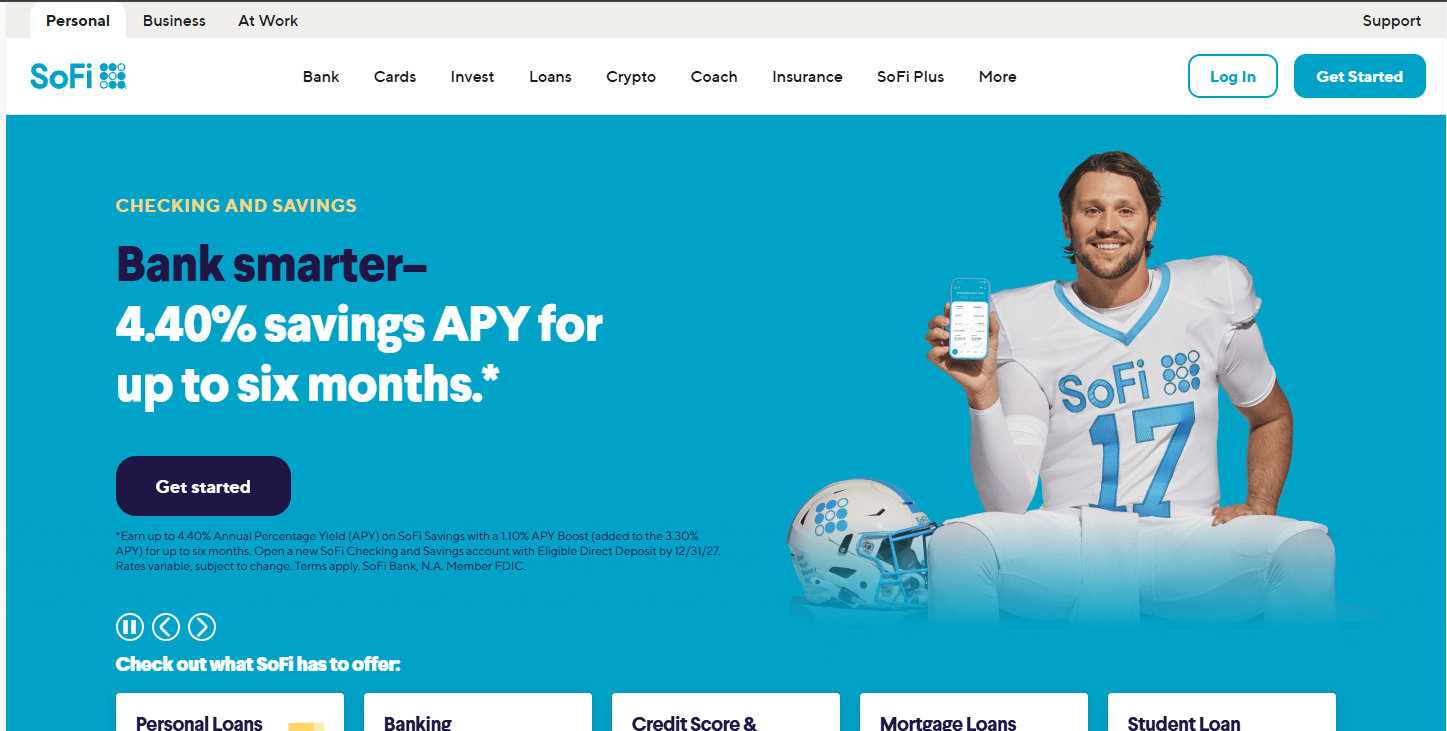
SoFi is a digital financial services platform that combines checking and savings, investing, lending, and credit management in one consumer app. SoFi Checking and Savings has no monthly fee, and SoFi Plus ($10/month) adds higher rewards and premium benefits for qualifying members. Credit score tracking, financial insights, and savings automation are core app features. SoFi positions itself as an all-in-one financial membership rather than a single-purpose banking app.
Best for: Customers who want banking, savings, credit score visibility, and broader financial tools without managing multiple apps.
Key features
- Checking and savings with no monthly fee
- SoFi Plus membership: $10/month for premium rewards and higher APY benefits
- Credit score tracking and financial insights in-app
- Savings automation and goal-setting tools
- Mobile check deposit and account transfers
Why choose SoFi: SoFi is a strong case study for founders thinking about product expansion. It started with student loan refinancing and built outward into a full financial membership, using each product to deepen the customer relationship rather than treating them as standalone offerings. If your fintech product serves one financial job today, SoFi's growth trajectory shows what adjacency-based expansion looks like when it's executed consistently.
SoFi pricing: Standard SoFi membership has no monthly fee for checking and savings. SoFi Plus is $10/month and includes elevated rewards. APY on savings accounts varies and is subject to change; verify current rates on SoFi's official Checking and Savings page before making comparisons.
G2 rating: 4.1/5 on G2
Considerations when choosing mobile banking software
Security and authentication
Evaluate whether the platform supports biometric login (Face ID, fingerprint), two-factor authentication, and device-level controls. Fraud monitoring, real-time transaction alerts, and card lock are table stakes. For founders, the more important question is whether the security flow feels like a trust signal or a friction tax. Platforms that bake authentication into the natural app experience earn it; those that layer it clumsily lose customers at the first inconvenience.
Money movement coverage
Check which transfer types are supported: Zelle, ACH, wire initiation, mobile check deposit, bill pay, and direct deposit. A platform that covers peer-to-peer payments but not bill pay forces customers to maintain a second app, which creates churn risk. Money movement failures at off-hours create disproportionate support spikes, so reliability matters as much as feature presence. You can review how biometric authentication software and access control software categories have evolved alongside mobile banking security expectations.
Financial management depth
Compare budgeting categories, spending insights, savings goal tools, credit score access, and financial assistant quality. These features determine whether customers open the app once a week or daily. For product teams benchmarking engagement, the question is what informational hook brings customers back between transactions. Apps with weak financial management depth get replaced when competitors offer more.
App usability and support load
Evaluate navigation clarity, notification quality, and virtual assistant effectiveness. A confusing UI creates support tickets even when the underlying banking works correctly. App-store complaint patterns reveal which specific flows frustrate users most, making them useful as low-cost product research. Weekly active use and feature discovery rates inside the app are the metrics that reflect whether the UX is working.
Account economics and trust
Monthly maintenance fees, minimum balance requirements, ATM fee structures, overdraft policies, and direct deposit incentives all affect whether a great app generates real customer trust. A strong mobile experience cannot recover the relationship damage done by confusing or punitive fee structures. For fintech founders evaluating competitors, this dimension separates banks that use the app as a retention tool from those that use fee complexity as revenue extraction.
Conclusion
Mobile banking software is the product layer where trust is built or lost on the first session. The seven platforms in this guide cover the range from full-service national banks to digital-first fintechs, each representing a different model for how to deliver daily financial value through an app.
Bank of America sets the benchmark for breadth and cross-product integration. Capital One and Alliant demonstrate what a no-fee, mobile-first account experience looks like at different institutional models. Chase combines breadth with investing access in a way few competitors match at scale. Wells Fargo shows how a traditional bank can build support deflection into the mobile layer. Cash App is the activation model study, with peer-to-peer as the entry point and savings layered behind it. SoFi is the clearest example of intentional product expansion built through financial membership depth.
The right choice depends on what the customer needs the app to do every week, and what your team can study to build something better. App-store complaint patterns and weekly engagement data are your fastest feedback loop.
Start your journey with Guideflow today!
FAQs
Mobile banking software is a digital application or platform that lets customers access accounts, move money, deposit checks, control cards, and monitor financial health from a phone or tablet. It covers the full customer banking relationship, from balance checks and transfers to fraud alerts and financial insights. The mobile banking definition distinguishes it from online banking (browser-based) and from single-transaction tools like tap-to-pay.
Online banking refers to browser-based account access, typically on a desktop or laptop. Mobile banking centers on app-based access from a smartphone or tablet and adds capabilities specific to the device: Push notifications, biometric login, mobile check deposit, digital wallet integration, and location-based services. Most major banks now offer both, but the feature sets and usage patterns differ meaningfully.
A strong mobile banking application covers account balance and transaction history, transfers and bill pay, mobile check deposit, card controls including freeze and unfreeze, biometric login, two-factor authentication, fraud alerts, and spending categories. The best apps also include credit score monitoring, savings goal tools, and a virtual financial assistant that surfaces useful information without requiring the customer to search for it.
Mobile banking apps can be safe when they use strong authentication, end-to-end encryption, real-time fraud monitoring, and behavioral alerts. The most important user actions are enabling biometric login, using a strong device passcode, avoiding sensitive transactions over public Wi-Fi, and monitoring transaction alerts for anything unfamiliar. Platforms that support two-factor authentication and instant card lock provide meaningful protection when devices are lost or compromised.
Apps with the deepest budgeting capabilities include Bank of America (Erica surfaces spending insights and bill reminders), Capital One (Eno monitors subscriptions and unusual charges), and SoFi (financial insights and savings goal tools). The key differentiator is not whether a budgeting feature exists but whether it surfaces automatically in the customer's normal session rather than requiring deliberate navigation. Weekly spending summaries and category breakdowns that appear without prompting drive higher engagement than tools buried in a menu.
For small business banking specifically, Chase offers Business Complete Banking with mobile deposit, bill pay, and payment acceptance. Bank of America and Wells Fargo also publish business checking accounts with mobile access and cash management tools. Evaluate whether the mobile app supports multiple user permissions, ACH origination, mobile check deposit limits appropriate for business volume, and accounting tool integrations. Cash App and SoFi are primarily consumer-focused products and are not structured for business banking needs.
The app itself is included for account holders at no additional cost. The underlying account may carry monthly maintenance fees, minimum balance requirements, ATM fees, overdraft fees, or instant transfer charges. Some providers waive maintenance fees with qualifying conditions such as direct deposit or minimum daily balances. Cash App and SoFi offer no-fee account tiers. Alliant High-Rate Checking also has no monthly fee. Always check the current fee schedule on the provider's official account page before opening an account.
Start with the first-session experience: How long from download to first completed transaction? Then measure the breadth of money movement: Which transfer types work without calling support? Evaluate the security onboarding flow as a conversion funnel, since biometric setup dropout is a real attrition point. Read App Store and Google Play reviews sorted by most recent, specifically for support-related complaints, which reveal where the UX creates tickets. Finally, measure weekly active use patterns against competitors; daily active use in a banking app is a signal that financial management features, not just transaction access, are working. You can also explore adjacent categories like application performance monitoring tools and access review software if your fintech stack needs infrastructure benchmarking alongside the customer-facing layer.