Search "mining software" and you get two completely different worlds: Cryptocurrency hashpower tools and industrial mine operations platforms. This guide covers the second one.
Mining software spans an unusually wide set of jobs. A geologist interpreting an orebody, a planner building a production schedule, a supervisor running daily field inspections, and a lone worker checking in from a remote site all need different tools. Yet most buyers search the same phrase and land on pages that conflate all of it.
The global mining software market was valued at US$12.06 billion in 2025, according to Fortune Business Insights. Over 60% of mines surveyed had significantly invested in mine planning and scheduling software or communication systems, per GlobalData's Mine-Site Technology Adoption Survey (2025). That adoption pressure is real, and so is the implementation risk. Mining software is expensive to switch, hard to deploy, and often tied directly to production decisions.
This guide maps 8 tools across inspection, planning, geology, scheduling, and safety so you can shortlist by workflow rather than by category name alone.
What's inside
This guide is for mining operators, operations leaders, and executives who need to understand the tool landscape before committing to an evaluation. Items were chosen based on:
- Fit for industrial mining workflows (planning, geology, safety, or field operations)
- Documented coverage of specific mining jobs, not generic project management
- Deployment and integration reality for mining environments
- Pricing transparency or clarity on how enterprise buying works
The 8 tools covered: Mitti, Maptek Vulcan, Deswik, RPM MinePlanner, Datamine, Micromine, SHEQSY, and CGMiner (included as a boundary case to address crypto-versus-industrial search intent).
TL;DR
- Best for digital mining inspections and field operations: Mitti, rated 4.6/5 on G2
- Best for 3D geological modeling and mine design: Maptek Vulcan, rated 4.4/5 on G2
- Best for integrated mine planning and scheduling: Deswik, with connected design-to-schedule workflows
- Best for enterprise mine planning: RPM MinePlanner, with smart scheduling and scenario analysis
- Best for geological modeling and production operations: Datamine, rated 4.0/5 on G2
- Best for exploration and geological data: Micromine, rated 5.0/5 on G2 (based on 1 review)
- Best for lone-worker safety monitoring: SHEQSY, with real-time duress alerts
- Note: This guide does not cover crypto mining software. CGMiner is included only to clarify that category boundary for searchers landing from mixed intent queries.
What is mining software?
Mining software is a category of digital tools used to plan, model, operate, inspect, and monitor industrial mining projects from exploration through production and site management.
The category is not one product. It splits across at least four distinct functional areas:
Mine planning and schedulingTools that turn geological data, pit shell assumptions, equipment constraints, and production targets into mine plans and schedules. Used by planning engineers and mine managers.
Geological modeling and resource estimationPlatforms for interpreting drillhole data, building block models, estimating resources, and managing geoscience data. Used by geologists and resource estimators.
Safety, inspection, and HSE workflowsApplications for running audits, tracking corrective actions, managing incident reports, and monitoring lone or remote workers. Used by safety teams and site supervisors.
Field operations and complianceTools that capture field activity on mobile devices, standardize documentation, and feed compliance and environmental reporting. Used by operations teams.
Key capabilities to look for across these areas include:
- Mine design and schedule generation
- Geological modeling and block model tools
- Resource estimation workflows
- Inspection templates and audit management
- Incident and corrective action tracking
- Offline mobile data capture
- Fleet and asset visibility
- Production tracking and reconciliation
- Compliance and environmental reporting
A note on crypto mining software: Some readers searching "mining software" are looking for tools that control ASIC or GPU cryptocurrency mining hardware. That is a separate category. CGMiner, entry 8 in this guide, is included specifically to address that intent and explain the distinction.
When to use mining software
Turn geological data into production decisions
Mine planning software earns its place before major capital commitments. When you need to move from raw geological interpretation to a feasible pit shell, production schedule, and equipment requirement, spreadsheets and manual methods create gaps that cost real money. Planning tools like Vulcan, Deswik, and RPM MinePlanner let engineers run scenarios against geological models and test schedule assumptions before they become operational commitments.
Keep field operations visible when connectivity is unreliable
Once a mine is active, the gap between what supervisors know and what is actually happening on site is where incidents and compliance failures occur. Inspection and safety tools built for field use capture audits, corrective actions, and check-ins on mobile devices, even without stable connectivity. That data syncs when signal returns and feeds into reporting without manual re-entry.
Standardize data handoffs between geology, planning, and production teams
Most mining operations run geology, planning, and production on different systems, often different software vendors entirely. The friction shows up at handoffs: Block models that do not match planning assumptions, ore grades that diverge from reconciliation, schedules that do not reflect updated resource estimates. Tools with integration paths between geological modeling and planning, or with reconciliation and metallurgical accounting built in, reduce the re-work at each stage.
Mining software comparison
The table below maps each tool to the mining workflow it primarily serves. Pricing for industrial mining software is almost universally quote-based. Where G2 ratings are unavailable, the cell reflects that accurately.
| # | Product | Best for | Key differentiator | Pricing | G2 rating |
|---|---|---|---|---|---|
| 1 | Mitti | Field inspections and safety operations | Mobile-first audit and corrective action workflows | Quote-based | 4.6/5 |
| 2 | Maptek Vulcan | 3D geological modeling and mine design | Drillhole management, block modeling, and resource estimation | Quote-based | 4.4/5 |
| 3 | Deswik | Integrated mine design and scheduling | Connected CAD, planning, and operational scheduling | Quote-based | N/A |
| 4 | RPM MinePlanner | Enterprise mine planning | Smart scheduling with scenario analysis and product optimization | Quote-based | N/A |
| 5 | Datamine | Geological modeling and mine operations | Suite coverage from exploration through metallurgical accounting | Quote-based | 4.0/5 |
| 6 | Micromine | Exploration and geological modeling | Integrated geology, resource estimation, and mine design | Quote-based | 5.0/5 |
| 7 | SHEQSY | Lone-worker safety monitoring | Real-time location, duress alerts, and missed check-in response | Free trial available | N/A |
| 8 | CGMiner | Cryptocurrency mining (not industrial operations) | Open-source ASIC and FPGA control | Free (open source) | 3.9/5 |
Best 8 mining software tools for 2026
1. Mitti
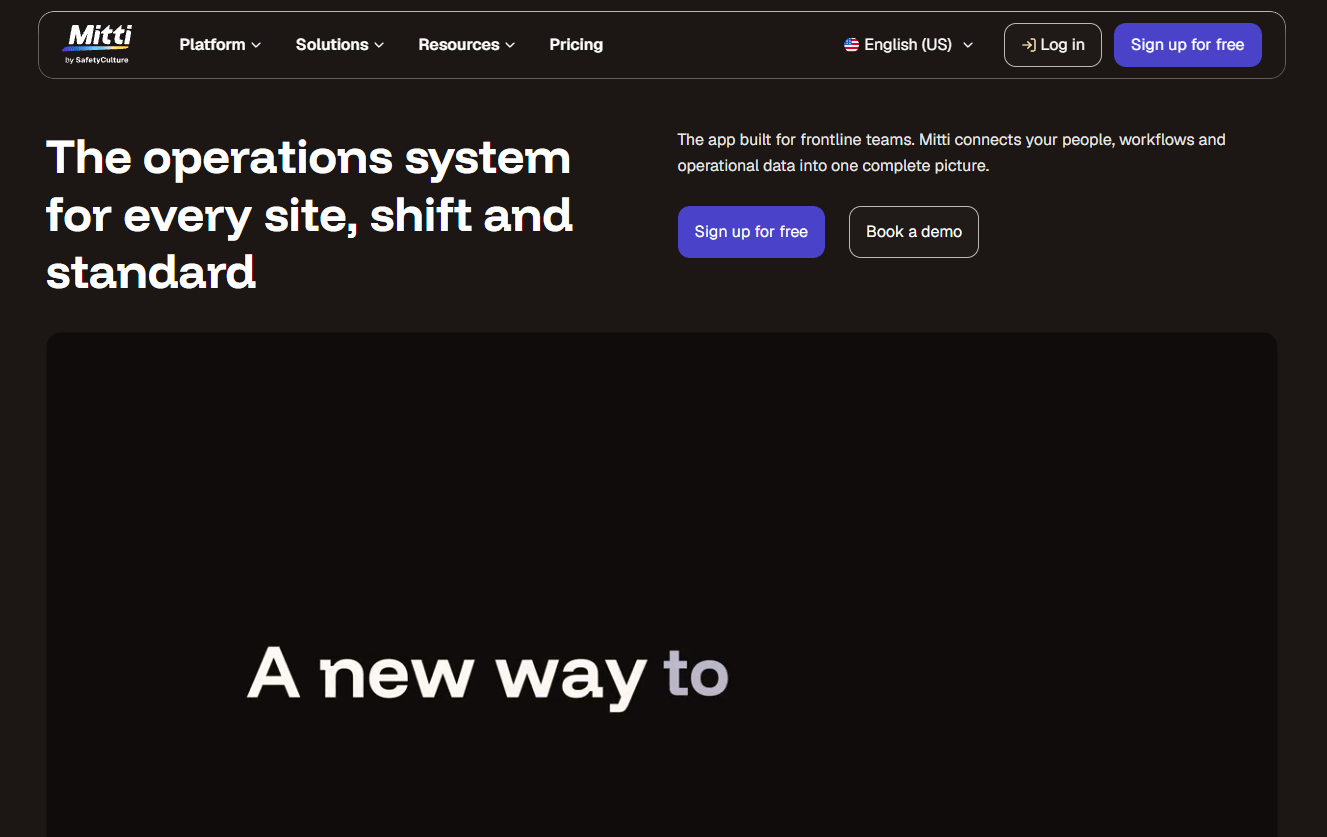
Mitti is a mobile-first mining operations and inspections platform that helps field teams replace paper-based audits with structured digital workflows. It covers safety audits, site inspections, corrective action tracking, and operational dashboards across mining sites. Teams use it to standardize how field data is captured, routed, and acted on, so nothing sits in someone's notebook waiting to become a compliance issue.
Best for: Mining operators moving from paper or disconnected inspection apps to a single digital workflow for safety and field operations.
Key features
- Mining inspection templates and customizable audit forms
- Safety audit workflows with corrective action tracking
- Mobile field capture with offline capability
- Operational dashboards for site visibility
- Incident reporting and escalation
Why choose Mitti: Mitti suits teams that need fast adoption with minimal configuration. If the bottleneck is inconsistent field documentation and you need a tool that supervisors will use on day one rather than after weeks of training, this is a strong starting point.
Mitti pricing: Mitti prices mining deployments through sales. Cost drivers include site count, user volume, the specific modules deployed, and workflow complexity. G2 does not currently report reviewer-submitted pricing ranges for Mitti.
G2 rating: 4.6/5
2. Maptek Vulcan
Maptek Vulcan is a long-standing 3D geological modeling and mine planning platform used across open pit and underground operations. It covers drillhole management, resource estimation, block modeling, mine design, and reserves workflows. Geology teams use it to move from raw drillhole data through to interpreted orebody models, and planning teams use the same environment to turn those models into mine designs.
Best for: Mining organizations that need integrated geological modeling, resource estimation, and mine planning in a single technical environment.
Key features
- Drillhole management and geological modeling
- Resource estimation and block modeling
- Mine design and reserves workflows
- Spatial analysis and geoscience visualization
- Planning and production reporting
Why choose Maptek Vulcan: Vulcan rewards teams that invest in technical proficiency. The depth of its geological and planning toolset is a genuine advantage for operations where modeling quality directly drives reserve confidence and capital decisions. Factor in training time when building the adoption plan.
Maptek Vulcan pricing: Maptek handles Vulcan pricing through sales. The cost structure depends on licensing model, modules selected, training requirements, support tier, and deployment footprint.
G2 rating: 4.4/5
3. Deswik
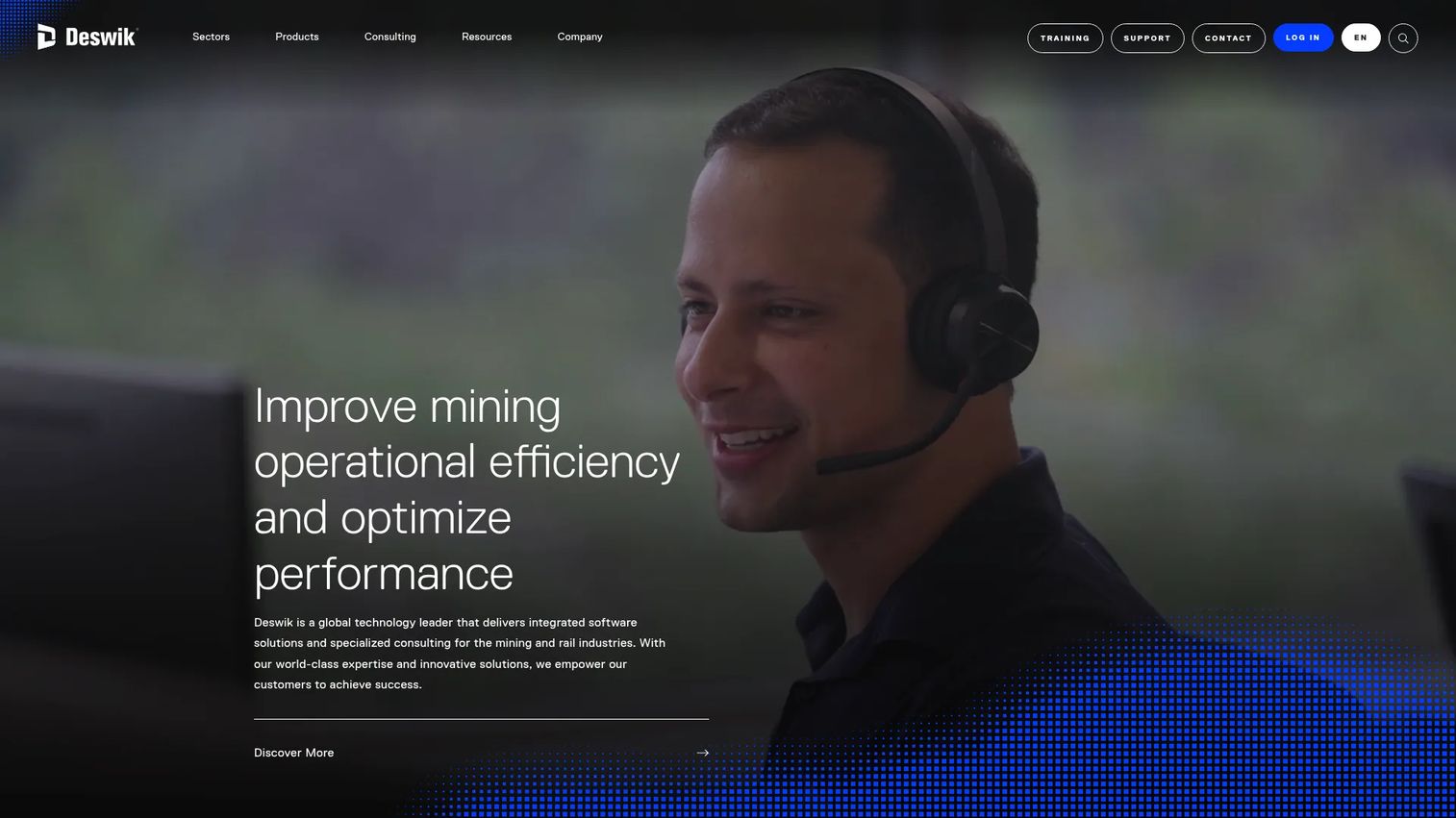
Deswik provides integrated software and consulting for mine design, planning, operational scheduling, and bulk rail operations. Its core strength is connecting mine designs and schedules in one environment, so planners do not spend time re-importing geometry between disconnected systems. It also includes mathematical optimization for scheduling and value-chain decisions, which matters when production constraints involve multiple interdependent variables.
Best for: Mining companies that need connected mine design, scheduling, and planning workflows without managing data exports between separate tools.
Key features
- End-to-end mine design and CAD with 3D modeling
- Integrated mine planning linking designs and schedules
- Operational planning with live task progress tracking
- Mathematical optimization for scheduling decisions
- Scenario comparison and planning reports
Why choose Deswik: The integration between design and scheduling is Deswik's clearest advantage for planning teams. Engineers and schedulers working from the same environment means schedule changes can reference current geometry, and design updates propagate rather than being manually reconciled.
Deswik pricing: Deswik pricing is handled through sales. Buyers should ask about license structure, modules required, implementation support, and training.
4. RPM MinePlanner
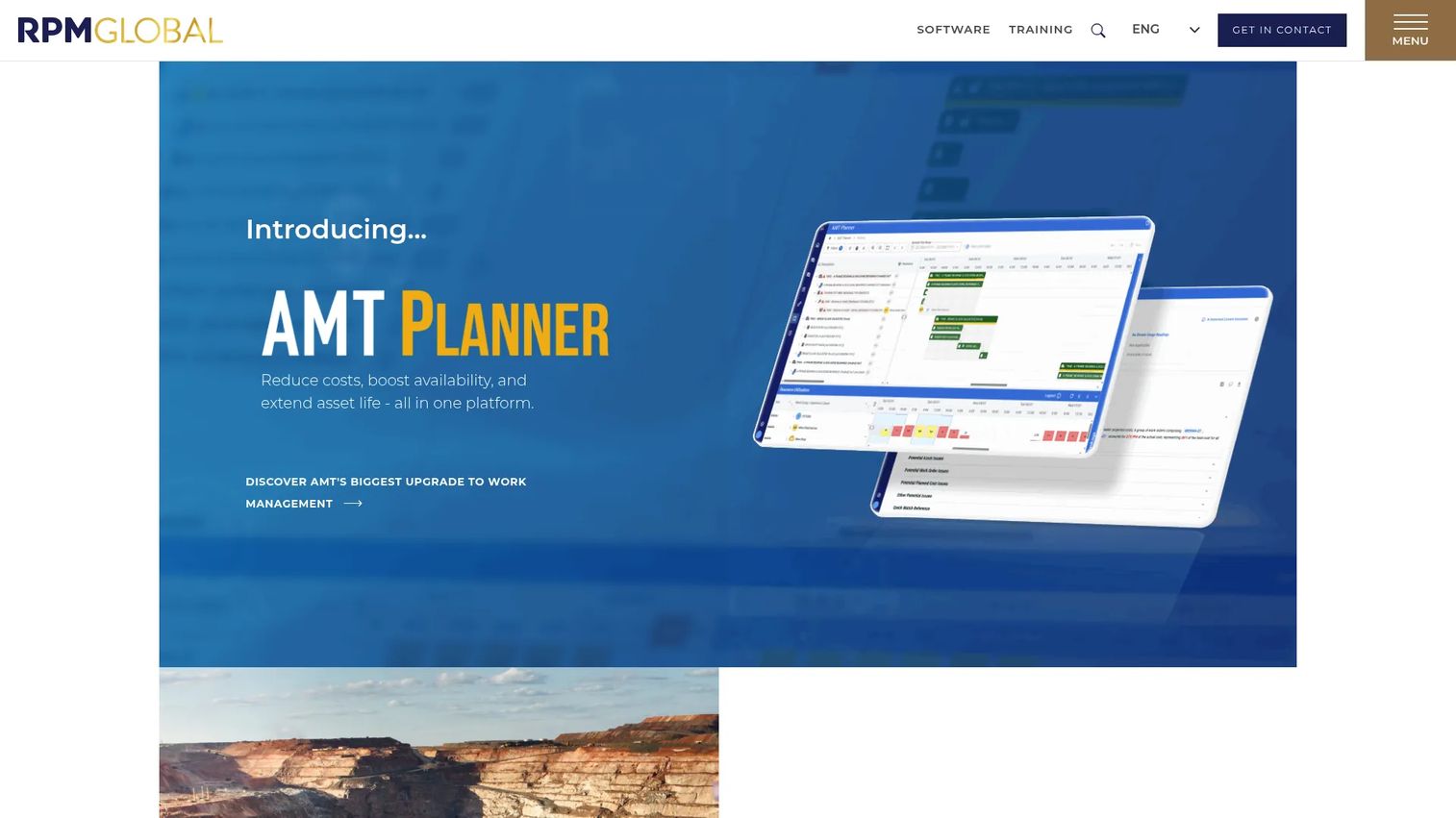
RPM MinePlanner is an enterprise mine planning and scheduling platform from RPMGlobal. It covers the full planning chain: Automated reserving from geology and design, destination scheduling for simultaneous mining and dumping, haulage modeling, schedule optimization, and multi-scenario analysis. The collaborative enterprise workspace means planning teams at different sites can work against shared schedules and reporting.
Best for: Mining engineers, schedulers, and operations teams at single-site through multi-site mining operations that require structured planning governance.
Key features
- Smart scheduling with automated, manual, and hybrid modes
- Automated reserving from geology and mine design
- Destination scheduling for simultaneous mining and dumping
- Haulage modeling with equipment-requirement reporting
- Multi-scenario analysis and live reporting
Why choose RPM MinePlanner: For operations where planning consistency across sites or departments is the current bottleneck, MinePlanner's combination of smart scheduling and collaborative workspace addresses the coordination problem directly. The product optimizer for blending and stockpiling adds value for operations with processing constraints.
RPM MinePlanner pricing: RPMGlobal prices MinePlanner through sales. Ask about implementation scope, module requirements, user count, and support model.
5. Datamine
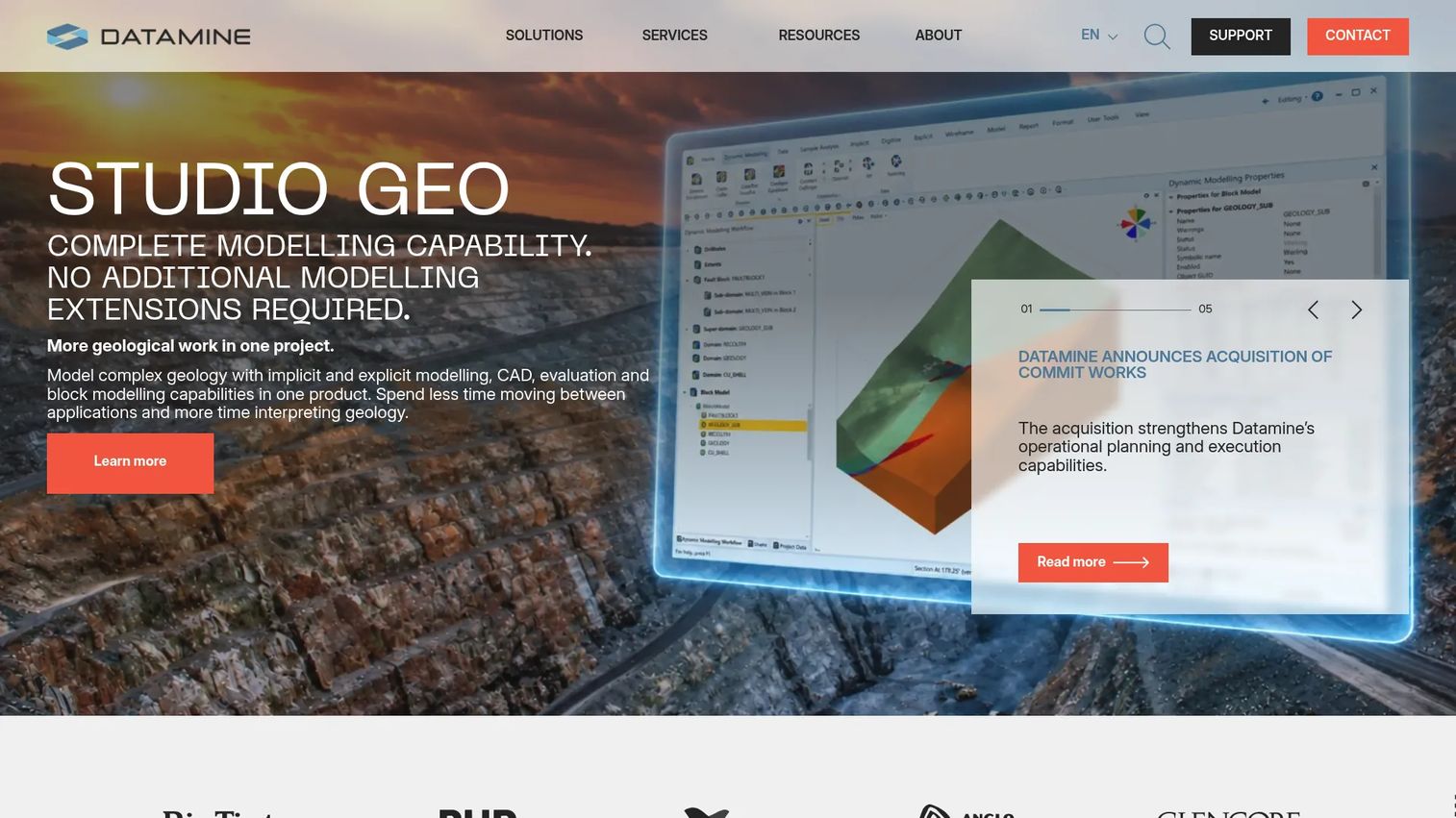
Datamine provides an integrated mining software suite across exploration, geology, resource modeling, mine planning, ore control, metallurgical accounting, and operational reporting. The breadth of coverage is its differentiator: Teams that need to move data from drillhole through to reconciled production without switching vendors will find more of that workflow within a single product family than most alternatives offer.
Best for: Mining companies that want suite coverage across technical and operational workflows and want to reduce handoffs between separate vendors.
Key features
- Geological modeling with implicit and explicit modeling, CAD, and block modeling
- Mine planning, design, scheduling, and optimization
- Ore control and production tracking
- Metallurgical accounting and reconciliation
- Operational reporting and sustainability modules
Why choose Datamine: The decision to buy Datamine usually comes down to whether you need breadth across the value chain or depth in a specific area. For operations that are integrating geology, planning, and production reporting, the suite approach reduces re-work at handoffs. Map your required workflows against available modules before the evaluation call.
Datamine pricing: Datamine prices deployments through sales. Cost drivers include modules selected, user count, implementation scope, training requirements, and support tier.
G2 rating: 4.0/5
6. Micromine
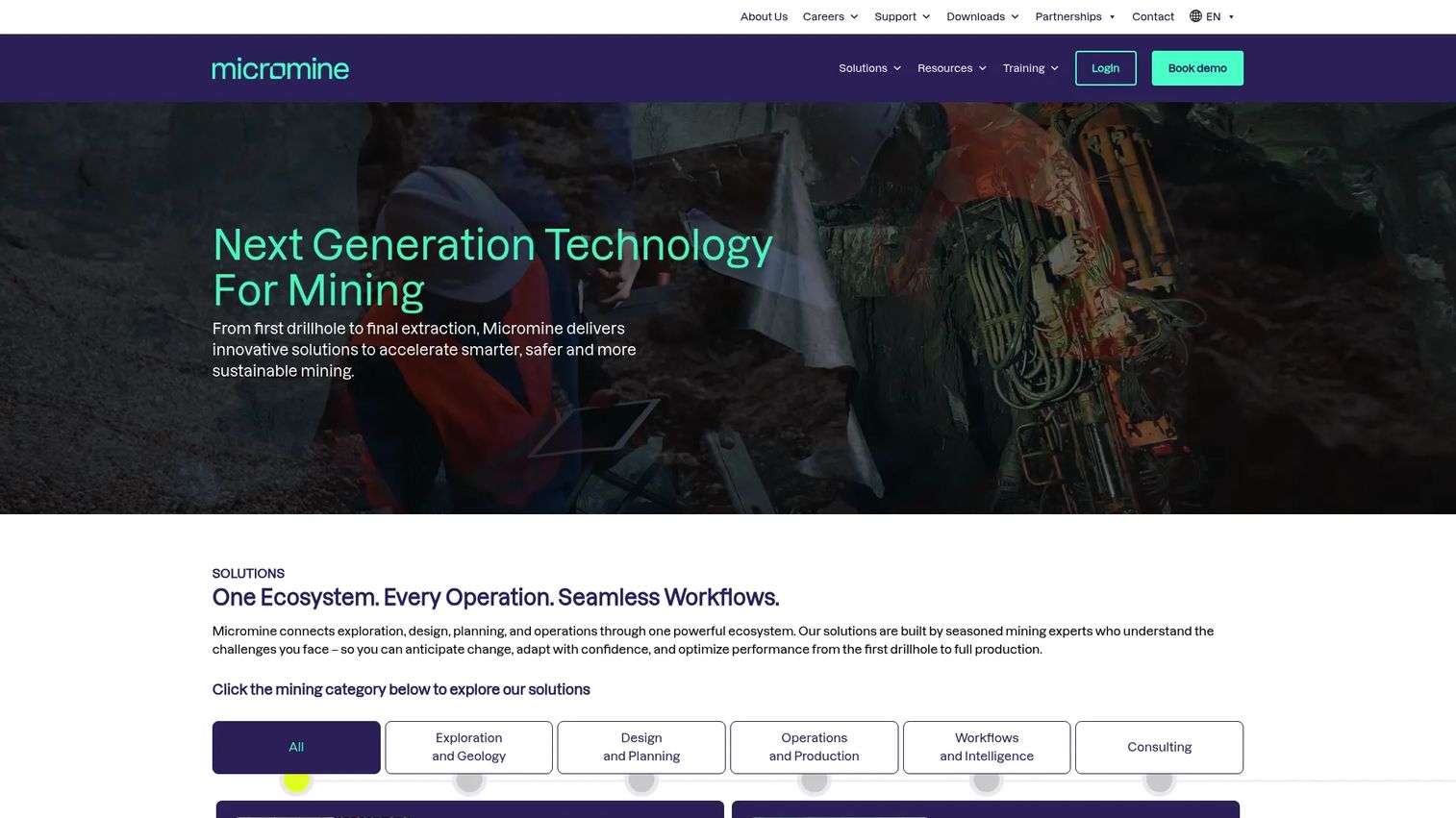
Micromine is a mining software provider focused on mineral exploration, geological modeling, resource estimation, mine design, and optimization. Its product family includes Micromine Origin for core geology and mine design workflows, and Geobank for exploration data management. The platform supports both surface and underground operations, and its subscription model (Origin and Beyond) signals a move toward more accessible licensing for exploration-stage teams.
Best for: Mining and exploration organizations managing technical data from discovery through resource modeling, where geology-led workflows drive the decision on tooling.
Key features
- Mineral exploration and geological modeling
- Resource modeling and estimation
- Integrated surface and underground mine design
- Exploration data management (Geobank)
- Mine optimization workflows
Why choose Micromine: Micromine suits teams where geology is the primary work and planning is secondary. The data quality and resource confidence at the exploration stage sets up the planning phase, so choosing a tool that geologists trust for interpretation and estimation pays dividends before the first mine plan is built.
Micromine pricing: Micromine promotes Origin and Beyond subscription options, but pricing requires submitting a form for a quote. Contact Micromine sales with questions about modules, user roles, data migration, and support tier.
G2 rating: 5.0/5 (based on 1 review)
7. SHEQSY
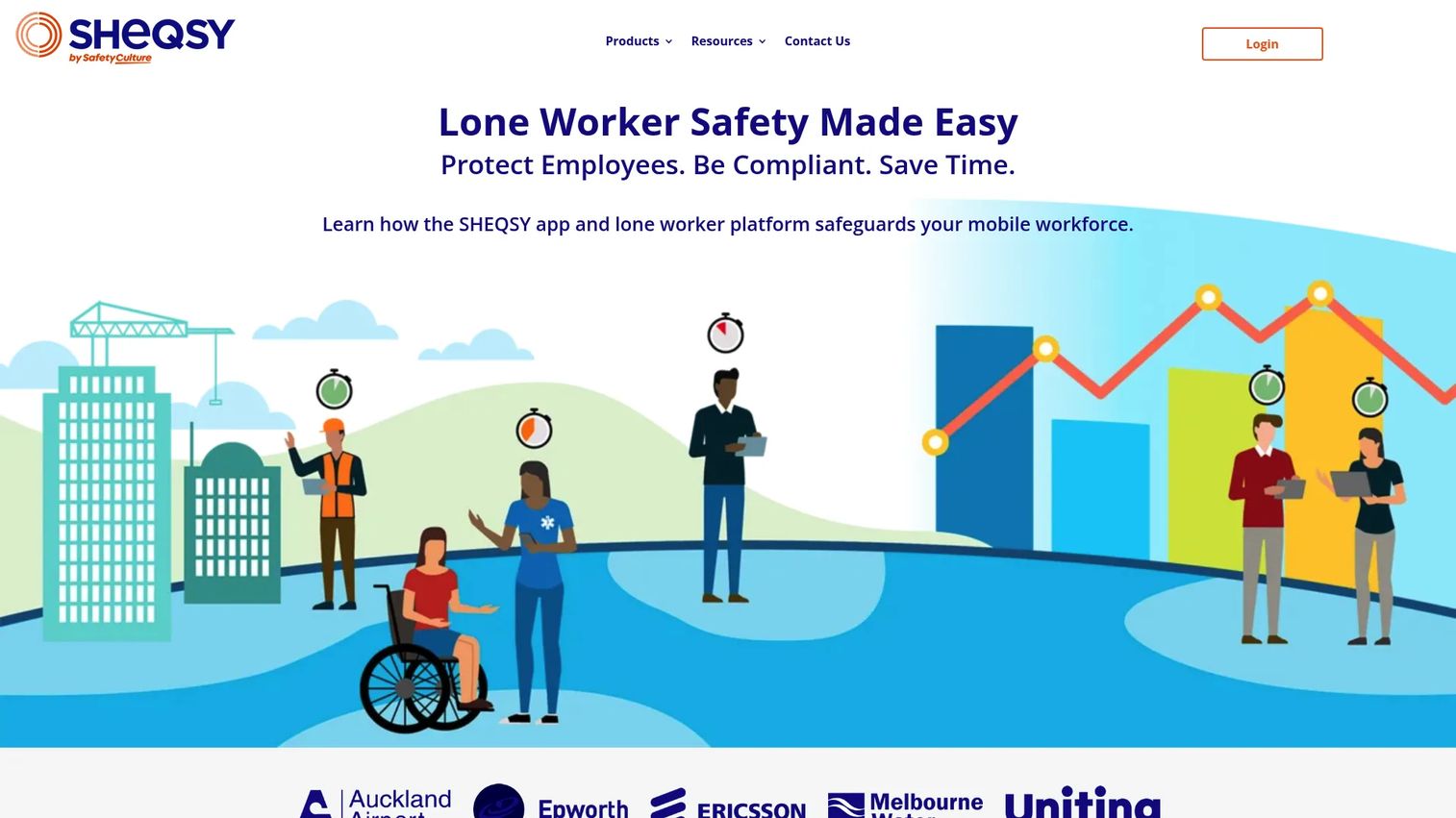
SHEQSY is a lone-worker safety platform that helps organizations monitor, manage, and respond to mobile and remote workers in high-risk environments. Mining operations use it for workers operating in remote areas, underground, or across large site footprints where traditional check-in methods fail or create gaps in safety coverage. It runs on iOS and Android smartphones, which lowers the hardware barrier compared to dedicated lone-worker devices.
Best for: Mining teams that need real-time safety monitoring, duress response, and missed check-in alerts for lone or mobile workers.
Key features
- Real-time employee location and activity timers
- Duress alerts with optional 24/7 professional monitoring
- Missed check-in alerts and escalation workflows
- iOS and Android smartphone support
- Calendar and scheduling integrations
Why choose SHEQSY: SHEQSY addresses a narrower problem than full inspection or HSE platforms, and that focus is a genuine advantage. If the priority is worker protection and rapid incident escalation for remote or lone workers, rather than comprehensive audit management, SHEQSY does that job without the overhead of a broader platform.
SHEQSY pricing: SHEQSY offers a free trial with no credit card required. Paid pricing is handled through sales; the pricing page returned an error during verification. Cost drivers include user count, alerting requirements, integrations, and deployment model. Contact SHEQSY for current plan details.
8. CGMiner
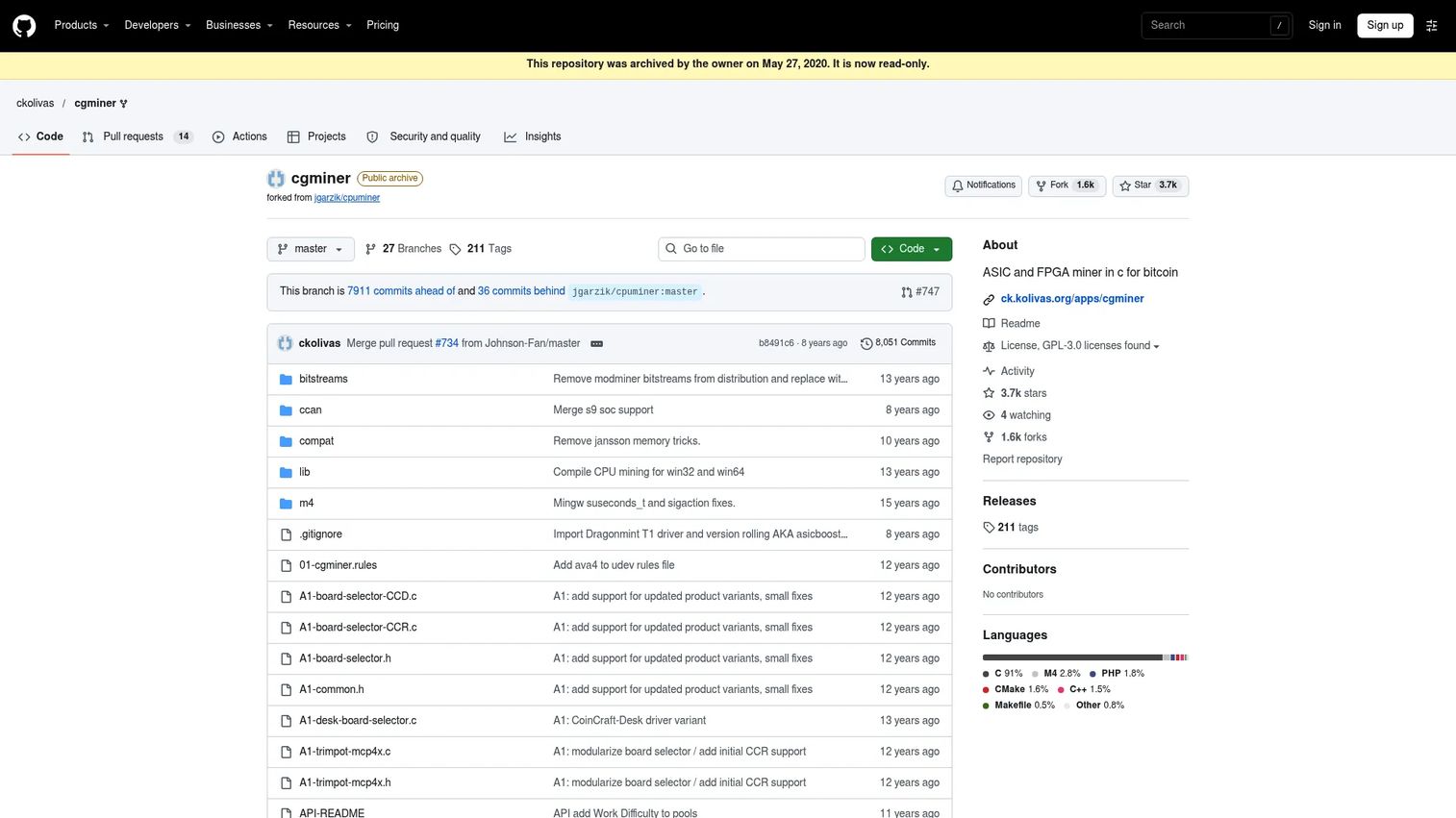
CGMiner is an open-source cryptocurrency mining program for ASIC and FPGA hardware. It controls and monitors hardware performing SHA-256 cryptocurrency calculations. CGMiner is not industrial mine operations software. It is included here because the keyword "mining software" returns both categories, and a reader looking for mine planning, safety, or geological tools should know immediately that this product operates in a different domain entirely.
Best for: Technical users operating and monitoring ASIC or FPGA cryptocurrency mining hardware, not mine planning or site operations teams.
Key features
- ASIC and FPGA hardware support
- Multi-threaded and multi-pool operation
- Stratum and getwork protocol support
- Real-time terminal monitoring
- Remote monitoring and control via API
Why choose CGMiner: Choose CGMiner only if you are setting up or managing cryptocurrency mining hardware. For industrial mining operations, refer to the other seven tools in this guide based on your workflow.
CGMiner pricing: CGMiner is free and open source, licensed under GPLv3. The official GitHub repository is archived and read-only, meaning active development has stopped. Verify the current repository status before deployment.
G2 rating: 3.9/5
Considerations when choosing mining software
Match the tool to the specific workflow first
Planning, geology, safety, and field operations are distinct jobs that require different evaluations. Start by naming the workflow that creates the most friction today, then assess tools in that category. Buying a mine planning platform when the actual problem is inconsistent field inspections solves the wrong problem.
Check deployment and training requirements before procurement
Many mining tools require specialist training before users reach productive adoption. Ask each vendor how long it takes for a planner, geologist, supervisor, or inspector to complete their first real work task independently. That timeline changes the payback model. For advanced planning and scheduling software categories generally, implementation time is one of the most underweighted evaluation factors.
Verify offline capability for field and remote use
Remote sites, underground environments, and areas with unreliable connectivity are not edge cases in mining. They are the operating reality. For inspection, safety, and field data capture tools, test offline behavior specifically: How data is captured without signal, when it syncs, and whether the sync is reliable. Tools that assume connectivity fail in the environments where they matter most.
Build the total cost picture, not just the license price
Implementation, training, data migration, module selection, and support tier all change the total cost of a mining software deployment. For asset lifecycle management software categories and similarly complex industrial tools, the license fee is often a minority of the three-year cost. Build a payback model that includes time-to-productivity before procurement.
Evaluate integration paths between systems
Most operations use more than one tool. Geology data needs to reach planning systems. Planning schedules need to connect to production tracking. Ask vendors specifically how data moves between their product and the adjacent systems you run. An API, a documented export format, or a native integration is not the same as a manual export and re-import.
Conclusion
The right mining software depends entirely on where the operational gap sits. No single product in this guide covers every workflow, and evaluating tools by feature count rather than workflow fit is how teams end up with expensive software their people do not use.
Here is a quick shortlist by job:
- For field inspections, safety audits, and corrective actions: Mitti
- For 3D geological modeling and mine design: Maptek Vulcan
- For connected mine design and scheduling: Deswik
- For enterprise planning with multi-scenario analysis: RPM MinePlanner
- For suite coverage from exploration through production: Datamine
- For exploration-led geology and resource modeling: Micromine
- For lone-worker safety and remote worker monitoring: SHEQSY
- For cryptocurrency mining hardware control: CGMiner (separate category)
The practical next step is a two-column shortlist: One column for the operational workflow that needs to improve, the other for the product that owns that job. Evaluate one workflow at a time rather than running a full platform comparison across all categories simultaneously.
If your team sells complex mining or industrial software and needs buyers to understand your product before the first call, Guideflow lets you turn product workflows into interactive demos prospects can explore on their own.
Start your journey with Guideflow today!
FAQs
Mining software supports planning, geological modeling, scheduling, safety inspections, field operations, and compliance reporting across industrial mining projects. The category spans tools used by geologists, planning engineers, safety supervisors, and site operators. Some searchers also use the term for cryptocurrency mining software, which controls hardware performing digital currency calculations; that is a separate category.
Maptek Vulcan, Deswik, RPM MinePlanner, Datamine, and Micromine are the most commonly evaluated platforms for mine planning workflows. The right choice depends on whether the priority is geological modeling, schedule optimization, enterprise planning governance, or broader suite coverage across geology and production. Evaluate by workflow fit rather than by overall product reputation.
No. Industrial mining software helps teams plan, model, schedule, inspect, and operate physical mining projects. Crypto mining software controls hardware that performs mathematical calculations to mine digital currencies like Bitcoin. CGMiner is an example of the second category. The other seven tools in this guide are industrial mining software.
Most industrial mining software uses quote-based enterprise pricing. Cost drivers typically include the number of modules licensed, user count, site count, implementation scope, training requirements, and support tier. SHEQSY offers a free trial. CGMiner is open source and free. For all other tools in this guide, contact the vendor's sales team for a proposal.
Start with workflow fit: Identify the specific job the tool must do and evaluate it against that job alone. Then assess deployment requirements, offline capability for remote and underground environments, integration paths with adjacent systems, and total cost including implementation. For tools touching safety or compliance, also verify how incident data is stored, exported, and retained for regulatory purposes.
Mitti is the strongest option in this guide for mobile-first safety inspections, audit workflows, and corrective action tracking. SHEQSY addresses a related but narrower problem: Monitoring and alerting for lone or remote workers who operate away from supervisory coverage. Teams with both needs may use both, since inspection management and lone-worker monitoring serve different operational moments.
Maptek Vulcan, Datamine, and Micromine all cover geological modeling and resource estimation. Vulcan is widely adopted for its depth of geological and mine design tooling. Datamine offers broader suite coverage including production-side modules. Micromine suits exploration-stage teams where geological data management and resource confidence are the primary output. The decision usually comes down to where the team sits in the mining lifecycle and how much planning integration they need from the same system.
Most mining operations run multiple specialized tools across the workflow. A geological modeling platform, a mine planning and scheduling system, a safety and inspection application, and a lone-worker monitoring tool may each own a different part of the stack. Nearly 70% of global mining companies are integrating AI-driven technologies into operations, per Mind the Bridge, BHP, and Austmine (2025), which points toward more connected stacks rather than single-vendor consolidation. Evaluate integration paths between the tools you select, not just each tool in isolation.