Your sales team is waiting on contract review. Finance is waiting on an approval. Legal is buried in intake requests that arrived through Slack, email, and three different spreadsheets.
This is the bottleneck that slows Series B companies before they even realize it. Contract cycles drag out enterprise deals. Approval chains stay routed through executives who should not be in the loop. Board diligence reveals messy legal operations that nobody documented. According to the Thomson Reuters 2025 Legal Department Operations Index, 73% of legal department respondents plan to use advanced technology to automate legal tasks and reduce costs. The pressure to systematize is real, and it is building fast.
Legal workflow automation software gives legal teams a way to standardize intake, move contracts without chasing approvals, and keep matters from drifting. This guide helps you pick the right tool for your situation, whether that is a law firm needing practice management, an in-house team managing contracts and spend, or a legal ops function that needs visibility across the whole function.
What's inside
This guide covers 15 legal workflow tools evaluated for law firms, in-house legal teams, compliance, procurement, and operators who need legal process maturity before the next fundraise.
- Who it's for: Law firms, in-house legal teams, legal ops, compliance leads, and founders evaluating workflow tooling
- What it covers: Practice management, contract lifecycle management, matter management, document management systems, legal AI, intake, and billing workflows
- Selection criteria: Workflow coverage, legal-specific functionality, integration depth, and security or governance fit
- Pricing and ratings: Verified against vendor pages and G2 at time of writing
TL;DR
- Best for small and mid-sized law firms: Clio Manage covers matters, billing, intake, and documents in one platform
- Best for document and billing workflows: Smokeball suits firms where document generation and time capture drive profitability
- Best for transaction-heavy legal teams: Litera Transact handles deal checklists, closing books, and signature tracking
- Best for enterprise contract workflows: Ironclad routes contracts across sales, procurement, finance, and legal
- Best for enterprise legal operations: Onit covers matters, spend, contracts, and governance for mature legal departments
- Best for legal AI workflows: Harvey and LegalFly both support AI legal assistant work, including research, drafting, and document review
What is legal workflow automation software?
Legal workflow automation software helps legal teams standardize, assign, track, and automate recurring legal work. This includes intake, matter routing, contract approvals, document drafting, billing review, and compliance tasks.
The category spans several distinct software types. A law firm typically needs practice management and case workflows. An in-house team may need intake, contract management, matter management, and reporting. A legal operations function may need governance, approvals, analytics, and system integrations.
Common approaches include:
- Rule-based workflows: Trigger tasks or approvals based on predefined conditions
- Document automation: Generate contracts, letters, or filings from templates
- AI-assisted workflows: Use machine learning for research, drafting, review, or classification
- Matter-based workflows: Organize work by client matter, case phase, or deal stage
Core capabilities to look for:
- Intake forms and triage routing
- Matter and case workflow templates
- Task assignment and deadline tracking
- Document generation and review
- Contract routing and approval chains
- Billing and invoice workflows
- AI-assisted research, drafting, and document review
- Audit trails, permissions, and access controls
- Integrations with email, document management, CRM, ERP, and finance systems
The goal is not more software. It is fewer legal bottlenecks, cleaner handoffs, and repeatable operations that do not depend on one person remembering every approval path. For a Series B company, that means legal stops being a choke point on revenue and starts being a function that scales with the business. For a growing law firm, it means client matters move predictably without principals doing all the coordination themselves.
When to use legal workflow automation software
Standardize intake before work reaches legal
Legal intake often arrives through Slack, email, ad hoc spreadsheets, and conversations in the hallway. This creates invisible backlog, missed requests, and work that lands on the wrong person. Intake automation captures requests through structured forms, applies triage rules, routes by type, and creates visibility before anything gets dropped. This matters most when sales, procurement, HR, and finance all send legal requests through different channels with no consistent prioritization.
Move contracts through review without executive chasing
Contract delays slow revenue. At Series B, it is common for founders or senior legal staff to become personal bottlenecks in NDA, MSA, and vendor contract approval chains. CLM platforms and approval workflow tools replace ad hoc chasing with defined routing, playbooks, and escalation rules. The result is shorter sales cycles, faster procurement, and legal review that happens on a predictable schedule rather than whenever someone checks their inbox.
Keep matters, documents, and deadlines from drifting
Law firms and in-house legal departments both struggle with matter drift: Tasks that miss deadlines, documents that live in multiple places, and billing that gets reconstructed at month-end from memory. Matter management and practice management platforms apply phase-based taskflows, deadline tracking, and document organization to every matter from open to close. This is where workflow automation moves from a nice-to-have to operational infrastructure.
Legal workflow automation software comparison
The table below covers all 15 tools with verified pricing and G2 ratings. Use it as a fast shortlisting reference before diving into the tool sections.
| # | Product | Best for | Key differentiator | Pricing | G2 rating |
|---|---|---|---|---|---|
| 1 | Clio Manage | Small to mid-sized law firms | All-in-one practice management with AI billing and client portal | From $49/user | 4.6/5 |
| 2 | Smokeball | Document-heavy law firms | Automatic time tracking and built-in document generation | Quote-based | 4.7/5 |
| 3 | Litera Transact | Transaction-focused legal teams | Automated closing books and signature packet assembly | Quote-based | 4.7/5 |
| 4 | Actionstep | Growing law firms | Customizable matter workflow builder with legal accounting | Quote-based | 4.0/5 |
| 5 | Ironclad | In-house legal and enterprise | AI-powered CLM with no-code workflow automation | Quote-based | 4.4/5 |
| 6 | Lawcus | Small law firms with CRM needs | Legal CRM plus intake pipelines from $39/user/month | From $39/user/month | 4.5/5 |
| 7 | Onit | Enterprise legal departments | AI-native ELM covering matter, spend, and contract in one system | Quote-based | 4.6/5 |
| 8 | DocuSign CLM | Teams extending e-signature into CLM | 100+ preconfigured workflow steps and Salesforce integration | Quote-based | 4.3/5 |
| 9 | HighQ | Secure legal collaboration | Client portals and matter workspaces across firm and client | Quote-based | 4.3/5 |
| 10 | iManage | Document-intensive legal teams | Governed document and email management with AI classification | Quote-based | 4.4/5 |
| 11 | NetDocuments | Cloud-first document governance | Cloud-native DMS with ethical walls and AI legal assistant | Quote-based | 3.9/5 |
| 12 | Filevine | Litigation and plaintiff firms | Phase-based case taskflows with AI deposition tools | Quote-based | 4.6/5 |
| 13 | Harvey | AI-led legal knowledge work | Secure legal AI for research, drafting, and due diligence at scale | Quote-based | 4.3/5 |
| 14 | LawVu | In-house legal workspace | Full legal operating system covering intake, matters, spend, and AI | Quote-based | 4.5/5 |
| 15 | LegalFly | AI-assisted contract and compliance | Playbook-based contract review with regulatory monitoring and anonymization | Quote-based | 4.2/5 |
Best 15 legal workflow automation tools for 2026
1. Clio Manage

Clio Manage is a cloud-based legal practice management platform built for law firms. It covers matter management, tasks, billing, client intake, calendaring, document workflows, and trust accounting in one system. The platform includes AI-assisted features across billing, scheduling, client updates, and reporting on higher tiers.
Best for: Small and mid-sized law firms that need one operating system for client matters, tasks, billing, and deadlines.
Key features
- Matter and contact management with linked tasks and calendars
- Time and expense tracking with invoicing and online payments
- Document storage, management, and version control
- Client portal and secure messaging for client collaboration
- AI-assisted billing, scheduling, and reporting
Why choose Clio Manage: Clio has broad adoption across small and mid-sized law firms and covers the full practice management stack without requiring separate tools for billing and documents. In-house legal teams managing complex enterprise workflows or enterprise CLM should look at a dedicated legal ops or CLM platform instead.
Clio Manage pricing: Starts at $49 per user. Core, Signature, and Elite plans require contacting sales for pricing. A free trial is available.
G2 rating: 4.6/5
2. Smokeball
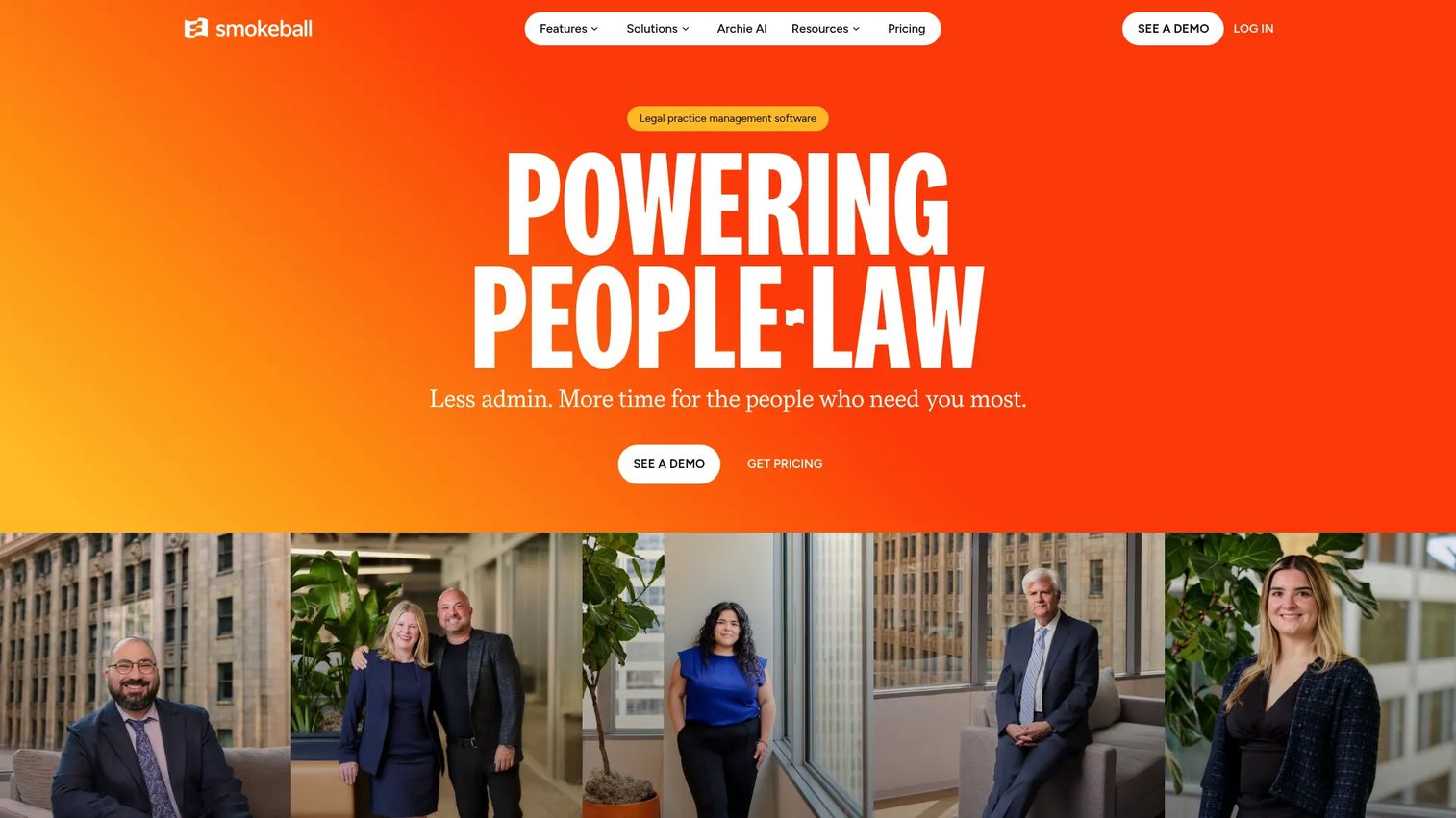
Smokeball is legal practice management software built around the operational reality of law firms where documents and billable time drive profitability. It captures time automatically as lawyers work in email and documents, generates documents from templates, manages client communication, and handles billing in one platform. AI features including Archie AI, Communicate AI, and Intake AI sit across the product.
Best for: Law firms that want document-heavy matter workflows and billing automation without stitching together multiple systems.
Key features
- Client and matter management with linked tasks and deadlines
- Automatic time tracking across email and document activity
- Document automation, templates, and Microsoft 365 integrations
- Invoicing, trust accounting, and online payments
- Client portal, secure messaging, and e-signature
Why choose Smokeball: Automatic time capture is the standout differentiator for firms where billable hours are hard to track manually. It is less relevant for in-house legal teams focused on CLM or legal intake governance at enterprise scale.
Smokeball pricing: Priced on four plans (Bill, Boost, Grow, Prosper+). Pricing depends on firm size and contract term. Request a quote from the Smokeball website.
G2 rating: 4.7/5
3. Litera Transact

Litera Transact is a cloud-based transaction management platform built for legal teams managing M&A, private equity, real estate, restructuring, and other corporate deals. It organizes deal tasks into collaborative checklists, automates signature packet assembly and tracking, and generates closing books automatically. The focus is closing discipline rather than general practice management.
Best for: Legal teams managing high-volume transactions with many documents, parties, and closing steps.
Key features
- Collaborative customizable deal checklists for tasks and diligence
- Automated signature management with block, page, and packet assembly
- Automated creation of closing books and closing sets
- Document collaboration across deal parties
- Transaction status dashboards and tracking
Why choose Litera Transact: Use it when closing discipline and transaction coordination matter more than day-to-day matter management. Firms that mainly need intake, billing, or general practice management should look at Clio Manage or Smokeball instead.
Litera Transact pricing: Custom pricing. Contact Litera for a quote based on team size and transaction volume.
G2 rating: 4.7/5
4. Actionstep

Actionstep is a cloud-based legal practice management and accounting platform designed for midsize law firms that want their processes reflected precisely in the software. Workflow automation spans intake, matter stages, task templates, document generation, billing, and accounting. Add-ons include an AI time capture tool (Trace) and embedded analytics (Acumen).
Best for: Growing law firms that need customizable workflow automation across the full matter lifecycle.
Key features
- Matter workflow builder with configurable stages and task templates
- Client intake and document assembly
- Legal billing, time tracking, and trust accounting
- Mobile app for access outside the office
- Reporting and analytics with optional embedded dashboards
Why choose Actionstep: The workflow builder makes it strong for firms that have defined how their processes should run and want to enforce that in software. The platform requires thoughtful setup, so assigning an internal workflow owner before implementation is worth doing.
Actionstep pricing: Per-user pricing plus implementation fees.
G2 rating: 4.0/5
5. Ironclad
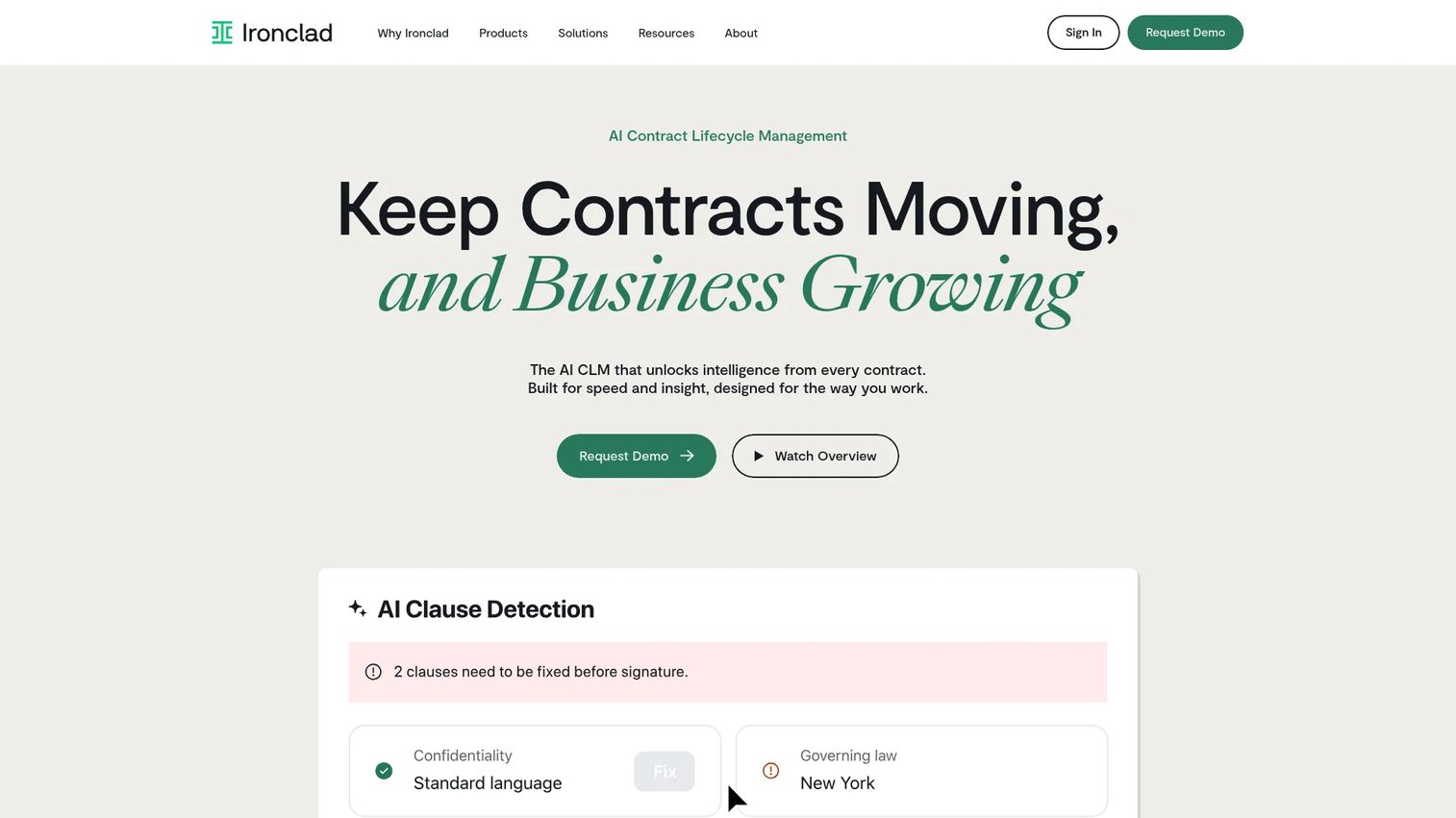
Ironclad is an AI-powered contract lifecycle management software platform built for in-house legal and business teams. It handles contract intake through approval, negotiation, signature, storage, and analytics, covering the full lifecycle. Business teams in sales, procurement, finance, and operations can submit contract requests without burdening legal with coordination overhead.
Best for: In-house legal teams that need contract workflows across sales, procurement, finance, and legal.
Key features
- No-code workflow automation for contract intake, approvals, routing, and escalations
- AI-powered drafting, summarization, redlining, and clause extraction
- Searchable contract repository with contract-family tracking
- Clause playbooks for consistent negotiation positions
- Workflow analytics and reporting
Why choose Ironclad: Strong fit when contract work is slowing revenue or procurement and the team needs visibility across the full contract lifecycle. Law firms seeking practice management should choose a firm-focused platform rather than a CLM.
Ironclad pricing: Custom pricing. Contact Ironclad's sales team for a quote.
G2 rating: 4.4/5
6. Lawcus
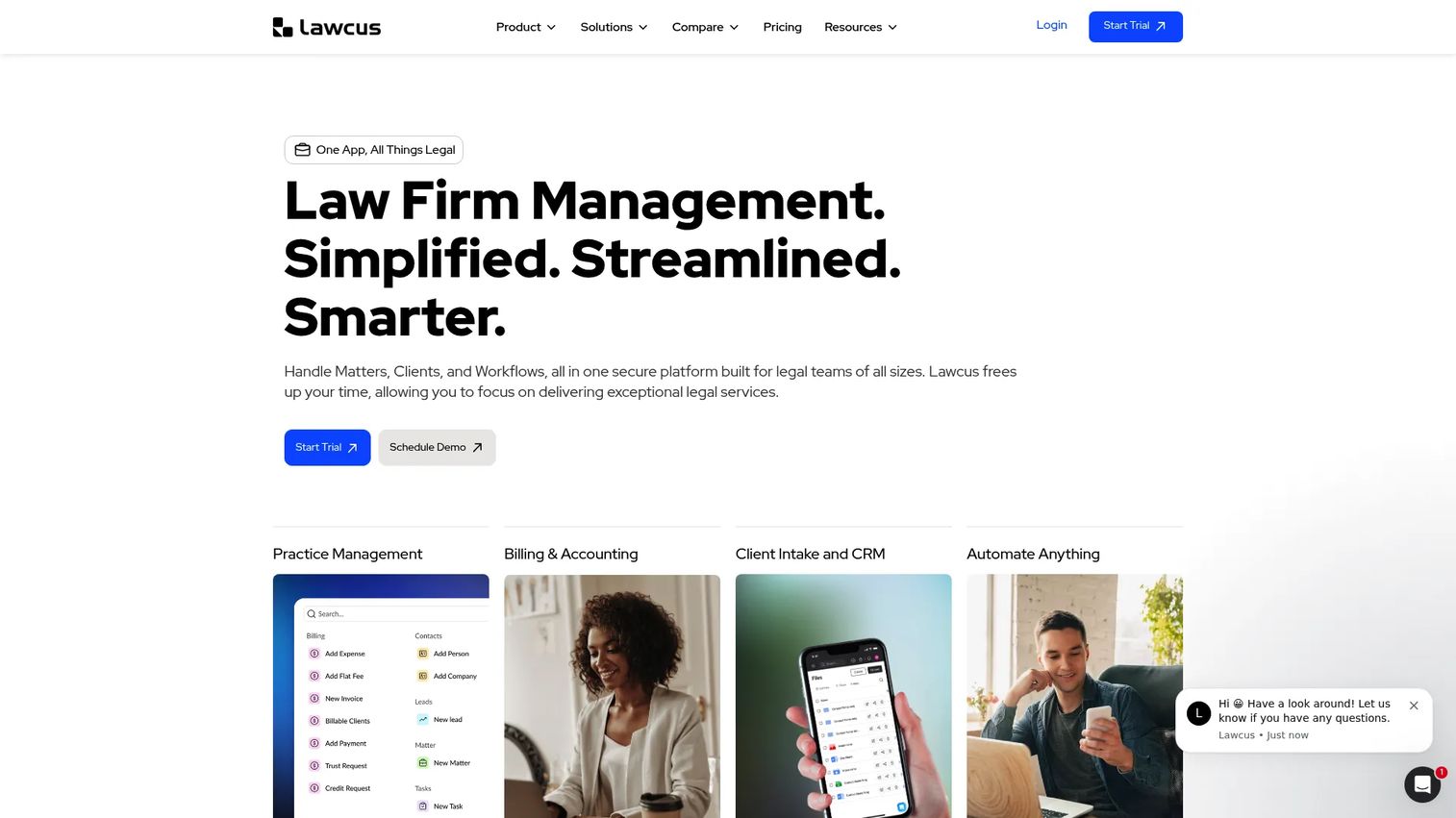
Lawcus blends legal CRM, practice management, and workflow automation in a platform aimed at smaller law firms. Intake pipelines, lead tracking, matter management, billing, and client communication sit together so firms can manage the full client journey from first inquiry to matter close. A 14-day trial is available on the homepage.
Best for: Small law firms that need intake automation and matter workflows with built-in CRM functionality.
Key features
- Legal CRM with intake pipelines and lead tracking
- Case and matter management with task automation
- Time tracking, billing, invoicing, and trust accounting
- Document automation and e-signatures
- Reporting, dashboards, and third-party integrations
Why choose Lawcus: Good fit for firms where converting inquiries and managing matter progress need a shared operating view. Larger firms may need deeper document controls, enterprise permissions, or more sophisticated billing workflows than Lawcus provides at its current scale.
Lawcus pricing: Essential plan starts at $39/user/month billed annually ($49/user/month billed monthly). Growth is $59/user/month annually and Elite is $79/user/month annually. Enterprise pricing is by quote.
G2 rating: 4.5/5
7. Onit
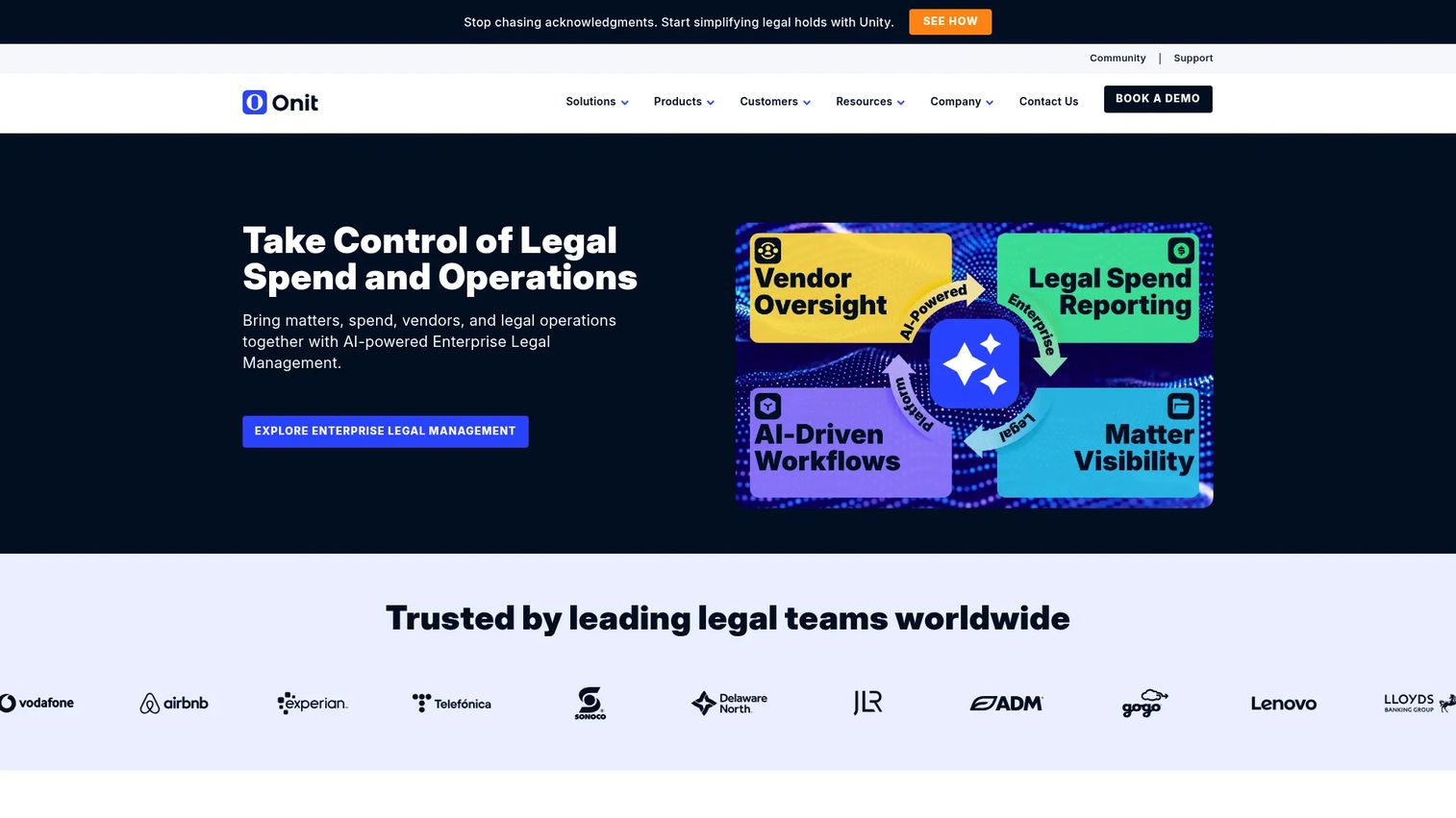
Onit provides AI-native legal operations software for enterprise legal departments managing high volumes of matters, outside counsel spend, contracts, and cross-functional workflows. Its Unity platform covers enterprise legal management, CLM, and no-code workflow building in one system. Custom AI agents sit across the platform for research, drafting, and task automation.
Best for: Enterprise legal departments managing high-volume matters, outside counsel spend, contracts, and governance workflows.
Key features
- Enterprise legal management for matter, vendor, and financial data
- Contract lifecycle management with AI-assisted contract review
- No-code workflow and application builder with custom AI agents
- Legal spend management and e-billing
- Legal analytics and reporting
Why choose Onit: Strong when legal operations has executive visibility and process complexity that requires governance across multiple business units. Smaller teams or early-stage companies may find the implementation scope heavier than their current need warrants.
Onit pricing: The main Onit platform is quote-based. The SecureDocs virtual data room starts at $250/month billed annually. Contact Onit for enterprise platform pricing.
G2 rating: 4.6/5
8. DocuSign CLM
DocuSign CLM extends contract work beyond signature into generation, routing, review, storage, and reporting. It connects to the broader DocuSign agreement platform, making it a natural step for teams whose e-signature workflows already run through DocuSign. The platform offers 100+ preconfigured workflow steps and Salesforce integration out of the box.
Best for: Teams that want contract generation, approval, and signature workflows connected to a familiar agreement platform.
Key features
- AI-assisted contract creation, clause suggestions, and non-compliance flagging
- Drag-and-drop workflow automation with 100+ preconfigured steps
- Contract collaboration with comments, tasks, and version control
- Centralized, searchable contract repository with renewal tracking
- Salesforce and Slack integrations via native connectors and APIs
Why choose DocuSign CLM: A natural fit when signature workflows already run through DocuSign and the team needs to extend into full contract lifecycle management. Validate integration depth and implementation effort before committing, since the gap between e-signature and full CLM adoption is wider than it looks on a demo.
DocuSign CLM pricing: Custom pricing. Contact DocuSign sales for a quote.
G2 rating: 4.3/5
9. HighQ
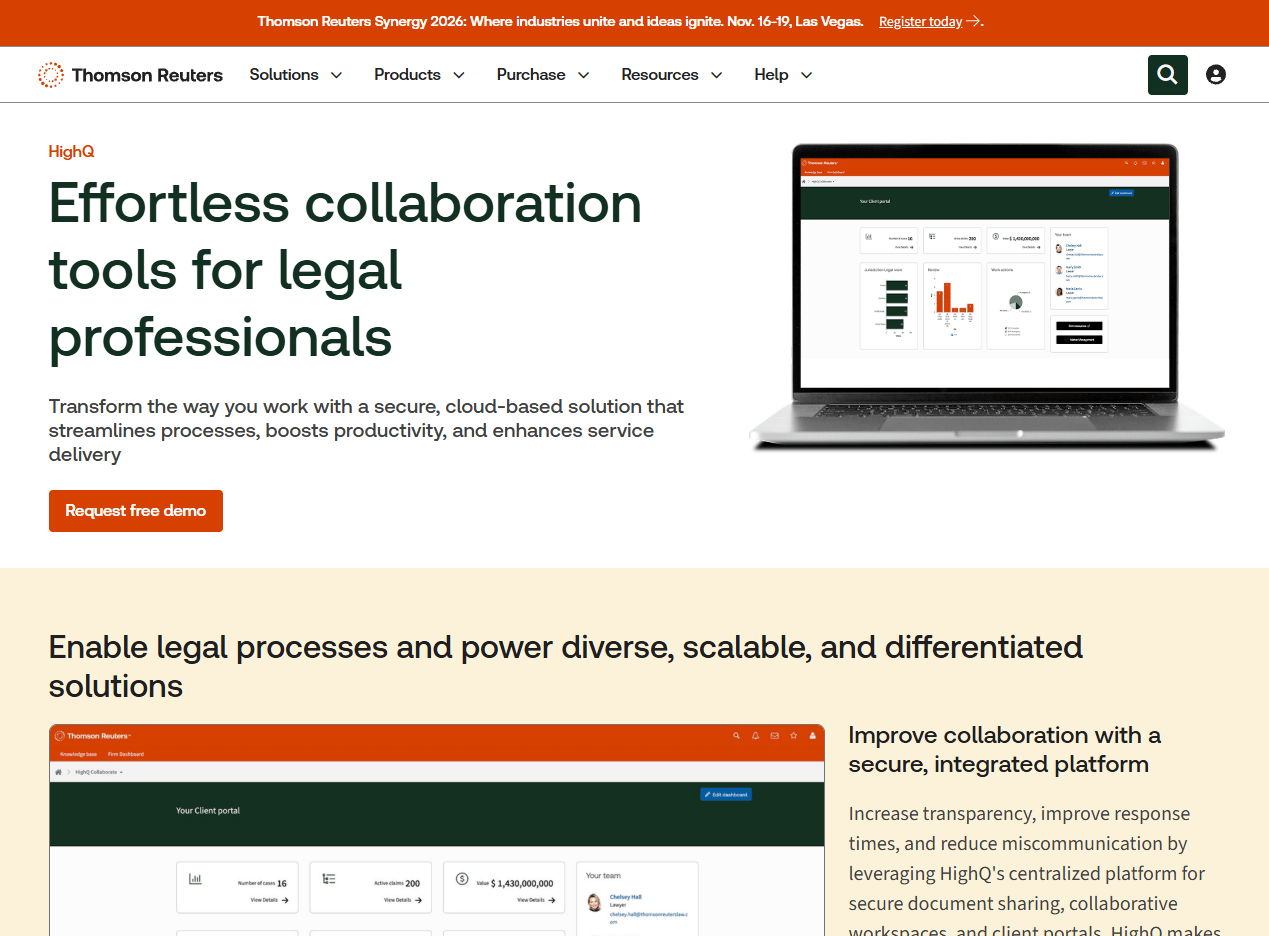
HighQ is a secure cloud-based platform from Thomson Reuters covering legal collaboration, matter workspaces, document management, client portals, and legal project management. It is designed for legal work that crosses organizational boundaries: Law firms sharing deal rooms with clients, legal departments running secure extranets with outside counsel, or government teams managing regulated documents.
Best for: Legal teams that need secure matter collaboration across internal teams, clients, and outside counsel.
Key features
- Client portals and secure virtual data rooms
- Document management and secure file sharing with version control
- Workflow and document automation
- Task tracking and legal project management with shared calendars
- AI-enabled document insights and due diligence workflows
Why choose HighQ: Strong when legal work requires structured external collaboration and controlled access. Less focused on small-firm billing or CRM-led intake than practice management platforms, so it pairs well with a billing or CLM tool rather than replacing one.
HighQ pricing: Custom pricing across Essentials, Advanced, and Premium plans. Contact Thomson Reuters for pricing based on team size and feature requirements.
G2 rating: 4.3/5
10. iManage
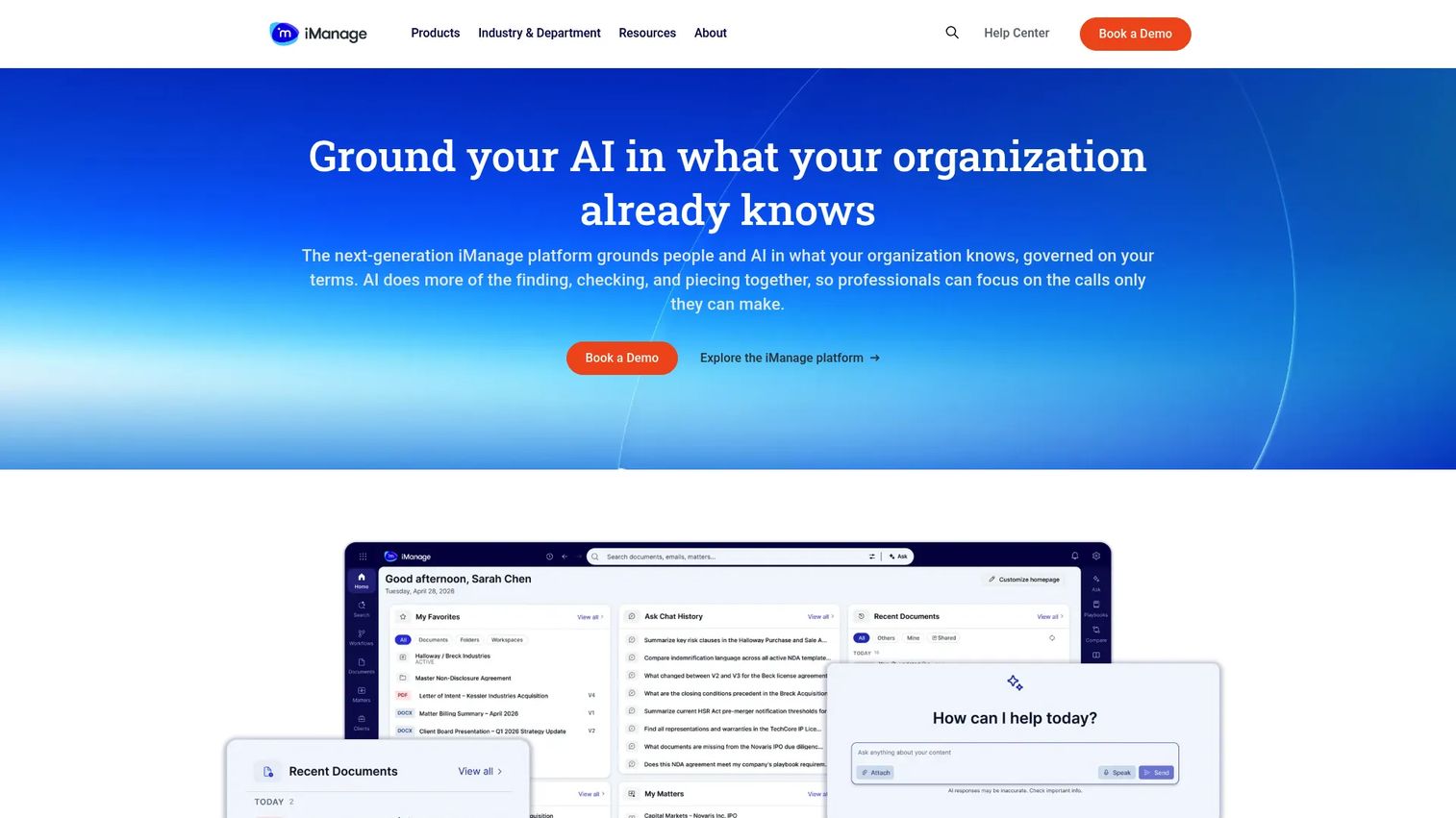
iManage is a governed knowledge-work platform for document and email management, security, compliance, and AI-assisted workflows. It serves document-intensive law firms and corporate legal departments where the document system is the operational center of legal work. AI features cover document classification, metadata extraction, comparison, and playbooks for review workflows.
Best for: Document-intensive legal teams that need governed document and email management with knowledge workflows.
Key features
- Document and email management with unified search
- AI-powered document classification and metadata extraction
- AI assistance, document comparison, and review playbooks
- Security, governance, records, and compliance controls
- Knowledge management and work product retrieval
Why choose iManage: Strong for teams where the document repository is the foundation of every matter and security controls are non-negotiable. Teams that also need intake, billing, or CLM will need additional platforms alongside iManage rather than replacing it.
iManage pricing: Custom pricing. Pricing depends on firm size, product selection, and deployment scope. Contact iManage for a quote.
G2 rating: 4.4/5
11. NetDocuments
NetDocuments is a cloud-native document and email management platform built for law firms, corporate legal departments, and public-sector teams. It organizes documents with version control, predictive email filing, and searchable access through Outlook and Gmail. Security controls include ethical walls, data loss prevention, audit trails, and encryption. AI features include a Legal AI Assistant and Tabular Review tool.
Best for: Law firms and legal departments that want cloud-first document management with governance controls.
Key features
- Cloud document management with version control, search, and auto-profiling
- Email management with predictive filing through Outlook and Gmail
- Legal AI Assistant, Tabular Review, and AI App Builder
- Security controls including ethical walls and data loss prevention
- Microsoft Teams integration and audit trail
Why choose NetDocuments: Good fit when document governance and cloud-first access matter more than broad matter automation. Pairing with a CLM or practice management platform covers contract routing or billing workflows that NetDocuments does not handle natively.
NetDocuments pricing: Custom pricing by organization size and product selection. Contact NetDocuments for a personalized quote.
G2 rating: 3.9/5
12. Filevine
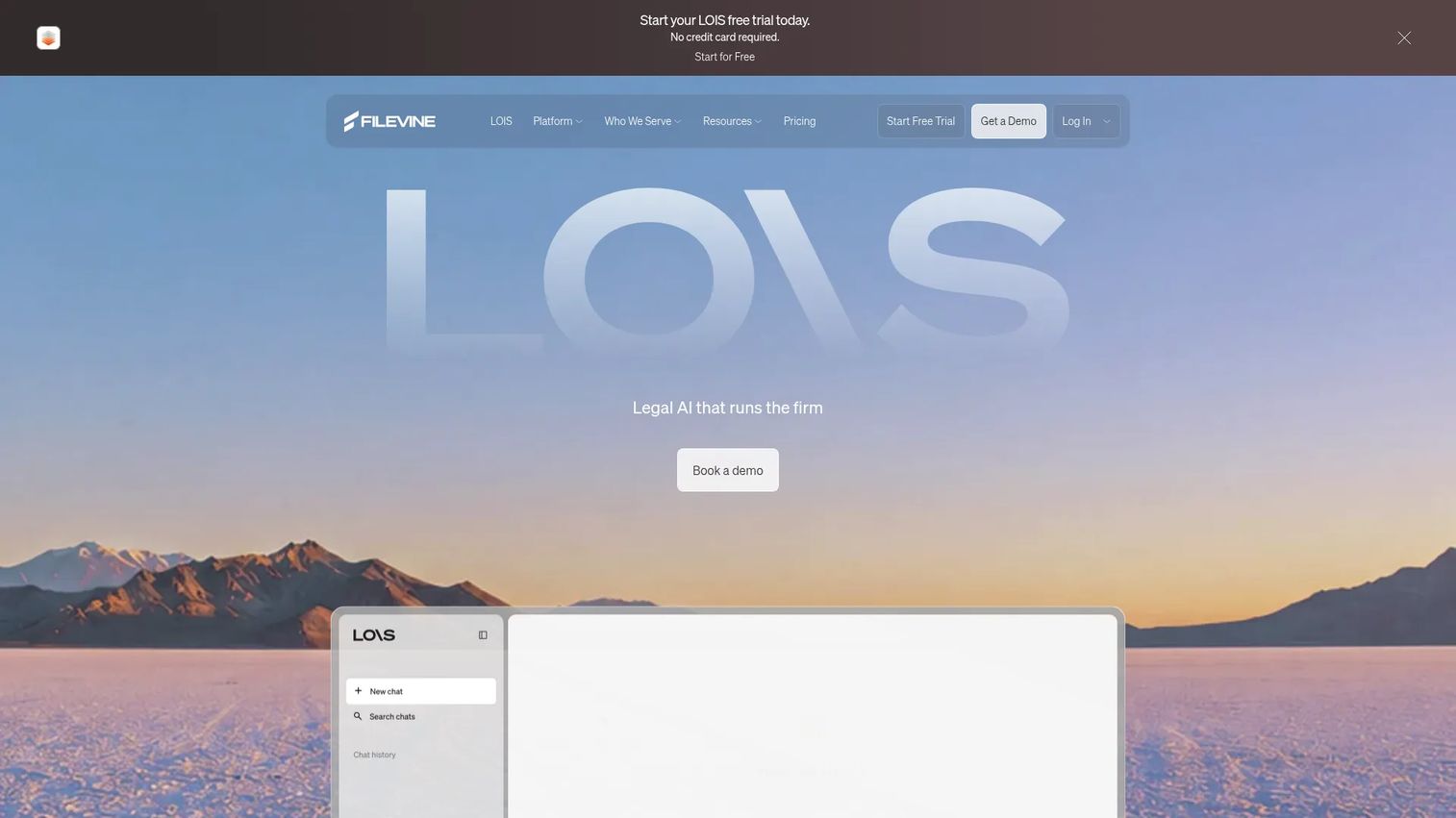
Filevine is legal operations software for managing matters, documents, intake, and AI-powered legal workflows. Its case management system uses phase-based taskflows, deadline tracking, and document generation built around repeatable case patterns. AI features include deposition scheduling, transcription, analysis, and searchable deposition libraries. A free LOIS Explore tier with AI legal research and drafting is available, though it does not include case management.
Best for: Litigation and plaintiff firms that need case workflows, deadlines, and document generation at scale.
Key features
- Phase-based case taskflows with deadline tracking
- Document management with advanced search and secure file sharing
- AI-powered deposition scheduling, transcription, and analysis
- Lead intake and client communication workflows
- Billing workflows and reporting
Why choose Filevine: Strong when case phases and task consistency drive firm performance and the team handles high volumes of similar matters. In-house legal teams focused on enterprise matter management or contract lifecycle work should look at platforms designed for that motion instead.
Filevine pricing: Custom pricing by organization. The LOIS Explore free tier covers AI research and drafting only. Contact Filevine for case management pricing.
G2 rating: 4.6/5
13. Harvey
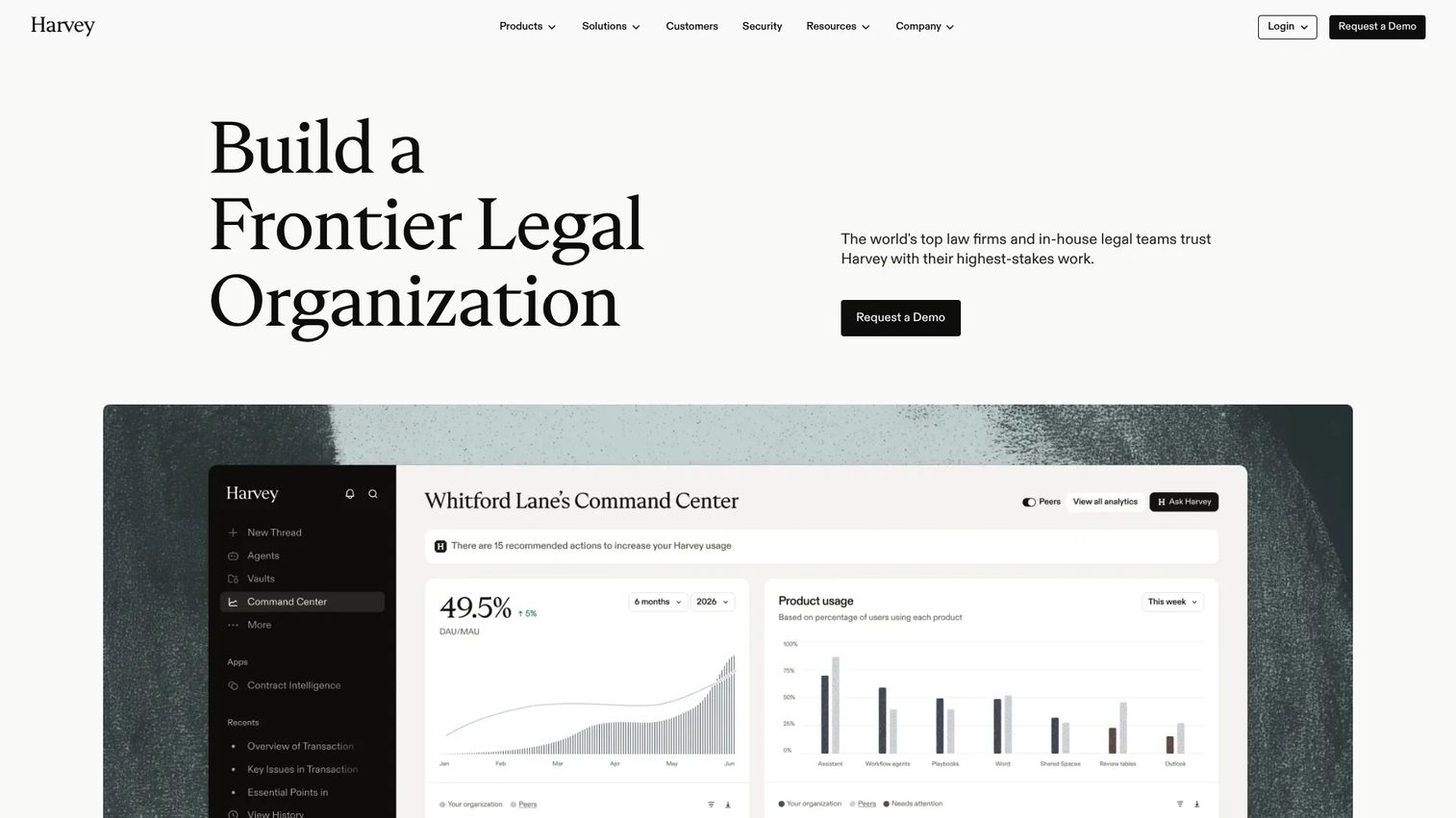
Harvey is an AI platform built for law firms and in-house legal teams doing knowledge-intensive work. It covers legal research with citations, document analysis, drafting, due diligence, and multi-step legal task automation through its Agents and Workflows product. Vault provides secure storage and large-scale document review. Harvey is not a practice management or billing platform.
Best for: Legal teams that want AI support for research, drafting, document review, and complex legal reasoning workflows.
Key features
- AI-assisted legal research, analysis, and drafting with citations
- Vault for secure storage and large-scale document review
- Agents and Workflows for complex, multi-step legal tasks
- Due diligence and contract analysis workflows
- Secure AI environment for sensitive legal work
Why choose Harvey: Strong fit when legal work depends on high-value knowledge work rather than task routing. Teams using Harvey still need separate systems of record for matters, documents, contracts, and billing. According to the American Bar Association's Legal Industry Report 2025, 31% of legal professionals personally used generative AI at work in 2025, suggesting adoption is growing but most teams are still building the right stack around AI tools.
Harvey pricing: Custom pricing based on seats, products, and contract terms. Contact Harvey sales for a quote.
G2 rating: 4.3/5
14. LawVu
LawVu is a legal operating system designed for in-house legal teams moving away from email-led operations. It covers legal intake, matter management, contract lifecycle management with AI drafting and review, legal spend management, e-billing, documents, knowledge, and reporting in one platform. Plans are structured around Matters, Essentials, and Ultimate tiers, with the contract drafting toolbox available as a standalone add-on.
Best for: In-house legal teams that need a central workspace for matters, contracts, intake, and reporting.
Key features
- Legal intake and matter management with configurable workflows
- Contract lifecycle management with AI drafting and review
- Legal spend management and e-billing
- Document and knowledge management
- Dashboards, reporting, and embedded AI automation
Why choose LawVu: Strong for corporate legal teams that need visibility across the full legal function and want to consolidate intake, contracts, and spend in one platform. Law firms seeking billing and practice management will find firm-specific platforms like Clio Manage or Smokeball a better operational fit.
LawVu pricing: Quote-based across Matters, Essentials, and Ultimate plans. The contract drafting toolbox is also available as a standalone with a trial request option. Contact LawVu for pricing.
G2 rating: 4.5/5
15. LegalFly

LegalFly is a legal AI platform for corporate in-house legal, compliance, and procurement teams. Its focus is AI-assisted legal work with governance controls: Playbook-based contract review and negotiation, AI drafting with smart templates, regulatory monitoring, bulk due diligence, and document anonymization. Custom legal agents and end-to-end workflow automation sit on top of core document capabilities. Integrations include Word, SharePoint, Google Drive, Teams, Slack, and email.
Best for: Legal teams that want AI-assisted contract review, drafting, and workflow automation with governance controls.
Key features
- Playbook-based contract review and negotiation
- AI-assisted document drafting with smart templates
- Regulatory monitoring and impact assessment
- Bulk due diligence and multi-document review
- Document anonymization and custom legal agents
Why choose LegalFly: Strong fit when AI-assisted review and legal workflow governance are primary goals, particularly for teams managing contracts across multiple jurisdictions or regulatory environments. Teams that mainly need practice management or law firm billing should evaluate firm-specific platforms first.
LegalFly pricing: Custom pricing. Core legal users receive full licences, Collaborator Access is priced at 50% of standard seat-based pricing, and automated workflows are usage-based. Contact LegalFly for a quote.
G2 rating: 4.2/5
Considerations when choosing legal workflow automation software
Match the tool to the workflow layer
Buying a CLM platform for practice management, or a document management system for intake automation, creates cost and complexity without solving the actual problem. Map your top workflows first: Intake, contracts, matters, documents, billing, or AI review. Each layer has specialist tools, and the right starting point depends on where the bottleneck actually sits.
Check integration depth before you commit
Ask whether integrations with your email system, document management, CRM, ERP, e-signature, and finance tools are native, API-based, or handled through implementation services. A tool that connects to Salesforce through a middleware layer rather than a native connector creates a maintenance dependency that surfaces at the worst time.
Validate governance and auditability
Permissions, access controls, audit trails, approval history, matter records, document versioning, and AI usage logs determine whether a system holds up under board diligence or external audit. For a Series B company preparing for the next raise, this is not optional. Ask to see how the system handles approval records and access reporting before you sign.
Plan for implementation ownership
A tool without a process owner becomes shelfware. Assign someone internal to own configuration, define workflows before the vendor touches the system, and pilot one workflow before expanding. The 32% of in-house legal professionals planning to adopt workflow automation in the next one to two years (Counselwell and Spellbook, AI in Legal Departments: 2025 Benchmarking Report) are mostly starting small and expanding, not deploying enterprise-wide on day one.
Measure cycle time, not feature volume
Track intake response time, contract turnaround, matter status visibility, document review time, billing approval time, and outside counsel spend. These numbers tell you whether the tool is working. Feature counts do not.
Conclusion
Legal workflow automation is not one category. It is a stack of workflow layers, and the right tool depends on which layer needs attention first.
For law firm practice management, start with Clio Manage or Smokeball. For transaction management, Litera Transact handles deal coordination. For enterprise contract workflows, Ironclad and DocuSign CLM cover the full lifecycle. Onit and LawVu serve legal operations teams that need matter, spend, and contract visibility in one platform. Document-intensive teams running on a secure repository should evaluate iManage or NetDocuments. For legal AI work, Harvey and LegalFly both support high-value knowledge tasks with governance controls.
For a Series B founder, the goal is straightforward: Fewer bottlenecks between legal and revenue, cleaner approval chains, and operations that survive diligence without manual reconstruction. Pick the layer that is slowing you down and start there.
If you sell complex legal software and buyers need to understand your product before they book a call, interactive demos let prospects explore your workflows, share them with stakeholders, and reach sales conversations with real context. A Demo Center gives your team a branded hub to organize and distribute those demos at scale.
Start your journey with Guideflow today!
FAQs
Legal workflow automation software helps legal teams standardize, assign, track, and automate recurring legal work such as intake, matter routing, contract approvals, document drafting, billing review, and compliance tasks. It spans multiple software categories, including practice management, CLM, legal AI, document management, and intake platforms, depending on whether the team is a law firm or an in-house legal function.
Clio Manage is the strongest default for small and mid-sized firms that need matter management, billing, intake, and documents in one platform. Smokeball suits firms where document generation and automatic time capture drive profitability. Actionstep fits growing firms that need customizable workflow automation with legal accounting. Filevine works best for litigation-heavy firms with high-volume, repeatable case patterns.
Ironclad is the strongest option for teams whose primary need is enterprise contract workflow and lifecycle management. Onit covers mature legal departments managing matters, spend, and contracts together. LawVu suits corporate legal teams moving to a full legal operating system. HighQ fits teams where secure collaboration with outside counsel and clients is a priority. Harvey and LegalFly both support AI-led legal knowledge work.
Practice management software is designed for law firms and covers matters, billing, documents, and client communication as a firm operating system. Legal workflow automation is a broader term that includes CLM, legal ops platforms, AI legal tools, document management systems, and intake automation. Many law firm tools include workflow automation features, but enterprise legal departments often need separate CLM or legal ops platforms that go beyond what practice management covers.
AI features in legal software vary significantly in how they handle data privacy, permissions, and human oversight. Look for platforms with audit trails for AI-generated outputs, role-based access controls, human approval steps in AI-assisted workflows, documented data handling practices, and security certifications relevant to your compliance requirements. No software tool replaces your own legal team's judgment on AI governance, and you should review vendor security documentation independently.
Pricing depends on the category, number of seats, modules selected, matter or document volume, AI usage, implementation scope, and enterprise security requirements. Lawcus starts at $39/user/month for small firms. Clio Manage starts at $49/user. Most enterprise platforms, including Ironclad, Onit, iManage, NetDocuments, HighQ, Harvey, LawVu, and LegalFly, are quote-based. Always ask vendors for implementation and onboarding costs in addition to subscription pricing.
Start with high-volume, low-risk workflows where the cost of a manual error is visible. Intake routing, contract approval chains, task assignment from matter templates, deadline reminders, and billing approval reviews are good starting points. These workflows have clear trigger conditions, defined outputs, and measurable cycle times, which makes it easier to demonstrate ROI before expanding automation to more complex legal work.
Track contract turnaround time before and after implementation. Measure intake response time, matter cycle time from open to close, document review time, billing approval time, and outside counsel spend per matter. For founders preparing for diligence, also measure how often executives are pulled into approval chains that the system should handle. A meaningful improvement in any two of these metrics in the first quarter is a strong signal the tool is earning its place.