The doc exists. Nobody trusts it during a live issue.
That's the documentation problem in one sentence. Your team built runbooks, wrote SOPs, published help articles, and created a wiki. Then a release shipped, screenshots aged, processes changed, and nobody updated the pages. Now agents paste outdated steps into tickets, customers open the help center and find instructions that no longer match what they see, and IT engineers improvise during incidents because the runbook is six months behind reality.
The knowledge management software market reached $13.7 billion in 2025 and is forecast to grow to $37.64 billion by 2031, according to Mordor Intelligence (2025). The investment is real. The maintenance gap is where it falls apart.
This guide cuts through the category noise to help you pick the right IT documentation software for your actual workflow, whether that's deflecting support tickets, managing MSP client records, maintaining runbooks, or publishing developer docs.
What's inside
This guide compares 15 IT documentation software tools for 2026, covering internal wikis, MSP documentation platforms, knowledge base software, and developer documentation tools.
Tools were selected across four criteria:
- Search quality: Can an agent find the answer during a live ticket?
- Maintenance: Does the platform support ownership, review cycles, and version history?
- Permissions and security: Does it handle sensitive infrastructure data safely?
- Workflow fit: Does it connect to ticketing, ITSM, chat, or developer tools?
TL;DR
- Best overall for internal IT documentation: Confluence, for teams that need a flexible wiki connected to engineering, support, and project workflows
- Best for MSPs: IT Glue or Hudu, purpose-built for client records, credentials, and technician handoffs
- Best for support knowledge bases: Document360, ProProfs Knowledge Base, or KnowledgeOwl
- Best for developer and technical docs: GitBook, MkDocs, Read the Docs, or Sphinx
- Best self-hosted option: BookStack or DokuWiki
- Best for enterprise ITSM: ServiceNow Knowledge Management
What is IT documentation software?
IT documentation software is a platform for creating, organizing, securing, searching, and maintaining technical knowledge such as runbooks, SOPs, infrastructure notes, troubleshooting guides, internal wikis, and customer support documentation.
What it stores:
- Runbooks and incident response steps
- SOPs and escalation procedures
- Network diagrams and infrastructure notes
- Asset records and credential procedures
- API and developer documentation
- Help center articles and self-service guides
- Onboarding and training materials
Why it matters for support teams:
A well-maintained IT documentation system reduces ticket volume by converting repeated agent answers into searchable, self-serve articles. It shortens average handle time when agents can find the right answer fast. It prevents knowledge silos by giving the whole team access to the same trusted source. And it scales onboarding because new agents can learn from documented workflows instead of shadowing senior staff.
Key features to evaluate:
- Full-text search with typo tolerance and filtering
- Version history and change tracking
- Role-based permissions and access controls
- Templates for runbooks, SOPs, and articles
- Approval workflows and review reminders
- Analytics on article views, failed searches, and gaps
- Integrations with ticketing, ITSM, and code repositories
- Export and offline access
Category boundaries:
The IT documentation software category spans several sub-types. A general internal wiki covers team notes and project docs. An MSP documentation platform stores client environments, credentials, and assets. A knowledge base platform publishes searchable articles for agents and customers. A docs-as-code tool generates documentation from Markdown files in a code repository. Each sub-type fits different teams.
For support teams specifically, the question to ask is: "Can my agent find and trust this answer while the customer is waiting?"
When to use IT documentation software
Deflect repetitive support tickets
When the same question reaches your ticket queue more than three times a week, you have a documentation opportunity. Searchable knowledge bases, public help center articles, and macro-linked documentation let customers solve "how do I" questions before an agent gets involved. Track deflection rate and self-serve article views to measure whether the docs are doing the job. If tickets reopen after a doc link is sent, the article needs updating.
Standardize runbooks and escalation paths
IT teams use documentation tools to formalize incident response, access requests, system changes, and escalation paths. During an outage, a runbook must be findable, current, and trusted by the engineer using it. A doc that's twelve months out of date under pressure is worse than no doc at all, because it creates false confidence.
Keep technical knowledge current
Stale screenshots, outdated process notes, and undocumented product changes are the most common documentation failures. The fix is structural: Assign ownership, set review dates, tie doc updates to release processes, and use version history to surface what changed. Teams that connect documentation updates to their release cycles have significantly fewer ticket spikes after new features ship.
IT documentation software comparison
Here's how the 15 tools compare across use case, key differentiator, pricing, and G2 rating. Pricing reflects verified figures from vendor pages at the time of writing. G2 ratings are sourced from live listings.
| # | Product | Best for | Key differentiator | Pricing | G2 rating |
|---|---|---|---|---|---|
| 1 | Confluence | Broad internal IT documentation | Flexible wiki with deep Atlassian integrations | Free; paid from $5.42/user/mo | N/A |
| 2 | IT Glue | MSP documentation | Purpose-built client and asset documentation | From $29/user/mo | 4.7/5 |
| 3 | Hudu | MSPs and IT teams | Asset-centric IT documentation with self-hosting | From $27/user/mo (annual) | 4.7/5 |
| 4 | Document360 | Support knowledge bases | AI-powered KB with workflow approvals | Custom pricing | 4.7/5 |
| 5 | ProProfs Knowledge Base | Fast support documentation | Simple KB with free tier and AI features | Free; paid plans available | 4.6/5 |
| 6 | GitBook | Developer and product docs | AI-native docs with Git sync | Free; from $65/site/mo | 4.7/5 |
| 7 | BookStack | Self-hosted internal docs | Open-source wiki with book-style hierarchy | Free (open source) | 3.5/5 |
| 8 | Notion | Lightweight internal docs | Flexible workspace for docs and team knowledge | Free; from $10/member/mo | 4.6/5 |
| 9 | ServiceNow Knowledge Management | Enterprise ITSM documentation | Knowledge tied to service workflows | Custom pricing | N/A |
| 10 | ClickHelp | Technical writing teams | Single-sourcing and help authoring | From $194/mo | 4.7/5 |
| 11 | KnowledgeOwl | Support knowledge bases | Focused KB with strong search and branding | From $100/mo | 4.6/5 |
| 12 | MkDocs | Markdown documentation sites | Static docs from Markdown files | Free (open source) | 4.0/5 |
| 13 | Read the Docs | Open-source and developer docs | Auto-builds from code repositories | Free; from $50/mo | 5.0/5 |
| 14 | Sphinx | Python and technical docs | Mature documentation generator for structured output | Free (open source) | 4.4/5 |
| 15 | DokuWiki | Free self-hosted wiki | File-based wiki with no database required | Free (open source) | 3.9/5 |
Best 15 IT documentation software tools for 2026
1. Confluence
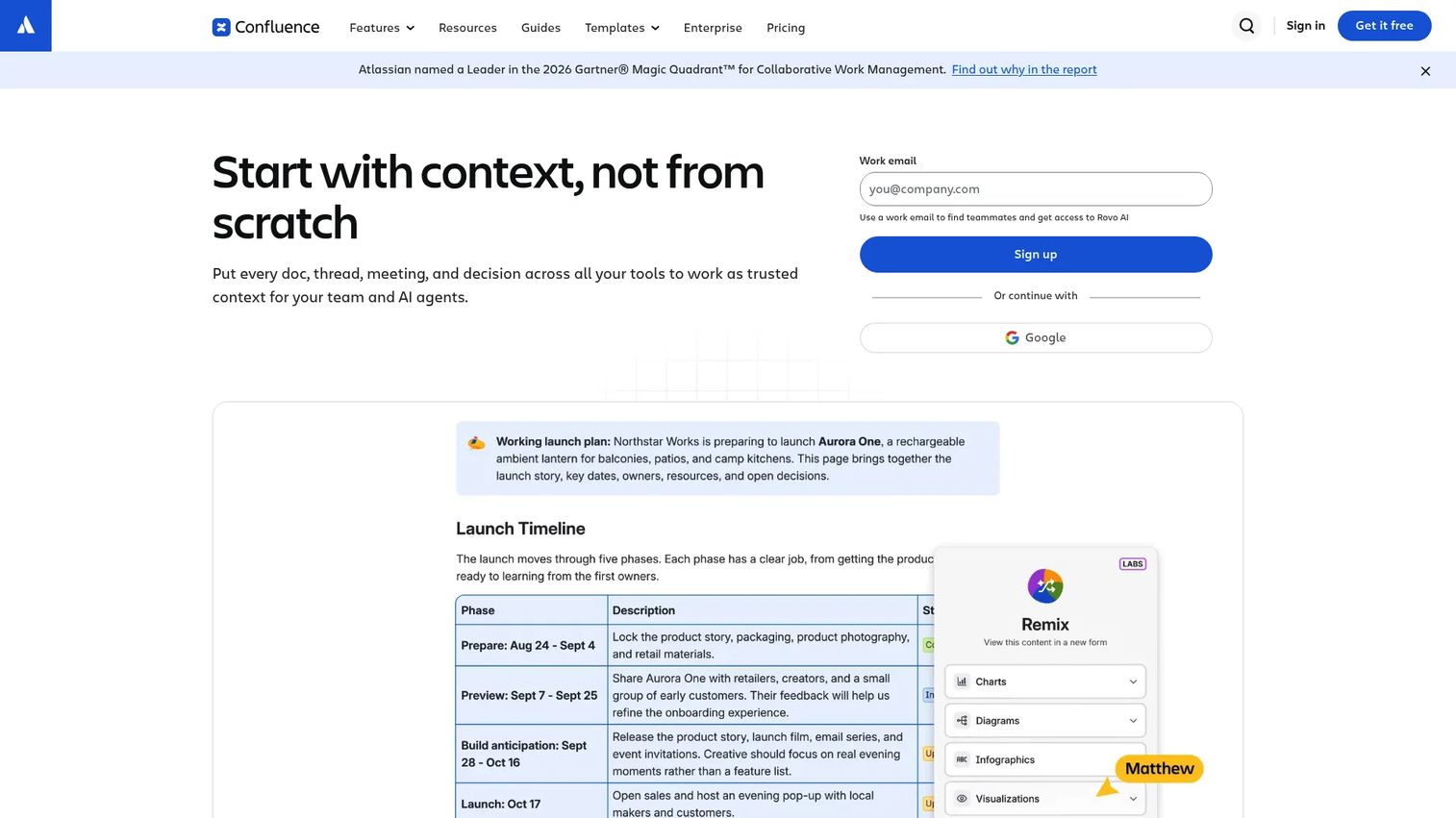
Confluence is a collaborative wiki and documentation platform built for teams that need to organize knowledge across engineering, IT, support, and product. It supports page trees, nested spaces, real-time co-editing, templates, and deep integration with Jira and other Atlassian tools. Its AI assistant, Rovo, helps with search, content creation, and automation. Teams already running Jira for issue tracking or project management get the most out of Confluence because documentation lives alongside the work it describes.
Best for: IT and support teams that need a flexible internal wiki connected to ticketing and project workflows.
Key features
- Page trees and spaces for structured content hierarchy
- Templates for runbooks, SOPs, and meeting notes
- Granular permissions and content restrictions
- Atlassian integrations (Jira, Trello, and more)
- Version history and inline comments
Why choose Confluence: Choose it when documentation needs to span support, IT, engineering, and product without requiring separate systems. It's especially strong when docs need to sit next to tickets, sprints, and product work.
Confluence pricing: Free for up to 10 users. Standard plans run $5.42 per user per month; Premium is $10.44 per user per month. Enterprise pricing requires a sales conversation.
2. IT Glue
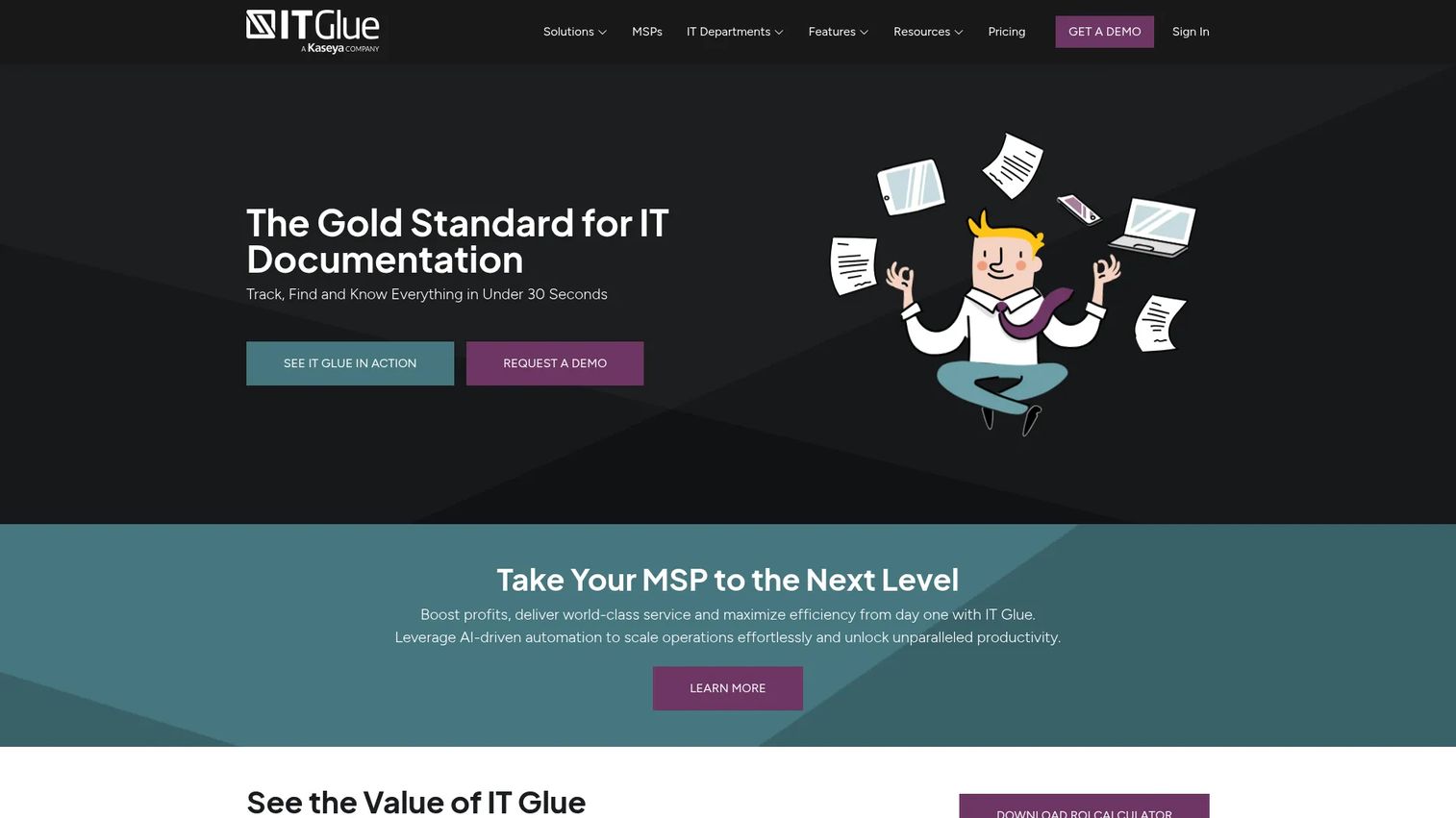
IT Glue is a SOC 2-compliant documentation platform built specifically for managed service providers. It centralizes client records, passwords, network assets, SOPs, checklists, and relationship maps in one structured system. For support teams inside MSPs, it means every technician picks up a ticket already knowing the client's environment, credentials, and documented procedures. IT Glue's relationship mapping connects assets to procedures to contacts, so context follows the work.
Best for: MSPs that document client environments, credentials, assets, and service histories across dozens of accounts.
Key features
- Structured client documentation records
- Asset relationship mapping
- Secure password vault with rotation
- SOP templates and checklists
- 60+ native MSP workflow integrations
Why choose IT Glue: Choose it when documentation is tied to multiple client environments rather than a single internal company stack. It's purpose-built for repeatable MSP processes and technician handoffs, not general team notes.
IT Glue pricing: Plans start at $29 per user per month (Basic), $38 per user per month (Select), and $44 per user per month (Enterprise), all based on a 36-month term with a 5-user minimum. A one-time onboarding fee applies.
G2 rating: 4.7/5
3. Hudu
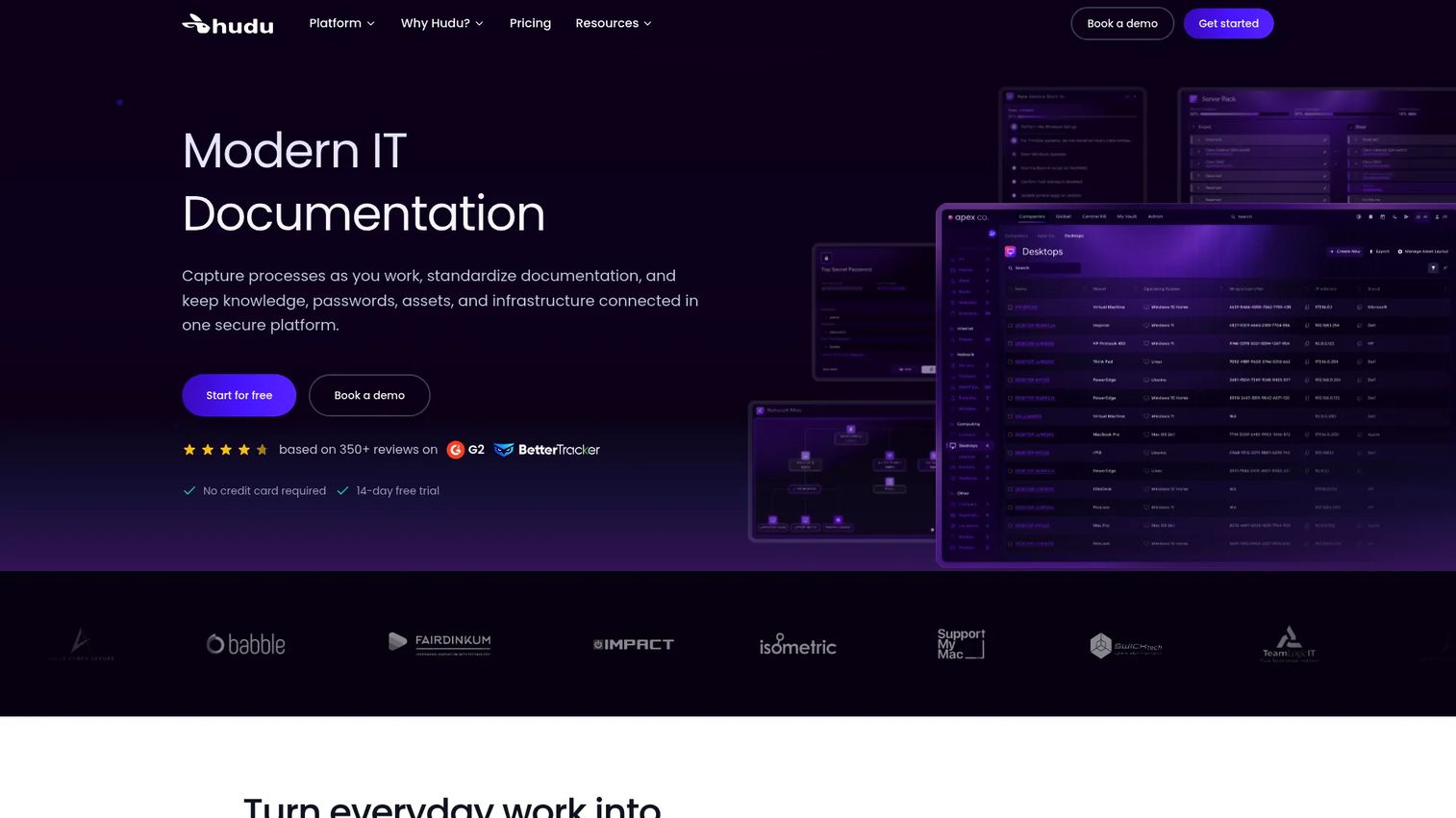
Hudu is an IT documentation platform for MSPs and internal IT teams that centralizes credentials, assets, processes, and infrastructure information. Unlike some MSP documentation tools that lock you into cloud hosting, Hudu offers both cloud-hosted and self-hosted deployment. It includes a password vault, asset management with custom layouts, IPAM and rack management, website monitoring, and a REST API. A 14-day free trial is available before committing.
Best for: Teams that want MSP-style documentation with the option to host it themselves and an asset-centric records model.
Key features
- Asset management with custom layouts
- Password vault and access controls
- Process templates and workflow documentation
- Website and SSL monitoring
- Cloud-hosted or self-hosted deployment
Why choose Hudu: Choose it when IT documentation needs to connect assets, credentials, procedures, and infrastructure records without pushing the team into a full enterprise ITSM system. The self-hosting option is a differentiator for teams with data residency requirements.
Hudu pricing: One plan at $30 per user per month (monthly) or $27 per user per month (billed annually). No user minimum. A 14-day free trial is available.
G2 rating: 4.7/5
4. Document360
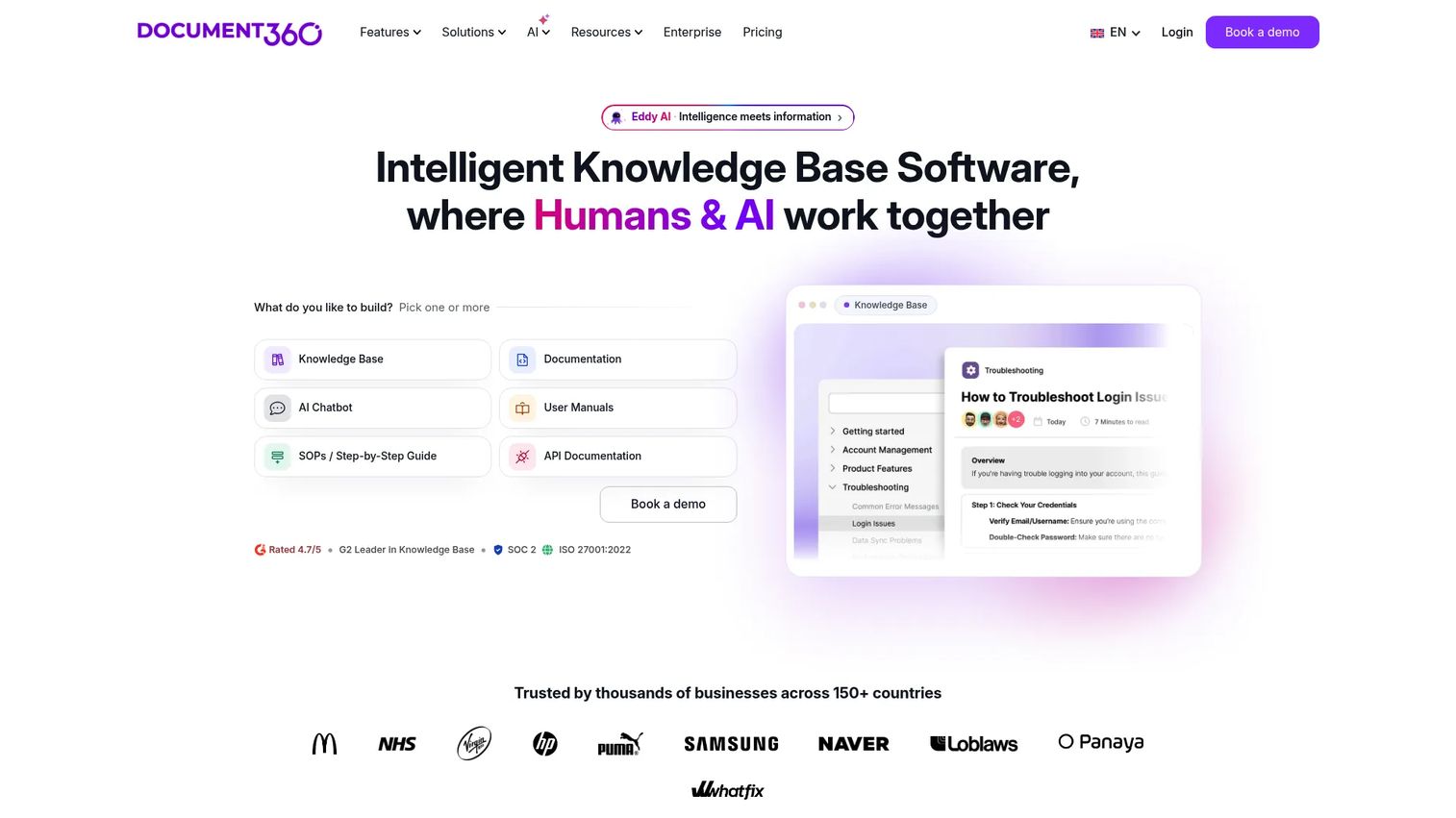
Document360 is an AI-powered knowledge base platform for teams that need both customer-facing and internal documentation under one roof. It supports structured article categories, custom workflows for content review and approval, AI-assisted writing and search, analytics on what readers search and where they drop off, and SSO with role-based access. For support managers, the search analytics are where it earns its place: You can see failed searches and turn them into new articles before tickets pile up.
Best for: Support teams that need a structured knowledge base serving customers and agents from the same platform.
Key features
- Markdown and WYSIWYG article editors
- AI search, writing assistance, and chatbot
- Workflow approvals for content review
- Search analytics and failed-search reports
- SSO, SCIM, audit logs, and role-based access
Why choose Document360: Choose it when the documentation program must serve customers looking for self-service answers and agents looking for internal context. The analytics layer helps teams see which docs are working and which are creating gaps.
Document360 pricing: Pricing is customized based on team setup. Contact Document360 for a quote.
G2 rating: 4.7/5
5. ProProfs Knowledge Base
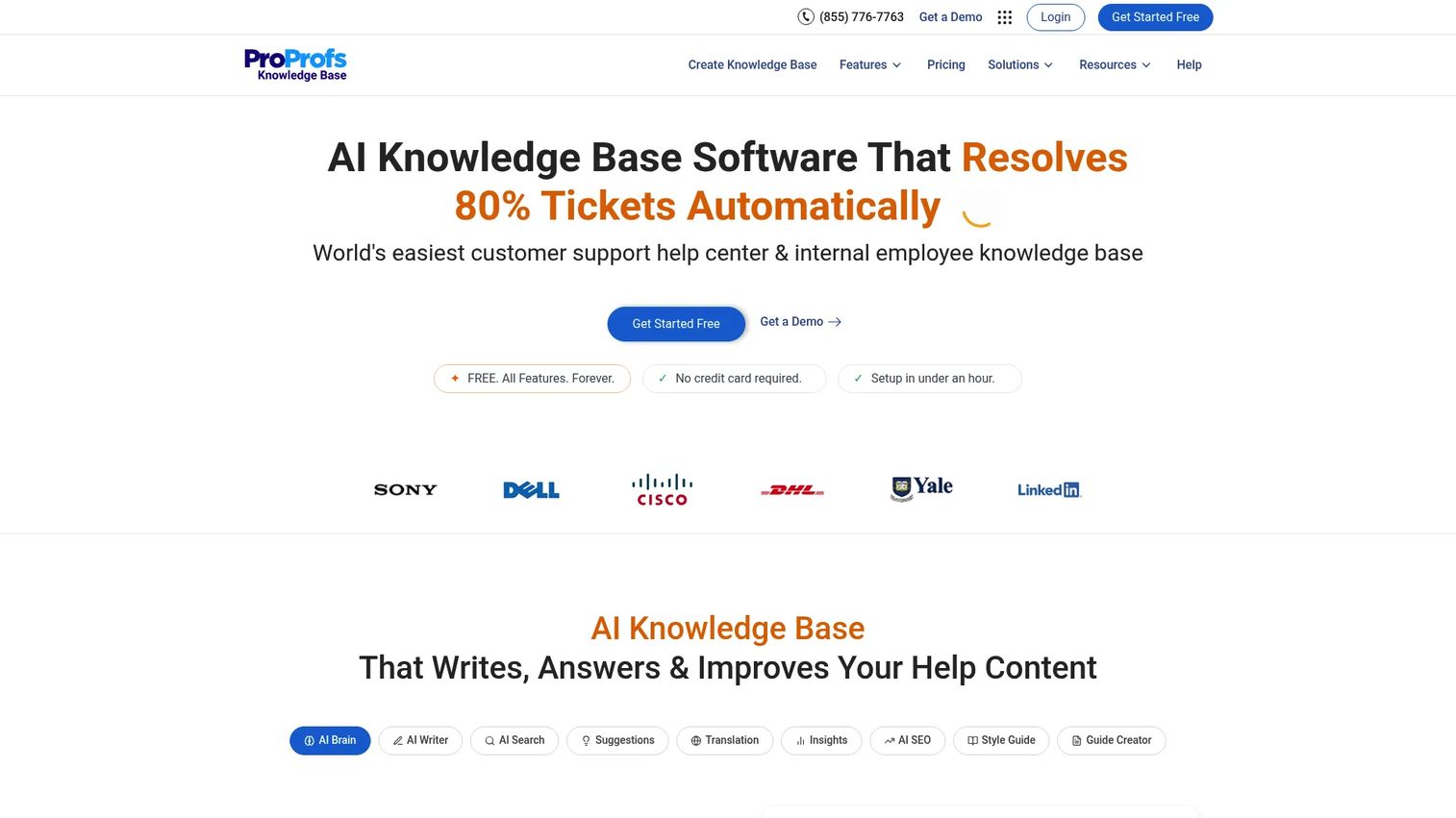
ProProfs Knowledge Base is a knowledge base builder designed for teams that need to publish searchable documentation quickly. It covers internal wikis, public help centers, SOPs, FAQs, and training materials. The free plan supports one author and up to 25 pages, which is enough to test whether the platform fits before committing. AI-powered features handle search, writing suggestions, SEO optimization, and content insights. Integrations include Freshdesk, Zendesk, and Google Workspace.
Best for: Small to mid-sized support teams that need to move repeated agent answers into a structured, searchable knowledge base.
Key features
- Ready-made templates for SOPs, FAQs, and help articles
- Public and private knowledge bases
- AI-powered search and article suggestions
- Team collaboration and version control
- Reporting on failed searches and article activity
Why choose ProProfs Knowledge Base: Choose it when speed matters more than complex authoring workflows. It fits teams converting tribal knowledge and common ticket answers into structured docs without a heavy implementation process.
ProProfs Knowledge Base pricing: Free plan available for one author and up to 25 pages. The Smarter Employee Suite starts at $499 per month on annual plans. Business plan pricing requires contacting the team.
G2 rating: 4.6/5
6. GitBook
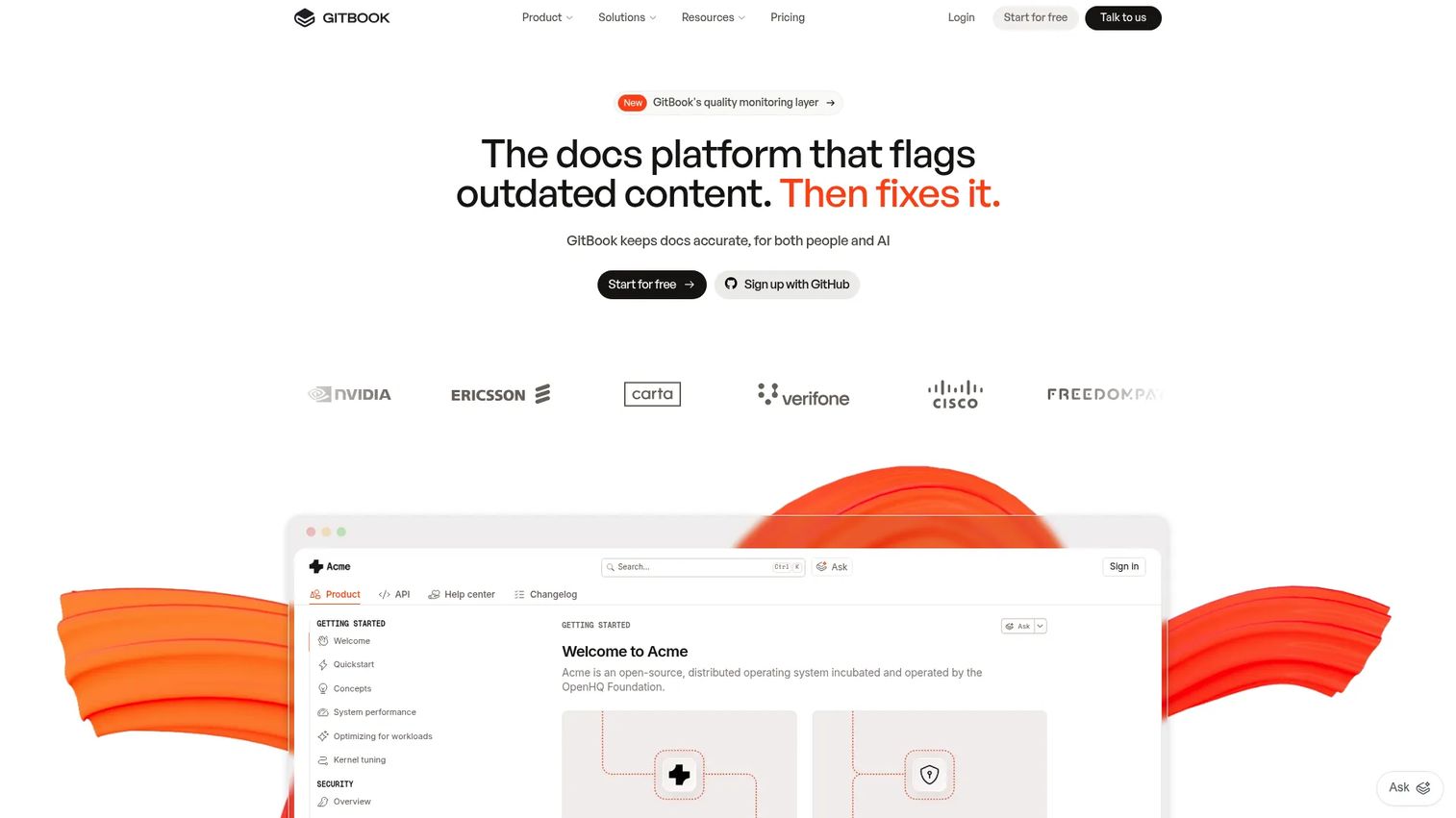
GitBook is an AI-native documentation platform built for technical teams creating product docs, API references, and developer guides. It supports Markdown editing, GitHub and GitLab sync, change requests, versioning, and interactive API documentation. Its AI assistant and GitBook Agent help with content creation, search, and documentation maintenance. For teams already working in Git-based workflows, GitBook fits naturally alongside code without requiring a separate documentation process.
Best for: Developer-facing teams that need clean, versioned technical documentation with real-time collaboration and API documentation support.
Key features
- Block-based visual editor with Markdown support
- GitHub and GitLab synchronization
- Interactive API documentation
- AI Assistant and GitBook Agent for content
- Version history and change requests
Why choose GitBook: Choose it when documentation needs to serve engineers, API consumers, or technical customers. It's stronger for structured product and developer content than for MSP asset records or internal HR wikis.
GitBook pricing: Free plan available. Essential costs $65 per site per month plus $12 per user per month (annual billing). Ultimate is $249 per site per month plus $12 per user per month. Enterprise pricing is custom.
G2 rating: 4.7/5
7. BookStack
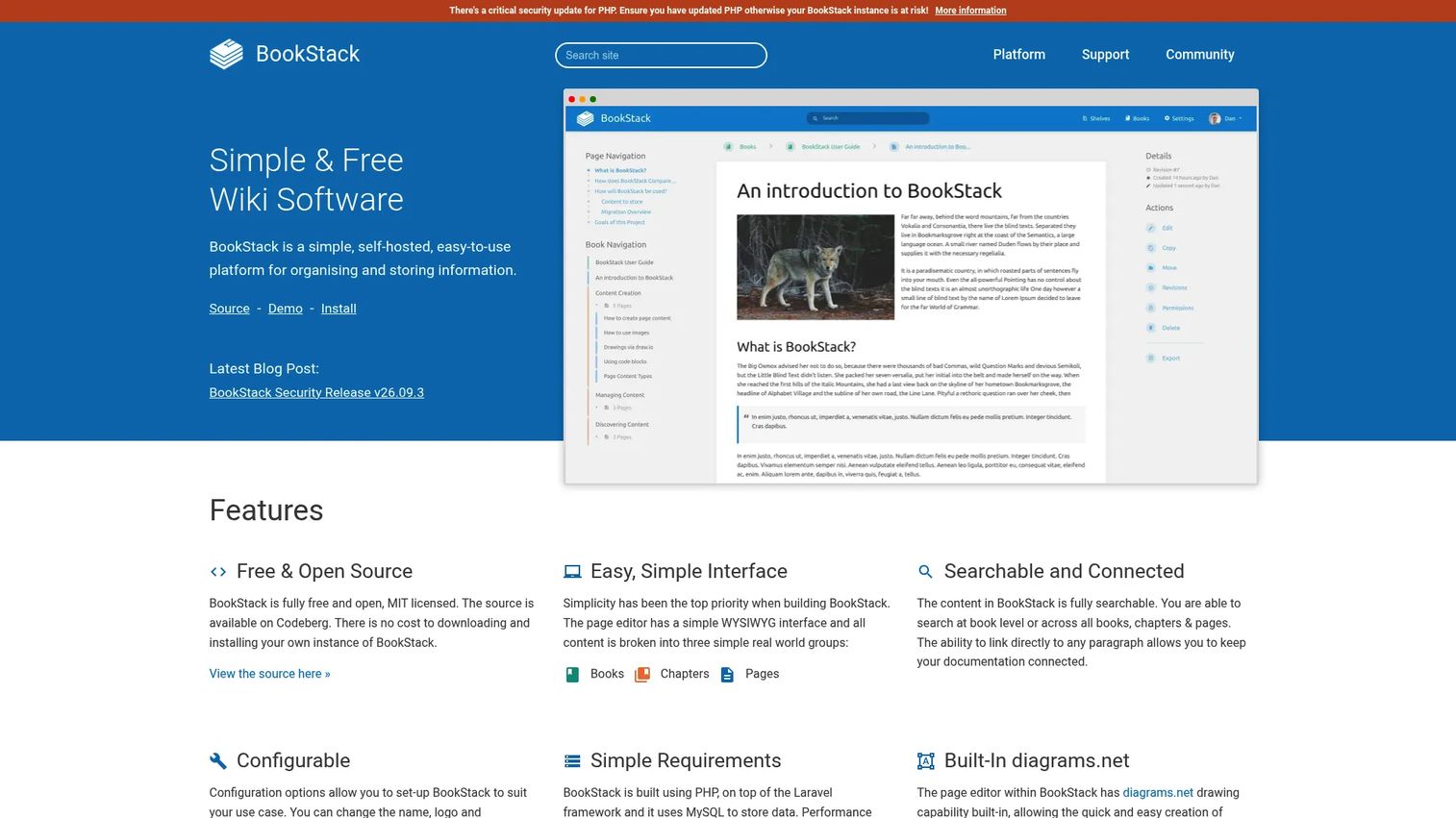
BookStack is a free, MIT-licensed, self-hosted wiki platform that organizes content in a book, chapter, and page hierarchy. It's approachable for small IT teams that want structure without a SaaS subscription. It supports WYSIWYG and Markdown editors, full-text search, built-in diagram support via diagrams.net, role-based permissions, and SSO via OIDC, SAML2, or LDAP. The tradeoff is that someone on the team needs to handle hosting, backups, and updates.
Best for: IT teams that want a free, structured internal documentation wiki they can run on their own infrastructure.
Key features
- Book, chapter, and page content hierarchy
- Full-text search with paragraph-level linking
- WYSIWYG and Markdown editors
- Built-in diagrams.net integration
- OIDC, SAML2, and LDAP authentication
Why choose BookStack: Choose it when the team wants full ownership and a simple, opinionated structure. It fits internal runbooks, SOPs, and infrastructure notes well, as long as someone can maintain the server.
BookStack pricing: BookStack is free and open source. Budget for hosting, server administration, backups, and security updates as your practical costs.
G2 rating: 3.5/5
8. Notion
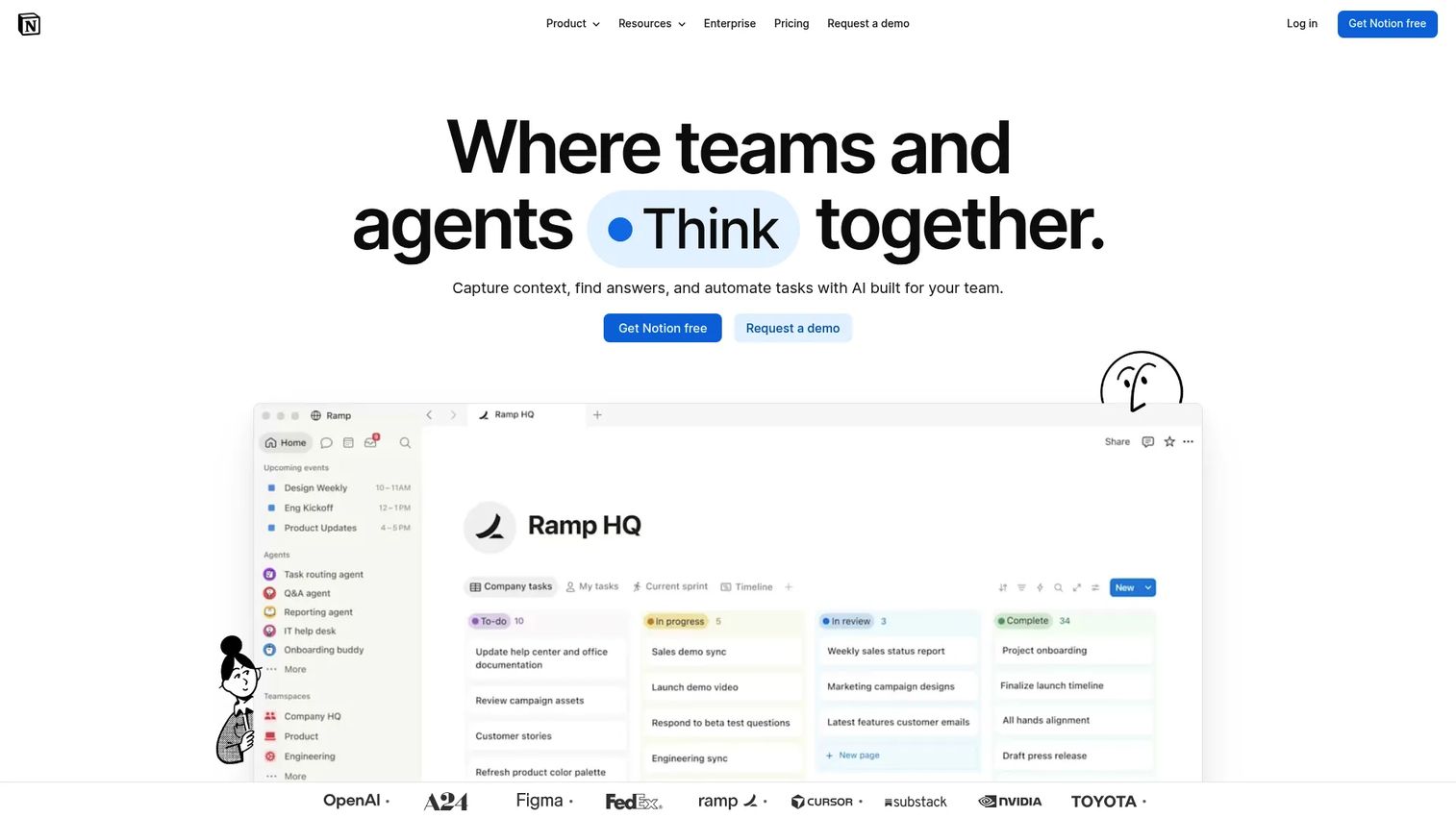
Notion is a flexible workspace that many teams use for lightweight internal documentation, SOPs, project notes, and team knowledge. It combines pages, databases, views, and templates in one environment. AI-assisted writing and Q&A features are available as part of the platform. It's not a dedicated IT documentation platform, but it works well for smaller teams before documentation governance becomes complex. Support teams often use it for runbook drafts, internal FAQs, and onboarding checklists.
Best for: Support and operations teams that want flexible documentation in a workspace their team already uses for project notes.
Key features
- Flexible pages and nested documents
- Databases with multiple view types
- Templates for SOPs and wikis
- Permission controls at page and workspace level
- AI writing assistance and knowledge Q&A
Why choose Notion: Choose it when docs need to live near team notes, project plans, and operating procedures. It starts to show limitations when documentation volume grows and governance requirements appear, such as review cycles and audit logs.
Notion pricing: Free plan available. Plus is $10 per member per month. Business is $20 per member per month. Enterprise pricing is custom.
G2 rating: 4.6/5
9. ServiceNow Knowledge Management
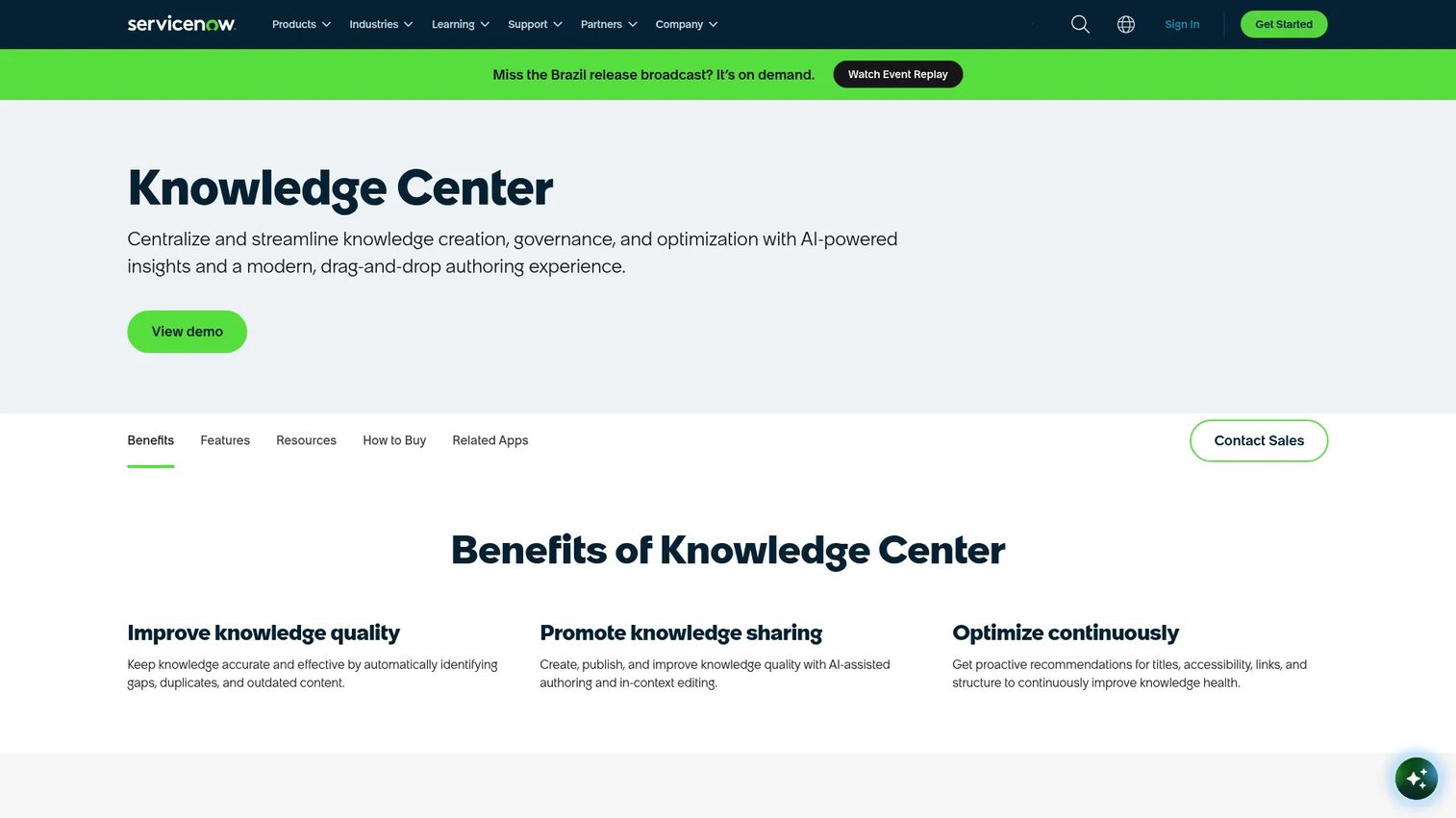
ServiceNow Knowledge Management is enterprise knowledge management built into the ServiceNow ITSM platform. It connects knowledge articles directly to incidents, problems, change records, and service portal requests. AI assists with authoring and article generation, and governance workflows handle article creation, review, approval, and retirement. For enterprise IT organizations where every support interaction runs through ServiceNow, keeping knowledge inside the same system removes the context-switching that slows down agents.
Best for: Enterprise IT organizations already running ServiceNow for IT service management, where knowledge and service workflows must share the same system.
Key features
- AI-assisted article authoring and generation
- Article creation, review, approval, and retirement workflows
- AI-powered search and personalized knowledge discovery
- Knowledge demand insights for content gap identification
- Role-based access and group ownership controls
Why choose ServiceNow Knowledge Management: Choose it when documentation must sit inside enterprise IT service workflows. If incidents, changes, and knowledge articles already share a system, there's no case for a separate knowledge base tool.
ServiceNow Knowledge Management pricing: ServiceNow prices by quote. Contact their sales team for package details and estimates.
10. ClickHelp
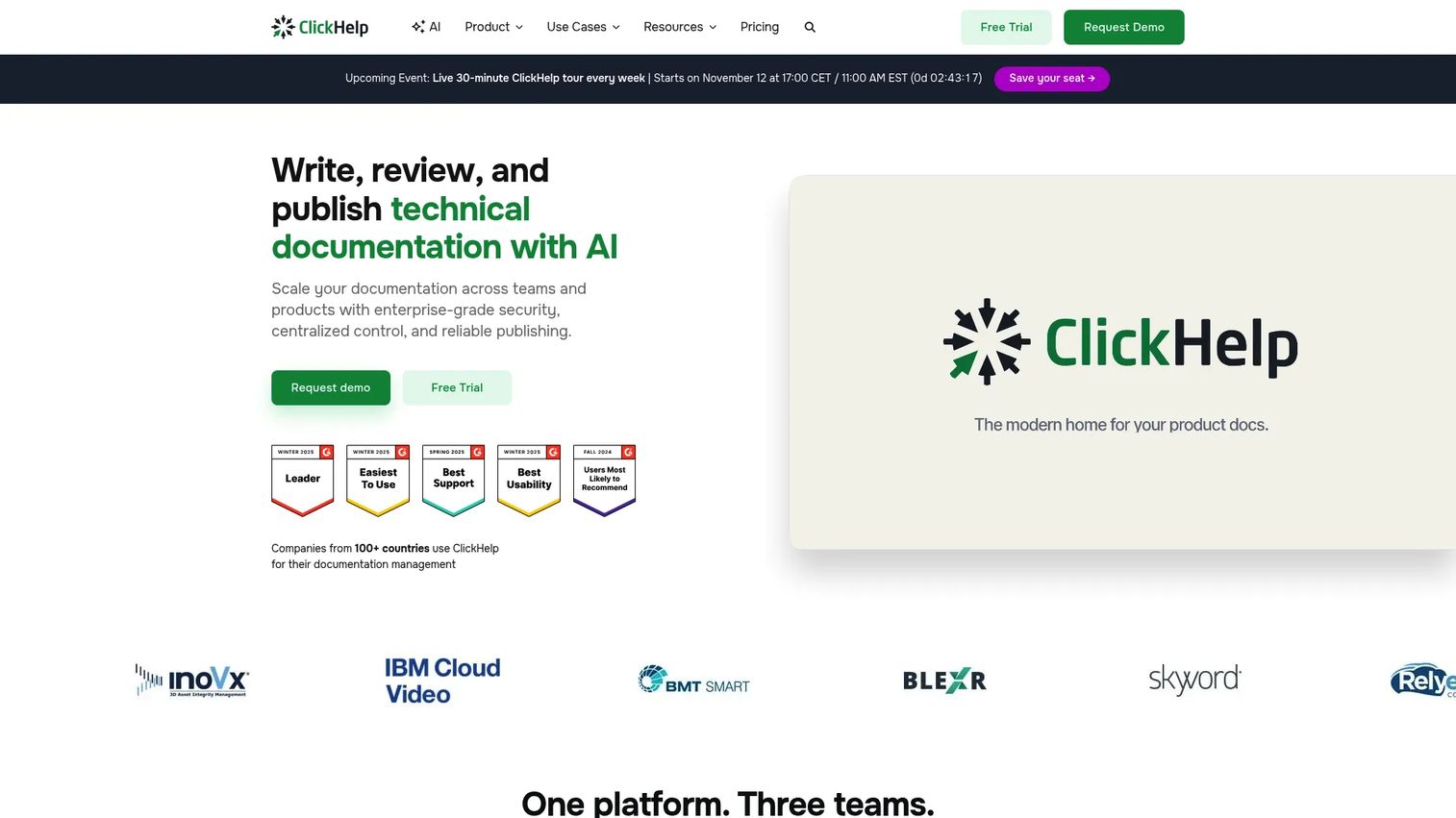
ClickHelp is an online documentation platform for technical writers who need to author, publish, and manage product manuals, online help systems, and customer-facing documentation at scale. It supports topic-based authoring, single-sourcing for content reuse, review and approval workflows, translation and machine translation support, and documentation analytics. It is more formal than a lightweight wiki and fits teams where documentation ownership sits with dedicated technical writers.
Best for: Technical writing teams managing product manuals, online help systems, and customer-facing documentation that require publishing control and content reuse.
Key features
- Topic-based authoring with single-sourcing
- Workflow, collaboration, and review tools
- Built-in translation and machine translation
- API documentation and extensibility
- Reader analytics and documentation reporting
Why choose ClickHelp: Choose it when technical writers need to manage structured content across multiple publications with reuse, review, and analytics. It's a poor fit for support teams that need fast, informal knowledge capture.
ClickHelp pricing: Starter is $194 per month. Growth is $325 per month. Professional is $640 per month.
G2 rating: 4.7/5
11. KnowledgeOwl
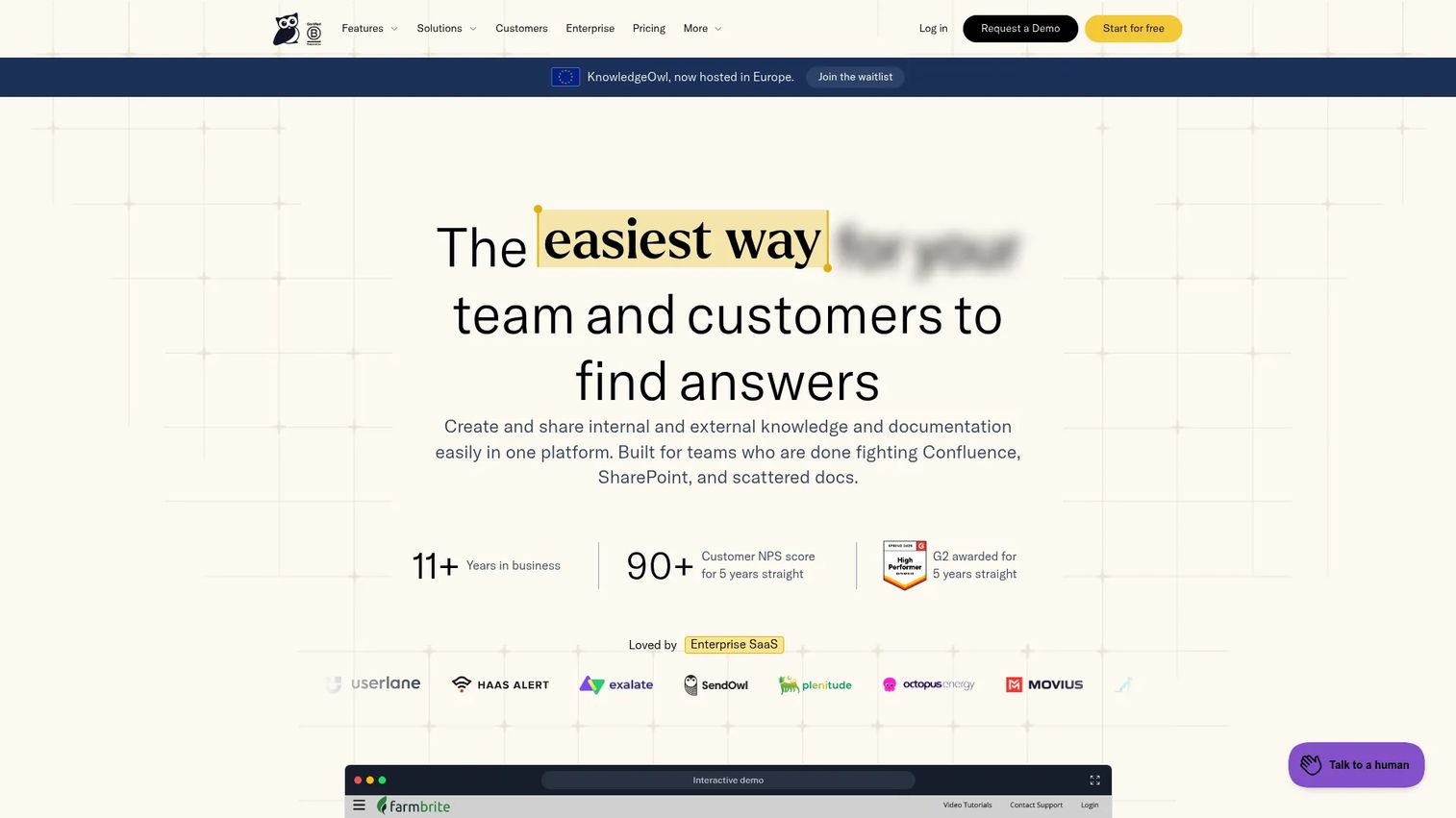
KnowledgeOwl is knowledge base software focused on support teams that need clean article publishing, strong search, and customer-facing documentation without the overhead of a full ITSM platform. It supports semantic search, an AI chatbot, custom HTML and CSS branding, granular access controls, version history, and analytics. For support managers who want a focused knowledge base tool rather than a broad workspace, KnowledgeOwl stays out of the way and does the job.
Best for: Support teams that want a focused, brandable knowledge base agents and customers can use quickly.
Key features
- Semantic and Google-style article search
- AI chatbot and AI-assisted article creation
- Customizable branding with HTML/CSS/JS
- Granular reader groups and access controls
- Version history and usage analytics
Why choose KnowledgeOwl: Choose it when the team values clear authoring workflows, strong search, and a knowledge base that agents can point customers to with confidence. It fits support operations that want dedicated knowledge base functionality.
KnowledgeOwl pricing: Basic starts at $100 per month. Pro is $250 per month. Business is $500 per month. Enterprise is $1,250 per month. Additional authors cost $25 per month each. A 30-day free trial is available.
G2 rating: 4.6/5
12. MkDocs
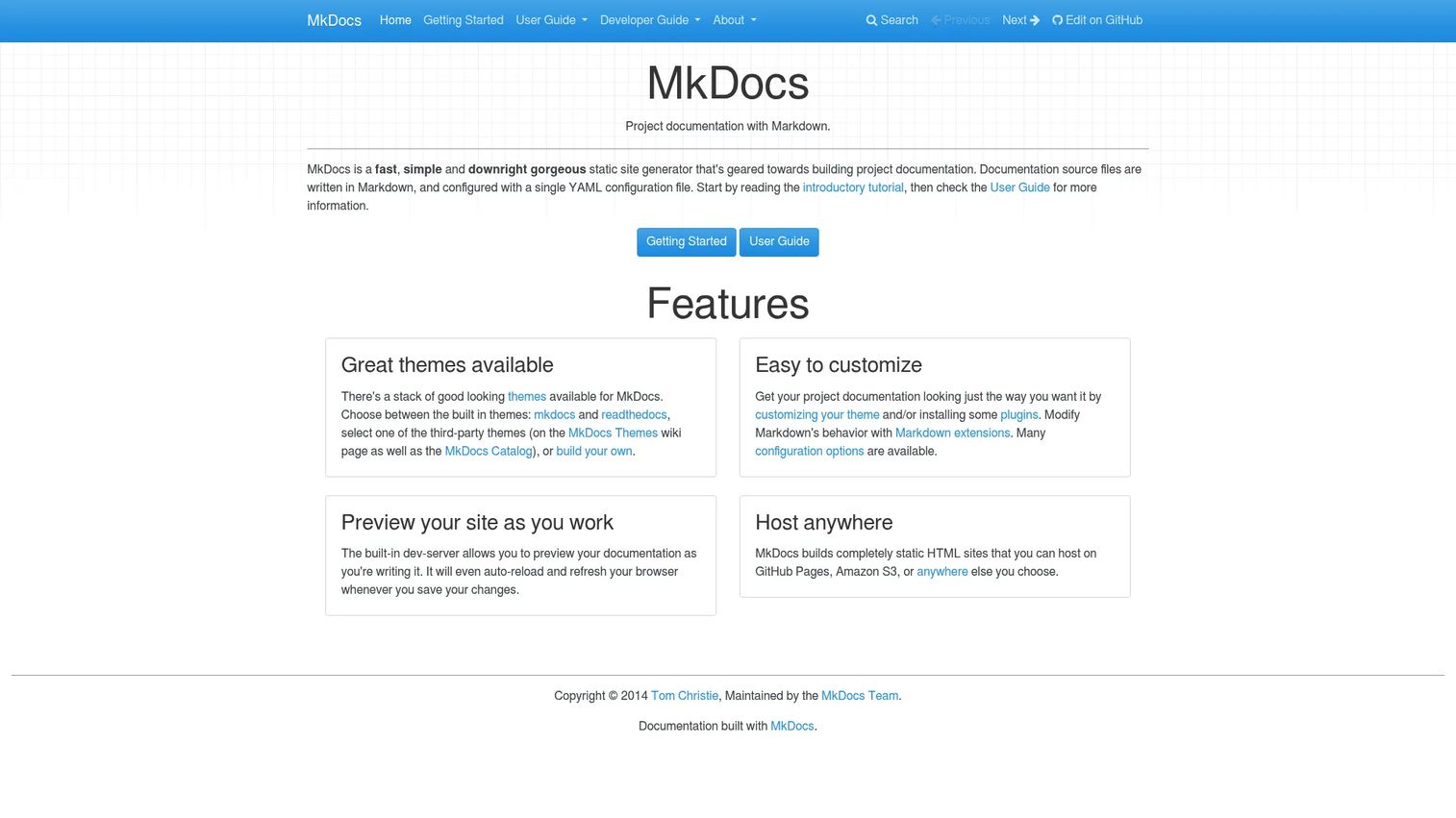
MkDocs is a static site generator that builds documentation websites from Markdown files and a YAML configuration file. Engineers write docs in a code editor, store them in a repository, and deploy a clean, fast documentation site. It supports themes (including the popular Material for MkDocs theme), plugins, and Markdown extensions. MkDocs is a natural fit for teams that want their API documentation tools or technical docs to live in version control alongside their code.
Best for: Engineering teams that want Markdown-based documentation in version control with a developer-friendly publishing workflow.
Key features
- Markdown documentation with YAML configuration
- Static site generation with theme support
- Plugin ecosystem for extended functionality
- Built-in development server with live reload
- Git-based workflow and static hosting compatibility
Why choose MkDocs: Choose it when docs belong in a repository and should publish through a developer workflow. It's not designed for nontechnical support teams writing internal FAQs or handling a customer-facing help center.
MkDocs pricing: MkDocs is free and open source. Budget for hosting, theme customization, and ongoing maintenance as your practical costs.
G2 rating: 4.0/5
13. Read the Docs
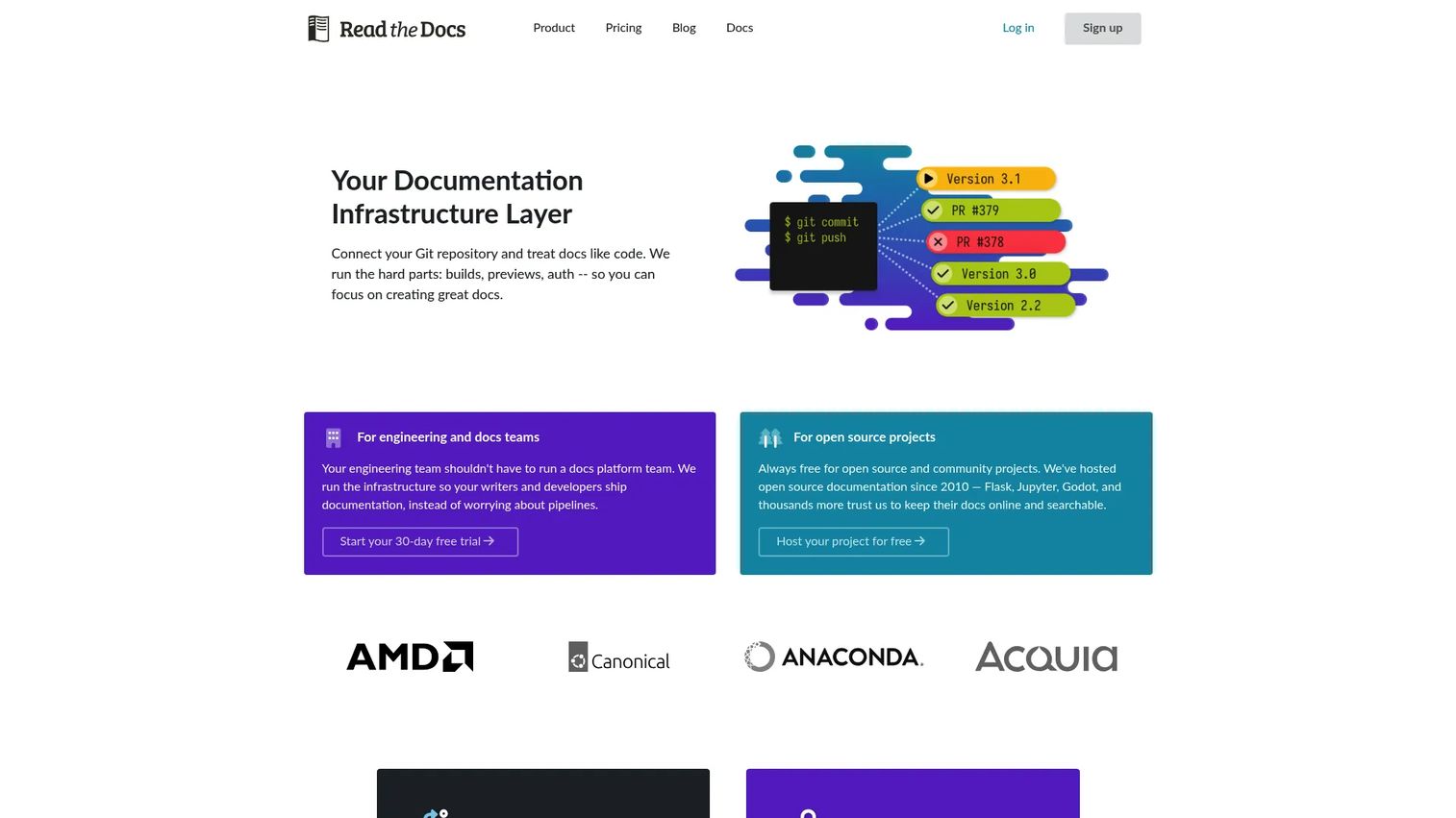
Read the Docs automatically builds, hosts, versions, and deploys documentation from GitHub, GitLab, or Bitbucket repositories. Push a commit and the docs update. It supports Sphinx, MkDocs, Docusaurus, and VitePress, and handles versioned docs, pull request previews, custom domains, integrated search, and localization. For open-source projects, the community tier is free. Business plans add private documentation, advanced analytics, and SSO.
Best for: Developer teams and open-source projects that need hosted, versioned technical documentation that builds automatically from commits.
Key features
- Automatic documentation builds from repository changes
- Multiple documentation versions from branches or tags
- Pull request previews and visual diffs
- Integrations with Sphinx, MkDocs, and other generators
- Custom domains, search, and localization support
Why choose Read the Docs: Choose it when documentation should build and deploy on every code commit without manual steps. It's the right call for developer docs that need to stay in sync with software releases.
Read the Docs pricing: Community tier is free for open-source projects. Business plans start at $50 per month (Basic), $150 per month (Advanced), and $250 per month (Pro). Enterprise is $10,000 per year.
G2 rating: 5.0/5
14. Sphinx
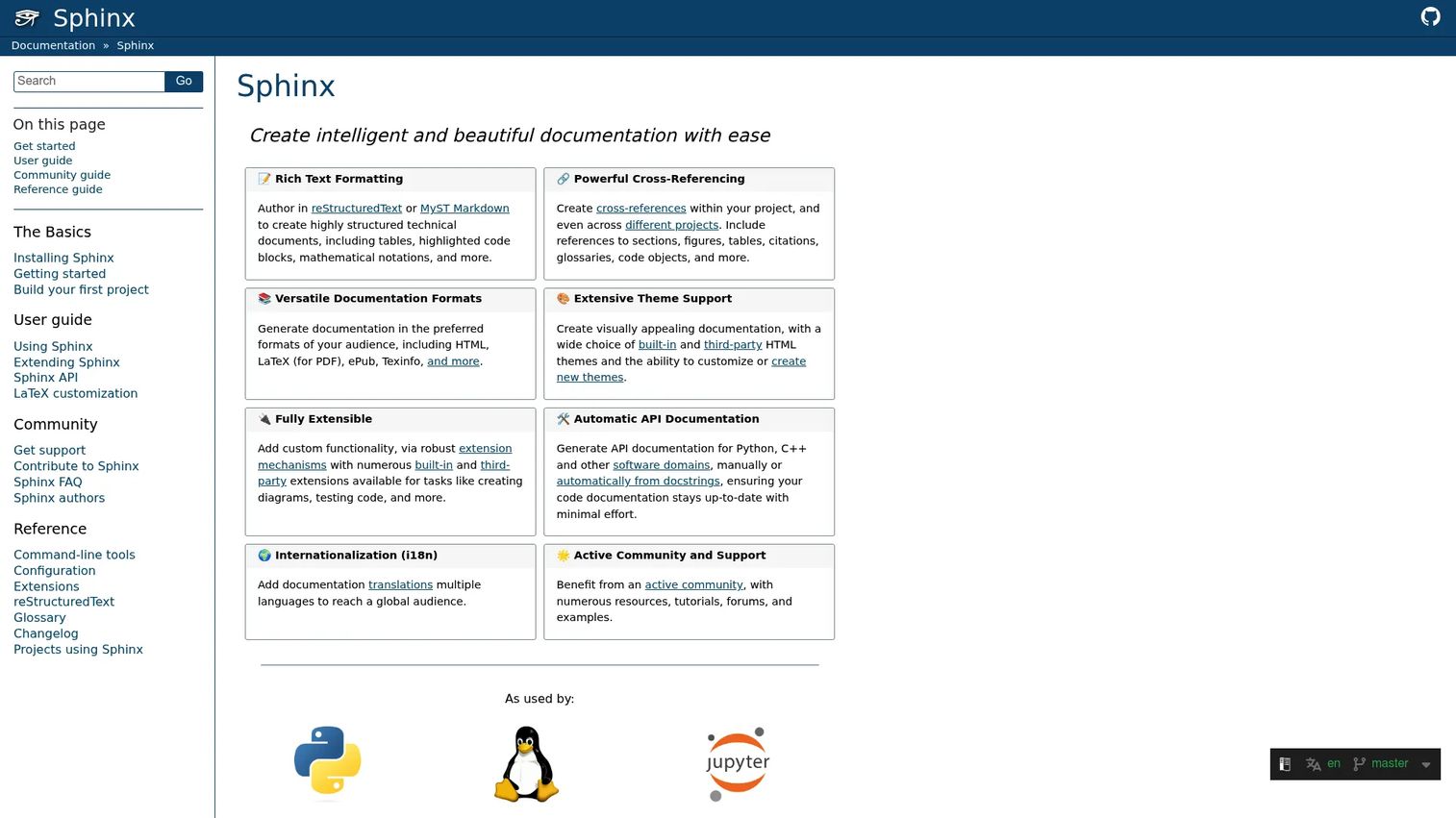
Sphinx is a mature documentation generator with deep roots in the Python ecosystem and broader technical documentation world. It generates output from reStructuredText or MyST Markdown source files and produces HTML, PDF, ePub, and other formats. Its extension ecosystem covers API documentation, cross-project references, automatic indexing, and more. Many major open-source projects and technical libraries use Sphinx as their documentation backbone because of its structural depth and long-term reliability.
Best for: Technical teams and open-source projects generating structured, cross-referenced documentation from source files, especially in Python and similar ecosystems.
Key features
- reStructuredText and MyST Markdown support
- HTML, PDF, ePub, and Texinfo output formats
- Cross-references within and across documentation projects
- Extensible architecture with a broad plugin library
- API documentation generation
Why choose Sphinx: Choose it for structured technical documentation where engineering can maintain the workflow. It is powerful but not designed for frontline support teams that need a point-and-click authoring experience.
Sphinx pricing: Sphinx is free and open source. Hosting, build infrastructure, and maintenance make up the practical cost.
G2 rating: 4.4/5
15. DokuWiki
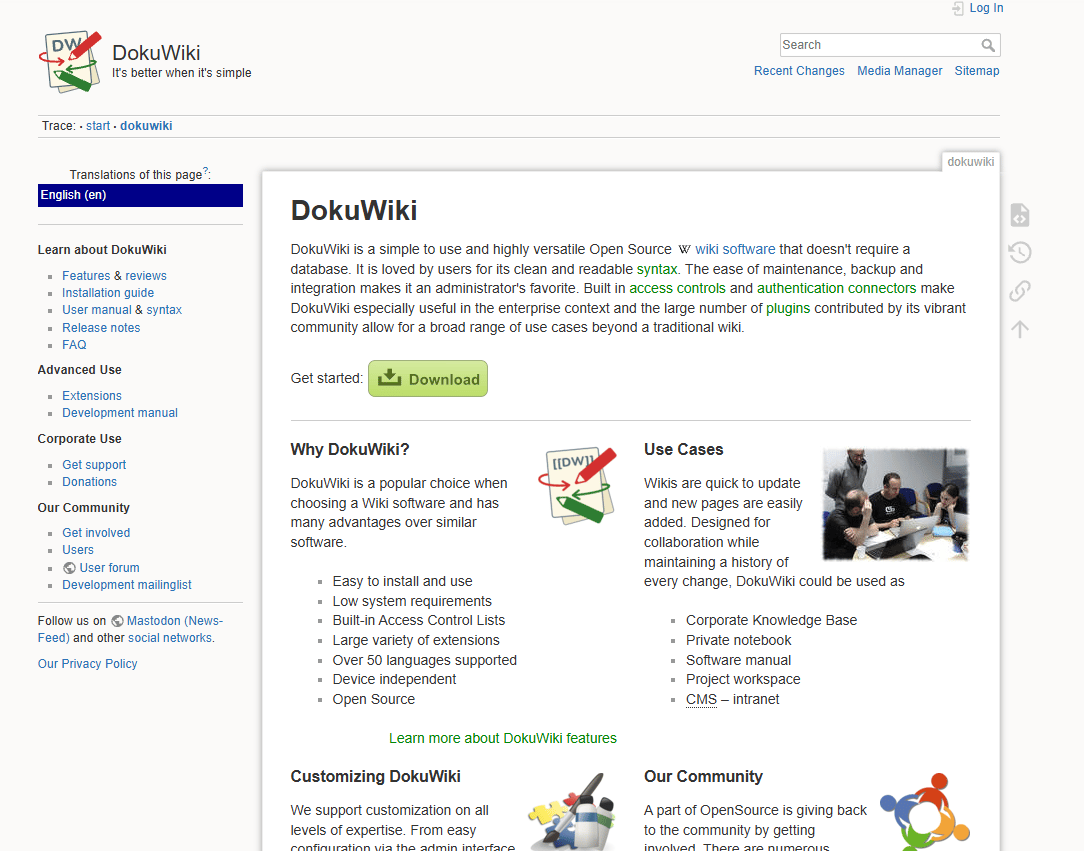
DokuWiki is an open-source wiki that stores all content in plain text files rather than a database. That makes it easy to back up, version-control, and move between servers. It supports access controls, namespaces for content organization, revision history, a plugin library for extended features, and syntax highlighting. Small IT teams that want a no-cost internal wiki with low infrastructure overhead often reach for DokuWiki because there's no database to manage or license to pay.
Best for: Small IT teams that want a free internal wiki with low infrastructure overhead and simple backup requirements.
Key features
- File-based storage without database overhead
- Namespace-based content organization
- Access controls and revision history
- Extensible plugin ecosystem
- Self-hosted deployment
Why choose DokuWiki: Choose it when the team wants a no-cost wiki that's easy to operate and back up internally. It fits practical IT documentation better than customer-facing support content that needs branding and analytics.
DokuWiki pricing: DokuWiki is free and open source. Teams still need to budget for hosting, administration, backups, and security updates.
G2 rating: 3.9/5
Considerations when choosing IT documentation software
Search that works during a live ticket
Agents need answers while the customer waits. Evaluate whether the platform handles typos, synonyms, and partial queries. Check whether search logs reveal unanswered questions, because those gaps are your next documentation priorities. A knowledge base with poor search is a knowledge base agents bypass.
Ownership and review cycles
Documentation rots when nobody owns it. Look for platforms that support review reminders, stale-content reporting, and approval workflows. Version history matters less than a system that prompts the right person to update an article after a release ships.
Permissions and security
IT documentation often contains sensitive infrastructure details: Credentials procedures, network diagrams, escalation contacts, and incident response paths. Evaluate SSO, role-based access, audit logs, and export controls before committing. For MSP teams, per-client access restrictions are non-negotiable.
Fit for your documentation type
A developer documentation generator is not the same as an MSP client documentation platform. Match the tool to the content type your team actually produces: Runbooks, help center articles, API documentation, internal wikis, or asset records. Forcing the wrong tool onto the wrong content type creates maintenance debt.
Integrations with support and IT workflows
Documentation should connect to ticketing, chat, ITSM, and code workflows. For support teams, check whether agents can insert articles into macros or link docs inside ticket replies in a few clicks. A knowledge base that lives outside the agent's daily workflow gets used less, regardless of content quality.
Conclusion
Confluence is the broad default for teams that need a flexible internal wiki across IT, engineering, and support. IT Glue and Hudu are the strongest picks for MSPs managing multiple client environments. Document360, ProProfs Knowledge Base, and KnowledgeOwl fit support teams building customer-facing and agent-ready knowledge bases. GitBook, MkDocs, Read the Docs, and Sphinx serve developer and technical documentation workflows. BookStack and DokuWiki fit self-hosted teams that want open-source simplicity. ServiceNow Knowledge Management belongs inside enterprise organizations already running ServiceNow for ITSM.
The right tool is the one your team updates after a release, not the one that looked impressive during procurement. Choose by workflow first: How documentation gets created, who maintains it, and whether agents can find it during a live ticket.
Once your documentation source of truth is in place, consider adding interactive product demos for workflows that customers consistently skip in text form. A clickable guide embedded in a help center article can show users the exact steps instead of describing them in a paragraph they won't finish reading.
Start your journey with Guideflow today!
FAQs
The right choice depends on whether the team needs an internal wiki, a public knowledge base, or knowledge tied to an ITSM system. Document360, ProProfs Knowledge Base, and KnowledgeOwl are strong for customer-facing and agent-ready knowledge bases. Confluence works well for internal documentation spanning IT and support. ServiceNow Knowledge Management fits enterprise teams where knowledge and incident management share the same platform.
IT documentation software covers internal technical knowledge such as runbooks, infrastructure notes, asset records, escalation paths, and SOPs. Knowledge base software focuses on searchable articles for agents or customers answering common questions. The distinction blurs in practice, since platforms like Document360 and KnowledgeOwl cover both. The clearest split is between MSP documentation tools (IT Glue, Hudu) and customer-facing knowledge bases.
The essentials are full-text search, version history, role-based permissions, templates, and integrations with ticketing or ITSM tools. For support teams specifically, article analytics, failed-search reporting, and macro or ticket linking matter most. For IT and MSP teams, asset relationship mapping, credential management, and audit logs carry extra weight.
BookStack, MkDocs, Sphinx, and DokuWiki are all free and open source. Read the Docs offers a free community tier for open-source projects. ProProfs Knowledge Base has a free plan for one author and up to 25 pages. Confluence is free for up to 10 users. Free tools still require investment in hosting, administration, and maintenance time.
IT Glue and Hudu are the two strongest MSP-oriented picks. Both are built for client documentation, asset records, credentials, and technician handoffs. General wikis can work for MSPs, but they lack the client relationship mapping and structured asset records that make MSP documentation actually usable during a service call.
GitBook, MkDocs, Read the Docs, and Sphinx all fit developer documentation well. GitBook is the most accessible for non-engineering contributors while still supporting Git sync and API docs. MkDocs and Sphinx are better for teams fully committed to a code-based documentation workflow. Read the Docs adds automatic hosting and versioning for teams that want docs to build from commits. You can explore a broader comparison in this guide to AI search and retrieval platforms that covers how modern teams make technical knowledge findable.
Assign a named owner to each article or doc section. Set review dates and connect them to your release calendar. Use version history to track what changed and when. Monitor search failures to find gaps before they generate tickets. For support teams, reviewing articles after a surge in related tickets often surfaces the fastest maintenance wins.
Yes, when teams convert repeated ticket answers into searchable, current, and discoverable articles. The deflection rate and self-serve article view count are the two metrics to watch. Without tracking those, it's impossible to know whether the docs are doing the work. Teams that tie doc updates to their release processes and monitor failed searches tend to see the clearest ticket reduction over time, though the exact impact varies by product complexity, customer segment, and documentation quality.